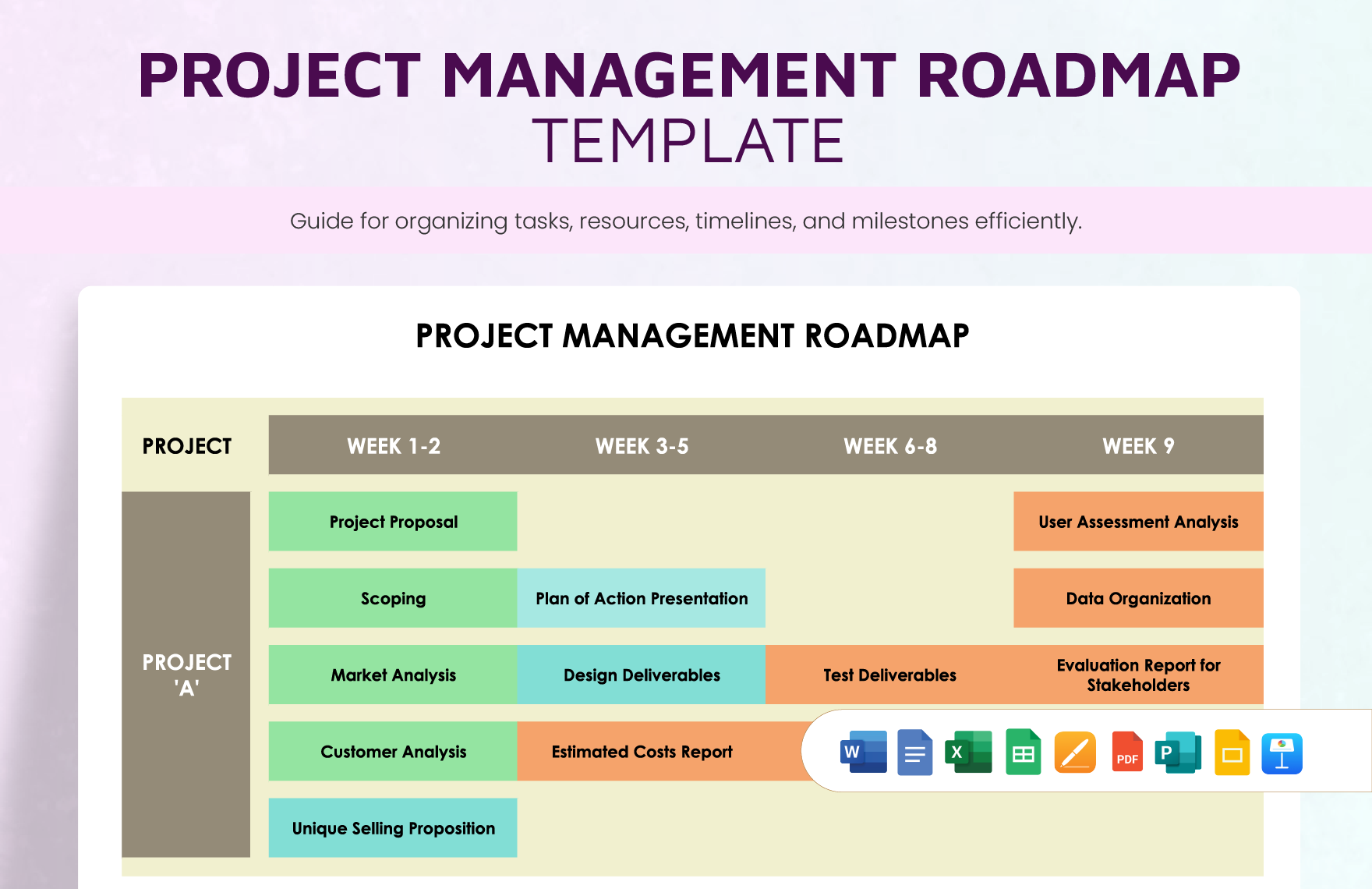
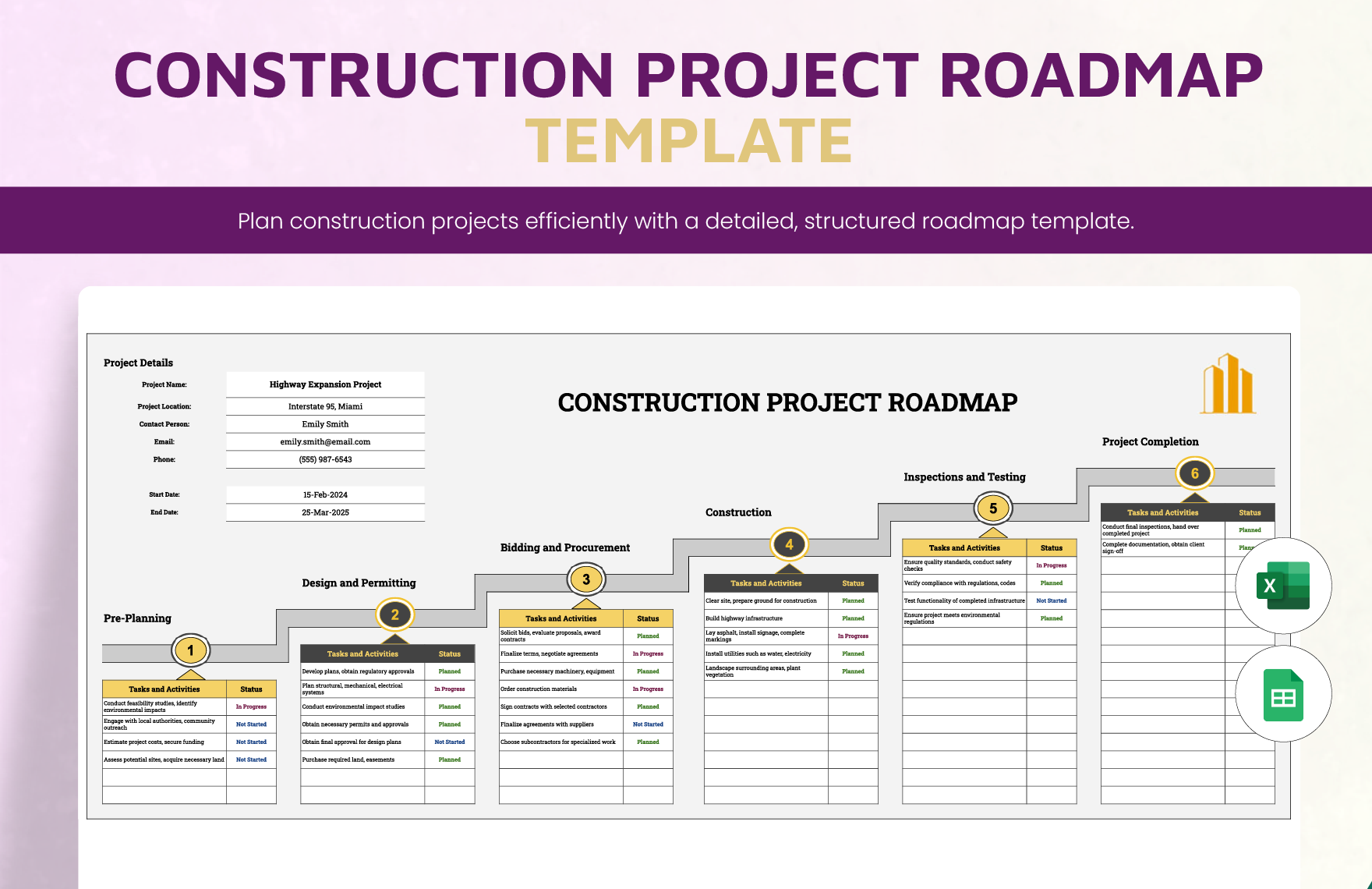
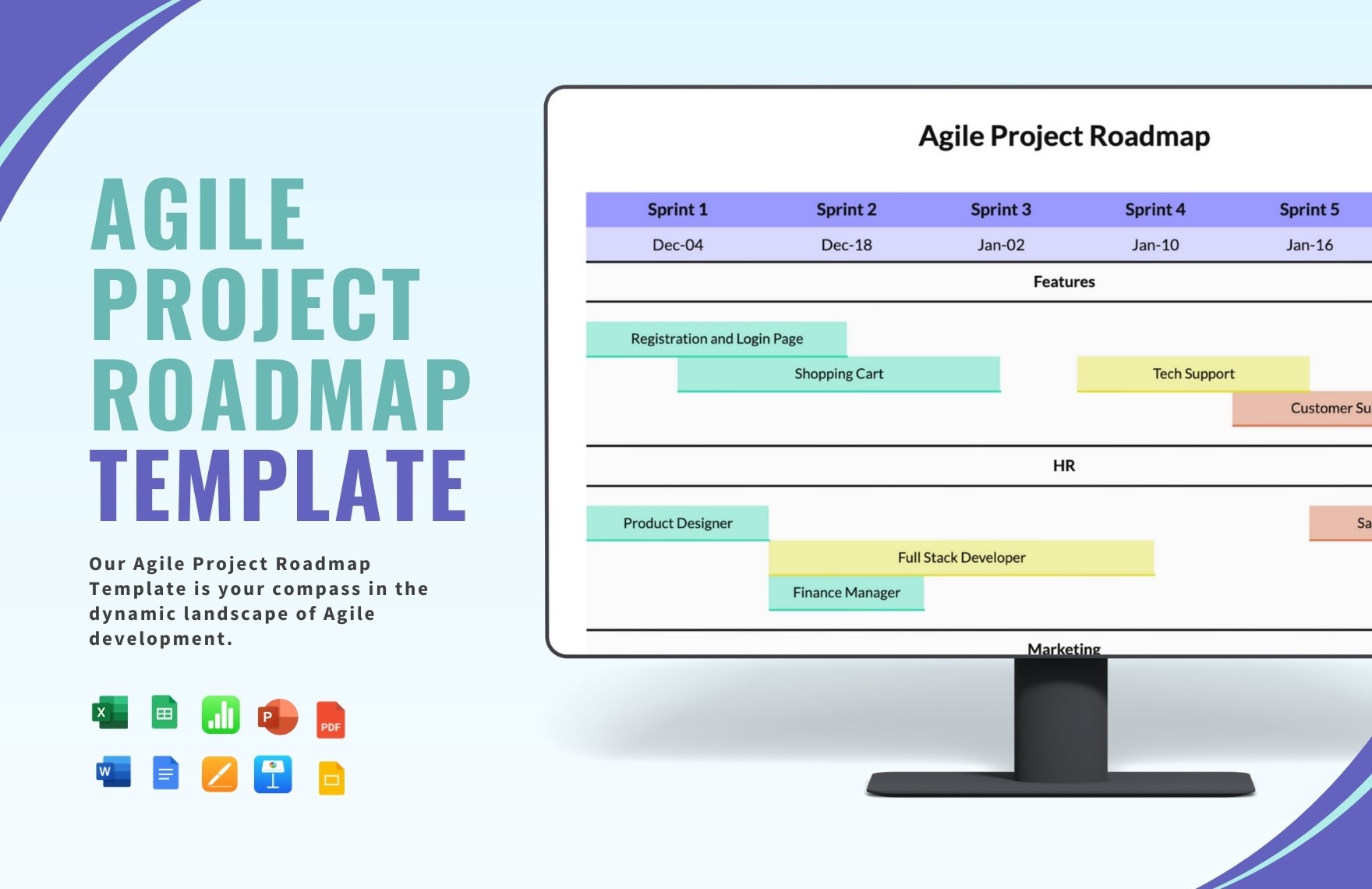
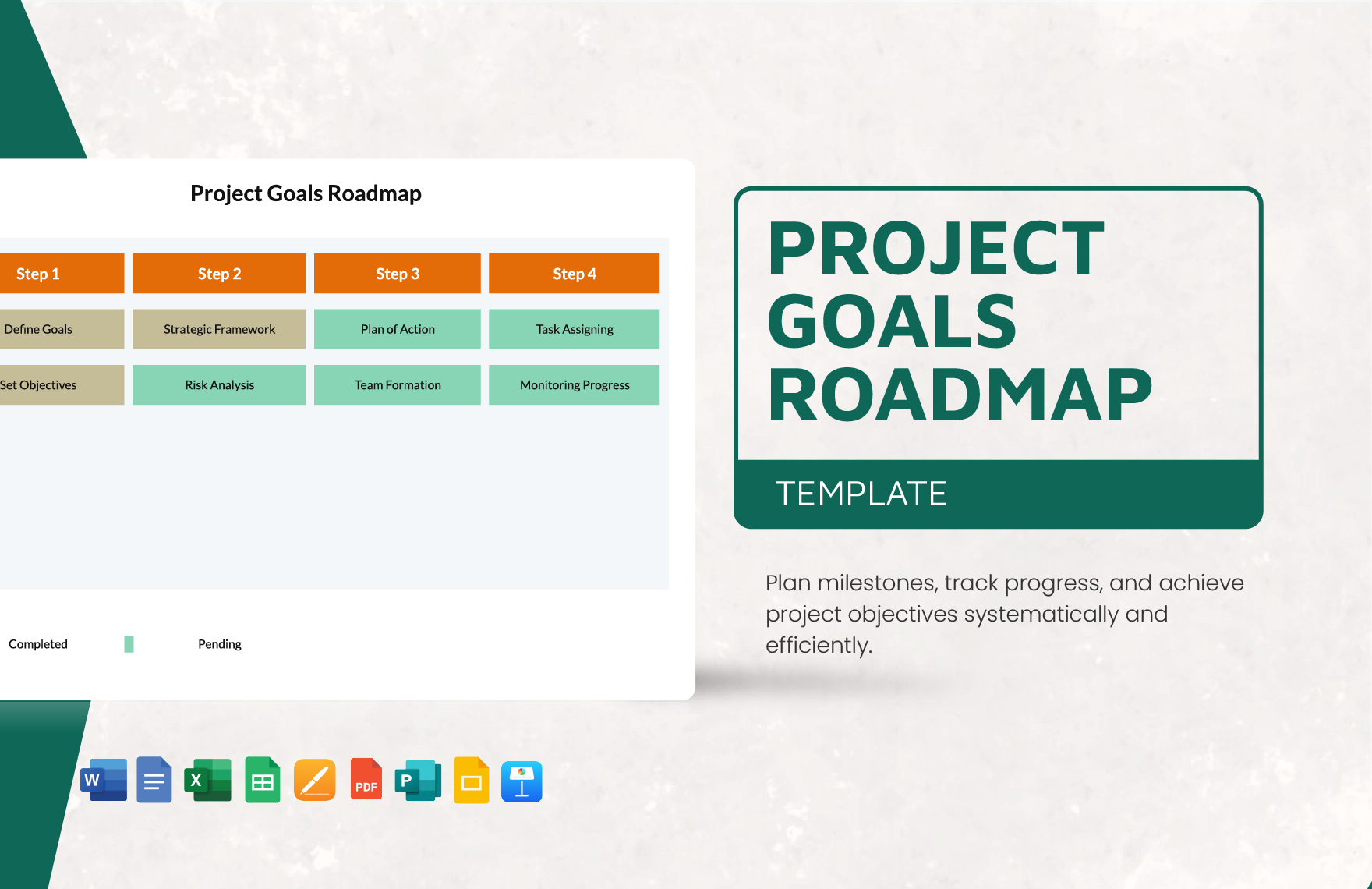
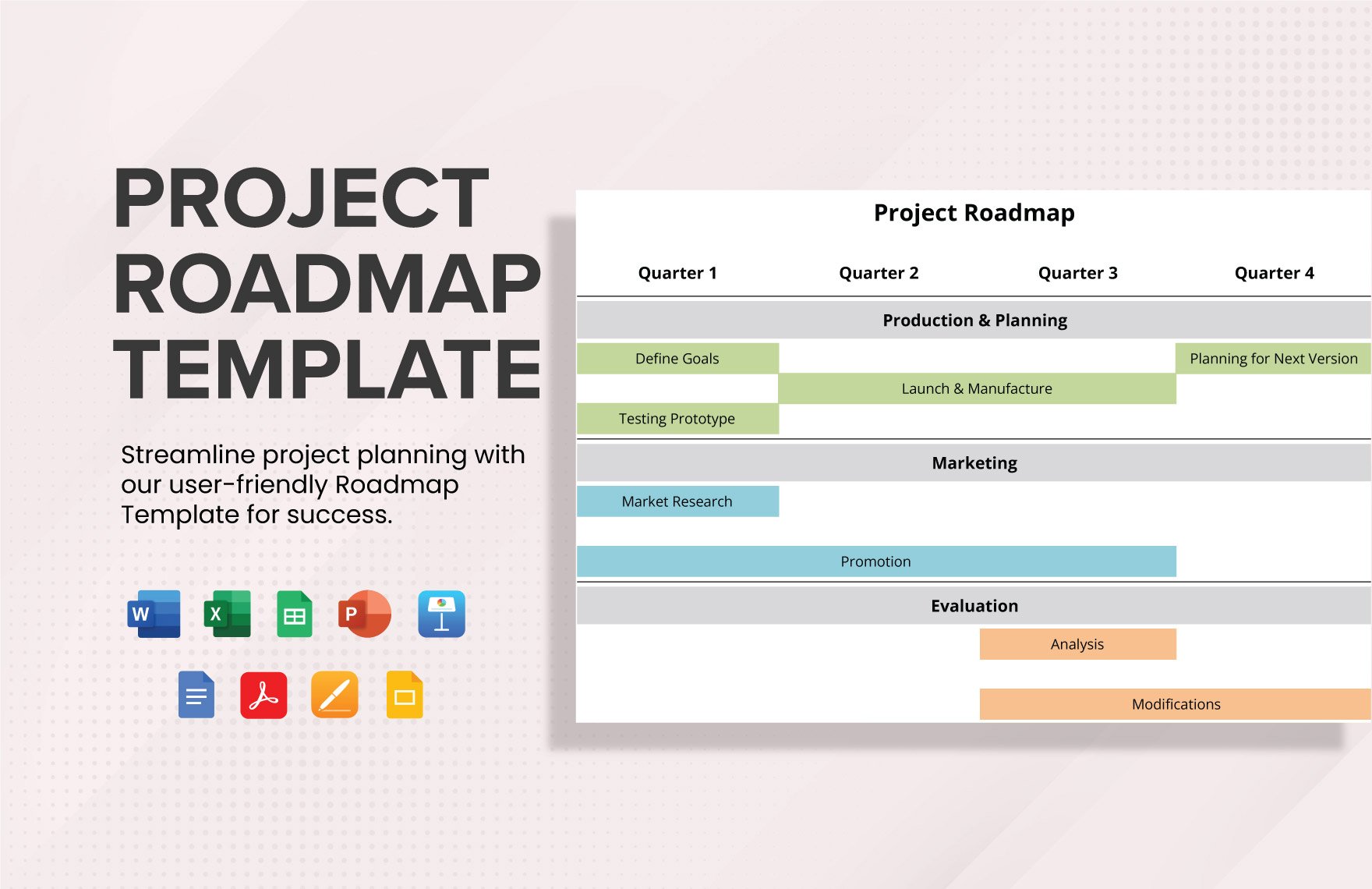
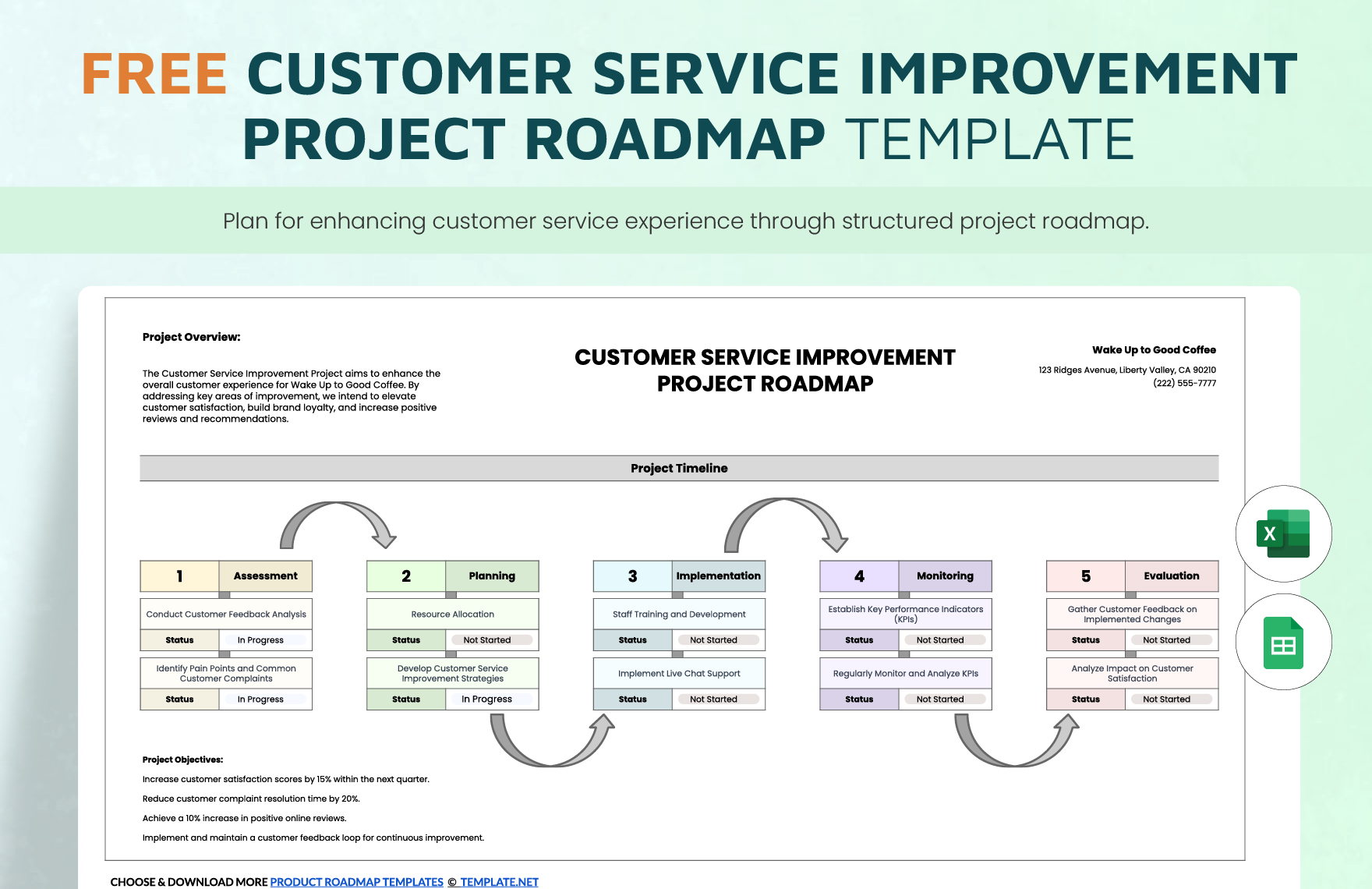
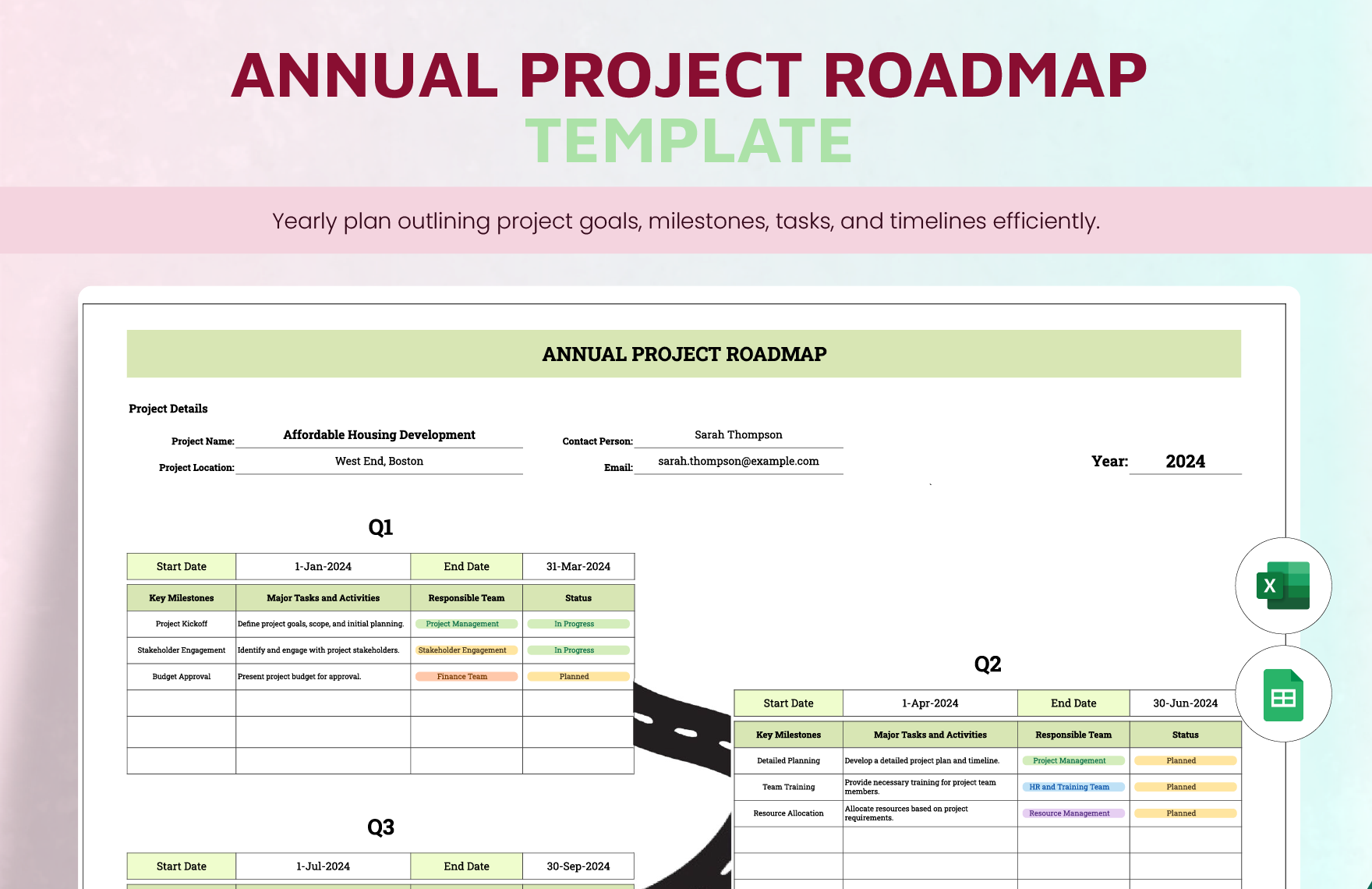
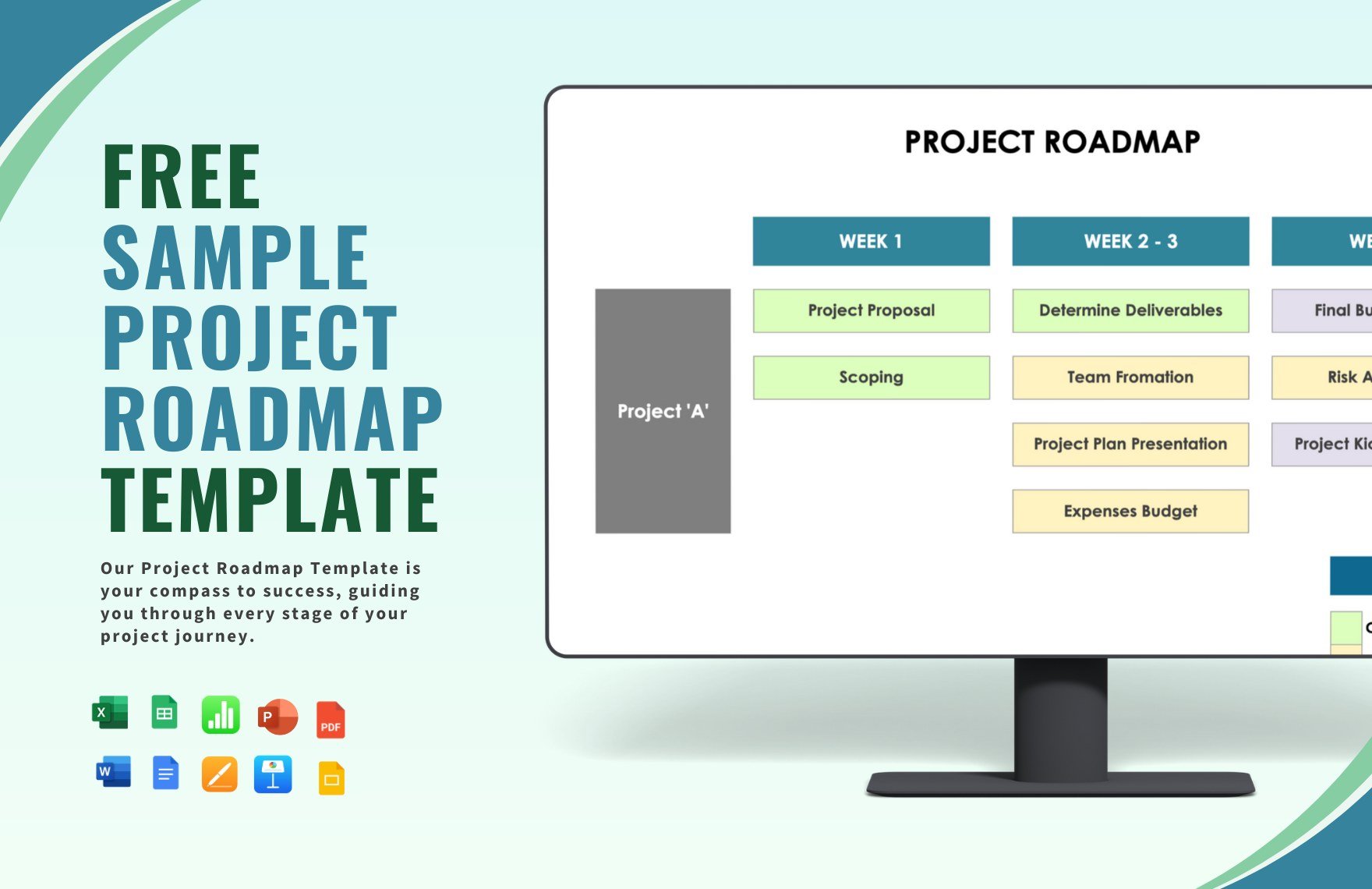
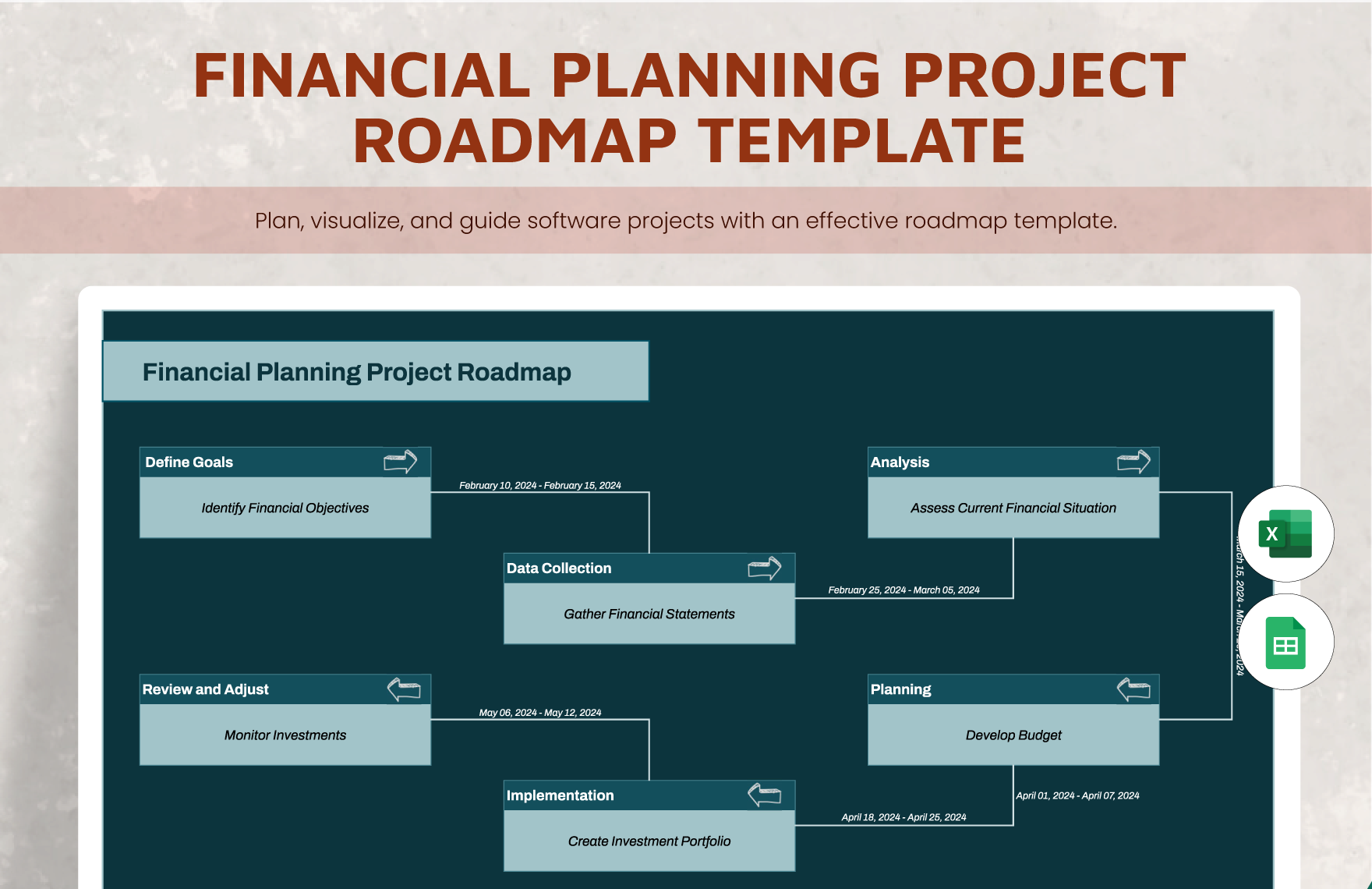
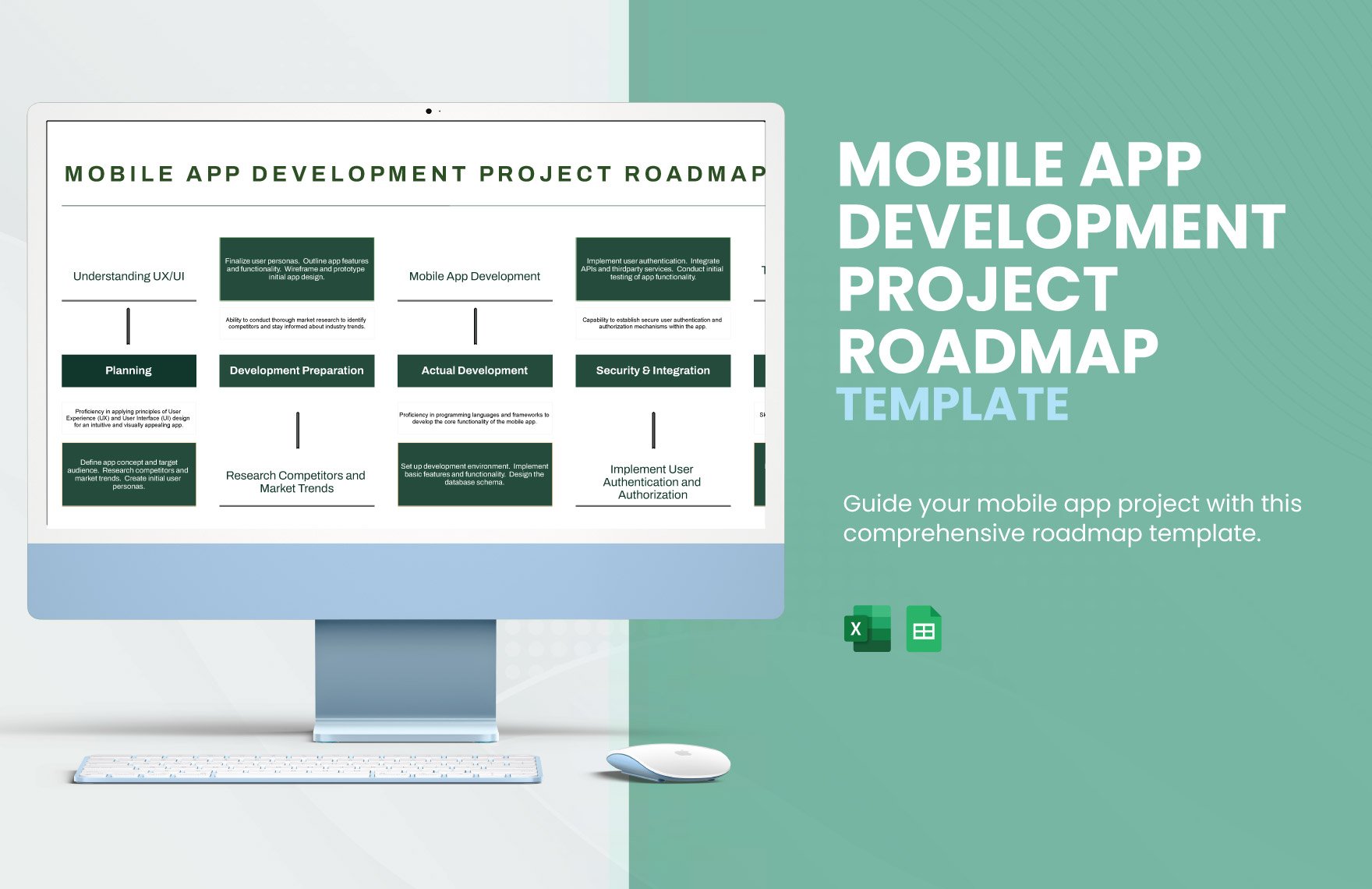
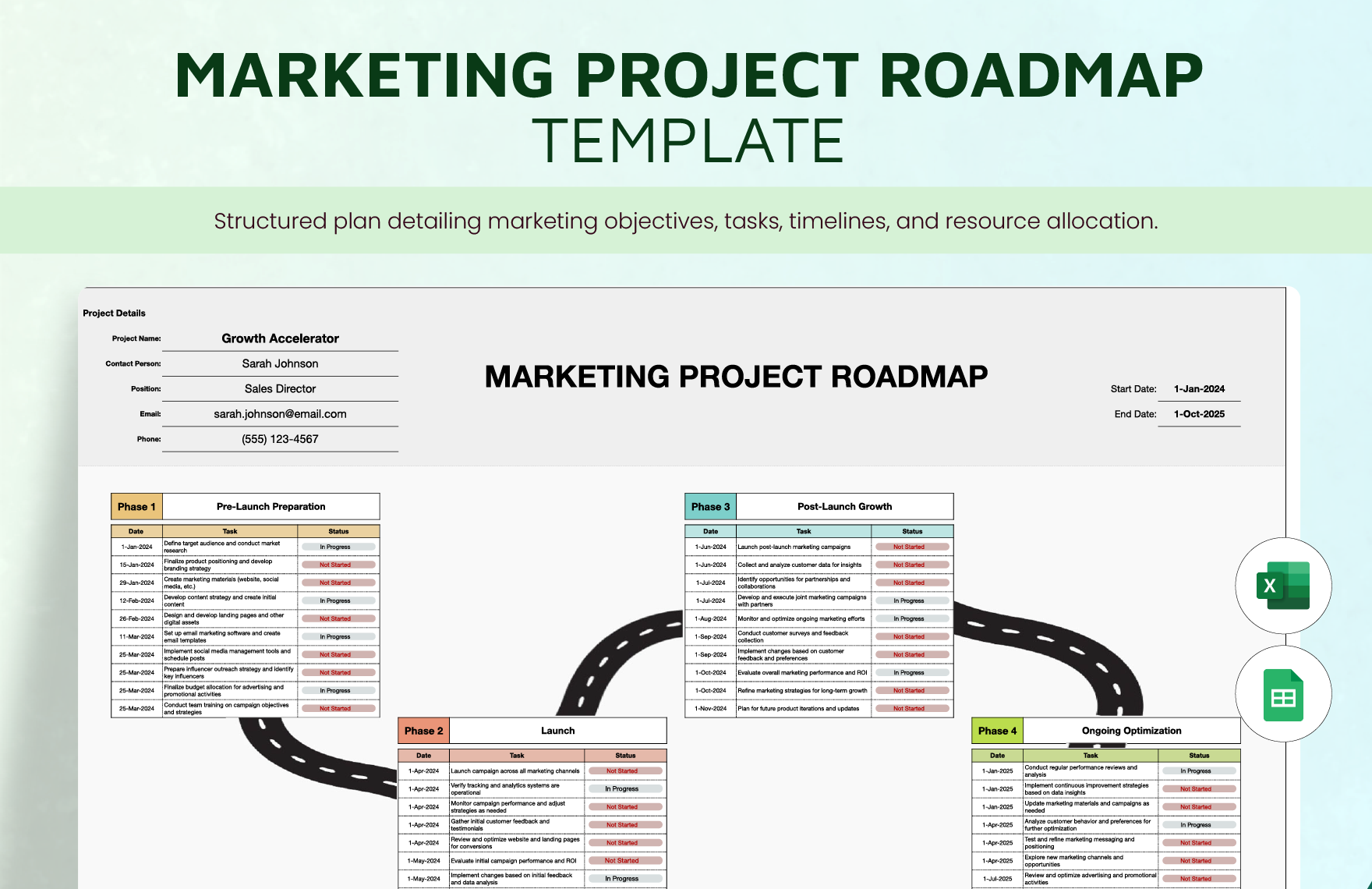
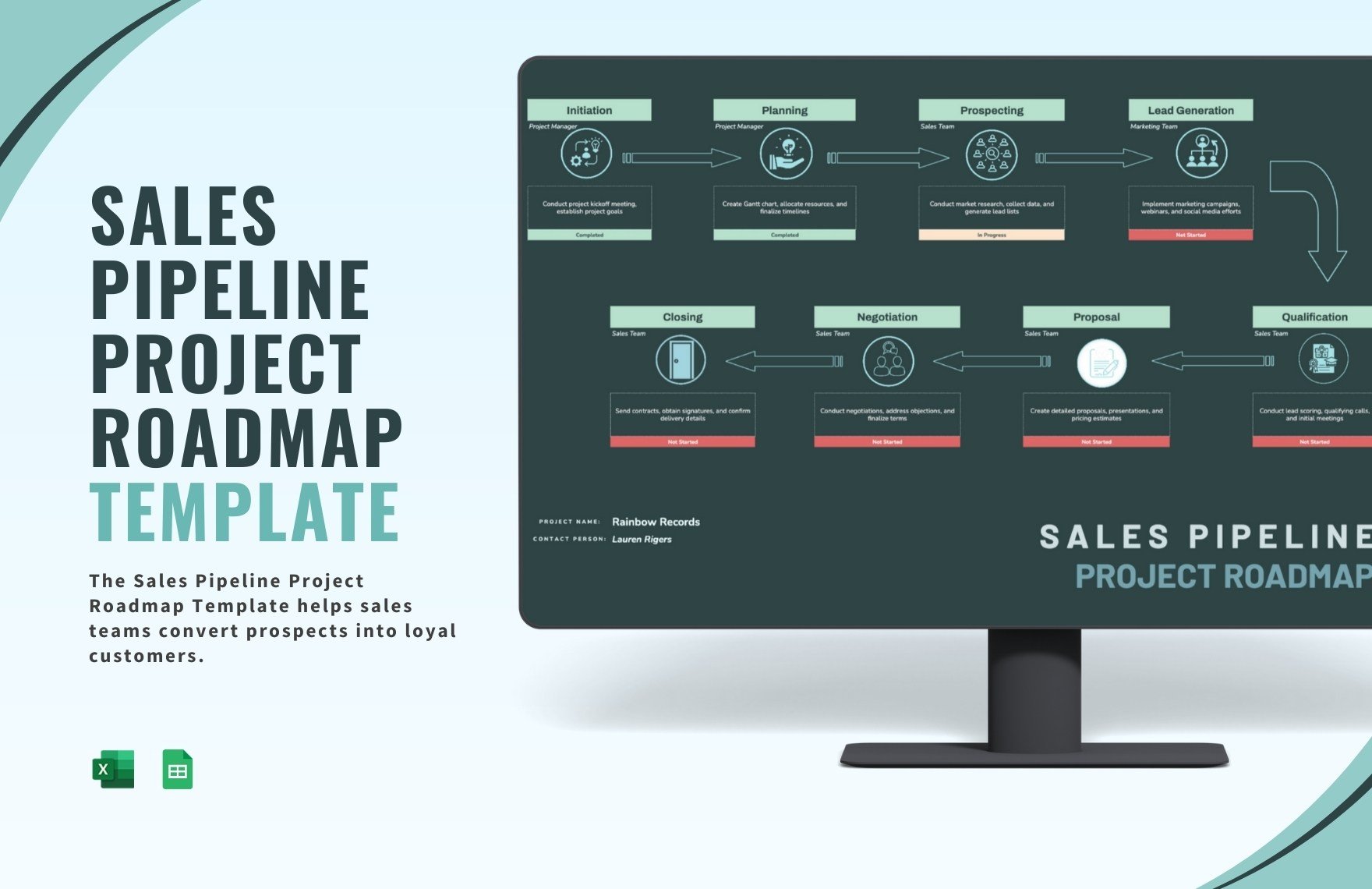
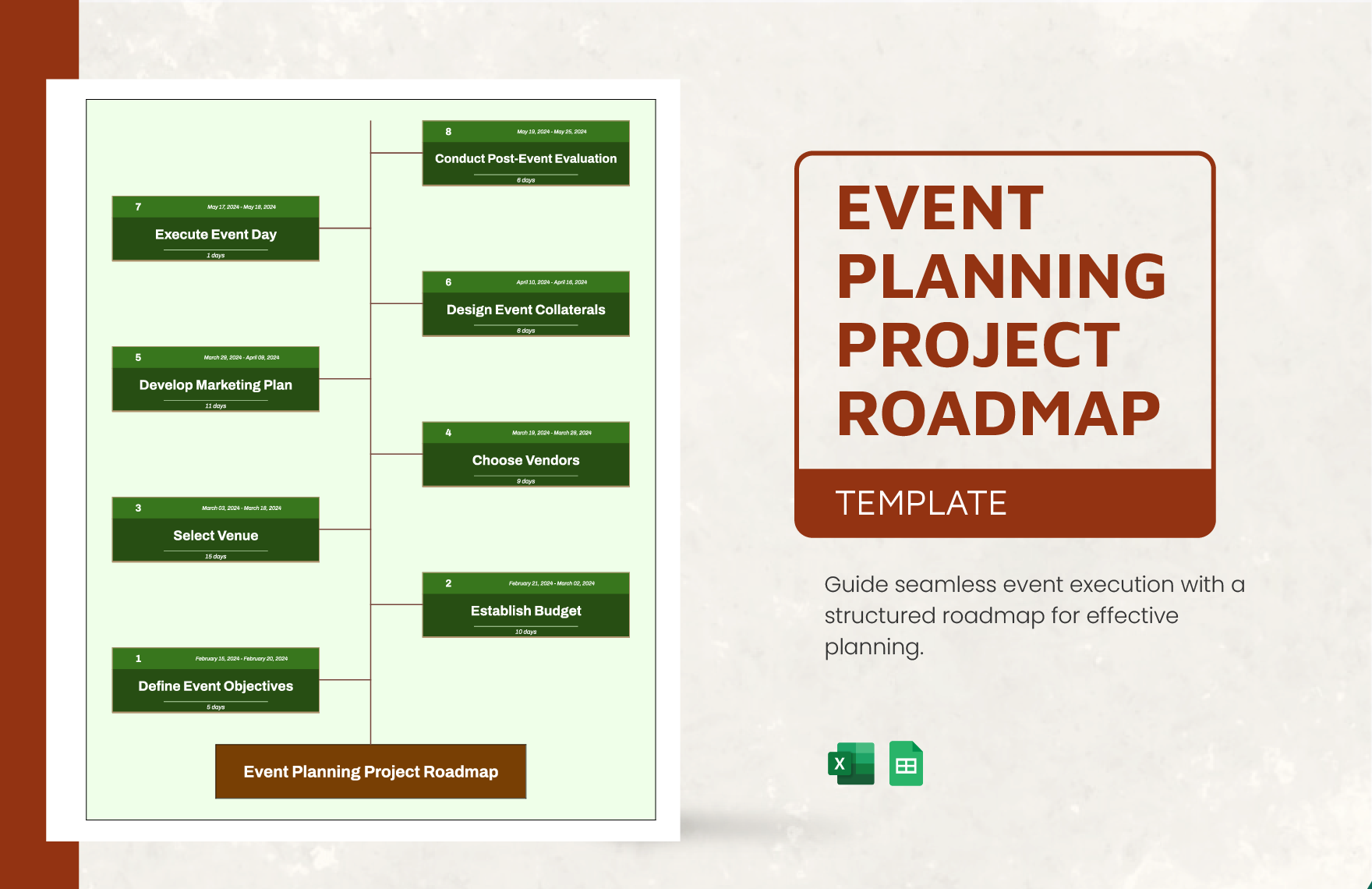
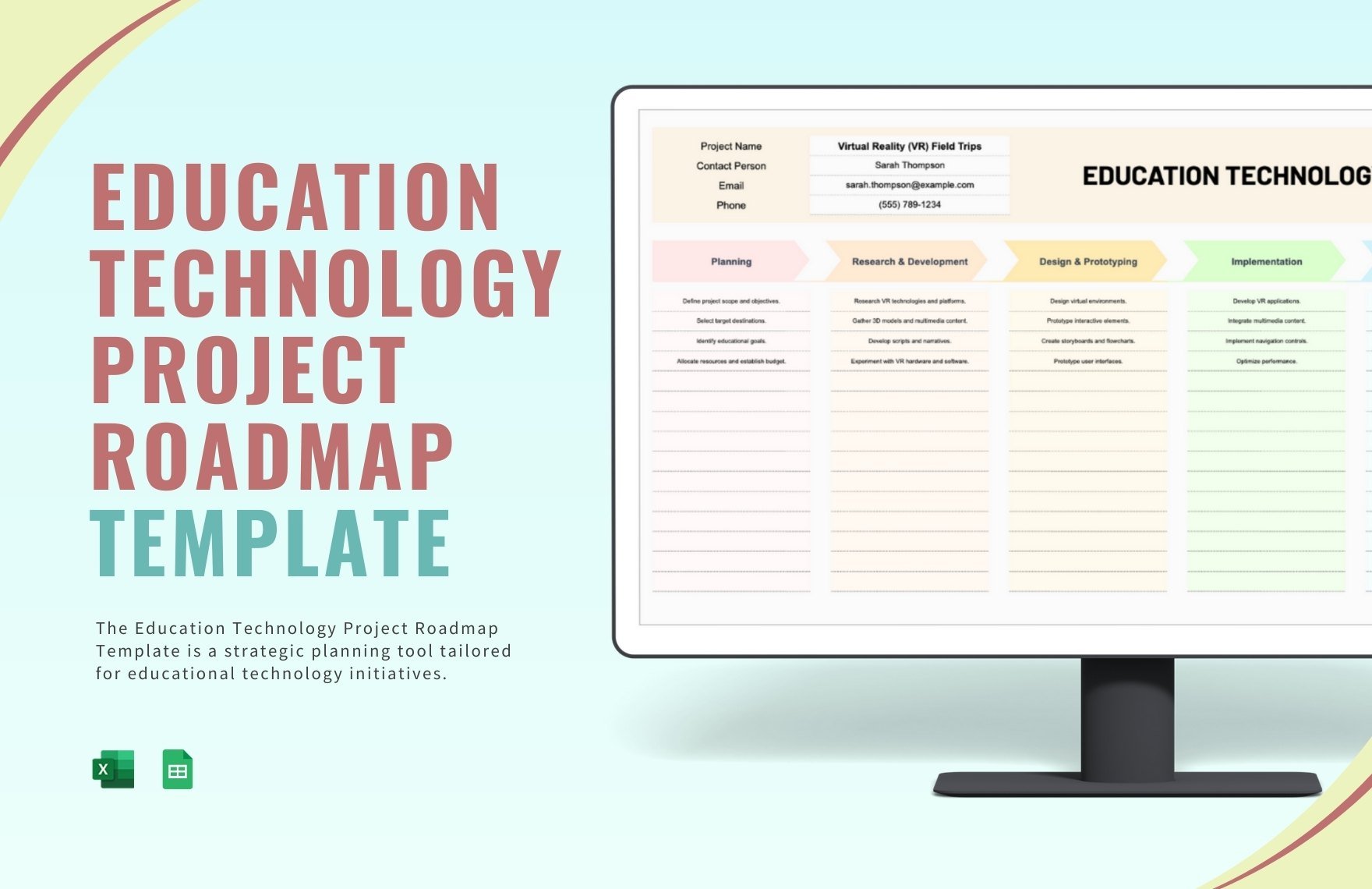
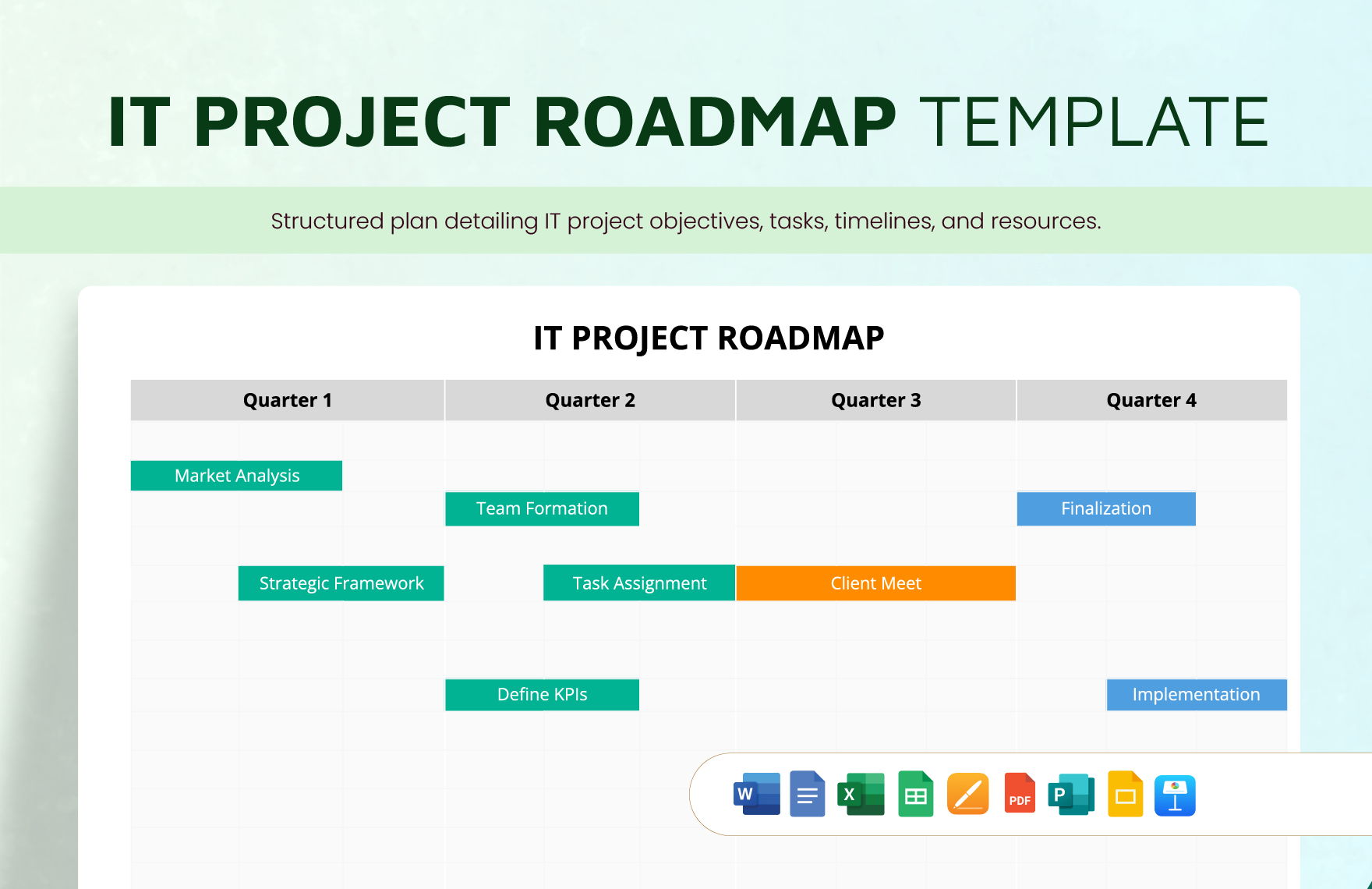
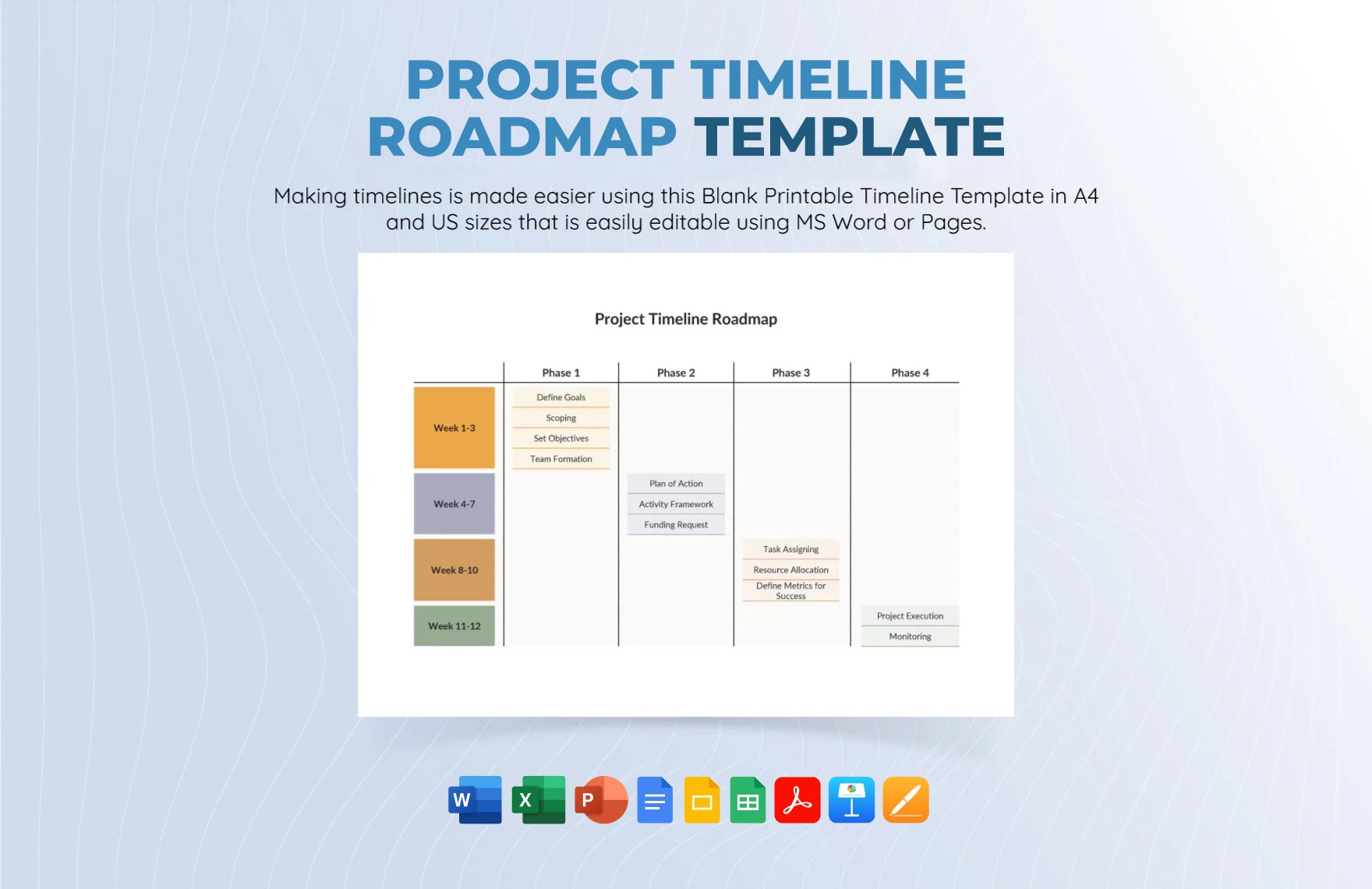
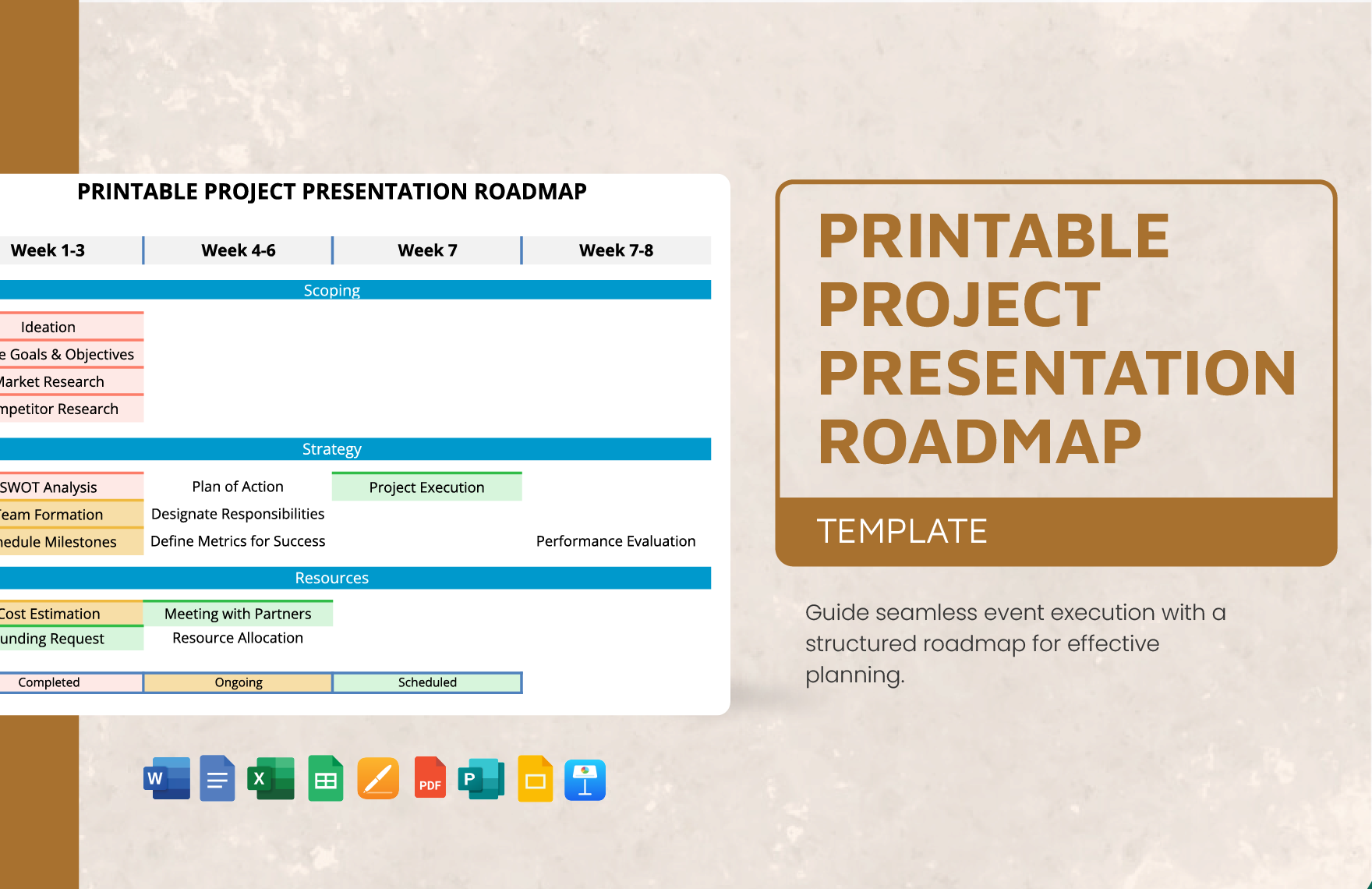
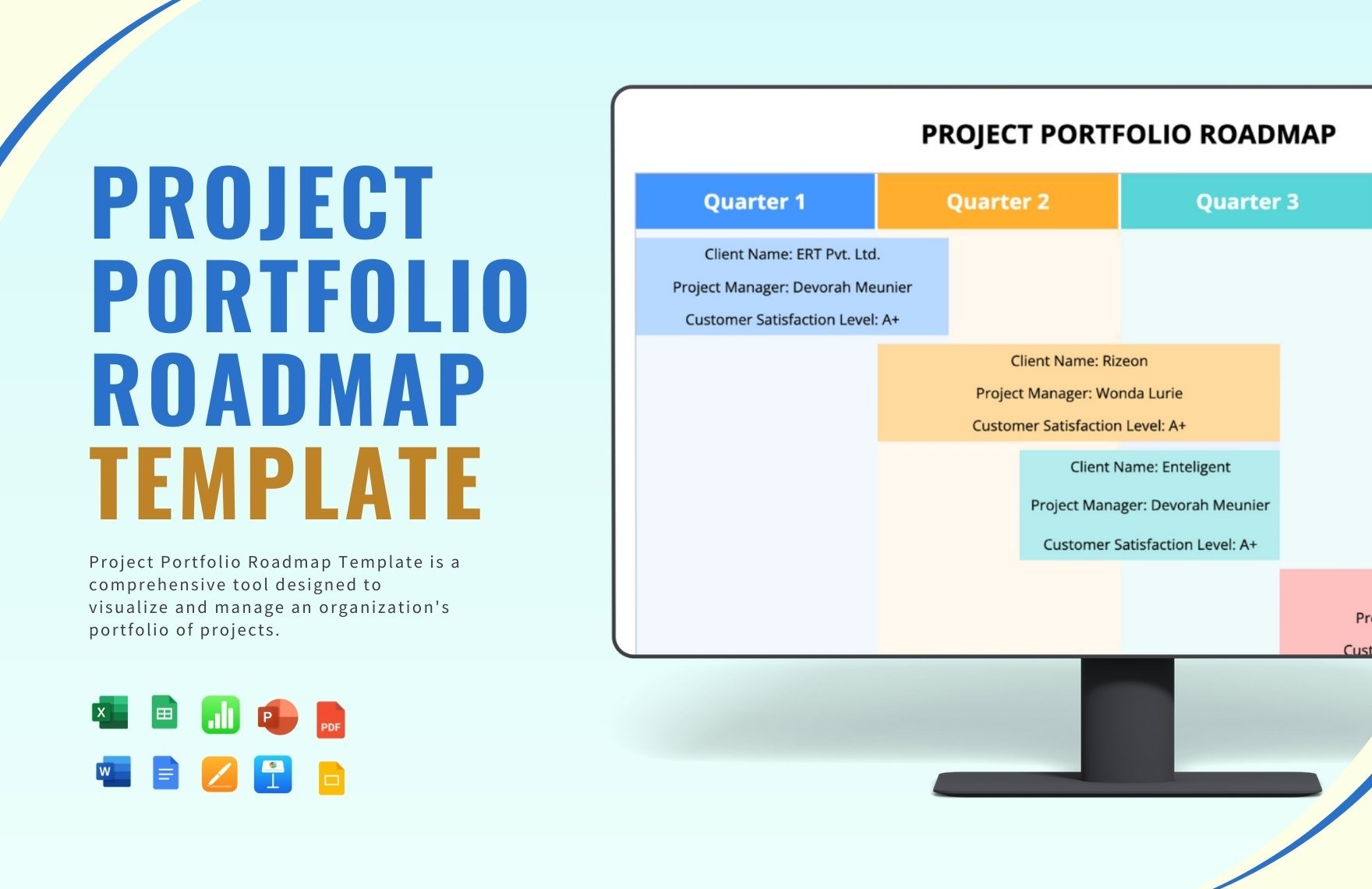
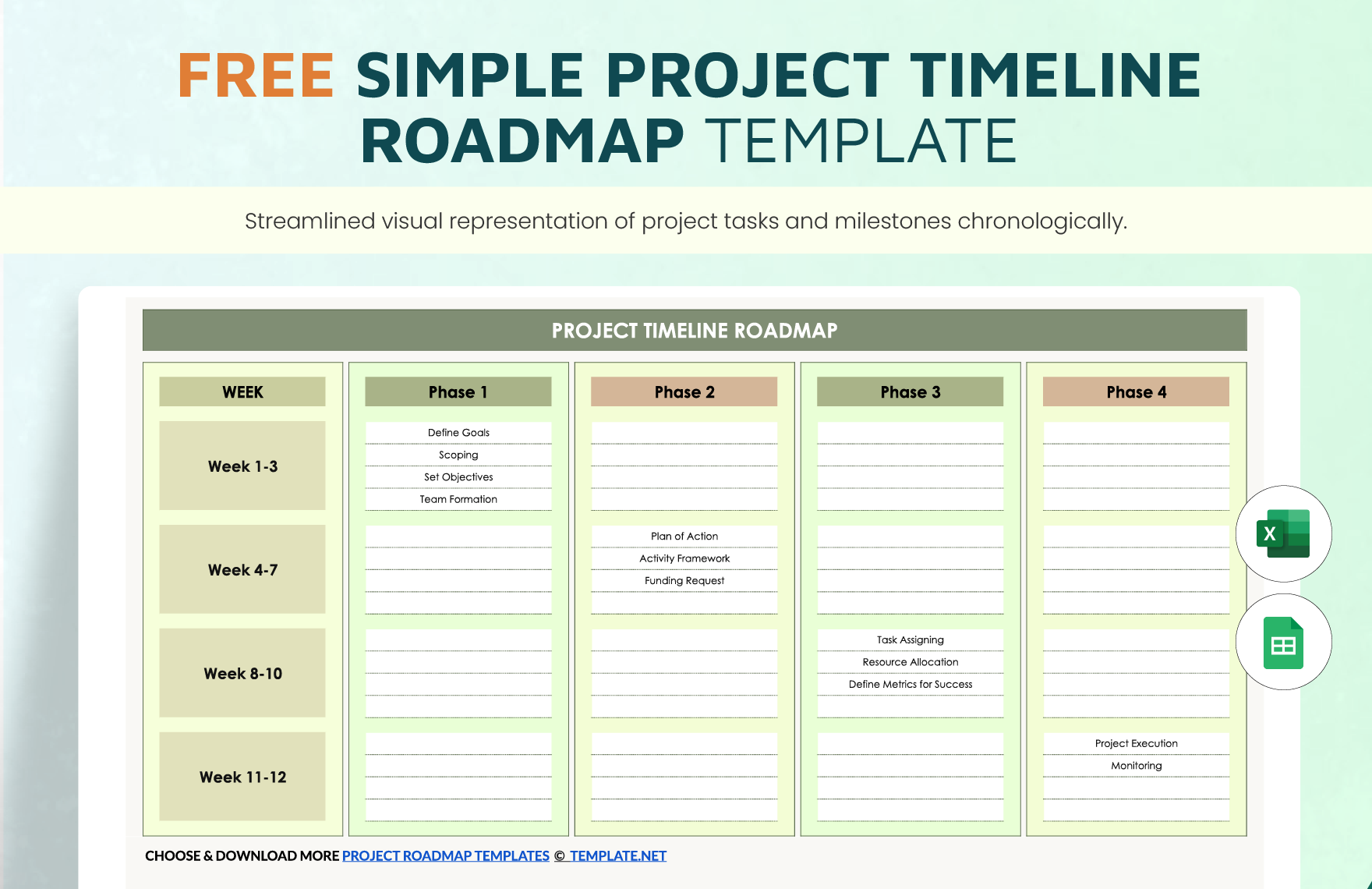
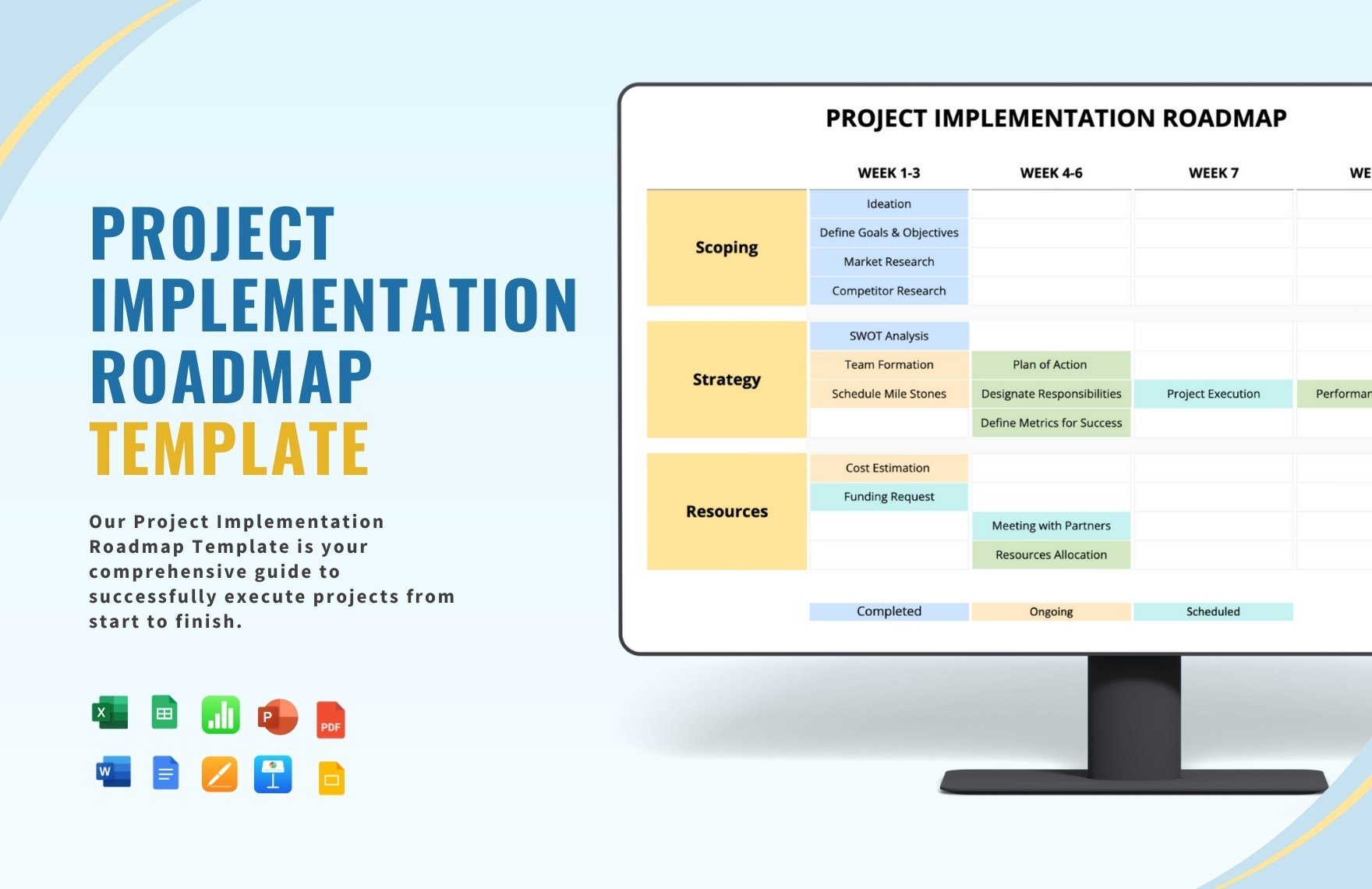
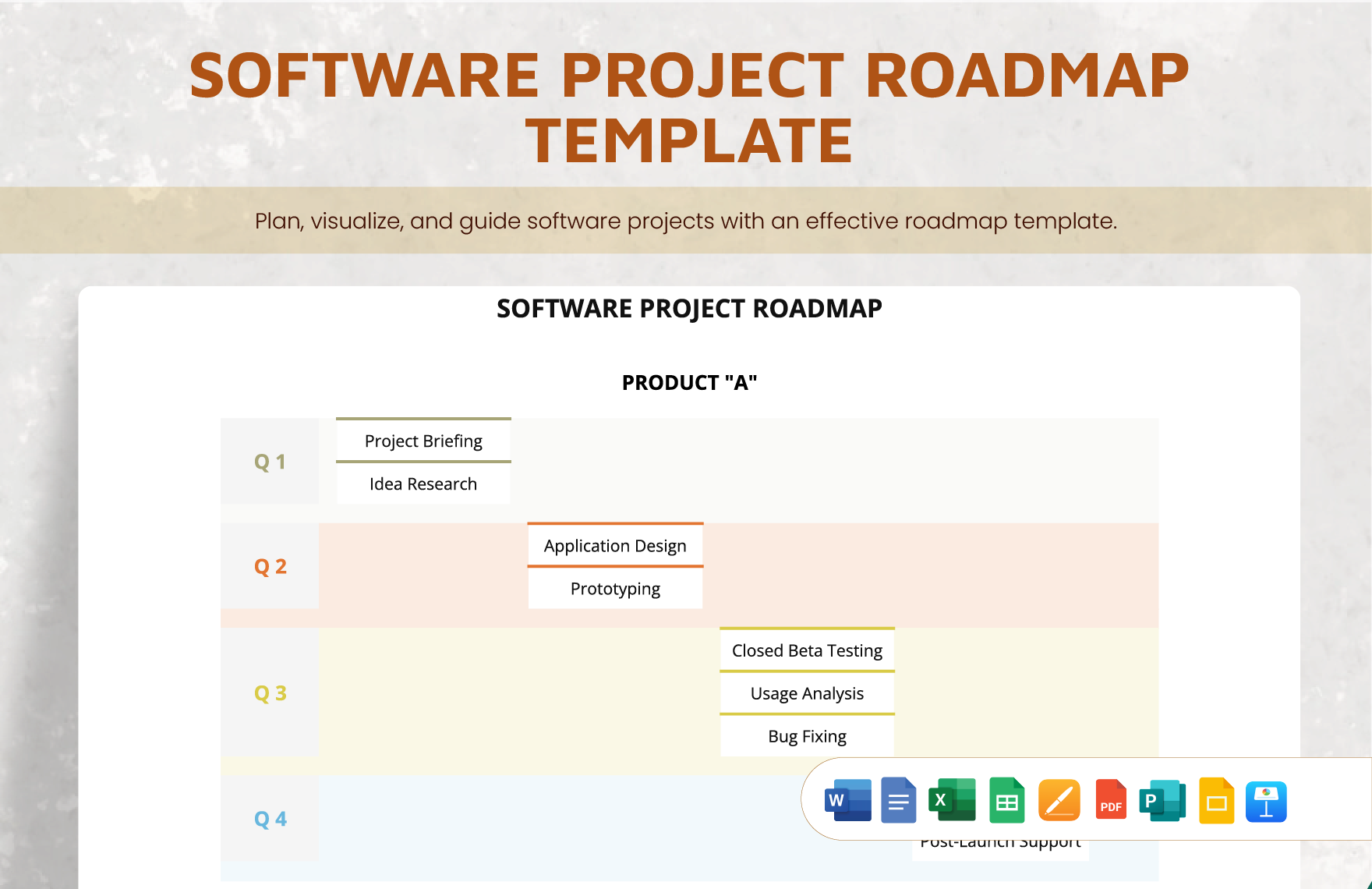
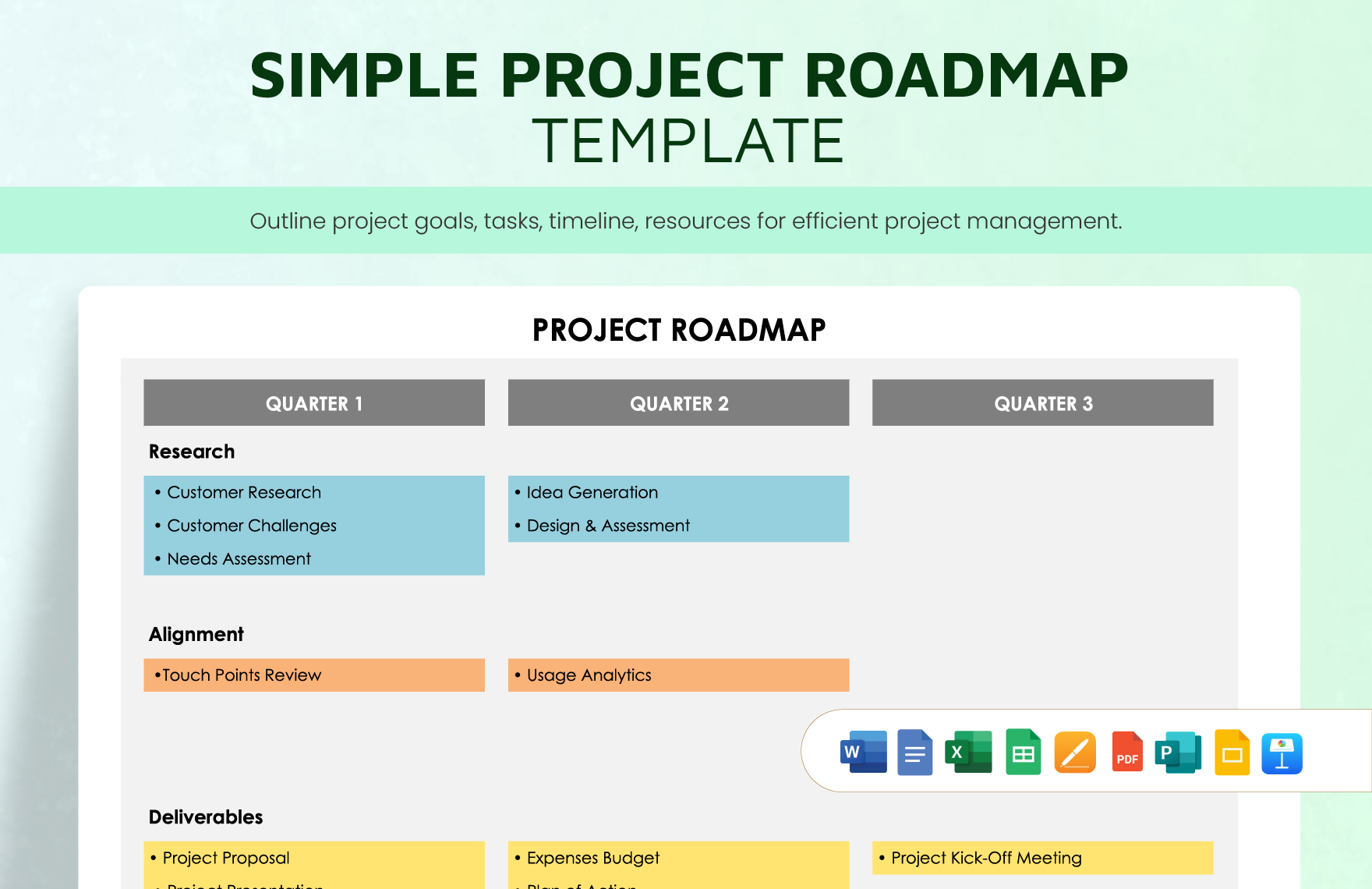
Every business project always means an investment. Big or small, financial expenditures are expected to flow for its undertaking. Hence, meticulous strategical planning is needed to ensure the project processes are accomplished with efficiency and efficacy. On that note, you will need our Ready-Made Project Road Map Templates for your practical project development! These are provided with relevant road map sample content, ready for your specific modifications. These are readily accessible and editable through Microsoft Excel (XLS) that you can access anytime, anywhere. Be one step closer to your project’s success by downloading your copy of these industry experts-made templates now!
How to Develop a Project Road Map in Microsoft Excel (XLS)
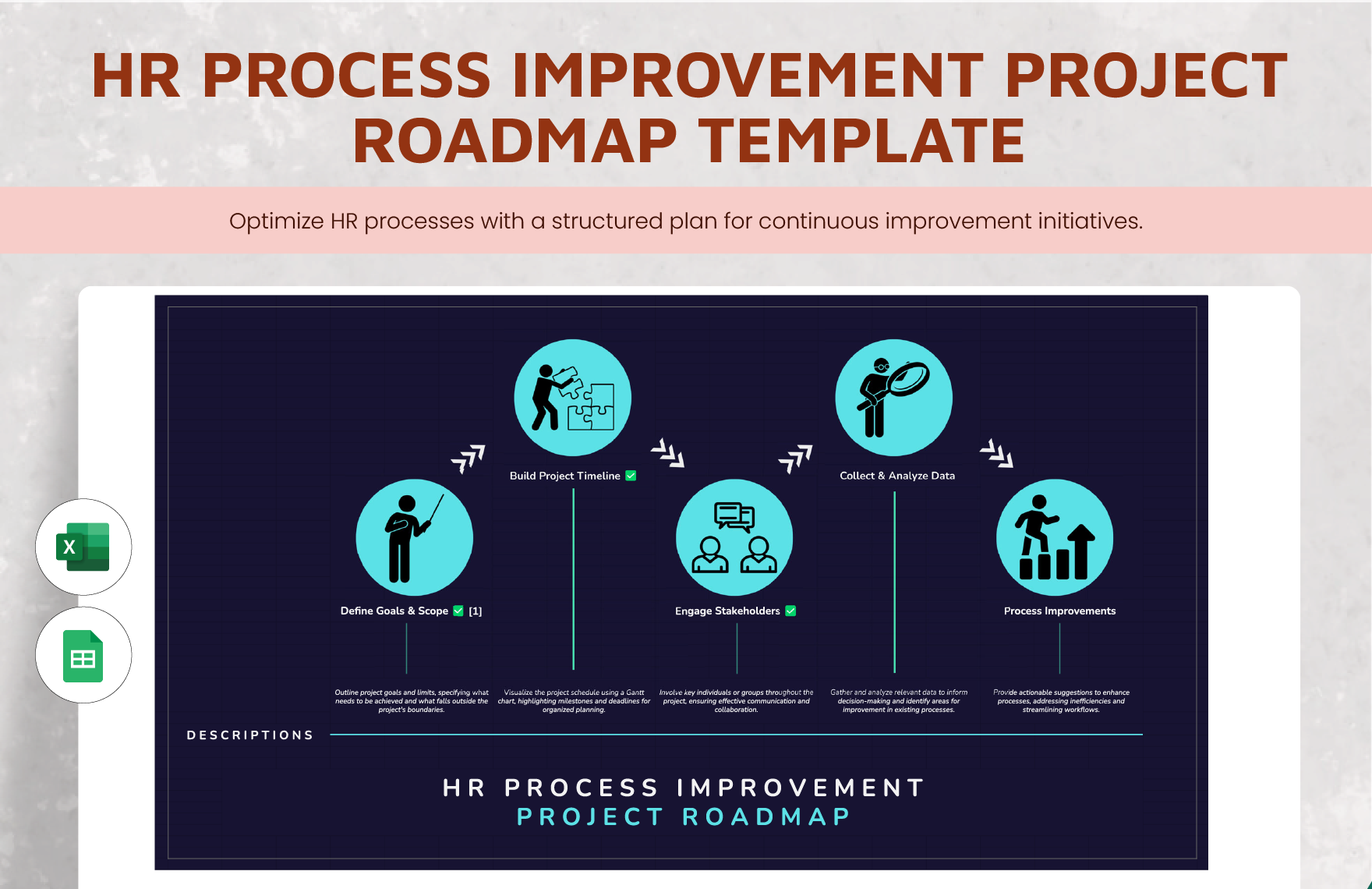
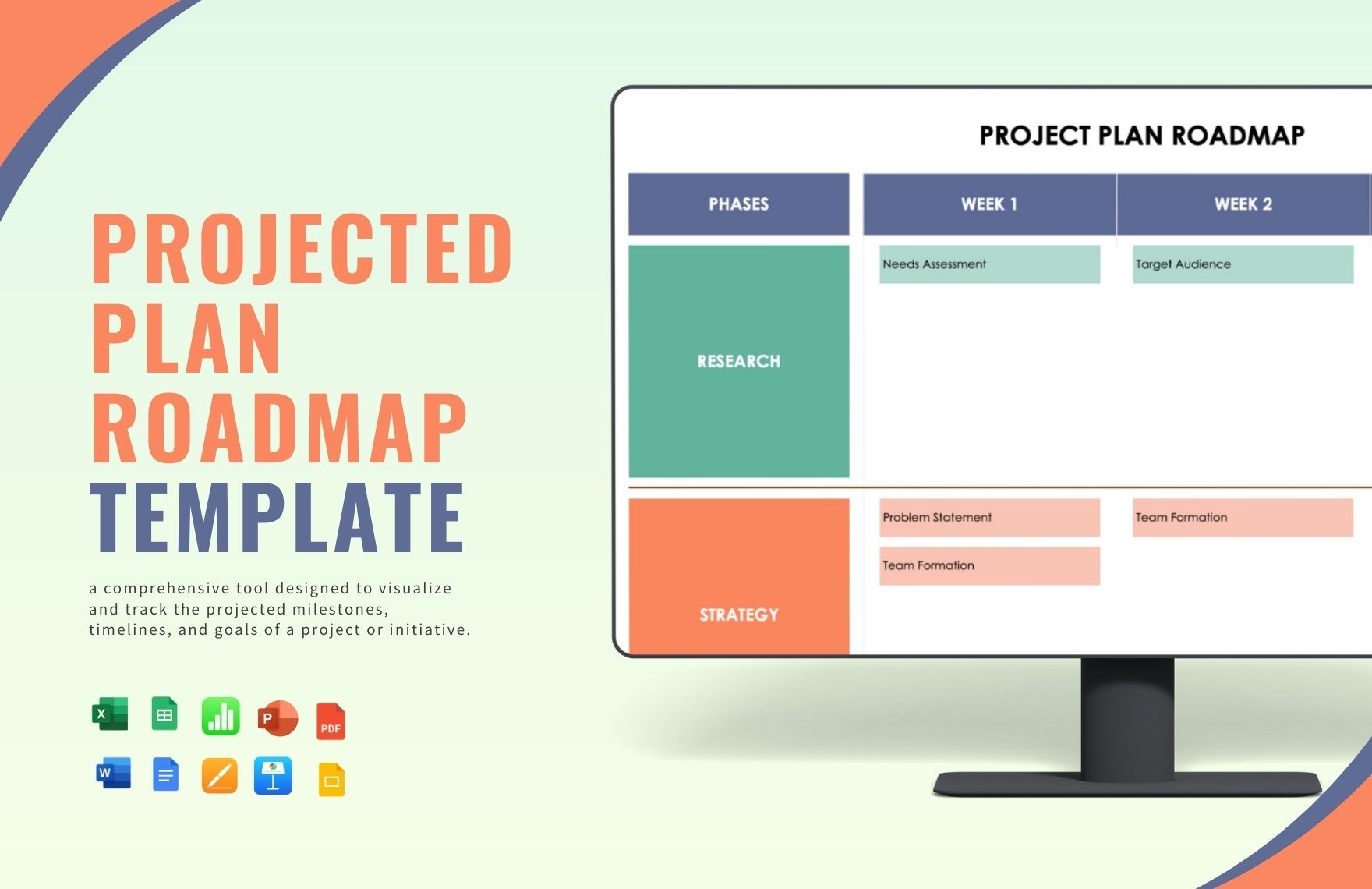
From personal activities to professional works, success always begins from planning. In a study conducted by PricewaterhouseCoopers, a multinational services network, at least 97% of organizations among the participants said that the project management is critical not only to the project performance success but also to the organizational aspect. From various strategical tools, road mapping is one of the highly relevant. It gives the user and its team the bigger picture across all the procedures needed to be done, giving it a comprehensive and concrete view of the project progressions.
Read further our listed fundamentals below in developing a project road map in Microsoft Excel for your reference.
1. Know the Objectives and Goal
Firstly you must clearly and specifically know the objectives and optimum goal of your project. What are the necessary steps and tasks needed to do? What’s the purpose of the project? Know your project well. From that, gather all the relevant data and make a list on it. Prepare all these details so you can seamlessly just tailor it easily on your project road map later on.
2. Name the Key People
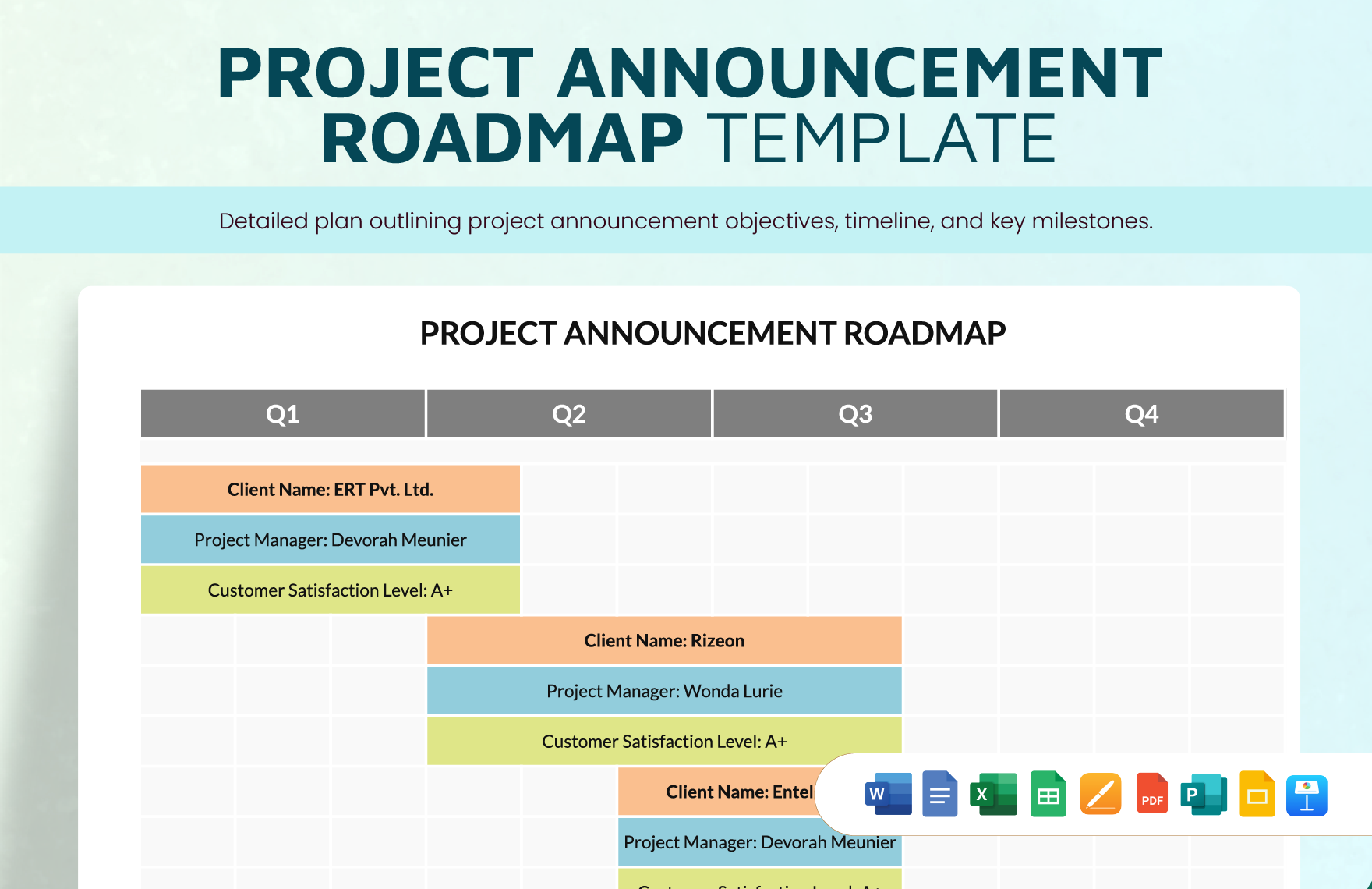
It is highly essential as well to name specifically the responsible key people or employees or offices of a particular deliverable on your project road map. You may write only their leader’s name concurrent to the deliverable title. This is to establish and clarify the workflow dependency and promptly identify who takes responsibility for a particular action.
3. Be Reasonable
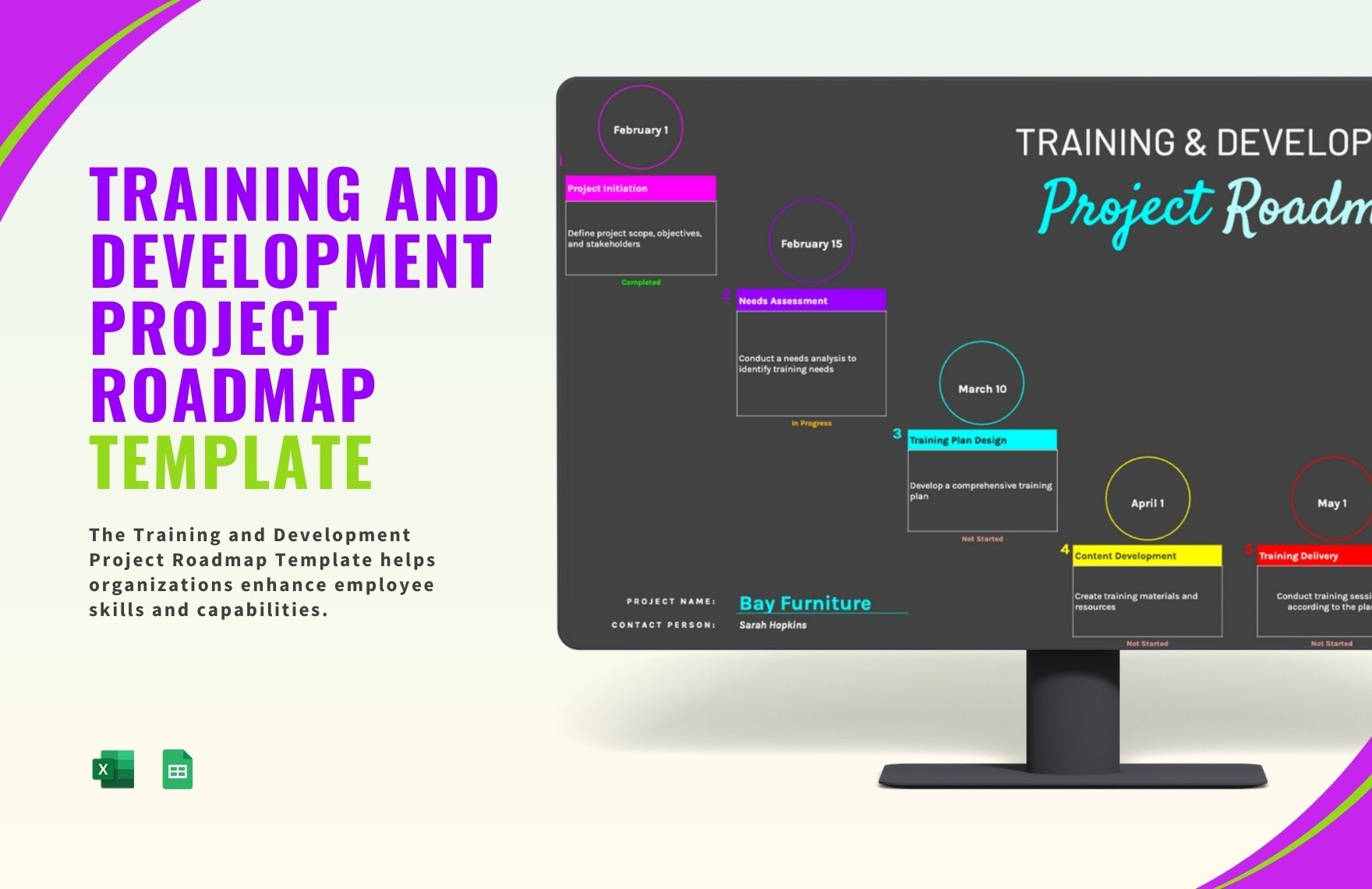
Time can be the best friend or worst enemy in doing your project. And the only way you can not go with the latter is by being realistic in setting your timeline. Carefully plot it. Avoid falling your team into time-constraints due to a troublesome timeline. This may only lead to further complications in terms of efforts and money, which can be a really big loss. You may also set allowances to your project timeline to be safer.
4. Integrate Your Branding
For the exclusive appeal, you may also employ graphical design into your project road map. Stipulate your company logo, apply colors with your company or project’s branding palette, or other more. Through this, it will also make your project road map not dull, boring, and a lot more engaging and alive, an additional motivational feature.