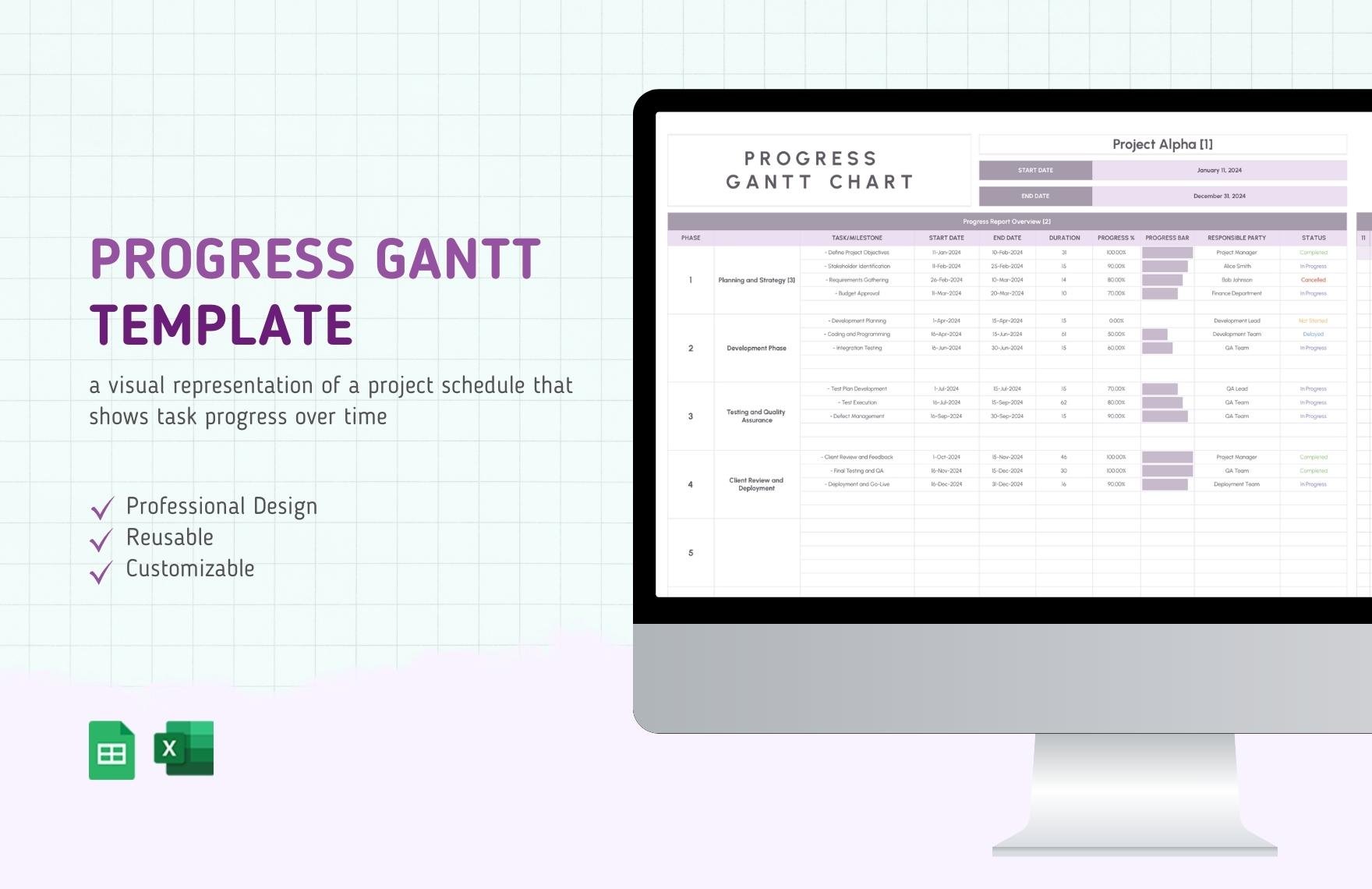
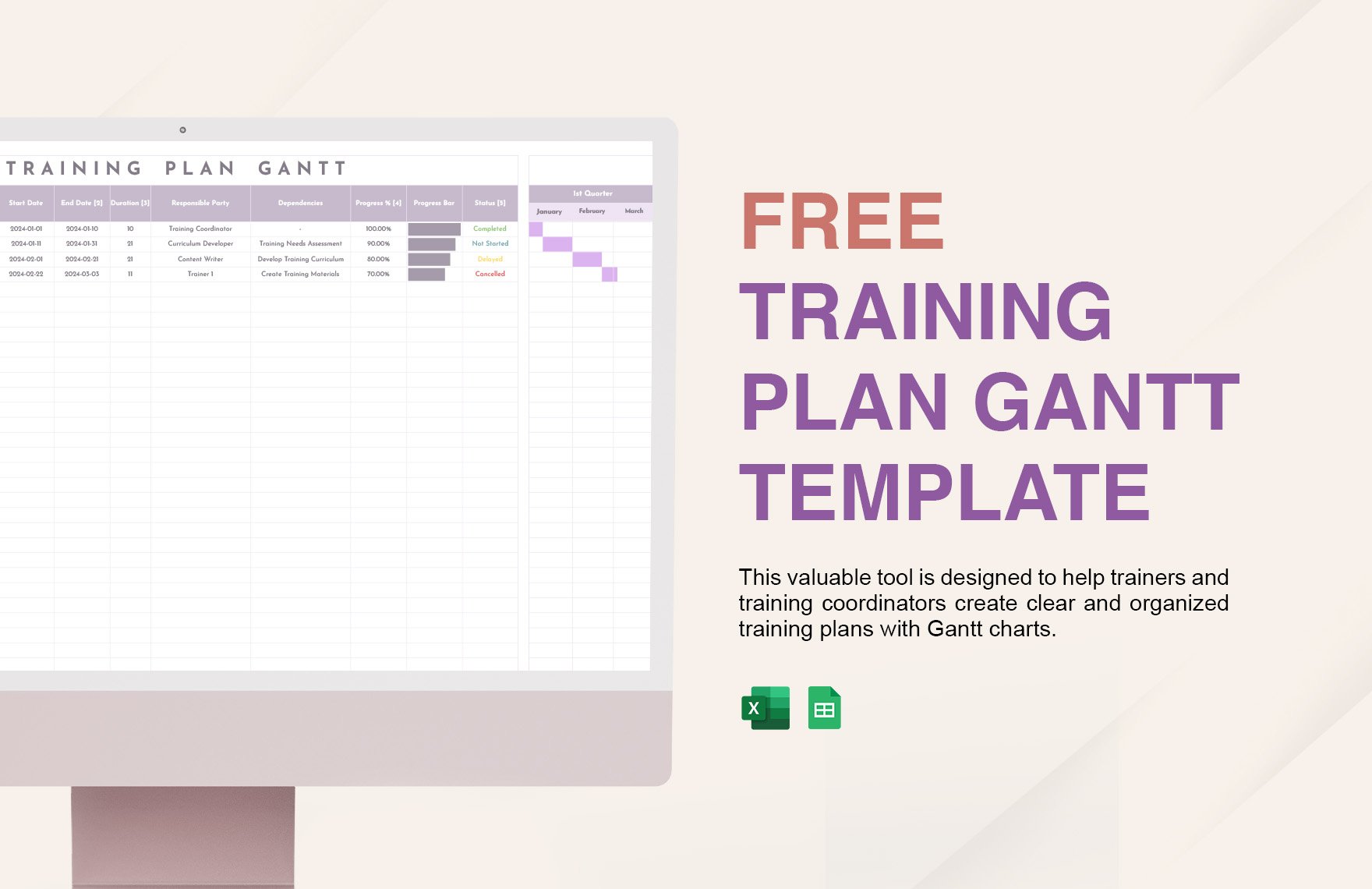
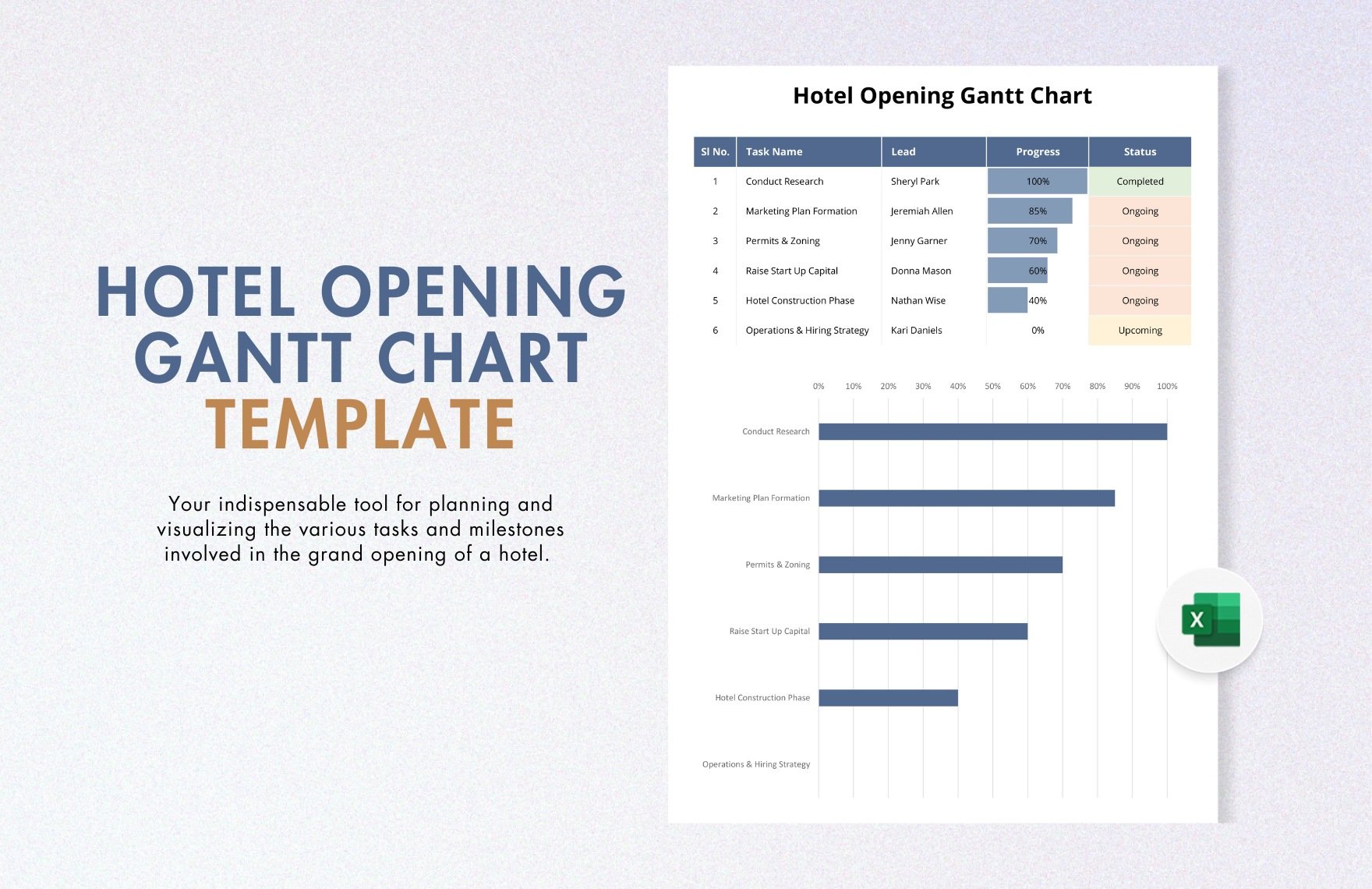
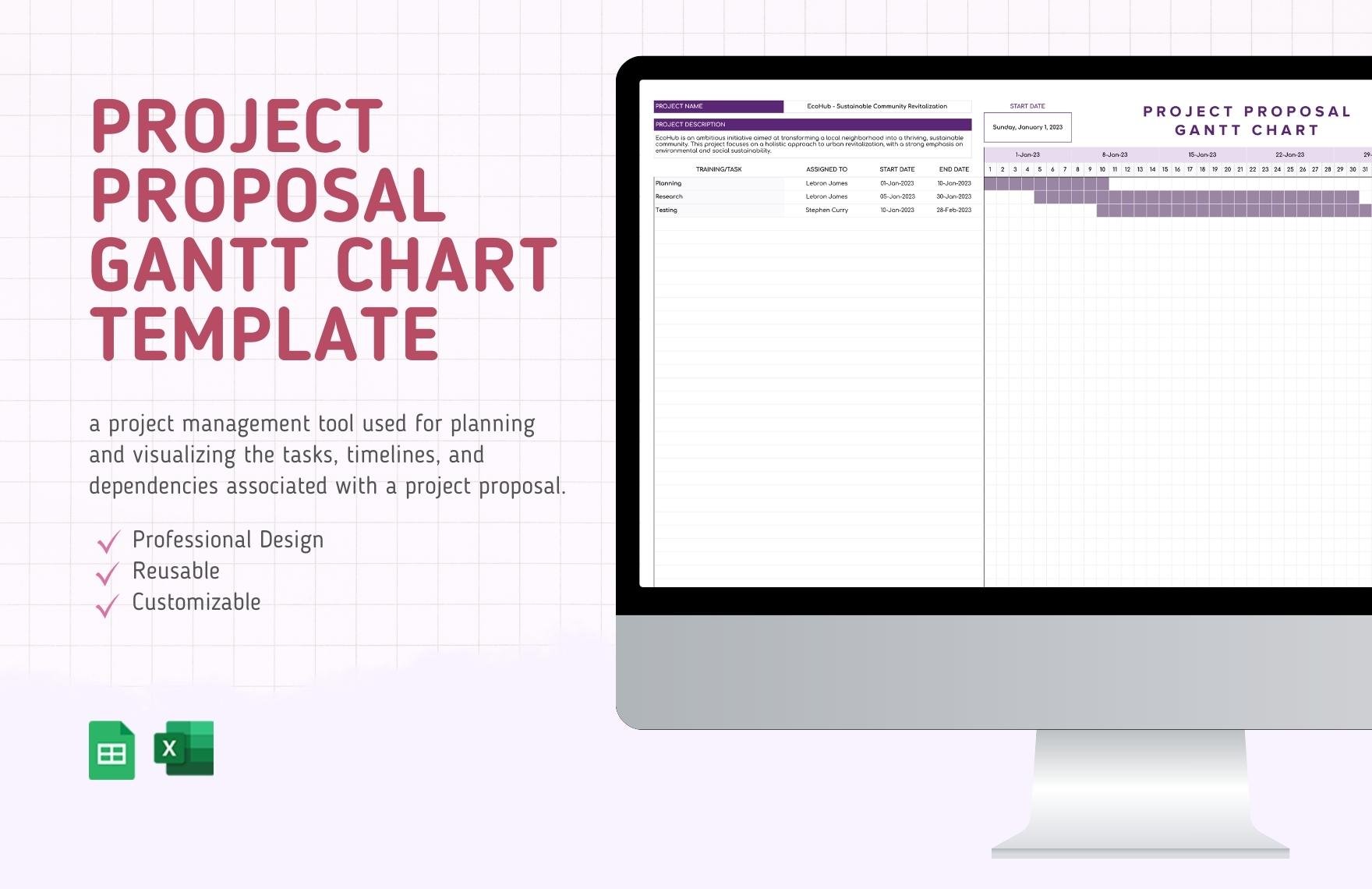
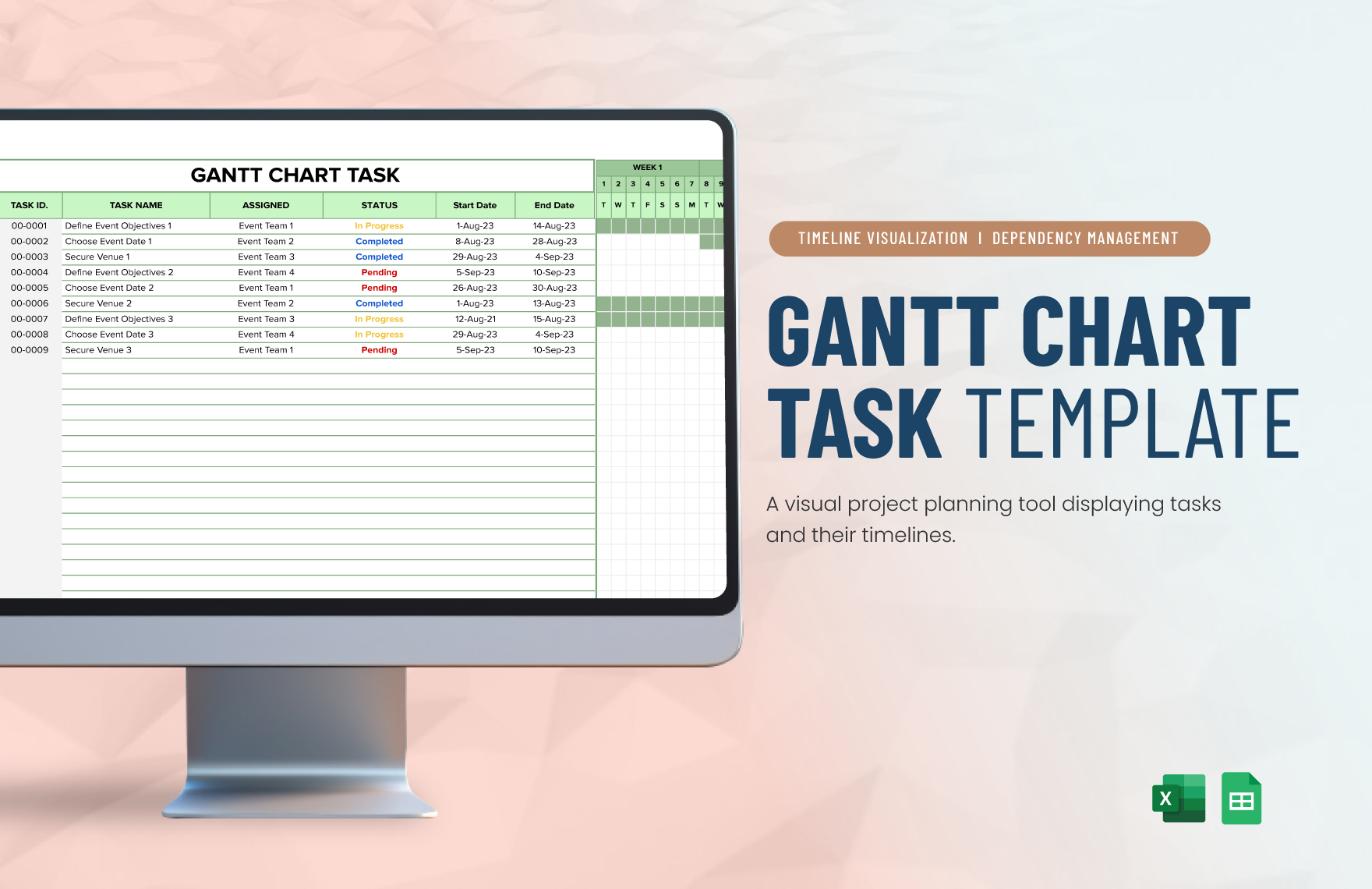
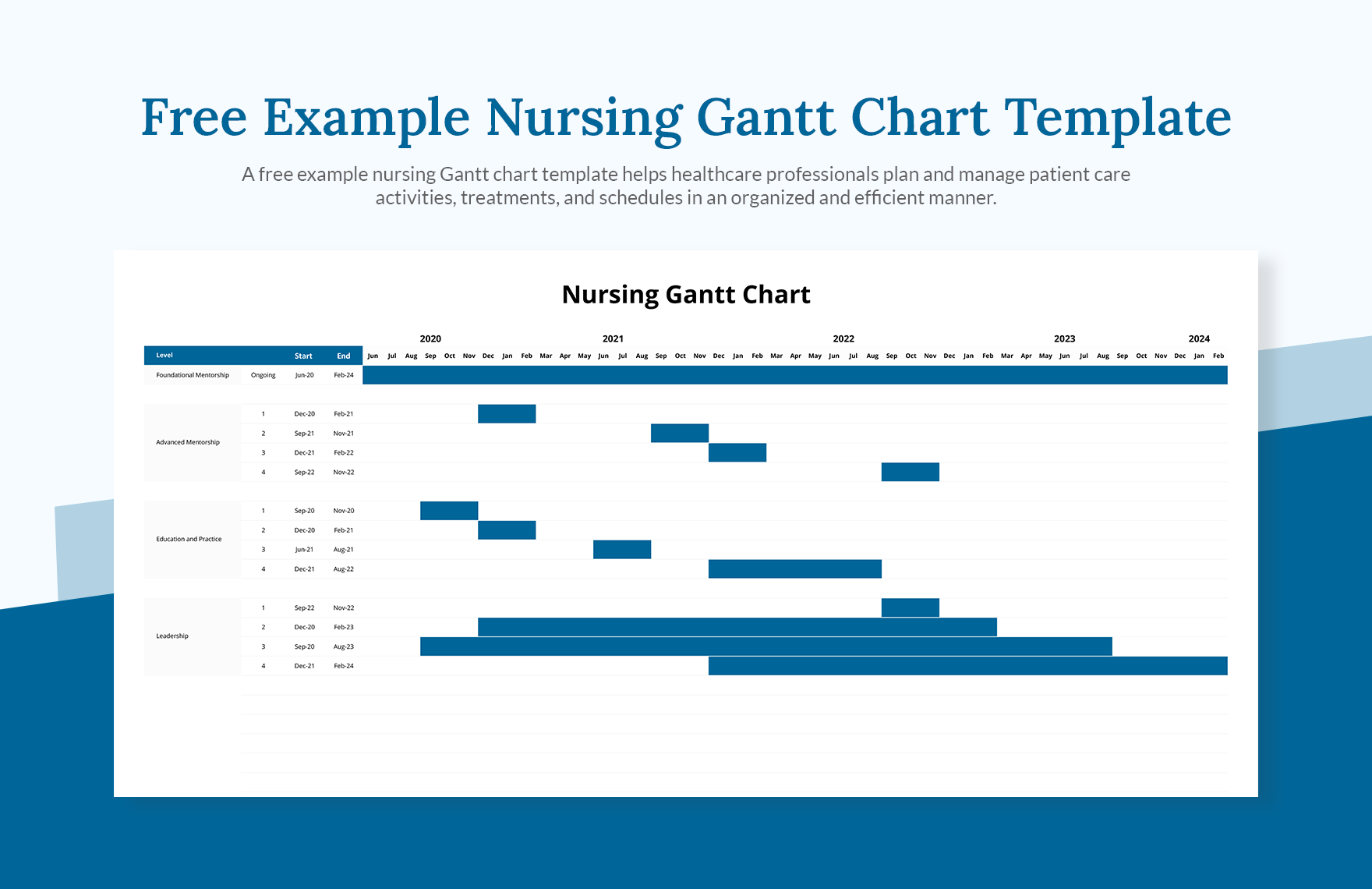
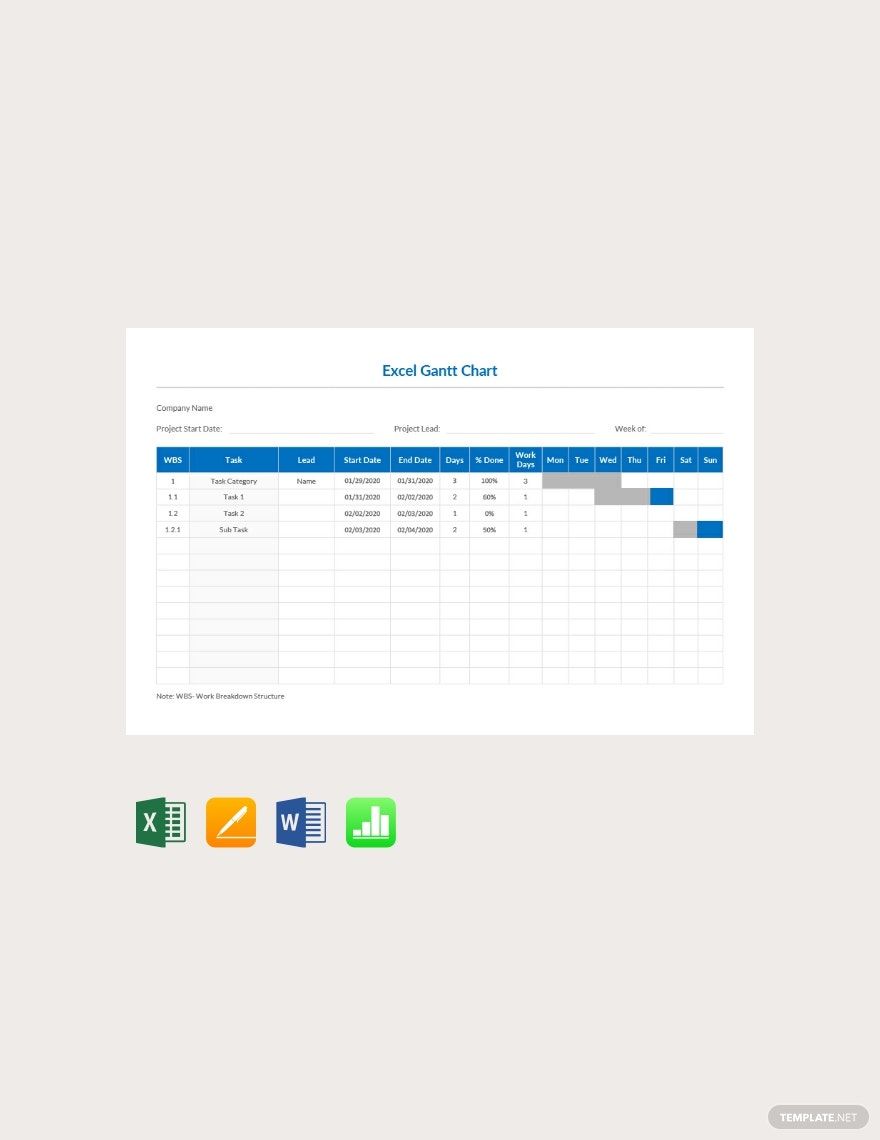
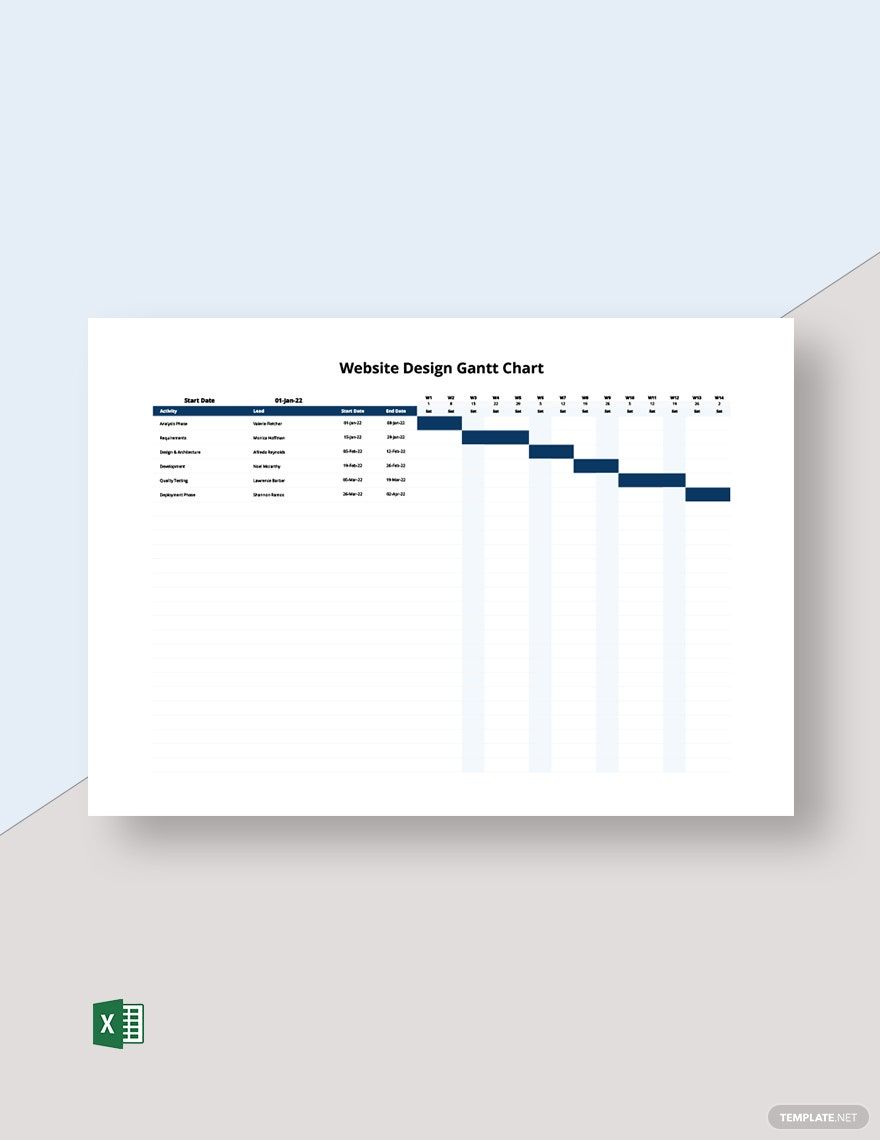
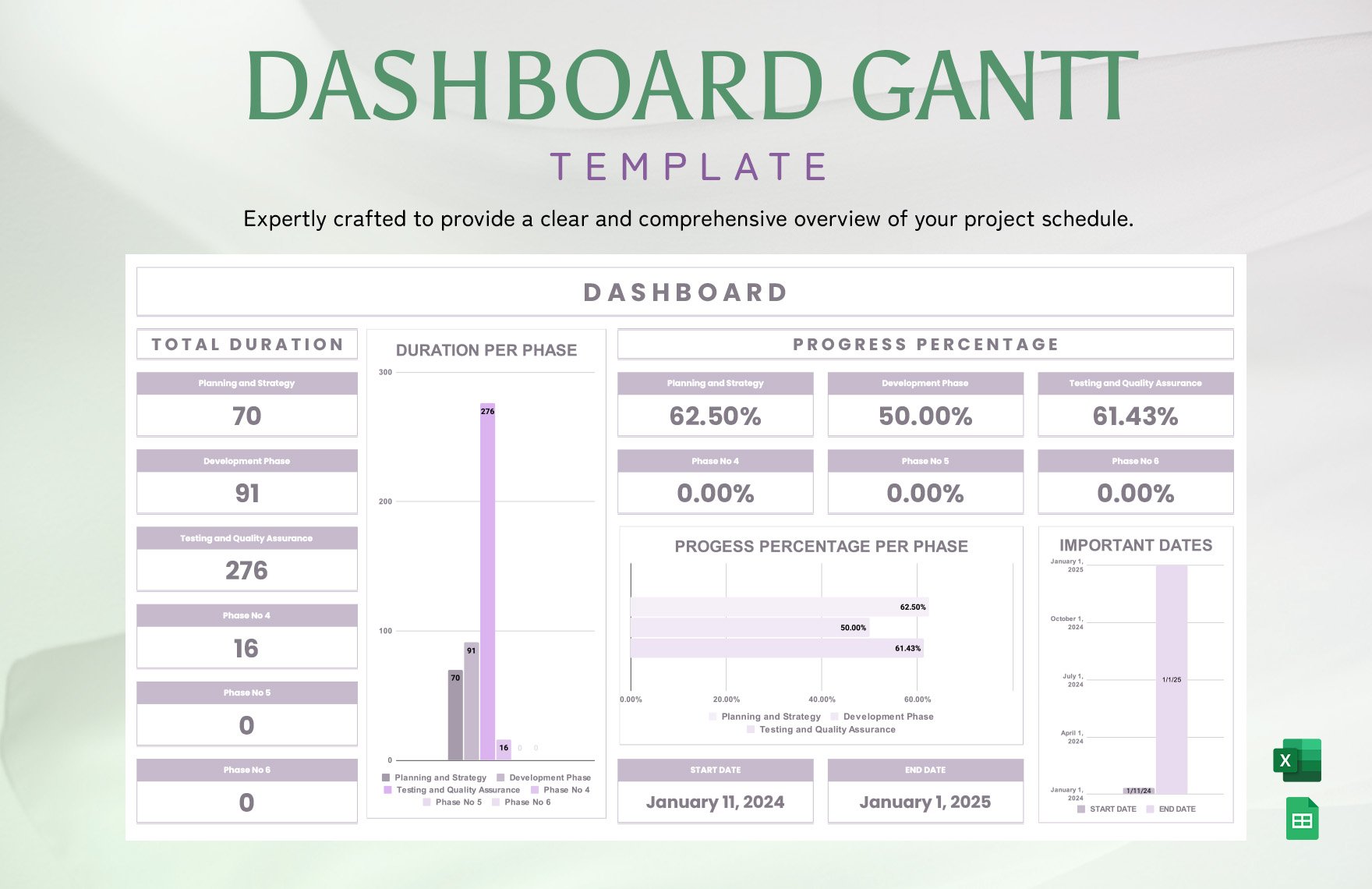
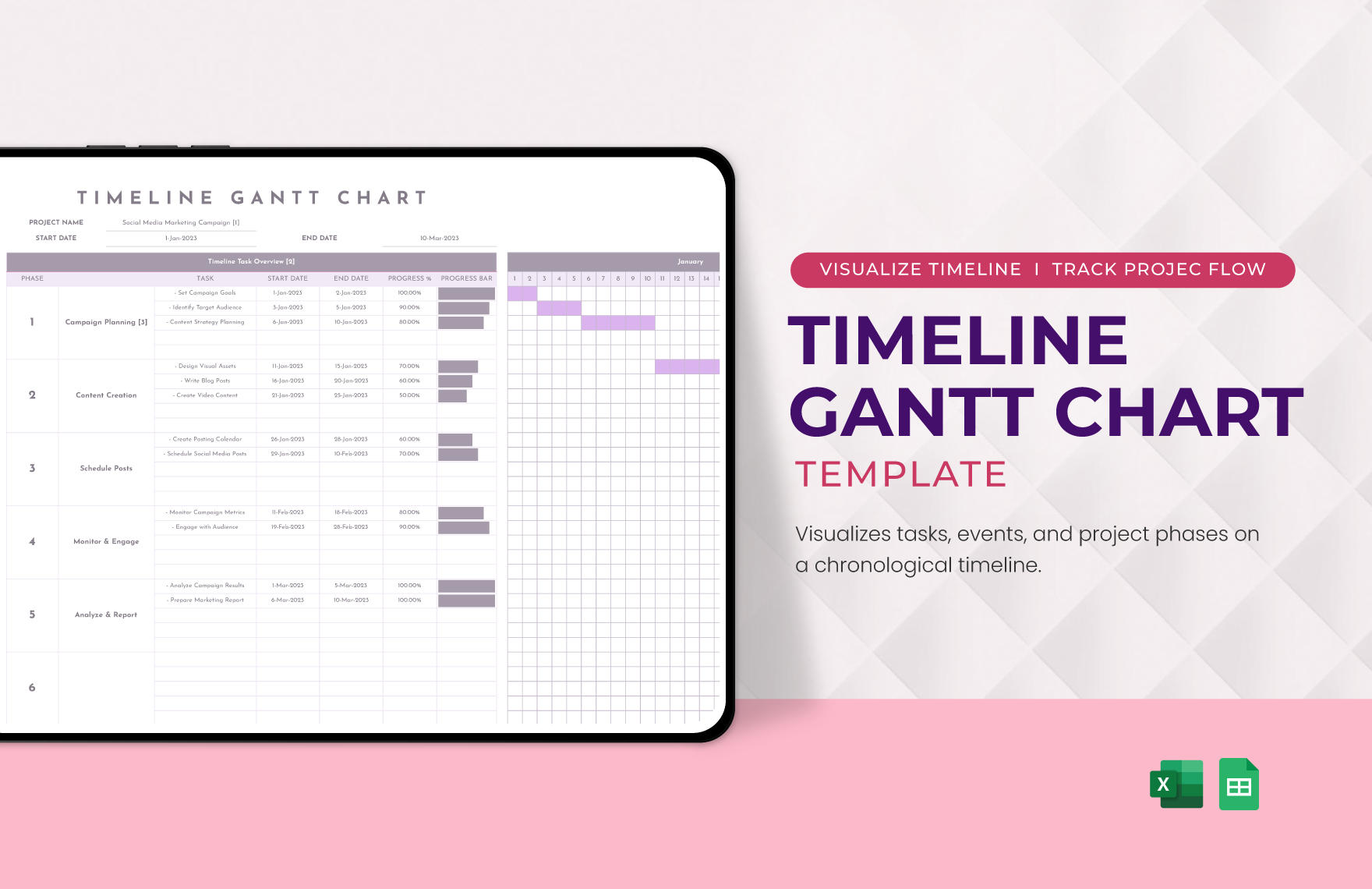
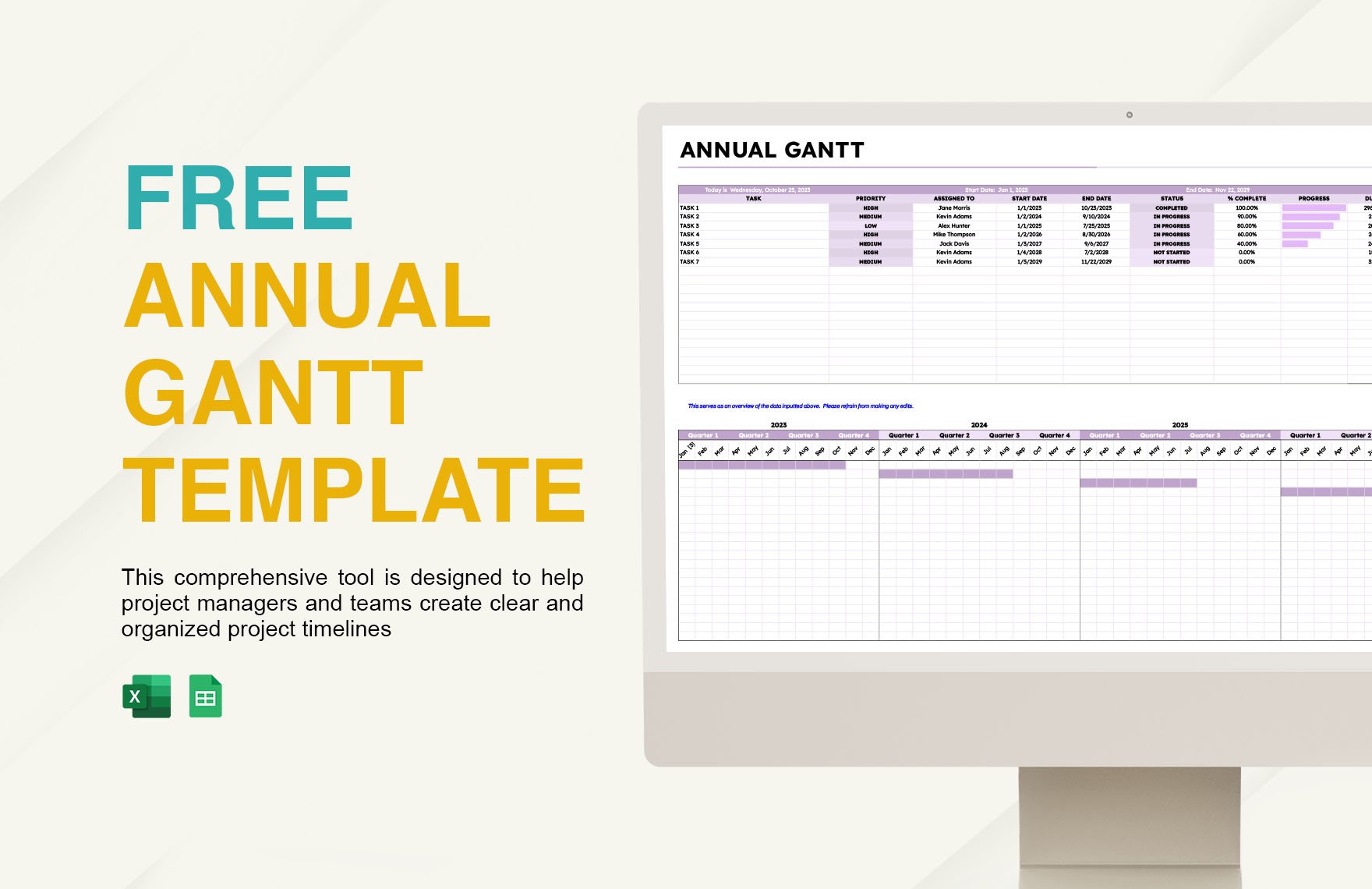
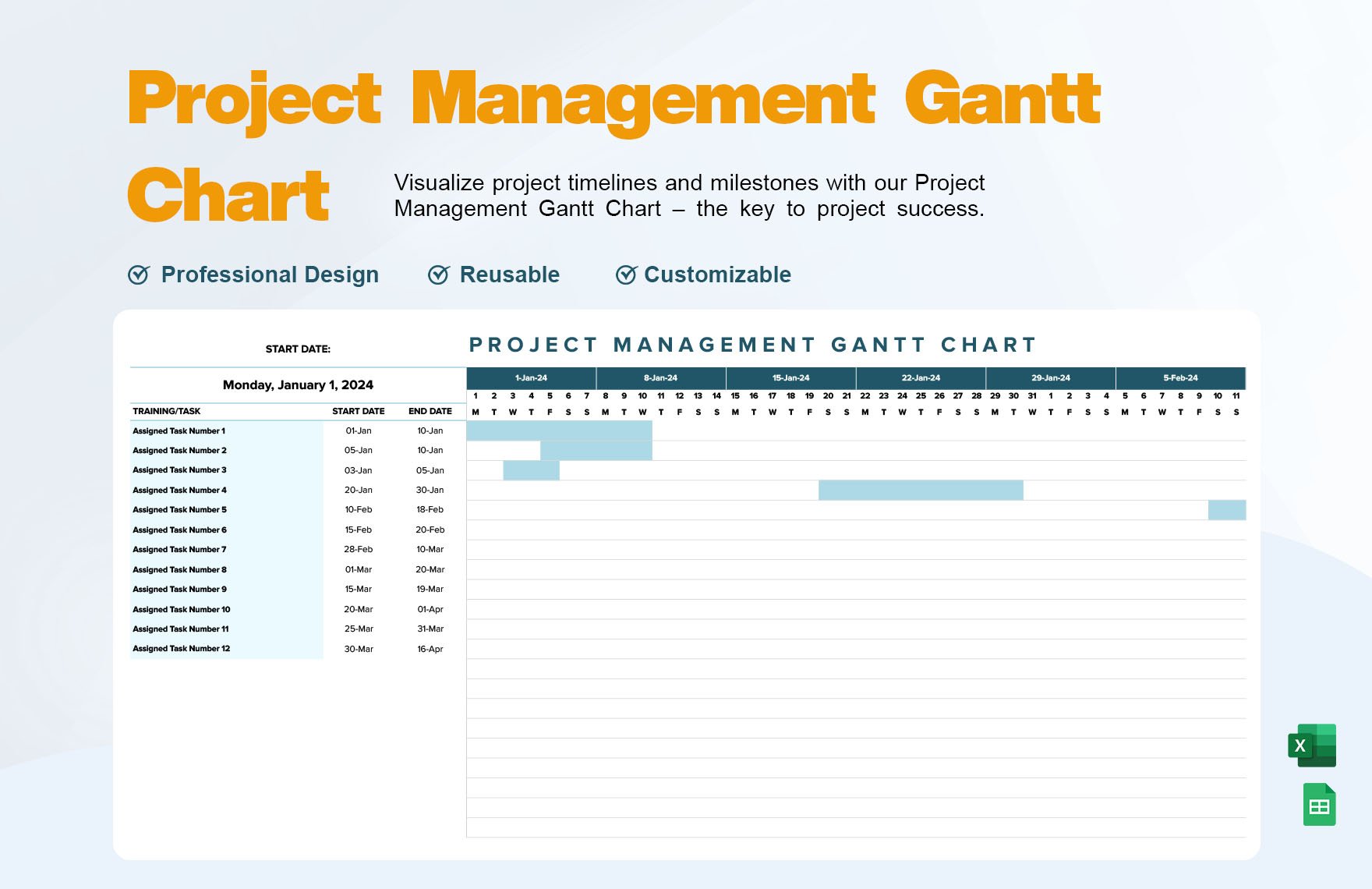
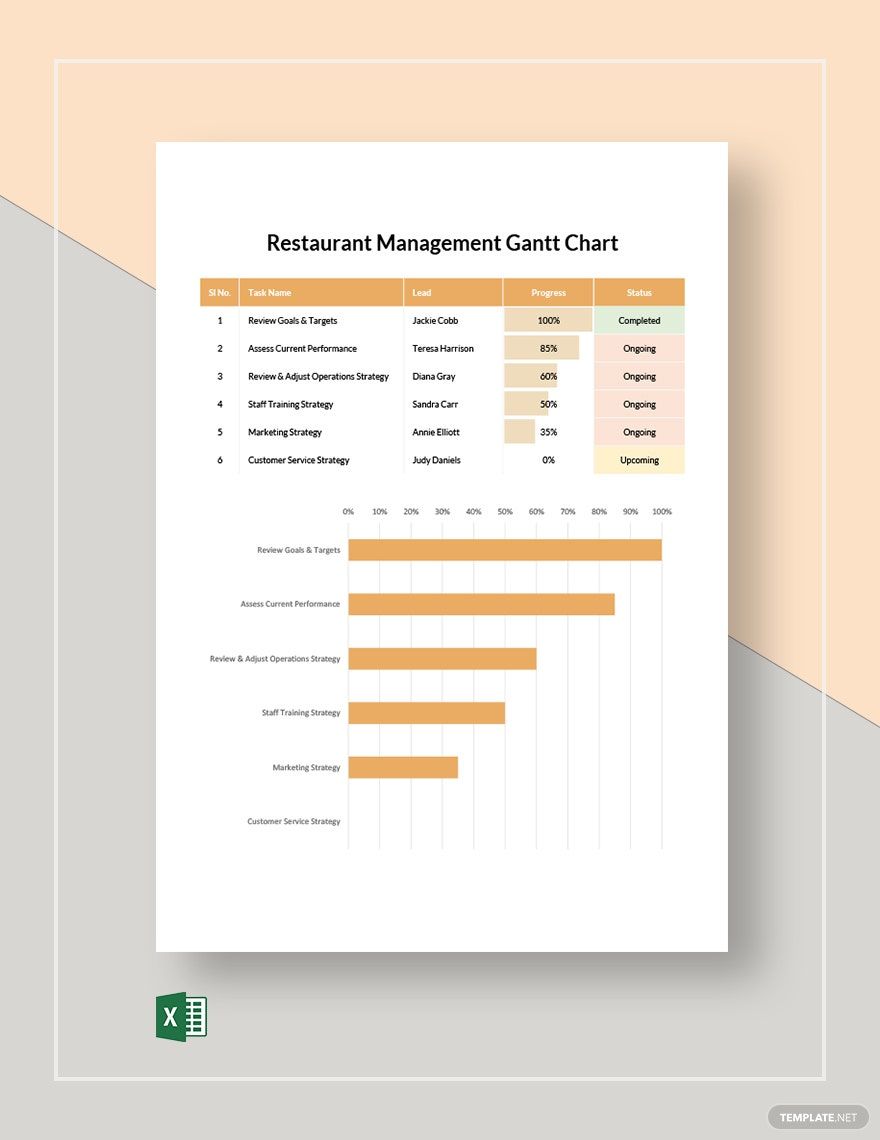
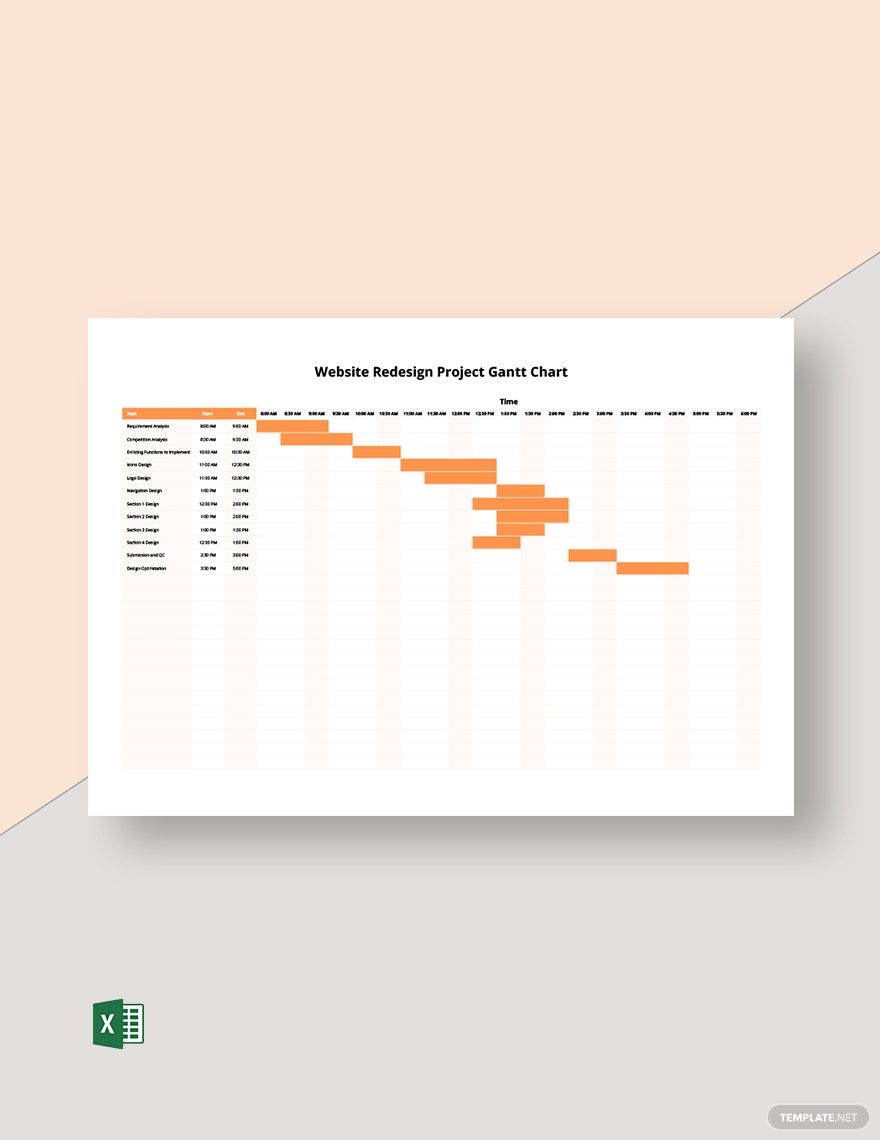
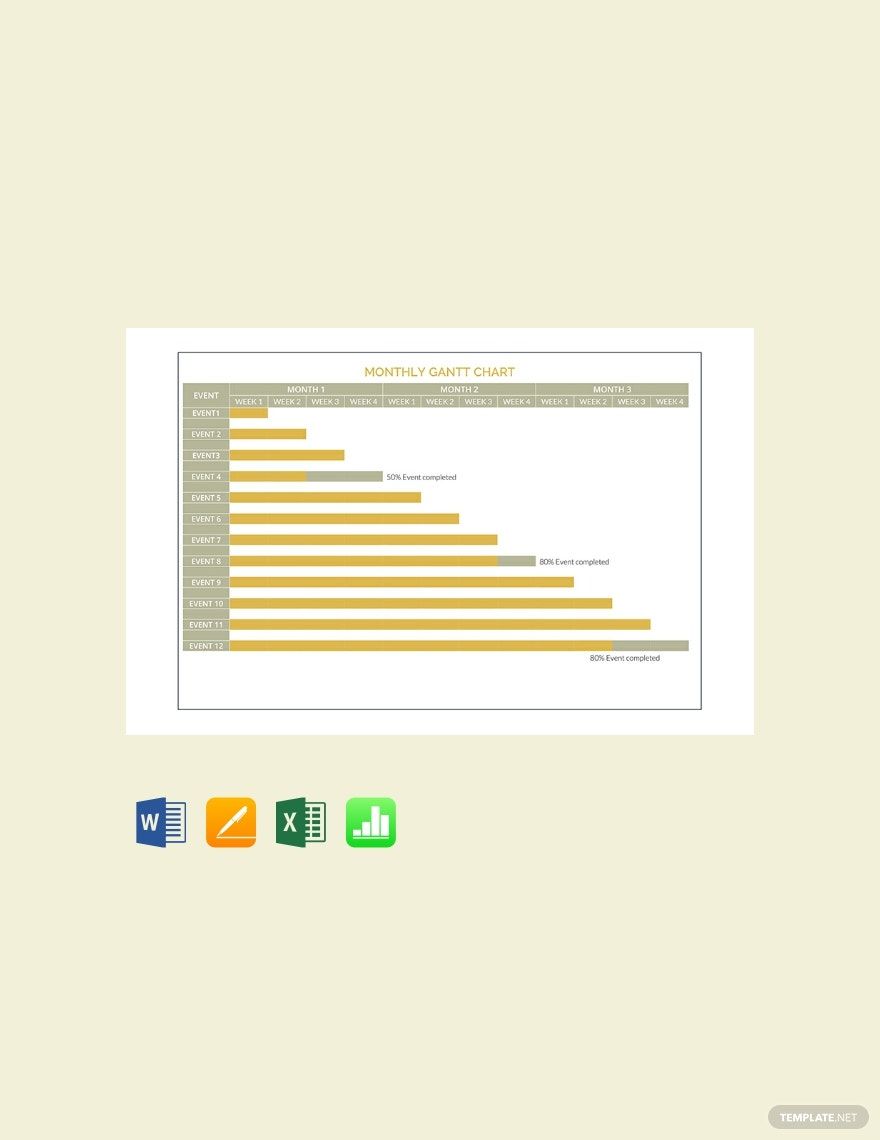
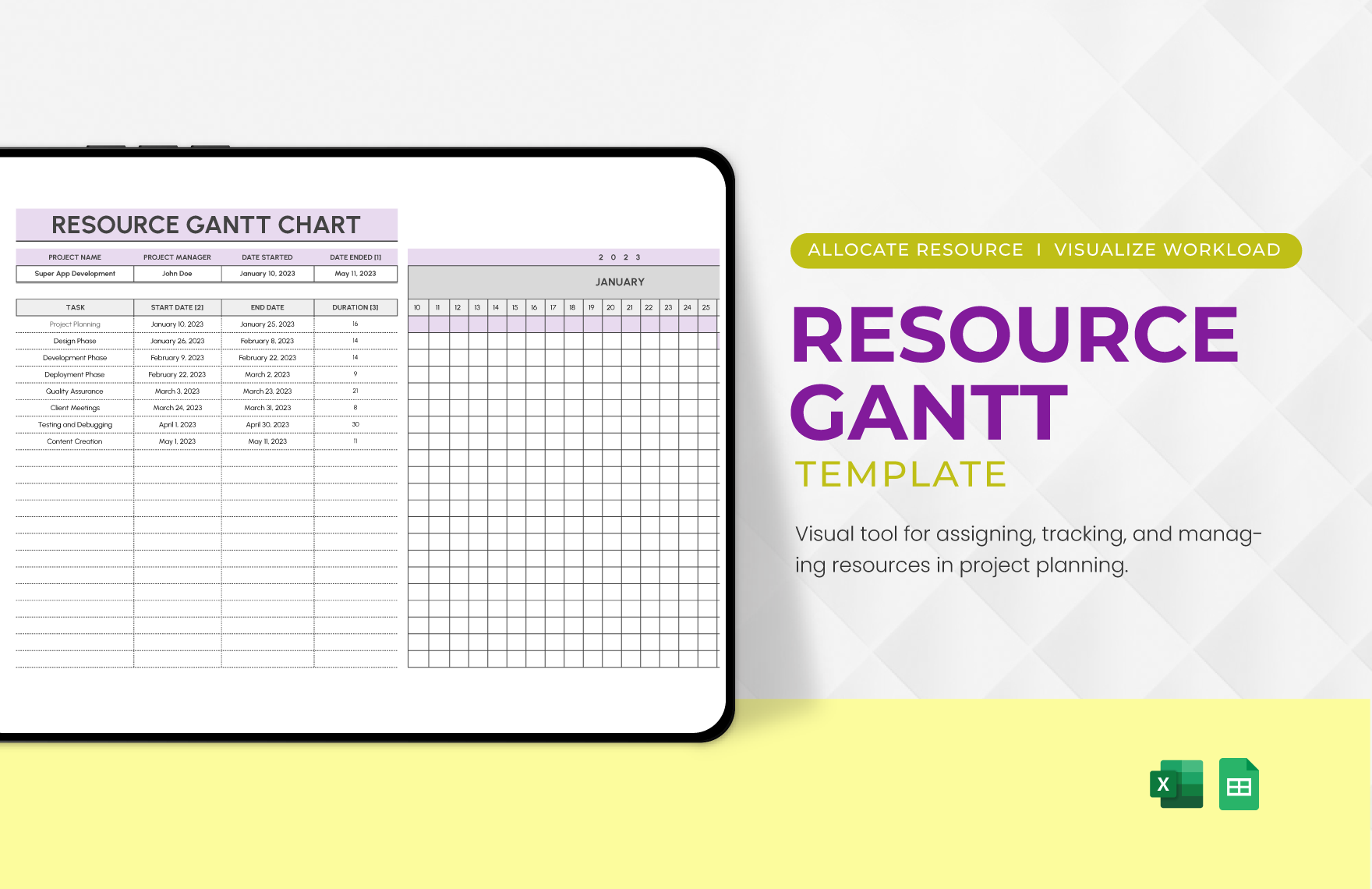
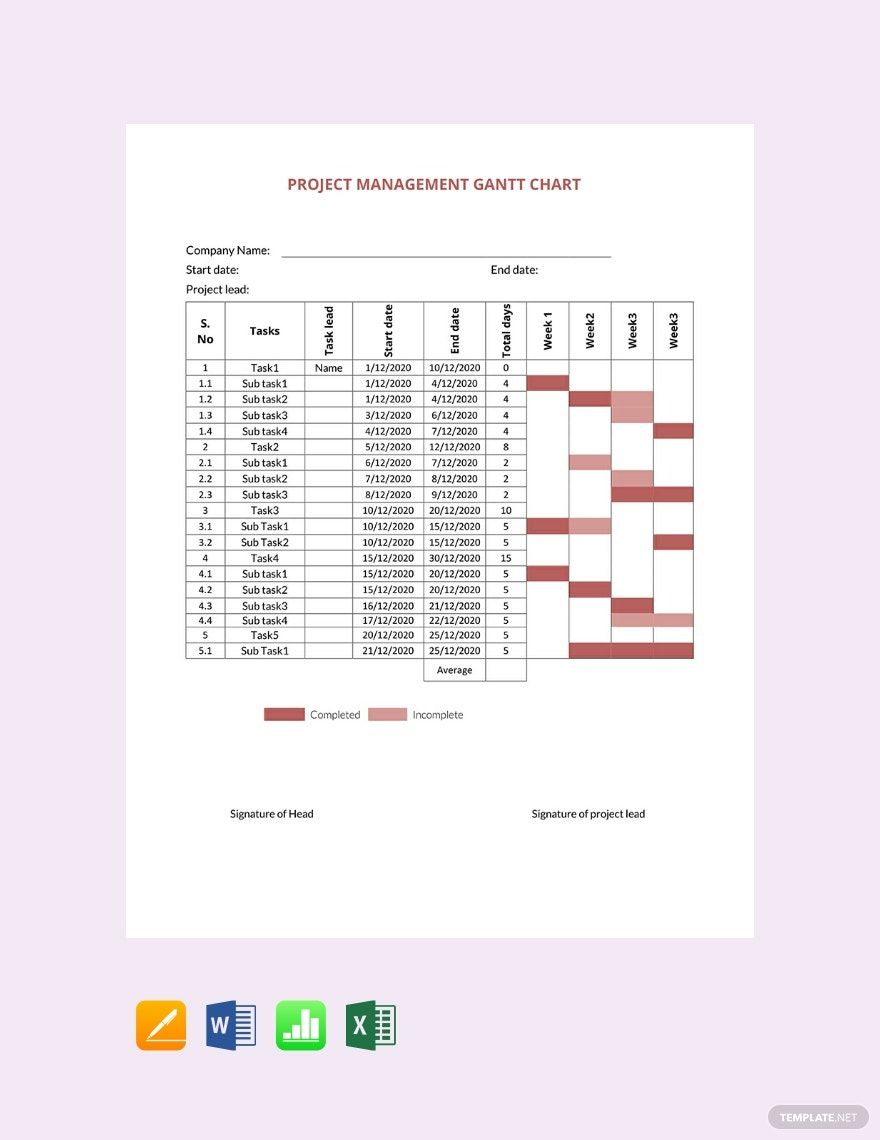
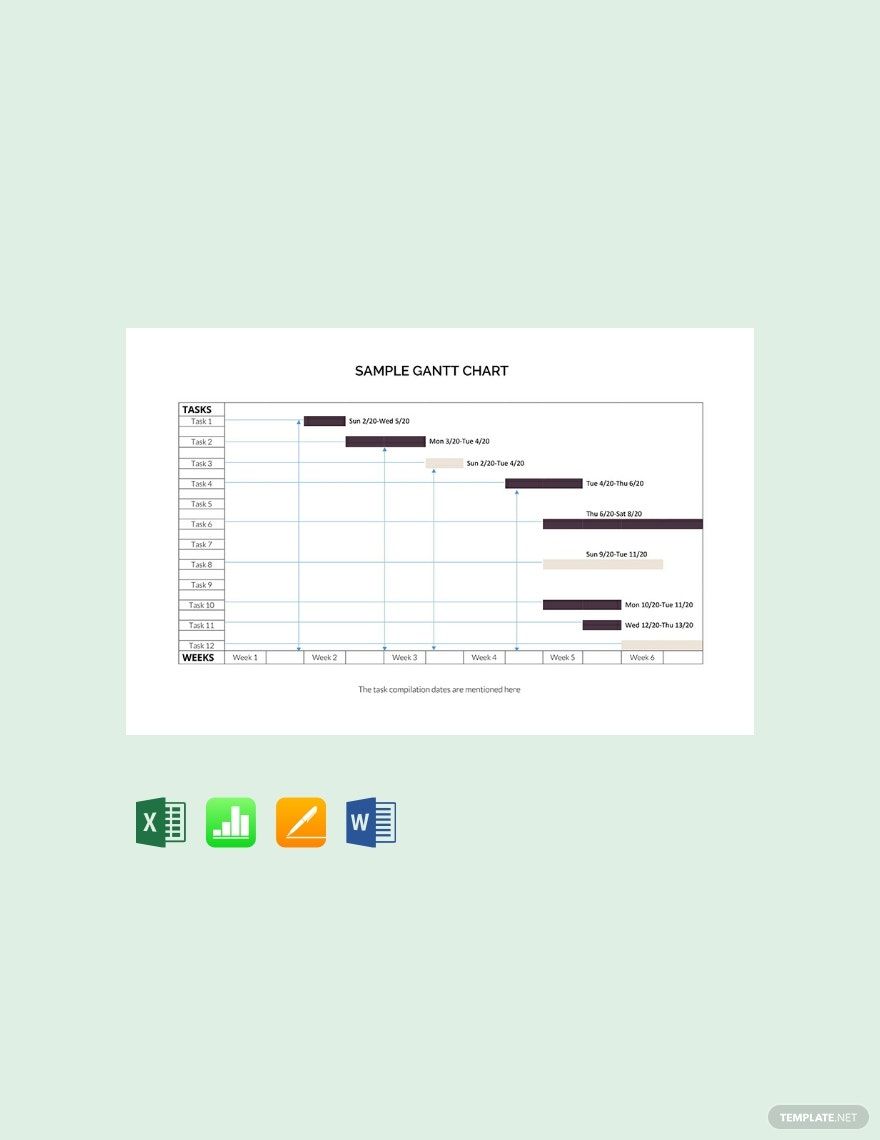
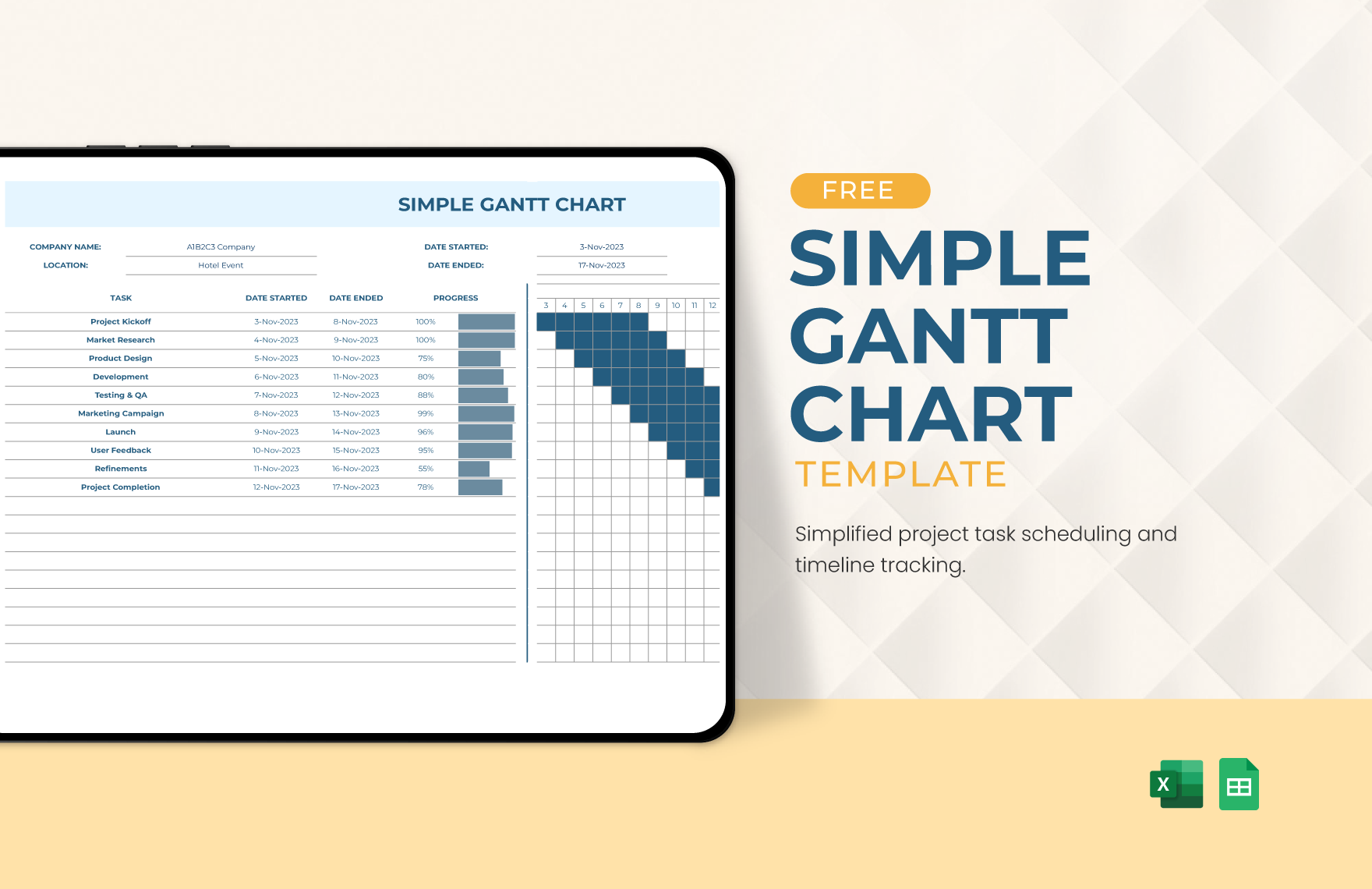
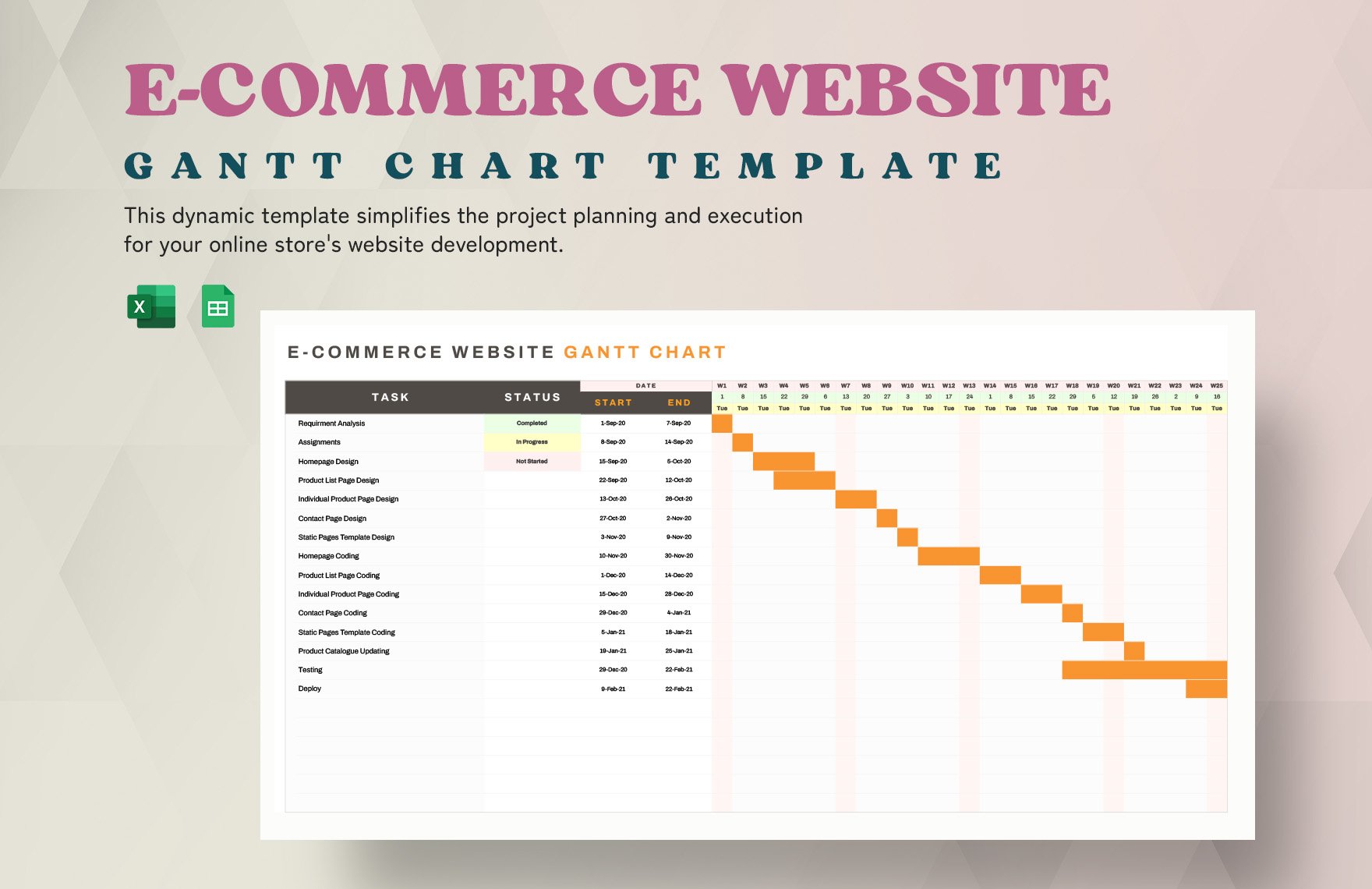
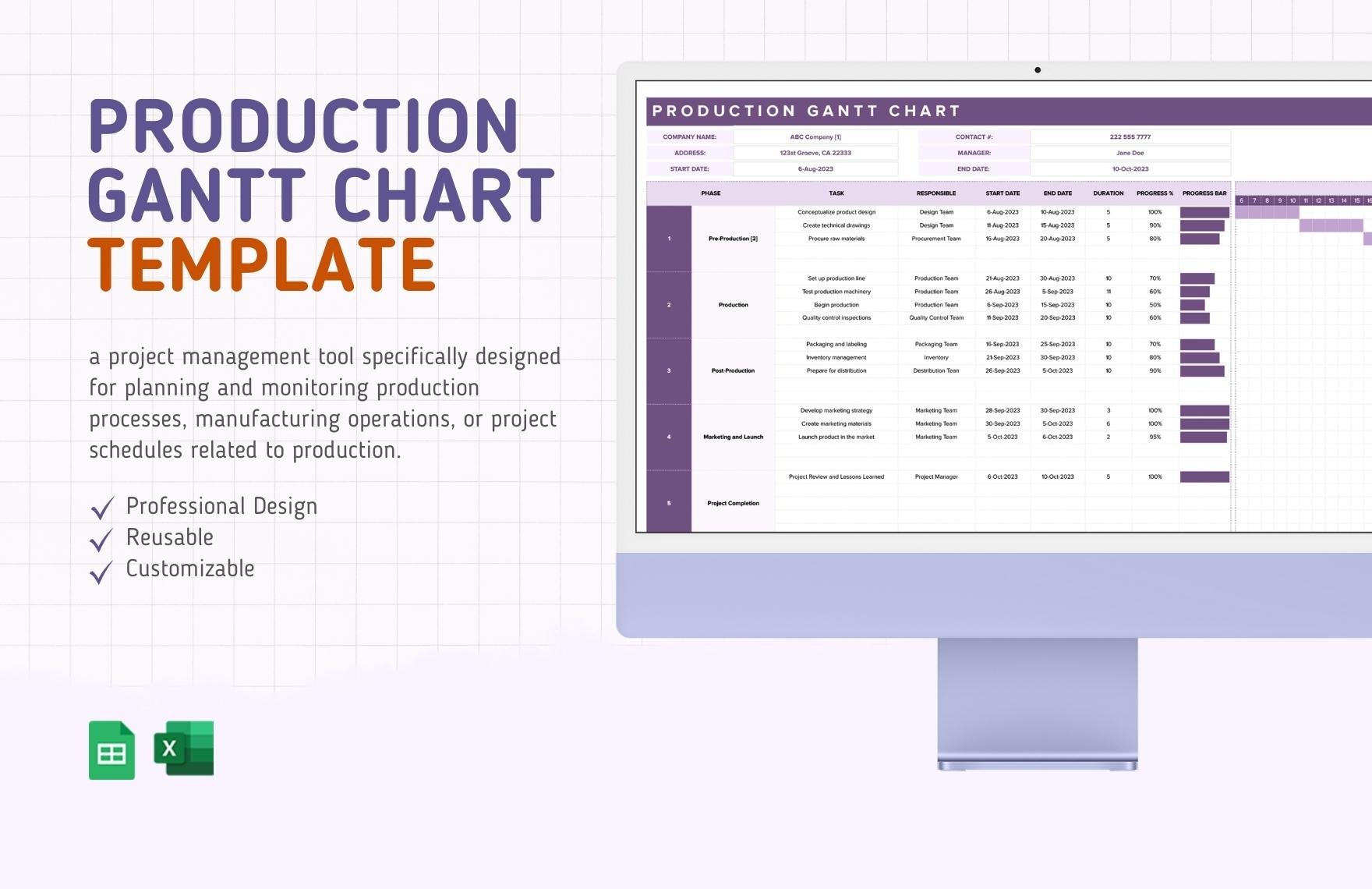
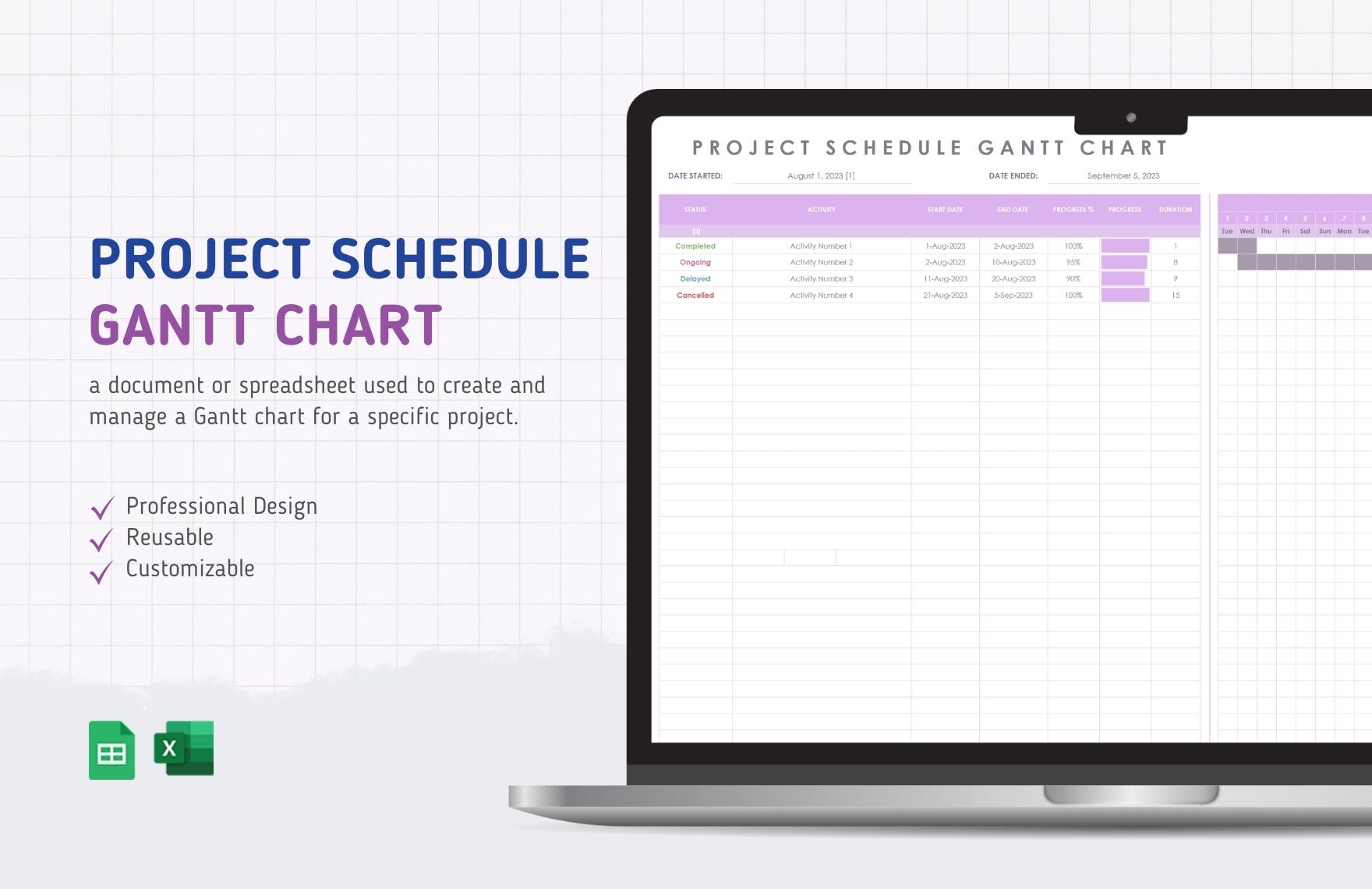
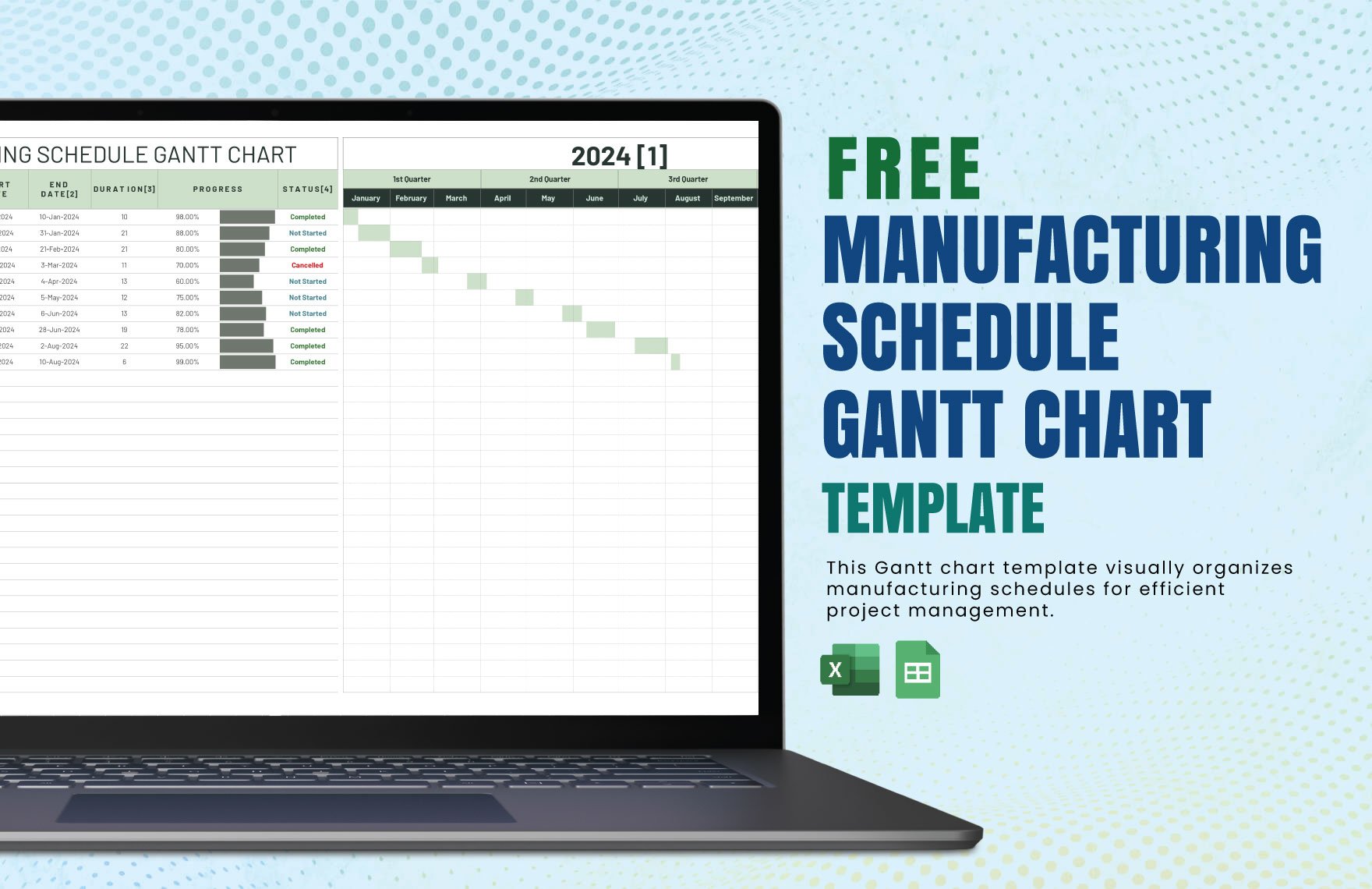
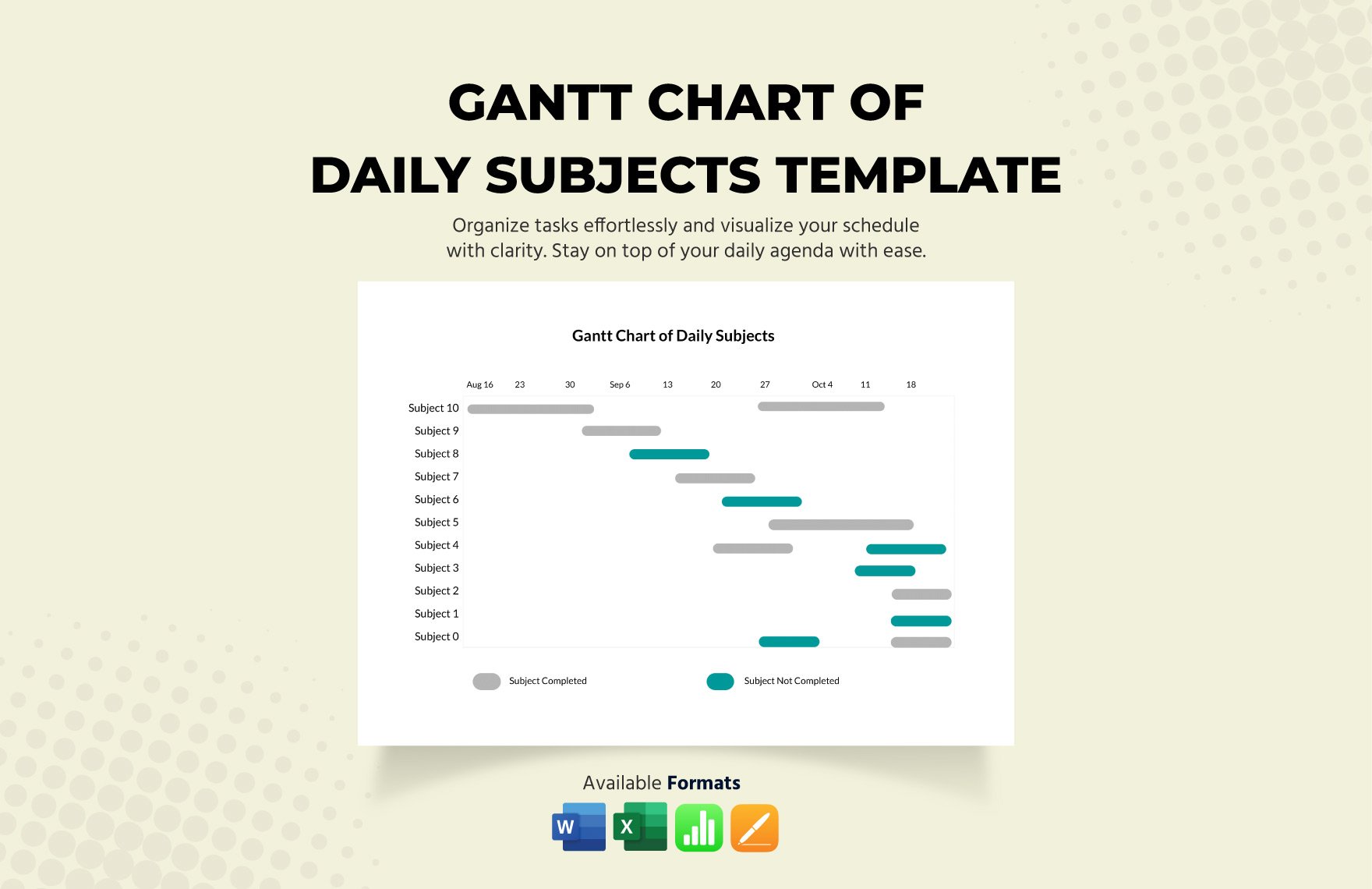
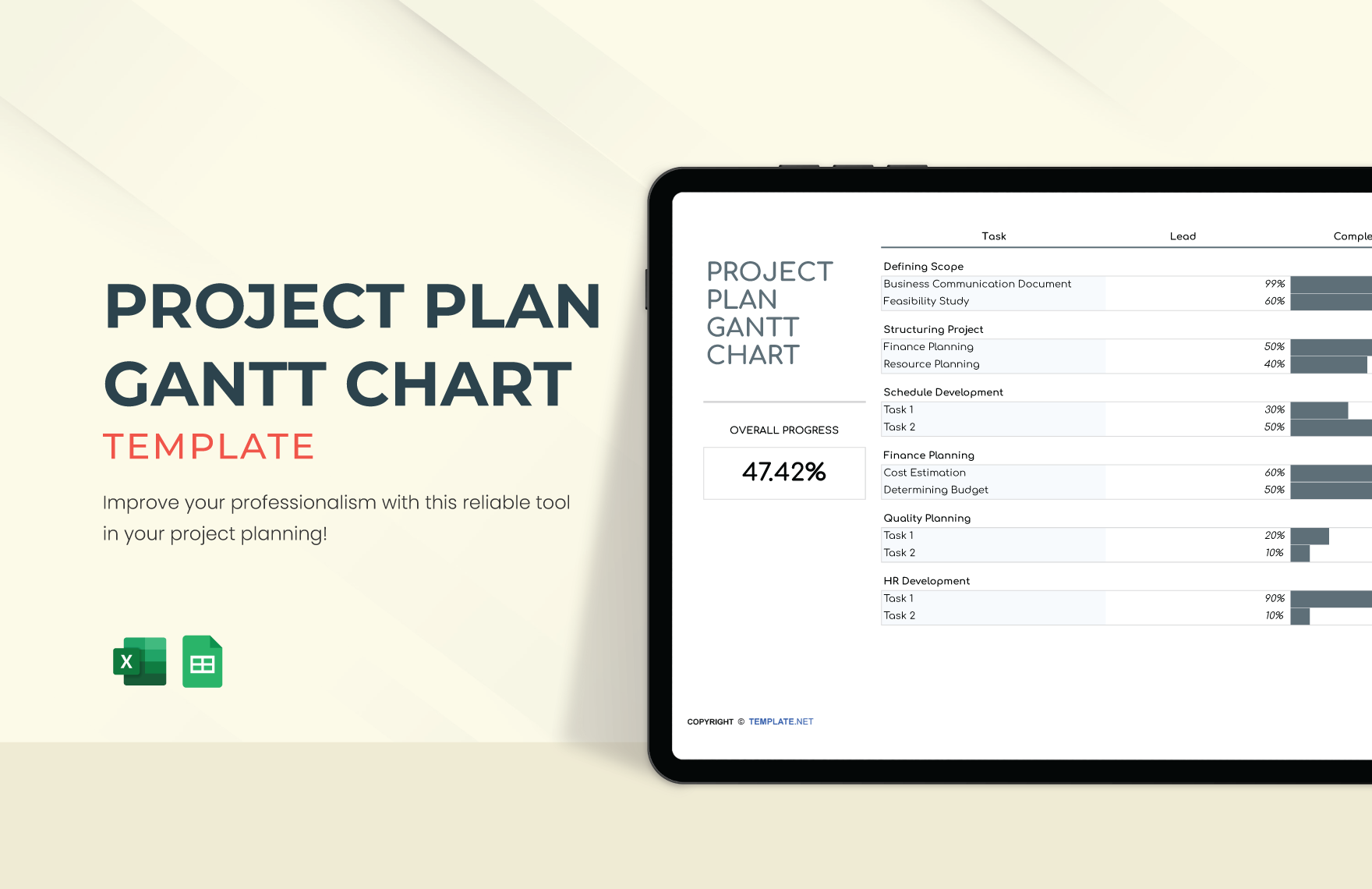
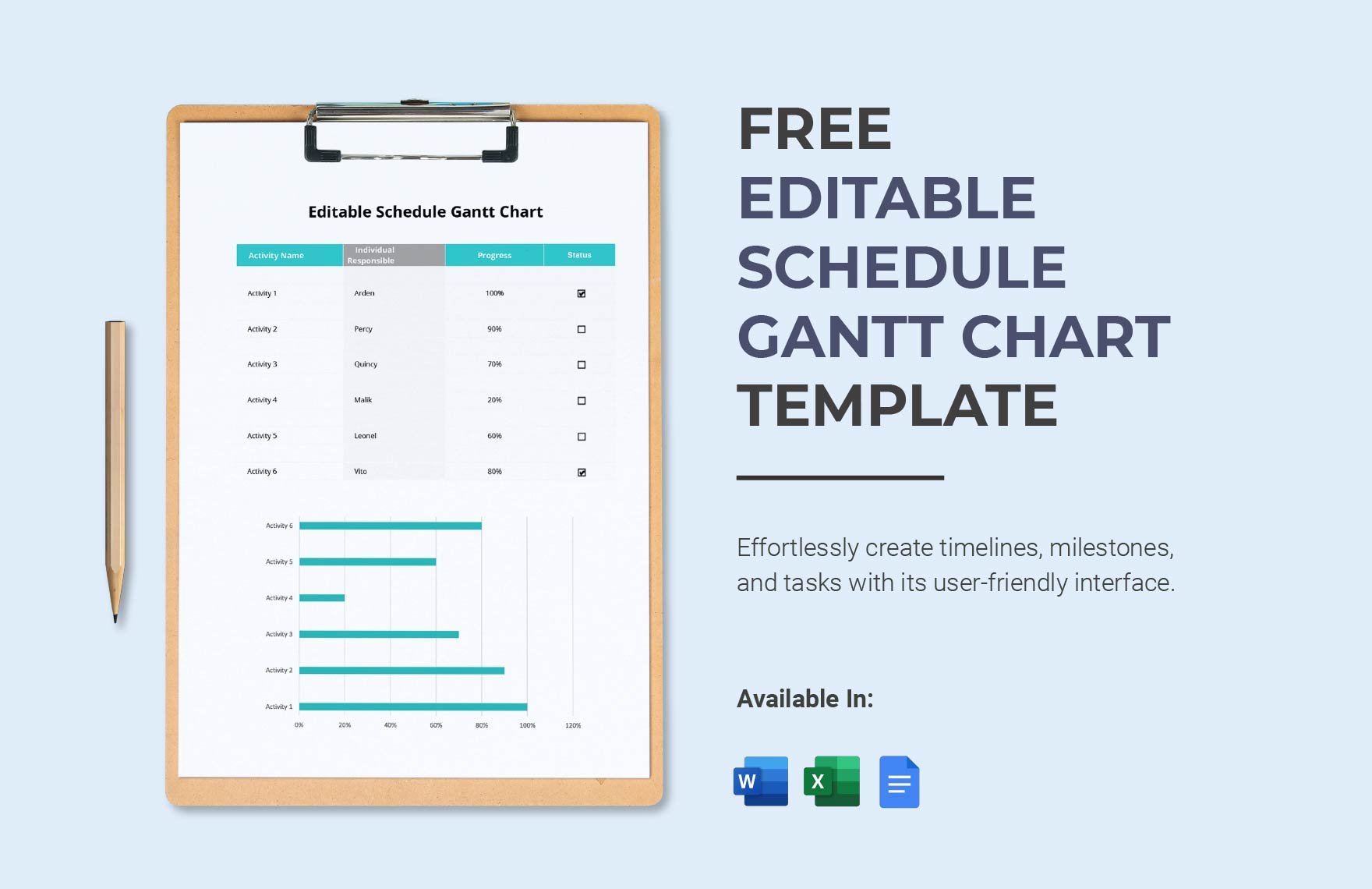
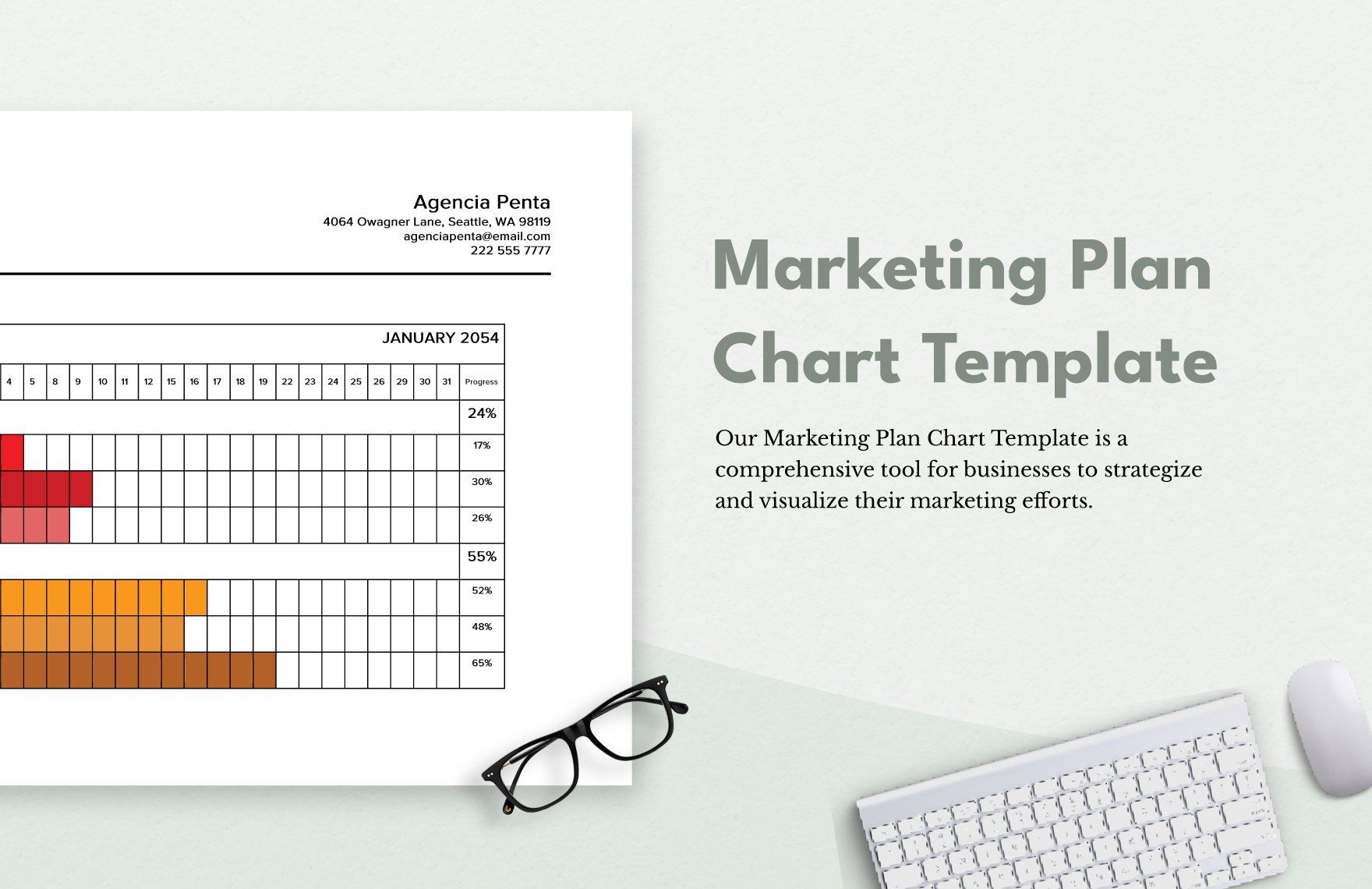
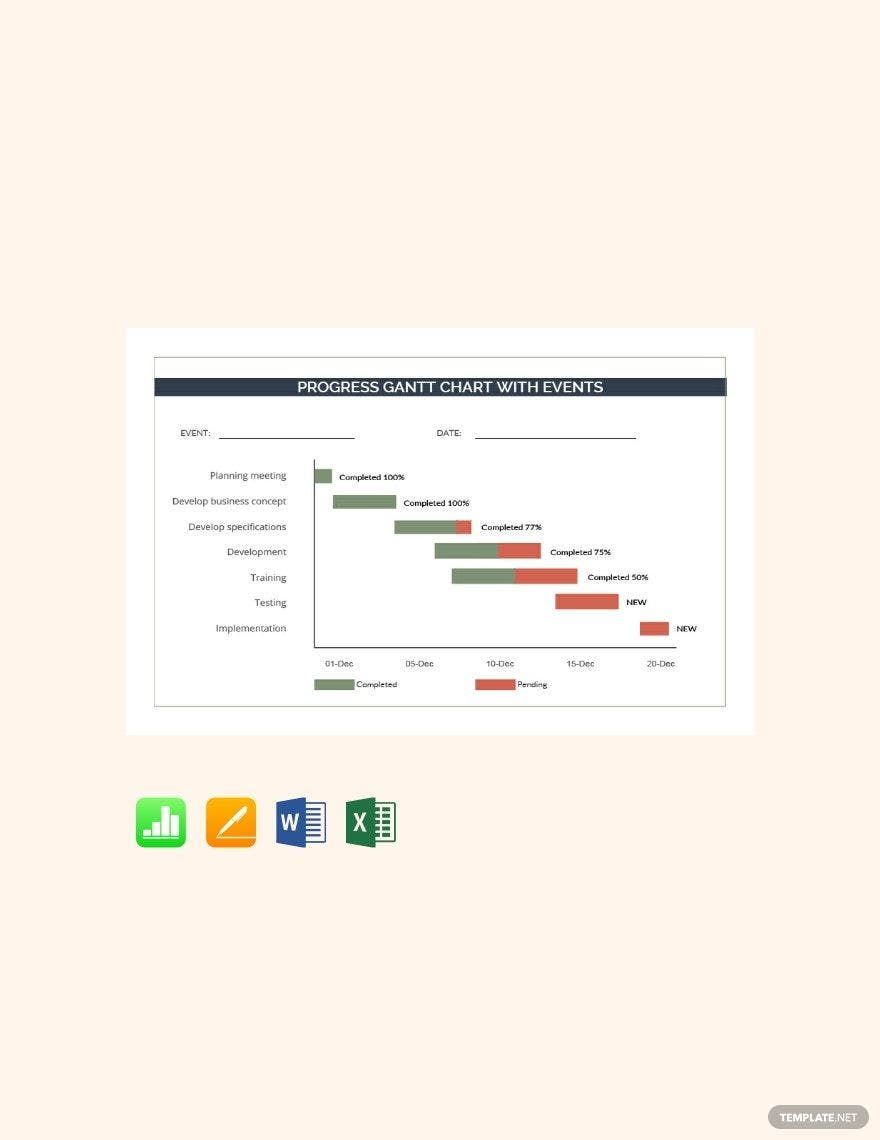
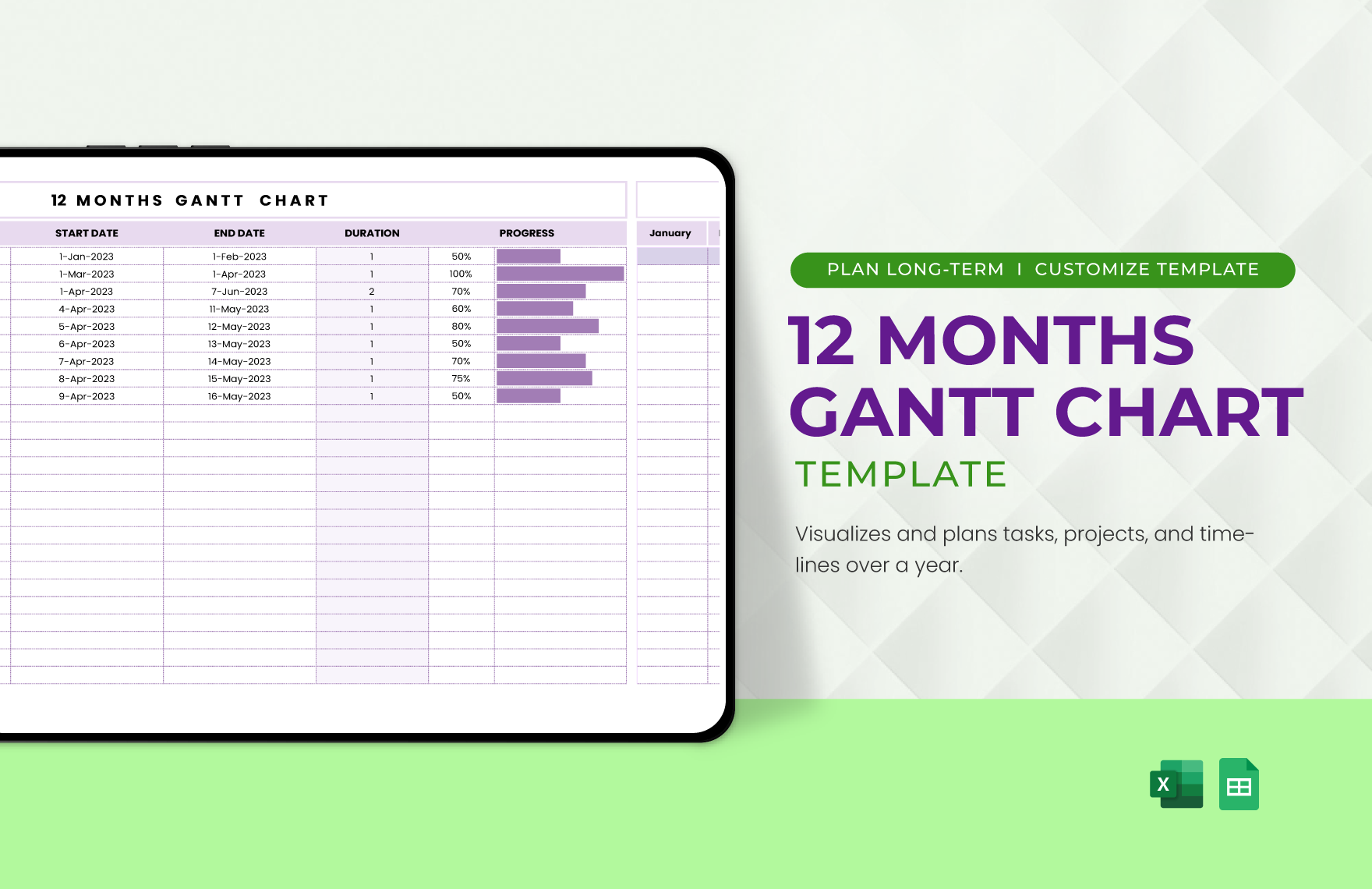
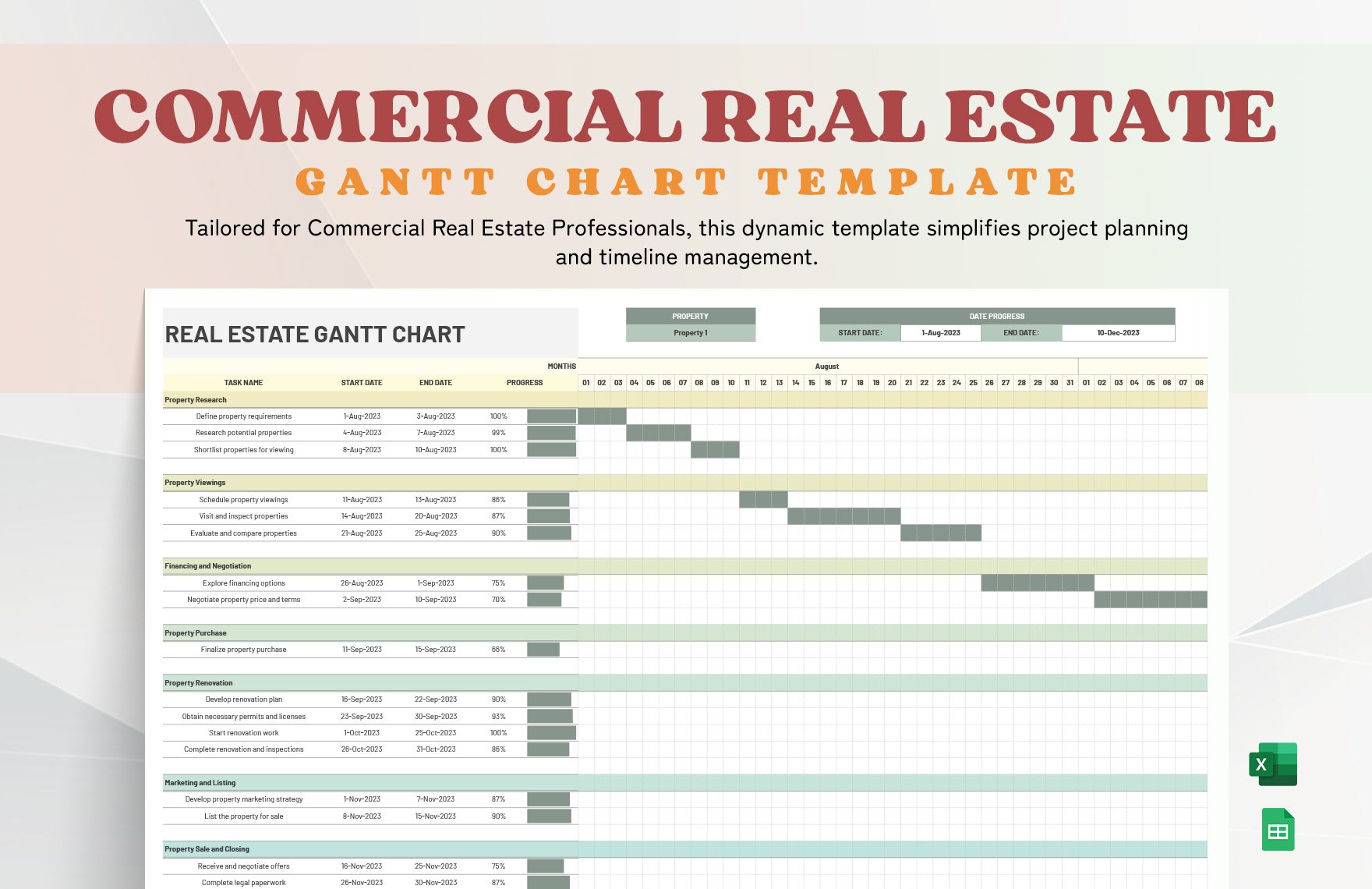
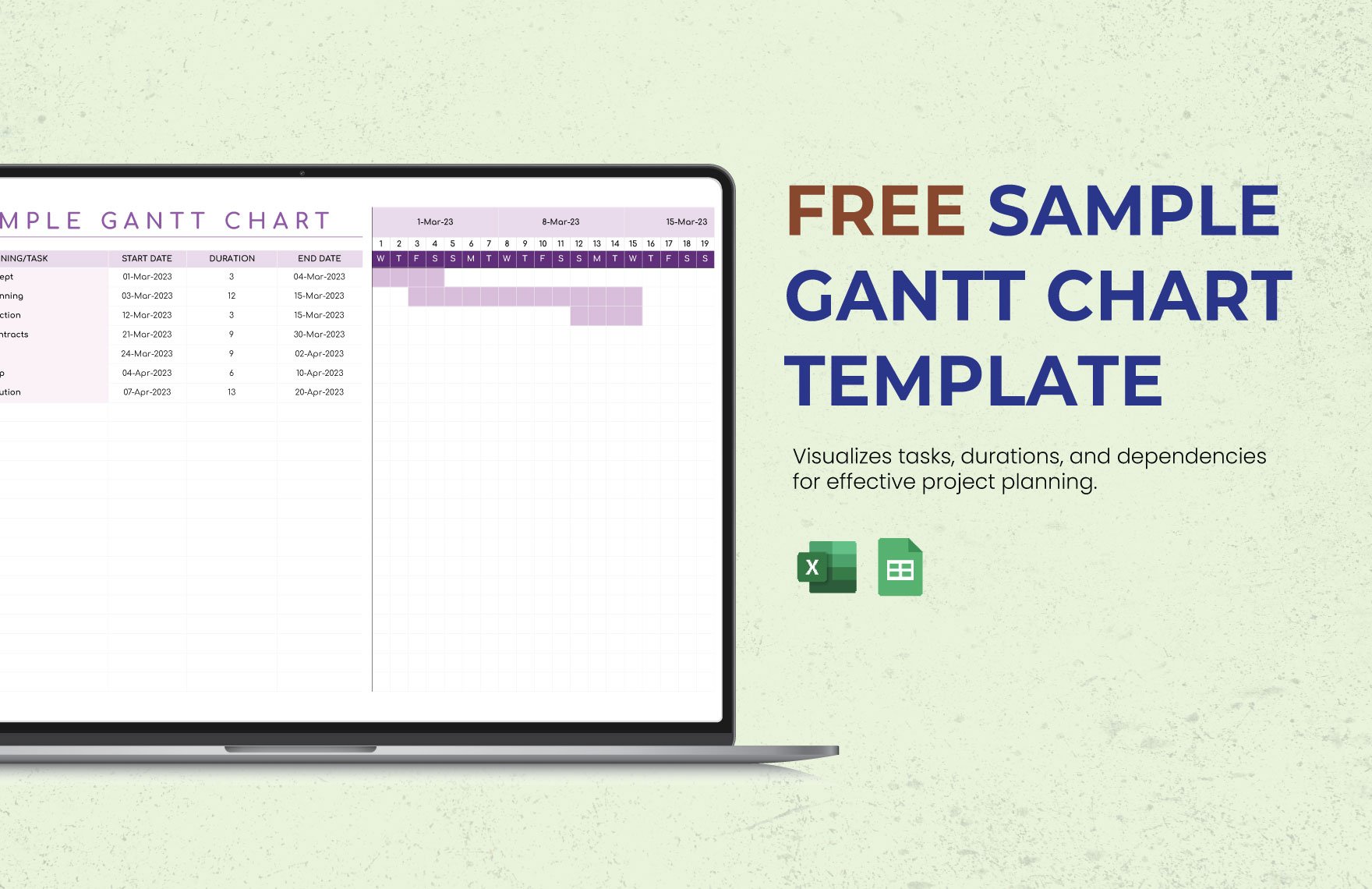
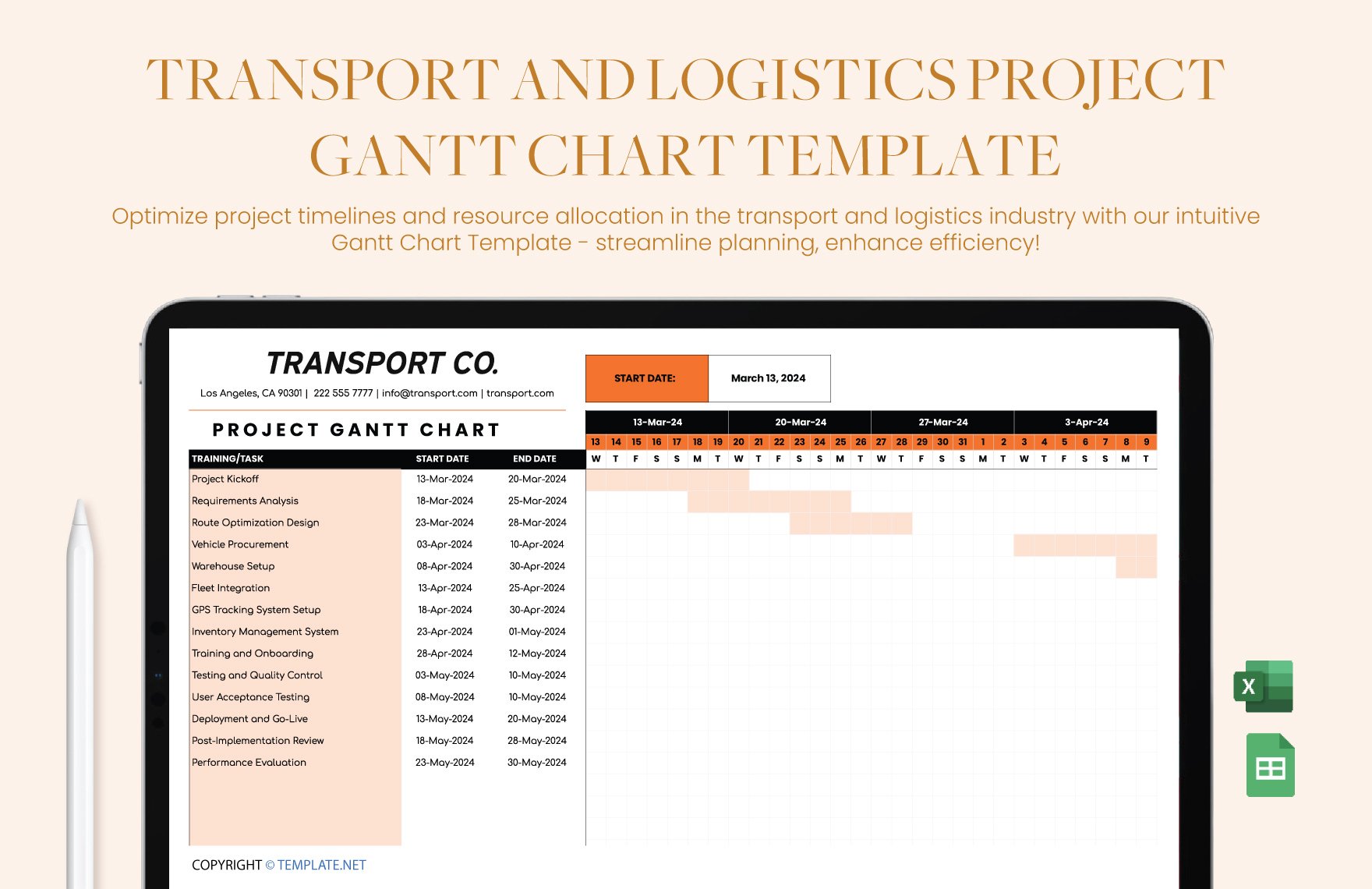
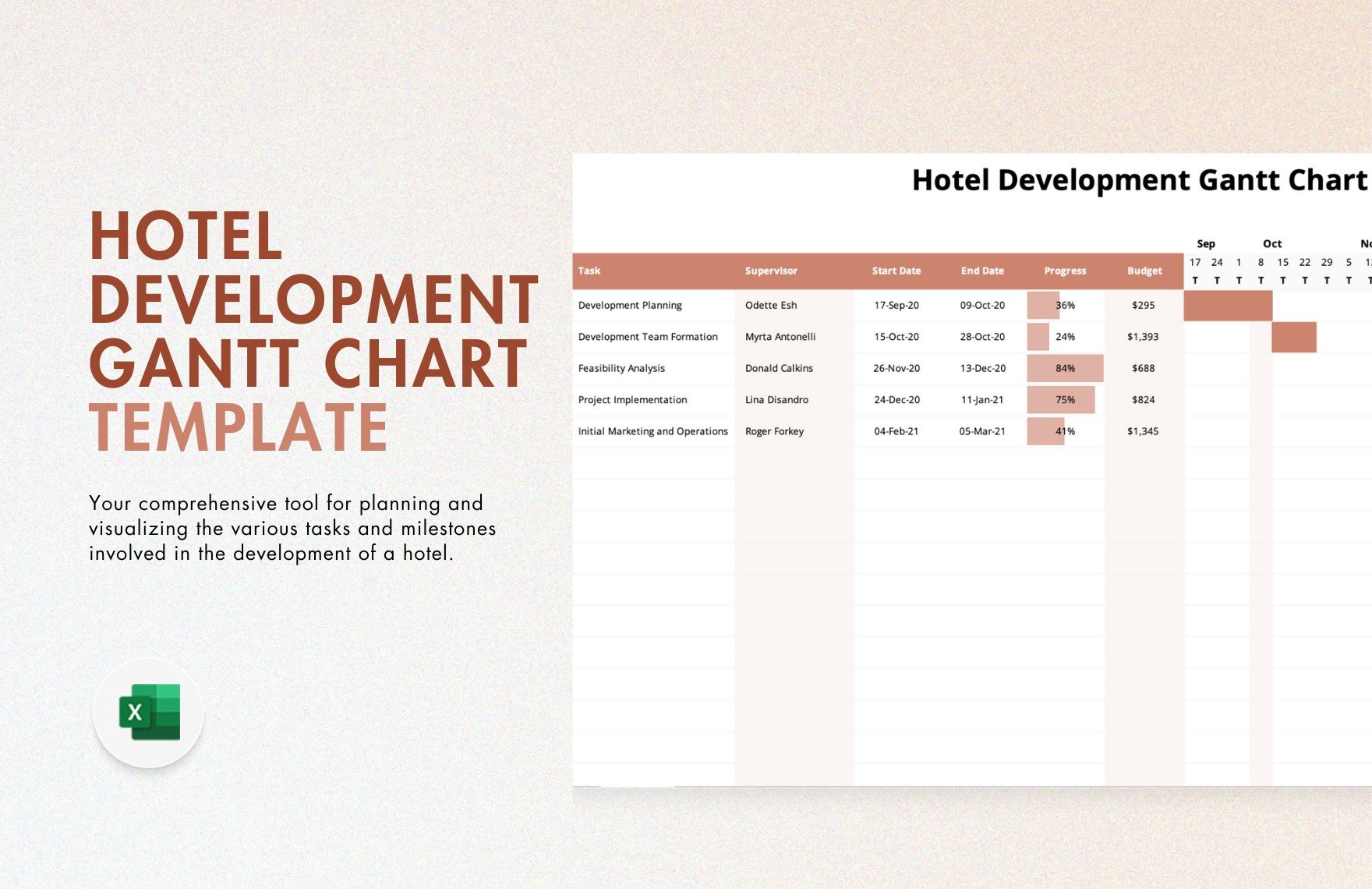
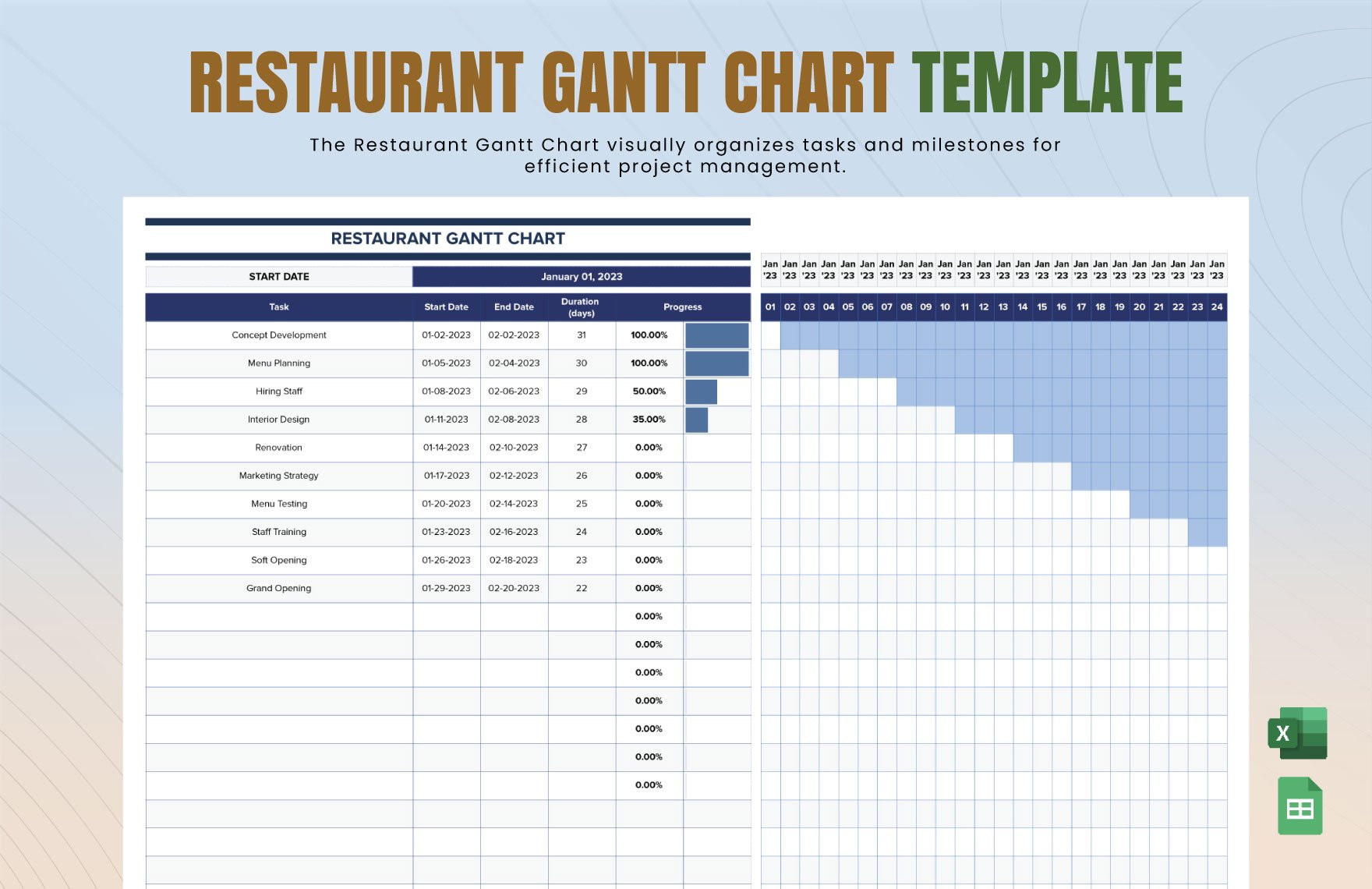
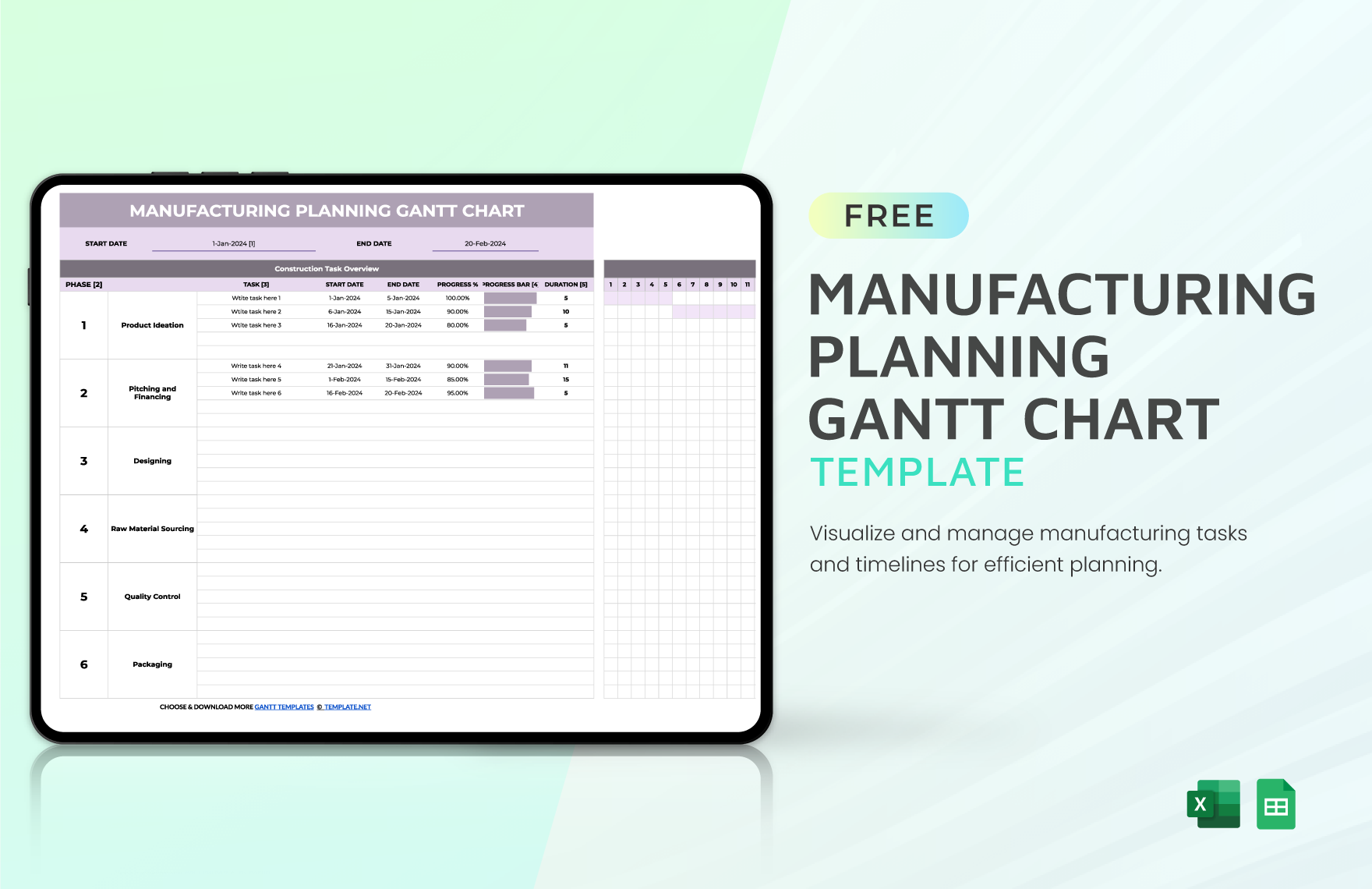
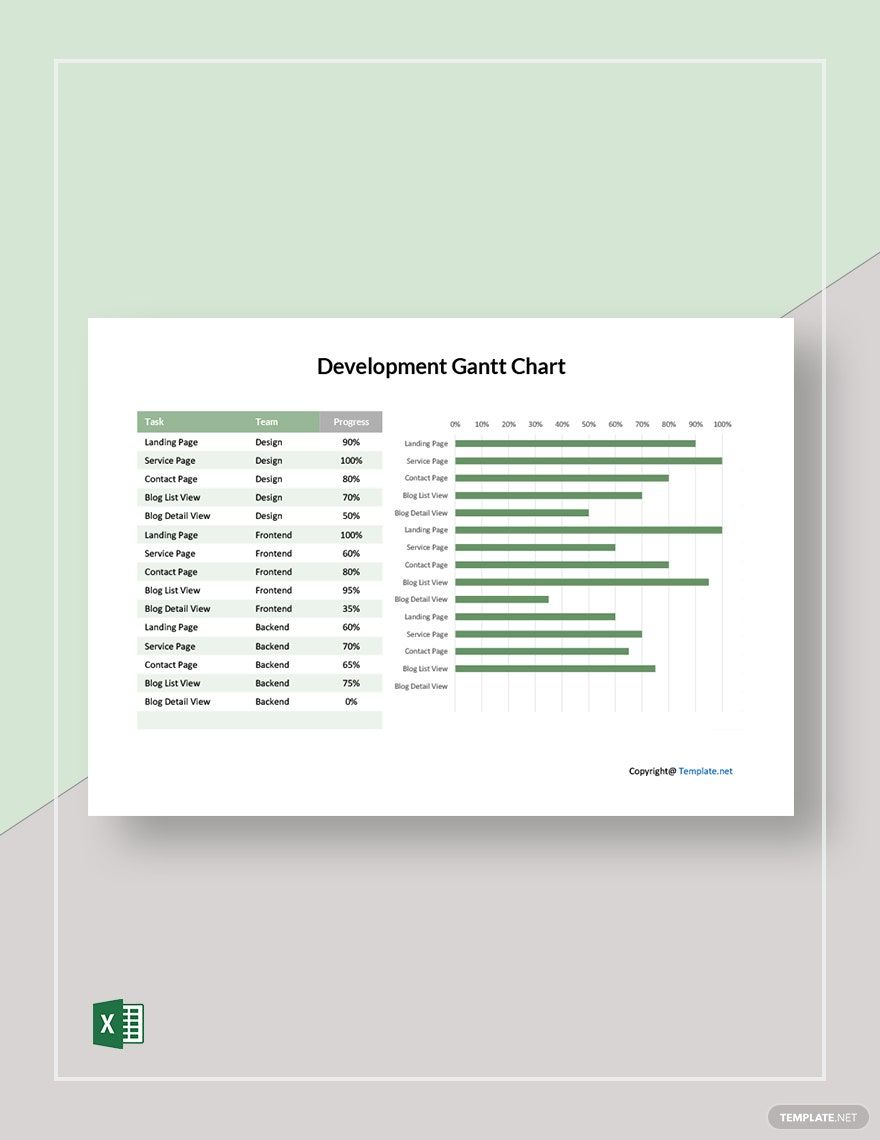
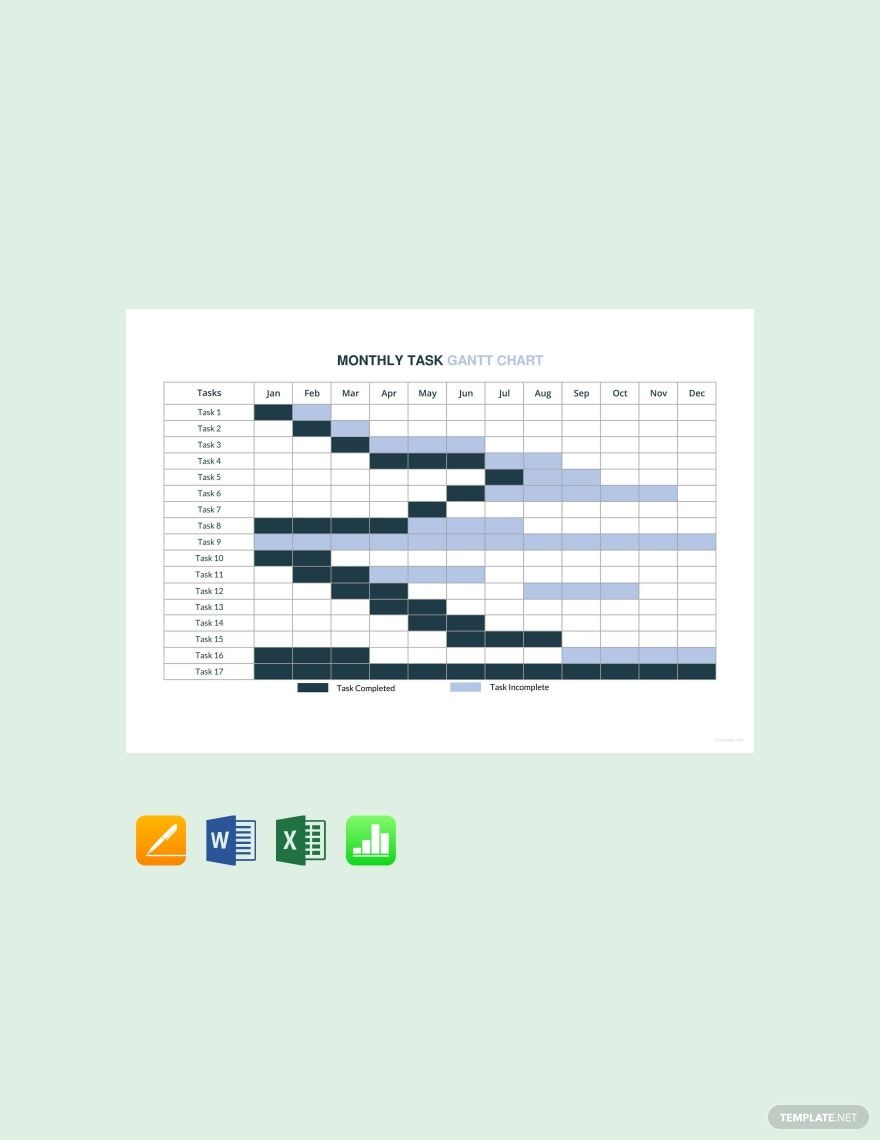
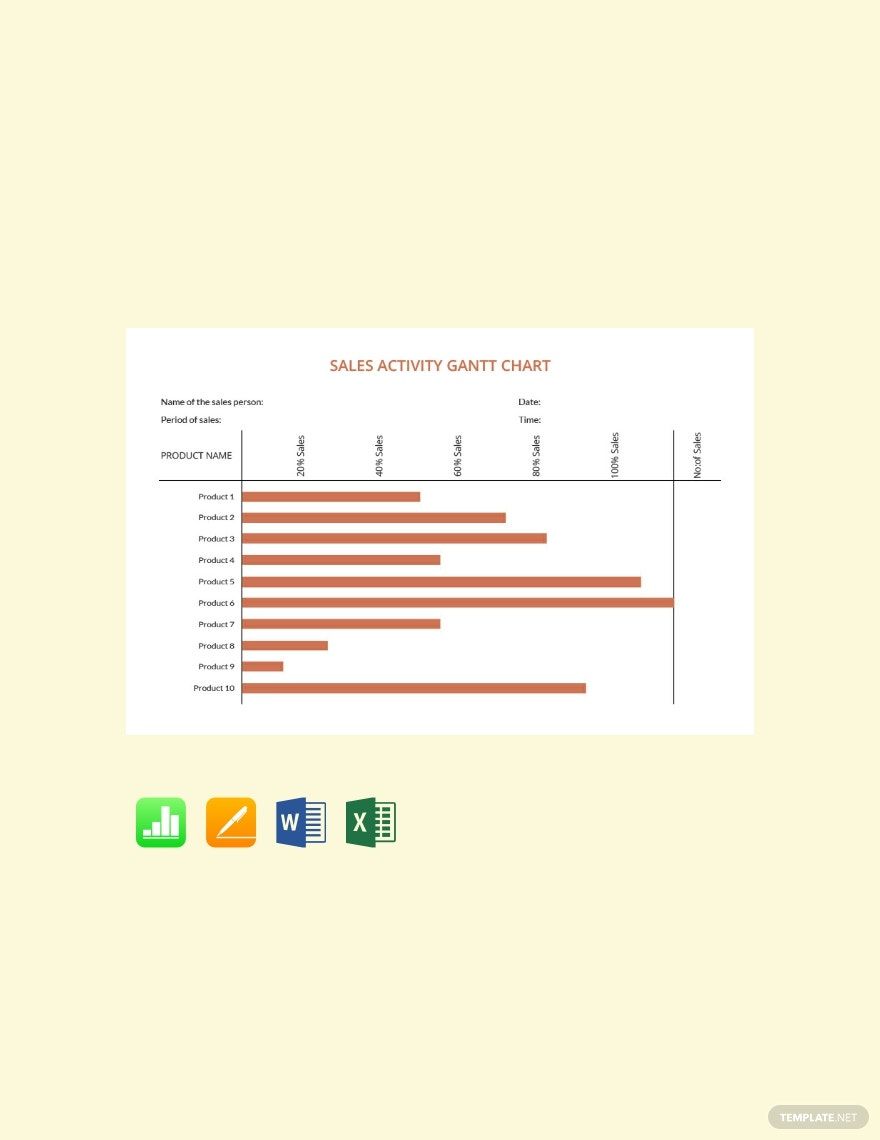
Gantt charts are practical project management tools that help anyone in visualizing the specific tasks of your project. To gain access to such a useful tool, be sure to download our high-quality Gantt chart templates that you can conveniently edit in Microsoft Excel. The premium templates we have are ready-made with well-written suggestive content that you can either use as-is or further customize according to your preferences. We can guarantee you that with the use of our templates, you can surely organize the tasks of your projects and improve your progress and productivity. Be sure to download our easily editable Gantt chart in Microsoft Excel today to experience a smooth flow in your project management.
How To Create A Gantt Chart in Excel
A Gantt chart is somewhat a bar chart widely used to describe and monitor projects as per project management guidelines. It can come in handy if your project needs more planning than the fundamental to-do list. Gantt charts can also demonstrate how separate tasks are linked to each other and how one milestone's completion or delay could affect the other. If you are planning to create a Gantt chart for purposes like project timeline charts, workload management of a project, hourly, daily, monthly, and yearly project schedule, here are some necessary steps involved in the Gantt chart-making process.
1. Opt To Use Excel
Microsoft Excel is a spreadsheet software, that is part of Microsoft Office, you can use for storing, organizing, and manipulating data. Excel allows you to create graphical representations of your data and information. It can visualize data in the form of bar charts, column charts, and graphs. This is a user-friendly program that will make it easy even for beginners to create their own Gantt chart.
2. Download A Template
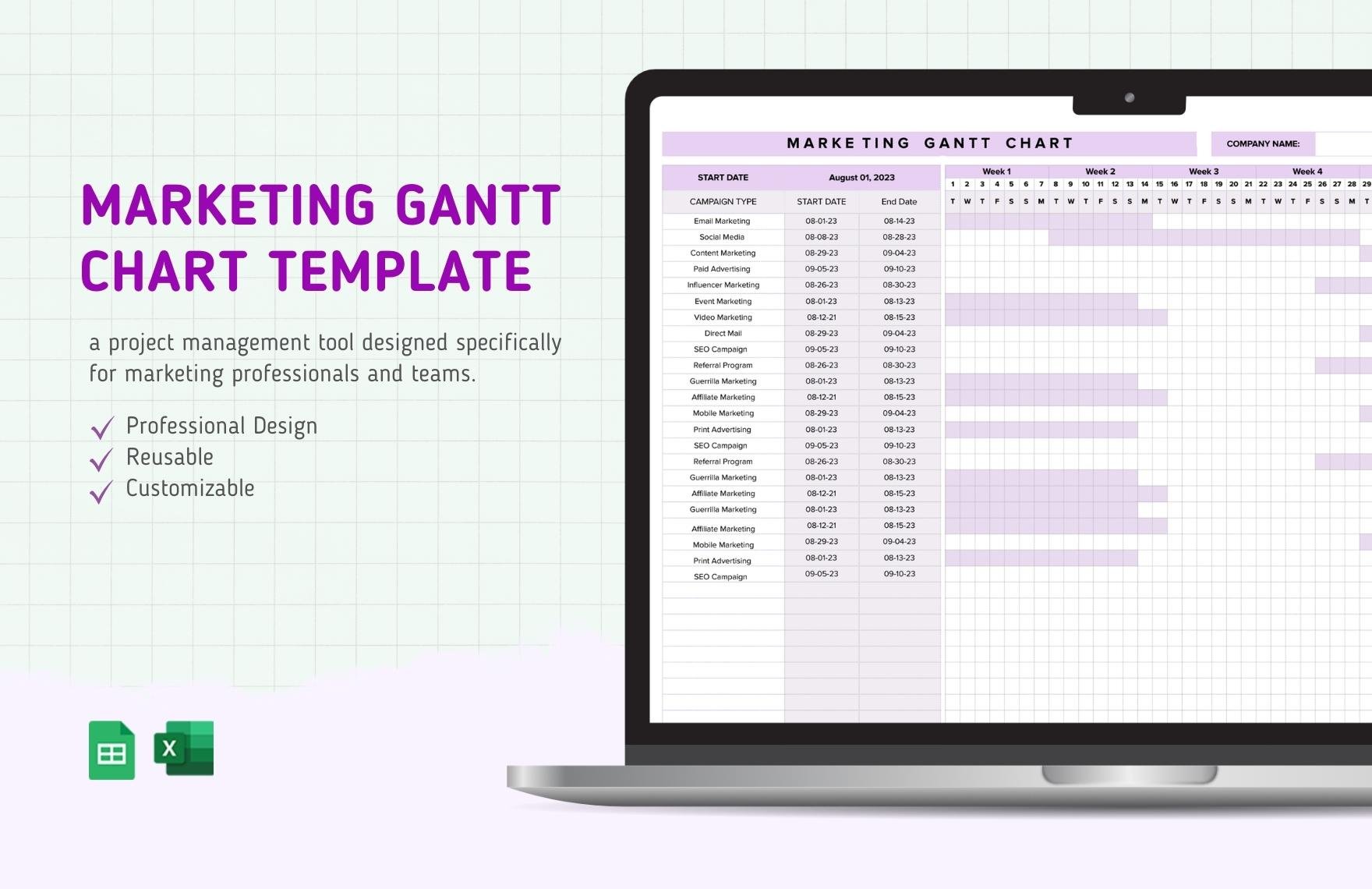
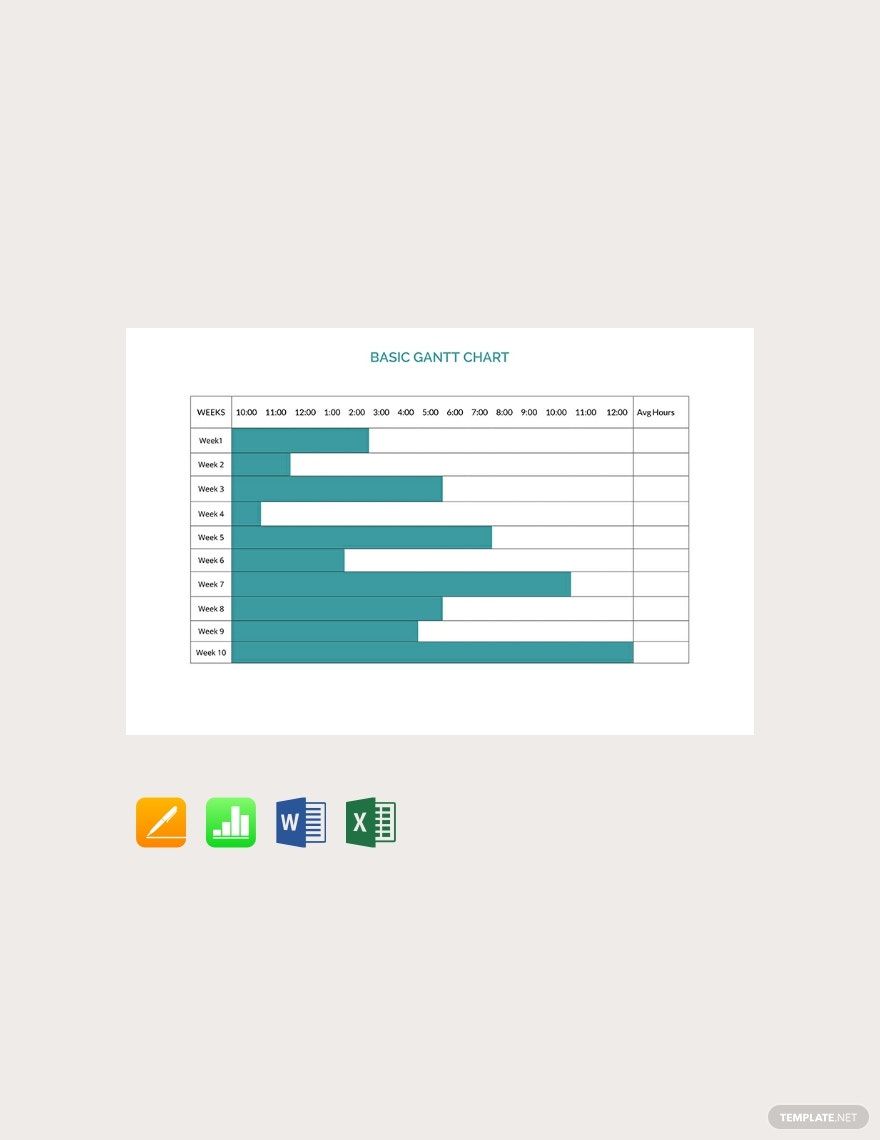
Gantt charts are essential to illustrate how much progress you have made with your project based on the time allocated. If you need to develop a Gantt chart quickly, you can download from our numerous Gantt chart available above. We offer you a ready-made chart sample that you can easily modify to meet your needs. We have made Gantt chart templates for numerous occasions, such as Basic Gantt Chart Template and Marketing Plan Gantt Chart Template. Just scroll up to find more Gantt charts you might need.
3. Compose A Task List
You need to develop a comprehensive task list for your Gantt chart. Another notable feature of a successful Gantt chart is the inclusion of a list of all possible duties or conditions to be accomplished to attain a specific objective. Gantt charts can be used for various purposes as a weekly schedule for a wedding event, construction scheduling, and many more. You need to be cautious in listing these items because they are factors you and your team will need to do before you can continue to the next assignment.
4. Apply A Color Scheme
Just like any document, your Gantt chart will need a color scheme. You have the choice to leave it as a simple chart, but if you want to be creative, seek your color chart. Choose complementary color combinations so that it will make all the texts and design elements stand out for the right reasons. The best Gantt charts are mostly those that use color schemes to improve the overall document.
5. Write Clear Labels
In addition to a color scheme, writing clear labels or headings make an efficient Gantt chart design. Ensure that all of your Gantt chart's columns and rows are appropriately named. The latter enables readers to comprehend and connect easily on the Gantt chart about what they are going to see. Also, a chart with clear and concise labels is pleasing to look at.