Template.net logo
AI
Editors
  • Writer
  • Design
  • Document
  • Form
  • Whiteboard
  • Photo
  • Presentation
  • Chart & Graph
Marketing
  • Logo
  • Flyer
  • Business Card
  • Mockup
  • Banner
  • Meme
  • Social Media
  • Wallpaper
  • LinkedIn Banner
  • YouTube Thumbnail
  • Background
  • Infographic
  • Insta Story
  • WhatsApp Status
  • Youtube Channel Art
Print
  • Menu
  • Card
  • Brochure
  • Sticker
  • Calendar
  • Label
  • Tshirt
  • Certificate
  • Poster
  • Business Card
  • Ticket
  • Timeline
  • Schedule
  • Newspaper
  • Cover Page
Document
  • Resume
  • Invoice
  • Business Plan
  • Report
  • Agreements
  • Itinerary
  • Proposal
  • Letter
  • Statements
  • Analysis
  • Citation
  • Story
  • Cover Letter
  • Budget
  • Checklist
Tools
  • Remove Background
  • Photo
  • Collage
  • Signature
  • QR Code
  • Barcode
  • Headshot
  • Coloring Page
  • Lesson Plan
More
  • Family Tree
  • Vision Board
  • Diagram
  • Flowchart
  • Quiz
  • Invitation
  • Quote
All AI GeneratorsStart Chat
Templates
Business
  • Marketing
  • Sales
  • HR
  • Advertising
  • Health and Safety
  • Finance
  • Accounting
  • Legal
  • Administration
  • Operations
  • Brand
  • Startup
  • Construction
  • Education
Categories
  • Design
  • Docs
  • Form
  • Whiteboard
  • Social Media
  • Presentation
  • Resume
  • Diagram
  • Trending
  • Banner
  • Invitation
  • Graphic
  • Infographic
  • Chart
Marketing
  • Flyer
  • Letterhead
  • Menu
  • Background
  • Clipart
  • Drawing
  • Calendar
  • Card
  • Logo
  • Timeline
  • Schedule
  • Poster
  • Brochure
  • Wallpaper
Document
  • Resume
  • Invoice
  • Business Plan
  • Report
  • Agreement
  • Itinerary
  • Proposal
  • Letter
  • Statement
  • Analysis
  • Family Tree
  • Cover Letter
  • Budget
  • Checklist
Download
  • Microsoft Word
  • Microsoft Excel
  • Microsoft PowerPoint
  • Microsoft Publisher
  • Google Docs
  • Google Sheets
  • Google Slides
  • PDF
  • PSD
  • Illustrator
  • InDesign
  • Apple Pages
  • Apple Numbers
  • Apple Keynote
All Templates
Pricing
  • Home
  • Templates
  • Cross-Functional Organizational Chart in Apple Pages

Cross-Functional Organizational Chart Template in Apple Pages, Imac

Organize Teams of Diverse Talents with Template.net's Free Cross-Functional Organizational Chart Apple Pages Templates! These Predesigned Structures Will Help Organizations to Have Functional Teams. Be It Software or Manufacturing Companies, Take Advantage of Conveniently Editing Preformatted Text Information. Download Your Process Flowchart or Organizational Chart Template Google Docs and PowerPoint (PPT) Format as Well!

  • Pages
  • Resumes
  • Invoices
  • Menu
  • Cover Letter
  • Checklists
  • Notebook Journals
  • Cookbook
  • Certificates
  • Brochures
  • Food Menus
  • Flyers
  • Receipts
  • Schedule
  • Posters
  • Magazines
  • Letterheads
  • Quotations
  • Itinerary
  • Business Cards
License
Pro template icon representing

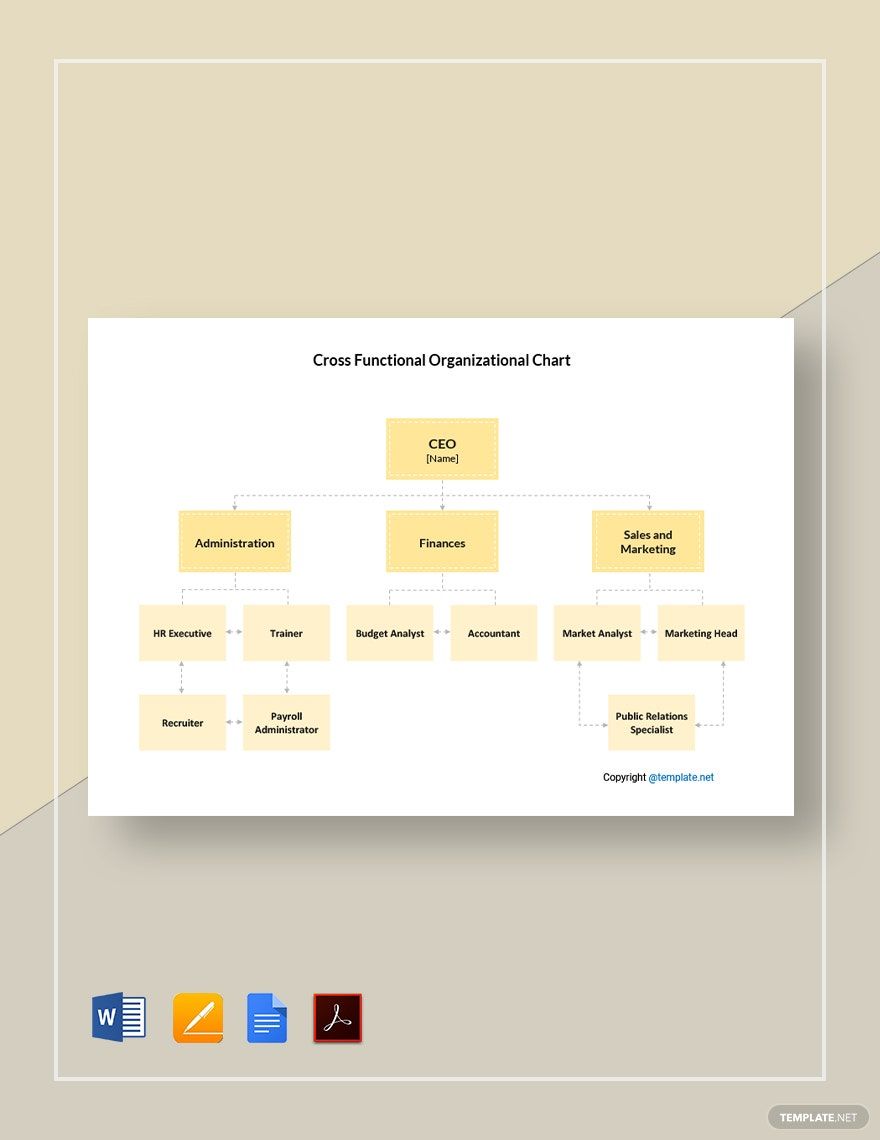
Simple Cross-Functional Organizational Chart Template

Simple Cross-Functional Organizational Chart Template in Pages, Word, PDF, Google Docs - Download | Template.net
Pro template icon representing

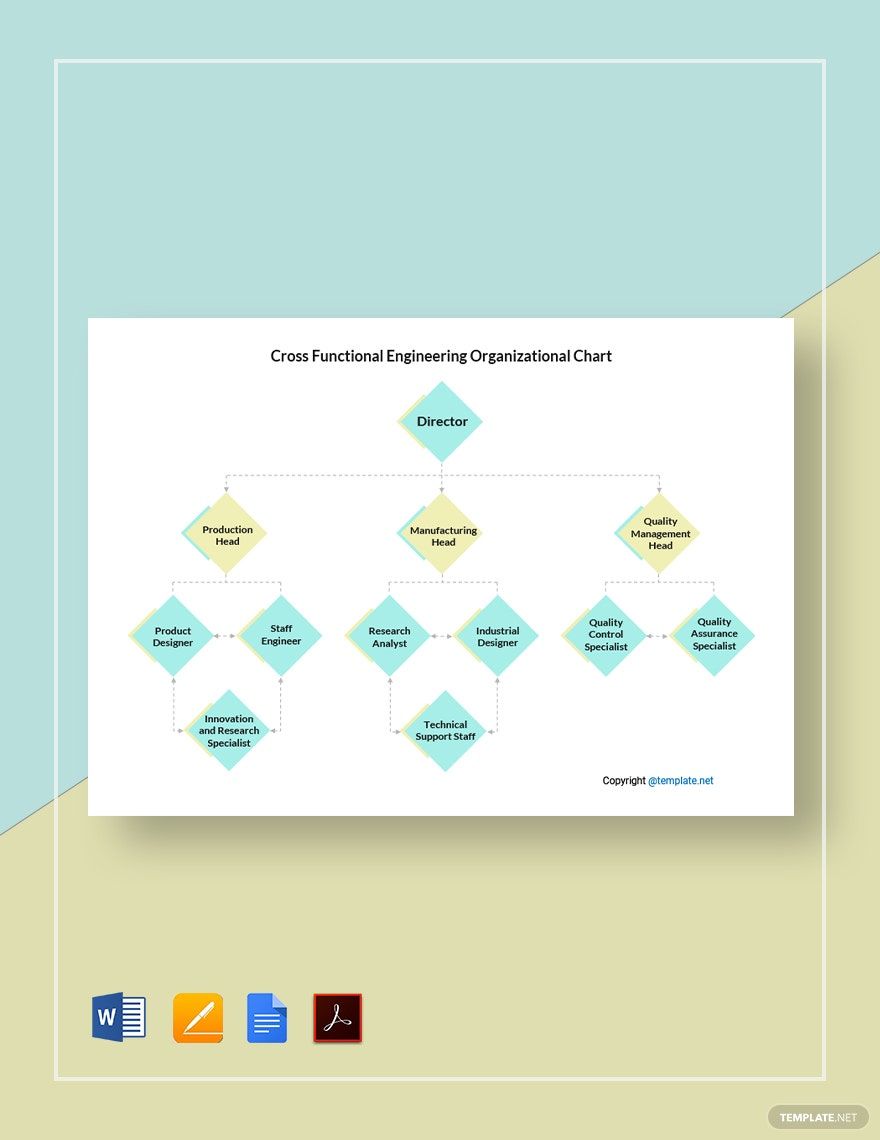
Cross-Functional Engineering Organizational Chart Template

Cross-Functional Engineering Organizational Chart Template in PDF, Pages, Word, Google Docs - Download | Template.net
Pro template icon representing

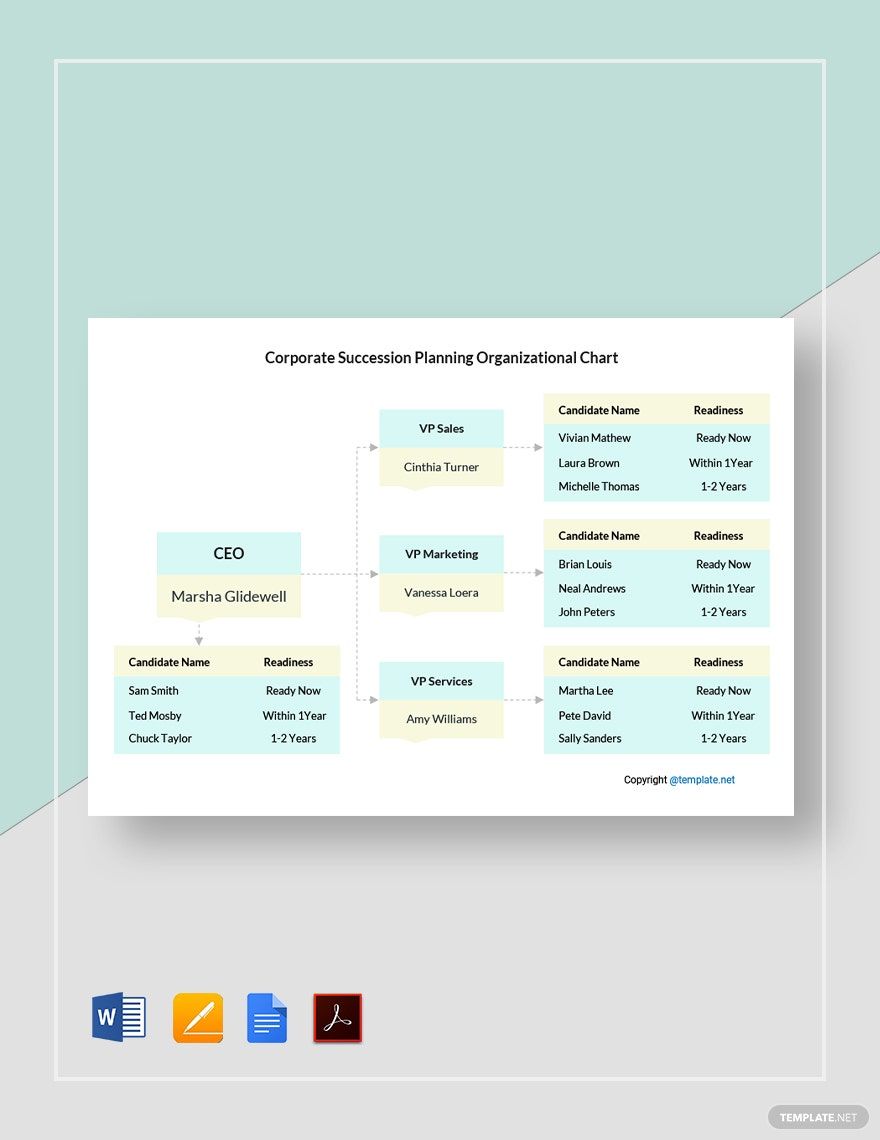
Corporate Succession Planning Organizational Chart Template

Corporate Succession Planning Organizational Chart Template in Google Docs, Pages, Word, PDF - Download | Template.net
Pro template icon representing

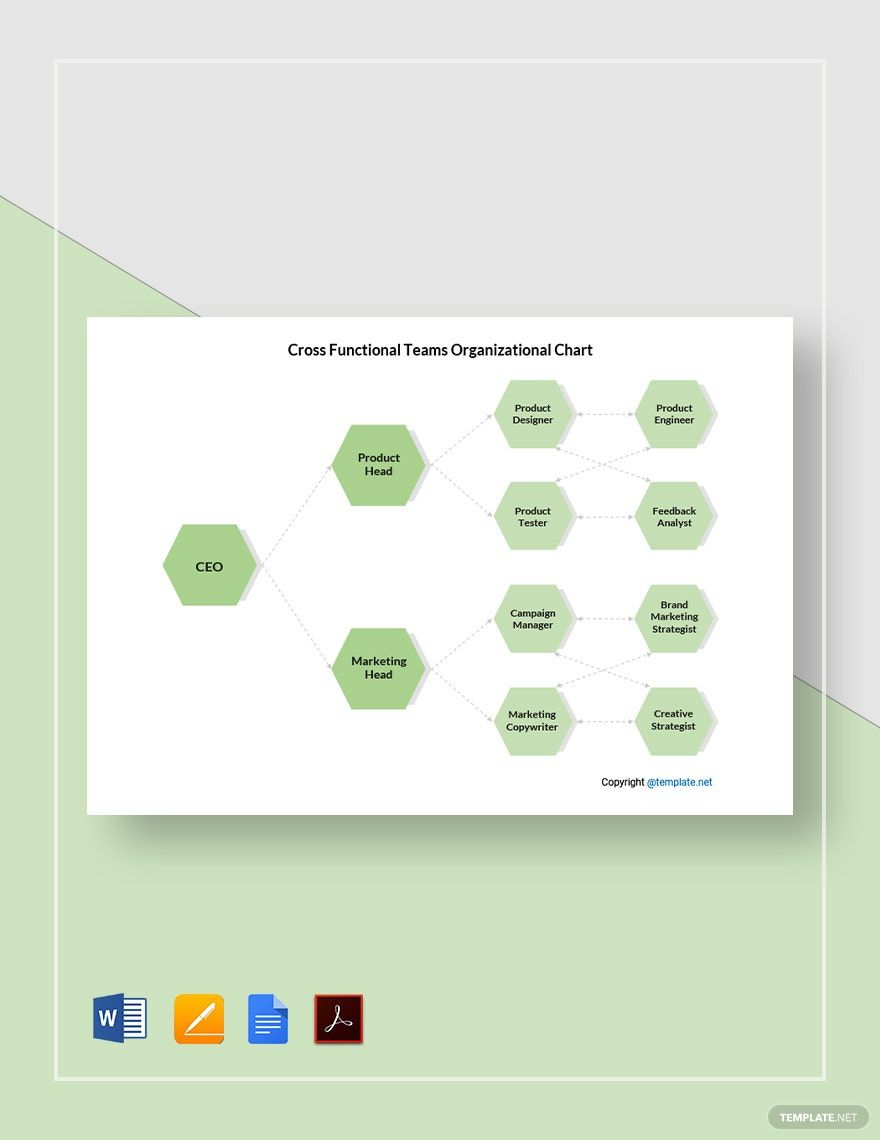
Cross-Functional Teams Organizational Chart Template

Cross-Functional Teams Organizational Chart Template in Word, Pages, PDF, Google Docs - Download | Template.net
Pro template icon representing

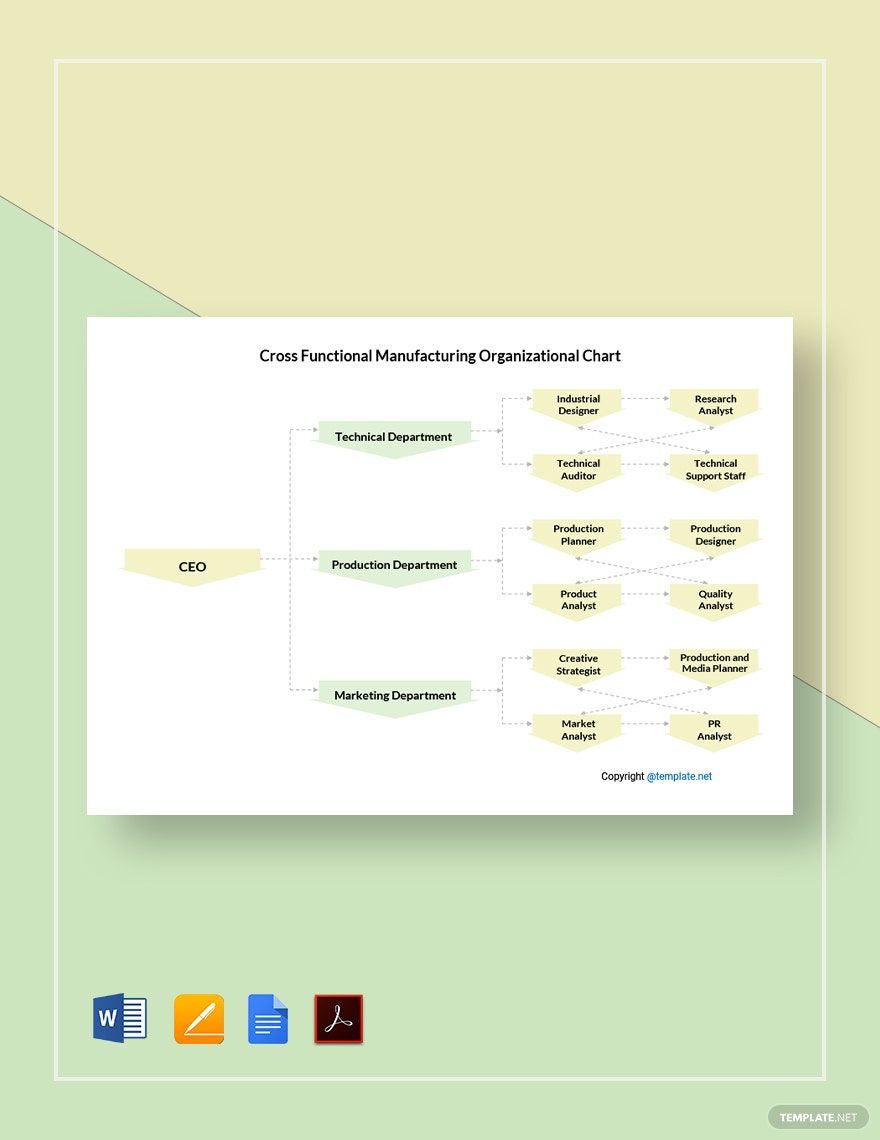
Cross-Functional Manufacturing Organizational Chart Template

Cross-Functional Manufacturing Organizational Chart Template in Google Docs, Word, PDF, Pages - Download | Template.net
Pro template icon representing

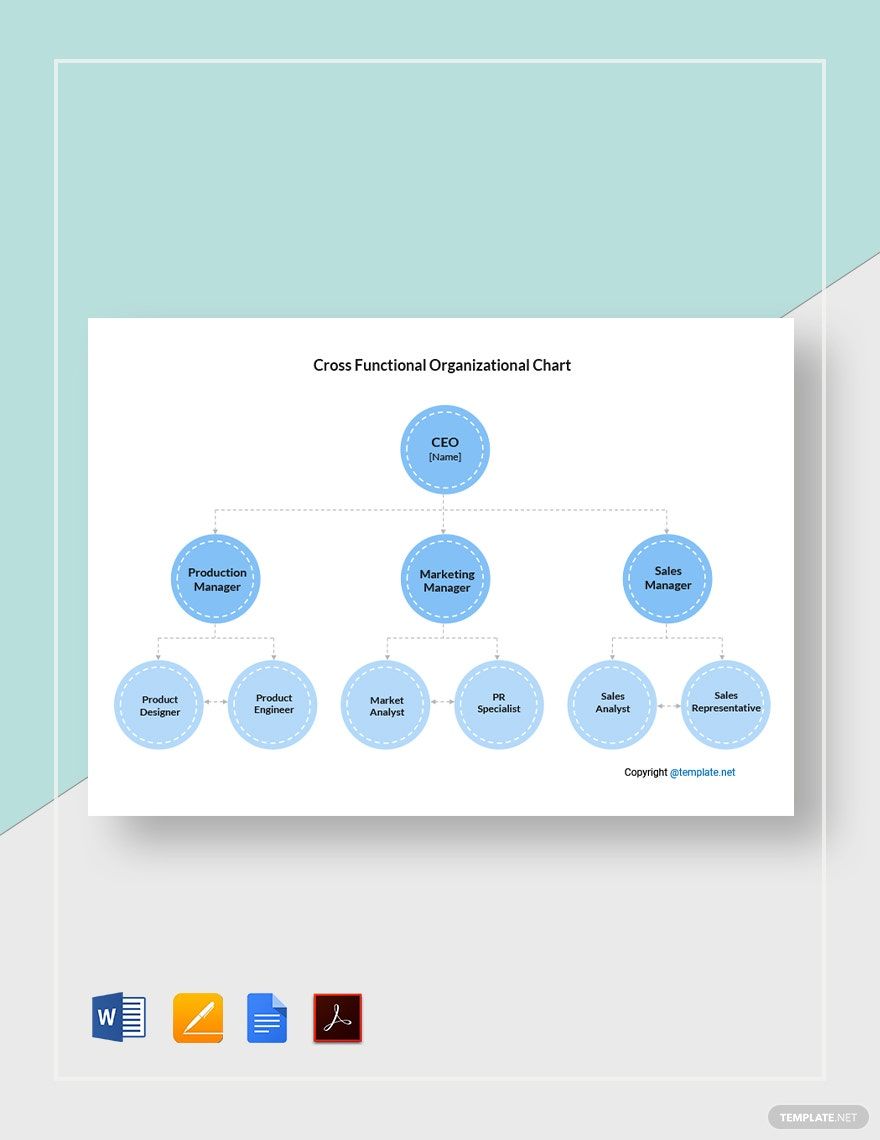
Cross-Functional Organizational Chart Template

Cross-Functional Organizational Chart Template in Google Docs, Pages, Word, PDF - Download | Template.net
  • Invitations
  • Reports
  • Fax Covers
  • Timelines
  • Proposals
  • Notes
  • Purchase orders
  • Meeting minutes
  • Portfolio templates
  • Heart coloring
  • Newspaper
  • Greeting cards
  • Newsletters
  • Tiger coloring
  • Contracts
  • Family tree
  • Printable Certificates
  • Letters

Cross-functional teams are defined as a group of people with different functions who work together to achieve a common goal. In the business world, these teams include employees from finance, marketing, operations, and human resources departments. Because of the complicated relationships between these departments, it is important to have an organizational chart to clearly see the positions of the employees and their relationships with one another. Here, we have Cross-Functional Organizational Chart Templates in Apple Pages that you can download and use anytime. These templates come with a set layout and some suggestive elements to get you started. Why wait? Grab this opportunity by downloading a template today!

How to Create a Cross-Functional Organizational Chart in Apple Pages

Before you sit down and map out your company’s organizational chart, it is important that you have established the purpose of your cross-functional team and have discussed and developed the breakdown structure and shared goals for your project. Only when this is done can you start creating your functional organizational chart. Here are some tips to remember once you are ready.

1. Organize the Content

Each space in an organizational chart represents a position and an employee in your system, so identify each one. The most effective way to do so would be to start from the top of the organization, working your way down. Start with the CEO and write down the names of the individuals who work for them. Continue doing so until you are able to create the chart with every employee in mind.

2. Add the Necessary Information

Your company organizational chart does not need to limit information to just names and positions. Because of the complexity of a cross-functional chart, you may add details such as other individuals that an employee reports to, or connect one or more departments to another with additional dotted or colored lines to represent relationships.

3. Be Consistent

Using the distinctive shape or color for supervisors, a different one for mid-level staff, and another shape or color for junior employees can help you understand the dynamics of your chart better as individuals or positions will be identified easily at a glance.

4. Plot the Details on a Single Page

A large chart can be overwhelming, and not to mention, quite confusing. Instead of creating a massive chart, you may opt to divide your chart into smaller, more manageable sections. However, you have to make sure that each section still leads back to the highest level in your organization.

Frequently Asked Questions

What is a cross-functional team?

Cross-functional teams are defined as a group of people with different functional expertise who come together as they work toward a common goal. In a business or organization, it typically includes employees from all levels, such as finance, marketing, operations, and human resources departments.

What is the purpose of an organizational chart?

Organizational charts allow new hires, volunteers, or clients to get to know the company quickly from the information provided by the chart. It clarifies roles and responsibilities and helps give staff an insight into their promotion channels.

What are the types of organizational structures?

There are four types of organizational structures, namely:

  1. Functional top-down hierarchy structure
  2. Divisional organizational chart
  3. Matrix or cross-functional organizational structure
  4. Flat organizational structure.

What is a cross-functional organizational chart?

A cross-functional organizational chart plots the employees and their corresponding positions on a page that depicts the internal structure of the company. Functions and reportings of cross-functional members may overlap, and such dynamic has to be represented clearly in this type of chart.

How do you ensure cross-functional success?

Cross-functional teams need to create a systematic approach to their organization with clear governance, accountability, and specific goals. By doing so, they can ensure success in all their activities.

Free AI Generators
  • AI Logo Maker
  • AI Image Generator
  • AI Design Generator
  • AI Social Media Post Generator
  • AI Banner Maker
  • AI Document Generator
  • AI Writer
  • AI Form Generator
  • AI Presentation Generator
  • AI Whiteboard
  • AI Diagram
  • AI Photo Editor
  • AI Graph Maker
Free Tools
  • QR Code Generator
  • AI Meme Generator
  • AI Headshot Generator
  • AI Color Wheel
  • AI Color Palette
  • Signature Generator
  • AI Avatar Maker
  • AI Background Remover
  • AI Paraphrasing Tool
  • AI Summarizer
  • AI Plagiarism Checker
  • AI Grammar Checker
  • AI Business Name Generator
Business Categories
  • Marketing
  • Sales
  • Advertising
  • HR
  • Finance
  • Construction
  • IT
  • Non Profit
  • Education
Applications
  • Word
  • Excel
  • PPT
  • Publisher
  • Outlook
  • Google Docs
  • Google Sheets
  • Google Slides
  • PDF
  • Apple Pages
  • Apple Numbers
  • Apple Keynote
  • PSD
  • Illustrator
  • Indesign
  • Free Templates
  • Popular
Company
  • About Us
  • Community
  • Pricing
  • Contact Us
  • Privacy Policy
  • Terms of Service
  • Refund Policy
  • Disclaimer
  • Careers
  • Blog
  • FAQ

Template.net © 2014 - 2026. All rights reserved

Instant Download

Get Instant Access to 40,000+ Apple Pages Templates

Limited Time Offer
  • Access to 1 Million+ Templates & Tools
  • 100,000+ Apple Templates Including Apple Pages & Apple Numbers
  • Unlimited access to Design & Documents AI editors
  • Professionally Made Content and Beautifully Designed
  • Instant Download & 100% Customizable