
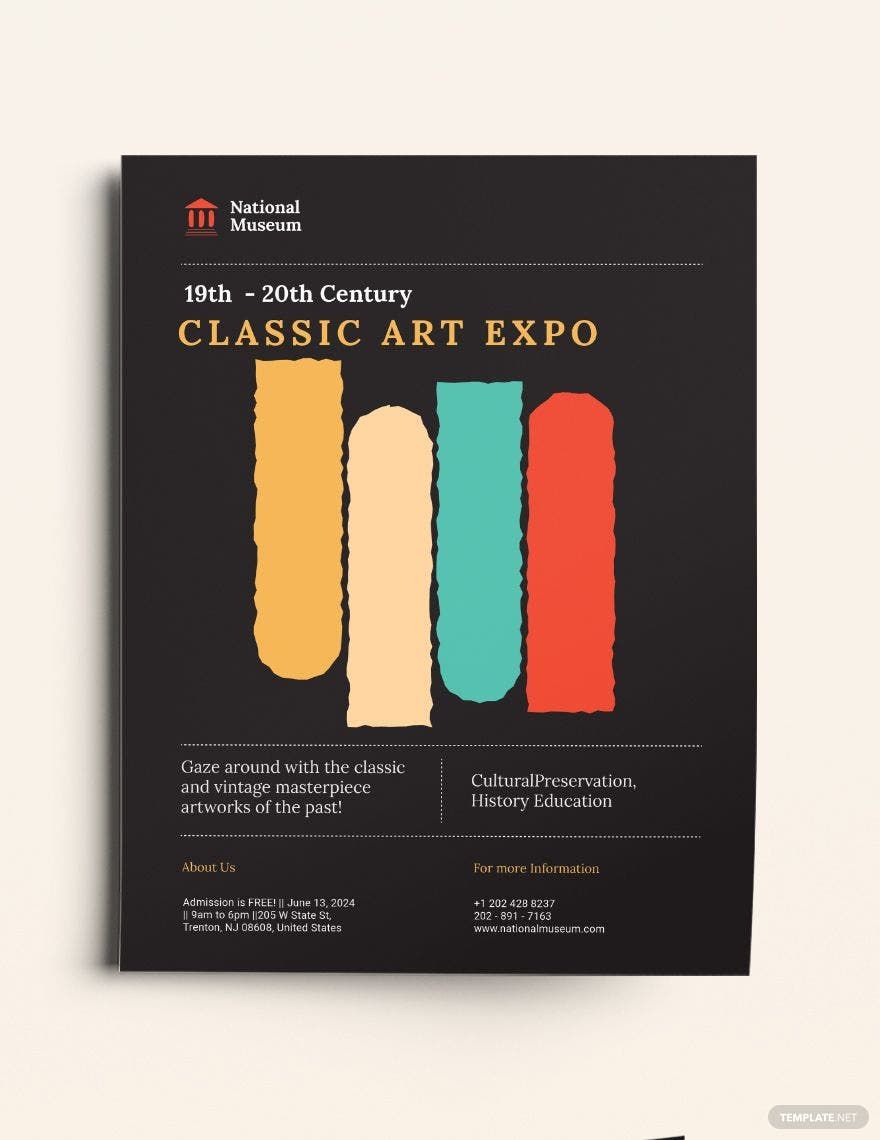
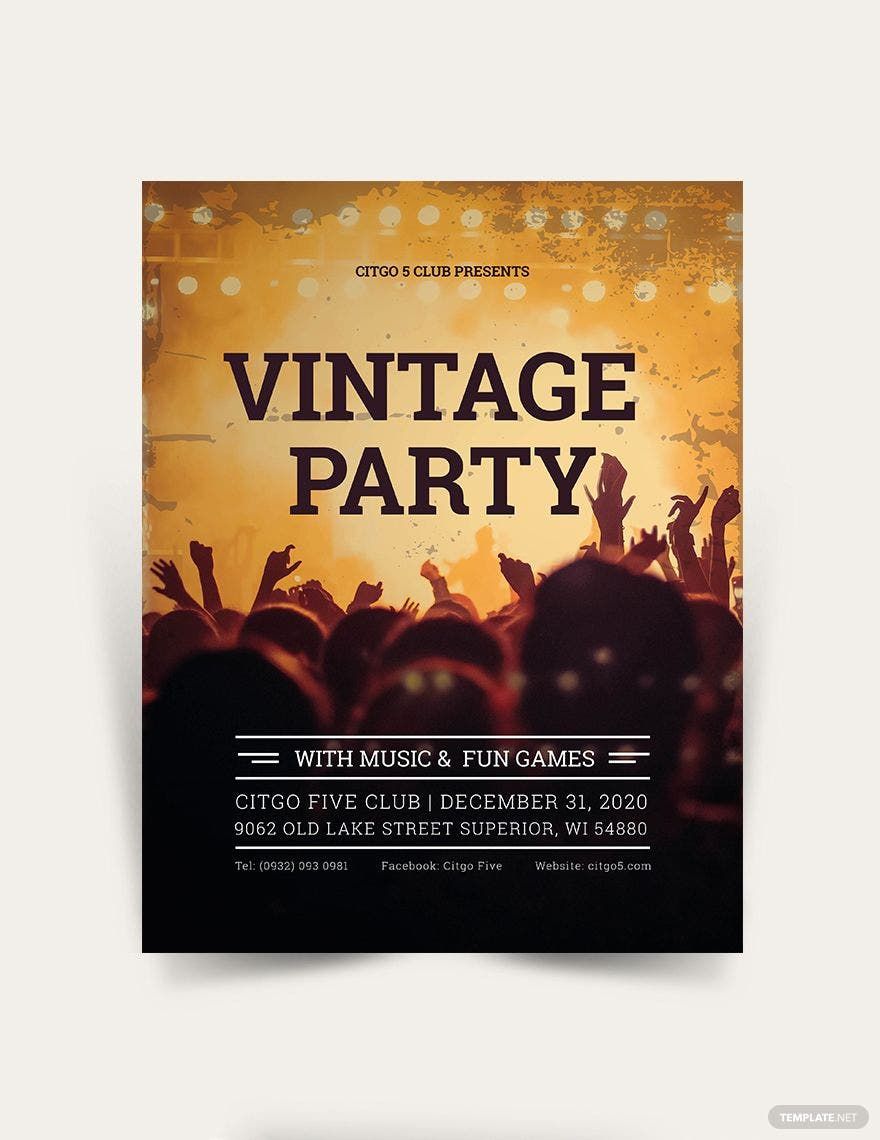
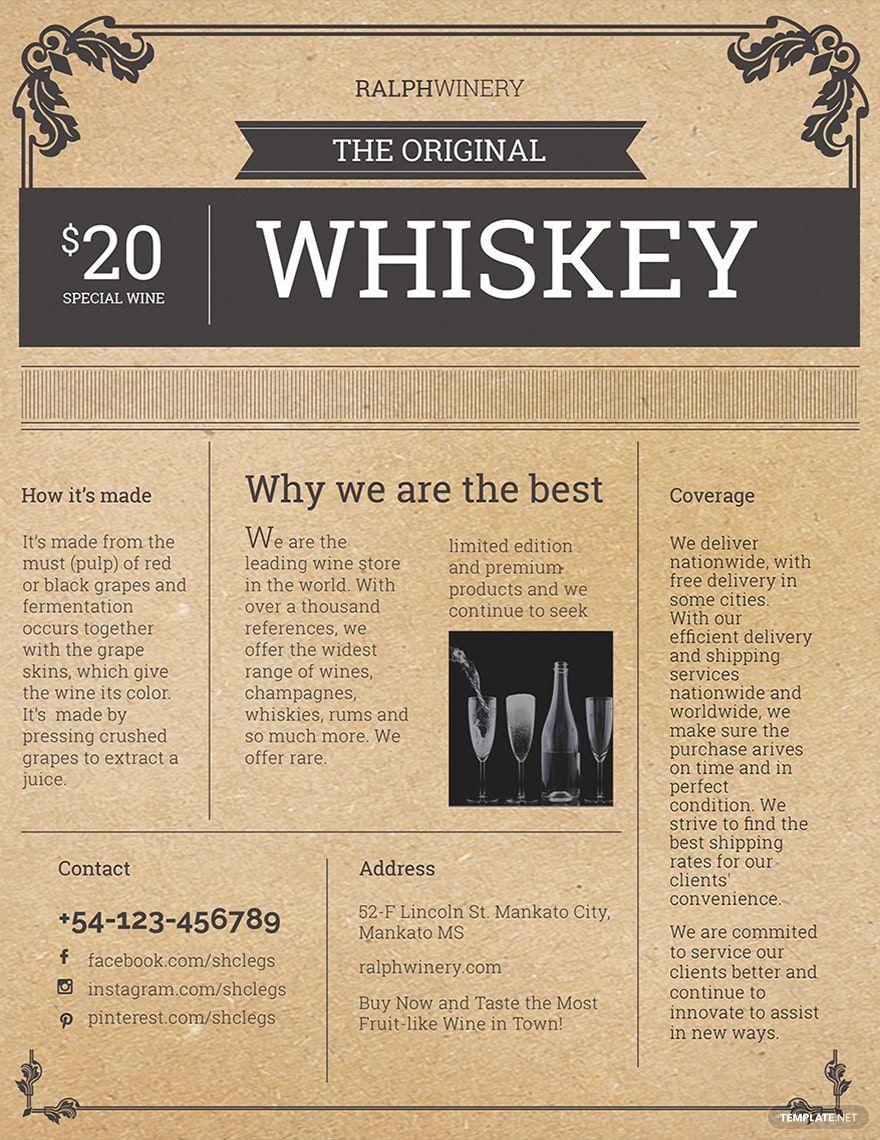
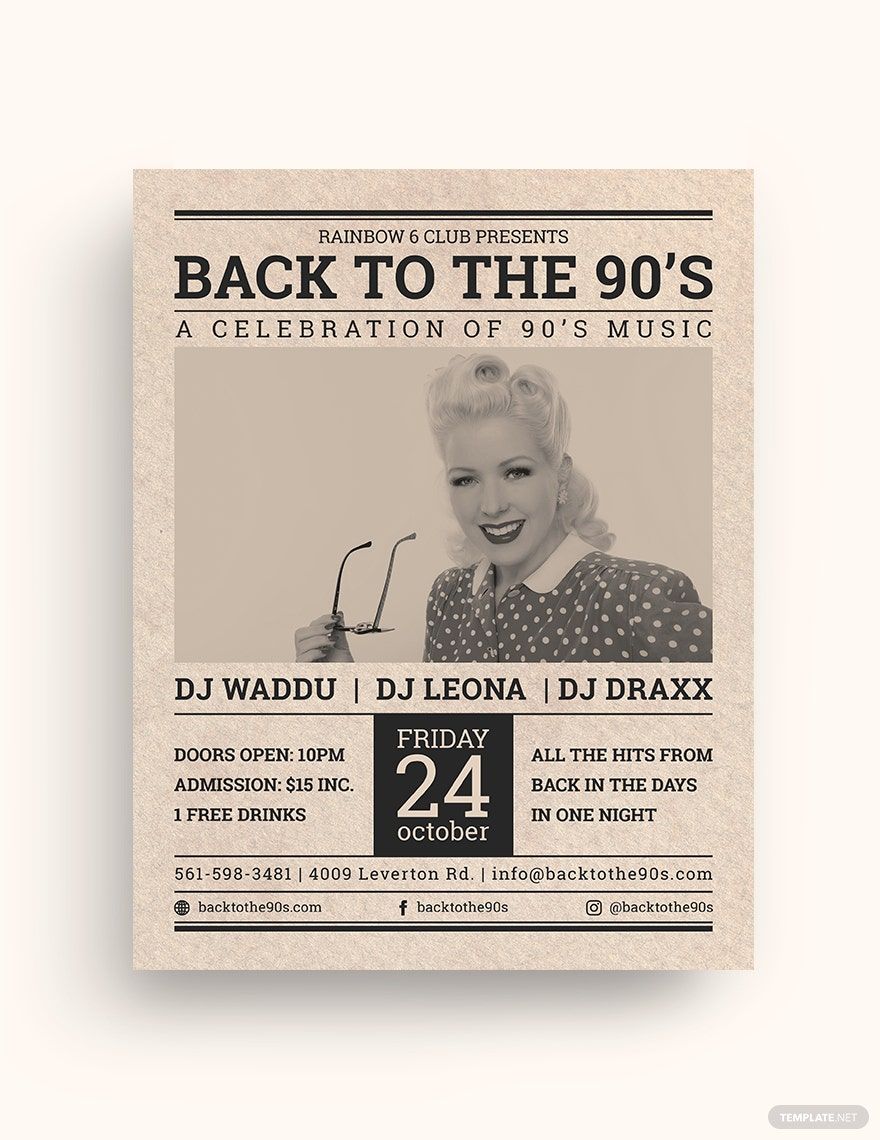
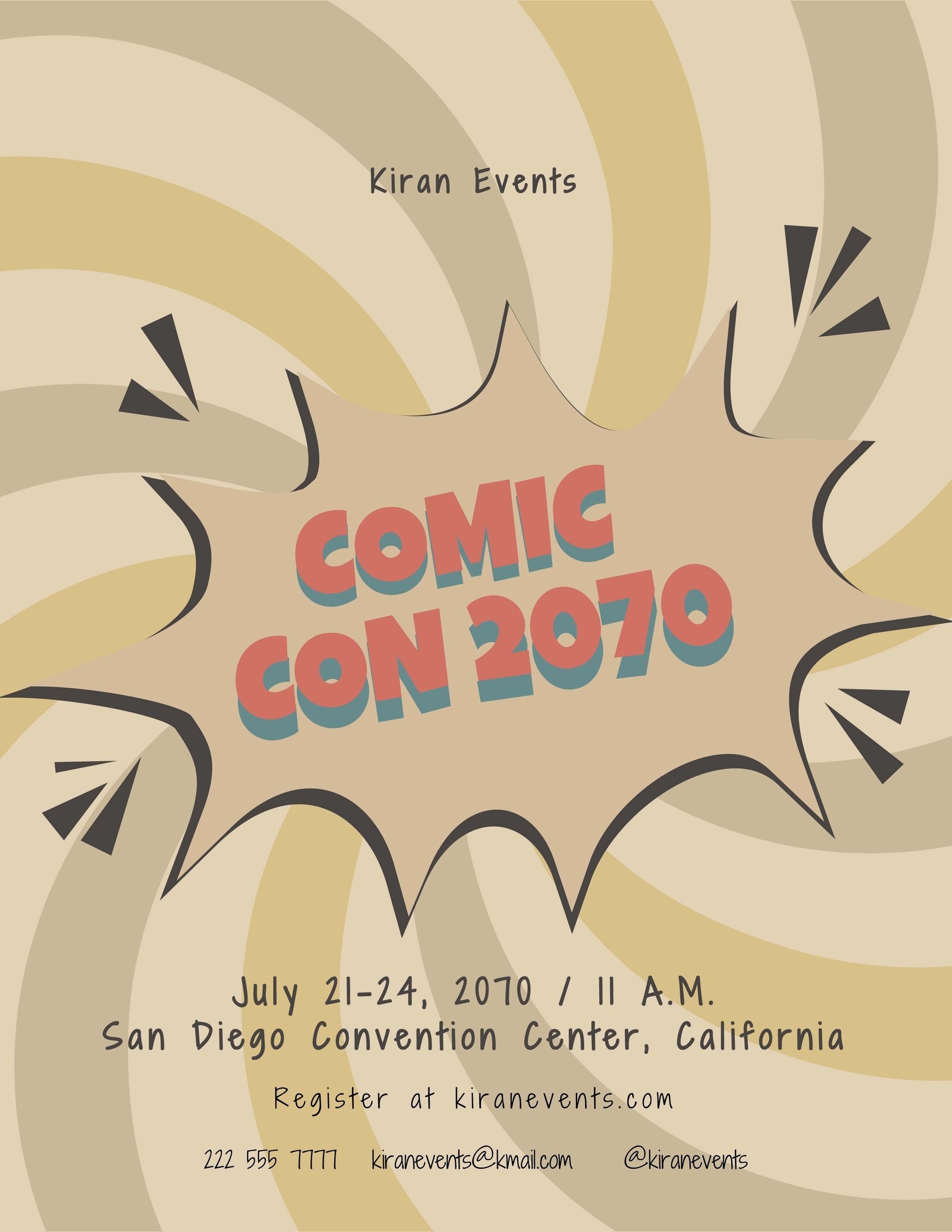
It is now the time to step up your promotional materials because ordinary flyers merely sell events these days. You must have known about flyers as effective marketing tools, but have you known about unique flyers as more constructive? You read it right. The more unique the flyer is, the more it catches the attention of the audience. To do that, you need to be more creative in picking a theme to work on. One of the many themes you can choose is a vintage-themed flyer. And we've got the right thing for you. Here on our website, you can download a Vintage Flyer Template for free. Nothing gets better than a 100% customizable, easily editable, and high-quality template. For more useful flyers, be a member and join any of our membership plans to get going with your events!

Vintage Flyer Template in PSD
Some Audiences Are Very Selective with Reading Printed Materials And That Makes It Very Challenging To Promote Your Music Carnival or Party Events. But With Template.net's Splendidly-Designed and Free Vintage Flyer Photoshop (PSD) Templates, You'd Have a Blast With Your Guests! Our Retro Flyers Contains Sci-fi, Military, and Vintage Car Designs They'll Surely Adore! Download and Edit One in Photoshop Now!

- Catalogs
- Photography Flyers
- Engagement Invitations
- Magazines
- College id cards
- Baby shower Invitations
- Vouchers
- Tickets
- Campaign
- Job
- Mothers day
- Envelopes
- Wedding
- Quotation
- Architecture
- Receipts
- Portfolio templates
- Editable id cards
- Funeral Invitations
- Newspaper
- Party Invitation
- Baptism Invitations
- Facebook
- Media kits
- Real estate Flyers
- Product
- Bi fold brochures
- Eid ul fitr
- Photo booth
- Fathers day
- Coupons
- Naming ceremony Invitations
- Promotional Flyers
- Experience Certificates
- Salary
- Business cards
How to Design a Vintage Flyer in Adobe Photoshop
Amid the era of digitalization, believe it or not, incorporating a promotional material (e.g., flyers, brochures) with the digital media can increase its effectiveness up to 44 percent, based on Sage World's report in 2015. Sometimes, digital media is not enough to sustain a business's marketing venture. The following year after that, there was an increase in the number of small and medium-sized enterprise (SME) that has been using flyers as part of their enterprise's marketing activities. Based on a report made by Statista, 79 percent of the respondents attested they have been campaigning with the help of flyers and brochures. And while there was an 8 percent who planned in the marketing implementation of flyers and brochures, 13 percent of the respondent have no plans of using a marketing tool at all, Statista added.
No businessperson would endanger his or her business without trying out new promotional ways to improve sales. But take note that promotional materials are not exclusive to the business industry. Hence, whatever you are using flyers for, it will help you in marketing aspects. Here are easy steps you can follow in making a vintage flyer in Adobe Photoshop. Stick around for more tips.
1. Start With a Good Header
If you want to maintain a person's interest, you need to go all out in catching their attention first. In the case of flyers, the only way to catch your reader's attention beforehand is with a striking header. Take note that a header is the first thing people will see. So, do not waste the opportunity to make a statement in your header. Do you know the best way to make a header? By making it catchy. This part could be challenging for some. Especially it could convey a different meaning to different customers. But it does not mean you won't be able to come up with a catchy header. The thing is, great things don't happen overnight. So, take the time to contemplate a catchy header. Once you come up with one, you can continue to the next step.
2. Add Relevant Images
Aside from a good header, an advertising flyer's most important part is the image. A simple flyer is a publication that does not contain many texts. With that said, pictures are a good representation of what you want to tell your readers. Unlike invitations, that putting images is optional, flyers should contain high-definition images. With a picture, you can convey your intention easily.
3. Choose Font Styles Wisely
There are several font styles to choose from in creating a vintage-themed flyer. However, you have to be crucial in choosing one. Think about the fonts as the vessel of your intention. If you choose a hard to read font, it can be unpleasant to your reader's eye. That said, pick a readable font style that suites the vintage style flyer. Once you have chosen the right typography for your marketing material, everything will come together, and it will look a lot pleasing.
4. Complement the Flyer with Colors
Vintage flyers should look like an old artifact. Since you will be making an antique-looking flyer, make sure it looks like one. A vintage artifact looks old as time goes by. But you don't need to pass that much time to achieve an old-looking promotional flyer. With the right color combinations, you can come up with a vintage-style flyer. So, take the time to decide on color schemes. Adding colors to your flyer is like adding life to it.
