
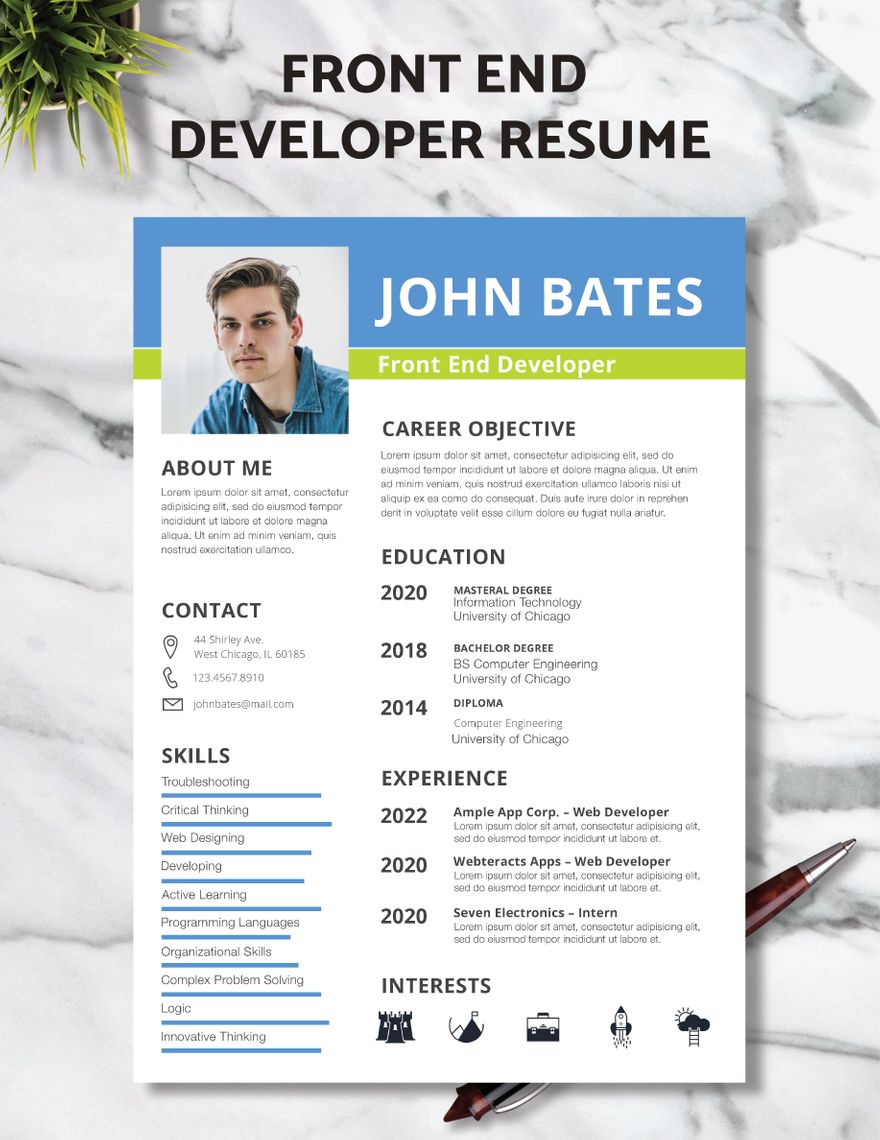
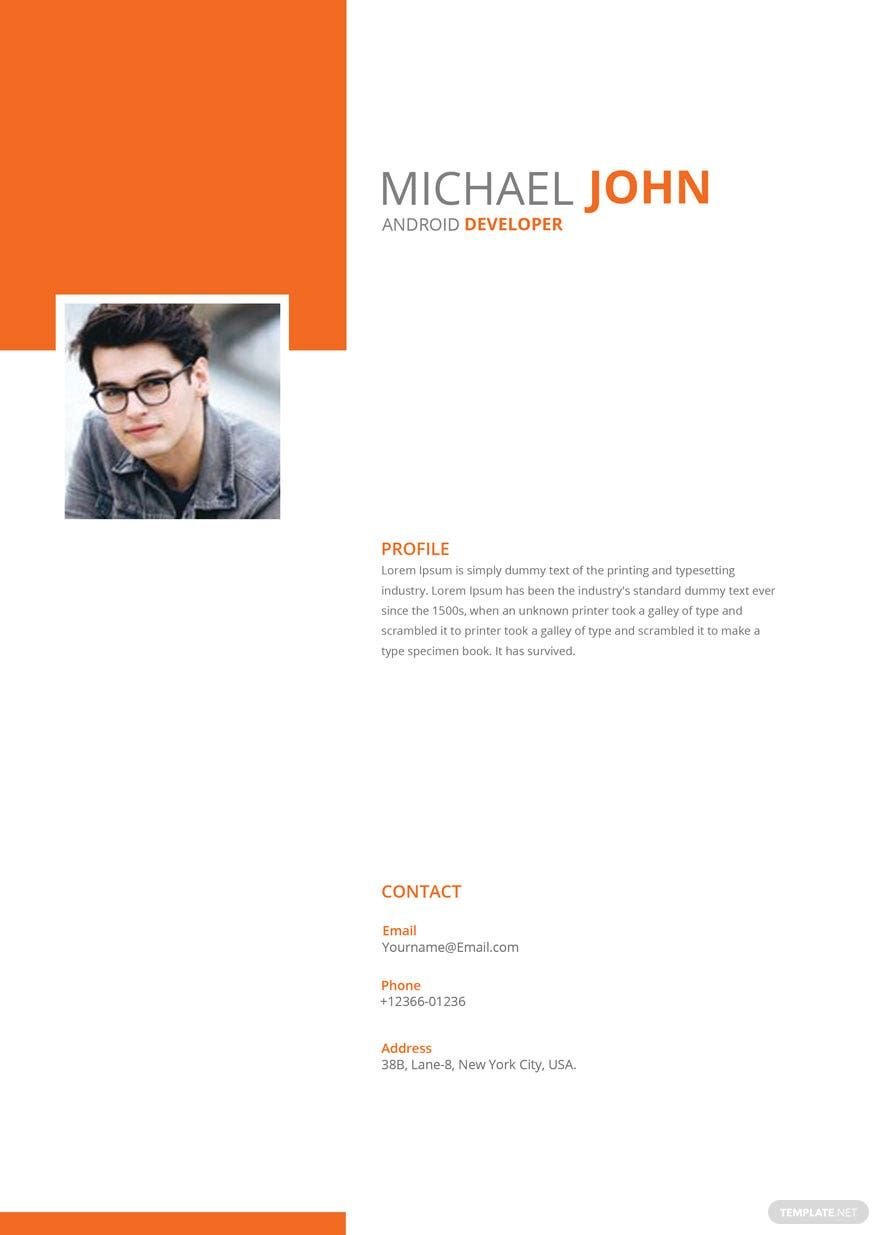
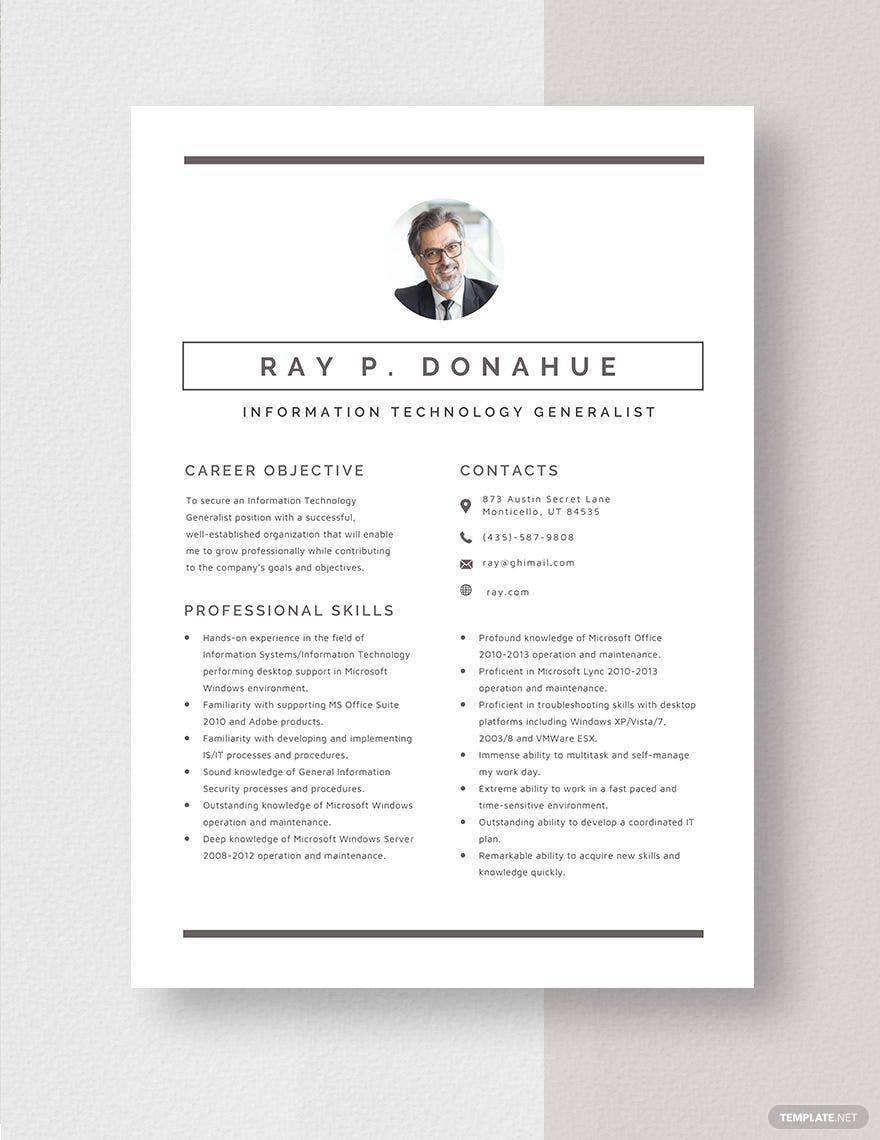
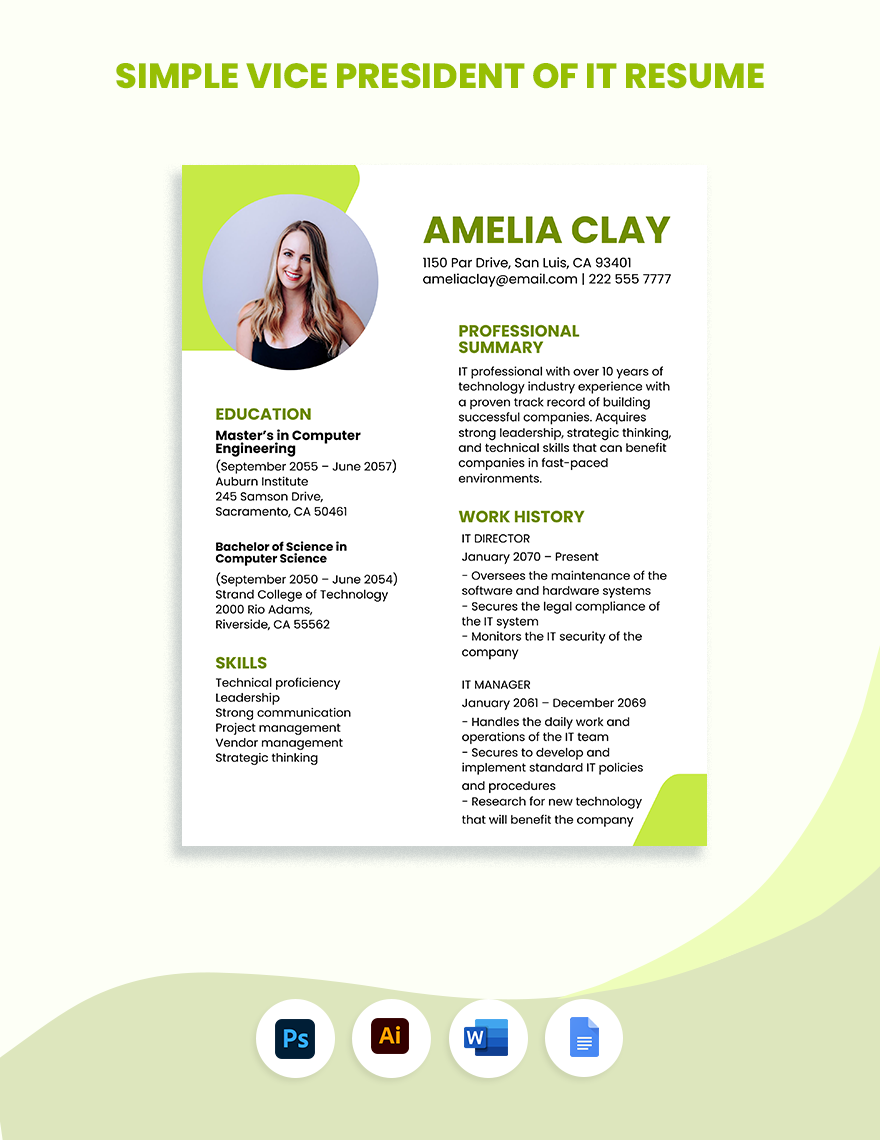
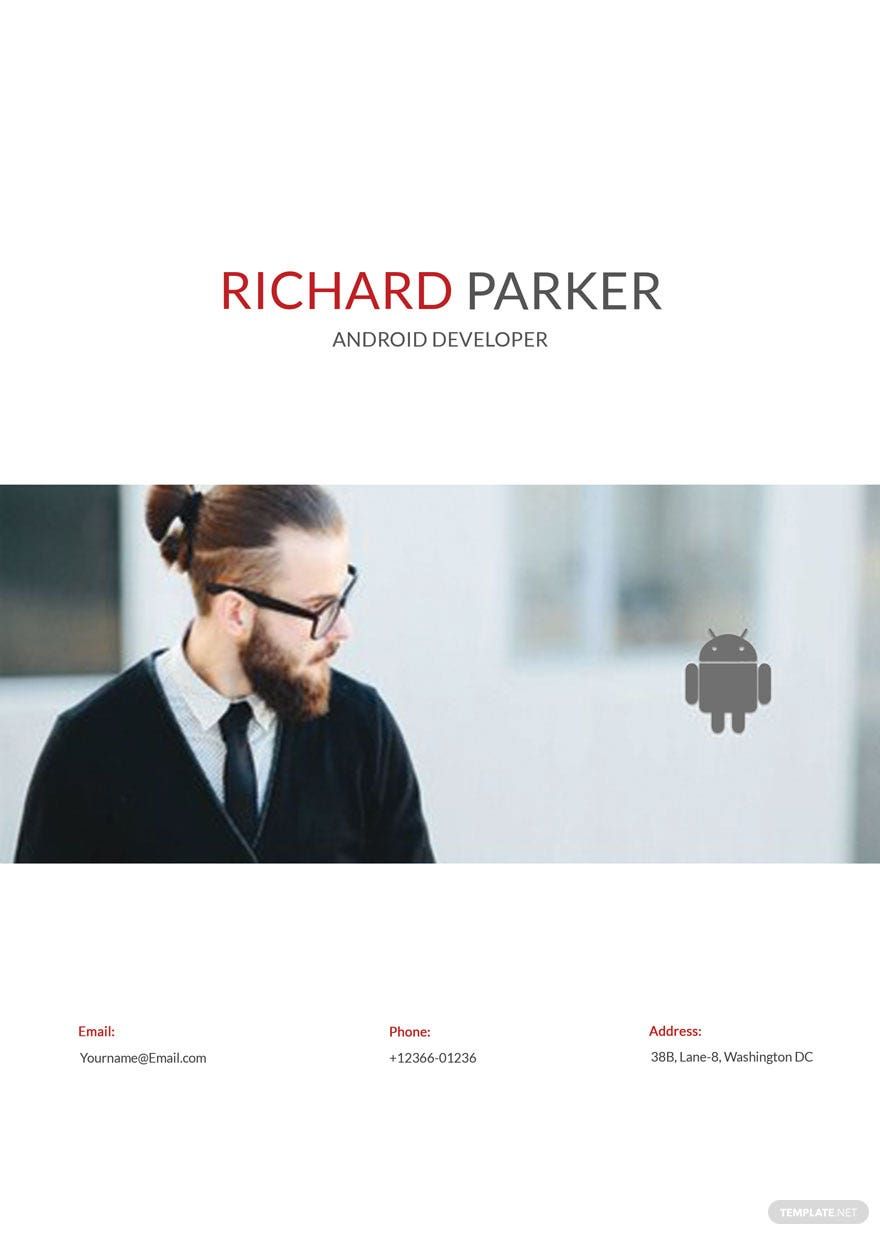

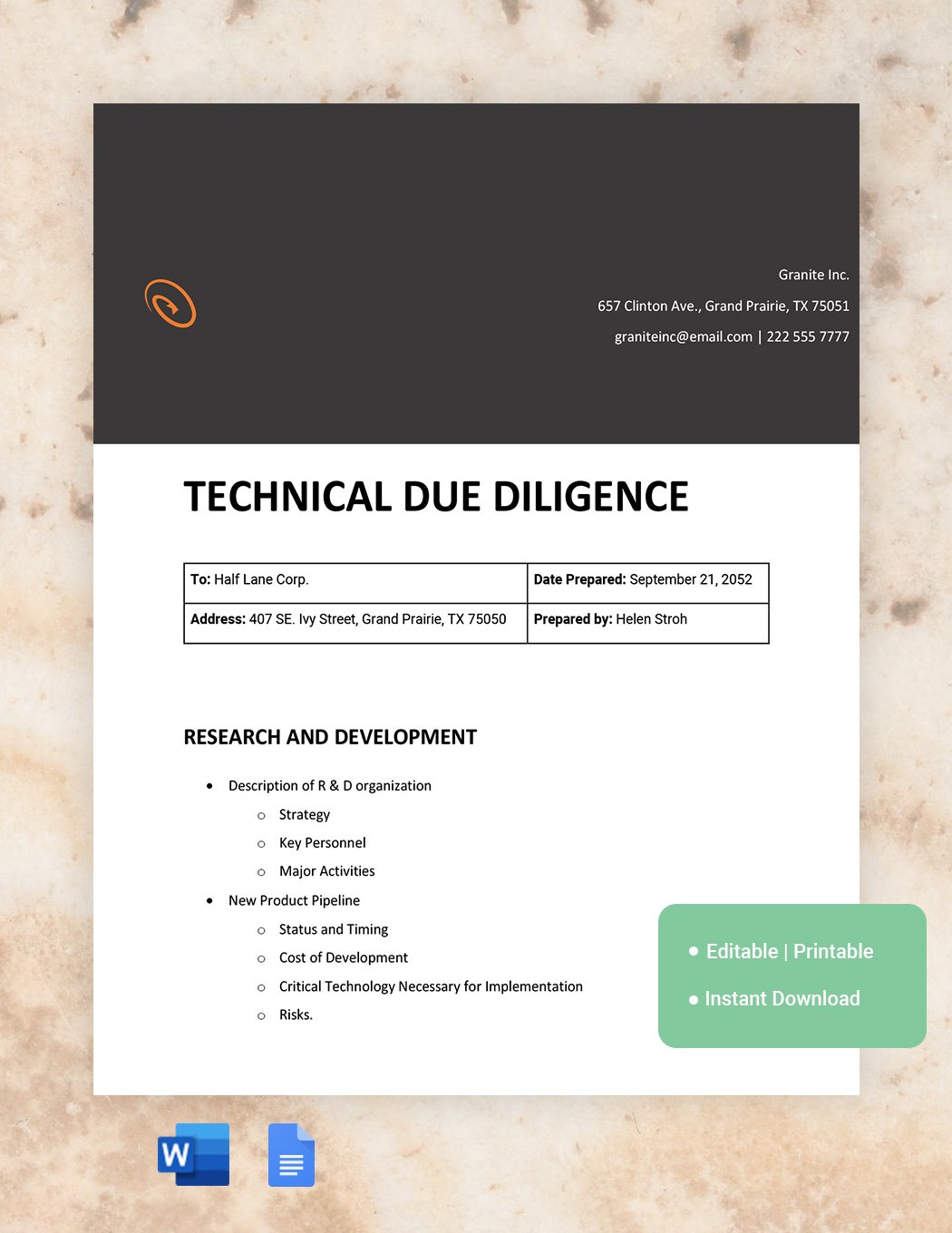
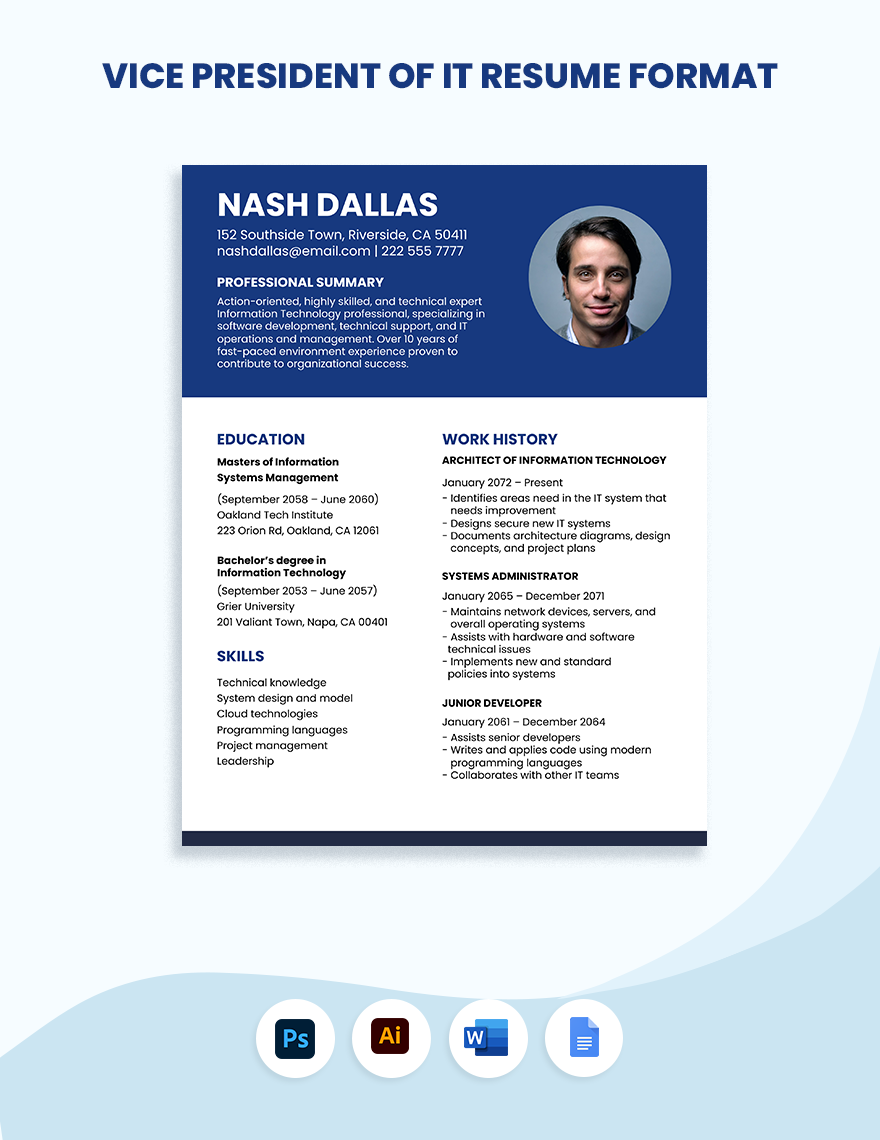
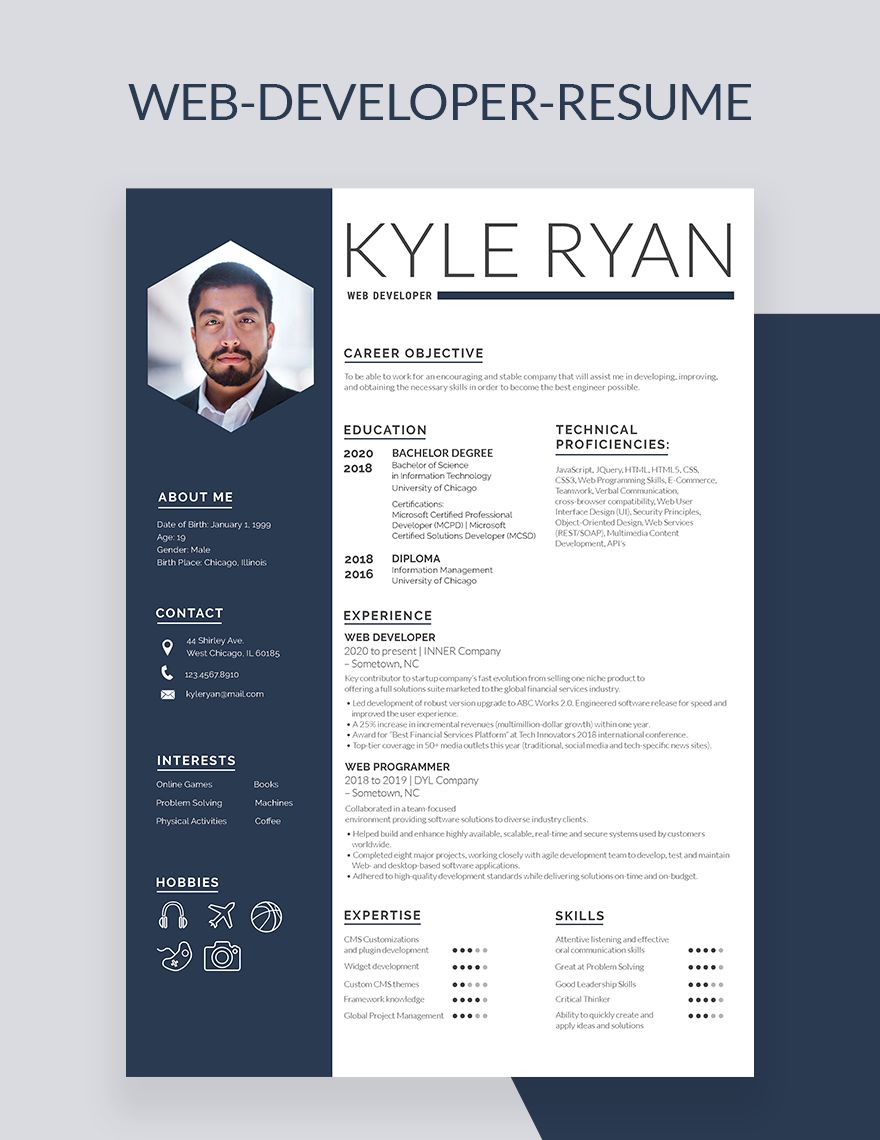
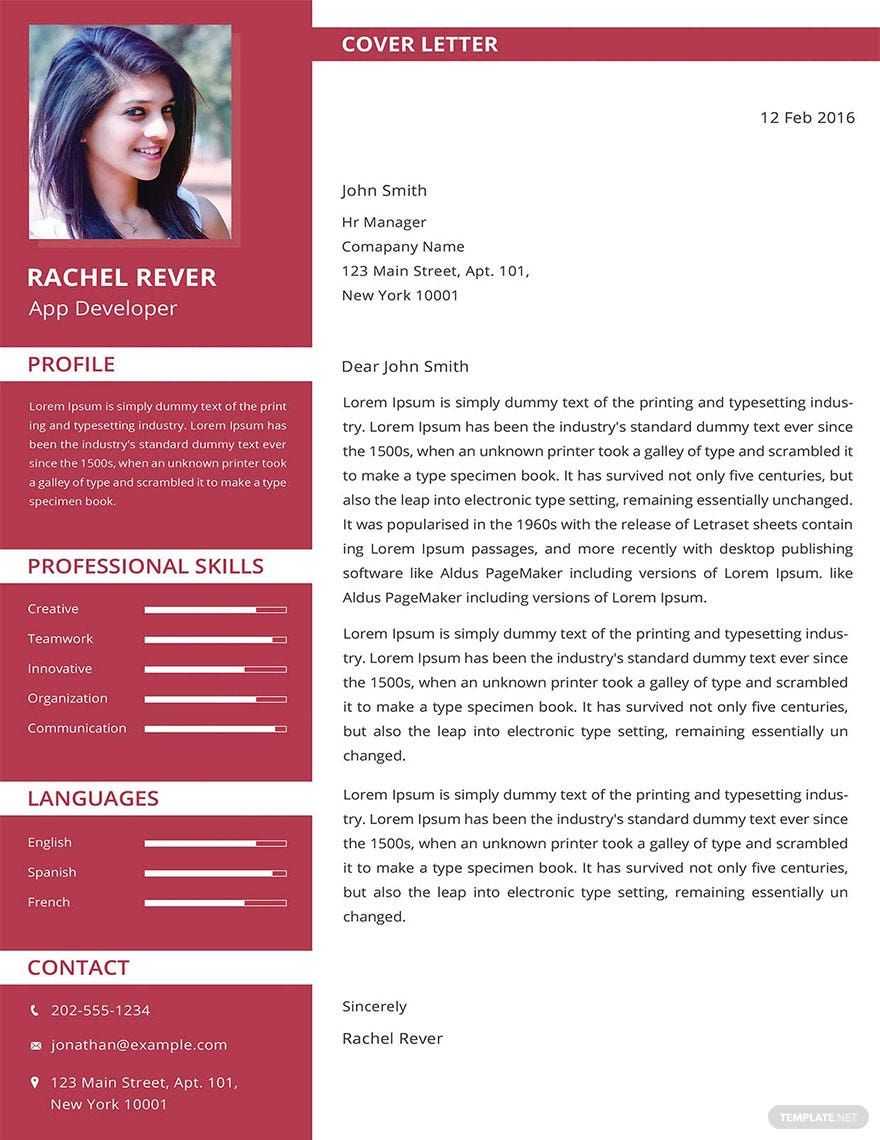
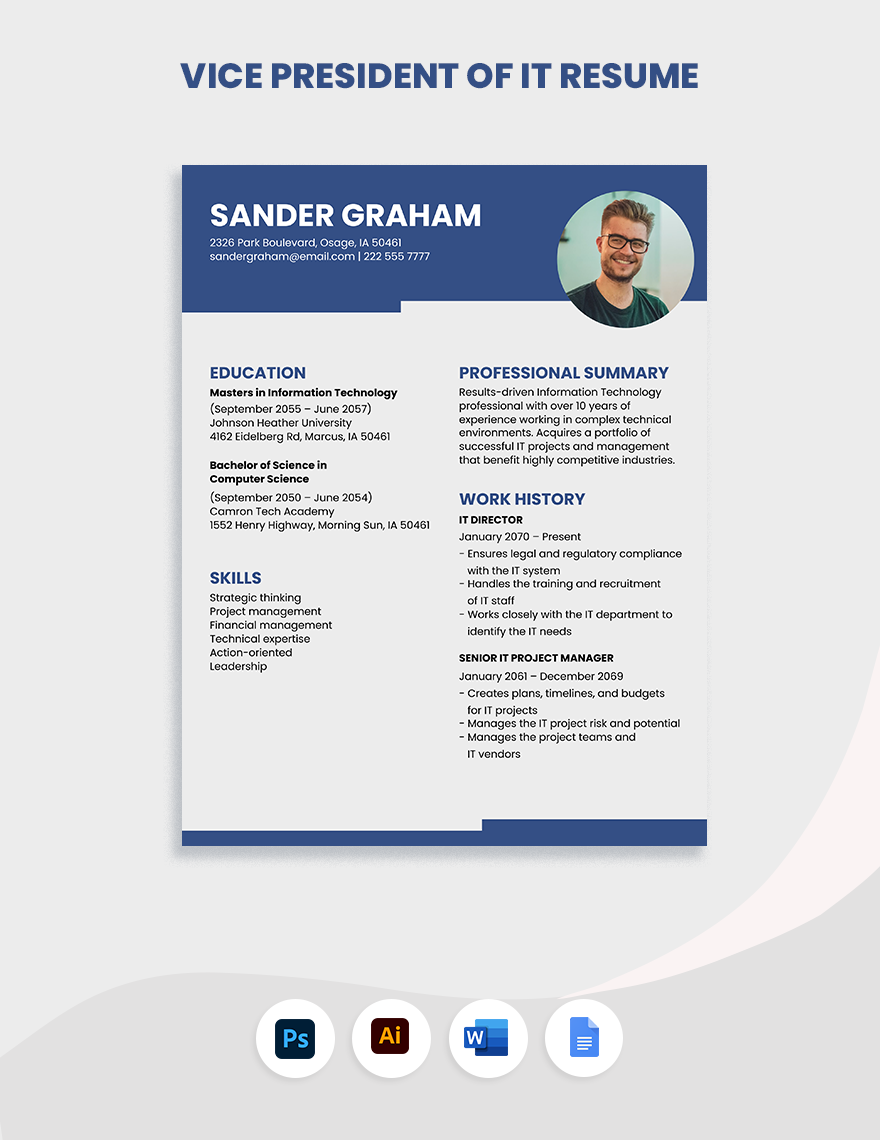
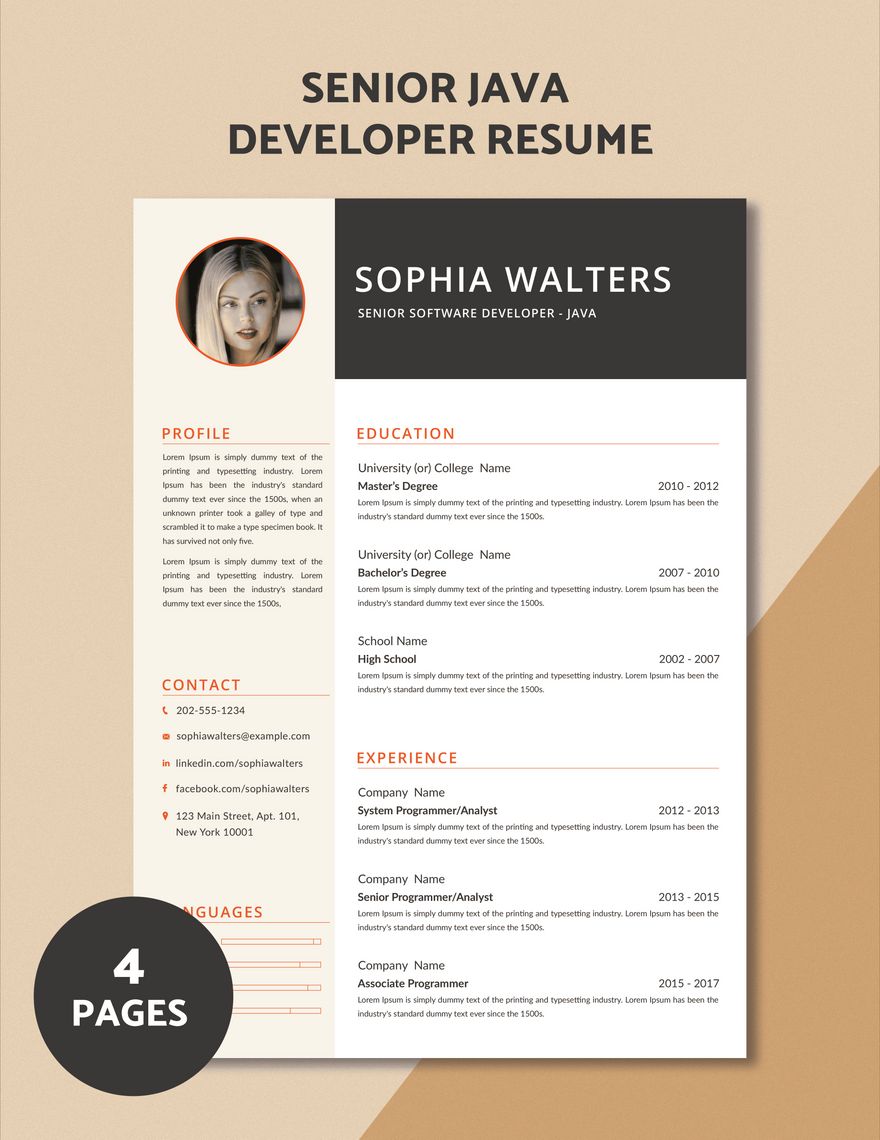
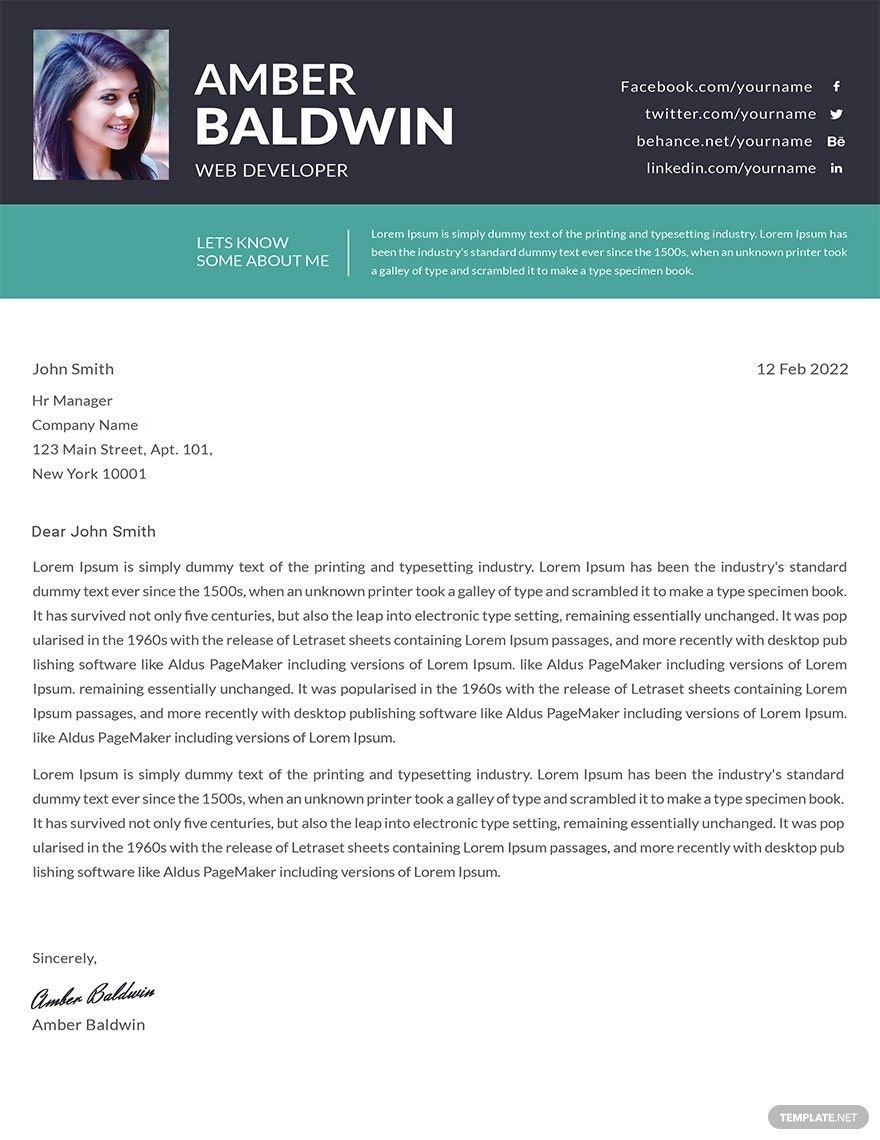
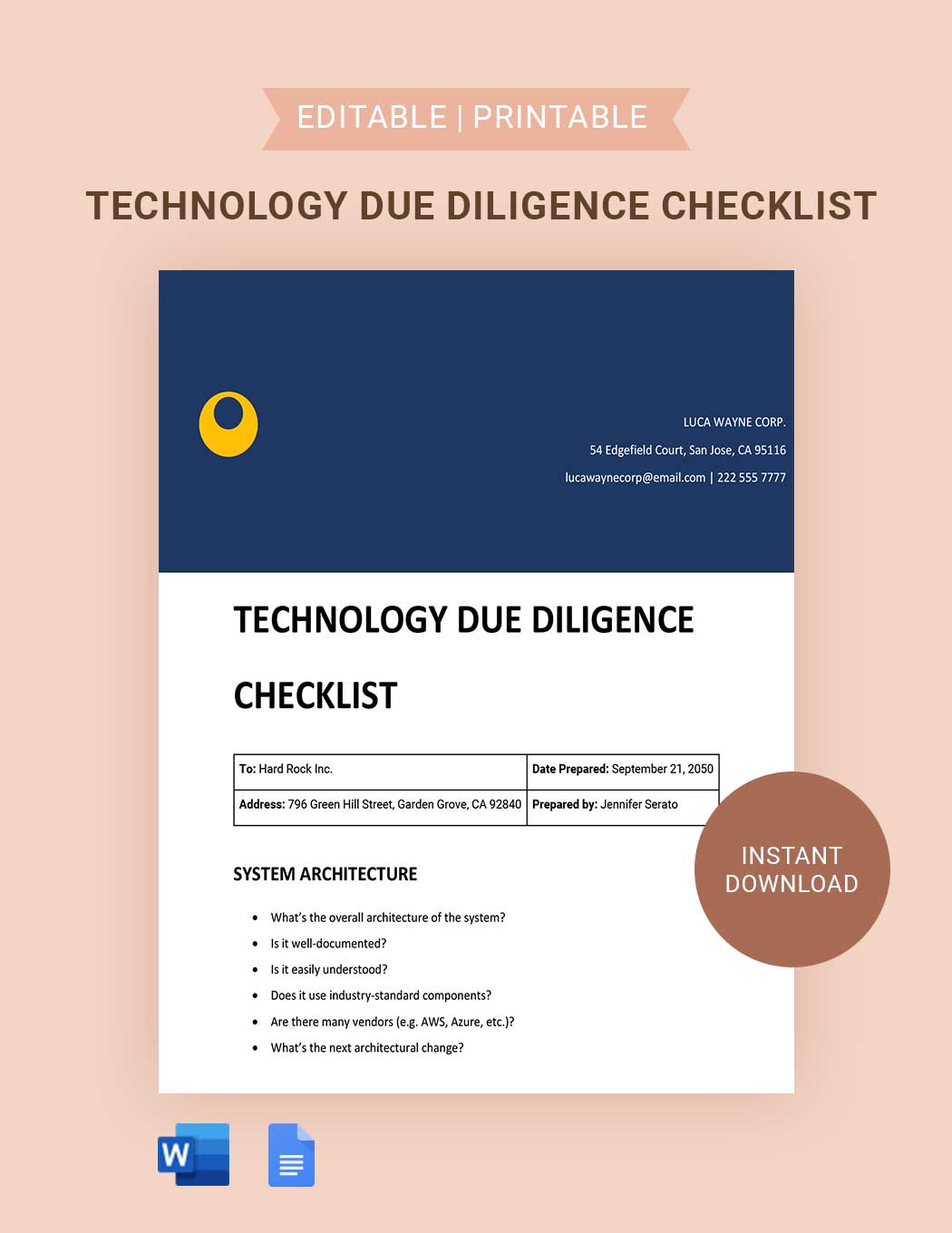
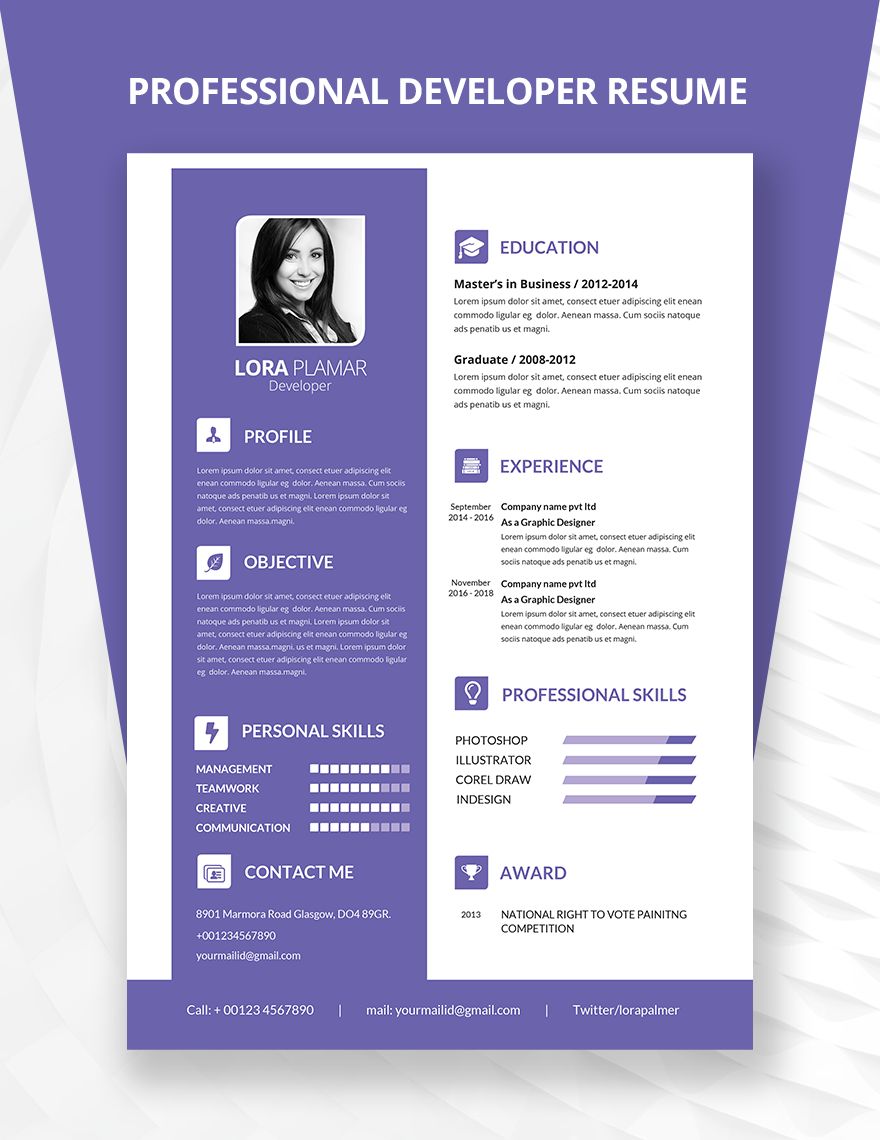
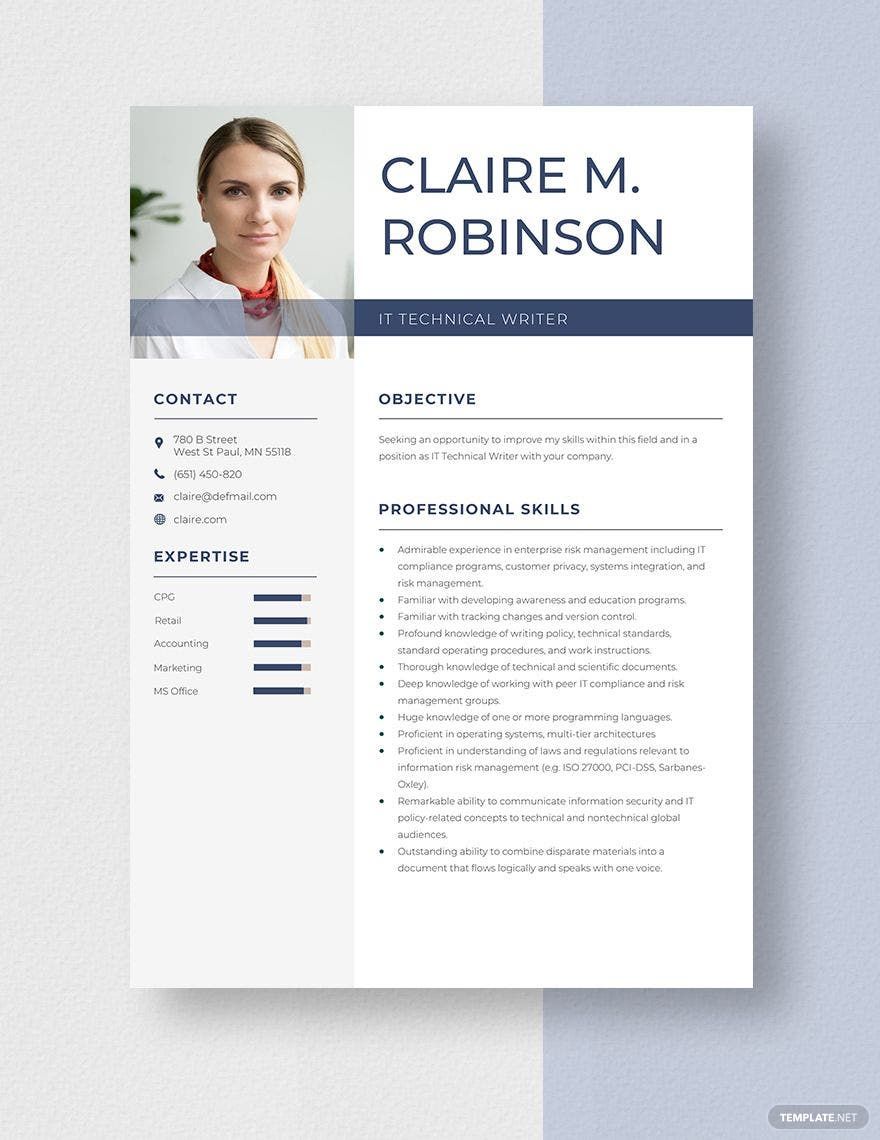
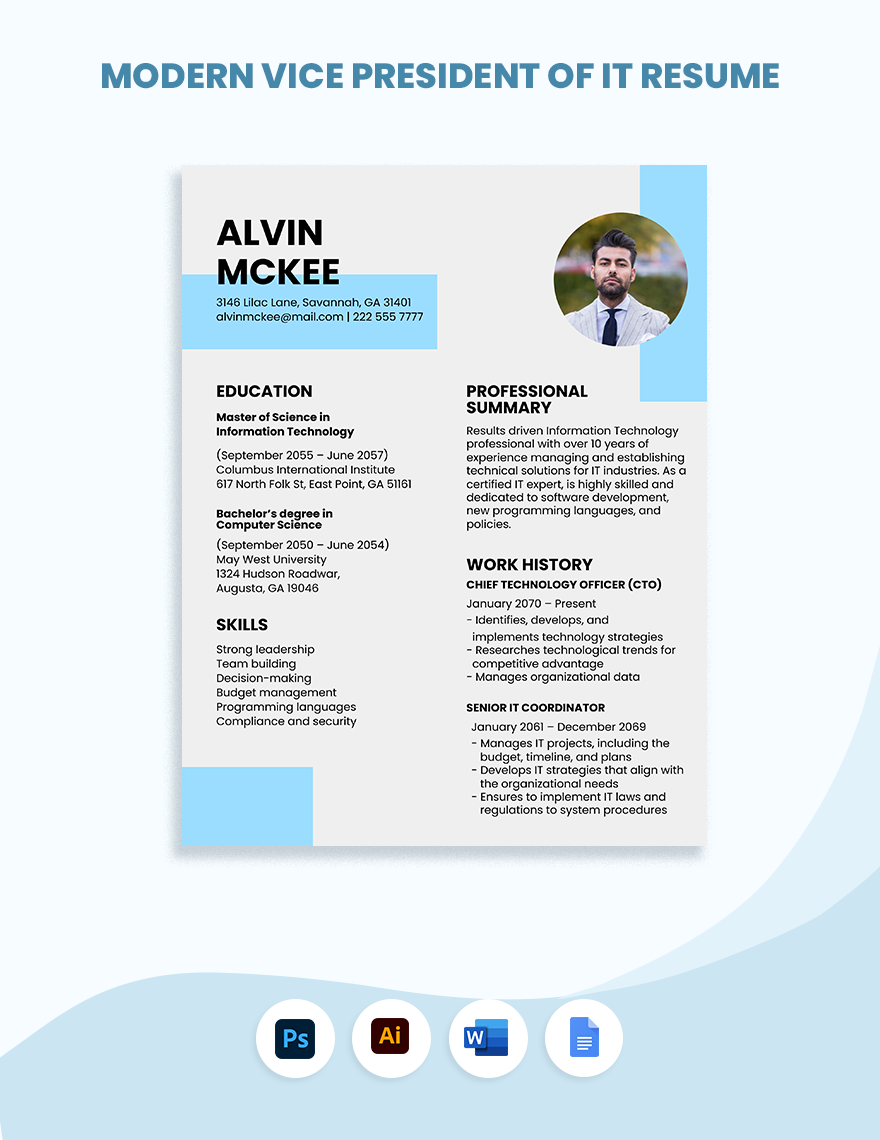
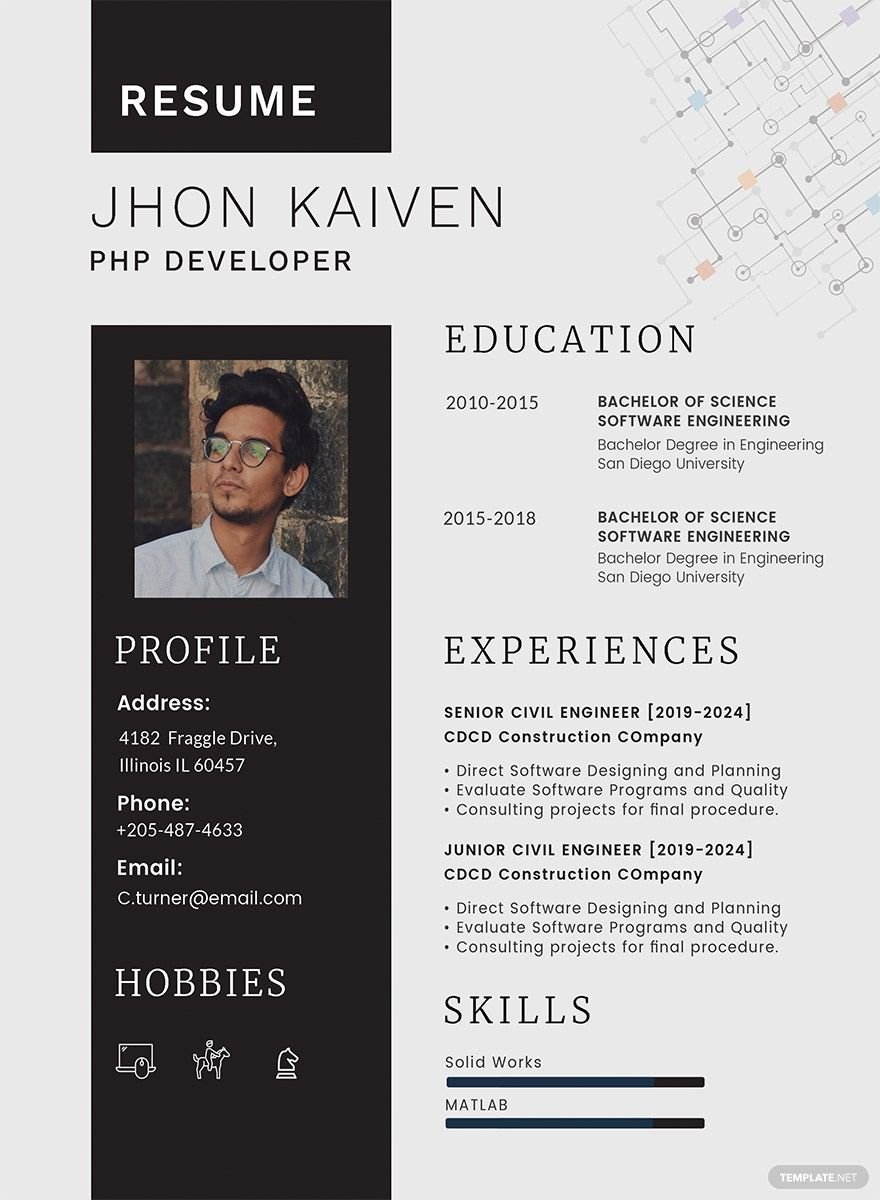
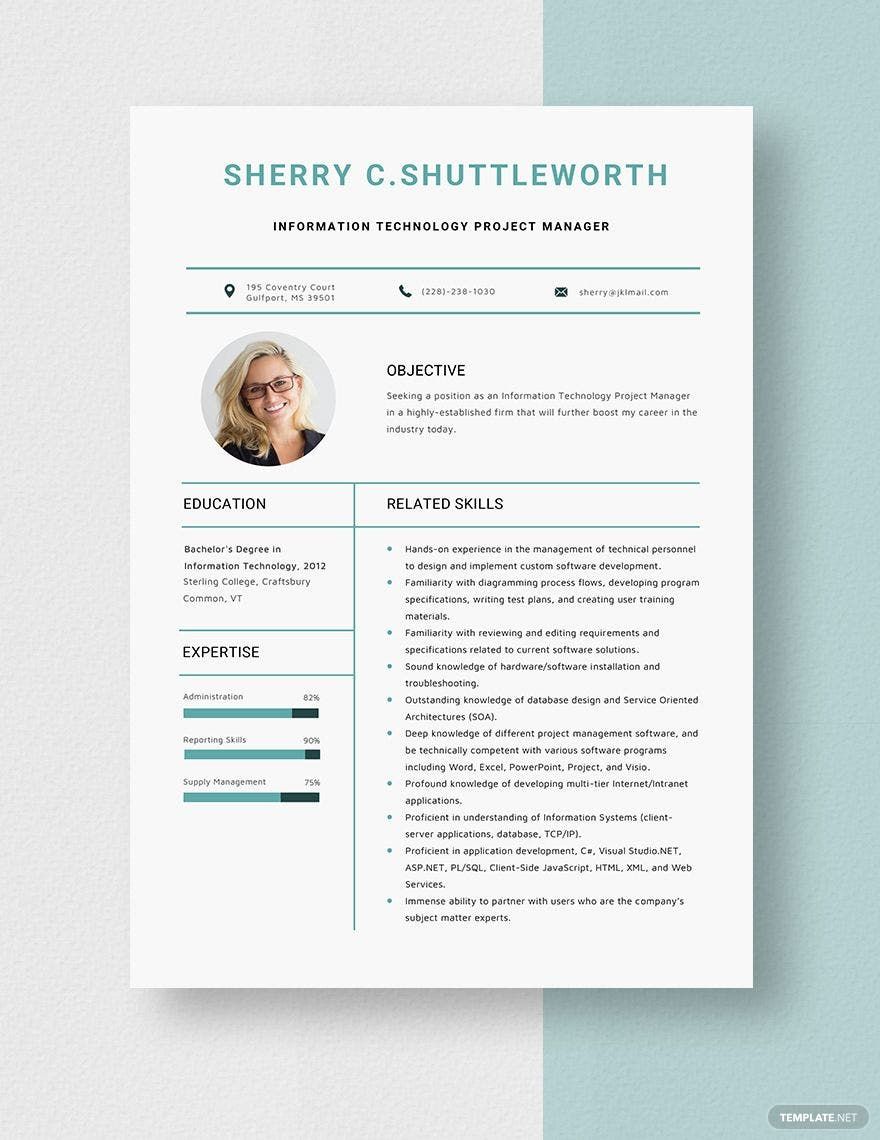
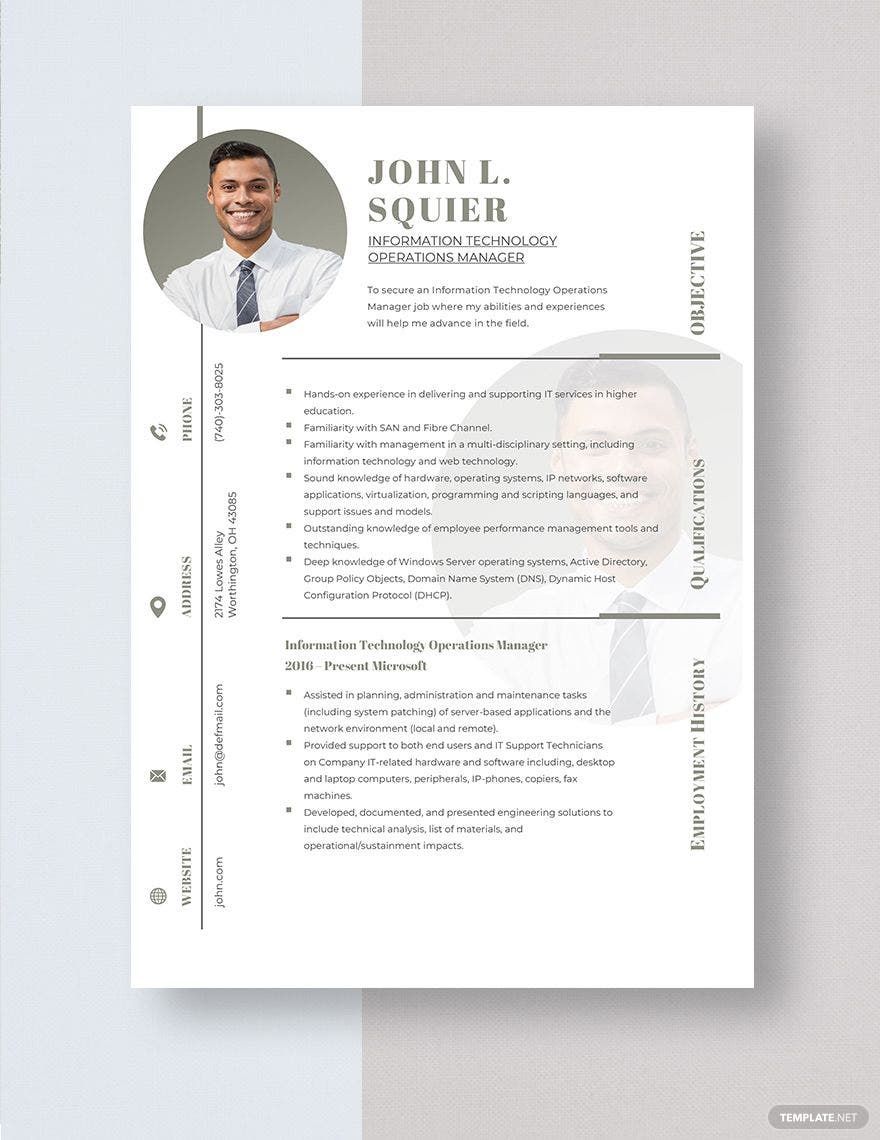
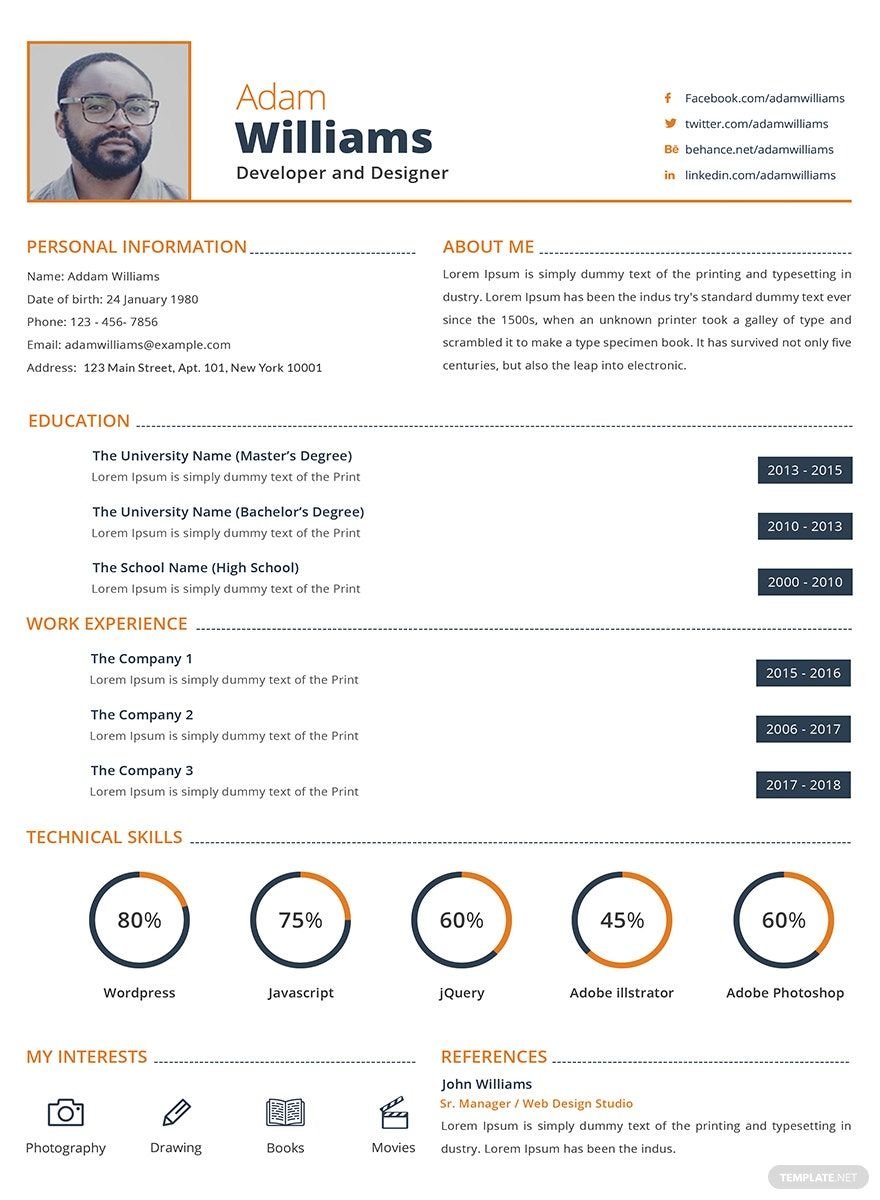
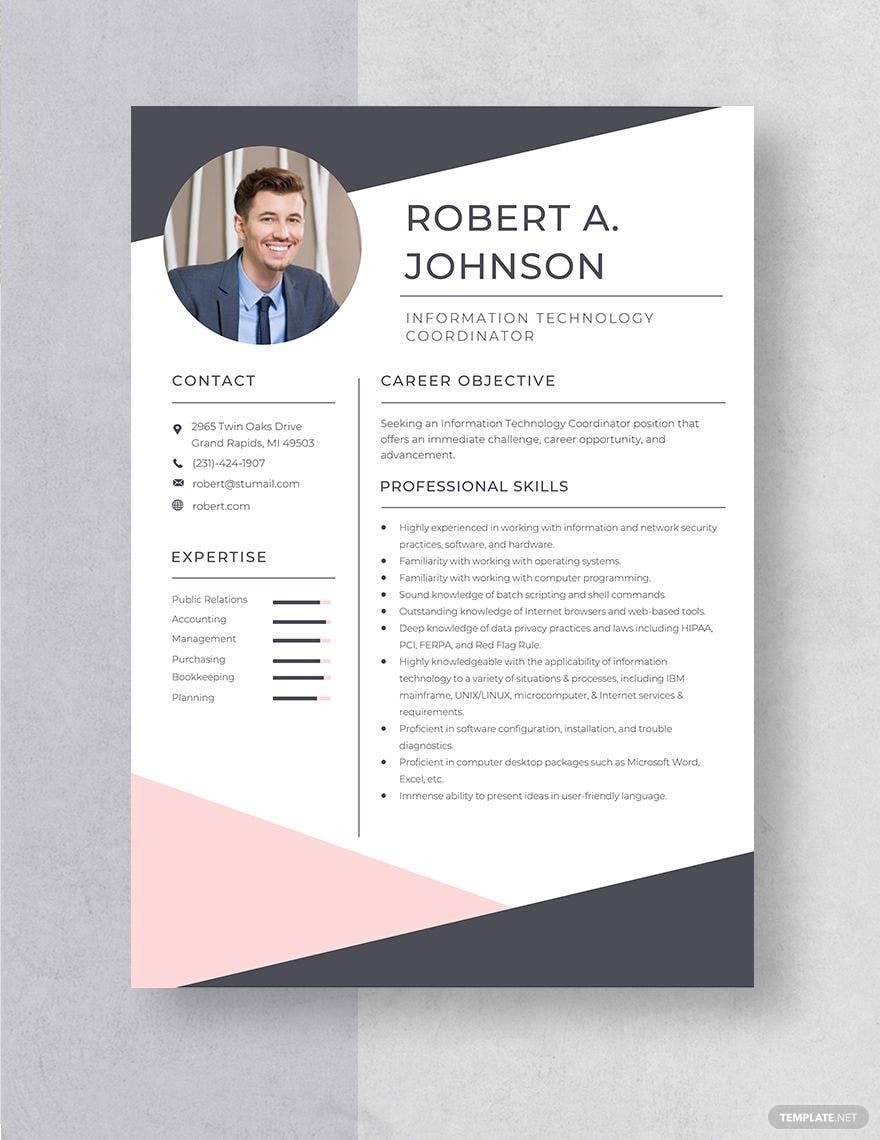
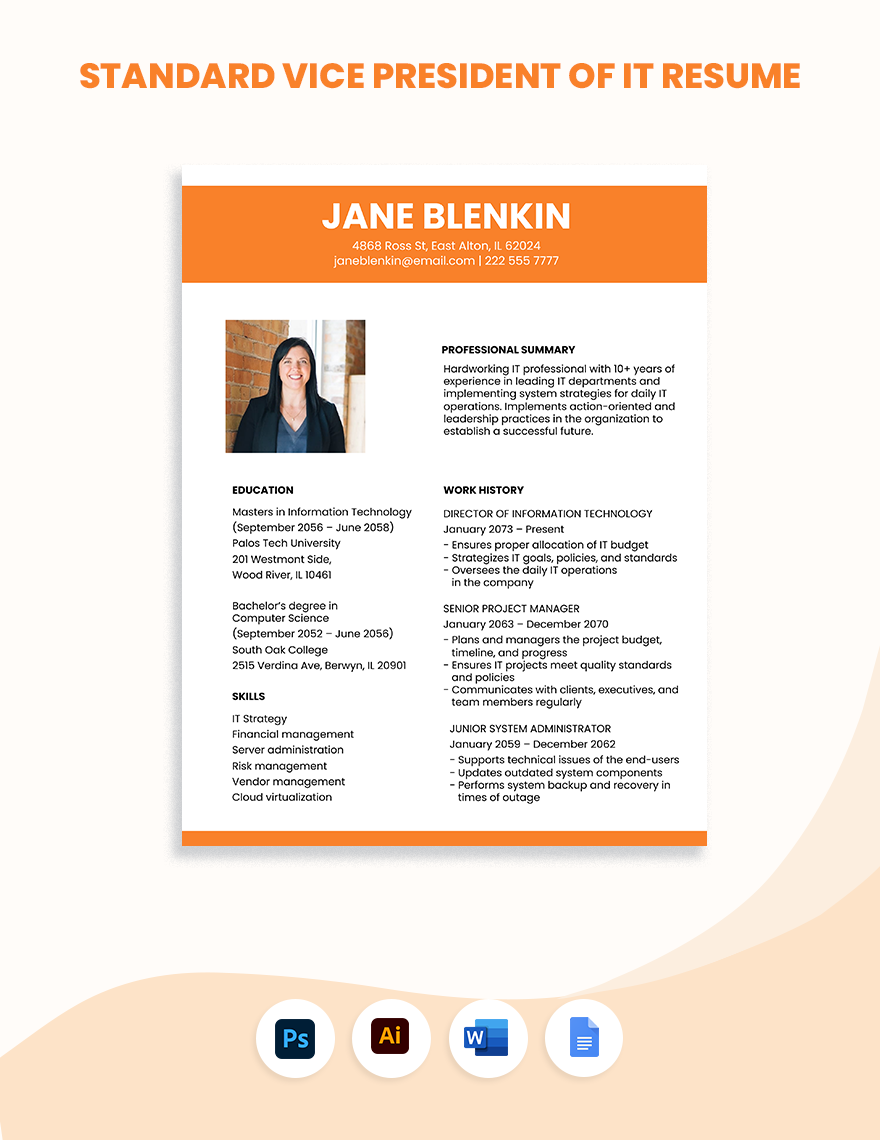
Like a business that uses a flyer or brochure for marketing its products and services, you also need a resume as your marketing tool to present yourself in every job application. If you are planning to apply for an information technology position, you will need a professional-looking IT resume. With that, we offer you our vast collection of Information Technology Resume Templates available in all versions of Microsoft Word. Professionals craft these templates, so we guarantee you that you will be able to produce a formal and well-written IT resume. These editable templates are available in (US) 8.5x11 inches + Blees size and accessible for instant download. Craft a formal IT resume using any of our 100% customizable IT resume templates. Download now, for free!
Free Information Technology (IT) Resume Template in Word
Create Free Information Technology Resumes on Template.net! Whether You Need a Sample Entry Level, Associate's Degree, or Project Manager Resume, Template.net Has Loads of Options. Take This Opportunity to Flex Your IT Project Developer Skills or Job Experience with Microsoft Word IT Resumes in Any Developer Resume Objective or Format.

- Business Plan
- Menu
- Notes
- Birthday Invitation
- Wedding Invitation
- Magazine
- Internship Certificate
- Catalogs
- Calendar
- Restaurant Receipts
- Forms
- Checklist
- Project
- Posters
- Cover Page
- Programs
- Planner
- Journal
- List
- Layout
- Colorful Word
- Professional MS Word
- Two Page Resume
- Training Certificates
- Letters
- Place Cards
- Tickets
- Itinerary
- Note Taking
- Timelines
- Timetable
- Ebooks
- Editable Book Covers
- Resignation Letters
- Vouchers
- Receipts
- Travel Invoice
- Tri Fold Brochure
- Greeting Cards
- Prescription
- Retirement Invitation
- Cookbook
- Delivery Note
- Flyers
- Job Flyer
- Graduation Invitation
- Coupons
- Labels
- CV
- Borders
- Background
- Document
- Exam
- Memo
- Infographics
- White Paper
- Customer Persona
- Envelopes
- Surveys
- Thank you Cards
- Save the Date Invitations
- Photo Collage
- Charts
- Training Manual
- Presentations
- Invitation Cards
- Postcards
- Diploma Certificates
- Schedule
- Participation Certificate
- Medical Resume
- Recommendation Letter
- Report Cards
- Quiz
- Recruiting Hiring
- Funeral Card
- Photo Resume
- Roadmaps
- Training Proposal
- Civil Engineer Resume
- Construction Quotation
- Baptism Invitations
- Sign in Sheet
- School Id Card
- Attendance Sheet
- Farewell Invitation
- Polaroid
- Sports Certificate
- Achievement Certificate
- School Schedule
- Basic Certificate
- Signs
- Food Vouchers
- Graphic Templates
- Leave Letters
- Funeral Invitation
- Professor Resume
- Daily Reports
- Annual Maintenance Contract
- Wishes
- Books
- Cover MS Word
- Downloadable
- Design
- Beautiful
- Creative
- Student
- Application
- Small Business
How to Make an Information Technology Resume in Microsoft Word
A resume is a formal document used in applying for any job positions—such as project manager, corporate assistant, customer service representative, professional teacher, software engineer, computer programmer, etc. This written document serves as your first introduction to an employer, so make sure it must be impressive. A well-written resume allows you to land the job position you want.
As the United States considered the most prominent technology market, IT job positions are at large. Trilogy Education Service states that in the year 2016, there were 1.3 million computer and information technology positions available in the US. On the other hand, the Bureau of Labor Statistics says that in 2020, there will be 1.4 million more IT jobs.
With the increasing number of IT job positions, one must create an outstanding information technology resume. Here in Template.net, we provide you little tips that will teach you how to write a resume that stands out amongst other resumes. Check them out below!
1. Prepare the Essential Information
A resume is more on the content rather than the resume format. So it is essential to prepare all the necessary details beforehand. Since your resume is a summary of yourself, you must write your educational background, your skills, and qualifications. You may also include your work experiences if you have. But if you are a fresher, you can skip this part.
2. Look for an IT Resume Template
You may create your IT resume from scratch, but it may require more time. With that, we suggest you look for the perfect IT resume template that you can use. Utilizing a printable template allows you to have a smooth process in making your IT resume. However, be mindful of choosing the resume template. Make sure to download the template that suits your needs.
3. Customize using Microsoft Word
Once you already have an IT resume template, the next thing you have to do is to encode all the information you prepared in step 1. We recommend you modify your template in Microsoft Word application. This word processor is the best tool in terms of creating formal documents like proposals, agreements, and of course, resumes. This application also has a variety of easy-to-use feature elements that you will enjoy when you use this.
4. Evaluate your IT Resume
Your IT resume needs to be well-written and errorless to capture the interest of an employer. That is why evaluating or proofreading your resume is imperative. Doing so will allow you to produce a clean resume that will help you land the IT job position you want. Failure to do so might lose you the opportunity of being hired.
5. Print out Your IT Resume
When everything is ready, you may print your IT resume formal document. If you want to do the printing, make sure you use a quality paper stock and a functional printing machine to produce a professionally written and presentable IT resume. After that, you are good to go.
