
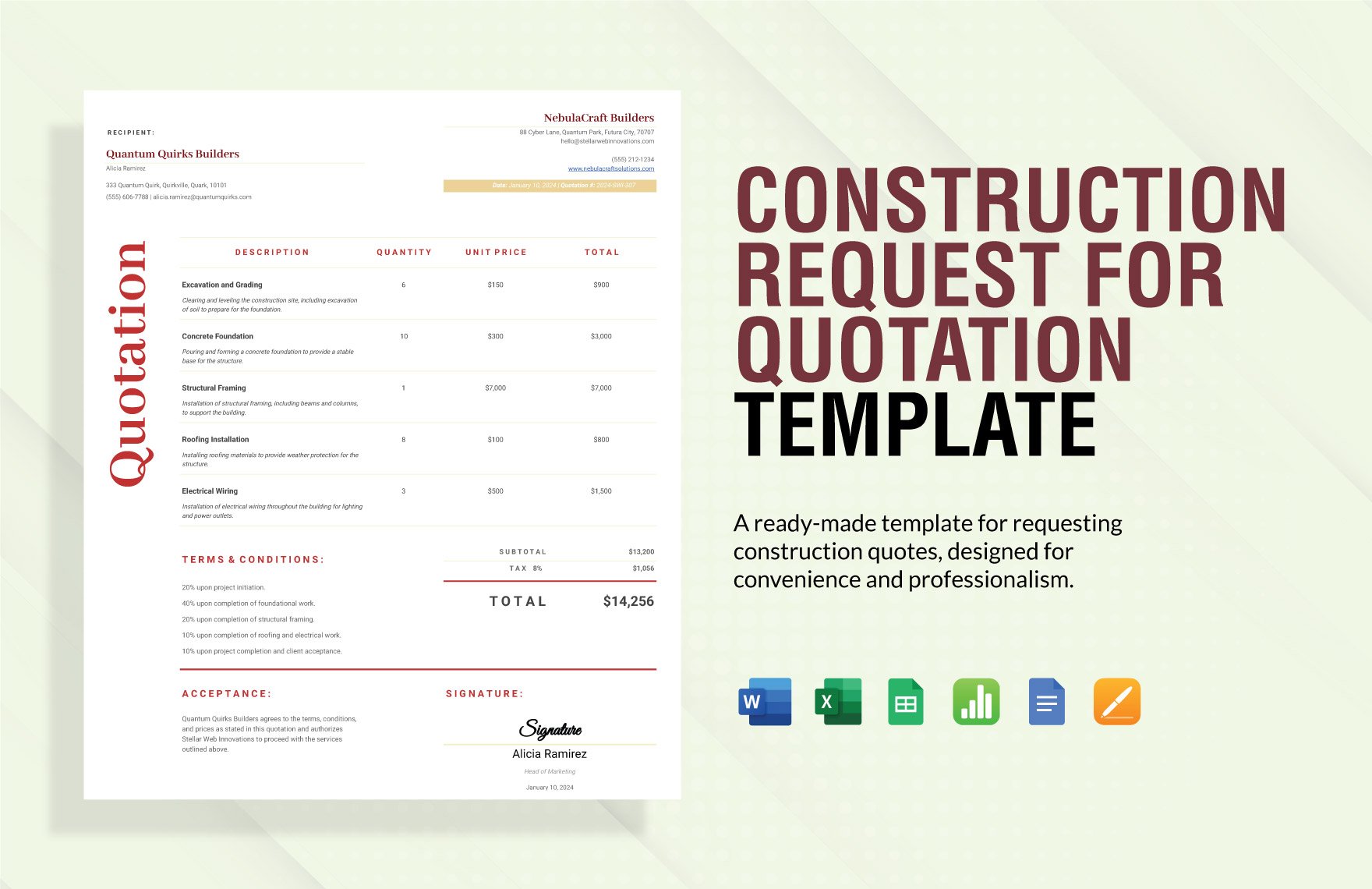
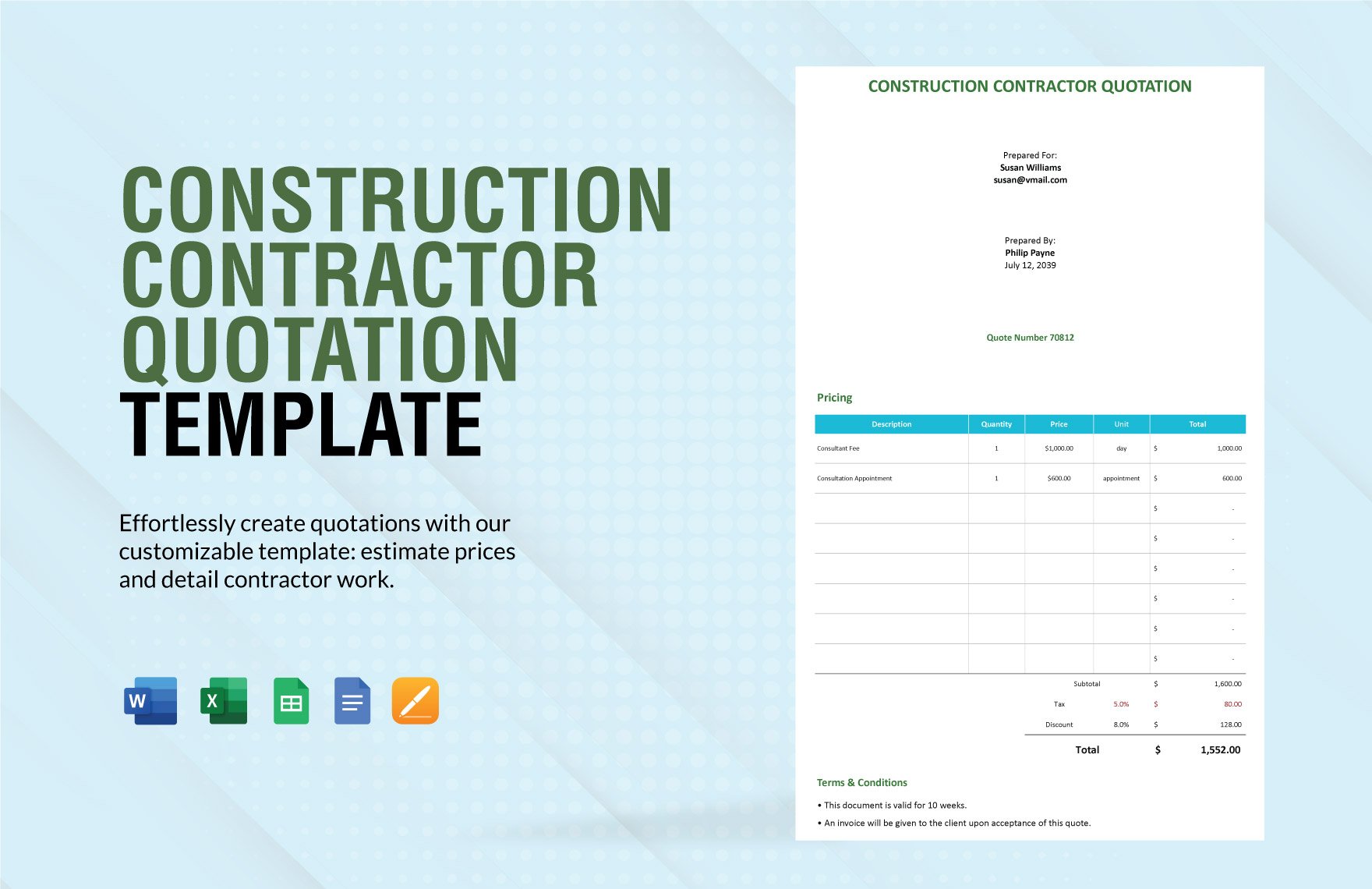
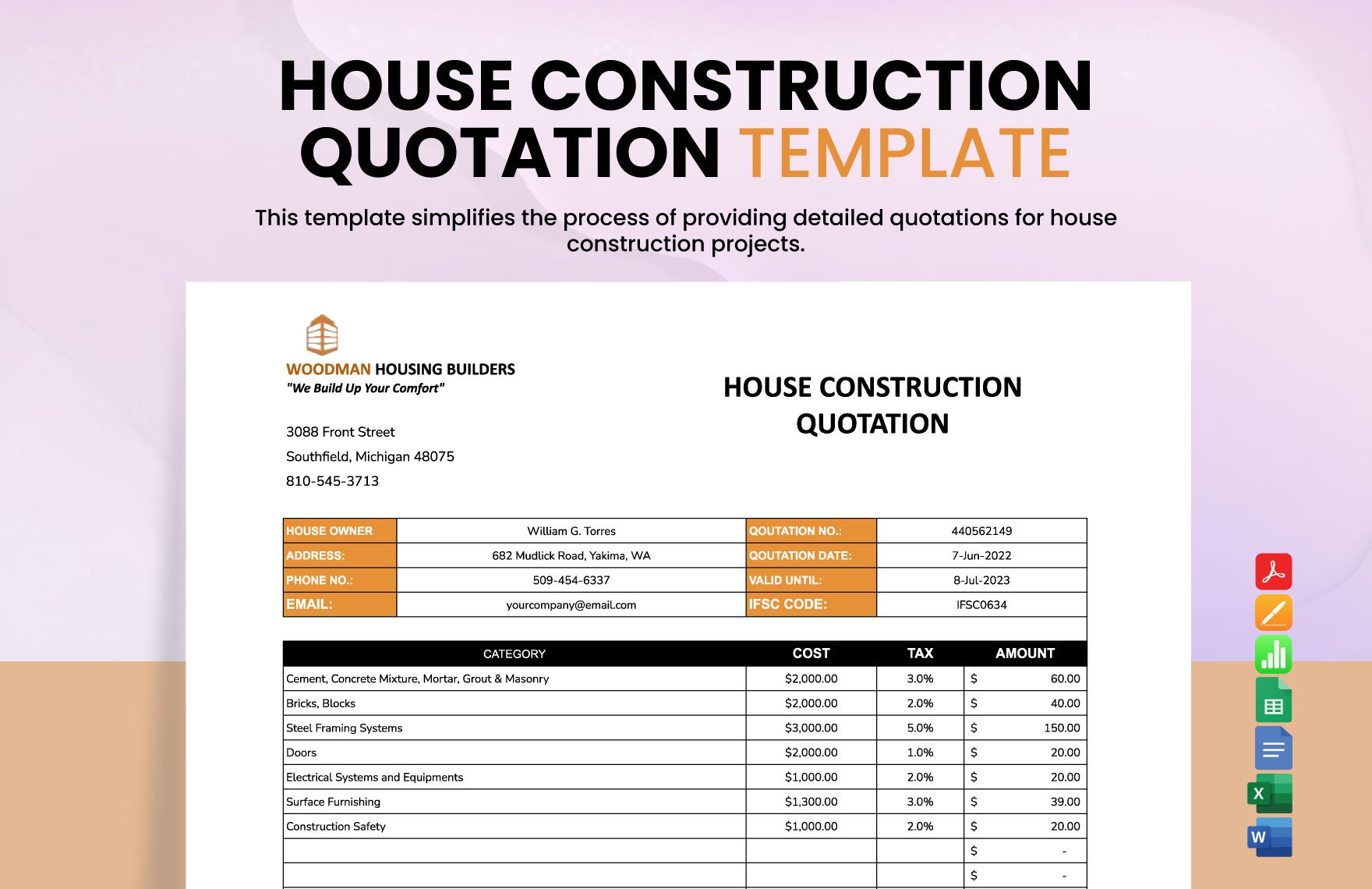
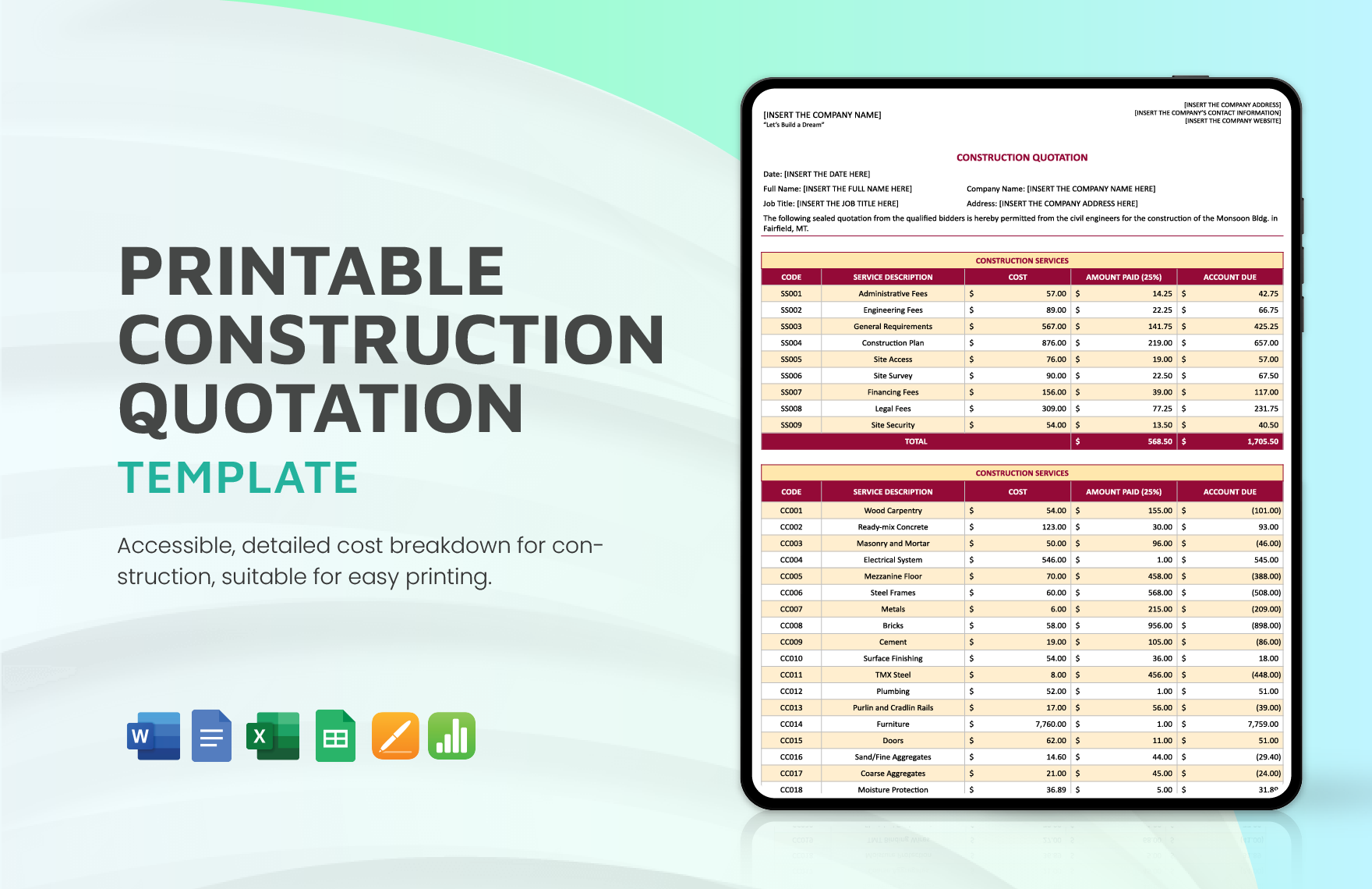
The construction industry is part of a B2B environment. Without the suppliers, house or building construction is impossible. If you happened to own a construction firm and wanted to propose your construction supplies and services in your potential clients, use a quotation. Use our ready-to-use Construction Quotation Template in Microsoft Word to make it quicker. we assure you, templates in this collection are versatile, 100% customizable, easily editable, and printable. Moreover, you can print them in A4 & US Letter Sizes. Download now and earn more clients to avail of your construction products and services. subscribe to start downloading now!
Free Construction Quotation Template in Word
Find Construction Quotation Word Templates at Template.net and Create Professional Proposal Documents for Your Construction Firm. with Our Editable Samples, You Can Outline the Costs for Labor, Materials, and More. Whether Your Project Is Building a House, Basement, or Garage, We Provide Customizable Mockups for Any Job. You Can Also Get These in Excel Format. Download Now!

- Business Plan
- Menu
- Notes
- Birthday Invitation
- Wedding Invitation
- Magazine
- Internship Certificate
- Catalogs
- Calendar
- Restaurant Receipts
- Forms
- Checklist
- Project
- Posters
- Cover Page
- Programs
- Planner
- Journal
- List
- Layout
- Colorful Word
- Professional MS Word
- Two Page Resume
- Training Certificates
- Letters
- Place Cards
- Tickets
- Itinerary
- Note Taking
- Timelines
- Timetable
- Ebooks
- Editable Book Covers
- Resignation Letters
- Vouchers
- Receipts
- Travel Invoice
- Tri Fold Brochure
- Greeting Cards
- Prescription
- Retirement Invitation
- Cookbook
- Delivery Note
- Flyers
- Job Flyer
- Graduation Invitation
- Coupons
- Labels
- CV
- Borders
- Background
- Document
- Exam
- Memo
- Infographics
- White Paper
- Customer Persona
- Envelopes
- Surveys
- Thank you Cards
- Save the Date Invitations
- Photo Collage
- Charts
- Training Manual
- Presentations
- Invitation Cards
- Postcards
- Diploma Certificates
- Schedule
- Participation Certificate
- Medical Resume
- Recommendation Letter
- Report Cards
- Quiz
- Recruiting Hiring
- Funeral Card
- Photo Resume
- Roadmaps
- Training Proposal
- Civil Engineer Resume
- Construction Quotation
- Baptism Invitations
- Sign in Sheet
- School Id Card
- Attendance Sheet
- Farewell Invitation
- Polaroid
- Sports Certificate
- Achievement Certificate
- School Schedule
- Basic Certificate
- Signs
- Food Vouchers
- Graphic Templates
- Leave Letters
- Funeral Invitation
- Professor Resume
- Daily Reports
- Annual Maintenance Contract
- Wishes
- Books
- Cover MS Word
- Downloadable
- Design
- Beautiful
- Creative
- Student
- Application
- Small Business
How to Create a Construction Quotation in Microsoft Word (DOC)?
According to Info Entrepreneurs, a quotation is a price offer that cannot be changed once the client accepts it. With that, it would include construction information that your clients would want to know. So, issuing one is a crucial step, especially for the future of your construction company, thus, you need to ace your game. Let us help you by providing these easy and helpful tips for creating a construction quotation in Word:
1. Create a File and Follow Proper Format
As an estimate, a quotation is a formal document that needs to adhere to the proper formatting. This step does not need complexity; rather, you need to follow strictly. Open MS Word and indicate the tile of the document at the top page. Then, you need to write your quotation header, body, and footer. But, if you wanted to make a construction quotation letter, use your company letterhead and a different format. Since you are using a Word file, it would not be much difficult to act upon different content formatting styles. Select the content and go to the 'Format' menu and make the formatting, highlighting and changes required. If you are still confused, you can refer to a sample quotation to know more about another construction quotation format.
2. Have a List of Important Points
You would need to have a reference for the content of your quotation. With that, prepare a checklist of the essential points that you need to present to your clients. For your construction company, usually, the key points are relevant to the products or services that you offer. For example, if you own a construction company, list out the services like design cost, groundworks, masonry works, floor and roof structure, doors and windows, plumbing, and more. Then, include their respective prices.
3. Write your Header
To officially work your way to a construction quotation report, you need to write a header for your document. Usually, it contains your construction company name, logo, location, contact number, email address, and others. Afterward, include the quotation number, quotation date, and construction details. Remember that it is important to number your document as it would serve as an indicator.
4. Emphasize the Benefits
Now that you have written your header, you can now start with the body. This is the most crucial section in your simple quotation. This would serve as your ticket to win the hearts of your clients. So, emphasize the benefits of the quotation. To do that, you need to list your items strategically in a systematic order.
5. Include Terms and Conditions
To avoid discrepancies between the two parties involved, you must layout terms and conditions in your simple quotation that is beneficial to both parties. For example, if you are making a construction labor quotation, include terms and conditions by defining that 90% of the payment must be made during project operation and 10% of it must be paid afterward. In that sense, it would be advantageous for both parties.
6. Insert Payment Terms
At the bottom of it, you can insert the payment terms that you and your clients both agreed. It may be at the bottom of your quotation, but it is one of the most important aspects of it. Include also the due date of the payment timeline.
