
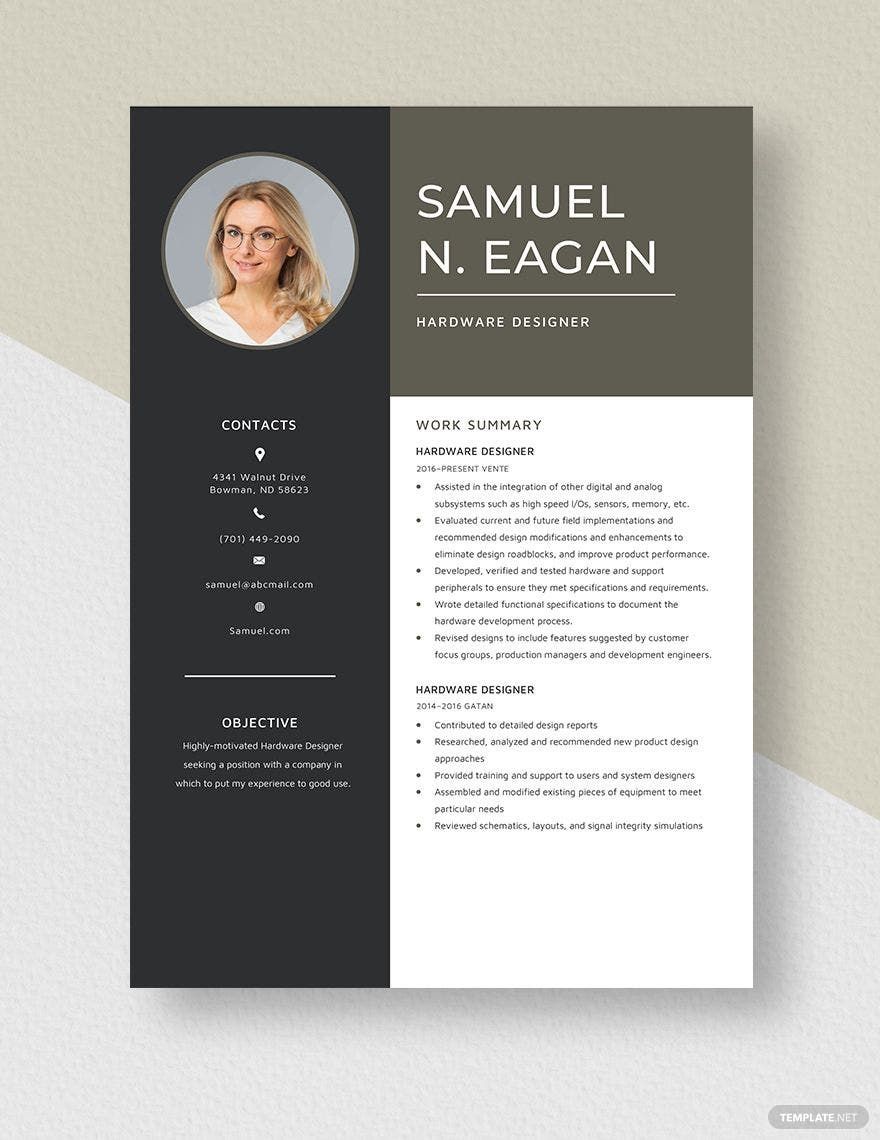
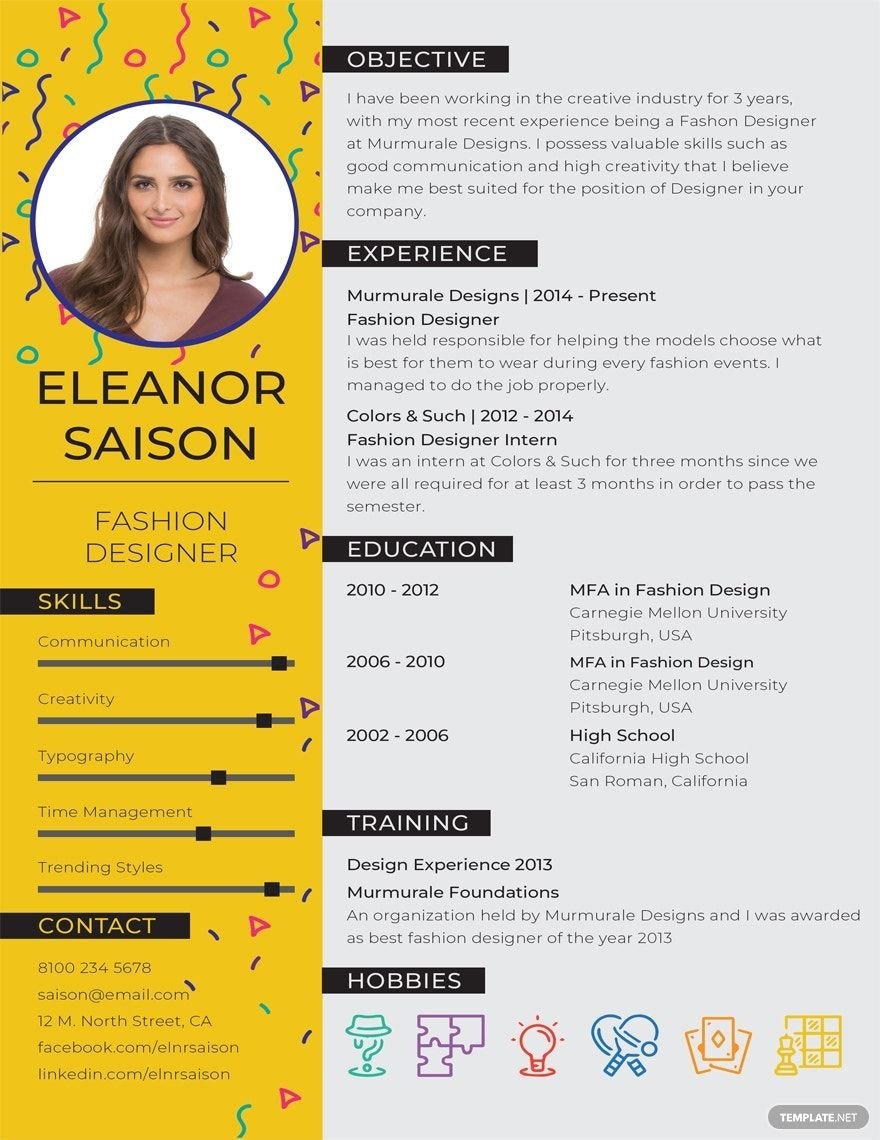
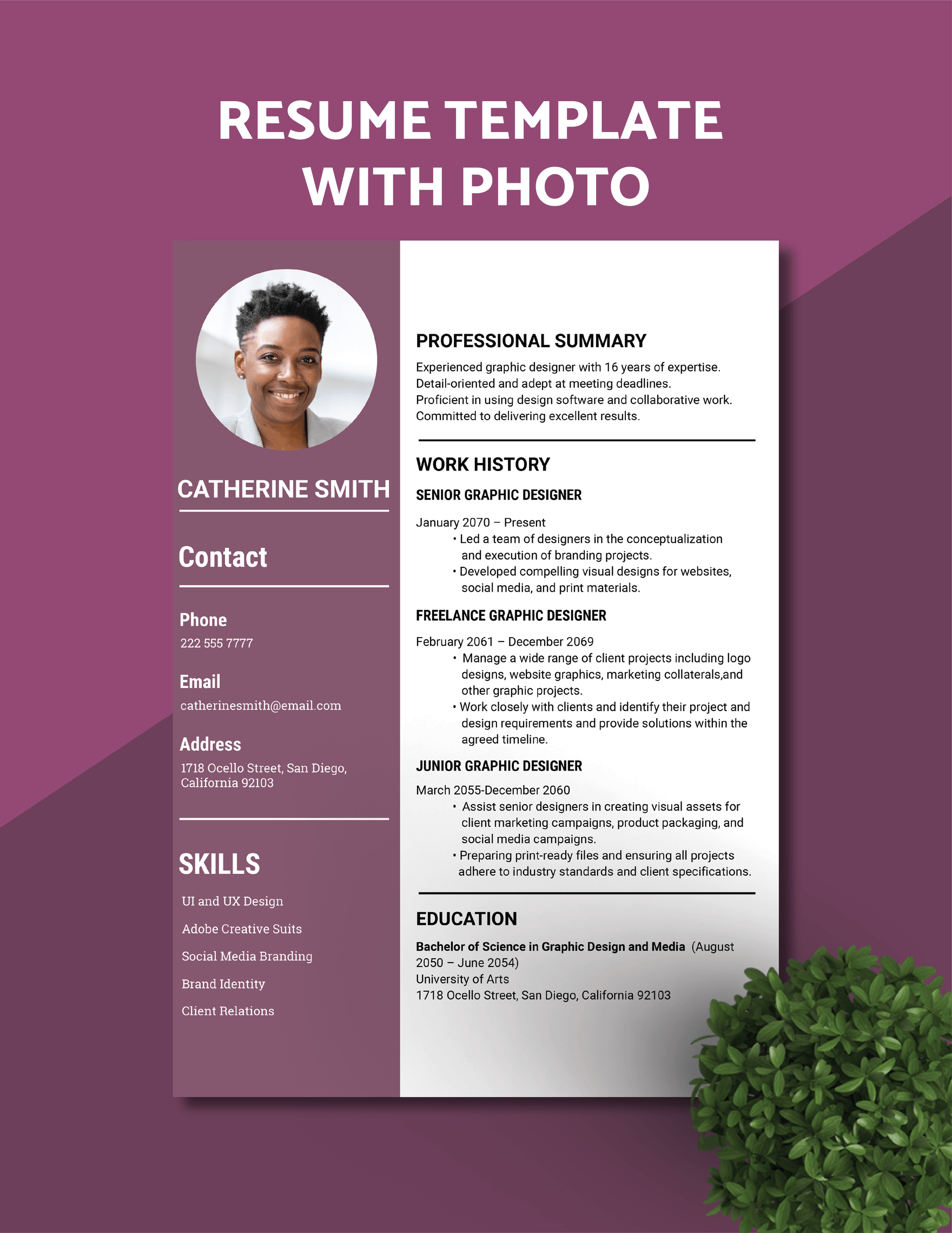
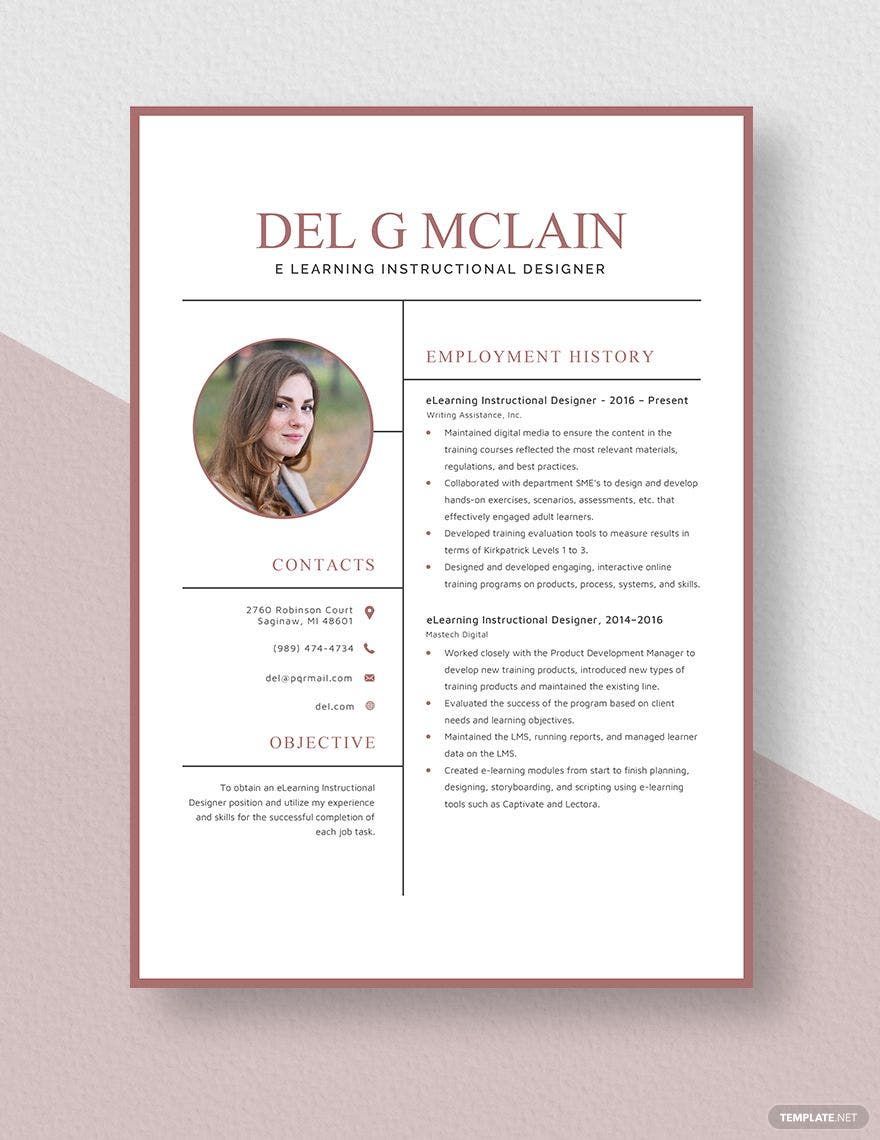
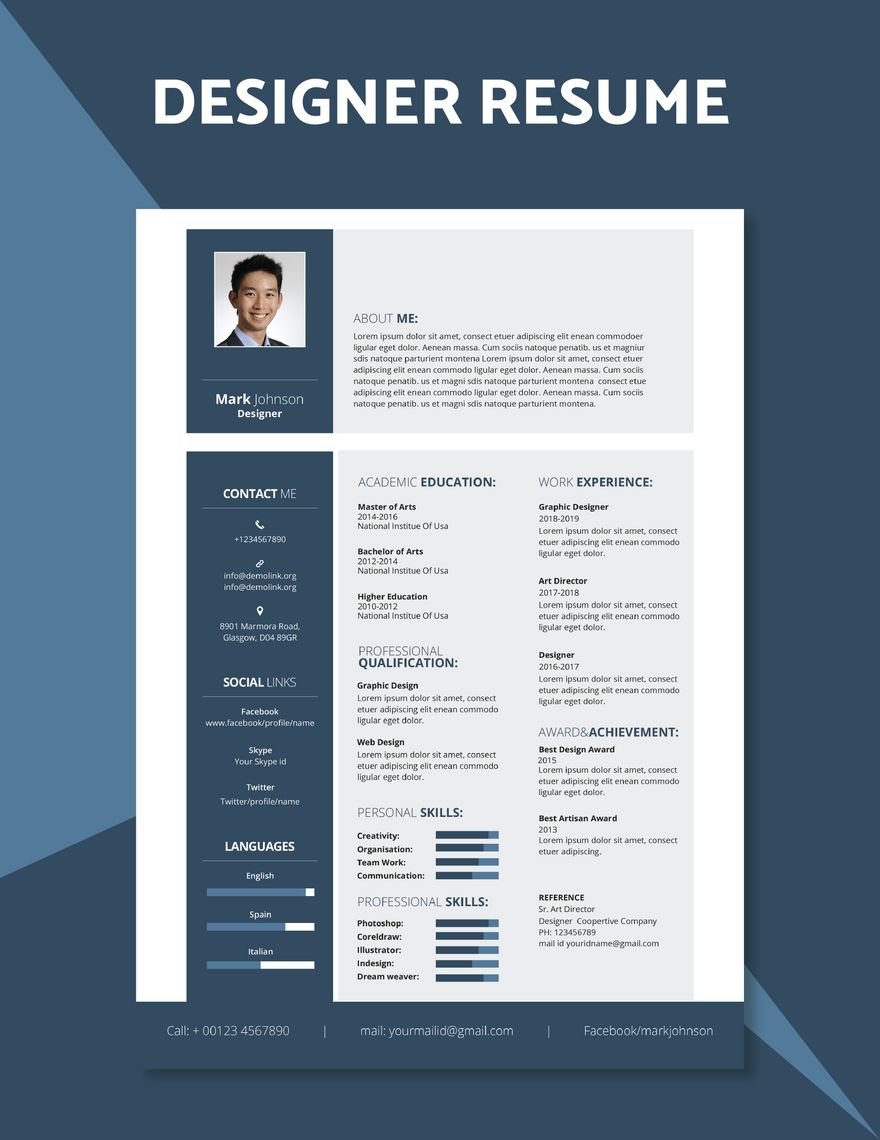
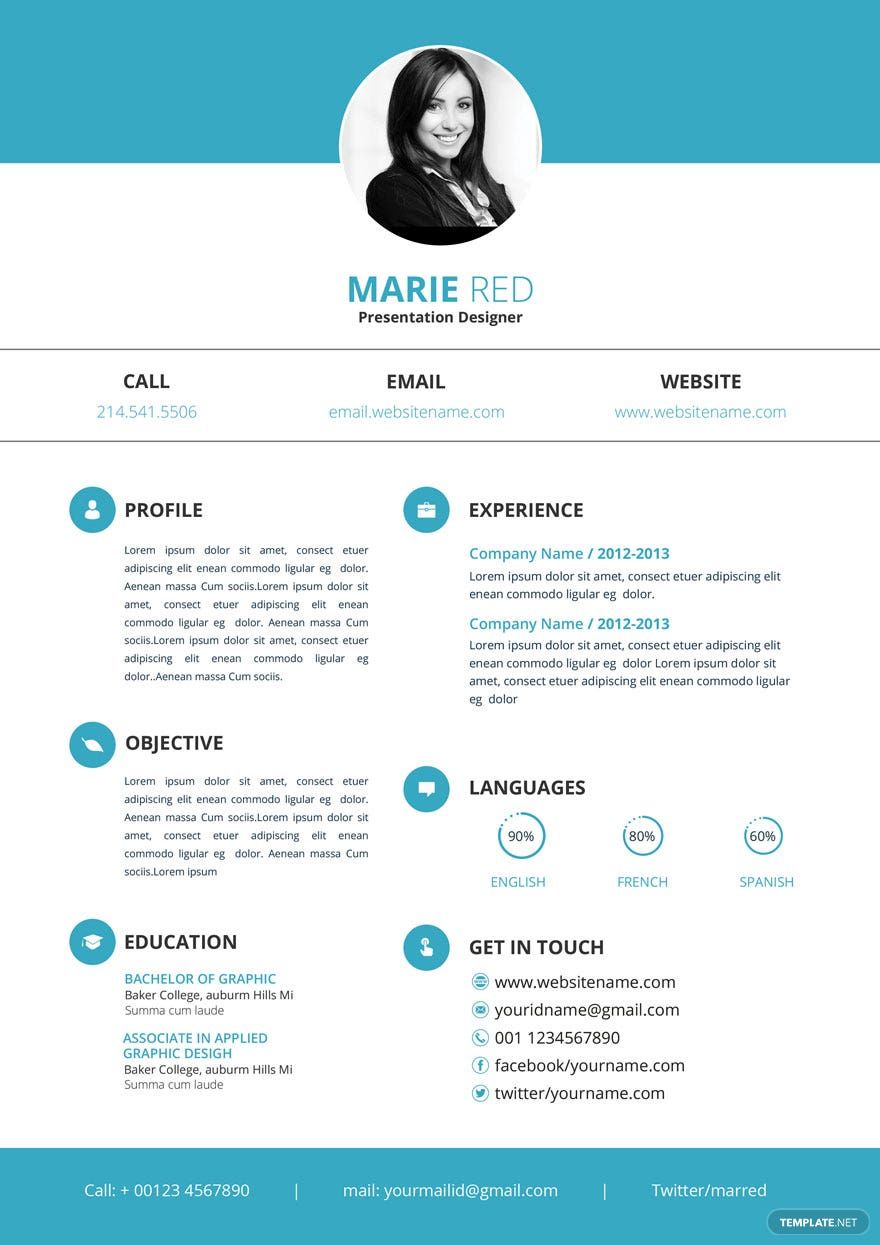
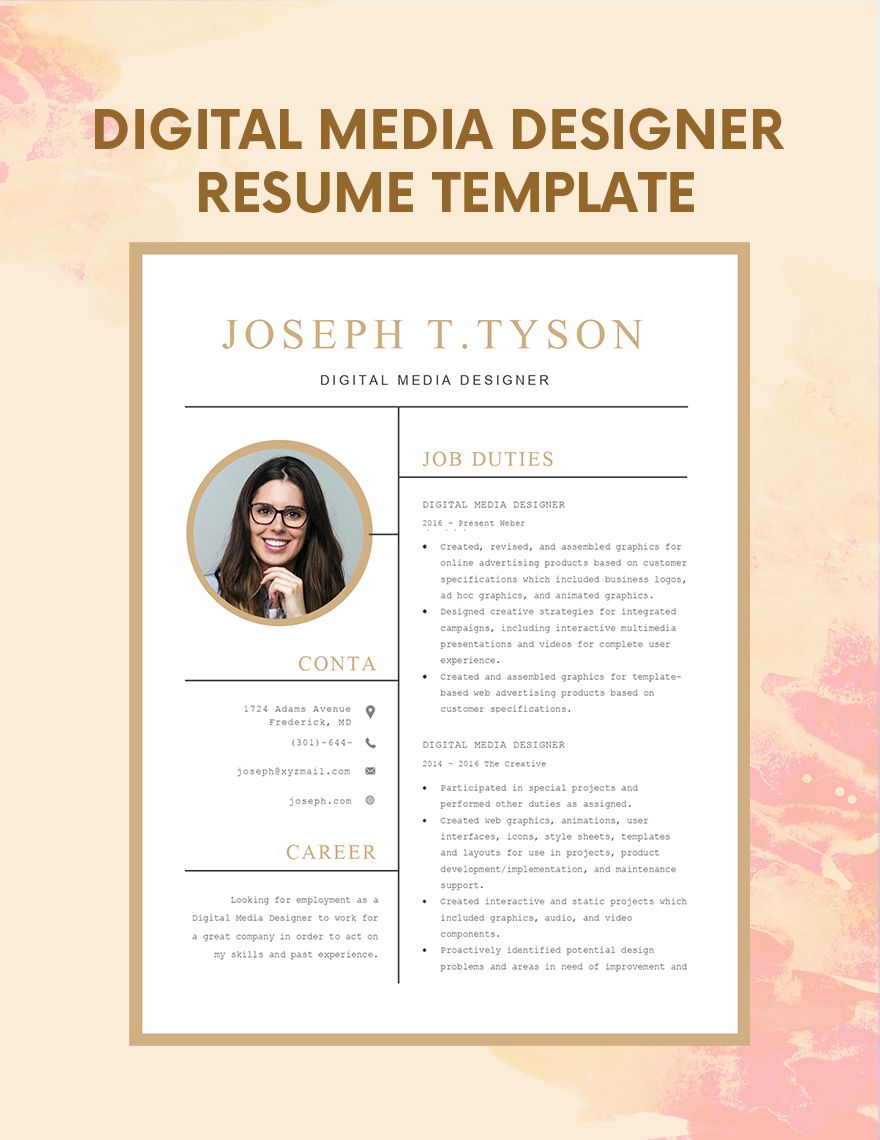
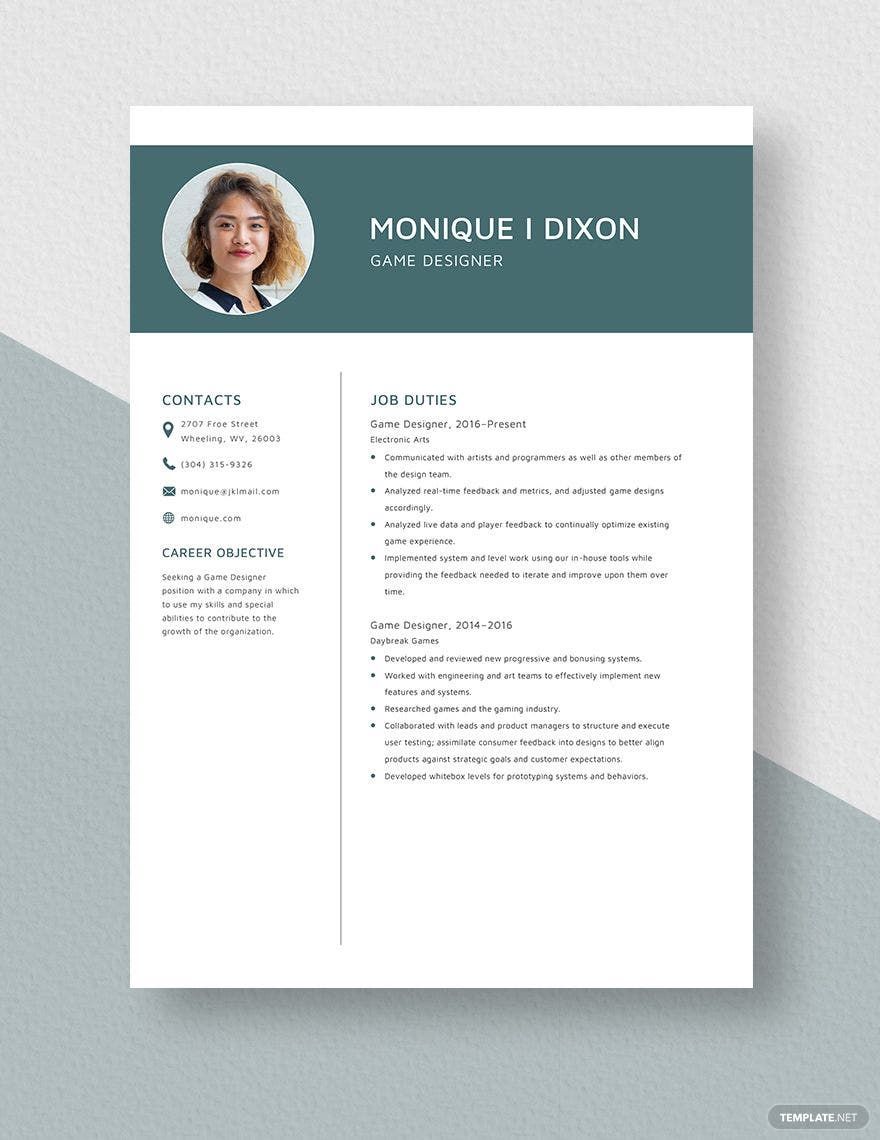
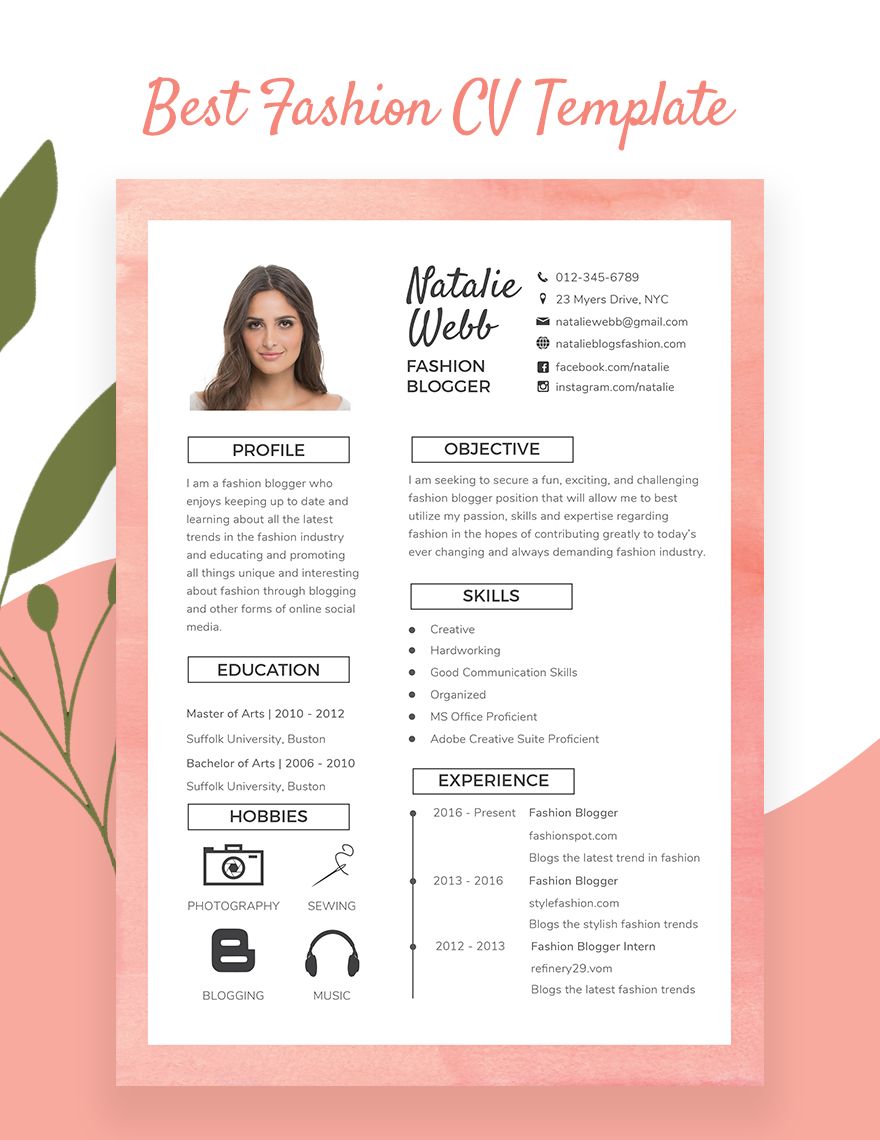
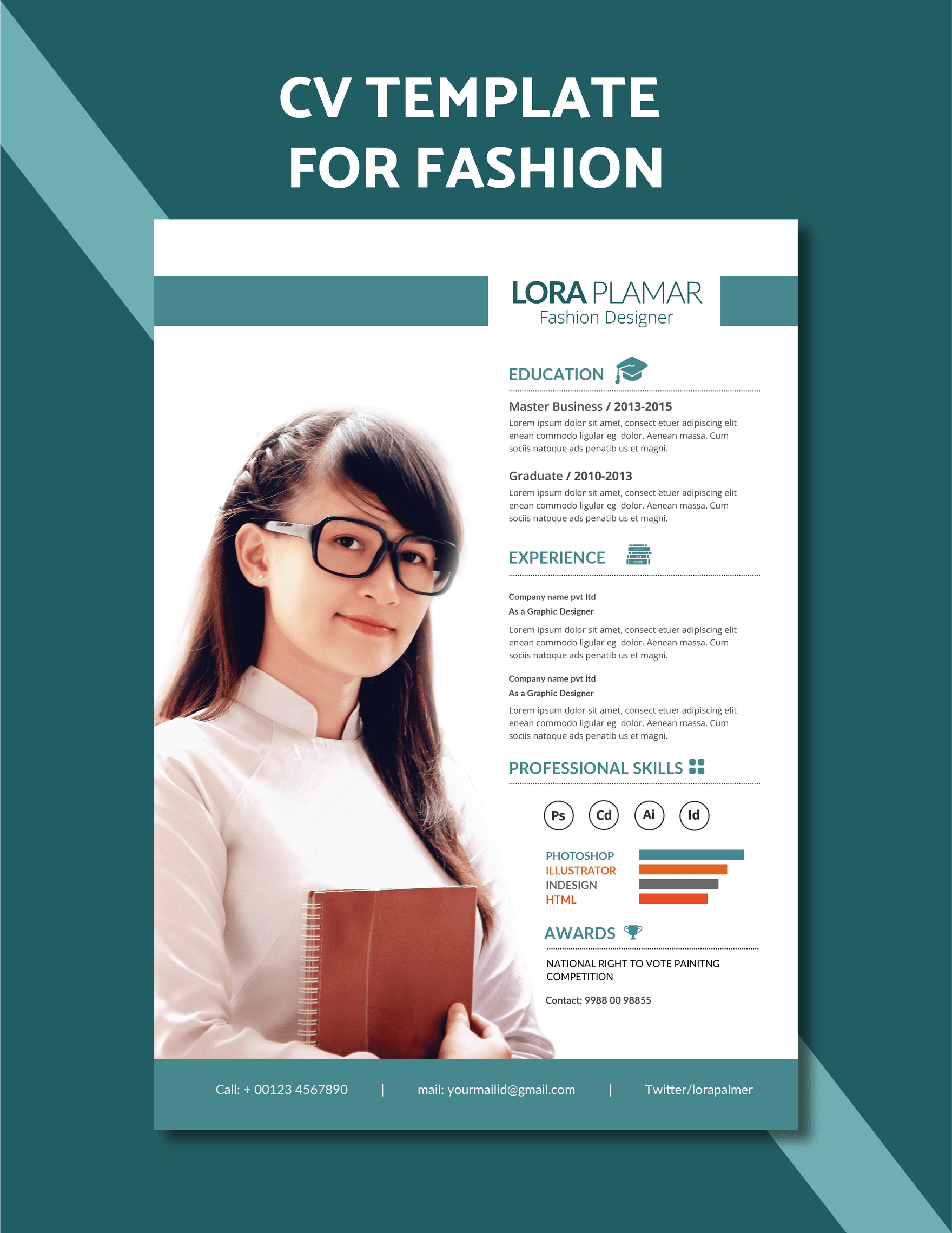
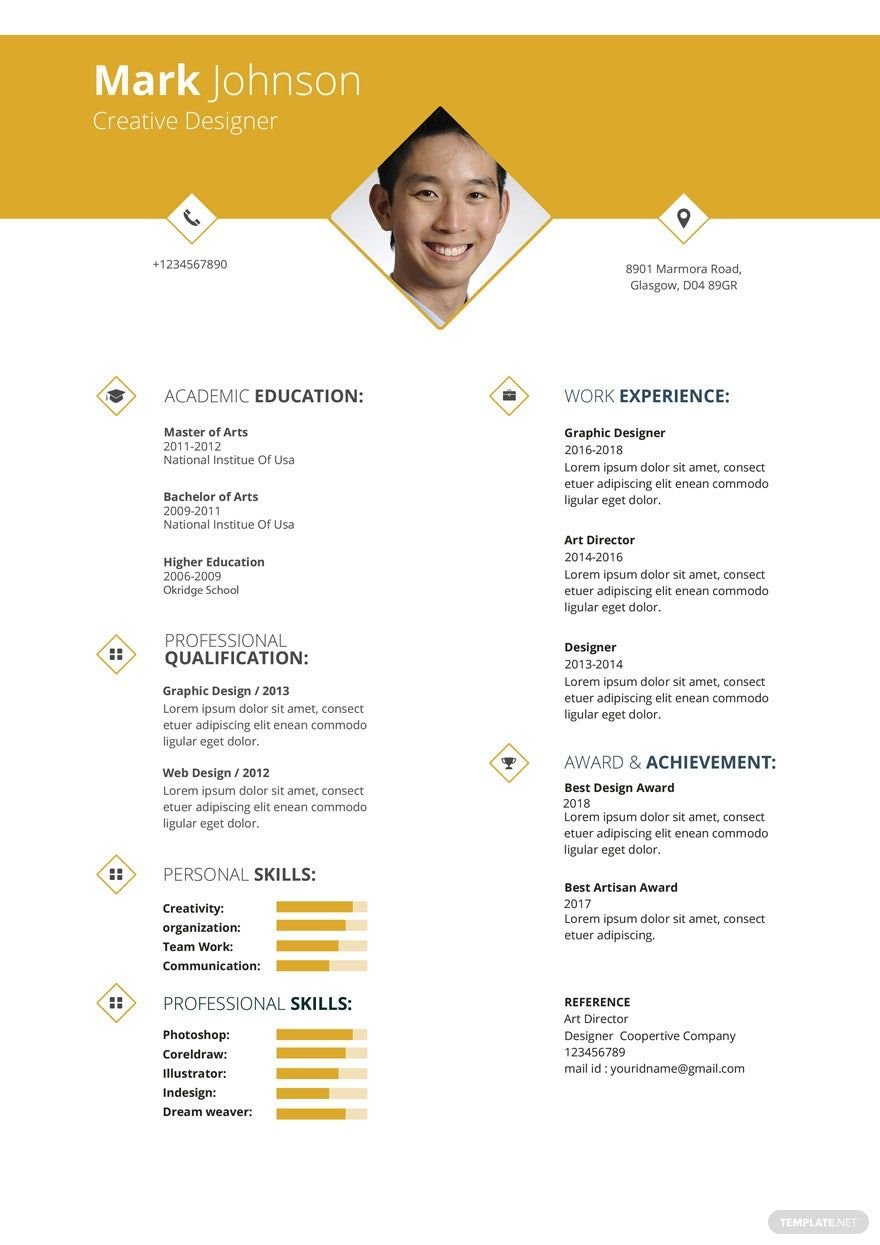
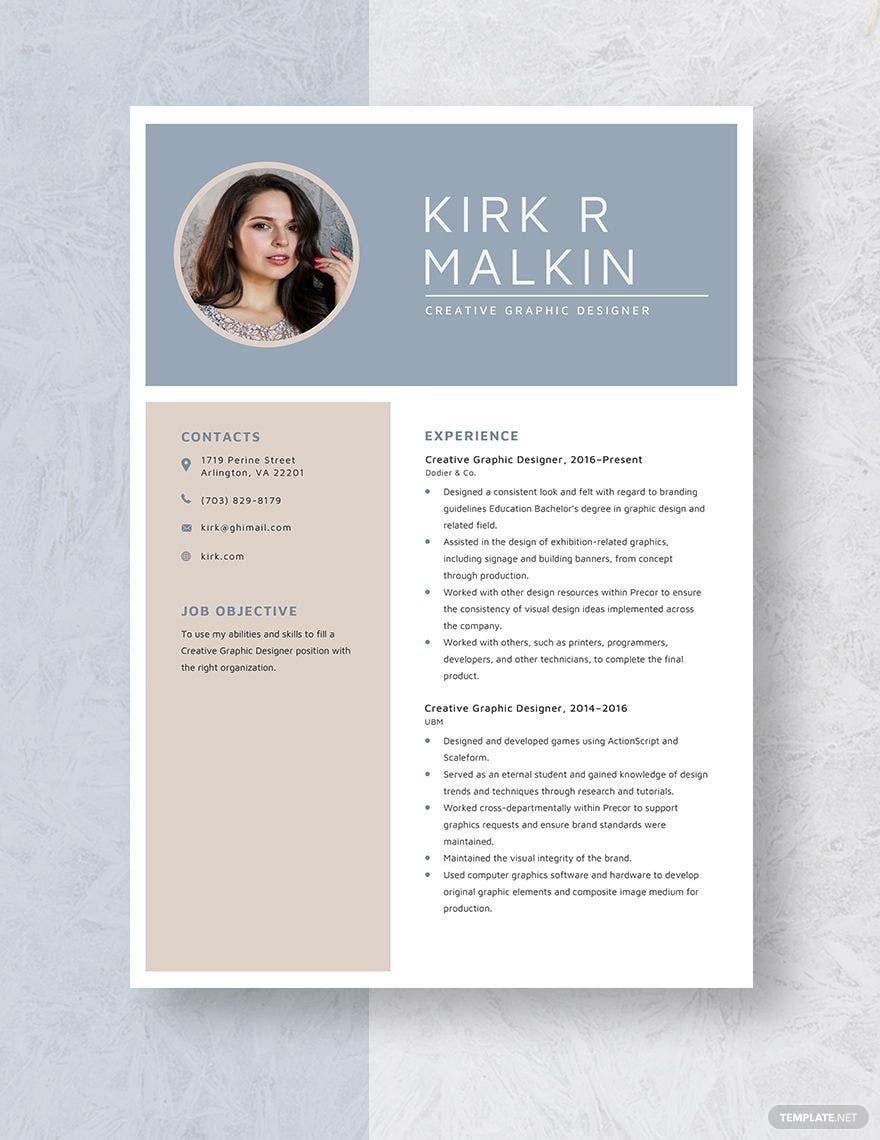
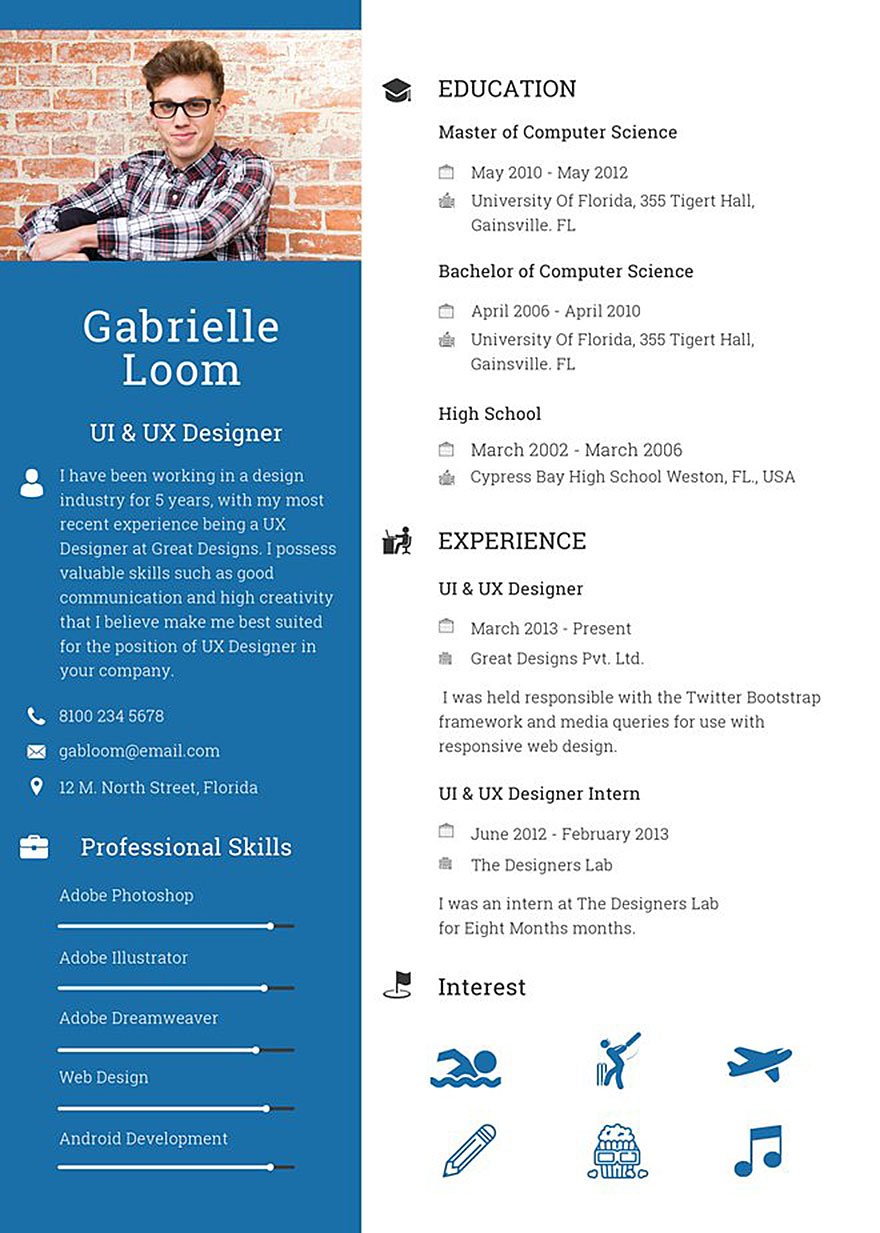
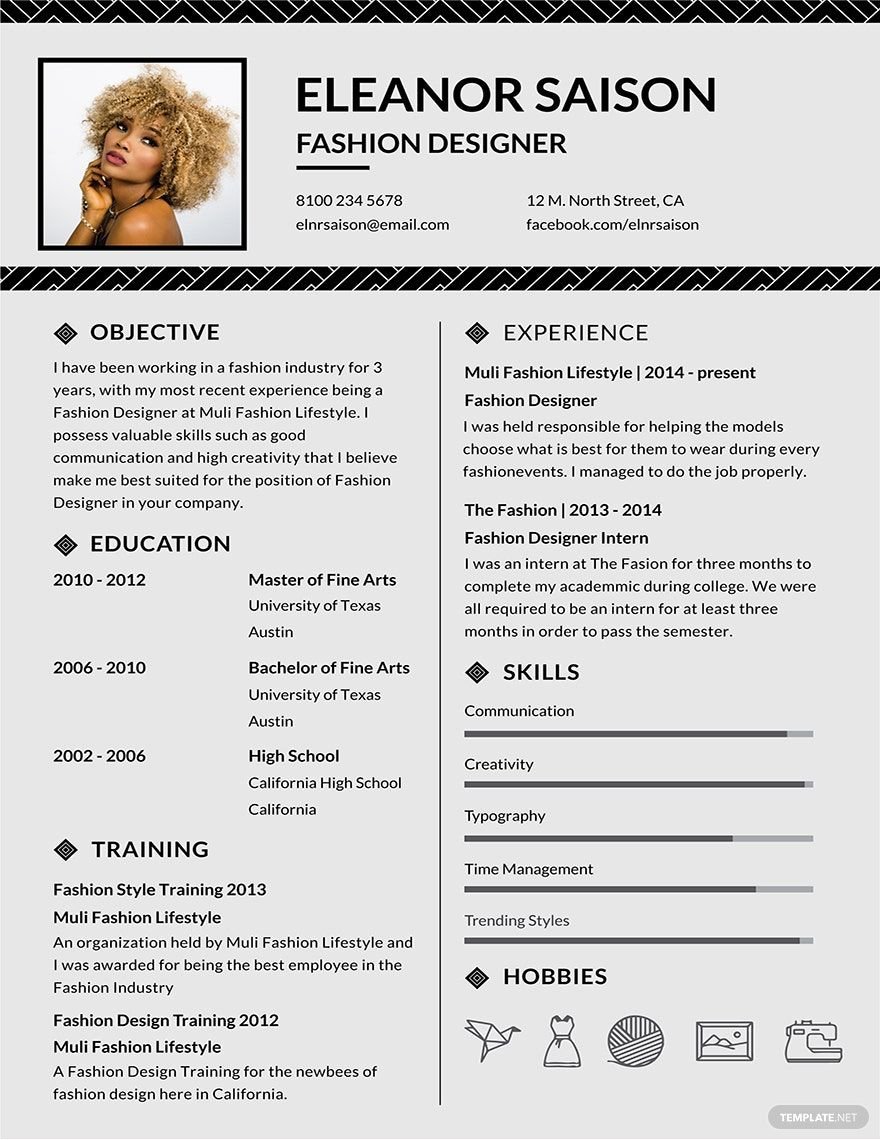
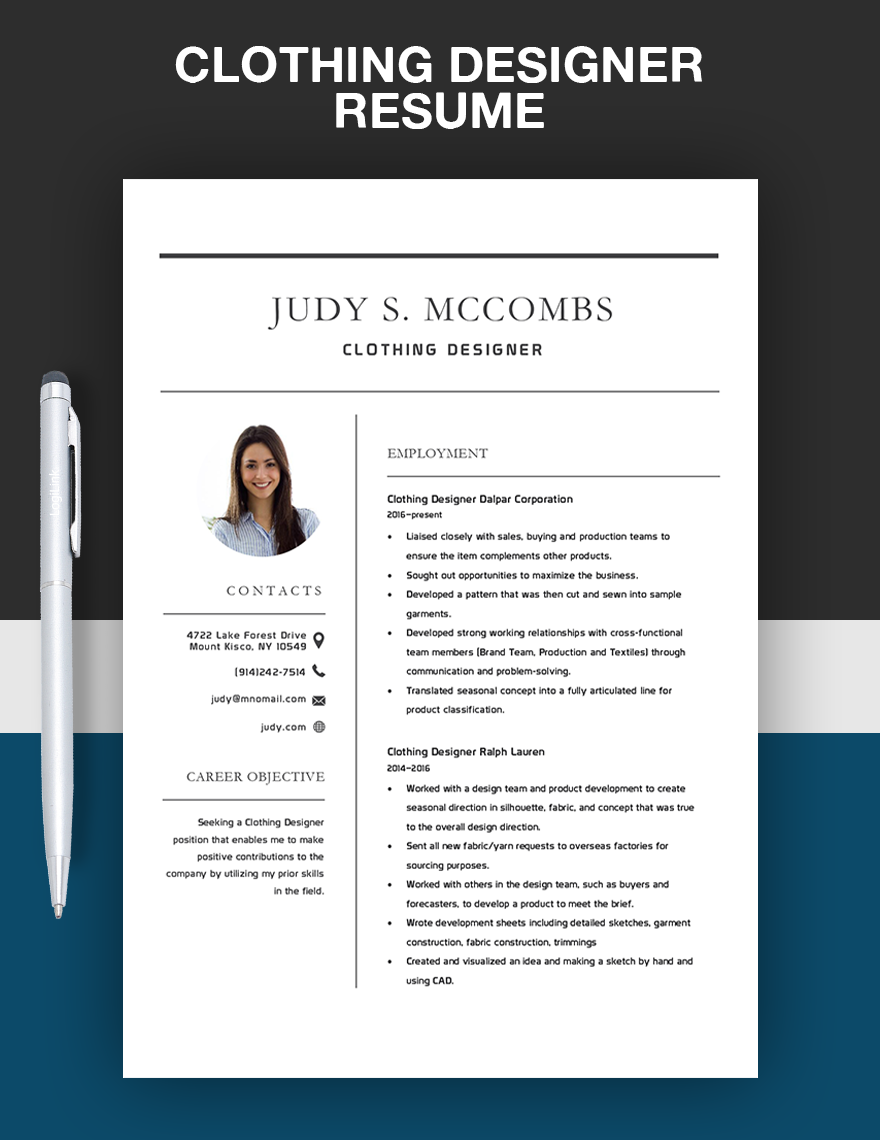
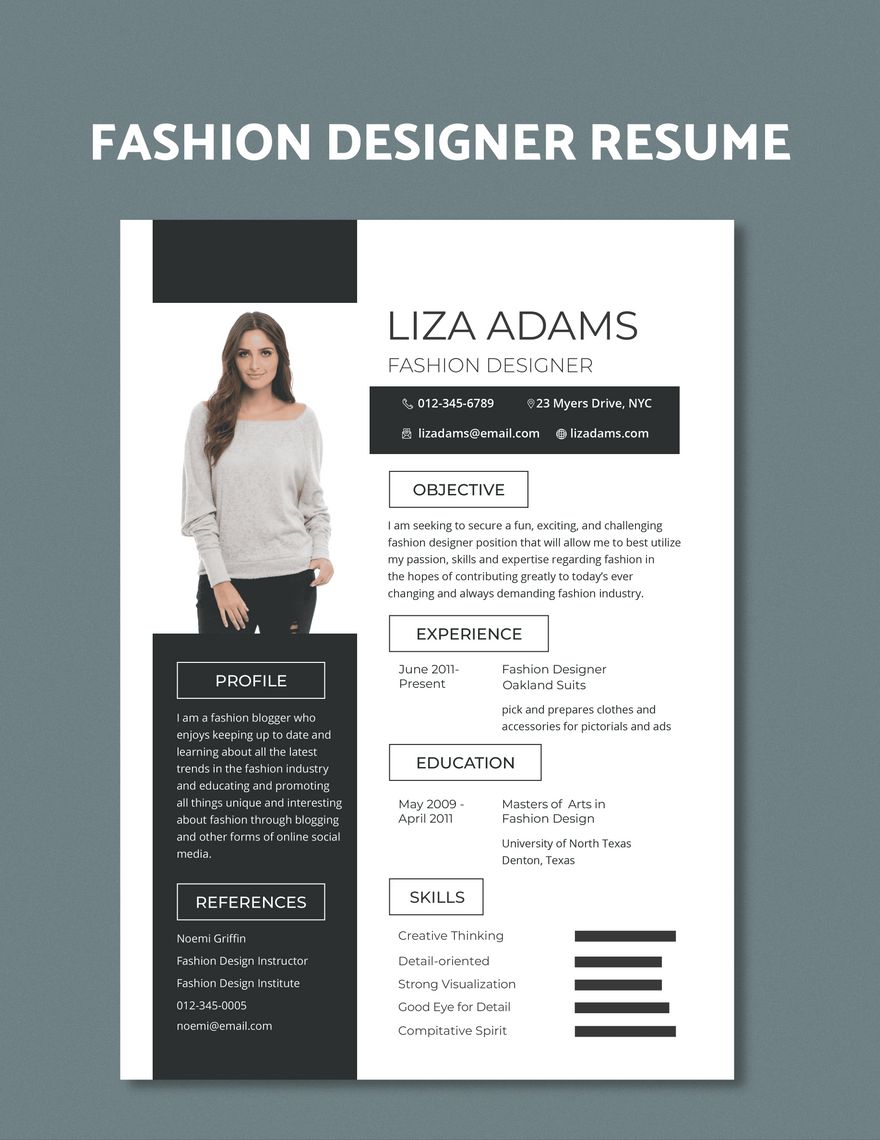
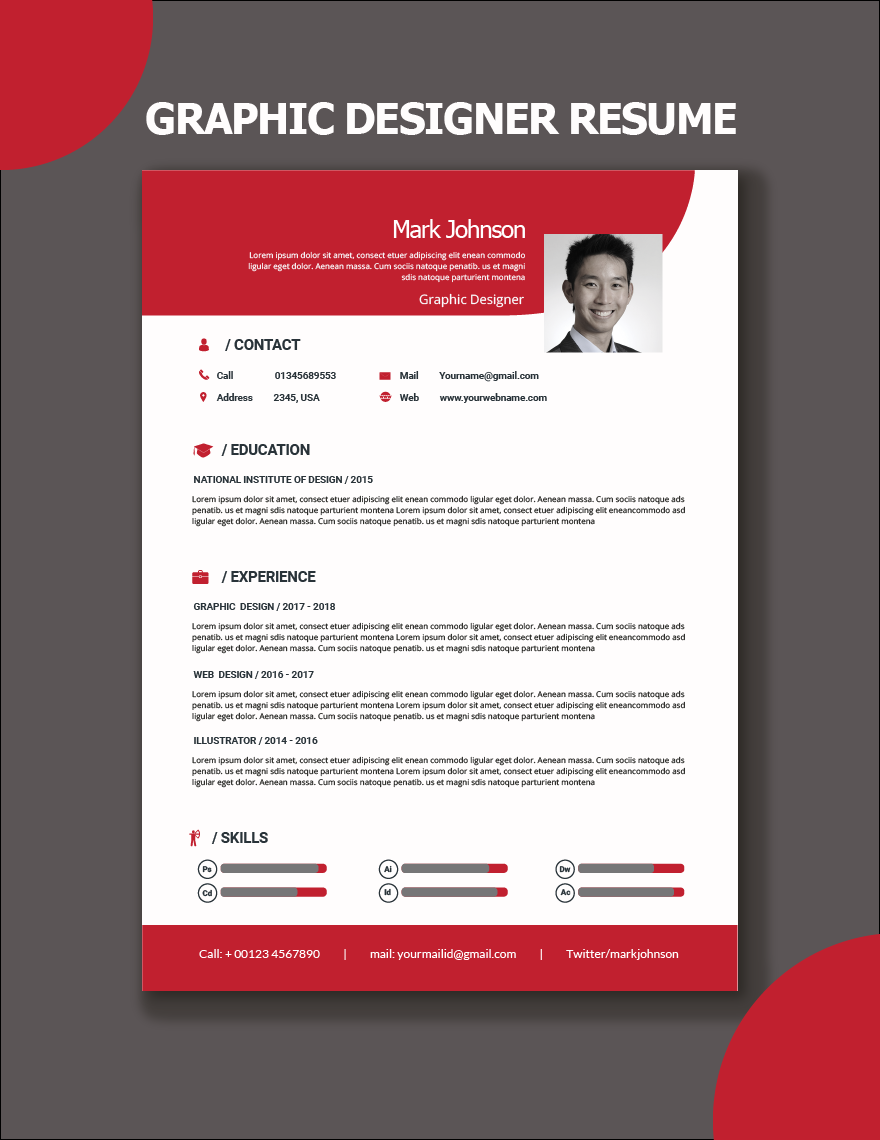
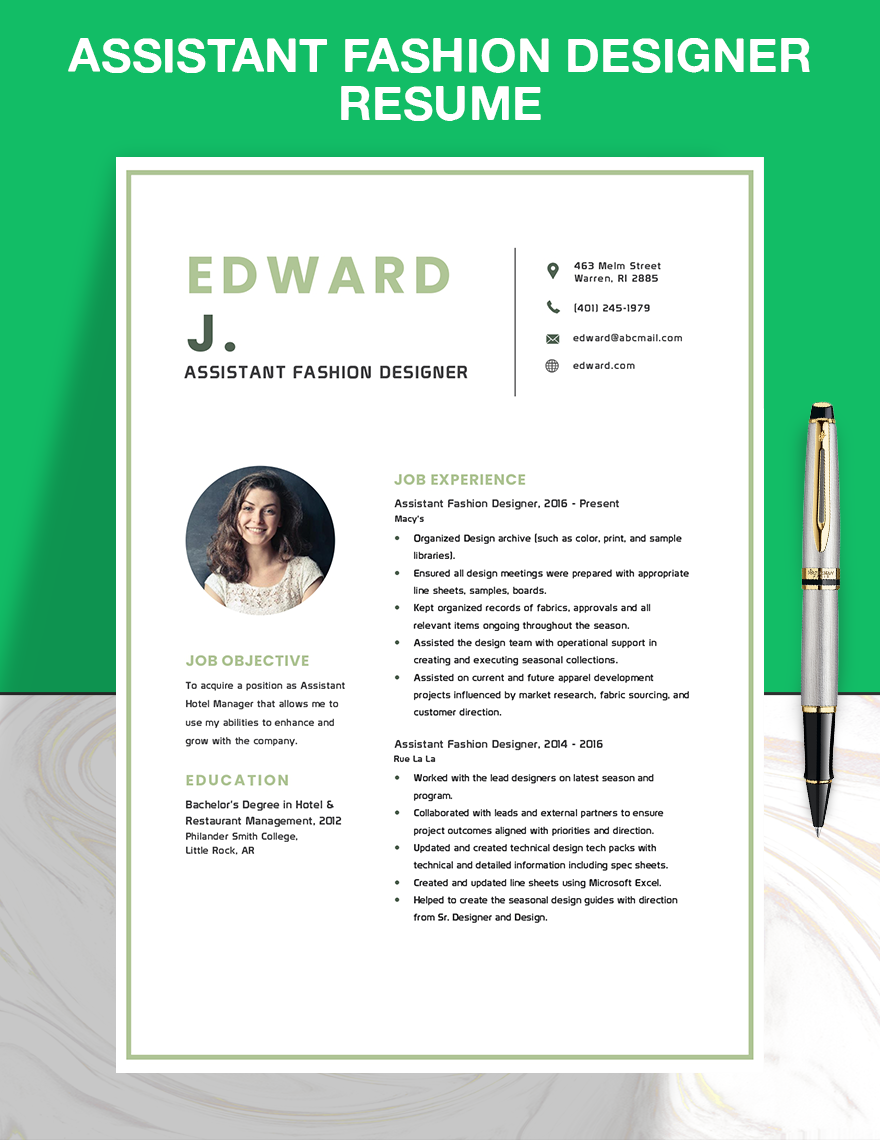
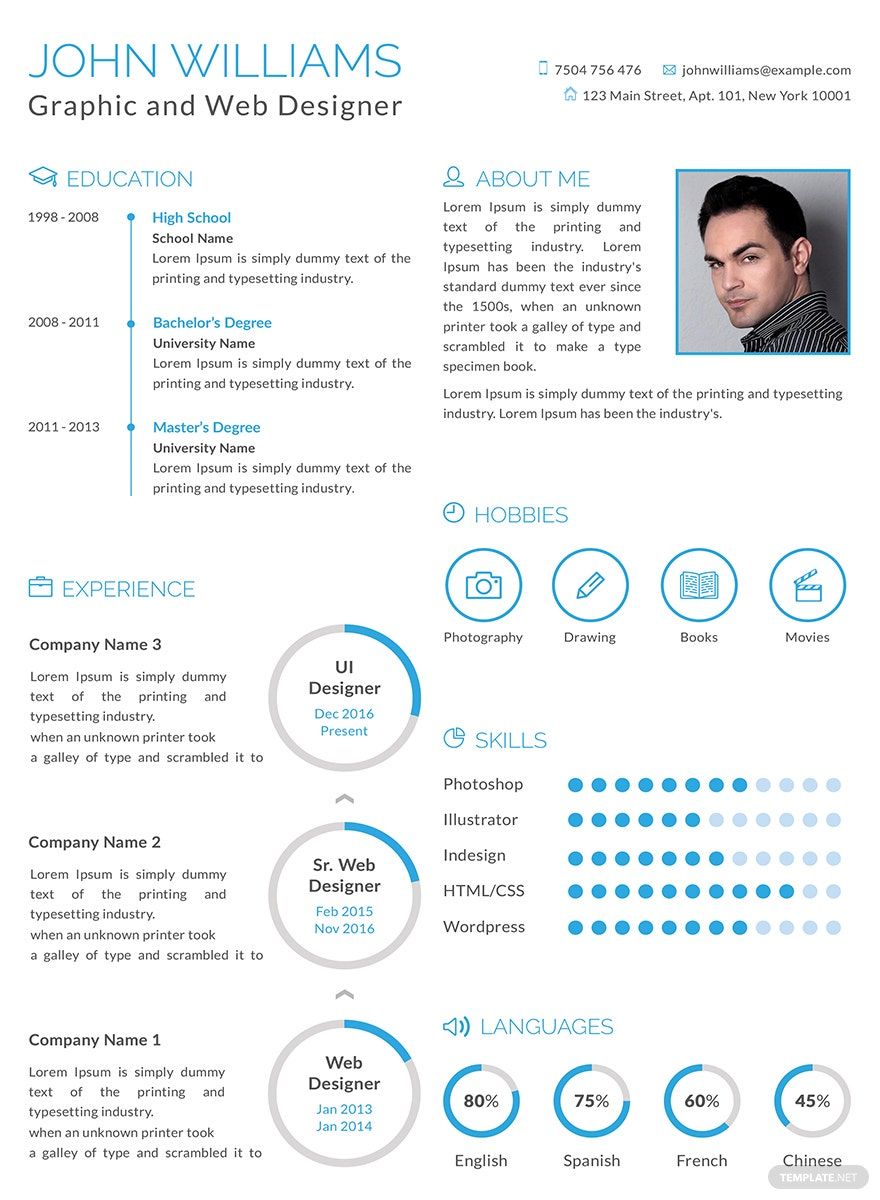
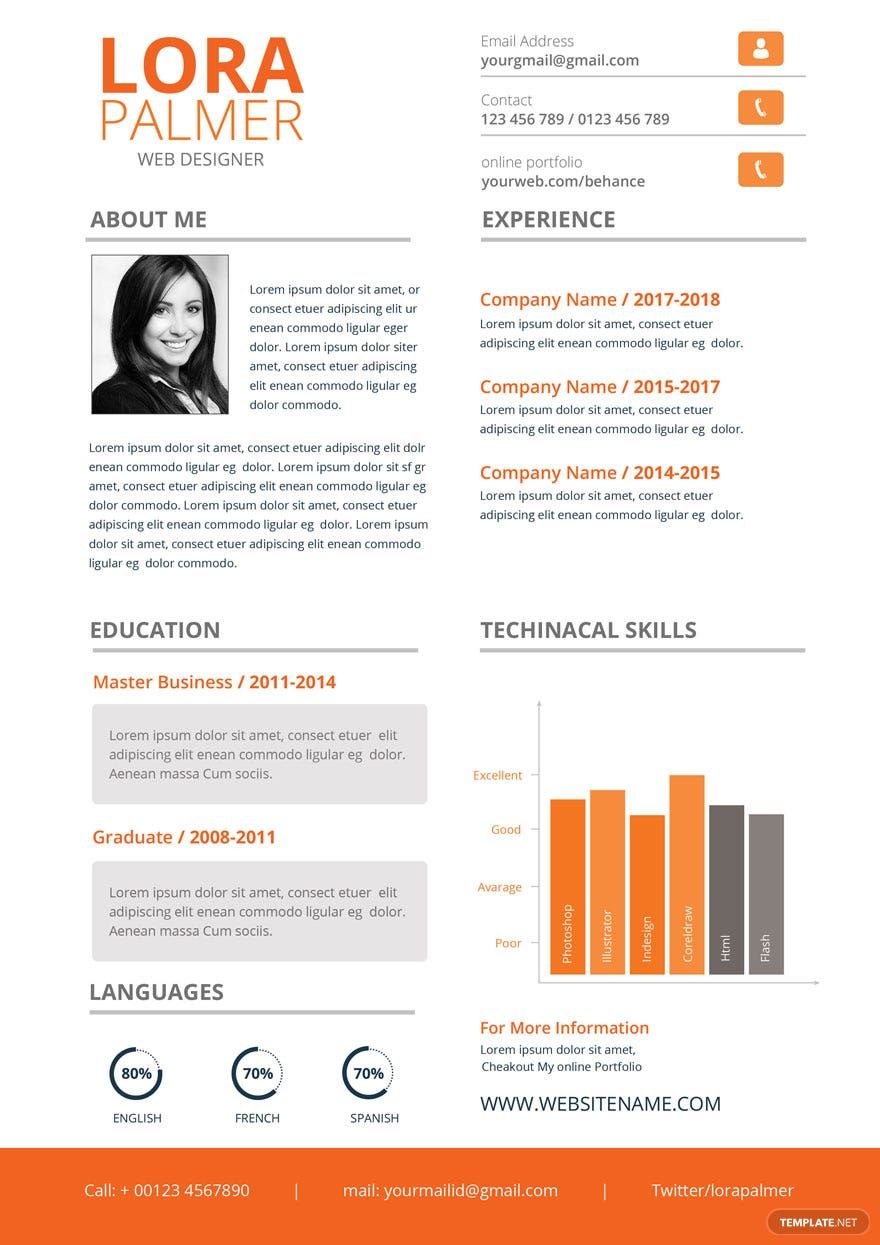
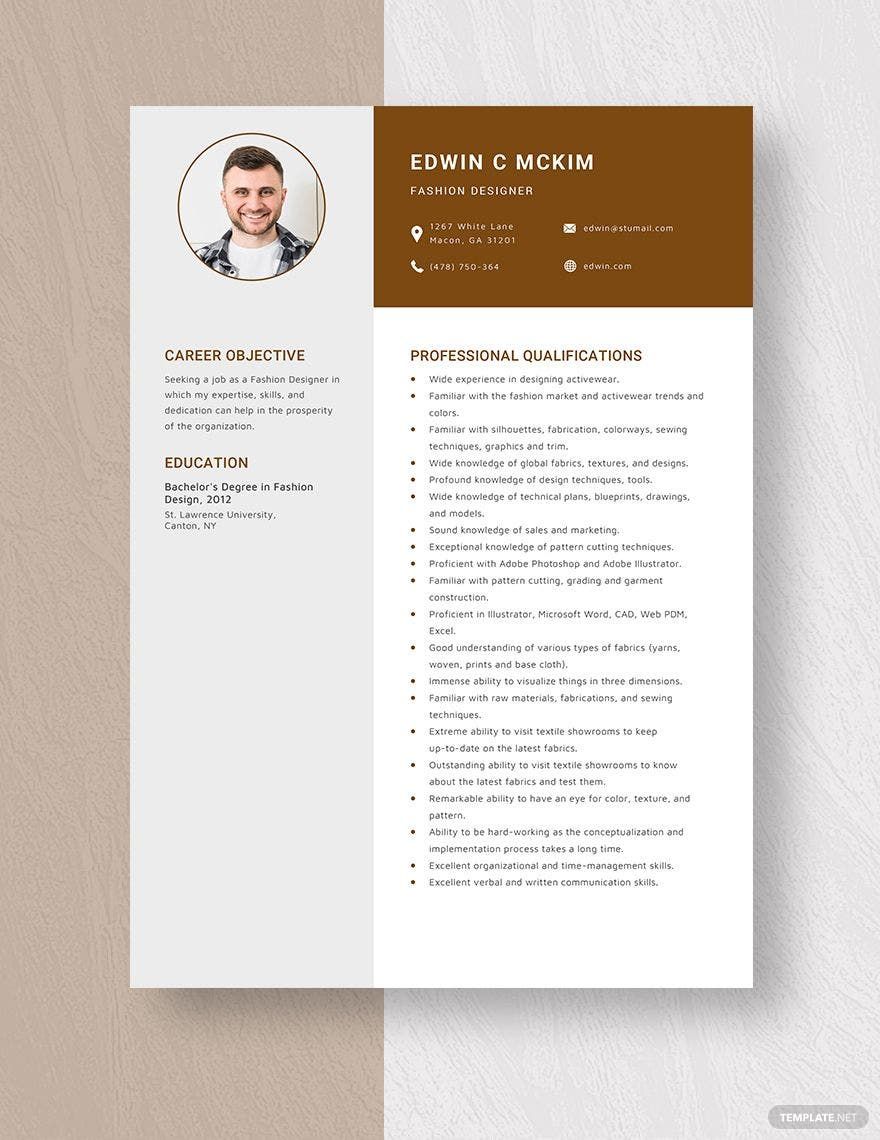
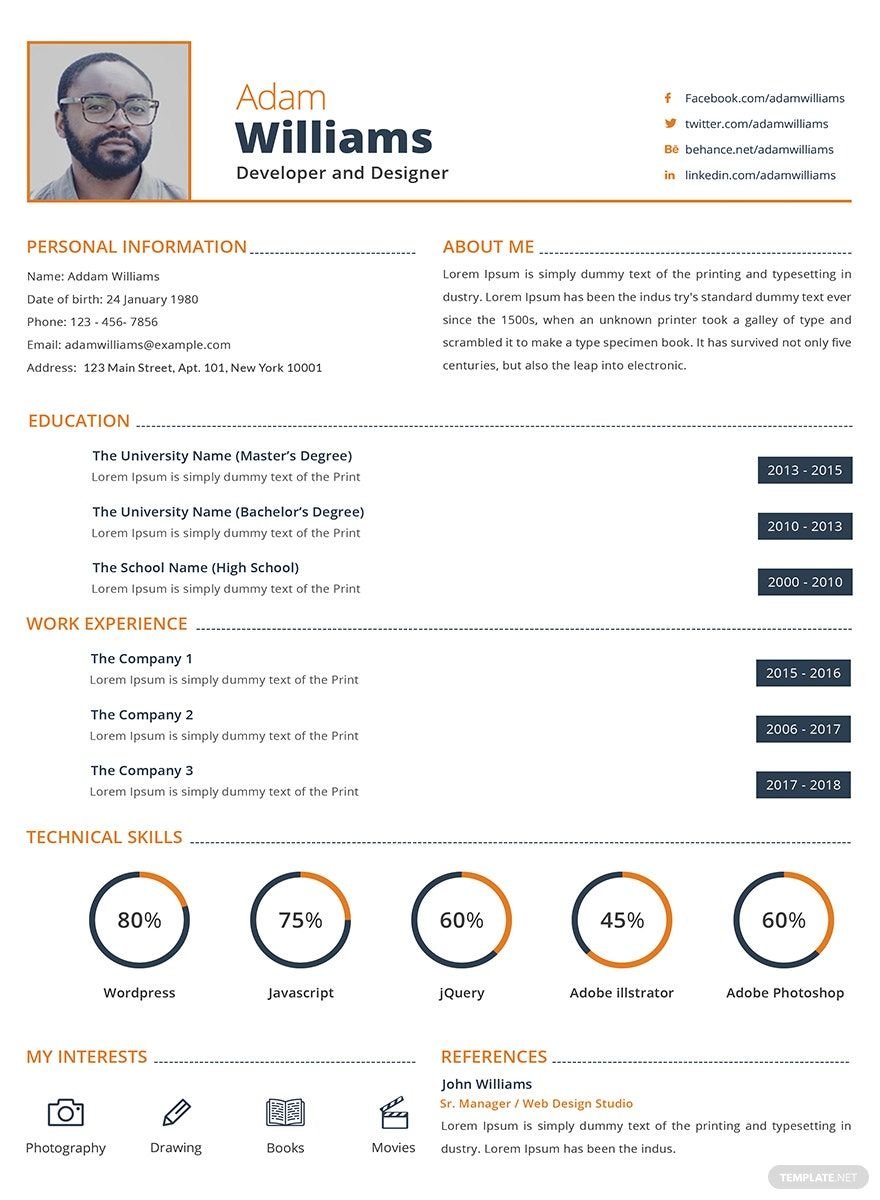
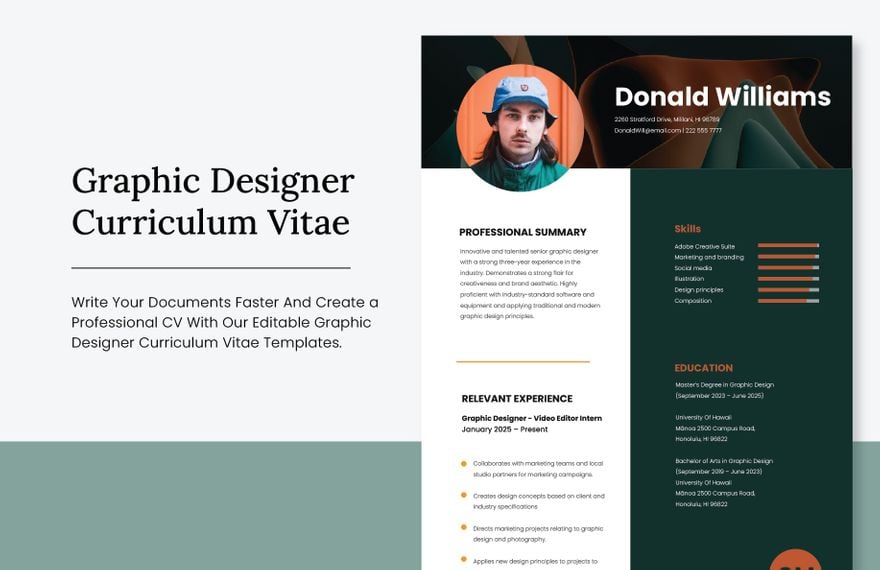
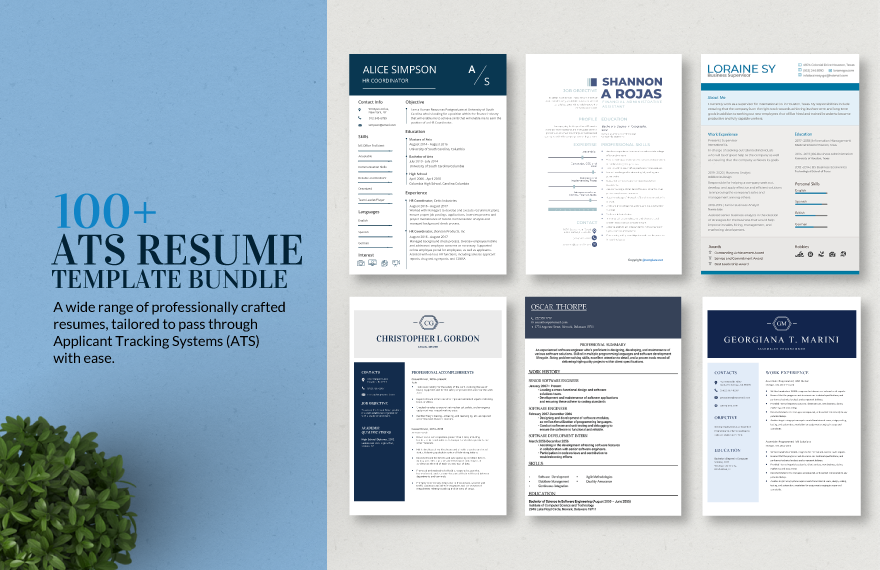
Show your future employers or job recruiters your potential as a designer by sending out a resume that makes use of our ready-made Designer Resume Templates in Microsoft Word. The free templates that we have here for you are all available in Microsoft Word format so you don't have to worry about compatibility and accessibility anymore. Whatever kind of designing job position you are applying for, the templates that we have here will surely match your standards and meet all your needs, be it for a job position under fashion, web, graphics, among others. So waste no more time and avail of our free ready-made Designer Resume Templates in Microsoft Word format today.
Free Designer Resume Template in Word
Creating A Graphic Design Can Take Hours Of Your Time Especially When You Aren’t Skilled At Doing It. Worry No More, Because Using Template.net You Are Able To Select Among Thousands Of Templates Such As Fashion Design Magazines, To Cover Letters That Are Easy To Edit, Download, And Print.

- Business Plan
- Menu
- Notes
- Birthday Invitation
- Wedding Invitation
- Magazine
- Internship Certificate
- Catalogs
- Calendar
- Restaurant Receipts
- Forms
- Checklist
- Project
- Posters
- Cover Page
- Programs
- Planner
- Journal
- List
- Layout
- Colorful Word
- Professional MS Word
- Two Page Resume
- Training Certificates
- Letters
- Place Cards
- Tickets
- Itinerary
- Note Taking
- Timelines
- Timetable
- Ebooks
- Editable Book Covers
- Resignation Letters
- Vouchers
- Receipts
- Travel Invoice
- Tri Fold Brochure
- Greeting Cards
- Prescription
- Retirement Invitation
- Cookbook
- Delivery Note
- Flyers
- Job Flyer
- Graduation Invitation
- Coupons
- Labels
- CV
- Borders
- Background
- Document
- Exam
- Memo
- Infographics
- White Paper
- Customer Persona
- Envelopes
- Surveys
- Thank you Cards
- Save the Date Invitations
- Photo Collage
- Charts
- Training Manual
- Presentations
- Invitation Cards
- Postcards
- Diploma Certificates
- Schedule
- Participation Certificate
- Medical Resume
- Recommendation Letter
- Report Cards
- Quiz
- Recruiting Hiring
- Funeral Card
- Photo Resume
- Roadmaps
- Training Proposal
- Civil Engineer Resume
- Construction Quotation
- Baptism Invitations
- Sign in Sheet
- School Id Card
- Attendance Sheet
- Farewell Invitation
- Polaroid
- Sports Certificate
- Achievement Certificate
- School Schedule
- Basic Certificate
- Signs
- Food Vouchers
- Graphic Templates
- Leave Letters
- Funeral Invitation
- Professor Resume
- Daily Reports
- Annual Maintenance Contract
- Wishes
- Books
- Cover MS Word
- Downloadable
- Design
- Beautiful
- Creative
- Student
- Application
- Small Business
How to Make Designer Resumes in Word?
You may work for an entry-level, an animator, or a textile or freelance graphic designer, you need to impress the manager with your resume. You have to highlight the things about you that can help the company. If you don't know how to start, check these steps to help you:
1. Set Your Format
There are three types of resume formats. These formats are the chronological resume, the functional resume, and the combination resume. Decide what style of resume you want your resume would have. The first format is the chronological resume. This format is for you if you're going to highlight your employment career. In this format, you will have to start from your most recent job to your previous jobs. Next, the functional resume focuses on your skills that will benefit the company. Thirdly, the combination resume is the combination of the two formats. Decide what resume format you think will highlight and will give you an edge towards getting the job that you want.
2. Invest in Your Designs
Flaunt your creative side on your resume and get a big opportunity of landing the job. Unlike other professional resumes, designer resumes can parade their aesthetic in terms of designing so that the employers will have a taste of their artistry. However, this does not mean that you will drown your resume with designs and artistic fonts. You should always think about the person who will read your resume. You don't want him or her to get lost in the designs and forget about your content. But you should add designs and colors to your resume to give it life.
3. Keep Your Resume Simple
When you write your content, you have to keep it direct and straightforward. Don't write lengthy paragraphs but focus on bullet points. Managers will not have all the time in the world to read your resume. They might scan it. So, prepare and make your resume easy to read. Always make sure that you have provided all the necessary information that the manager will assess. Avoid adding unnecessary information so that you can keep your resume simple. When you write, consider yourself as the product, try to market yourself on your resume.
4. Never Give Any False Information
You should always be a person of integrity. Never lie on your resume. Yes, if you put some impressive but false details about you, you may impress the manager. However, time will come that they will check about your crafty facade, and if they found out you lied, say goodbye to your dream job. Keep in mind that no matter how small your achievements are, or if it still your beginner's resume, managers will notice you.
5. Use A Template
Consider using the templates for resumes on this site. Resumes will save you time. All you will have to do is to customize the template in Microsoft Word. Our templates are unique, professional, and beautiful to help you with landing the job that you want.
