

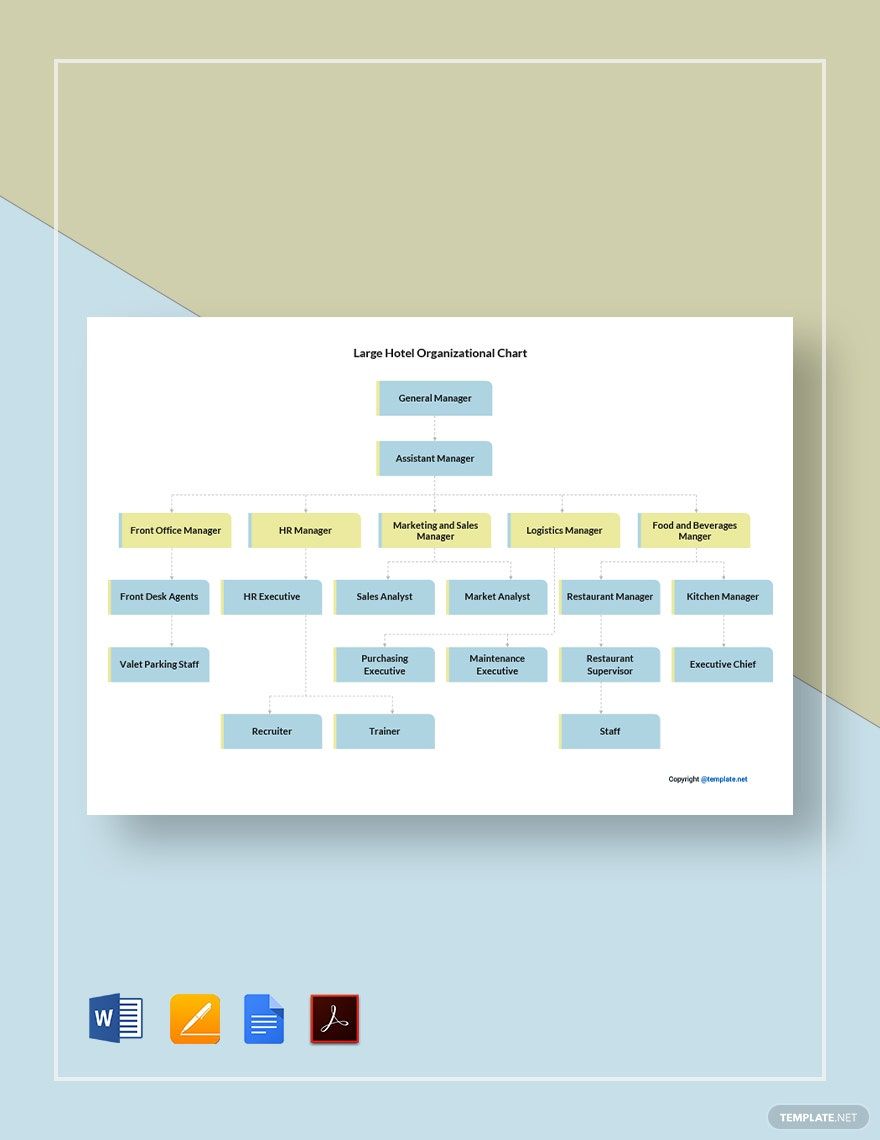
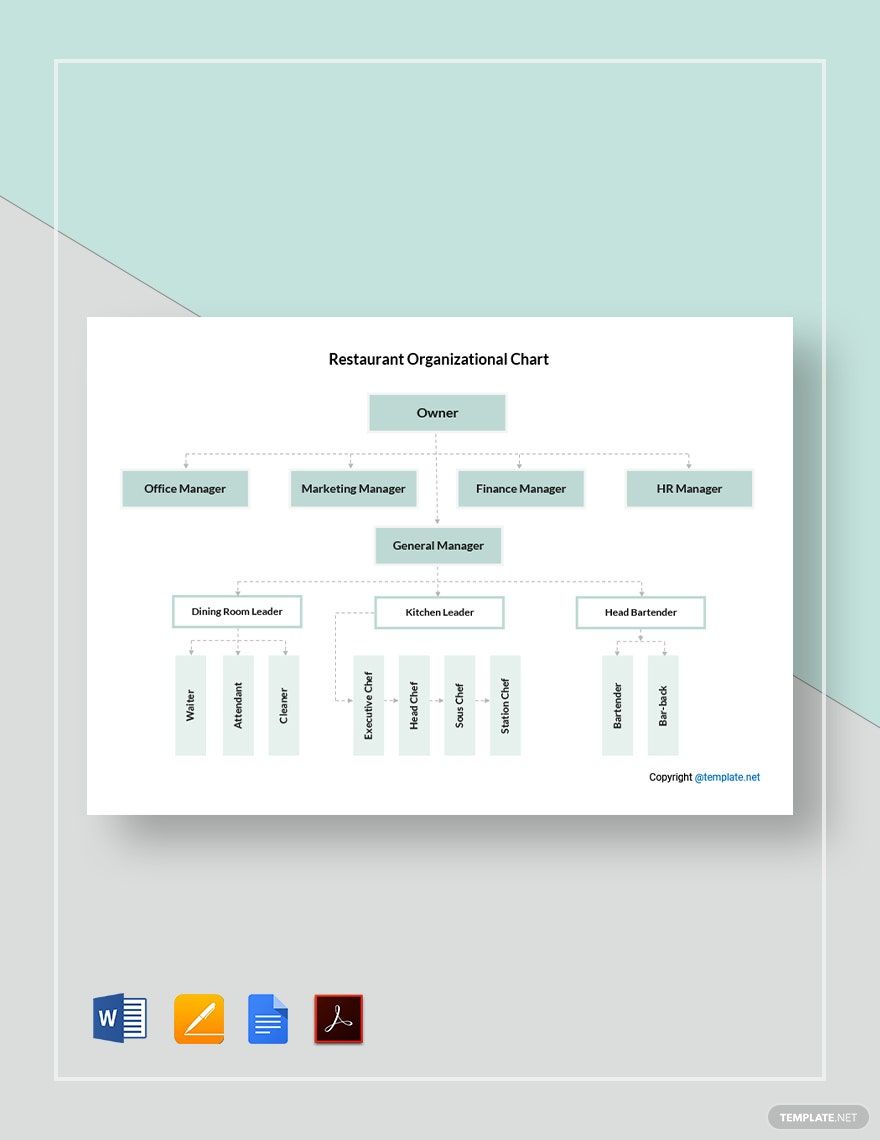
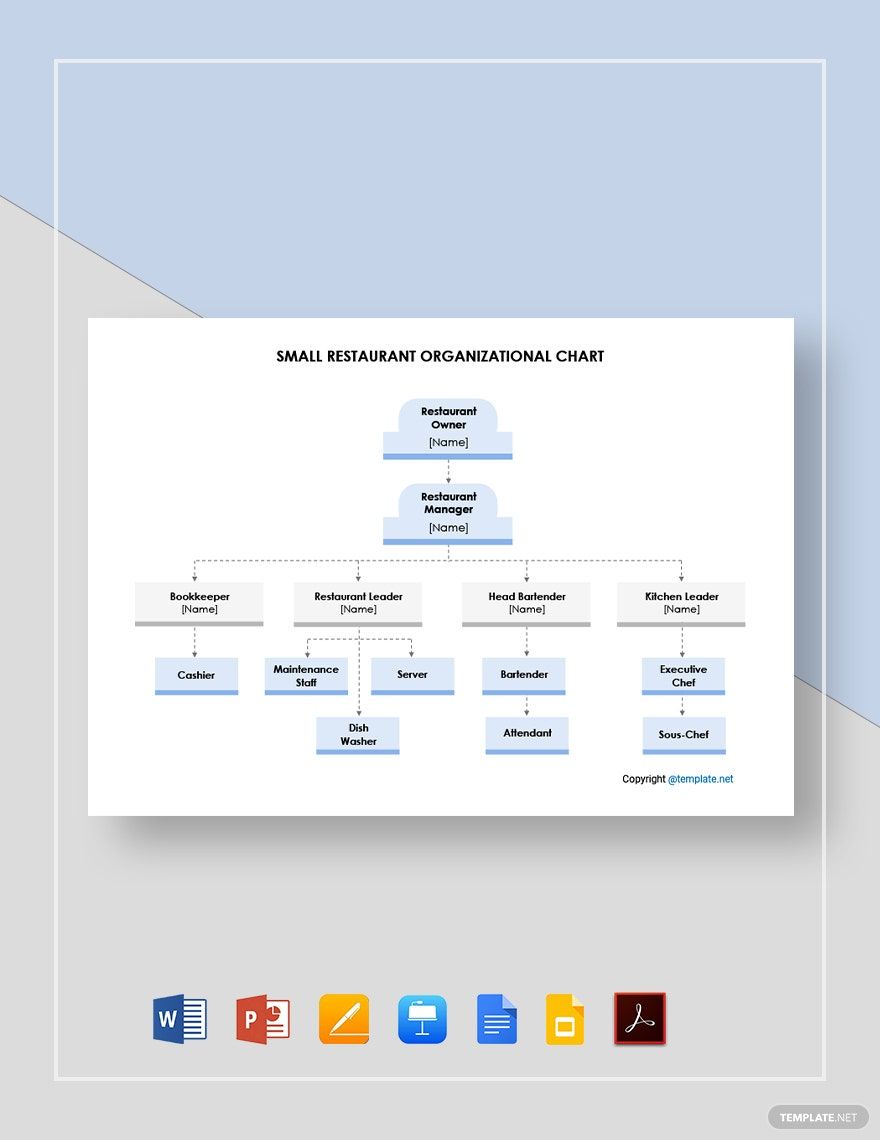
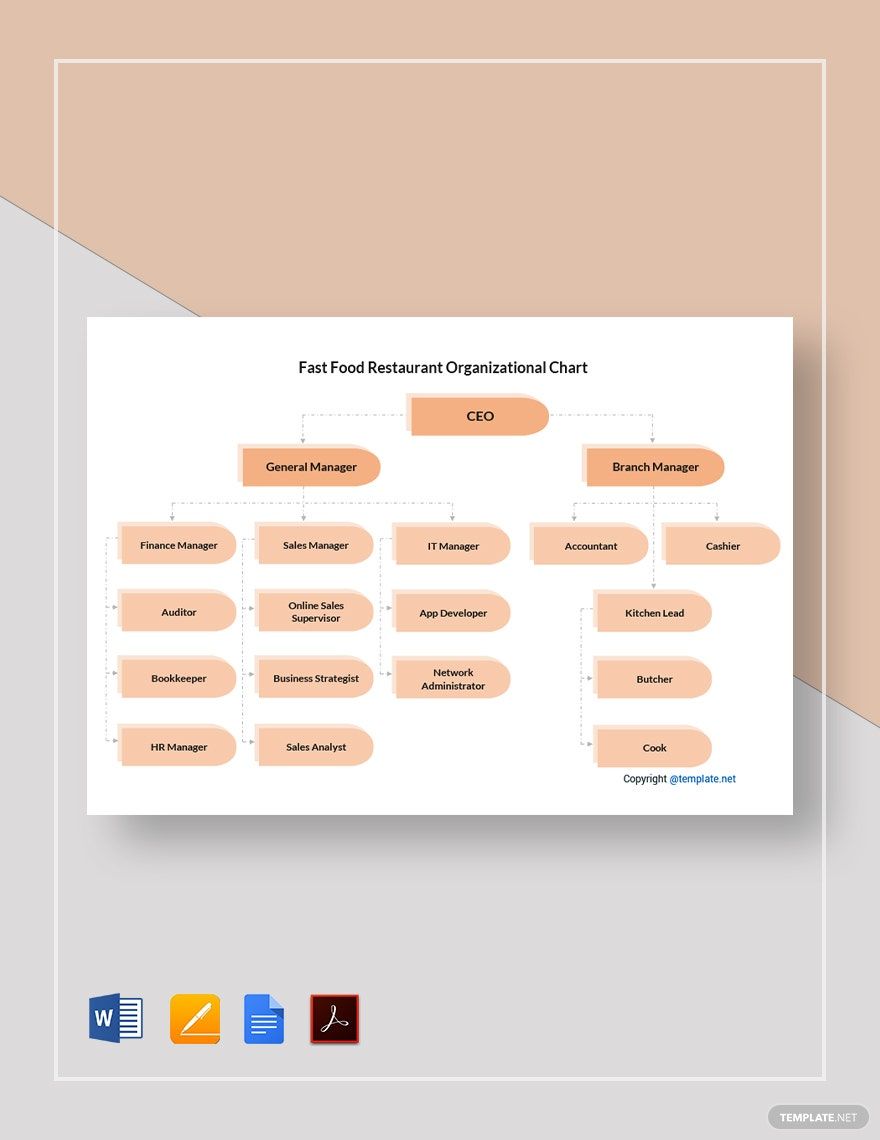
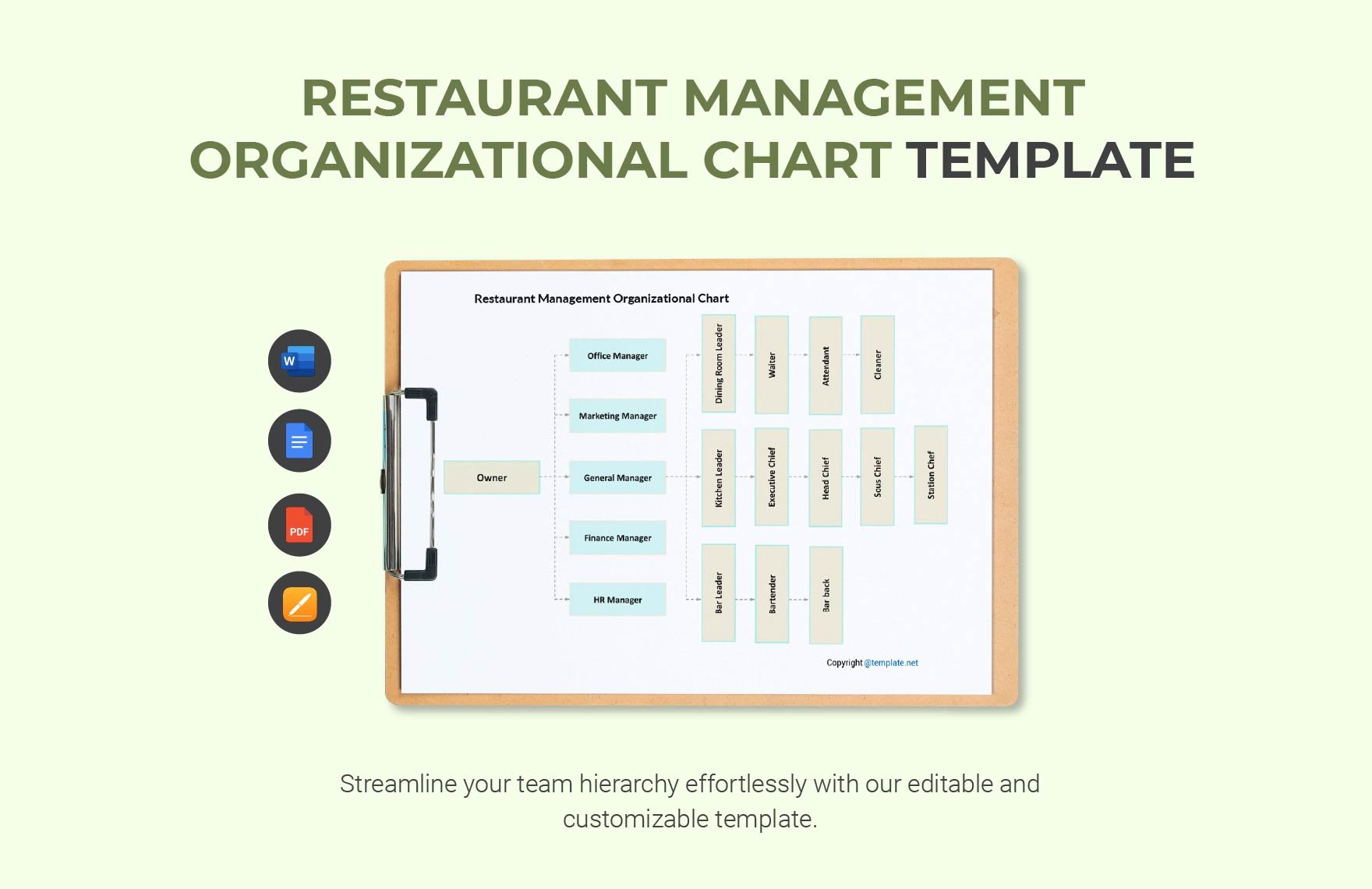
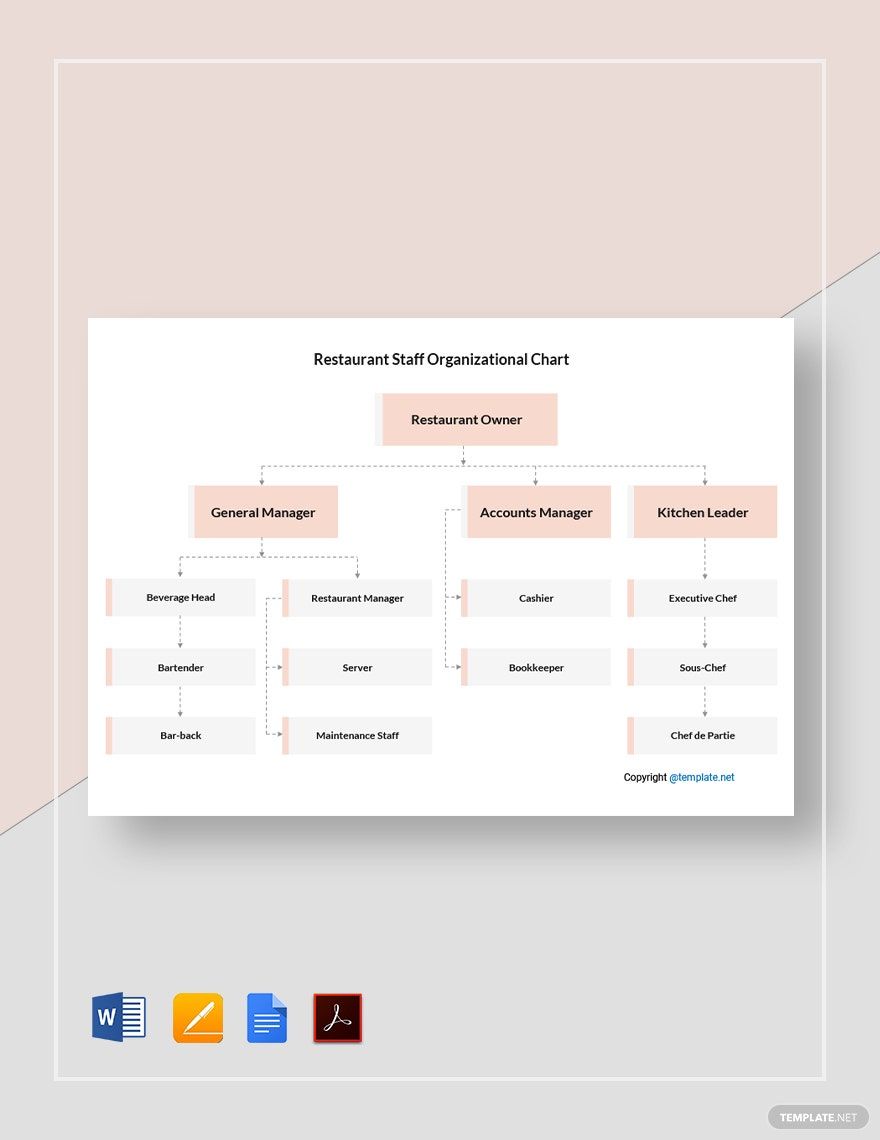
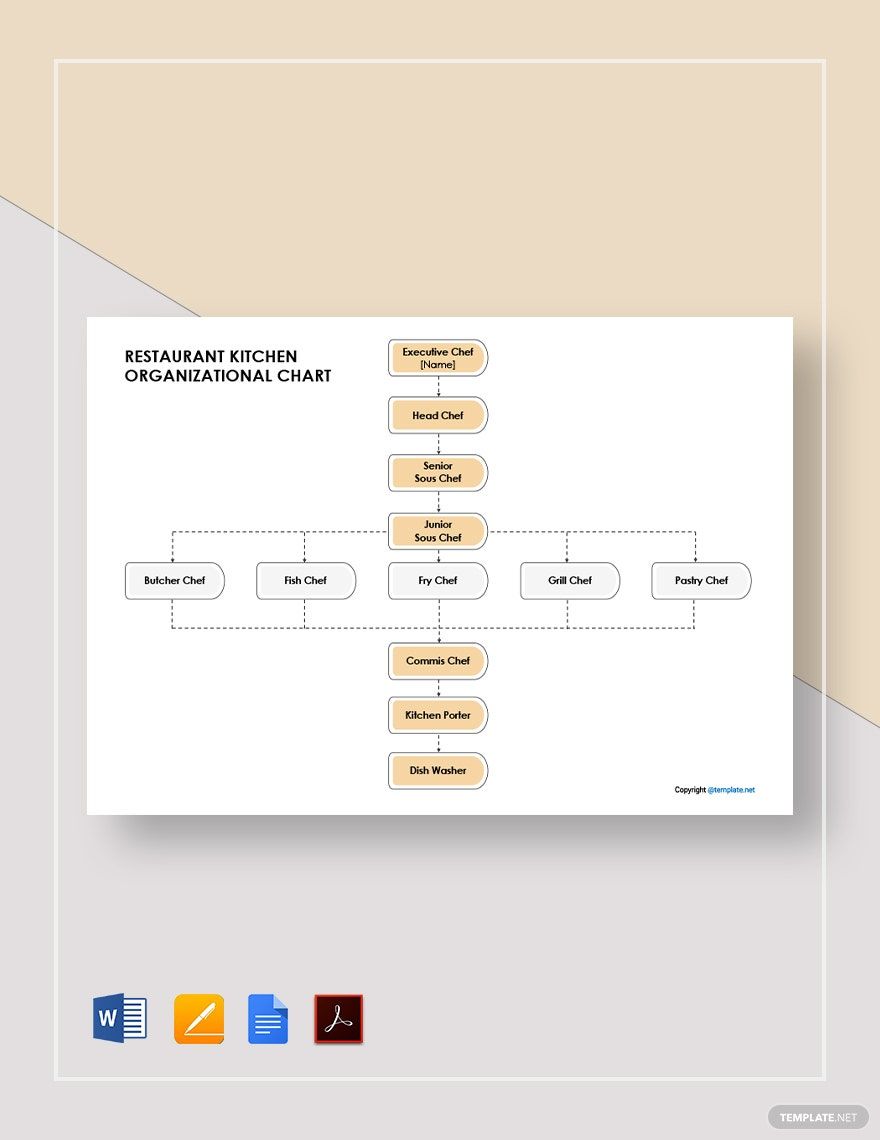
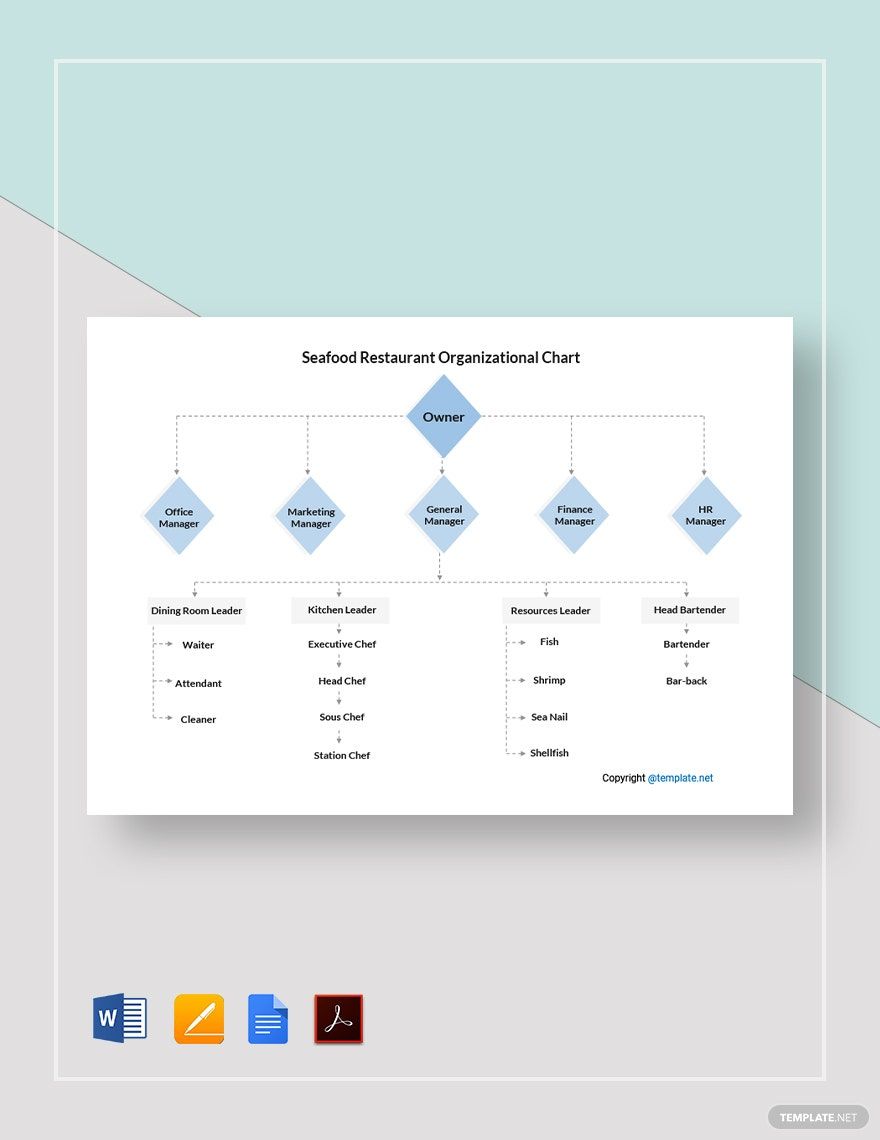
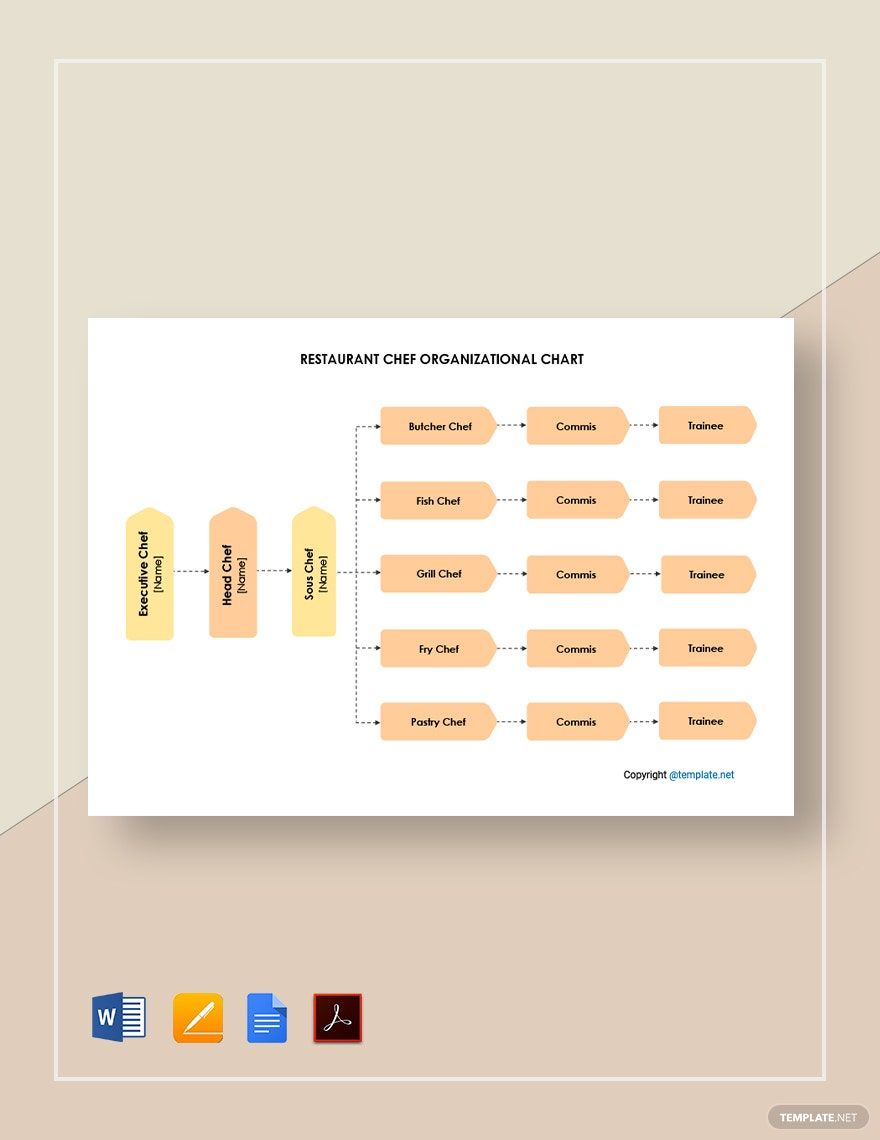
There are a handful numbers of restaurant companies that fail to meet their objectives. It often affects the customer and business relationship, which impacts your sales the most. If you are among the struggling restaurant businesses in town, we got you covered with the right tool. We offer 100% customizable Restaurant Organizational Chart Templates in MS Word that enables your company to have better communication. All files are available in A3, A4, and US Letter sizes. Now, aim for better management and customer service. Guide your employees with the right tool. So, what are you waiting for? Now is the time to download our templates and let your staff members effectively execute their rights and responsibilities!
Restaurant Organizational Chart Template in Word
Proud Owner of New Breakfast of Seafood Restaurants Should Learn to Establish an Organogram for their Kitchen and Food Departments Using Free Design Template from Template.Net Editable on Microsoft Word. Restaurant Managers Should Follow These Small Restaurant Kitchen Organizational Diagram Involving Chefs, Cooks, Servers, and Dishwasher for Smoother Operations in the Long Run.

- Business Plan
- Menu
- Notes
- Birthday Invitation
- Wedding Invitation
- Magazine
- Internship Certificate
- Catalogs
- Calendar
- Restaurant Receipts
- Forms
- Checklist
- Project
- Posters
- Cover Page
- Programs
- Planner
- Journal
- List
- Layout
- Colorful Word
- Professional MS Word
- Two Page Resume
- Training Certificates
- Letters
- Place Cards
- Tickets
- Itinerary
- Note Taking
- Timelines
- Timetable
- Ebooks
- Editable Book Covers
- Resignation Letters
- Vouchers
- Receipts
- Travel Invoice
- Tri Fold Brochure
- Greeting Cards
- Prescription
- Retirement Invitation
- Cookbook
- Delivery Note
- Flyers
- Job Flyer
- Graduation Invitation
- Coupons
- Labels
- CV
- Borders
- Background
- Document
- Exam
- Memo
- Infographics
- White Paper
- Customer Persona
- Envelopes
- Surveys
- Thank you Cards
- Save the Date Invitations
- Photo Collage
- Charts
- Training Manual
- Presentations
- Invitation Cards
- Postcards
- Diploma Certificates
- Schedule
- Participation Certificate
- Medical Resume
- Recommendation Letter
- Report Cards
- Quiz
- Recruiting Hiring
- Funeral Card
- Photo Resume
- Roadmaps
- Training Proposal
- Civil Engineer Resume
- Construction Quotation
- Baptism Invitations
- Sign in Sheet
- School Id Card
- Attendance Sheet
- Farewell Invitation
- Polaroid
- Sports Certificate
- Achievement Certificate
- School Schedule
- Basic Certificate
- Signs
- Food Vouchers
- Graphic Templates
- Leave Letters
- Funeral Invitation
- Professor Resume
- Daily Reports
- Annual Maintenance Contract
- Wishes
- Books
- Cover MS Word
- Downloadable
- Design
- Beautiful
- Creative
- Student
- Application
- Small Business
How to Create a Restaurant Organizational Chart in Word
A restaurant organization does not only involve the owner and the general manager. They, too, need more people to help them improve and execute the business plan. From attending the food service and catering, down to business partnerships, all of these sections have different individuals assigned. The restaurant chain of command ensures that each position is filled by the appropriate team members, with their respective duties illustrated in full. Even with that said, restaurants can still be prone to dysfunctions. Small restaurants neglect the importance of management in everyday operations. In tracking your organization’s command structure, you will need to create the right organizational tool. That is why we provide the steps below in making an active restaurant organizational chart in MS Word.
1. Determine Different Positions
Business owners do not only focus on the food menu. They also know that customer service impacts business sales in a major way. In making sure that every department is well-managed, you need to gather the right information. Determine the positions that you need in your organization by preparing notes. This will include the general manager, the kitchen manager, servers, line cooks, dishwashers, and many more. Keep in mind that these positions will still vary and that the chain of command will depend on how big or small your operation is.
2. Map It Out
After determining different positions involved, map it out. There are various ways you can start with the chart structure. One option is to create one from a blank document. Another would be to download a ready-made template. The structure expands either horizontally or vertically. For the horizontal layout, it is commonly for a larger group of companies. While the vertical layout functions for company hierarchy. Now, determine your needs. Avoid consuming too much time. Download from our ready-made restaurant organizational chart templates to get things done efficiently. Using MS Word, find your template in Custom Office Template. Then, select your template and customize it.
3. Write Down the Labels
Start writing down proper labels of positions. You may begin from the top with the executives down to different restaurant positions. Do this by inserting a text box. Then, input the positions. MS Word provides a variety of font style options. So, change the typeface and text colors. The font styles you use depends on the type of audience you have. But if you are doubtful, use Arial or Helvetica. Also, don’t forget to keep it readable.
4. Keep It Simple
Complete a simple chart without incorporating unnecessary design elements. However, it’s not limited to adding your company logo at the topmost part of your document. The logo adds quality and verification. Other than the logo, you can change the shapes’ background colors. But make sure to limit it with your company palette.
5. Recheck and Release
Don’t forget to recheck your work. But, do this step correctly. Ask someone from your organization to recheck the chart. After all, the heads and executives have the final say. Check if the arrows are pointed in the right direction and the following position. Once done, save and print it. Be sure to release it to your staff members as soon as possible.
