
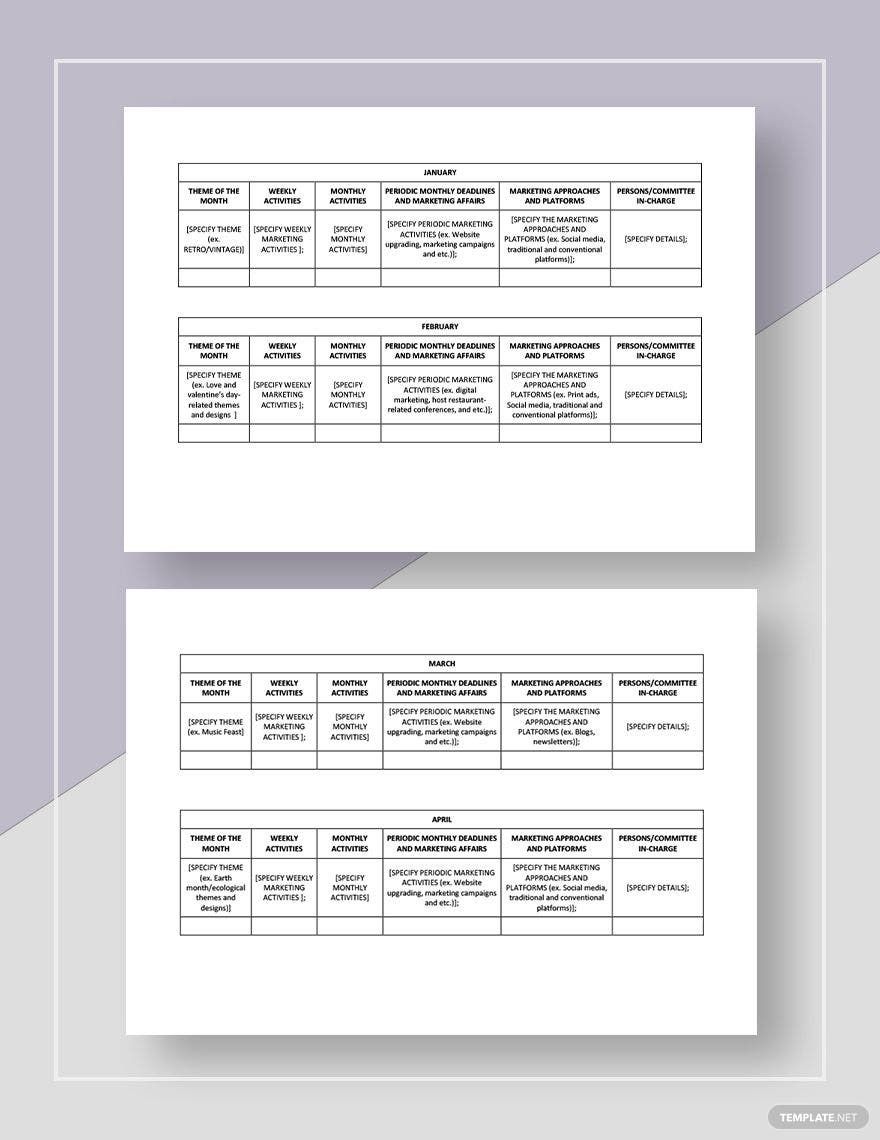
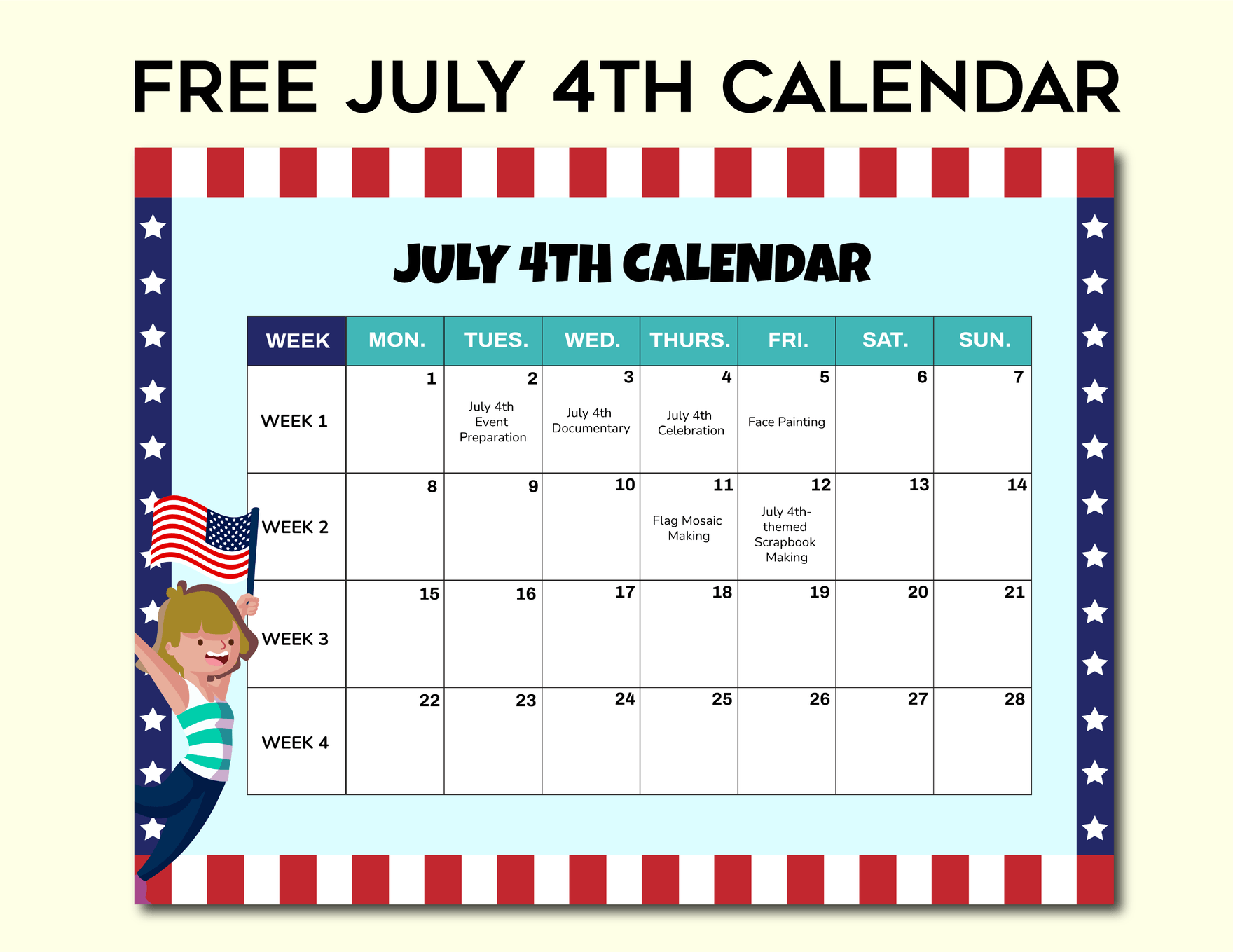
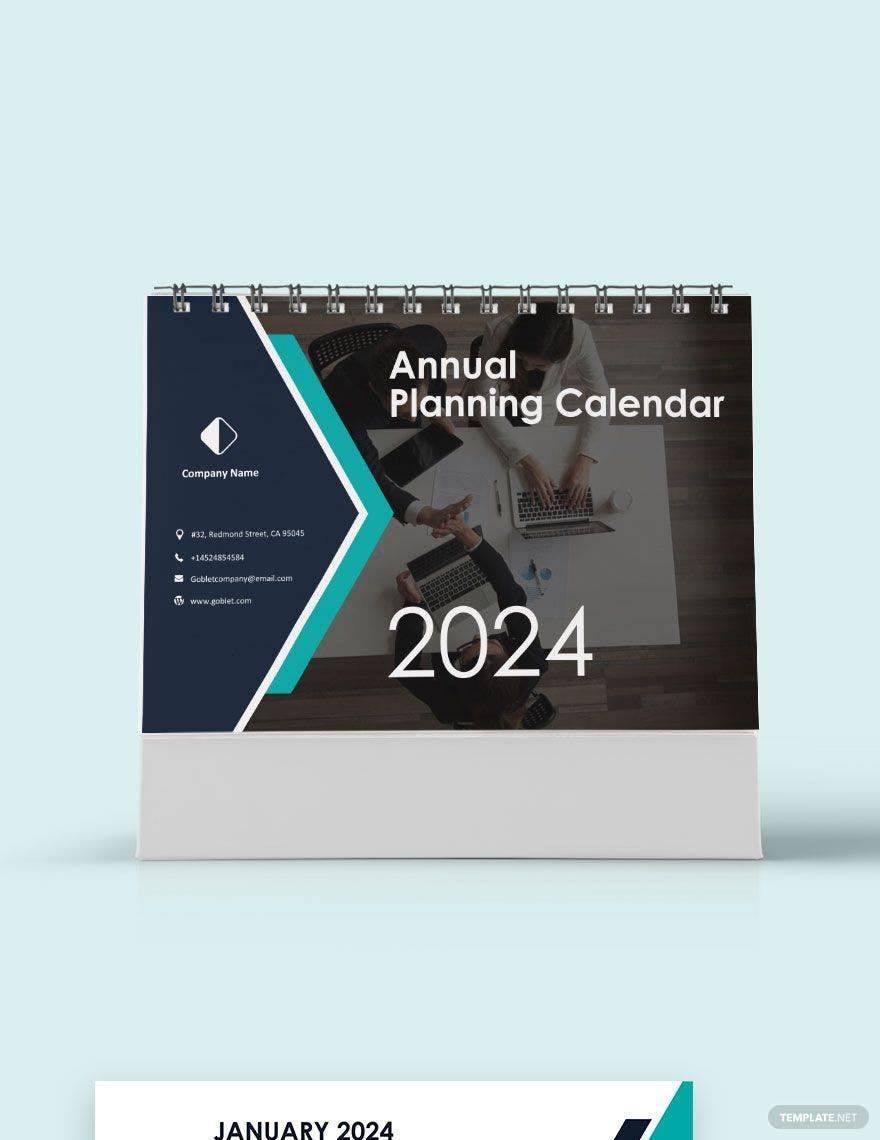
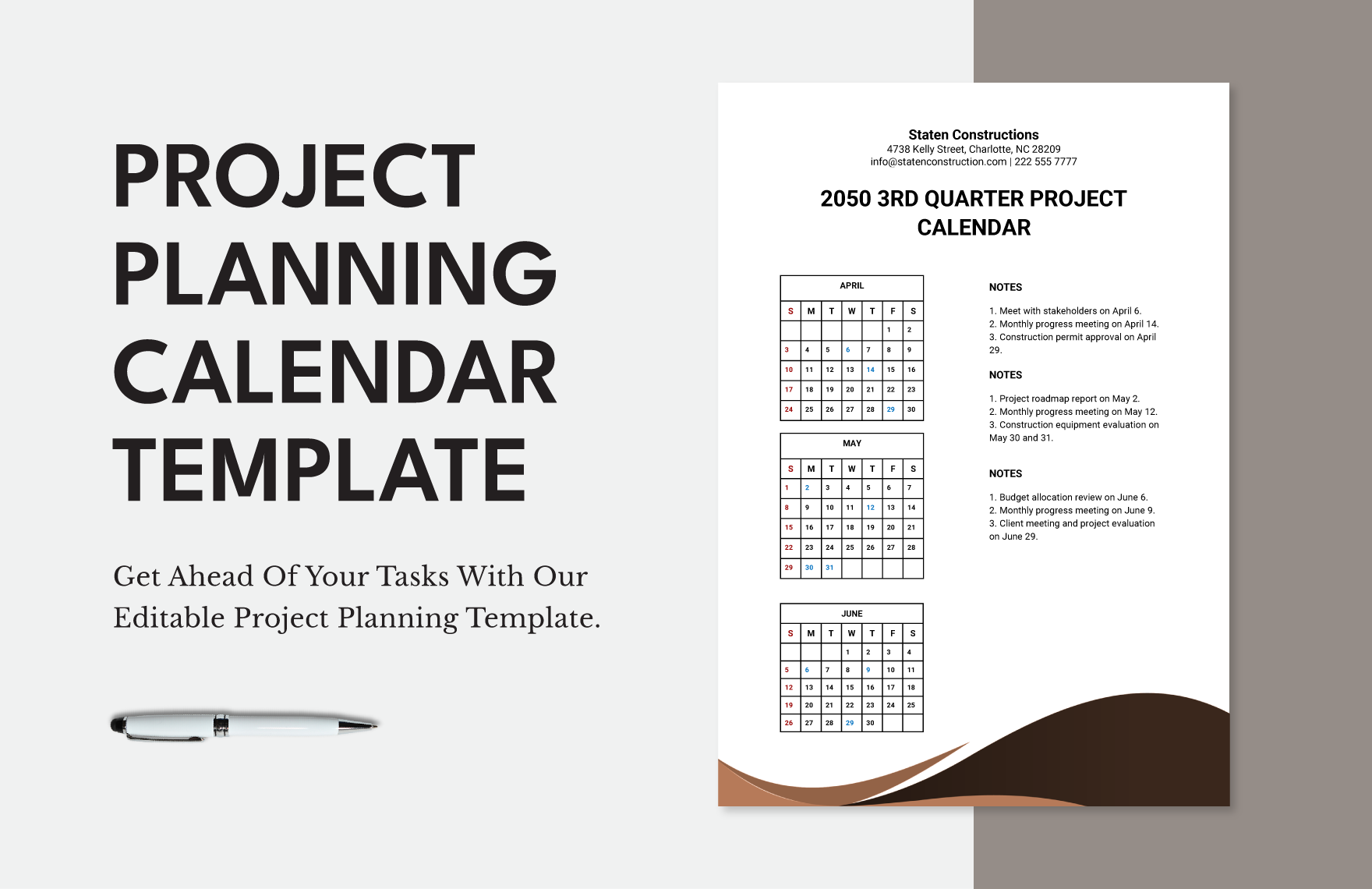
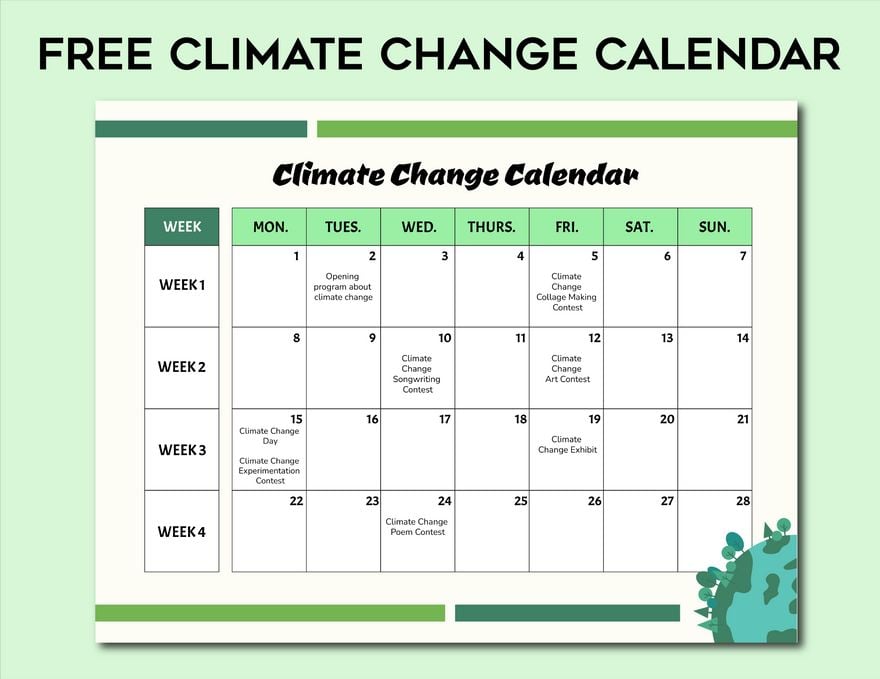
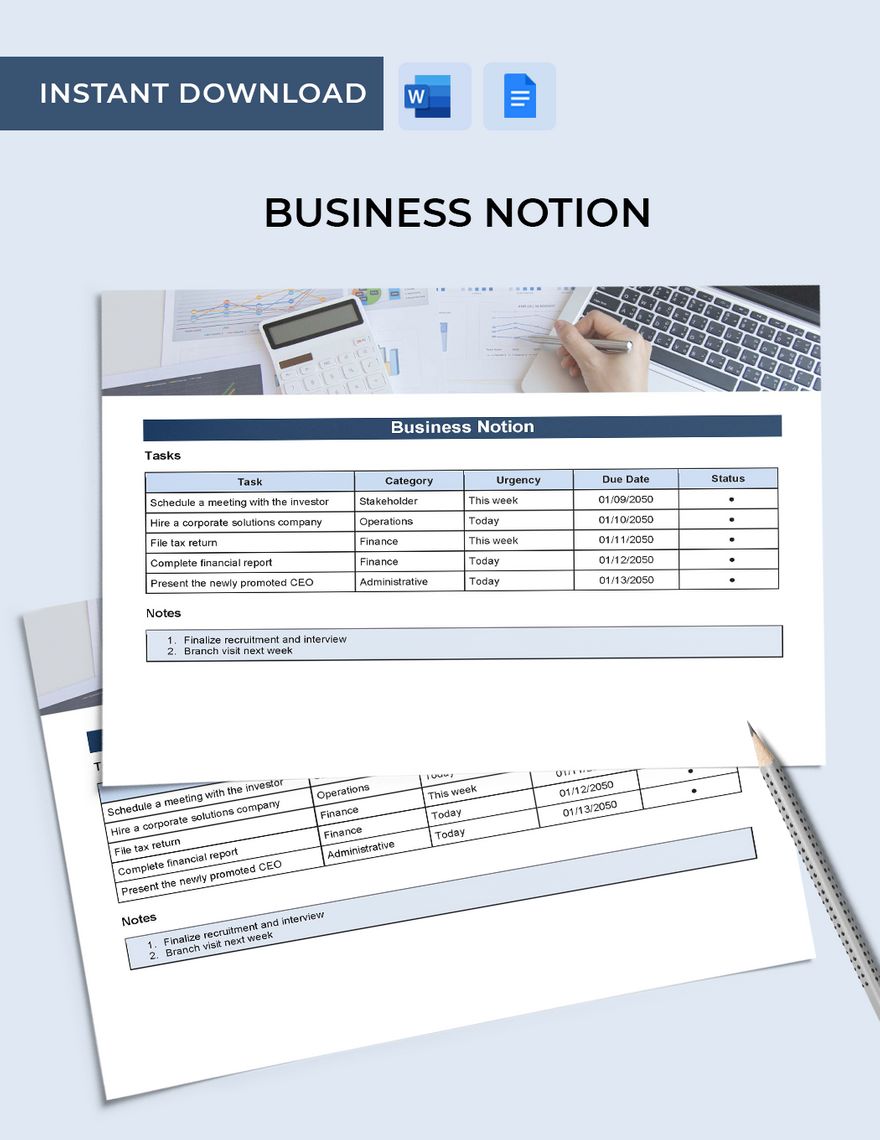
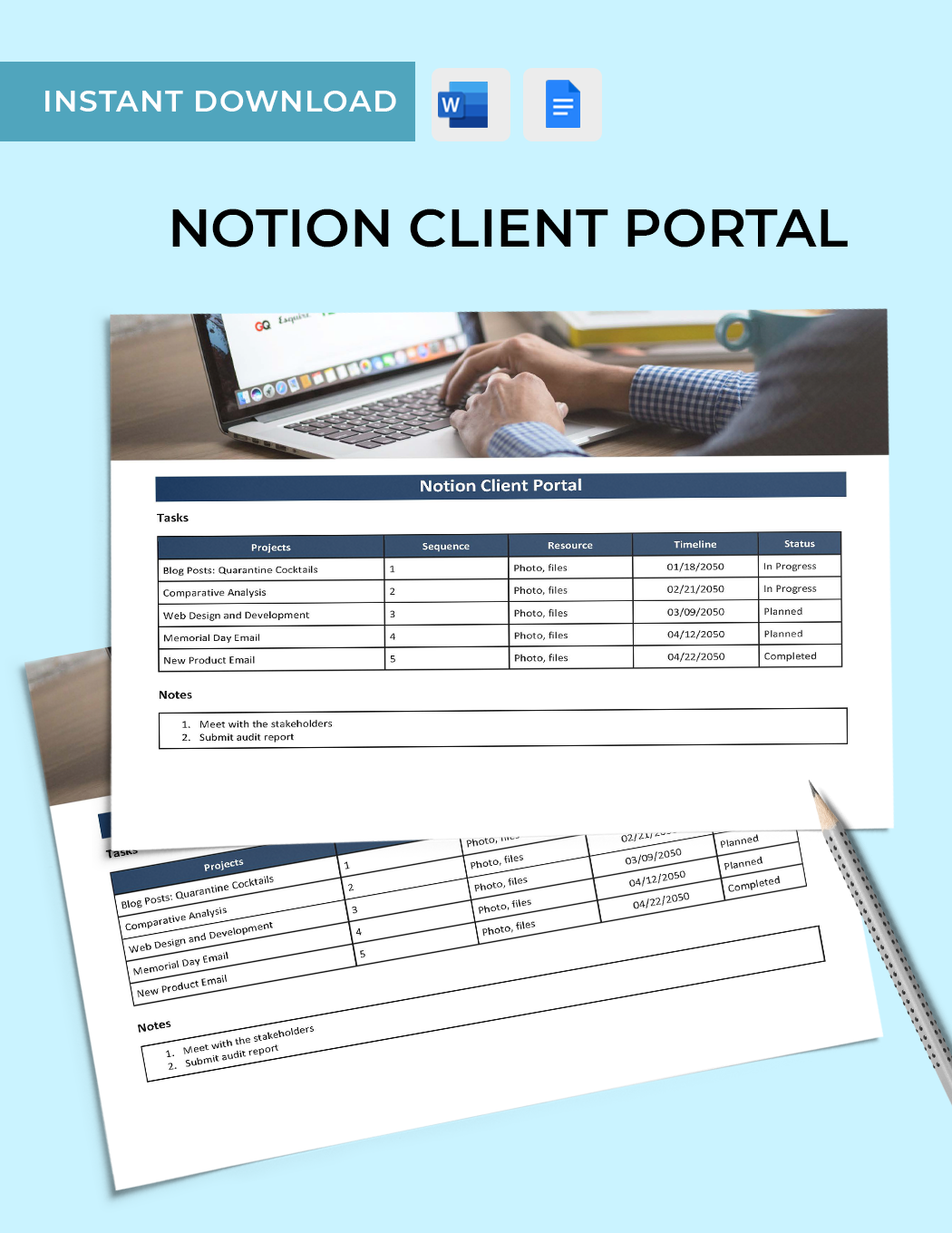
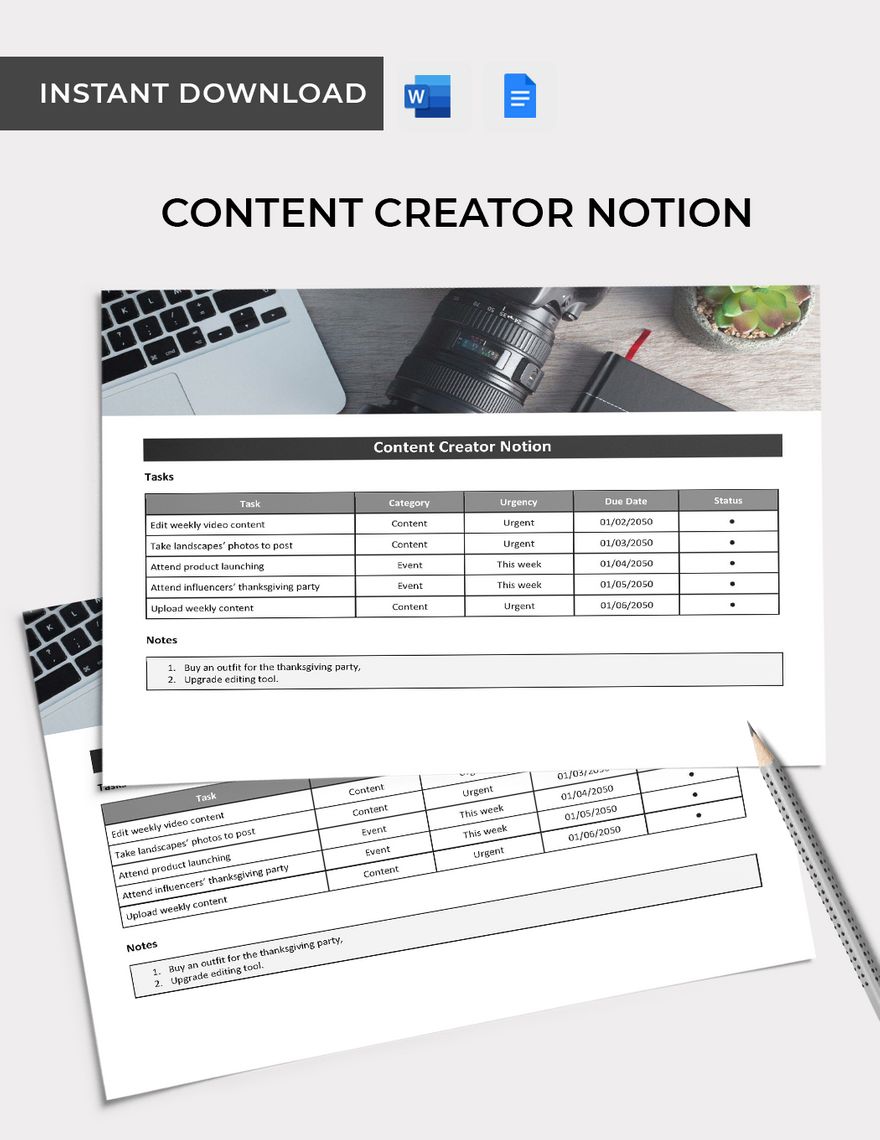
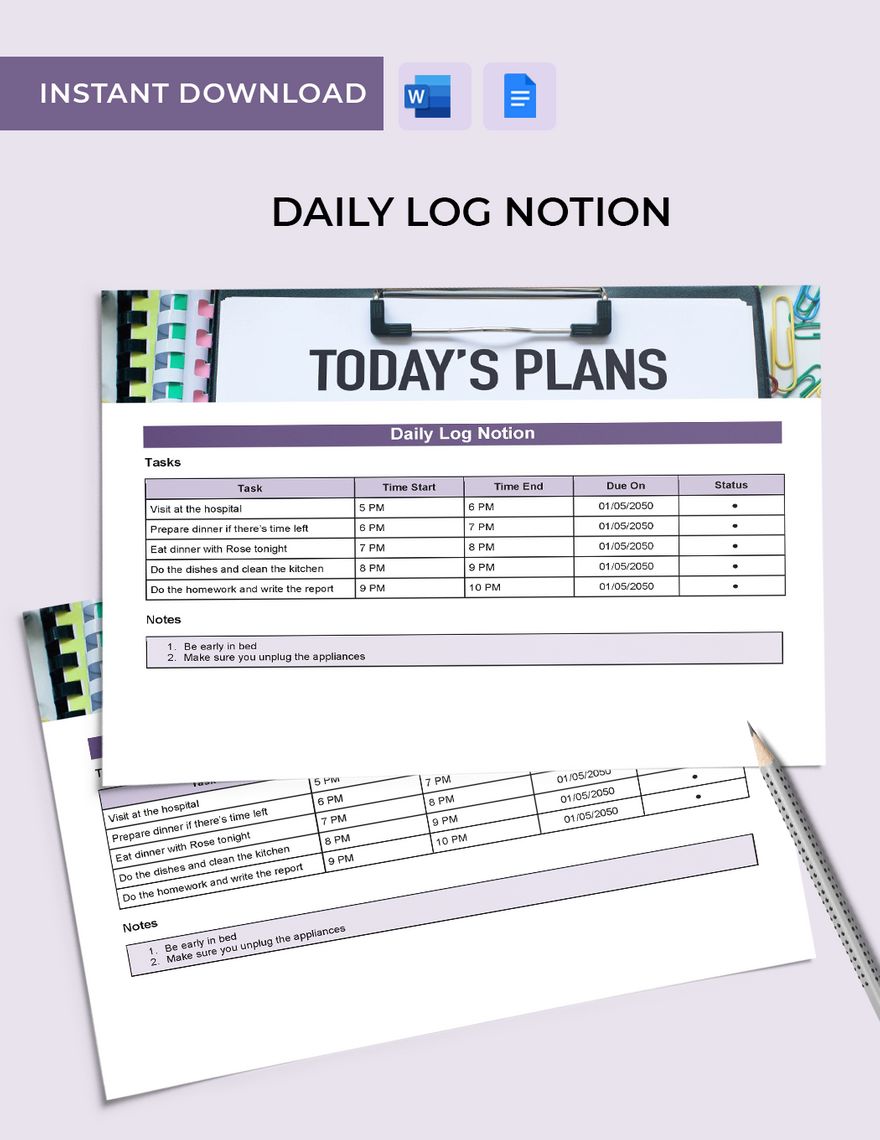
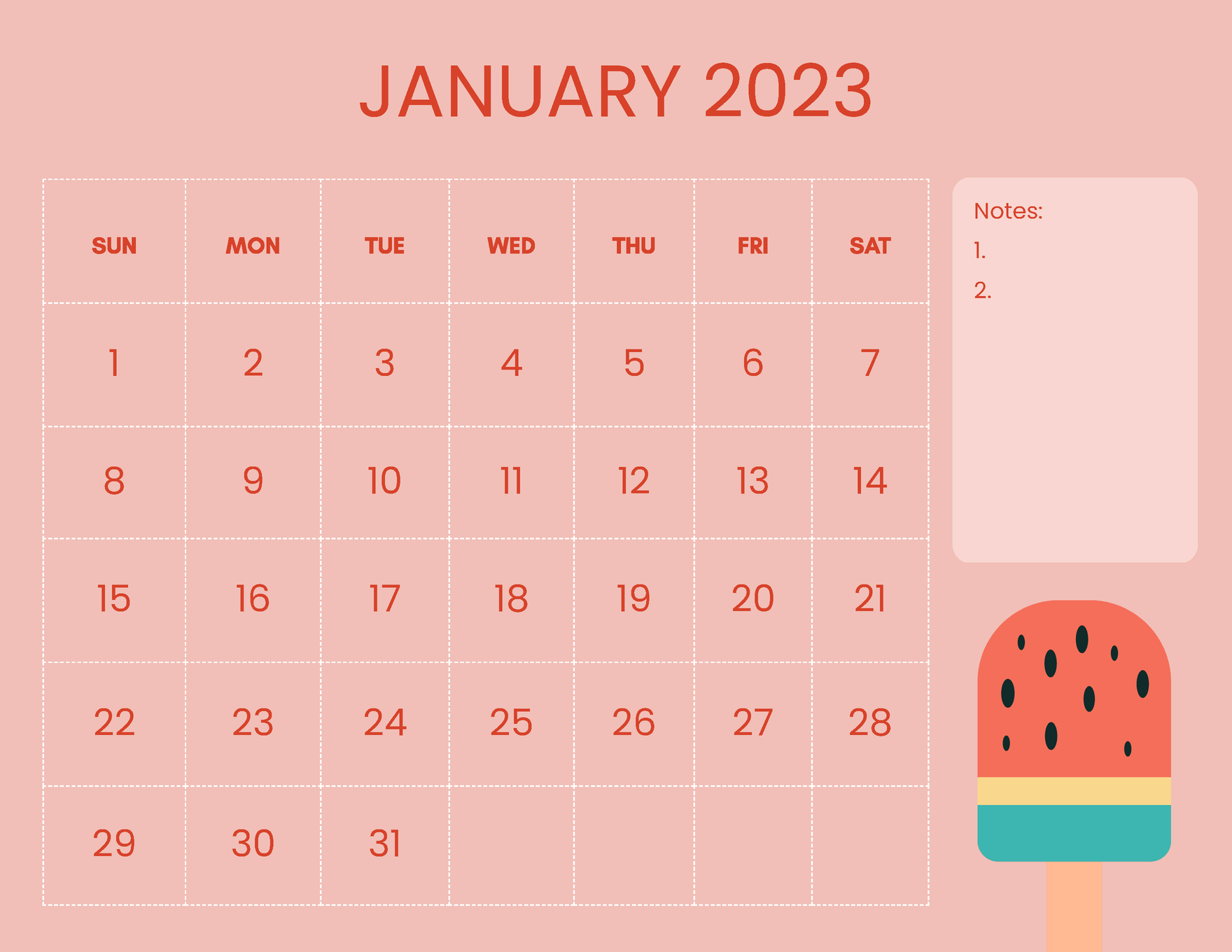
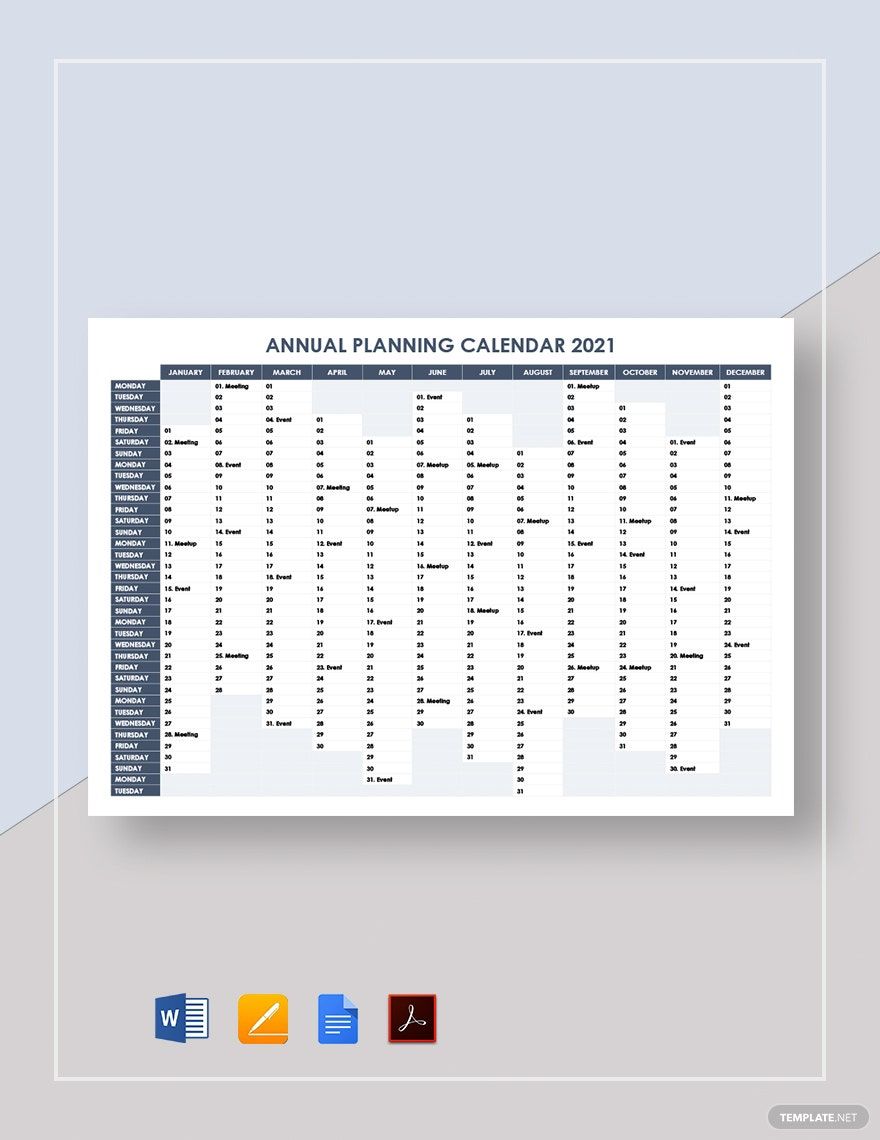
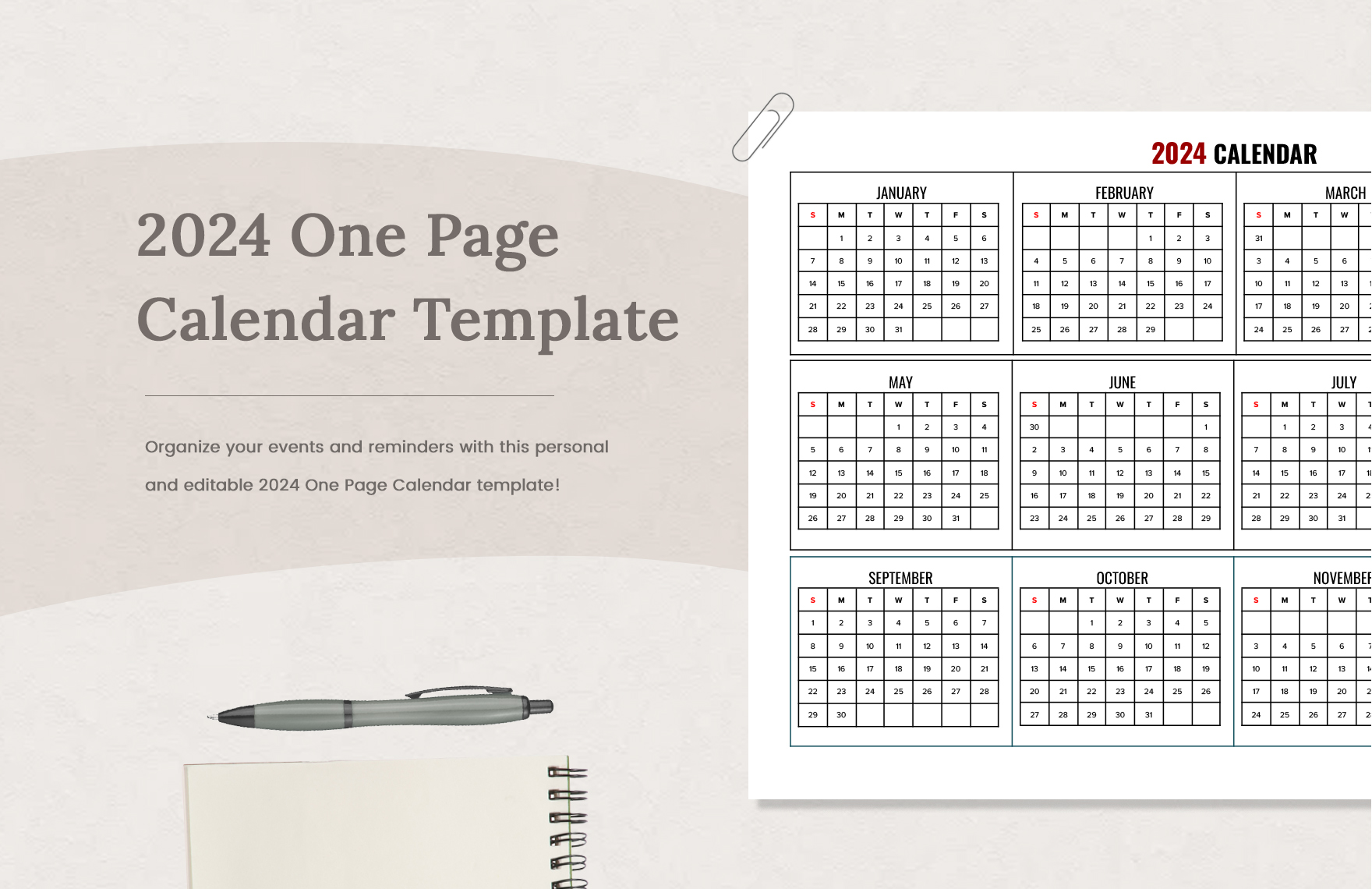
A calendar lets you quickly see when you are free and when you have prior appointments. When you know your availability, preparing celebrations or other special occasions becomes more accessible as well. Are you finding it hard to keep your plans on track? Do you need a tool to help you? Organize your appointments and events with our easy-to-edit and print-ready Planning Calendar Templates, which includes a variety of original headings, content, and layout. Accessible to download through Google Docs. With our ready-made templates, you can save your time and money! Get your work done faster and smarter. Subscribe and download now!

AI
Marketing
Print
Document
Templates
Business
Categories
Marketing
Document
Planning Calendar Template in Google Docs
Having Trouble Coordinating Your Meetings, Appointments, Interviews, or Training? Then Download a Planning Calendar from Template.net! Our Premade Templates Have Ready Designs and Contents You Can Edit or Customize to Fit Your Specifications, Making It Easy to Divide Tasks into Weekly, Daily, or Monthly Activities. Download All You Need from Us for Free in Google Docs File.

- Business Plans
- Receipts
- Contracts
- Manual Templates
- Note Taking
- Forms
- Recommendation Letters
- Resignation Letters
- Birthday
- Outline
- Quotation
- Charts
- Handbook
- Family Tree
- Surveys
- Workout Schedule
- Study Guide
- Ebooks
- Chore Charts
- Training Manual
- Research
- Screenplay
- Wedding
- Lesson Plan
- Brief
- Organizational Charts
- Syllabus
- School Calendar
- Attendance Sheet
- Business Cards
- Student
- Review
- White Paper
- Essay Plan
- Vouchers
- Timeline Charts
- Reference
- Estimate Sheet
- Mind Map
- Cover Letters
- Interview
- Posters
- Report Cards
- Fax Covers
- Meeting Minutes
- Roadmaps
- Cookbook
- Curriculm Lesson Plan
- Bibiliography
- Rental Agreement
- Legal Templates
- Party
- Pleading Paper
- Pay Stub
- Classroom Seating Charts
- Sub Plan
- IT and Software ID Card
- Event Proposal
- Likert Scale
- Doctor Note
- Labels
- SOP
- Comparison Charts
- Project Reports
- Daily Schedule
- Weekly Calendar
- Customer Persona
- Medical
- Coupons
- Resumes
- Invoices
- Christmas
- List
- Executive Summary
- Marketing
- Budget
- Meal Plan
- Friendly Letters
- Itinerary
- Reference Letters
- Church
- Letters of intent
- Reading logs
- Assignment agreement
- Mothers day card
- Retrospective
- Simple loan agreement
- Rent Receipts
- One page business plan
- Weekly Reports
- Offer letters
- Prescription
- One page proposal
- Case brief
- Roster
- Log Sheets
- Music
- Schedule cleaning
- Printable survey
- Internship report
- Fundraising
- Research proposal
- Freelancer agreement
- Delivery note
- Madeline hunter lesson plan
- Training
- Social media calendar
- Catalogs
- Grant proposal
- Affidavit
- Lean business plan
- Schedule hourly
- Mon disclosure agreement
- Bill of lading
- Sitemap
- Campaign
- Education
- Cash Receipts
- Introduction letter
- It and software profile
- Business case
- Annual Reports
- Personal letter
- Calendar Google Docs
How to Create a Planning Calendar in Google Docs
It takes time to set a schedule when you can't track your days. Whether you are preparing to start a new company or trying to handle your upcoming schedule for your already developed company, a planning calendar can always help you with your time management. Below are your guidelines that will help you create a planning calendar.
1. Identify Objectives
Objectives are important because they turn your visions into a clear-cut concrete goal. Your goal allows you to generate strategic plans to achieve your target. Having a clear purpose can also help your time management as it provides a straight road. Your goals should be the answer to why you need to organize your schedules.
2. Arrange Your Appointments
List down and categorize all your appointments and projects. It will help if you determine what you should prioritize first. An organized session provides a transparent process for your plans.
3. Choose a Template
Choose a calendar template that best describes your concept. It can either be a job, school, or event type of design. Pick a model that will meet your purpose and expectation. Smart layouts would be practical to use.
4. Review
Examine your document to locate errors such as possible conflict schedules. Conflict schedules can ruin an appointment and may affect others along the line, which you need to prevent. Avoid complications, and make sure to review your output.
Frequently Asked Questions
How do you start the planning process?
Planning is not a simple task. Sometimes even starting it could get tricky. To begin the planning process, the first thing to do is to choose the planning system that works for you. The next step is to list all the objectives that you're planning to achieve. It could be for a specific day, week, month, or a year. After you finish listing it, calculate and evaluate the steps that you need to perform to accomplish your goals.
What is the planning process?
The process of planning involves coming up with steps and solutions to guide a person or an organization in the future. This lengthy process includes developing objectives, devising means to achieve those objectives, determining resources, creating a timeline, assessing the effectiveness, finalizing the plan, and distributing it to everyone involved.
What is effective planning?
The next step after devising a plan is to assess whether it is effective or not. In determining the effectiveness of the plan, you should consider several factors. For a project to be effective, it should have realistic and achievable objectives, proper analysis of action, flexibility, practicality, and enough allocation of time and resources. Besides, you should also keep your plan simple and understandable.
What are the disadvantages of ineffective planning?
Not all plans end up being successful. Ineffective plans can put you or your organization at a significant disadvantage. Devising and executing plans which would turn out to be unproductive is a complete waste of time and money. Other than that, it could also end up offering people a false sense of security.
Why is the calendar important?
Calendars have proven themselves to be useful for about a thousand years. Whatever your career is, it is advisable to make use of a calendar. This object will help you keep track of important events and appointments. Other than that, it can also help you keep your routine in check and sort out your priorities.
