

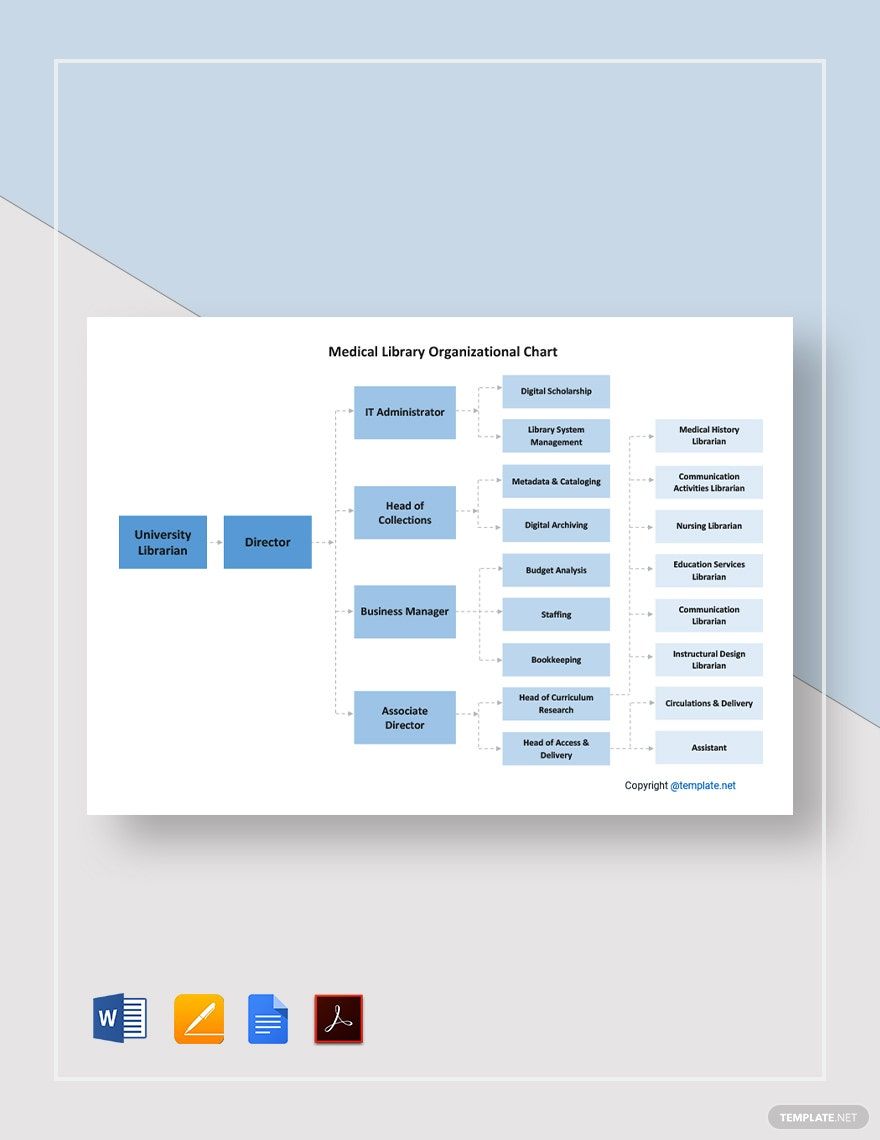
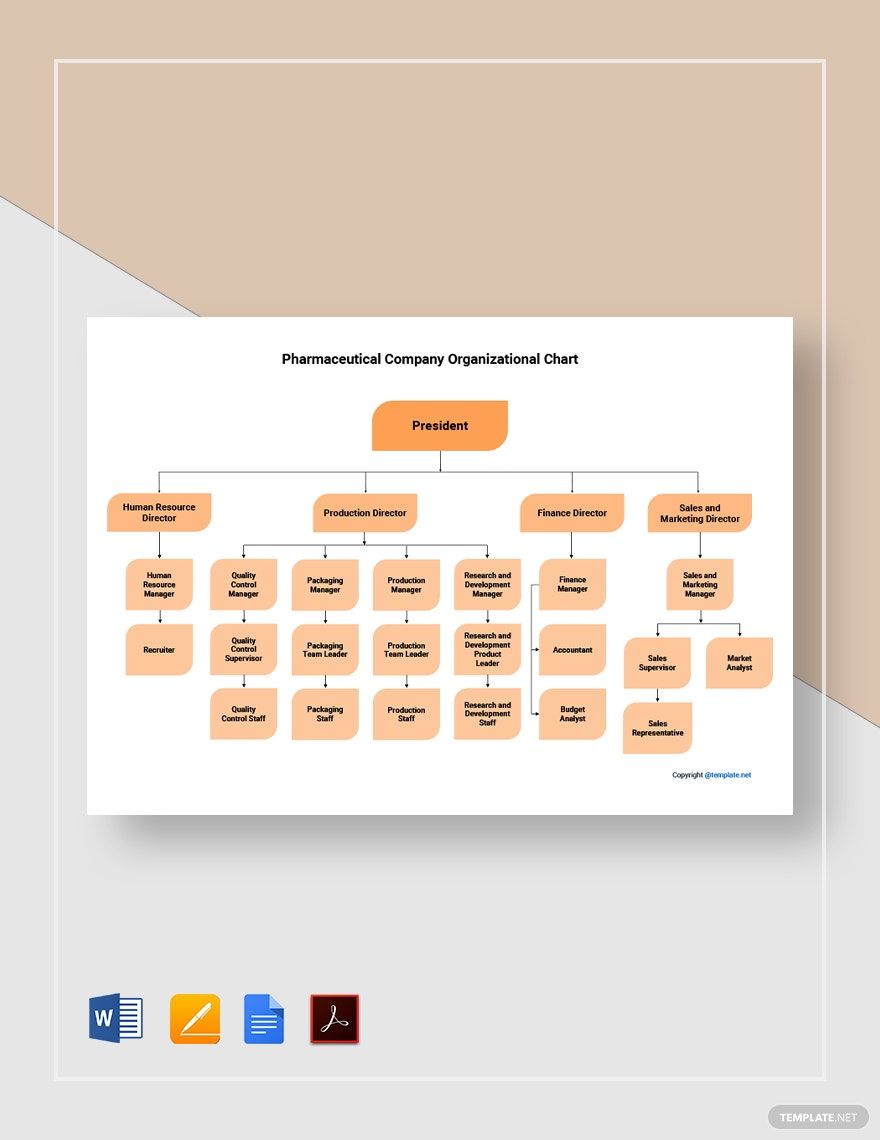
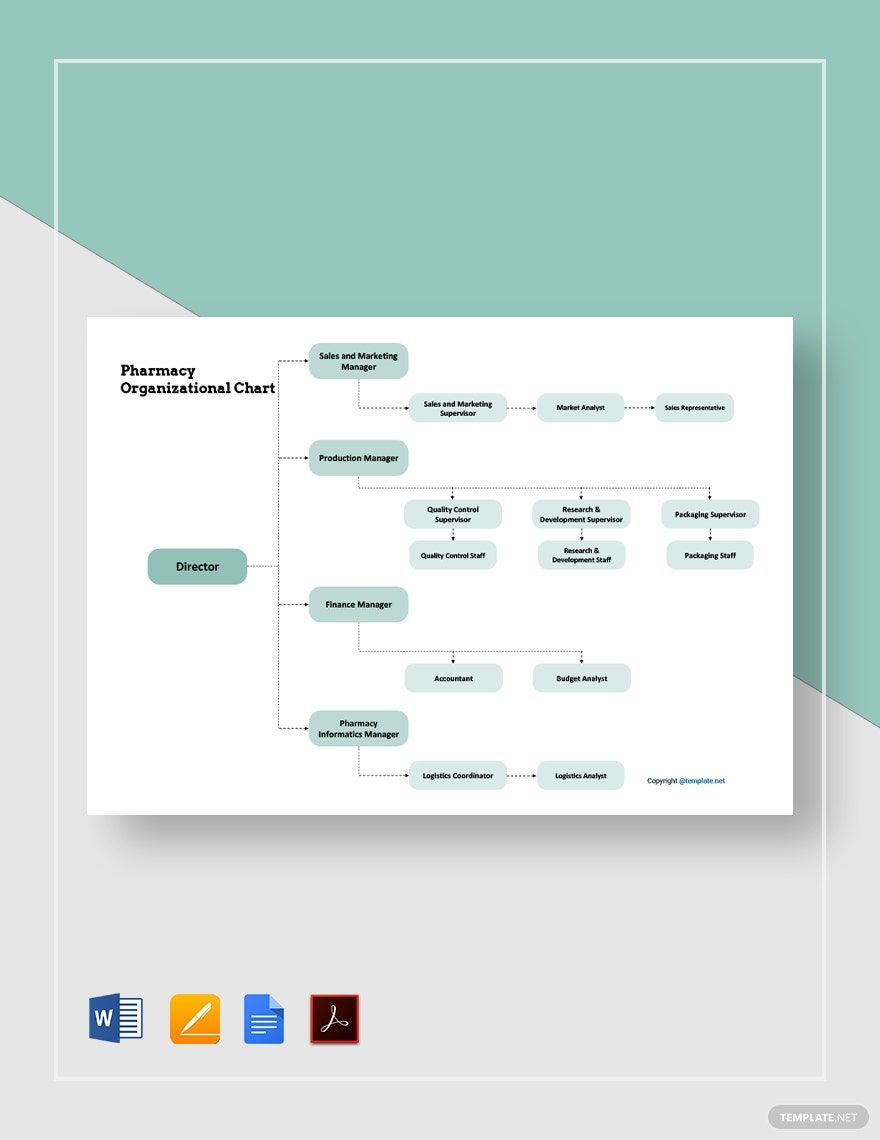
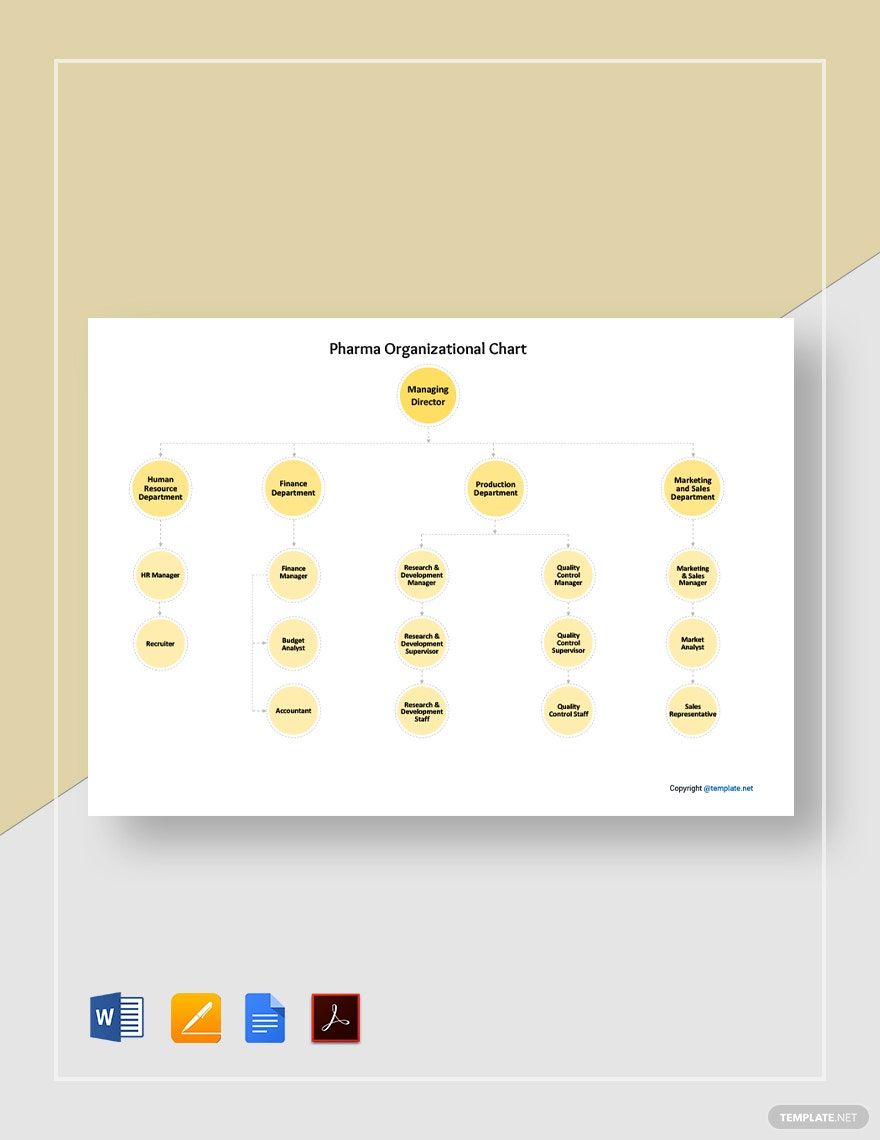
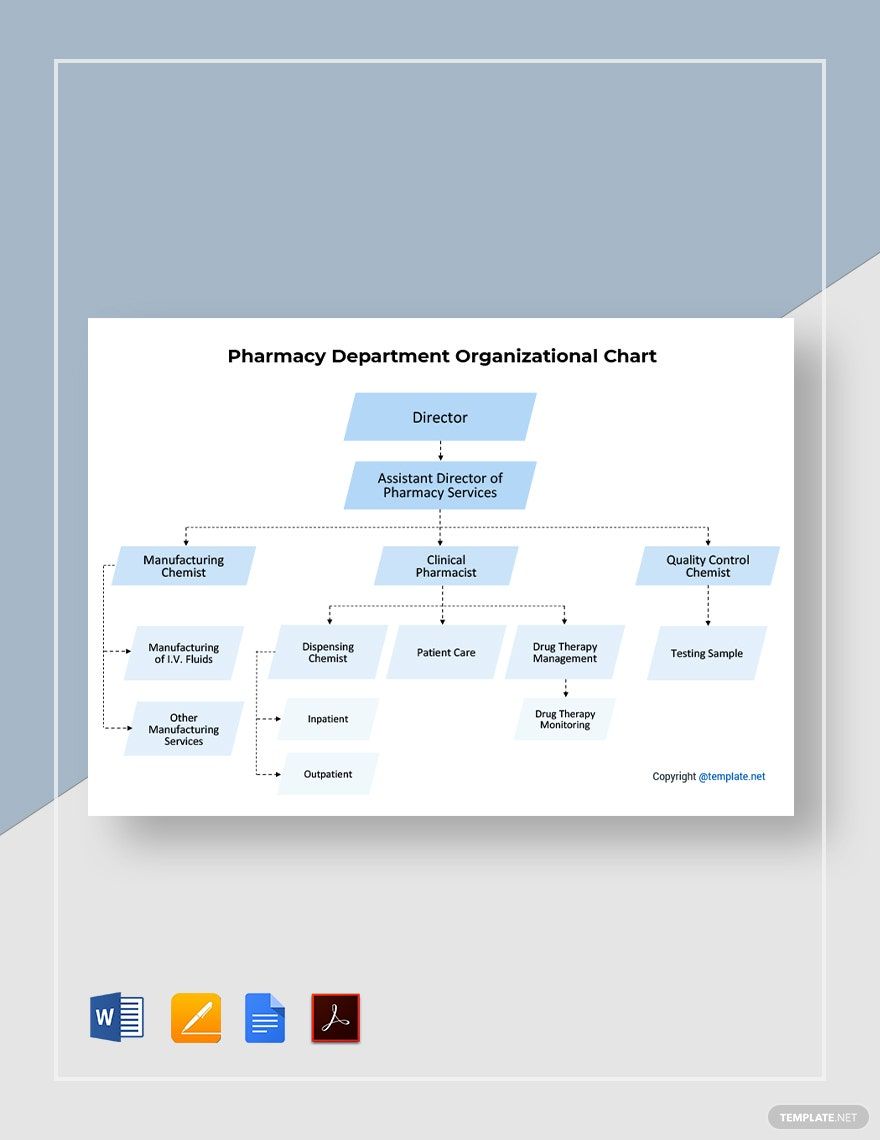
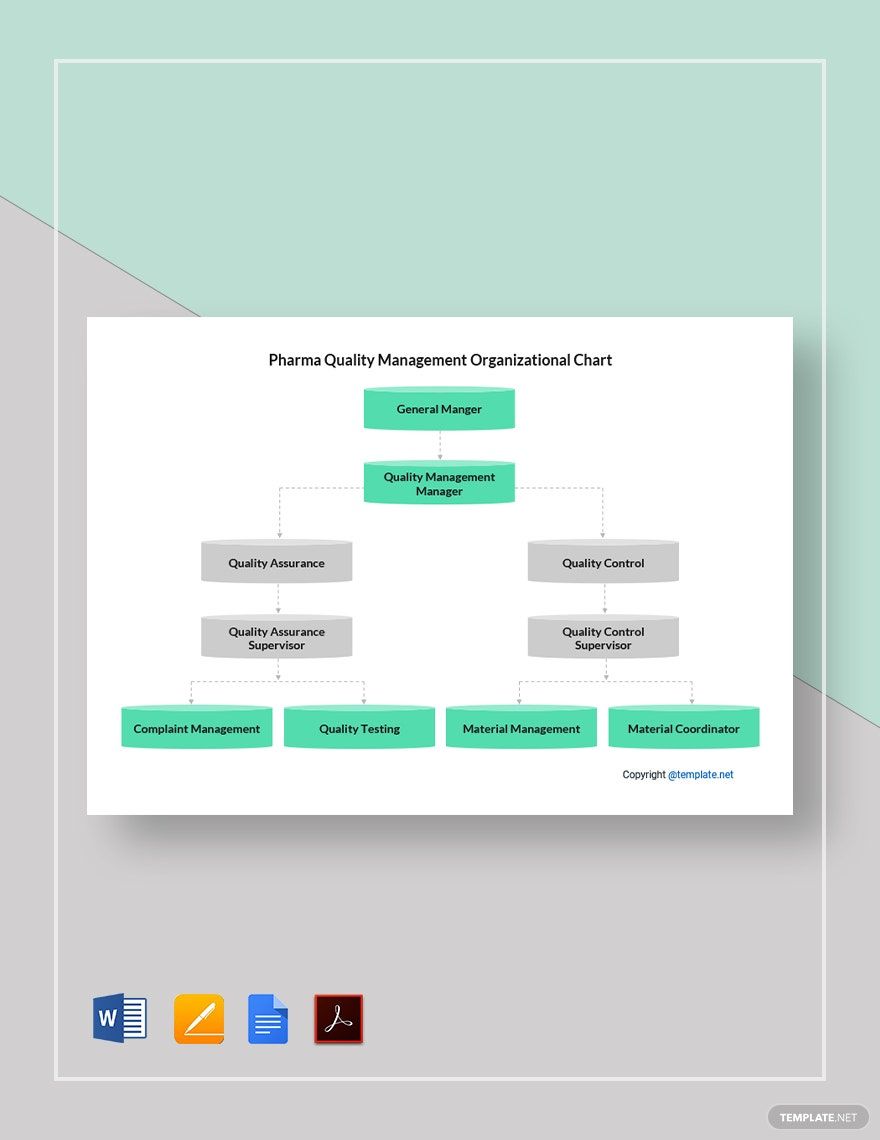
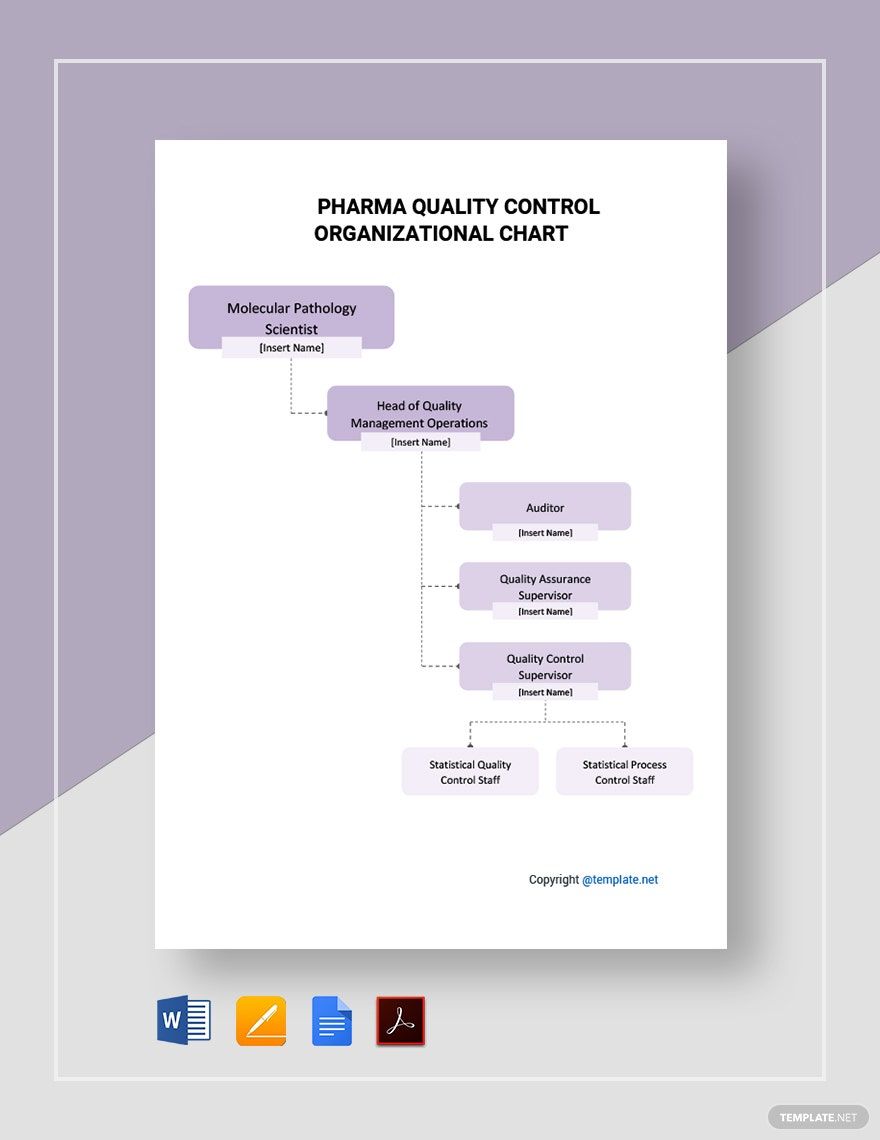
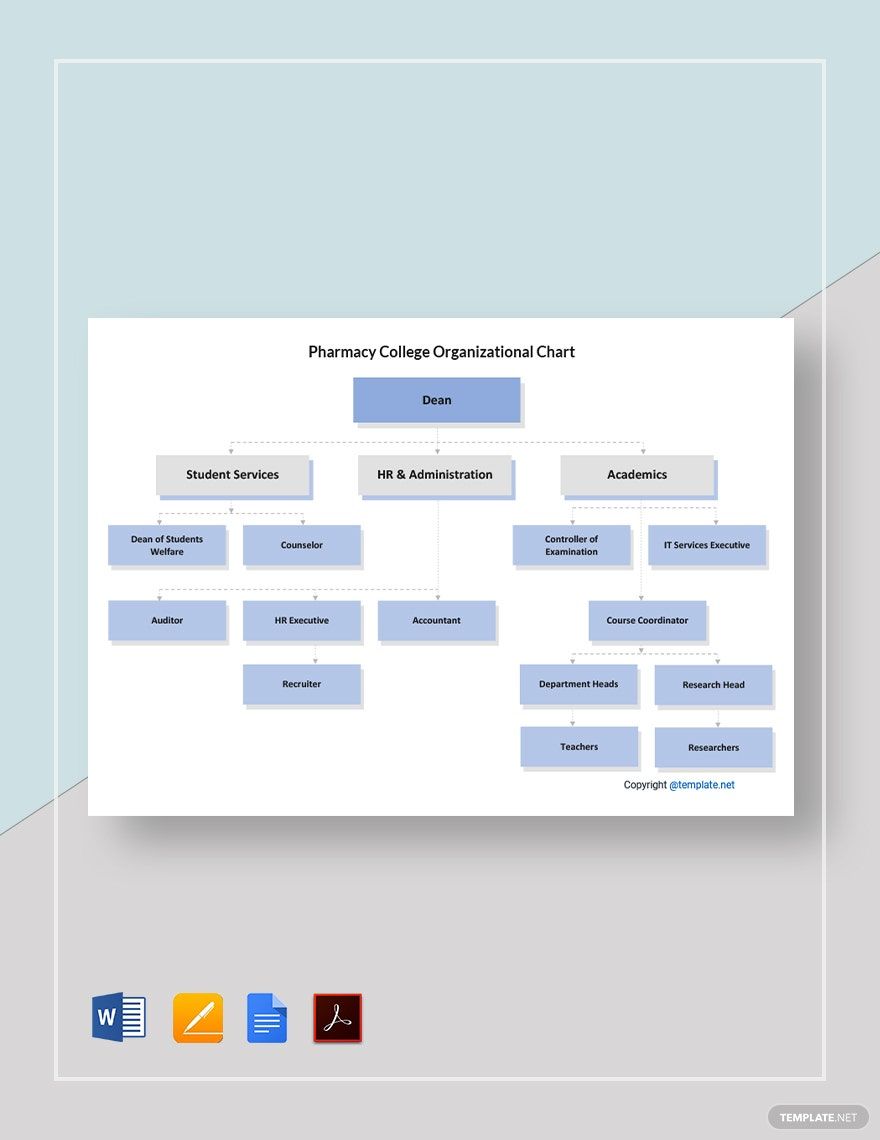
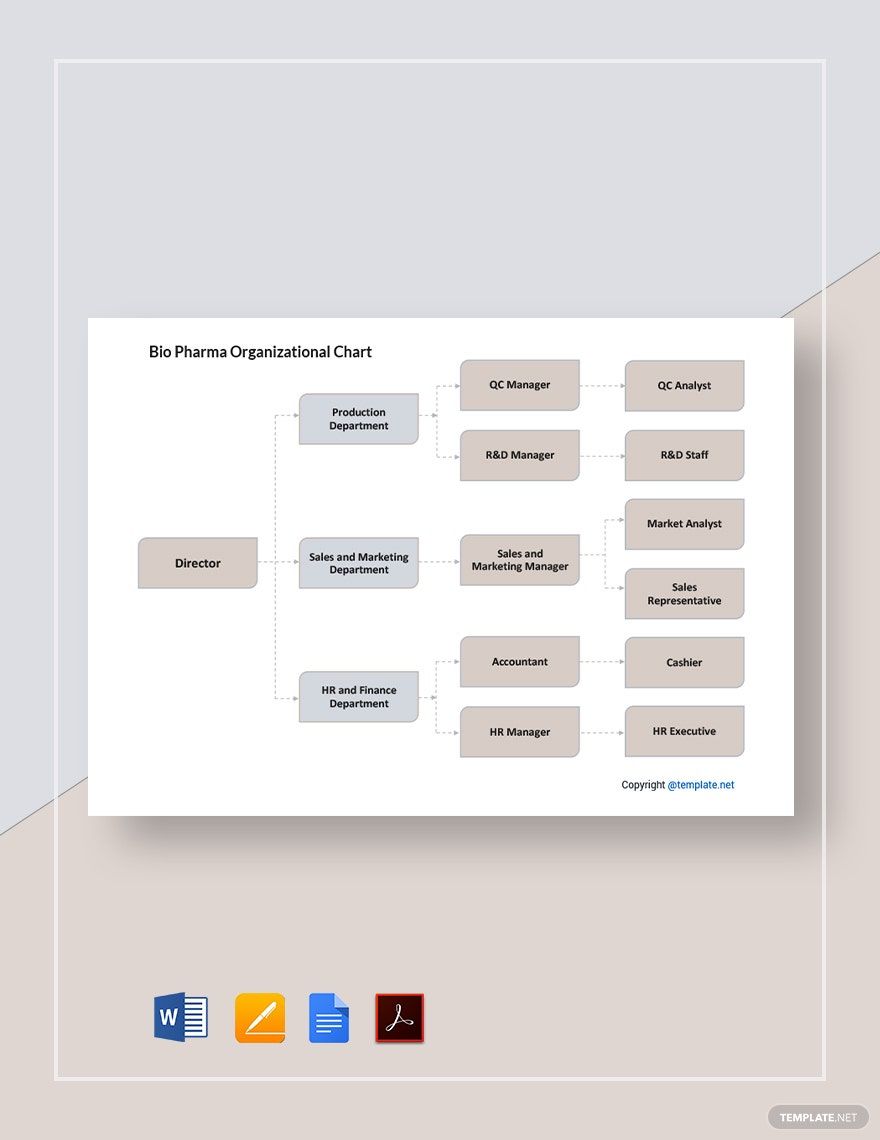
There are a lot of pharmaceutical organizations creating an ideal strategic plan. But in reality, they fail to balance the proper distribution of tasks and responsibilities to employees. It could affect internal controls and progress. They say that you need to have the right weapon to thrive. So, to make sure to come up with a more organized structure, you need to have the right tool. And just in time, you landed in the right place! We offer Ready-Made and High-Quality Pharma Organizational Chart Templates in Word. Aside from that, these files are available in A3, A4, and US Letter sizes. Now, it will be easier for your company to manage employee functions by departments and divisions. Download our templates now!
Pharma Organizational Chart Template in Word
Avoid a Blank Page with Template.net's Free Pharma Organizational Chart Word Templates! With Such Great Deals, You Get High-Quality Matrix Organization Structure and Organogram for Pharmaceutical Industry, Bio Pharma, and Hospital Pharmacy Department! Customize Your Pharmaceutical Companies Matrix Template Samples in Word and You Are Done! We Also Have Them in Microsoft Excel and Google Doc Format! Download Today!

- Business Plan
- Menu
- Notes
- Birthday Invitation
- Wedding Invitation
- Magazine
- Internship Certificate
- Catalogs
- Calendar
- Restaurant Receipts
- Forms
- Checklist
- Project
- Posters
- Cover Page
- Programs
- Planner
- Journal
- List
- Layout
- Colorful Word
- Professional MS Word
- Two Page Resume
- Training Certificates
- Letters
- Place Cards
- Tickets
- Itinerary
- Note Taking
- Timelines
- Timetable
- Ebooks
- Editable Book Covers
- Resignation Letters
- Vouchers
- Receipts
- Travel Invoice
- Tri Fold Brochure
- Greeting Cards
- Prescription
- Retirement Invitation
- Cookbook
- Delivery Note
- Flyers
- Job Flyer
- Graduation Invitation
- Coupons
- Labels
- CV
- Borders
- Background
- Document
- Exam
- Memo
- Infographics
- White Paper
- Customer Persona
- Envelopes
- Surveys
- Thank you Cards
- Save the Date Invitations
- Photo Collage
- Charts
- Training Manual
- Presentations
- Invitation Cards
- Postcards
- Diploma Certificates
- Schedule
- Participation Certificate
- Medical Resume
- Recommendation Letter
- Report Cards
- Quiz
- Recruiting Hiring
- Funeral Card
- Photo Resume
- Roadmaps
- Training Proposal
- Civil Engineer Resume
- Construction Quotation
- Baptism Invitations
- Sign in Sheet
- School Id Card
- Attendance Sheet
- Farewell Invitation
- Polaroid
- Sports Certificate
- Achievement Certificate
- School Schedule
- Basic Certificate
- Signs
- Food Vouchers
- Graphic Templates
- Leave Letters
- Funeral Invitation
- Professor Resume
- Daily Reports
- Annual Maintenance Contract
- Wishes
- Books
- Cover MS Word
- Downloadable
- Design
- Beautiful
- Creative
- Student
- Application
- Small Business
How to Make a Pharma Organizational Chart in Word
Pharmaceutical companies are growing in terms of developments and population. This entails that it needs to double in the workforce. The pharmaceutical industry is subdivided into different departments: manufacturing practice, laboratory practice, quality control, and quality assurance. All of these departments comprise of a growing population of employees every year. The changing structure of the pharmaceutical industry is becoming more complex. It could impact the productivity and progress of a pharmaceutical company. That alone determines how an organizational structure functions to solidify the capacity to handle different challenges and opportunities. To implement the appropriate balance of activities and responsibilities within your organization, below are steps you can follow to create a Pharma Organizational Chart in Word.
1. Acquire Enough Information
It’s not enough to start with your organizational chart without the correct details all along. By ensuring that you follow the right sequence, business position, and general structure, do your research. The term research is broad. But limit it within your company premise. Part of that is knowing your organization’s current structure. Know the different departments that completes your company. Take note that each department consists of different positions. Now, prepare to write down your notes.
2. Choose a Template
In choosing a template, all you have to do is pick the appropriate structure that suits your needs. Aside from that, select the software you are most comfortable with. MS Word allows you to customize your layout for the next step. For a time-saving process, you can choose Pharma Organizational Chart Templates from our website. You can easily download a template. Then, customize it according to your preference.
3. Customize the Layout
Customizing the layout may be complicated. The number of departments determines the complications. To avoid this challenge, place the boxes or shapes according to departments. Create major divisions. Then below each, add the sub-divisions. If you wish to add shapes in your document, click the Insert button, then select Shapes. However, you can always copy and paste the shapes from the ready-made template you chose. You can change the colors of the boxes, but keep it minimal. We suggest you choose a lighter color. Balance it out with a darker color text style. Don’t forget to use the typical text styles, such as Arial, Calibri, Cambria, Times New Roman, or Helvetica.
4. Organize the Details
Add the details accordingly. Then, do this using Word by dragging a Text box from the Insert tab. Finish a simple chart by writing all the details in sequence. To make it manageable, start from the top. For example, write the “Managing Director” as the beginning point. The list of the departments and its sub-departments will follow. You can include the “Finance Department”, “Production Department” and the “Marketing and Sales Department”.
5. Publish the Chart
Avoid printing the company chart without reviewing and revising it. All the heads and executives must agree. Ensure that you save a back-up copy before making the necessary changes. Once done, publish the chart. You may choose to send a digital copy via email. Or, print it in a clean paper. Gather with the team around. Then, track any developments later on.
