
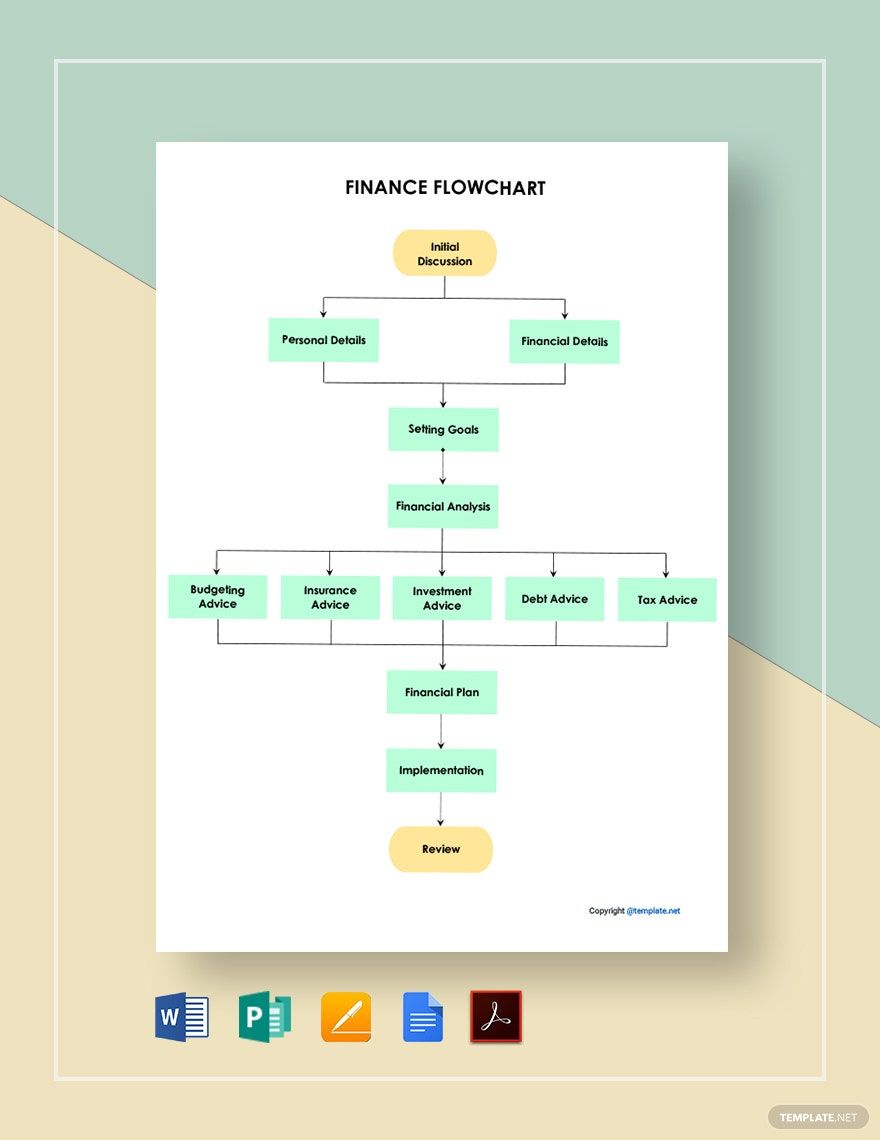
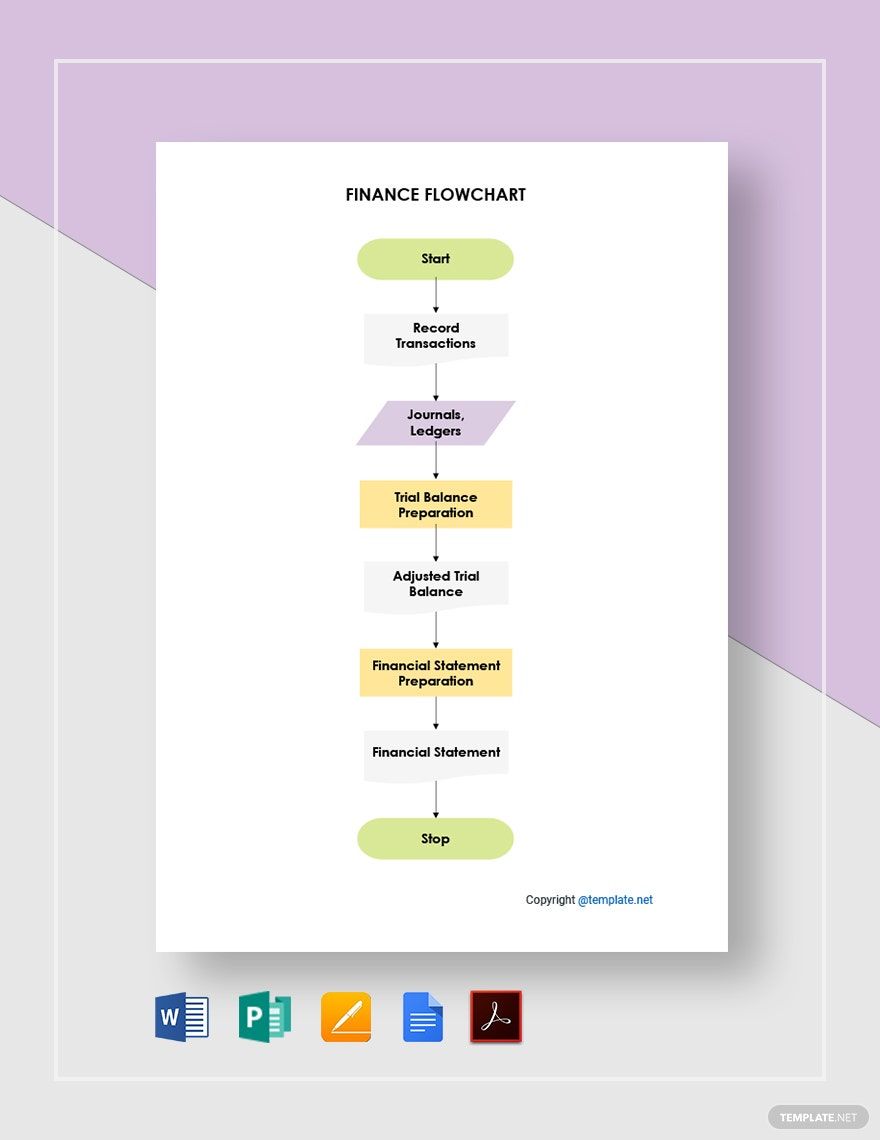
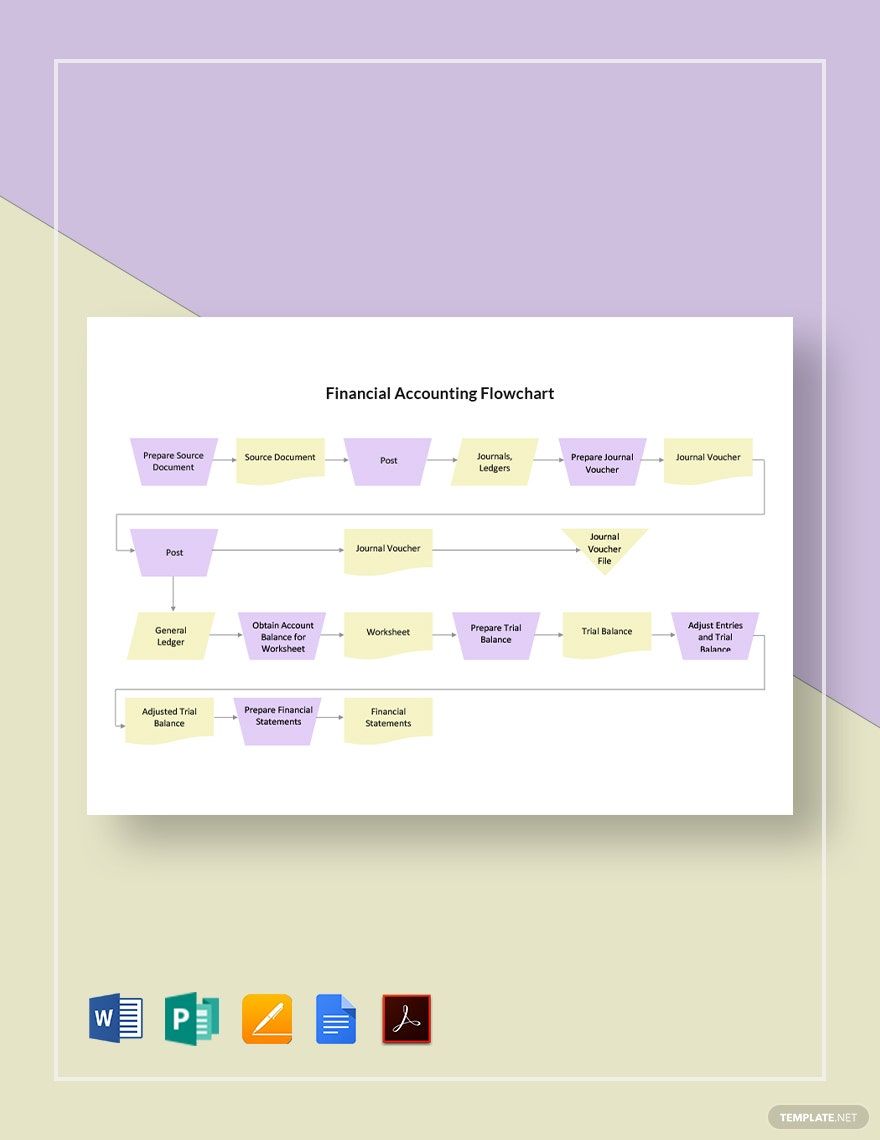
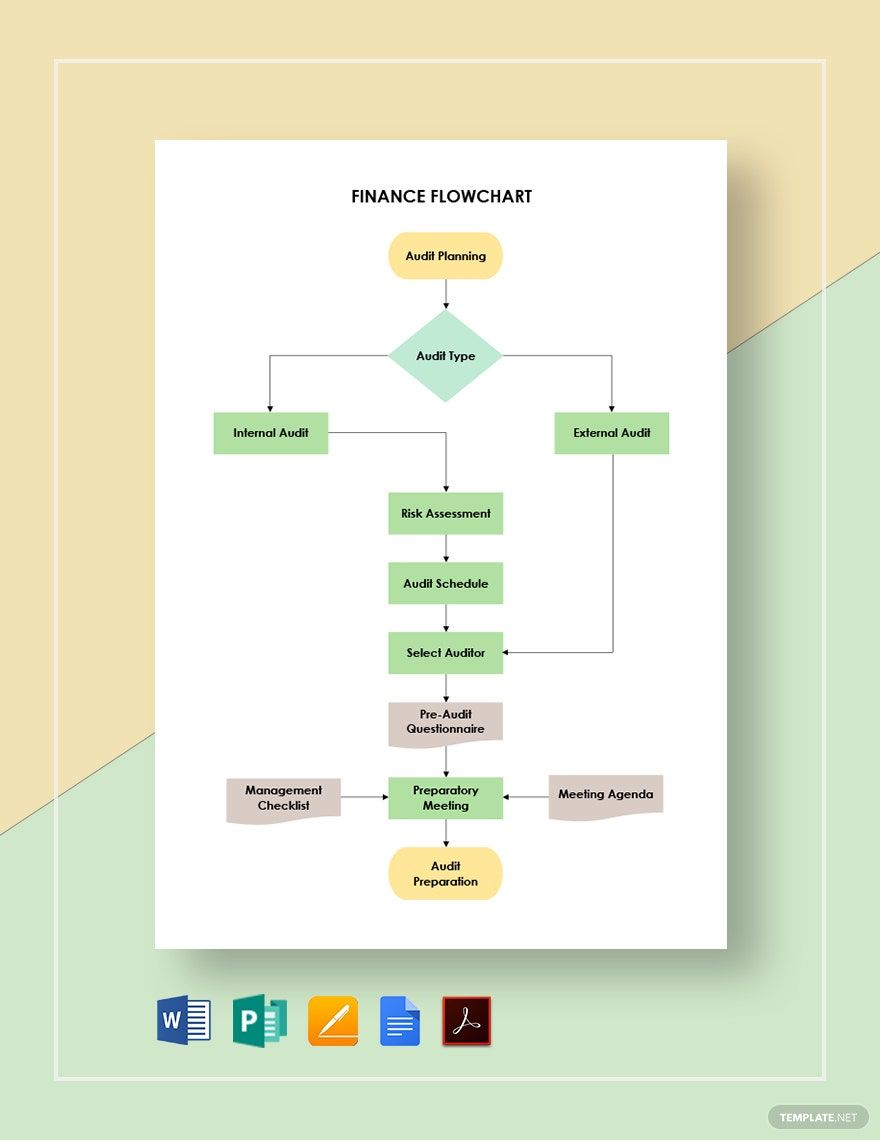
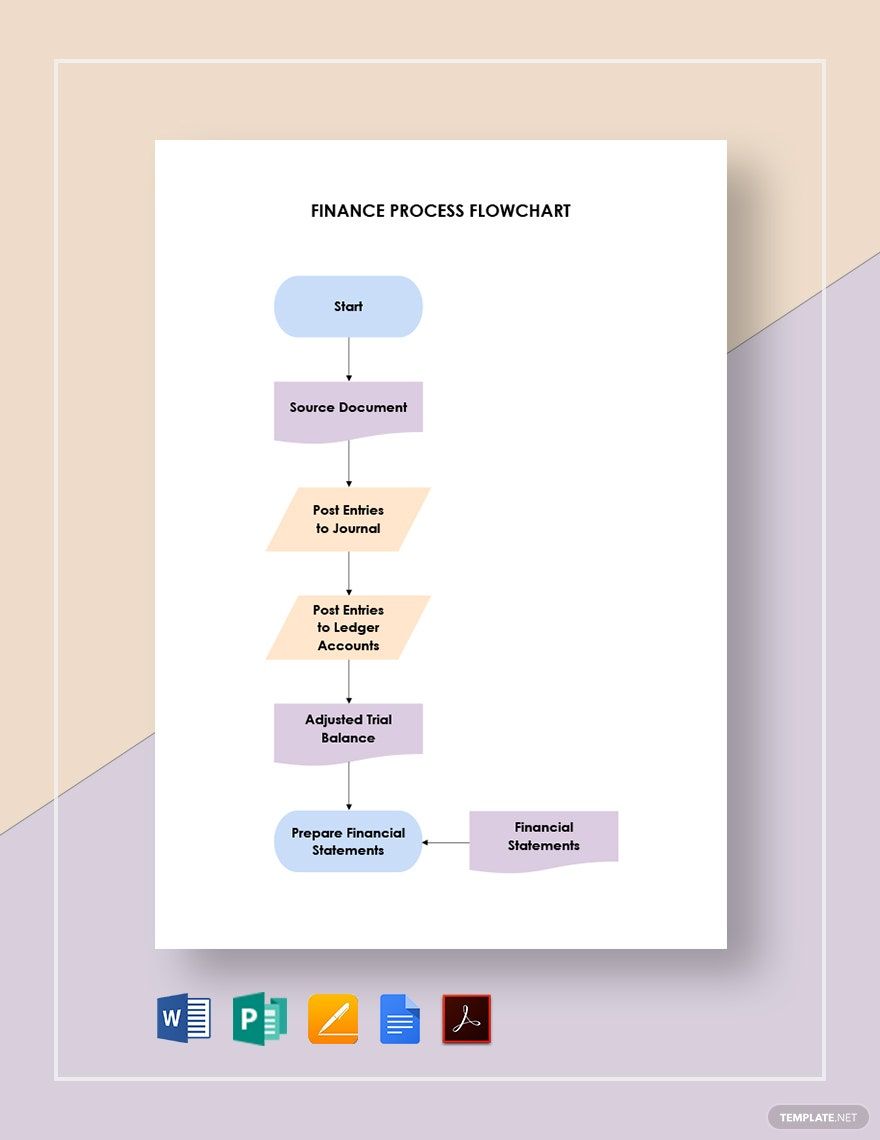
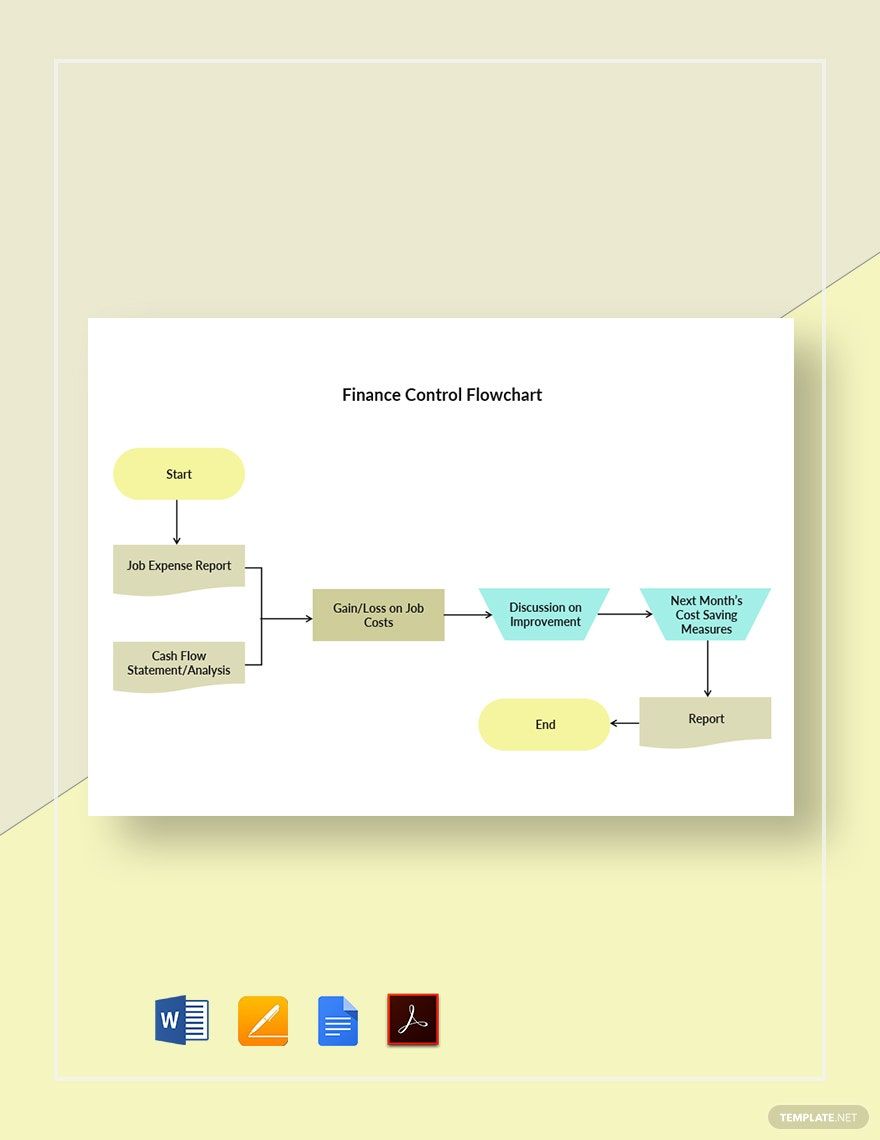
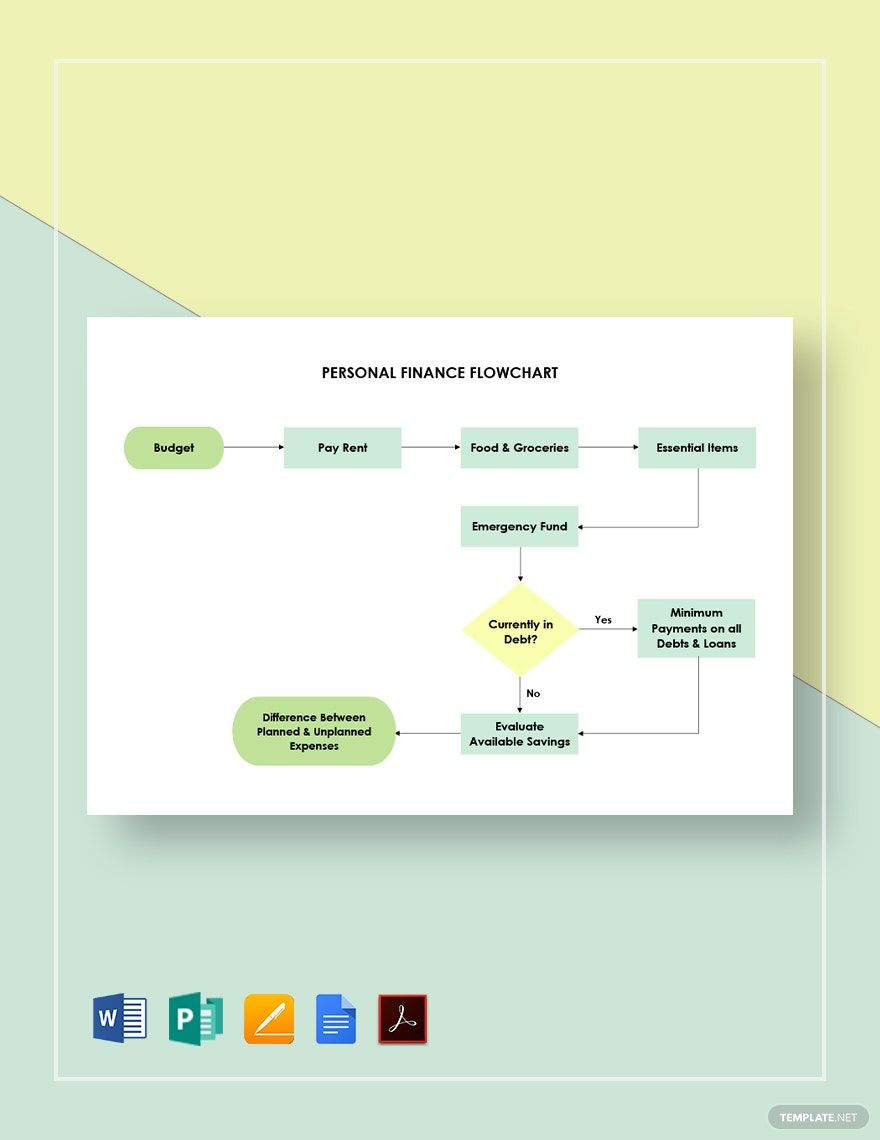
When you calculate your business debts, annual income, and savings, it can be frustrating. So, you ask someone to do it for you. Behind your finance calculations is a team that ensures to provide an accurate evaluation of your financial statements. But even experts make errors. In preventing this situation from recurring, you need to establish a workflow structure. In creating a workflow plan for your organization, you don’t have to make it from scratch. With our 100% customizable Finance Flowchart Templates in MS Word, you can easily plot financing processes. All of these are available in A3, A4 and US Letters sizes. So, create a proper step by step guide and grab our templates today!
Free Finance Flowchart Template in Word
Start an Accounting Flowchart or Finance Flowchart to Manage Your Business Finances. It Is Also Advisable to Keep Track of Bank Vouchers and Accounts Receivable Through a Comprehensive Workflow Diagram. Template.net Provides Different Workflow Templates, Editable and Ready to Use in Various Editing Platforms, Including Microsoft Word and Microsoft Excel.

- Business Plan
- Menu
- Notes
- Birthday Invitation
- Wedding Invitation
- Magazine
- Internship Certificate
- Catalogs
- Calendar
- Restaurant Receipts
- Forms
- Checklist
- Project
- Posters
- Cover Page
- Programs
- Planner
- Journal
- List
- Layout
- Colorful Word
- Professional MS Word
- Two Page Resume
- Training Certificates
- Letters
- Place Cards
- Tickets
- Itinerary
- Note Taking
- Timelines
- Timetable
- Ebooks
- Editable Book Covers
- Resignation Letters
- Vouchers
- Receipts
- Travel Invoice
- Tri Fold Brochure
- Greeting Cards
- Prescription
- Retirement Invitation
- Cookbook
- Delivery Note
- Flyers
- Job Flyer
- Graduation Invitation
- Coupons
- Labels
- CV
- Borders
- Background
- Document
- Exam
- Memo
- Infographics
- White Paper
- Customer Persona
- Envelopes
- Surveys
- Thank you Cards
- Save the Date Invitations
- Photo Collage
- Charts
- Training Manual
- Presentations
- Invitation Cards
- Postcards
- Diploma Certificates
- Schedule
- Participation Certificate
- Medical Resume
- Recommendation Letter
- Report Cards
- Quiz
- Recruiting Hiring
- Funeral Card
- Photo Resume
- Roadmaps
- Training Proposal
- Civil Engineer Resume
- Construction Quotation
- Baptism Invitations
- Sign in Sheet
- School Id Card
- Attendance Sheet
- Farewell Invitation
- Polaroid
- Sports Certificate
- Achievement Certificate
- School Schedule
- Basic Certificate
- Signs
- Food Vouchers
- Graphic Templates
- Leave Letters
- Funeral Invitation
- Professor Resume
- Daily Reports
- Annual Maintenance Contract
- Wishes
- Books
- Cover MS Word
- Downloadable
- Design
- Beautiful
- Creative
- Student
- Application
- Small Business
How to Create a Finance Flowchart in Word
Finance is a term that is commonly associated with money problems and solutions. Common financial processes include budgeting, data collecting, forecasting, planning, modeling, and reporting. The areas tackled in finance goes far beyond the knowledge of ordinary individuals. That’s why organizations work hand in hand to provide an accurate evaluation of a financial situation. But behind all these transactions and reports, there is a team that secures every procedure is done right.
Their label, as finance experts, affects the industry. In just one failing attempt to handle the system correctly, it means failure to proceed to the next. It’s a frustrating situation. But how the financial industry can free itself from troubles has something to do with the improvement of process flow. Bettering the workflow structure means improving speed and productivity. To help you in creating a Finance Flowchart in Microsoft Word, read through the information below.
1. Prepare the Requirements
To start with, know the requirements for financial planning. Part of the requirements is knowing if the flow should be handled through a traditional paper document or digital. Next is to determine its use. Are you making it for analyzing assets? Or maybe, you’re creating it for accounting reports? When you determine what it is for, you’ll create the tasks correctly. After that, start jotting down notes that you can use for the later steps.
2. Prepare a Flow Diagram
Now that you have a list of the requirements and tasks, it's time to create your diagram. To do this, open your Microsoft Word. This software offers a variety of shapes you can choose from the Insert toolbar. It’s recommended to use the rounded rectangle shapes. But if you want squares or ovals, then you may. But if this process is taking some time, don’t hesitate to choose a Finance Flowchart Template from this website. You can download, customize, and print one right away.
3. Add the Financial Process Tasks
To complete a simple chart, make sure that you mention the tasks that you plan your team to follow. Allow yourself to go through your notes. Check if the tasks are the usual activities that you do. Once you’re ready, you can add each step to the shapes. Do this by clicking the Insert tab and adding a dialog box. Remember, ensure the flow of your chart, and it’s a one-step every shape. Don’t input two tasks in one shape. Start the process from top to bottom, or left to the right direction.
4. Review and Revise
When you finish adding the tasks, always make sure that you go through your document. Take your time to recheck every step. Every tiny detail matters, so it’s essential to review and revise. But before you edit, make sure that you save your file first. In this way, you’re creating a back-up when you make the necessary changes.
5. Release and Test
When you finish editing, productivity starts. Save your document and gather your team around. Release the chart, and you can begin testing it together with your members. Update your material from time to time. If your business isn’t improving, then it would be better to re-do it.
