
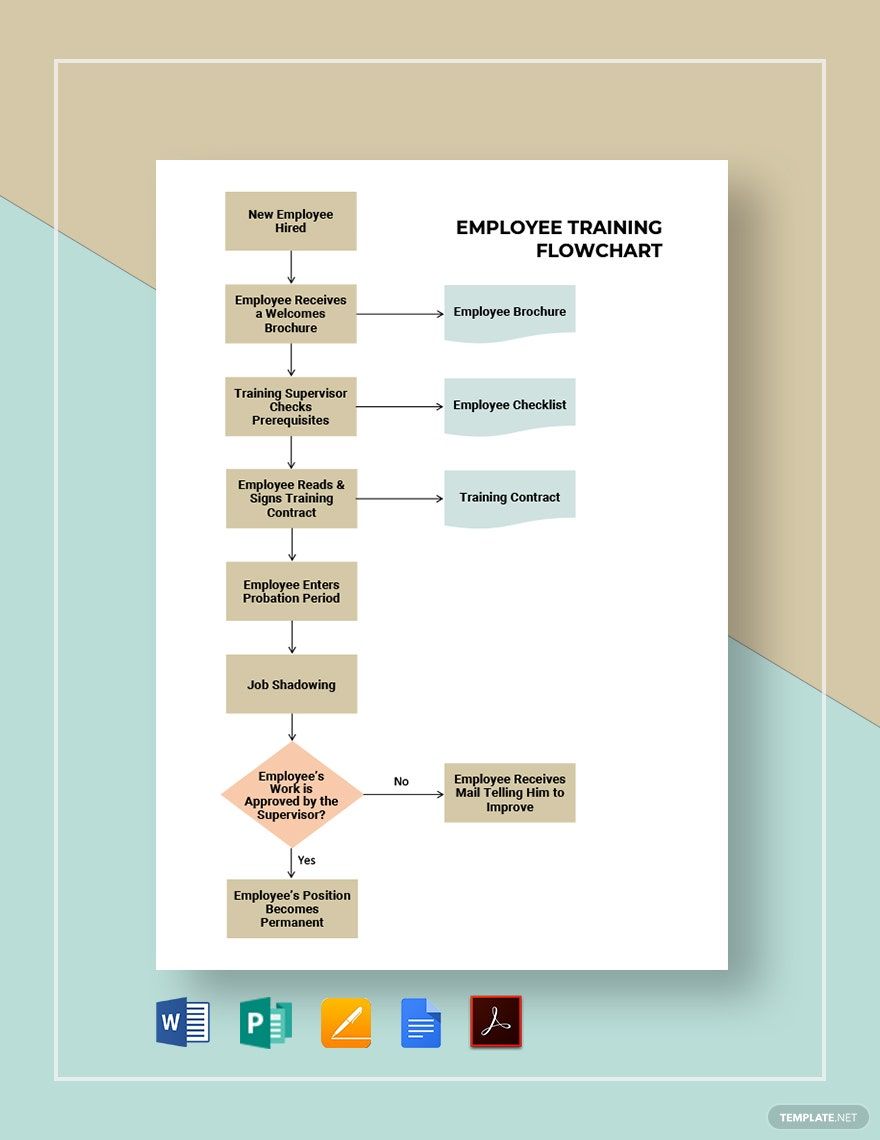
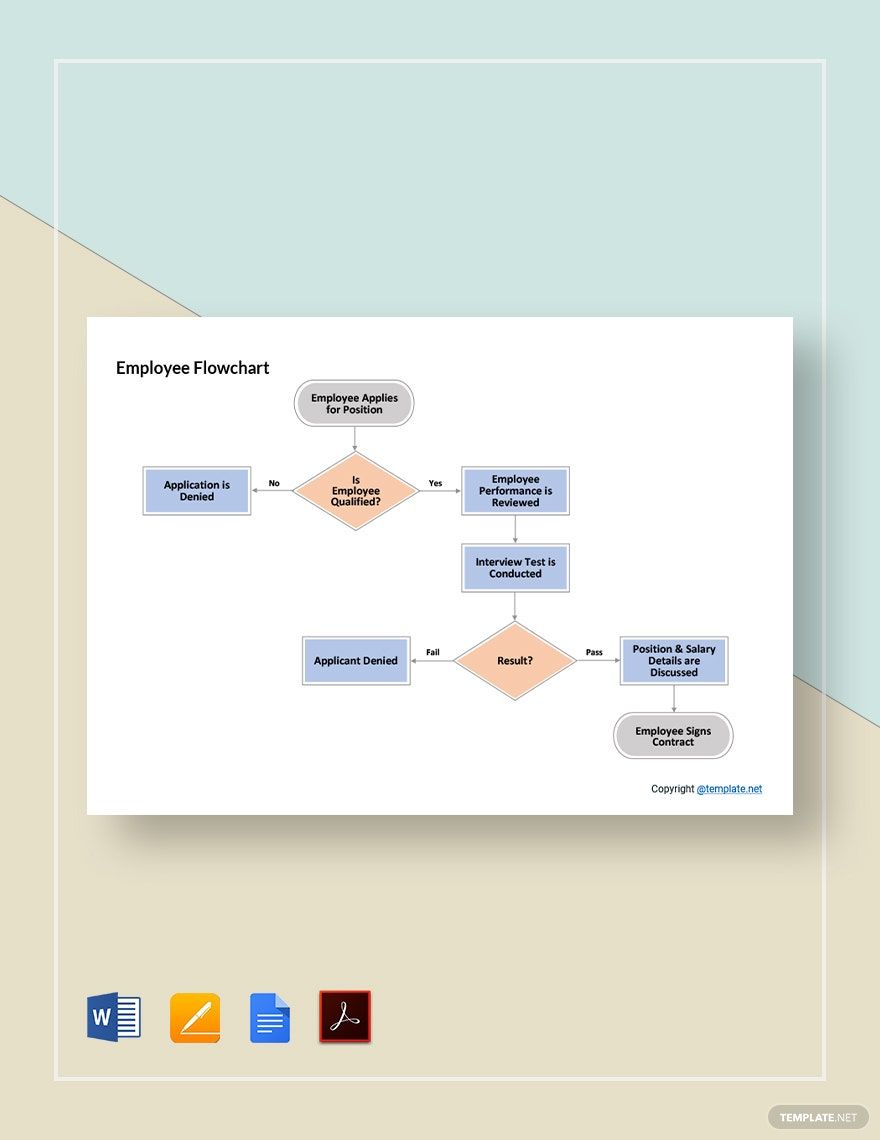
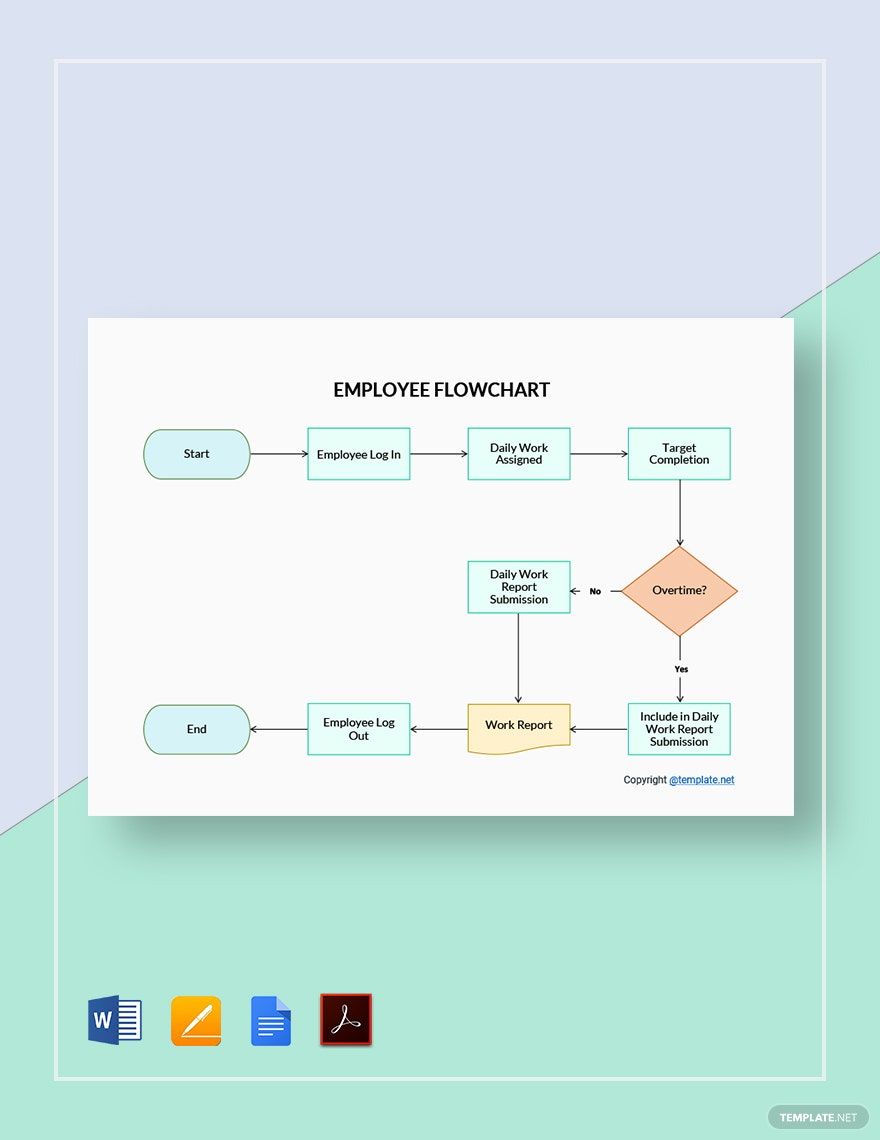
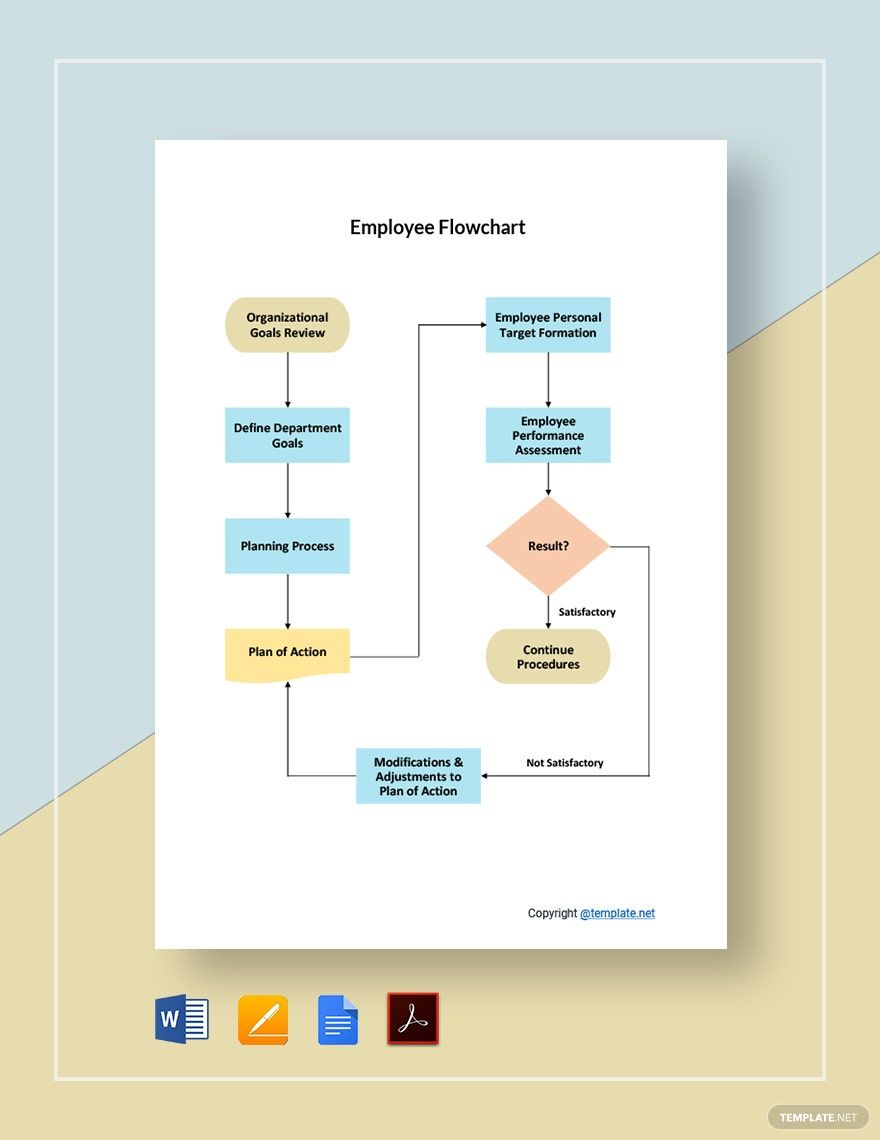
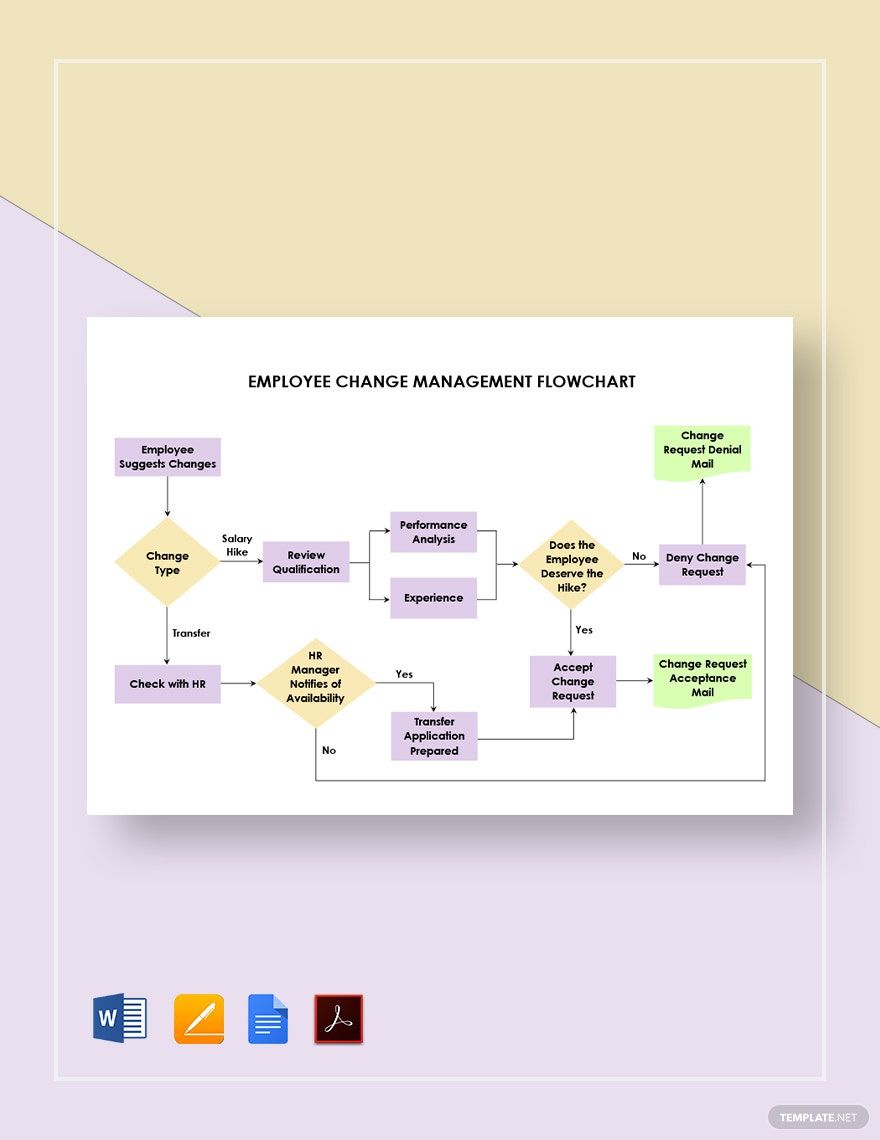
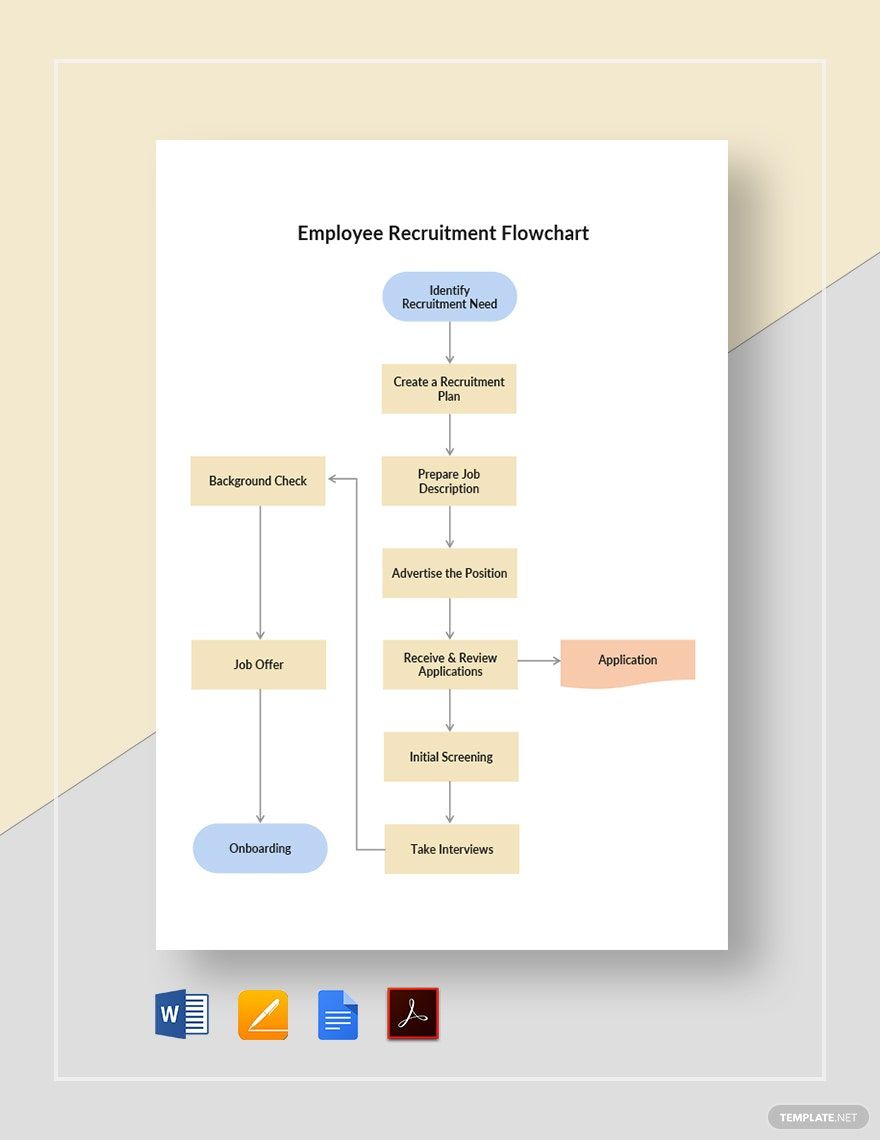
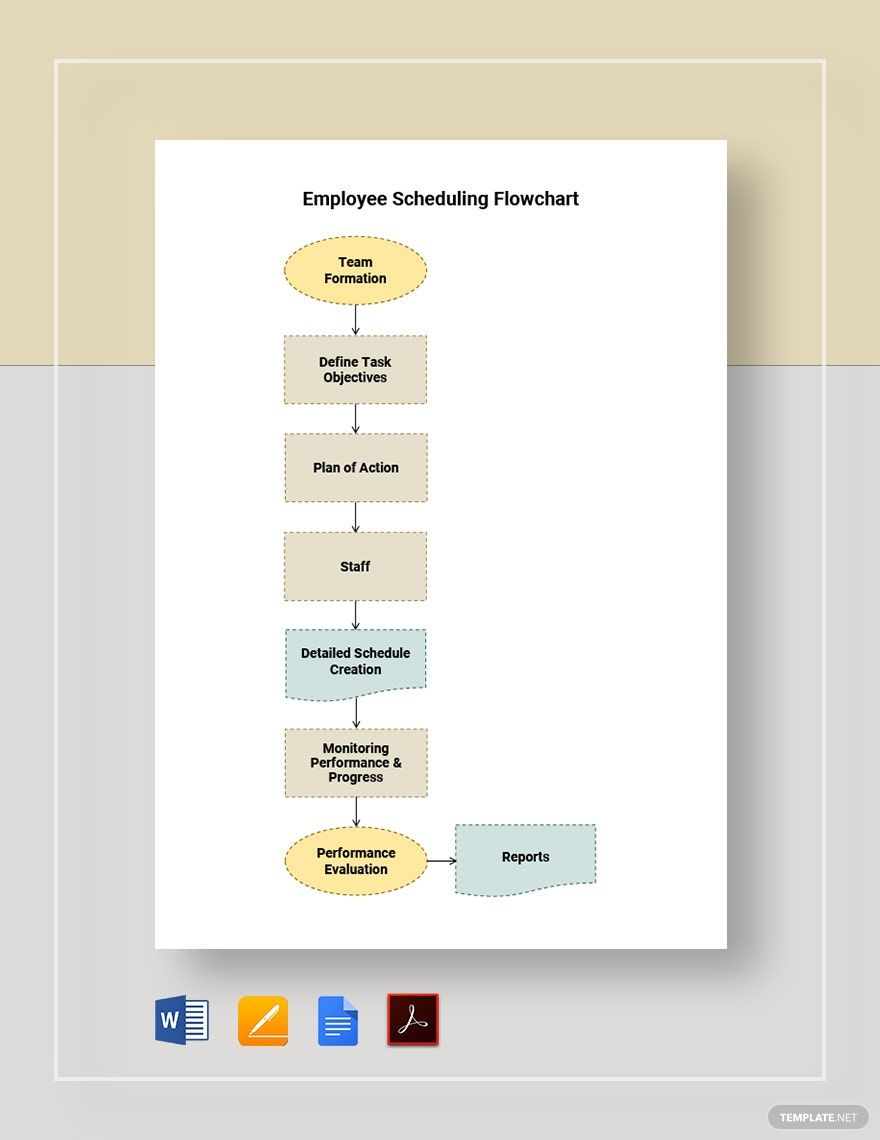
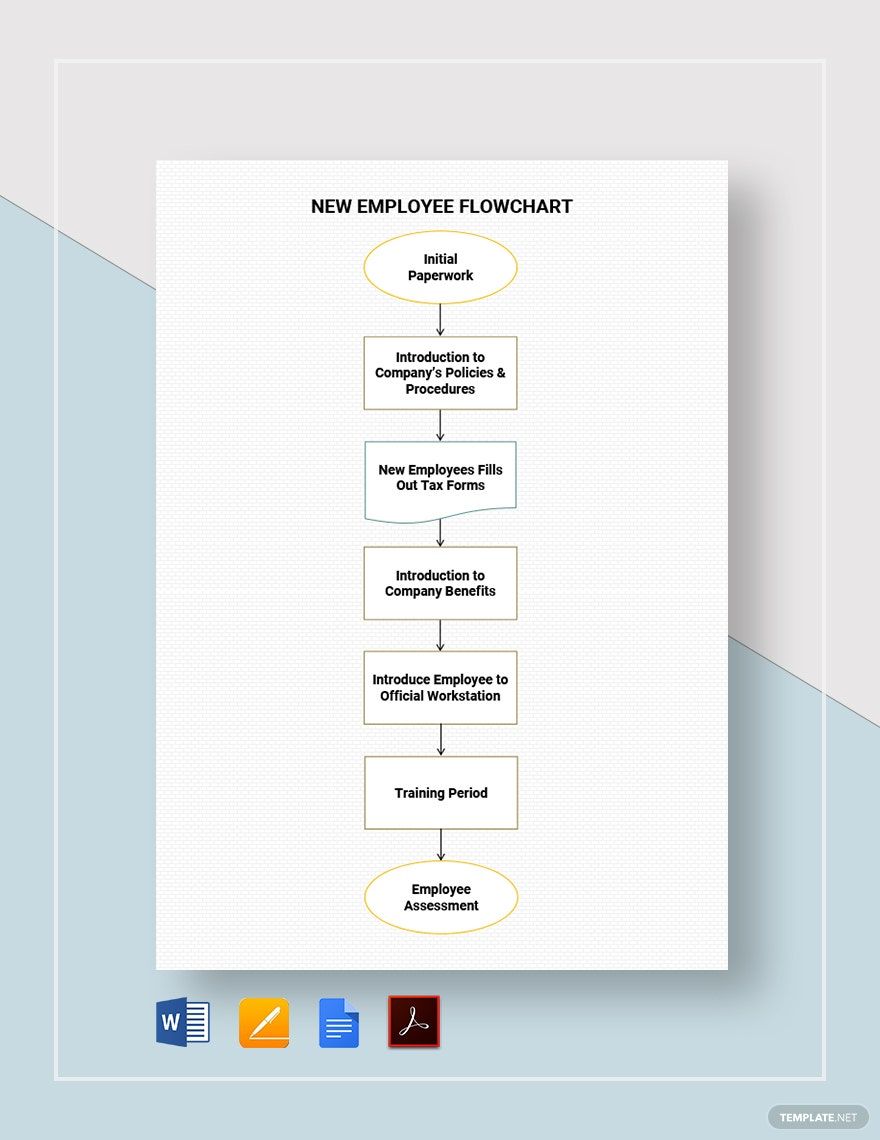
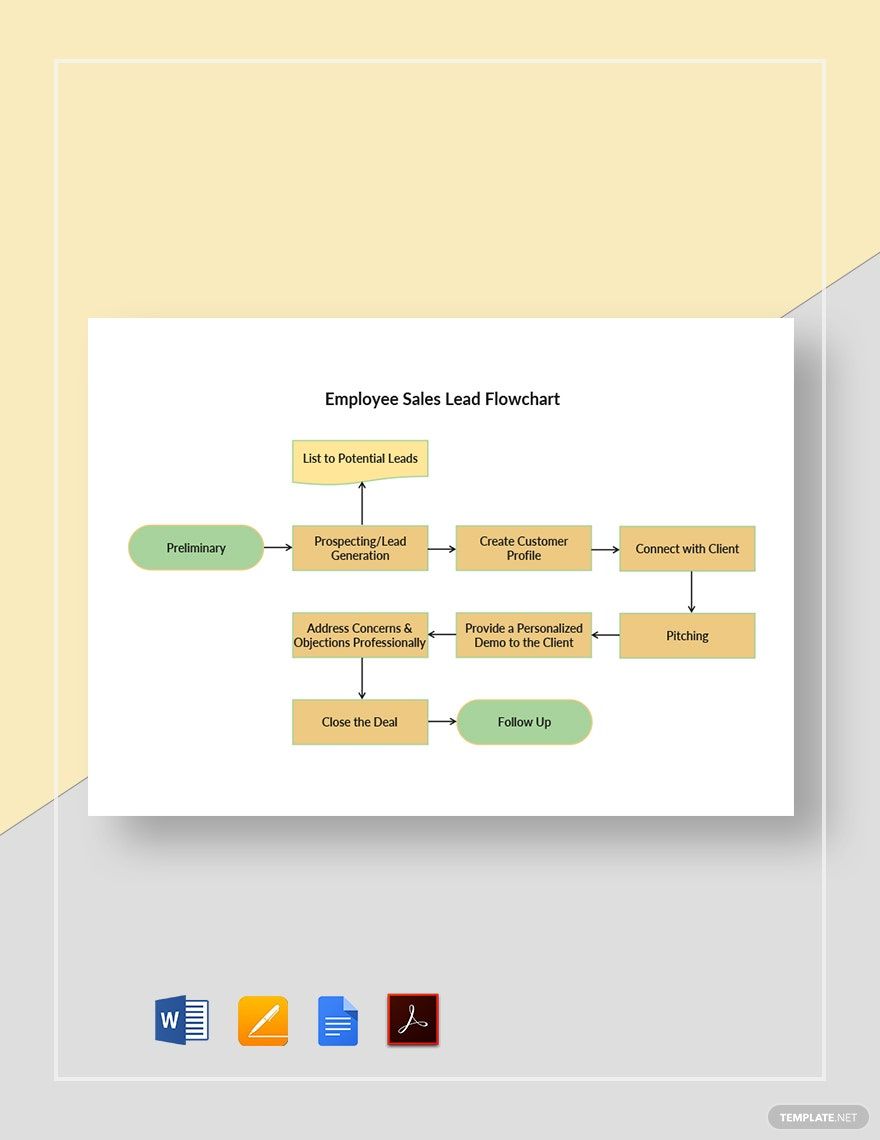
Managing employees is not an easy task. From monitoring your employee's work and attendance up to hiring and training new employees, there are a lot of things that need to be done. Good news! We have Ready-Made Employee Flowchart Templates In Word, Pages, Google Docs, and PDF that can help you manage your employees with ease. These high-quality templates contain original suggestive headings and content, which are fully customizable and editable. They're instantly downloadable and printable for your convenience as well. Available in A4 and US Letter sizes. So, what are you waiting for? Download our Ready-Made Employee Flowchart Templates now!

AI
Marketing
Print
Document
Templates
Business
Categories
Marketing
Document
Employee Flowchart Template in Word
"Creating Onboarding and Offboarding Employee Process in Your Department? Template.net Has All the Right Tools and Tips to Get You Started. Our Fantastic Employee Flowchart Designs and Example Diagrams and Templates Are the Starting Points to All Your HR Needs. Download and Customize Our Free Templates Now in Word File! "

- Business Plan
- Menu
- Notes
- Birthday Invitation
- Wedding Invitation
- Magazine
- Internship Certificate
- Catalogs
- Calendar
- Restaurant Receipts
- Forms
- Checklist
- Project
- Posters
- Cover Page
- Programs
- Planner
- Journal
- List
- Layout
- Colorful Word
- Professional MS Word
- Two Page Resume
- Training Certificates
- Letters
- Place Cards
- Tickets
- Itinerary
- Note Taking
- Timelines
- Timetable
- Ebooks
- Editable Book Covers
- Resignation Letters
- Vouchers
- Receipts
- Travel Invoice
- Tri Fold Brochure
- Greeting Cards
- Prescription
- Retirement Invitation
- Cookbook
- Delivery Note
- Flyers
- Job Flyer
- Graduation Invitation
- Coupons
- Labels
- CV
- Borders
- Background
- Document
- Exam
- Memo
- Infographics
- White Paper
- Customer Persona
- Envelopes
- Surveys
- Thank you Cards
- Save the Date Invitations
- Photo Collage
- Charts
- Training Manual
- Presentations
- Invitation Cards
- Postcards
- Diploma Certificates
- Schedule
- Participation Certificate
- Medical Resume
- Recommendation Letter
- Report Cards
- Quiz
- Recruiting Hiring
- Funeral Card
- Photo Resume
- Roadmaps
- Training Proposal
- Civil Engineer Resume
- Construction Quotation
- Baptism Invitations
- Sign in Sheet
- School Id Card
- Attendance Sheet
- Farewell Invitation
- Polaroid
- Sports Certificate
- Achievement Certificate
- School Schedule
- Basic Certificate
- Signs
- Food Vouchers
- Graphic Templates
- Leave Letters
- Funeral Invitation
- Professor Resume
- Daily Reports
- Annual Maintenance Contract
- Wishes
- Books
- Cover MS Word
- Downloadable
- Design
- Beautiful
- Creative
- Student
- Application
- Small Business
How To Make An Employee Flowchart In Word
Employee performance has a big impact on your company's success. You see, aside from having an excellent marketing strategy, everyone working in the company must work towards a common goal to achieve company success. Whether you're an employee or a manager in charge of hiring and training new employees, you must understand the process flow of your work for accuracy and efficiency. This is where a flowchart comes in.
A flowchart is a visual tool that provides a graphical presentation of a workflow or process. For managers and employees, flowcharts will serve as their guide to perform the process accurately and efficiently. This also helps in identifying if there are parts in the process that needs improvement. We have provided a guide below on how you can create an effective flowchart in Microsoft Word. Creating a flowchart in Word is quick and easy. With just a few clicks of the mouse, you'll have an effective flowchart for your company.
1. Know it's Purpose
What's the reason why you want to create a flowchart? Is it to help you manage your hiring process? Maybe to help your employees perform their tasks accurately and efficiently? Before you can create a chart, you need to identify its purpose first.
2. Identify the Steps
To create the steps for your chart, you must talk to the staff working directly with the process first to know what's the current flow of the process. Also, put yourself in the shoe of the person who would be performing the process. Then, you need to work together with your team to come up with a new and improve process flow. Remember, more heads brainstorming is better than one.
3. Build the Flowchart
It's time to build your flowchart, so open Microsoft Word on your laptop or computer, and create a new document. To start building, add a shape to your document by clicking Insert Tab/Shapes. Add your first step on the shape, then create a new step. This time, add your second step on the shape, then connect the two steps with an arrow to form the flow. Repeat the process until you've completed the chart. Don't forget to save your work from time to time to avoid losing your work in case Word will crash or your computer will malfunction.
4. Enhance the Chart
You may be creating a simple chart, but it doesn't have to look dull and boring. Add color to your shapes by selecting the shapes, then clicking Format Tab/Shape Fill to pick a color. Go with one color only, but use another shade of color for your decision boxes to differentiate. This way, the flowchart's users will easily identify which steps need an answer or approval before they could proceed to the next step.
5. Review and Post
Mistakes are inevitable, so once you're done, carefully review your work step by step to look for errors and mistakes. After you've polished your work, hit the Save button, then print your basic chart. Make sure to post this on an area within the office that's accessible for everyone.
