
Free Cocktail Menu Template in Word
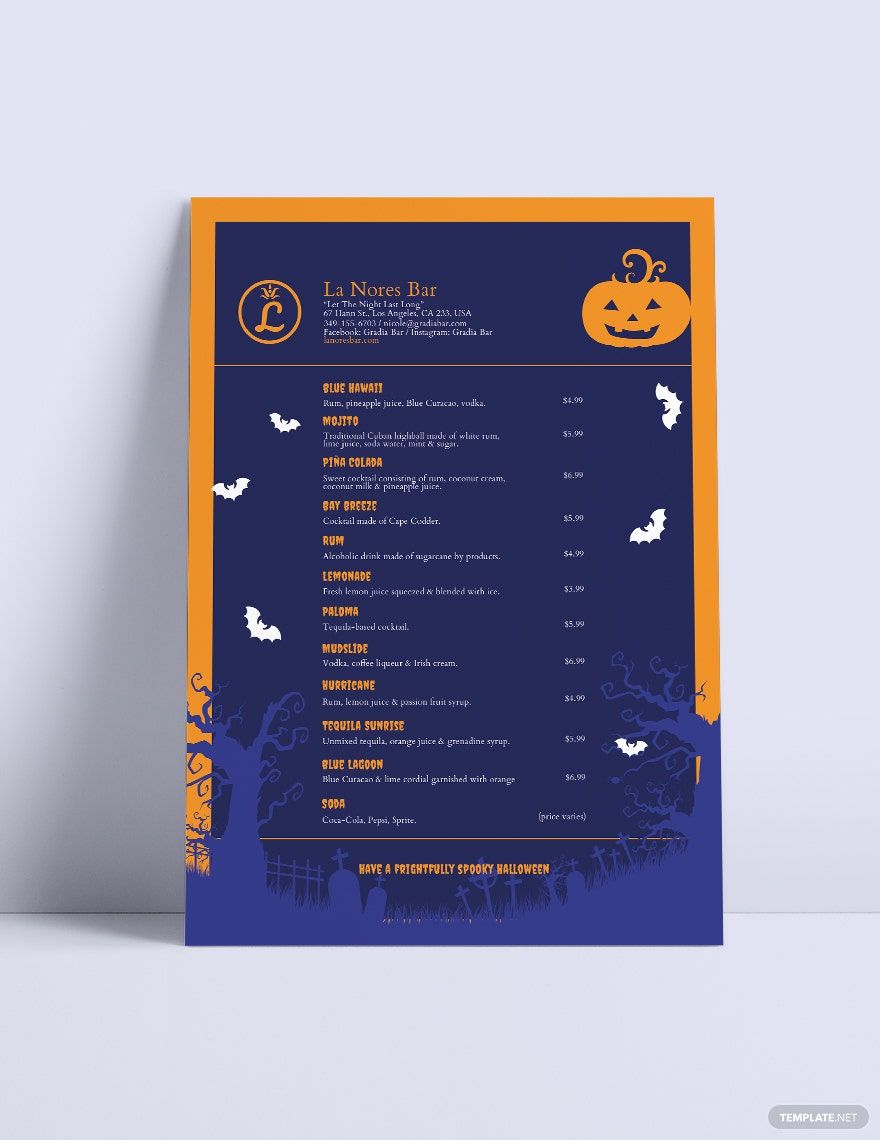
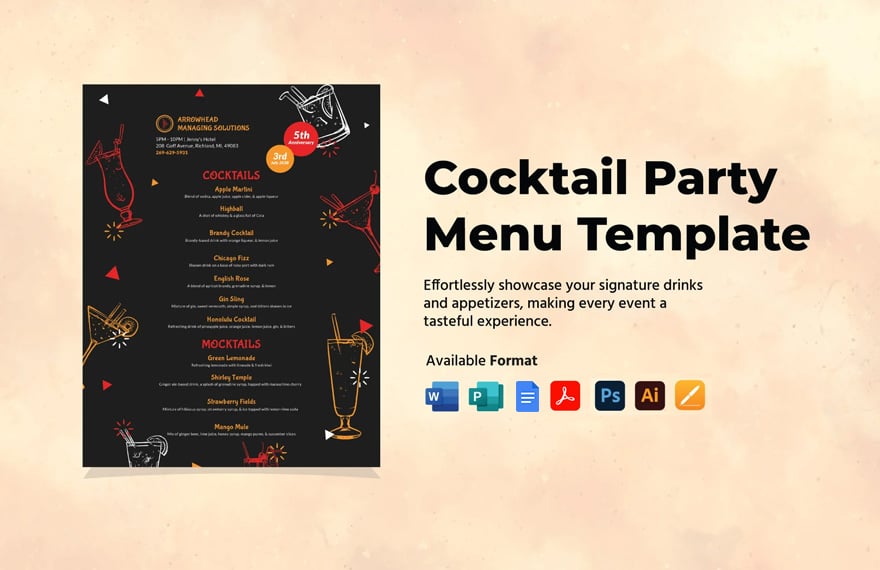
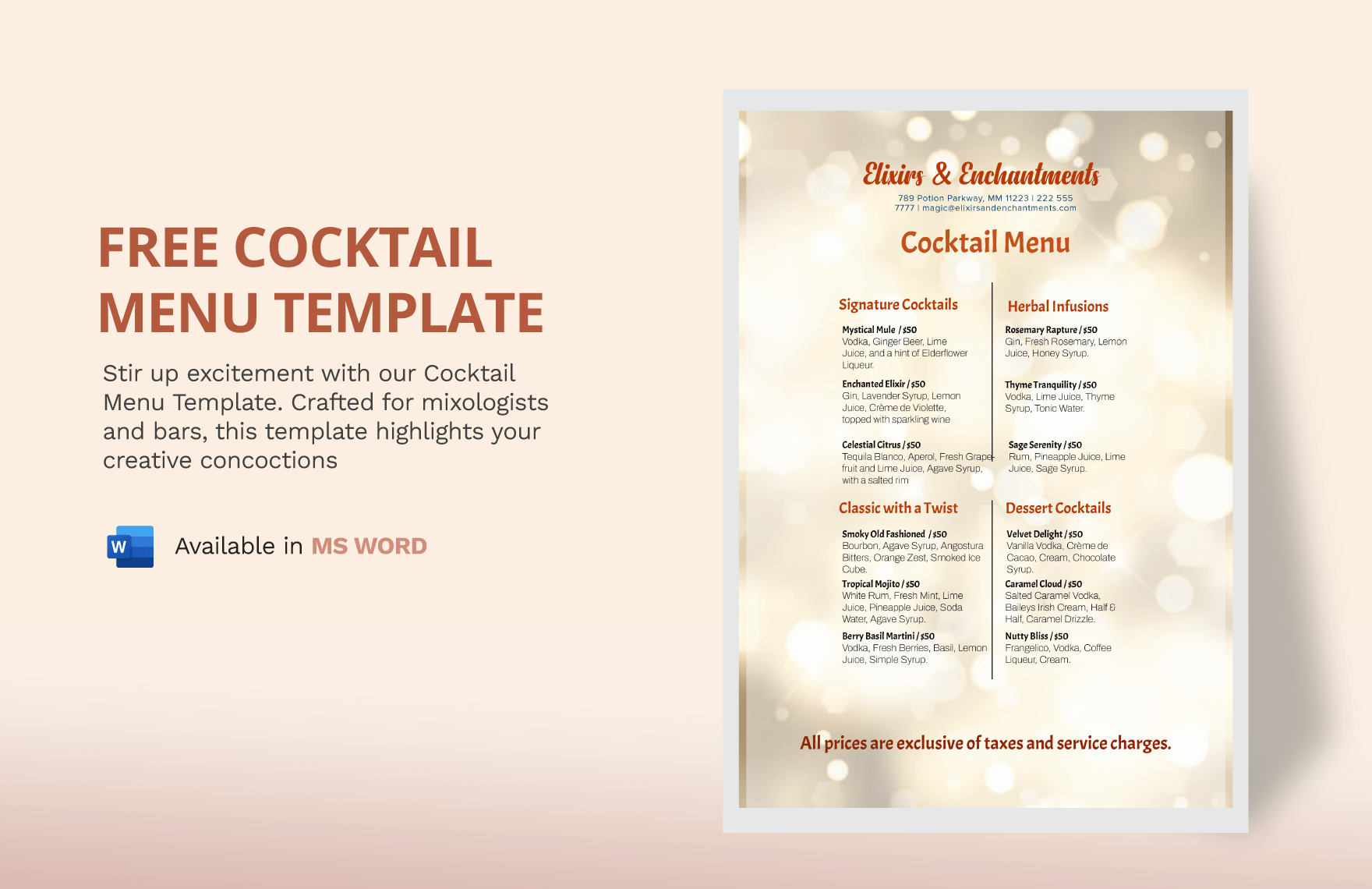
Showcase Your Mojito, Beer, Alcohol Drinks, Beverages, and Other Signature Cocktail Recipes through Your Restaurant Menu or Party Menu Using Template.net's Free Cocktail Menu Templates for Word. These Printable Templates Have Suggestive Beautiful Design and Text to Make Your Templates Look Ready-Made. Besides Microsoft Word, You Can Use PSD and Other Available Editing Software. Download Now!



- Business Plan
- Menu
- Notes
- Birthday Invitation
- Wedding Invitation
- Magazine
- Internship Certificate
- Catalogs
- Calendar
- Restaurant Receipts
- Forms
- Checklist
- Project
- Posters
- Cover Page
- Programs
- Planner
- Journal
- List
- Layout
- Colorful Word
- Professional MS Word
- Two Page Resume
- Training Certificates
- Letters
- Place Cards
- Tickets
- Itinerary
- Note Taking
- Timelines
- Timetable
- Ebooks
- Editable Book Covers
- Resignation Letters
- Vouchers
- Receipts
- Travel Invoice
- Tri Fold Brochure
- Greeting Cards
- Prescription
- Retirement Invitation
- Cookbook
- Delivery Note
- Flyers
- Job Flyer
- Graduation Invitation
- Coupons
- Labels
- CV
- Borders
- Background
- Document
- Exam
- Memo
- Infographics
- White Paper
- Customer Persona
- Envelopes
- Surveys
- Thank you Cards
- Save the Date Invitations
- Photo Collage
- Charts
- Training Manual
- Presentations
- Invitation Cards
- Postcards
- Diploma Certificates
- Schedule
- Participation Certificate
- Medical Resume
- Recommendation Letter
- Report Cards
- Quiz
- Recruiting Hiring
- Funeral Card
- Photo Resume
- Roadmaps
- Training Proposal
- Civil Engineer Resume
- Construction Quotation
- Baptism Invitations
- Sign in Sheet
- School Id Card
- Attendance Sheet
- Farewell Invitation
- Polaroid
- Sports Certificate
- Achievement Certificate
- School Schedule
- Basic Certificate
- Signs
- Food Vouchers
- Graphic Templates
- Leave Letters
- Funeral Invitation
- Professor Resume
- Daily Reports
- Annual Maintenance Contract
- Wishes
- Books
- Cover MS Word
- Downloadable
- Design
- Beautiful
- Creative
- Student
- Application
- Small Business
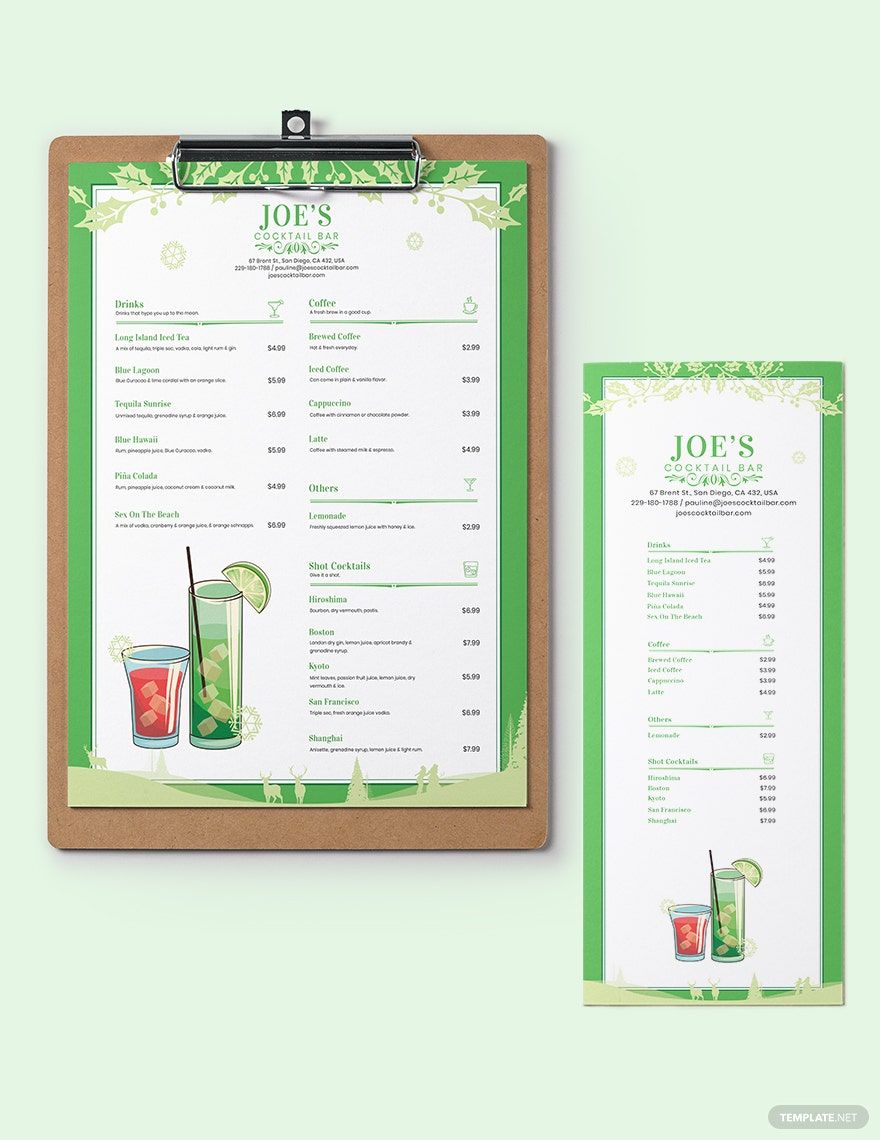
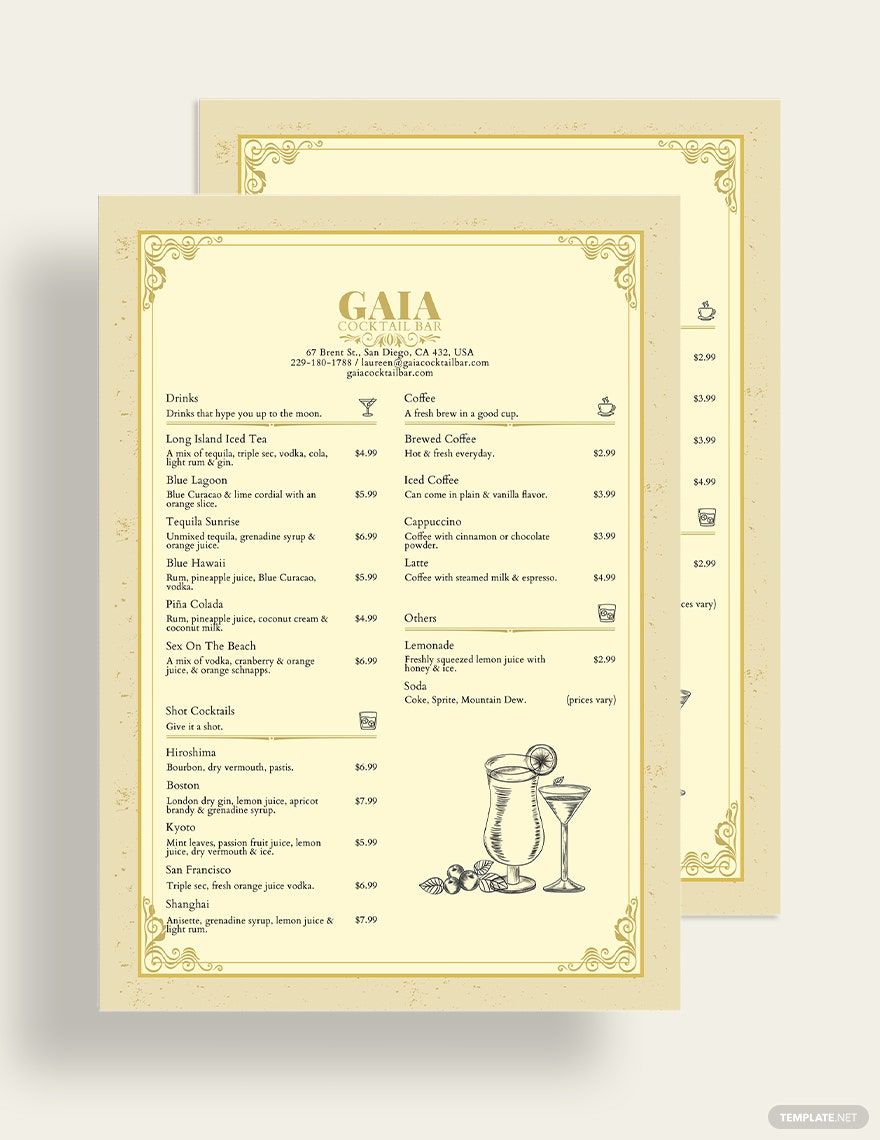
Cocktails are such fun drinks to have in any event. If you're in the business of fixing a few drinks, a menu would be great to get your customers interested in what you have to give. With our selection of Free Ready-Made Cocktail Menu in Word, you can craft a visually stylish menu that'll send the people straight to the bar! With its 100% customizability, you can incorporate your choice in color, style, and brand to your menu just how you want it. Available in Microsoft Word, you can have a great head start to making your cool menu. Get those drinks ready by clicking the download button now!
How to Craft a Cocktail Menu in Word
According to Statista the frequency of pre-mixed spirits and cocktails and alcoholic carbonates usage in Great Britain from 2013 to 2018. In 2018, an estimated 325,000 people were 'heavy' pre-mixed spirits, cocktails and alcoholic carbonates users. Now that is a lot of drinks being bought and consumed!
Microsoft Word gives you a lot of options to design your cocktail menu. And you’ll have to come up with a unique look to make your drinks memorable! So here are some tips to follow to make a cool cocktail menu:
1. Fix A Few Photos
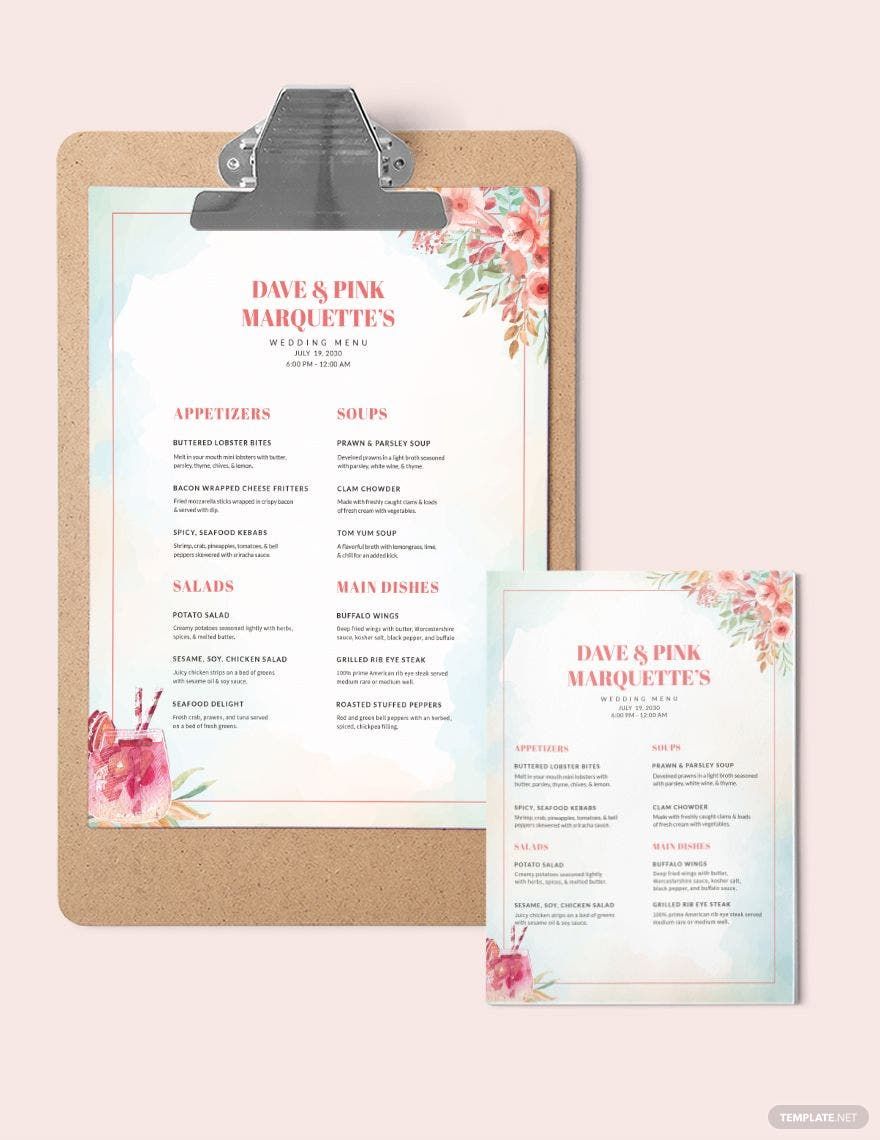
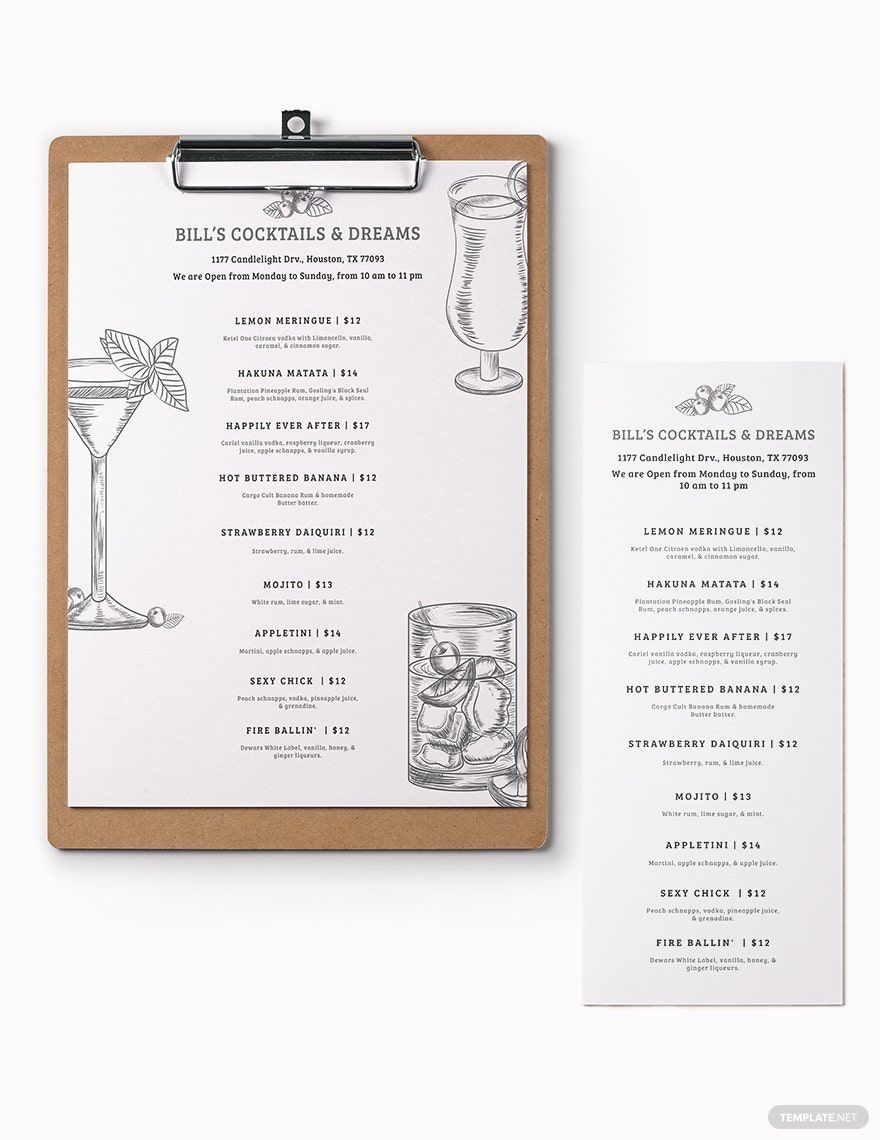
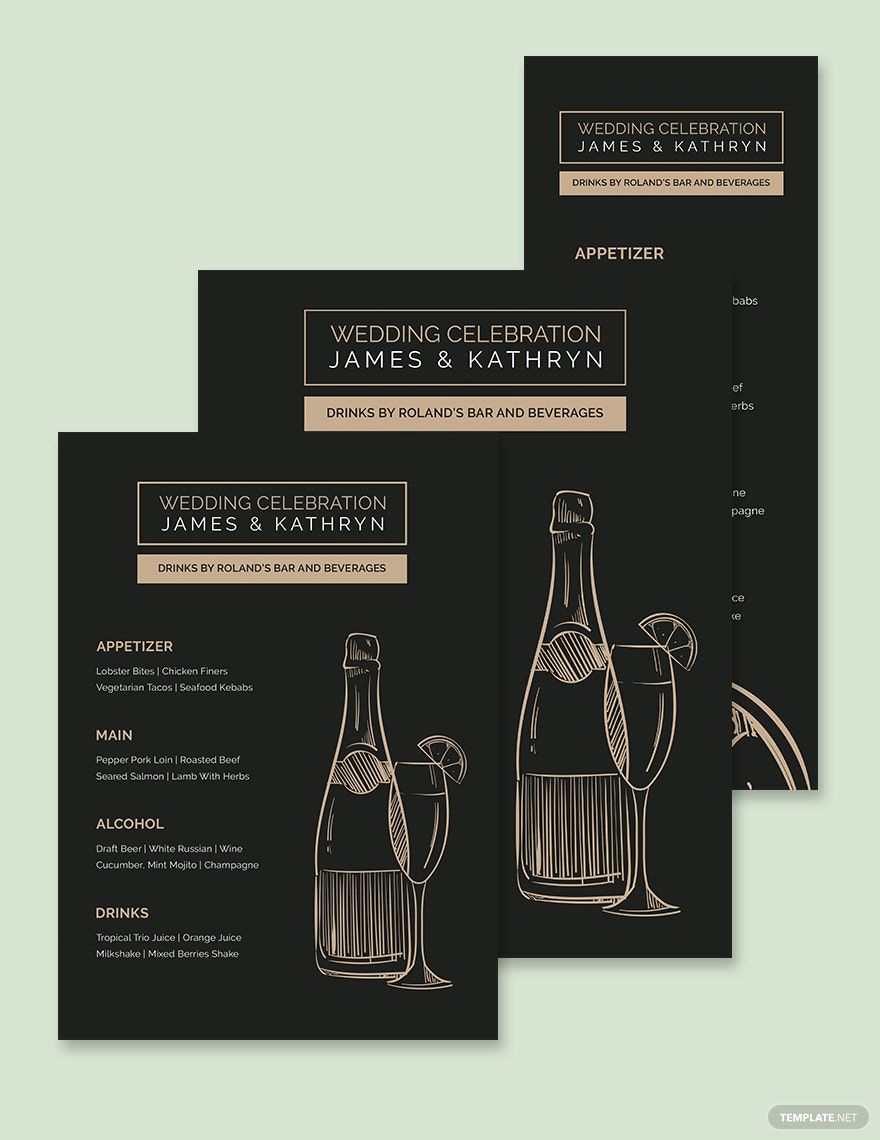
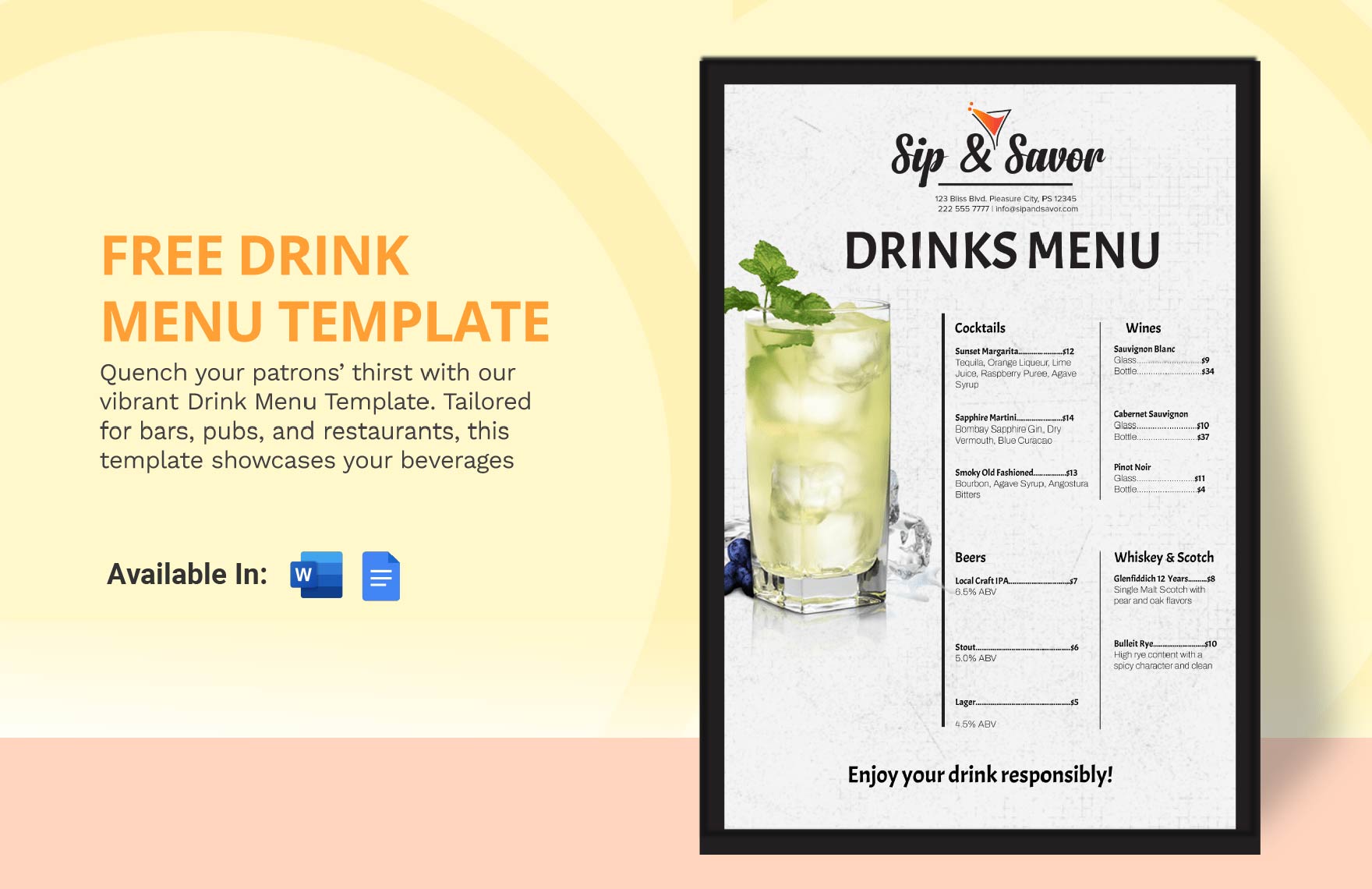
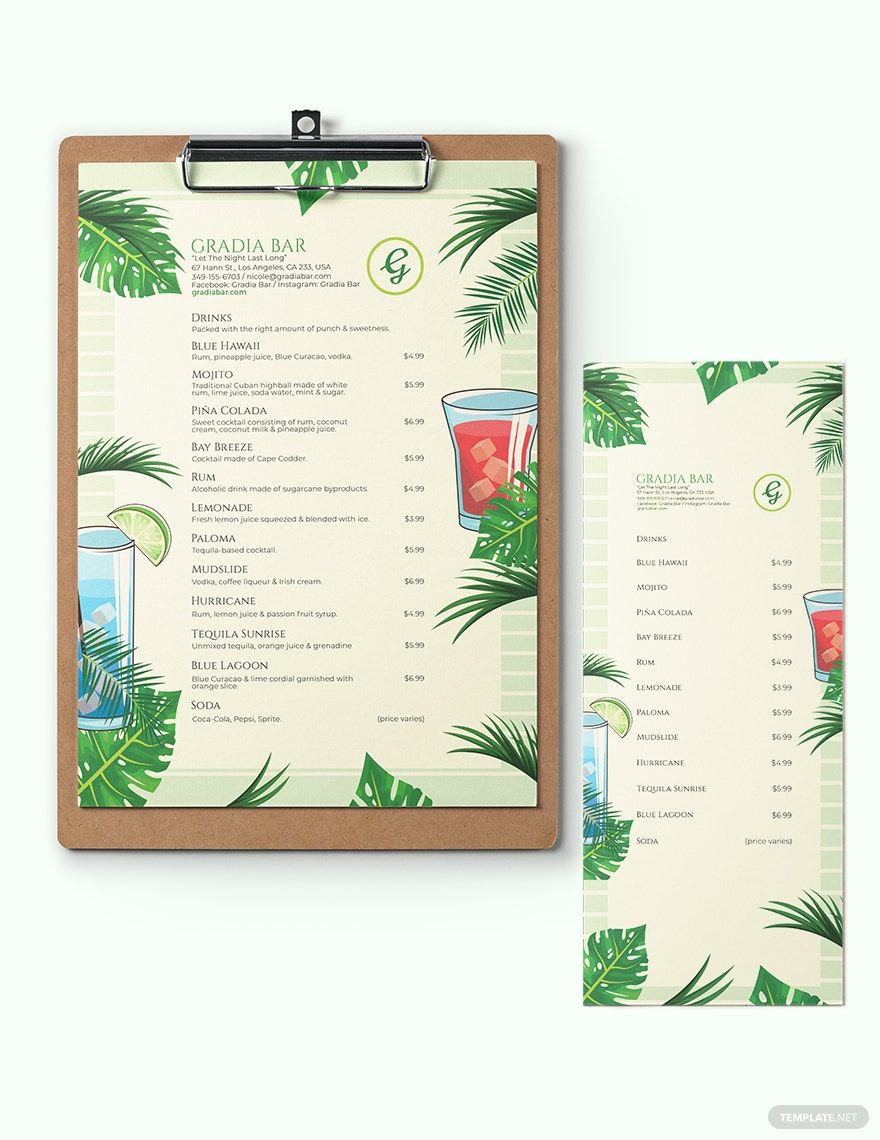
If people see what the cocktails look like, they’ll be even more enticed to order your drinks. So go right ahead and add a few photos into your menu. Our templates allow their inclusion thanks to its user-friendly features. Make sure the photos/graphics aren’t too large or they’ll grab the attention of the reader more than the written text will which isn’t great for a menu. Also, be careful about the placement of the images in case they overlap on some of the words and make it unreadable.
2. Pour In The Details
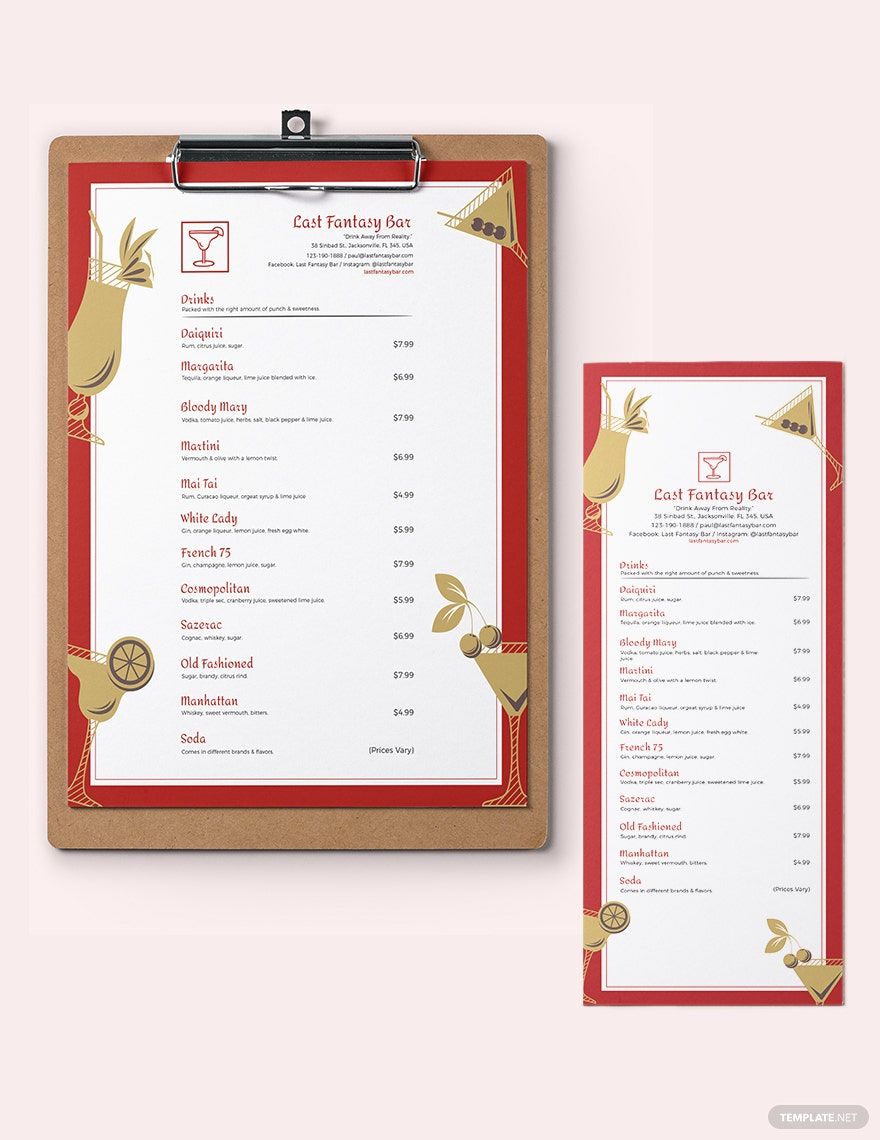
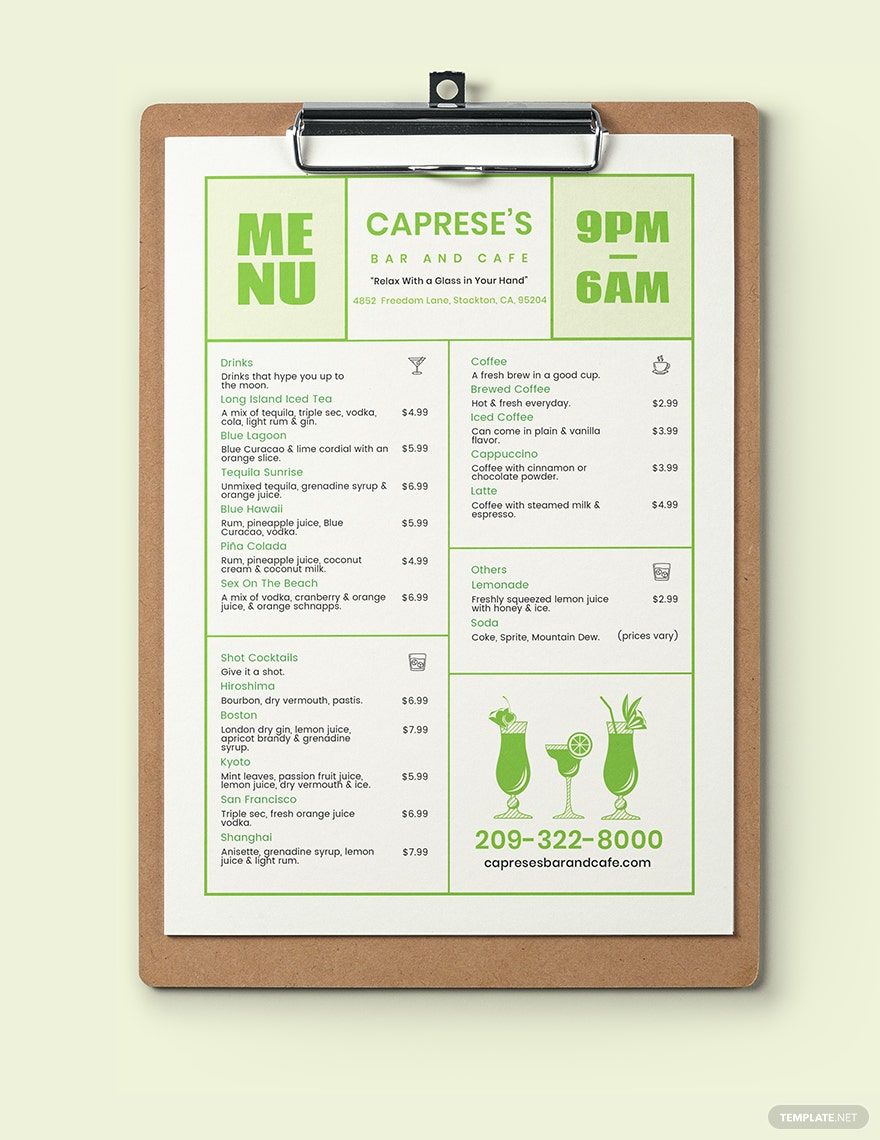
People who enjoy drinking cocktails would often love to know what its made of. If you choose to make space for it, you can list out what the ingredients of the drinks are. For example, if one of your available drinks is a mojito, you can simply add below that it’s made of White Rum, Mint Leaves, Soda Water, Lime Juice and Sugar. Adding descriptions for the cocktails similar to a restaurant menu does for its dishes, can also give your customers an idea of what they would like to drink. Keep it simple though, no one likes a menu with a lot of words!
3. Choose A Cool Aesthetic
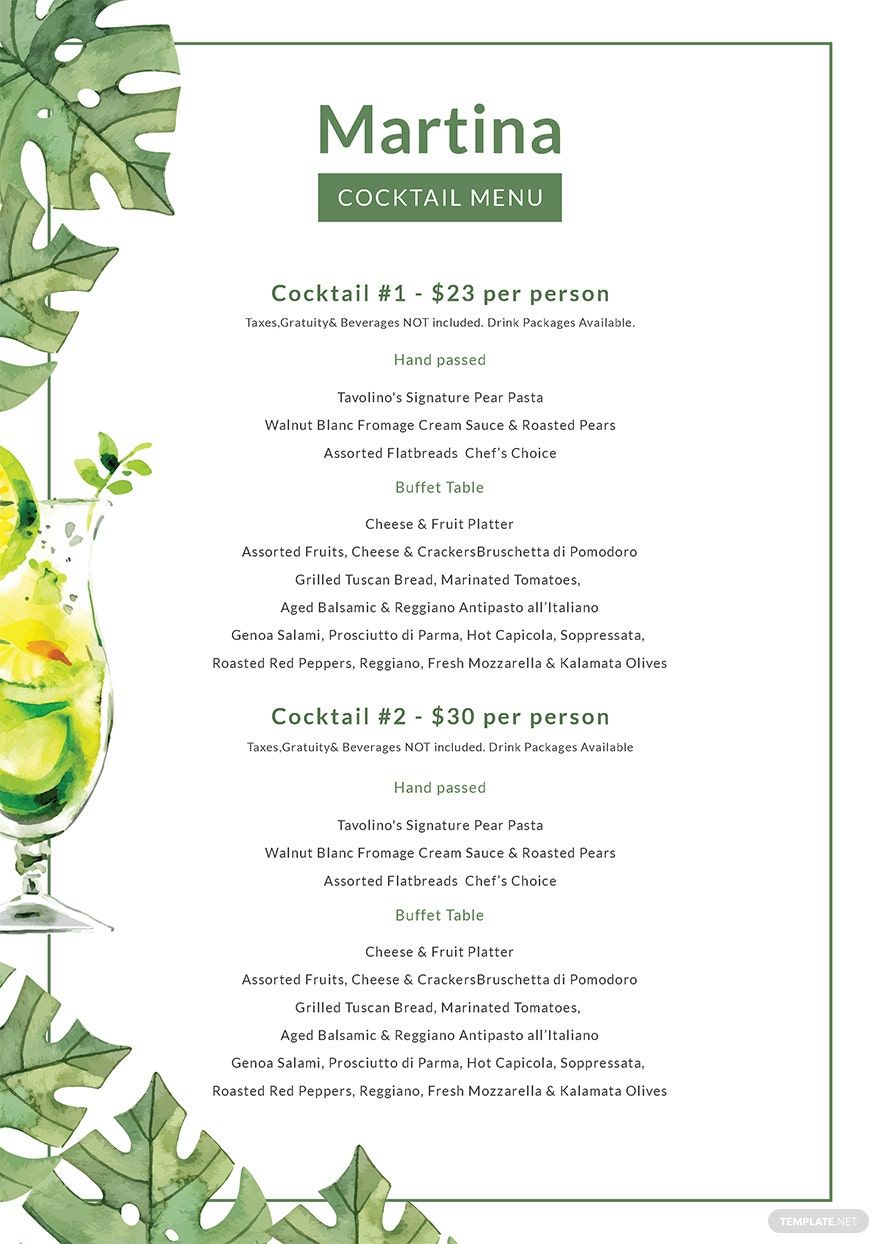
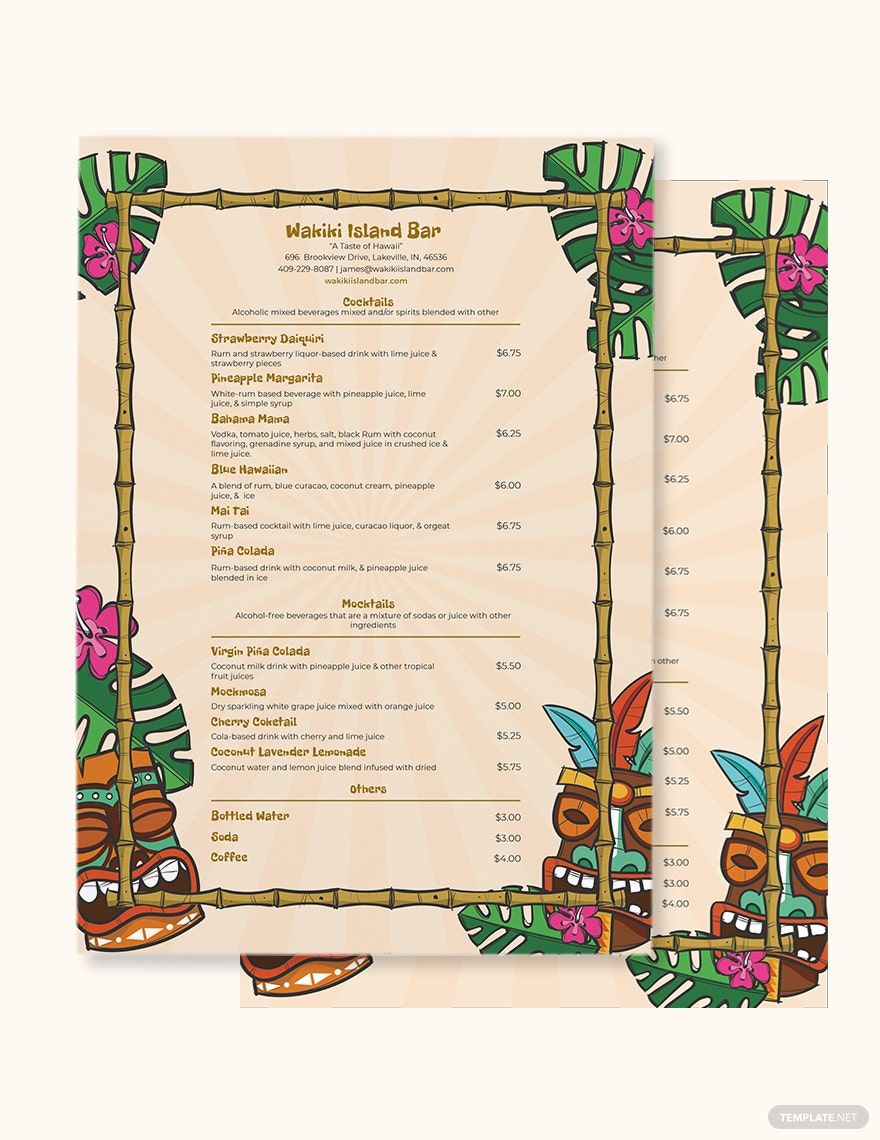
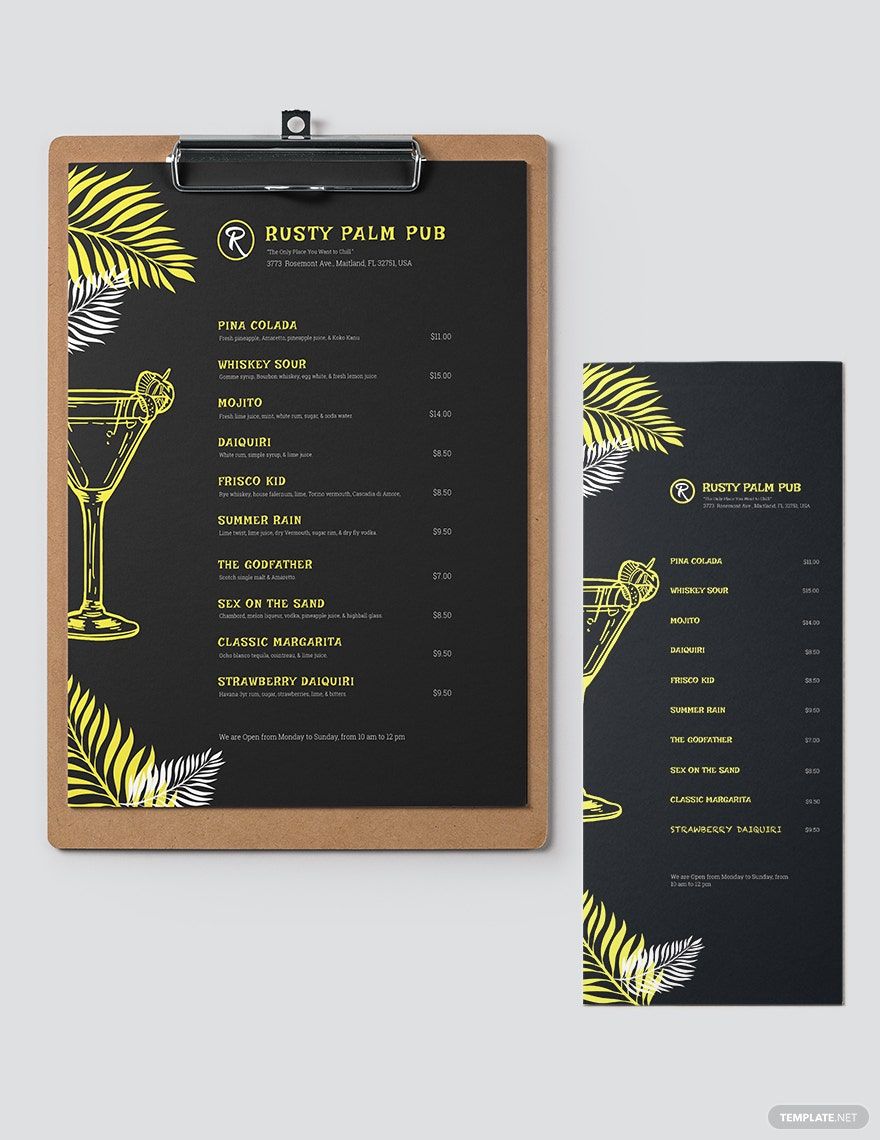
Your menu will be memorable if you gave it a specific look or style. If your business has got a certain theme to it, then coordinate your menu’s look to it. For example, if your cocktail business has a roaring 20s theme to it, then add some cool wine glass designs as well as a retro style that looks like an art deco. Or if your business is located at the beach, then add some tropical style and color to your beach menu. Your customers will surely have a lot of fun looking through your exciting menu.
4. Proof Read The Drink Orders
Before you go print out your menu, be sure that it’s absent of any mistakes. Check if the text is readable and customers can understand what was typed in. Take a look at whether the images and the words are placed in the right spots as well. Doing this ensures that your menu won’t turn off your readers with all its mistakes. Have a friend check it and see if it is good. When you’re done proofreading, you can get the party started and have your bartenders ready to hand this out to eager customers.
