
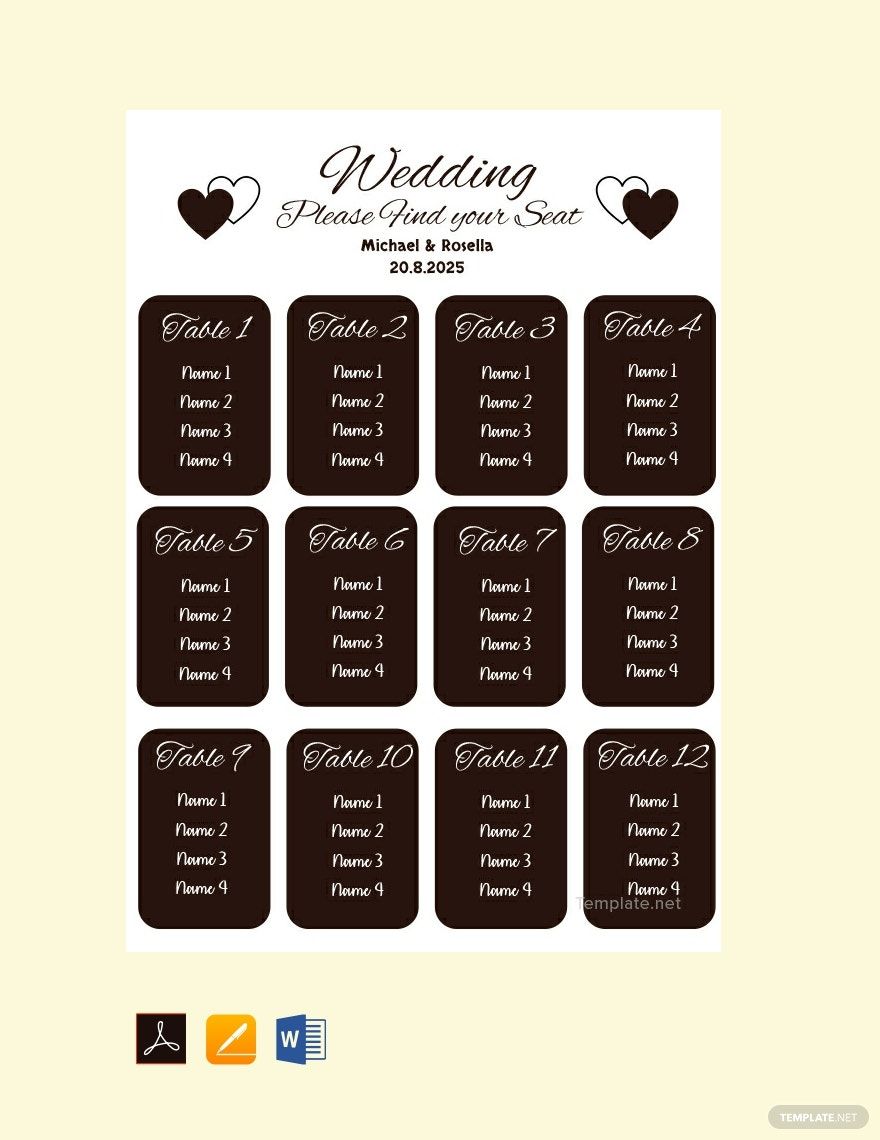
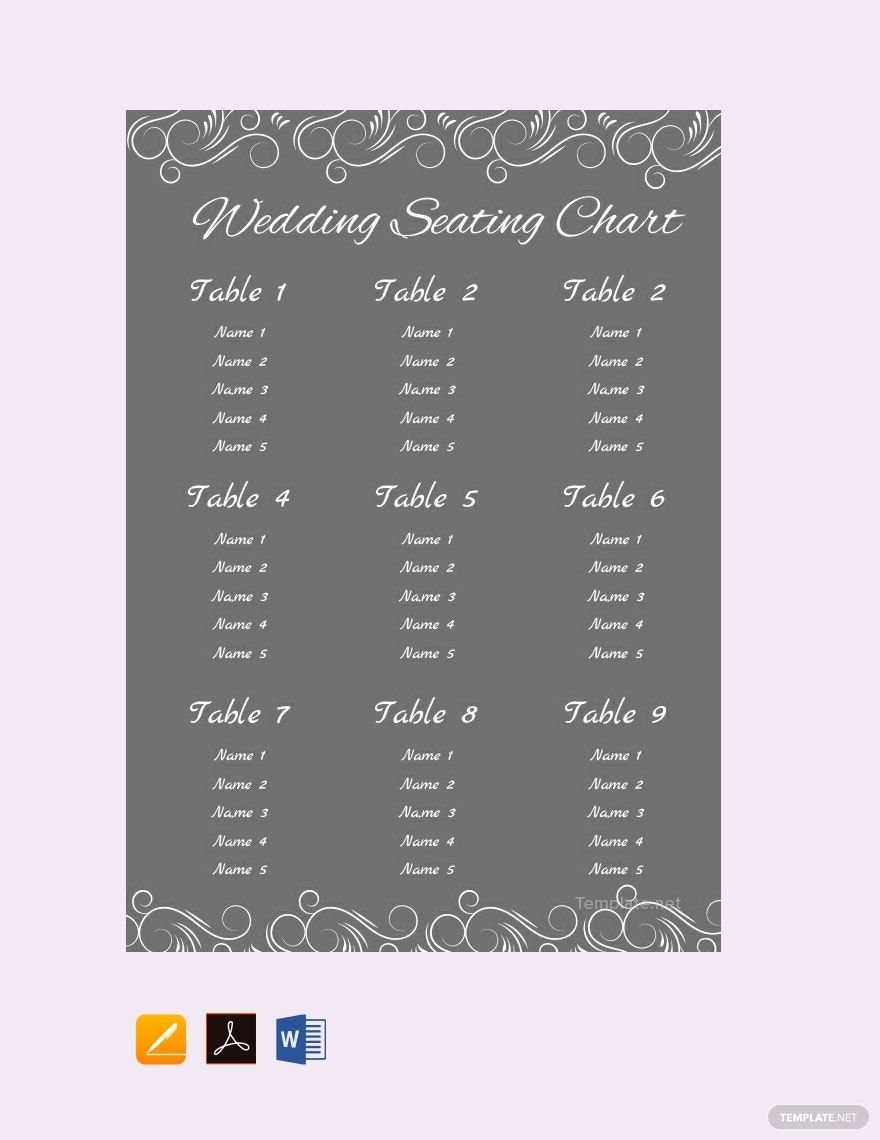
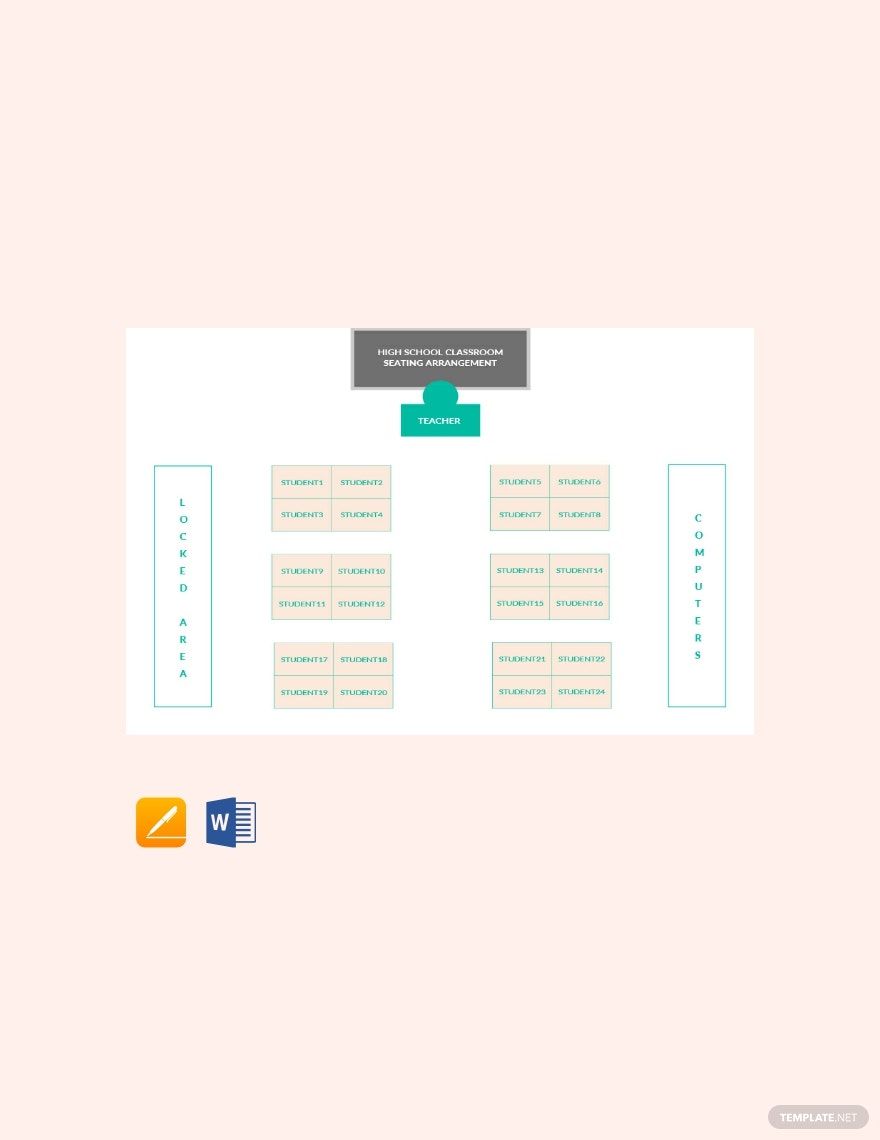
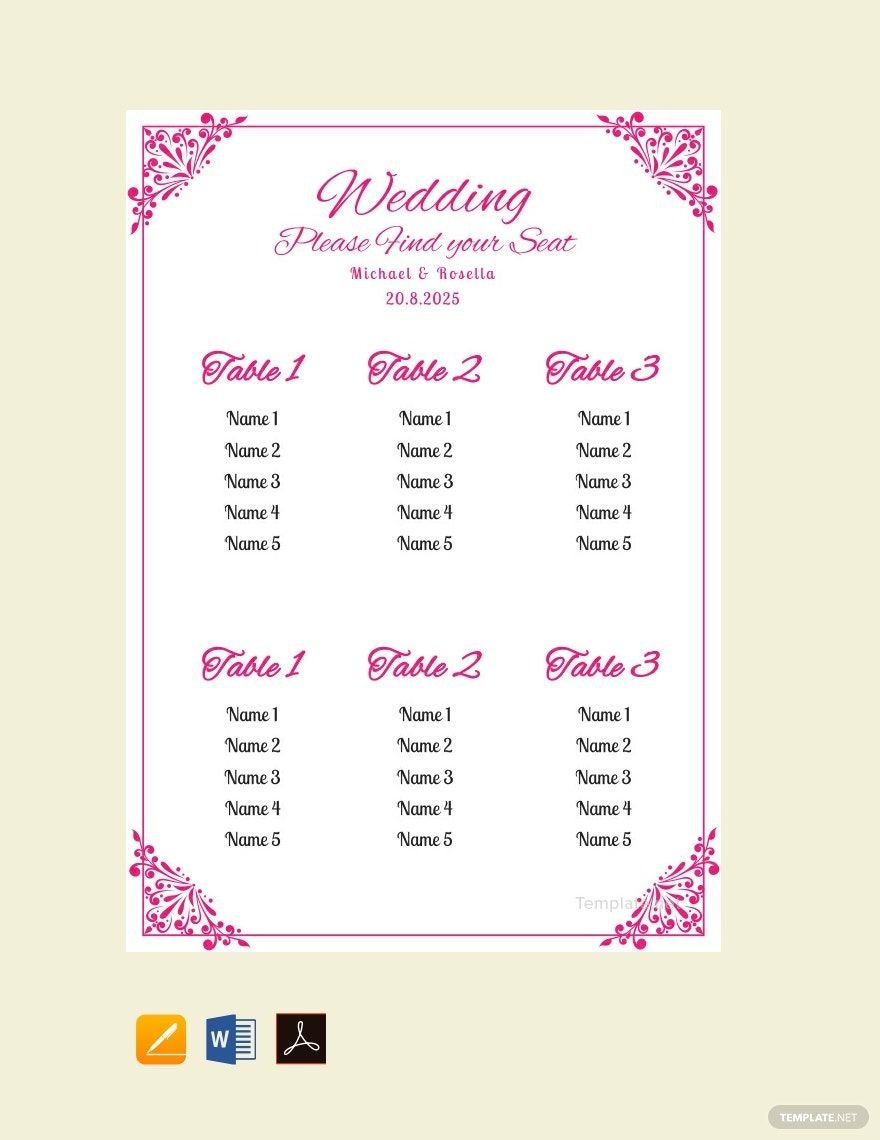
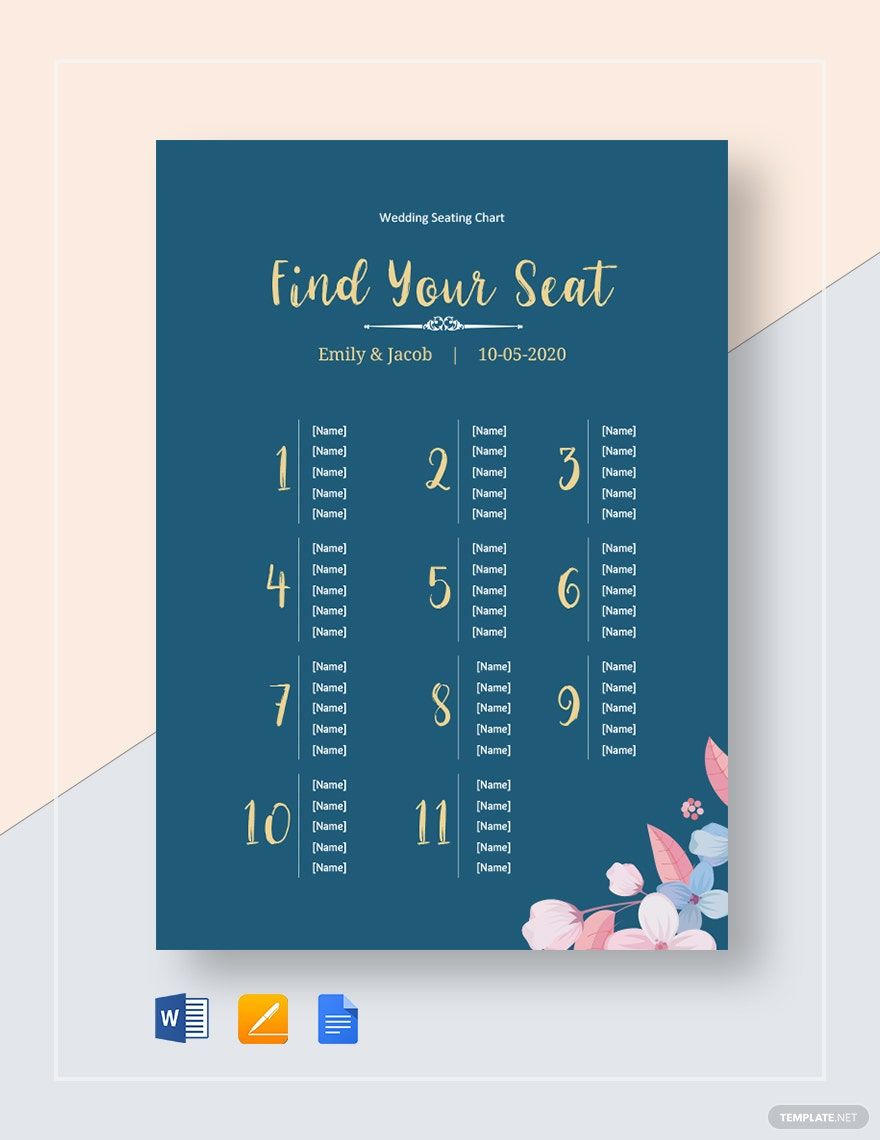
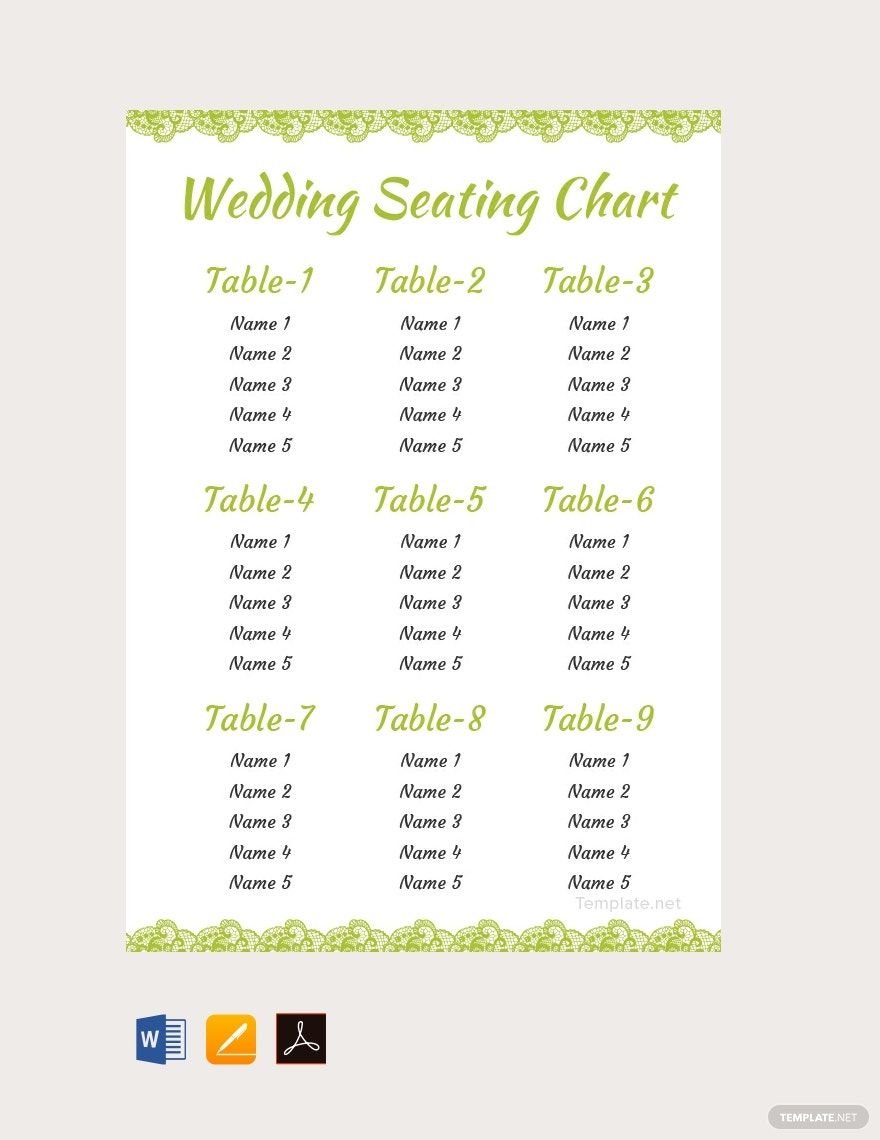
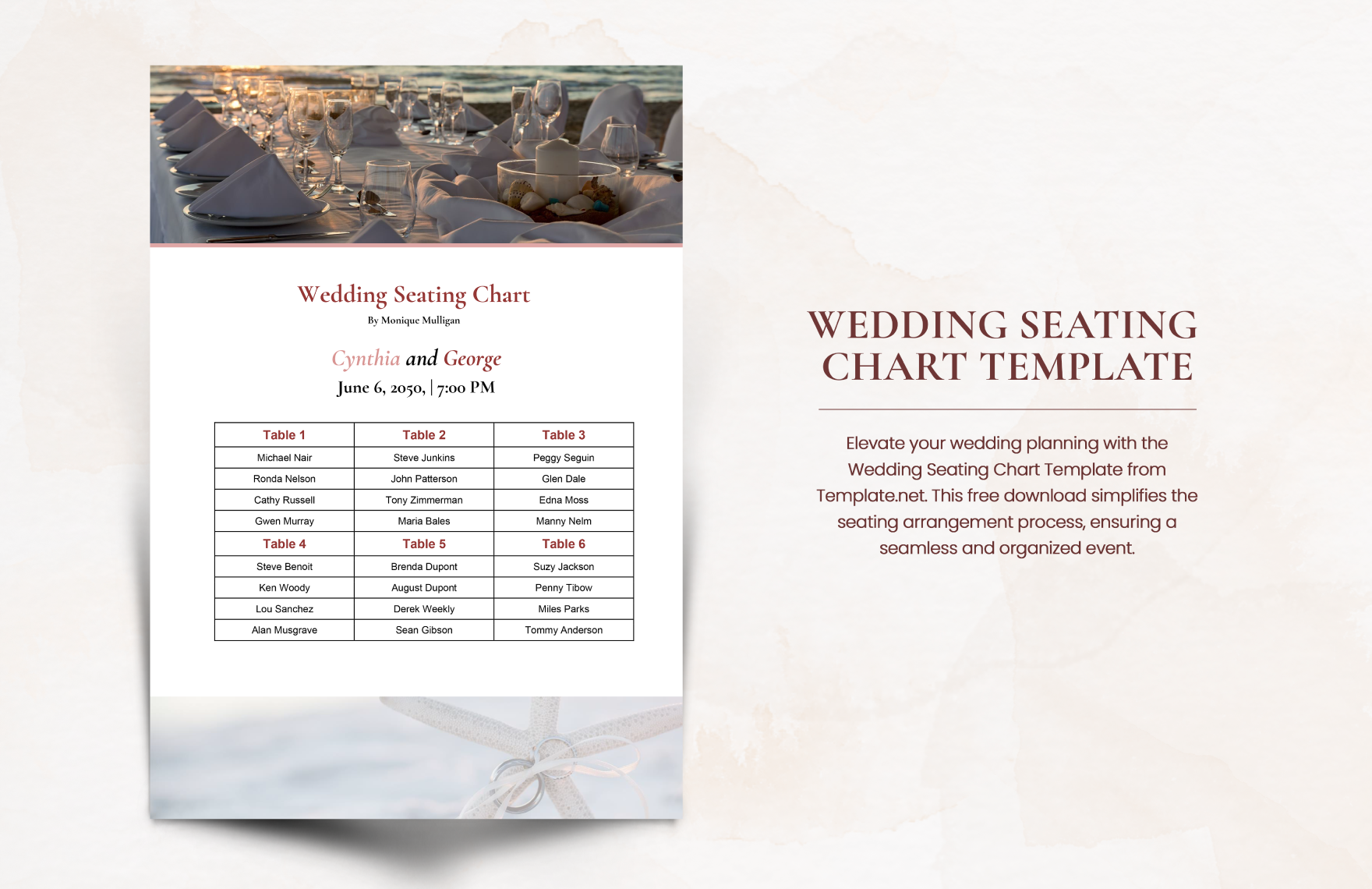
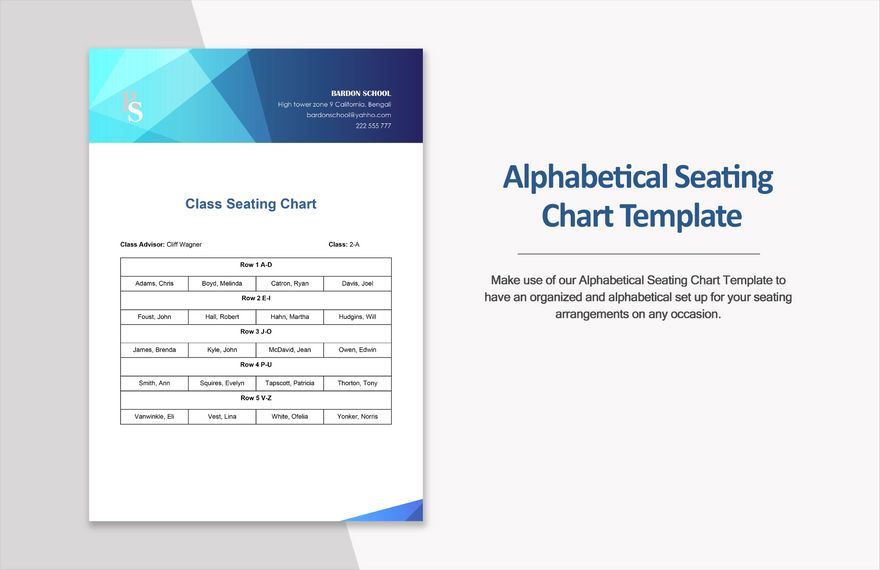
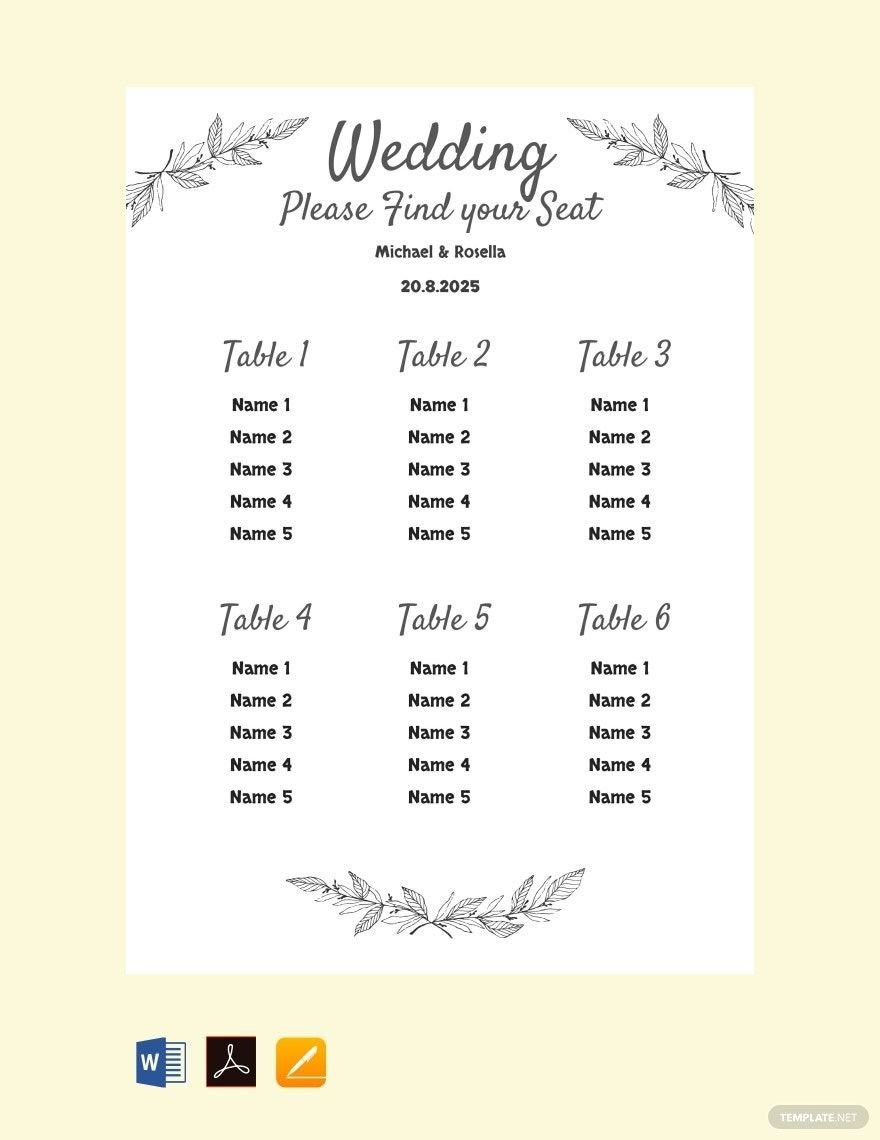
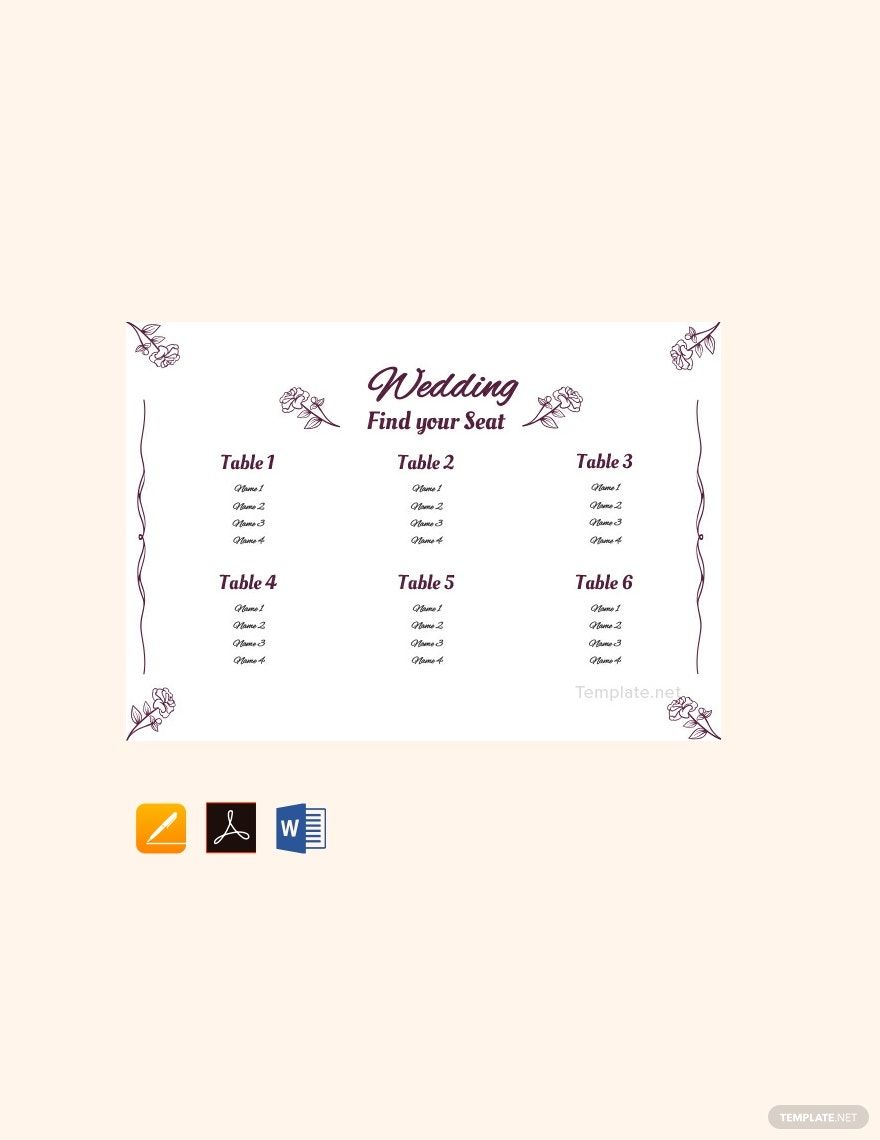
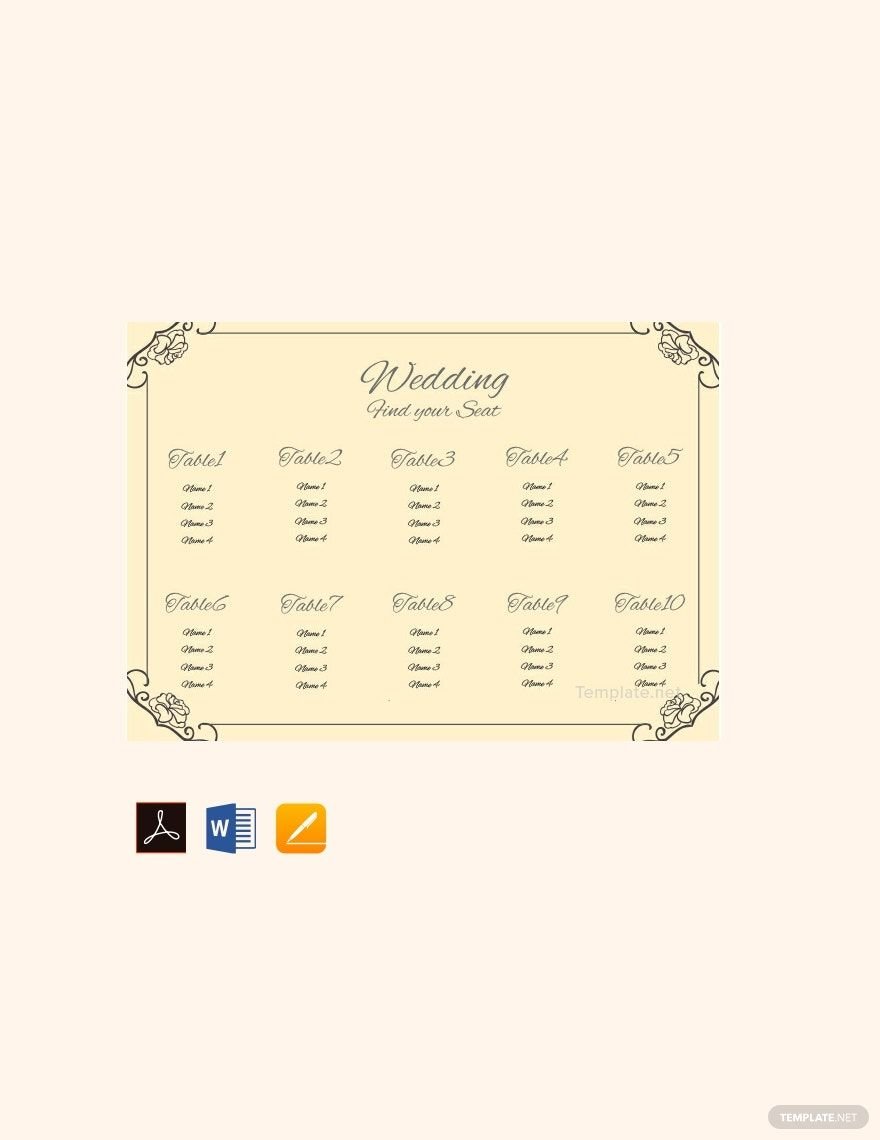
Getting married entails extensive planning on the part of the soon to be wed couples. They take all the necessary measures for a great wedding reception. However, wedding seating arrangements for guests are often overlooked during the process. Although it is not really obligatory, seating charts will help ensure that the event will be orderly. To help you come up with a systematic seating assignment for your guests, we offer you our 100% customizable, printable, easily editable, and beautifully designed wedding seating chart templates you can download absolutely for free! These documents are downloadable in various file formats, including Microsoft Word. Aside from seating charts, we also have wedding checklists and wedding planner templates you can utilize for a hassle-free wedding planning experience. Download our templates today, and achieve that magnificent wedding someday!
Free Wedding Seating Chart Template in Word
The Wedding Season is Here, and Having the Right Seating Chart for the Occasion is Essential. Retro, Chalkboard, Pink, Gold, Tree Themes; All these Designs and Charts on Your One-Stop Destination - Template.net. You Get a Collection of Free, Simple, Custom Design, Yet Unique and Elegant Charts, All Under One Roof. Scroll Through and Pick Your Favorite Now!

- Business Plan
- Menu
- Notes
- Birthday Invitation
- Wedding Invitation
- Magazine
- Internship Certificate
- Catalogs
- Calendar
- Restaurant Receipts
- Forms
- Checklist
- Project
- Posters
- Cover Page
- Programs
- Planner
- Journal
- List
- Layout
- Colorful Word
- Professional MS Word
- Two Page Resume
- Training Certificates
- Letters
- Place Cards
- Tickets
- Itinerary
- Note Taking
- Timelines
- Timetable
- Ebooks
- Editable Book Covers
- Resignation Letters
- Vouchers
- Receipts
- Travel Invoice
- Tri Fold Brochure
- Greeting Cards
- Prescription
- Retirement Invitation
- Cookbook
- Delivery Note
- Flyers
- Job Flyer
- Graduation Invitation
- Coupons
- Labels
- CV
- Borders
- Background
- Document
- Exam
- Memo
- Infographics
- White Paper
- Customer Persona
- Envelopes
- Surveys
- Thank you Cards
- Save the Date Invitations
- Photo Collage
- Charts
- Training Manual
- Presentations
- Invitation Cards
- Postcards
- Diploma Certificates
- Schedule
- Participation Certificate
- Medical Resume
- Recommendation Letter
- Report Cards
- Quiz
- Recruiting Hiring
- Funeral Card
- Photo Resume
- Roadmaps
- Training Proposal
- Civil Engineer Resume
- Construction Quotation
- Baptism Invitations
- Sign in Sheet
- School Id Card
- Attendance Sheet
- Farewell Invitation
- Polaroid
- Sports Certificate
- Achievement Certificate
- School Schedule
- Basic Certificate
- Signs
- Food Vouchers
- Graphic Templates
- Leave Letters
- Funeral Invitation
- Professor Resume
- Daily Reports
- Annual Maintenance Contract
- Wishes
- Books
- Cover MS Word
- Downloadable
- Design
- Beautiful
- Creative
- Student
- Application
- Small Business
How to Create a Wedding Seating Chart in Word?
In a wedding ceremony, guests spectate the tying of the knot and the exchange of wedding vows between the bride and the groom. Everybody wants to bear witness as the couple confess their love for each other. In the reception or venue, these guests want to be seated at a position wherein they won’t miss a single thing of the momentous event. For this reason, a seating plan will be of great value. Securing a seating chart help the couple make sure that all of their guests are seated comfortably. It eliminates the possibility of guests wandering around, looking for a place to sit down.
If you are currently planning for a wedding, consider creating a wedding seating chart to prevent things from being confusing. Don’t worry, though! We will help you with that, just follow the steps provided below.
1. Have a Complete List of Guests
After you send out wedding invitations to the people you want to be present on your wedding day, know who will attend and who won’t. Make sure to create a list of the guests’ names who confirmed their presence. Although it may sound obvious, this step is highly essential in planning out how the guests will be seated. The number of attendees will determine the type of wedding seating arrangement and table arrangement you will follow. Moreover, it helps you find out the number of chairs and tables you will need.
2. Categorize
Events like weddings give people an opportunity to be reunited with friends they haven’t seen for a long time. Provide guests an indelible experience on your wedding day by categorizing them by relationship—family members, high school friends, college friends, etc. Doing so will make everyone feel comfortable. On the other hand, there may be situations wherein family members or former friends are not in good terms; to tame tensions, keep them away from each other. Also, avoid arranging your guests in alphabetical order as much as possible.
3. Create a Document
Have a creative and unique visual presentation of the seating plan by creating a wedding seating chart. To help you accomplish the task smoothly, it will greatly help if you make use of Microsoft Word. This Microsoft-developed program is a widely used word processor which enables users to create simple yet aesthetically pleasing documents. It is also user-friendly; thus, making the process a whole lot easier for you. In creating the document, remember its key elements. A wedding seating chart should have the name of the event (title), date of the celebration, table number, and list of guests under each table number.
4. Personalize
After adding necessary details on the document, you have the freedom to personalize it any way you want. For a more stylish outcome, select the fonts and colors which will match with the theme of your wedding. Using a decorative or script font for the headings will make your chart appear elegant. For the colors, you may opt for a combination of white and gold for a classic look. The right choice of fonts and colors will help you achieve the design style you want, be it rustic, modern, or floral. Designs for other wedding-related materials like wedding menus should also be anchored on the event's theme.
5. Print
Lastly, save your file and print it on a high-quality paper. You may also create a wedding seating chart poster and place it at the entrance of the reception. If you want to provide each table a copy of the seating arrangement, you may print out wedding seating cards as well.
