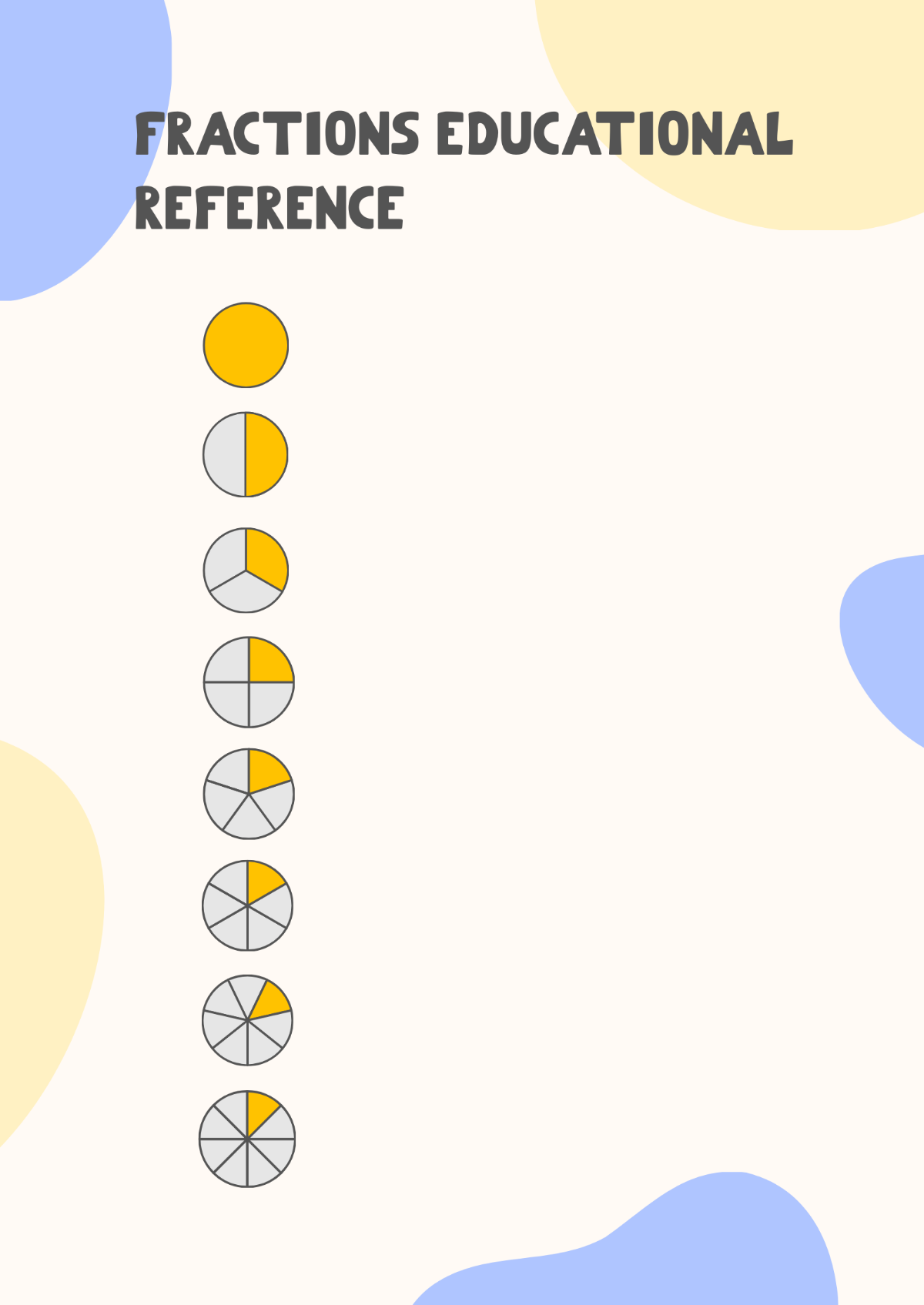
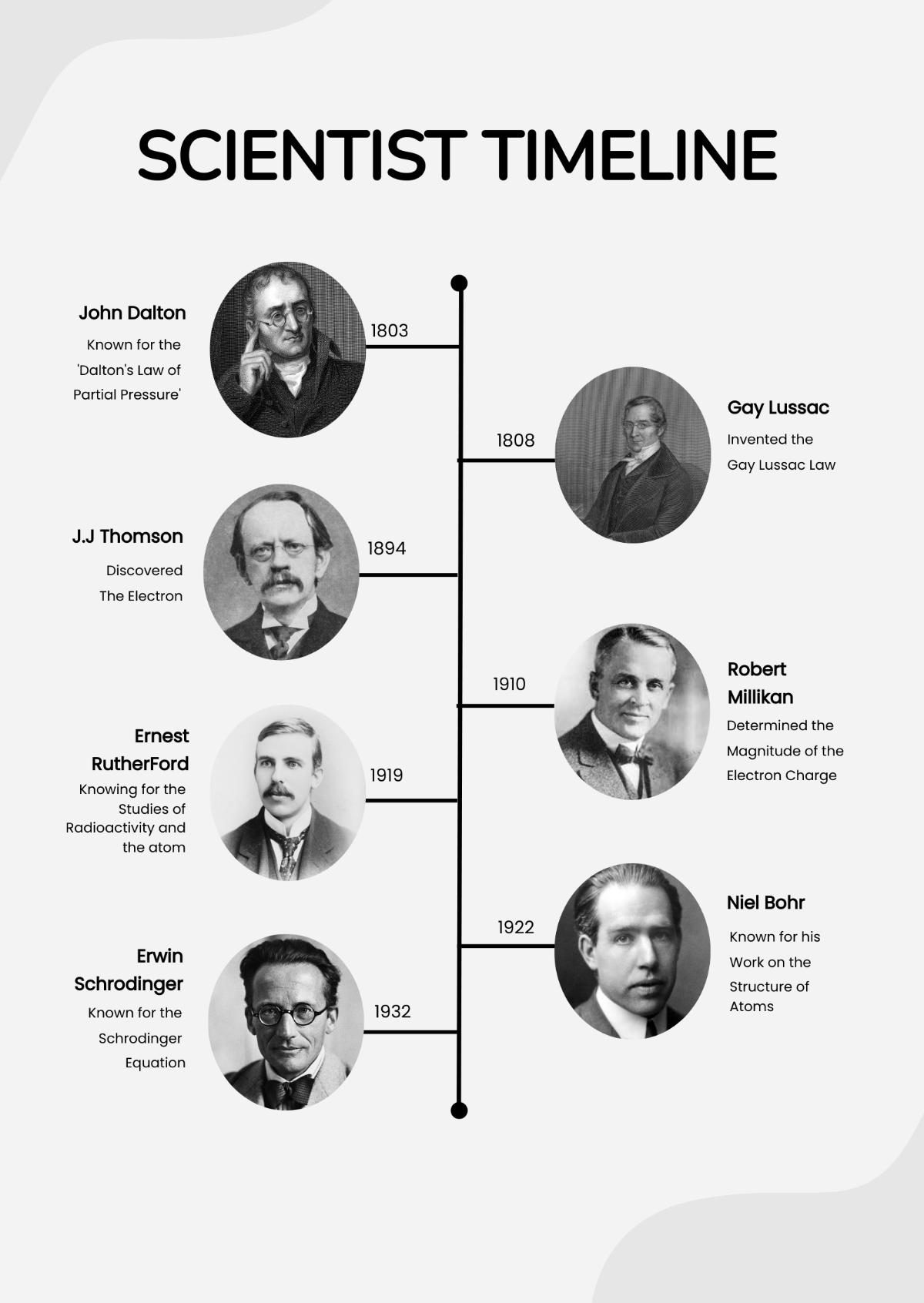
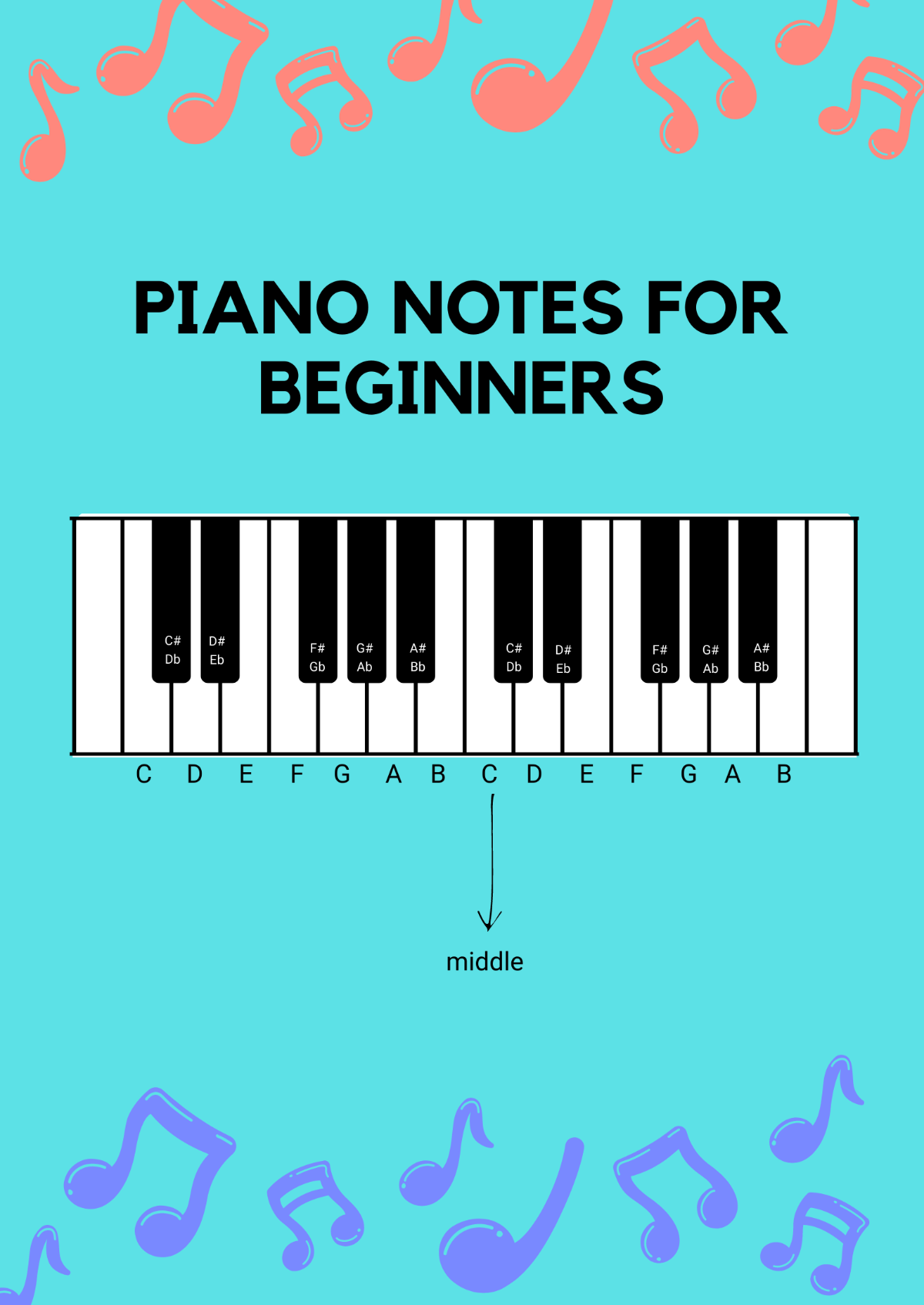
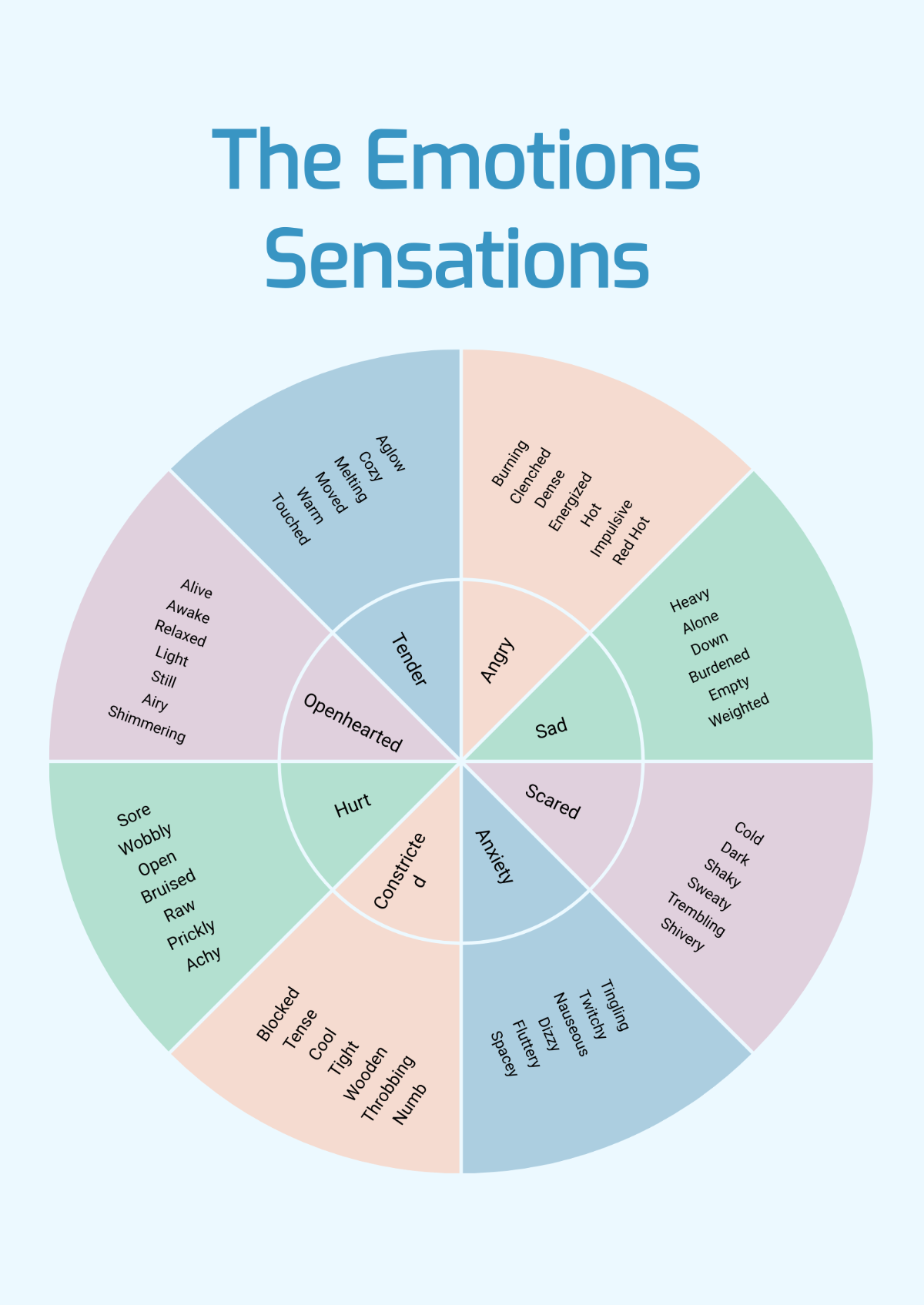
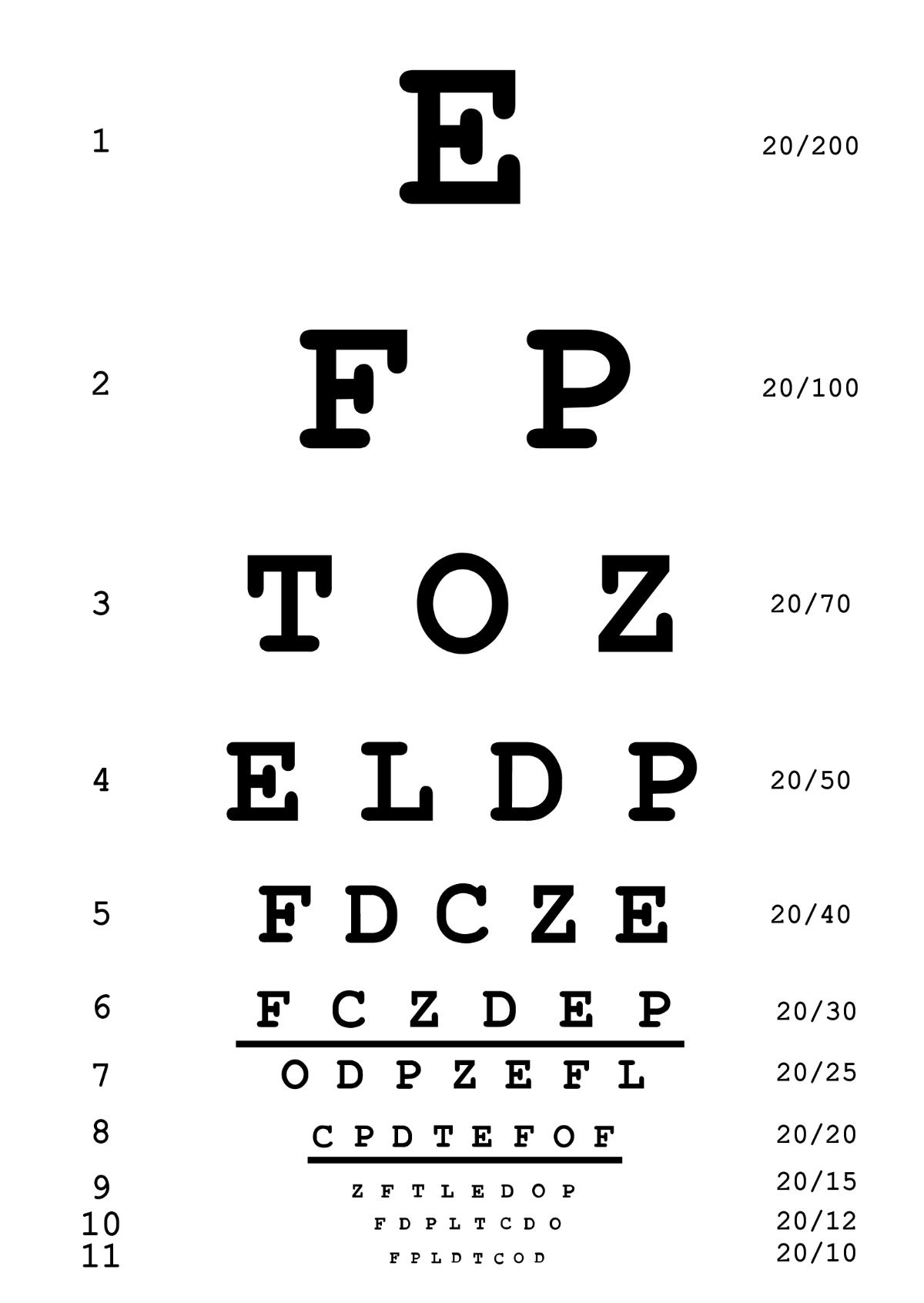
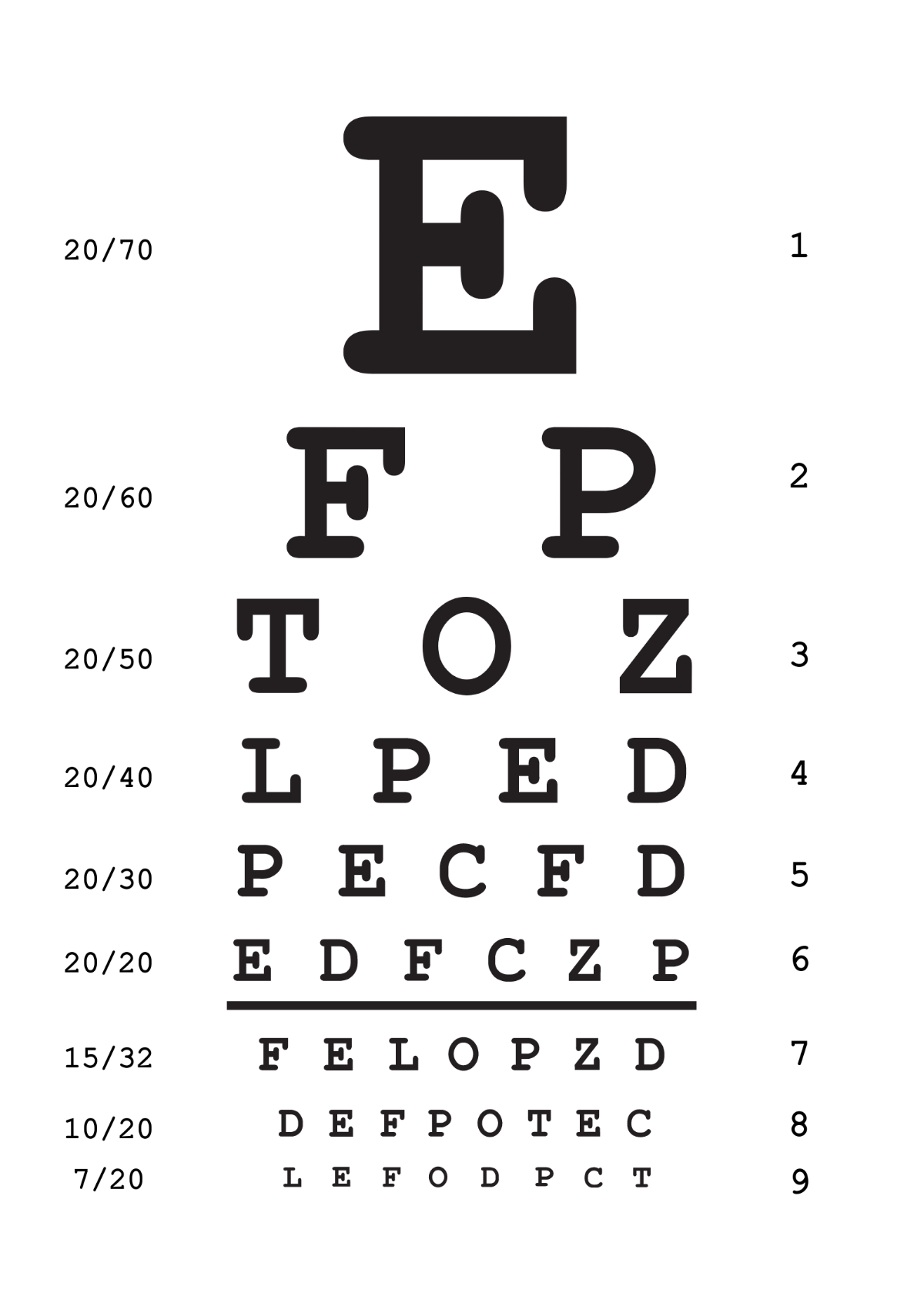
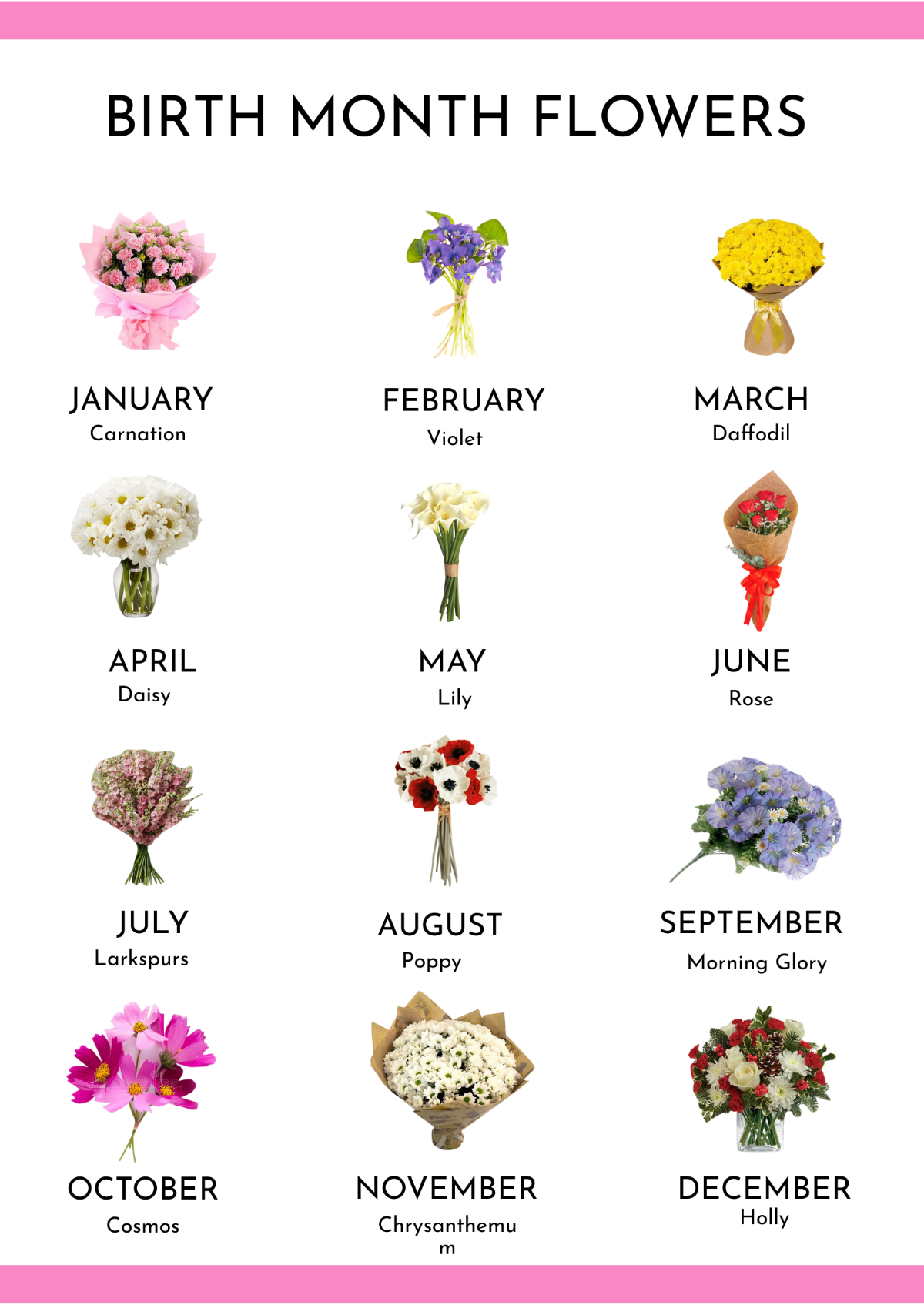
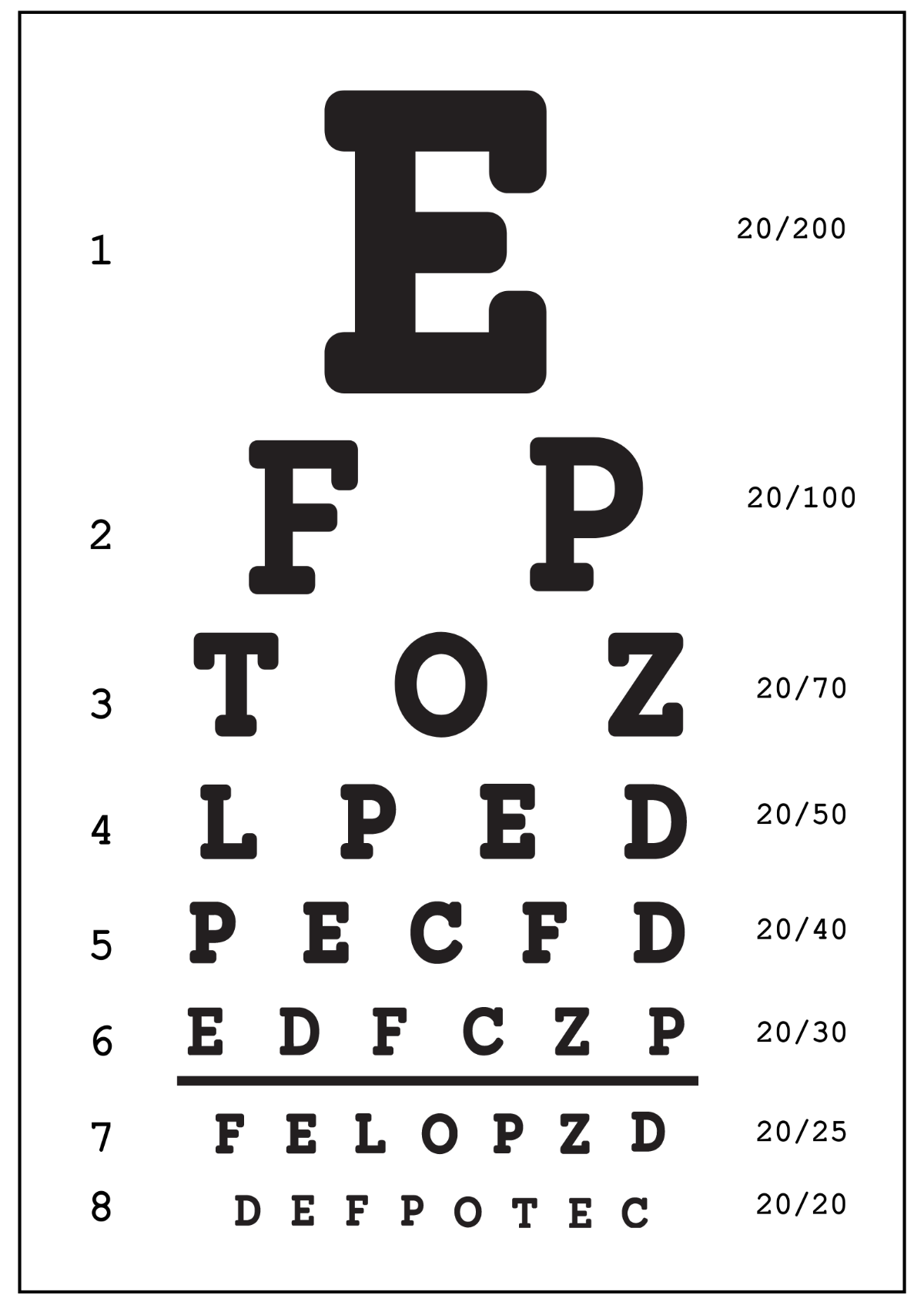
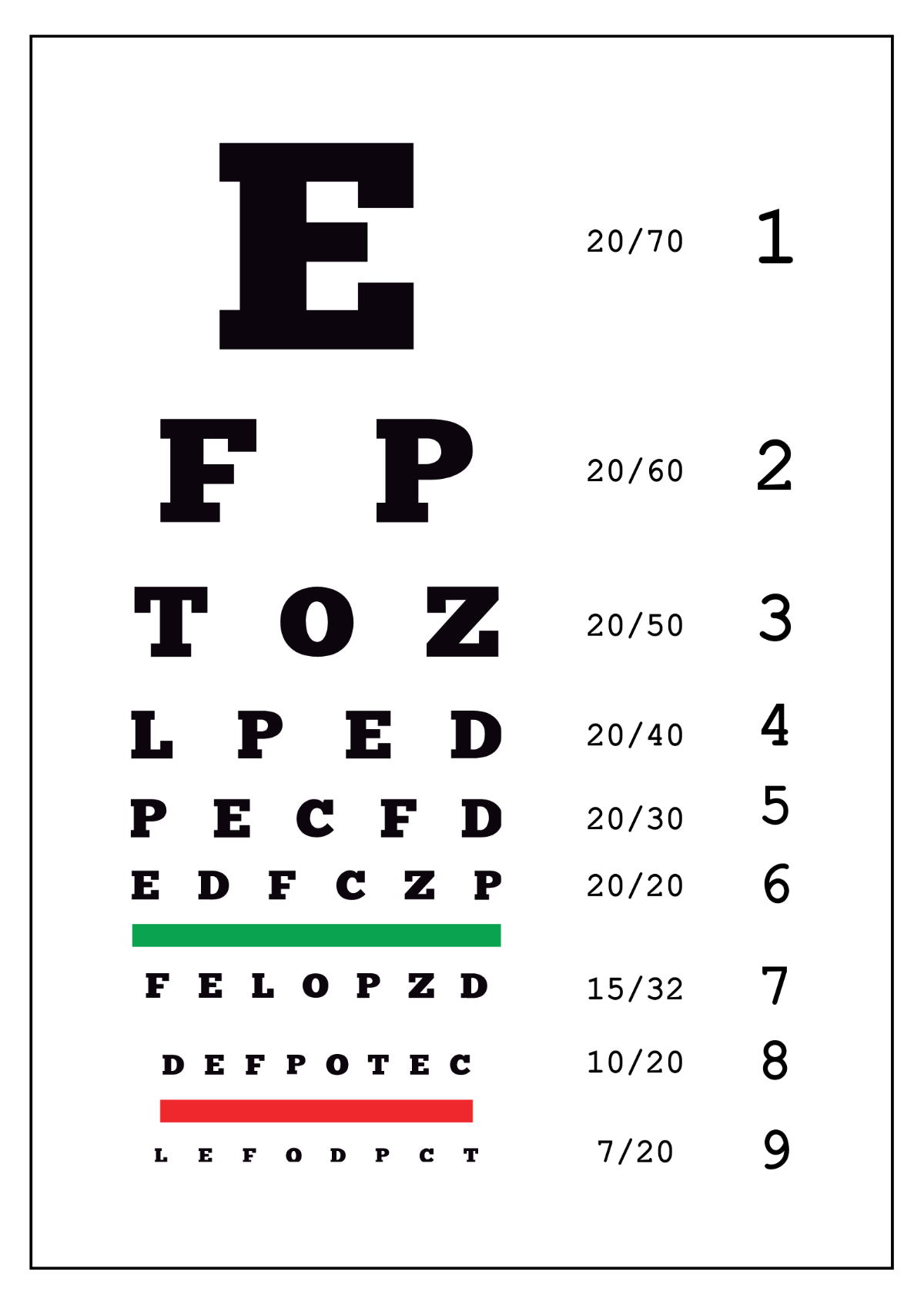
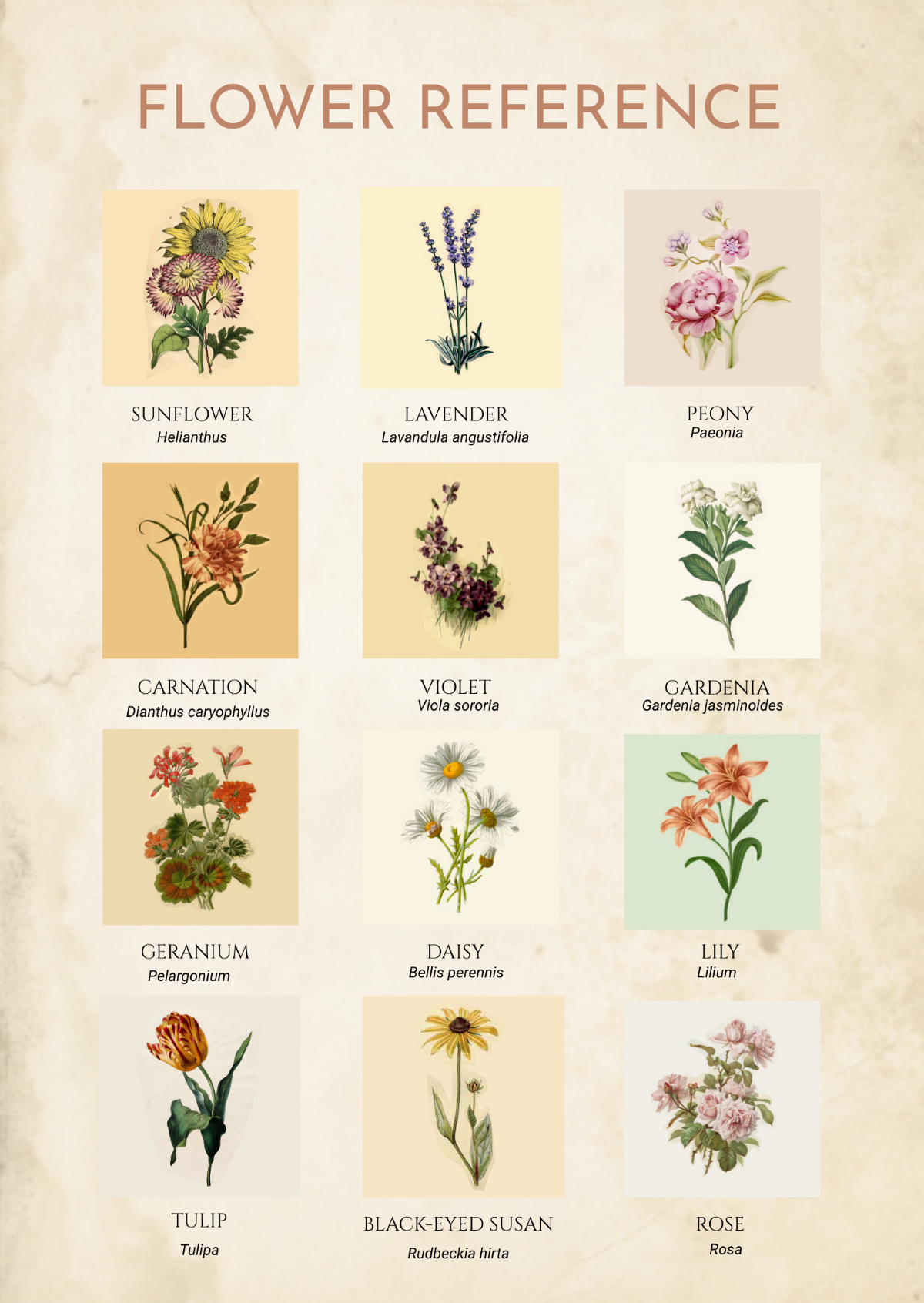
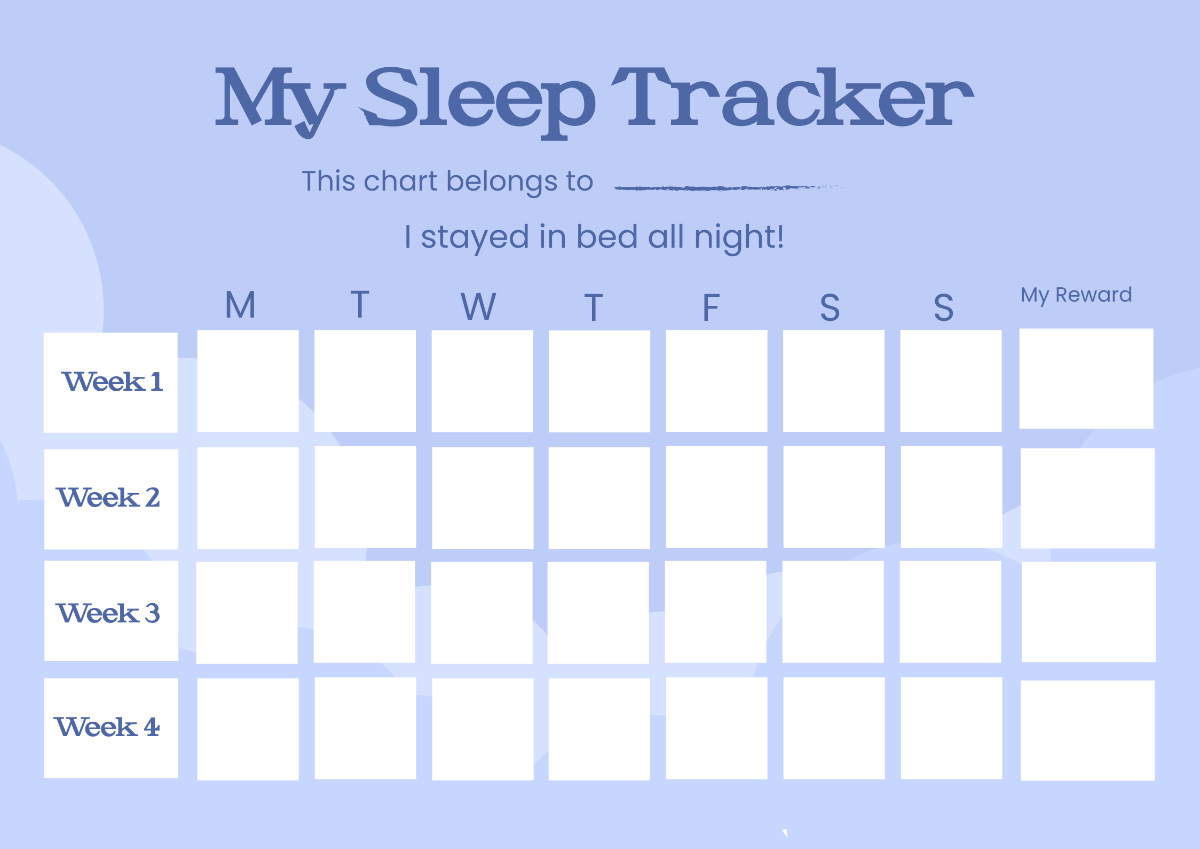
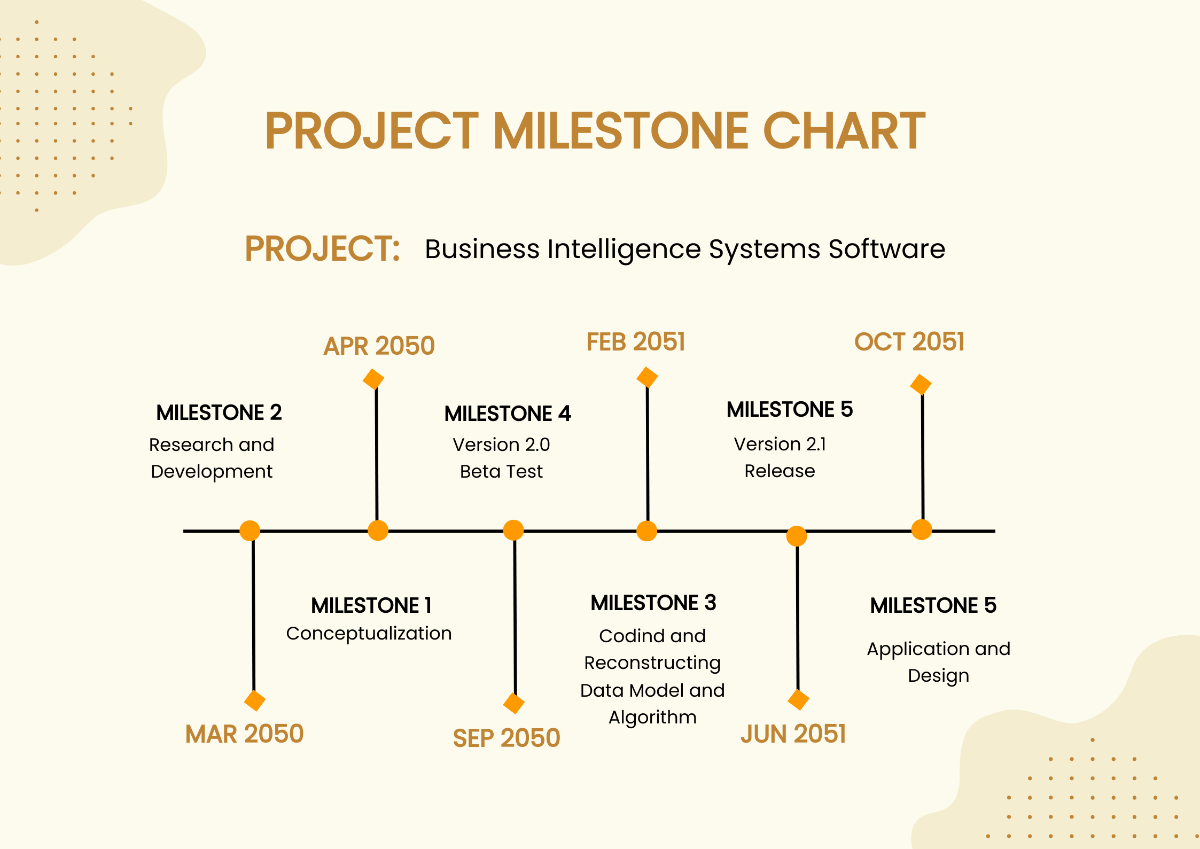
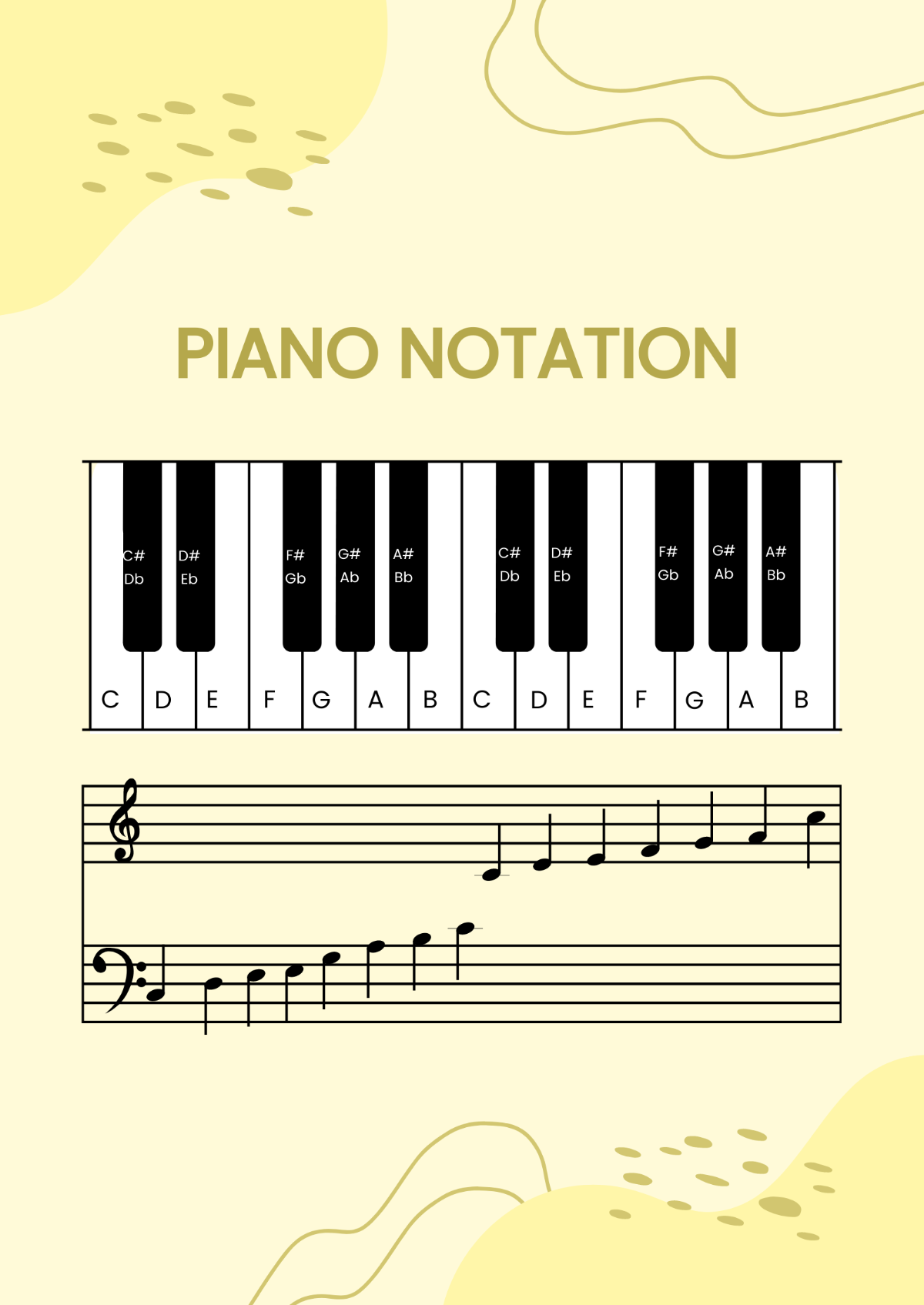
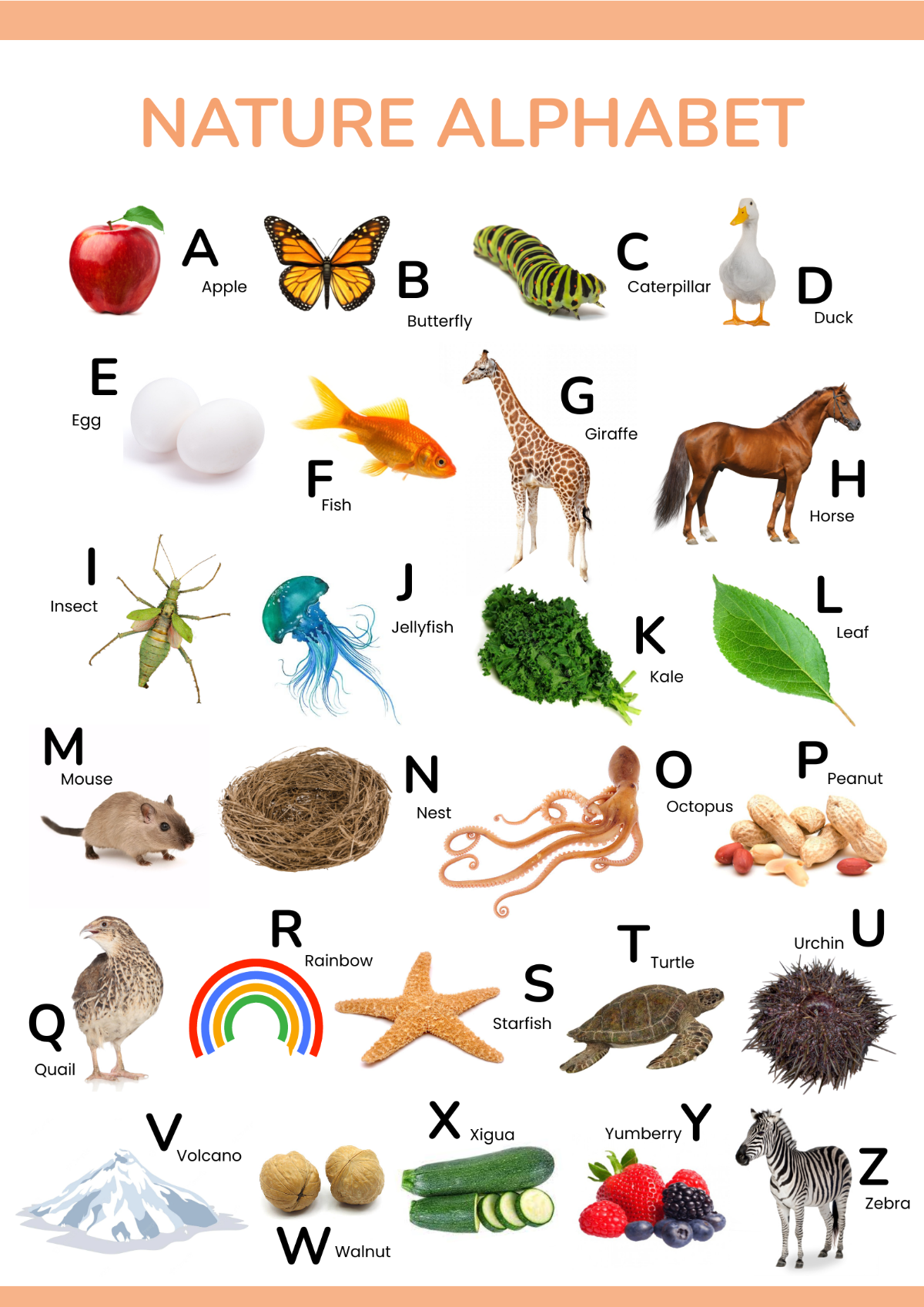
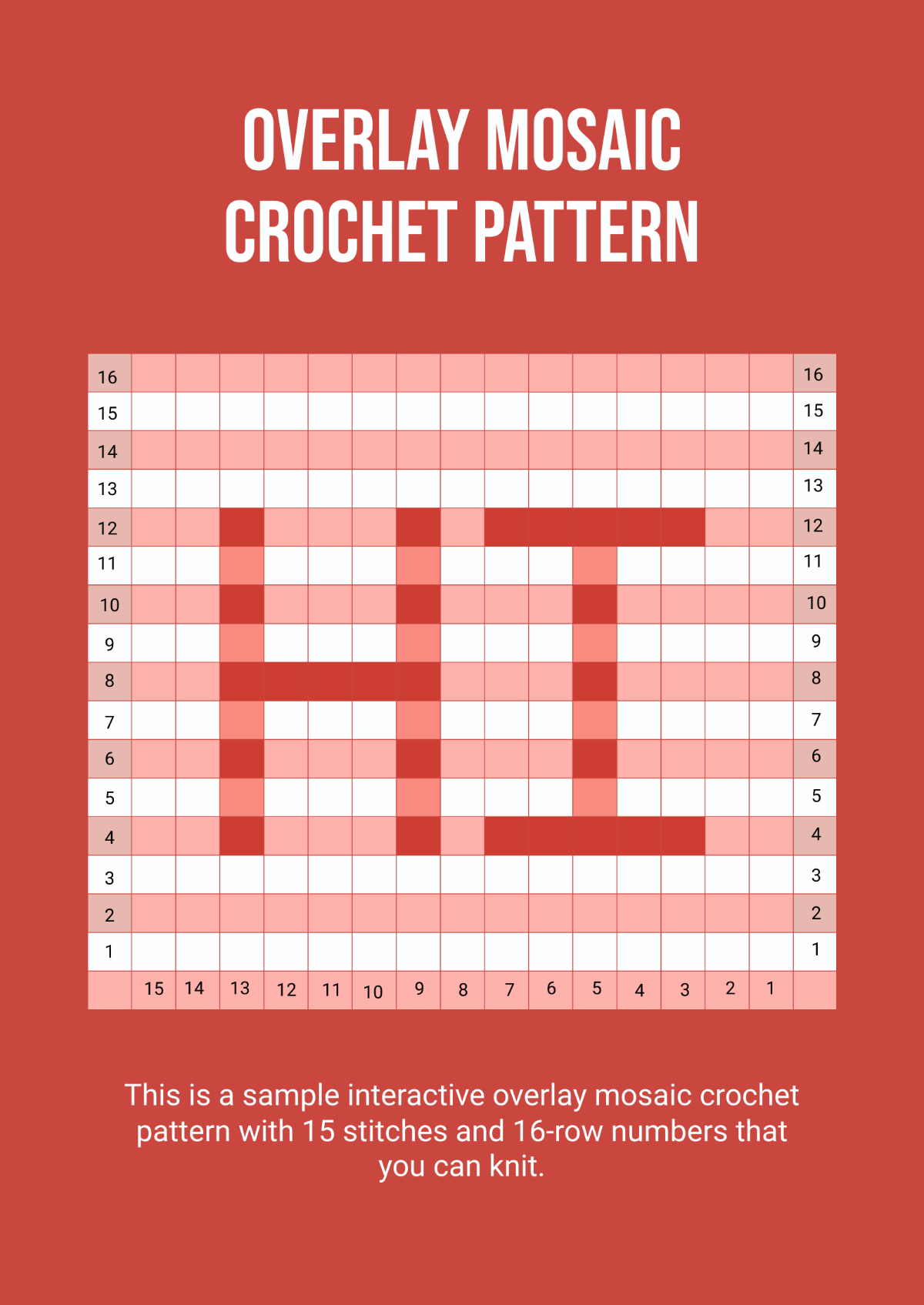
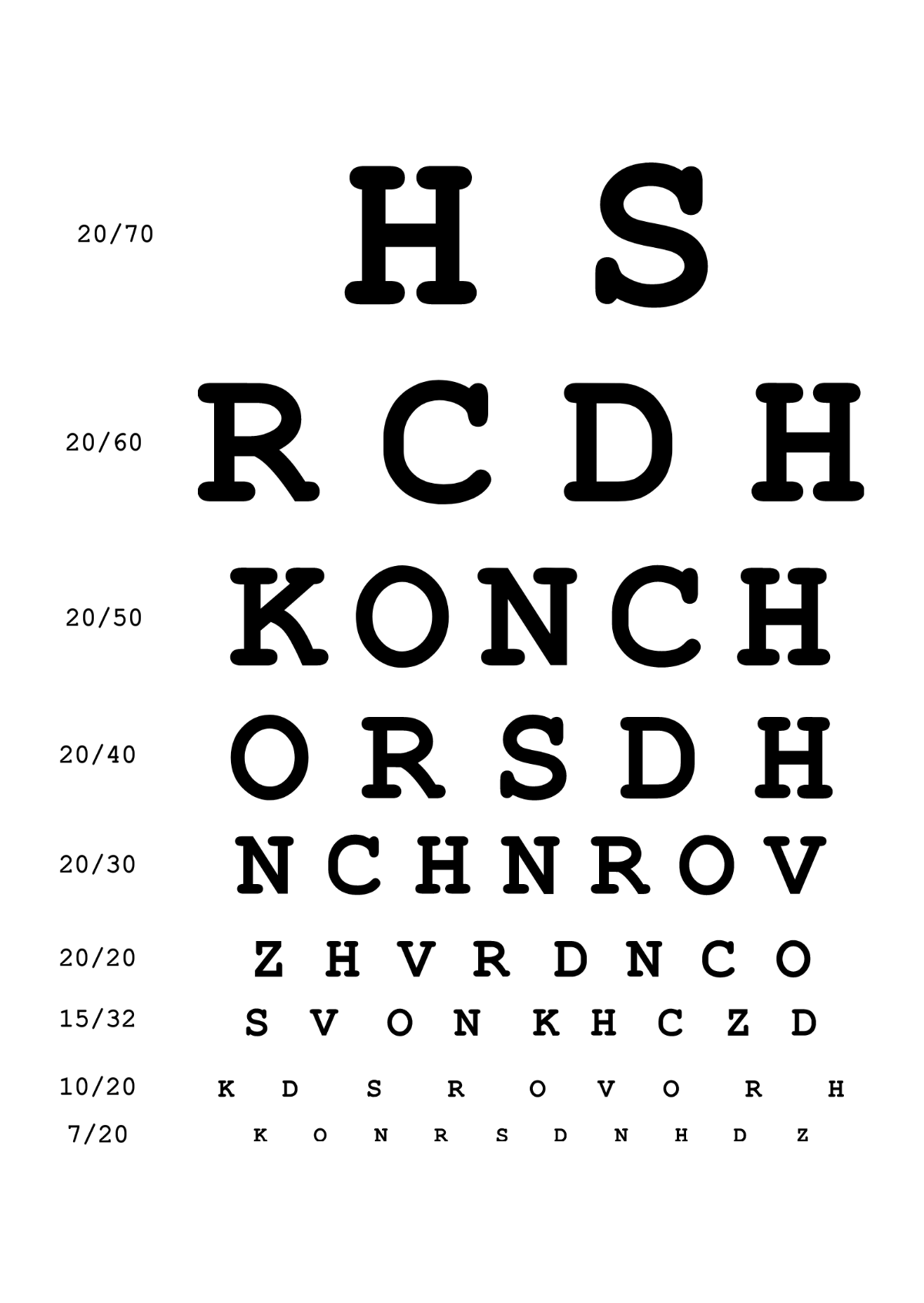
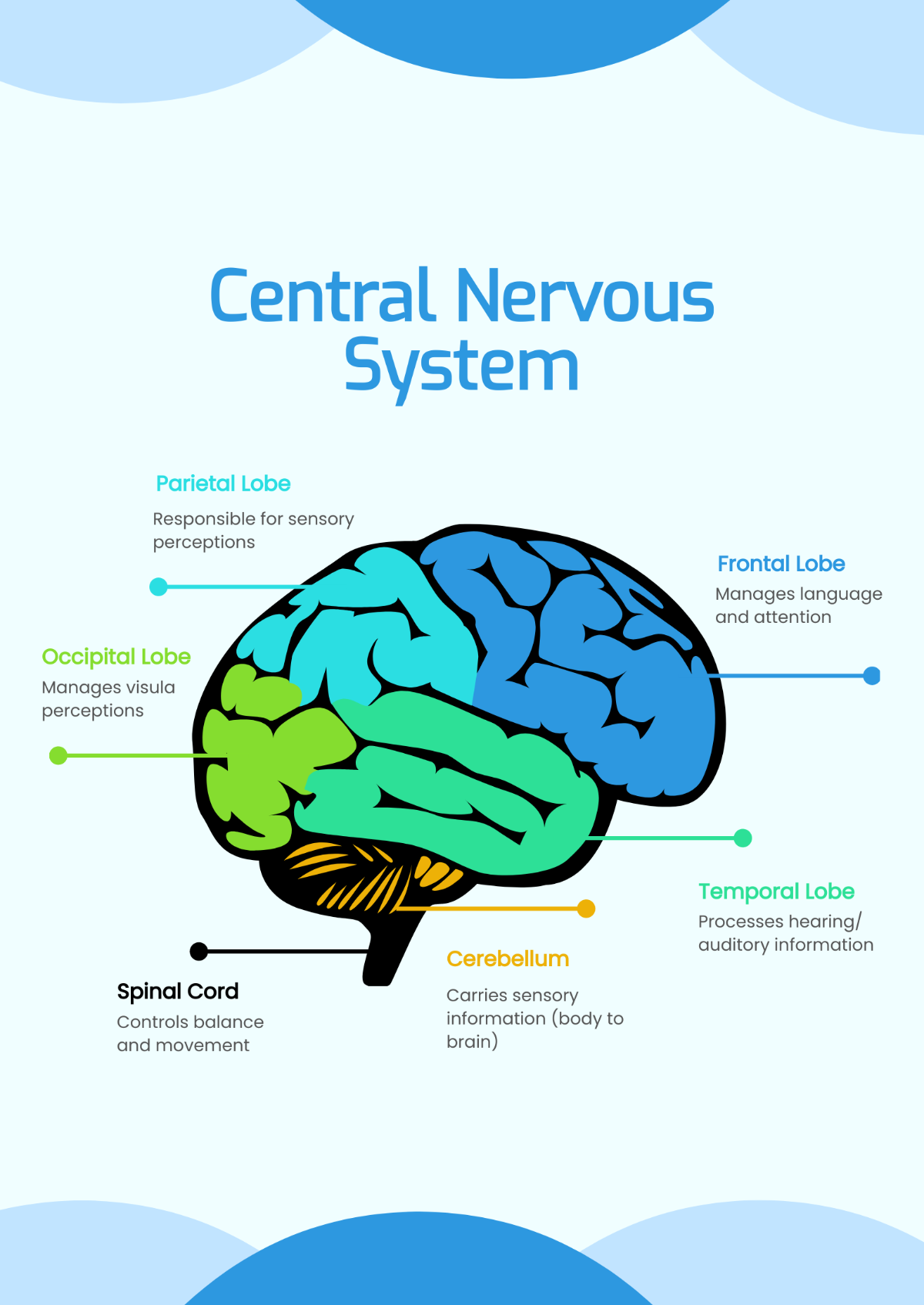
Charts are the most important tools for representing information and building trends in diverse ways. We are offering you a wide variety of printable chart templates, from exercise charts to various flow chart templates, we've got it all for you. They are professionally designed with clear and legible layouts that you can use for anything. Our templates are hassle-free since they are all ready-made. Also, they are 100% customizable and easily editable in file formats available like Microsoft Word, Apple Numbers, Adobe PDF, Google Docs, and Microsoft Excel. What are you waiting for then? Subscribe and start downloading now!
What is a Printable Chart?
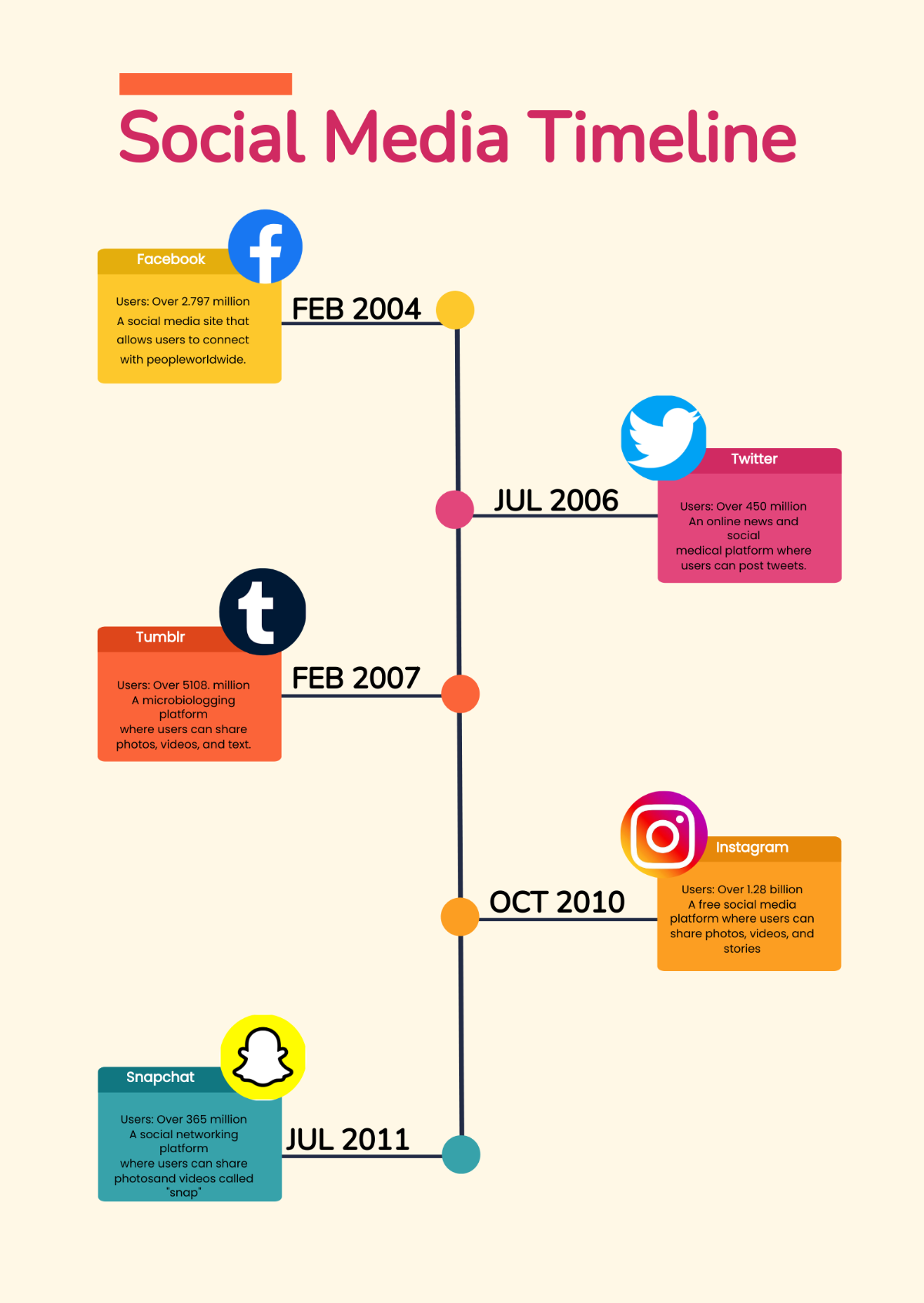
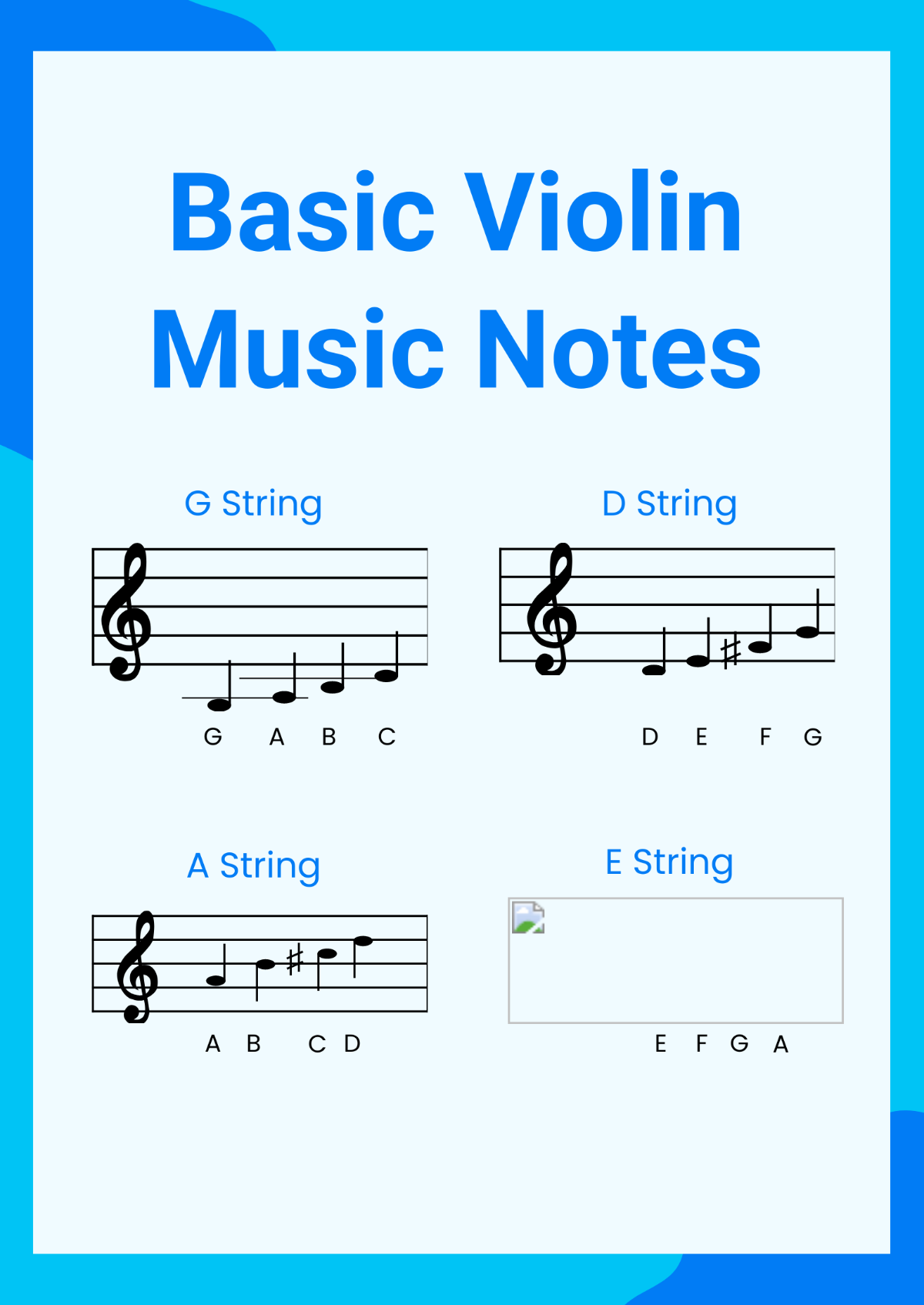
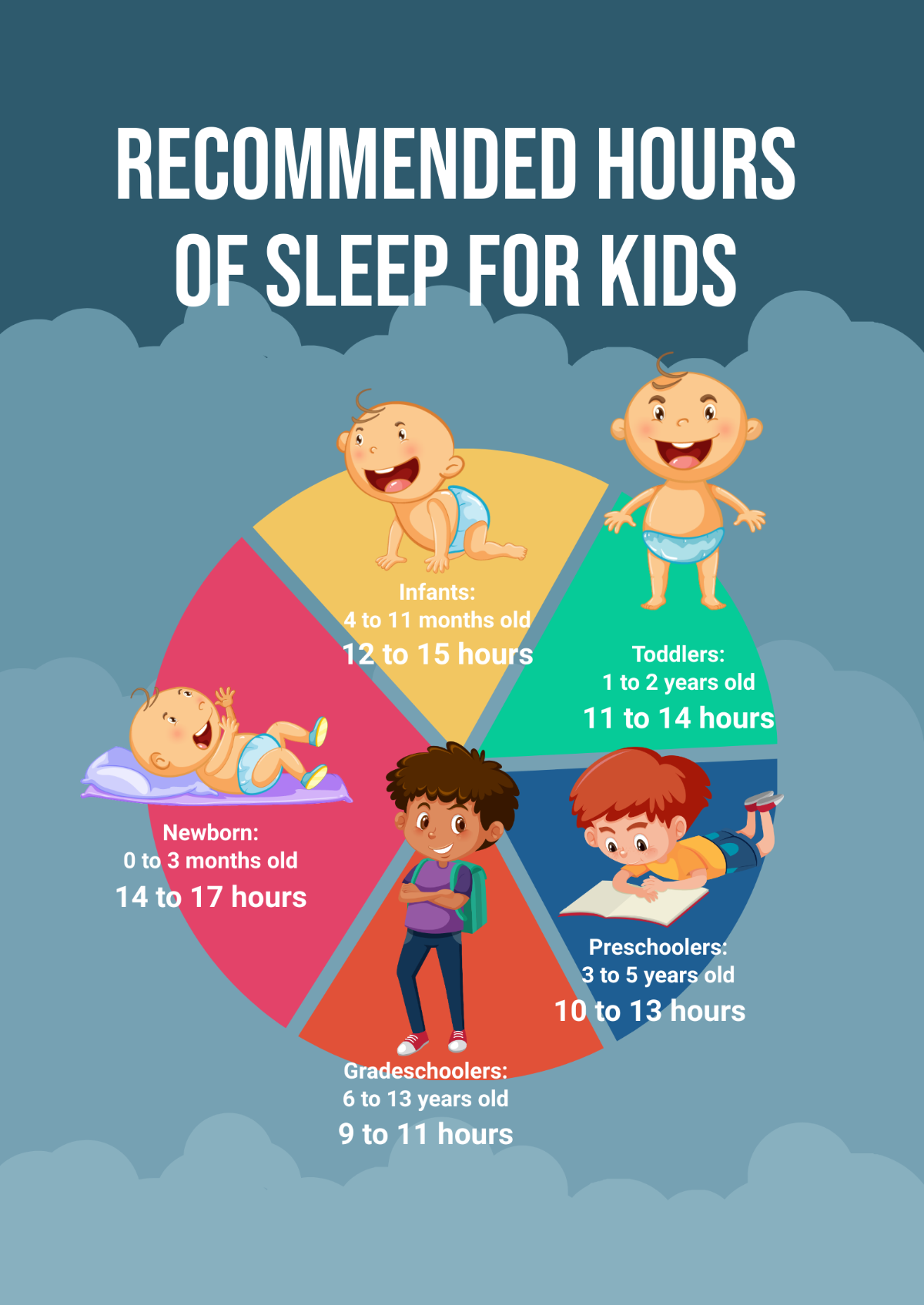
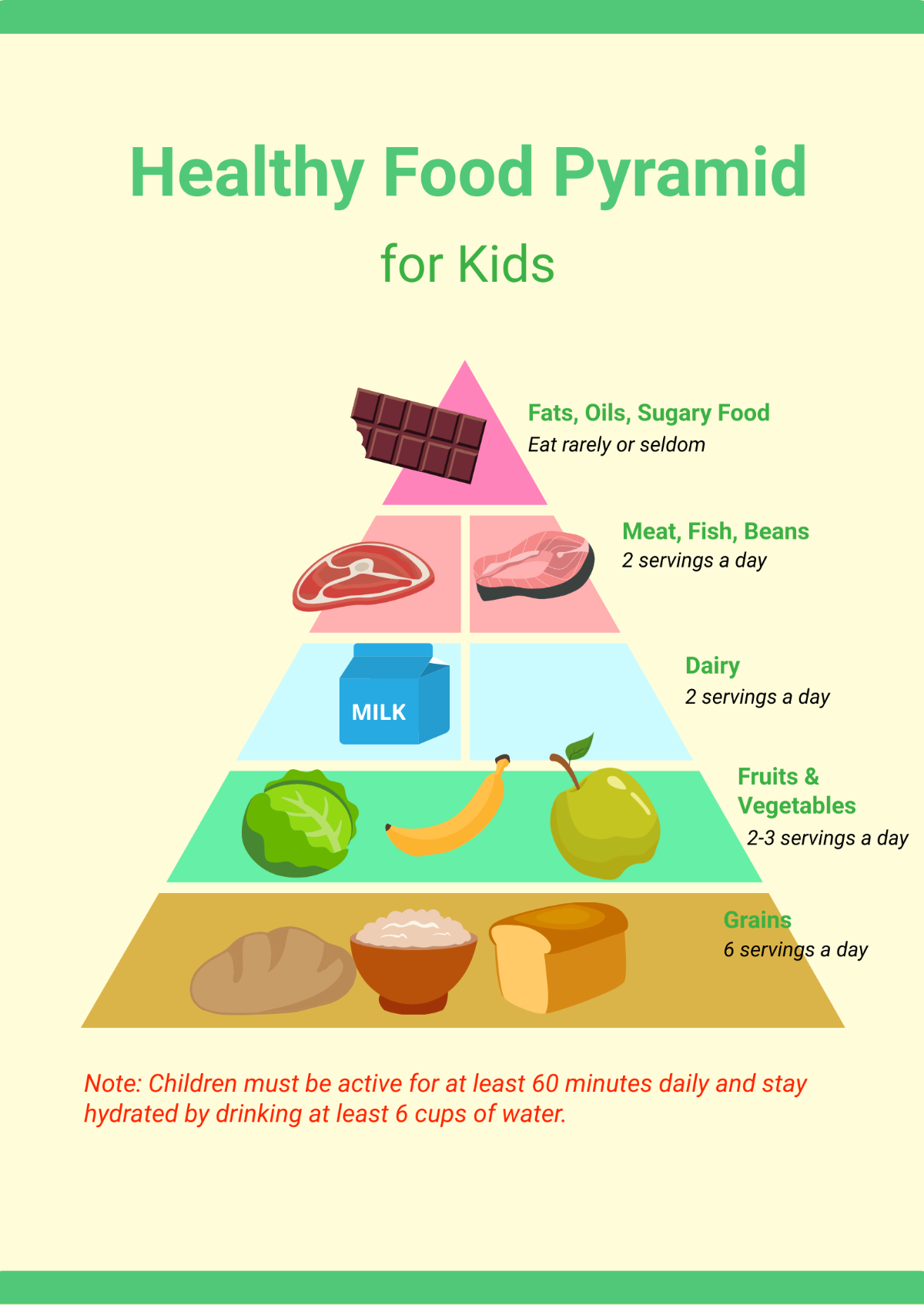
A chart is a visualization representation of data in which symbols represent the information. Charts are used to depict any piece of data that is hard to explain, teach, or communicate. They are used in a wide range of areas, like seating chart and behavior chart, and can be developed by hand or using or by computer using a chart-making application.
How to Make a Printable Chart?
In this article, we will teach you how to create a printable chart that you can use for different kinds of purposes and data you need. After all, you are free to express and simplify any complicated or long pieces of information with the right type of chart and the right chart design using the application you are most comfortable with.
1. Appropriate Title
The first thing you need to do when making a chart is to give it a suitable title. No matter what chart you are making, it always has a title that will fit the intended purpose of the chart you are going to produce. For example, label your chart as "Classroom Seating Chart" if you are building a chart for your students' seating arrangement. The title will function as to what information will be presented in the chart once a person will view it.
2. Organized Layout
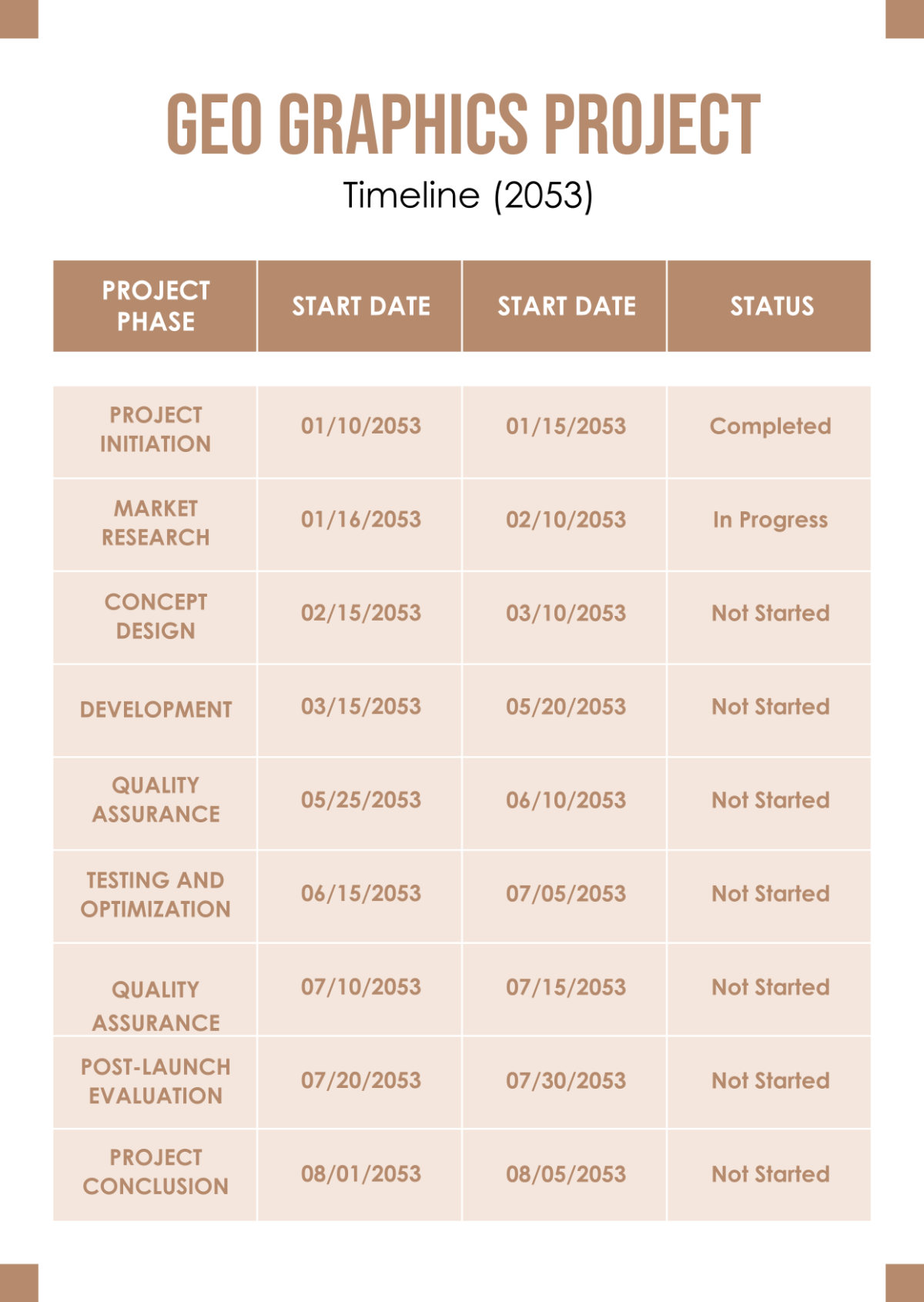
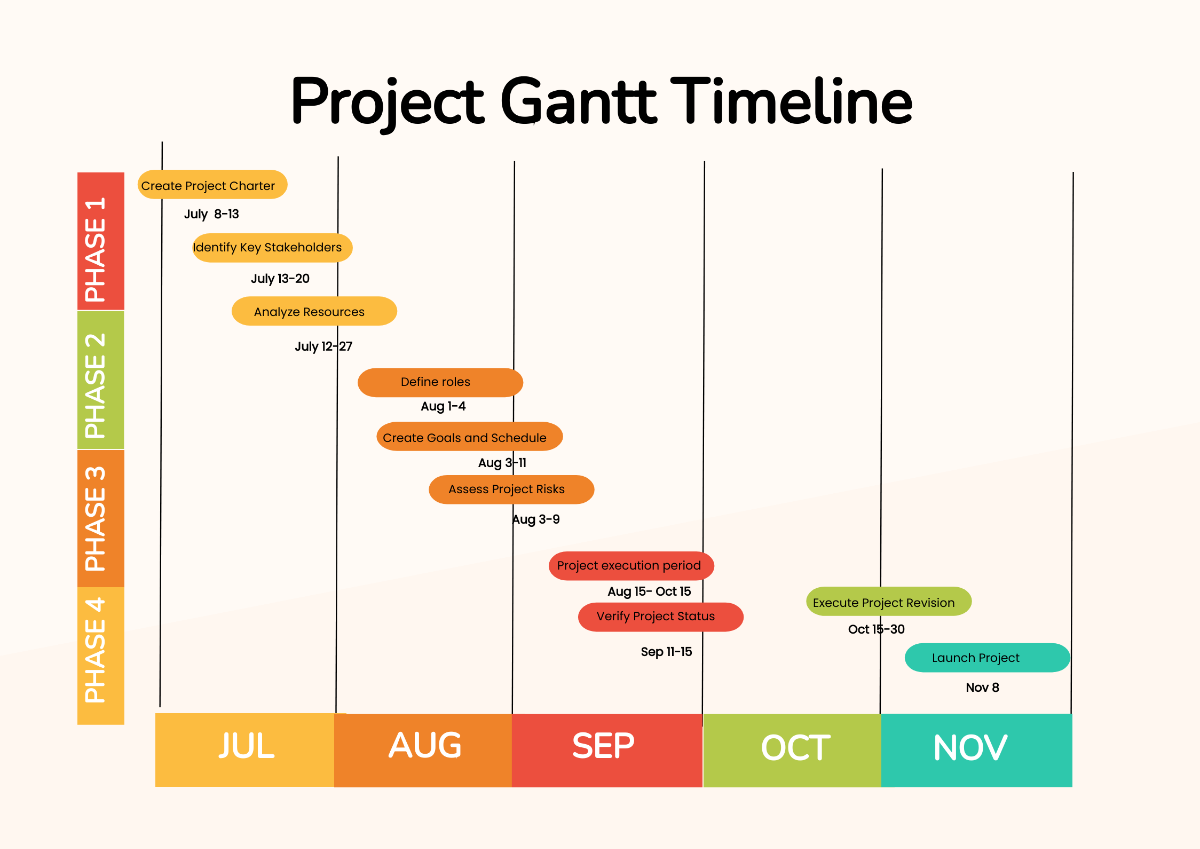
If you want to start from scratch, choose the perfect chart-making application that will let you create an organized layout. The most used application when making charts is a spreadsheet software like Microsoft Excel or Google Sheet. You can easily make flow charts, chore charts, and Gantt charts in this application since it has ready-made spreadsheets that are fillable. However, there are other applications that will let you create complex charts. On the other hand, if you do not want to create your own, you can download some sample chart templates on our website that are ready-made so that you will only need to fill in the essential details.
3. Clear Descriptions
An effective chart relies on accurate and reliable data; therefore, it comes up with clear and precise descriptions. Keep these descriptions straightforward and concise. Thus, whether you are creating simple charts to comparison charts, make sure that you get the most updated data for this.
4. Readable Typeface Choice
The integration of an excellent typeface style is another way to make any chart layout simpler to comprehend. Choose font types that are easy to read and pay close attention to the size, spacing, and overall style. If you are making an organizational chart, always use clean and formal fonts and not some cursive fonts since it will give an unprofessional look to your chart.
5. Attractive Color Scheme
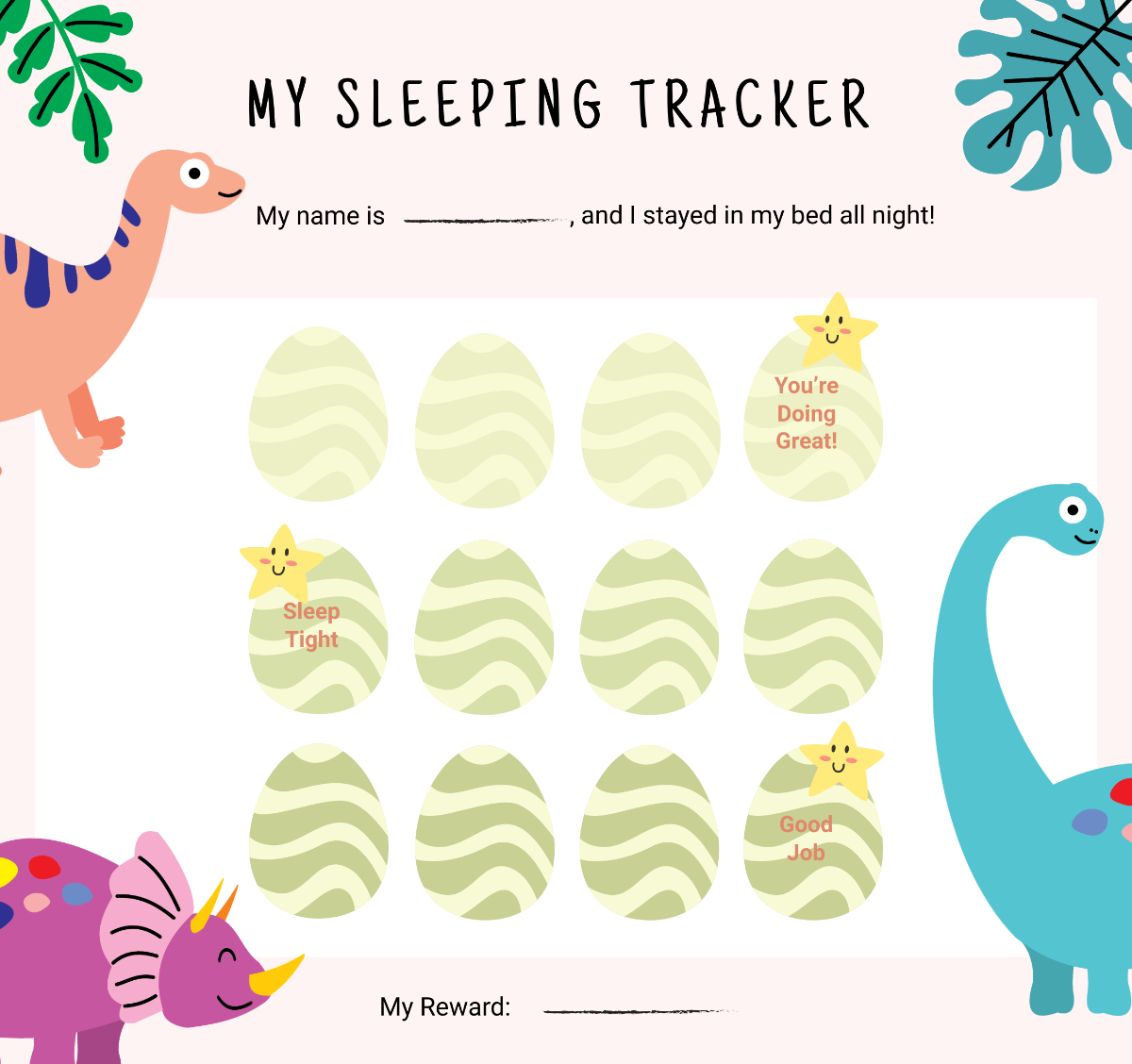
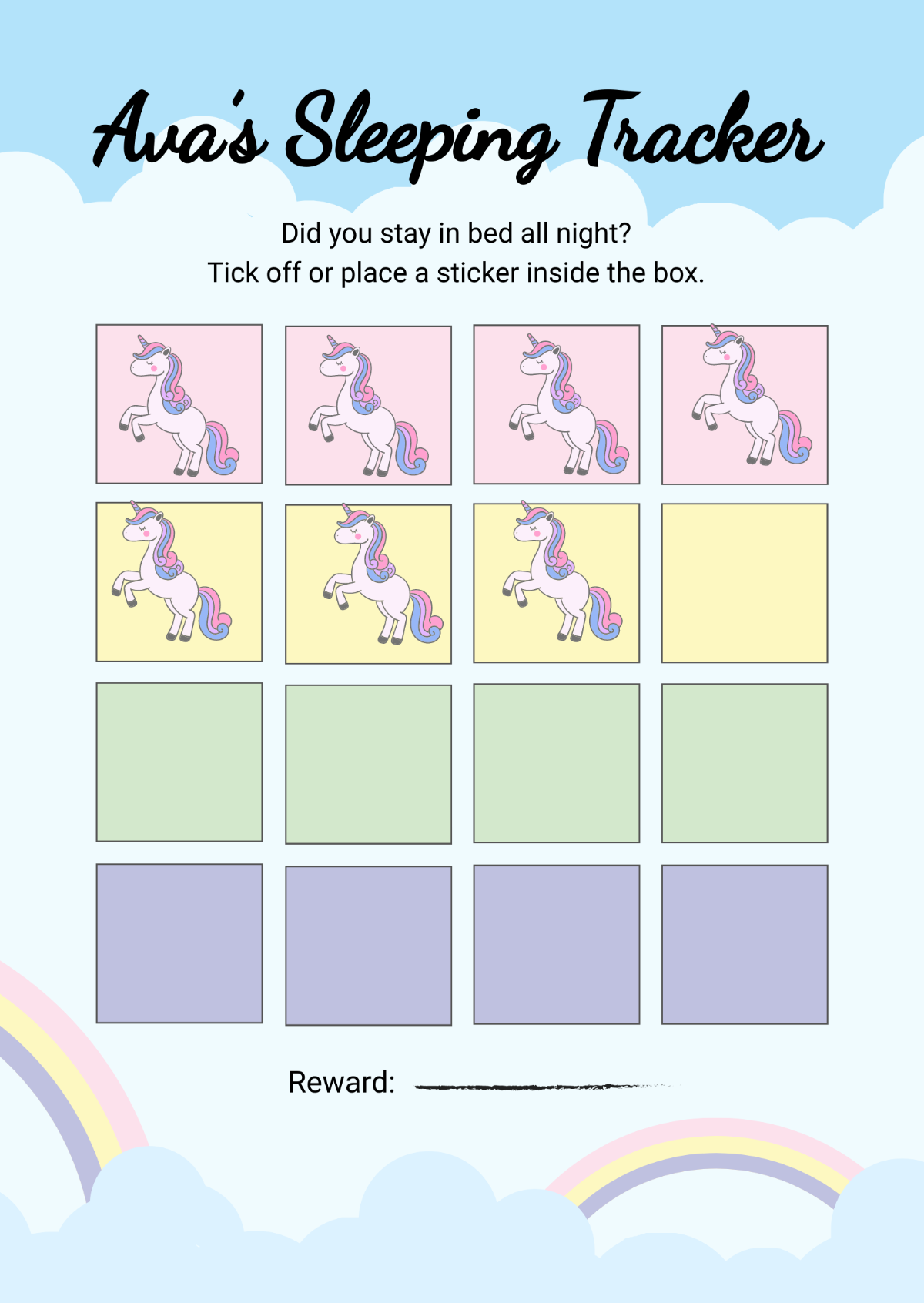
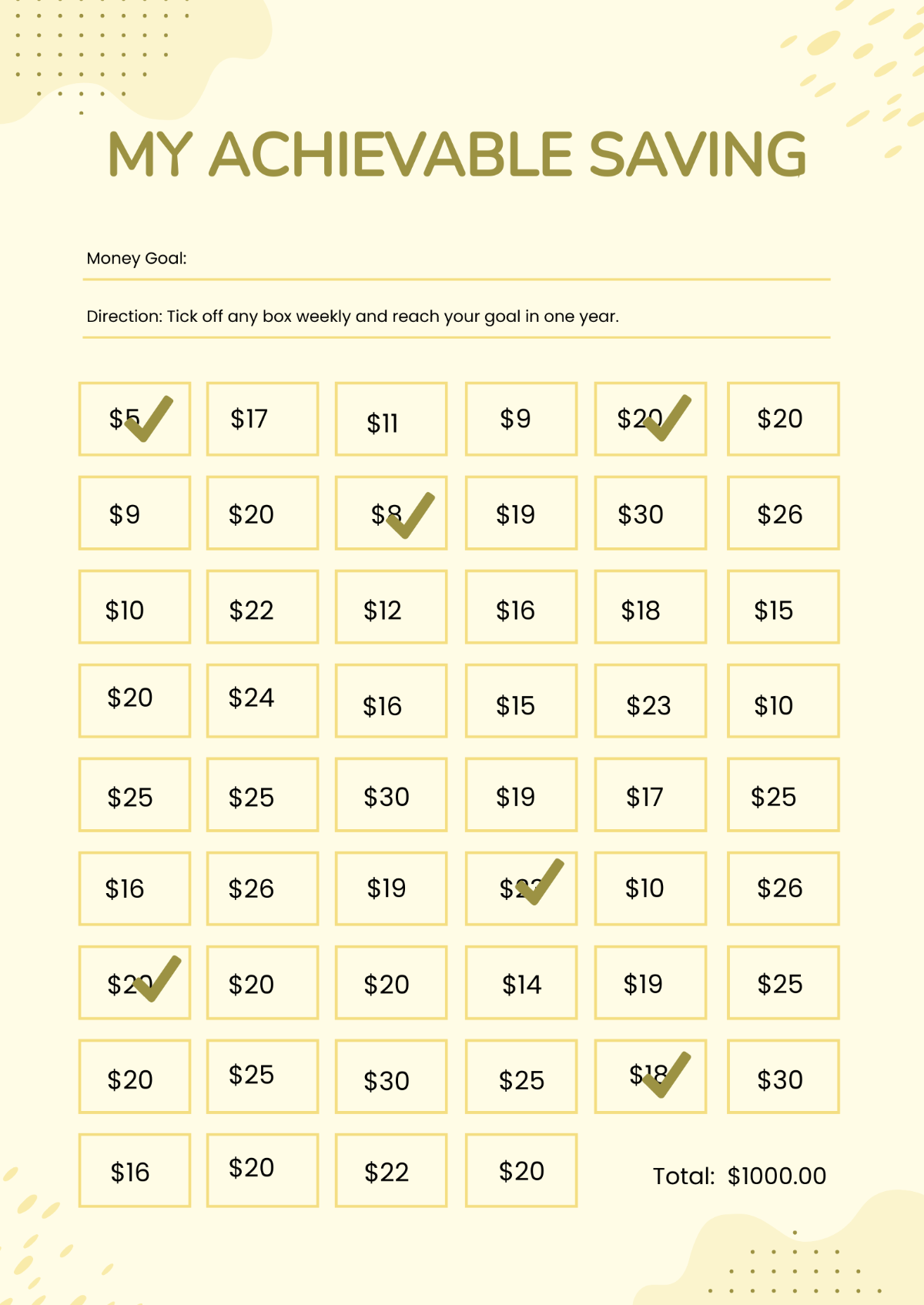
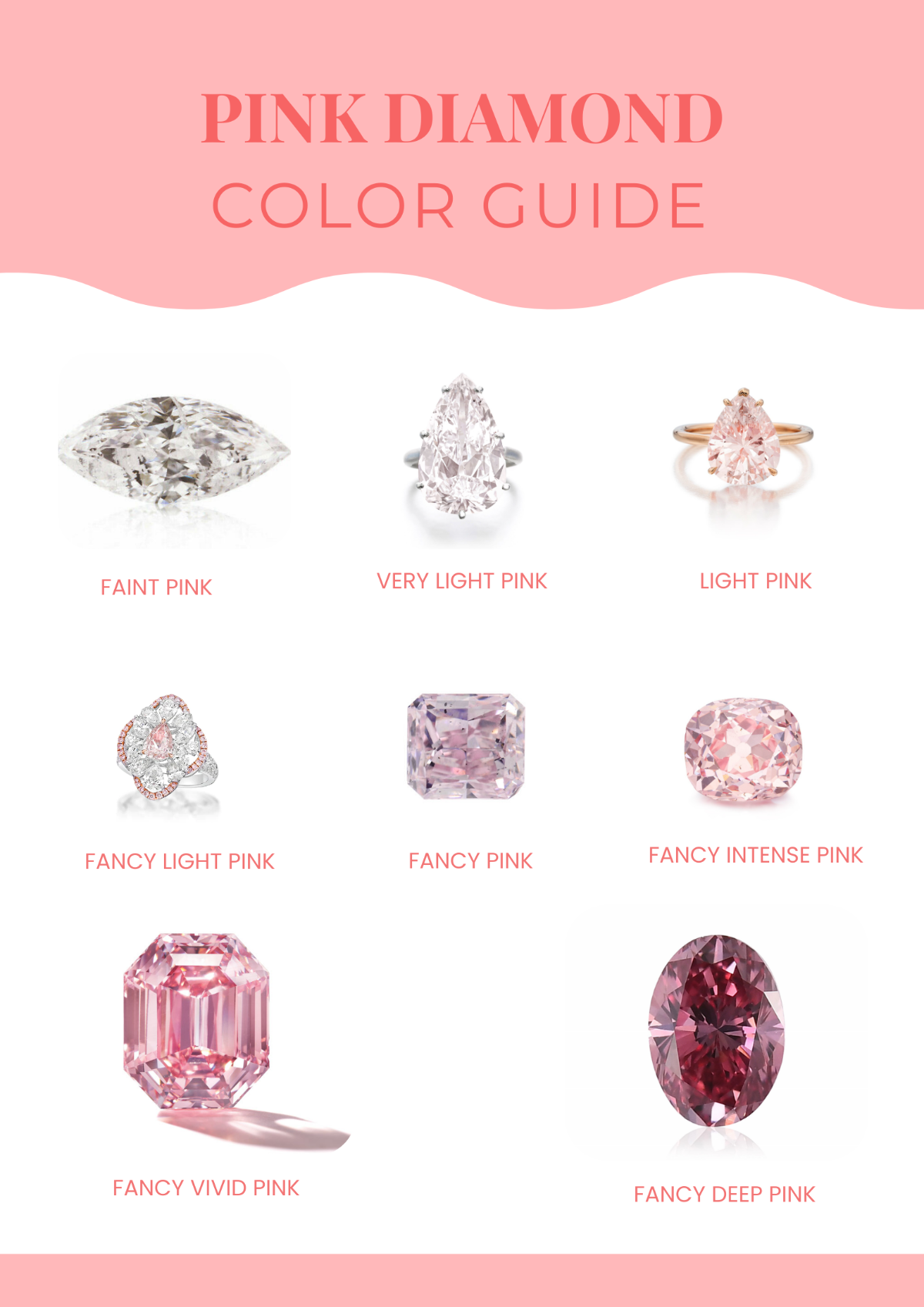
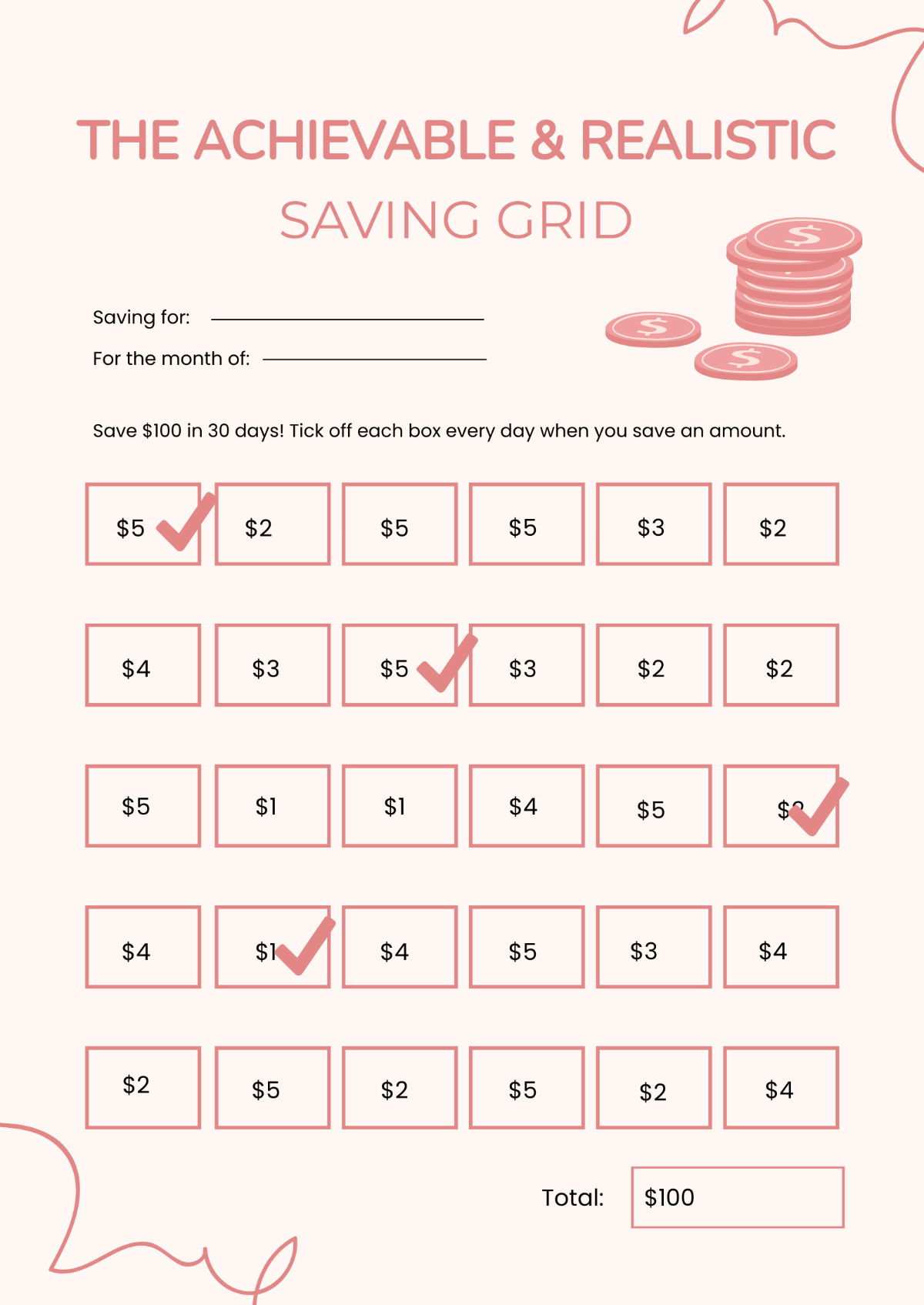
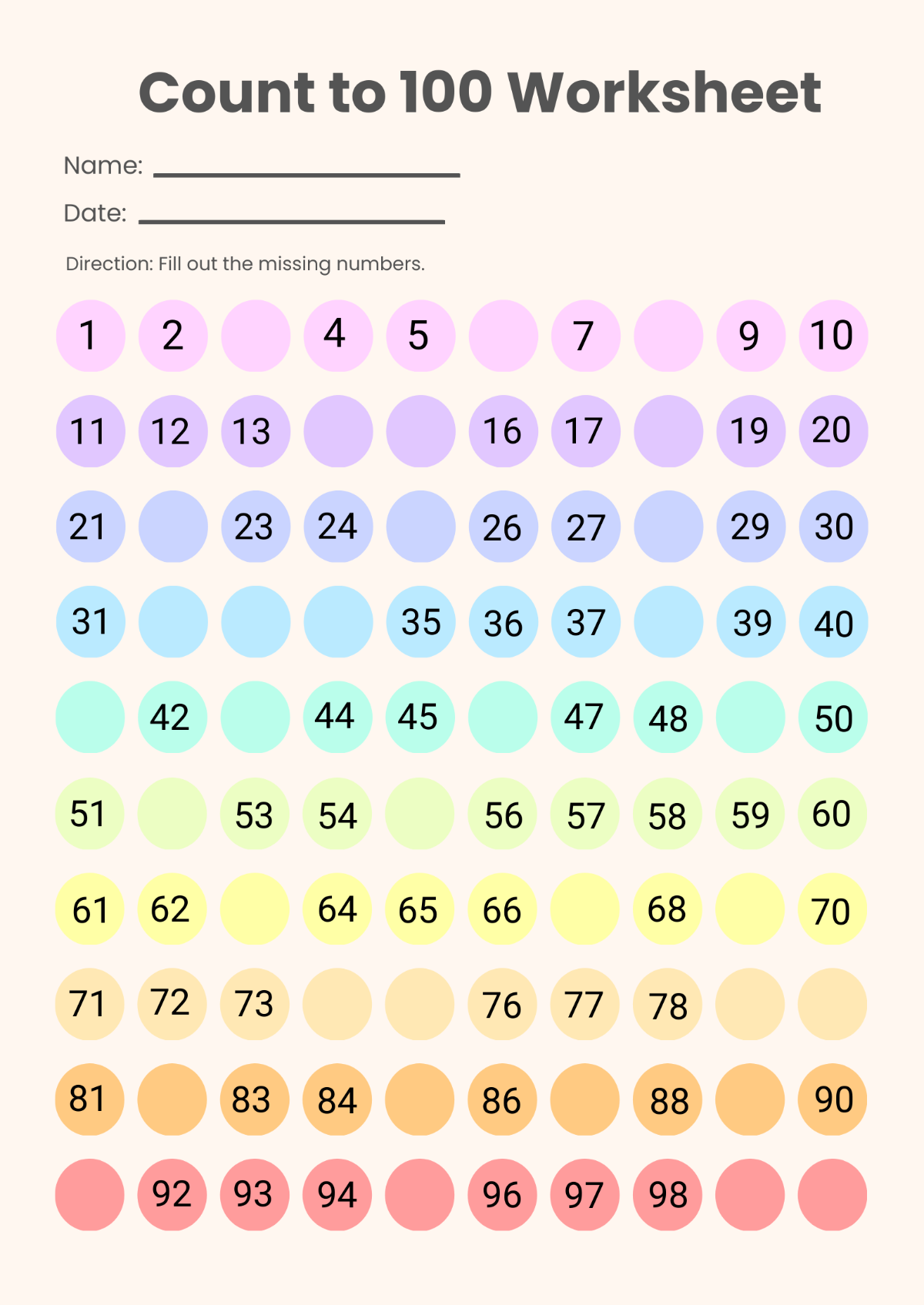
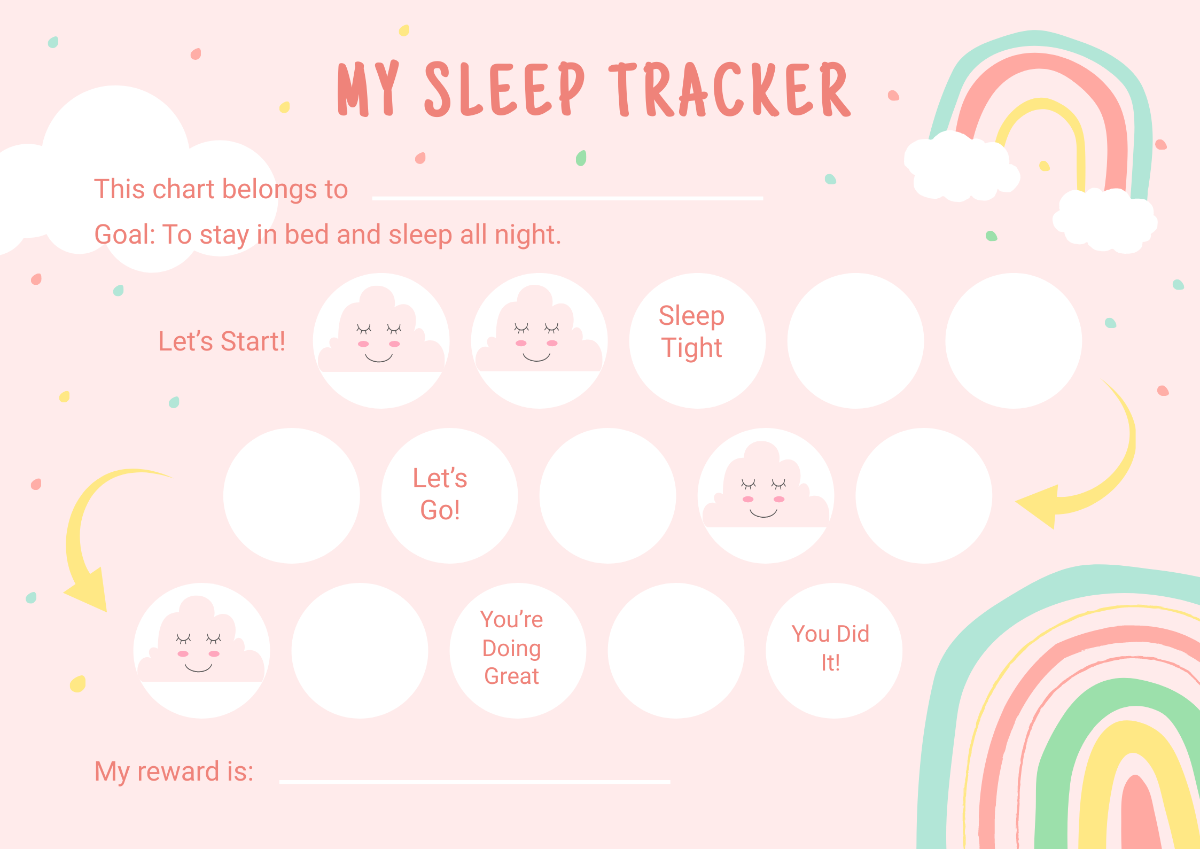
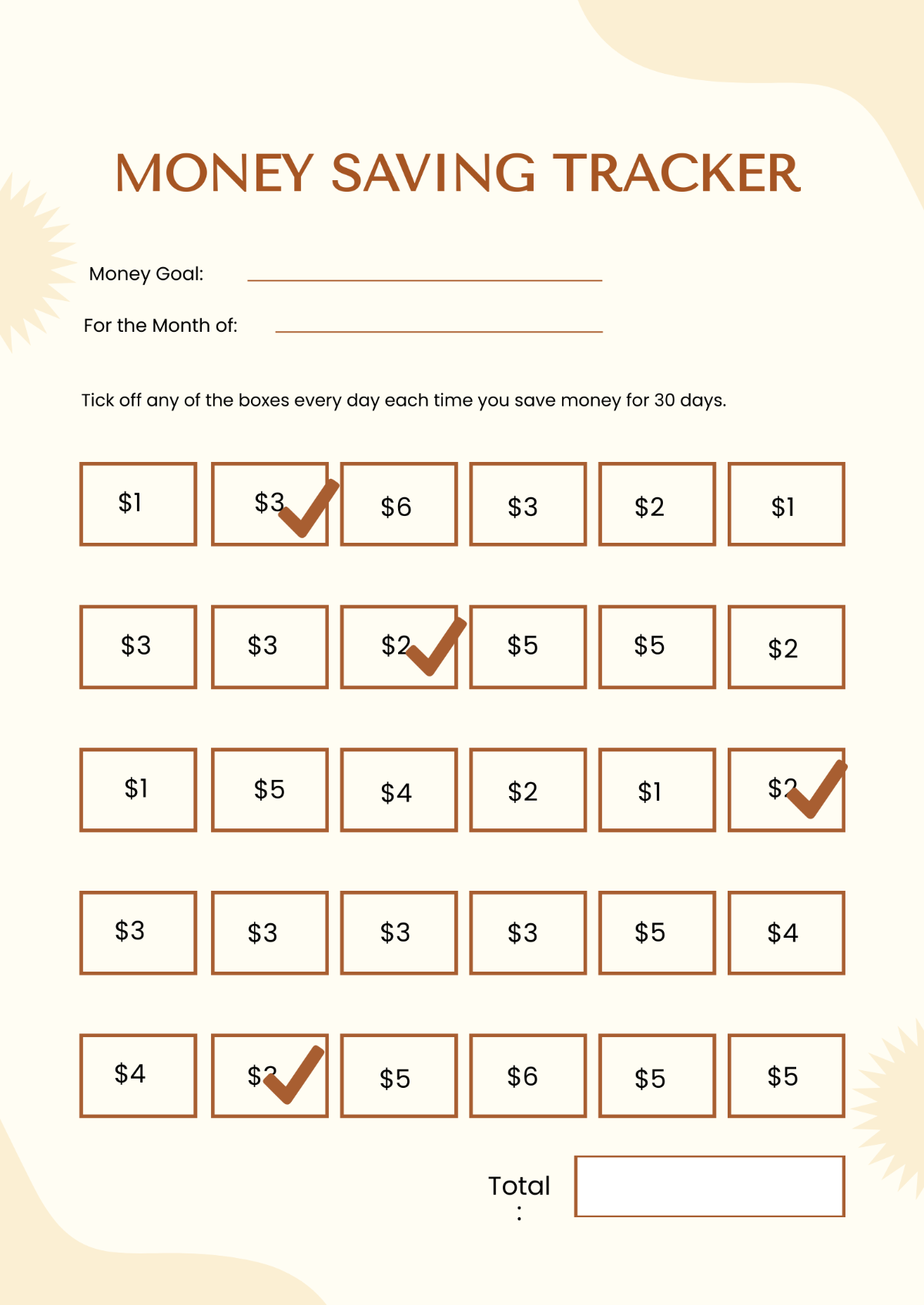
A chart needs to be compelling no matter what type it is; therefore, you need to add an attractive color scheme. If you are making a less formal chart like the reward, daily, monthly, weekly, blank, number, school, and chore charts, bright colors, or eye-catching colors. You can make use of the color chart so that you can find the best color scheme to help your chart stand out. Make sure that the colors you use will not upstage the content of your chart design. However, if you are making a chart for professional purposes, you won't need to add a color scheme to it.