
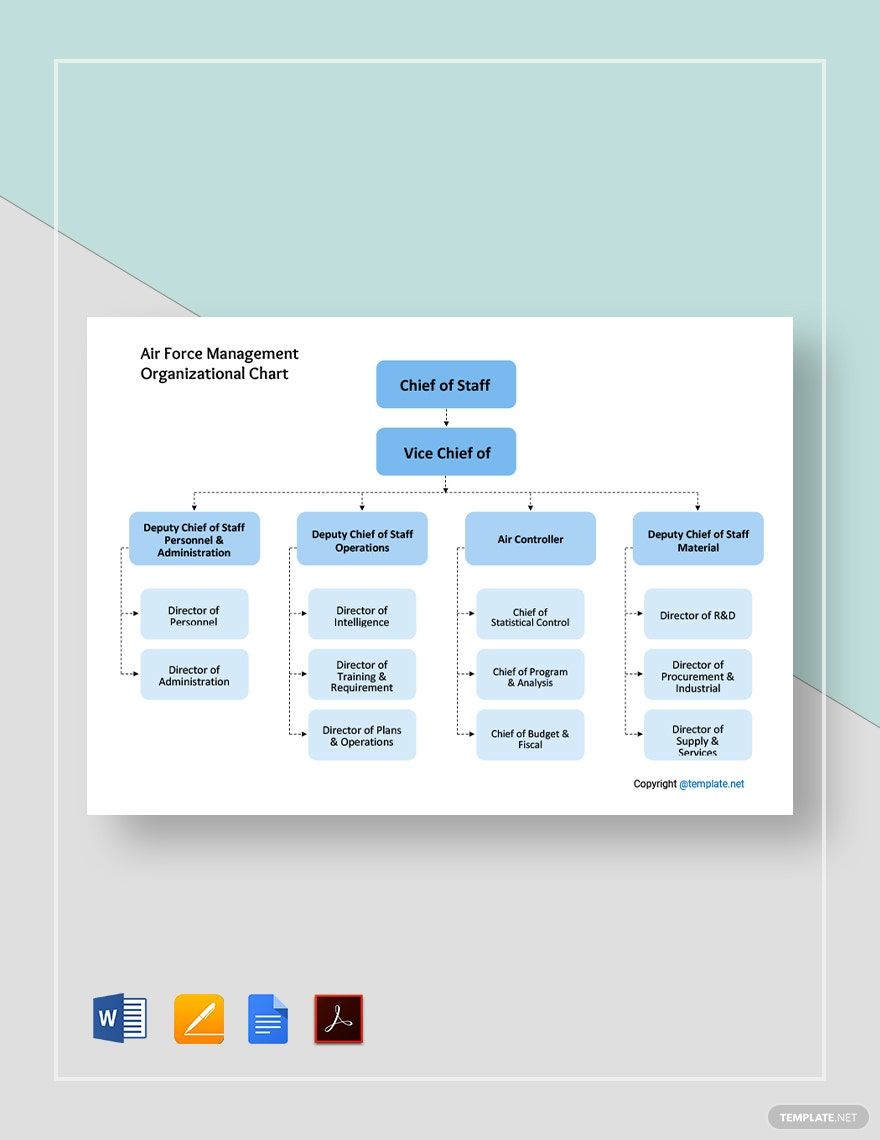
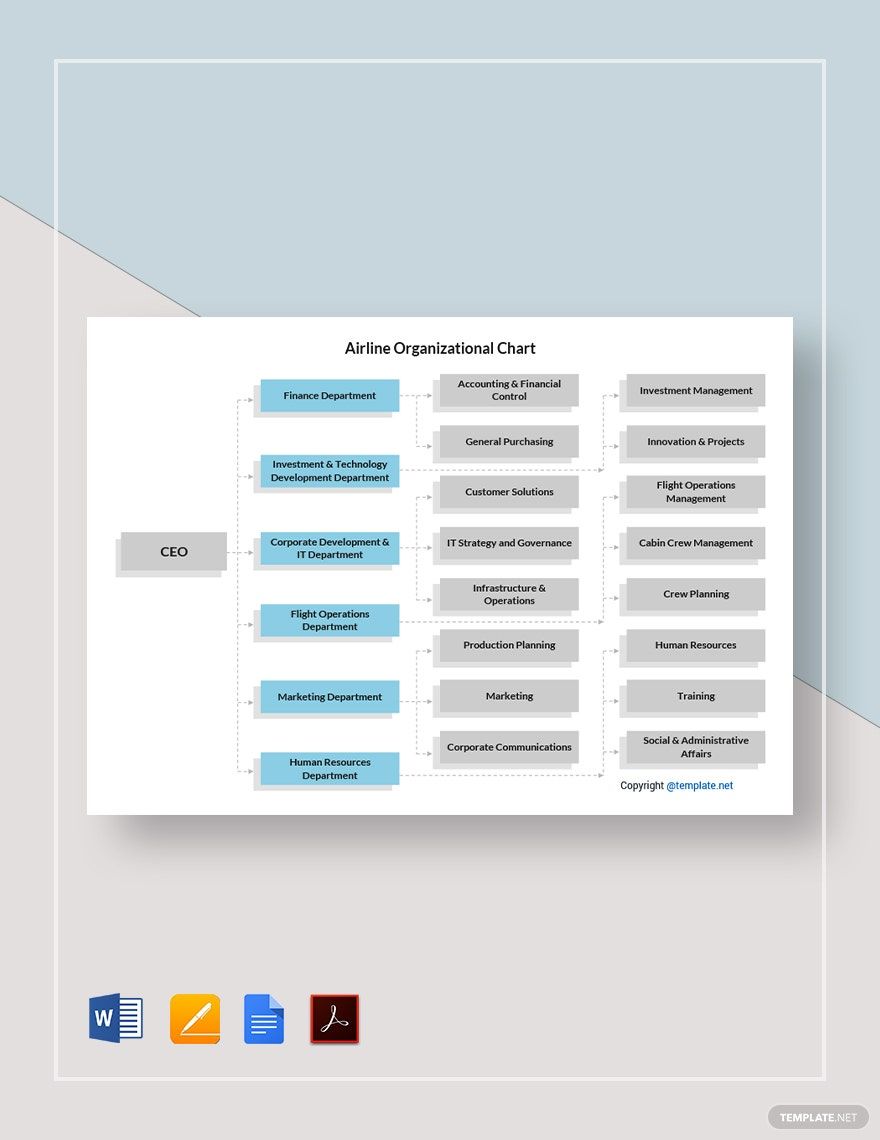
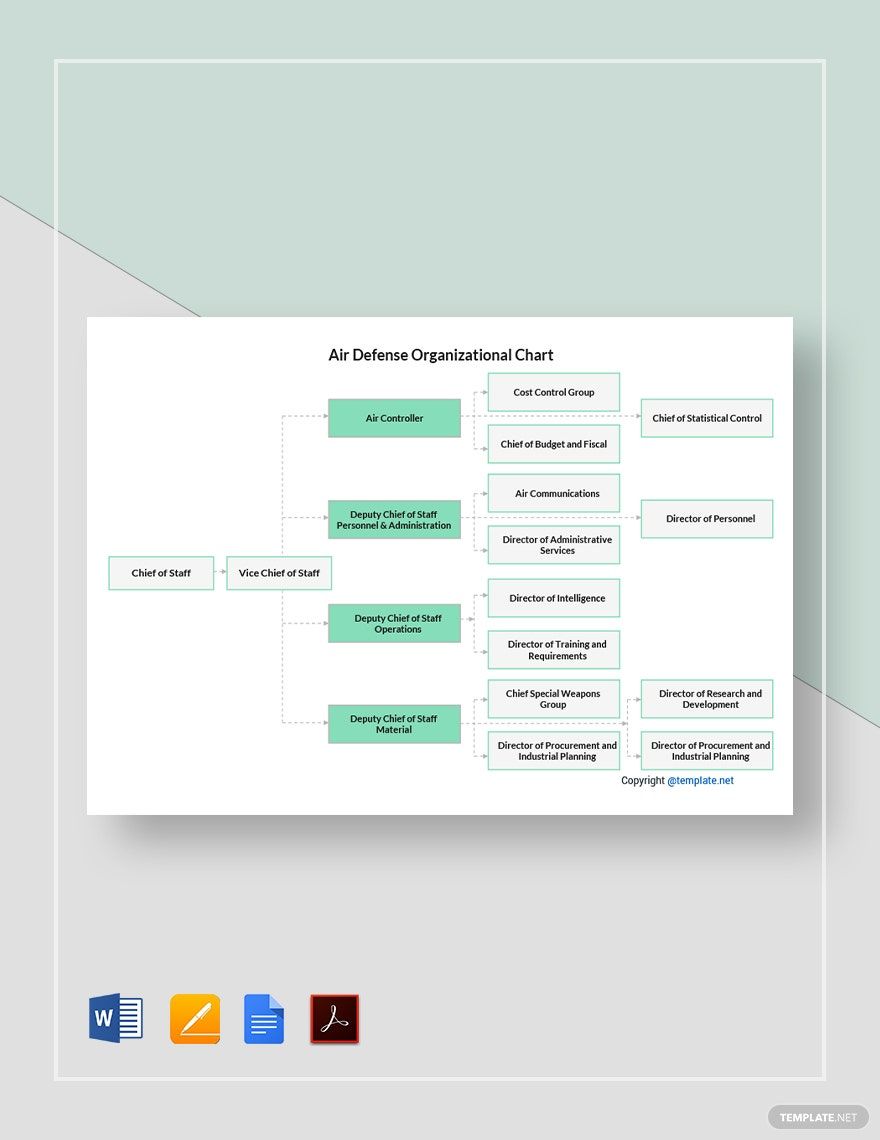
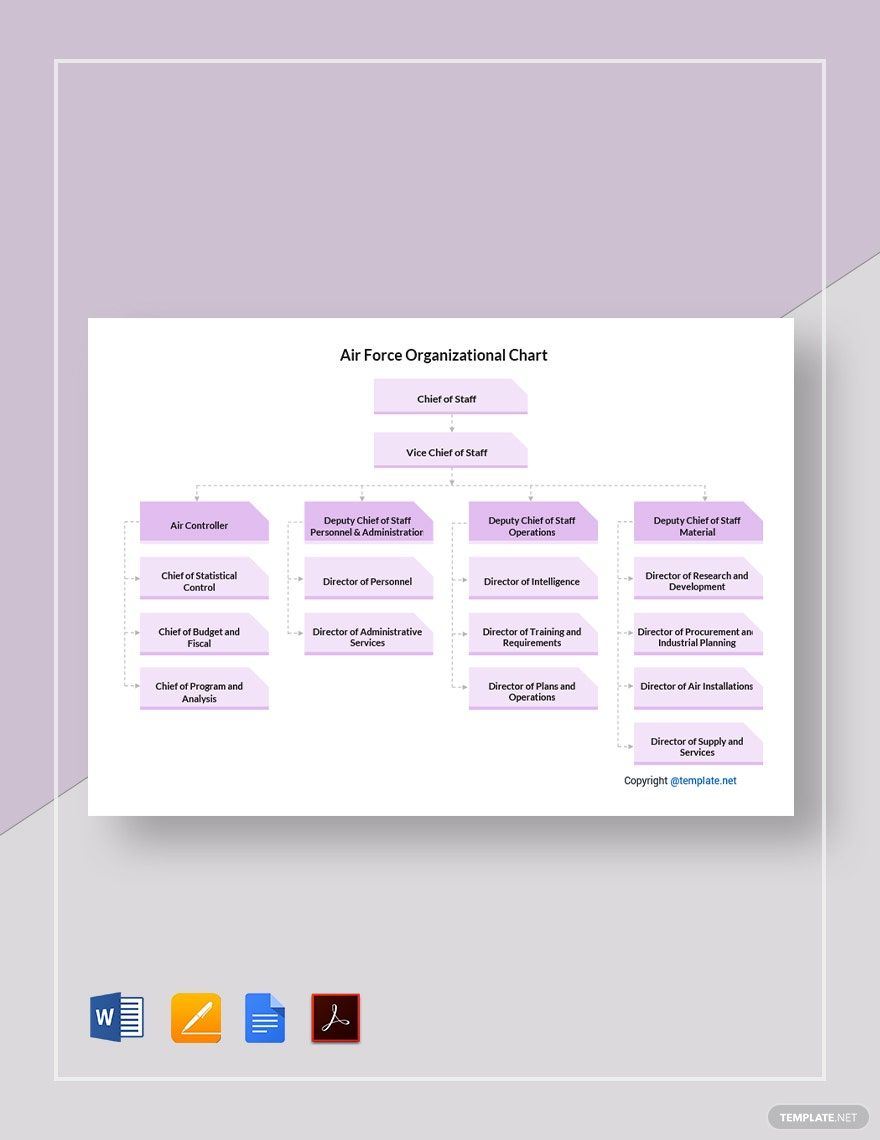
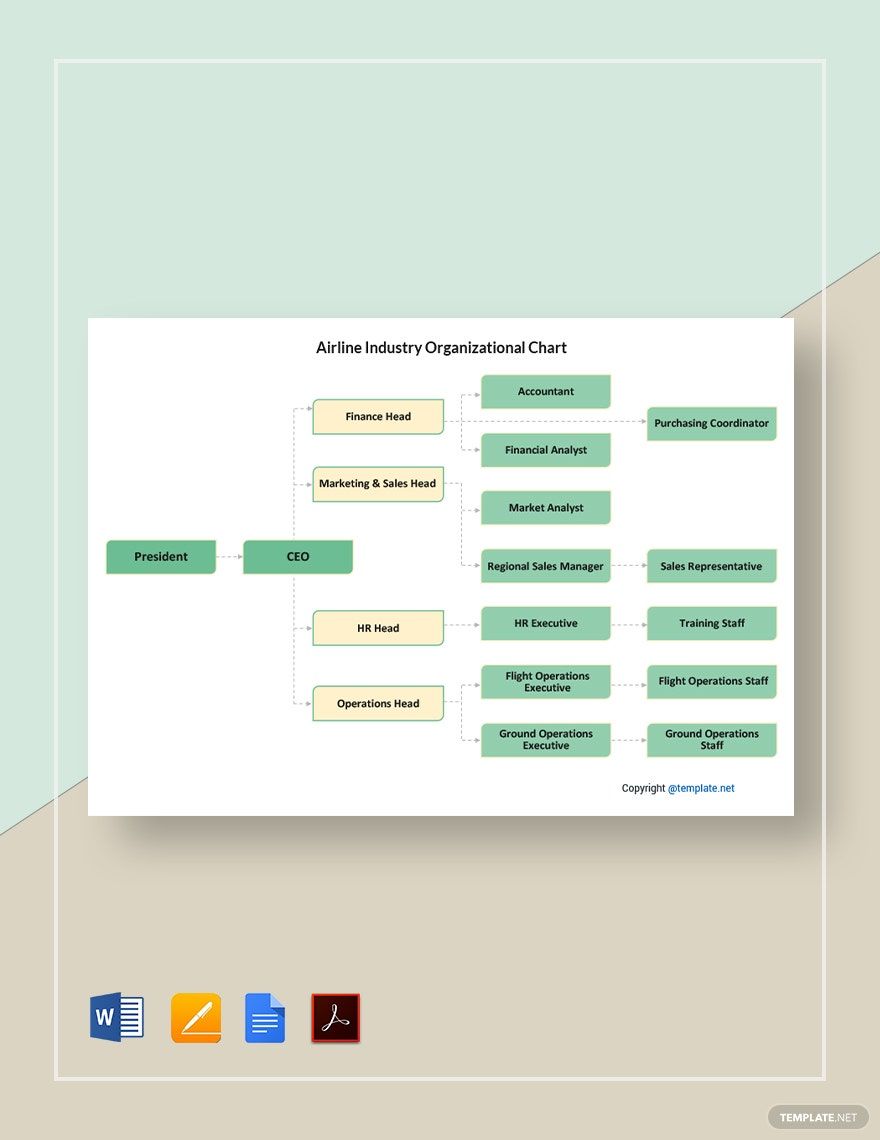
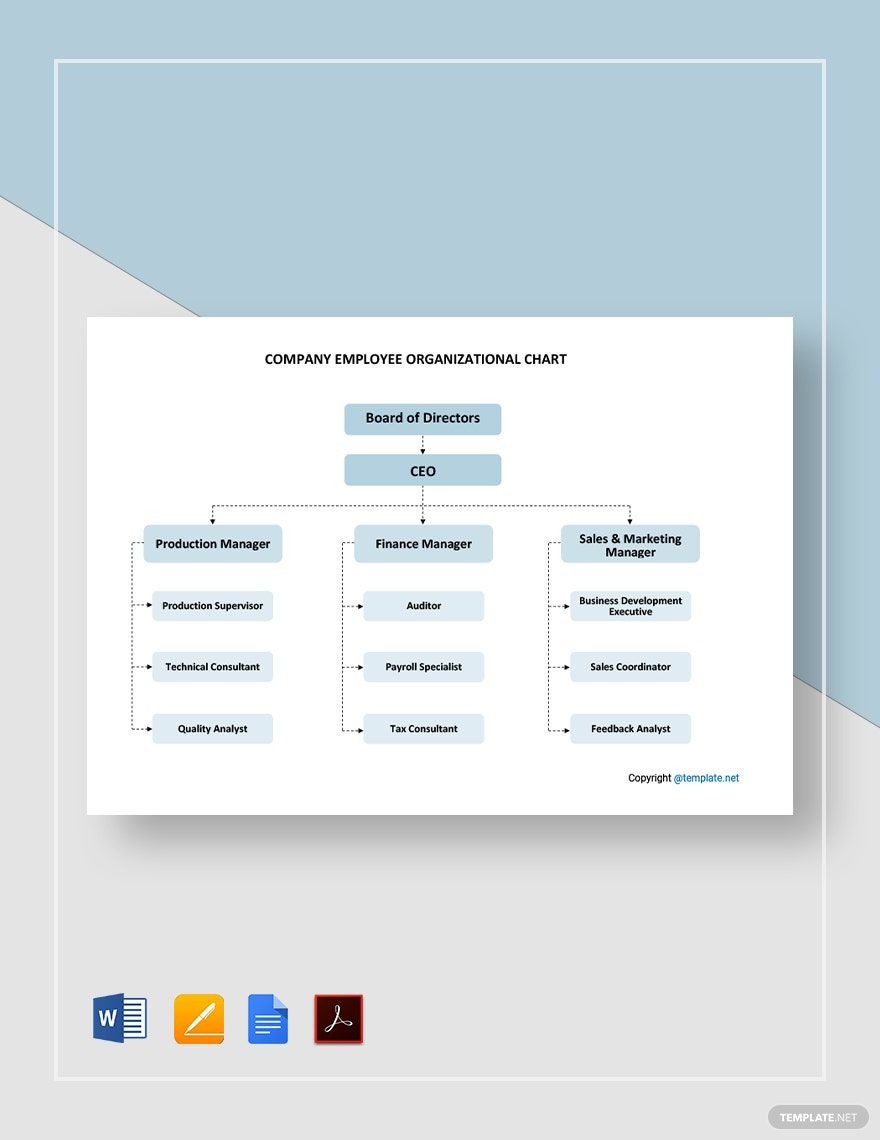
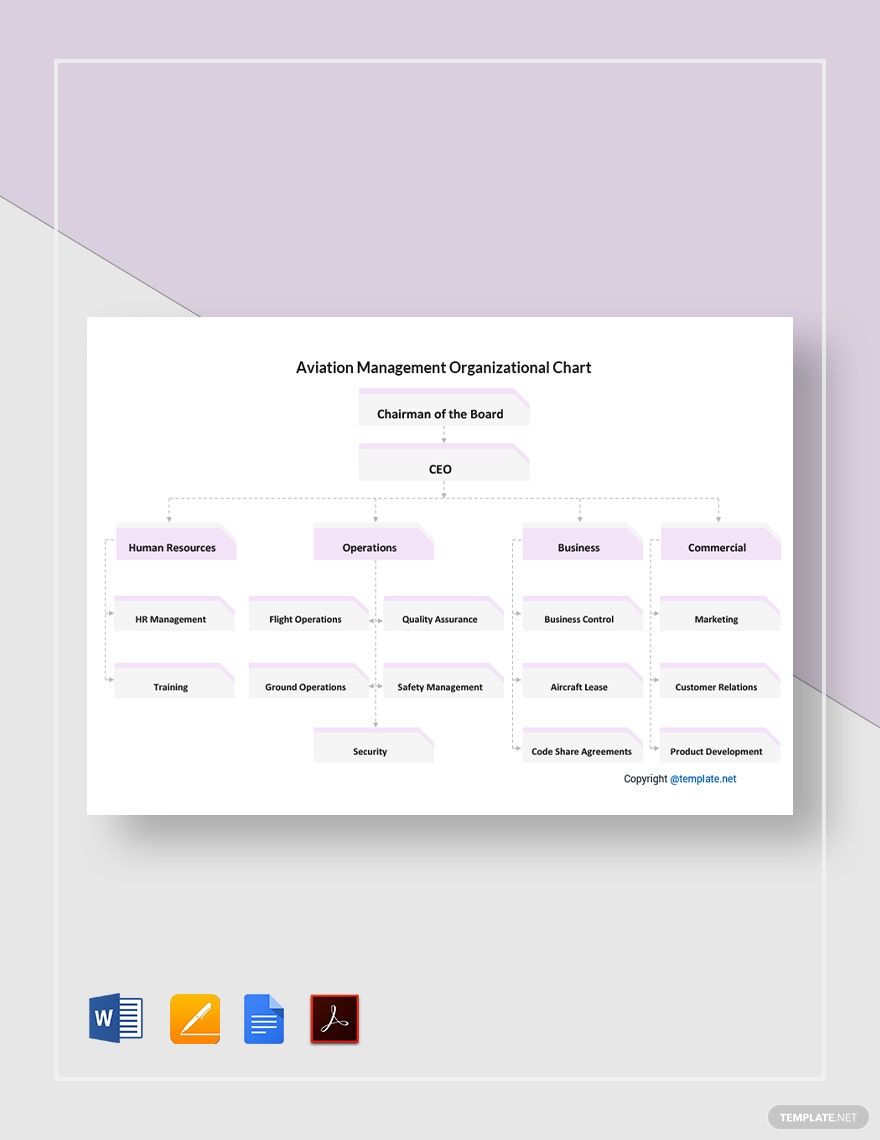
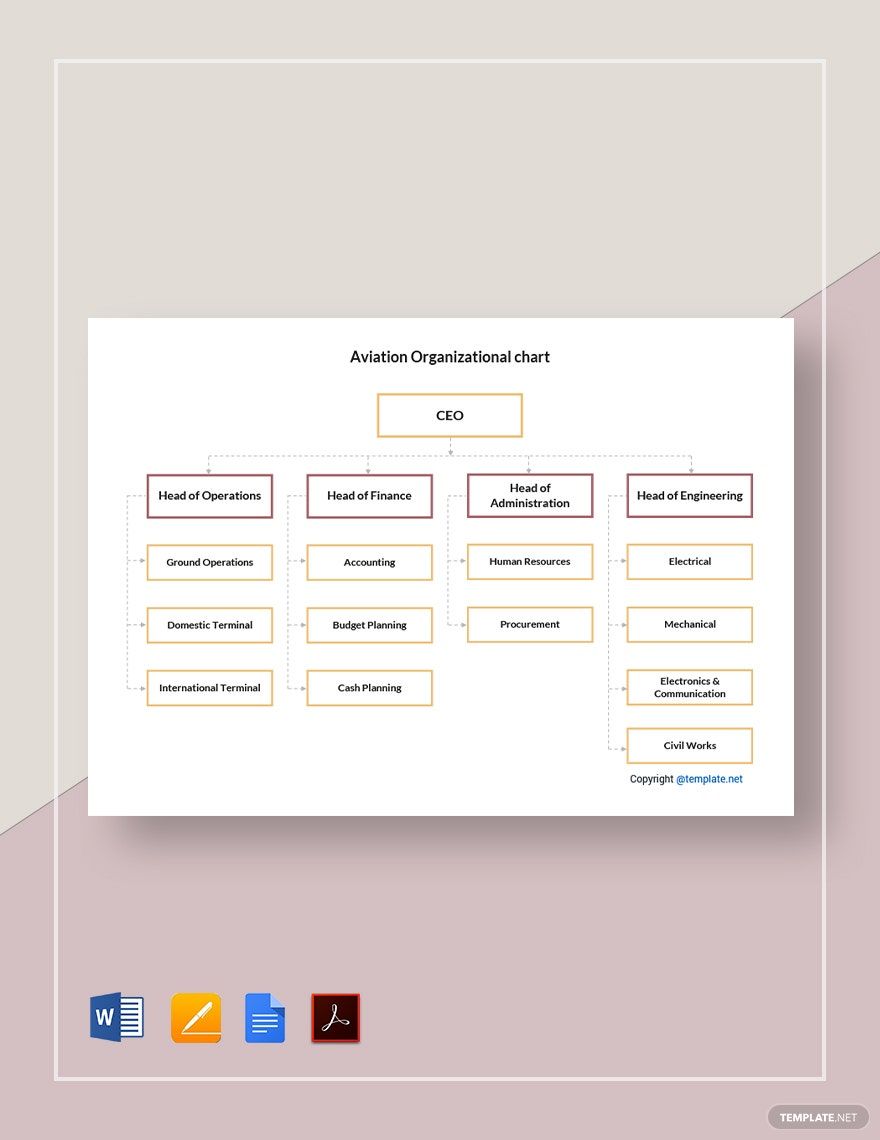
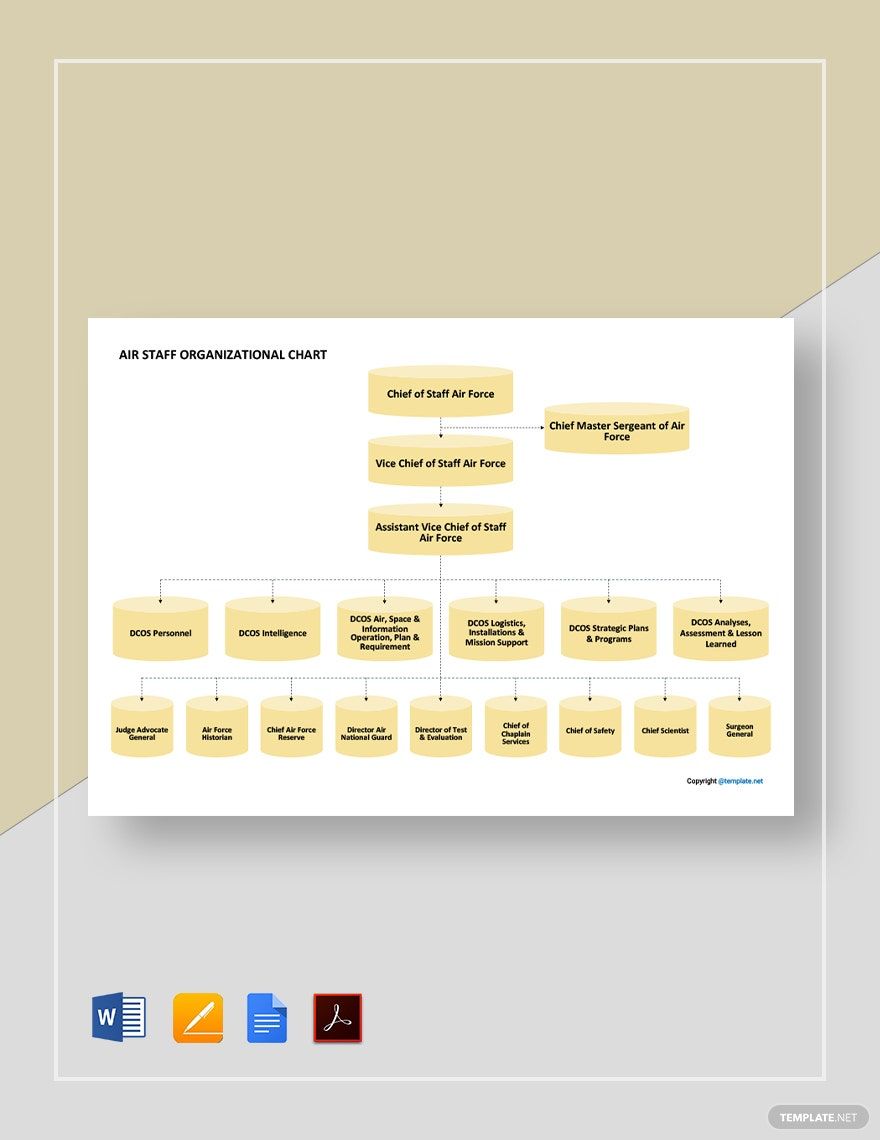
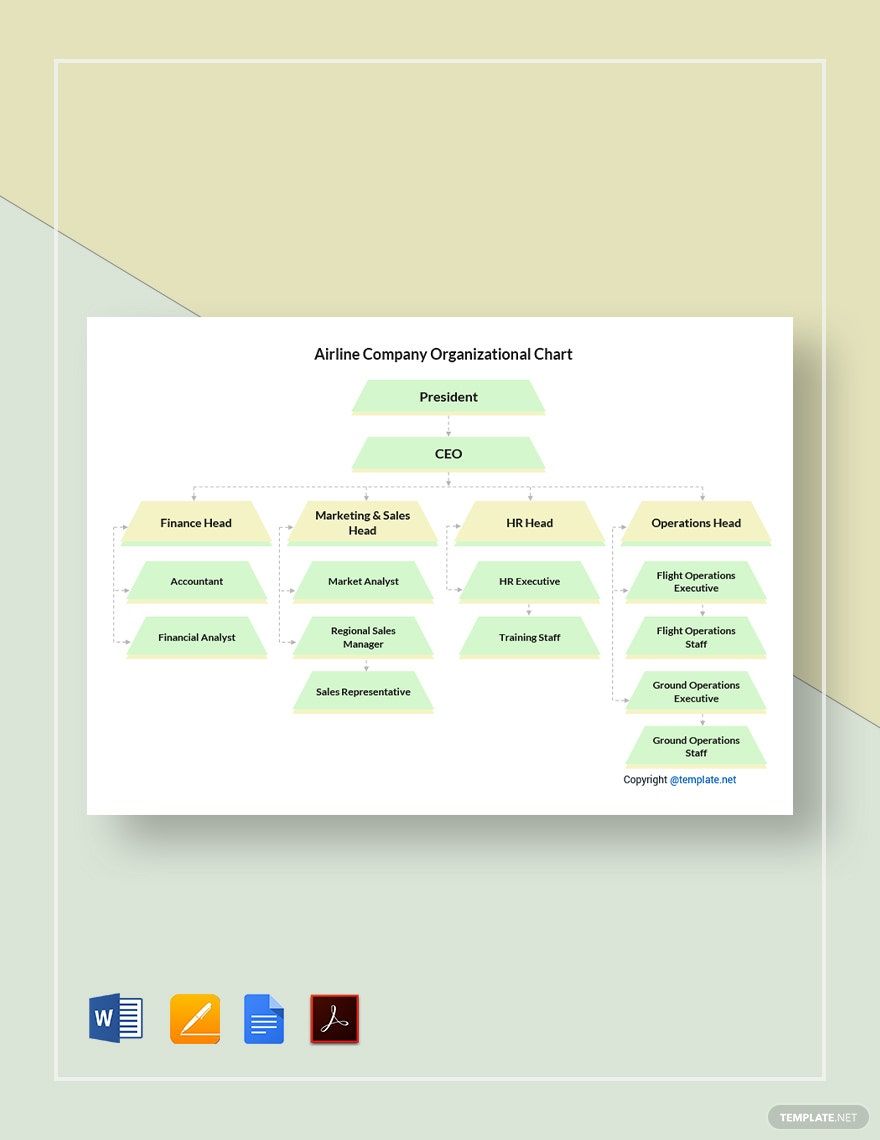
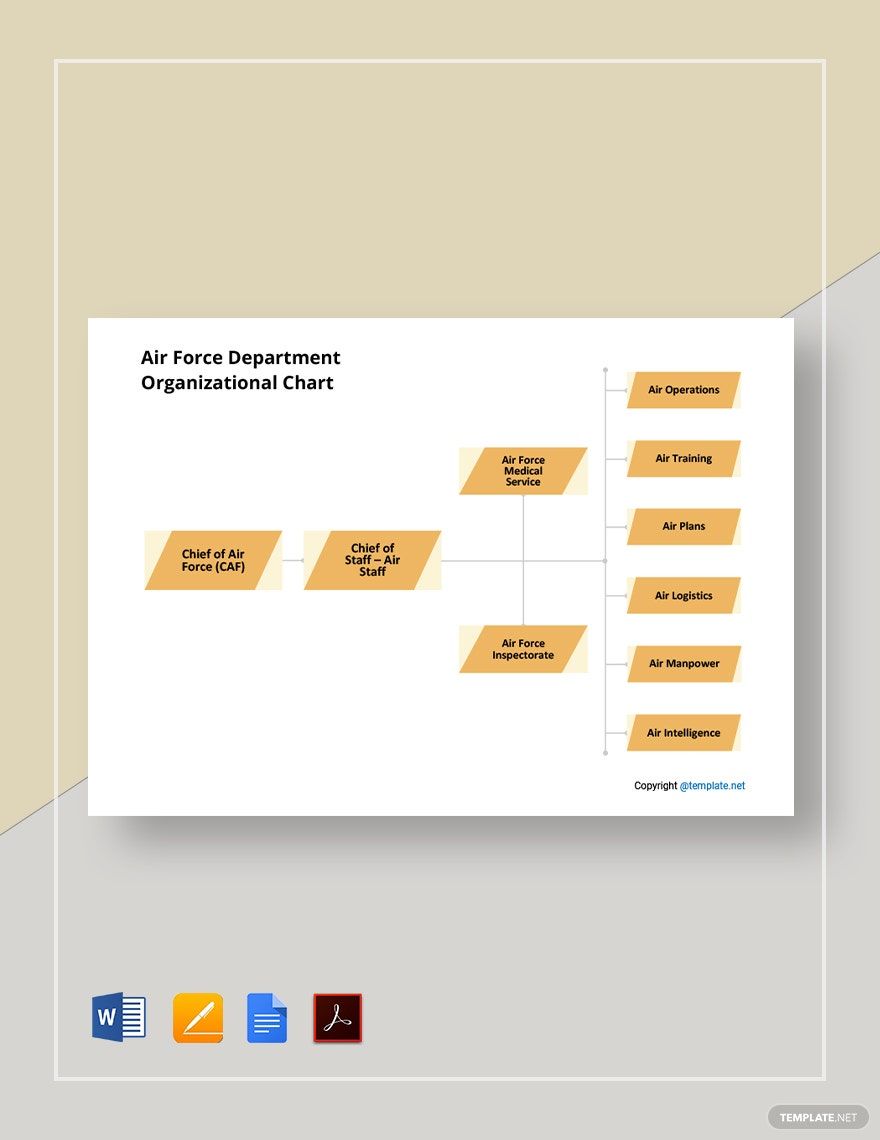
As technological advancements have remained evident in our military forces, their organizational structure has changed over time as well. These changes have continued to be a challenge in transmitting operational commands and recognizing department structure. But you do not need to worry about that because with our 100% customizable Air Force Organizational Charts, maintaining duties and controls are more well-organized and properly structured. These ready-made templates can be edited and printed easily and quickly using MS Word in US letter, A4 or A3 sizes. Accomplish a strategic plan with our simple yet high-quality templates and download yours now!
Free Air Force Organizational Chart Template in Word
Carry Out Better Staff Organization within Your Air Force with Free Samples from Template.net. We Offer Organizational Charts to Help Illustrate the Function, Command, Security, and Structure of Any Department. Use Our Professional Chart Designs for Squadrons, Logistics, and More. You Can Edit Our Military Diagrams in Google Docs, Microsoft Word, or Other Software Applications.

- Business Plan
- Menu
- Notes
- Birthday Invitation
- Wedding Invitation
- Magazine
- Internship Certificate
- Catalogs
- Calendar
- Restaurant Receipts
- Forms
- Checklist
- Project
- Posters
- Cover Page
- Programs
- Planner
- Journal
- List
- Layout
- Colorful Word
- Professional MS Word
- Two Page Resume
- Training Certificates
- Letters
- Place Cards
- Tickets
- Itinerary
- Note Taking
- Timelines
- Timetable
- Ebooks
- Editable Book Covers
- Resignation Letters
- Vouchers
- Receipts
- Travel Invoice
- Tri Fold Brochure
- Greeting Cards
- Prescription
- Retirement Invitation
- Cookbook
- Delivery Note
- Flyers
- Job Flyer
- Graduation Invitation
- Coupons
- Labels
- CV
- Borders
- Background
- Document
- Exam
- Memo
- Infographics
- White Paper
- Customer Persona
- Envelopes
- Surveys
- Thank you Cards
- Save the Date Invitations
- Photo Collage
- Charts
- Training Manual
- Presentations
- Invitation Cards
- Postcards
- Diploma Certificates
- Schedule
- Participation Certificate
- Medical Resume
- Recommendation Letter
- Report Cards
- Quiz
- Recruiting Hiring
- Funeral Card
- Photo Resume
- Roadmaps
- Training Proposal
- Civil Engineer Resume
- Construction Quotation
- Baptism Invitations
- Sign in Sheet
- School Id Card
- Attendance Sheet
- Farewell Invitation
- Polaroid
- Sports Certificate
- Achievement Certificate
- School Schedule
- Basic Certificate
- Signs
- Food Vouchers
- Graphic Templates
- Leave Letters
- Funeral Invitation
- Professor Resume
- Daily Reports
- Annual Maintenance Contract
- Wishes
- Books
- Cover MS Word
- Downloadable
- Design
- Beautiful
- Creative
- Student
- Application
- Small Business
How to Create Air Force Organizational Charts in Word
In a military workforce situation, an organizational chart functions as a more systematic and essential tool in properly structuring reporting lines and department formation. In 2017, the US Air Force Organization had an existing population of over 317,000 individuals. In the current year, it has continued to double its organization to a more massive chain. This is because of the continuous peacetime and wartime operations that demand service and assistance of air assets.
With the list of existing air combat command officers and army teams, air staff organizational charts are essential in separating different sectors and offices with the opportunity to categorize individual skills and development. To achieve a professional-looking chart, it should follow a suitable and clear format that would disseminate an effective air force command structure. You may read through the following tips in creating one in MS Word.
1. Collecting of Data
Part of the first step that you should always consider is to collect all the data needed for your organizational chart. Create an informative flow chart because it is essential in sequencing every division. Take note of every staff members' unit group and make sure to gather data, mainly the officer's information, including the name, rank, and duties and responsibilities.
2. Graph the Chart
In graphing your organizational chart, you have to remember that it differs from a classroom seating chart where you arrange people by seats and tables. In the air force organizational chart, it must be organized appropriately by departments and military groupings. So, use shapes that connect one group to another other. Create shapes that correspond as to how many staff members will be inputted.
3. Write the Details
As mentioned, the air force organization consists of several divisions. It is complicated to recognize different units and officers without proper and stable structure. So, input the names of all the members based on their position. Place the highest-ranking officer at the top, down to the lowest in rank. These have to be simple charts yet presentable and in order; because once published, there is no going back.
4. Make It Simple
A clean and professional-looking basic chart is enough to publish an attractive department structure. Instead of using complicated shapes and colors, you should use the basics, such as square, circle, and rectangle. Designs in organizational charts aren't necessary because it could mess up the whole purpose. But you can incorporate the air force division logo and use colors to differentiate one variable from the other.
5. Review and Publish
If you think creating the shapes and writing the names of the members get the job done, then you should think again. Just like any professionally written documents, checking for spelling is essential because, in the work setting, it is always an important piece of someone's identity. You have to make sure that the chart you are creating is correctly structured, as well.
