Template.net logo
Pricing
  • Home
  • Templates
  • Sheet
  • Call Log Sheet
  • Call Log Sheet in Apple Numbers

Free Call Log Sheet Template in Apple Number, Imac

Call Logging Comes Off Intrinsically for You by Using a Free Call Log Sheet from Template.net. You Can Download a Printable Cold Calling Log, Google Sheets Client Call Log, Sample Daily Call, Sales Call, Patient Call, and Other Editable Examples. And Besides Call Logging Mainly for Sales or Client Purposes, You May Also Optimize Them for Other Functions.

  • My Projects
  • Numbers
  • Budget templates
  • Inventory
  • Schedule
  • Timesheet
  • Invoices
  • Payment schedule
  • Gantt Charts
  • Inventory sheet
  • Accounting templates
  • Planners
  • Statements
  • Travel budget
  • Balance sheet
  • Sales templates
  • Dashboard
  • Receipts
  • Food
  • Attendance Sheet
  • Pay Stub
License
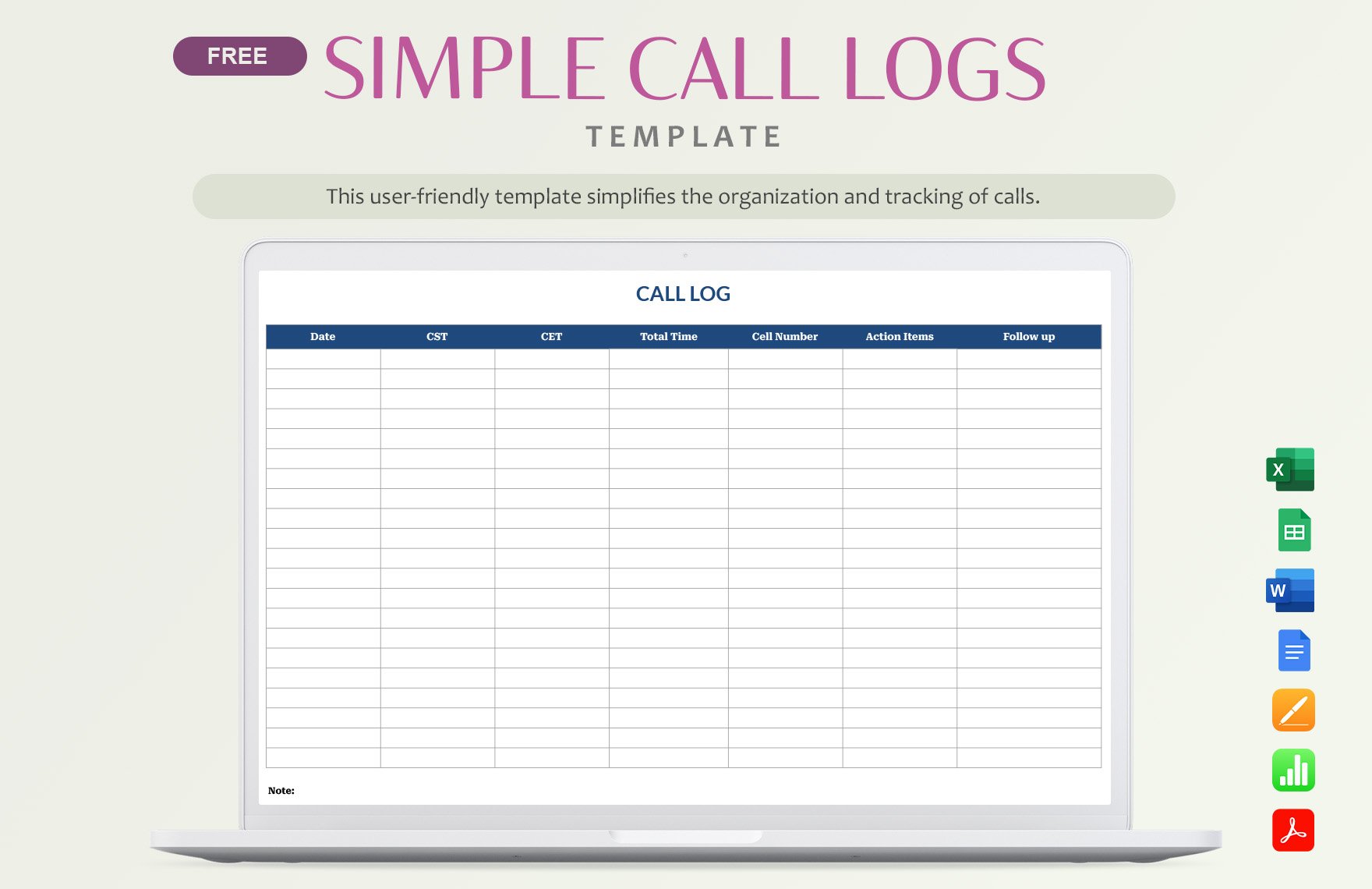
Simple Call Logs Template in Pages, Apple Numbers, PDF, Excel, Word, Google Docs, Google Sheets - Download | Template.net

Simple Call Logs Template

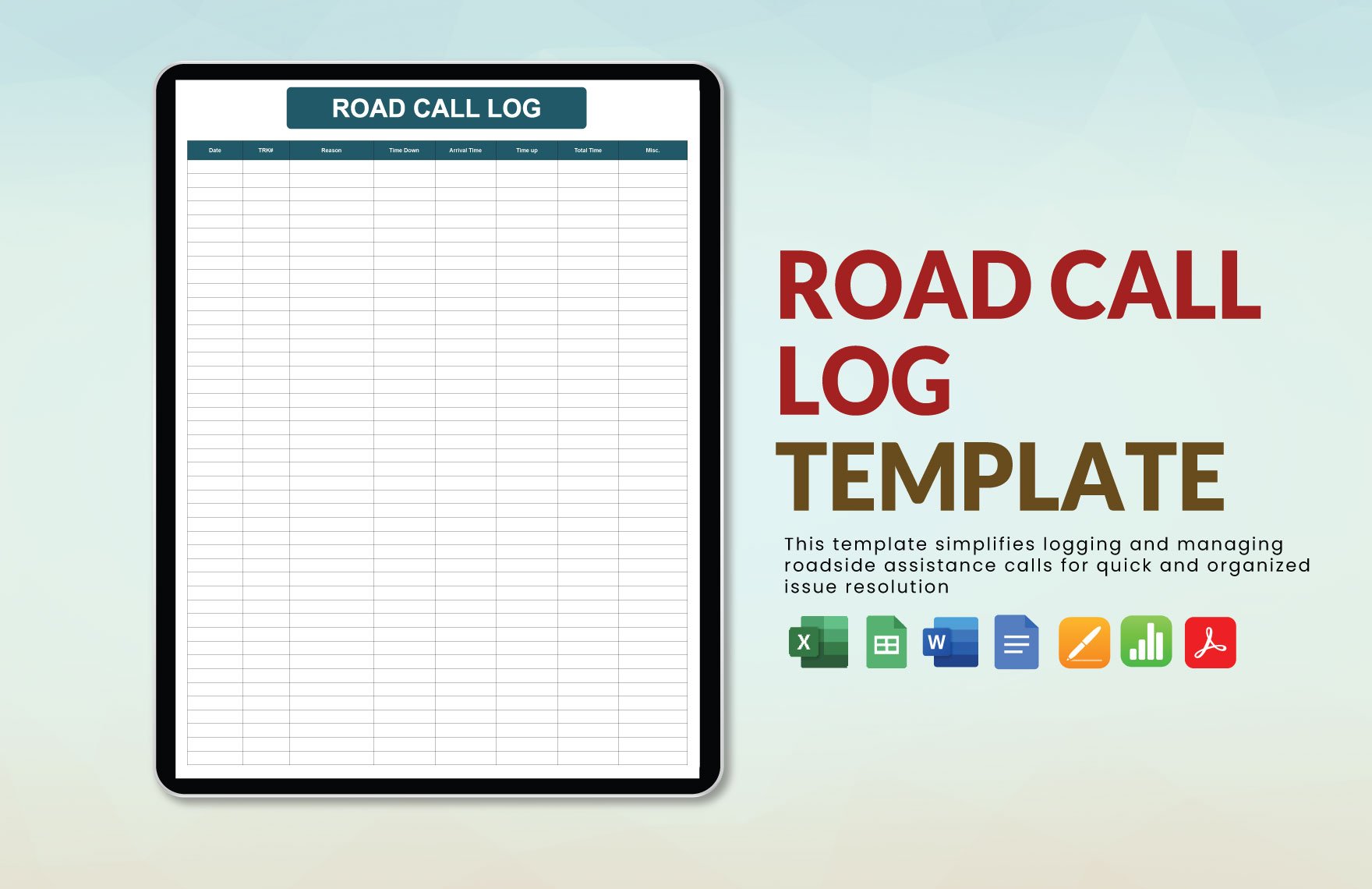
Road Call Log Template in Pages, Apple Numbers, PDF, Word, Excel, Google Docs, Google Sheets - Download | Template.net

Road Call Log Template

Printable Call Log Template in Excel, Word, Pages, Apple Numbers, PDF, Google Docs - Download | Template.net

Printable Call Log Template

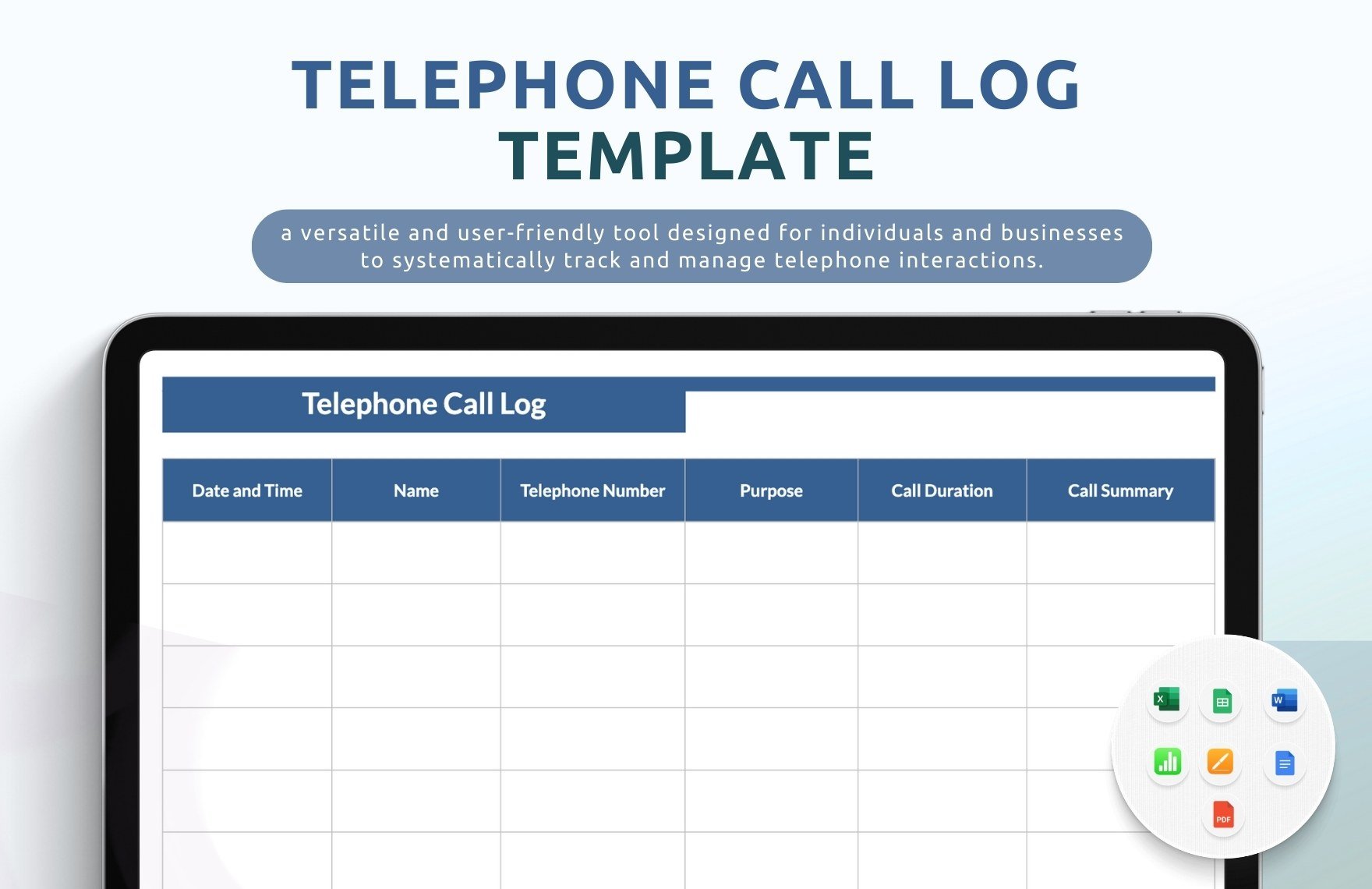
Telephone Call Log Template in Word, Excel, Pages, Apple Numbers, PDF, Google Docs - Download | Template.net

Telephone Call Log Template

Sample Call Log Template in Excel, Word, Pages, Apple Numbers, PDF, Google Docs - Download | Template.net

Sample Call Log Template

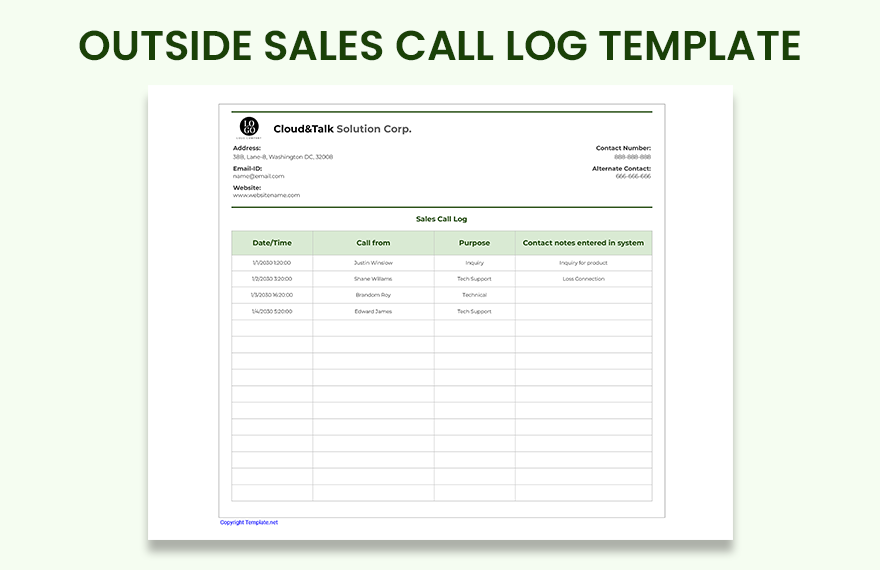
Outside Sales Call Log Template in Word, Pages, PDF, Apple Numbers, Google Docs, Excel, Google Sheets - Download | Template.net

Outside Sales Call Log Template

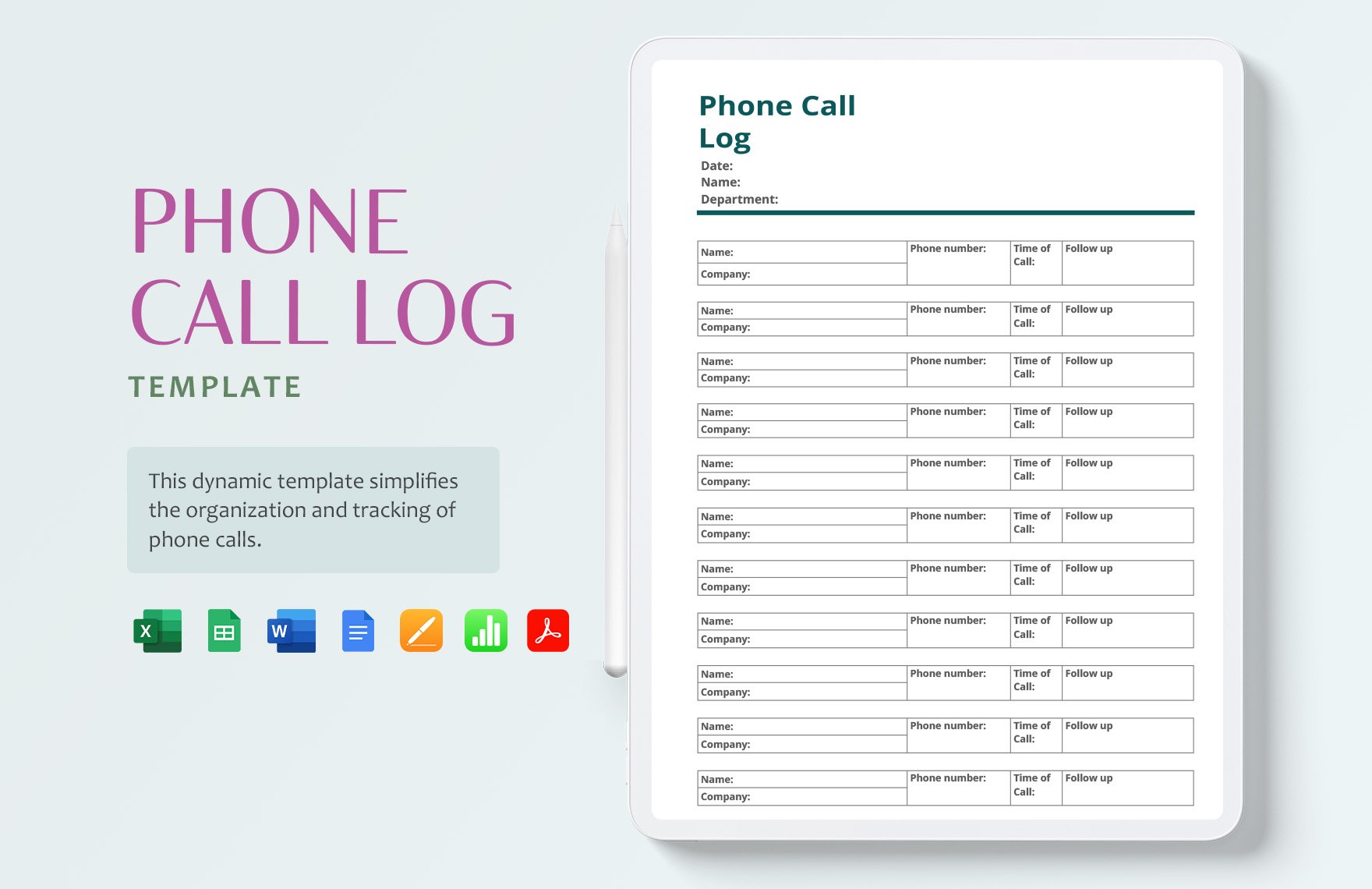
Phone Call Log Template in Word, Excel, Pages, PDF, Apple Numbers, Google Docs - Download | Template.net

Phone Call Log Template

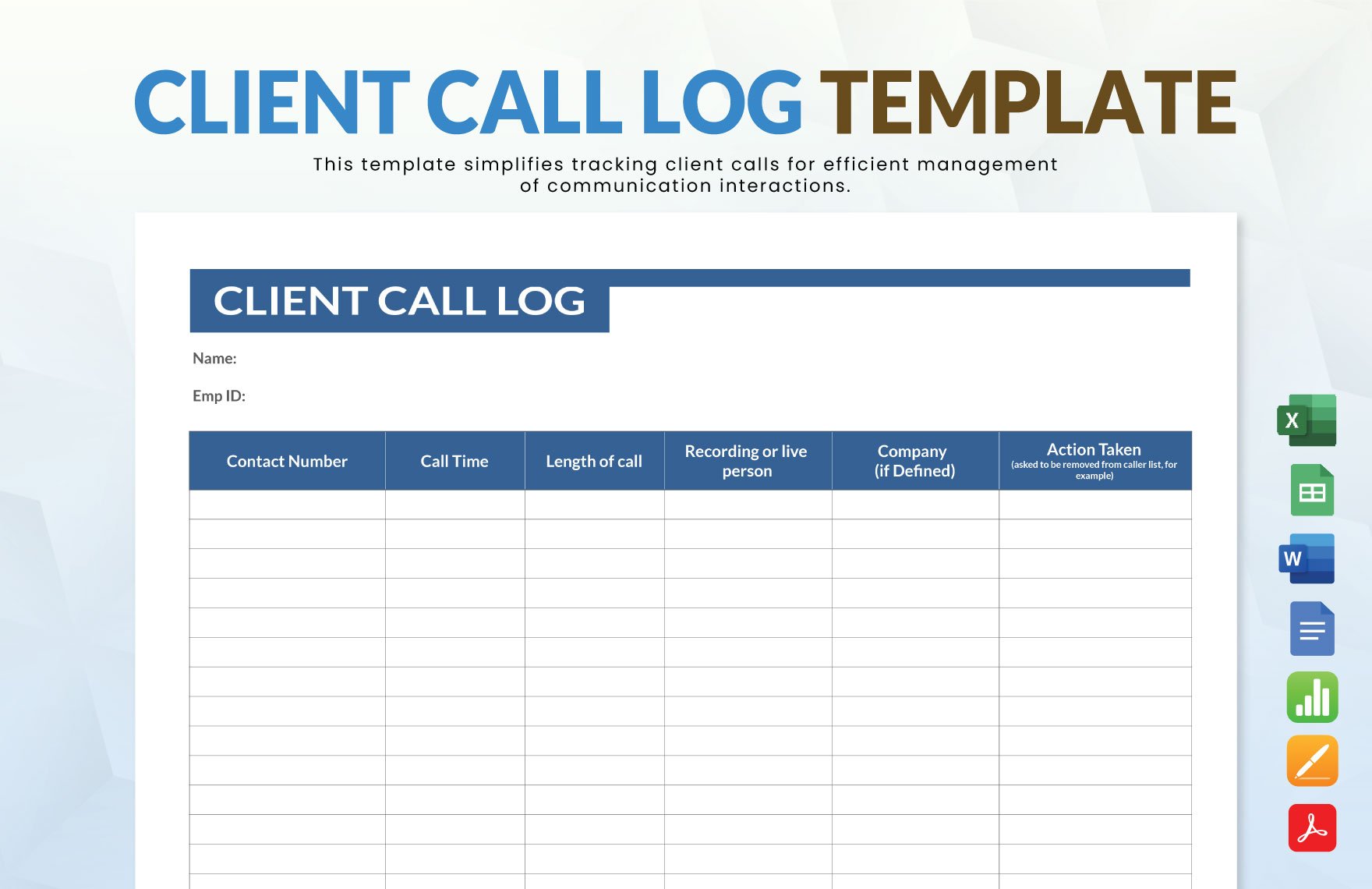
Client Call Log Template in Excel, Word, Pages, Apple Numbers, PDF, Google Docs - Download | Template.net

Client Call Log Template

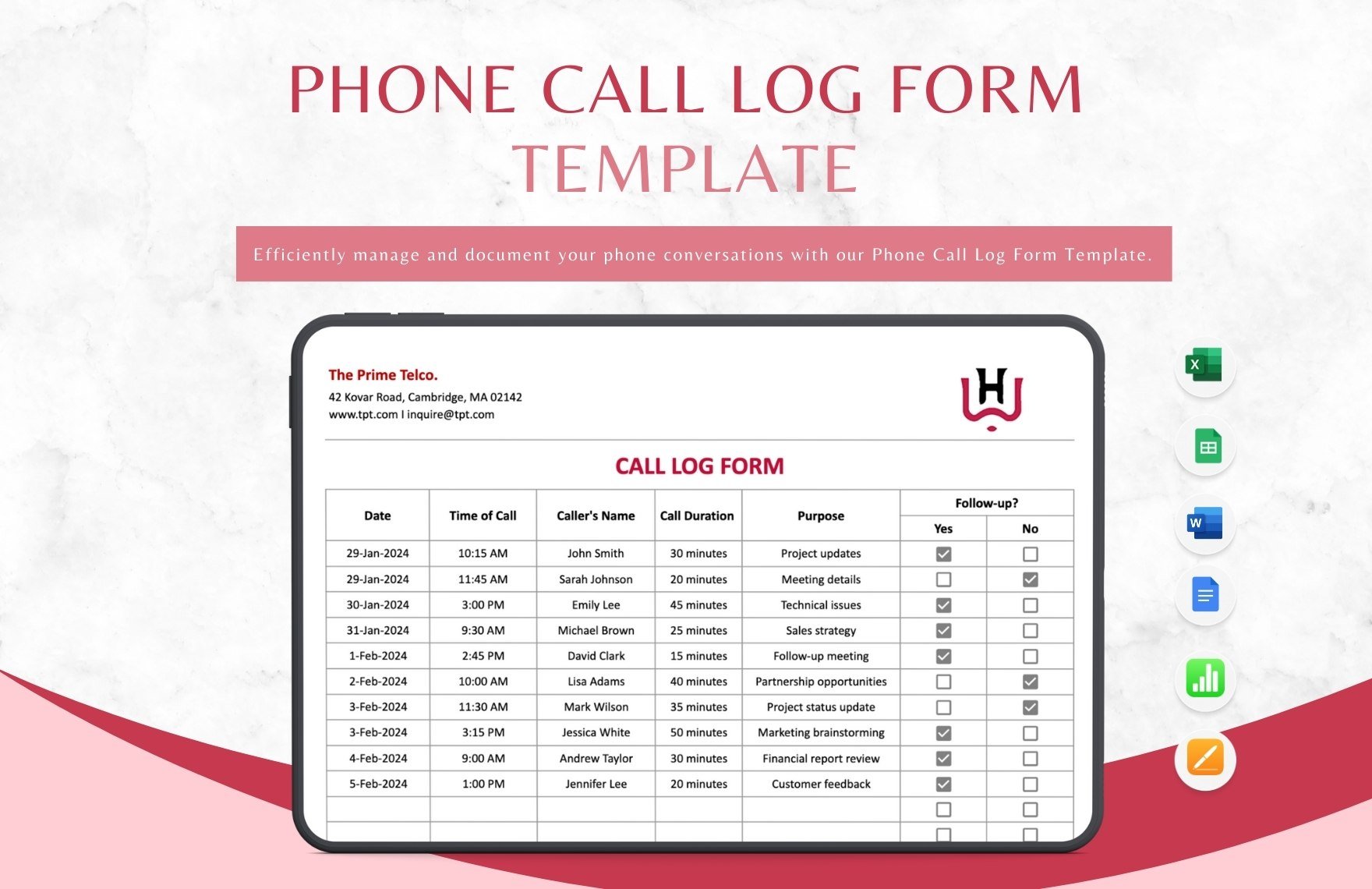
Phone Call Log Form Template in Apple Numbers, Pages, Excel, Google Sheets, Word, PDF, Google Docs - Download | Template.net

Phone Call Log Form Template

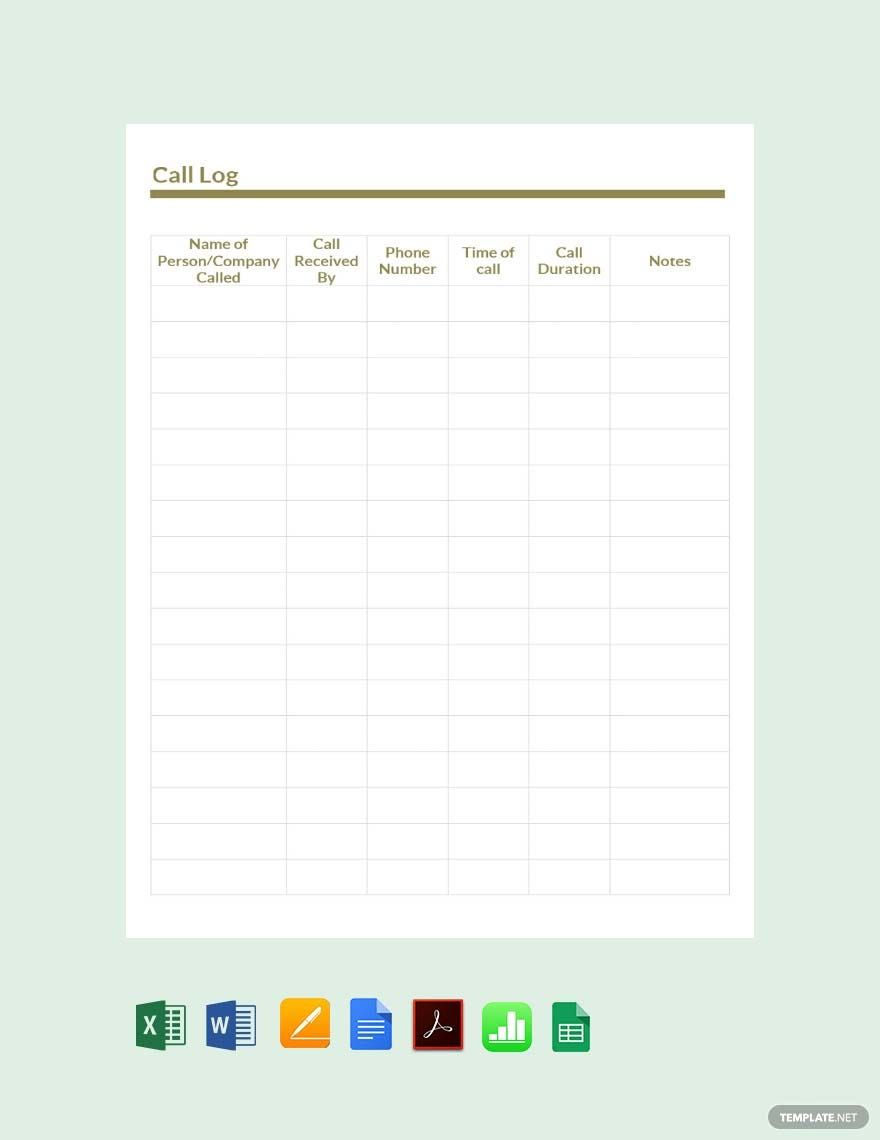
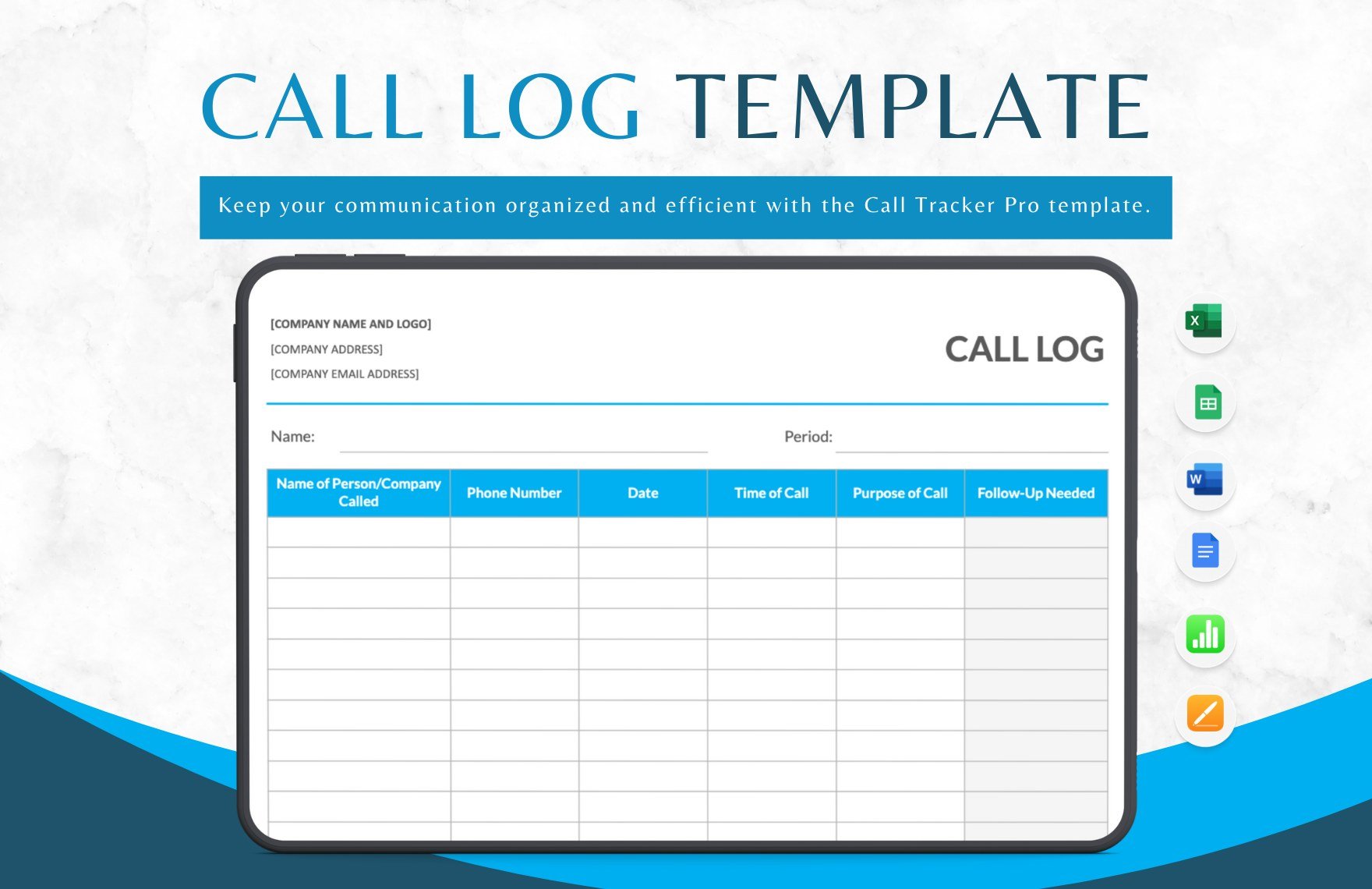
Call Log Template in Google Docs, Apple Numbers, Word, Pages, Excel, Google Sheets, PDF - Download | Template.net

Call Log Template

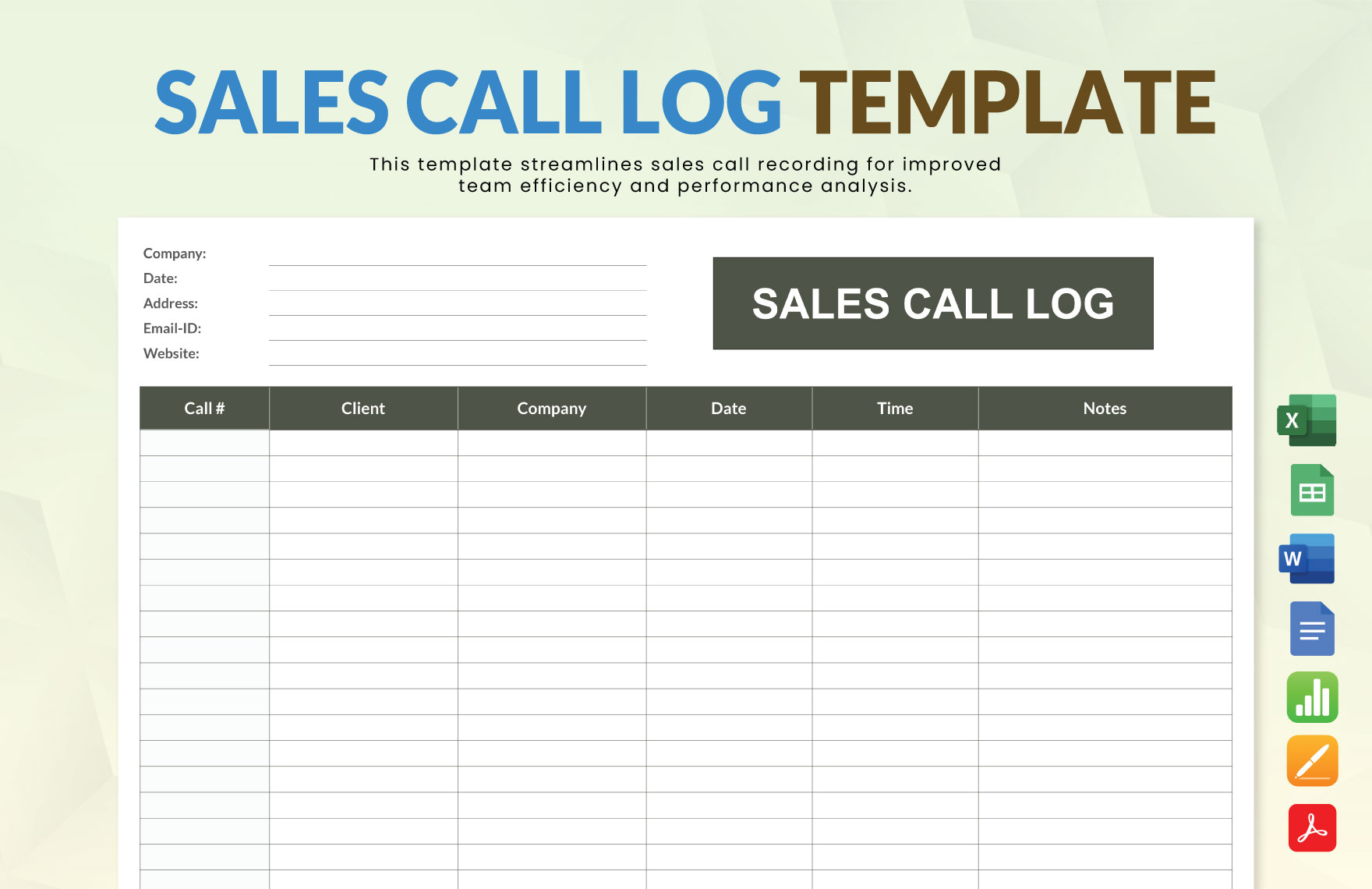
Sales Call Log Template in Apple Numbers, PDF, Word, Pages, Google Docs, Excel, Google Sheets - Download | Template.net

Sales Call Log Template

Media Call Log Template in Word, Excel, Pages, PDF, Apple Numbers, Google Docs - Download | Template.net

Media Call Log Template

Daily Call Log Template in Word, Excel, Pages, Apple Numbers, PDF, Google Docs - Download | Template.net

Daily Call Log Template

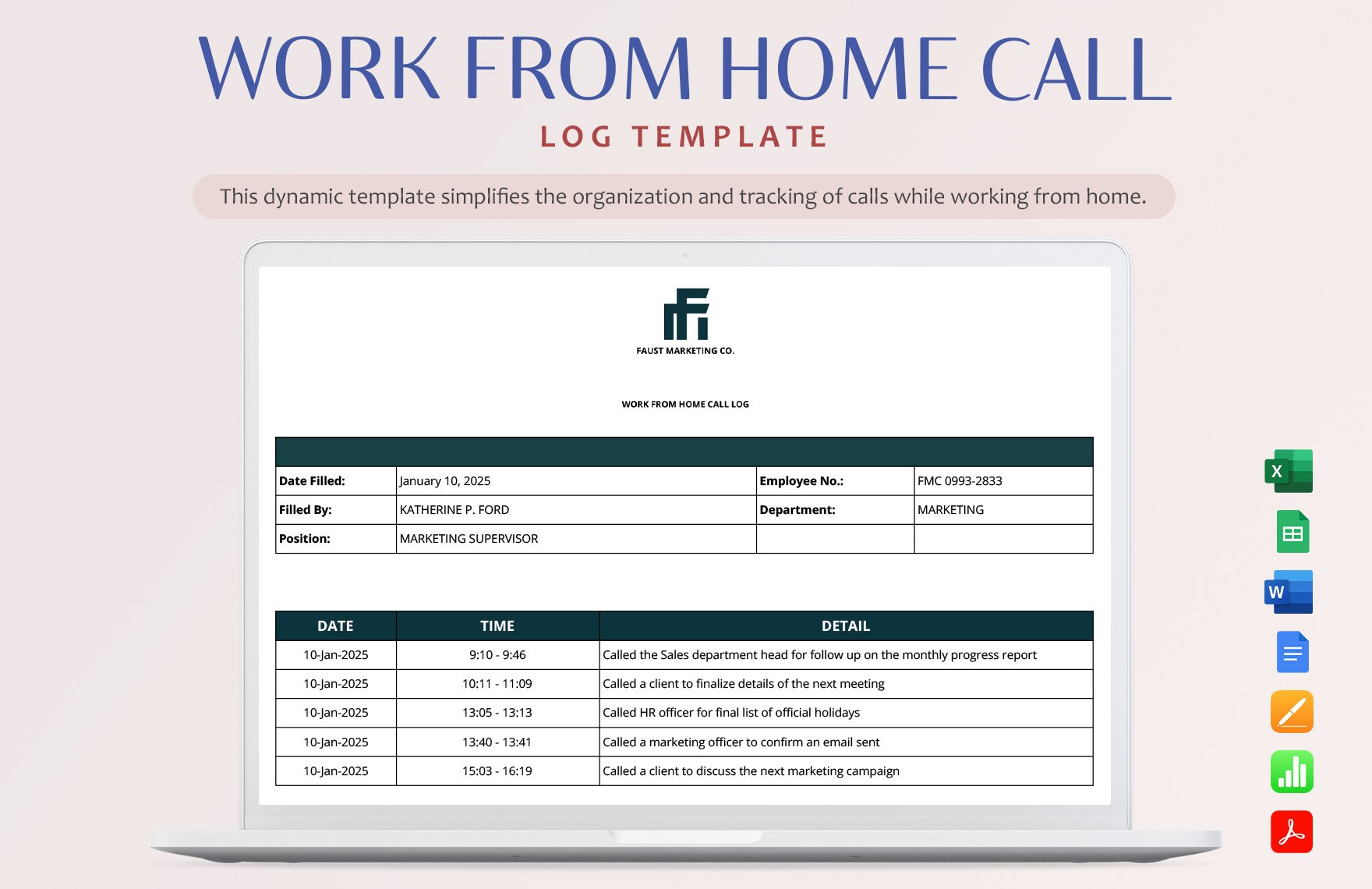
Work From Home Call Log Template in Excel, Word, Pages, Apple Numbers, Google Docs, Google Sheets - Download | Template.net

Work From Home Call Log Template

  • Small Business
  • Maintenance Schedule
  • Purchase orders
  • Itinerary
  • Checklists
  • Finance templates
  • Real estate
  • Chore Charts
  • Estimate templates
  • Family tree
  • Bookkeeping
  • Cleaning Schedule
  • Sales Reports
  • Expense Reports
  • Daily Schedule
  • Delivery note

Do you need to have more organized notetaking for your call center? Or maybe, you need a precise phone conversation recordkeeping? By making sure that the call history is saved, you can take a look at our Call Log Sheet Templates. These templates are downloadable and 100% customizable, depending on how you want it to look. With files available in Numbers, you can easily and quickly edit them. Feel free to have them printed in A4 and US Letter sizes. So, now is the time to avoid missing calls and poor record management by downloading our templates!

How to Create Call Logs Sheet in Numbers

A call log is a type of document that keeps a clean daily record of incoming and outgoing calls. It serves as an essential datasheet for most companies to track down contact names, phone numbers, time and dates, call summaries, and call durations recorded from different accounts. Aside from the relevant information, it also organizes the flow of interaction that aids in providing results. Reviewing follow-ups from customers’ call history is manageable with a printed or digital call log sheet available. 

There are many reasons why a customer relationship is so important. A good client interaction always keeps the relationship stronger. Hence, this is also what keeps clients in giving their full trust to the company. With an information sheet to go back to, companies can quickly provide reports and analysis useful for making decisions. Even if you own a start-up company, it’s essential to prioritize recordkeeping. Now, if you are creating a call logs sheet using Numbers, below are helpful tips you can follow. 

1. Choose a Template

First things first, know the type of business you have. Starting with your recordkeeping is manageable once you know what kind of sheet you need. You can choose a ready-made and printable call log form because it’s easier and less time-consuming. You can select a variety of call log sheets from this website and have a more organized call summary. 

2. Make Adjustments

Once you have chosen a template, don’t forget to tabulate your table and make the necessary adjustments. You can adjust the labels of each cell format that displays the caller’s contact number and name, time and date of the call, and summaries using Apple Numbers. Create the number of rows and columns that you need for every variable. You can add a letterhead to secure its credibility. 

3. Avoid Designs

The first thing that you need to understand is to create a log sheet that is basic and minimalistic. Whether you are creating a daily or a weekly sheet, ensure that you keep it simple. No need to be fancy, but keep in mind that your objective is to make a professionally written telephone call sheet. All of the information recorded must be clear, so use the appropriate typeface that is readable. 

4. Save and Print It

When you want to leave your template blank before inputting the details, you can have it ready for printing. Or, you can have it the other way around. Apple Numbers ensures that your custom document is automatically saved where you can use it repeatedly. Print as much copies as you need. 

5. Write the Details 

As mentioned in the fourth step, you can print it before writing the details, or the other way around. Write clearly, and list the necessary information on its designated cell. Write accurately, but it doesn’t mean that you have to input the interaction word by word. You can summarize them, but ensure that the critical details are recorded. 

AI Editors
  • AI Generators
  • Document Editor
  • Design Editor
  • Writing Assistant
  • Slide Maker
  • Whiteboard
  • Form Builder
  • Photo Editor
  • Social Editor
  • Graph Maker
Free AI
  • AI Logo Maker
  • AI Image Generator
  • AI Design Generator
  • AI Social Media Post Generator
  • AI Banner Maker
  • AI Document Generator
  • AI Writer
  • AI Form Generator
  • AI Presentation Generator
  • AI Whiteboard
  • AI Diagram
  • AI Photo Editor
  • AI Graph Maker
Free Tools
  • Qr Code Generator
  • AI Meme Generator
  • AI Headshot Generator
  • AI Color Wheel
  • AI Color Palette
  • Signature Generator
  • AI Avatar Maker
  • AI Background Remover
  • AI Paraphrasing Tool
  • AI Summarizer
  • AI Plagiarism Checker
  • AI Grammar Checker
  • AI Business Name Generator
Business Categories
  • Marketing
  • Sales
  • Advertising
  • HR
  • Finance
  • Construction
  • IT
  • Non Profit
  • Education
Applications
  • Word
  • Excel
  • PPT
  • Publisher
  • Outlook
  • Google Docs
  • Google Sheets
  • Google Slides
  • PDF
  • Apple Pages
  • Apple Numbers
  • Apple Keynote
  • PSD
  • Illustrator
  • Indesign
  • Free Templates
  • Popular
Company
  • About Us
  • Community
  • Pricing
  • Contact Us
  • Privacy Policy
  • Terms of Service
  • Refund Policy
  • Disclaimer
  • Careers
  • Blog
  • FAQ

Template.net © 2014 - 2026. All rights reserved

Instant Download

Get Instant Access to 2,000+ Apple Numbers Templates

Limited Time Offer
  • Access to 1 Million+ Templates & Tools
  • 100,000+ Apple Templates Including Apple Pages & Apple Keynote
  • Unlimited access to Design & Documents AI editors
  • Professionally Made Content and Beautifully Designed
  • Instant Download & 100% Customizable
  • Home
  • Document
  • Design
  • Presentation
  • Image
  • Video
  • Templates
  • Brand
  • Projects
  • Whiteboard
  • Social
  • Chart
  • Form
  • PDF
  • AI Chat
  • Schedule

Templates

  • All
  • Word
  • Excel
  • Powerpoint
  • Google Docs
  • Google Sheets
  • Google Slides
  • PDF
  • PSD
  • Illustrator
  • Apple Pages
  • Apple Numbers
  • Apple Keynote
  • Publisher
  • InDesign
  • Logo
  • Sign in Sheet
  • Worksheet
  • Budget
  • Resume
  • Cover Letter
  • Invoice
  • Presentation
  • Recommendation Letter
  • Business Plan
  • Family Tree
  • Calendar
  • Letter
  • Business Card
  • Poster
  • Label
  • Lesson Plan
  • CV
  • Banner
  • Meme
  • Resignation Letter
  • Bill of Sale
  • Gift Certificate
  • Swot analysis
  • Press release
  • Roblex Tshirt
  • Timeline
  • Obituary
  • Youtube Banner
  • Receipt
  • Birth Plan
  • Instagram Post
  • Infographic
  • Lease Agreement
  • Itinerary
  • One Pager
  • Storyboard
  • Newspaper
  • Vision Board
  • Venn Diagram
  • To Do List
  • Menu
  • Flyer
  • Grocery List
  • Gantt Chart
  • Checklist
  • Proposal
  • Profit and Loss
  • Planner
  • Schedule
  • Meeting Minutes
  • Cornell Notes
  • Agenda
  • Tier List
  • Job Applications
  • ATS Resume
  • Smart Goals
  • Email Signature
  • Purchase Order
  • Comic Strip
  • Sop
  • Project Plan
  • Fax
  • Graphic Organizer
  • Executive Summary
  • Faq
  • Table of Content
  • Job Description
  • Timesheet
  • Brochure
  • Memo
  • Envelope
  • Ticket
  • T-shirt
  • Concept Map
  • Social Media Calendar
  • Coupon
  • Birthday
  • Org Chart
  • Flow Chart
  • Recipe
  • Magazine
  • Workbook
  • Catalog
  • Roadmap
  • Note
  • Report
  • Journal
  • ID
  • E Book
  • Invitation
  • Meal Planning
  • Company Profile
  • Quotation
  • Estimate
  • Persona
  • Funeral
  • Fishbone
  • Pitch deck
  • Postcard
  • APA Format
  • Order Form
  • Drawing
  • Clipart
  • Coloring
  • Chart
  • Background
  • Wallpaper
  • Letterhead
  • Mindmap
  • Cover Page
  • Sign in
  • Upgrade

    Templates