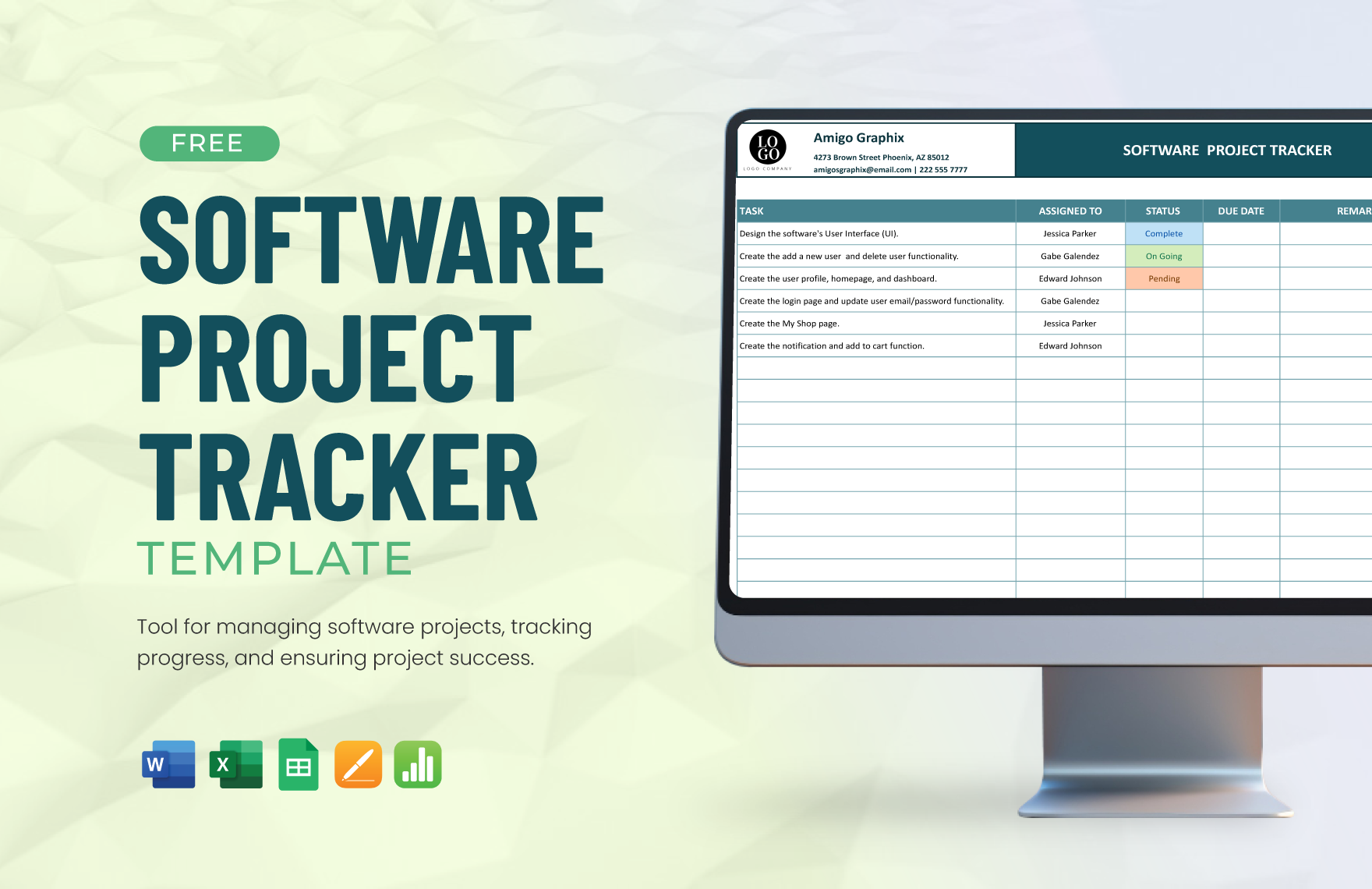
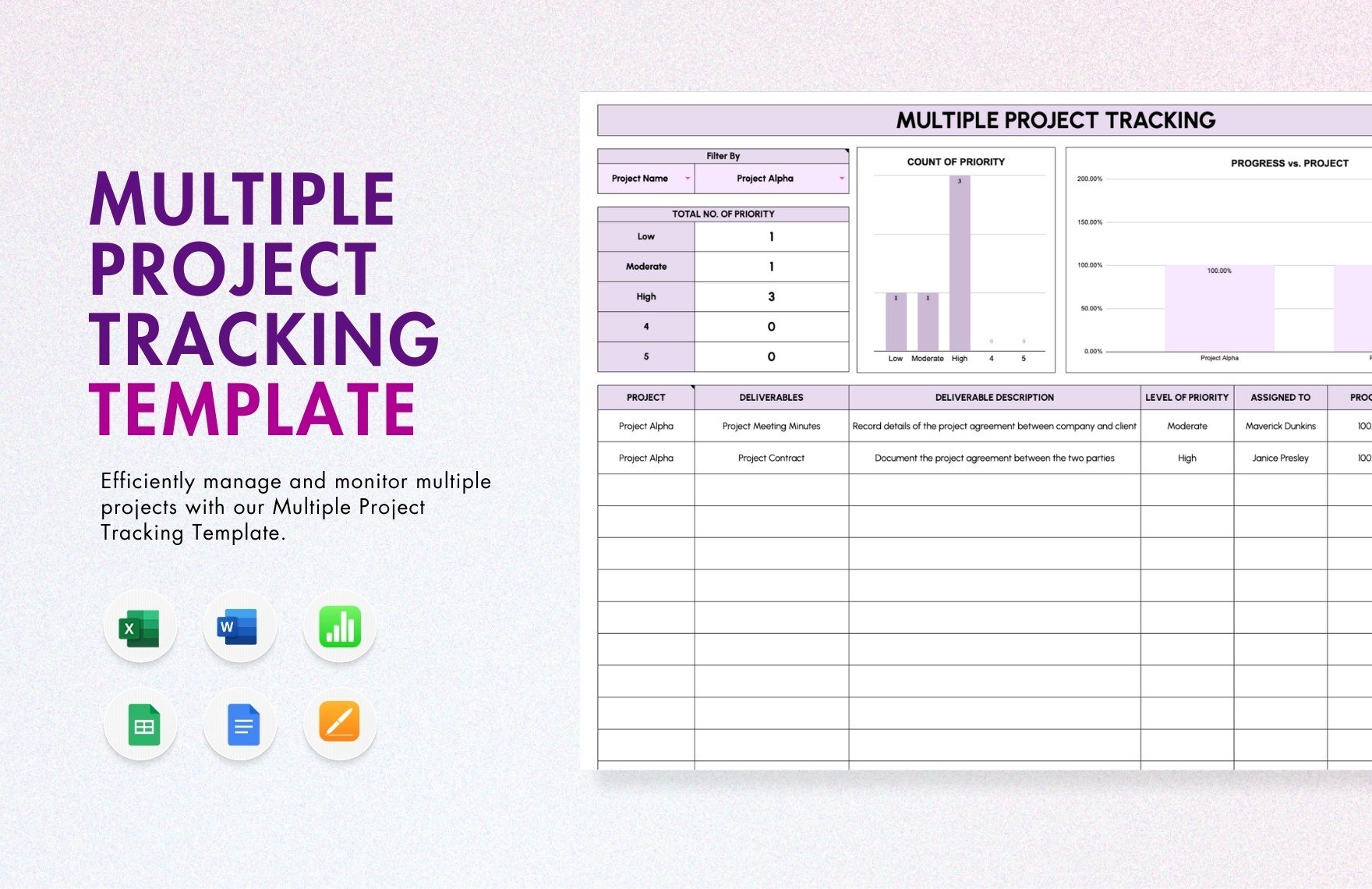
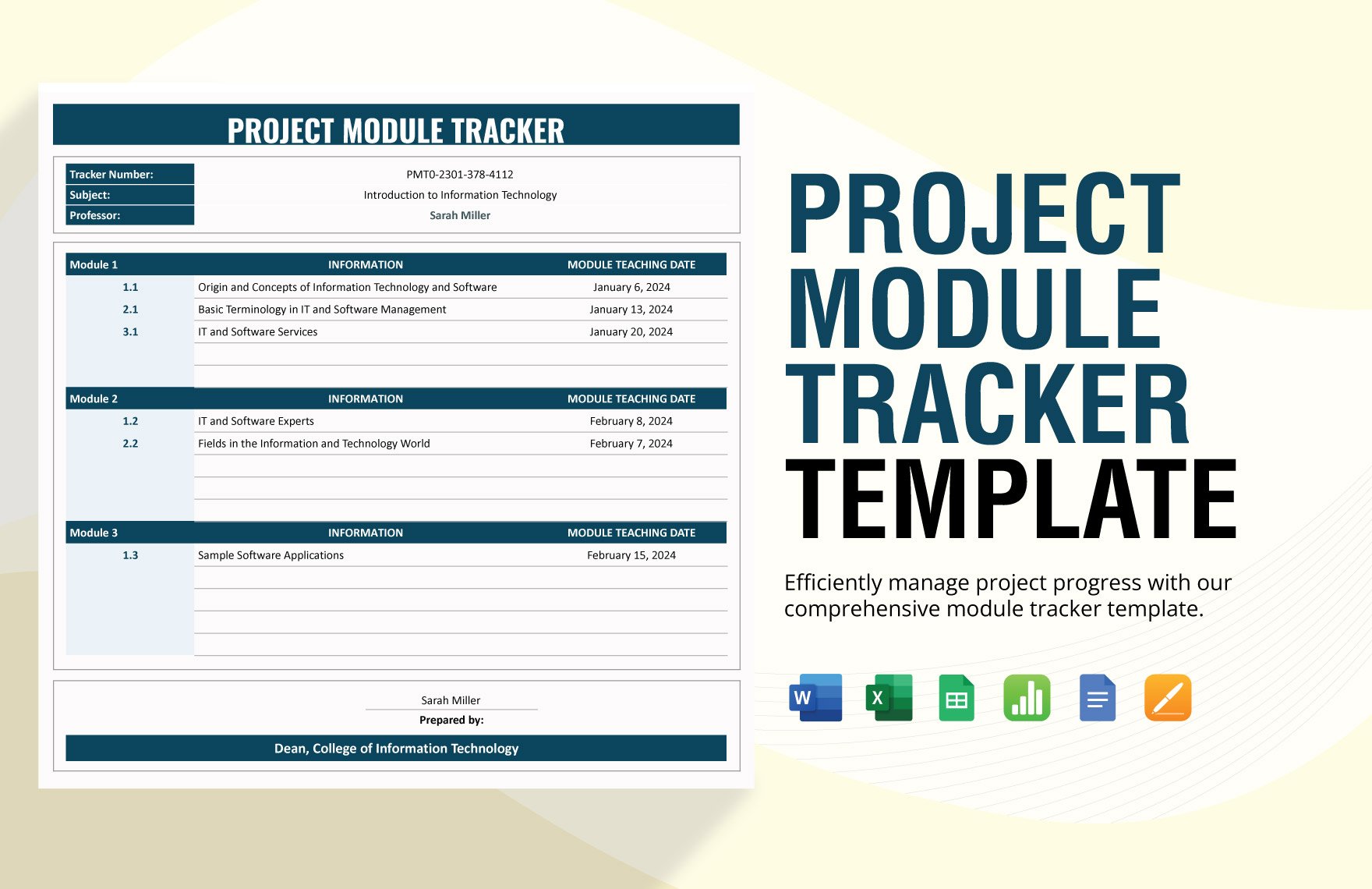
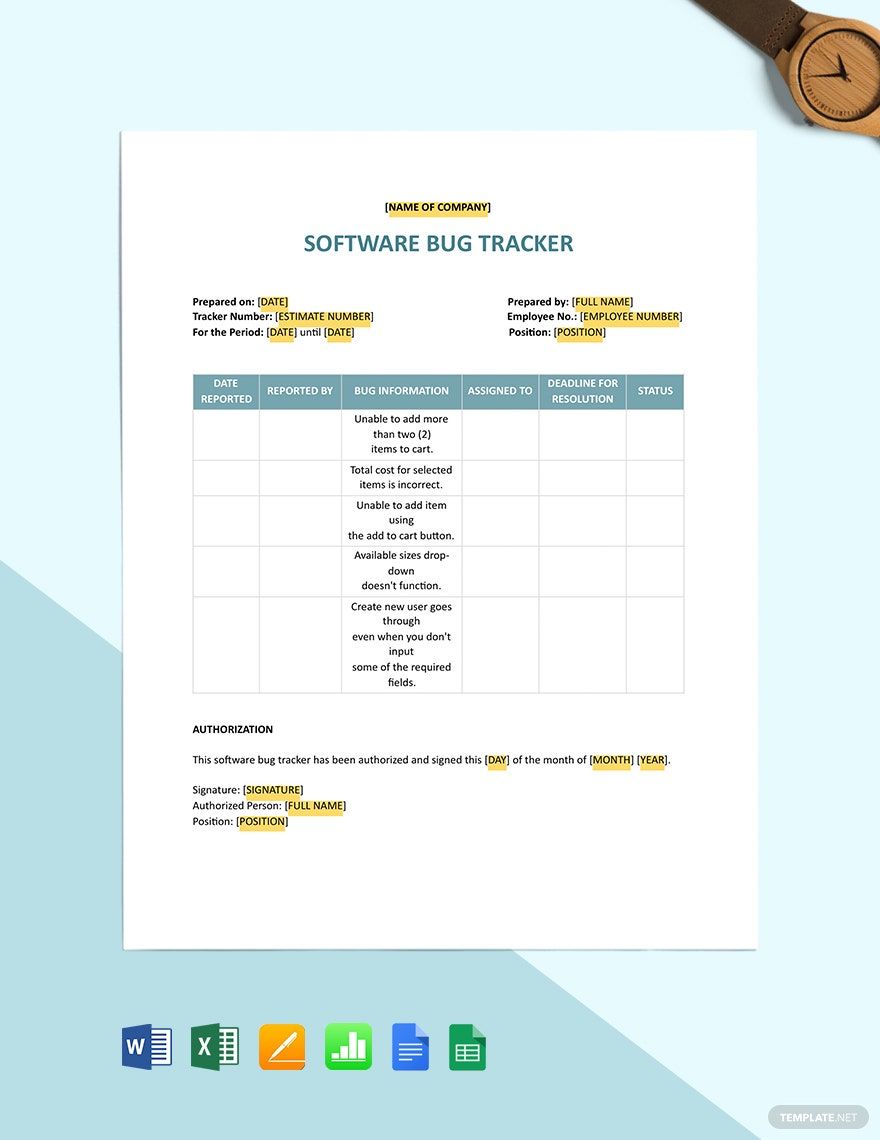
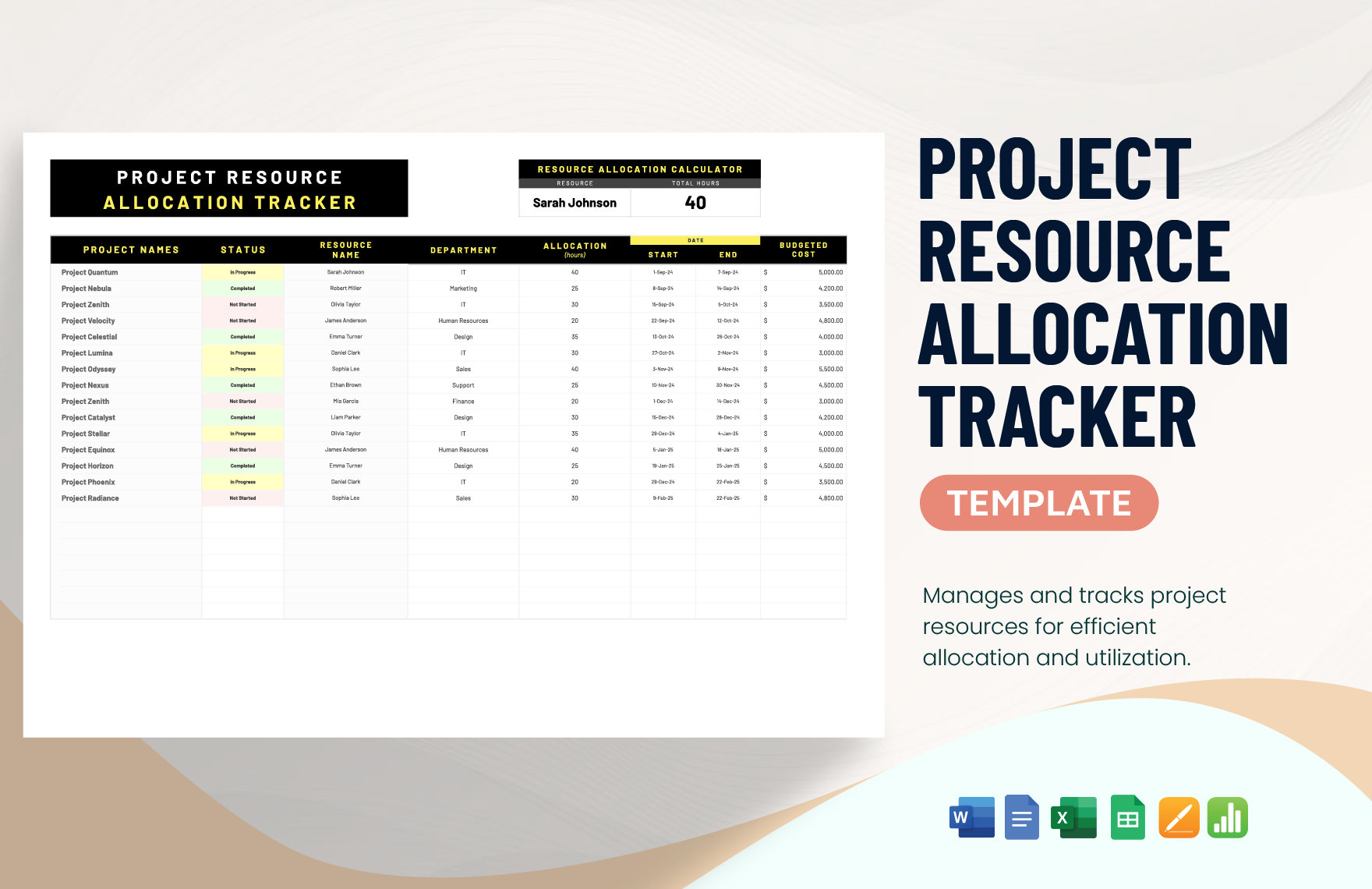
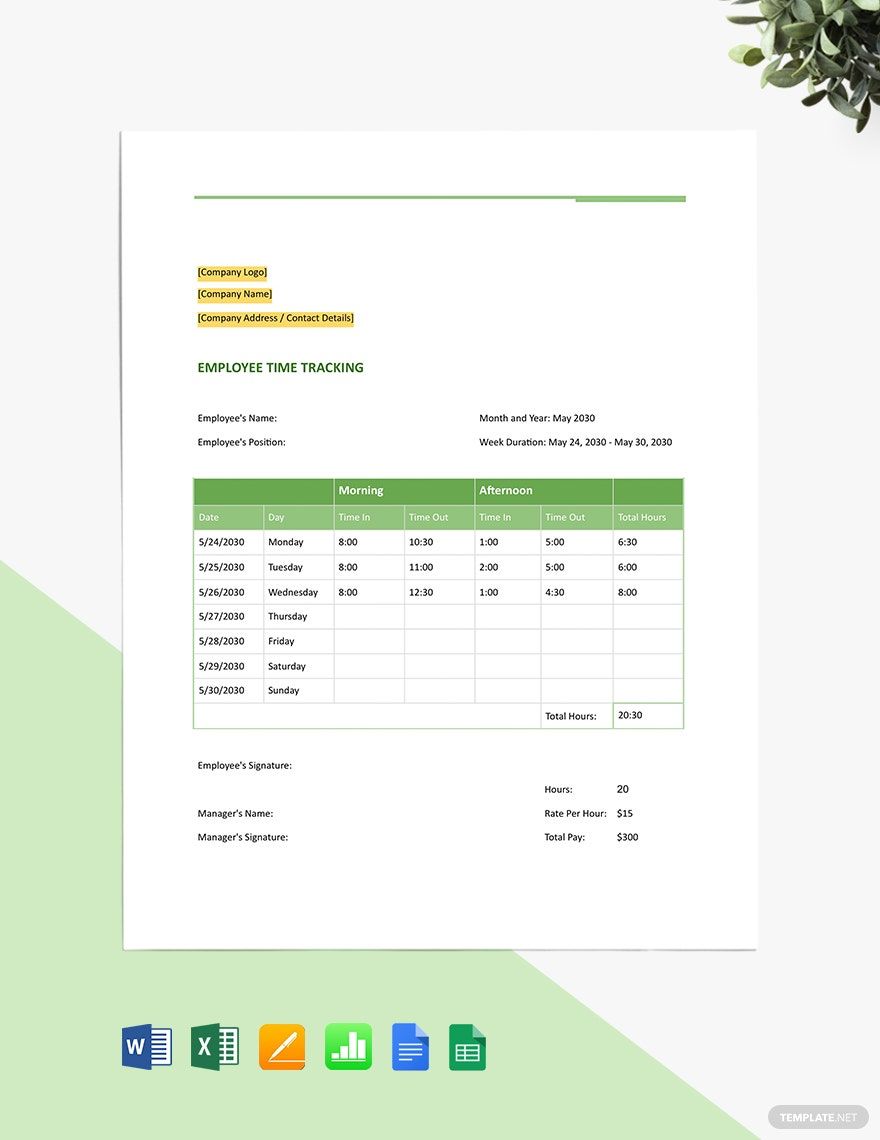
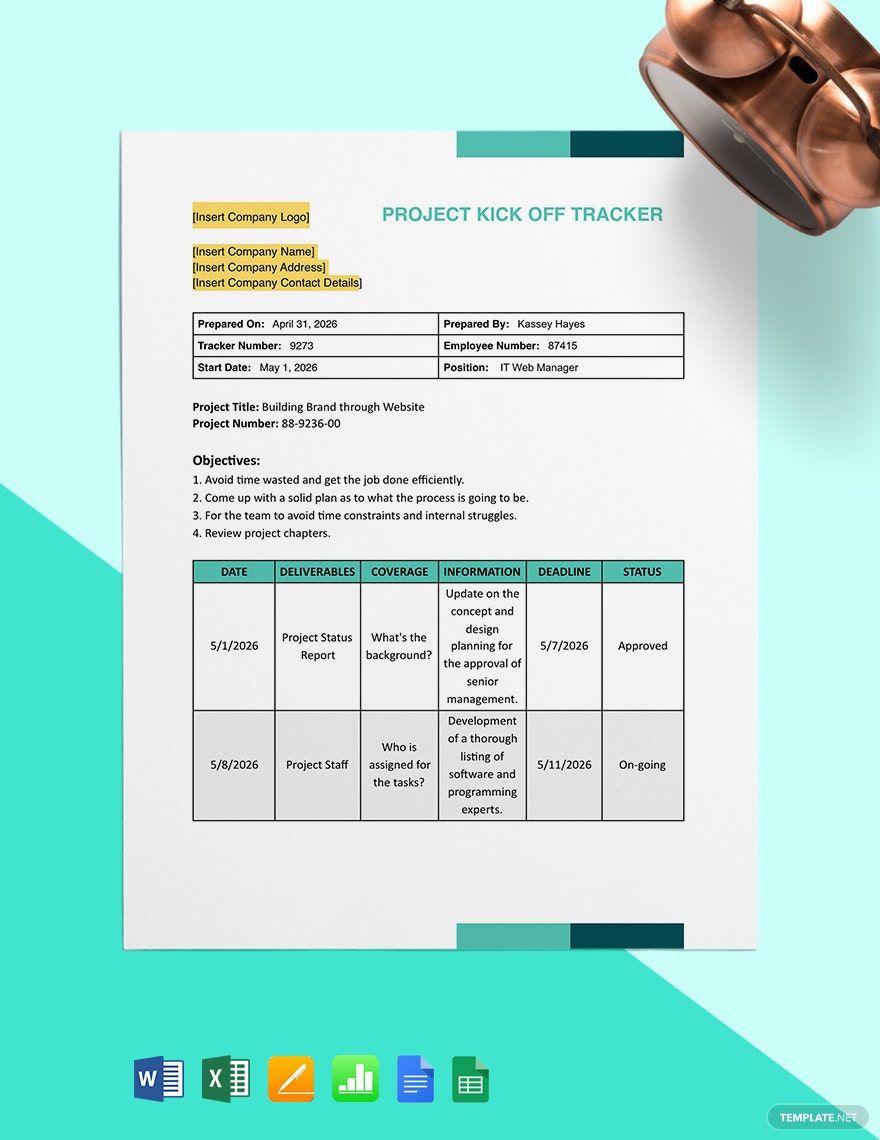
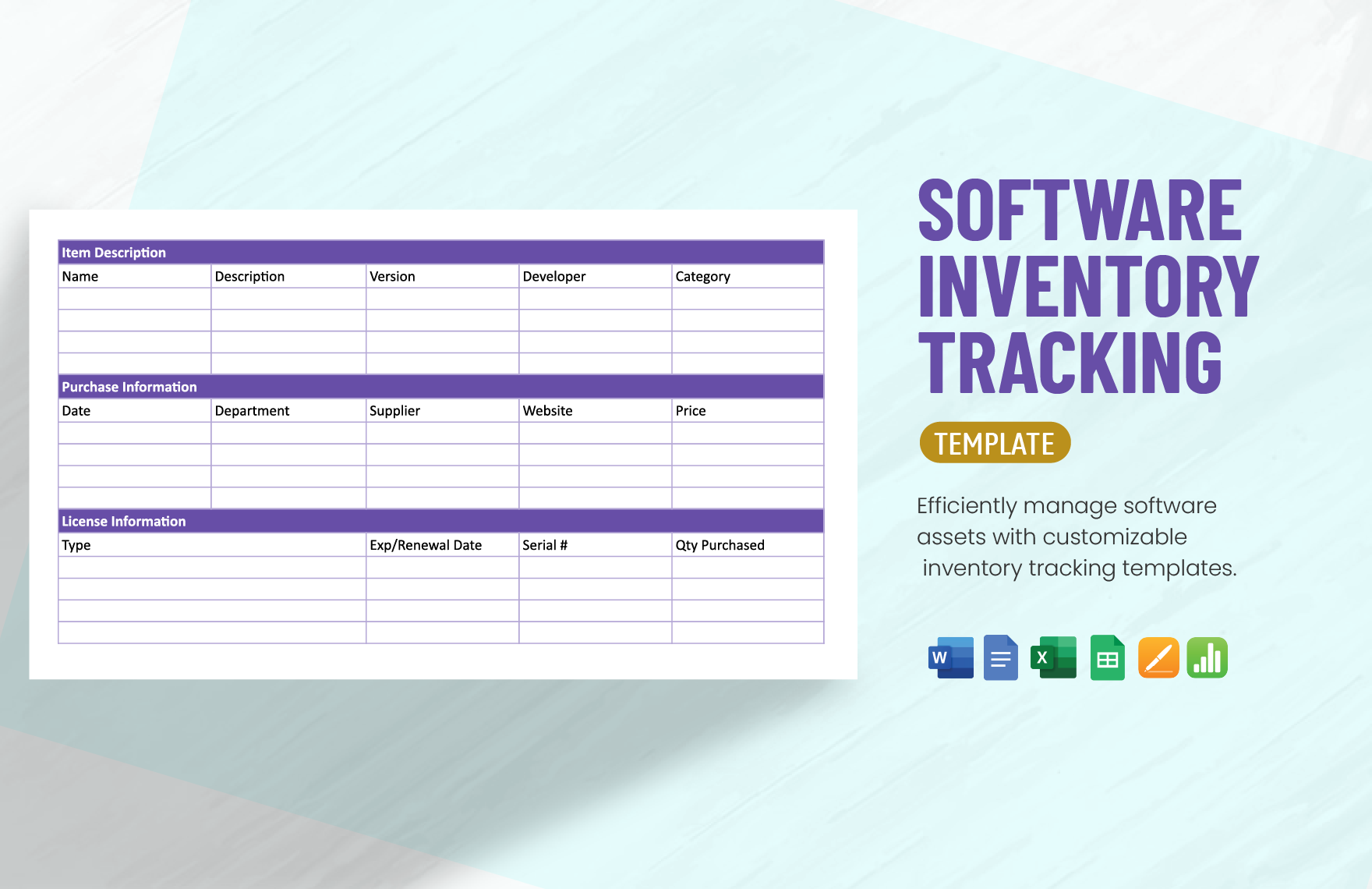
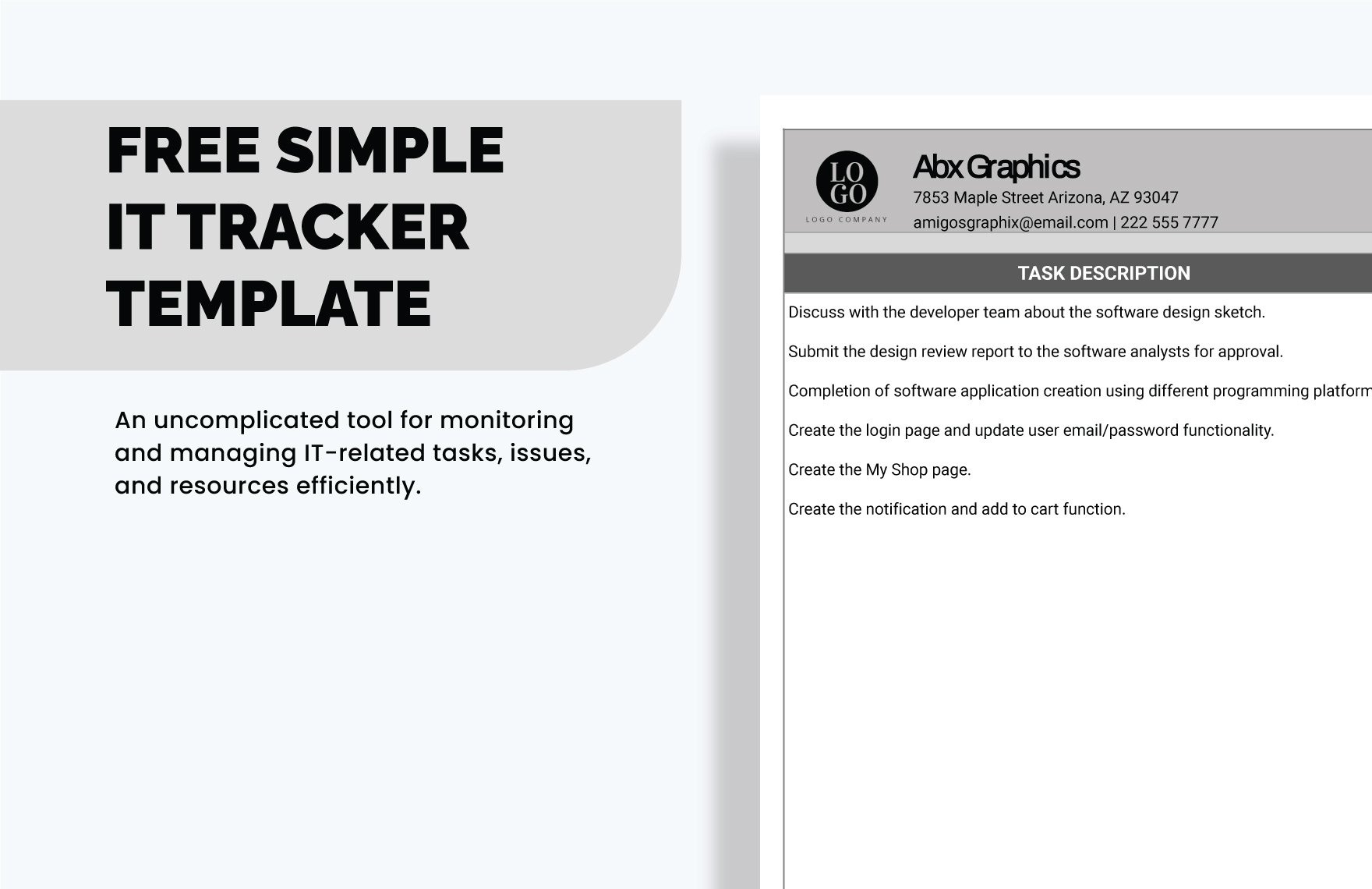
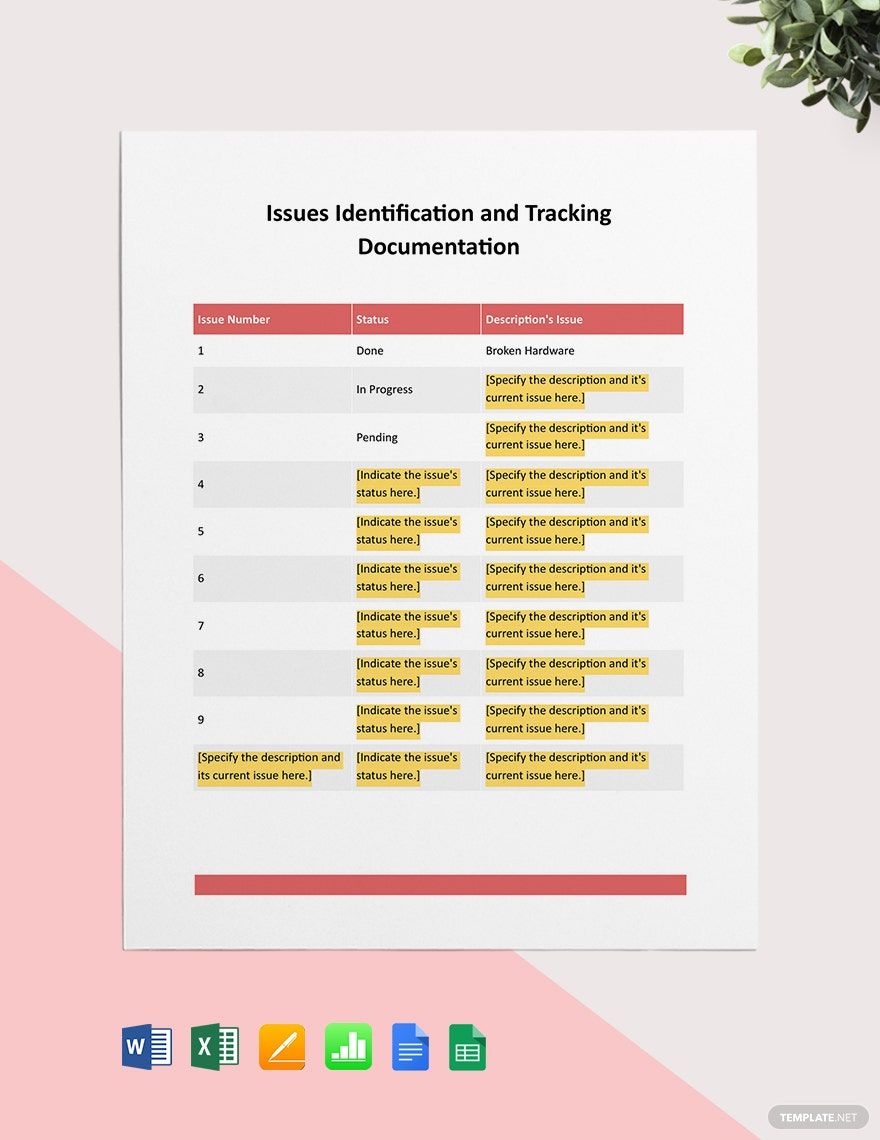
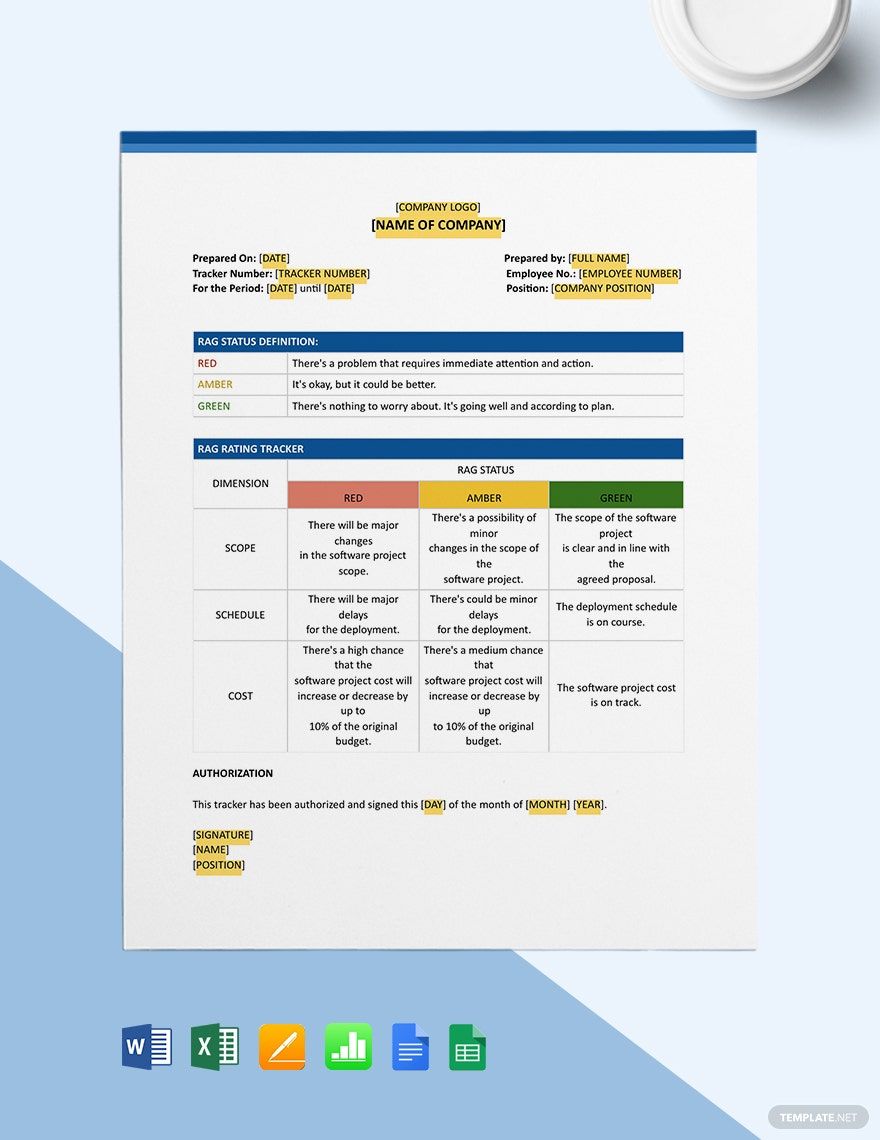
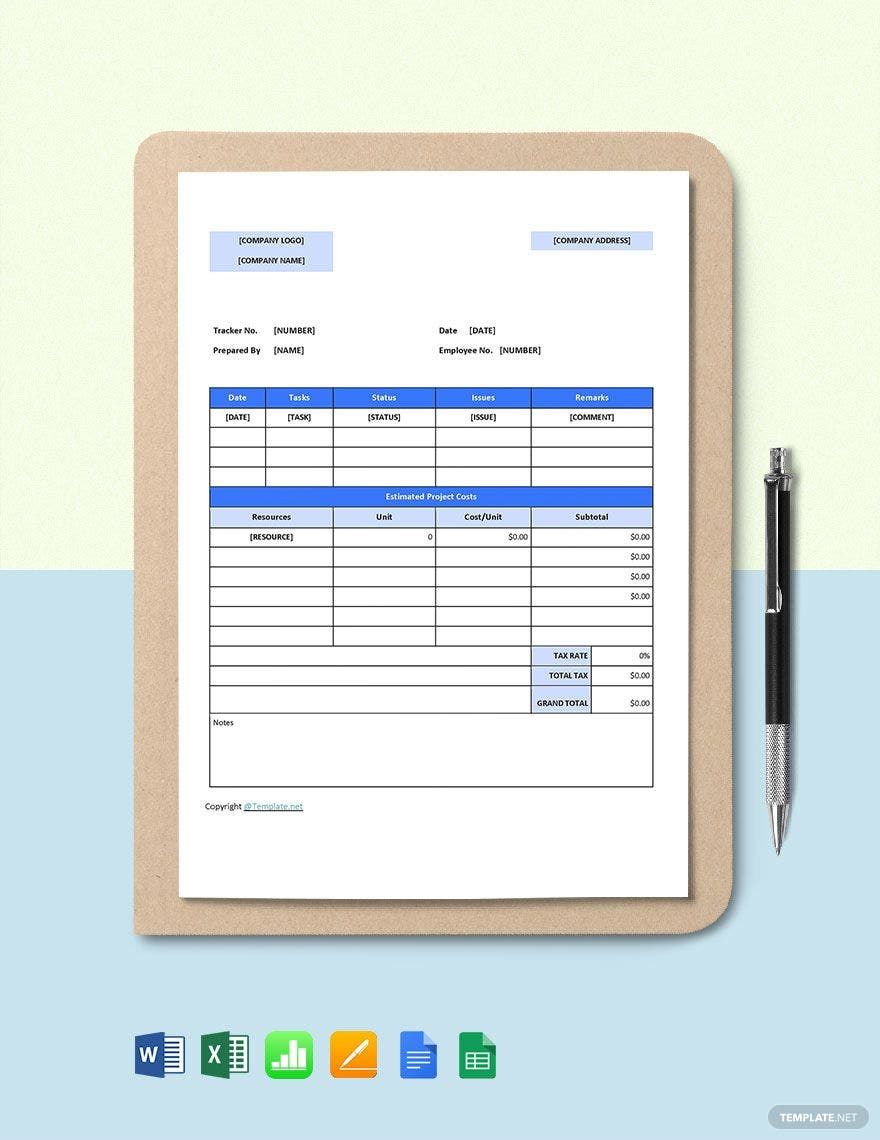
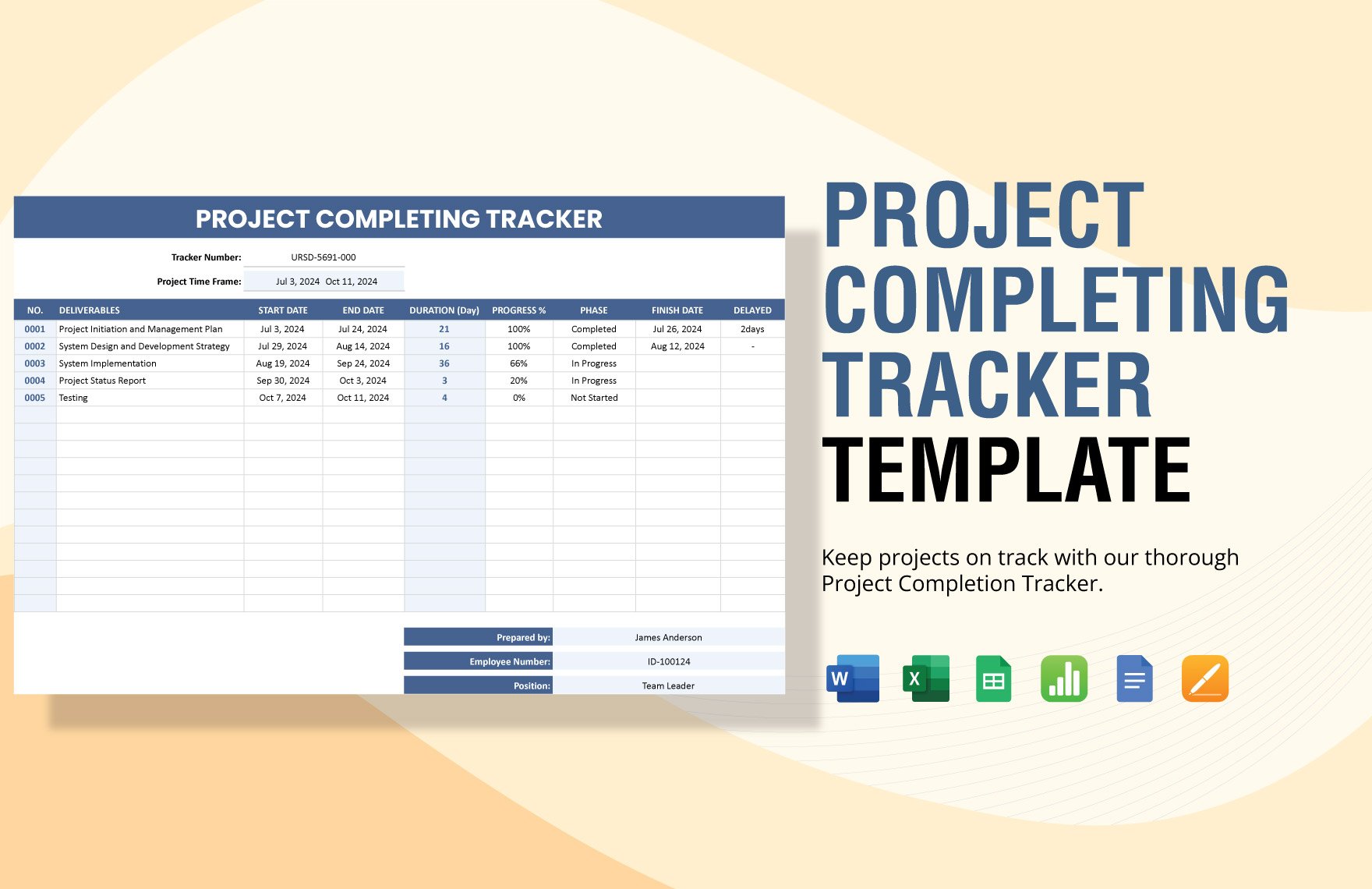
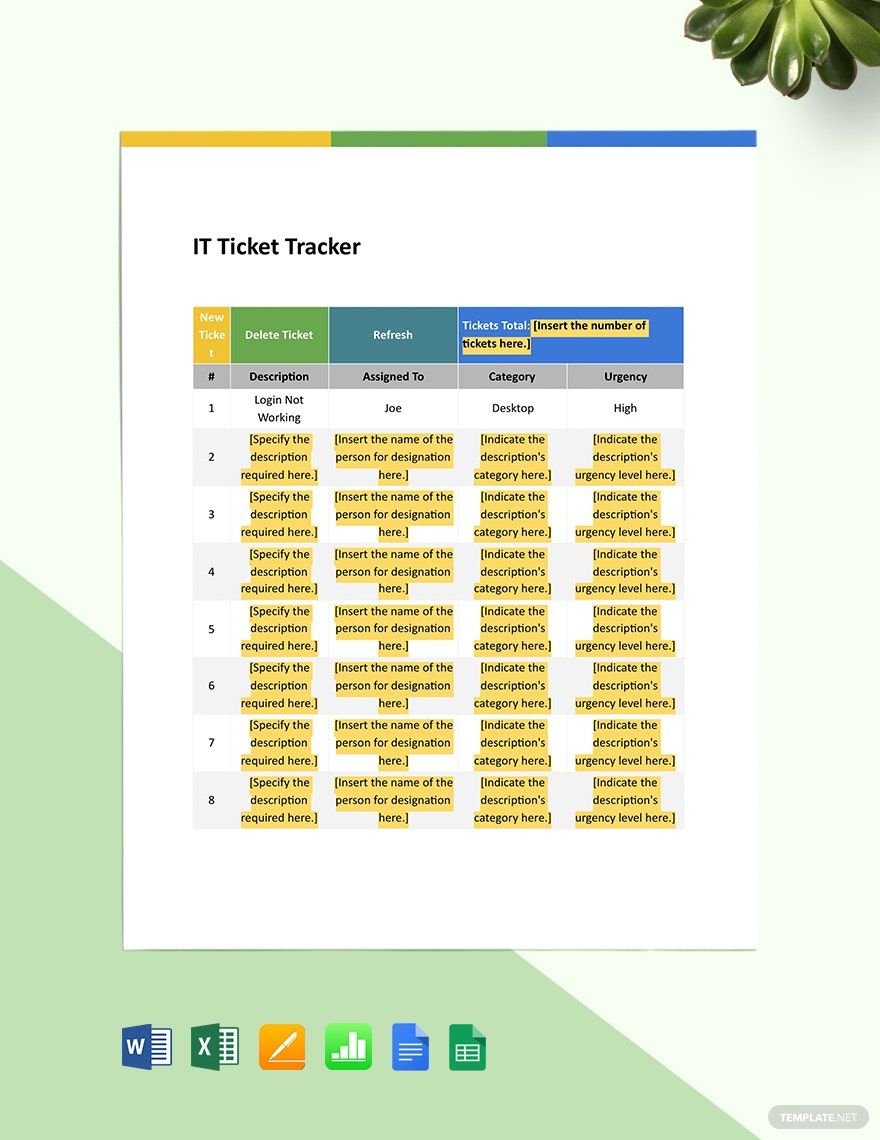
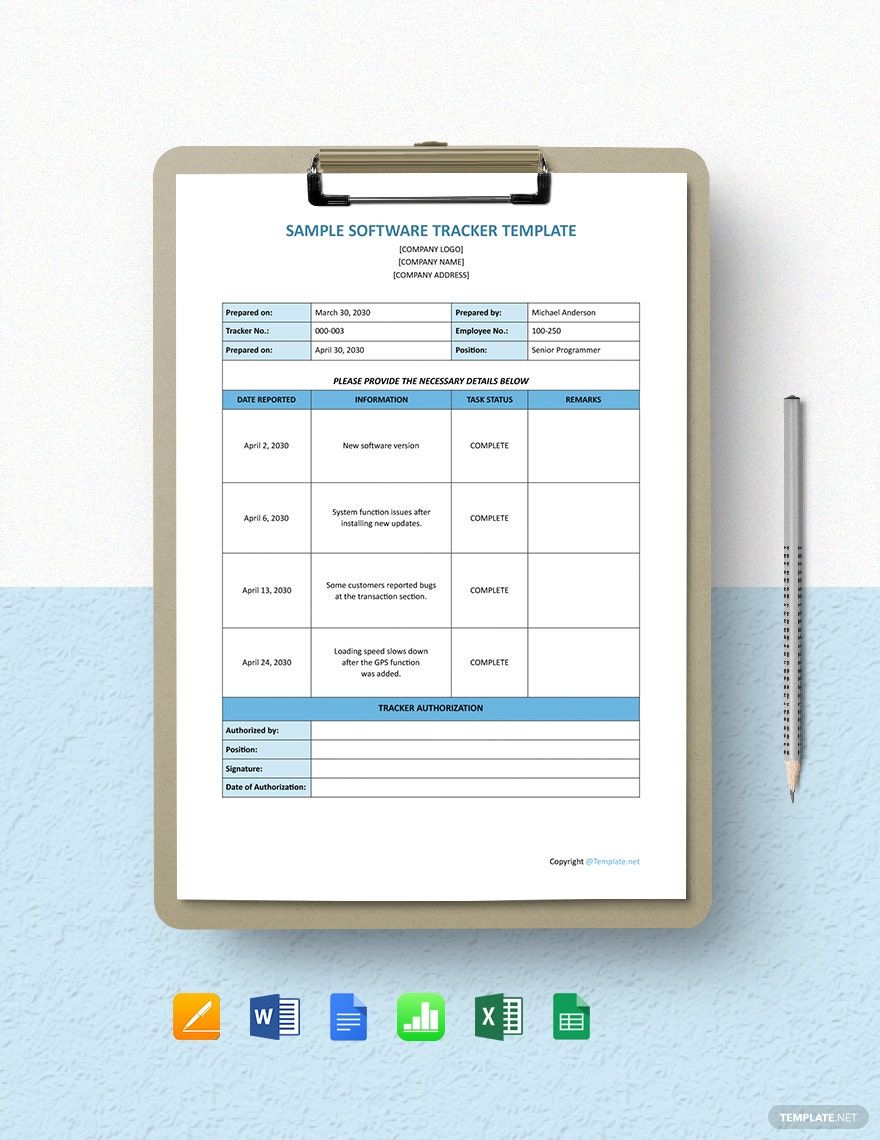
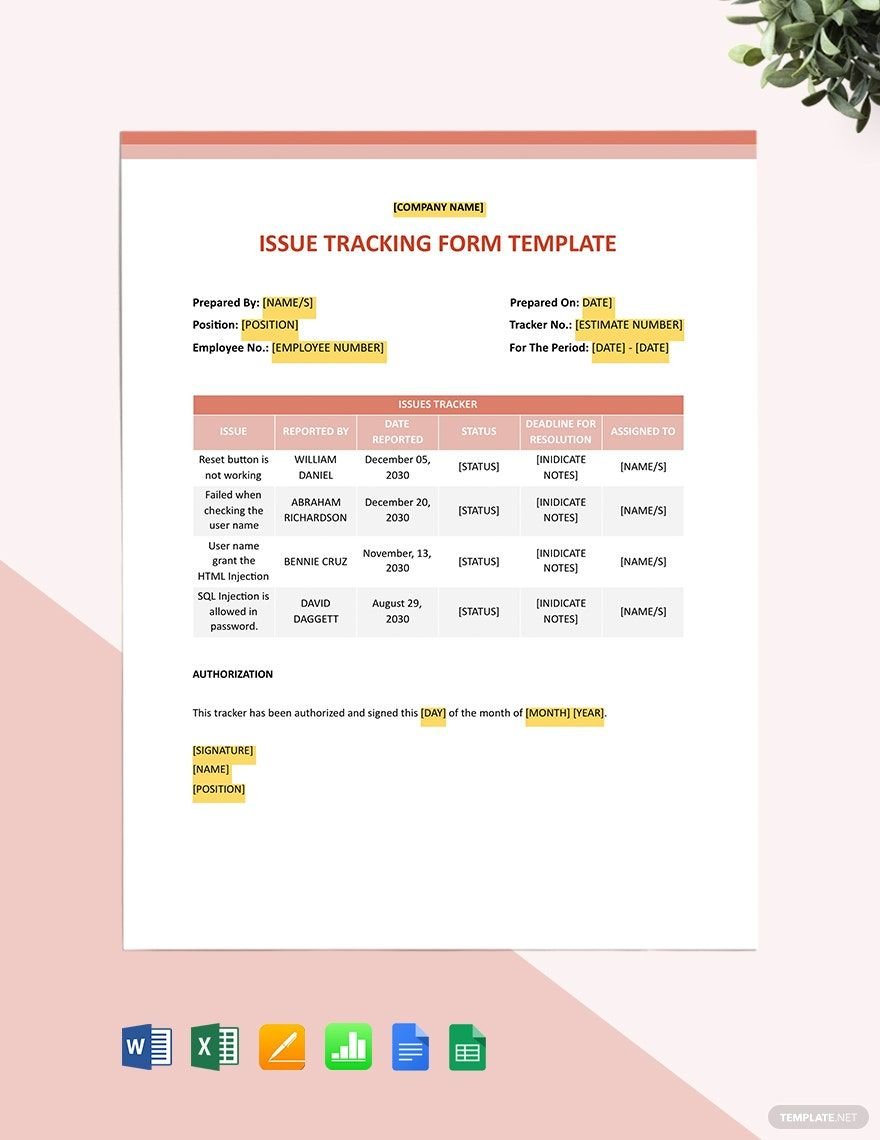
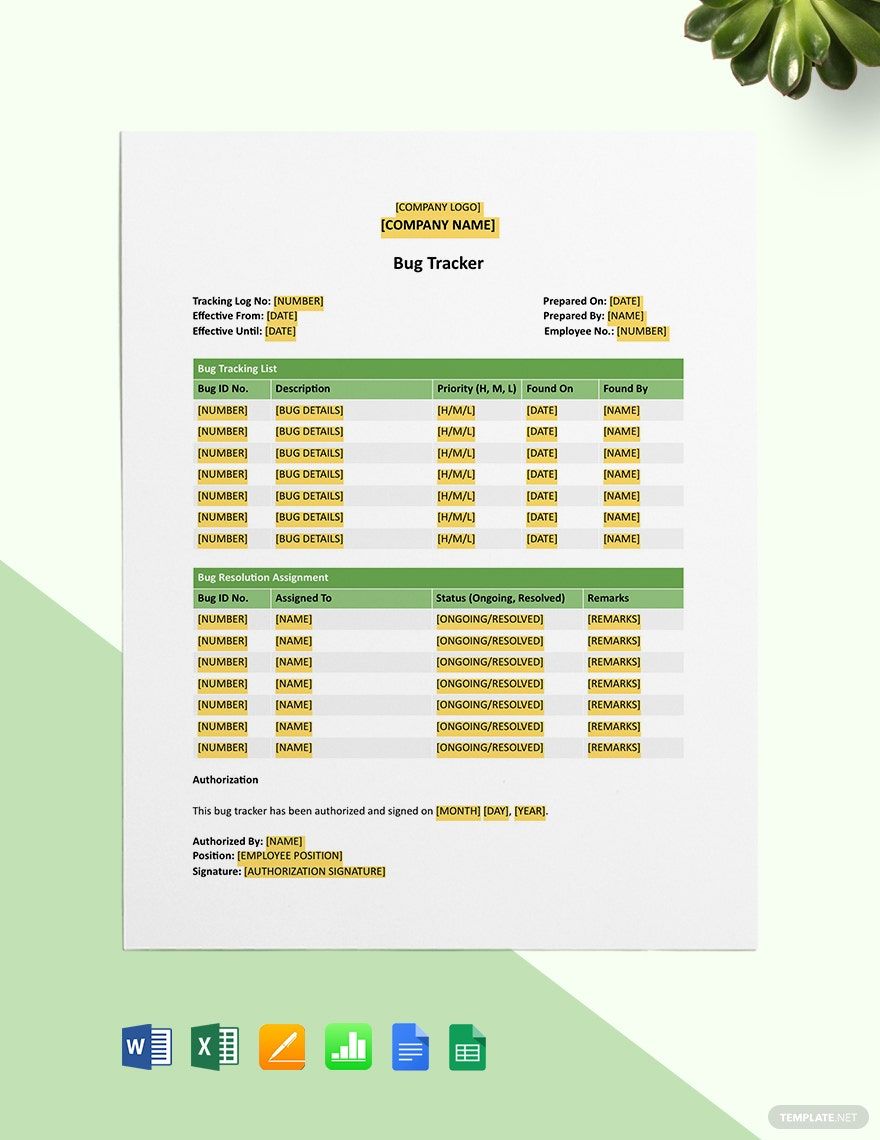
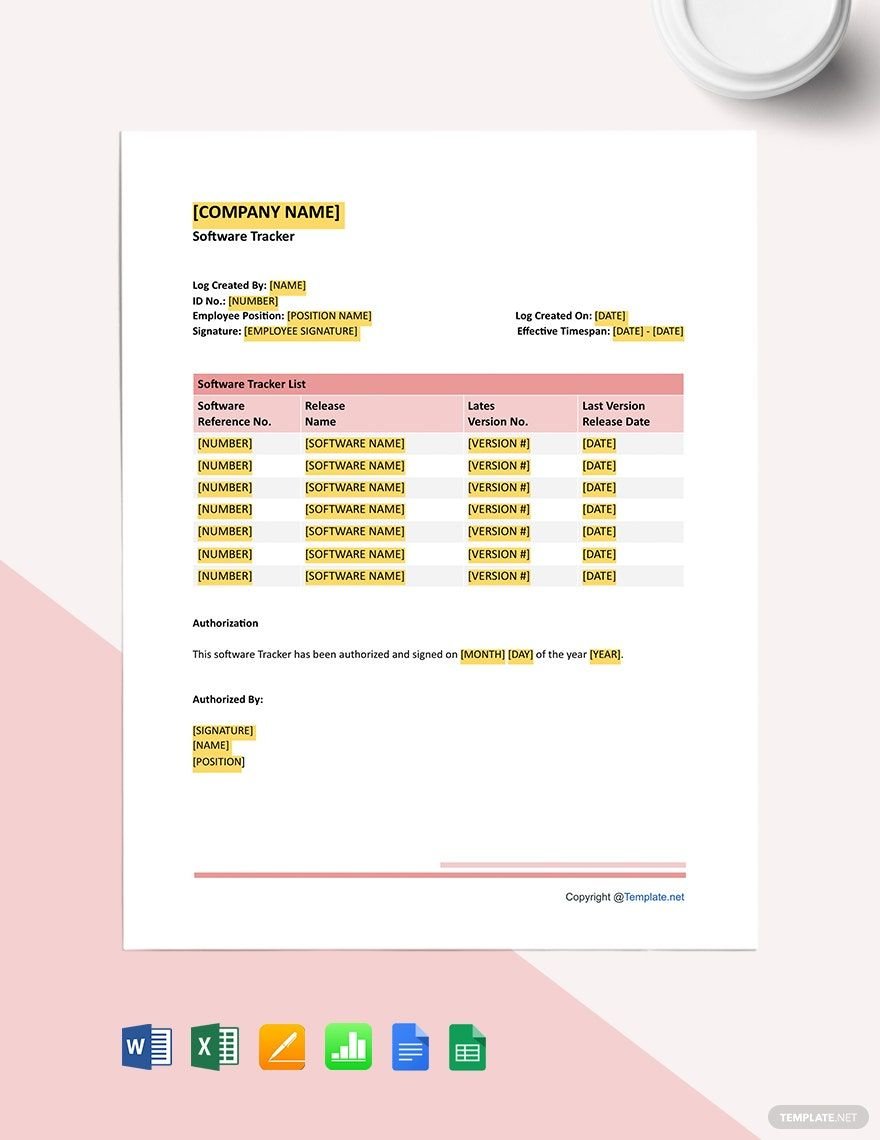
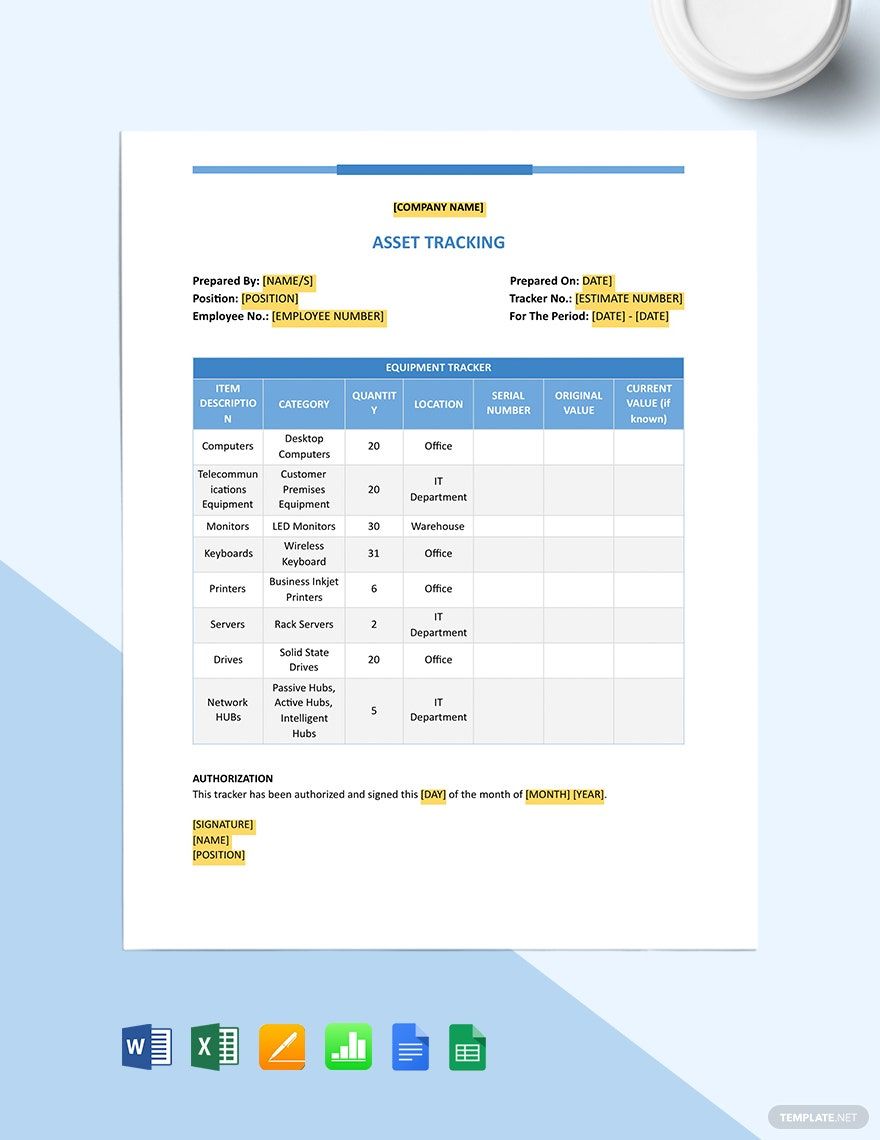
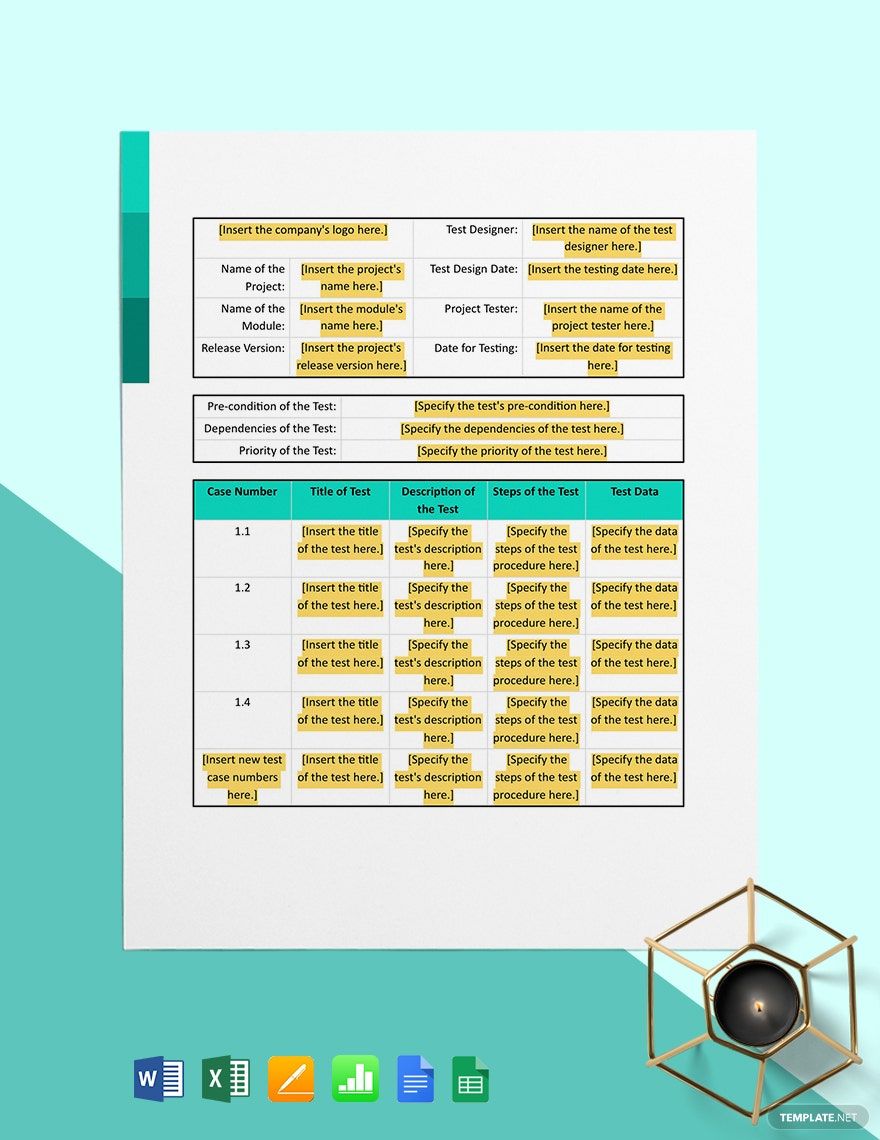
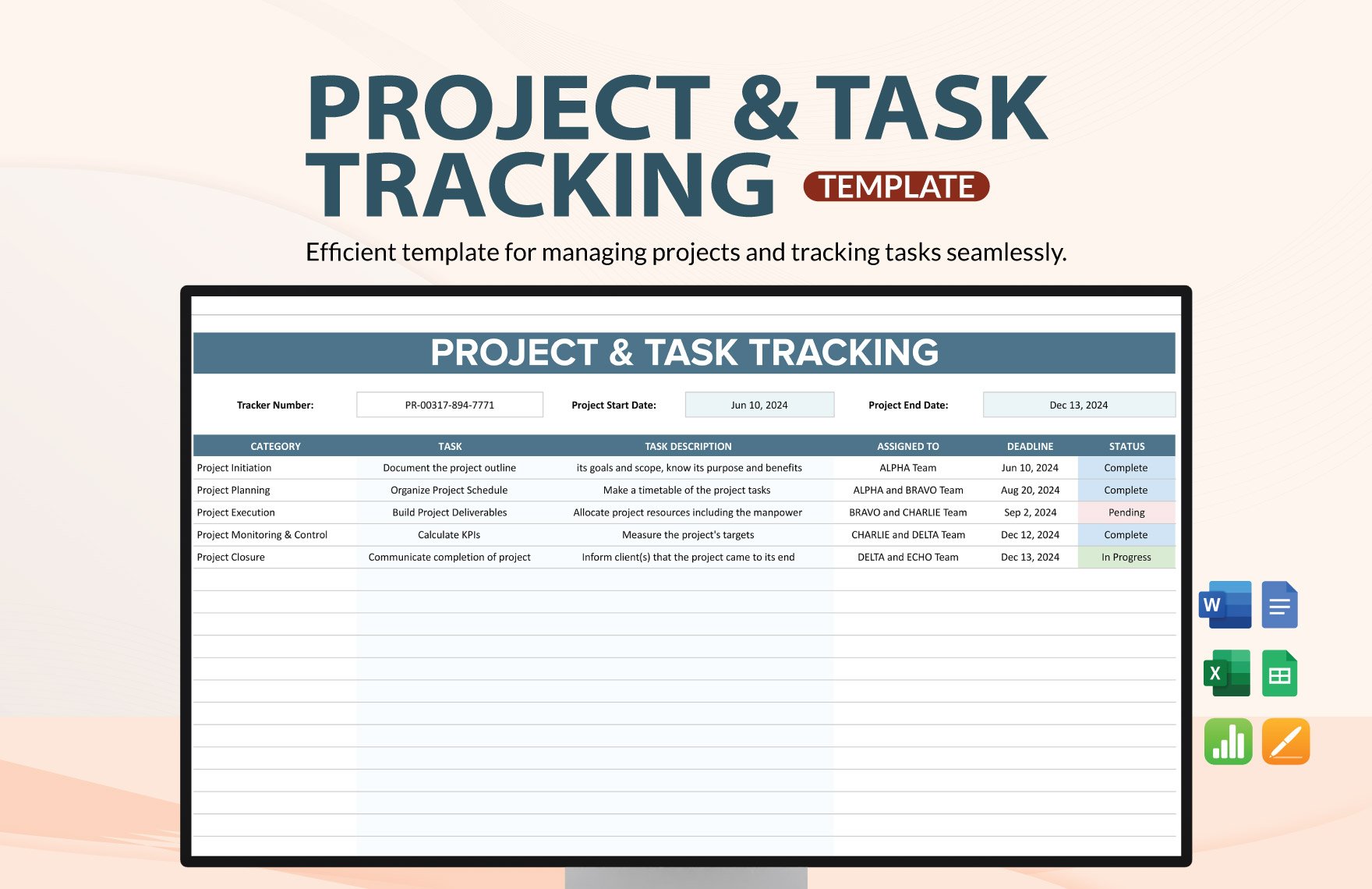
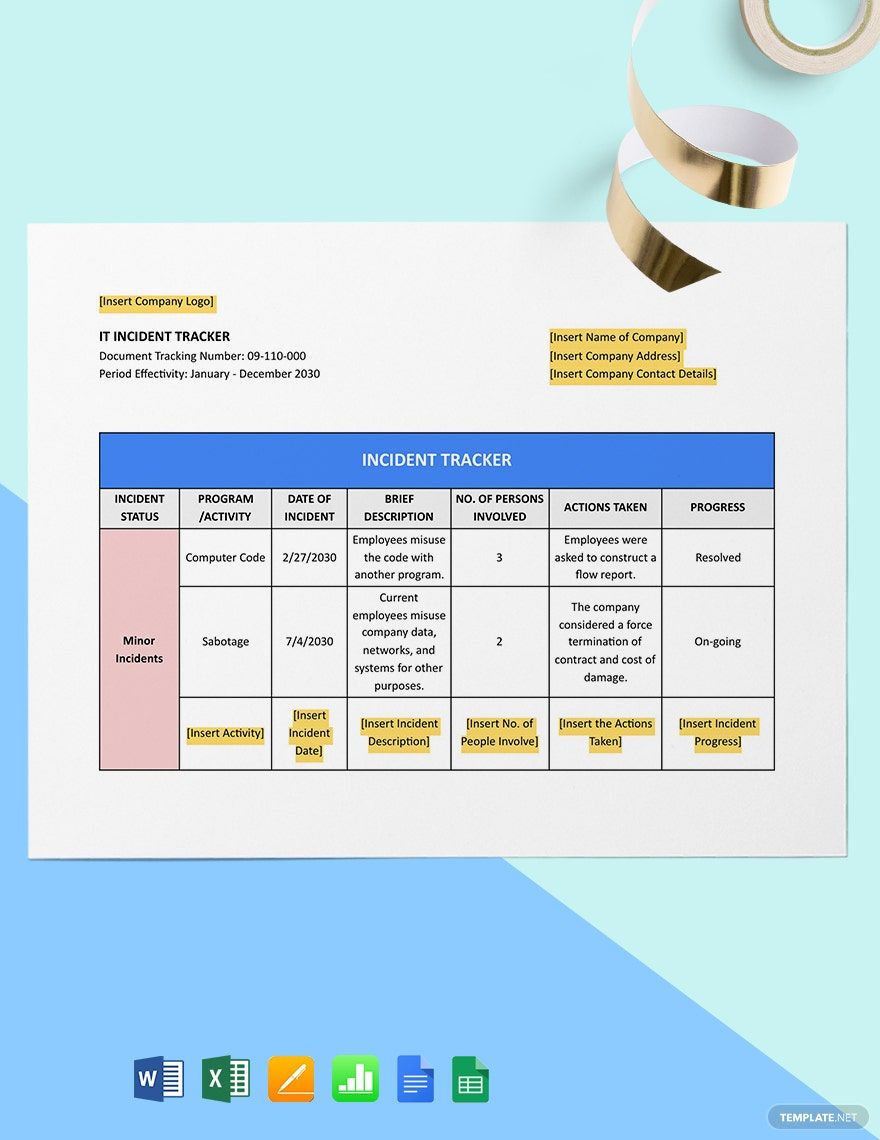
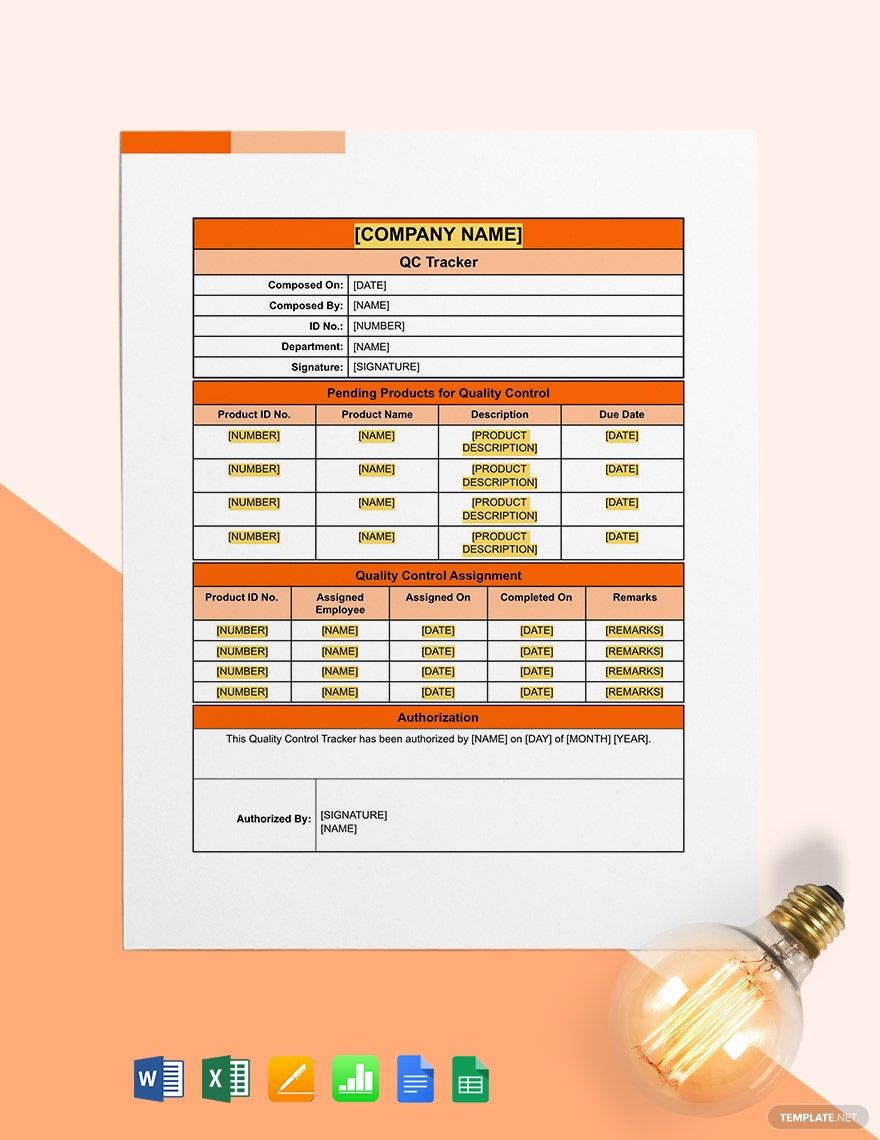
Developing IT and Software products is no laughing matter. It requires pouring out a lot of sweat and blood into it, as well as completing the number of different tasks. Accomplishing these tasks within a limited timeline will likely put you in the midst of confusion. And to prevent you from getting yourself in that position, why not create a tracker by using our expertly-crafted IT and Software Tracking Templates. Fast, easy, and reliable, these templates are readily accessed and customizable in Apple Numbers. Keeping yourself updated and on the right track is just a mouse click away. Download now!
How to Create an IT and Software Tracker in Apple Numbers
According to Learn G2, using trackers "create clear expectations" in software development projects. If you're looking to set clear expectations, here are the tips on how to create a clear and definitive IT and Software Tracker in Apple Numbers.
1. Set Its Boundaries
Setting its boundaries means creating an outline and evenly dividing its tables and columns. Doing so will not only allow you to conveniently place and distribute labels on its surface but also lets you easily fill them out as well.
2. Put Every Observation In Detail
In filling out your tracker, make sure to detail each of your observations on it. Things such as time, date and activity, if reported in detail will let you see the whole picture and create clear expectations on what will come next.
3. Keep it Brief and Concise
Trackers should be easily readable and comprehensive to their audiences, that's why it's best to write it briefly and concisely. You can write your entries in one and two short sentences, however, make sure that it still expresses the whole idea.
4. Set Realistic Timelines
Trackers allow you to set timelines based on the entries that you write on them. And in creating your timeline, make sure to set it more realistically and achievable based on the information that you write on your tracker.