Template.net logo
Pricing
  • Home
  • Templates
  • Corporate Budget in Apple Pages

Free Corporate Budget Template in Apple Pages, Imac

Avail Yourself of Free Corporate Budget Templates in Apple Pages from Template.net to Create Budgeting Materials for Typical Business Needs. Whether It’s for Expense Proposals, Forecast Diagrams, Annual Reports, Planning Steps, or Other Needs, We Offer Document Designs You Can Incorporate for Your Breakdowns. Choose Any Sample and Download One for Free!

  • My Projects
  • Pages
  • Resumes
  • Invoices
  • Menu
  • Cover Letter
  • Checklists
  • Notebook Journals
  • Cookbook
  • Certificates
  • Brochures
  • Food Menus
  • Flyers
  • Receipts
  • Schedule
  • Posters
  • Magazines
  • Letterheads
  • Quotations
  • Itinerary
  • Business Cards
License
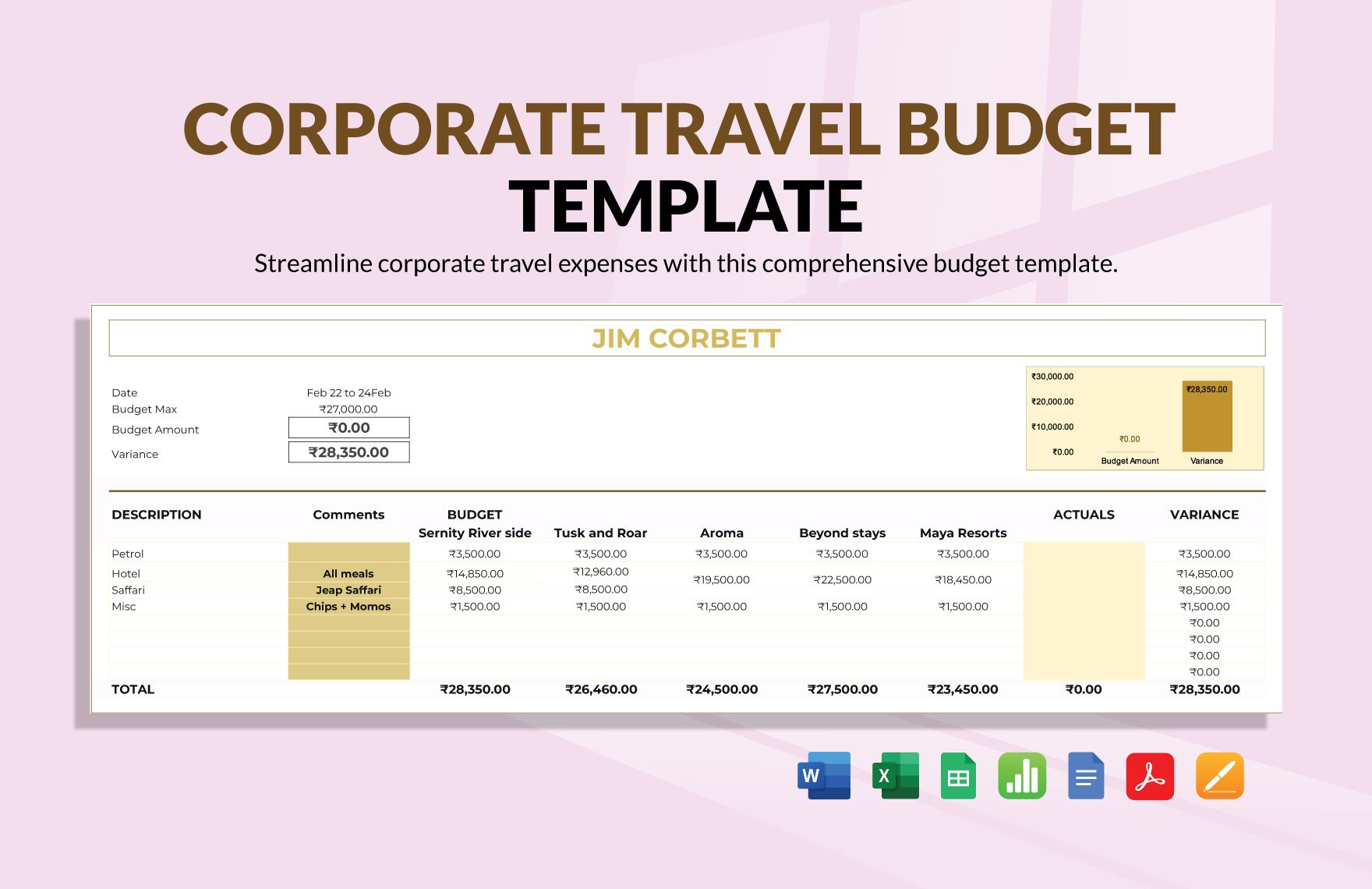
Corporate Travel Budget Template in Google Docs, Word, Pages, Apple Numbers, PDF, Excel, Google Sheets - Download | Template.net

Corporate Travel Budget Template

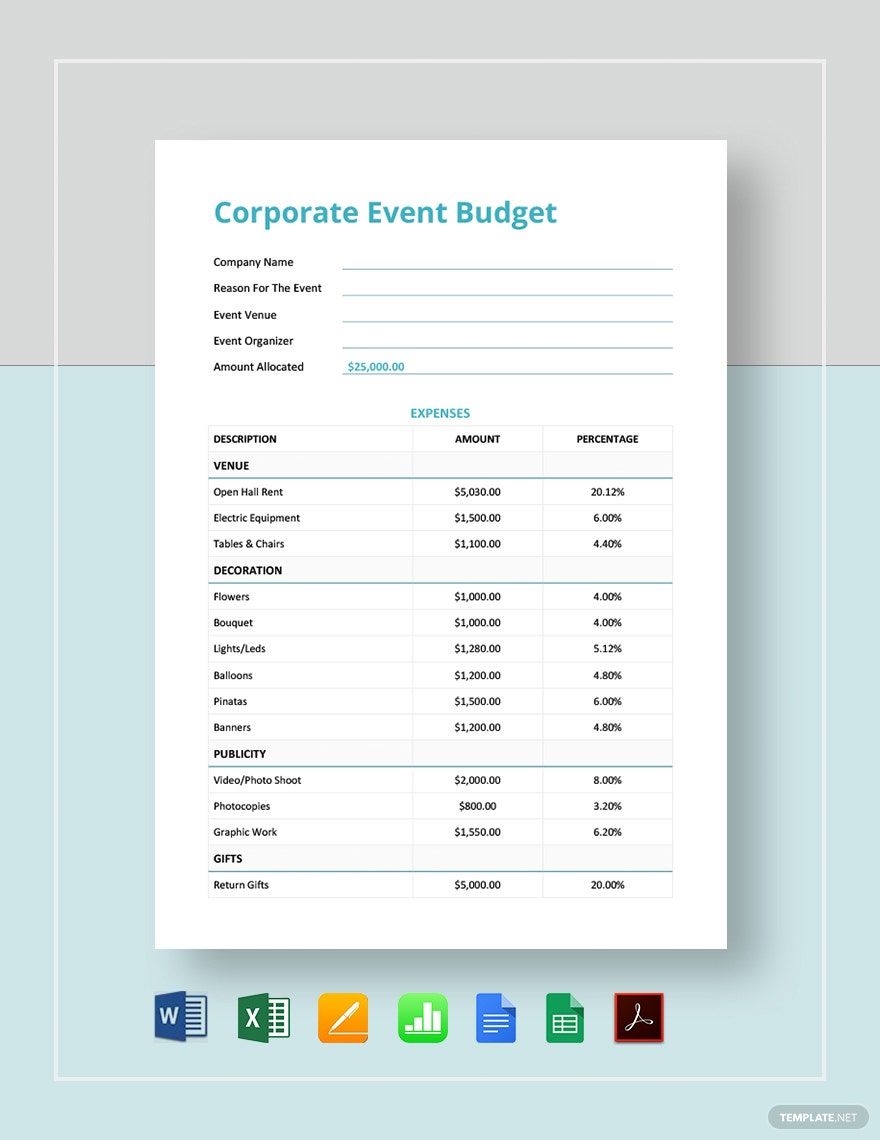
Corporate Event Budget Template in Google Sheets, Google Docs, Word, Excel, Pages, Apple Numbers, PDF - Download | Template.net

Corporate Event Budget Template

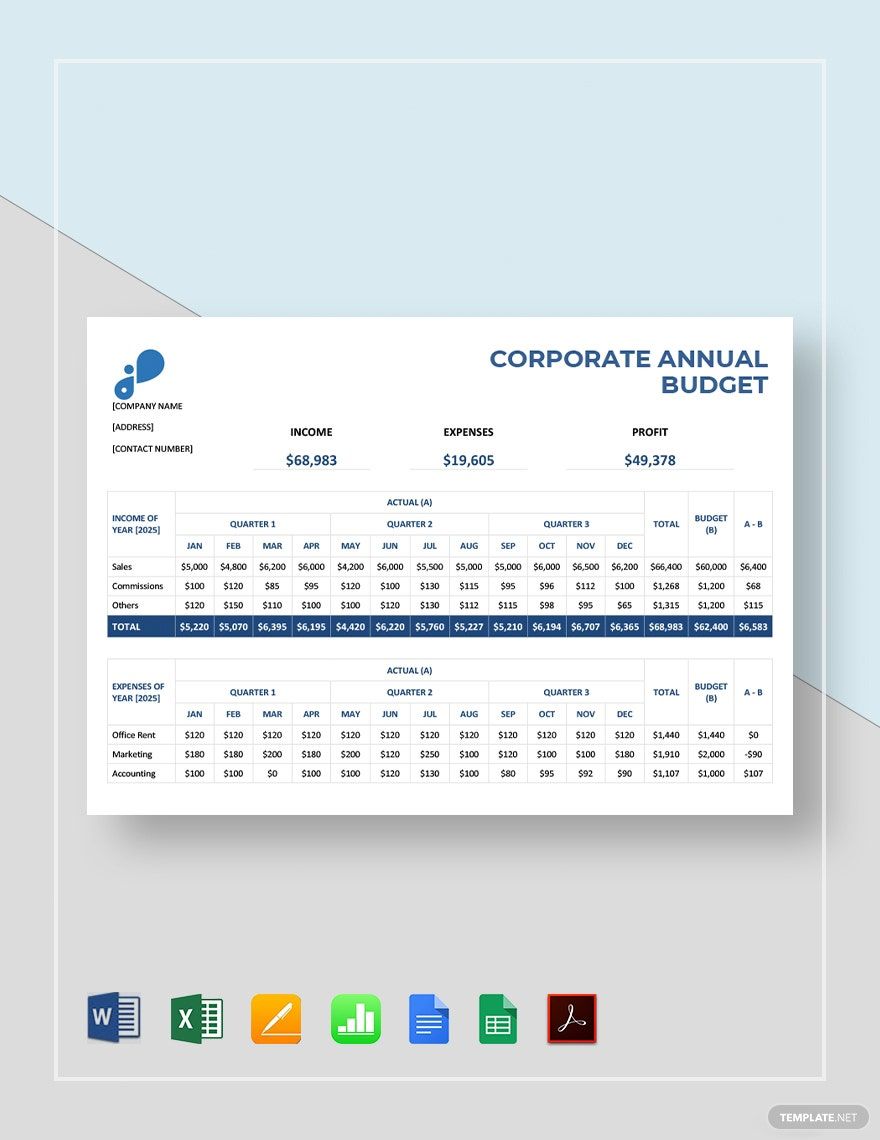
Corporate Annual Budget Template in Google Sheets, Google Docs, Word, Excel, Pages, Apple Numbers, PDF - Download | Template.net

Corporate Annual Budget Template

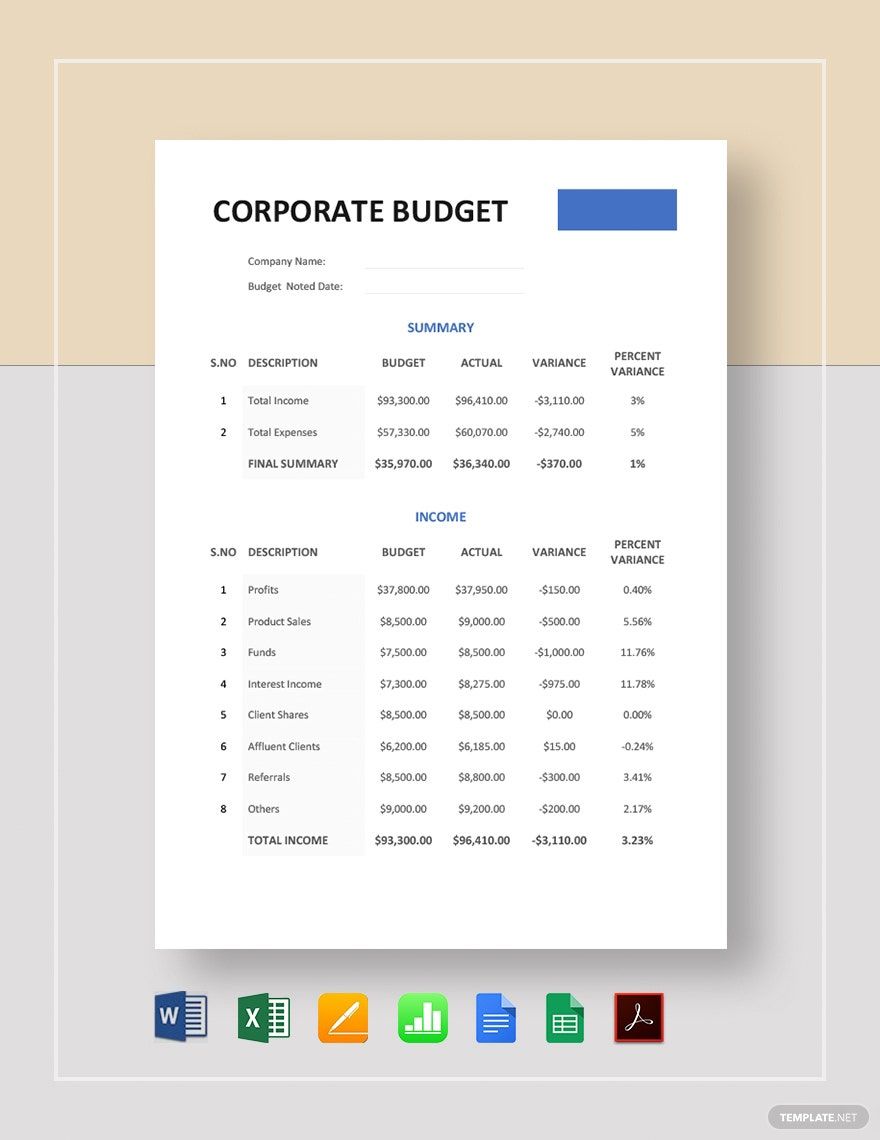
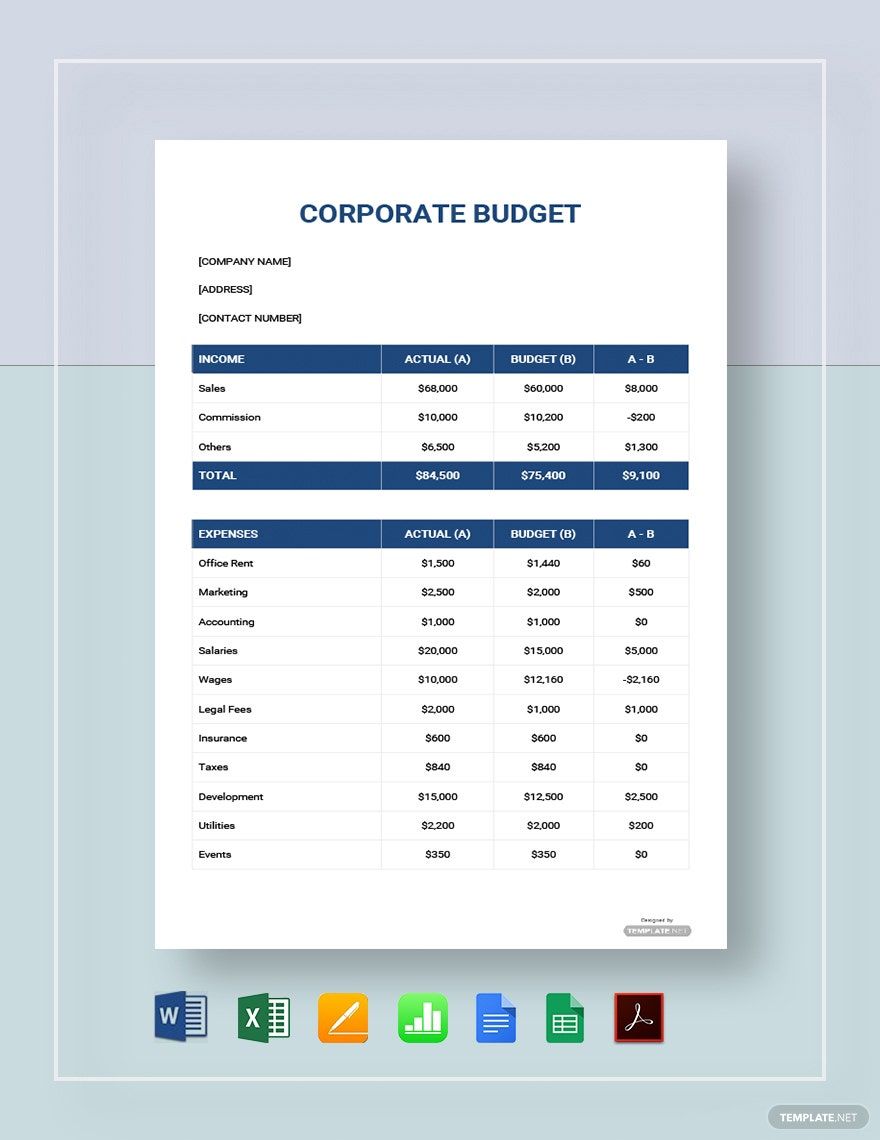
Corporate Budget Template in Google Docs, Google Sheets, Word, Excel, Pages, Apple Numbers, PDF - Download | Template.net

Corporate Budget Template

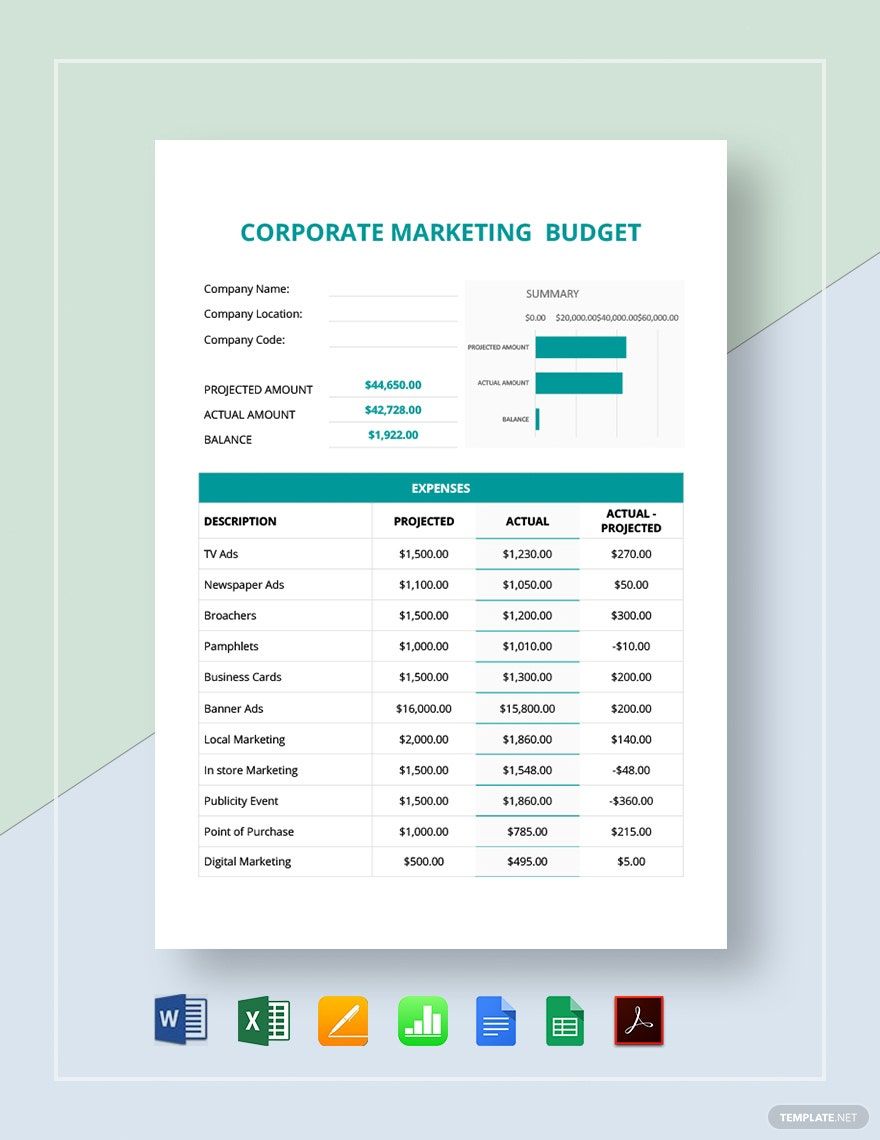
Corporate Marketing Budget Template in Google Sheets, Google Docs, Word, Excel, Pages, Apple Numbers, PDF - Download | Template.net

Corporate Marketing Budget Template

Corporate Monthly Budget Template in Google Docs, Word, Pages, Apple Numbers, PDF, Excel, Google Sheets - Download | Template.net

Corporate Monthly Budget Template

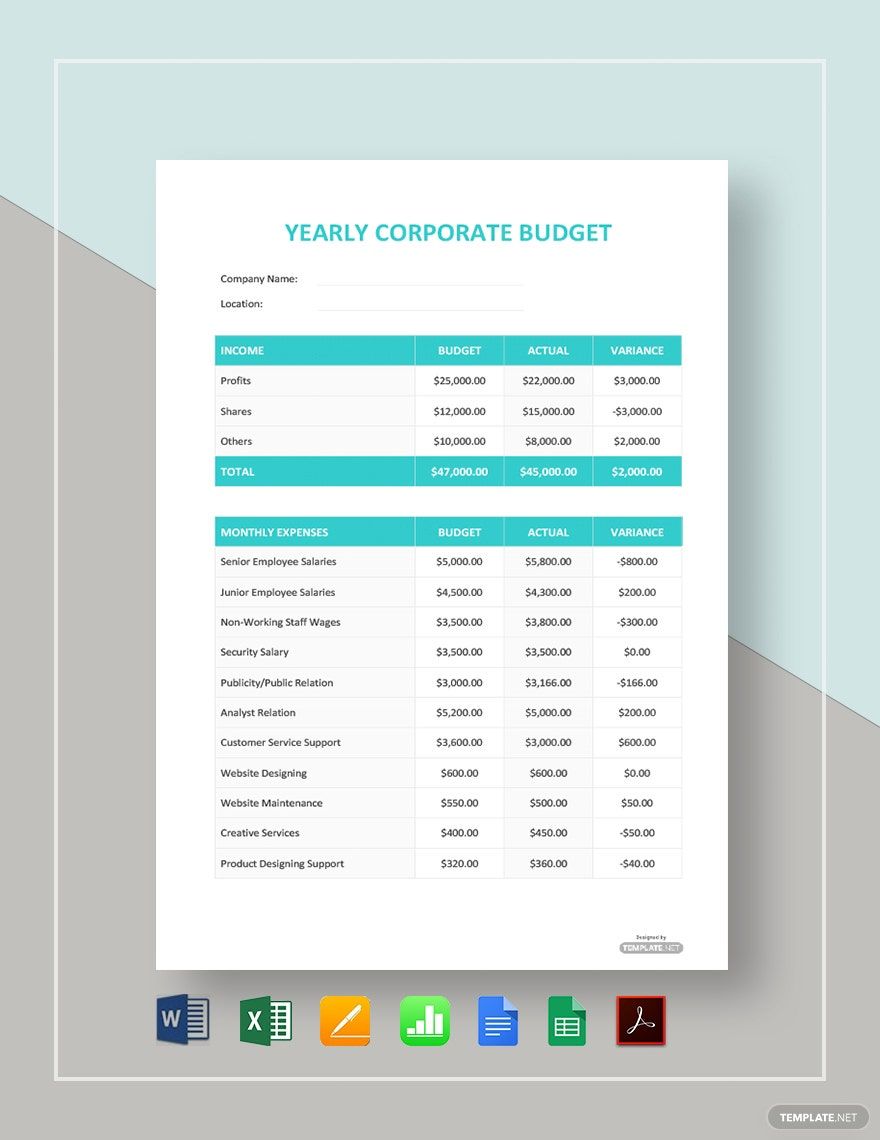
Yearly Corporate Budget Template in Google Docs, Google Sheets, Word, Excel, Pages, Apple Numbers, PDF - Download | Template.net

Yearly Corporate Budget Template

Simple Corporate Budget Template in Word, Excel, Google Docs, Google Sheets, Pages, Apple Numbers, PDF - Download | Template.net

Simple Corporate Budget Template

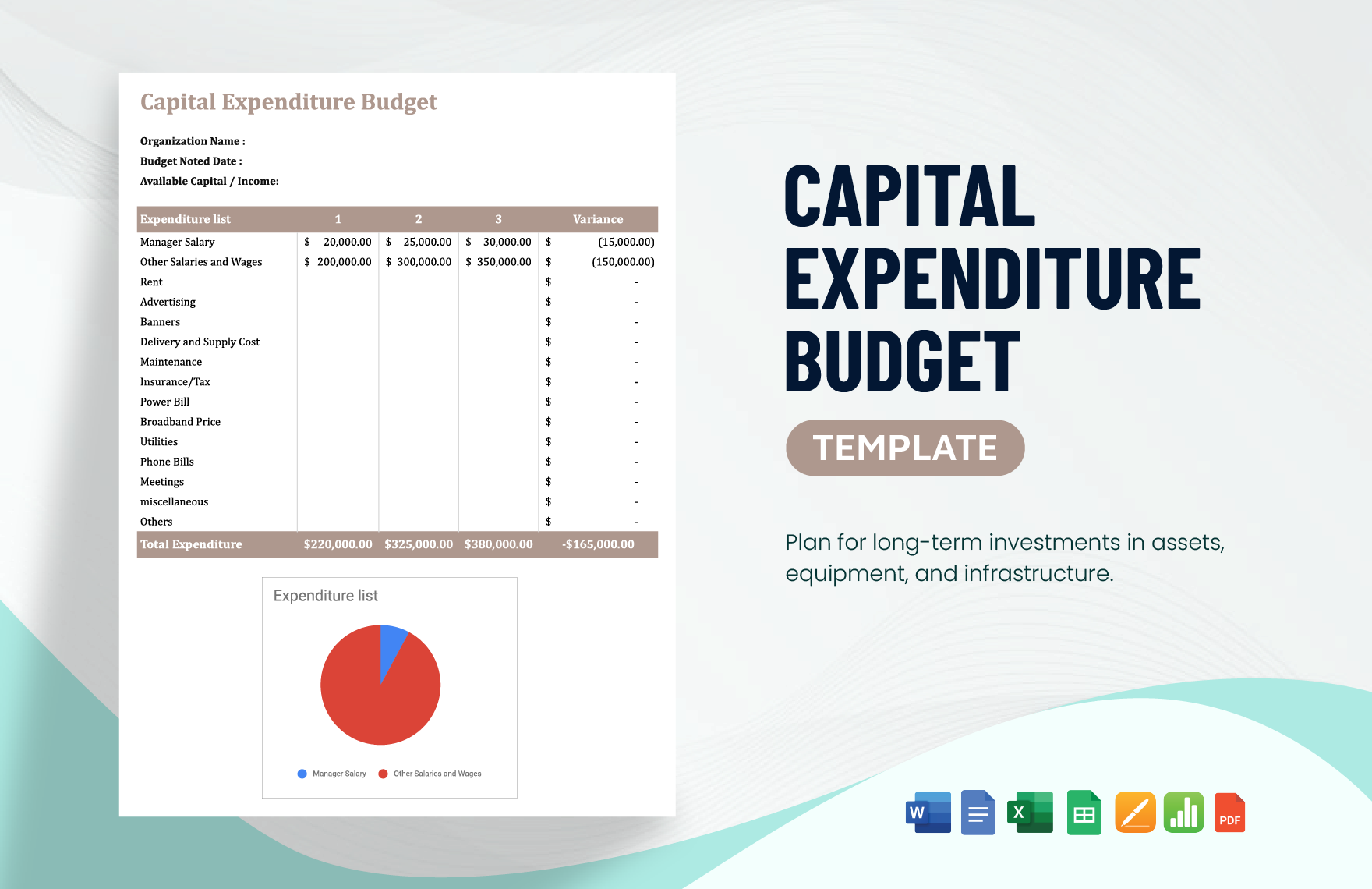
Capital Expenditure Budget Template in Google Docs, PDF, Apple Numbers, Excel, Word, Pages, Google Sheets - Download | Template.net

Capital Expenditure Budget Template

  • Invitations
  • Reports
  • Fax Covers
  • Timelines
  • Proposals
  • Notes
  • Purchase orders
  • Meeting minutes
  • Portfolio templates
  • Heart coloring
  • Newspaper
  • Greeting cards
  • Newsletters
  • Tiger coloring
  • Contracts
  • Family tree
  • Printable Certificates
  • Letters

Almost every company or establishment has a sufficient budget prepared for a specific period. Planning your budget in advance will help you be prepared for what's to come. If your company is in need of a budgeting tool, look at our site's Corporate Budget Templates. Choose among our professionally written and 100% customizable templates that will cater to all your needs. These templates are available in A4 and US letter sizes and in select file formats. What are you waiting for? Plan your corporate finances with us and download one now!

How to Make a Corporate Budget

According to Ducksters, budgeting is effective in reducing stress. By planning in advance, you get to reduce the possible financial problems in the future. To do this, you need an effective tool or document that will help you keep track of your finances. Below, we will help you create your own corporate budget:


1. Take into Account all the Revenue Streams

Get all the possible revenue streams so you can properly plan and craft your sample budget. Some of these revenue streams include your product sales, hourly earnings, and investment income. You may use a spreadsheet-based program for your financial budgeting, such as Microsoft Excel and Google Sheets.

2. Coordinate with Department Managers

Some of the revenue streams are handled by different department managers. Coordinate with them regarding the accurate number of the revenue streams and the deadline of the monthly or annual budget. Participate in meetings and inter-office gatherings also. 

3. Split into Cost Types

There are two types of costs: fixed and variable costs. Fixed costs refer to the permanent amount of costs, such as salaries, insurance, utilities, etc. Variable costs, on the other hand, are non-permanent compared to fixed costs. These are expenses for raw materials, transportation, advertising, etc. 

4. Set Up a Contingency Fund

There will be unexpected instances wherein you will have to dish out money because of unnecessary expenses. Consult with the Finance department about how much money should go into the contingency fund. Aside from securing your future, you're also avoiding unnecessary stress. 

5. Set Goals on How You Can Increase Your Revenue

If you want to increase your printable budget as well as your contingency fund, set goals on how you can increase your revenue. One effective way of doing this is to increase the rates of your product prices. Again, communicate with department managers on how you can effectively increase your revenue.
 

Frequently Asked Questions

Why the need for budgeting?

Proper budgeting serves as our "safety net" in the future, in case of emergencies or unforeseen circumstances. According to Budgeting Income, they are an important tool in planning and decision making. Aside from these, budgeting also helps track business performance. 
 

What are the ideal programs for budgeting?

The ideal programs for budgeting are spreadsheet-based programs. These are Microsoft Excel and Google Docs. Take your time to familiarize the functions and formulas to make your budgeting easy and convenient. These two programs also offer templates, so feel free to use them out. 
 

Are there advantages to budgeting?

Yes. Aside from allowing you to save for emergency costs, it also increases your financial literacy. You become more conscious of your spending habits, and you try to see the 'big picture,' wherein you anticipate the possible future events relating to money. After some logical budgeting, you'll be surprised to see how much money you have left and how much money you have been spending on unnecessary things. 
 

Should I be rigid with my budgeting?

The answer is no. Circumstances change and so will your budgeting. What works today might not work in the future, so adjust your budgeting according to the situation at hand. 

AI Editors
  • AI Generators
  • Document Editor
  • Design Editor
  • Writing Assistant
  • Slide Maker
  • Whiteboard
  • Form Builder
  • Photo Editor
  • Social Editor
  • Graph Maker
Free AI
  • AI Logo Maker
  • AI Image Generator
  • AI Design Generator
  • AI Social Media Post Generator
  • AI Banner Maker
  • AI Document Generator
  • AI Writer
  • AI Form Generator
  • AI Presentation Generator
  • AI Whiteboard
  • AI Diagram
  • AI Photo Editor
  • AI Graph Maker
Free Tools
  • Qr Code Generator
  • AI Meme Generator
  • AI Headshot Generator
  • AI Color Wheel
  • AI Color Palette
  • Signature Generator
  • AI Avatar Maker
  • AI Background Remover
  • AI Paraphrasing Tool
  • AI Summarizer
  • AI Plagiarism Checker
  • AI Grammar Checker
  • AI Business Name Generator
Business Categories
  • Marketing
  • Sales
  • Advertising
  • HR
  • Finance
  • Construction
  • IT
  • Non Profit
  • Education
Applications
  • Word
  • Excel
  • PPT
  • Publisher
  • Outlook
  • Google Docs
  • Google Sheets
  • Google Slides
  • PDF
  • Apple Pages
  • Apple Numbers
  • Apple Keynote
  • PSD
  • Illustrator
  • Indesign
  • Free Templates
  • Popular
Company
  • About Us
  • Community
  • Pricing
  • Contact Us
  • Privacy Policy
  • Terms of Service
  • Refund Policy
  • Disclaimer
  • Careers
  • Blog
  • FAQ

Template.net © 2014 - 2026. All rights reserved

Instant Download

Get Instant Access to 40,000+ Apple Pages Templates

Limited Time Offer
  • Access to 1 Million+ Templates & Tools
  • 100,000+ Apple Templates Including Apple Pages & Apple Numbers
  • Unlimited access to Design & Documents AI editors
  • Professionally Made Content and Beautifully Designed
  • Instant Download & 100% Customizable
  • Home
  • Document
  • Design
  • Presentation
  • Image
  • Video
  • Templates
  • Brand
  • Projects
  • Whiteboard
  • Social
  • Chart
  • Form
  • PDF
  • AI Chat
  • Schedule

Templates

  • All
  • Word
  • Excel
  • Powerpoint
  • Google Docs
  • Google Sheets
  • Google Slides
  • PDF
  • PSD
  • Illustrator
  • Apple Pages
  • Apple Numbers
  • Apple Keynote
  • Publisher
  • InDesign
  • Logo
  • Sign in Sheet
  • Worksheet
  • Budget
  • Resume
  • Cover Letter
  • Invoice
  • Presentation
  • Recommendation Letter
  • Business Plan
  • Family Tree
  • Calendar
  • Letter
  • Business Card
  • Poster
  • Label
  • Lesson Plan
  • CV
  • Banner
  • Meme
  • Resignation Letter
  • Bill of Sale
  • Gift Certificate
  • Swot analysis
  • Press release
  • Roblex Tshirt
  • Timeline
  • Obituary
  • Youtube Banner
  • Receipt
  • Birth Plan
  • Instagram Post
  • Infographic
  • Lease Agreement
  • Itinerary
  • One Pager
  • Storyboard
  • Newspaper
  • Vision Board
  • Venn Diagram
  • To Do List
  • Menu
  • Flyer
  • Grocery List
  • Gantt Chart
  • Checklist
  • Proposal
  • Profit and Loss
  • Planner
  • Schedule
  • Meeting Minutes
  • Cornell Notes
  • Agenda
  • Tier List
  • Job Applications
  • ATS Resume
  • Smart Goals
  • Email Signature
  • Purchase Order
  • Comic Strip
  • Sop
  • Project Plan
  • Fax
  • Graphic Organizer
  • Executive Summary
  • Faq
  • Table of Content
  • Job Description
  • Timesheet
  • Brochure
  • Memo
  • Envelope
  • Ticket
  • T-shirt
  • Concept Map
  • Social Media Calendar
  • Coupon
  • Birthday
  • Org Chart
  • Flow Chart
  • Recipe
  • Magazine
  • Workbook
  • Catalog
  • Roadmap
  • Note
  • Report
  • Journal
  • ID
  • E Book
  • Invitation
  • Meal Planning
  • Company Profile
  • Quotation
  • Estimate
  • Persona
  • Funeral
  • Fishbone
  • Pitch deck
  • Postcard
  • APA Format
  • Order Form
  • Drawing
  • Clipart
  • Coloring
  • Chart
  • Background
  • Wallpaper
  • Letterhead
  • Mindmap
  • Cover Page
  • Sign in
  • Upgrade

    Templates