
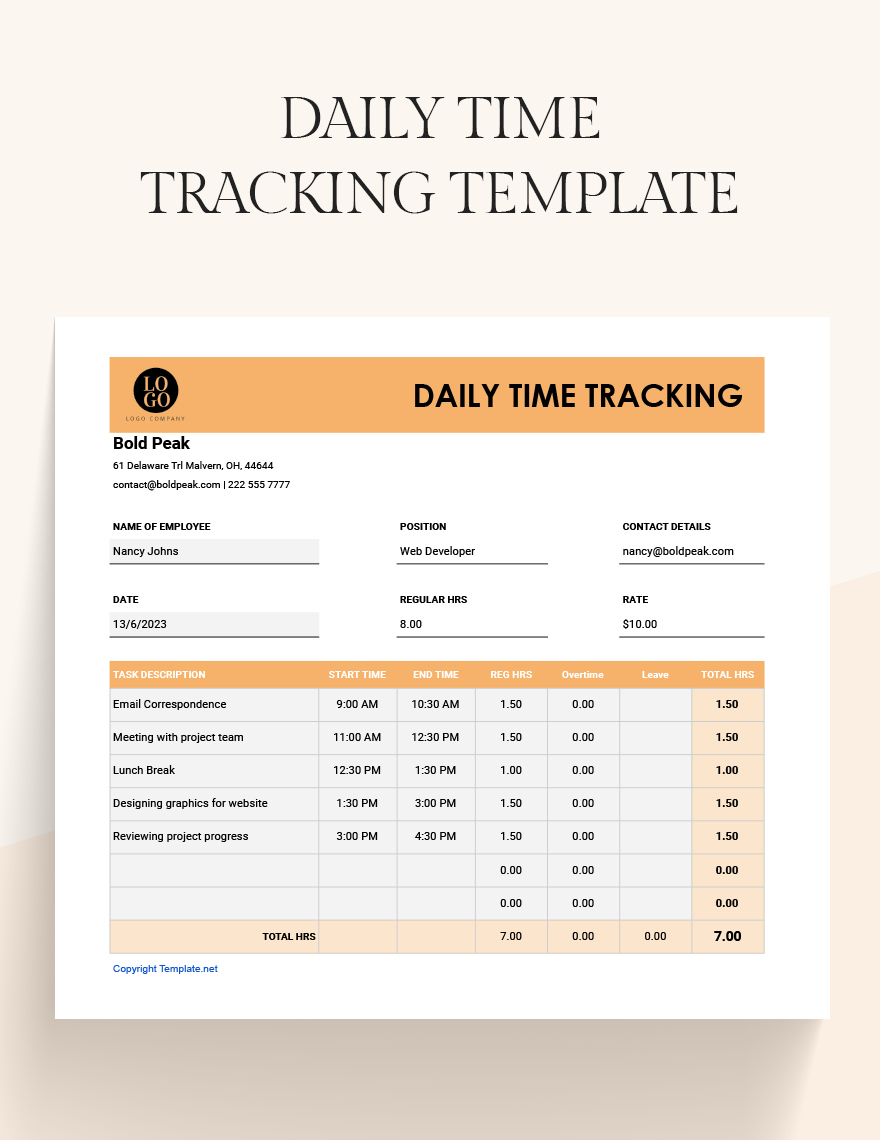
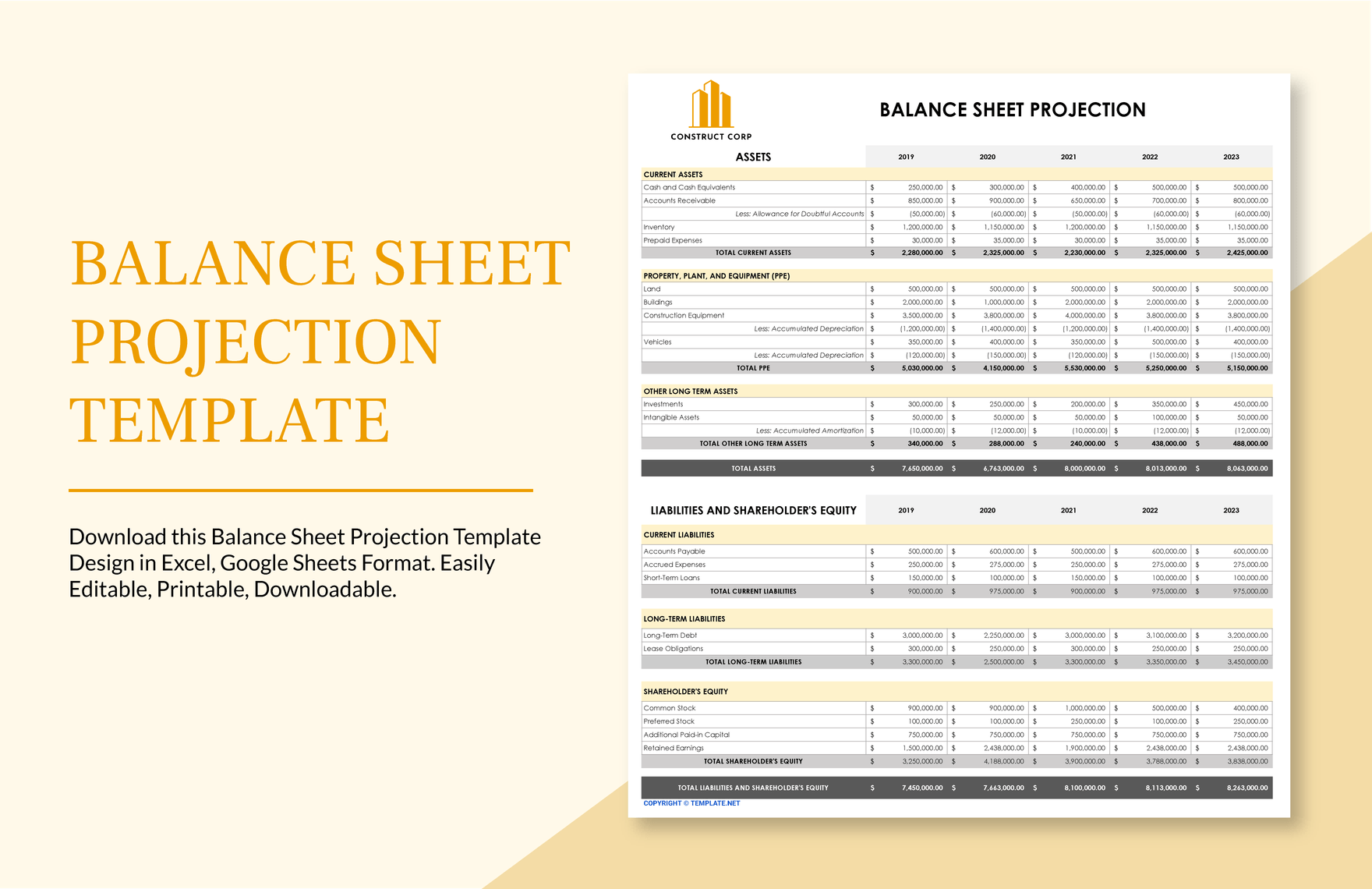
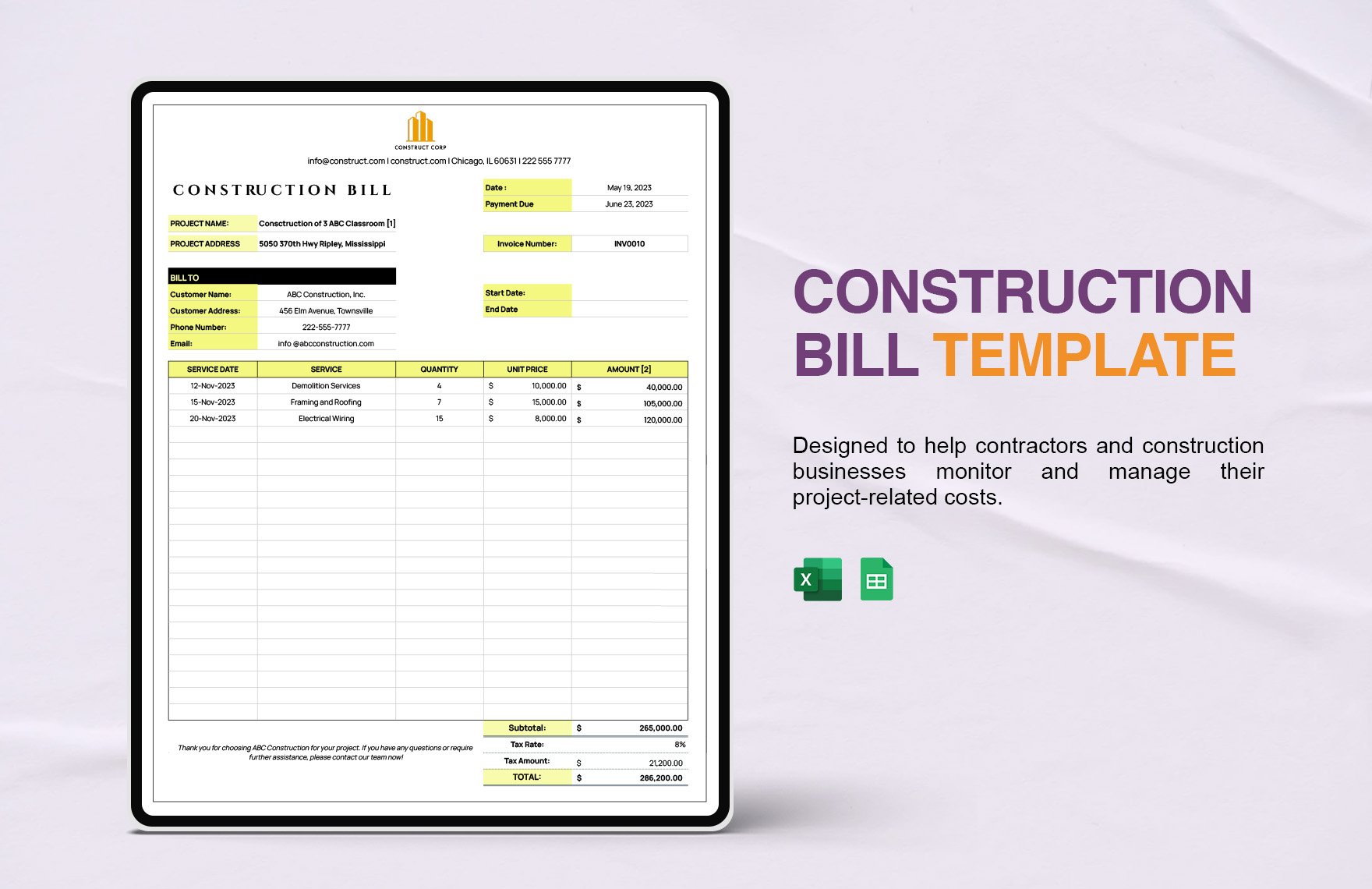
Managing a construction project requires a lot of supervision from time to time. Monitoring the budget, safety & risk reduction procedure, equipment & logistics, and more to mention—are some aspects to mention. Having said this, you, as a project manager need to keep an eye on the different sectors of your construction project effectively. And you can do it all through our high-quality Construction Tracking Templates. You need not waste any more time creating them from scratch, for all of our template files are ready-made for you to use. All you have to do is download it in your favorite Google Sheets version, modify its content accordingly and save a copy. We assure you that you can successfully manage your construction project in no time. Grab a copy now!
Free Construction Tracking Sheet Template in Google Sheets
Avoid Chaos by Tracking Your Construction Equipment Inventory, Costs, Schedules, and Timeline with These Construction Tracking Sheet Google Sheets Templates. Have the Freedom to Customize the Content in Each Spreadsheet. Also, Check Out Our Project Plans and Timesheet Templates, and Our Issue Trackers for Issue Tracking and Project Management Purposes. Get Yours at Template.net Today!

- Grade Sheet
- Estimate Sheet
- Dashboard
- Finance statements
- Invoices
- Payment
- Call Logs
- Budget
- Real estate
- Work order
- Hr templates
- Checklists
- Restaurant sheets
- Startup budget
- Ecommerce
- Reports
- Medical
- Home renovation budget
- Notes
- Construction schedule
- Expense Report
- Pay Stub
- Timesheet
- Department budget
- Daily Report
- Gantt Chart
- Hr dashboard
- Food budget
- Sheet
- Attendance sheet
- Renovation budget
- University budget
- Payment schedule
- Rental
- Proforma invoice
- Operating budget
- School budget
- Construction bid
- Sports
- Documents
- Restaurant budget templates
- Overtime sheet
- Startup
- Finance templates
- Attendance Sheet
- Product
- Pie chart
- Education
- Business
- Statements
- Reconciliation
- Credit collection
- Restaurant schedule templates
- Financial projection
- Sales
- Schedule of values
- Maintenance
- Budget sheet
- Restaurant inventory
- Inventory spreadsheet
- Cash flow
- Statements
- Roadmaps
How to Create Construction Tracking in Google Sheets
There is no doubt that working in the construction industry isn't an easy thing. Taking into account the rapid work pace and the risks in terms of safety and mismanagement, working in this kind of job all goes back to the fundamentals of having a solid practice of effective project plan. And for you, who aims to achieve a successful work process, particularly for your construction project, you can make it happen with the aid of a construction tracking document. And so that you can get started, we'll show you how you can do it through our guide below.
1. Establish your Construction Project
Regardless of your construction project, whether if it is big or small-time, it is a fundamental process for you to set a solid foundation on how your desired project works. Construction processes, like the number of workforces that you require, needed resources, budget, percentage of feasibility, are the things that you need to prioritize and oversee. And how can you achieve it? By laying it all first to a thorough construction plan. Also, by doing this process, it allows you to determine the tracking document that you want to create, like for equipment tracking, budget & expense, or for construction documentation.
2. Choose a Format
In creating one tracking sheet, you need to consider that this type of organizing tool also varies in terms of its format and structure. There are tracking sheets wherein it follows a form of a regular chart; some even have a format of a Gantt chart and or a schedule. Upon picking the sheet format for you to use, make sure that it is compatible at your end.
3. Structure your Sheet
With the use of a layout app, you can now begin crafting your construction tracking sheet. Following your chosen format, allocate a number of blank charts into your layout board. And if you wish to enhance its aesthetic layout, you can freely integrate a design motif or branding to your construction tracking's layout.
4. Gather the Essential Details
So that you can achieve an accurate tracking document, gathering all the vital details that would make your construction tracking sheet credible is a need for you. Remember that your tracking document can also serve as a legal form for different transactions. That is why you see to it that you collect all the essential info, such as the name of the company, address, contact details, and attach it to your document.
5. Opt for Pre-Mades
Whether you want to have a construction daily time tracking, repair maintenance tracking, or budget tracking, make sure that you can have it in as fast as an instant. One way for you to obtain it is by utilizing our ready-made templates above. All sample sheets above are downloadable and editable, so freely check them out.
Frequently Asked Questions
What are The Methods to Keep Track of your Construction Project's Progress?
The methods to keep track of your construction project's progress are:
- Bids vs. actuals.
- Establish key performance indicators.
- Keep a clear line of communication.
- Stay on schedule.
- Shuffle resources in real-time.
- Document all activity.
- Track lost hours.
- Use daily reports.
How to Create a Construction Program?
The steps to create a construction program are:
Step 1: Write Down Your Tasks. First, you're going to work out what it is that you have to do.
Step 2: Establish the Order of Tasks.
Step 3: Create Some Milestones.
Step 4: Calculate the Timescale.
Step 5: Allocate People to Tasks.
Step 6: Review Regularly.
How to Keep Track of Monthly Expenses?
- Check your account statements.
- Categorize your expenses. Start grouping your expenses.
- Use a budgeting app.
- Explore other expense trackers.
- Identify room for change.
What are the Applications to Track Expenses?
The applications that help track expenses are:
- Budget Watch.
- Mint.
- Expensify.
- Financial Calculators.
- Monefy.
- Wallet.
What are The Steps to Monitor Large Construction Projects?
The steps to monitor larger construction projects:
- Prioritize. First, know your priorities.
- Block Your Time. I think it's commonly accepted that successful multitasking is a myth.
- Create Focus.
- Review Your Workload Regularly.
- Delegate. ...
- Overlay Your Project Plans.
- Track Your Progress.
- Be Flexible.
