Template.net logo
Pricing
  • Home
  • Templates
  • Construction Organizational Chart in Apple Pages

Free Construction Organizational Chart Template in Apple Pages, Imac

Show the Hierarchy of Job Roles, Project Structure, Staff, and Stakeholders in Your Construction Company by Creating an Organizational Chart. Here at Template.net, We Have Construction Organizational Chart Templates in Apple Pages That Are Editable and Printable. Ensure a Proper Decision-Making Process in Your Company. Download a Template Now!

  • My Projects
  • Pages
  • Resumes
  • Invoices
  • Menu
  • Cover Letter
  • Checklists
  • Notebook Journals
  • Cookbook
  • Certificates
  • Brochures
  • Food Menus
  • Flyers
  • Receipts
  • Schedule
  • Posters
  • Magazines
  • Letterheads
  • Quotations
  • Itinerary
  • Business Cards
License
Construction Organizational Chart Template in Google Docs, Pages, PDF, Word - Download | Template.net

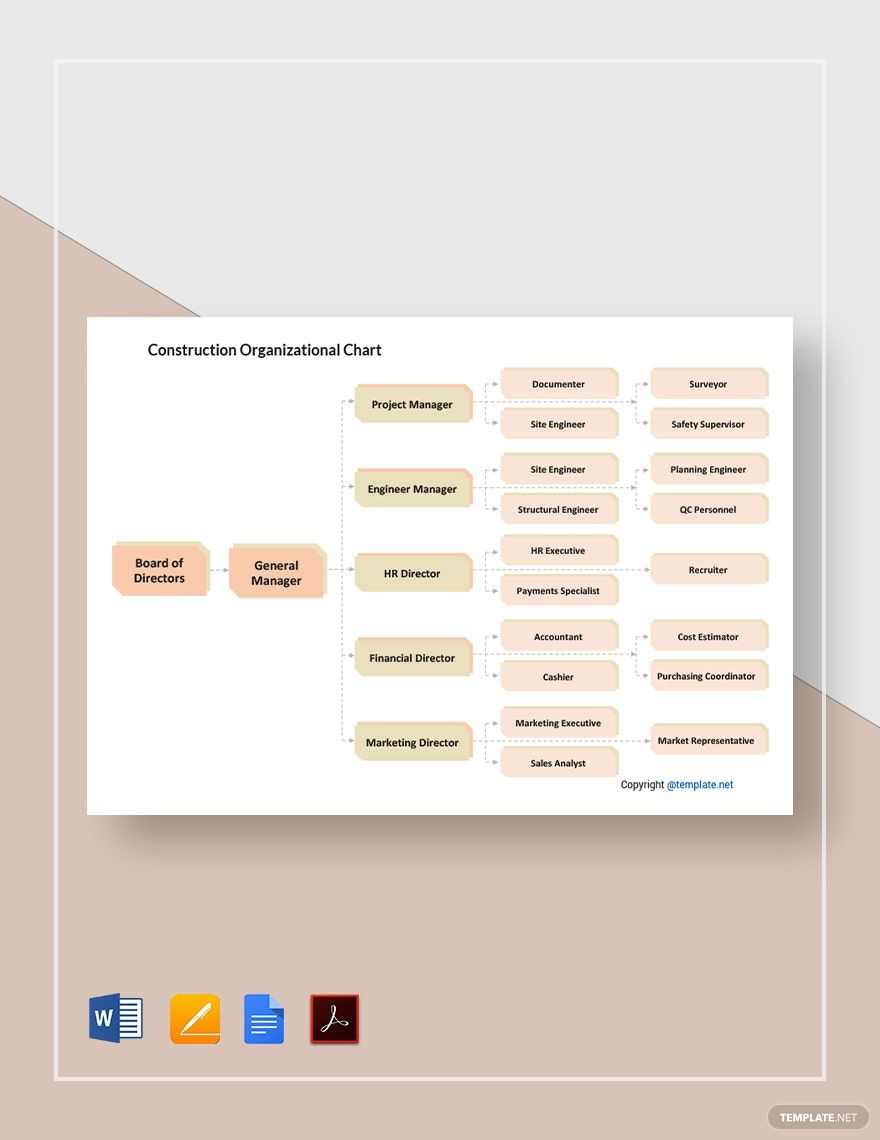
Construction Organizational Chart Template

Construction Team Organizational Chart Template in Google Docs, Word, PDF, Pages - Download | Template.net

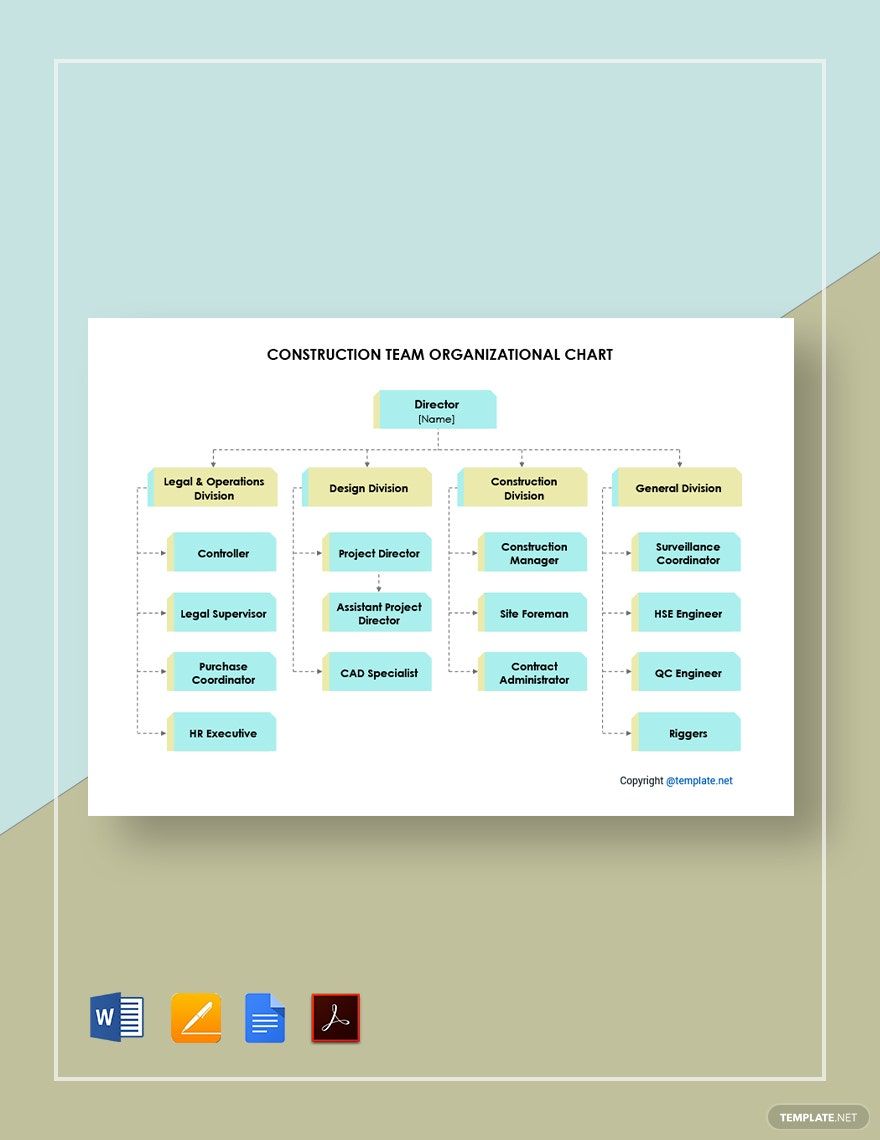
Construction Team Organizational Chart Template

Construction Company Organizational Chart Template in Google Docs, PDF, Word, Pages - Download | Template.net

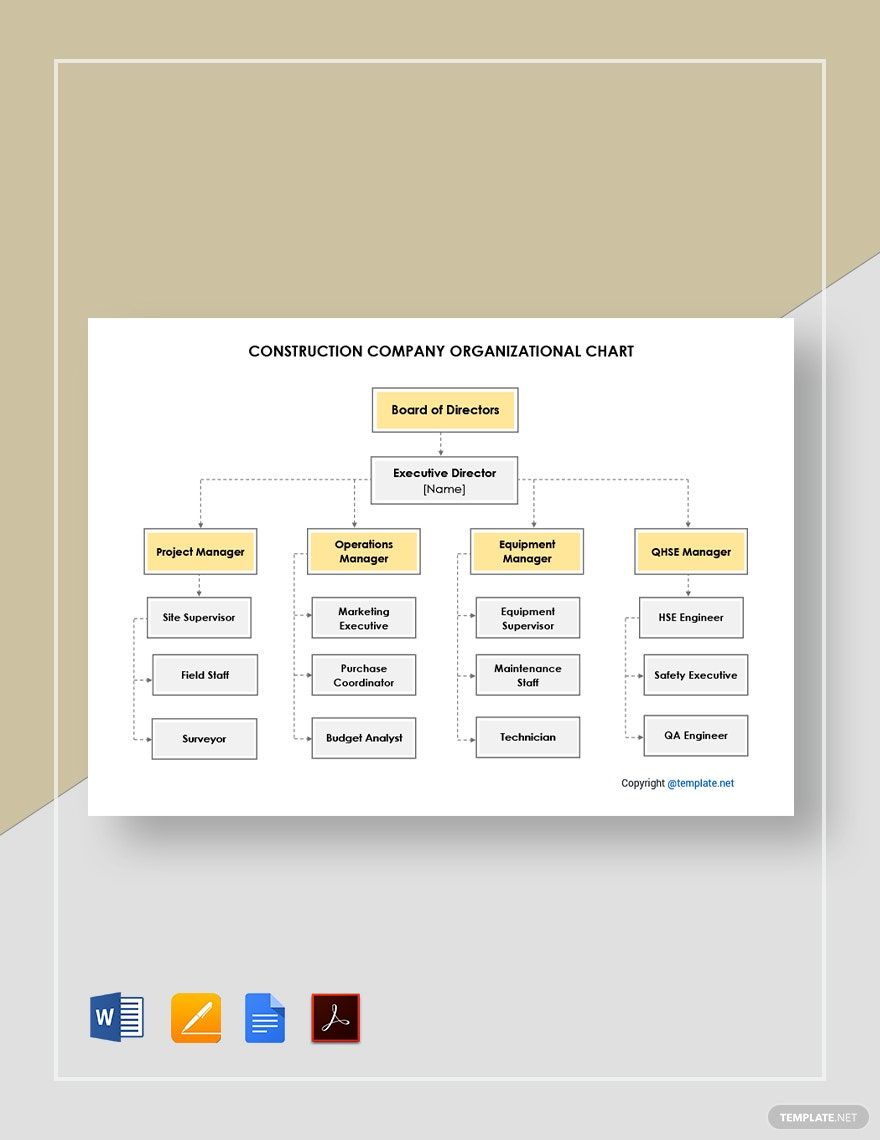
Construction Company Organizational Chart Template

Complex Construction Organizational Chart Template in Google Docs, Word, Pages, PDF - Download | Template.net

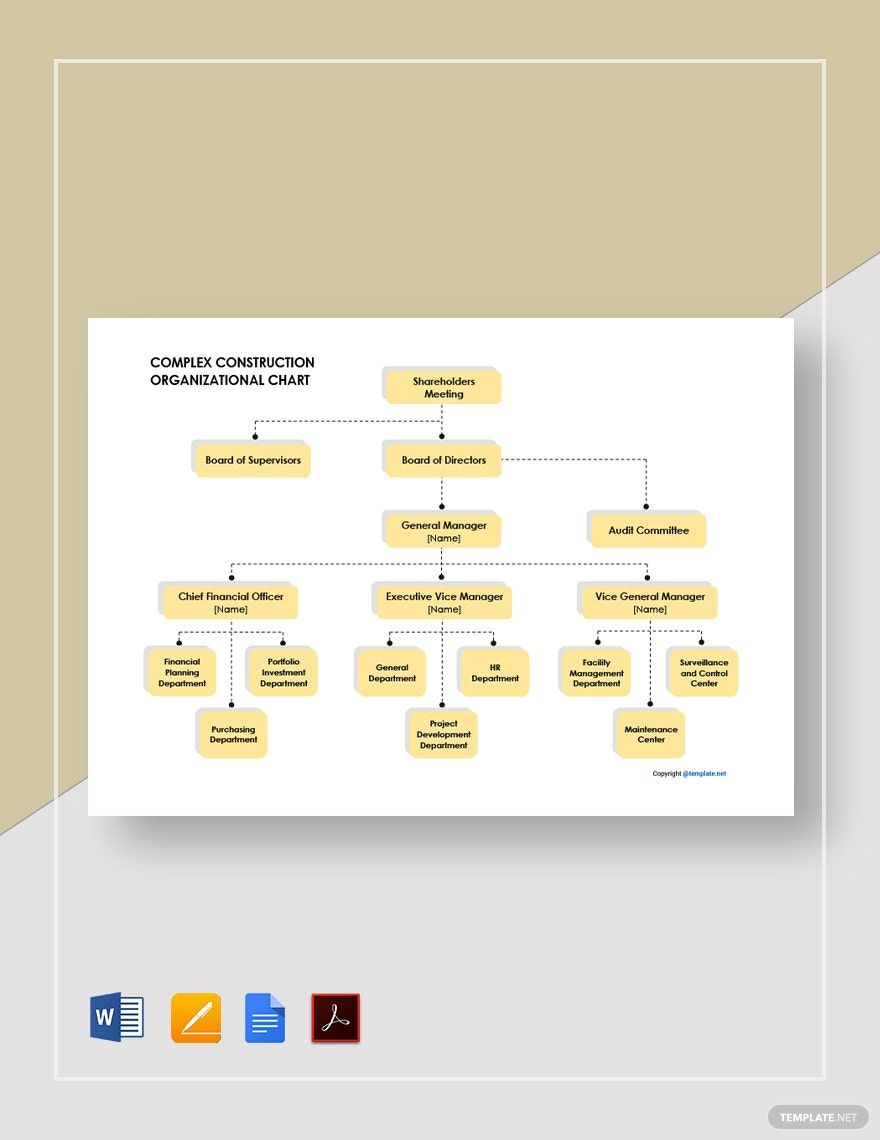
Complex Construction Organizational Chart Template

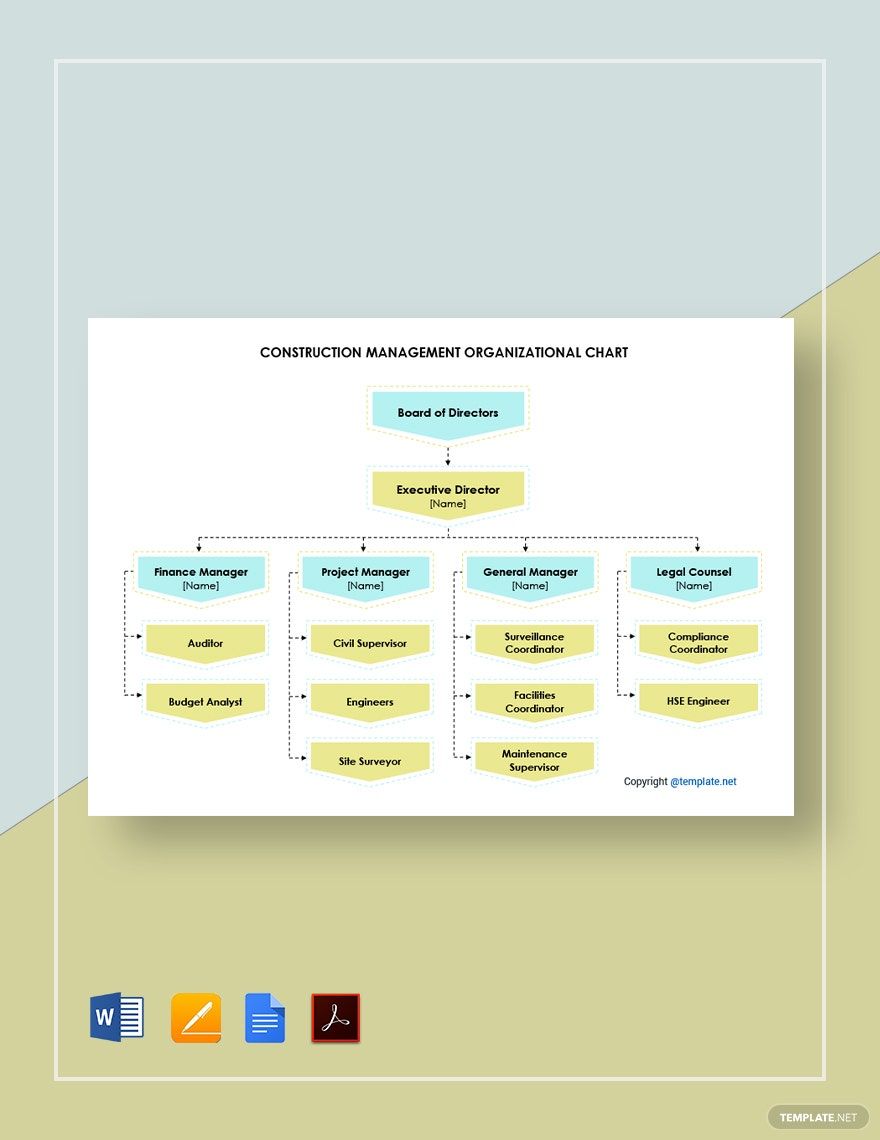
Construction Management Organizational Chart Template in PDF, Word, Pages, Google Docs - Download | Template.net

Construction Management Organizational Chart Template

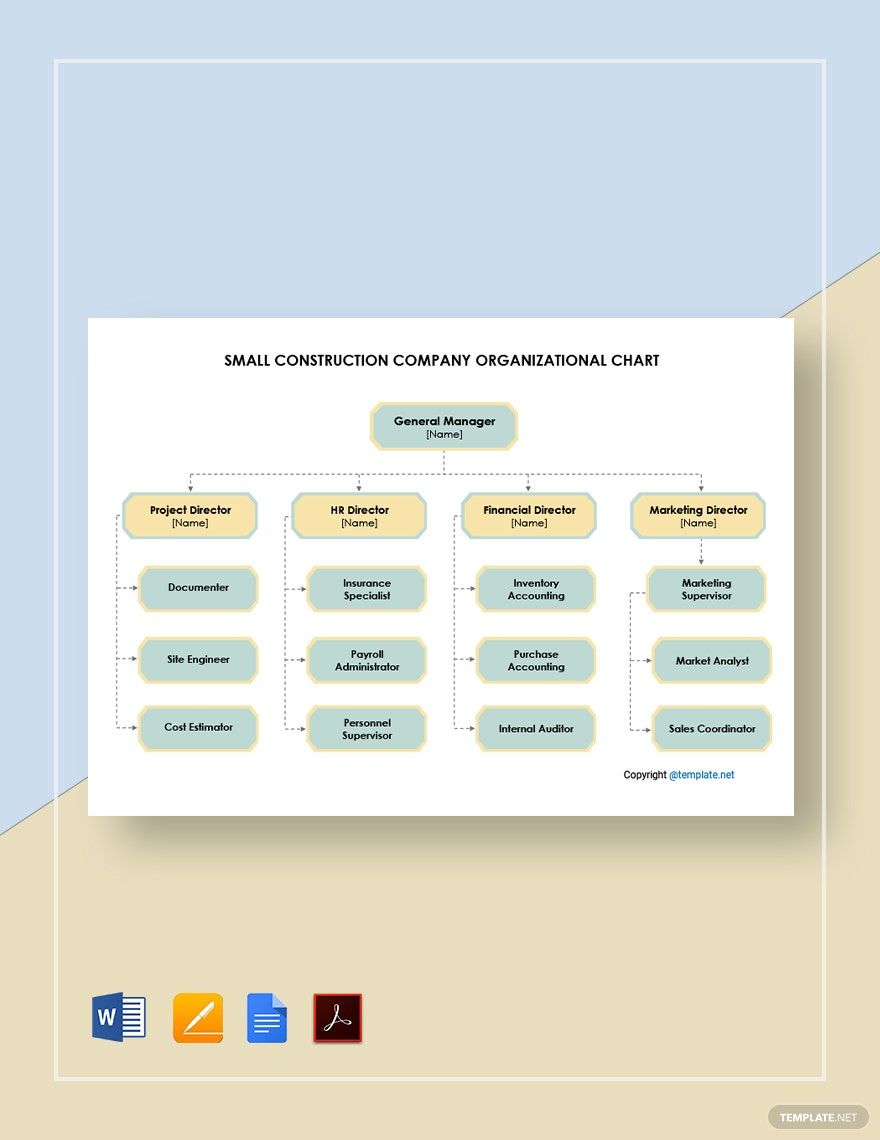
Small Construction Company Organizational Chart Template in PDF, Pages, Word, Google Docs - Download | Template.net

Small Construction Company Organizational Chart Template

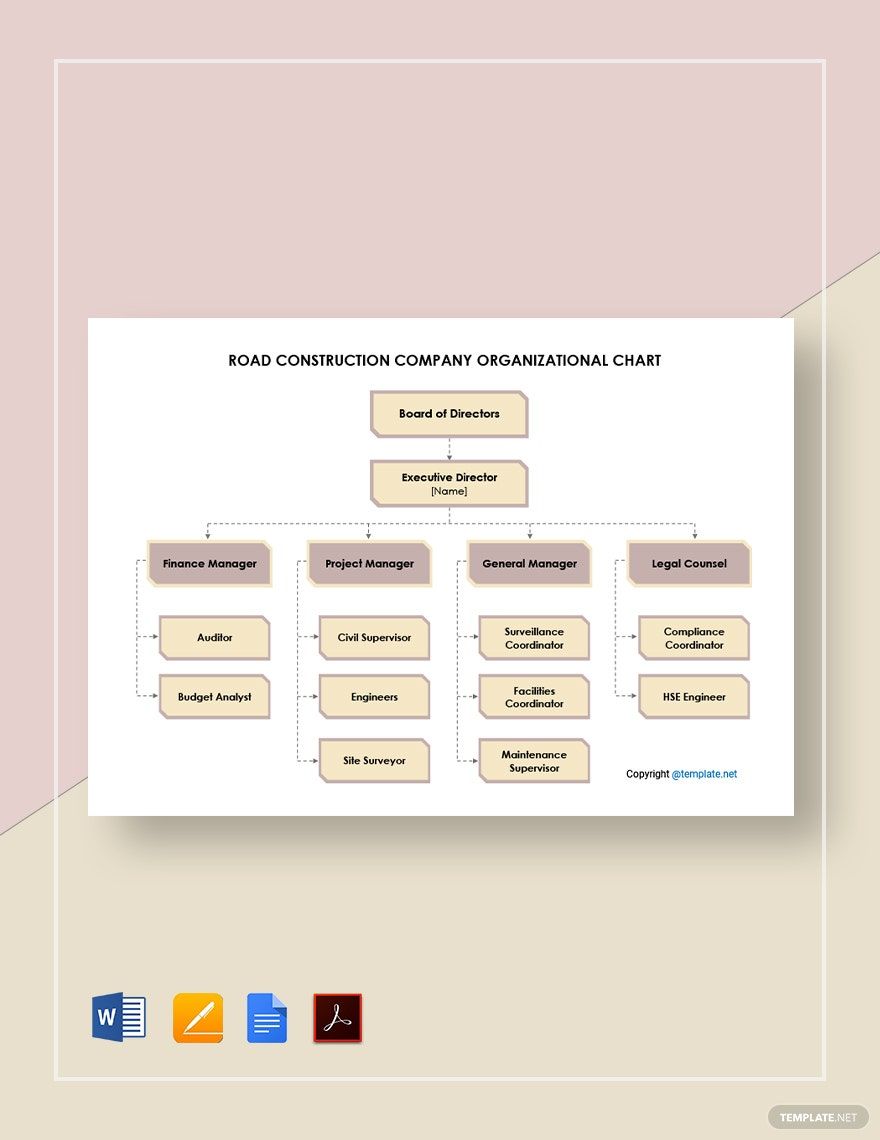
Road Construction Company Organizational Chart Template in Google Docs, Word, Pages, PDF - Download | Template.net

Road Construction Company Organizational Chart Template

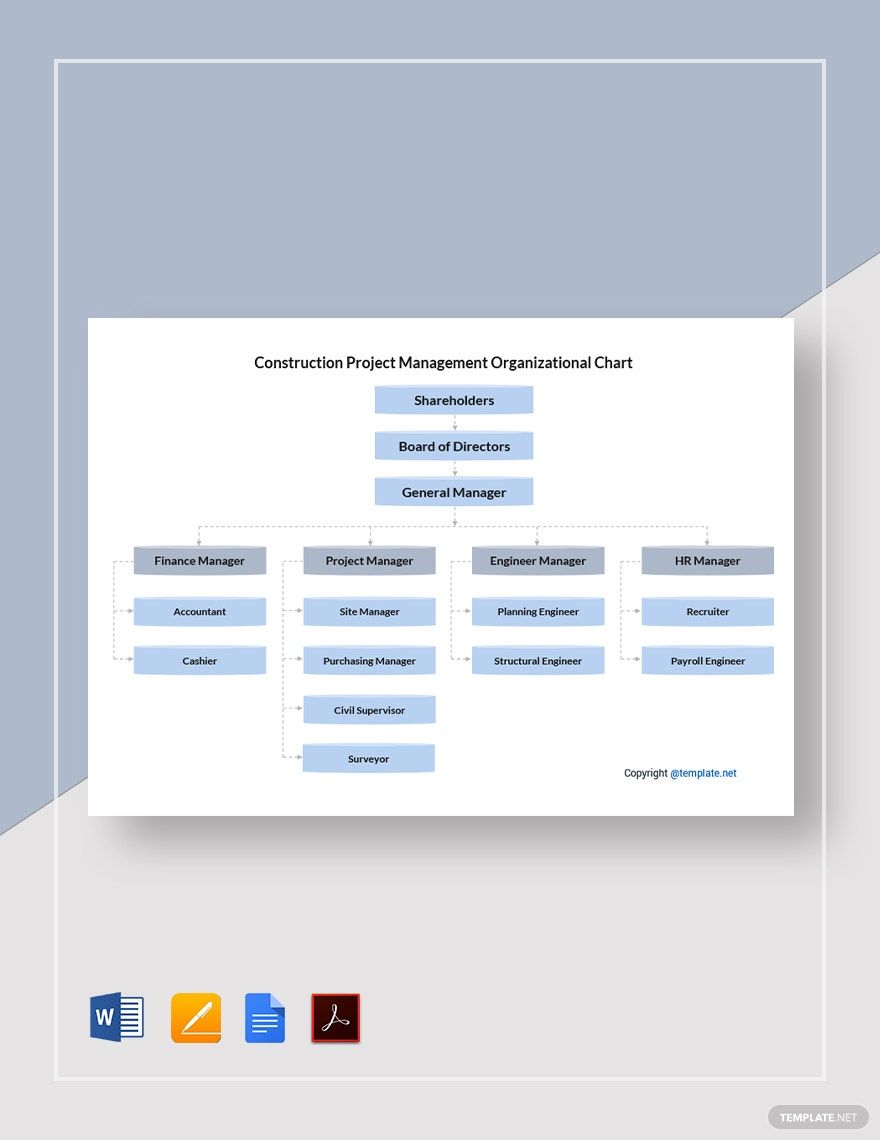
Construction Project Management Organizational Chart Template in Google Docs, Pages, PDF, Word - Download | Template.net

Construction Project Management Organizational Chart Template

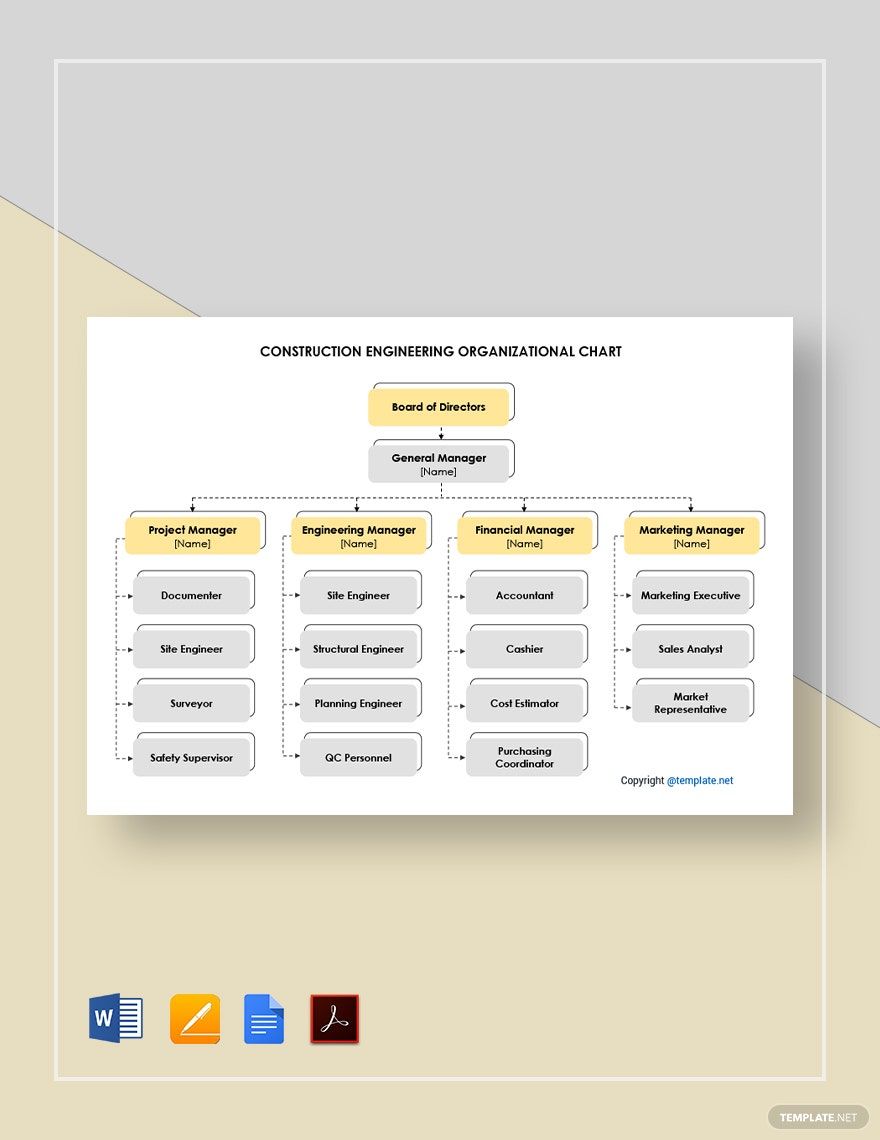
Construction Engineering Organizational Chart Template in Google Docs, Pages, PDF, Word - Download | Template.net

Construction Engineering Organizational Chart Template

  • Invitations
  • Reports
  • Fax Covers
  • Timelines
  • Proposals
  • Notes
  • Purchase orders
  • Meeting minutes
  • Portfolio templates
  • Heart coloring
  • Newspaper
  • Greeting cards
  • Newsletters
  • Tiger coloring
  • Contracts
  • Family tree
  • Printable Certificates
  • Letters

Does your contractor agency have an upcoming construction project? Do you need to discuss the organizational structure within your company? Whether you’re doing road construction or urban landscaping, it’s crucial to clarify the flow of power among all of the involved parties. And we can help you out with our Ready-Made Construction Organizational Chart Templates! Present your executive order using these professional, easily editable chart designs. Our samples are 100% customizable in Apple Pages, each one available to use in both A4 or US letter sizes. Arrange your administrative hierarchy and business partnerships with the use of our printable templates. Download now!

How to Make Construction Organizational Charts in Pages

As mentioned in a page from britannica.com, humans started with simple disposable materials to build shelters for survival. Ever since, our ability to create different structures has evolved into what it is now.

Today, the construction industry is an imperative part of modern civilization; without this professional field, we wouldn’t have the contemporary infrastructures that we take for granted. With how much we rely on the various contractor companies and construction agencies out there, these businesses ensure that they’re able to deliver high quality in their work.

To maintain a solid foundation for your own construction firm, it’s important that the involved parties in a project have a reference of who’s above who and what each of their individual roles is. To aid in this task, we’re offering you our Ready-Made Construction Organizational Chart Templates! With these easy-to-use samples, you’ll easily cut down on time and hassle when making a chart on your own.

Need a guide on how to use our templates? Simply check out our tips and discover how to arrange your chart in Apple Pages!

1. Download an Appropriate Chart Design

With how busy it can get for anyone working in construction, it’s understandable that making a chart from scratch can be frustrating. However, with our organizational chart templates, we can reduce that fuss! There are several specific designs you can choose from, all of which are simple enough to fit whatever you need. So, feel free to download whichever is the most suitable for the task.

To avoid a confusing search later, you should rename the file name to something that’s easy to remember and save it in a folder that’s easy to access.

2. A Simple Yet Effective App

If you’re looking to customize your chart template in a streamlined fashion, then Apple Pages is the right editing tool for your Mac desktop (or iOS device).

Once you’ve gotten your hands on a chart design, open the newly downloaded file in Pages and get to work. Each of our chart templates is easy enough to edit by anyone, so you don’t need a degree in art or illustration to make alterations.

To edit your chart, merely replace the placeholder text found inside of each dialog box; go ahead and delete any excess parts that you don’t need. After filling in the necessary information, go over your work to make sure that everything is correct. Save your changes once you’re done doing any needed fixing.

3. Consider Some Advertising Afterward

Now that you’re through with the organizational chart, why not do a bit of marketing and use some advertising material for your business?

Brochures are a cheap yet classy way of promoting your company to potential clients. Their ability to fold up gives you plenty of room to work with.

Expose your brand to passersby with some banners. Suitable for both indoors and outdoors, you can hang these around to get even more attention.

4. Ready to Print and Use

After all your material is completed, you can finally get to printing. Run your company effectively with our Ready-Made Construction Organizational Charts and other handy templates!

AI Editors
  • AI Generators
  • Document Editor
  • Design Editor
  • Writing Assistant
  • Slide Maker
  • Whiteboard
  • Form Builder
  • Photo Editor
  • Social Editor
  • Graph Maker
Free AI
  • AI Logo Maker
  • AI Image Generator
  • AI Design Generator
  • AI Social Media Post Generator
  • AI Banner Maker
  • AI Document Generator
  • AI Writer
  • AI Form Generator
  • AI Presentation Generator
  • AI Whiteboard
  • AI Diagram
  • AI Photo Editor
  • AI Graph Maker
Free Tools
  • Qr Code Generator
  • AI Meme Generator
  • AI Headshot Generator
  • AI Color Wheel
  • AI Color Palette
  • Signature Generator
  • AI Avatar Maker
  • AI Background Remover
  • AI Paraphrasing Tool
  • AI Summarizer
  • AI Plagiarism Checker
  • AI Grammar Checker
  • AI Business Name Generator
Business Categories
  • Marketing
  • Sales
  • Advertising
  • HR
  • Finance
  • Construction
  • IT
  • Non Profit
  • Education
Applications
  • Word
  • Excel
  • PPT
  • Publisher
  • Outlook
  • Google Docs
  • Google Sheets
  • Google Slides
  • PDF
  • Apple Pages
  • Apple Numbers
  • Apple Keynote
  • PSD
  • Illustrator
  • Indesign
  • Free Templates
  • Popular
Company
  • About Us
  • Community
  • Pricing
  • Contact Us
  • Privacy Policy
  • Terms of Service
  • Refund Policy
  • Disclaimer
  • Careers
  • Blog
  • FAQ

Template.net © 2014 - 2026. All rights reserved

Instant Download

Get Instant Access to 40,000+ Apple Pages Templates

Limited Time Offer
  • Access to 1 Million+ Templates & Tools
  • 100,000+ Apple Templates Including Apple Pages & Apple Numbers
  • Unlimited access to Design & Documents AI editors
  • Professionally Made Content and Beautifully Designed
  • Instant Download & 100% Customizable
  • Home
  • Document
  • Design
  • Presentation
  • Image
  • Video
  • Templates
  • Brand
  • Projects
  • Whiteboard
  • Social
  • Chart
  • Form
  • PDF
  • AI Chat
  • Schedule

Templates

  • All
  • Word
  • Excel
  • Powerpoint
  • Google Docs
  • Google Sheets
  • Google Slides
  • PDF
  • PSD
  • Illustrator
  • Apple Pages
  • Apple Numbers
  • Apple Keynote
  • Publisher
  • InDesign
  • Logo
  • Sign in Sheet
  • Worksheet
  • Budget
  • Resume
  • Cover Letter
  • Invoice
  • Presentation
  • Recommendation Letter
  • Business Plan
  • Family Tree
  • Calendar
  • Letter
  • Business Card
  • Poster
  • Label
  • Lesson Plan
  • CV
  • Banner
  • Meme
  • Resignation Letter
  • Bill of Sale
  • Gift Certificate
  • Swot analysis
  • Press release
  • Roblex Tshirt
  • Timeline
  • Obituary
  • Youtube Banner
  • Receipt
  • Birth Plan
  • Instagram Post
  • Infographic
  • Lease Agreement
  • Itinerary
  • One Pager
  • Storyboard
  • Newspaper
  • Vision Board
  • Venn Diagram
  • To Do List
  • Menu
  • Flyer
  • Grocery List
  • Gantt Chart
  • Checklist
  • Proposal
  • Profit and Loss
  • Planner
  • Schedule
  • Meeting Minutes
  • Cornell Notes
  • Agenda
  • Tier List
  • Job Applications
  • ATS Resume
  • Smart Goals
  • Email Signature
  • Purchase Order
  • Comic Strip
  • Sop
  • Project Plan
  • Fax
  • Graphic Organizer
  • Executive Summary
  • Faq
  • Table of Content
  • Job Description
  • Timesheet
  • Brochure
  • Memo
  • Envelope
  • Ticket
  • T-shirt
  • Concept Map
  • Social Media Calendar
  • Coupon
  • Birthday
  • Org Chart
  • Flow Chart
  • Recipe
  • Magazine
  • Workbook
  • Catalog
  • Roadmap
  • Note
  • Report
  • Journal
  • ID
  • E Book
  • Invitation
  • Meal Planning
  • Company Profile
  • Quotation
  • Estimate
  • Persona
  • Funeral
  • Fishbone
  • Pitch deck
  • Postcard
  • APA Format
  • Order Form
  • Drawing
  • Clipart
  • Coloring
  • Chart
  • Background
  • Wallpaper
  • Letterhead
  • Mindmap
  • Cover Page
  • Sign in
  • Upgrade

    Templates