

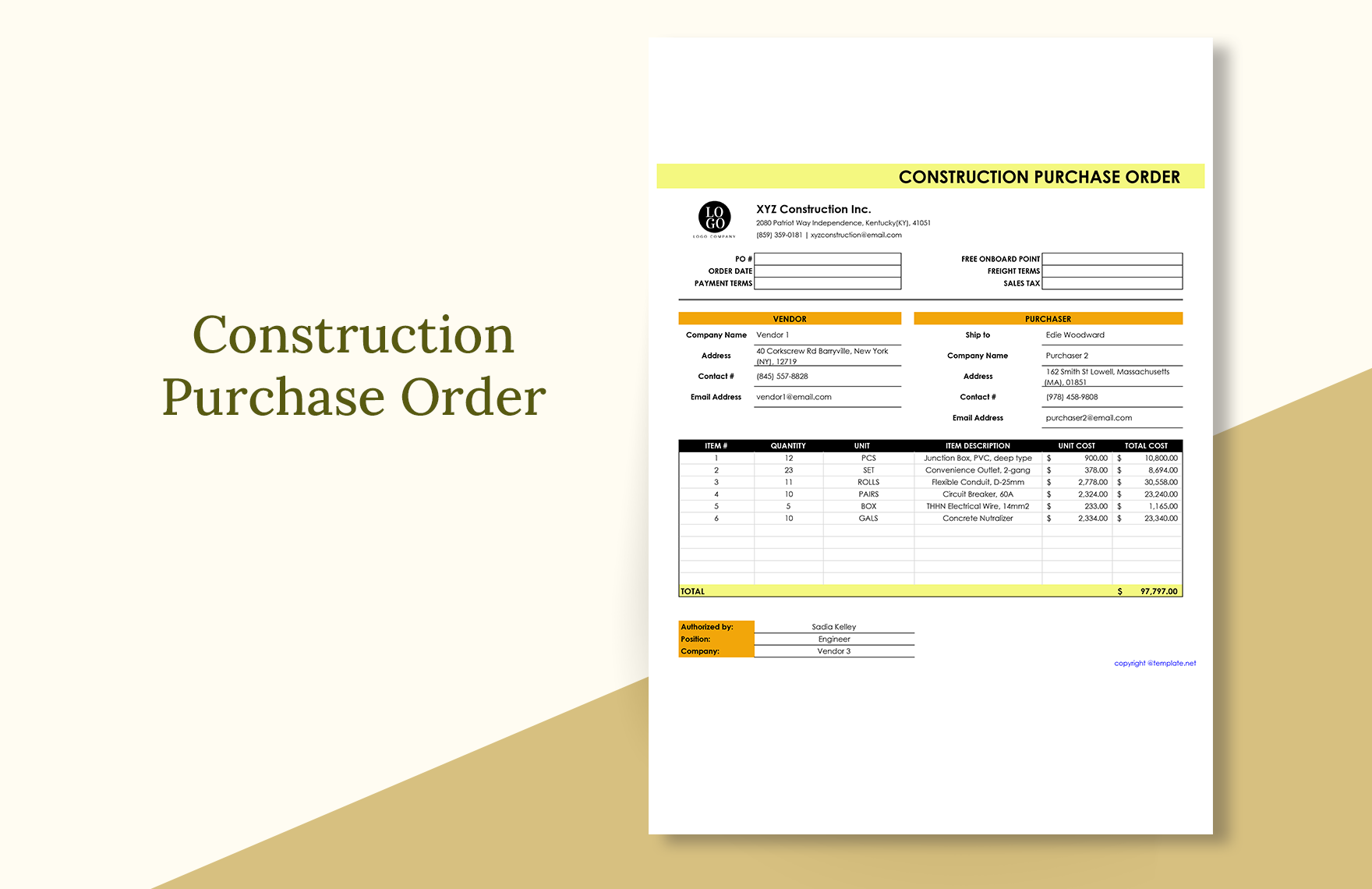
Construction projects are one of the most complex types of work. From pre-construction until post-construction stages, the contractor will always document all transactions. These transactions include cost tracking, procurement of materials, balance sheet, and many others. As an administrative employee, working in a construction company, making these documents are probably one of your main tasks. For your convenience, you may download our 100% customizable and professionally written Construction Administrative Templates in Apple Pages. With these templates, you can eliminate the hassle and time-consuming drafting of construction documents. Subscribe to our subscription plans now!
Construction Administrative Template in Apple Number, Imac
Get Your Estimates Right, Follow The Schedule On Time, Get An Overview Of The Project Process With A Gantt Chart. Template.net's Sample Construction Resumes And Administrative Templates Contain All The Necessary Documents You Need On Your Job, Whether You Are A Manager Or Someone Who Is Looking For A Job. Use Them Now In Apple Pages Format.

How to Create Construction Administrative Templates in Apple Numbers?
The purpose of an administrative construction document is to record the project's progress, expenses, and other essential information. According to David Ross Associates LLC, a real estate developer, construction project management has many aspects, including documentation. With proper documentation, the contractor can have a broader perspective on its project, and eventually, reach its desired outcome. We've prepared a few tips for you when creating construction administrative documents, which are as follows.
1. Discuss the Goals and Objectives of the Project
As a project manager, you must discuss the documentation goals of your project with your construction and admin teams before the commencement of your project. You have to consider how the team will adequately document the processes throughout the project. This may also include various important aspects including construction budget.
2. Create Your Construction Administrative Templates
The discussion made with your team has given you the ideas on how to document your project. Now, use those ideas in creating your administrative templates. For example: If you are planning to make a construction work order template, include the necessary information such as type of work, description, construction schedule, and responsible key personnel.
3. Design Your Construction Administrative Templates
Adding a little creativity in your template will attract the attention of your stakeholders. Therefore, add some colors to your document's tables, headers, and background. For your guidance, check out our simple construction templates.
4. Review Your Construction Administrative Templates
Implementing your administrative documents without assessing them could be a risky move. A minor mistake in your record could result in misunderstandings and compromise your goals. So, before you use your administrative templates, check any errors such as typographical or layout misalignments.
5. Present Your Construction Administrative Templates
You and your team must be on the same page throughout your project. So, it would be best to introduce your administrative templates to your team and let them know that the use of these documents is a must at all times.
Frequently Asked Questions
What are the basic construction administrative templates?
There are many documents in a construction project, either small or large. The basic ones are the following:
1. Change order management
2. Construction receipt or invoice
3. Procurement of materials order
4. Payable aging worksheet
5. Expense worksheet
What is a construction expense worksheet?
The construction expense worksheet details the project’s expenditures. There are daily, weekly, and monthly expense worksheets. The administrative employees are in charge of monitoring and controlling such sheets.
What must be included in a construction administrative template?
In every construction administrative template, the essential information should include the following:
1. Contractor’s company name
2. Project name
3. Project number
4. Project location
5. Type of document
6. Document number
What is an account payable worksheet?
The account payable worksheet is one of the most crucial documents in construction projects. This is because it provides the contractor with an overview of the payables. The description of the item and the due date is included with this sheet.
How important is documentation in construction projects?
Documentation is one of the foundations for a fruitful construction project. The reason for this is because, with it, the contractor can easily monitor the project’s timeline, expenditures, and progress using these documents.
