
Template.net logo
AI
Editors
  • Writer
  • Design
  • Document
  • Form
  • Whiteboard
  • Photo
  • Presentation
  • Chart & Graph
Marketing
  • Logo
  • Flyer
  • Business Card
  • Mockup
  • Banner
  • Meme
  • Social Media
  • Wallpaper
  • LinkedIn Banner
  • YouTube Thumbnail
  • Background
  • Infographic
  • Insta Story
  • WhatsApp Status
  • Youtube Channel Art
Print
  • Menu
  • Card
  • Brochure
  • Sticker
  • Calendar
  • Label
  • Tshirt
  • Certificate
  • Poster
  • Business Card
  • Ticket
  • Timeline
  • Schedule
  • Newspaper
  • Cover Page
Document
  • Resume
  • Invoice
  • Business Plan
  • Report
  • Agreements
  • Itinerary
  • Proposal
  • Letter
  • Statements
  • Analysis
  • Citation
  • Story
  • Cover Letter
  • Budget
  • Checklist
Tools
  • Remove Background
  • Photo
  • Collage
  • Signature
  • QR Code
  • Barcode
  • Headshot
  • Coloring Page
  • Lesson Plan
More
  • Family Tree
  • Vision Board
  • Diagram
  • Flowchart
  • Quiz
  • Invitation
  • Quote
All AI GeneratorsStart Chat
Templates
Business
  • Marketing
  • Sales
  • HR
  • Advertising
  • Health and Safety
  • Finance
  • Accounting
  • Legal
  • Administration
  • Operations
  • Brand
  • Startup
  • Construction
  • Education
Categories
  • Design
  • Docs
  • Form
  • Whiteboard
  • Social Media
  • Presentation
  • Resume
  • Diagram
  • Trending
  • Banner
  • Invitation
  • Graphic
  • Infographic
  • Chart
Marketing
  • Flyer
  • Letterhead
  • Menu
  • Background
  • Clipart
  • Drawing
  • Calendar
  • Card
  • Logo
  • Timeline
  • Schedule
  • Poster
  • Brochure
  • Wallpaper
Document
  • Resume
  • Invoice
  • Business Plan
  • Report
  • Agreement
  • Itinerary
  • Proposal
  • Letter
  • Statement
  • Analysis
  • Family Tree
  • Cover Letter
  • Budget
  • Checklist
Download
  • Microsoft Word
  • Microsoft Excel
  • Microsoft PowerPoint
  • Microsoft Publisher
  • Google Docs
  • Google Sheets
  • Google Slides
  • PDF
  • PSD
  • Illustrator
  • InDesign
  • Apple Pages
  • Apple Numbers
  • Apple Keynote
All Templates
Pricing
  • Home
  • Templates
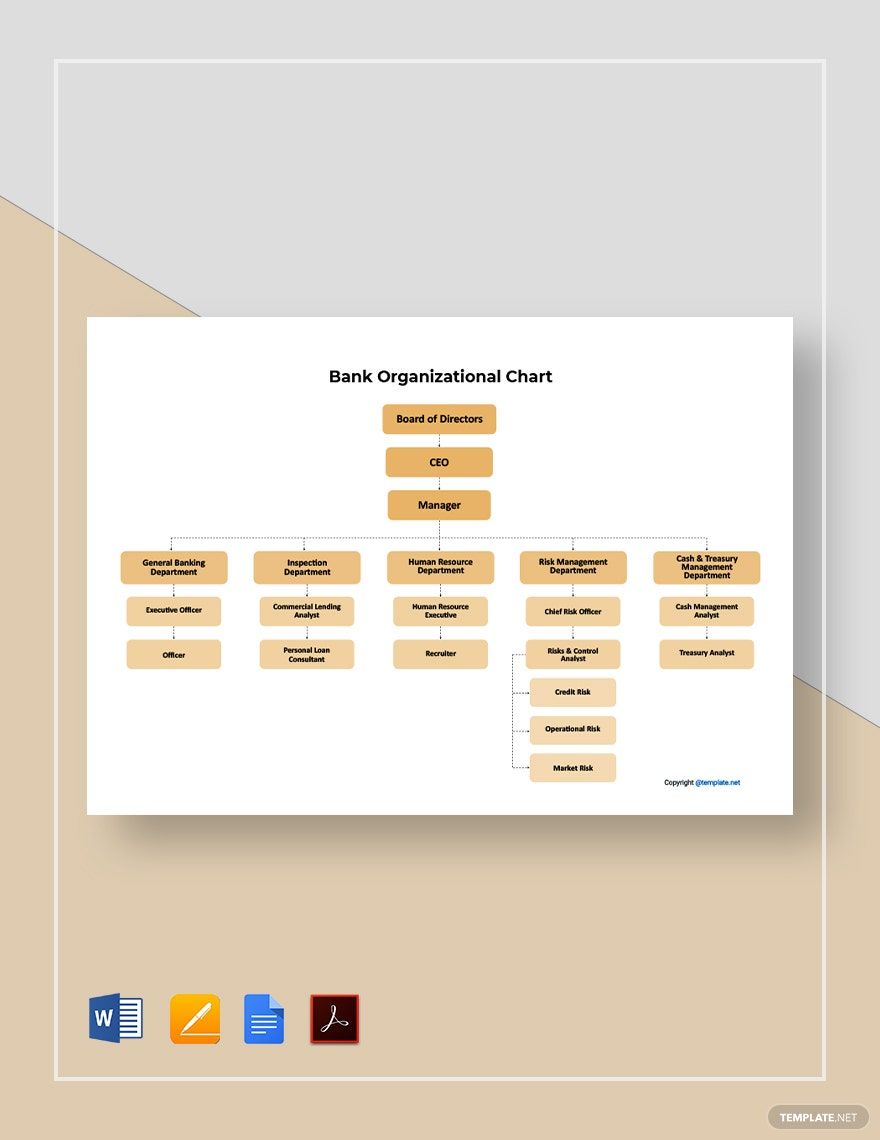
  • Bank Organizational Chart in Apple Pages

Bank Organizational Chart Template in Apple Pages, Imac

Banks Need to Organize Their Hierarchy Not Just to Show Customers Their Management Structure, But Also to Help Guide Who Are in Charge of Banking Issues Needed to Address Client Concerns. Template.net Offers Free Bank Organizational Charts That Are Fully Editable in Apple Pages and Printable for Immediate Use. Download Our Templates Today.

  • Pages
  • Resumes
  • Invoices
  • Menu
  • Cover Letter
  • Checklists
  • Notebook Journals
  • Cookbook
  • Certificates
  • Brochures
  • Food Menus
  • Flyers
  • Receipts
  • Schedule
  • Posters
  • Magazines
  • Letterheads
  • Quotations
  • Itinerary
  • Business Cards
License
Pro template icon representing

Sample Bank Organizational Chart Template

Sample Bank Organizational Chart Template in Google Docs, PDF, Word, Pages - Download | Template.net
Pro template icon representing

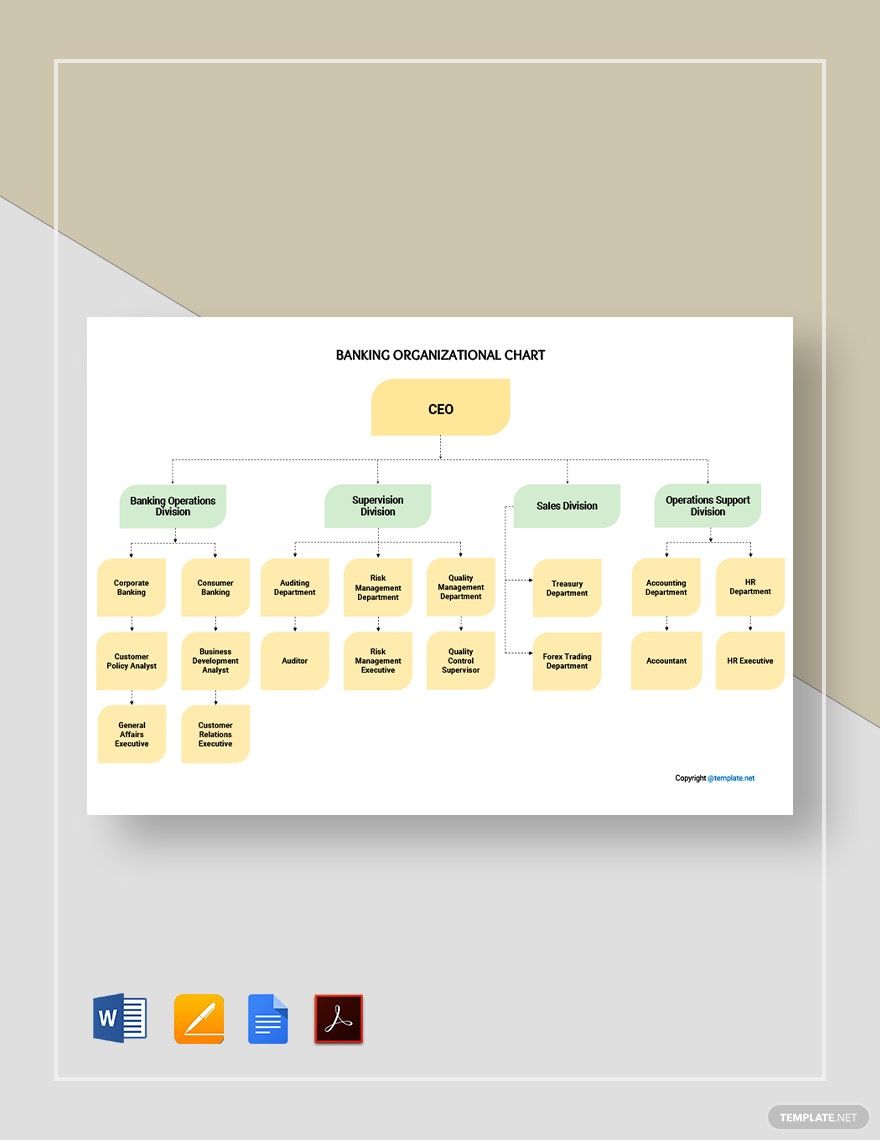
Banking Organizational Chart Template

Banking Organizational Chart Template in Word, PDF, Pages, Google Docs - Download | Template.net
Pro template icon representing

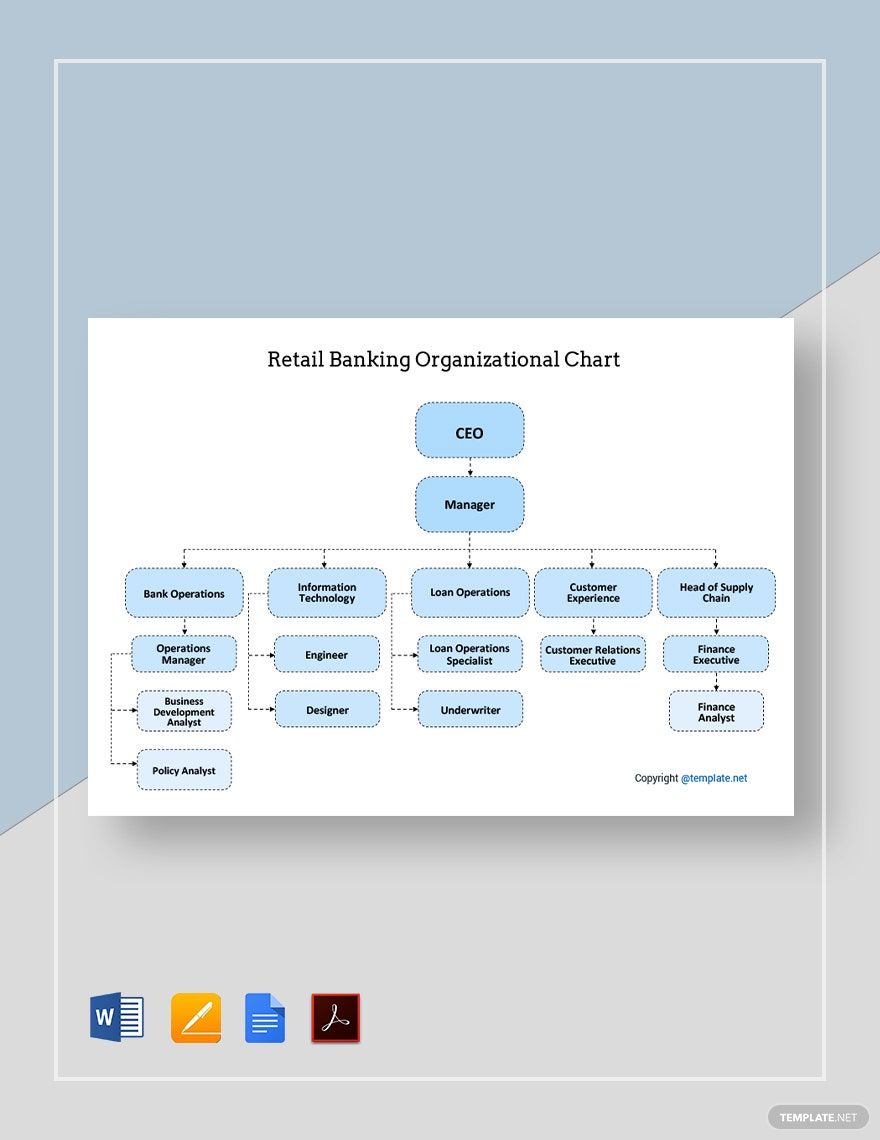
Retail Banking Organizational Chart Template

Retail Banking Organizational Chart Template in Google Docs, Pages, Word, PDF - Download | Template.net
Pro template icon representing

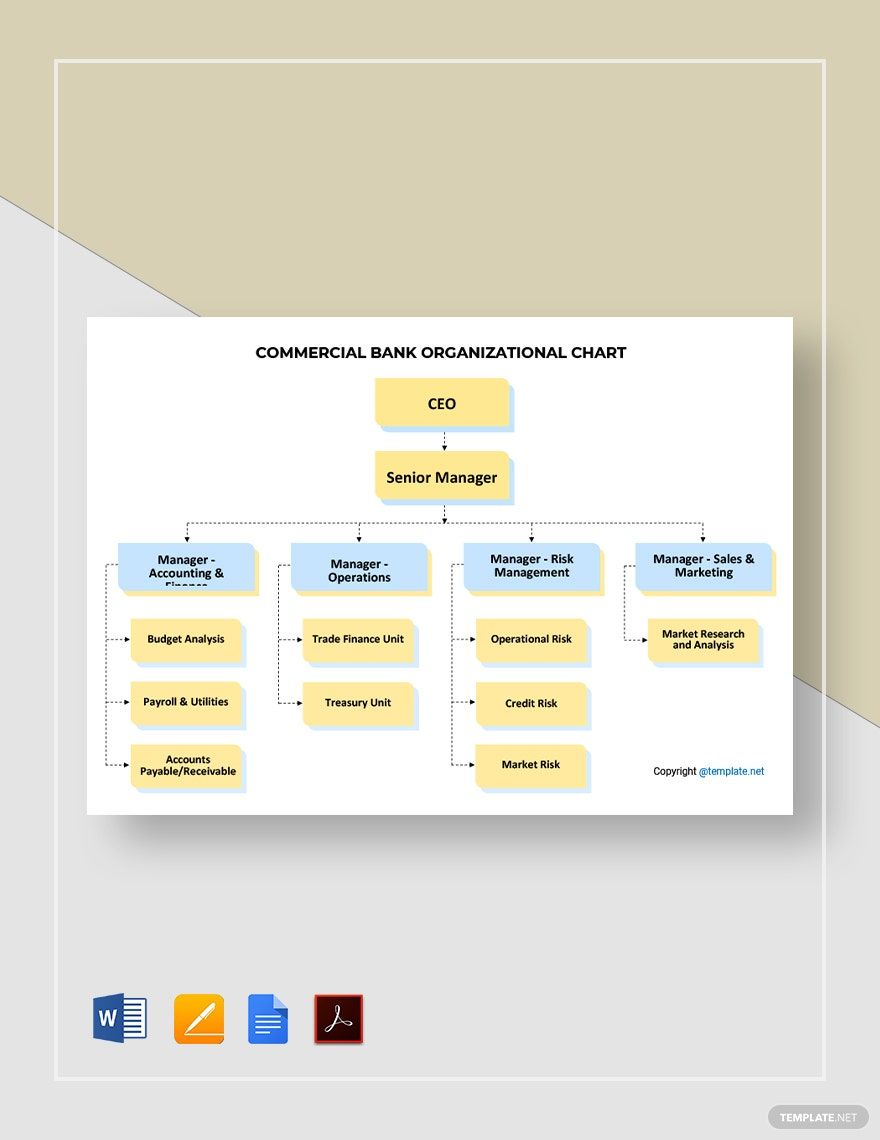
Commercial Bank Organizational Chart Template

Commercial Bank Organizational Chart Template in Word, Pages, PDF, Google Docs - Download | Template.net
Pro template icon representing

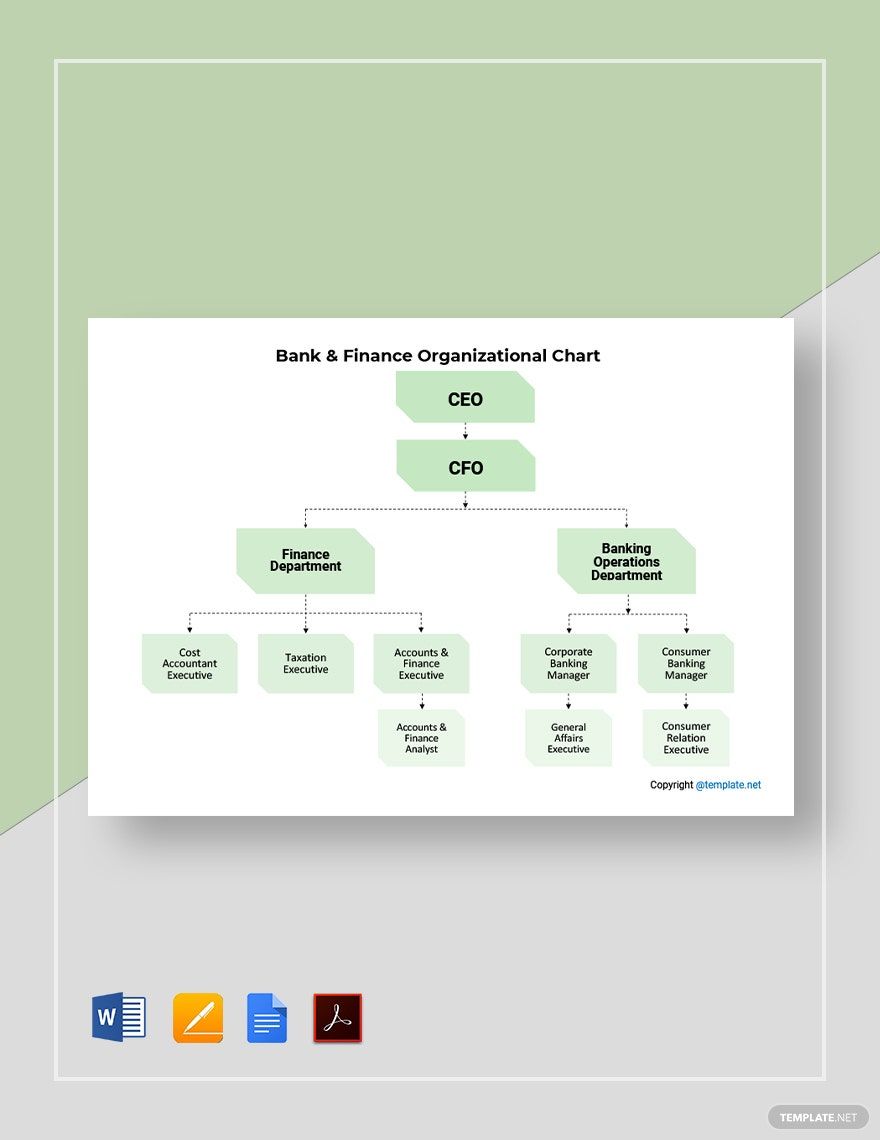
Bank and Finance Organizational Chart Template

Bank and Finance Organizational Chart Template in Google Docs, PDF, Word, Pages - Download | Template.net
Pro template icon representing

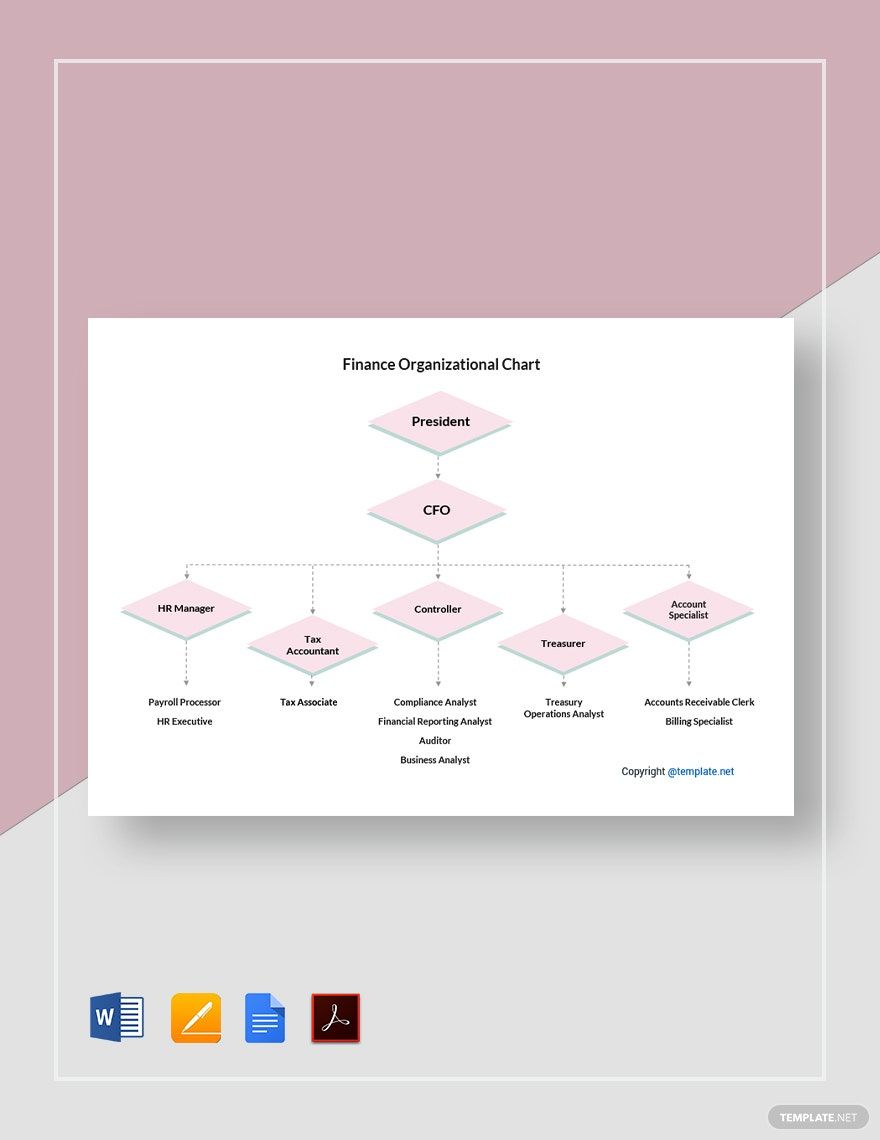
Finance Organizational Chart Template

Finance Organizational Chart Template in Google Docs, Pages, PDF, Word - Download | Template.net
Pro template icon representing

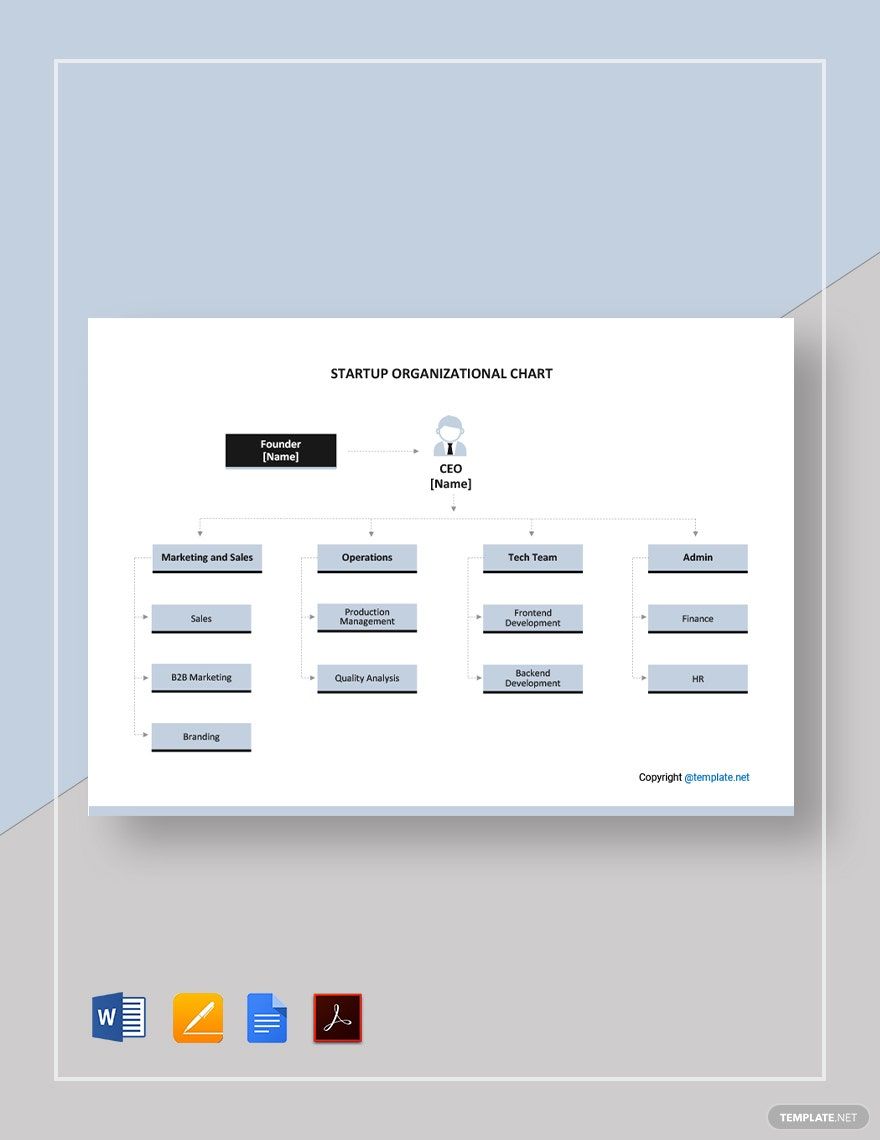
Printable Startup Organizational Chart Template

Printable Startup Organizational Chart Template in PDF, Pages, Word, Google Docs - Download | Template.net
Pro template icon representing

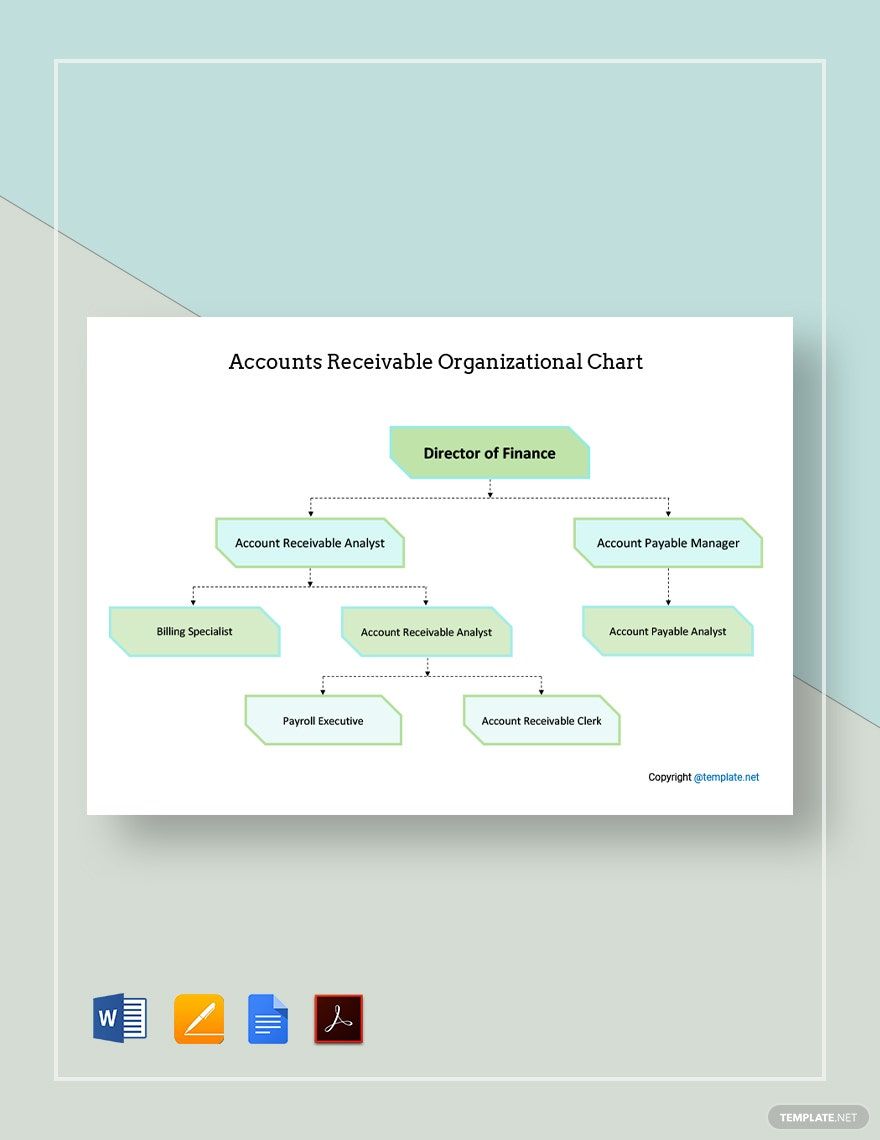
Accounts Receivable Organizational Chart Template

Accounts Receivable Organizational Chart Template in Google Docs, Word, PDF, Pages - Download | Template.net
  • Invitations
  • Reports
  • Fax Covers
  • Timelines
  • Proposals
  • Notes
  • Purchase orders
  • Meeting minutes
  • Portfolio templates
  • Heart coloring
  • Newspaper
  • Greeting cards
  • Newsletters
  • Tiger coloring
  • Contracts
  • Family tree
  • Printable Certificates
  • Letters

Banks are important for our modern financial needs, from mortgage payments to business audits. However, for a bank to operate optimally, it needs proper corporate governance. And one of the essential tools for this is the organizational chart. With this simple yet useful diagram, it’s much easier to manage a bank’s employee structure. So, expedite your chart creation with our Bank Organizational Chart Templates! Customize our professional content and intuitively sort out your banking business. Each one of our samples is easily editable for macOS users, as they’re fully compatible with Apple Pages. Don’t keep waiting and download now—have an easier time working on your retail banking company’s hierarchy!

How to Make a Bank Organizational Chart in Apple Pages

As explained by Investopedia (a business and finance resource), organizational charts are simple yet direct diagrams used in creating a group’s hierarchy. These diagrams are utilized in all kinds of industries, and banks are no exception to that list. Be it for an entire establishment or just a particular department, company organization charts are useful for any banking business.

Are you wondering how to properly create a standard organizational chart using Apple Pages? If so, we’ve got you covered with our handy tips found below.

1. Make Document Adjustments for Your Bank Organizational Chart

To start off, open a new blank document in Apple Pages and then open the Document menu in the side toolbar (located on the application’s right side). In the menu, turn off the Document Body option, which makes it much easier to work on inserted objects later. Lastly, confirm switching to a layout document and you’re now ready to work!

2. Name Your Bank Organizational Chart with a Descriptive Title

At the top of your document page, add a text box with a title that’s indicative of your organogram’s contents. Click on the Text icon (found in the above toolbar), followed by selecting the chosen spot to place the text box in. When creating the title, write something similar to “Loan Department Staff” or “Public Relations Team.”

3. Implement Shapes for Building Your Bank Organizational Chart

Your organizational chart requires basic shapes for containing names and job positions 

Click the Shape icon in the above toolbar and pick from one of the options in the menu, either an oval or a rectangle. Afterward, place the chosen shape somewhere near the top of your document, just below the chart’s title.

Start with the name and position of who has the highest level in your chart, such as a project manager or administrative officer. Continue with more shapes, making your way down the hierarchical tree.

4. Connect the Shapes in Your Bank Organizational Chart

Lines are typical in any organizational chart, used in directing the flow and relationships between employees.

Highlight two shapes at once with CMD+click before going to Insert > Line and then selecting one of the Connection Lines in the menu. The shapes now have a line connecting them to each other, which automatically adjusts itself whenever either of those shapes gets moved around.

So, did you read through everything? Just remember these tips and making a bank organogram won’t be a problem. Finally, have a look at our Bank Organizational Chart Templates if you need resources for your own content creation!

Frequently Asked Questions

Who created the organizational chart?

This credit goes to Daniel McCallum, who invented the diagram in 1855.

Why use a bank organizational chart?

A bank organizational chart’s visuals make it easier to arrange and explain the worker structure in a bank.

What are some applications for making a bank organizational chart?

Some examples are:

  1. Apple Pages
  2. MS Word
  3. Google Docs

What are the main parts of a bank organizational chart?

These parts include:

  1. Chart title
  2. Shapes filled with employee names and job positions
  3. Connecting lines

What directions does a bank organizational chart flow?

A bank organizational chart goes from either top to bottom or left to right.

Free AI Generators
  • AI Logo Maker
  • AI Image Generator
  • AI Design Generator
  • AI Social Media Post Generator
  • AI Banner Maker
  • AI Document Generator
  • AI Writer
  • AI Form Generator
  • AI Presentation Generator
  • AI Whiteboard
  • AI Diagram
  • AI Photo Editor
  • AI Graph Maker
Free Tools
  • QR Code Generator
  • AI Meme Generator
  • AI Headshot Generator
  • AI Color Wheel
  • AI Color Palette
  • Signature Generator
  • AI Avatar Maker
  • AI Background Remover
  • AI Paraphrasing Tool
  • AI Summarizer
  • AI Plagiarism Checker
  • AI Grammar Checker
  • AI Business Name Generator
Business Categories
  • Marketing
  • Sales
  • Advertising
  • HR
  • Finance
  • Construction
  • IT
  • Non Profit
  • Education
Applications
  • Word
  • Excel
  • PPT
  • Publisher
  • Outlook
  • Google Docs
  • Google Sheets
  • Google Slides
  • PDF
  • Apple Pages
  • Apple Numbers
  • Apple Keynote
  • PSD
  • Illustrator
  • Indesign
  • Free Templates
  • Popular
Company
  • About Us
  • Community
  • Pricing
  • Contact Us
  • Privacy Policy
  • Terms of Service
  • Refund Policy
  • Disclaimer
  • Careers
  • Blog
  • FAQ

Template.net © 2014 - 2026. All rights reserved

Instant Download

Get Instant Access to 40,000+ Apple Pages Templates

Limited Time Offer
  • Access to 1 Million+ Templates & Tools
  • 100,000+ Apple Templates Including Apple Pages & Apple Numbers
  • Unlimited access to Design & Documents AI editors
  • Professionally Made Content and Beautifully Designed
  • Instant Download & 100% Customizable