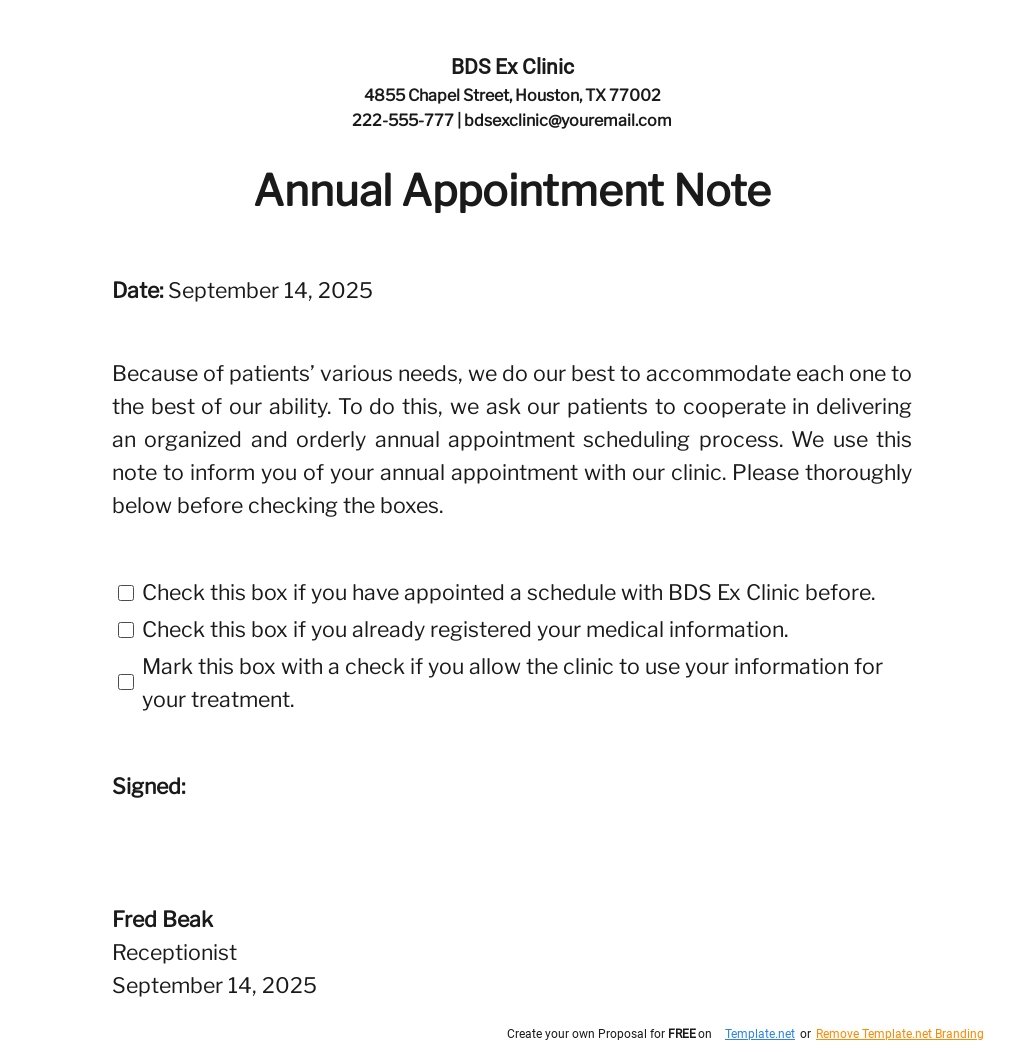
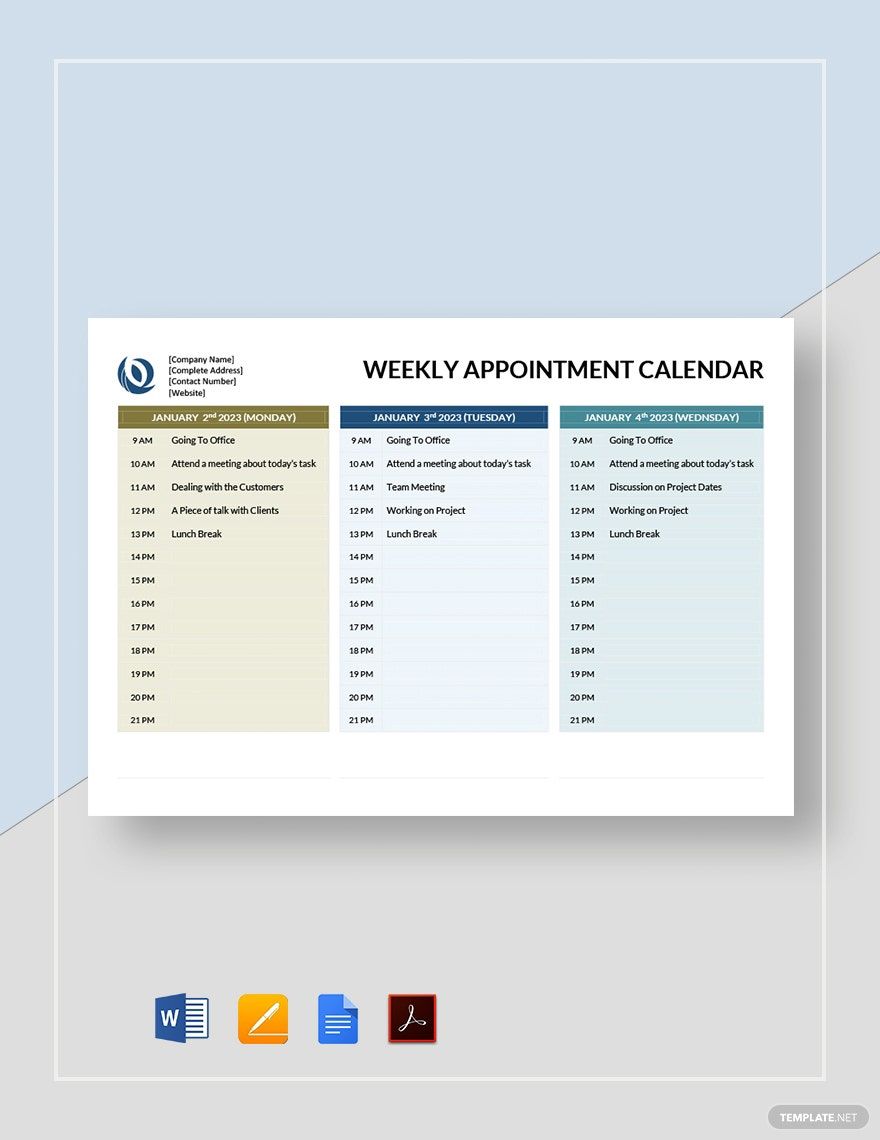
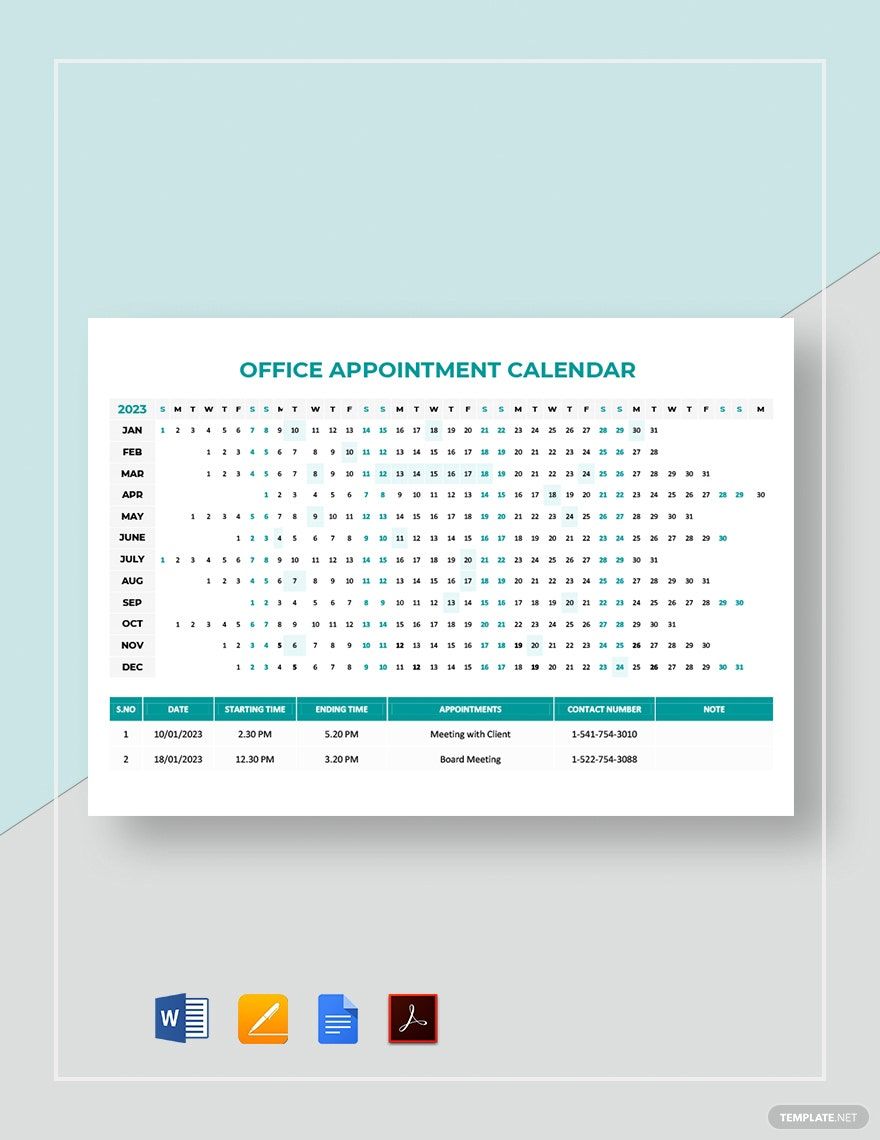
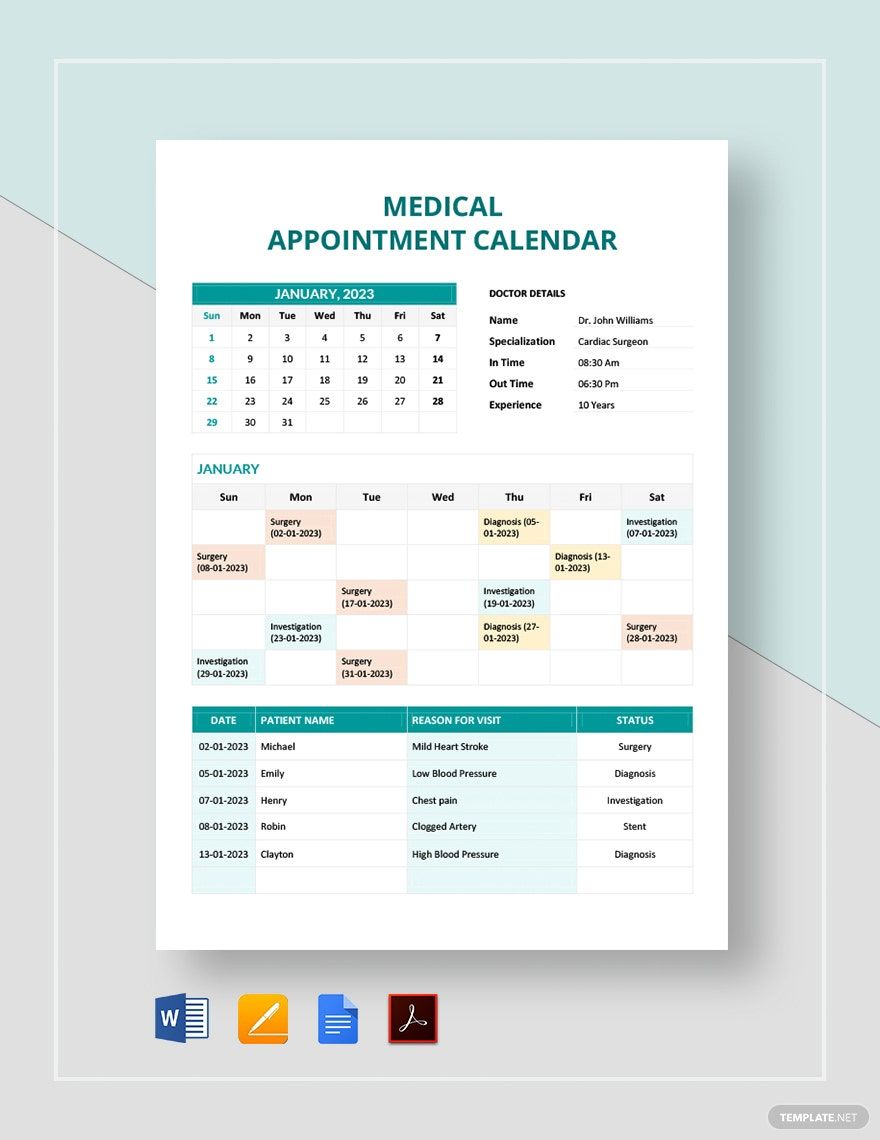
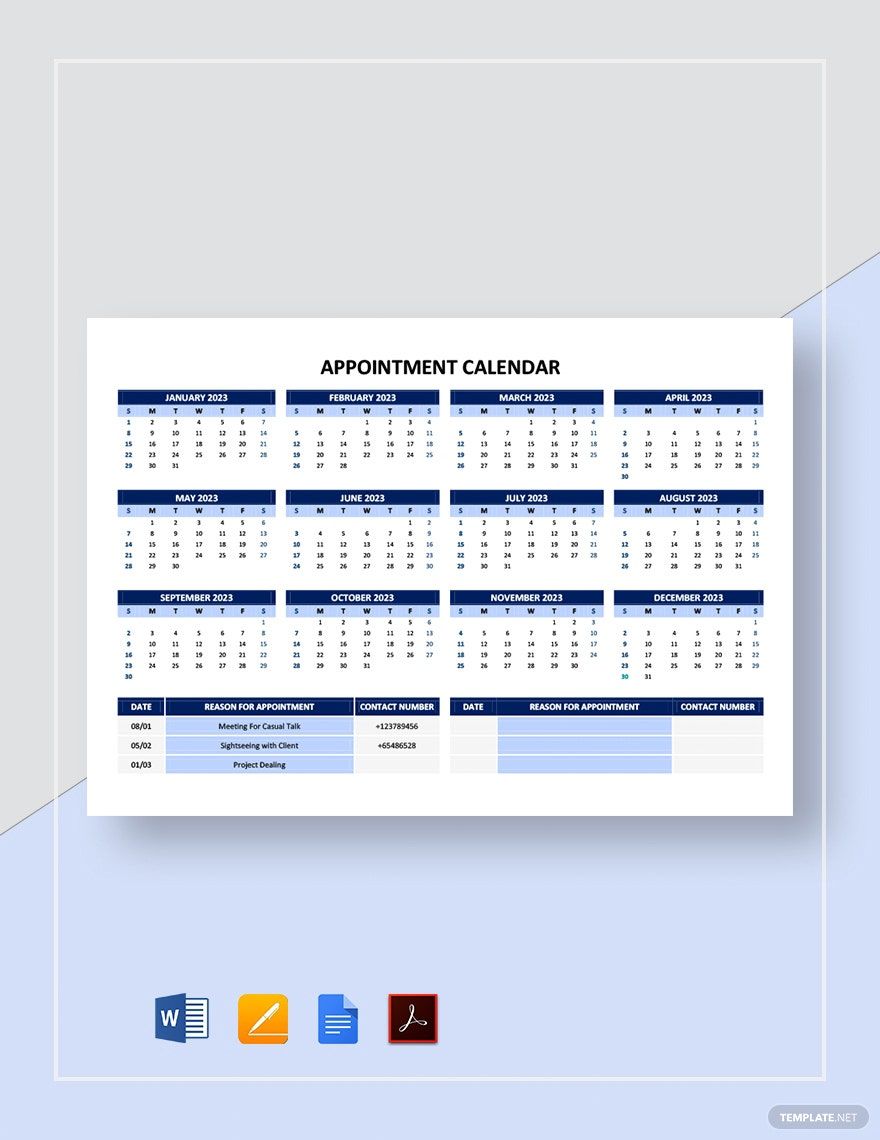
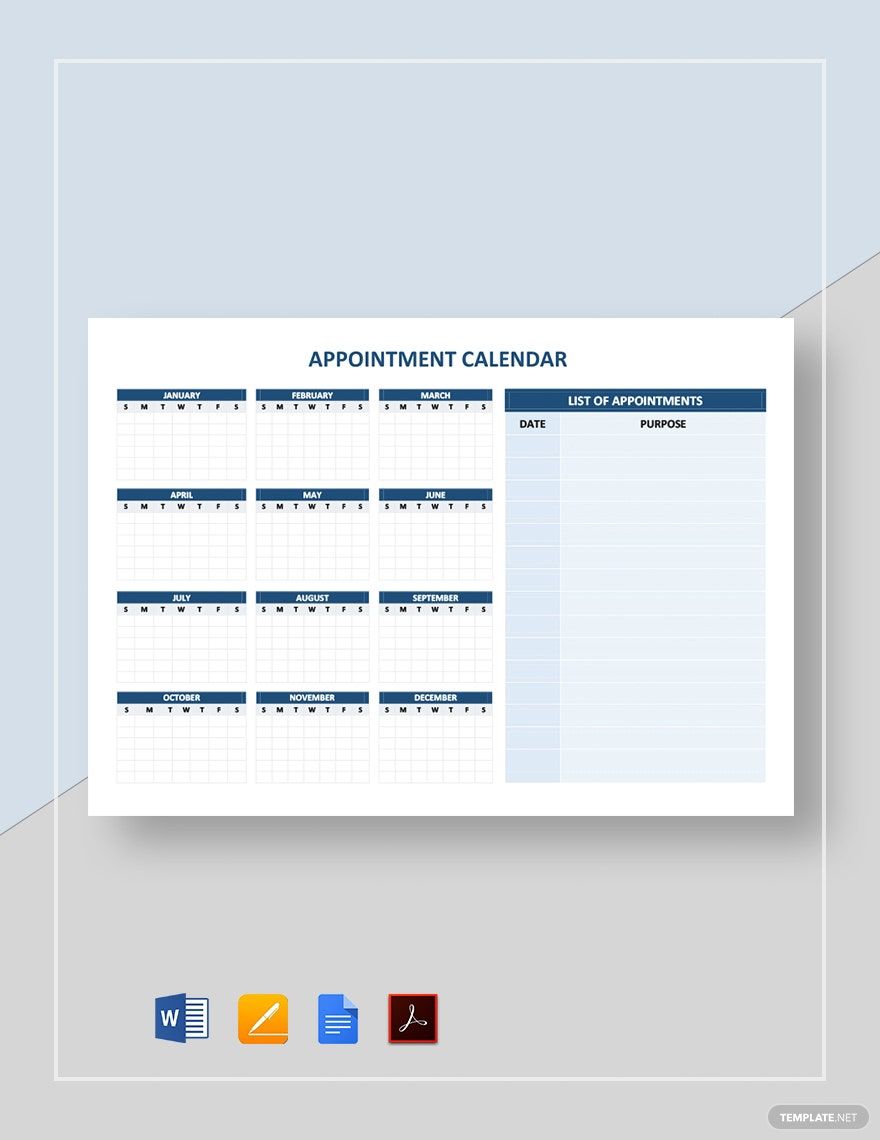
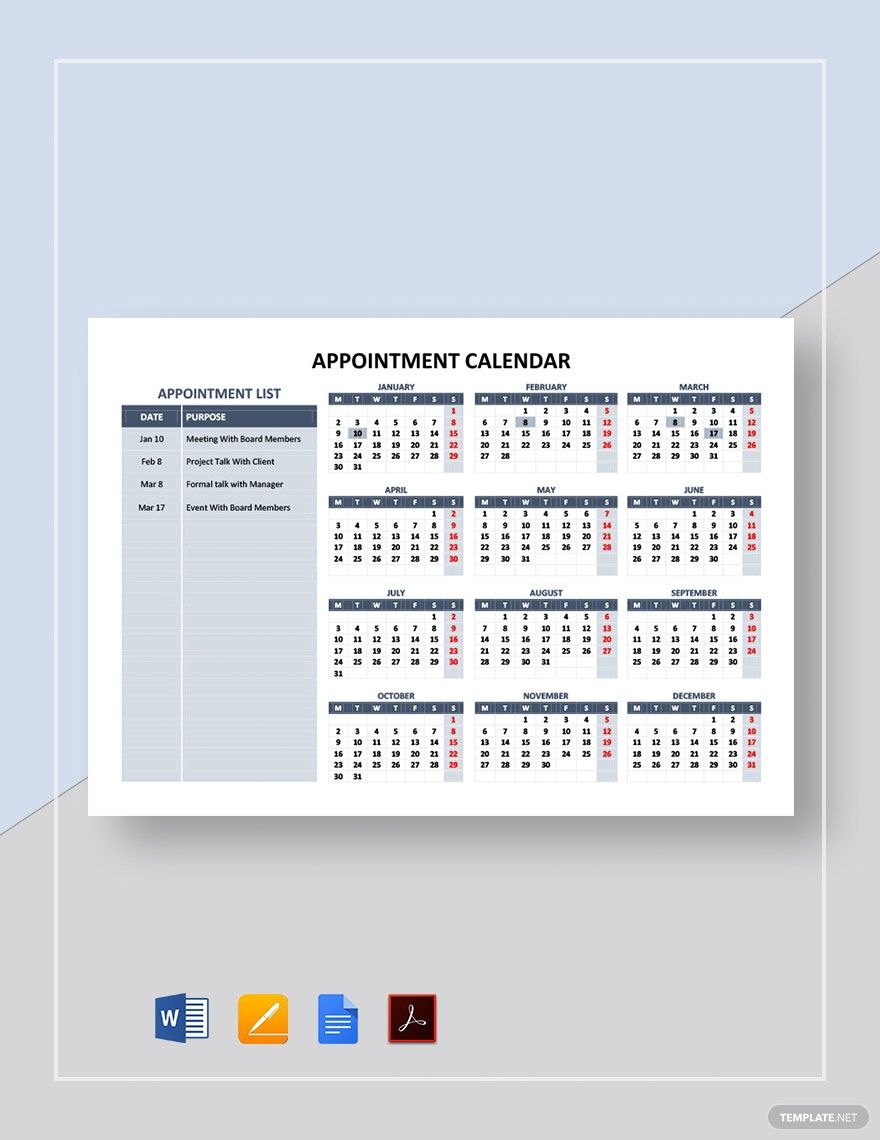
The Spruce says that one of the etiquettes of keeping appointments is arriving on time. And to arrive on time, you need to keep a record of your appointments as your guide. To do that, you need an appointment calendar. This calendar helps you record your appointments and remind you of when you should come. This is also essential to organize your schedule and time to steer away from chaos. To start making tracking your appointments, check out our trove of ready-made Appointment Calendar Templates in Apple (MAC) Pages. These templates are 100% printable and editable. What are you waiting for? Download now!
How to Create an Appointment Calendar in Apple (MAC) Pages
Create the best appointment calendar in Apple (MAC) Pages with the help of the tips below.
1. Plan the Layout
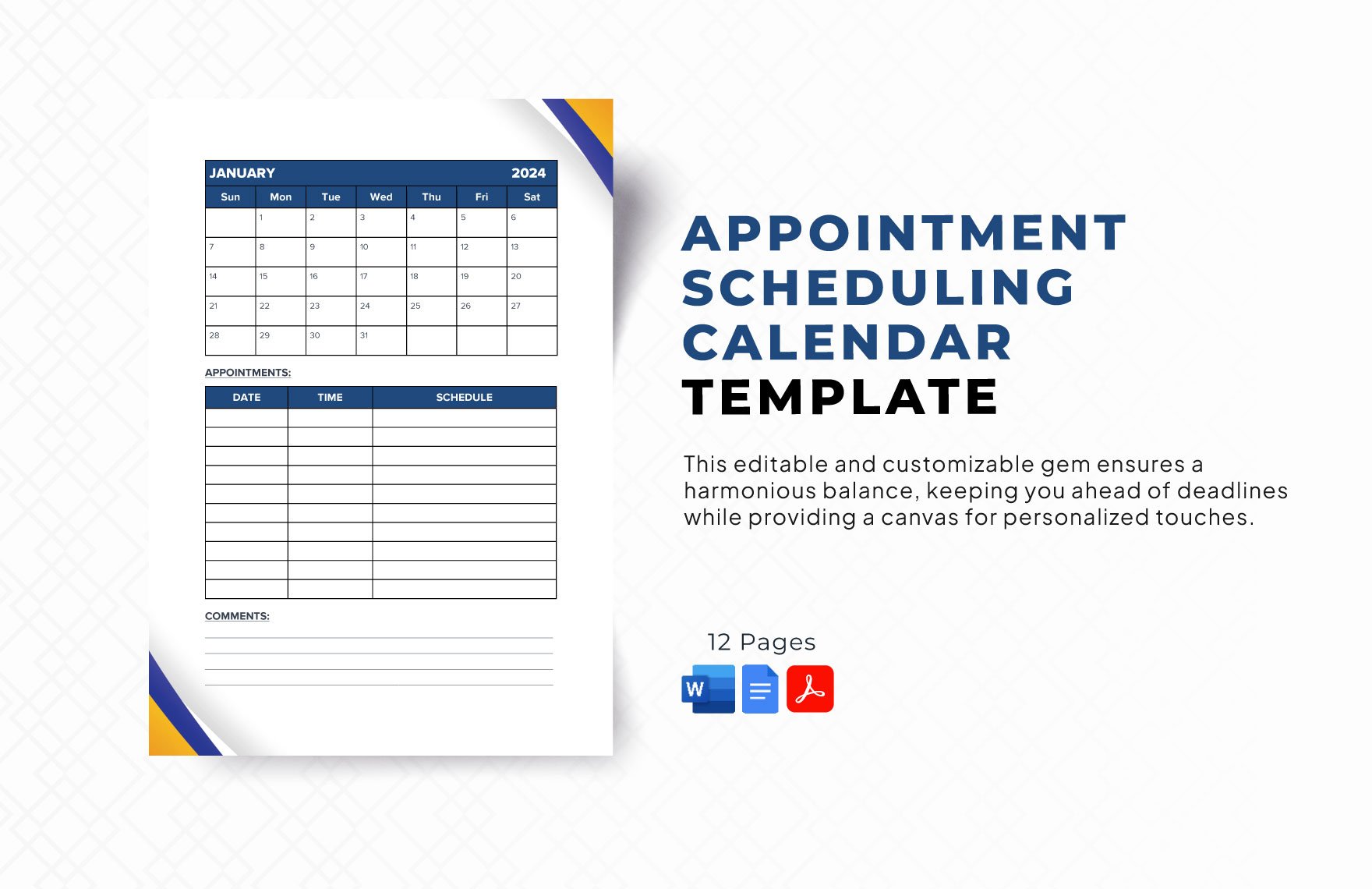
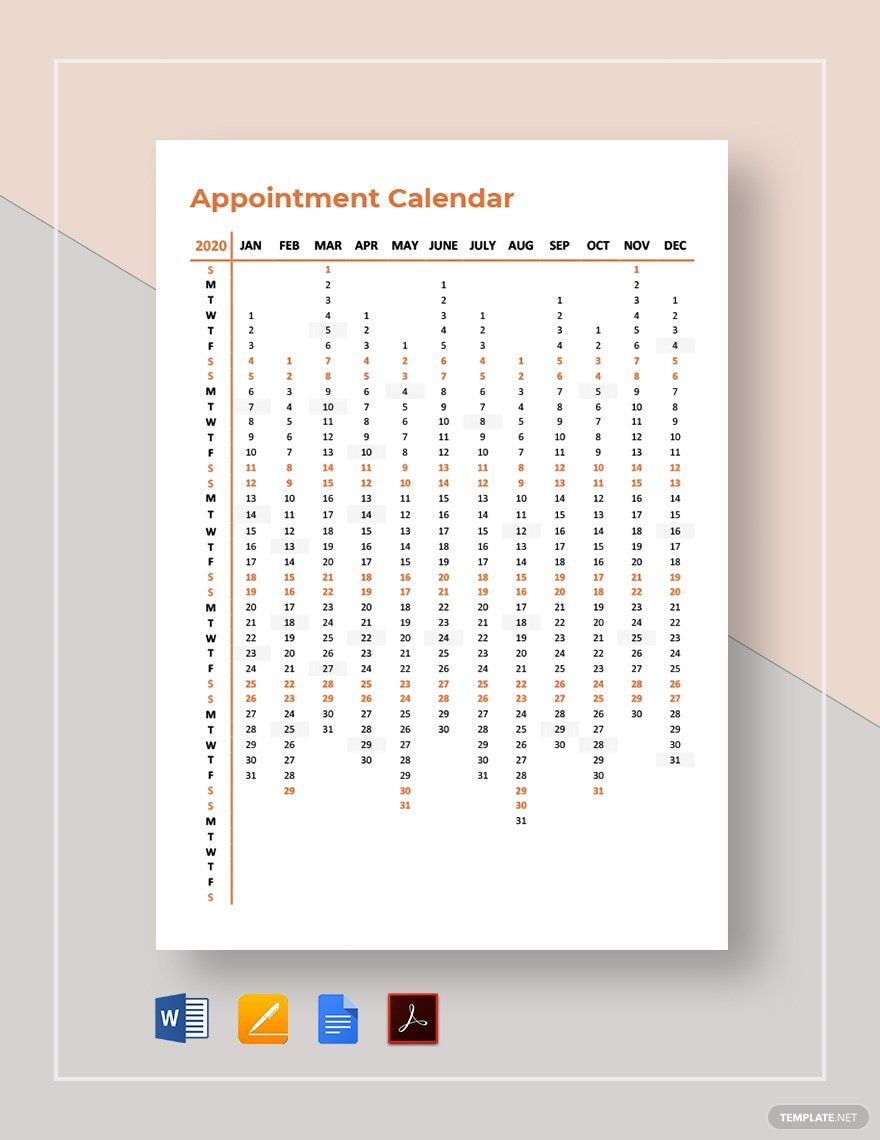
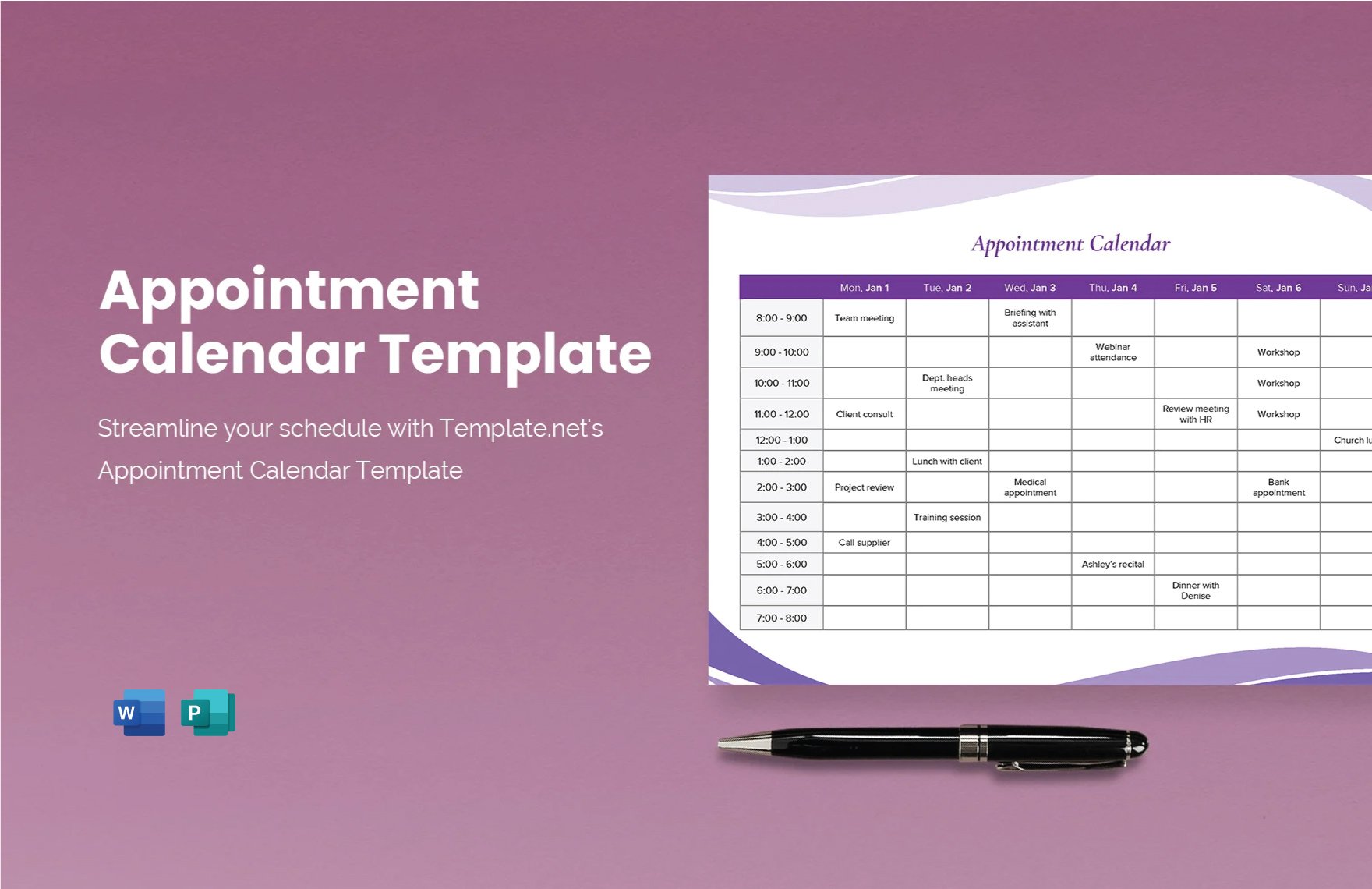
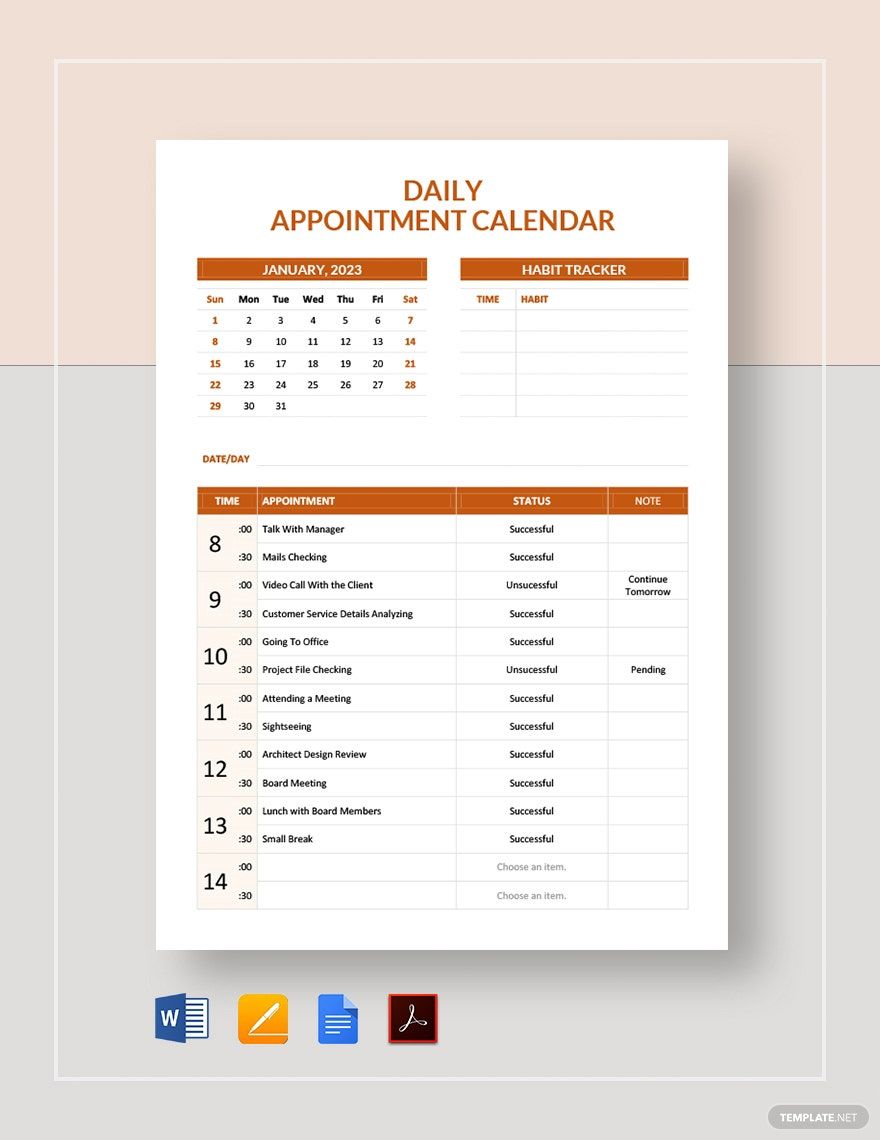
Start your appointment calendar by planning its layout. You can try checking different appointment calendars layouts online and find inspirations from them. You can also try a daily, weekly, or monthly layout. Choose among the latter, which is the most convenient for you.
After you have a layout, you can now design the editable calendar. You can add colors and other visual elements to make it more attractive. Also, ensure that your designs don't overpower the important details of your calendar.
2. Incorporate Your Appointments
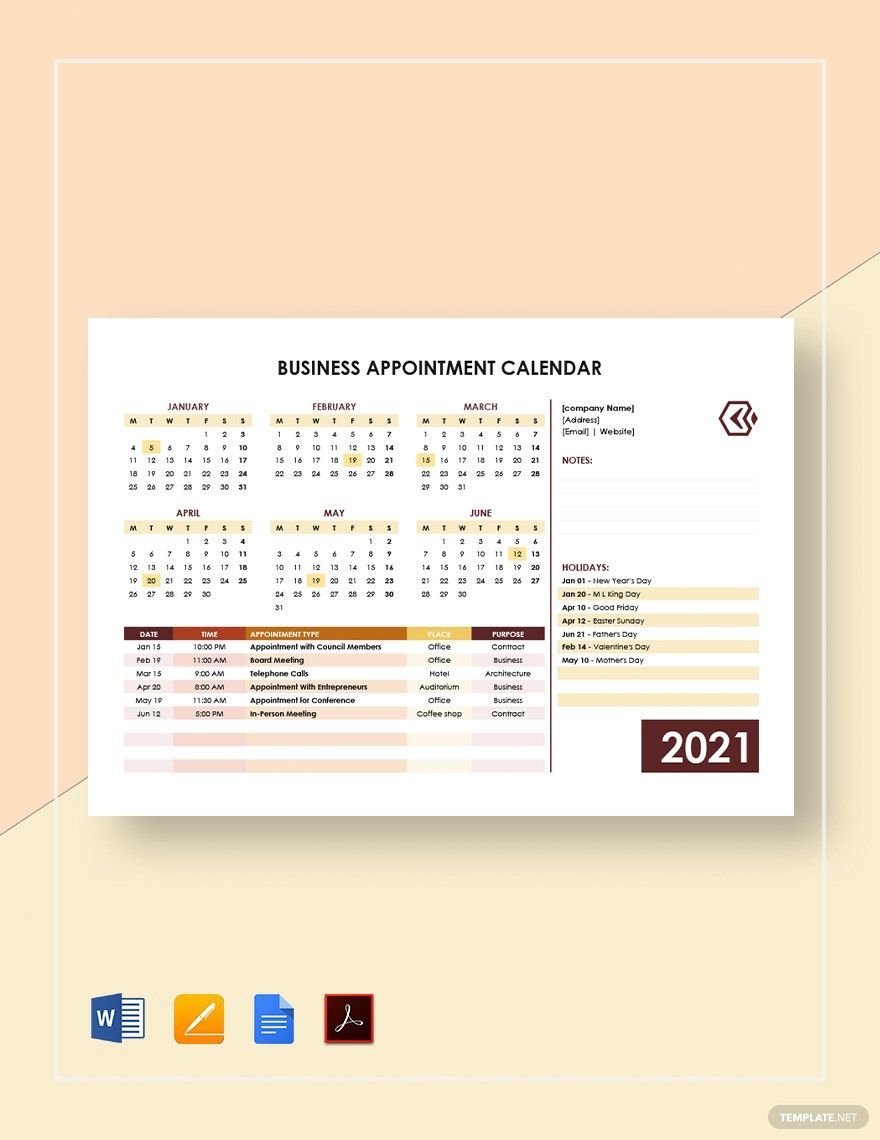
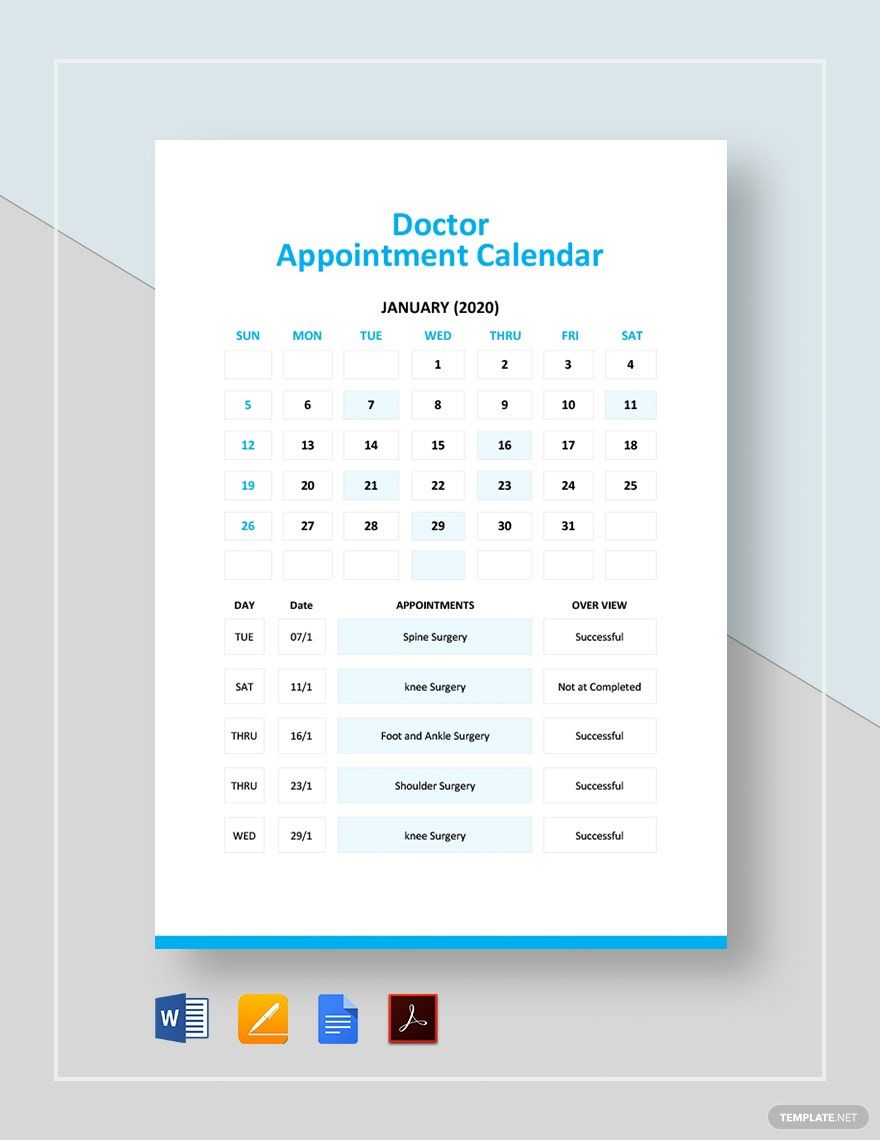
After creating the layout of your business calendar in Pages, plot your appointments on your calendar. These appointments can be a meeting, doctor visit, salon visit, some reminders, bookings, telephone calls, etc. Ensure that you write these details together with their time and dates.
3. Write the Appointment Details or Descriptions
If you want to be detailed with your schedule or appointment, you can add more details. You can write the place and the purpose of the appointment that you have. Additionally, you can add a space for your notes at the side or the bottom of each page. You may also add the list of the holidays for the month to remind you.
4. Get a Template
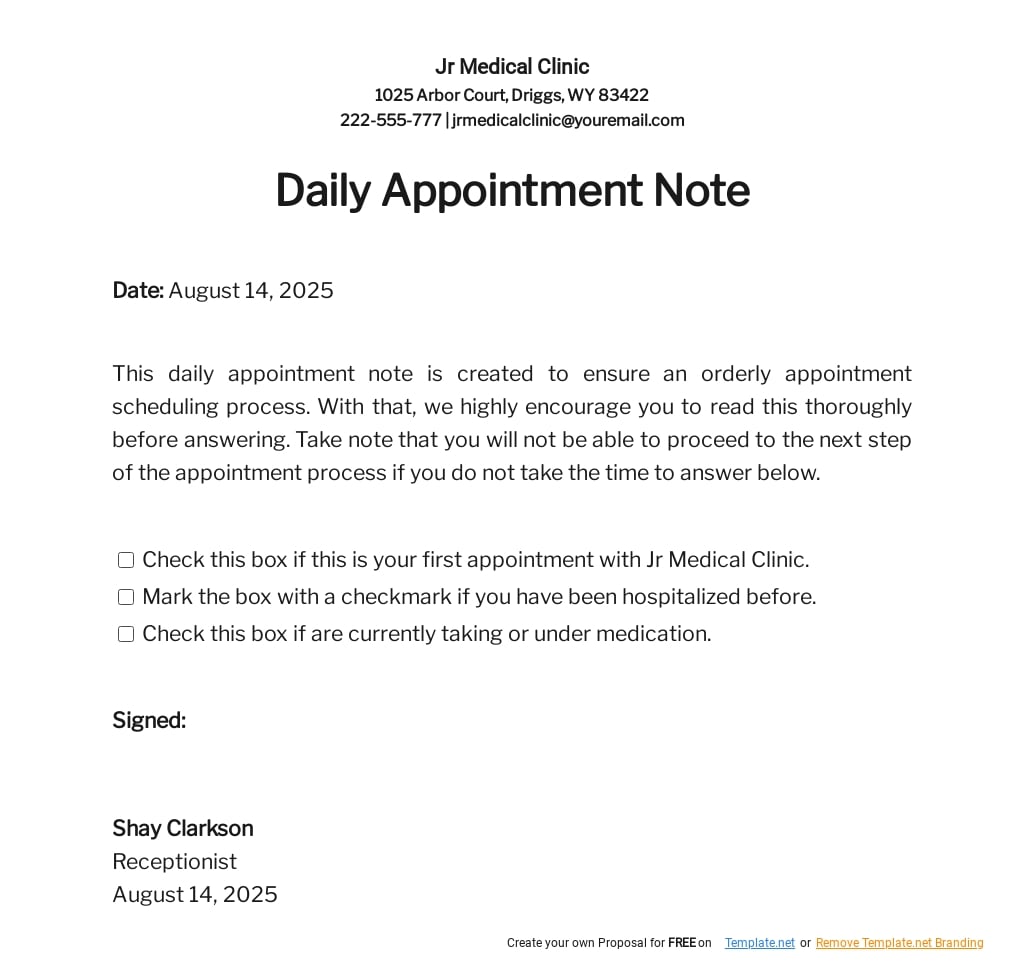
If you prefer to do things quickly, you can download a calendar template from the stack above. We have a diverse collection of appointment calendar templates that you can choose from. We have monthly appointment calendar, business appointment calendar, office appointment calendar, and more! Once you download a template, you can now edit it in Apple (Mac) Pages.