
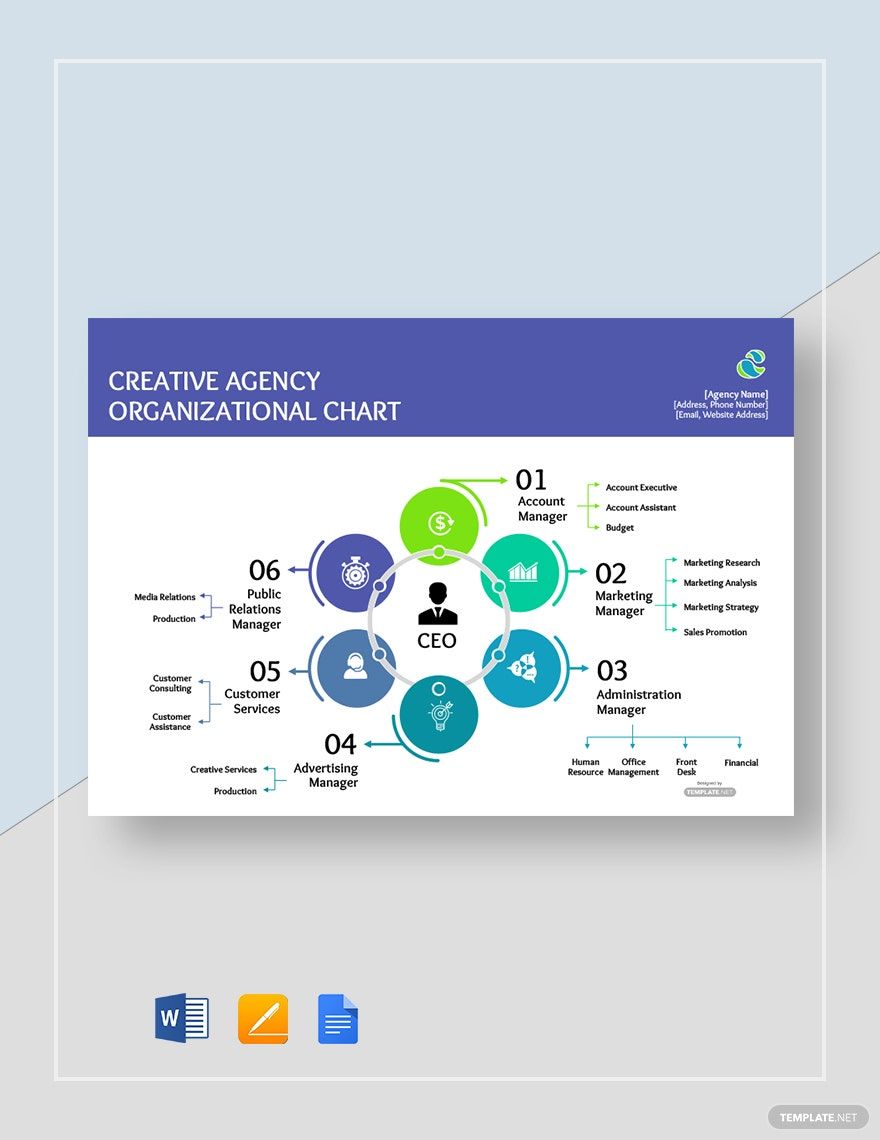
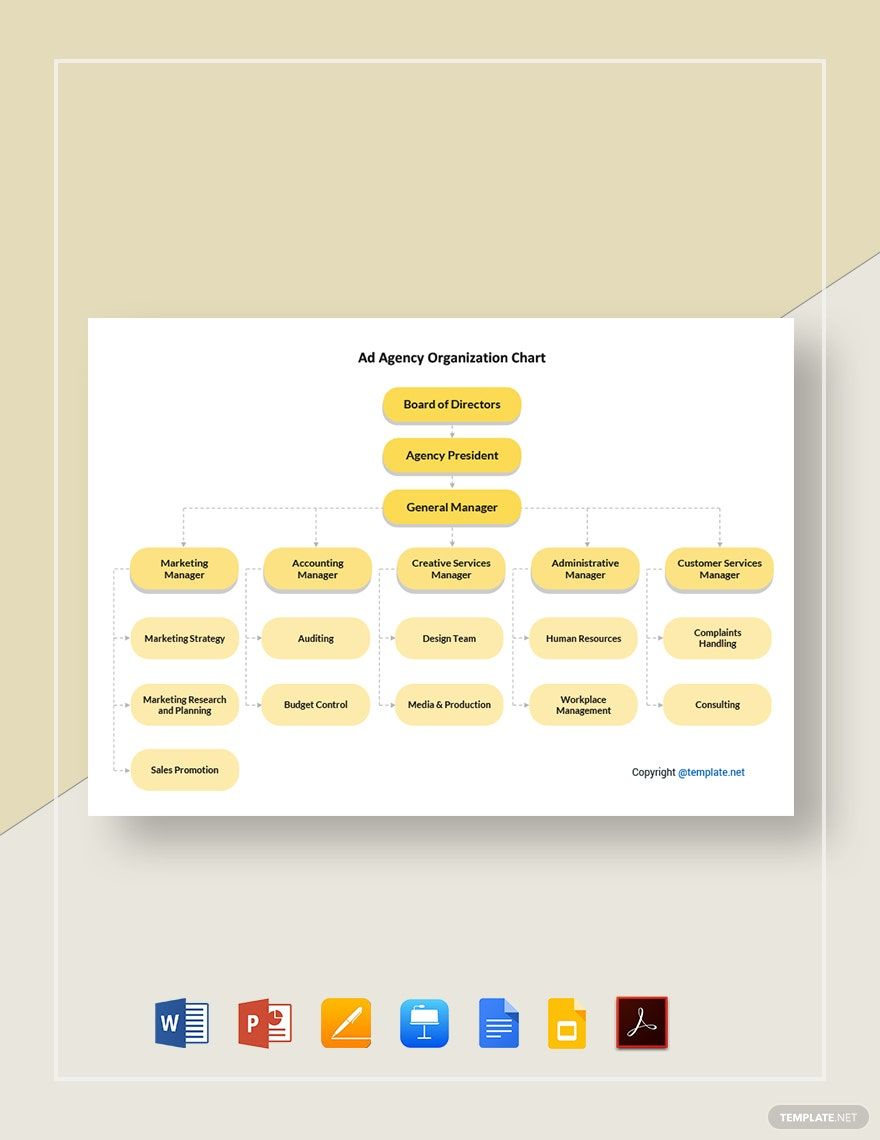

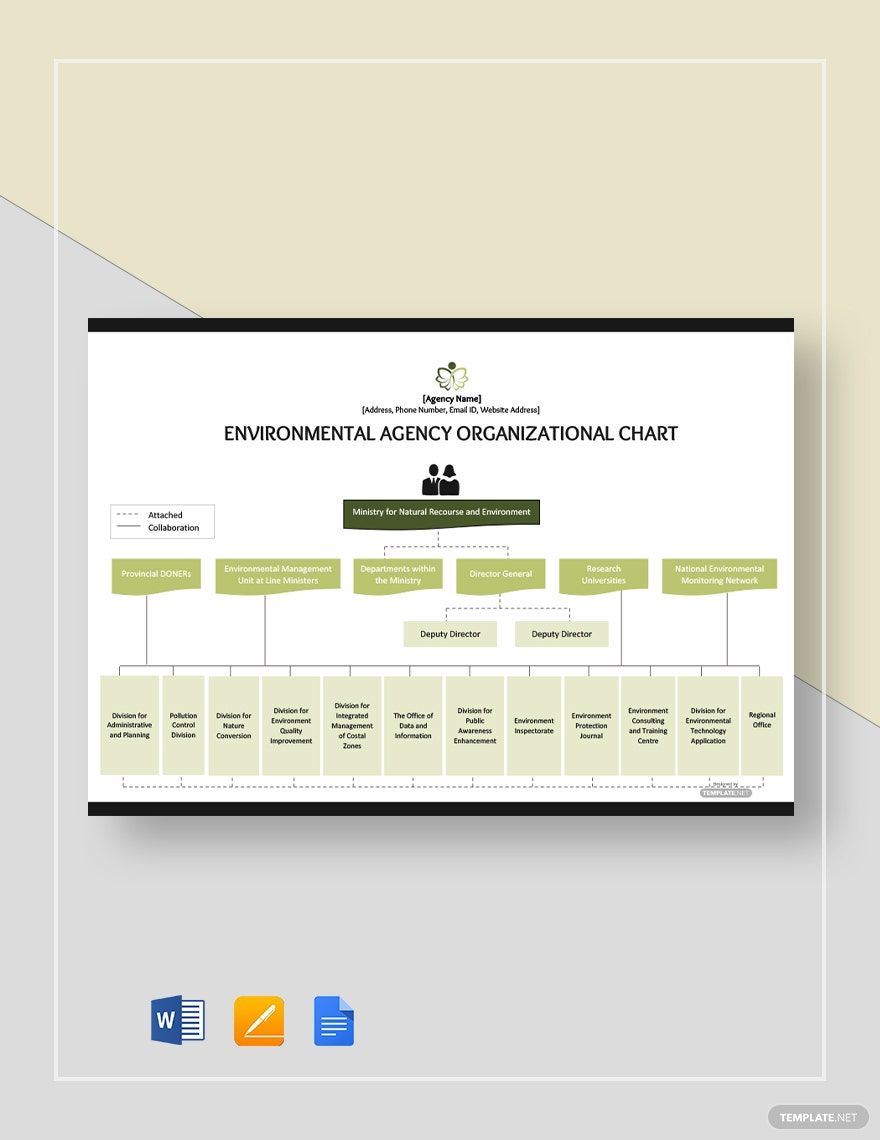

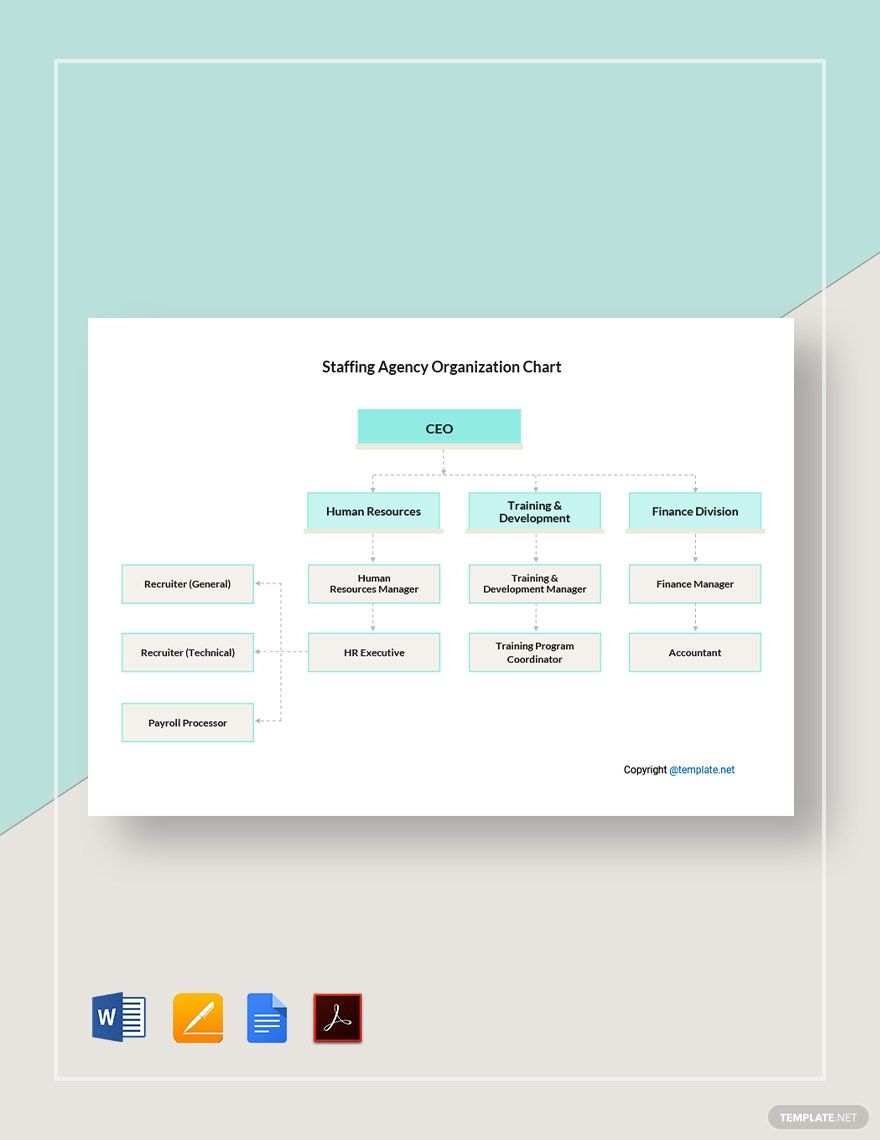
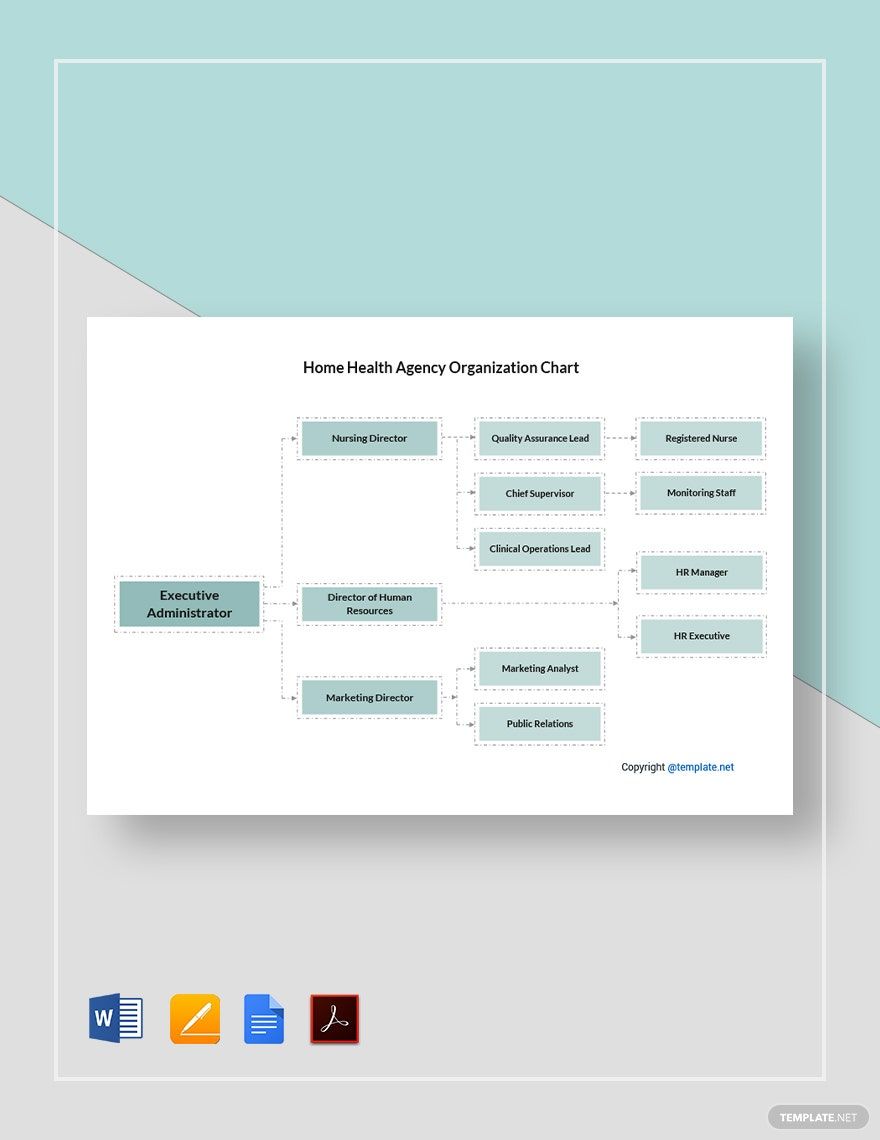


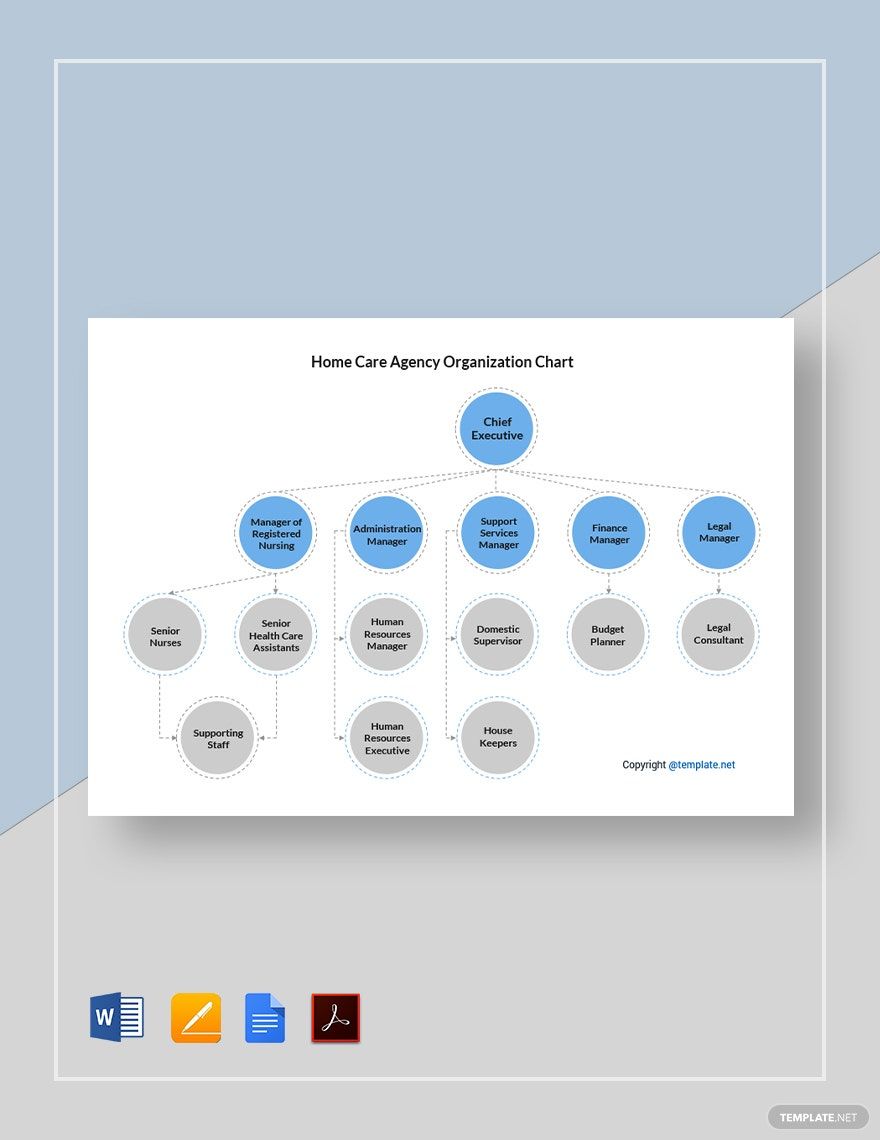
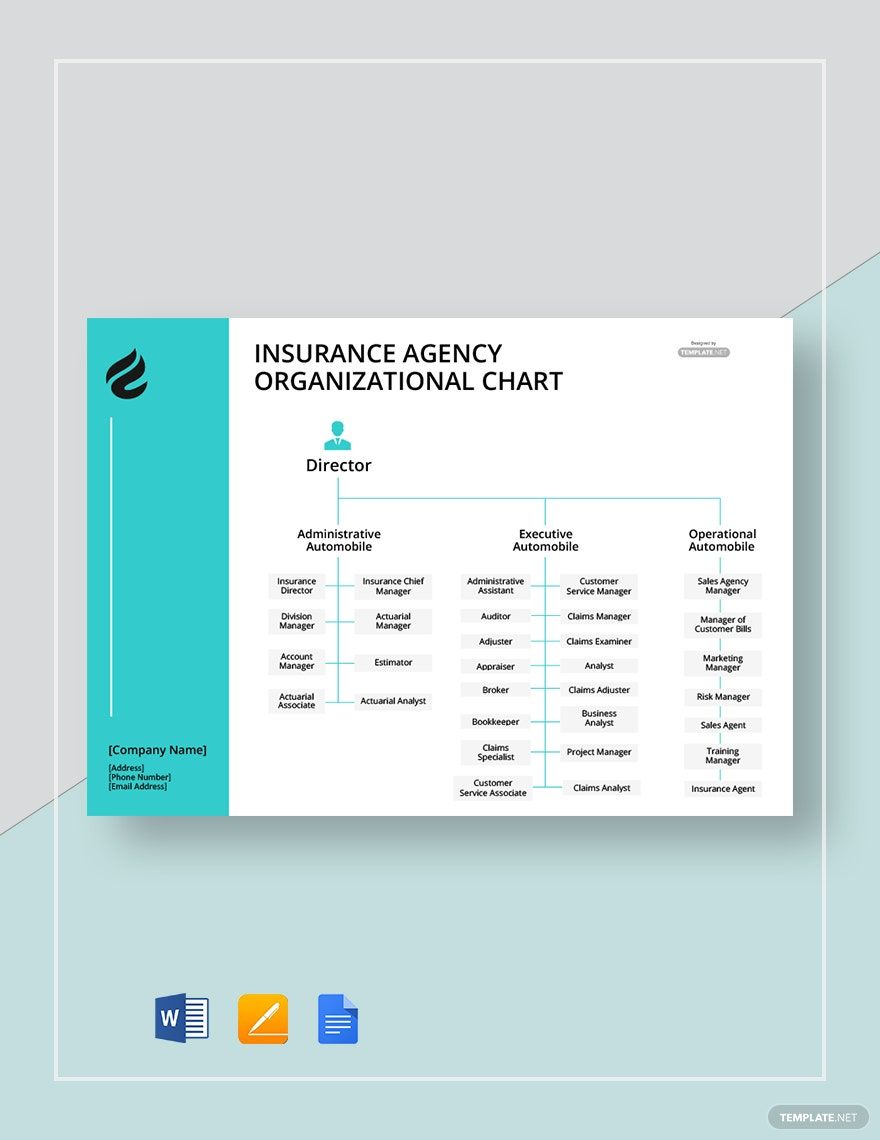
Are you the head or an executive of a travel agency or advertising agency? If so, then making use of a comprehensive chart can be highly beneficial when it comes to outlining your employee hierarchy. And we can help you put one together with our collection of Ready-Made Agency Organizational Chart Templates! These templates are printable for your convenience and easily editable in Microsoft Word, available to download in A4 and US letter sizes. With these 100% customizable templates, you can quickly create your own chart to help save time and effort! Download any of our organizational chart templates now for your professional needs!
Free Agency Organizational Chart Template in Word
"Create a Brilliantly-Designed Directory of Your Agency Department and Employee Hierarchy Using Free Organograms From Template.net's Organizational Chart Templates in Word. Businesses Such as Travel Agencies, Tour Operators, Construction Firms, Security Agencies, and Insurance Companies Will Surely Find a Template They Can Use to Showcase Their Organization’s Structure. Make Marketing Less Difficult By Getting a Template Right Away! "

- Business Plan
- Menu
- Notes
- Birthday Invitation
- Wedding Invitation
- Magazine
- Internship Certificate
- Catalogs
- Calendar
- Restaurant Receipts
- Forms
- Checklist
- Project
- Posters
- Cover Page
- Programs
- Planner
- Journal
- List
- Layout
- Colorful Word
- Professional MS Word
- Two Page Resume
- Training Certificates
- Letters
- Place Cards
- Tickets
- Itinerary
- Note Taking
- Timelines
- Timetable
- Ebooks
- Editable Book Covers
- Resignation Letters
- Vouchers
- Receipts
- Travel Invoice
- Tri Fold Brochure
- Greeting Cards
- Prescription
- Retirement Invitation
- Cookbook
- Delivery Note
- Flyers
- Job Flyer
- Graduation Invitation
- Coupons
- Labels
- CV
- Borders
- Background
- Document
- Exam
- Memo
- Infographics
- White Paper
- Customer Persona
- Envelopes
- Surveys
- Thank you Cards
- Save the Date Invitations
- Photo Collage
- Charts
- Training Manual
- Presentations
- Invitation Cards
- Postcards
- Diploma Certificates
- Schedule
- Participation Certificate
- Medical Resume
- Recommendation Letter
- Report Cards
- Quiz
- Recruiting Hiring
- Funeral Card
- Photo Resume
- Roadmaps
- Training Proposal
- Civil Engineer Resume
- Construction Quotation
- Baptism Invitations
- Sign in Sheet
- School Id Card
- Attendance Sheet
- Farewell Invitation
- Polaroid
- Sports Certificate
- Achievement Certificate
- School Schedule
- Basic Certificate
- Signs
- Food Vouchers
- Graphic Templates
- Leave Letters
- Funeral Invitation
- Professor Resume
- Daily Reports
- Annual Maintenance Contract
- Wishes
- Books
- Cover MS Word
- Downloadable
- Design
- Beautiful
- Creative
- Student
- Application
- Small Business
How to Make an Agency Organizational Chart in Word
When it comes to running a business or organization, there are several layers of authority to go through. By making a chart for your executive hierarchy, you can provide your workforce with a concise and direct guide to understanding the employee structure within your agency.
If you’re looking for an editing program to easily customize our chart templates with, then you can’t go wrong by using Microsoft Word! Check out our simple guide (found just below) to see how you can edit any of our Ready-Made Agency Organizational Chart Templates.
1. Download Microsoft Word
Word provides an effective and streamlined interface that can be put to use by anyone with any level of editing skill. To get Word for your own, pay a visit to Microsoft’s online Office Store; pick from one of their subscription plans to download the program. However, if you’re feeling iffy about committing to a subscription, you can take their free trial offer (good for a whole week) beforehand. And, if you don’t have access to a desktop computer, Word can be installed onto your choice of mobile device -- Android or iOS.
2. Choose and Download a Template
You can find a healthy variety of chart templates from our library for your own organizational needs. To download one of our Ready-Made Agency Organizational Chart Templates, click a thumbnail (on this page) to open the respective template’s page on a new browser tab. While on the new tab, use the provided download button; follow the quick steps that show up to save the template file to your computer/device.
To find out more about your chosen file, on the same page, refer to the “Template Details” section. There is also a set of preview images that you can zoom in on, to the far-left side of the page. A department chart is another type of document that can inform workers about your agency’s framework.
3. Edit Your Chosen Template in Word
Have you decided on a template yet? After you’ve downloaded your file, open it in Microsoft Word and edit as you set up the executive structure of your agency.
Our templates already come premade with text bubbles and visual marks, so just replace the placeholder text with the necessary information. The content needs to be easy to read, so use a simple style for your font while picking a color that clearly contrasts against the color of the bubble. Maintain a proper succession of authority in your chart template; it should be quick for the reader to follow at a glance. The format is similar to that of a flowchart.
4. Print And/or Update When Needed
Go ahead and print out paper copies of the finished chart for anyone who needs them. Having them posted around (on noticeboards and the like) may also be needed, depending on the type of workspace.
Whenever there’s a shift of hierarchy in your agency, you will need to update the chart to appropriately reflect the change ASAP. With Word’s compatibility with mobile OS platforms, this won’t be a problem to achieve.
Whatever your service may be, Microsoft Word and our chart templates can cut down on the hassle of paperwork!
