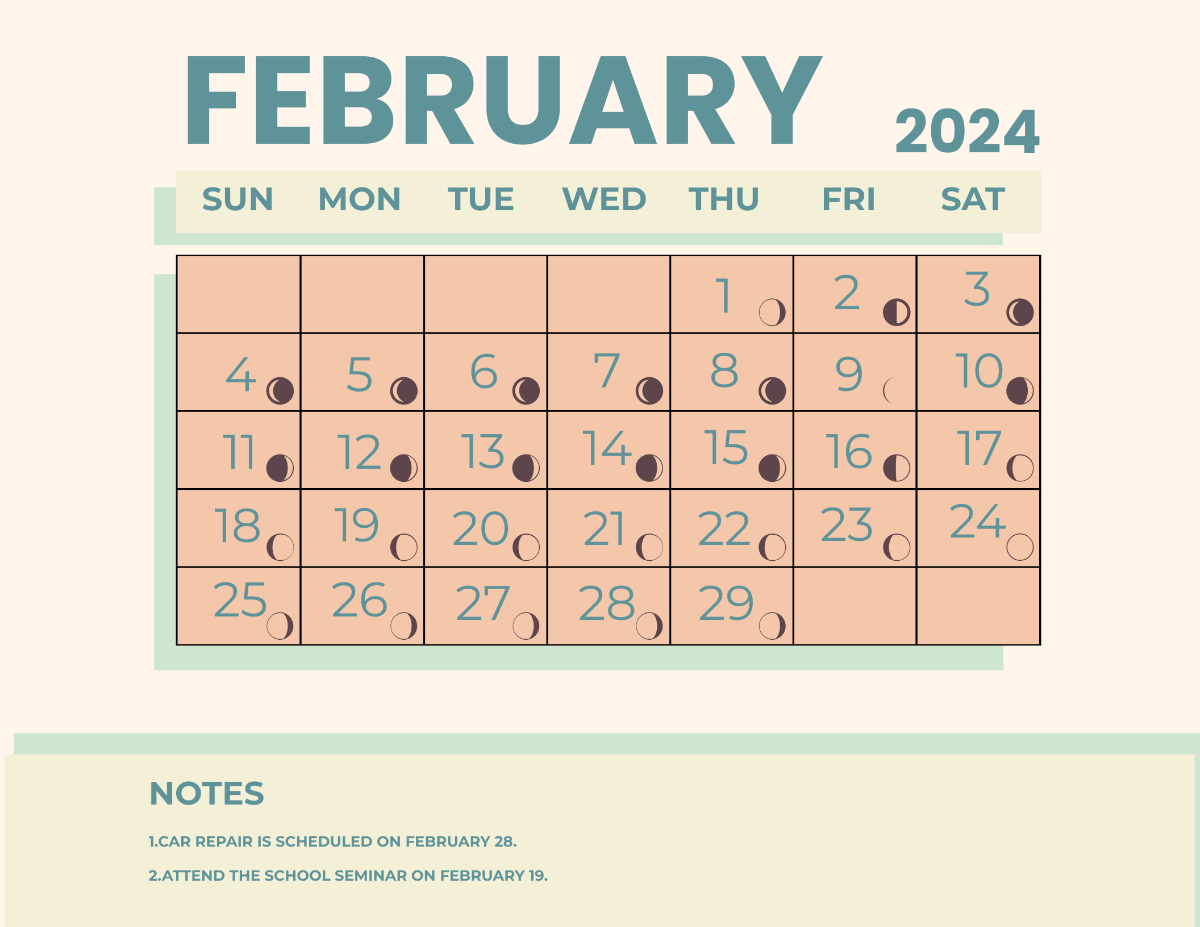
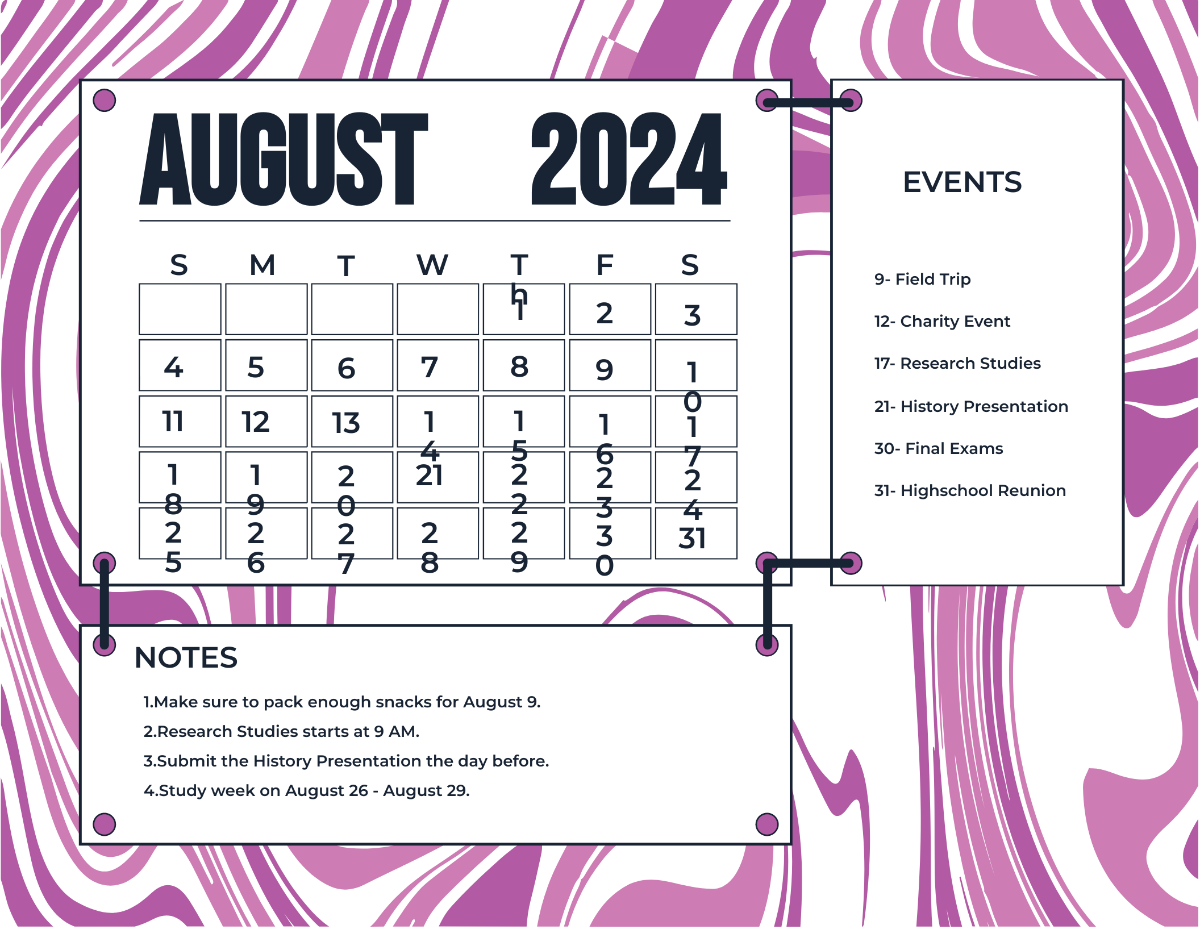
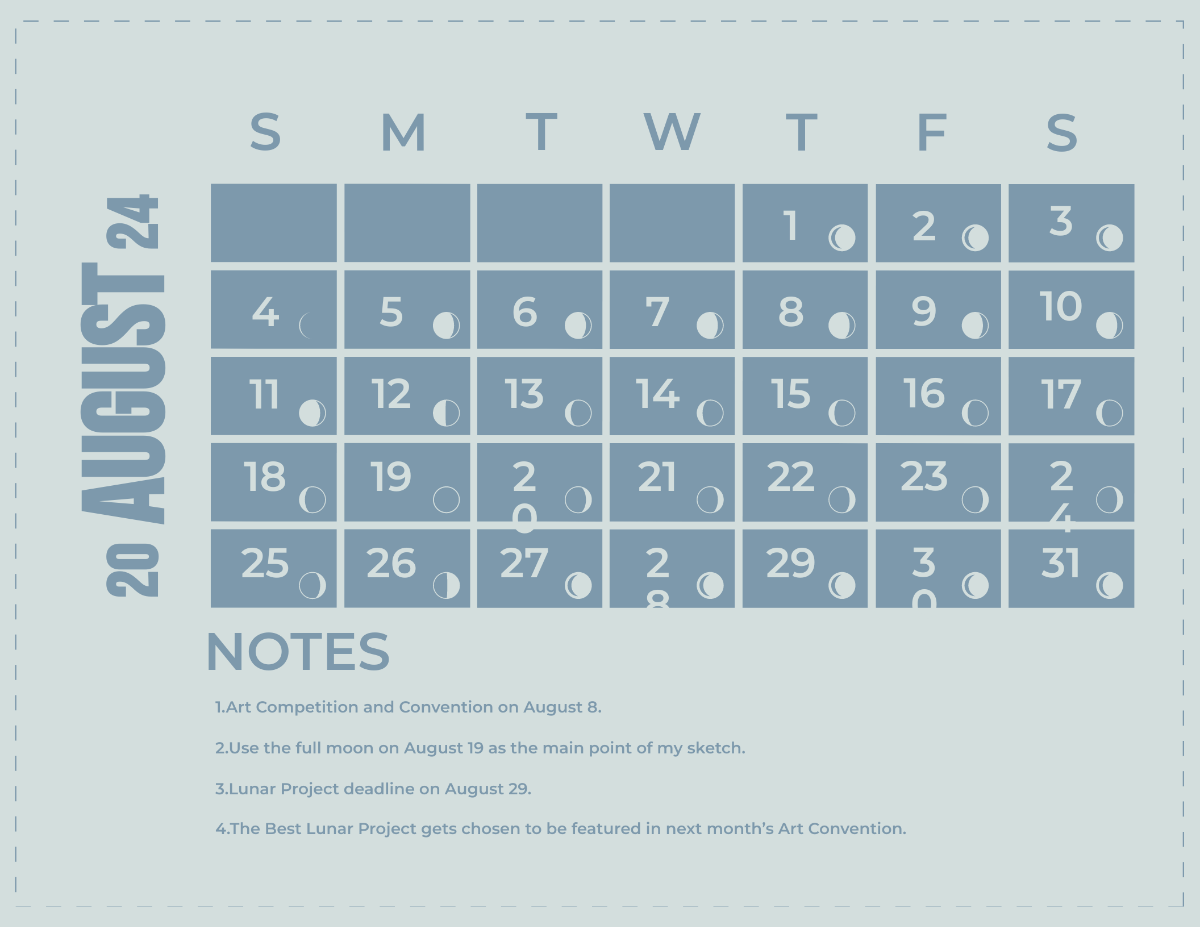
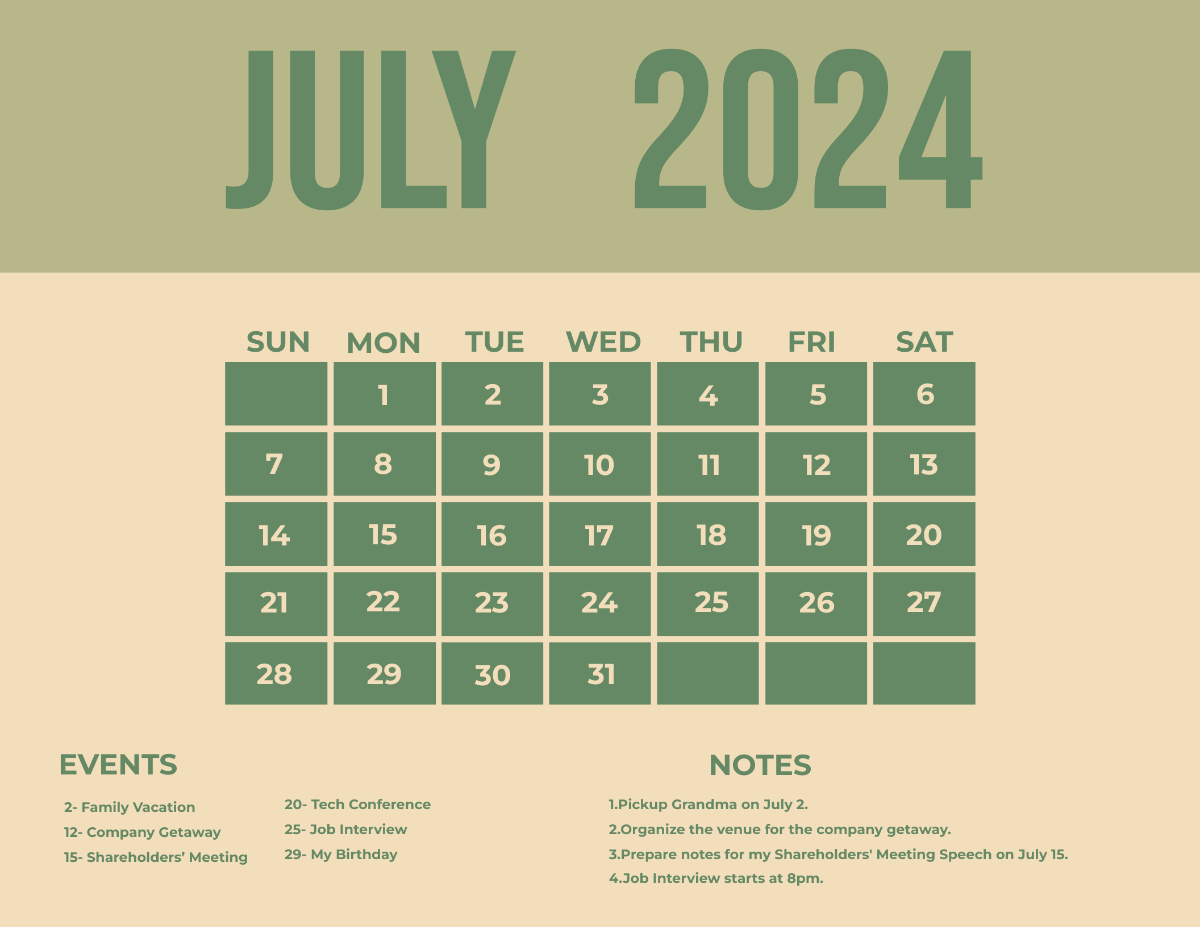
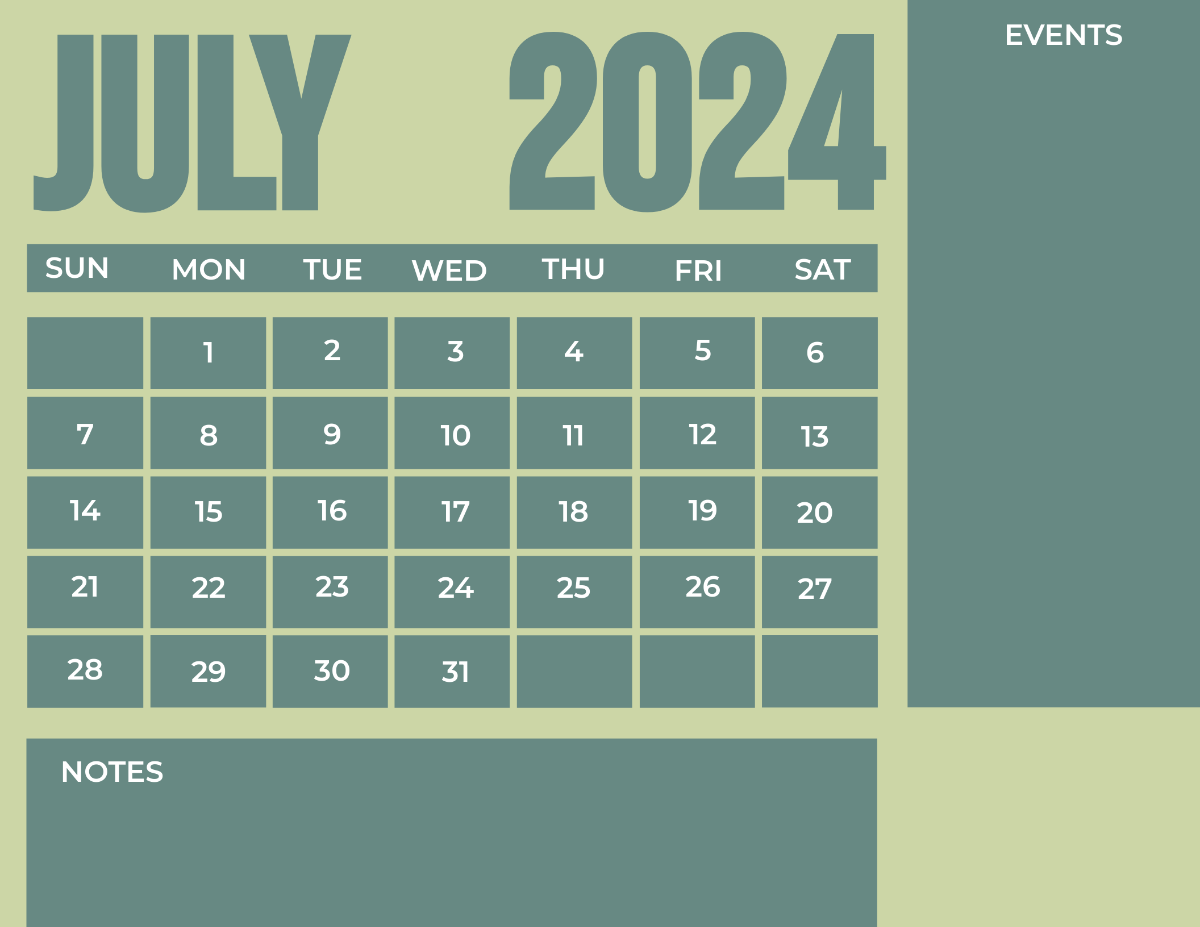
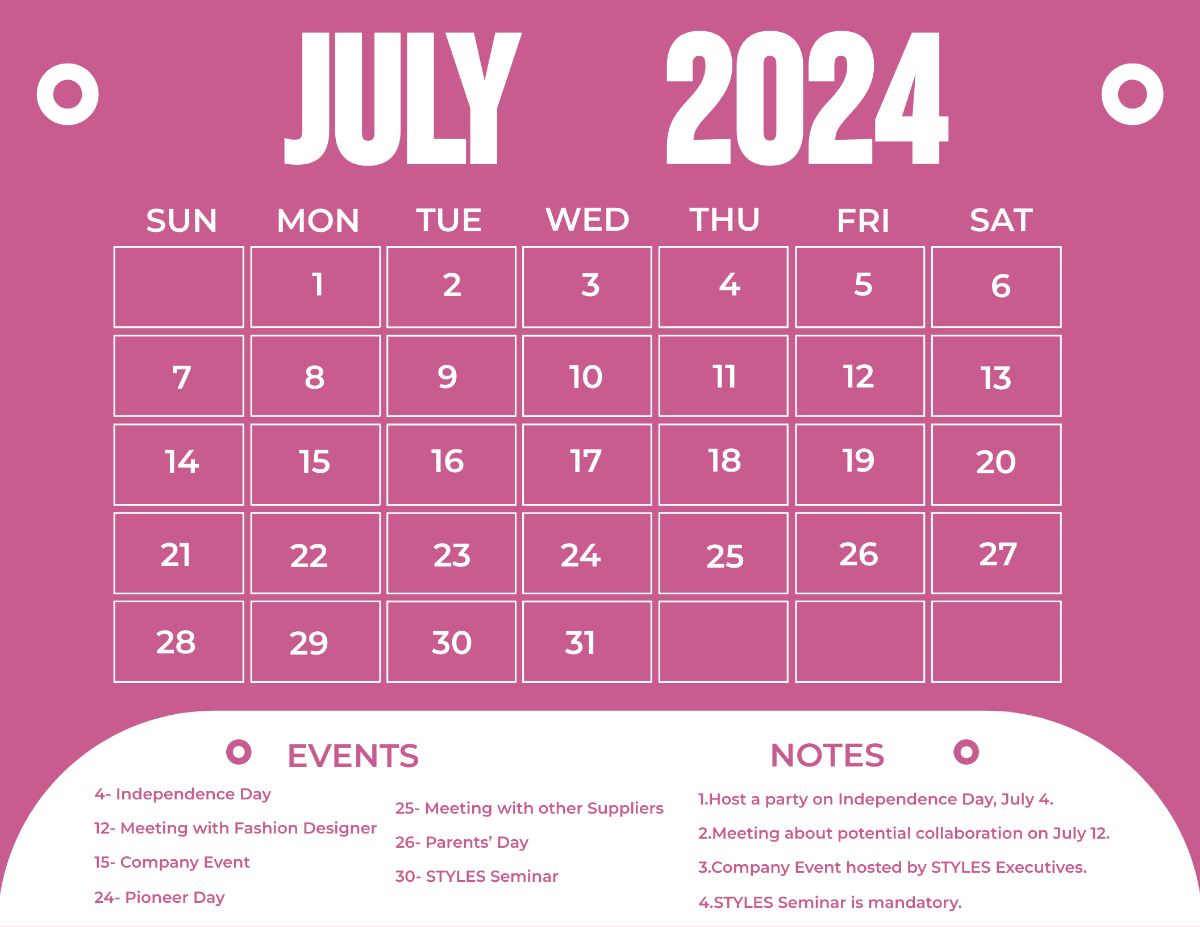
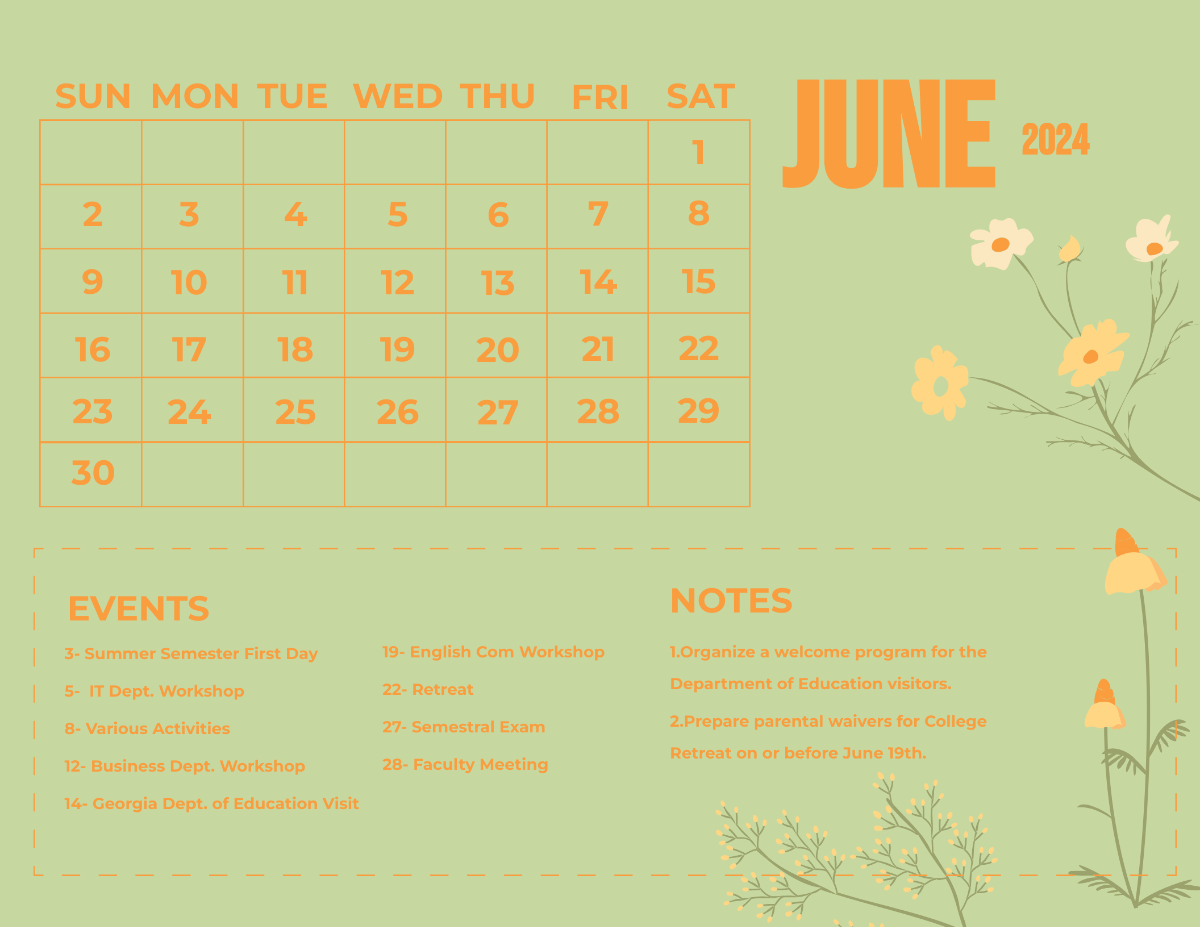
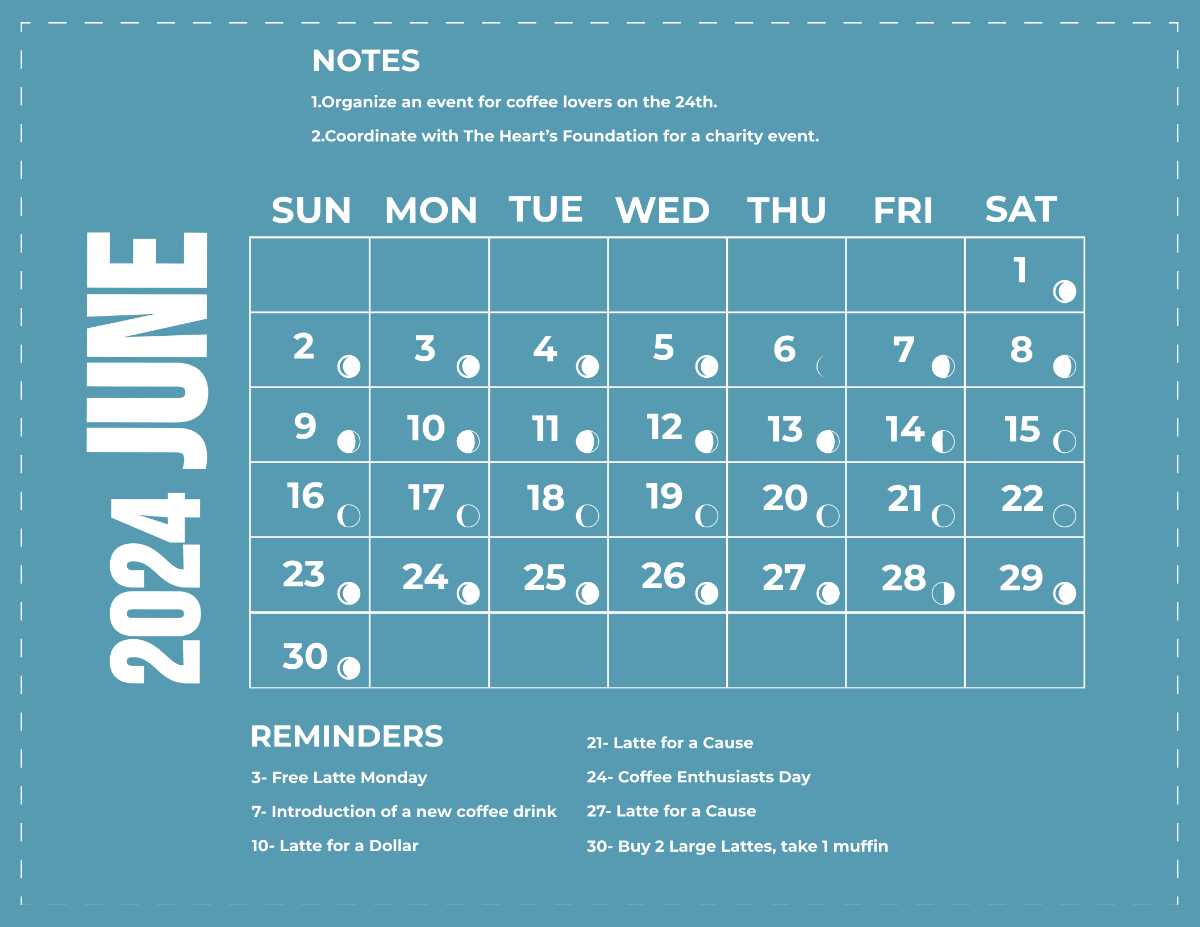
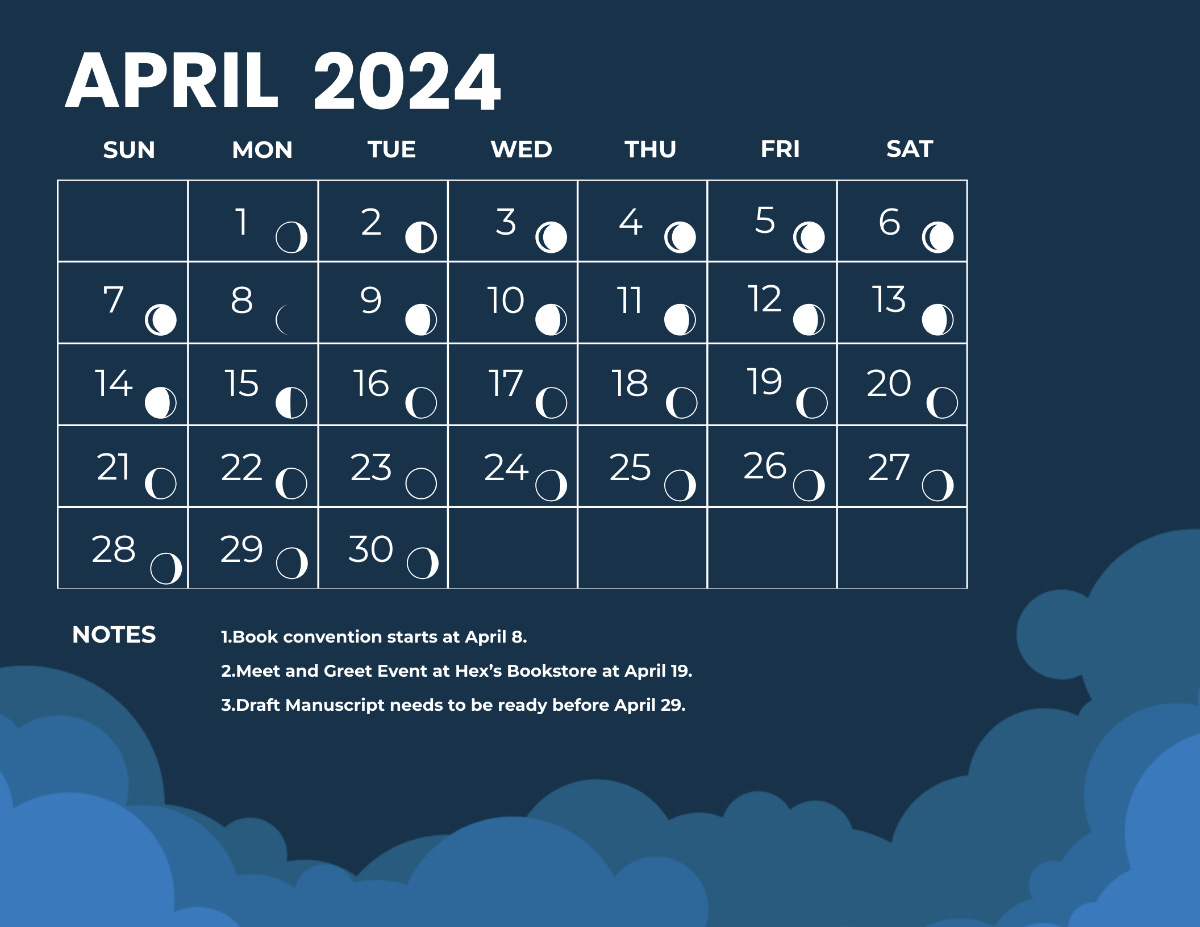
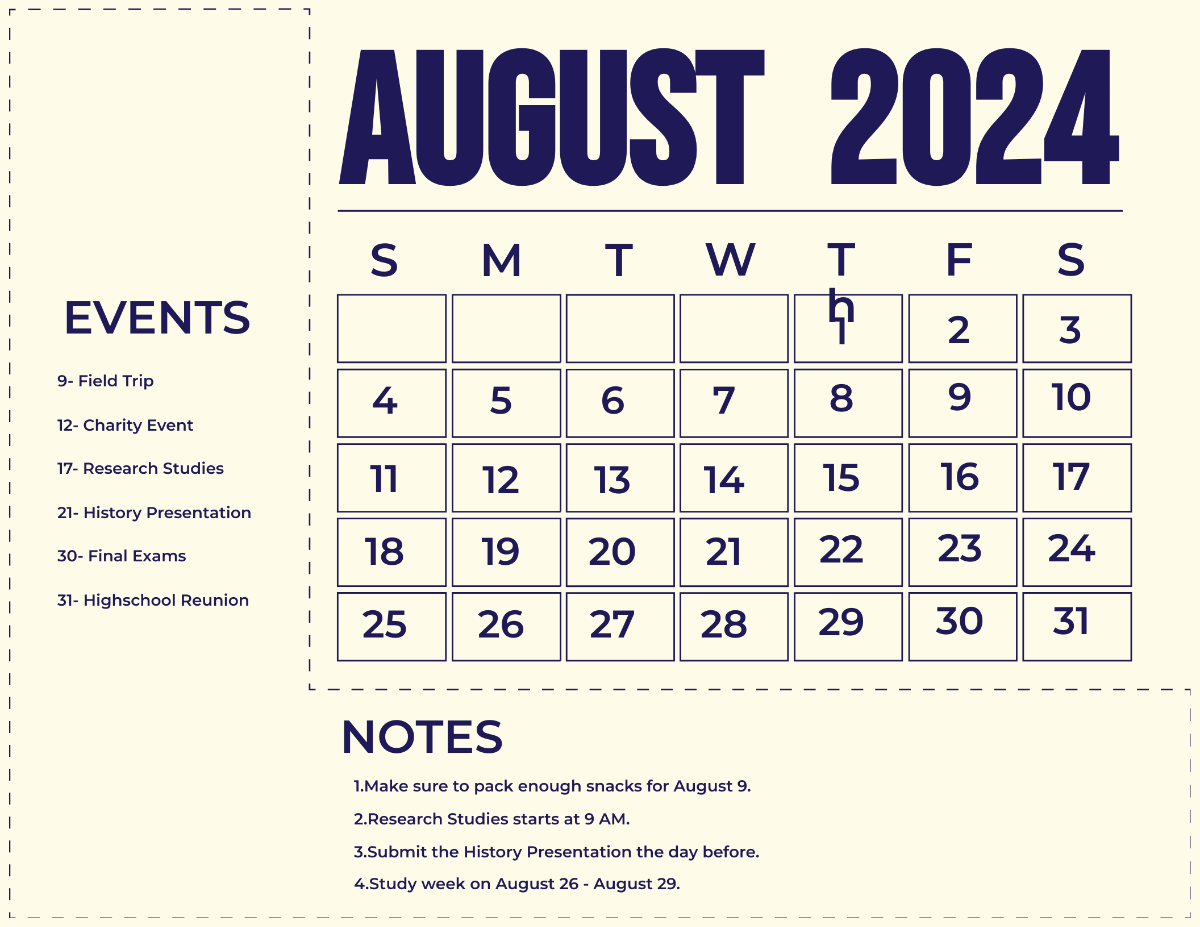
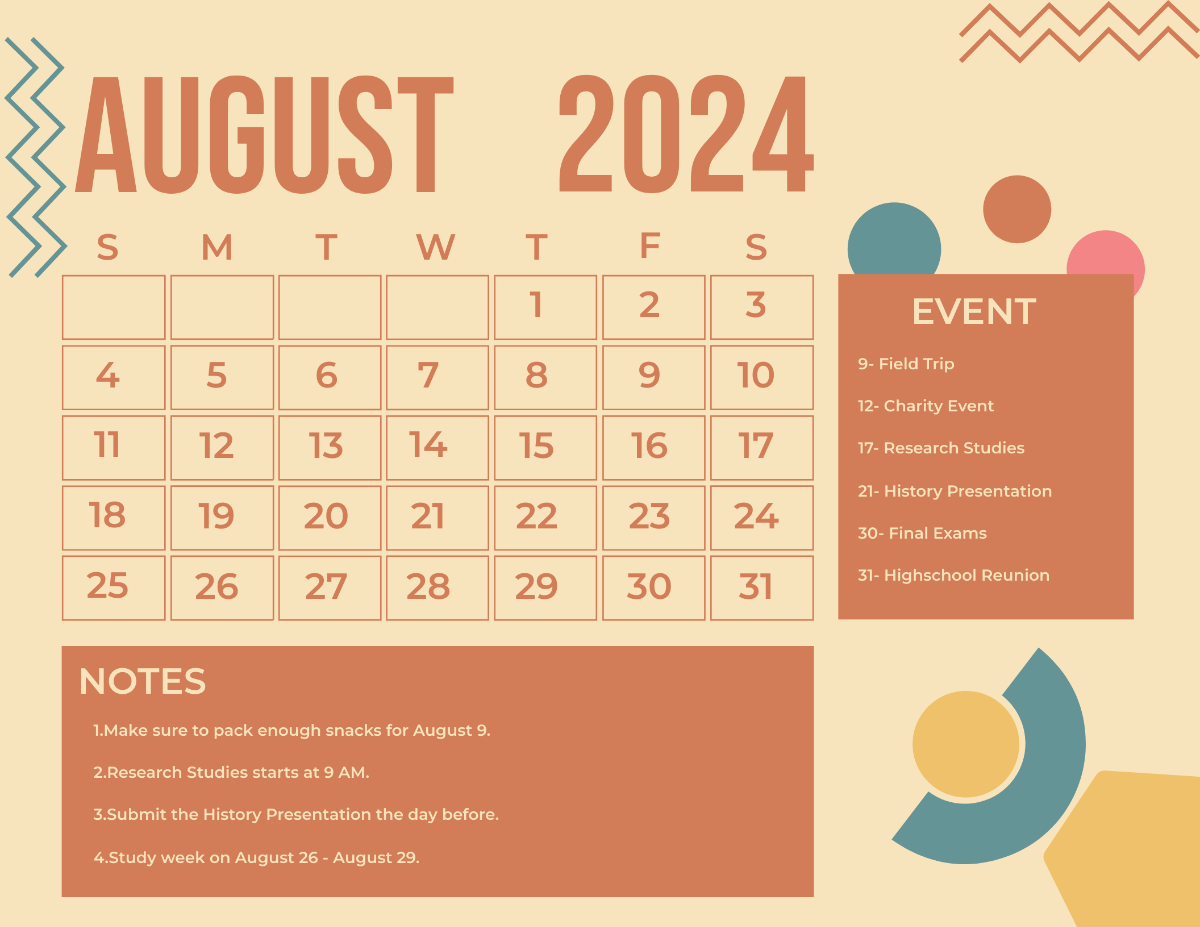
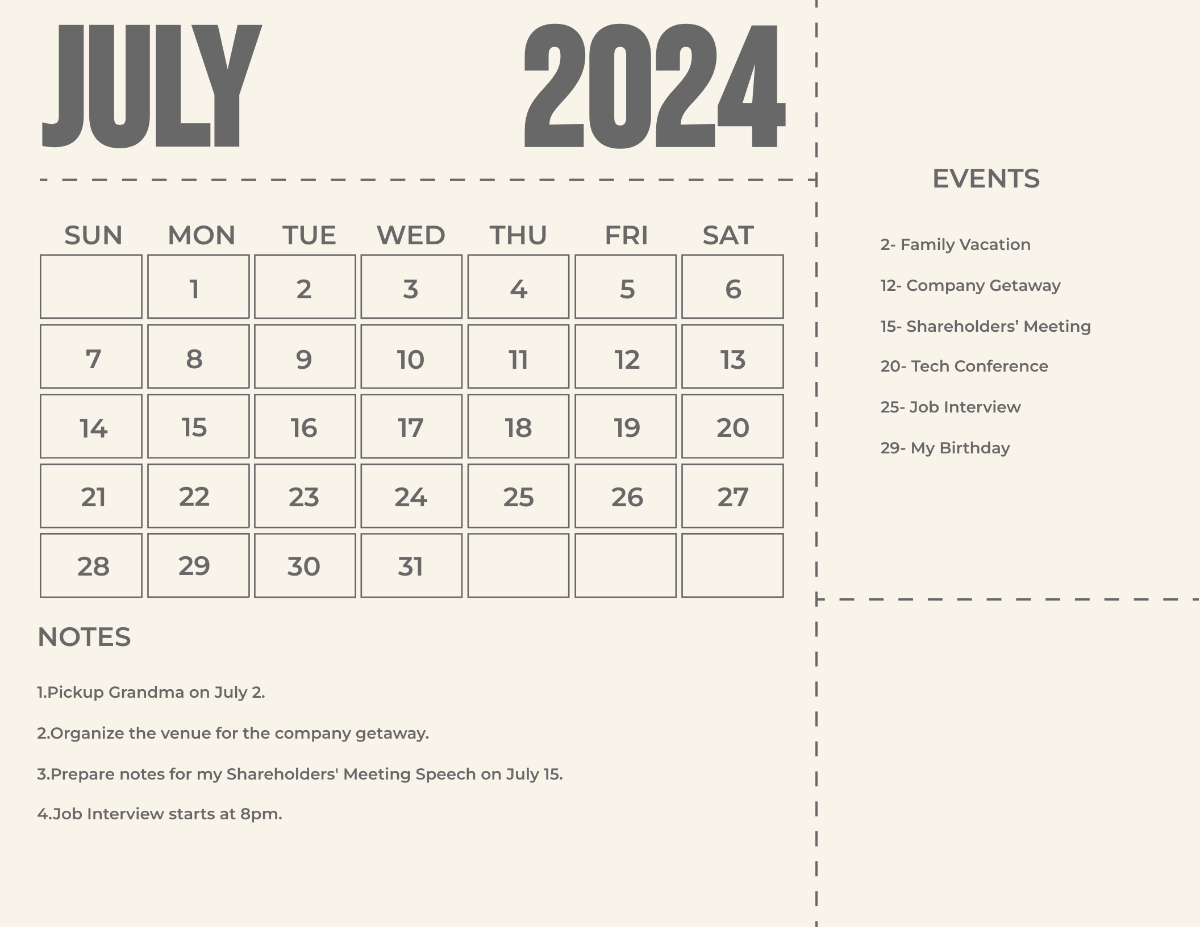
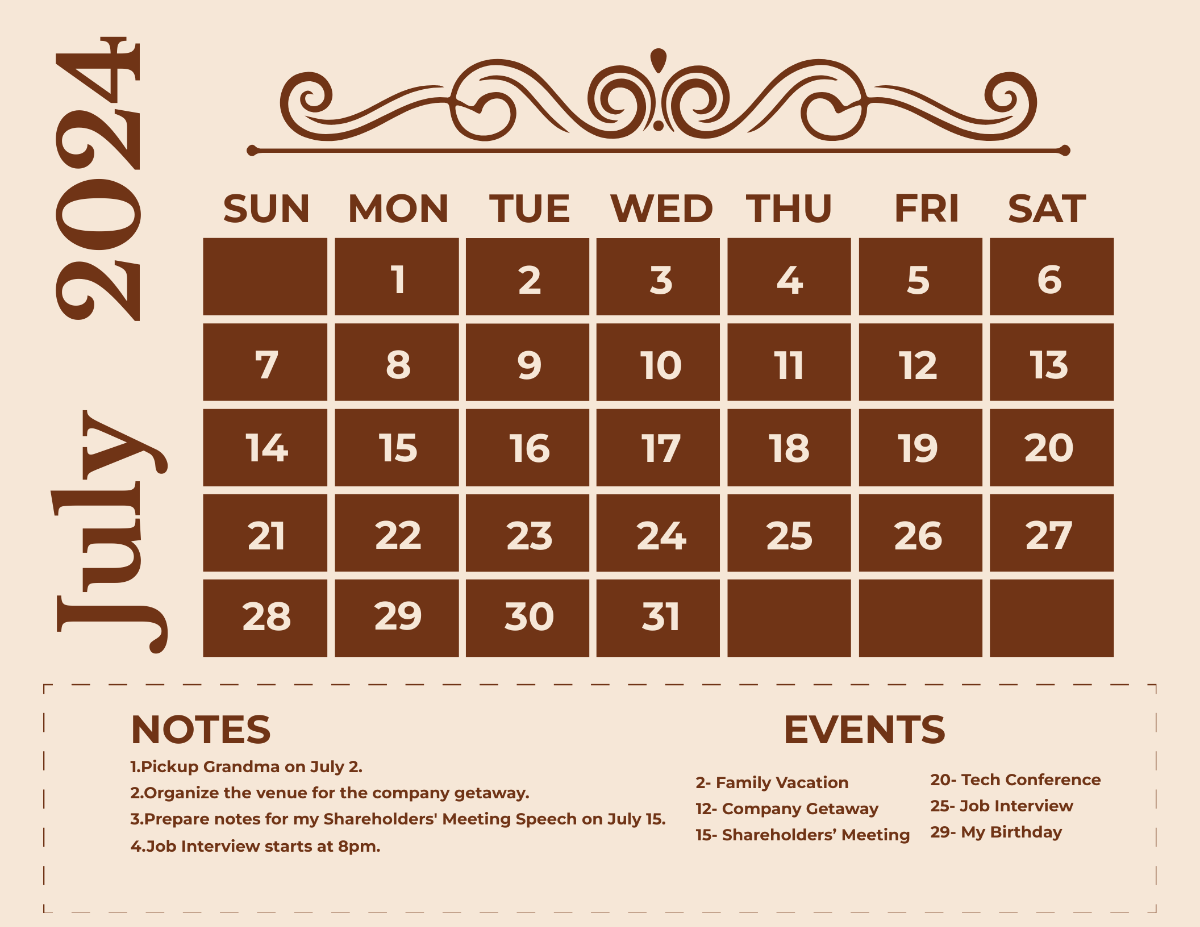
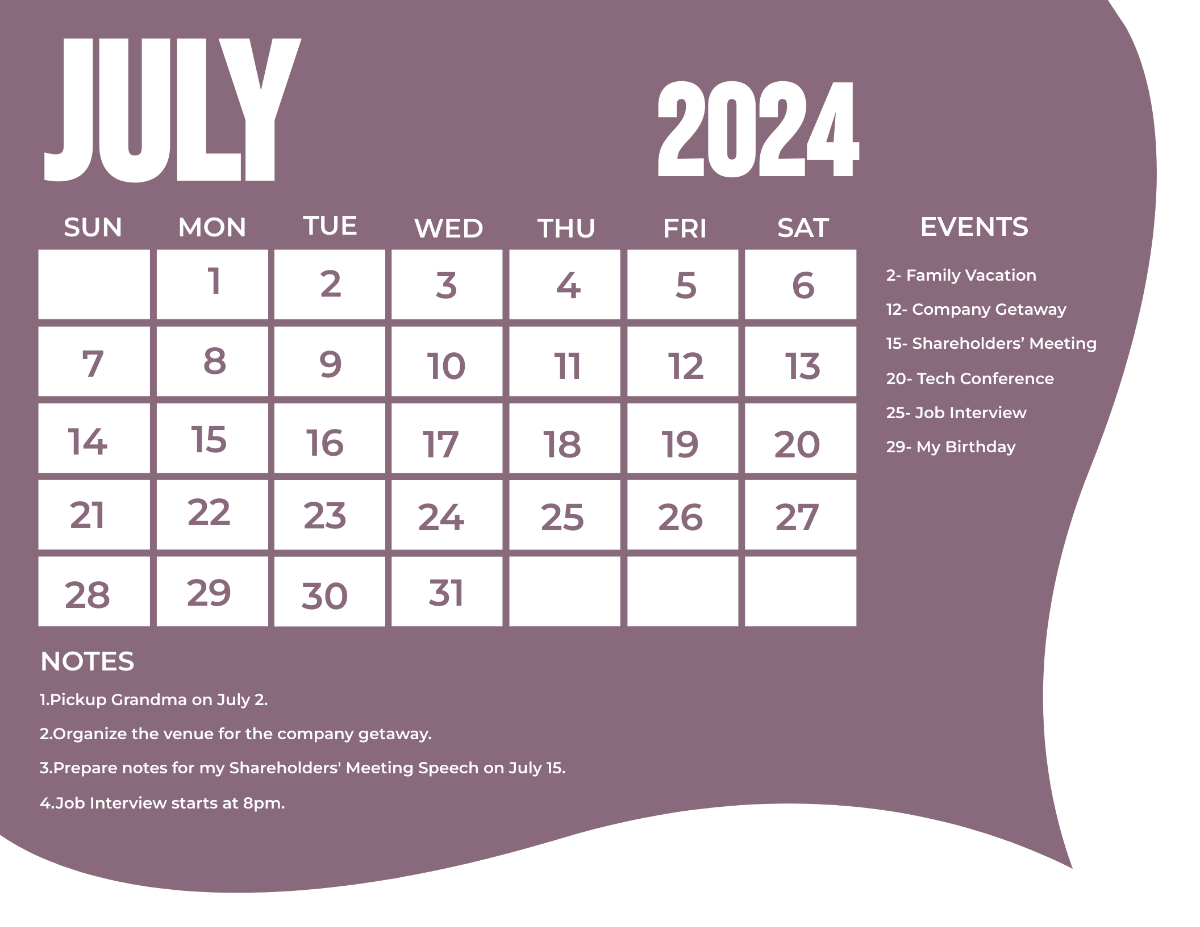
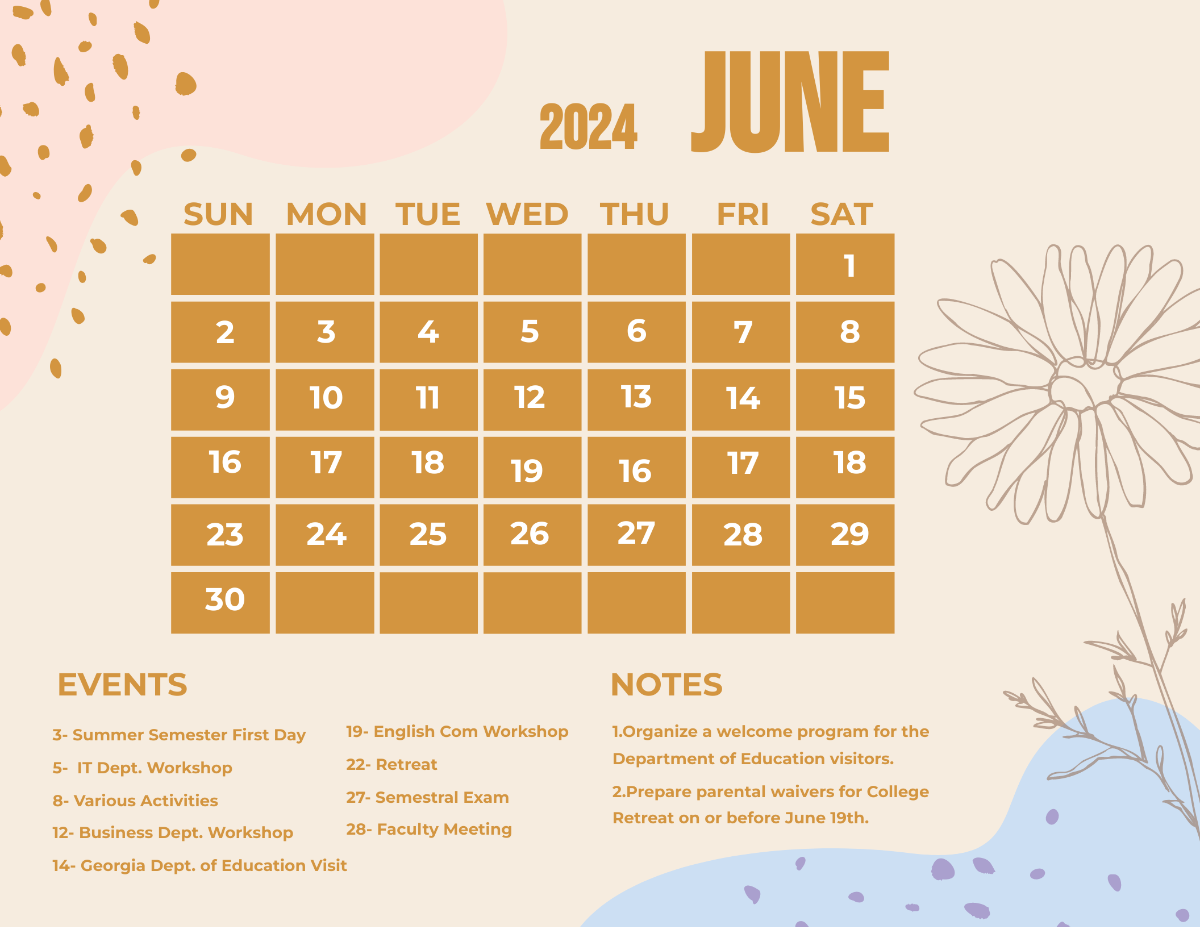
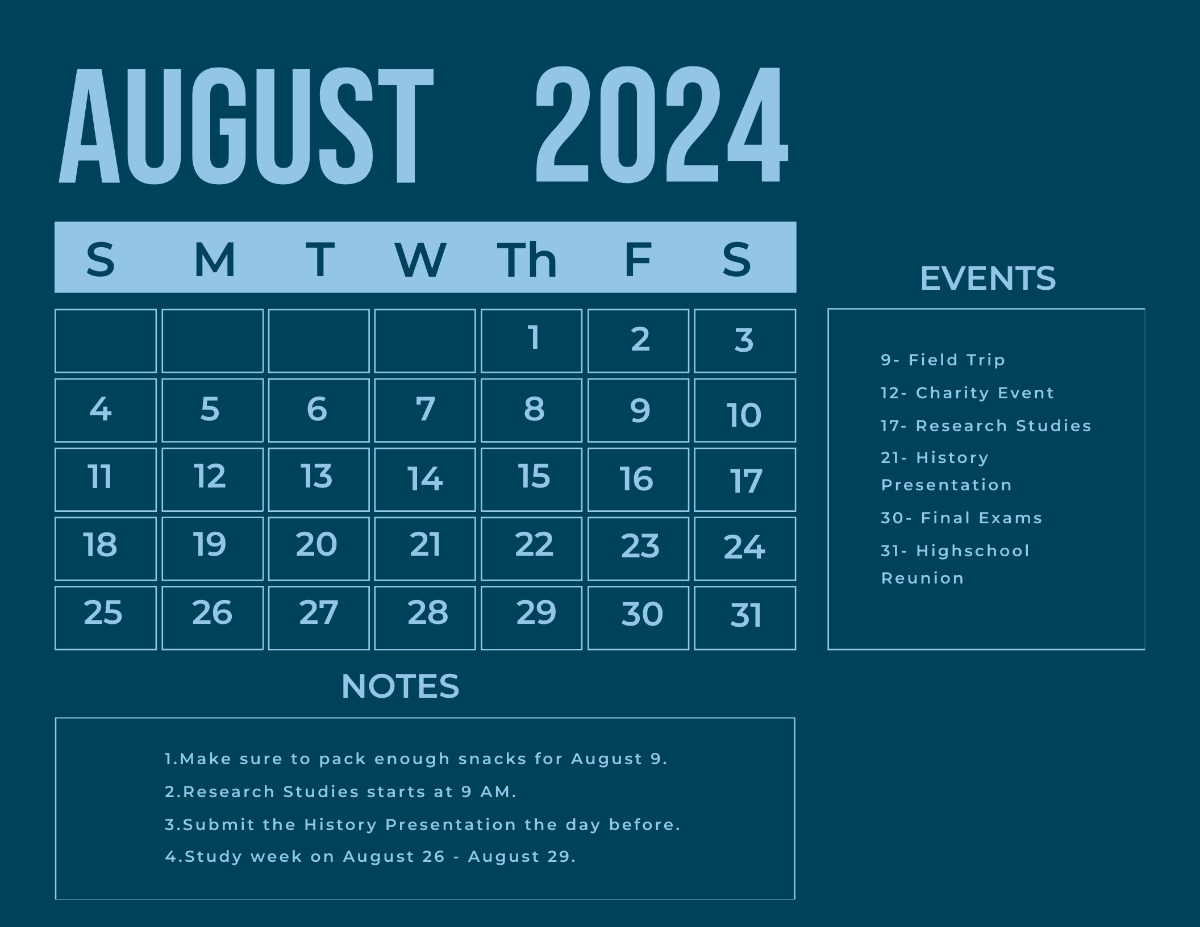
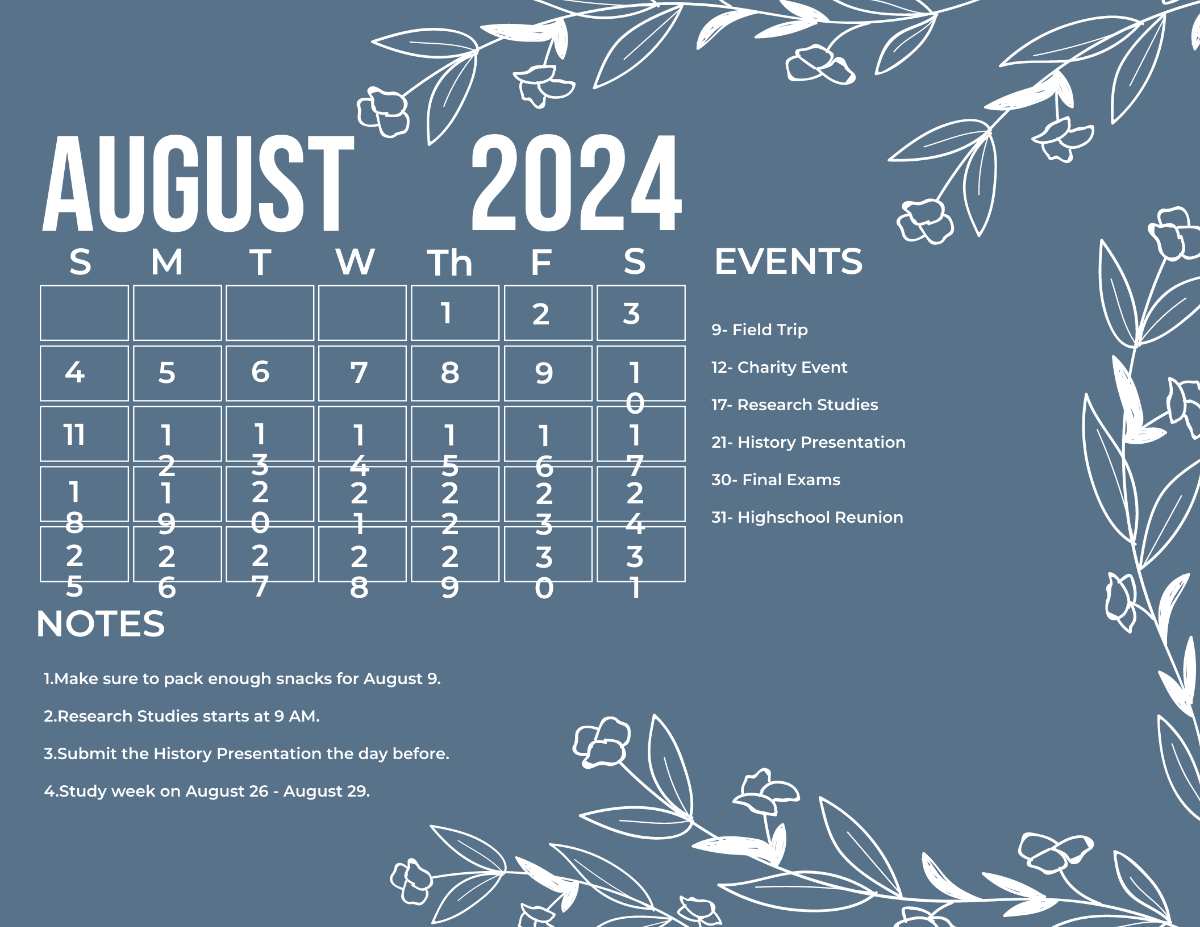
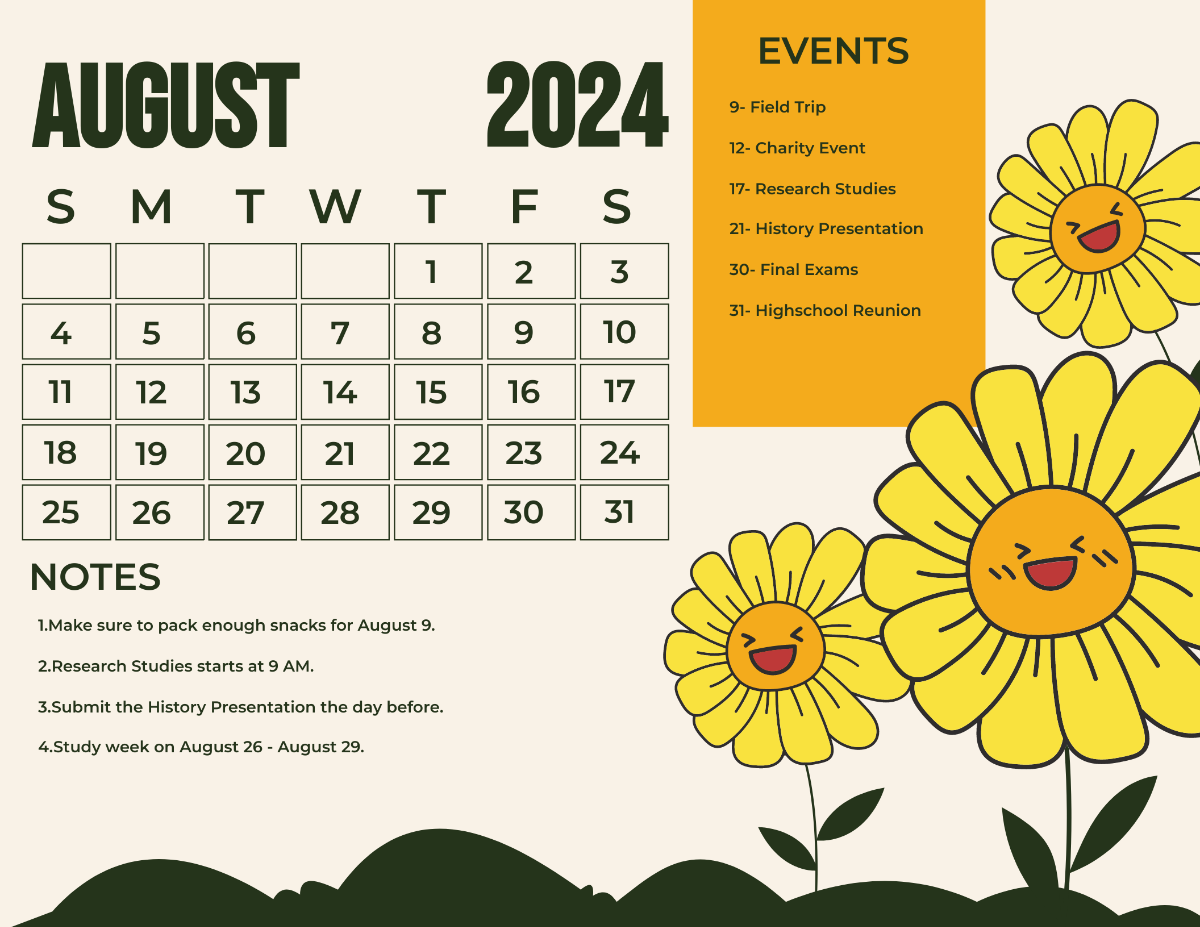
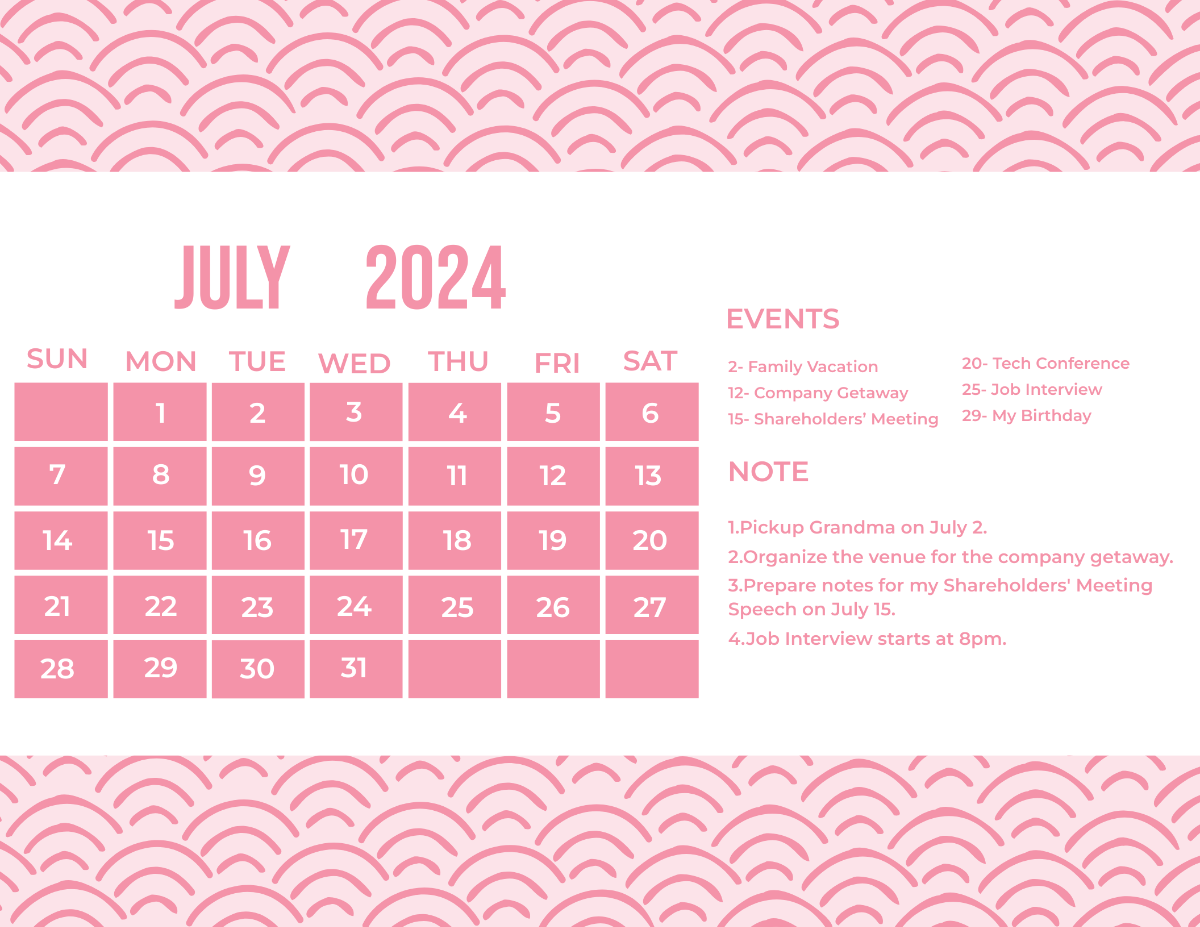
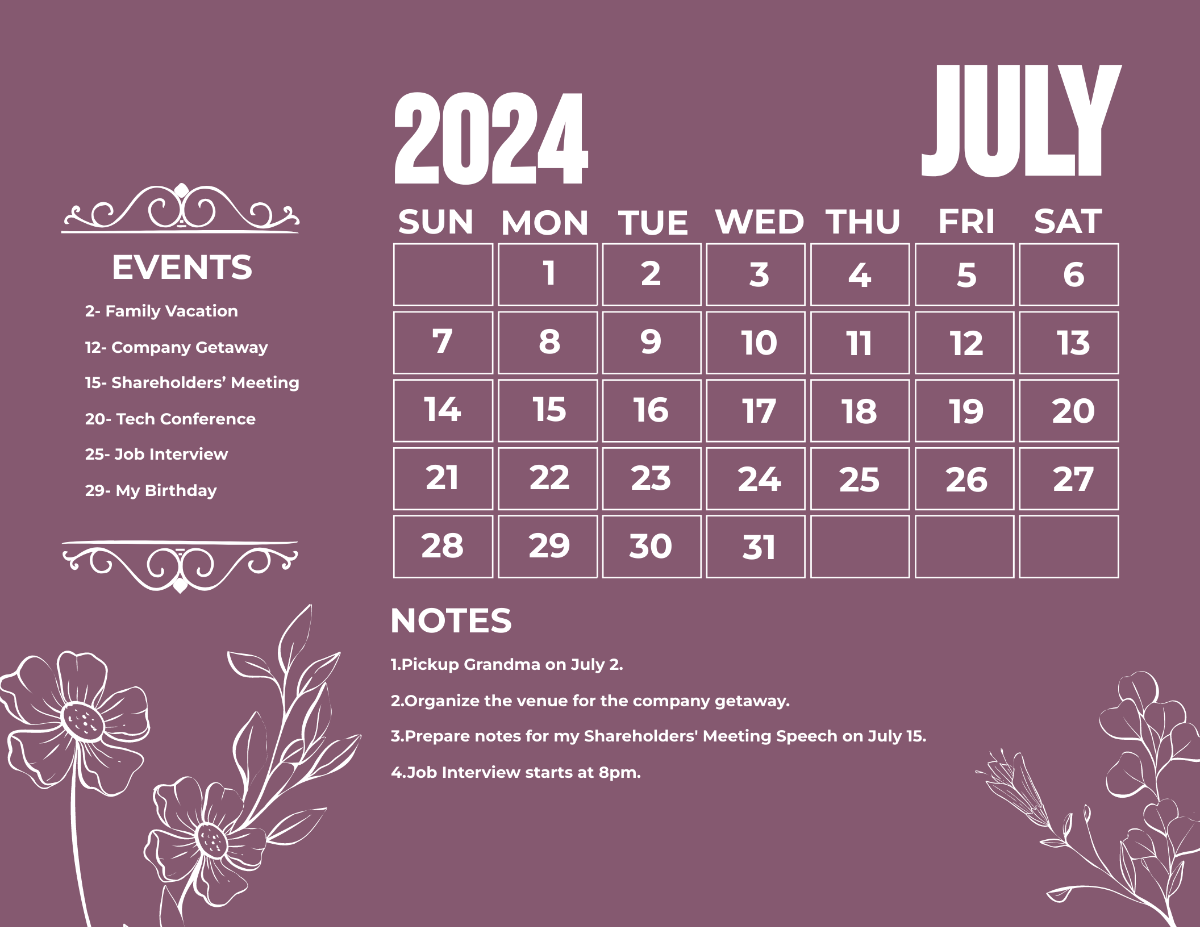
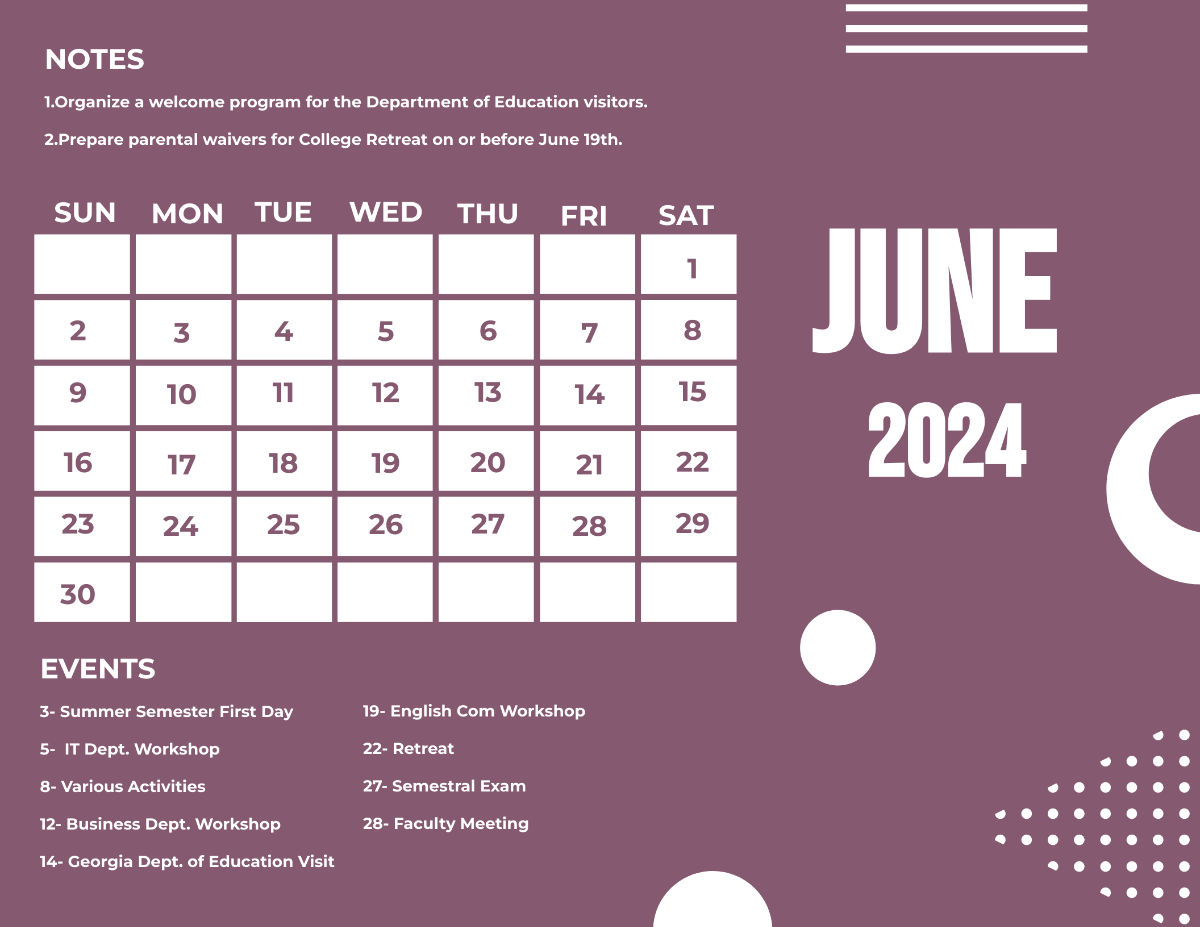
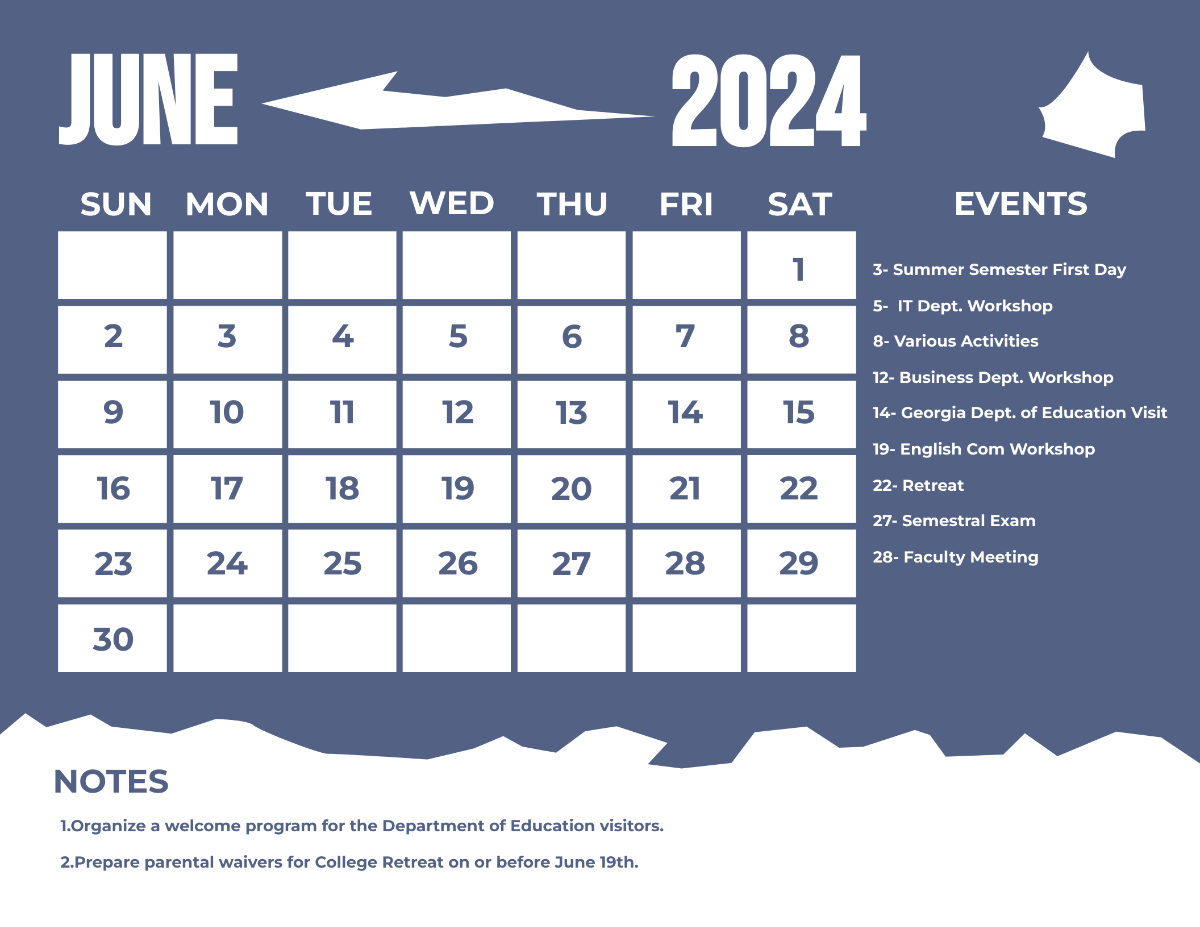
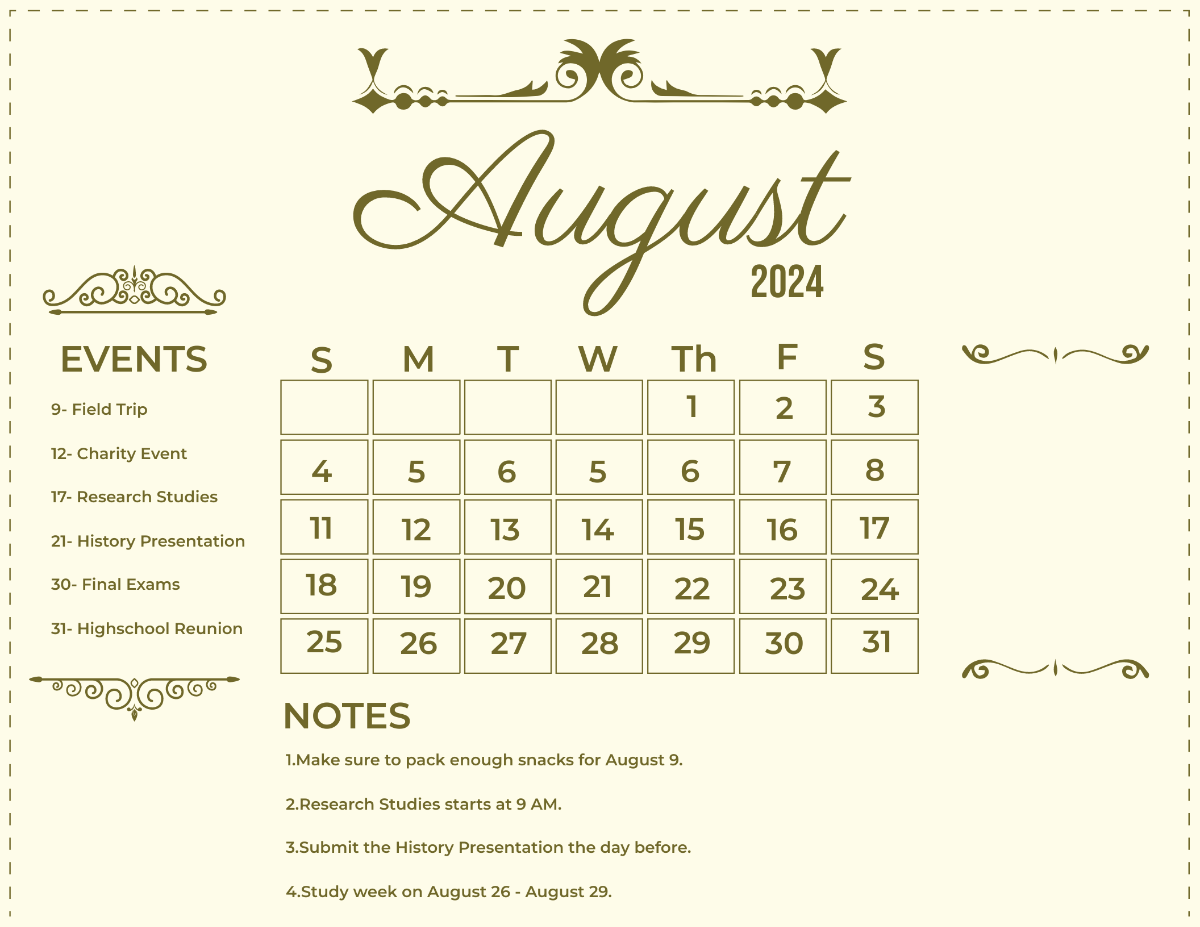
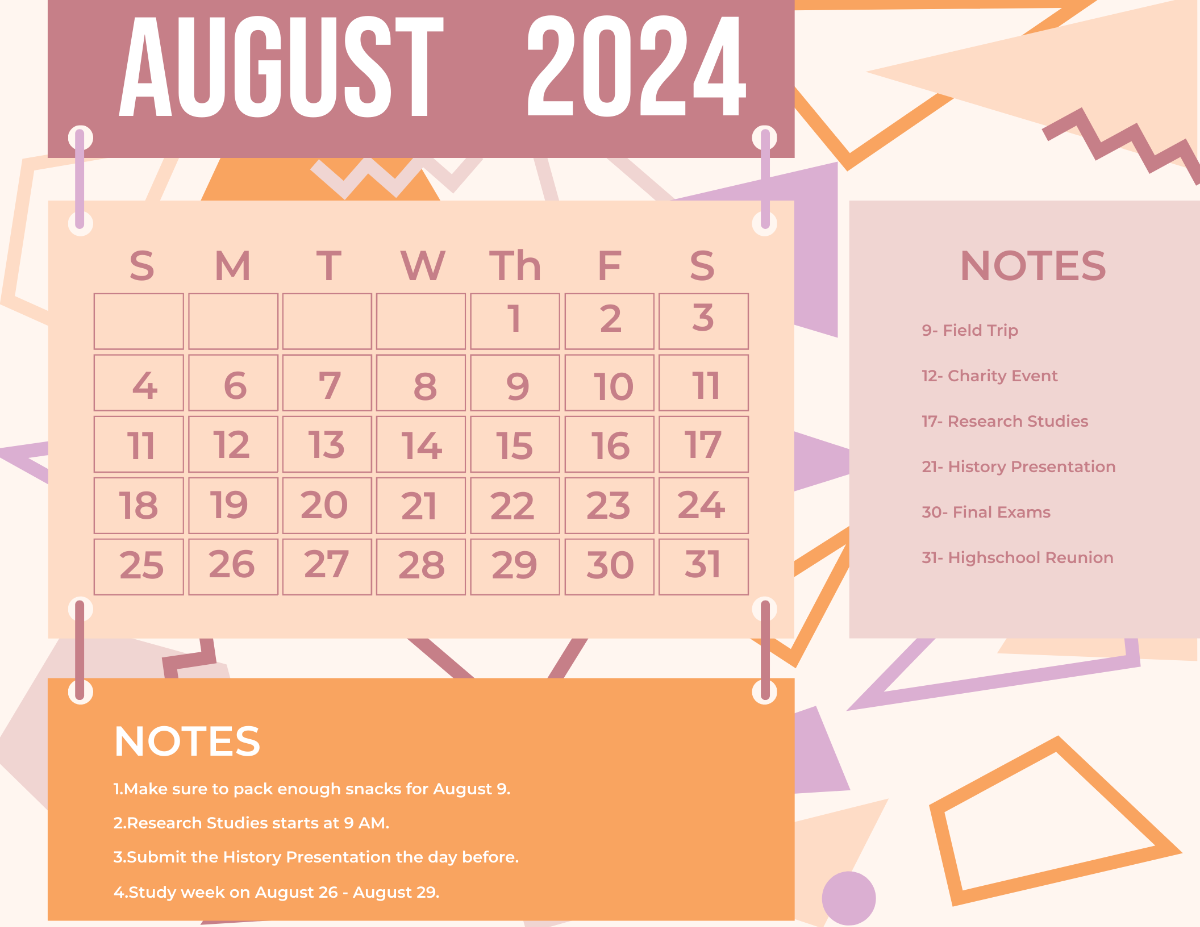
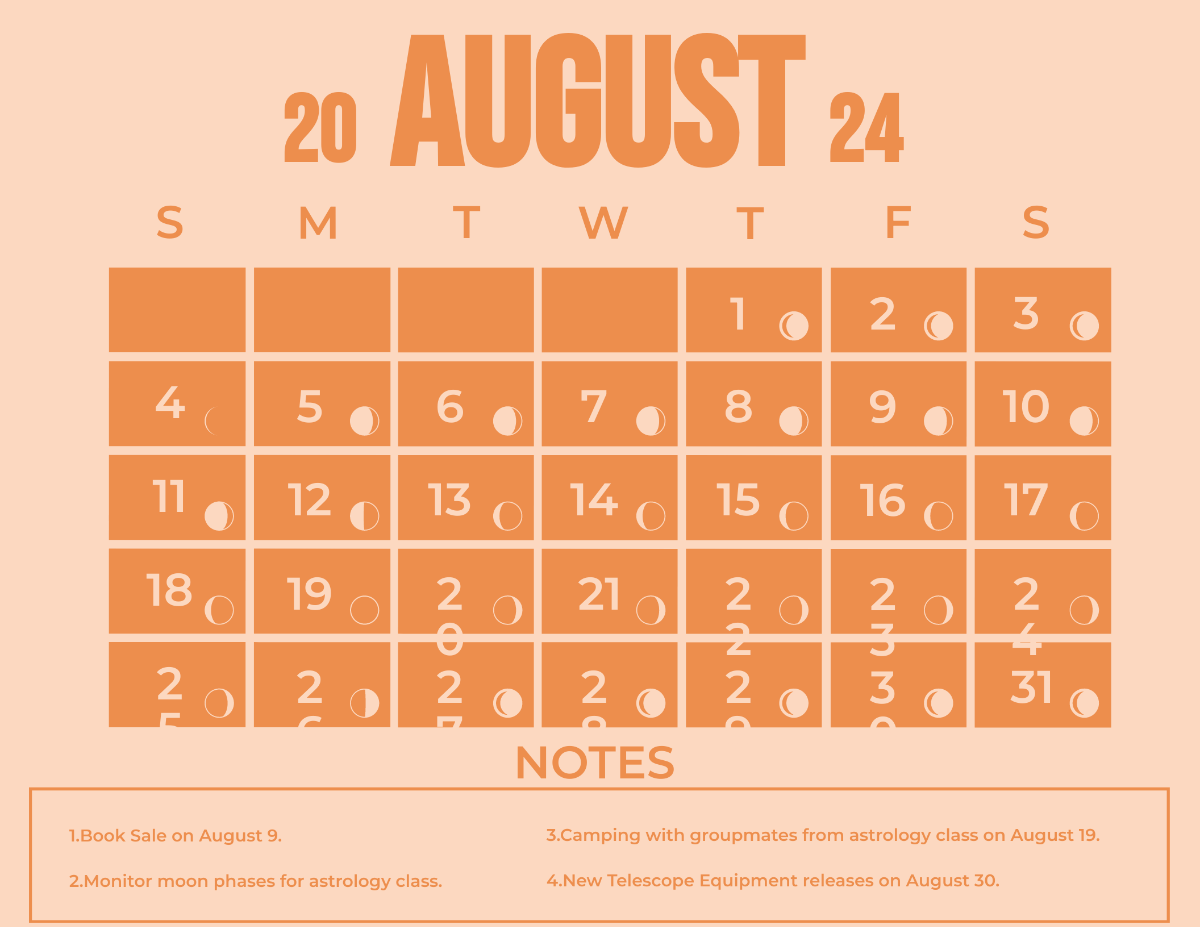
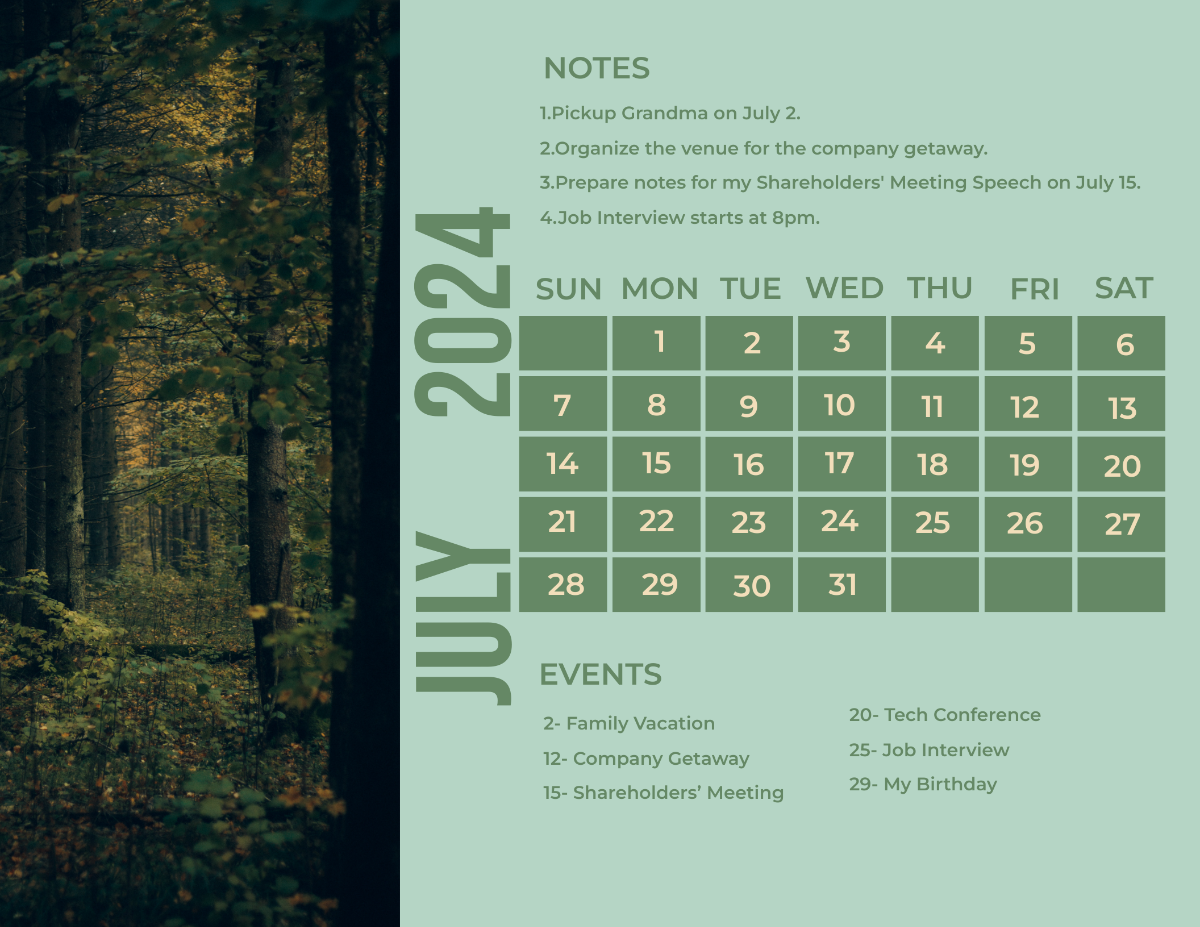
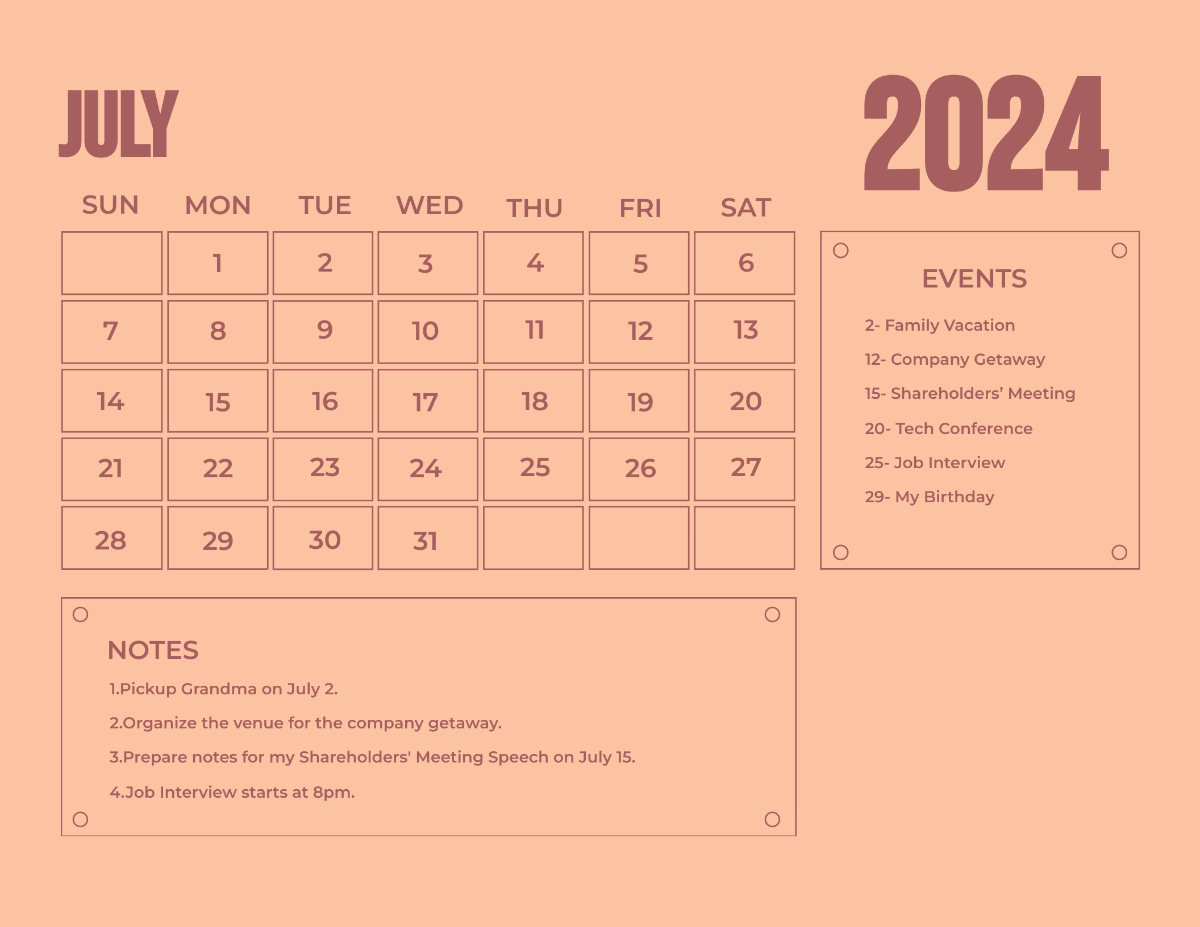
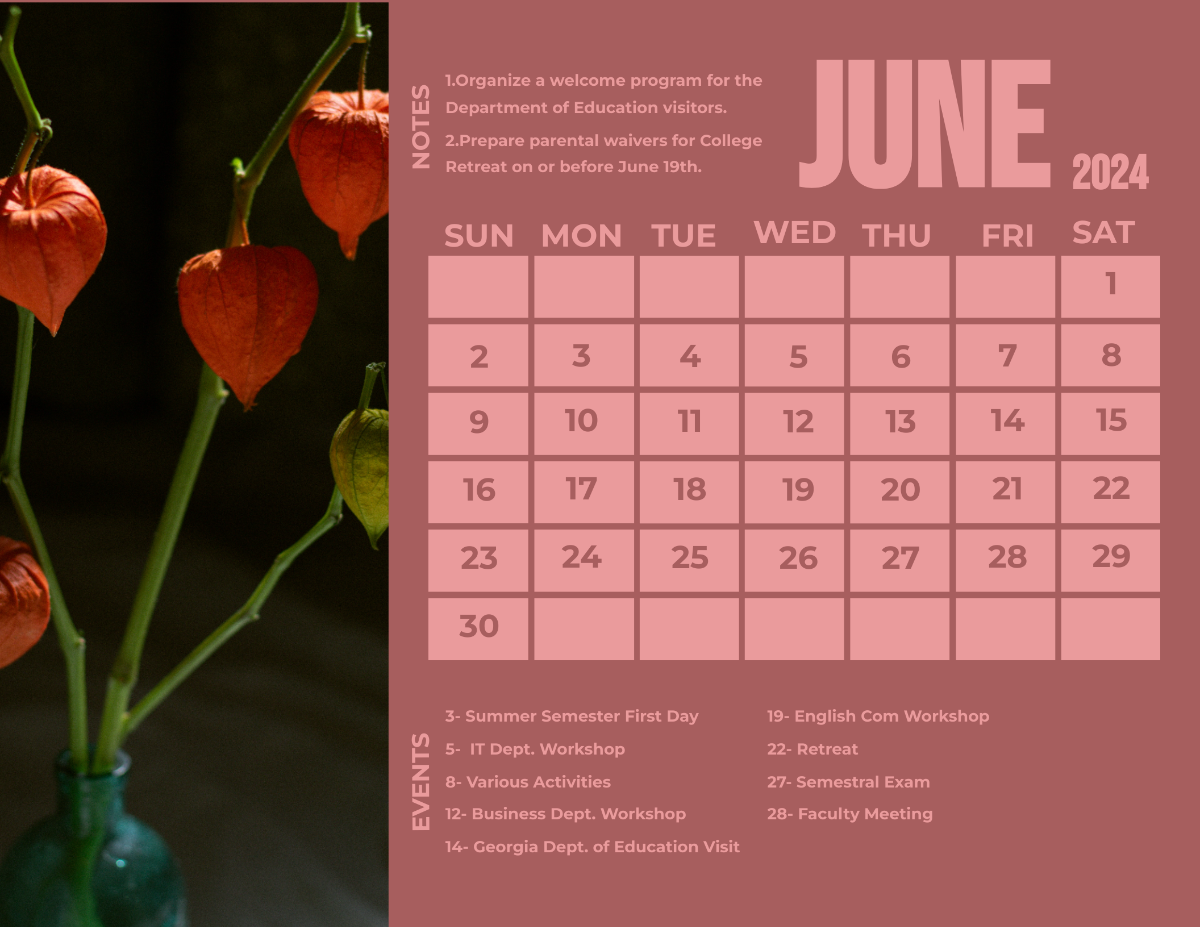
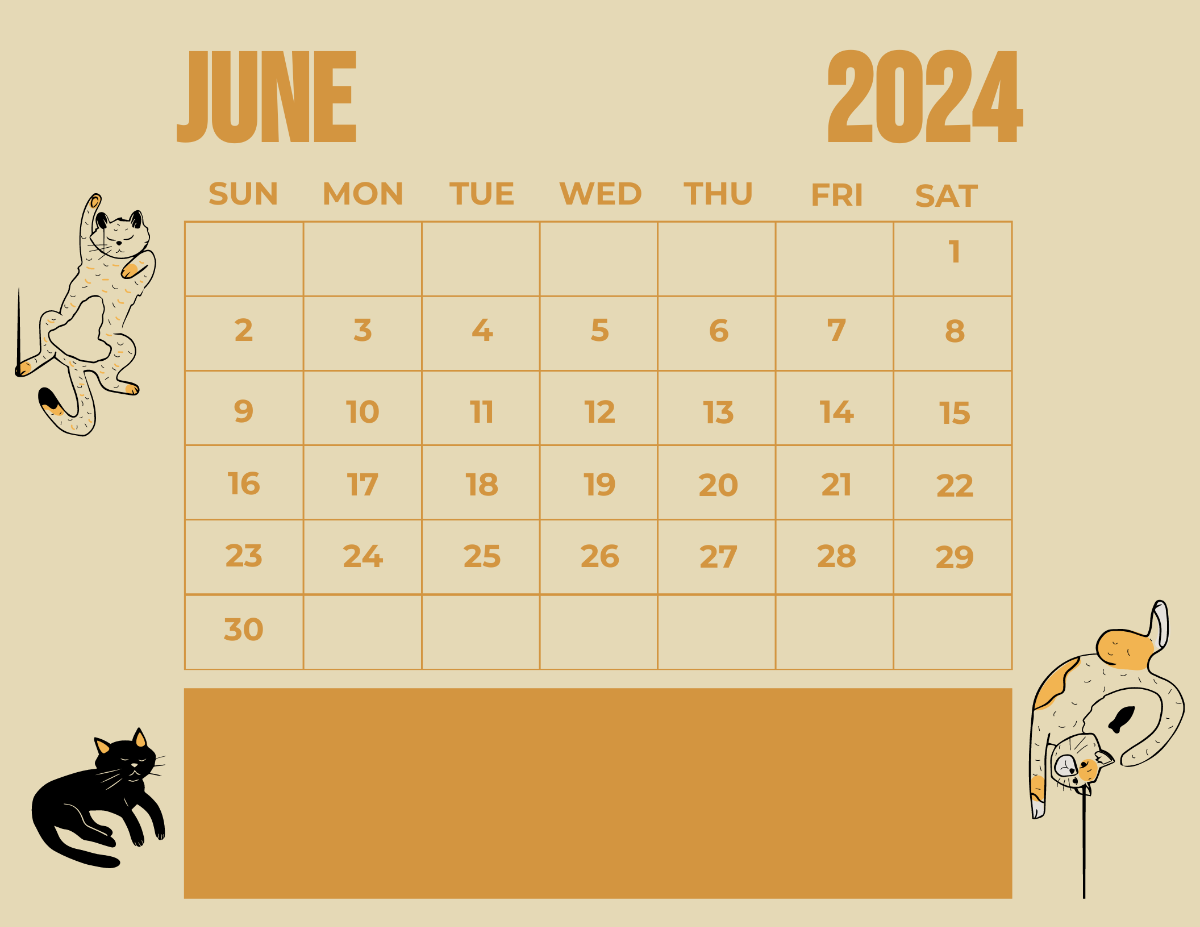
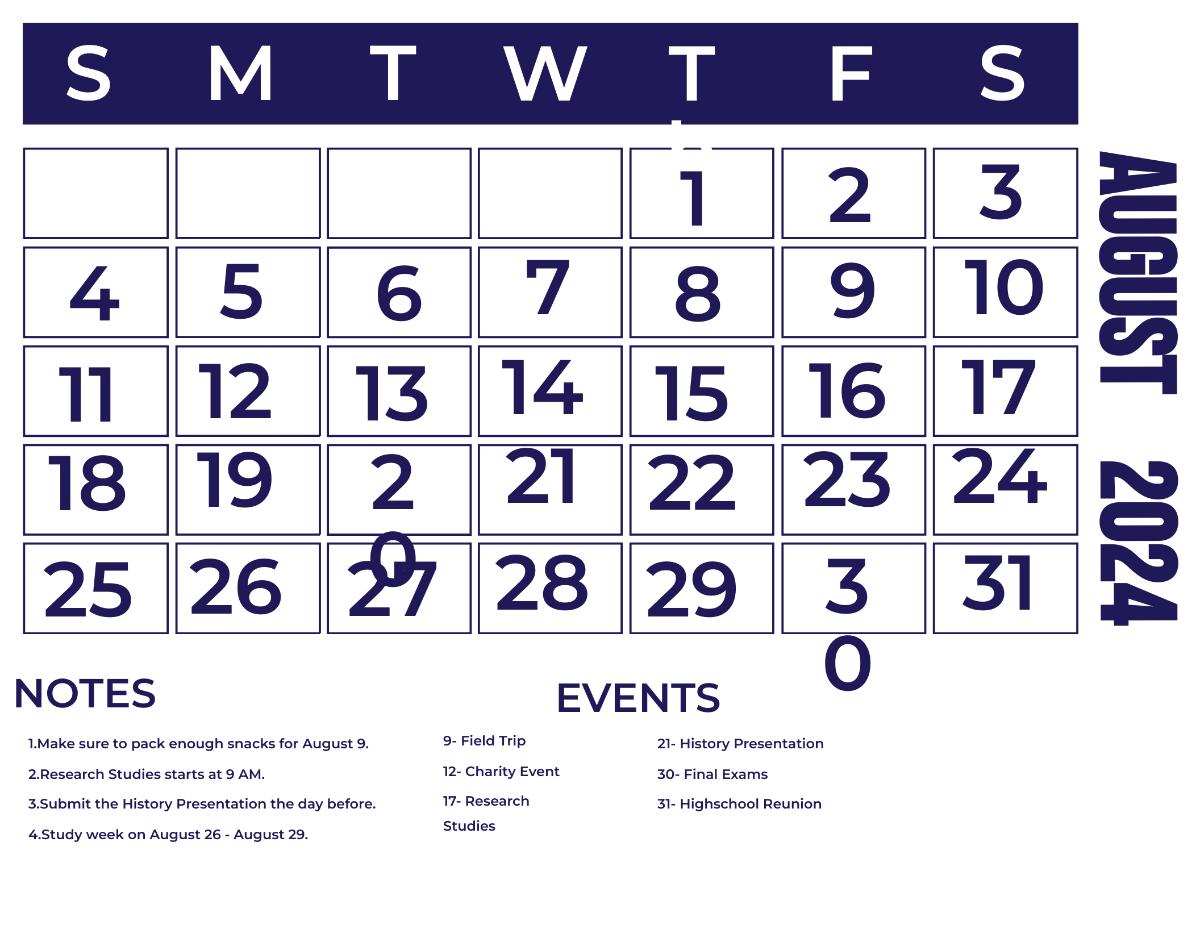
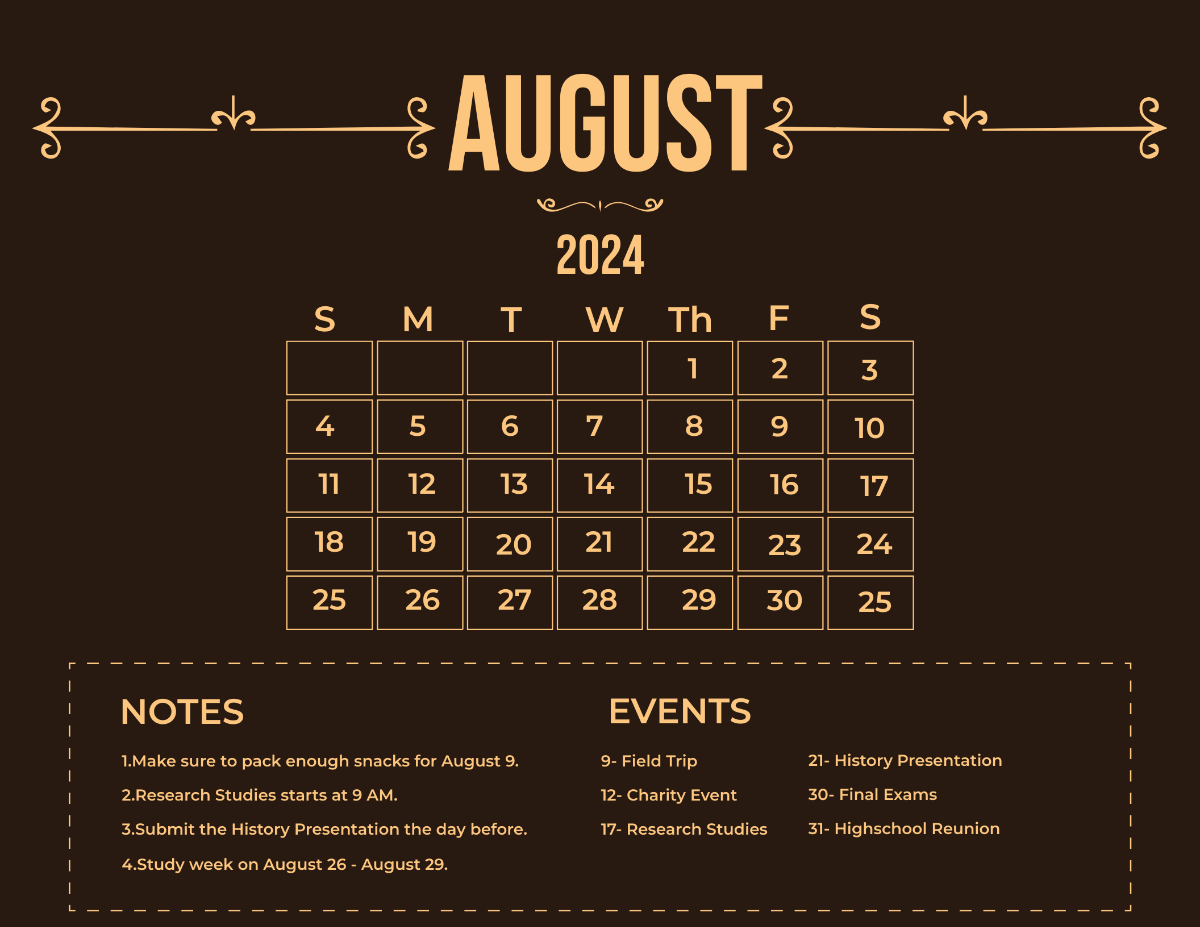
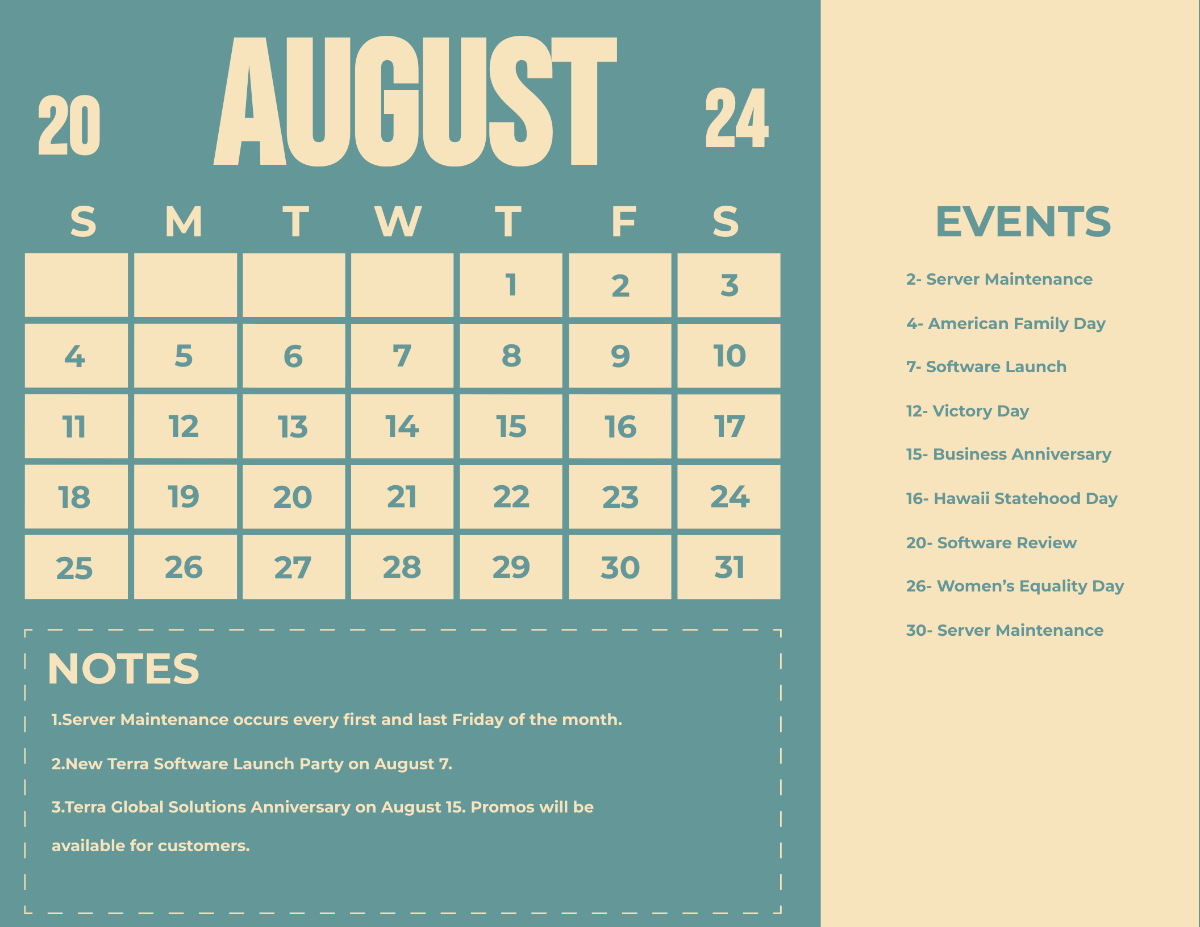
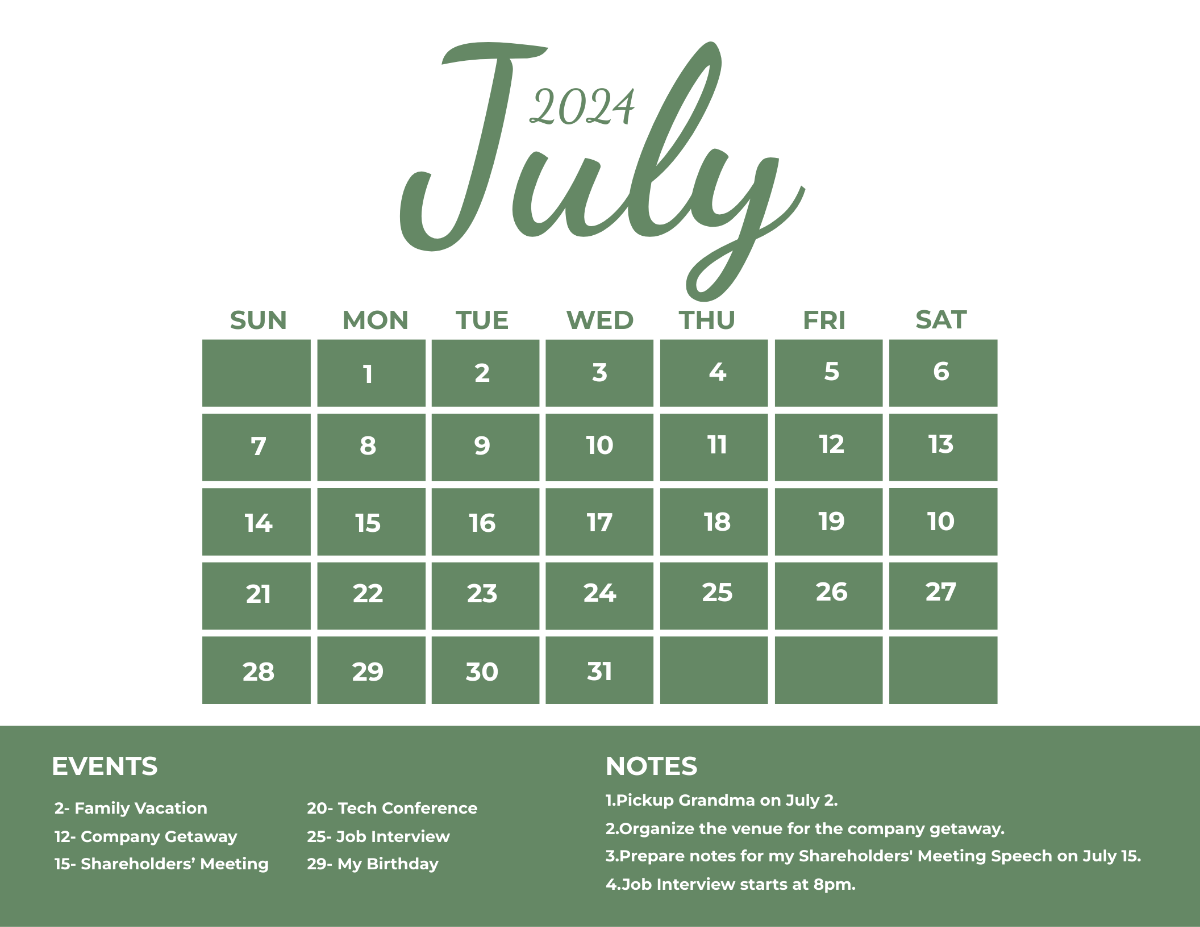
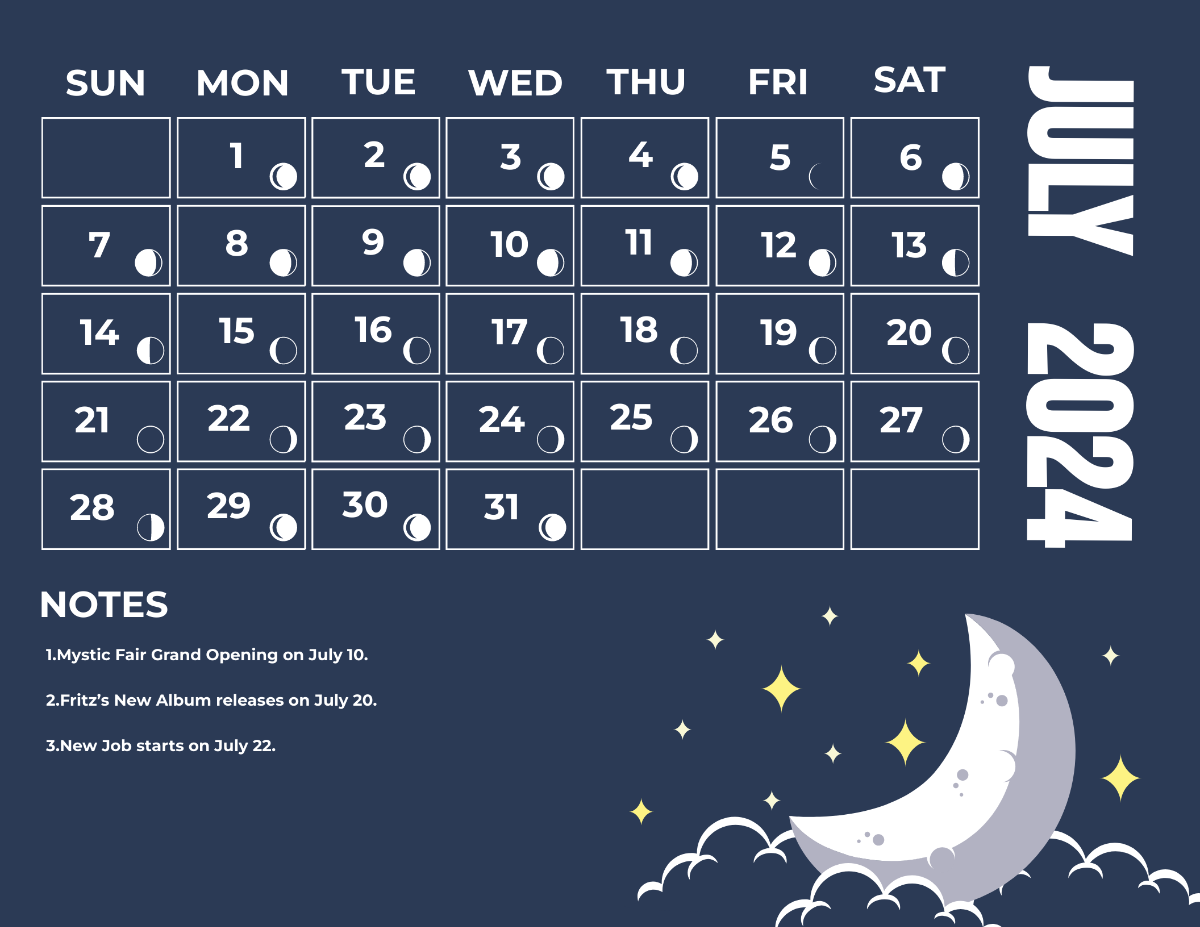
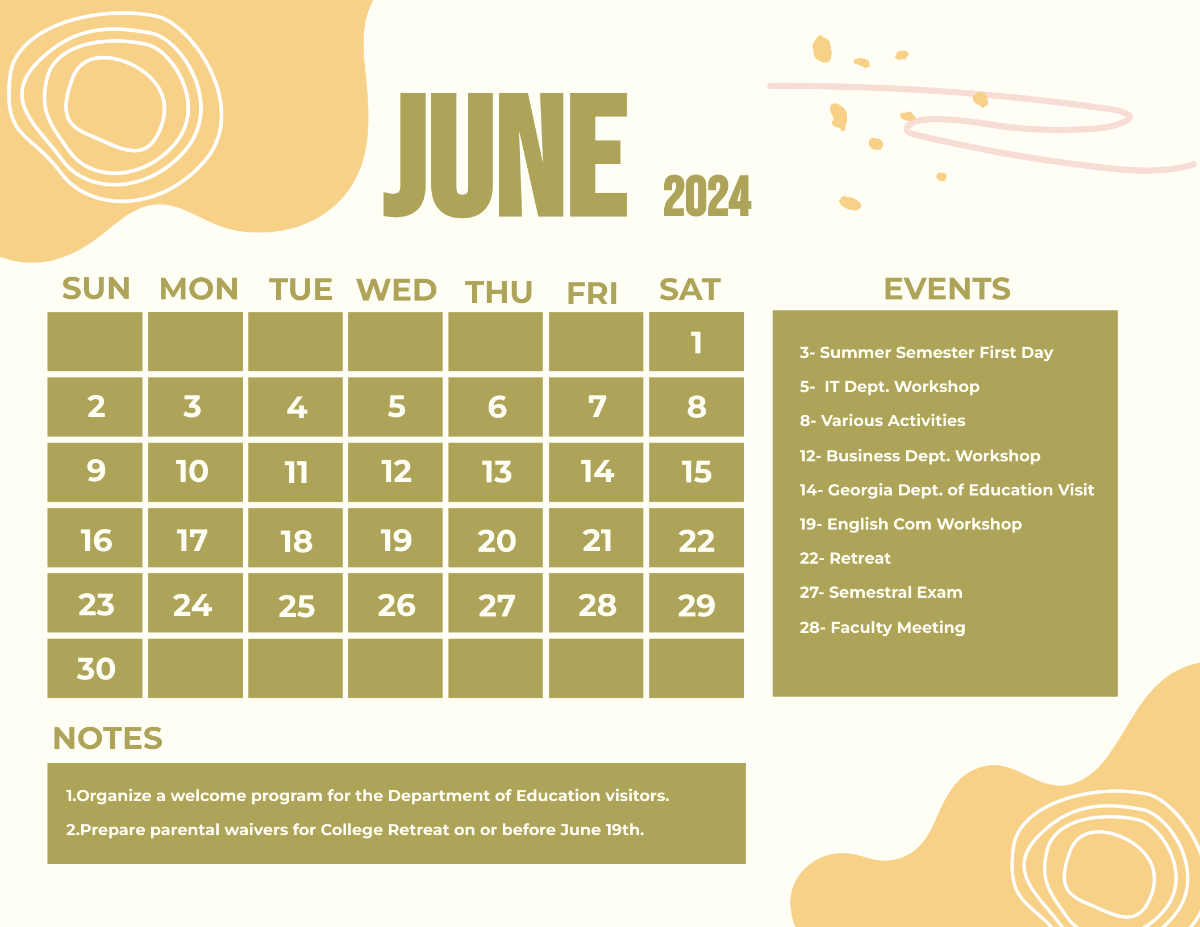
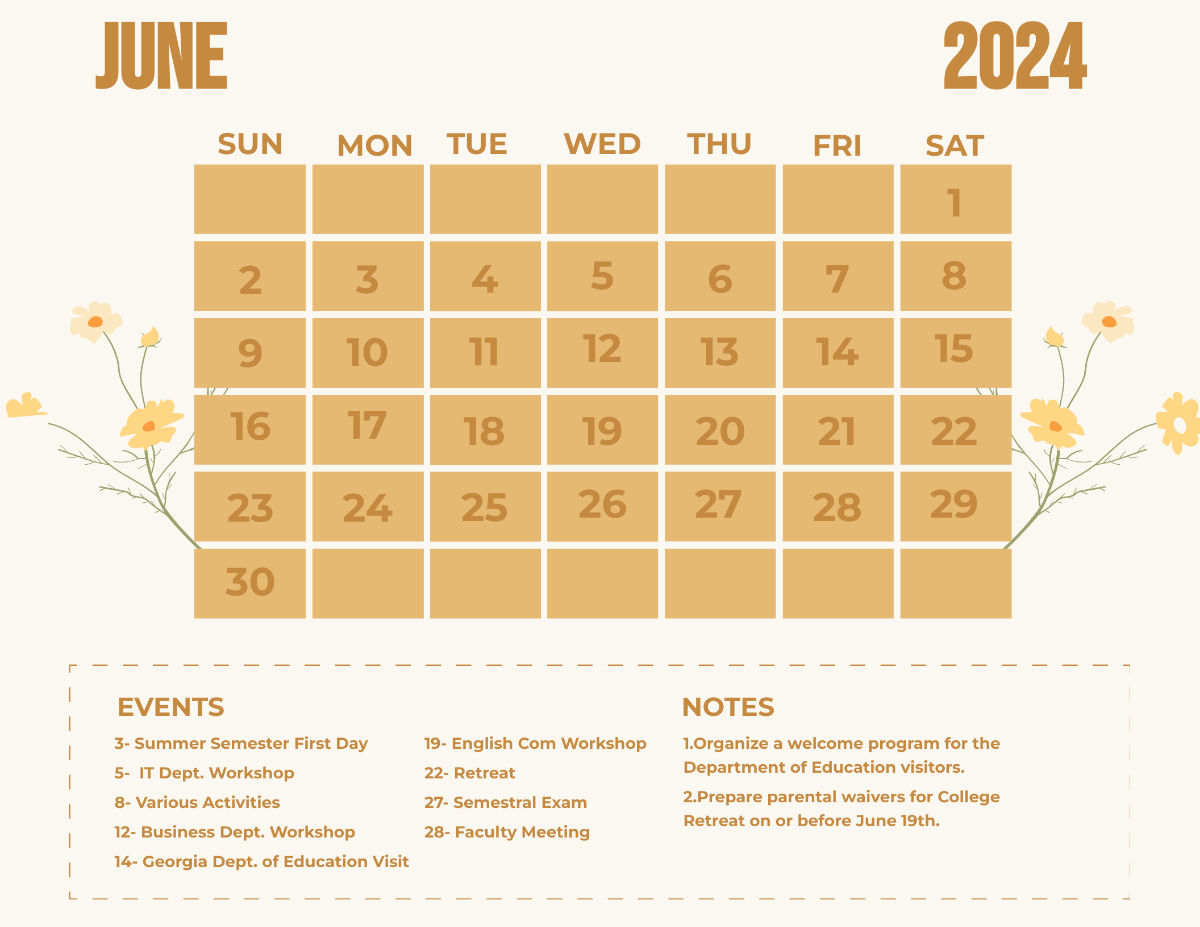
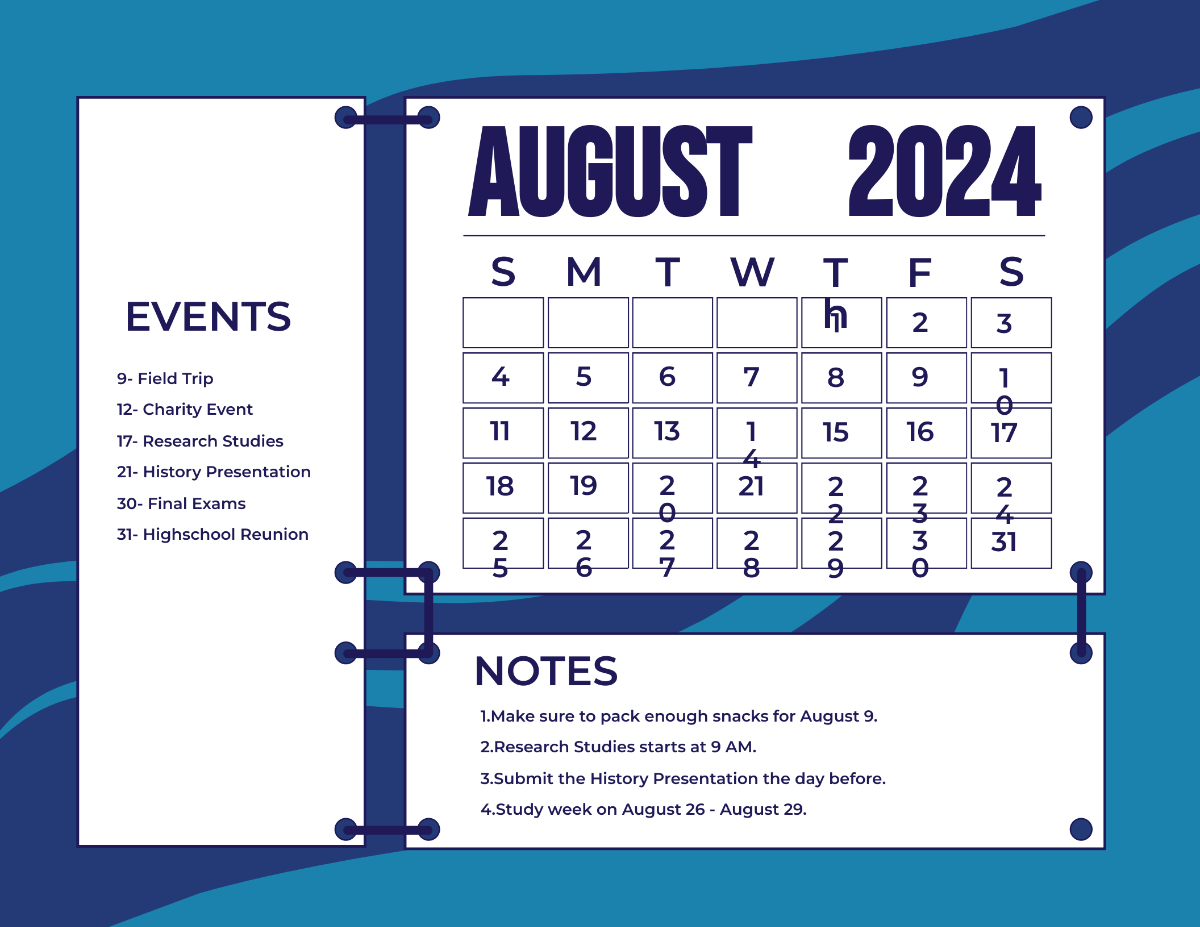
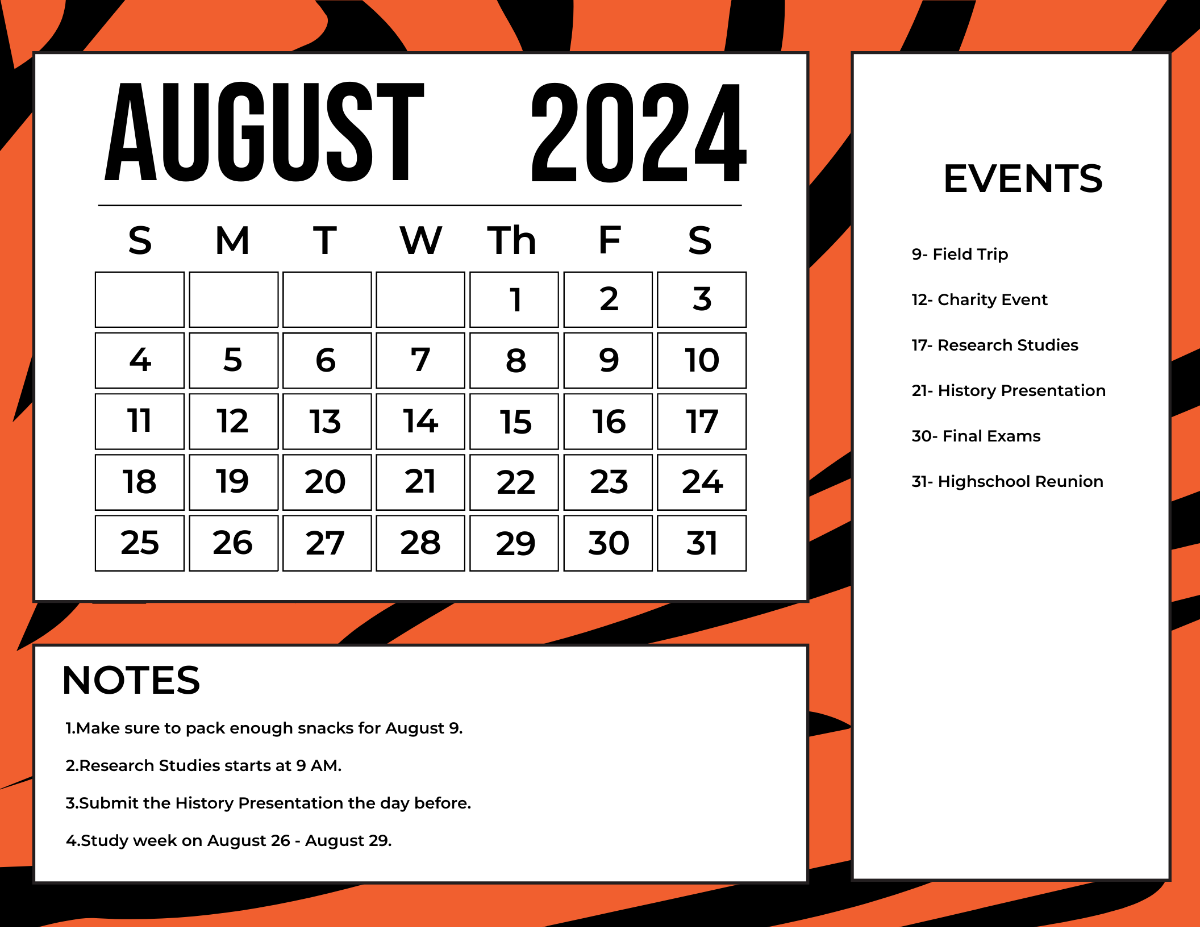
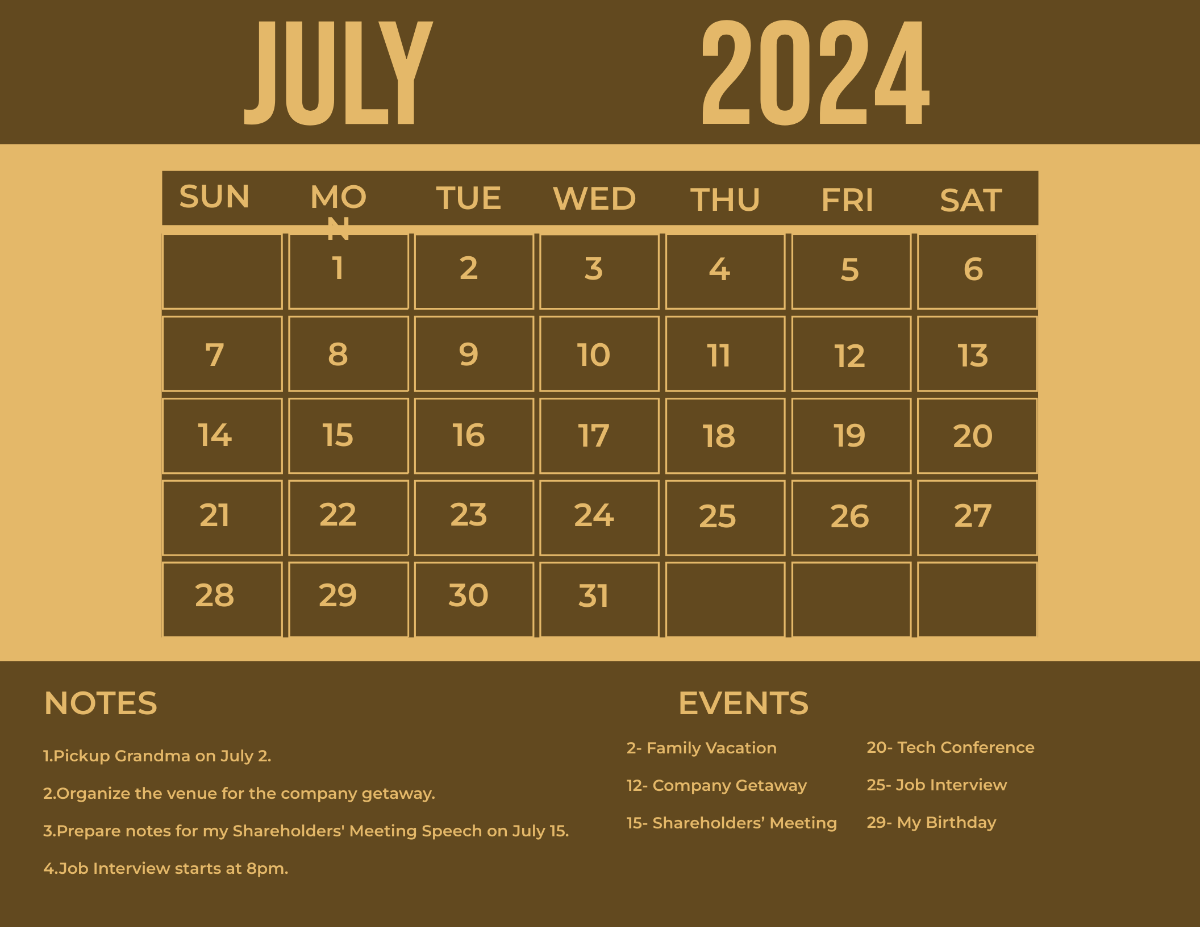
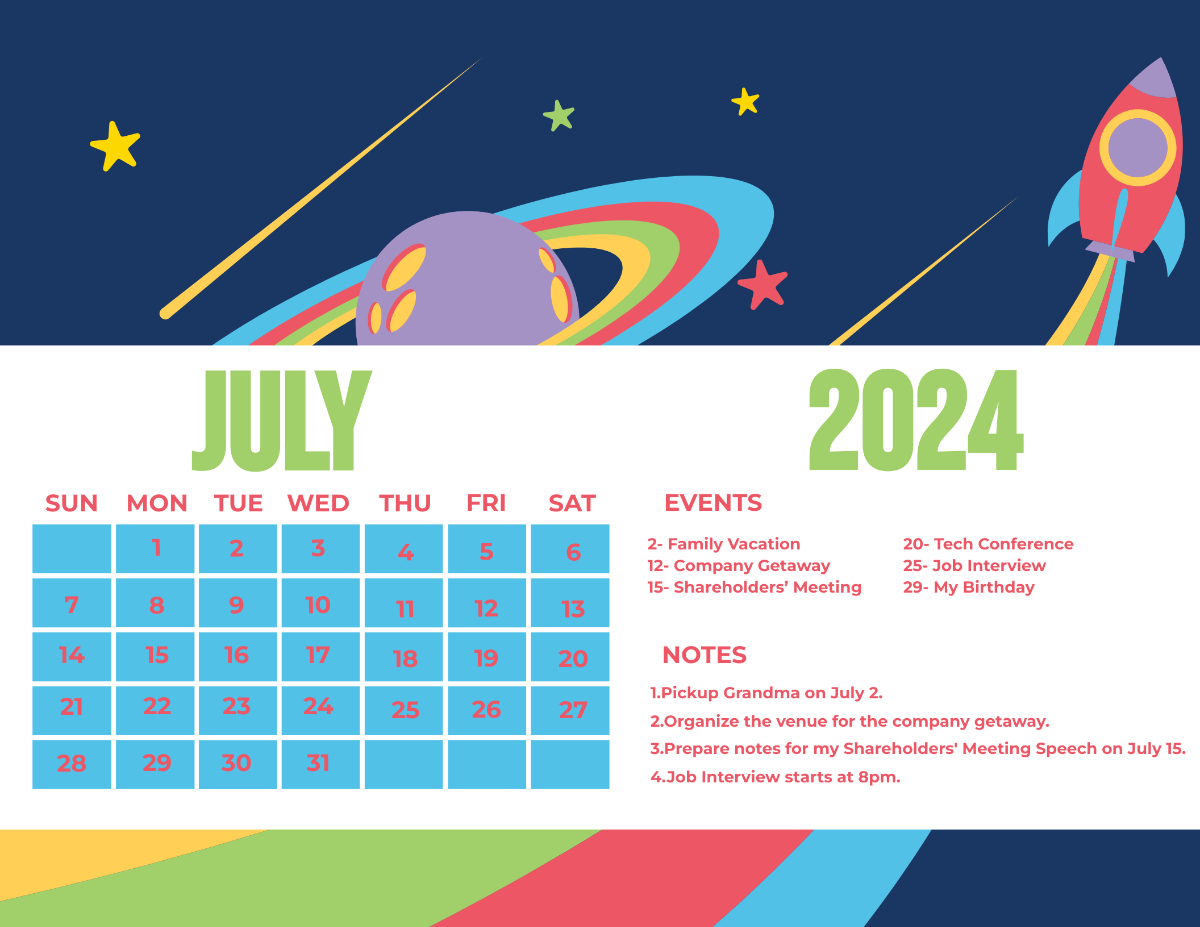
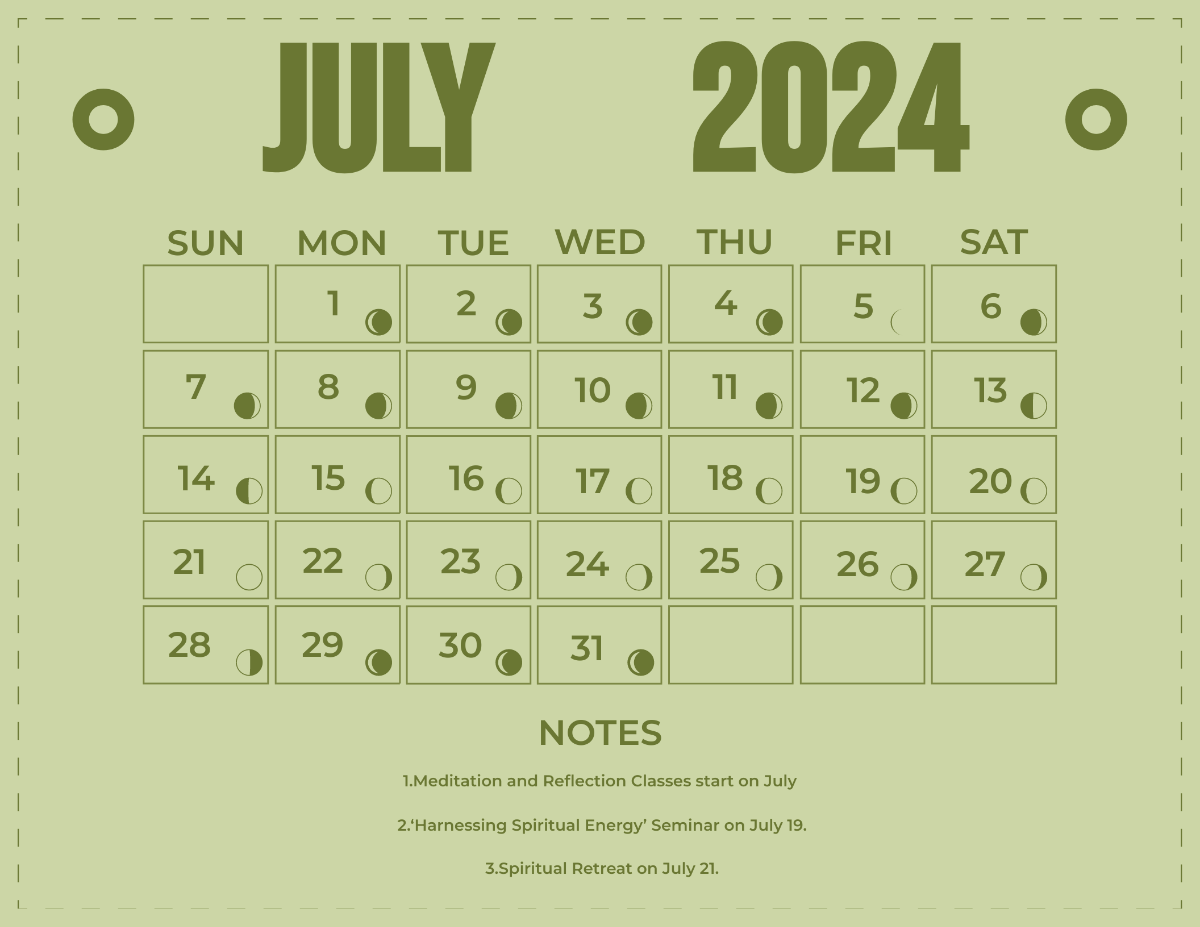
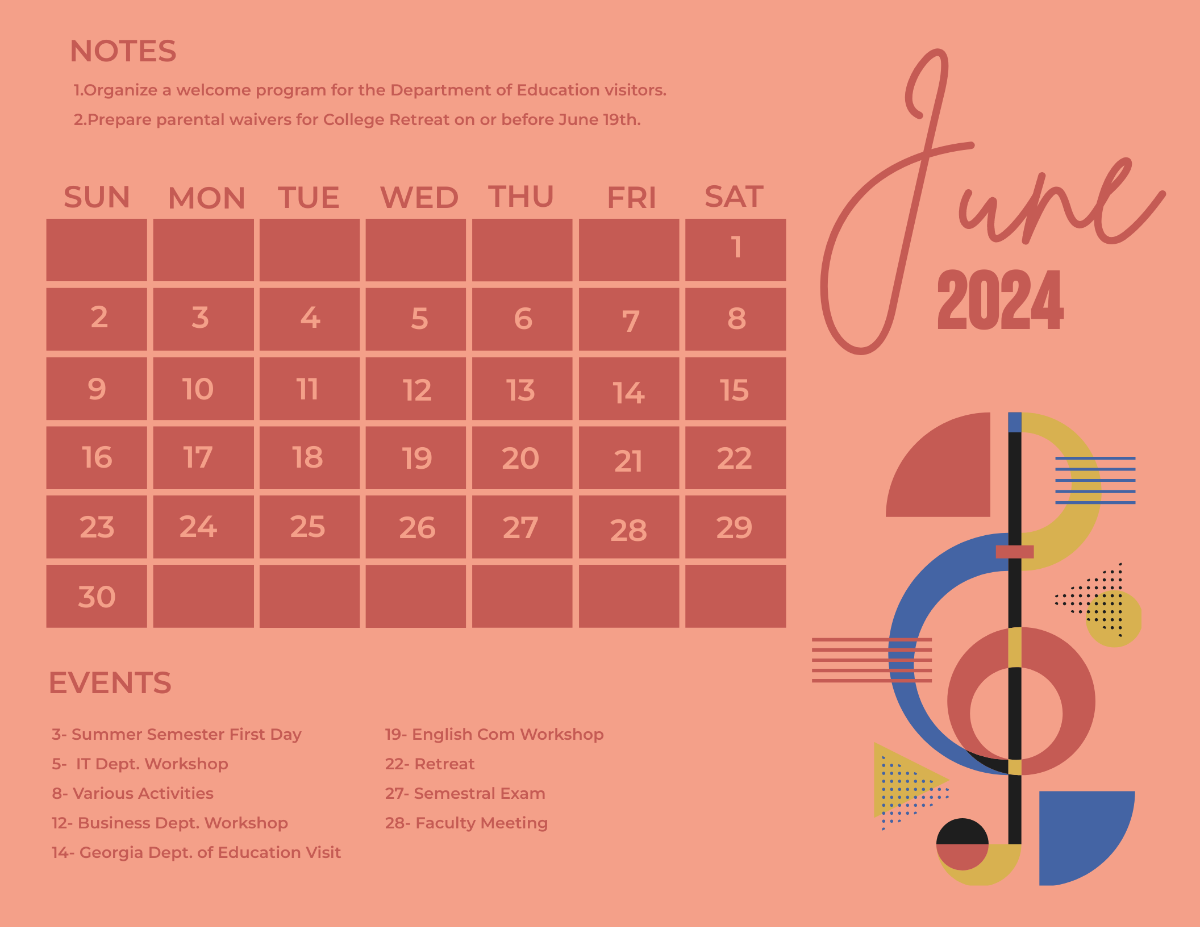
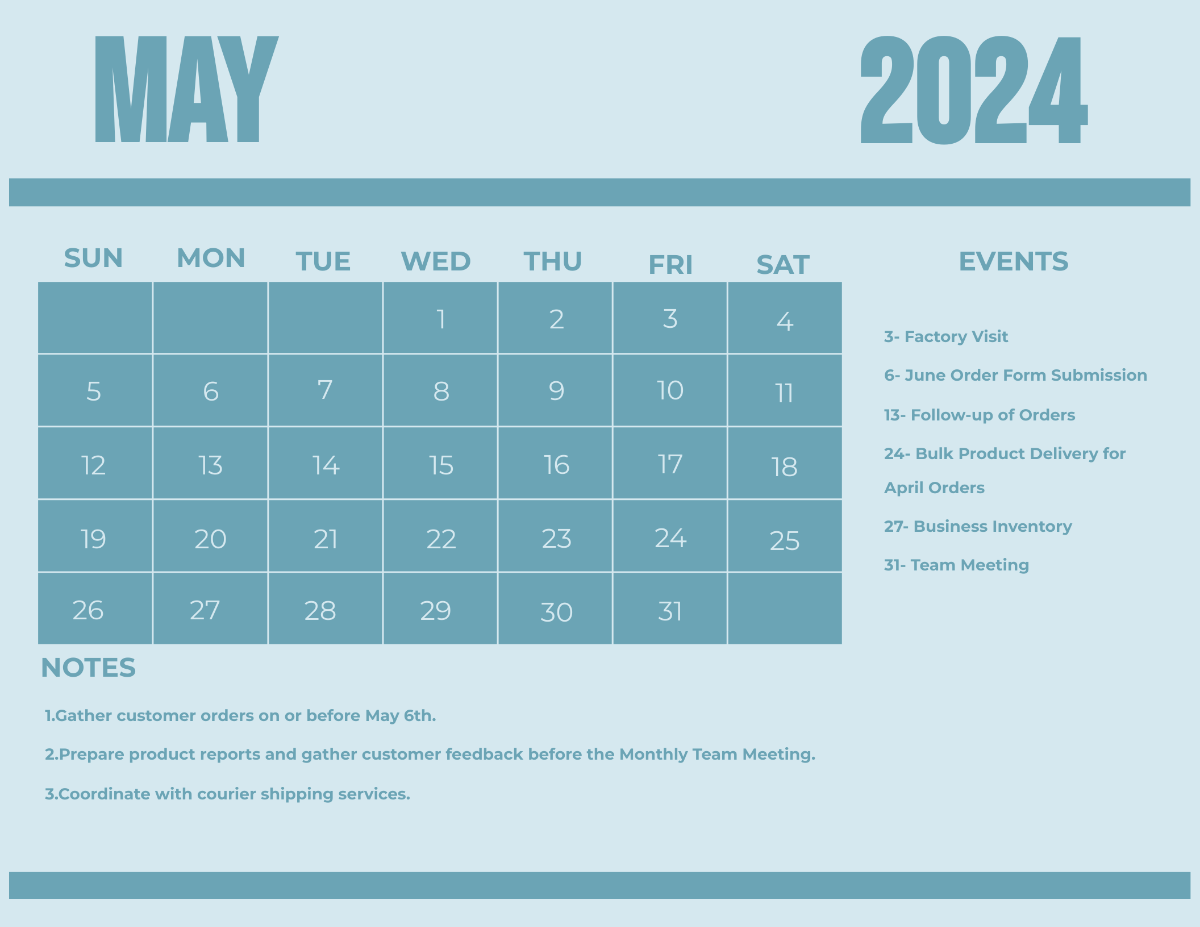
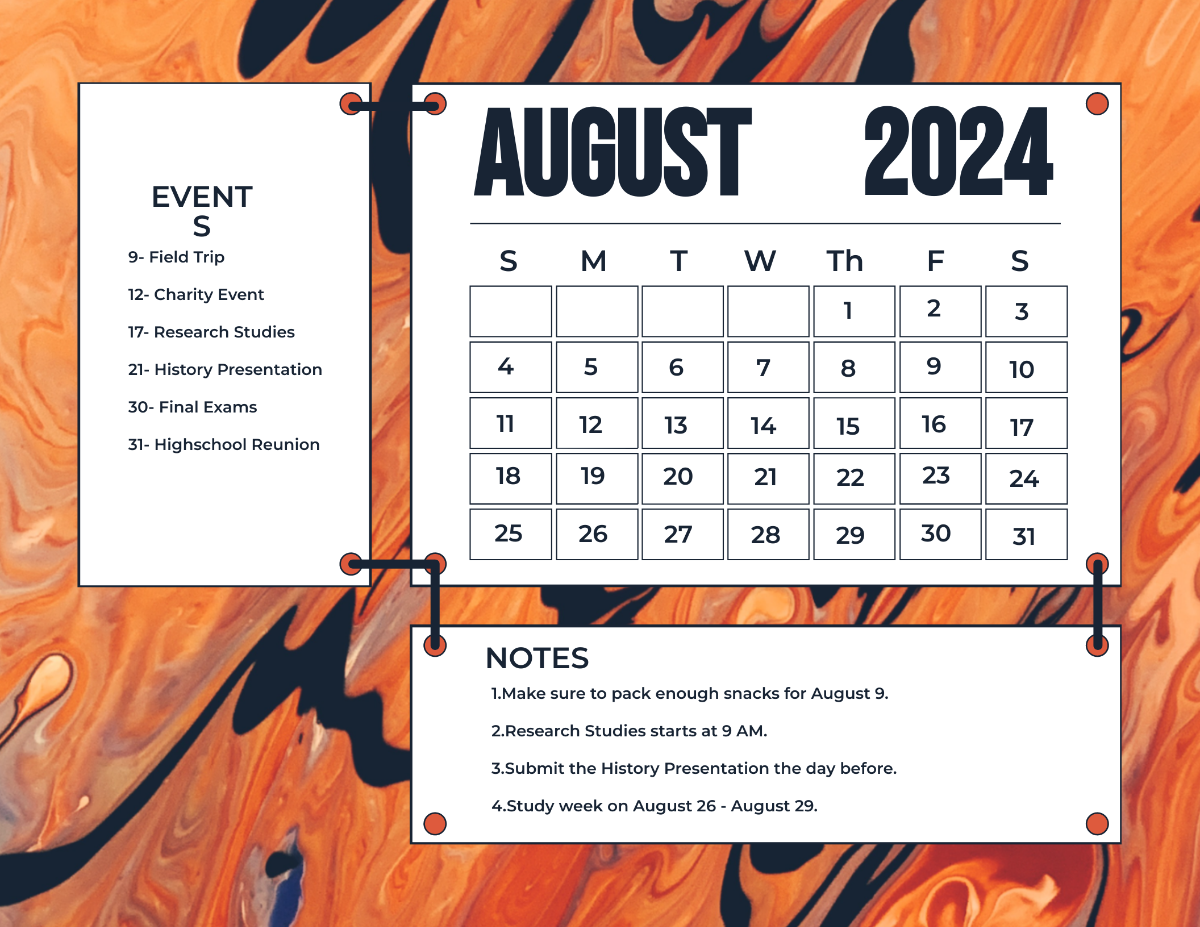
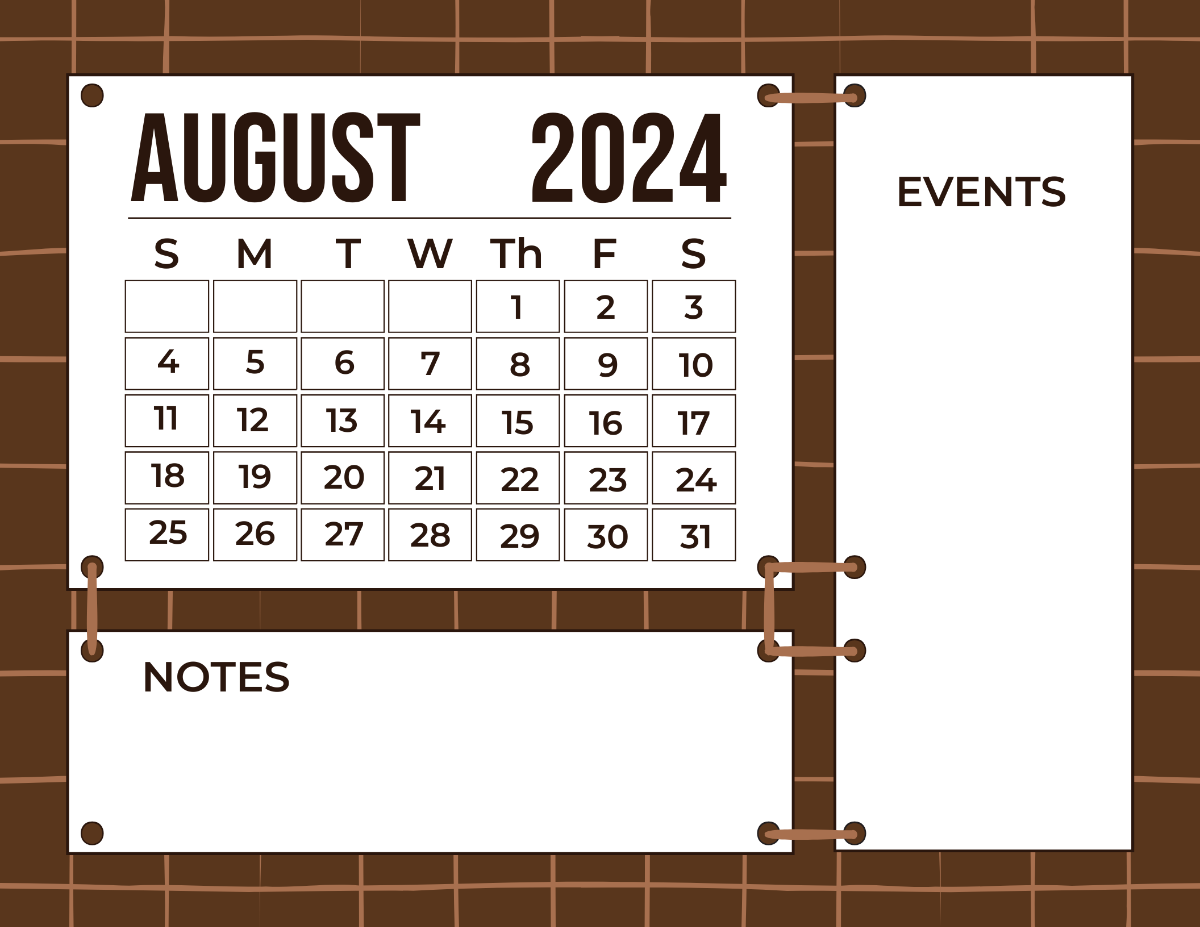
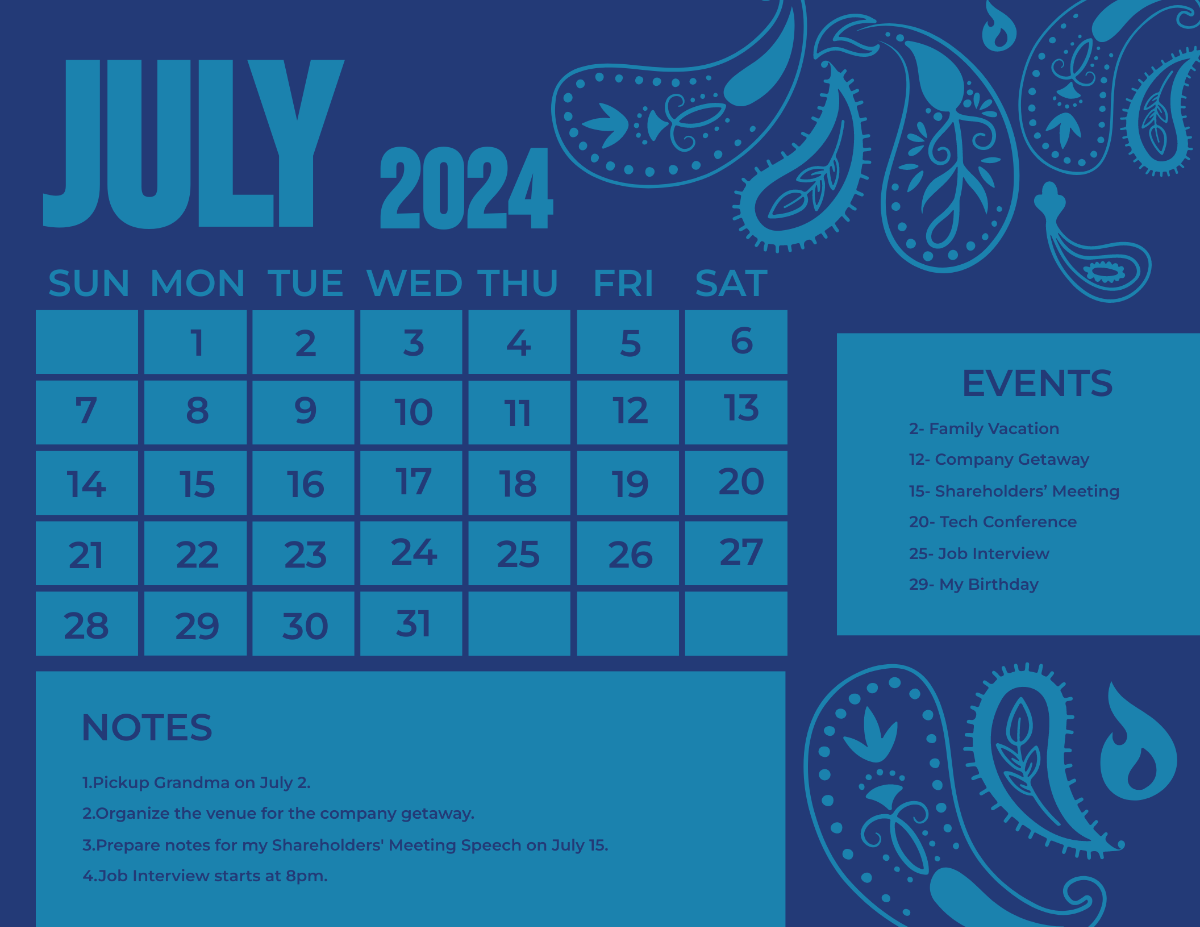
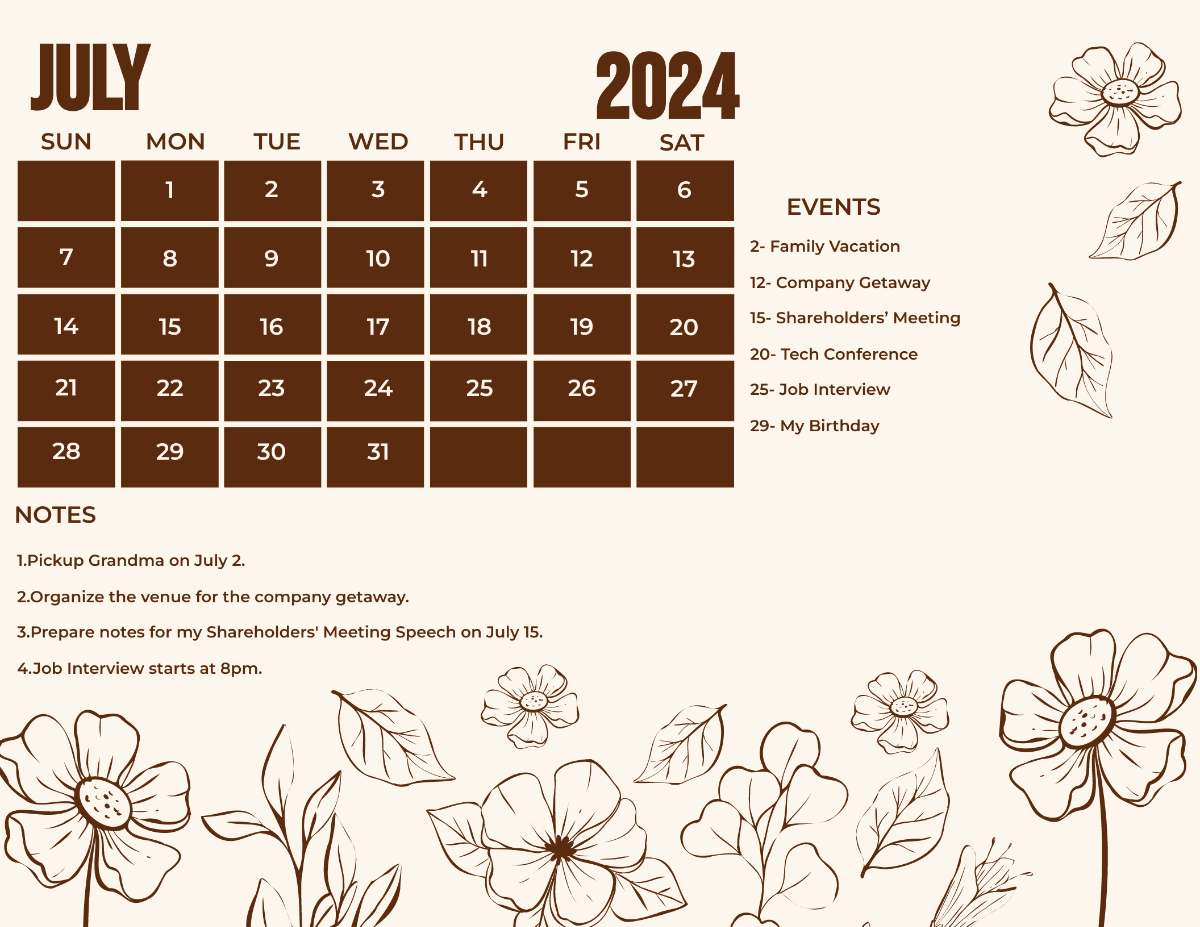
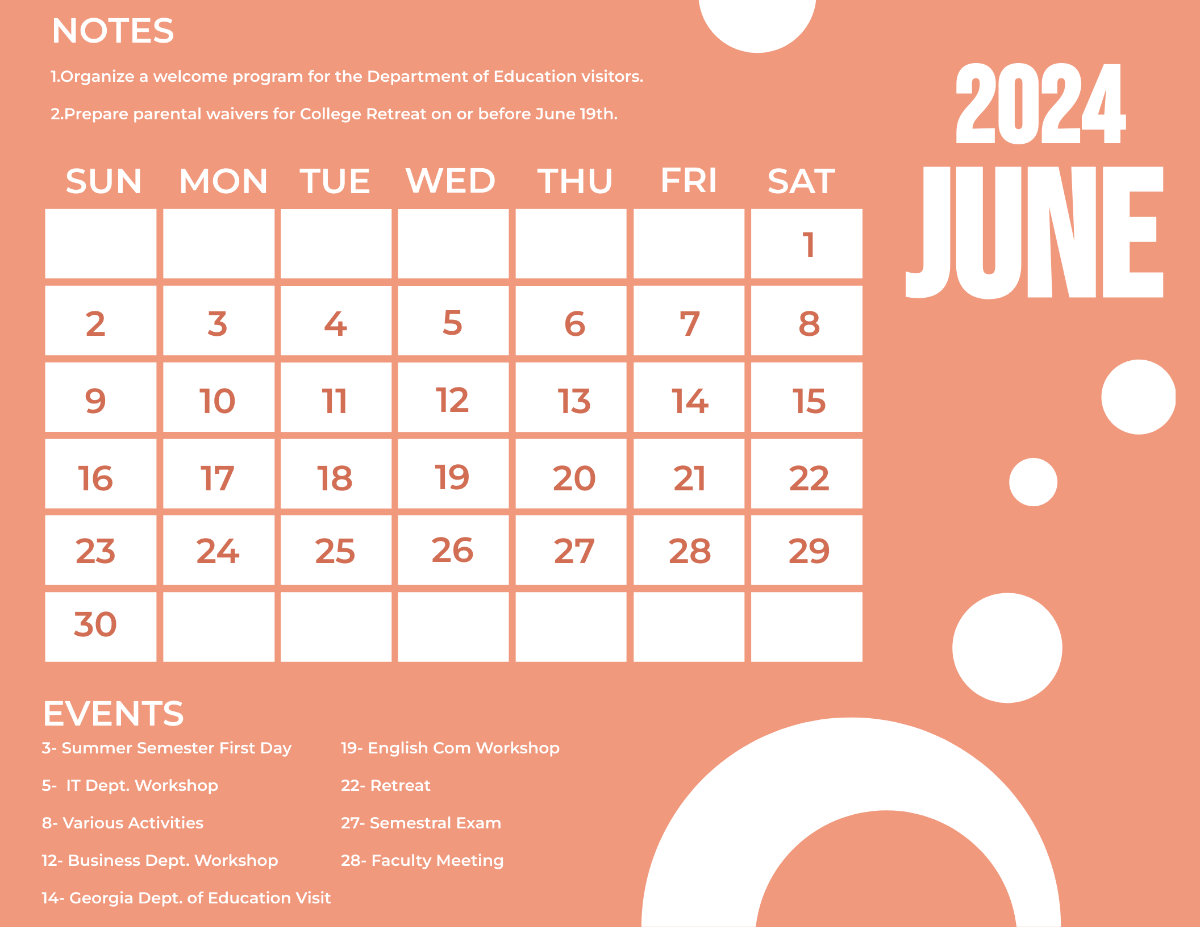
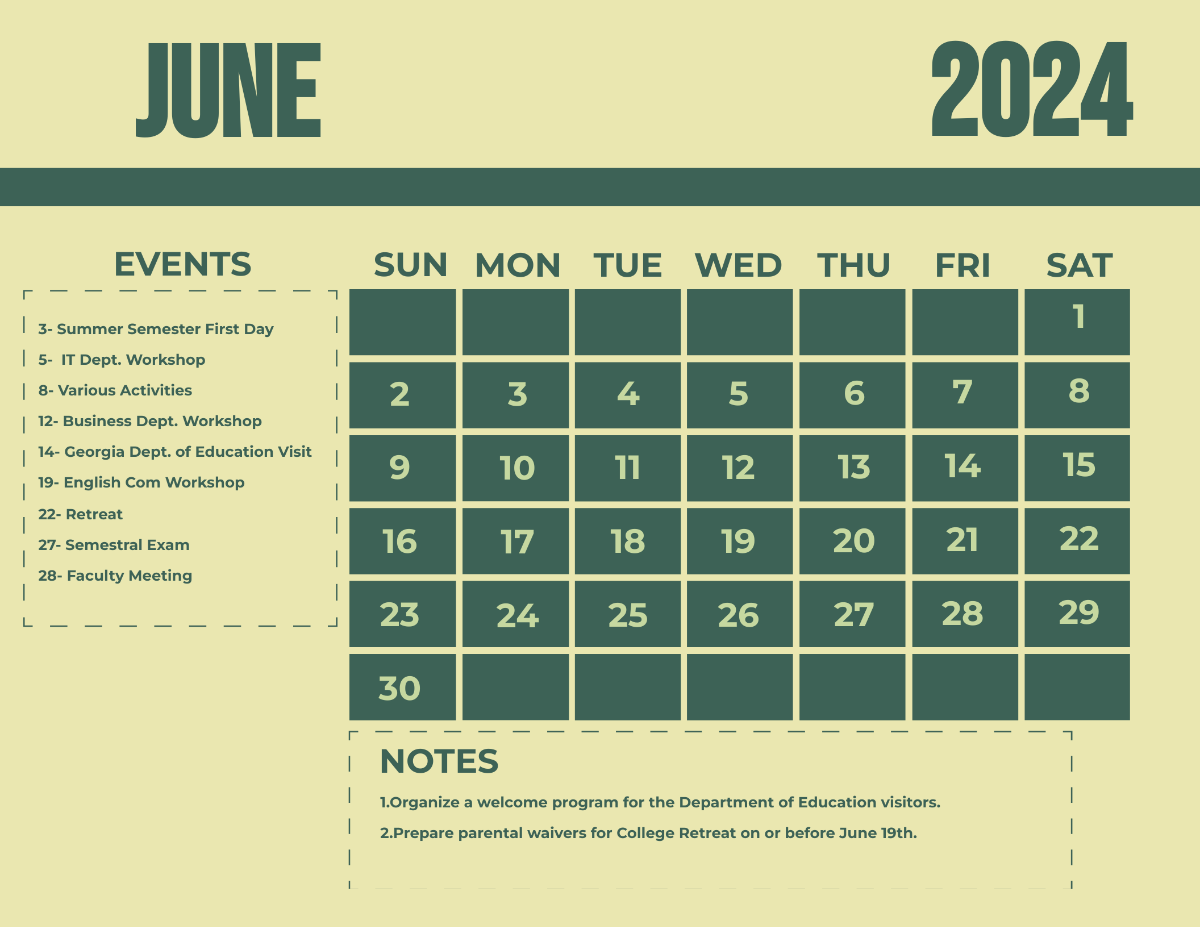
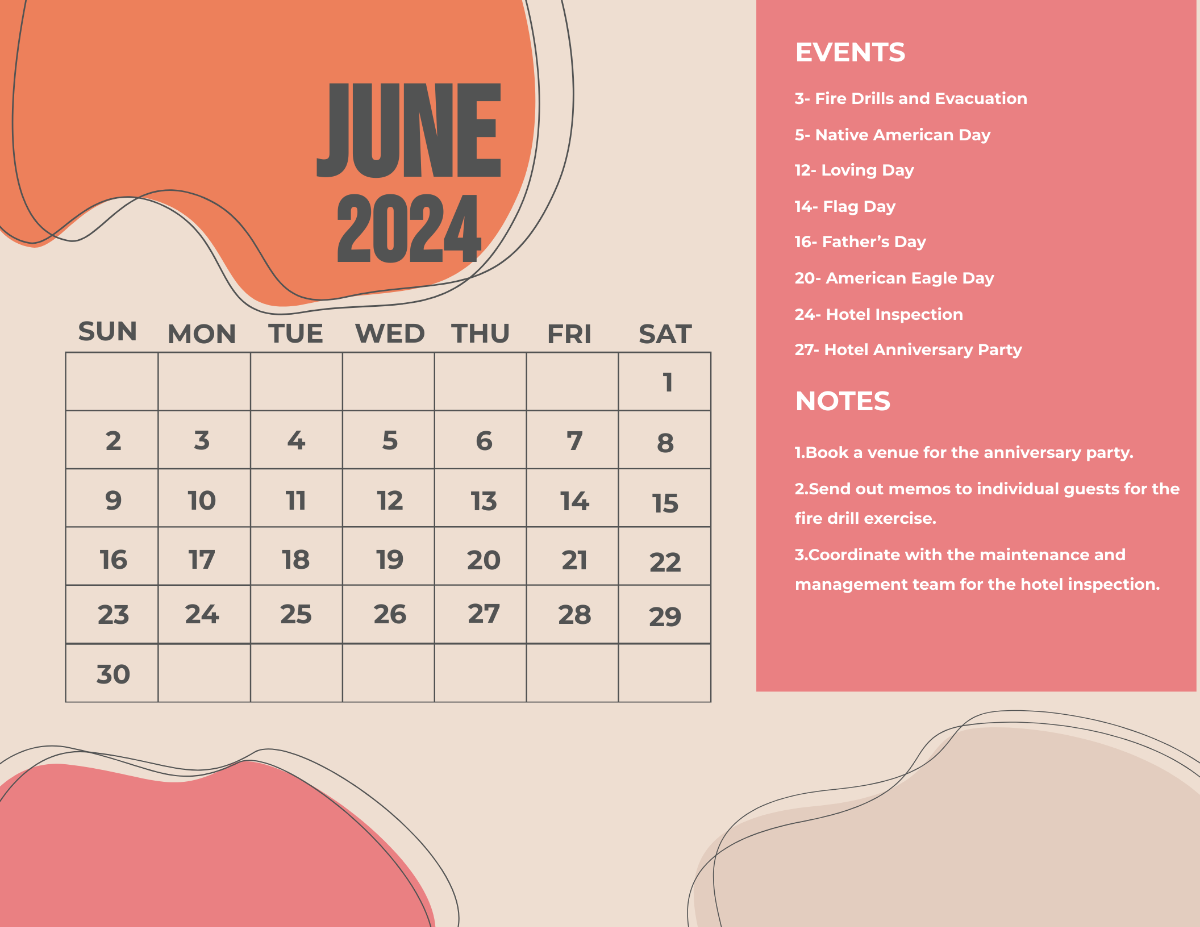
Mark out all important events, appointments, holidays, and other scheduled activities for your business or personal needs using one of the beautifully-designed Printable Calendar Templates from our website. With its fully customizable and formattable features, you can save time and boost your creativity in drafting a calendar list, desk calendar, and other calendar designs may it be for a weekly, monthly, or yearly basis. Available in your favorite formats and also in A4 and US Letter sizes. Grab a copy of one of our premium calendar templates to enjoy exclusive calendar designs and more.

FREE Printable Calendar Templates
How To Create A Printable Calendar?
A calendar is a system or a tool, usually compiled in a page or series of pages, used for organizing the days, weeks, and months of a year for a business calendar, academic calendar, religious, or personal purposes. There are a wide variety of calendar formats and designs to choose from. They only vary on how they're being used.
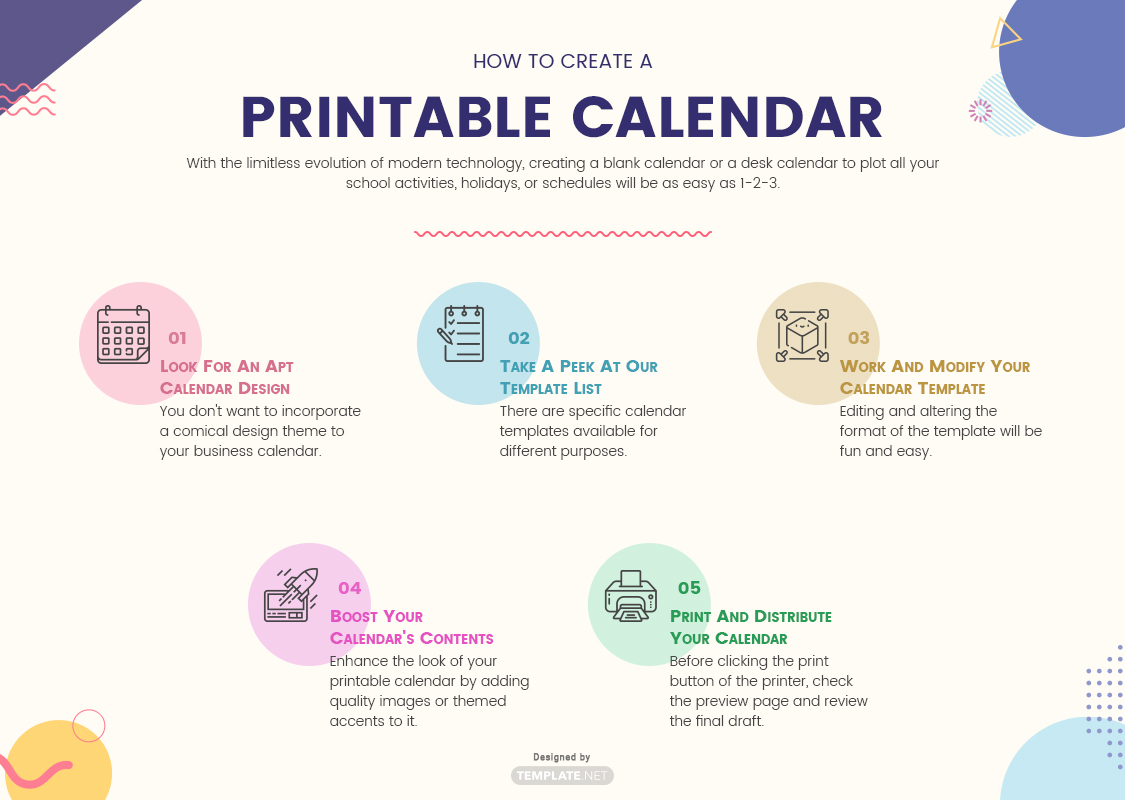
With the limitless evolution of modern technology, creating a blank calendar or a desk calendar to plot all your school activities, holidays, or schedules (e.g, medication or check-up schedules, appointment schedules, others) will be as easy as 1-2-3. By downloading a ready-made printable and editable calendar template, you can create a monthly or a yearly calendar with a cute and colorful design. Below are the procedures on how you can creatively produce a personalized calendar.
1. Look For An Apt Calendar Design
May it be a one-page, a full-page, a calendar/planner, or even an online calendar, your design should always match with the calendar's purpose. You don't want to incorporate a comical design theme to your business calendar. Try using your company's color scheme to make it look more personal and professional at the same time.
2. Take A Peek At Our Template List
Choose a template that will match your needs. There are specific calendar templates available for different purposes. If you are making one for personal use, try to choose a template that will showcase your personality or display your artistic side. You can also use a photo calendar template so you can add memorable or meaningful images to your calendar.
3. Work And Modify Your Calendar Template
Editing and altering the format of the template will be fun and easy since the layout is already presented to you. You can start by adding the label or the title to your calendar. Followed by changing the page orientation of your calendar to portrait or landscape, adding the standard occurrences and the holidays, and adjusting the margins, the grid sizes, and the fonts. Include and highlight important dates to make it easier to track.
4. Boost Your Calendar's Contents
Enhance the look of your printable calendar by adding quality images or themed accents to it. If you're working on an online calendar, you can add some clipart or watermarks to reinforce its appearance. A company marketing calendar may contain a brief history of the business and may also include the mission and vision sample statement of the company. Don't forget to leave enough blank spaces on the bottom part of the calendar where you can insert or write important notes and updates on your schedule.
5. Print And Distribute Your Calendar
Before clicking the print button of the printer, check the preview page and review the final draft of the calendar for typos, or any writing and/or formatting errors. Do a quick update or modification on the details like the font size and the color settings. After printing, distribute the copies to designated recipients. You can also make a digital copy of your calendar so you can send more copies and reach out to more audiences without exceeding your planned budget.
