
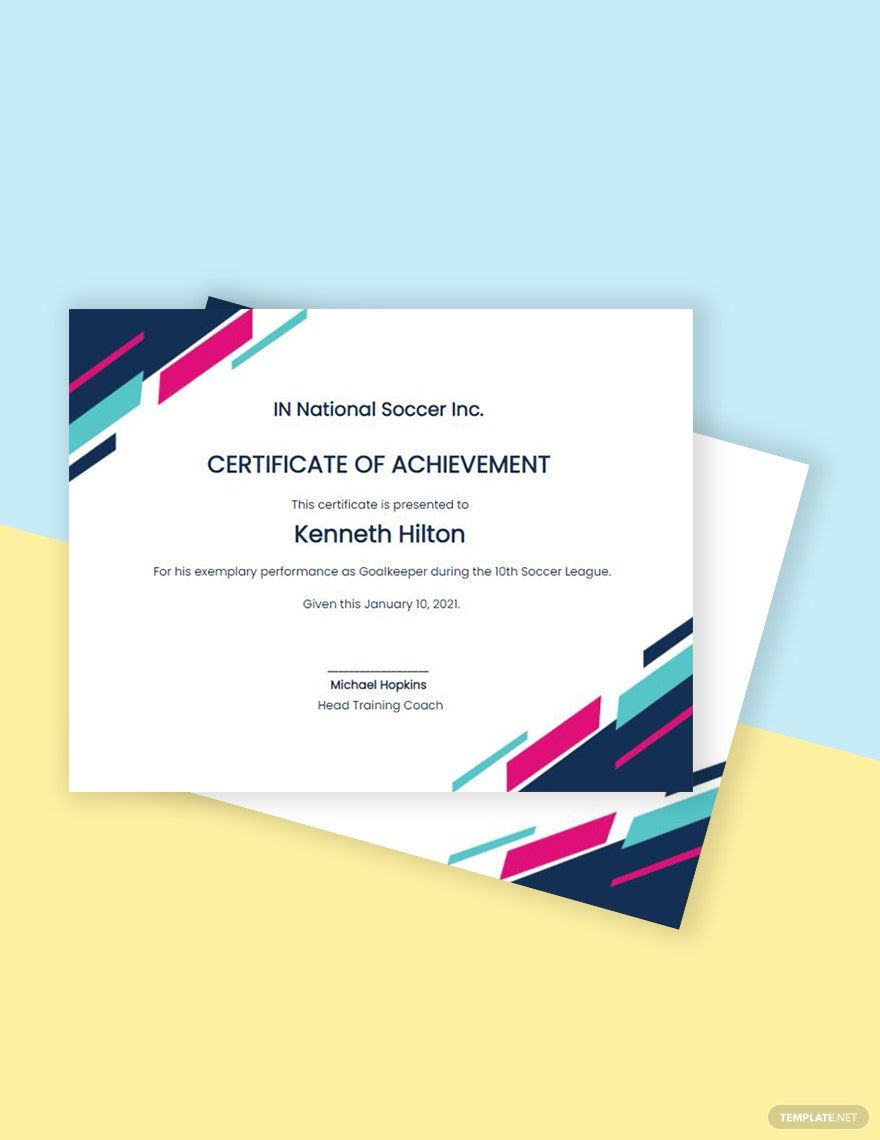
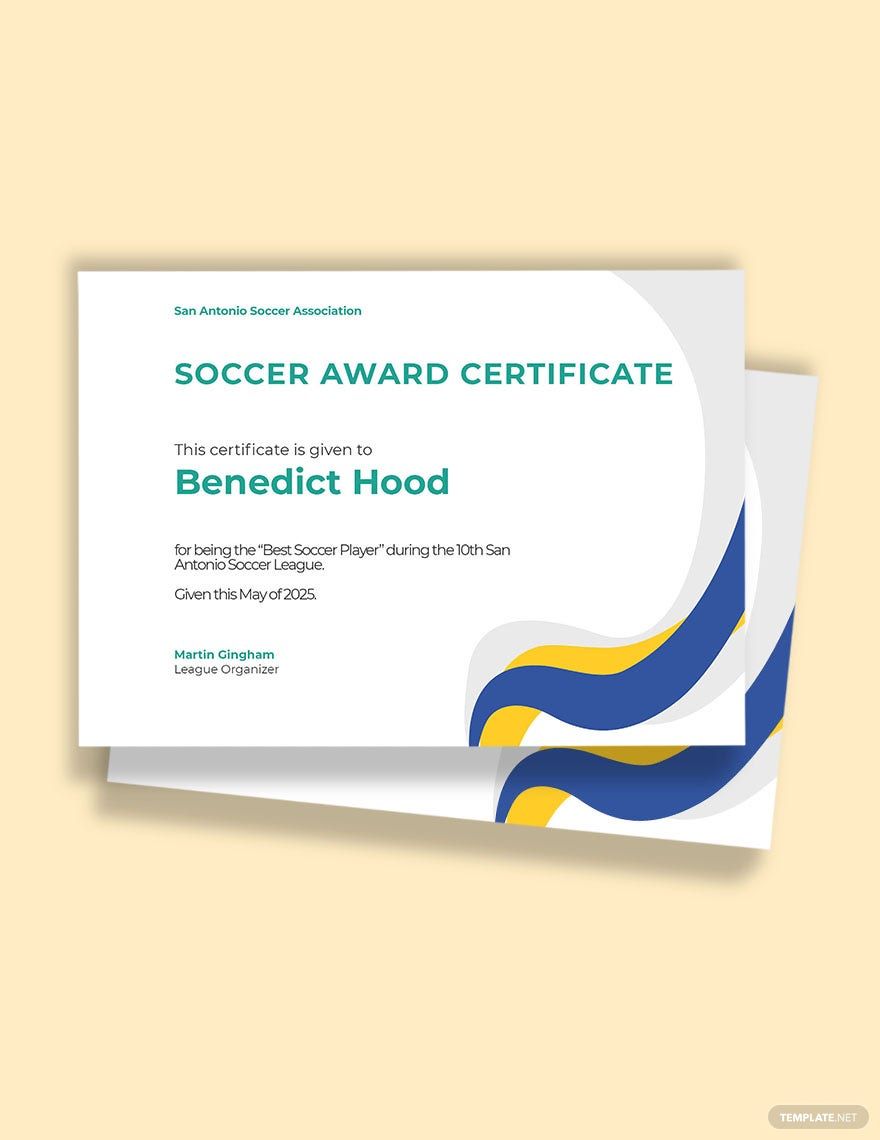
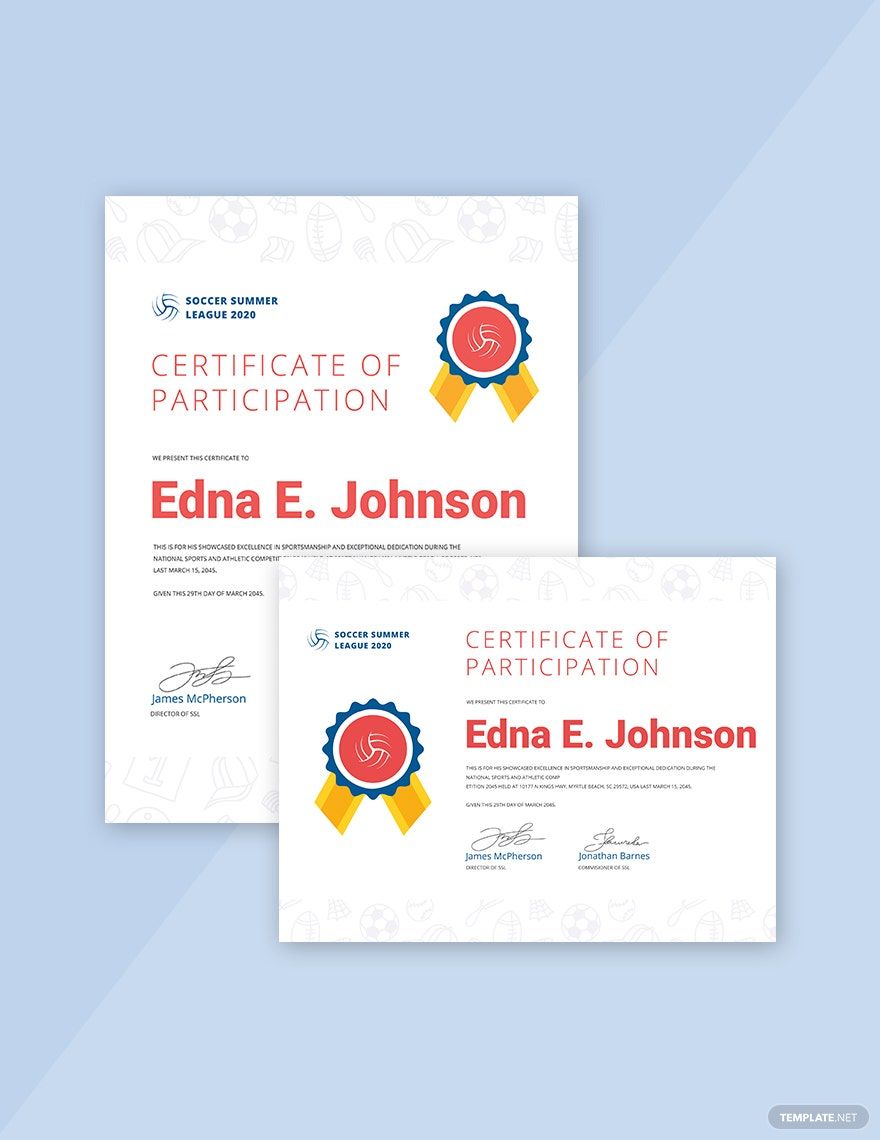
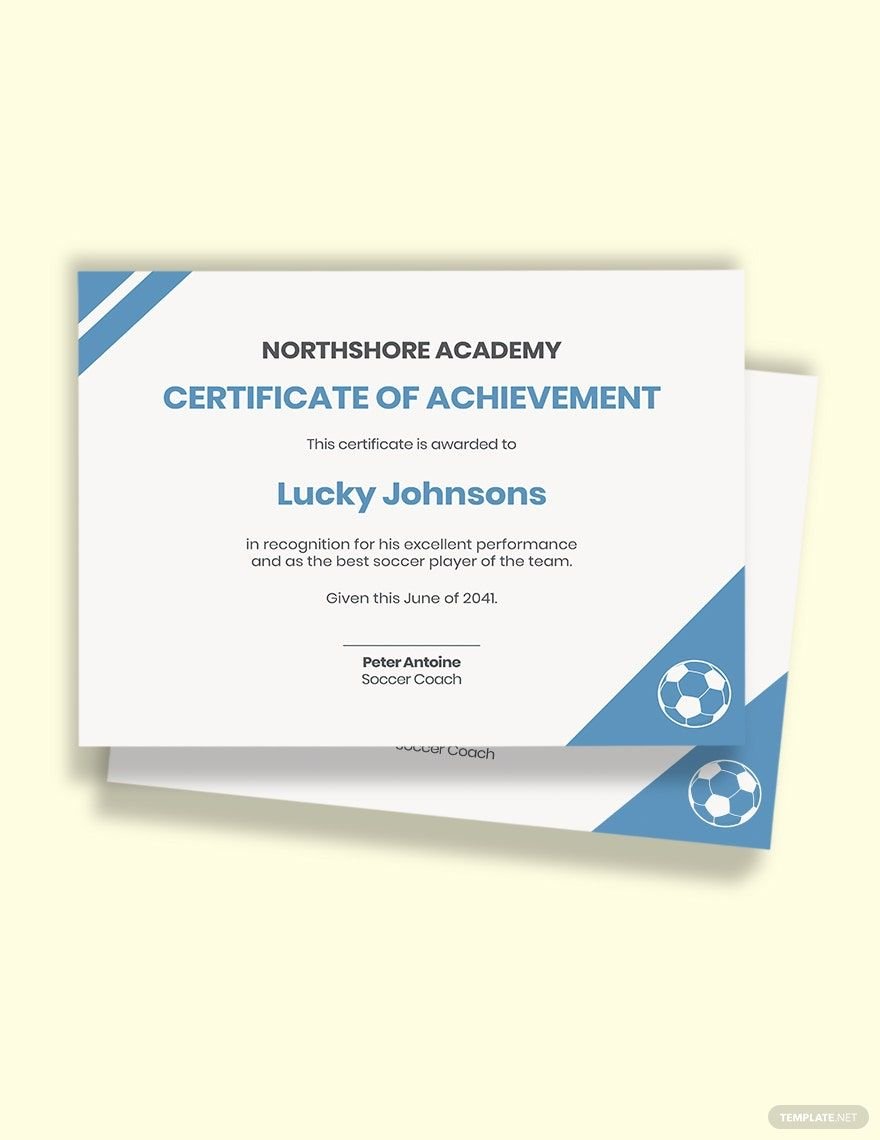
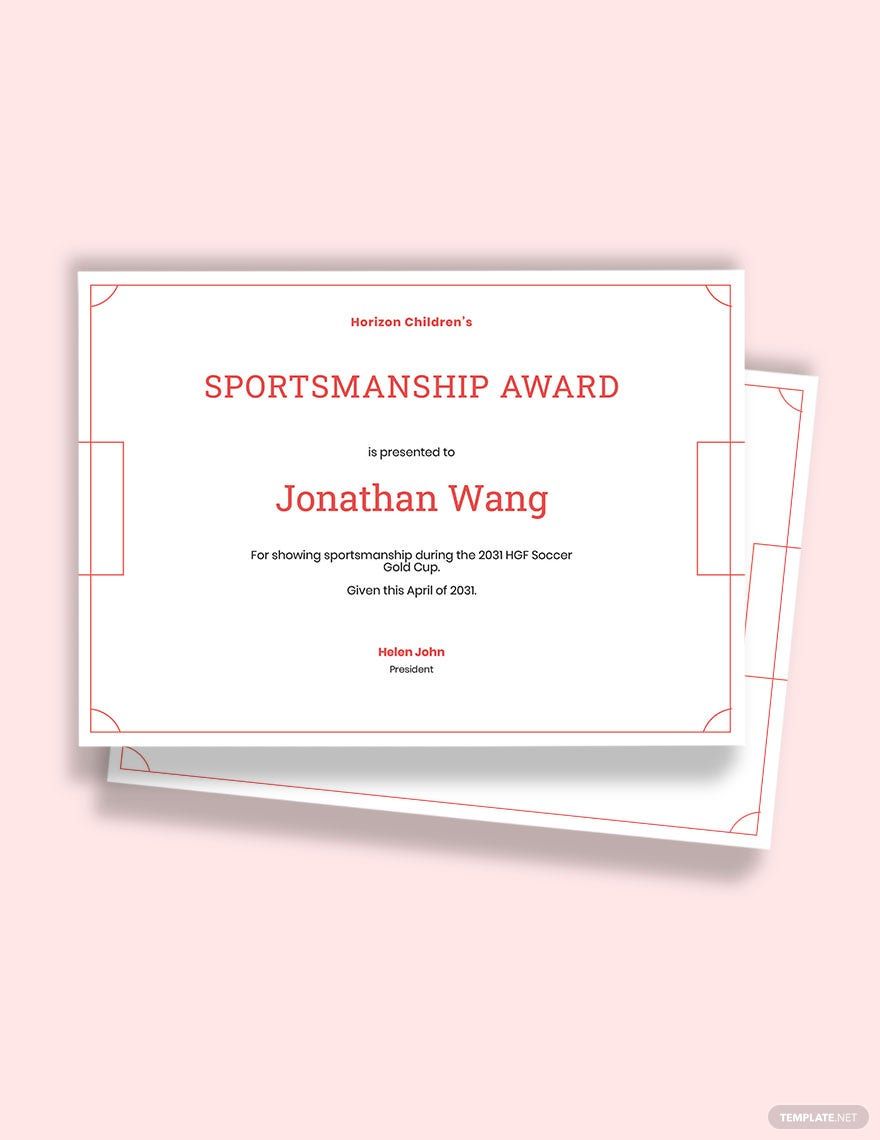
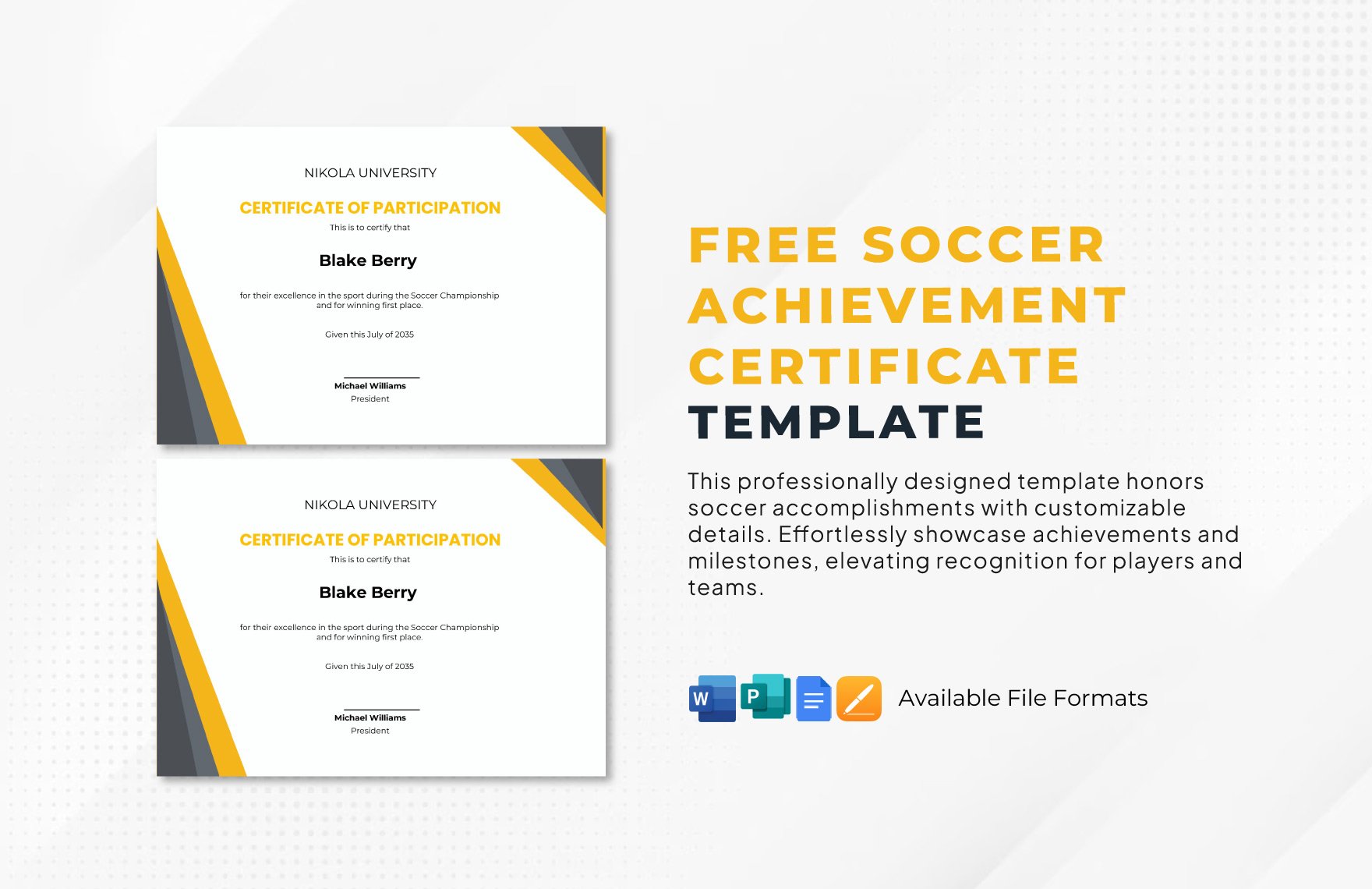
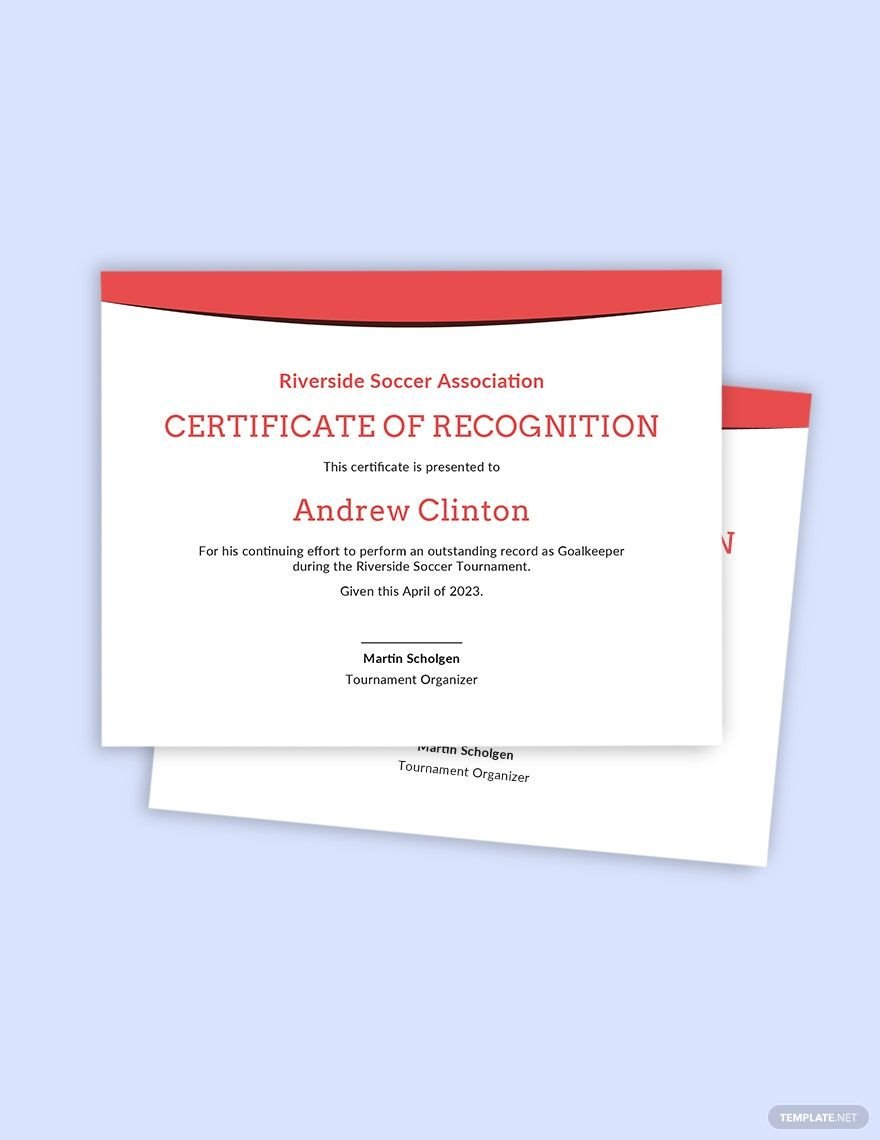
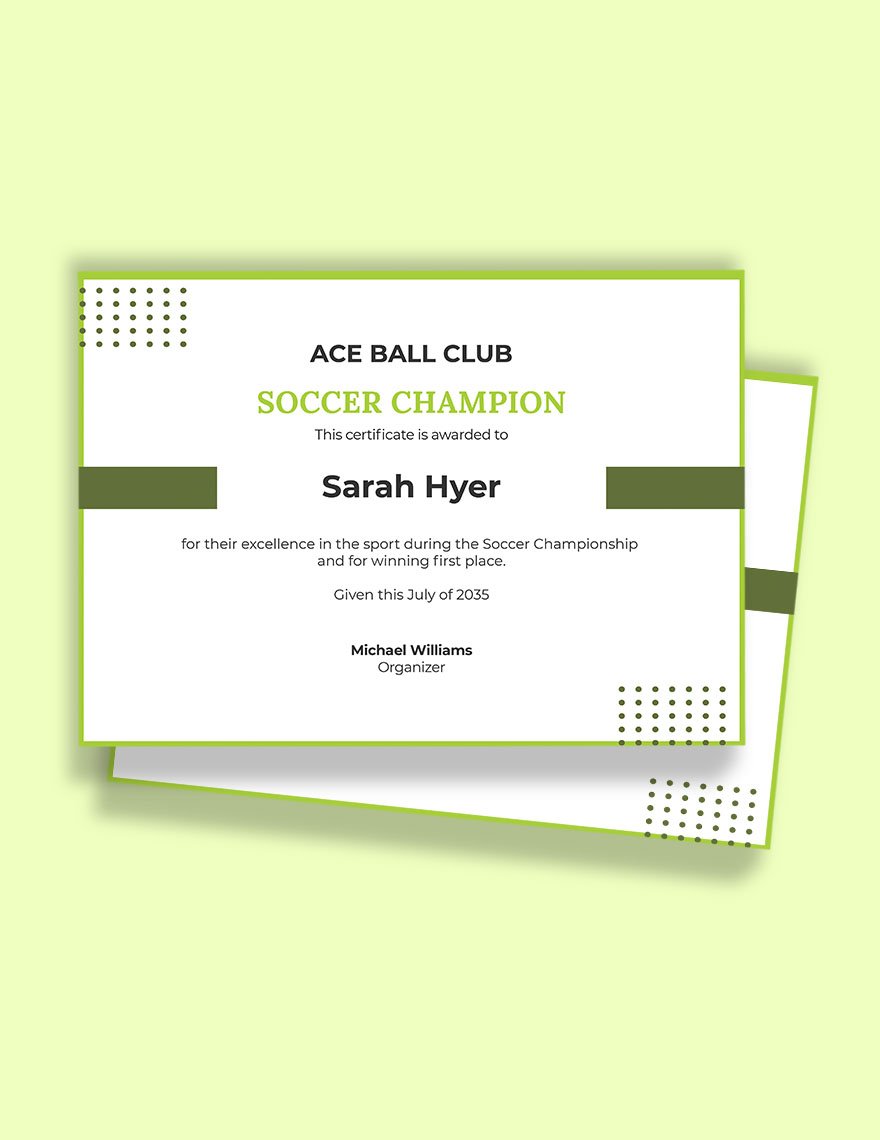

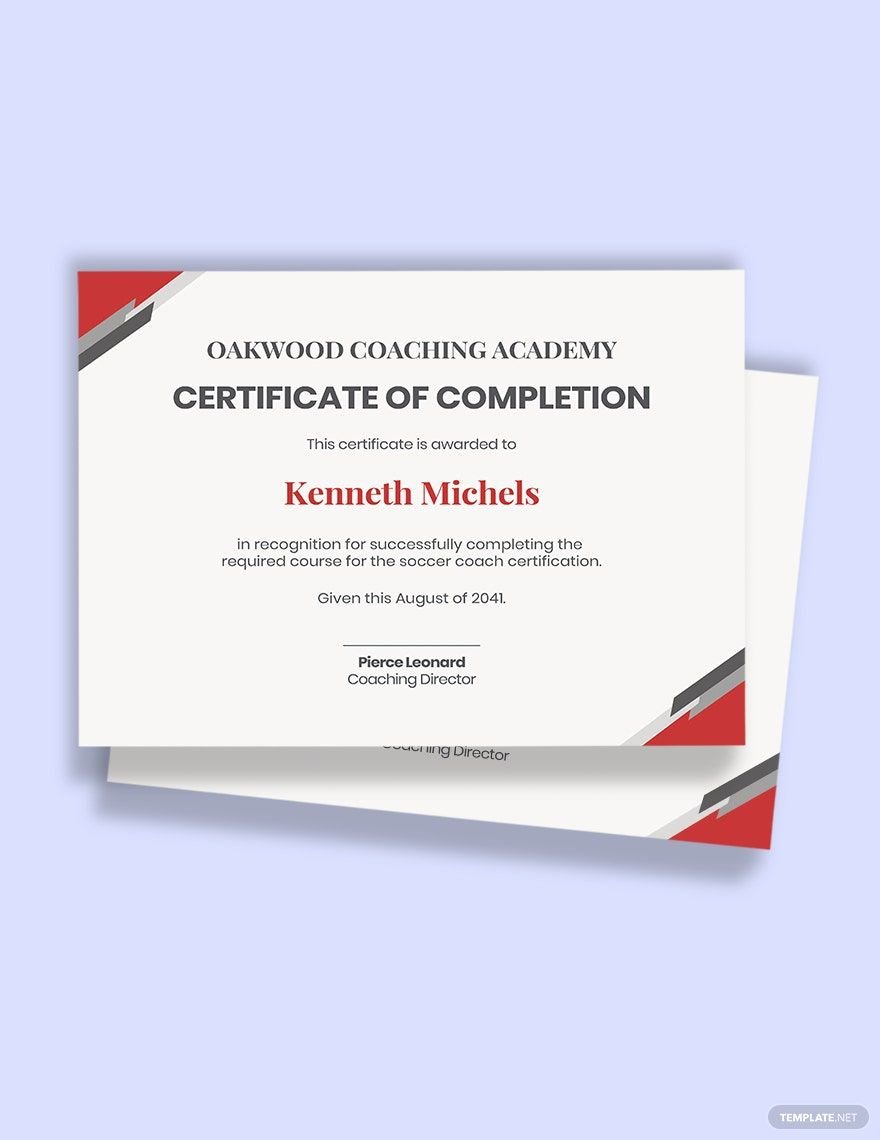
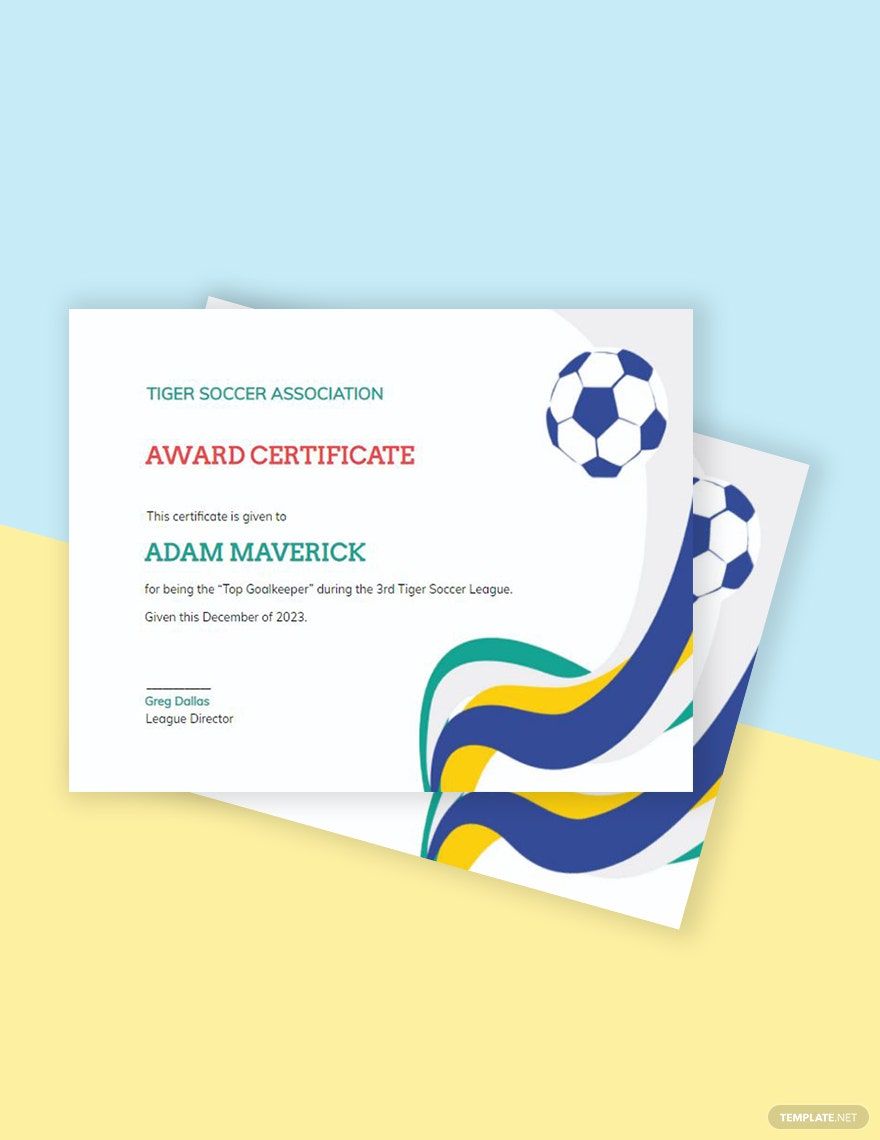
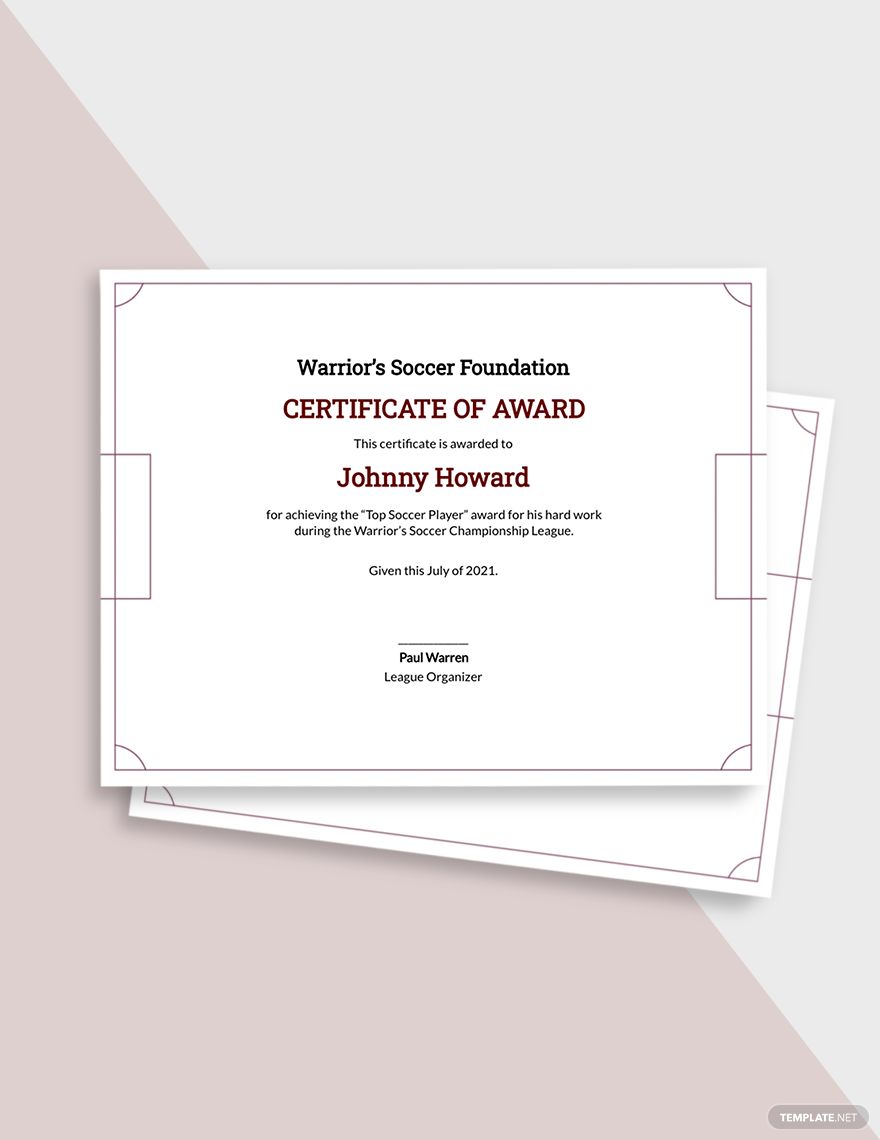
Sports are both a fun and productive way to spend your time. One of the most well-known sports out there is soccer (or football), which is popular among kids and adults alike. And, like with any other sport, it’s important that players are rightfully rewarded for their hard work and dedication. So, if you need to make an official congratulation for someone, then consider downloading our easily editable Soccer Certificate Templates! Our professional samples are 100% customizable in Apple Pages, which is one of the most accessible tools on macOS. So, hurry and download now--conveniently make a soccer award for someone’s achievement, participation, and more!
Free Soccer Certificate Template in Apple Pages, Imac
Recognize Every Soccer Players' Participation in Your Youth Soccer or Football Tournament by Handing Them a Sports Certificate. Without Making the Design from Scratch, Download Template.net's Free Soccer Certificate Templates in Apple Pages! Much Like Gift Certificates or Diploma Certificates, Our Participation Certificate Formats and Sample Certificate Templates Are Designed with Soccer Ball Images! Download Now!

How to Make a Soccer Certificate in Apple Pages
As explained by Merriam-Webster (a long-running information resource), certificates are documents that officially state someone’s achievement. So, whether it’s for someone completing their training or winning a match, certificates make for good soccer awards.
When putting together a certificate, there’s a fair bit of content that goes into it. So, if you’re unsure of how a soccer certificate is made using Apple Pages, then just have a quick read through our tips found right below!
1. Create a Proper Layout for Your Soccer Certificate
Since you’re working on a printable award that shows recognition or appreciation for soccer-related achievements, it’s imperative that it looks presentable.
With a new document opened in Apple Pages, go into the Document menu and set the Page Orientation to either landscape or portrait format. Most certificates are made using landscape, but the portrait option is also viable. There’s also the certificate’s size, which is best set to 8.5 x 11 inches.
2. Your Soccer Certificate’s Background and Border
Besides the soccer certificate’s layout, its visual content is also a key component of its aesthetics. For this, start with the border and background art. When preparing these elements, aim for something nice and simple, as a certificate needs a professional look.
After inserting a background or border into your document, click it and go to Arrange before setting the Text Wrap to None. Furthermore, set the Object Placement to Stay on Page. Make sure that you remember these options for other visual elements added later.
3. Thematic Imagery in Your Soccer Certificate
Something else that enhances a certificate’s appearance is the use of thematic images. For a soccer certificate, pictures of ribbons, player silhouettes, and soccer balls are good go-to examples.
When adding smaller visual objects, arrange which image goes over what by using the Front and Back buttons under Arrange. And don’t forget about resizing your objects by click-dragging the handles found on each image’s sides.
4. The Soccer Certificate’s Written Content
Once you’re adding text or words to your certificate, maintain its visual appeal by choosing colors and styles that complement the other aesthetic elements (border, pictures, etc.). Additionally, take advantage of various font sizes for each of the written sections. For example, give your title the largest font size among your certificate’s writing.
And with that, you’re ready to make printable soccer awards all on your own! However, if you’d like a bit more help with your certificate creation, then be sure to check out our Soccer Certificate Templates!
Frequently Asked Questions
Why use a soccer certificate?
A certificate is both a classy and official medium for recognizing someone’s soccer achievement. Not only does it provide plenty of writing space for detailing said achievement, but it looks very attractive when framed and displayed on a wall.
What sizes are there for making a soccer certificate?
Some viable sizes include:
- 8.5”x11”
- 8.5”x14”
- 11”x14”
- 11x17”
What art applications are there for making a soccer certificate?
Almost every type of illustration software is viable for making a soccer certificate, such as well-known choices from Adobe.
What non-illustration programs are used for making a soccer certificate?
For making a soccer certificate, some popular choices include:
- Apple Pages
- Google Docs
- MS Word
Does a soccer certificate require a signature?
Yes, when it comes to making a soccer certificate credible and official, a relevant authority figure’s signature is necessary.
