

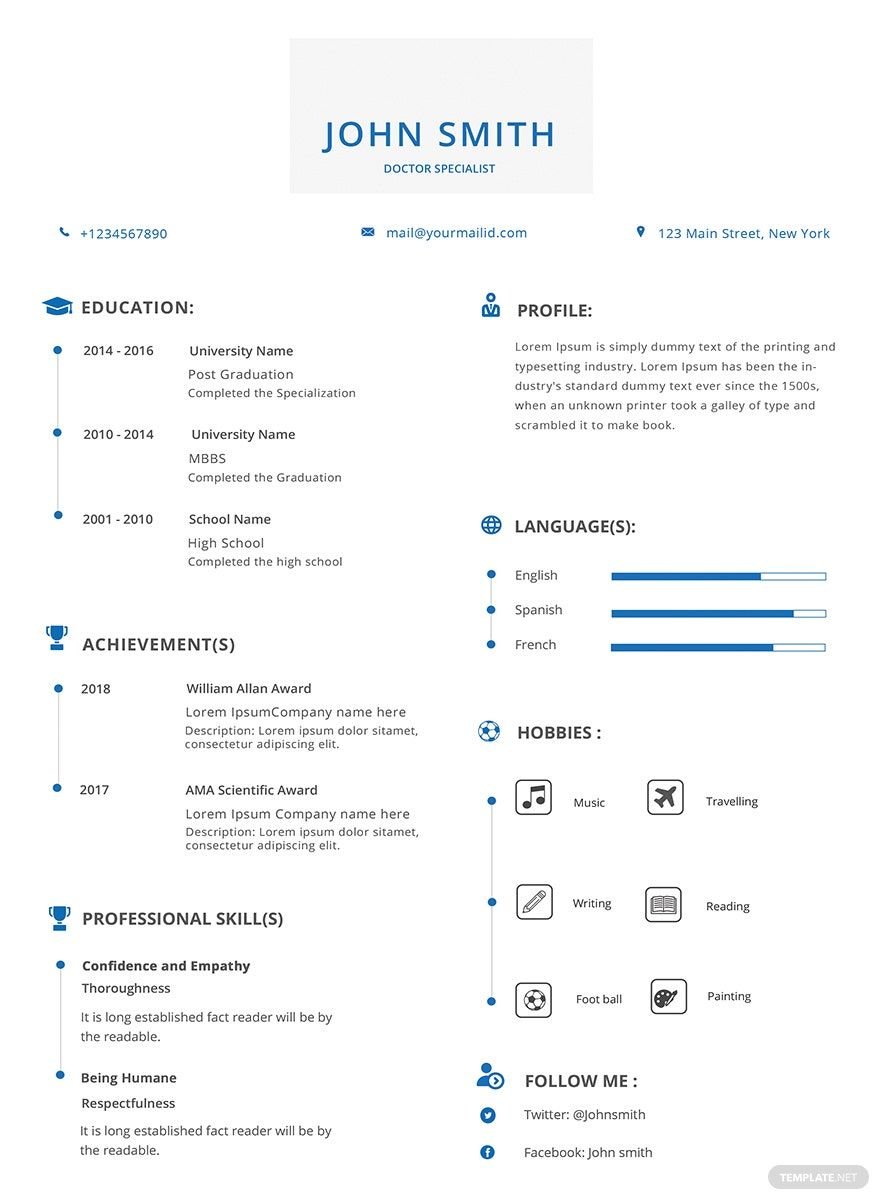
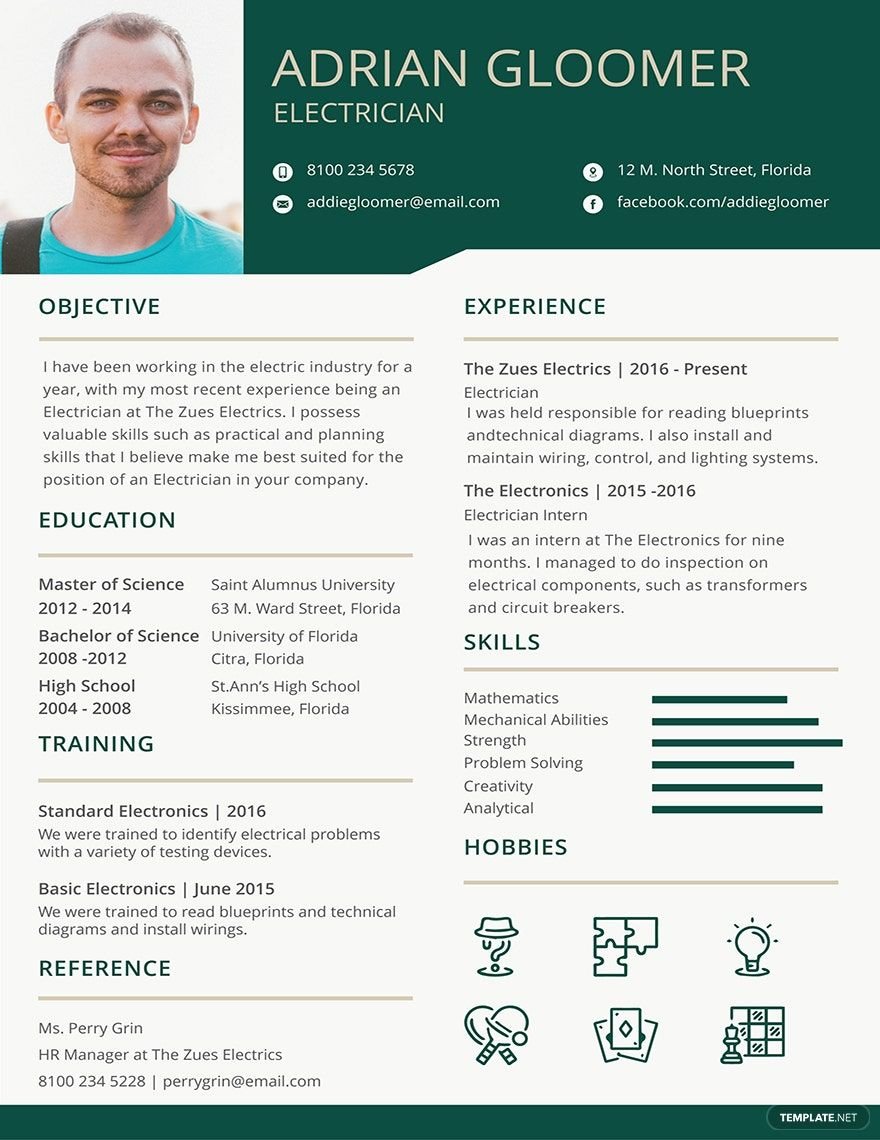
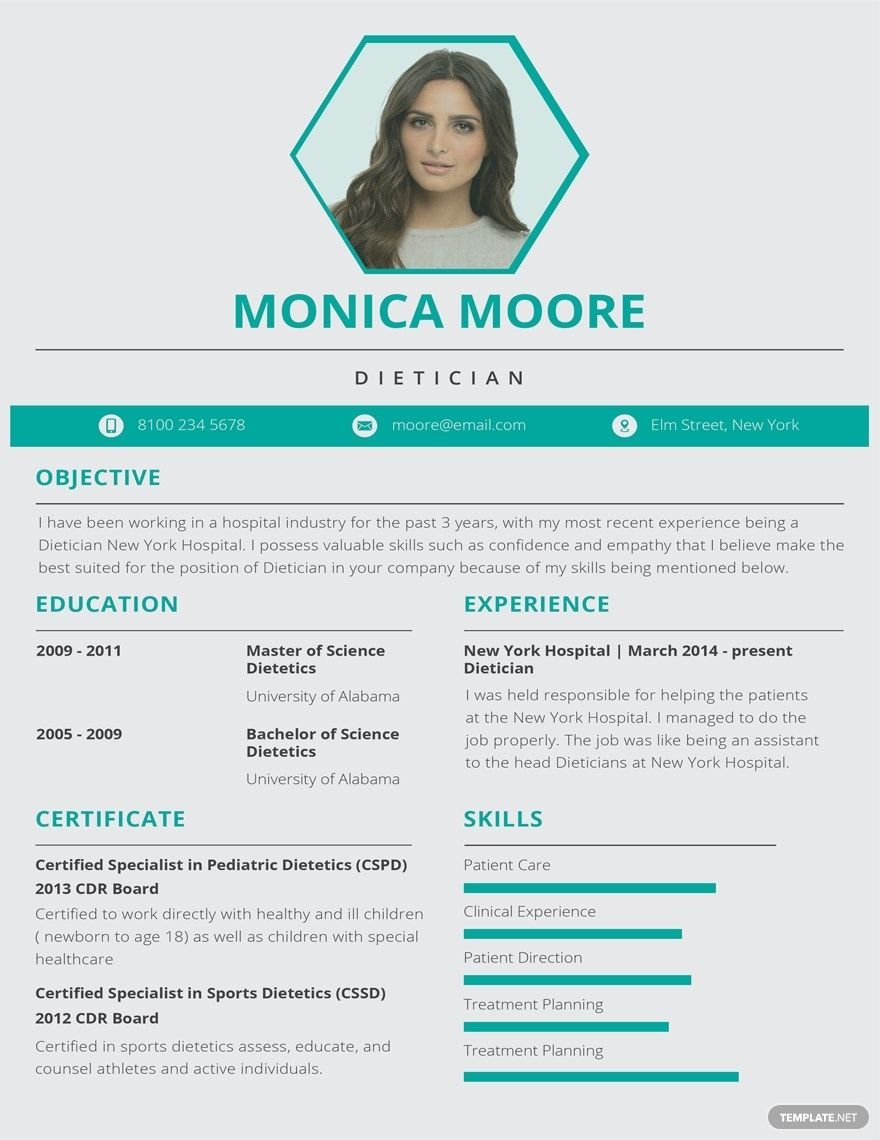
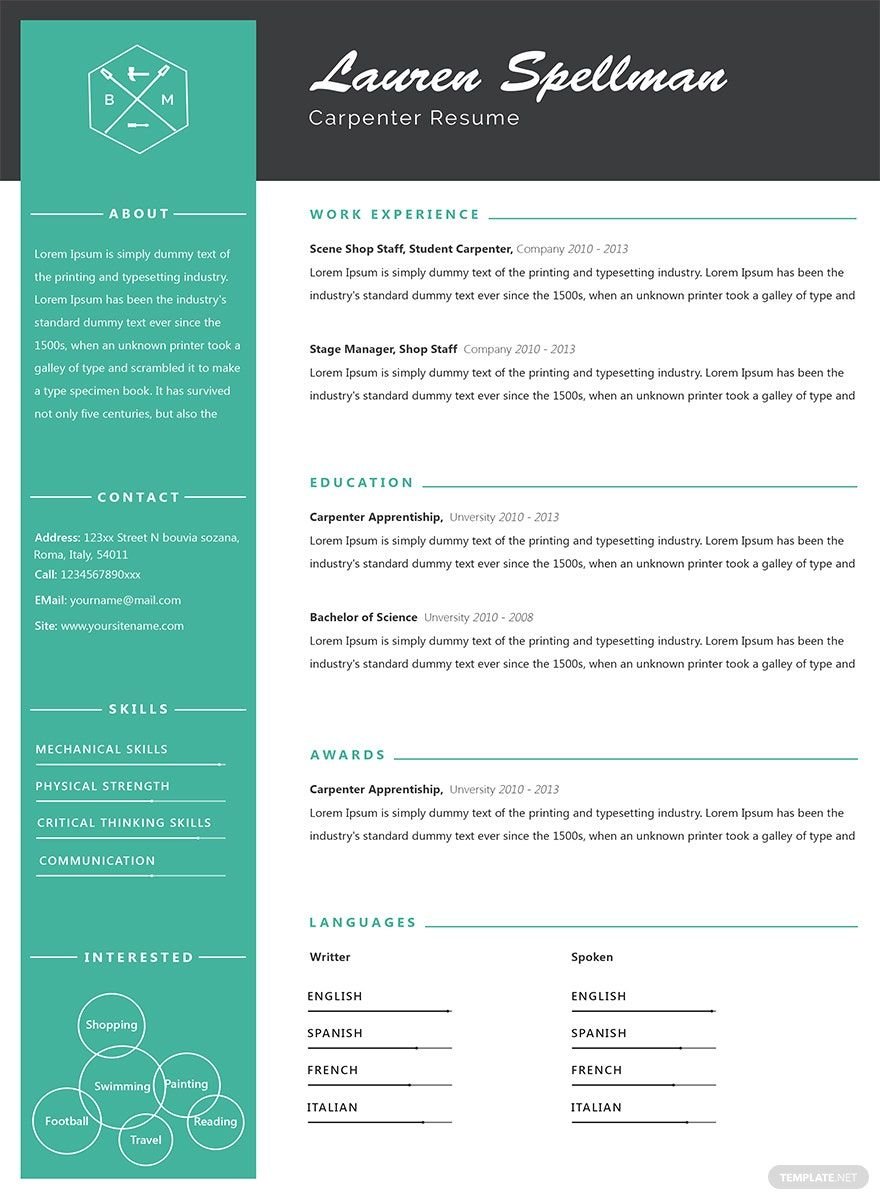
Craft a simple but effective resume that increases your chance of getting the job you are applying for. Download from one of our premium Simple Resume Templates now for free. These files are ready-made and professionally designed to help you highlight your skills, experience, education, and other qualifications. Once you’ve chosen the template that suits you, open it in all versions of Adobe Photoshop. We have a variety of templates for those applying as freshers, experienced professionals, teachers, sales managers, doctors, carpenters, dietitians, dentists, agriculturists, etc. Available in A4 and US letter sizes. Download our premium templates today!
Simple Resume Template in PSD
From a Classic Resume Word Format Down to a Modern Resume Format, Template.net Brings You Free PSD Simple Resumes to Edit. So Ace Your Next Application or Cover Letter with Free Resumes in Word for Mockup, Resumes with Professional Graphic Design, and Easy-to-Use Resumes in Adobe Illustrator or Adobe Photoshop.

- Catalogs
- Photography Flyers
- Engagement Invitations
- Magazines
- College id cards
- Baby shower Invitations
- Vouchers
- Tickets
- Campaign
- Job
- Mothers day
- Envelopes
- Wedding
- Quotation
- Architecture
- Receipts
- Portfolio templates
- Editable id cards
- Funeral Invitations
- Newspaper
- Party Invitation
- Baptism Invitations
- Facebook
- Media kits
- Real estate Flyers
- Product
- Bi fold brochures
- Eid ul fitr
- Photo booth
- Fathers day
- Coupons
- Naming ceremony Invitations
- Promotional Flyers
- Experience Certificates
- Salary
- Business cards
How to Create a Simple Resume in Adobe Photoshop
Everyone is familiar with the word "resume." And that everyone believes that the only purpose of a resume is to help them land a job — which is not entirely true. That is because your resume also stands as a summary of your educational attainment, skills, and achievements. But, you cannot apply for any job application if you don't have any resume. A resume or sometimes called curriculum vitae is a tool to help you get the job that you wanted. If written correctly, then you will likely be accepted. In this article, we will show you a guideline on how to create a simple resume with the help of our templates above. If you're a fresh graduate who is interested, then kindly continue reading down below.
1. Plan the Format
You may have the ability to write fluently, but if your curriculum vitae is not organized in a clean and legible format, then it wouldn't be noticed by the manager of the company you are applying for. That's the reason why you must plan a resume format so that your details and information can be easily read and understand. Make use of wide margins and use bigger fonts for your headings. Next, make use of bullets to highlight your achievement. Then, use bold or italics to emphasize essential contents.
2. Search For a Template Online
Here in our site, we give you different types of printable and downloadable resume templates that you can download anytime you want. Whether it's a medical resume, a fresher or an education resume, just name it for we've got everything in store for you. You can edit freely or templates according to the work or the position you are applying.
3. Write Down your Skills
Now, this is where the most important part begins. Write down all of your appropriate qualifications and abilities. Remember those times where you excelled the most then state it on your basic resume so that you can impress your target employer. Bear in mind that your curriculum vitae is not your biography! An employer only scans your resume for a maximum of 30 seconds only. That is why don't overwrite everything. Just make it short yet straight to the point.
4. Install Adobe Photoshop
Most of the people nowadays used technology in producing a resume. You can't have an output if you don't have editing software. And because of that, we strongly suggest you choose Adobe Photoshop (.psd) as your document editor. Photoshop is one of the most popular applications these days. And since it is popular, it only means one thing: many people love the outcomes as they used Adobe Photoshop. So, if you want to make your work extravagant, then feel free to install Adobe Photoshop, and we ensure you the best creative output ever.
5. Proofread, Proofread, Proofread!
You have to make sure that your professional resume has no room for mistakes! Always check it word-by-word in case any incorrect spellings were included. Take note that no matter how small the errors it may be, it will have a massive impact on the job that you have been dreaming to have. Make sure to double-check it before submitting the document; otherwise, the employer won't be impressed.
