
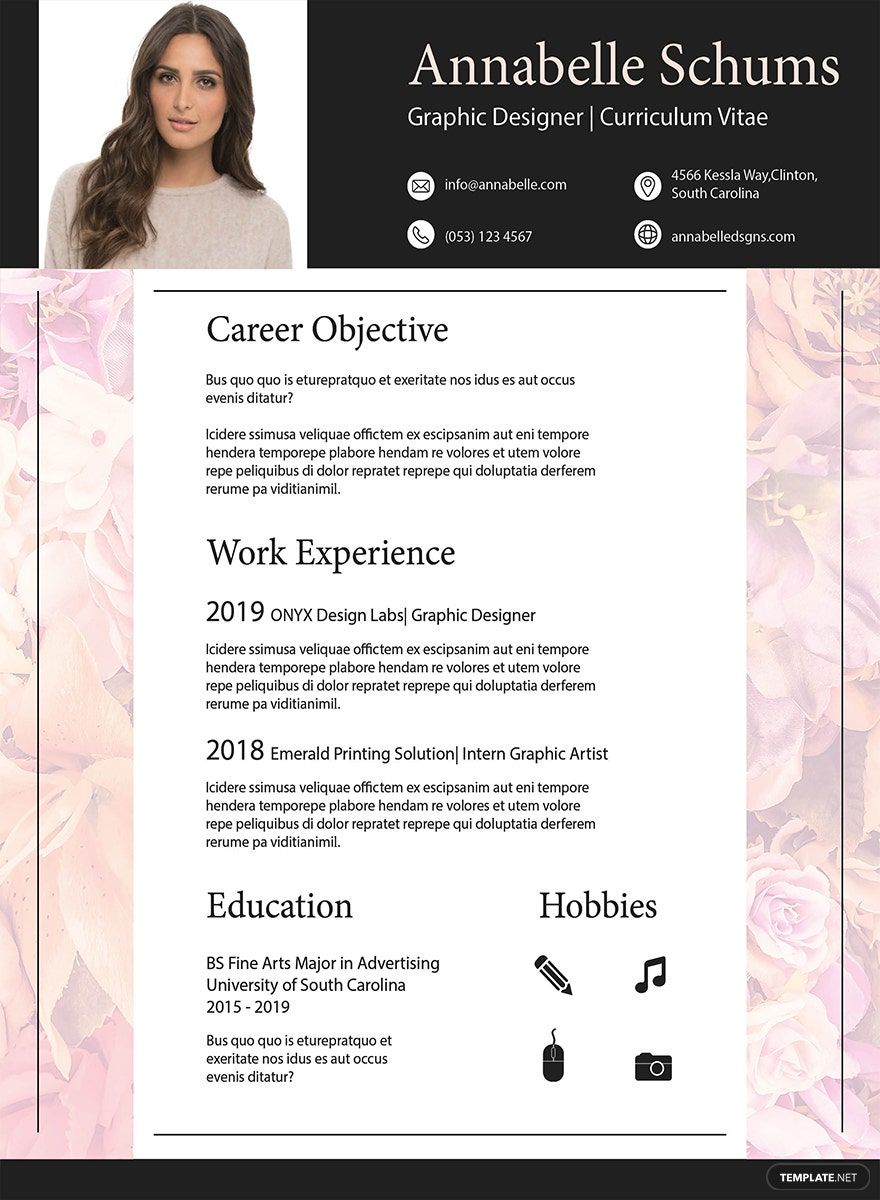
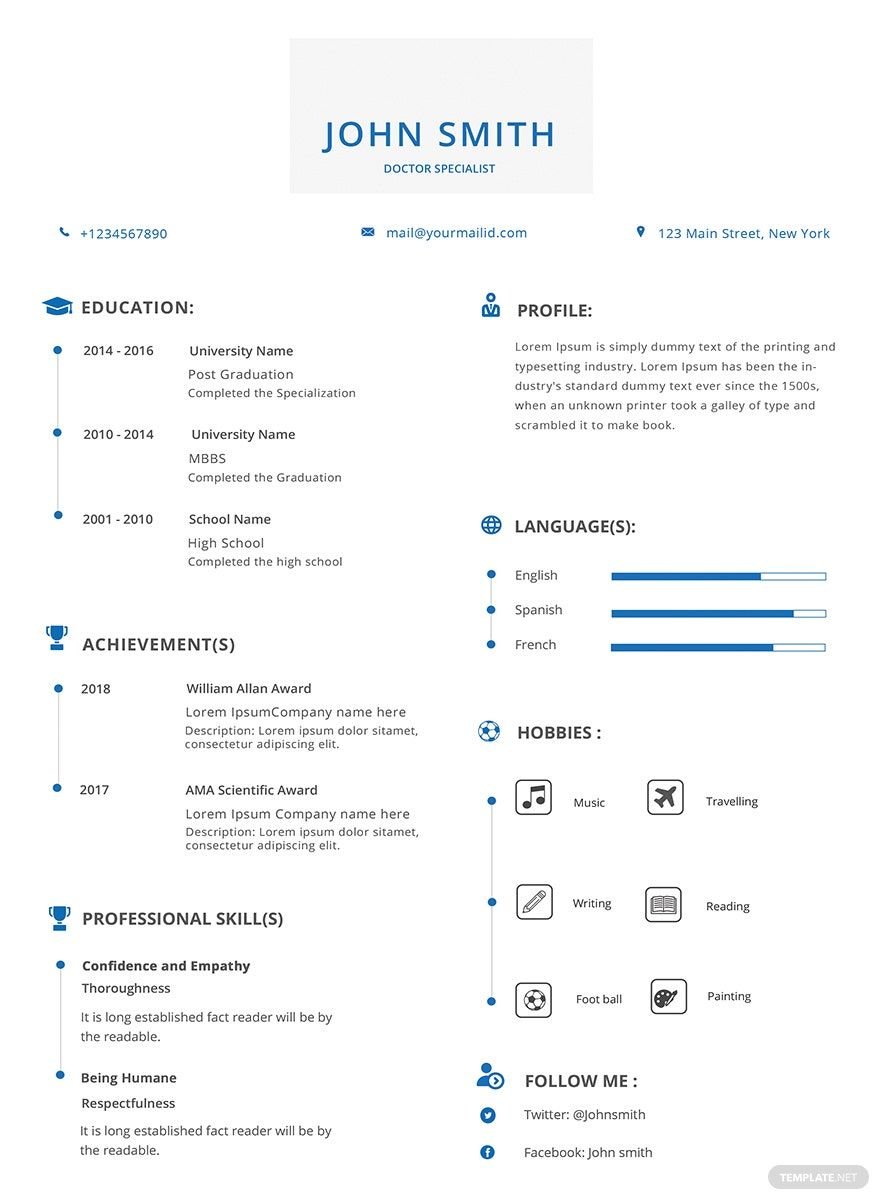
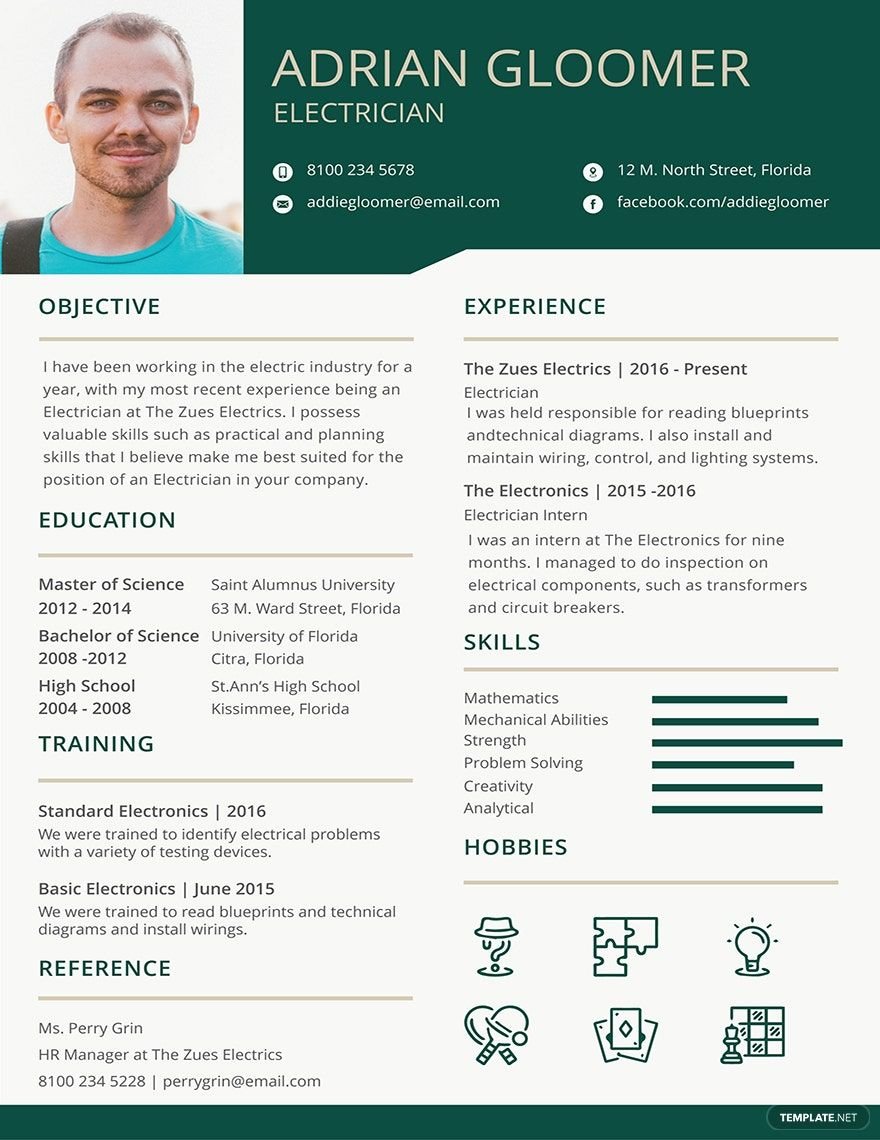
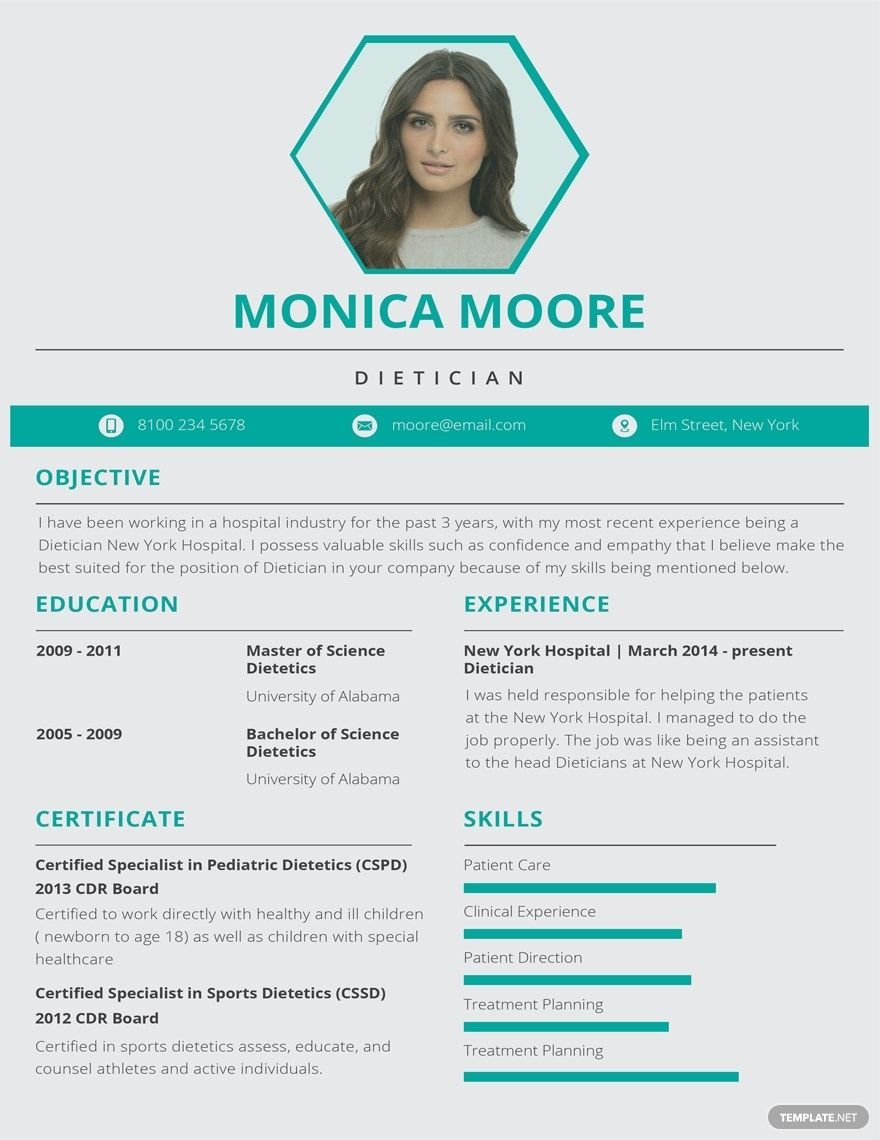
If you are a front-end developer, an SEO executive, or a merchandiser, we got the job resumes just for you! Our beautifully designed and professionally written Simple Resume Templates in Adobe InDesign are perfect for all your resume-needs. Our samples are available in (US) 8.5x11 inches + Bleed. Meaning you can be flexible in using them even if you are a beginner or a high school student. Be sure that your fresher resume template will make your job application simple. Whether you are a professional in the banking or medical field, you can use our resumes still. Use any of our printable and downloadable templates for free.
Free Simple Resume Template in InDesign
Looking for an Editable, Creative, and Clean Resume? Get Inspired from the Free Simple Resumes in InDesign, Illustrator, Photoshop, or PSD on Template.net. In a Few Tweaks, You Can Come Up with a Professional Resume or Cover Letter with a Range of Easy-to-Use Adobe Photoshop or Adobe Illustrator Resume Templates.

- Greeting cards
- Certificates
- Travel magazine
- Letterheads
- Photo
- Student
- Wedding Invitations
- Invitations
- Zines
- Banner roll up
- Envelopes
- Tickets
- Charts
- Funeral Brochures
- Programs
- Proposals
- Banner
- Tickets raffle
- Feedback
- Logos
- Family genogram
- Labels
- Vouchers
- Architecture
- Real estate Flyers
- Event
- Training
- Gift certificates
- Event Flyers
- Id card
- Sheet
- Fashion lookbook
- Editable id cards
- Interior design
- School magazine
- Business
- Designer
- Report brochure
How to Create a Simple Resume in Adobe InDesign?
According to The Motley Fool, LCC ( a multimedia financial services company), a good 40% of hiring managers spend less than a minute reviewing a resume. What it means is that whether we like it or not, a basic looking resume could safely land you a job better rather than a sophisticated one. Although we love to make our resumes quite personal, we know that in this post-modern age people are living active lives and are always on the run.
That is why it is better to write a simple resume to deal with the problem. Not only does your clean resume look astonishing, but it also keeps you safe from exaggerating. Remember, a whopping 75% of human resources managers have caught a lie on a resume, and it all did not end well. Lying on resumes is a significant setback if your company expects you to be a public school teacher, but you were just the assistant. If ever that you are accepted, you would also find it difficult to adjust from your claims. So make sure to be real and follow our tips for a killer resume down below.
1. Select the Best Type of Resume
According to The Balance Careers (a part of the Balance family of sites), there are four types of resumes. You can choose from either a chronological, functional, combination, or a targeted format. The chronological-type is a kind of resume that is mainly for those individuals who are changing companies but not careers. The functional though is for those who have just graduated, listing out their qualifications in the hope of joining their first company. The combination type, from the name itself, is a combination of the two earlier types. The role of a combination type is to help an individual that is shifting a career. Last, the targeted type is a format that highlights one's skills, experiences, and some factors for a specific job application. So, you should know first what kind of resume you wanted to have first before you can even start writing for one.
2. Download a Template
After determining your type of resume, you can begin downloading a template. Template.net has a vast collection of models which from it you can choose one. High-quality, modern, or elegant. Whatever type of resume template you wanted to use, it is available on the website. Some of our printable and 100% customizable templates are downloadable for free, so you can be sure that you will have the best of both worlds. Download any of our models today and start writing your resume.
3. Make it Simple
Once you have a resume template, you can start writing. Remember to write your resume short and straightforward. A resume that's longer than two pages is a deal-breaker for 17% of hiring managers. So make sure to write a one-page resume if you can and do be sure to inform them by showing and not telling what you can do. People don't have enough time to read a novel of your life, so make every word count.
4. Be Consistent
Another thing to keep in mind is to be consistent. Consistency in your resume makes it credible. A resume with much inconsistency does not just make one false, and it could also mean that it has many lies. Remember, your resume is like a marketing presentation of yourself selling yourself to the company you are applying.
5. Keep Your Focus
Lastly, do not be derailed with your main point in writing your resume. You write because you want to have a job, not because you want to make a drama. So clean your resume of anything that might mislead the recruiting and hiring staff and yourself when you have the interview later on.
