
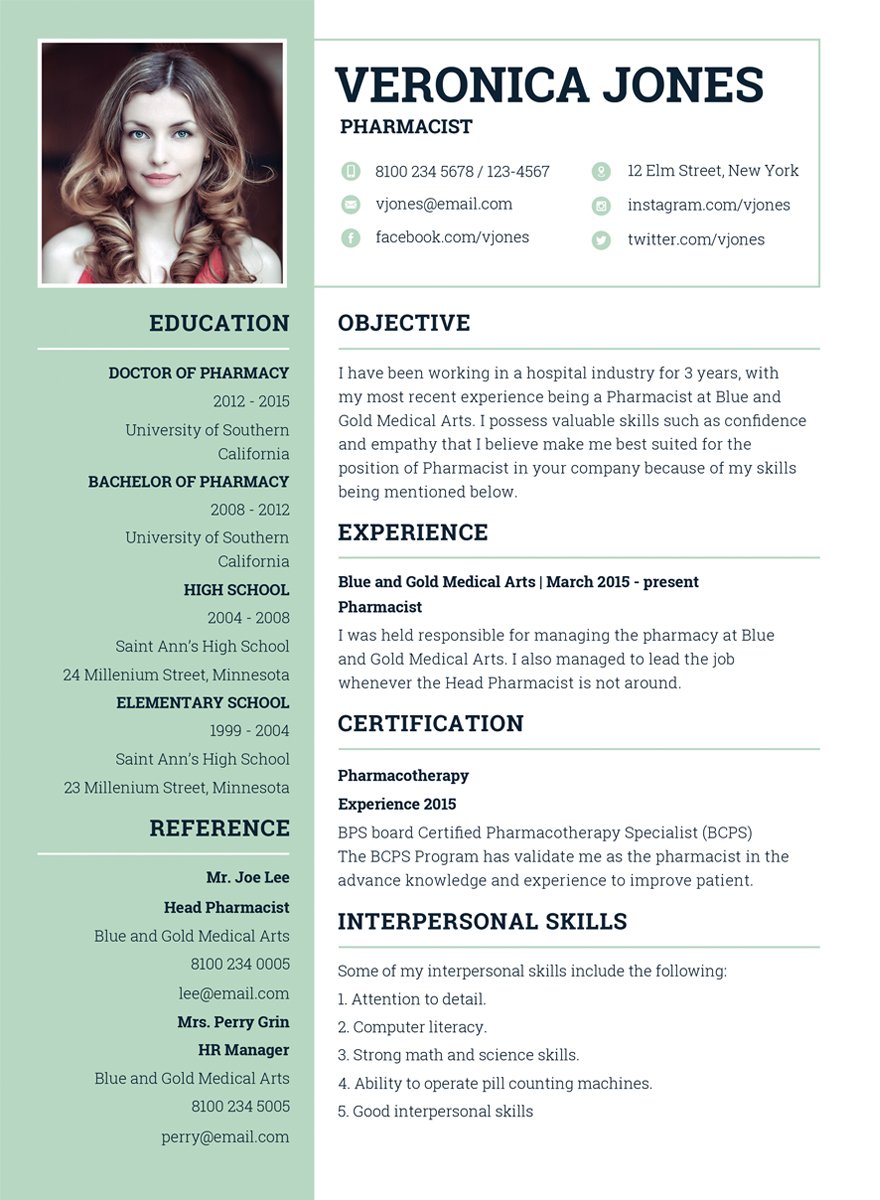
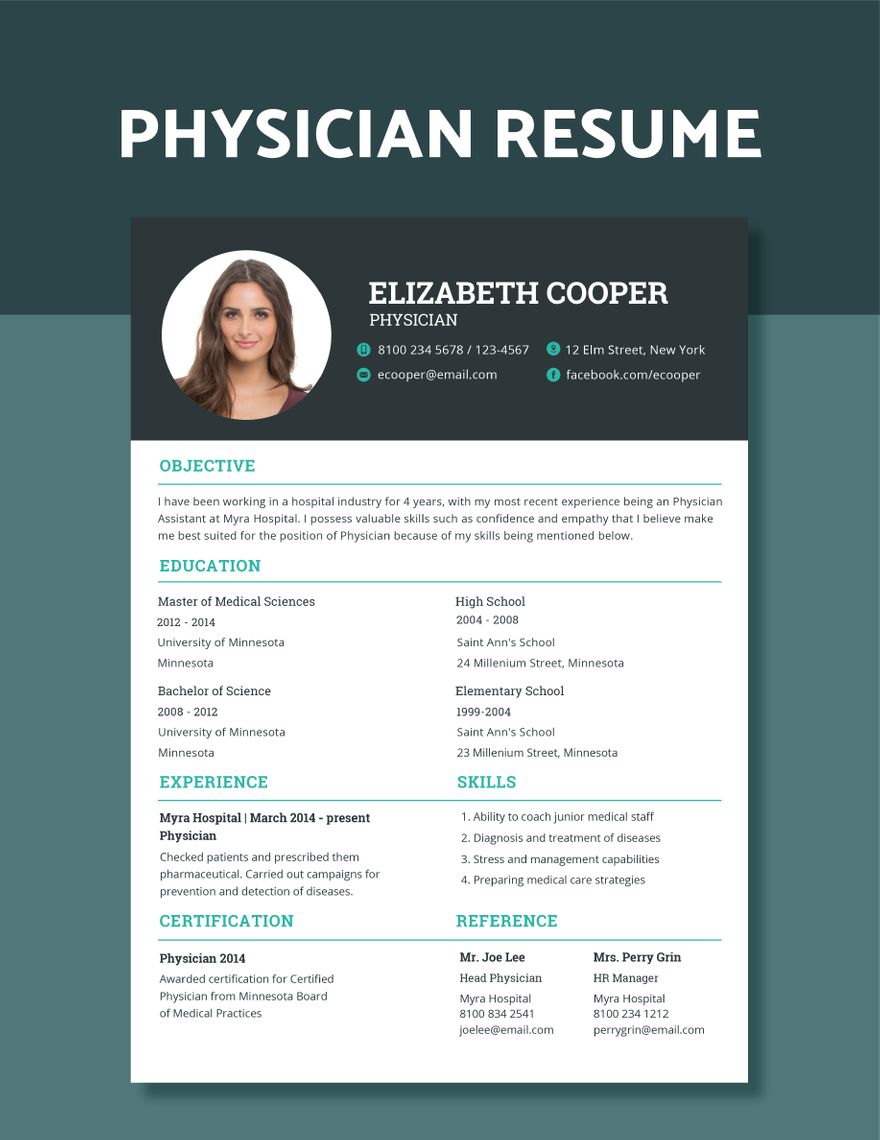
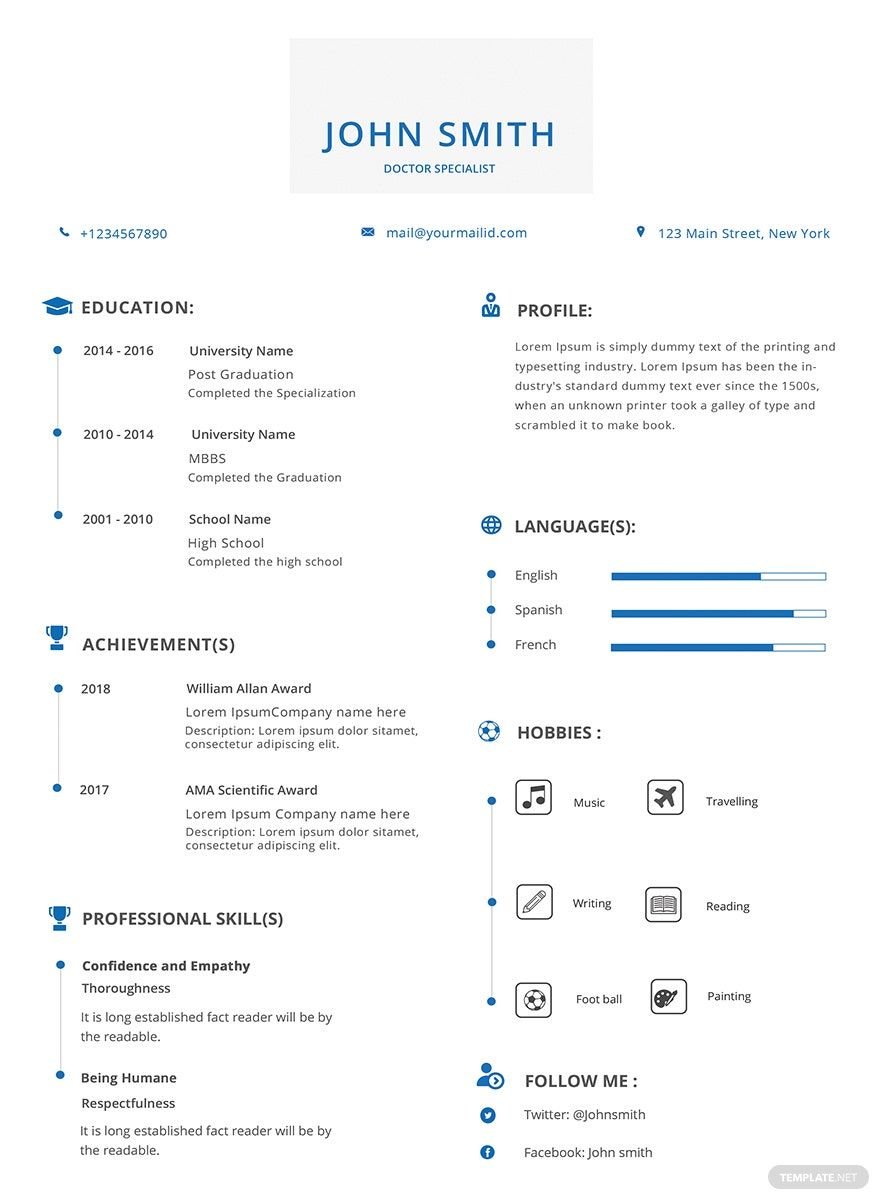
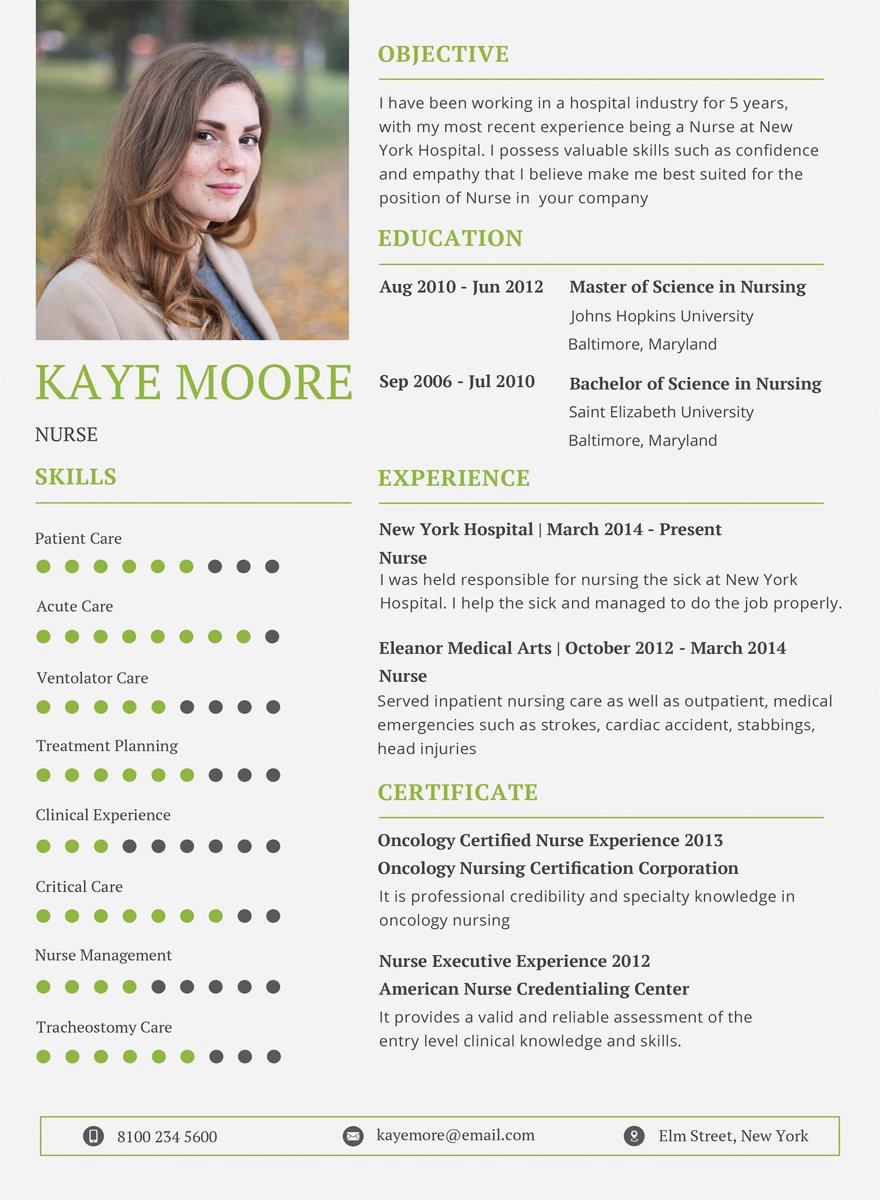
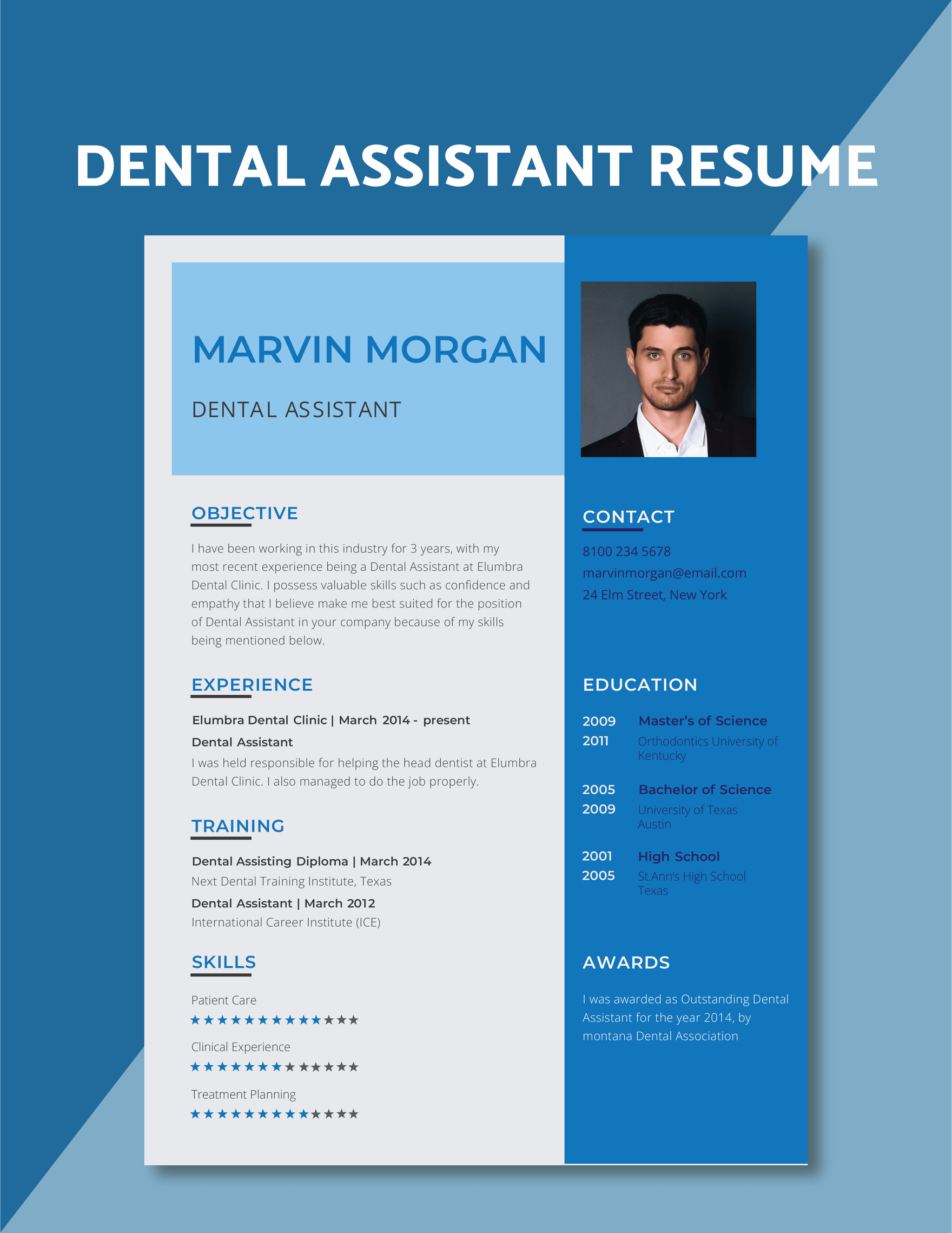
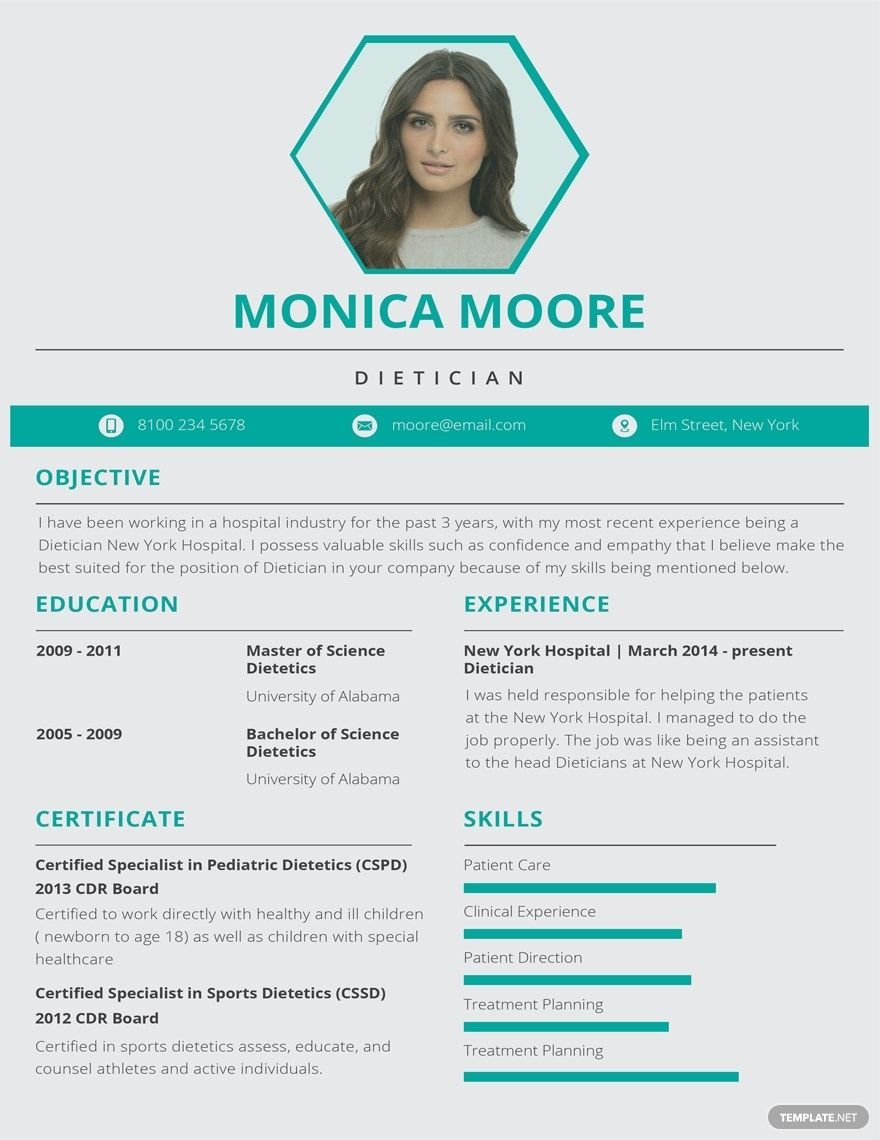
Great candidates for certain medical positions such as nurses and physicians are hard to find. Employers require 2-5 years of experience for these professional positions. Are you trying to look for another medical job? If you are, then we're glad to inform you that we offer 100% customizable, professionally made, high-quality medical resume templates that are fully compatible in any versions of Adobe InDesign. You can choose from any of our one-page or two-pages editable resume templates that are printable in either home or commercial printers. Don't let this opportunity slip through your hands. Get ahead of other applicants by just hitting the download button.
Free Medical Resume Template in InDesign
Weed Out The Competition By Using A Professionally Made Template Made Available Just For You At Template.net, With Designs Ranging From Pharmacist Receptionist Resumes, To Professional Physician Cvs. Creating A Resume Can Be This Easy With Editable Templates That Are Downloadable In Different File Formats Made Available And Printable.

- Greeting cards
- Certificates
- Travel magazine
- Letterheads
- Photo
- Student
- Wedding Invitations
- Invitations
- Zines
- Banner roll up
- Envelopes
- Tickets
- Charts
- Funeral Brochures
- Programs
- Proposals
- Banner
- Tickets raffle
- Feedback
- Logos
- Family genogram
- Labels
- Vouchers
- Architecture
- Real estate Flyers
- Event
- Training
- Gift certificates
- Event Flyers
- Id card
- Sheet
- Fashion lookbook
- Editable id cards
- Interior design
- School magazine
- Business
- Designer
- Report brochure
How to Create a Medical Resume in InDesign?
A resume is a one-page formal document that applicants submit to employment recruiters and hiring managers as a means of itemizing their educational background, work experience, and special skills. It is a tool used by job hopefuls to entice potential employers to invite them to an interview for the position they are applying. Traditionally, resumes are accompanied by cover letters, in which the applicants can highlight relevant skills and promote their qualifications for a given position. In an article written by Ross Coyle, 14% of all jobs in the United States of America will be in the healthcare industry by the year 2026 since the healthcare industry will add nearly 4 million jobs. With the previously mentioned statistical data, we can foresee that there will be a significant number of healthcare job seekers in the incoming years.
Are you a graduate of any medical courses? If you are, you better learn how to sell yourself to prospective employers. Here are a few guidelines that you can use in creating an effective medical resume.
1. Choose a Format
It is given already that a great resume can easily capture the attention of a hiring manager or a recruiter, plus it allows you to stand out among other applicants. The first thing that you must do in creating a resume is to decide what format to use. There are three standard resume formats that employers look for, namely: Chronological, Functional, and Combination. However, if you are the type of person who doesn't want to start from scratch, then we have a great deal for you. You can choose and download any of our professional resume templates and customize it to fit your preference. Additionally, consider using Adobe Indesign in customizing your chosen template since this program allows you to achieve your desired outcome since it has time-saving effects, rapid layout features, and typography support.
2. Start with Indicating your Personal Information
Since you are going to promote yourself, make sure to indicate your personal information—name, contact number, home address, email address, and your recent job title—in the header of your one-page resume. These details would be the means of hiring managers to identify and contact you if your resume was able to pique their interest.
3. Tailor your Resume Objective
Based on the previously given statistical data, we can conclude that there is tough competition in the medical field. The best way to tailor your medical resume for a specific position is to research and study the job description in detail. If you are applying for the position of medical sales consultant, physical therapist, medical assistant, medical specialist, occupational therapist, nurse, nursing manager, or any other medical position, it is vital to incorporate keywords that are relevant to the position you are applying, especially in your objective.
4. Feature your Education and Specific Medical Skills
To make your medical resume effective, you have to emphasize your scholastic achievements and showcase your medical skills. In featuring your educational background, make sure to do it chronologically descending order to make it easy for the hiring manager to digest it at first glance. Same with showcasing your skills, you have to be specific with the details to help illustrate the attributes that make you unique compared to other applicants. Moreover, you can also include certifications and licensures to make your resume stronger.
