

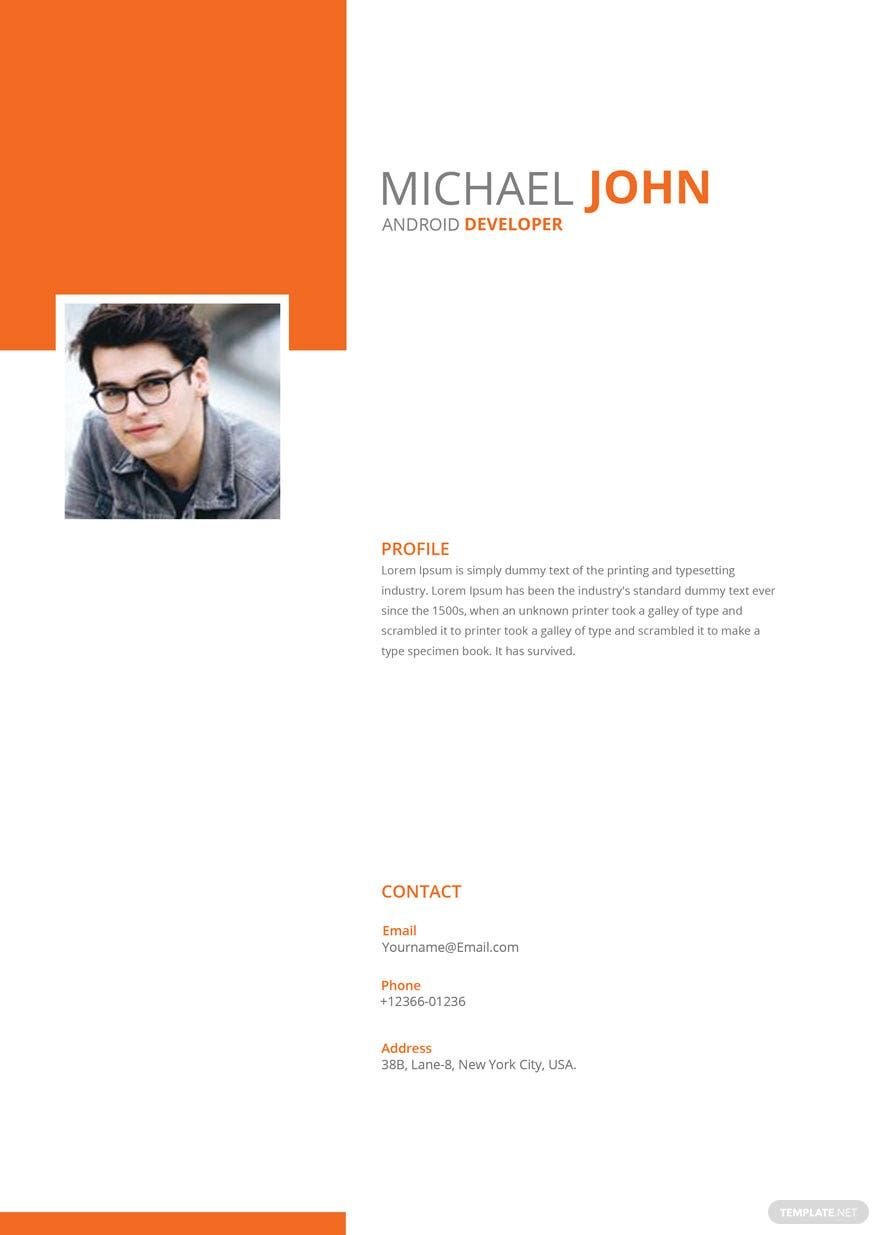
Information technology is a vast field of opportunities. For every person who has the best technical skills in dealing with computers and data, you can now join the I.T organization by presenting yourself with any of our 100% customizable, and professionally written Information Technology (IT) Resume Templates! These templates are now set for any versions of Adobe InDesign format. These high-quality templates are made to be easily editable by our experts just for you. They are showered with convenient features that include free clean font styles, layouts, and resume layouts. Whether you are a beginner or an experienced applicant, you can use any of our suggested printable resume templates that can be found below. Get hired by using our models! Download one now!
Free Information Technology (IT) Resume Template in InDesign
IT Project Manager Resume, Web Developer Resume, IT Analyst Resume, Technology Specialist Resume—Many Types of Information Technology Resumes Are Available for Free Download on Template.net. From an Entry Level Developer to a Project Manager, Template.net Helps You Craft IT Job Resumes in Any Format. Flaunt Your IT Skills Now!

- Greeting cards
- Certificates
- Travel magazine
- Letterheads
- Photo
- Student
- Wedding Invitations
- Invitations
- Zines
- Banner roll up
- Envelopes
- Tickets
- Charts
- Funeral Brochures
- Programs
- Proposals
- Banner
- Tickets raffle
- Feedback
- Logos
- Family genogram
- Labels
- Vouchers
- Architecture
- Real estate Flyers
- Event
- Training
- Gift certificates
- Event Flyers
- Id card
- Sheet
- Fashion lookbook
- Editable id cards
- Interior design
- School magazine
- Business
- Designer
- Report brochure
How to Create Information Technology Resume in Adobe InDesign
Identical to any other resume, an information technology resume is used for entry-level job application for the information technology field of work. It is a summary of the applicant's personal background, professional experiences, and skills. An information technology resume is a type of resume that is mainly used for aspiring people who are obtained with different techniques for processing computer programs. It is also used for application skills of statistical and mathematical methods in decision-making, technical skills for simulation of data sciences, and any other basic computer skills. Information technology resume is used for technician positions, network administrators, computer engineering, and different information technology positions.
With the evolution of technology, our economy is recently associated with information technology. A person can showcase his capabilities if a decent company would allow him to have the profession. To have the pursuit, one must have an effective resume to impress the employers. By using Adobe InDesign, you can create an upright information technology resume that encompasses every information you wanted to provide. Here are some tips for you to be guided.
1. Choose One of the Best Information Technology Resume Templates
Depending on your choice, you can make your resume by using a designed template visually attractive and well-presented. Using a template will help you with your resume layout and allows you to organize every information that you must include in a basic resume. You can choose some ready-made resume templates for information technology that you can download or purchase online. Choose the perfect template that suits your preferences with an Adobe InDesign file format.
2. Pick the Right Format
A customizable resume varies in different formats like reverse-chronological format, functional format, or the combination of these two. If you want to emphasize your professional work experience/s, it is advisable to use a reverse-chronological form. On the other hand, if you're going to highlight your technical skills, objectives, and achievements, you can use a functional resume format. In some cases, you can have the combination format if you have the specific skills and experiences that apply to the job you are pertaining to.
3. Elaborate Your Skills, Experiences, and Achievements
A simple resume document is like a token of a getting a new personal career. A detailed resume's role is to show the employer you are the most proficient applicant. By elaborating on your technical skill section, achievement, as well as the experiences, the employer will be able to scrutinize you as a person by just looking at your resume.
4. Be Honest
Some of the people are very desperate to be qualified. There are 26.5% of people admitted that they either would consider lie or admitted that they have lied on their resumes. Every information technology company are expecting some applicants that can personally demonstrate the skills and other capabilities that they have claimed in the resume. Only write the specific skills that you have mastered with. However, you can also mention that you are willing to learn and to excel in new things. Make a clean resume without making any confusion to the employers.
5. Finalize Everything
Some employers are meticulous when it comes to documents. Even a small error that can be found on your resume might affect your job qualifications. To make things clear and accurate, proofread everything from the start until the last part before printing your sample resume or sending it online. Also, make sure that your resume photo is formal.
