
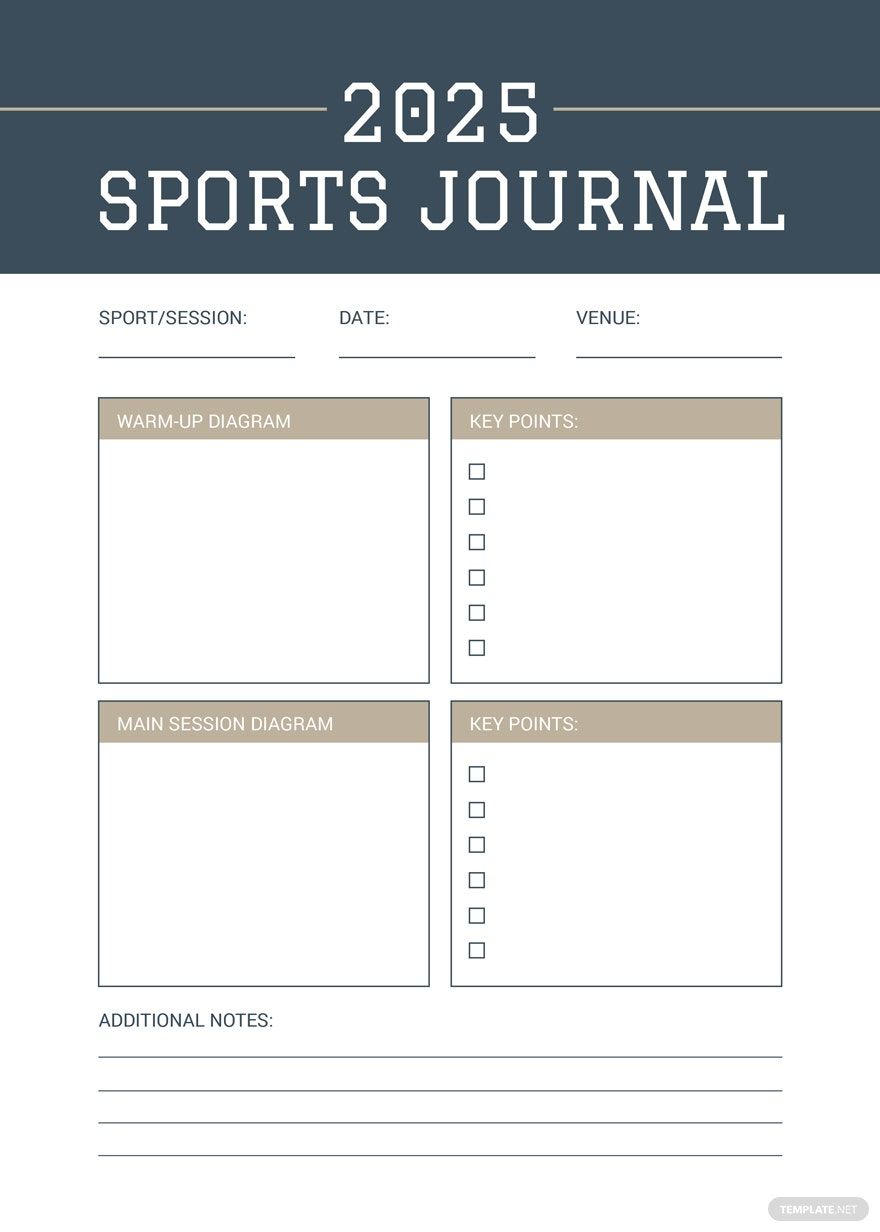
The high-quality templates we offer are classic, creative, and innovative. You can use them for personal and for business use. You can personalize our 100% customizable Notebook and Journal Templates in Microsoft Publisher. Make some diaries that give inspiration using our designs that have a beautiful aesthetic and design. Our beautifully designed and professionally written templates are available in (A4) 8.27x11.69 inches + Bleed. Make a day planner for a project, for an art composition, or your daily report for your adventures. Create a spiral notebook with style. Time waits for no man, they said. So, go on and download any of our one of a kind designs today and make something incredible.
Free Notebook & Journal Template in Publisher
No Need to Buy a Physical Composition Notebook Because Template.net Offers Its Free Notebook & Journal in Microsoft Publisher Templates. Personalize Your Bullet Journal, Manager Notebook, Inspirational Tree Design Diary, Books or Daily Journal Template Quickly. Now Is the Perfect Time to Get Editable Notebook and Journals from Our Site!

- Kitty party invitation
- Banner
- Graduation brochure
- Mothers day card
- Graduation Invitations
- Place cards
- Websites
- Cookbook
- Letterheads
- Reports
- Publisher
- Certificates
- Brochures
- Invitations
- Flyers
- Funeral Brochures
- Cards
- Portfolio templates
- Company Brochures
- 4th of july
- Travel Brochures
- Infographics
- Cinco de mayo day
- Campaign
- Bi fold brochures
- Housewarming Invitations
How to Create a Notebook & Journal in Microsoft Publisher
Back in 1995, Ruth Folit, the founder of the International Association for Journal Writing, stated that 50% of people interviewed had kept a diary and that 16% were active diary writers in the United States. Also, a 2012 study told that three 15-minute writing therapy sessions helped people with post-traumatic stress disorder (PTSD) improve their coping skills. That is in comparison to a matched set of individuals who did not write.
Although we might think that writing a journal is somewhat complicated and a bit challenging, especially for its adverse need towards its consistency. Remember, we are not writing this for our daily or weekly schedule, but diaries exist to write the world around us and how we are experiencing it.
1. Determine the Time Frame
The first thing that you need to establish in creating a notebook or journal is to know when you are going to use them. If you want to make it daily, then a 30-page notebook could suffice. For those individuals who wish to make weekly or monthly reports towards their diaries, they could also do that. Writing a journal is never to be forced, although discipline is a must. We should remember to make our writing experience a fantastic moment, not a sort of a dreaded moment.
2. Consistency is Key
Being consistent is the next thing. Persistency does many jobs. As a writer, being disciplined to sit and write is a fantastic point. Not only will you get much time to think about what to do after you have written your concerns on the page, but sometimes you do more. People often have many ideas when they are in this phase. Business plans and a whole lot of schemes suddenly comes to your mind in times like this.
3. Use Microsoft Publisher
After preparing yourself for the responsibility of writing a diary, you can open Microsoft Publisher, with one of our templates that you can find from our website. There is a collection with a bunch of free templates available, so you do not need to worry about what to use. We have beautifully designed and professionally written templates available, you only need to check.
4. Add or Delete Details and Designs
After opening something you like, you can start adding or deleting details and designs. Depending on what you want, you can change them. If you are going to make a chalkboard where you could write? It is easy. You can do that. You can also try to make them look like blank cards where you become a calligraphist that shapes words and lines into something elegant and beautiful. It all depends on you.
5. Save and Print
Lastly, you can start saving your design. Keep them well. Virus and malware may happen on your device, so always keep a replica of the file on another device or to online saving websites like iCloud, Dropbox, and Google Drive. Uploading your data on social media sites, and Blogs like Wordpress and Blogger is also another thing. After you are sure that you have kept a copy of the data, you can start printing or using the format on your device.
