
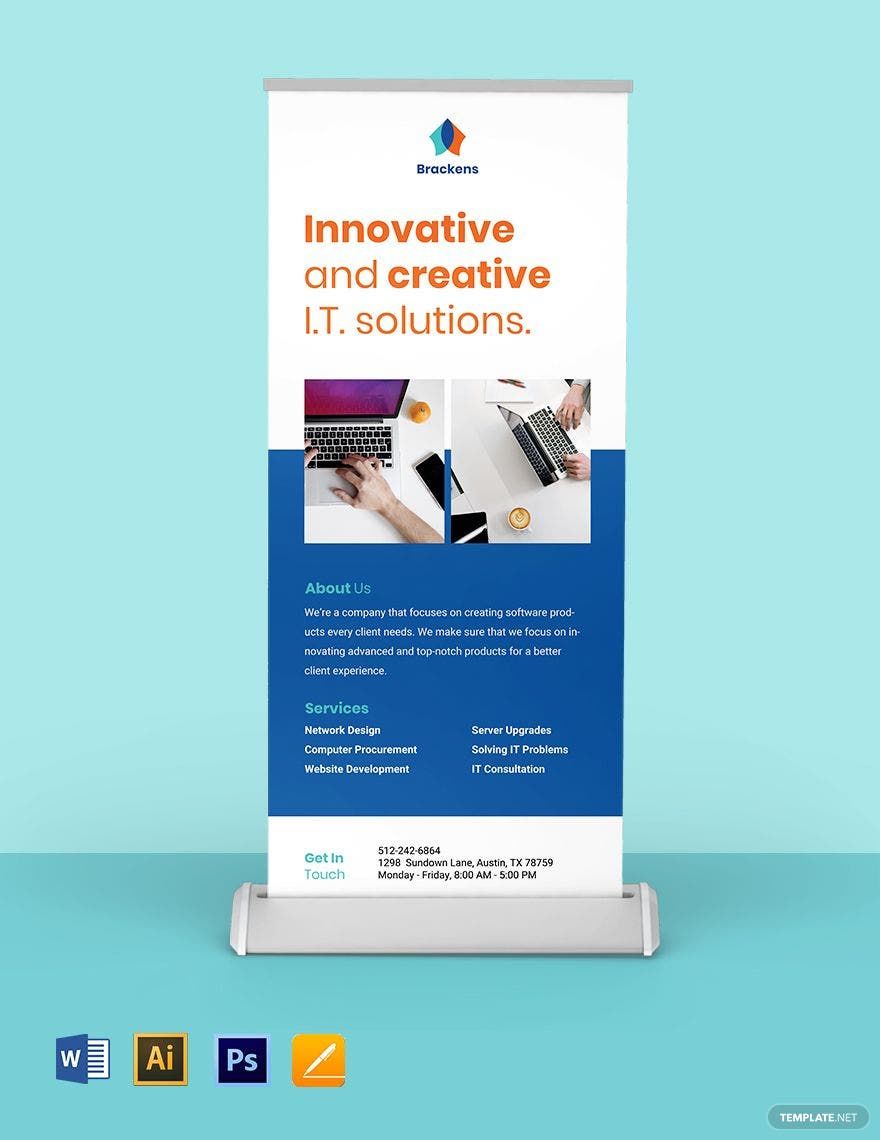
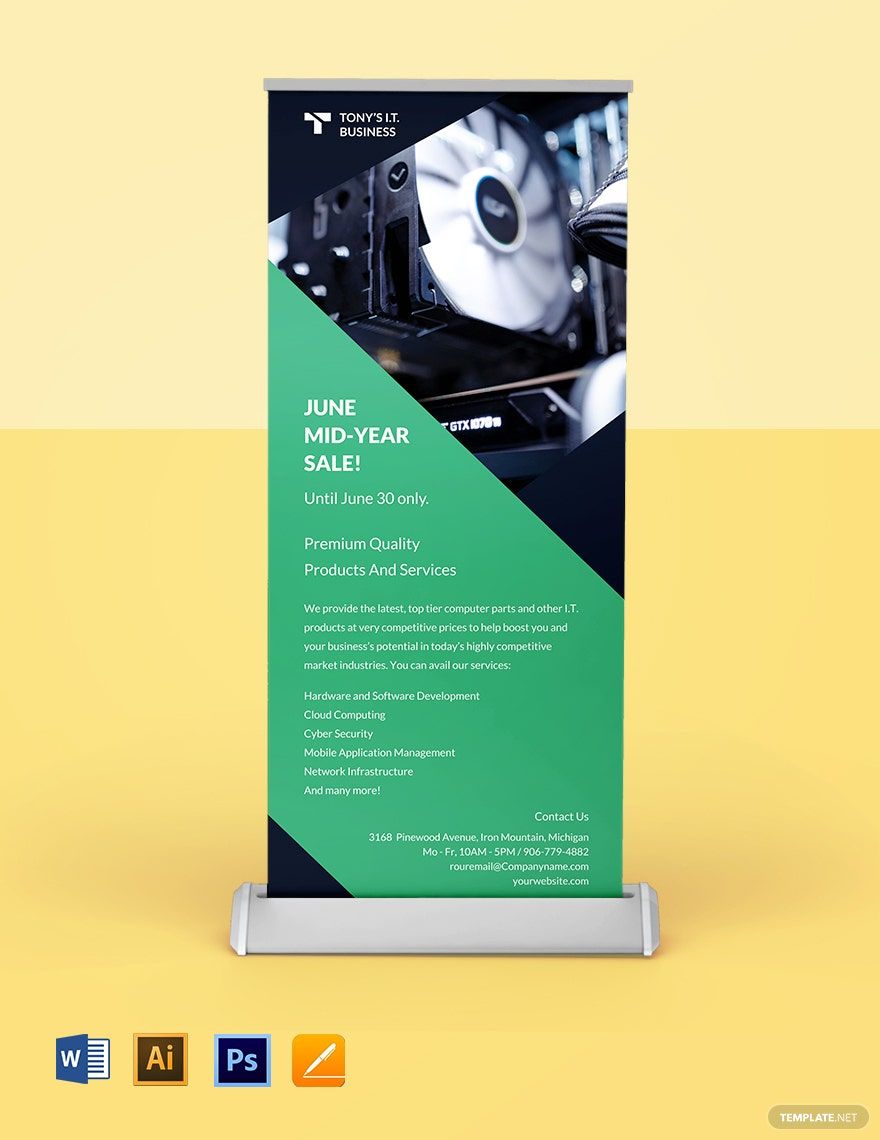
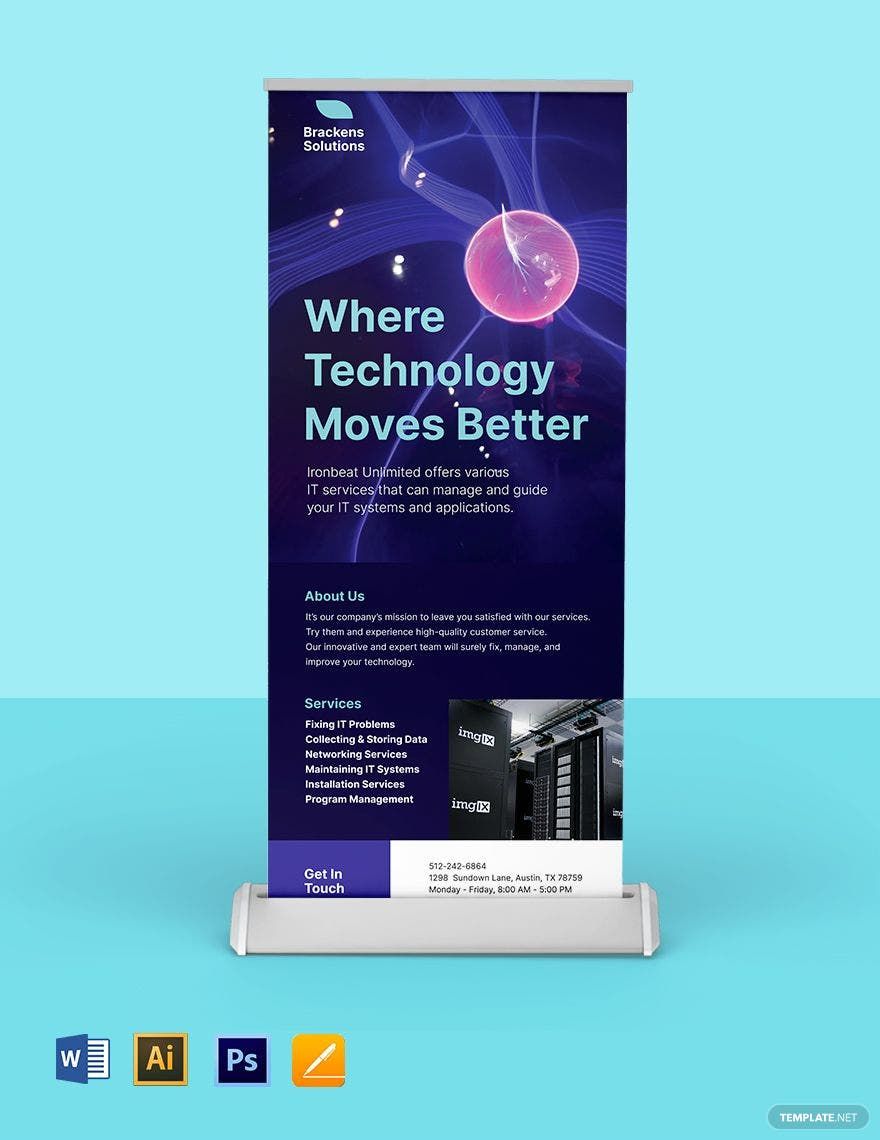
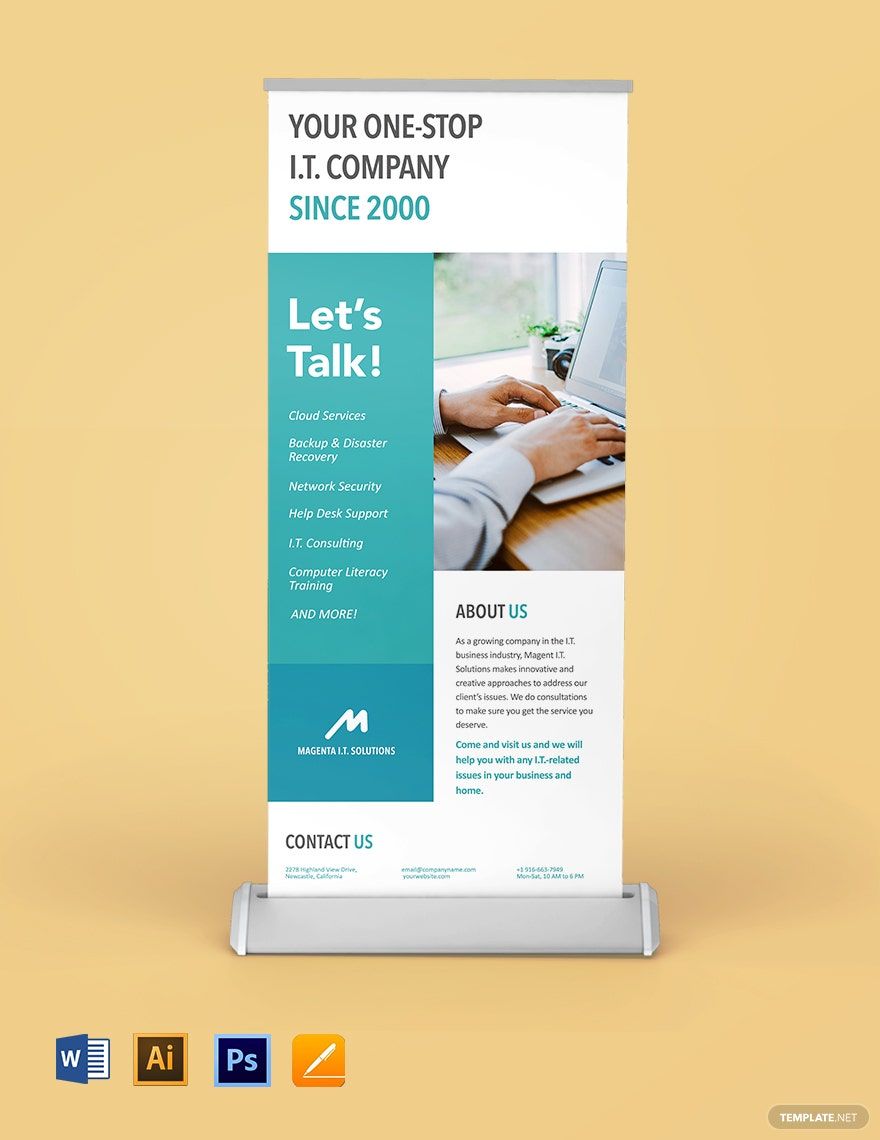
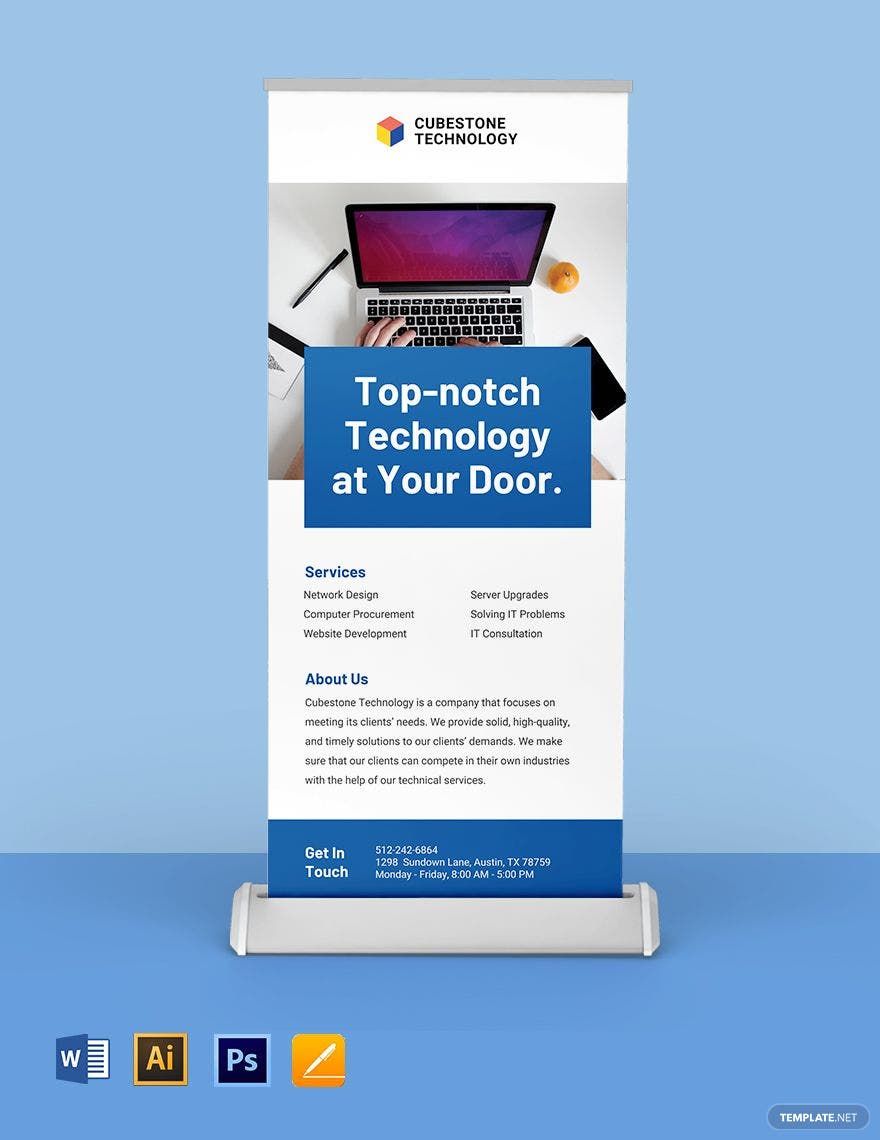
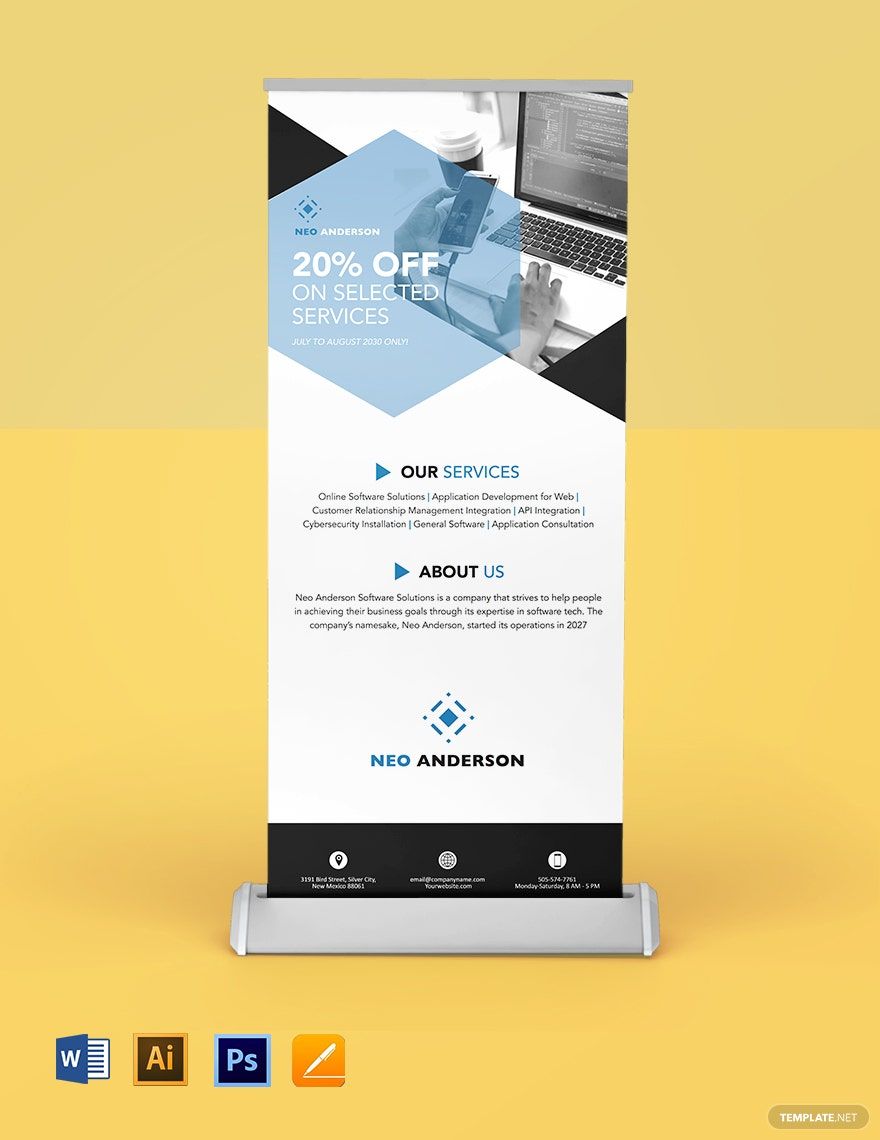
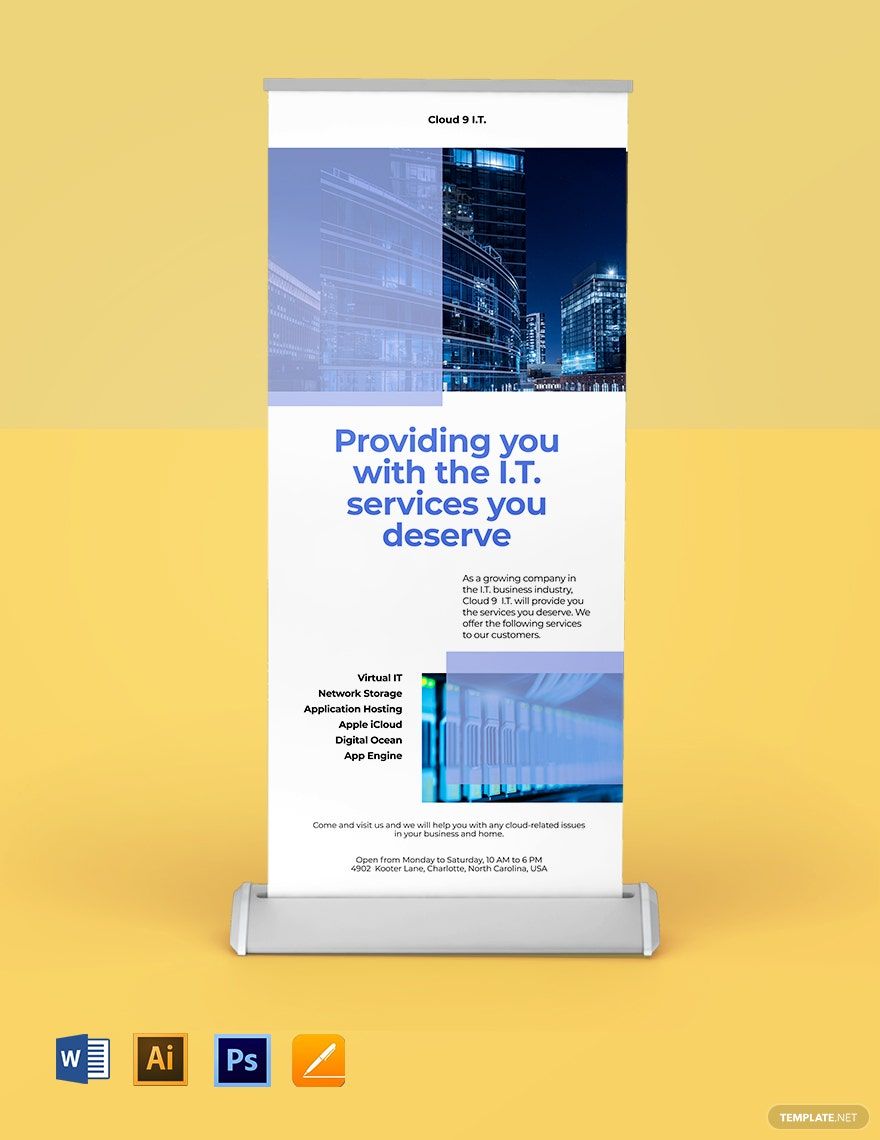
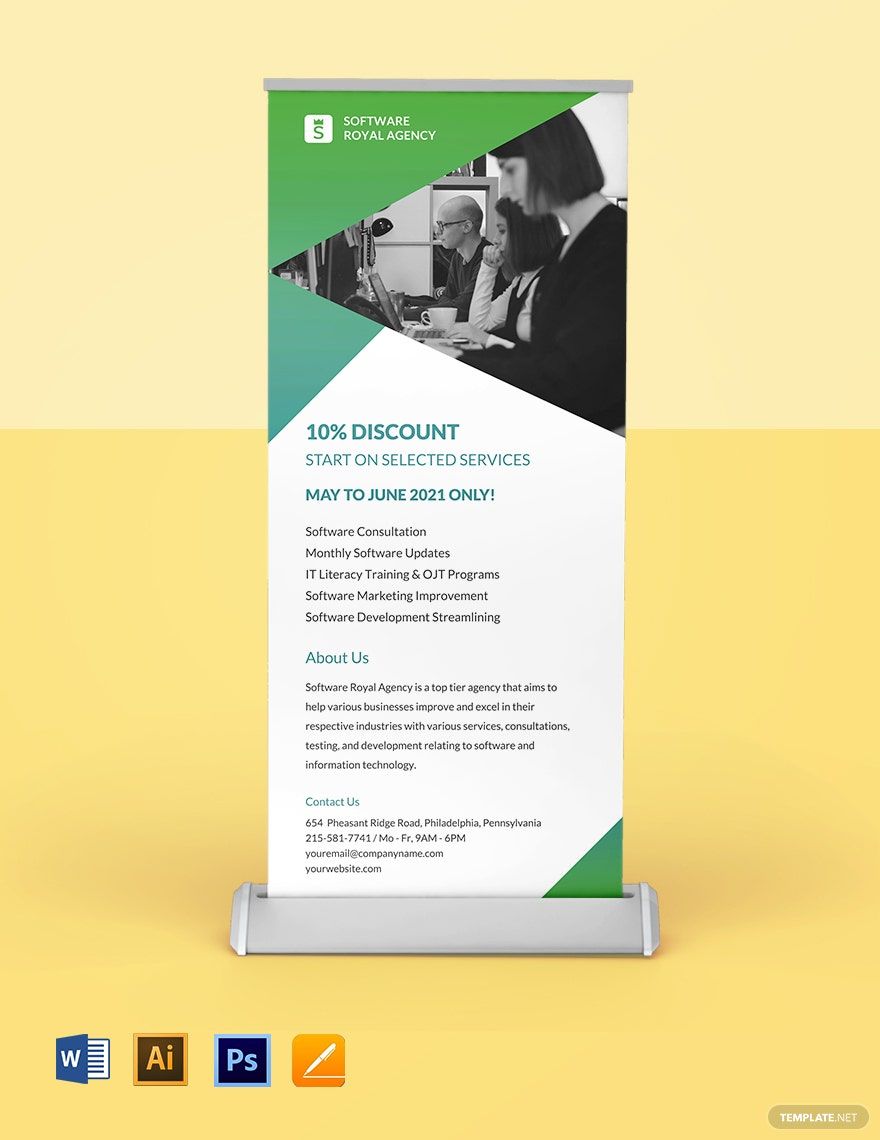
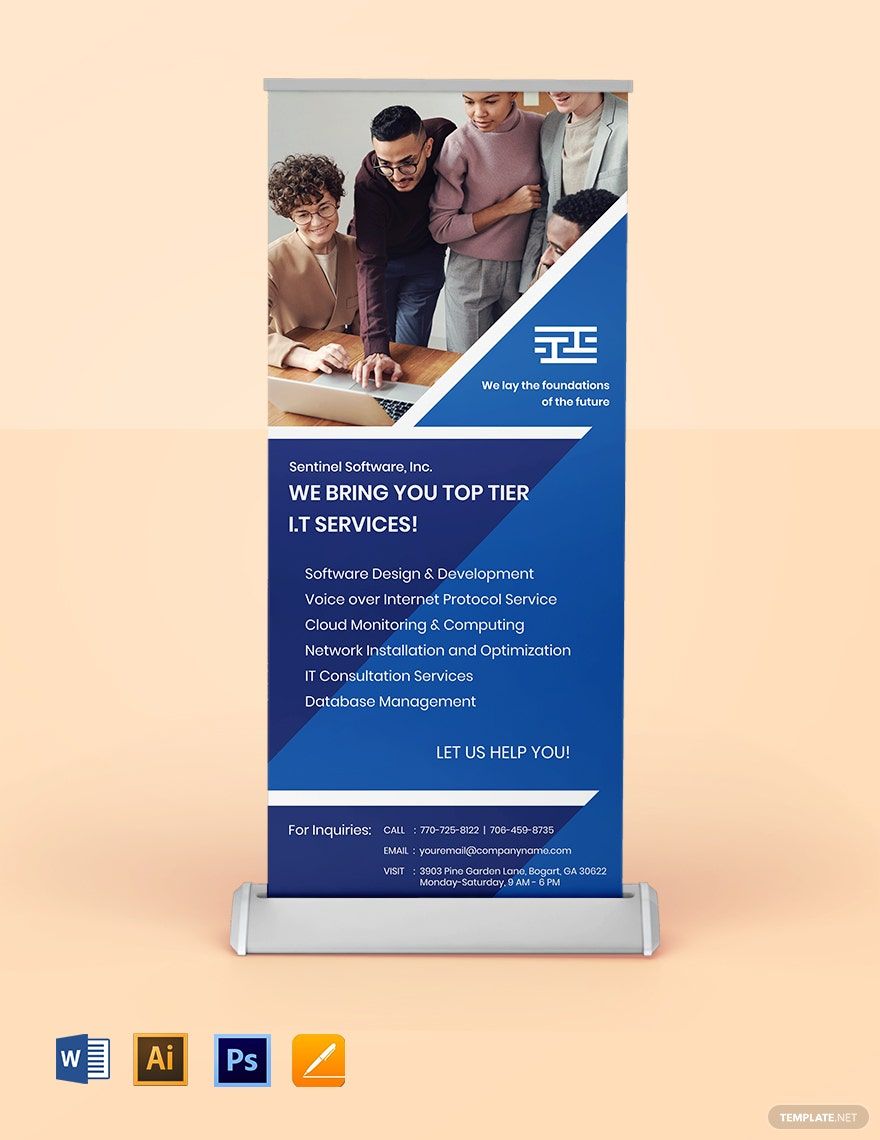

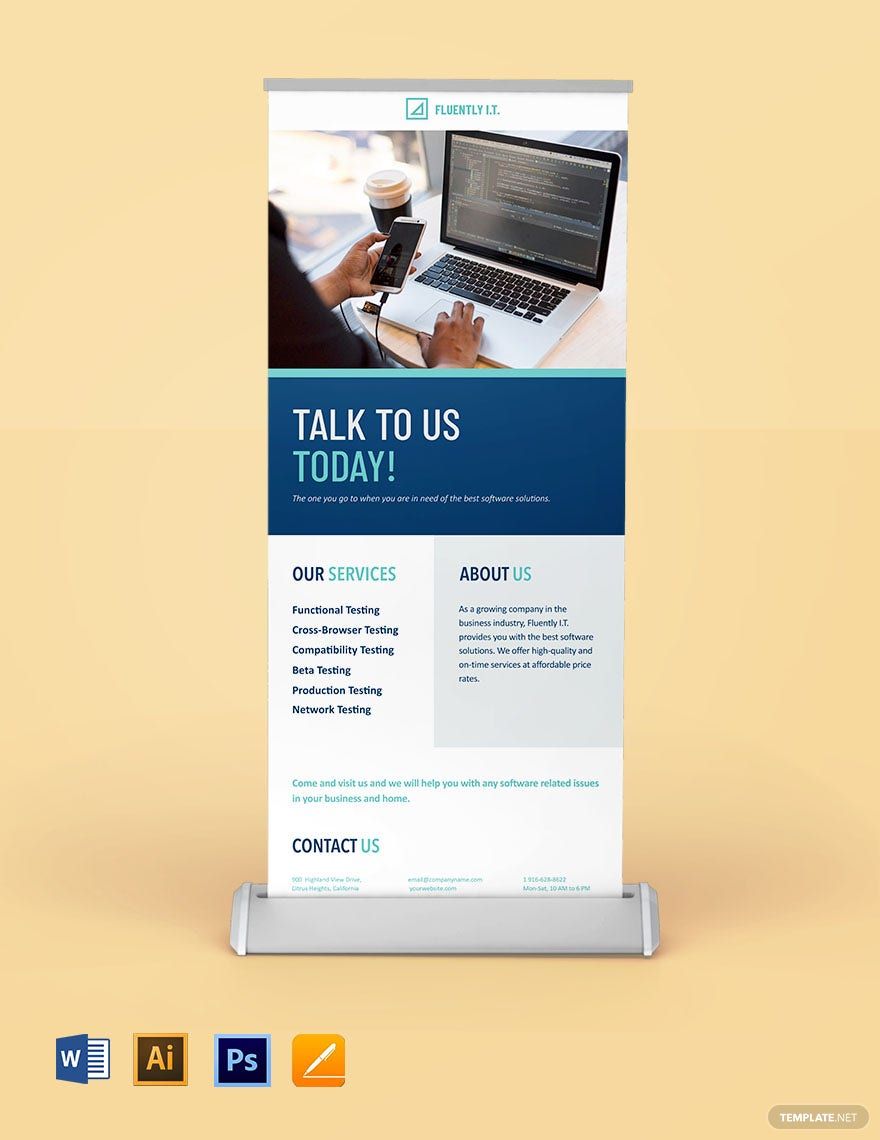
A roll-up banner is useful for advertising anything about an IT or software company. If you want to catch your target clients' attention, never forget to make one for your upcoming meetings with them. Choose a template from our collection of IT/Software Roll Up Banner Templates exclusively available in Adobe Illustrator. These templates are fully editable and printable in 30"x70" size. Each design template has a unique graphic design for you. Every template is beautifully designed by expert designers to make your banner stand out. What are you waiting for then? Download one of these design templates and catch every client's attention. Subscribe to start downloading!
Free IT and Software Roll Up Banner Template in Illustrator, Vector, Image
Use Free Samples from Template.net When You Need to Create Retractable Signages for IT or Software Promotions. Expedite Your Roll-Up Banner Designs for a Product, Store, Agency, or Other IT Advertisements. We Offer Clean and Creative Mockups with Different Illustrations, Sizes, Etc. You Can Download Our IT Banners for Adobe Illustrator, Apple Pages, Microsoft Word, and More.

- Bi fold brochures
- invoices
- Mothers Day
- Housewarming Invitation
- Baby Shower Invitation
- Social Media
- Tarpaulin
- Trading Cards
- Architecture
- security id card
- Calendars
- Medical certificates
- Graduation Invitation
- Monopoly
- ebooks
- Funeral Brochure
- Photo collage
- Greeting cards
- Bottle Label
- Event Flyers
- Apperciation Certificate
- Church Flyers
- Reports
- Construction business card
- Illustrator
How to Make an IT and Software Roll Up Banner in Adobe Illustrator (AI)?
Great advertising often combines simple ideas with great messages. For that, every decision you make has to be taken strategically. At this time, there are hundreds of tools to advertise your IT or software company. One of which is through a roll-up banner. A lot of businesses use this tool because it's cost-effective. If you also need to make one, we are citing some tips here to help you complete the task instantly:
1. Launch, Write and Add Colors
Create a page in Illustrator by setting the right orientation, size, length, and width. Start making layouts and adding content. Appropriate selection of colors can make your banner shine and standout. Applying colors can help your banner look better. Pick colors that complement each element added in it.
2. Place Image(s)
It is best to add a graphic(s) to your banner. Adding pictures can make it look more noticeable. Neuroscientists say that people can process images not less than 13 milliseconds. On the same note, only add images that speak what the banner is about. You can put pictures of your products or services if you have to. Moreover, pick high-resolution photos so that it looks good after printing.
3. Put Your Logo and Relevant Information
To make people familiar with your IT or software corporate identity, never forget to add your company logo. People don't have all the time in a day to stop and spend minutes reading your banner content. That's why, by all means, you should only put the relevant details that you need to advertise.
5. Include Contact Details
After reading the banner, people need to know how they can reach you. So, you should add your company contact details like email address, social media accounts, and contact number.
Frequently Asked Questions
Why Are Banners Important?
Banners are essential because you can use them to advertise or market your events, services, or products. They are also easy to spot because of their sizes. Whenever a person sees your company's banner, this can help them be aware of your brand.
What Is a Digital Banner?
A digital banner is a banner that people can find online. Companies use digital banners to let people visit their websites to create more traffic.
What Is the Size of a Roll Up Banner?
A roll up banner can have different sizes. Sources say that the standard size of a roll up banner is around 80cm wide to 200cm. Another thing, the size of a banner can vary depending on where you're going to use it.
What Are Banners Used for?
Banners are great tools for promoting, marketing, and advertising almost anything. Granted that banners attract a lot of people because of their size, designs, and other elements, that's why a lot of companies and businesses use banners to reach to a broad audience.
What Is the Difference Between a Banner and a Flag?
A banner can represent a sign, an advertisement, or a message. A flag can represent a national symbol, and you can also use this on festivals.
