
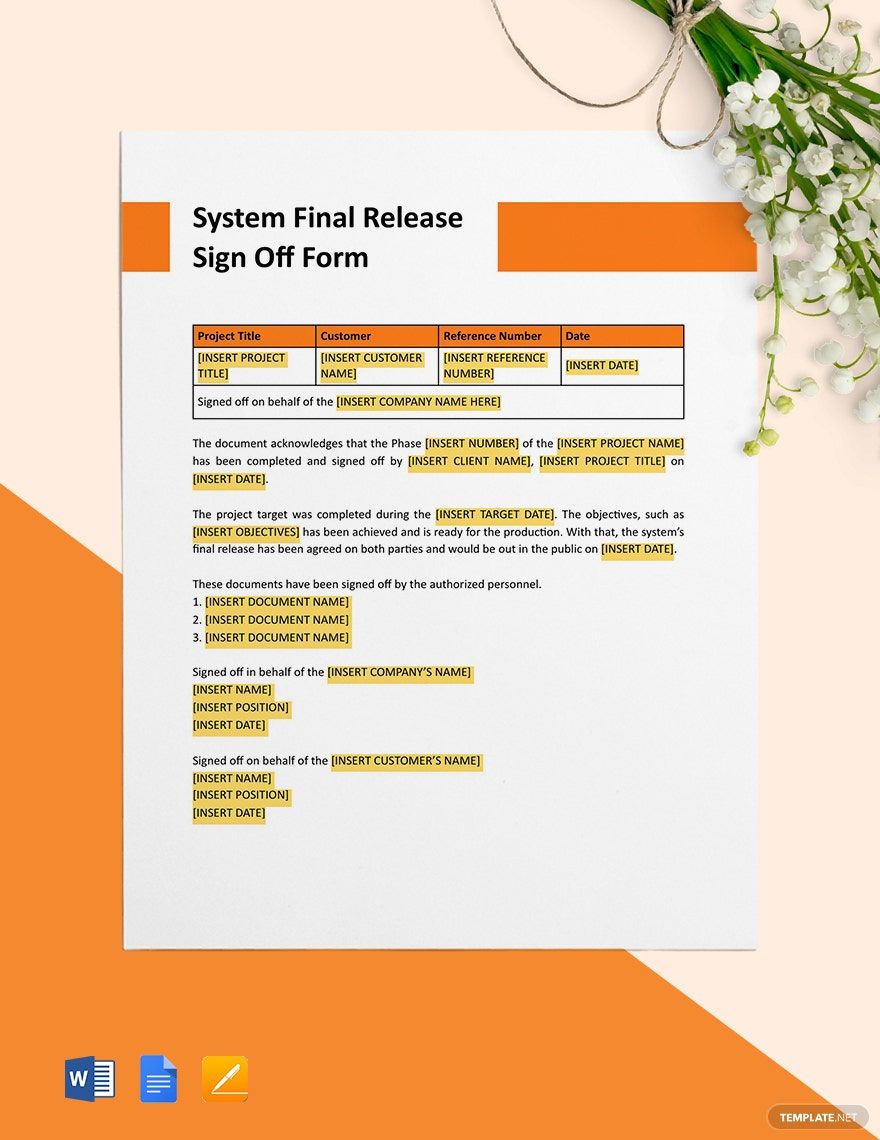
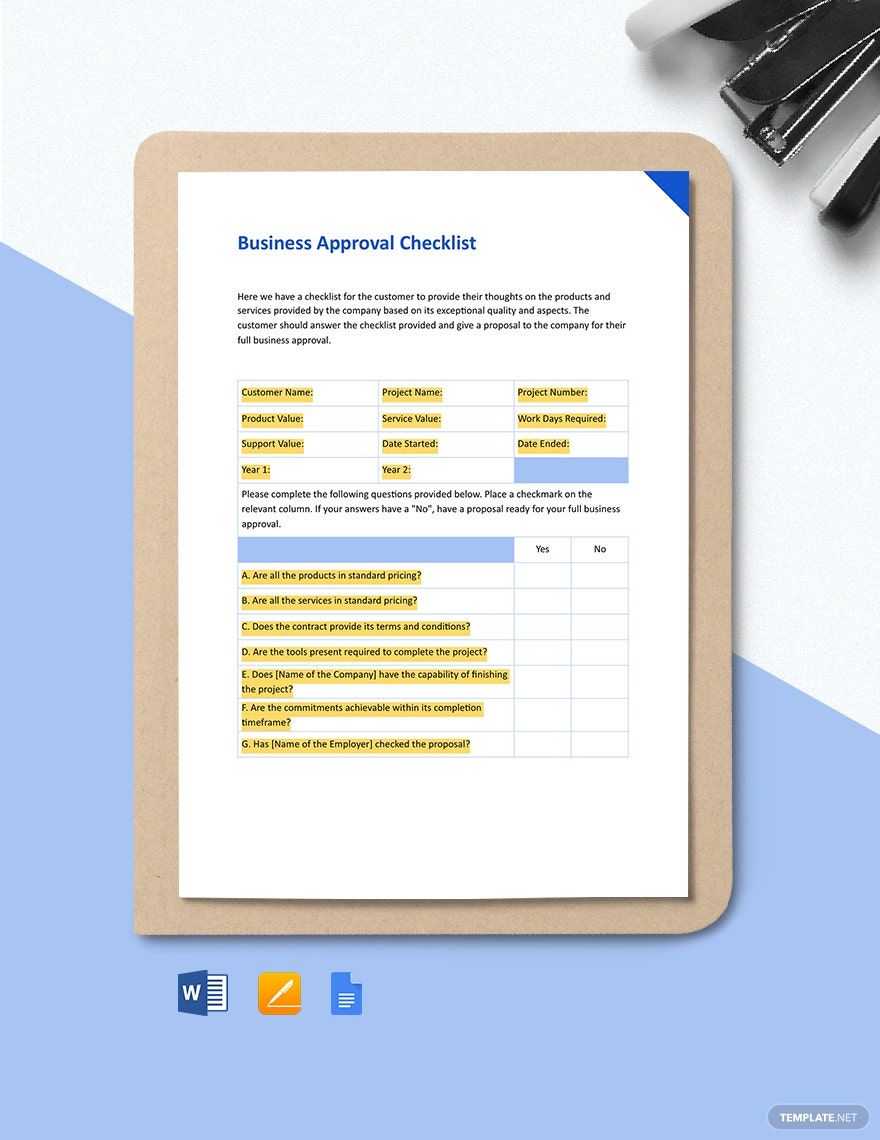
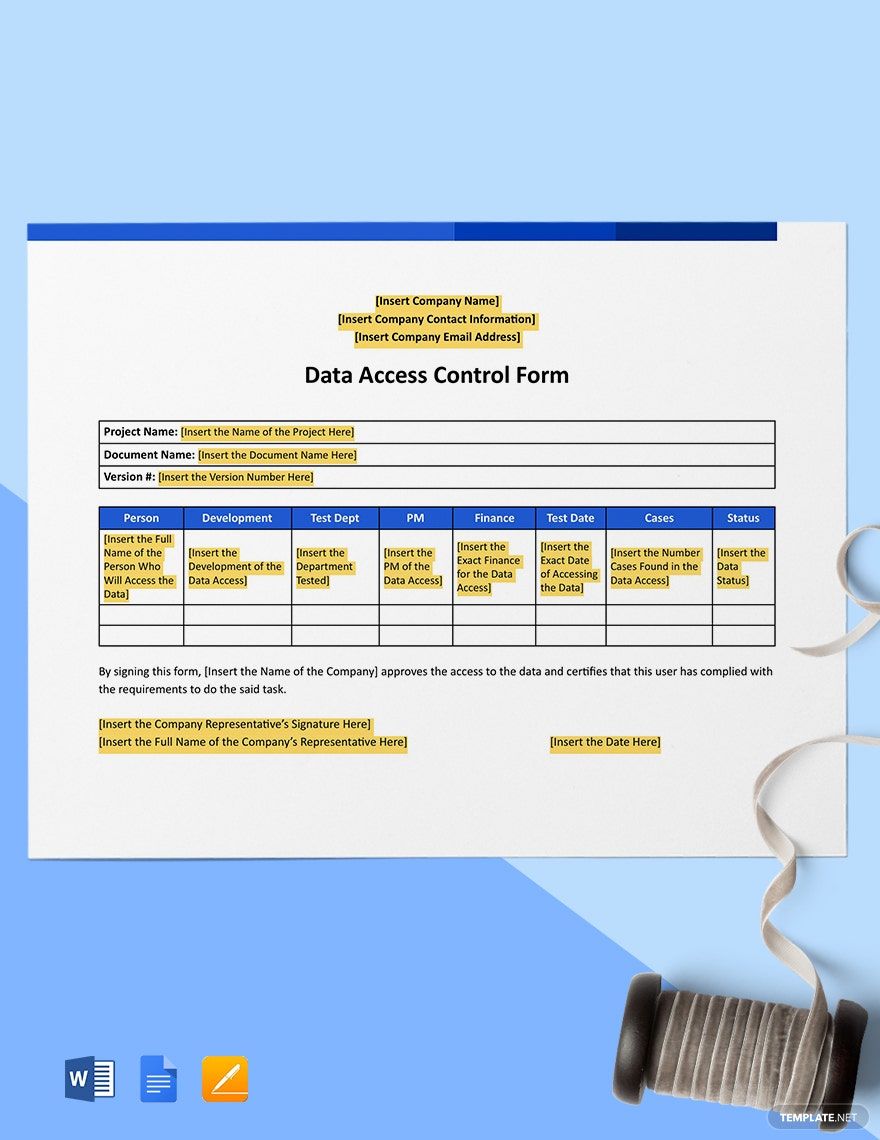
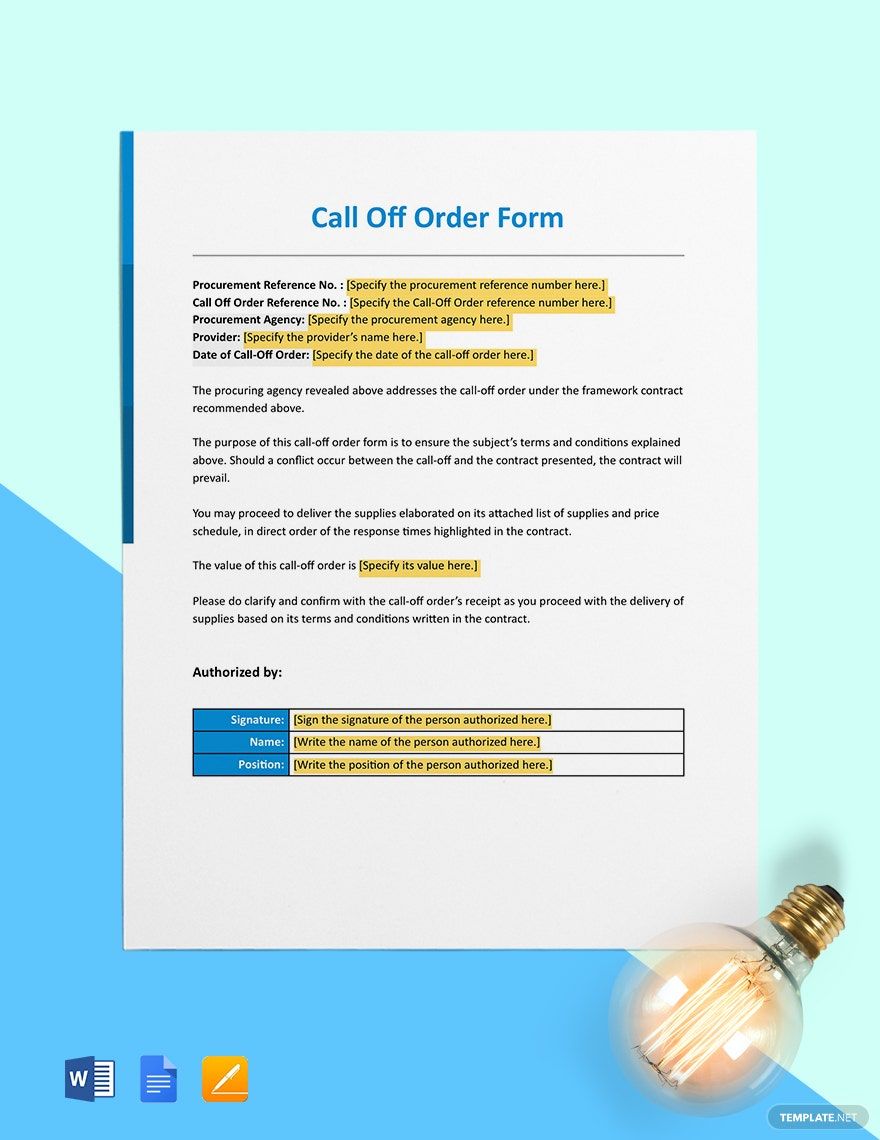
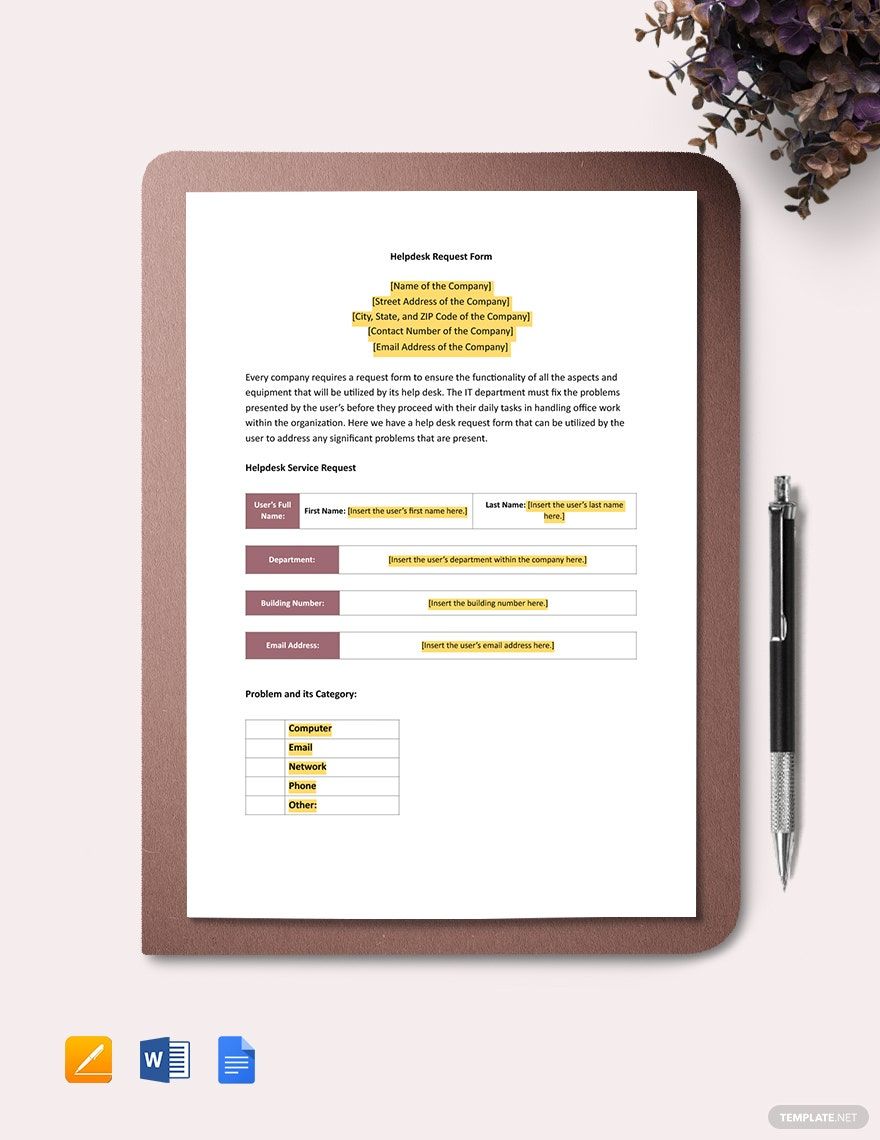
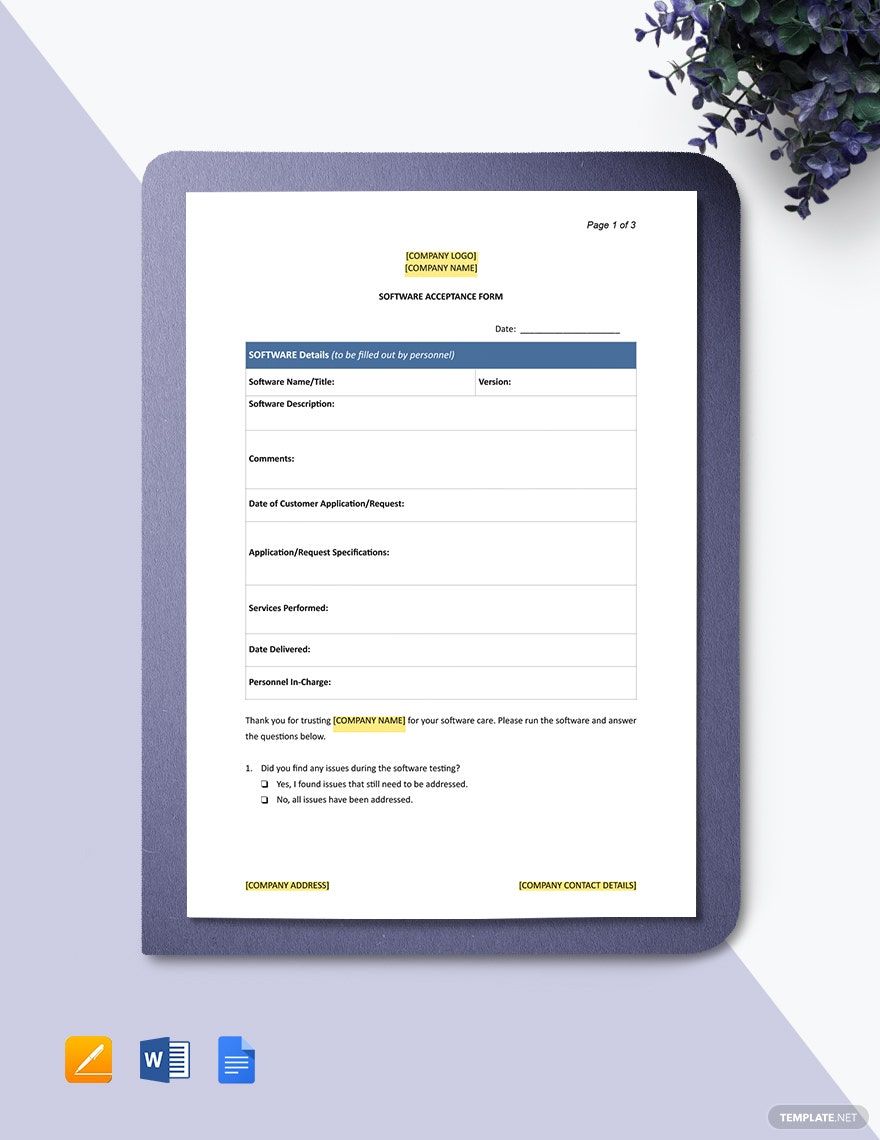
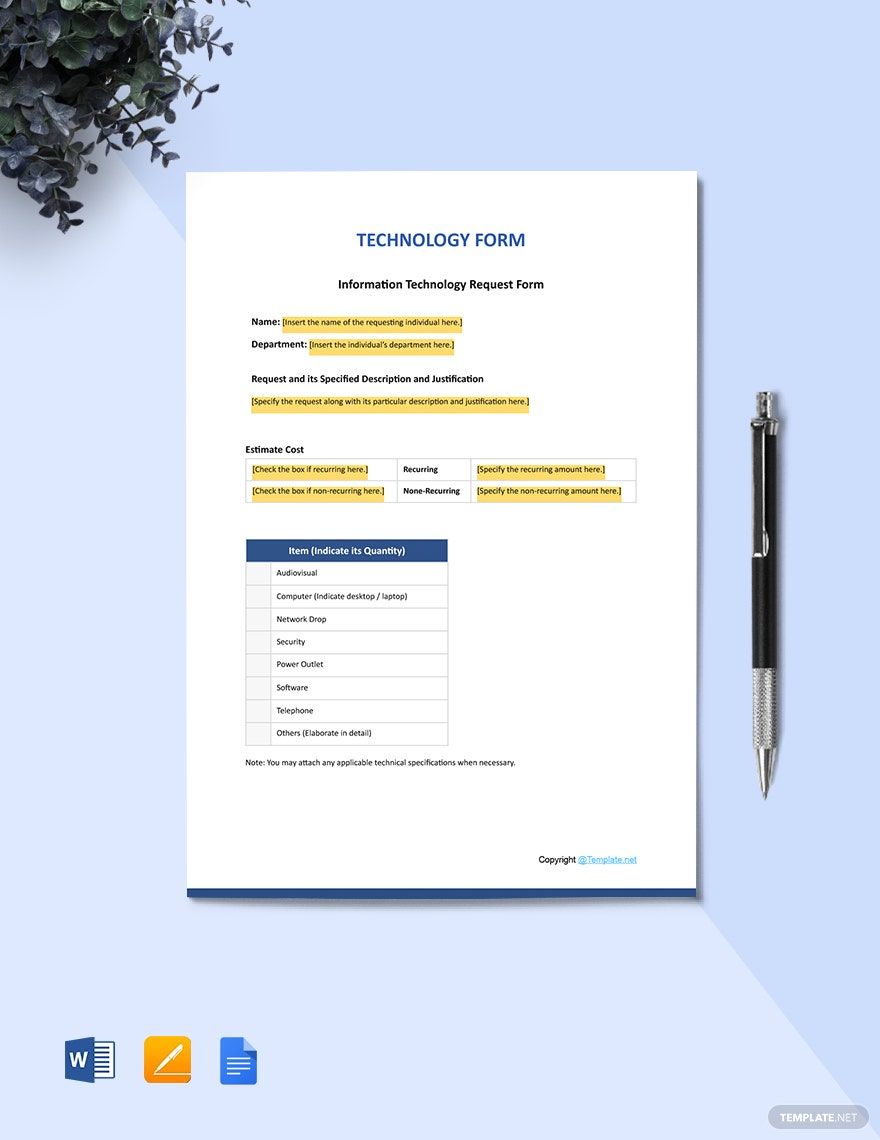
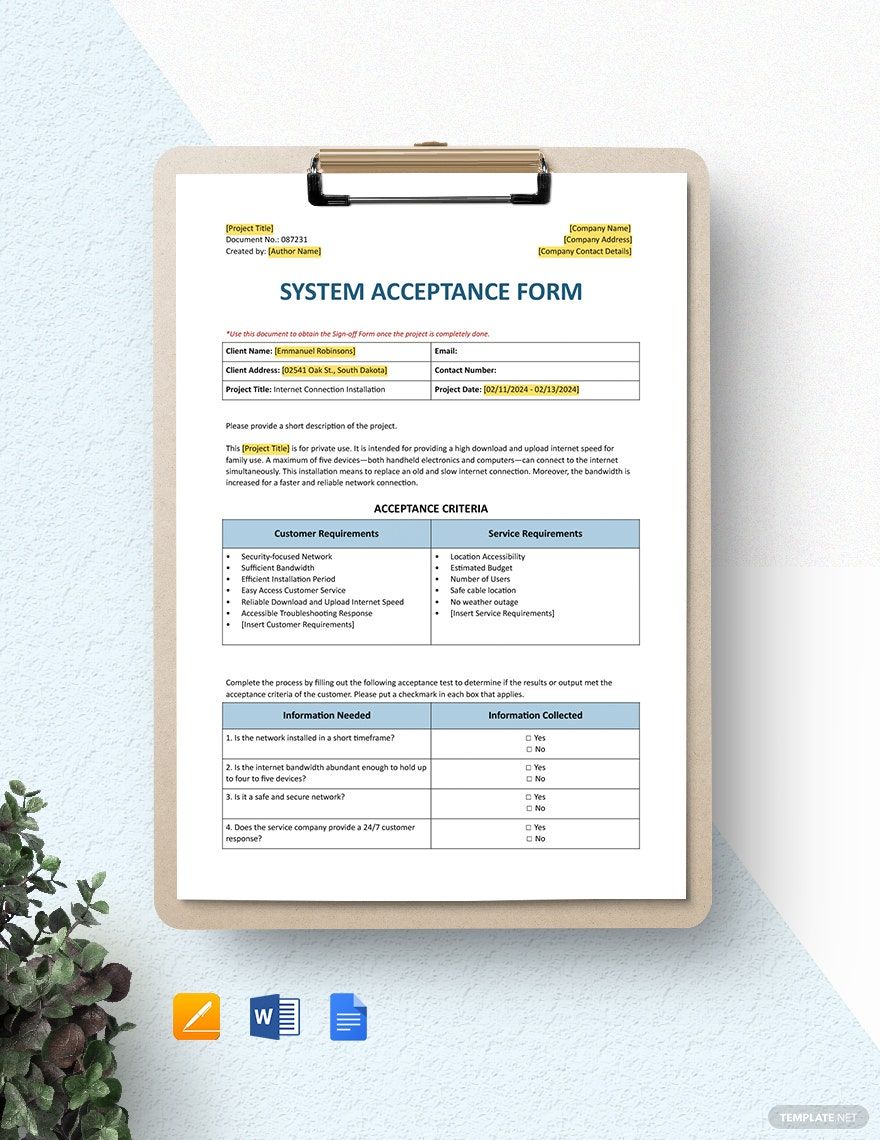
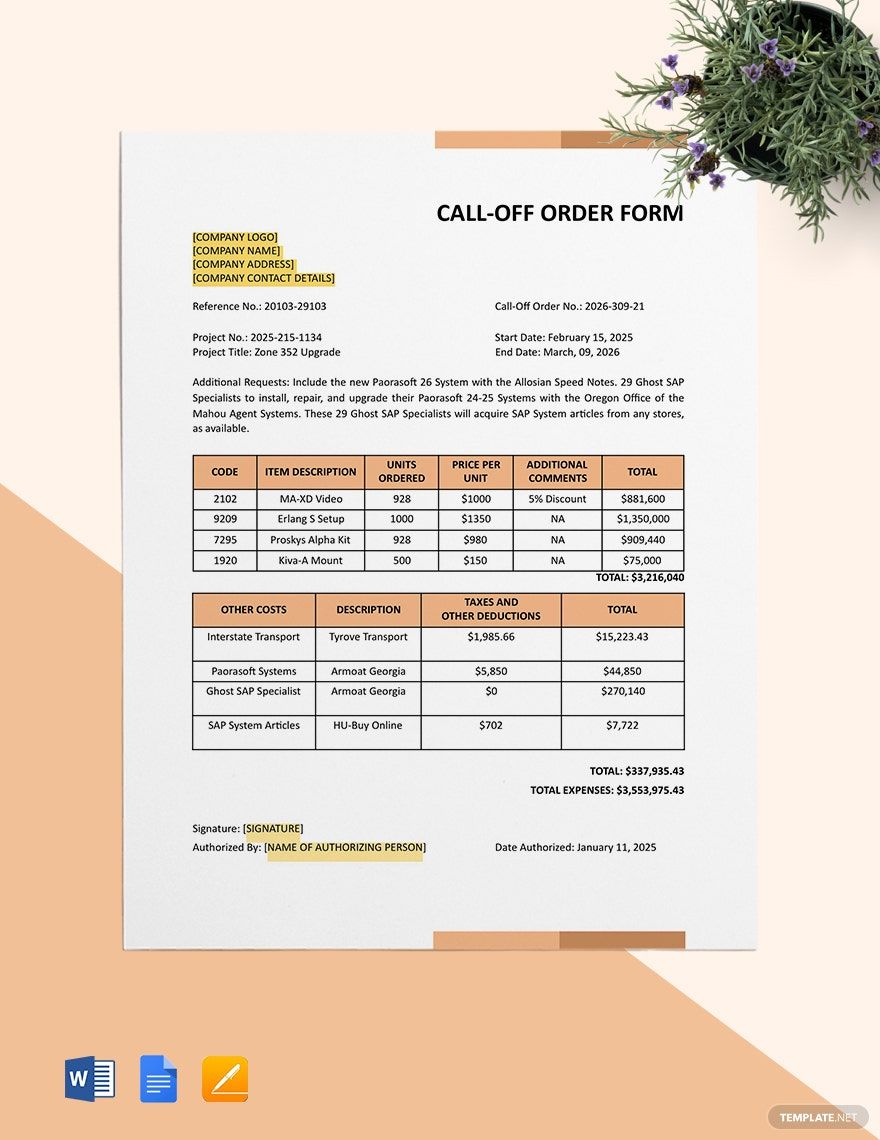
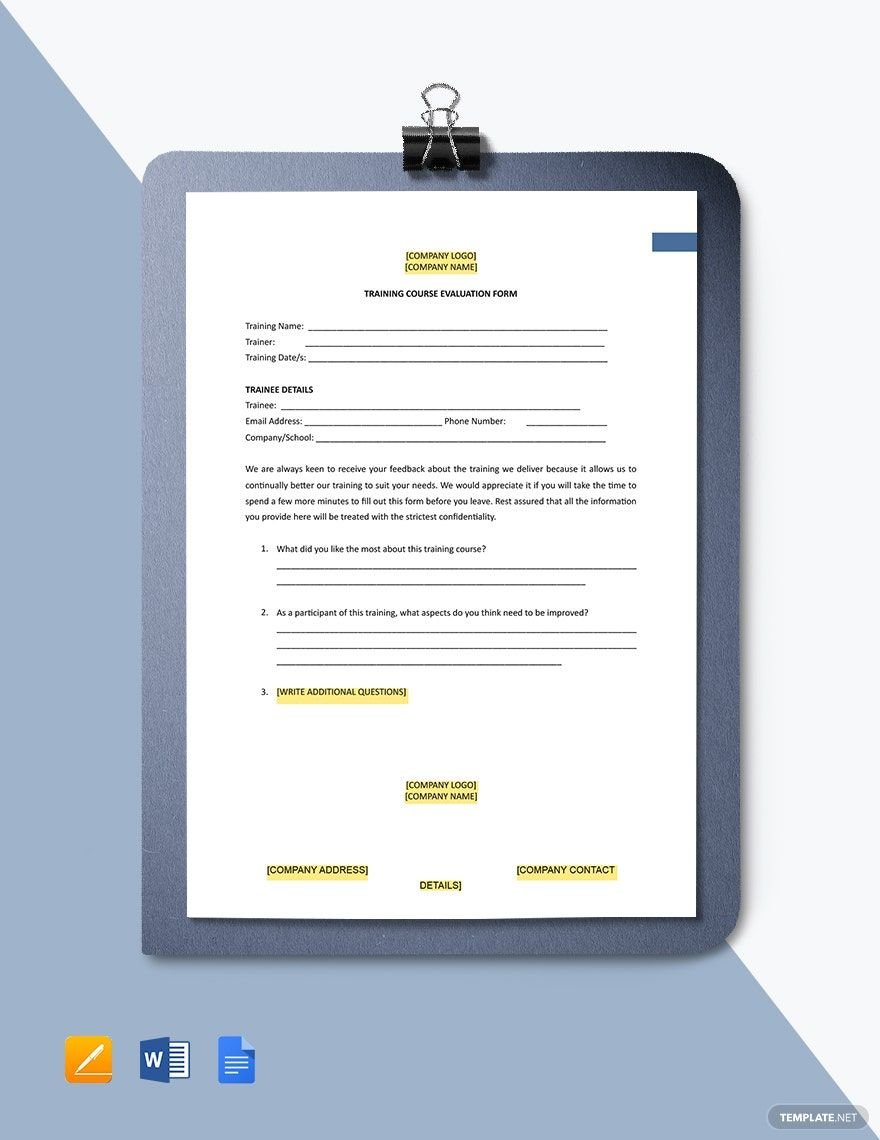
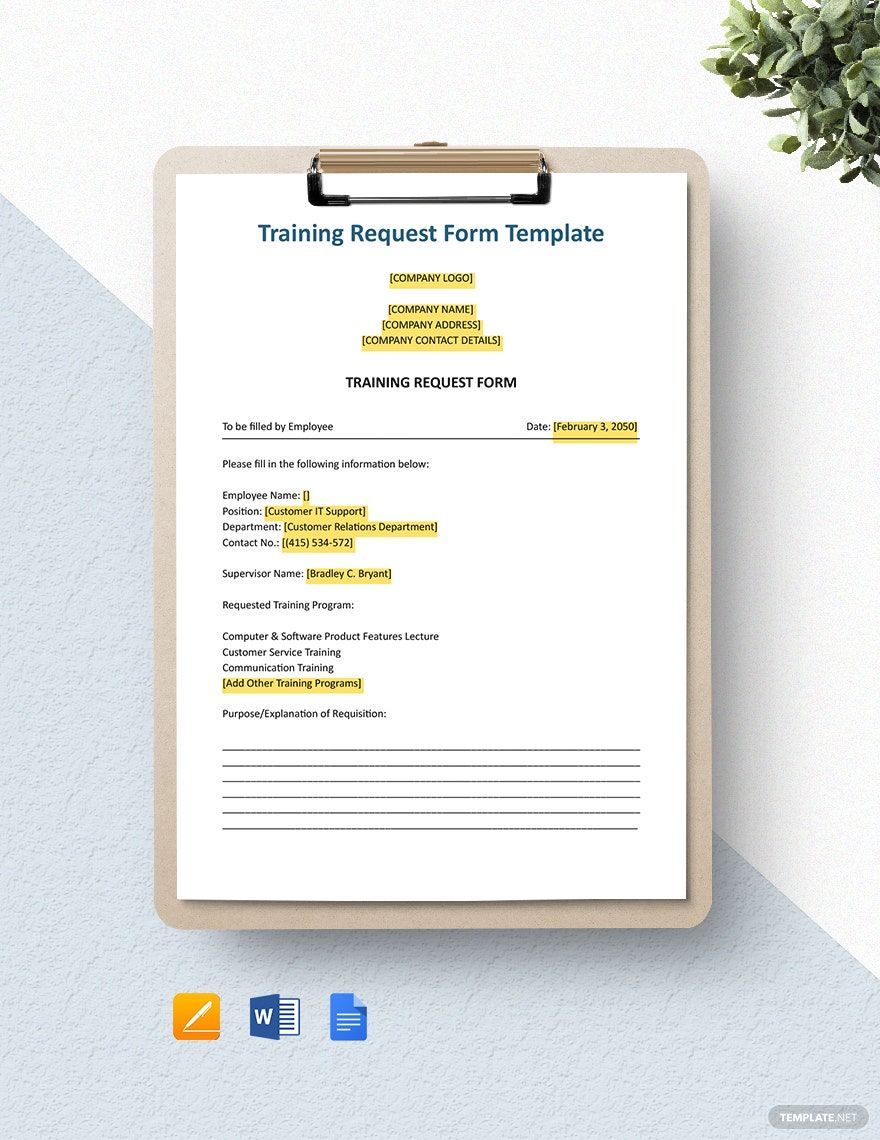
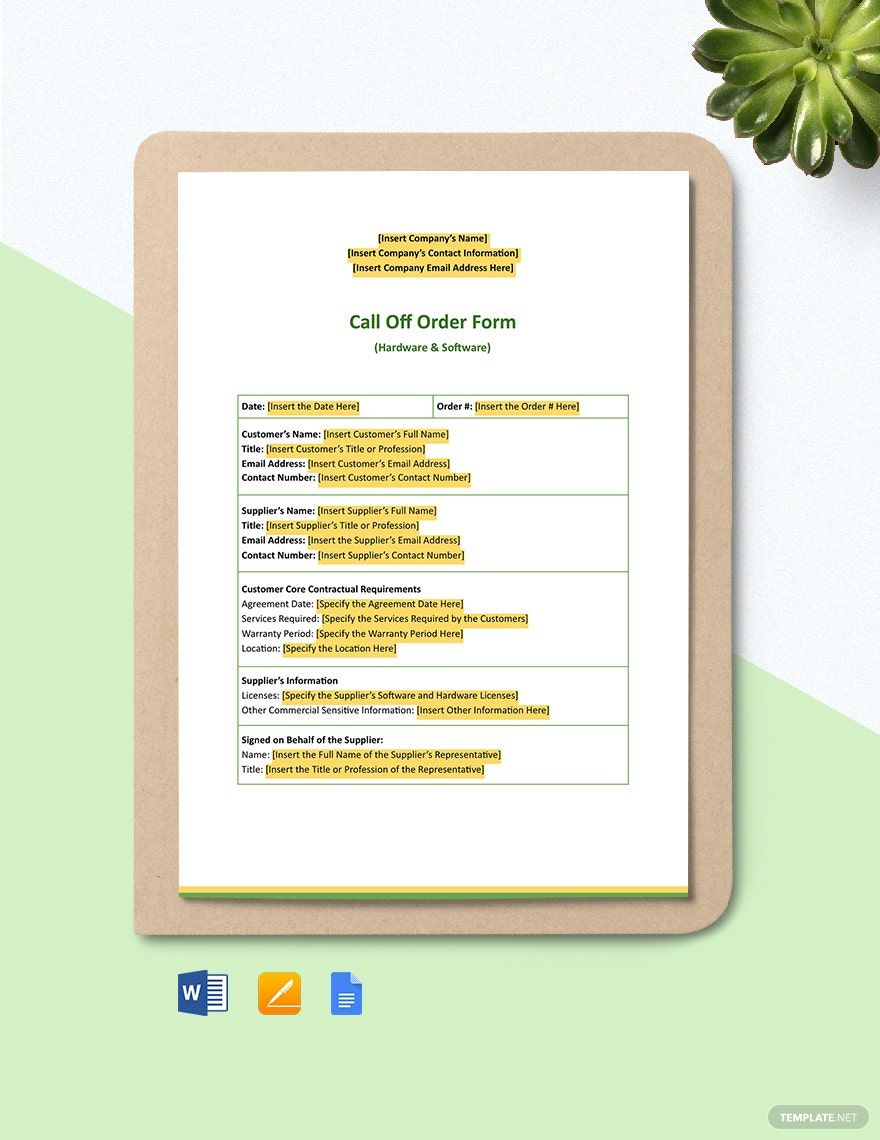
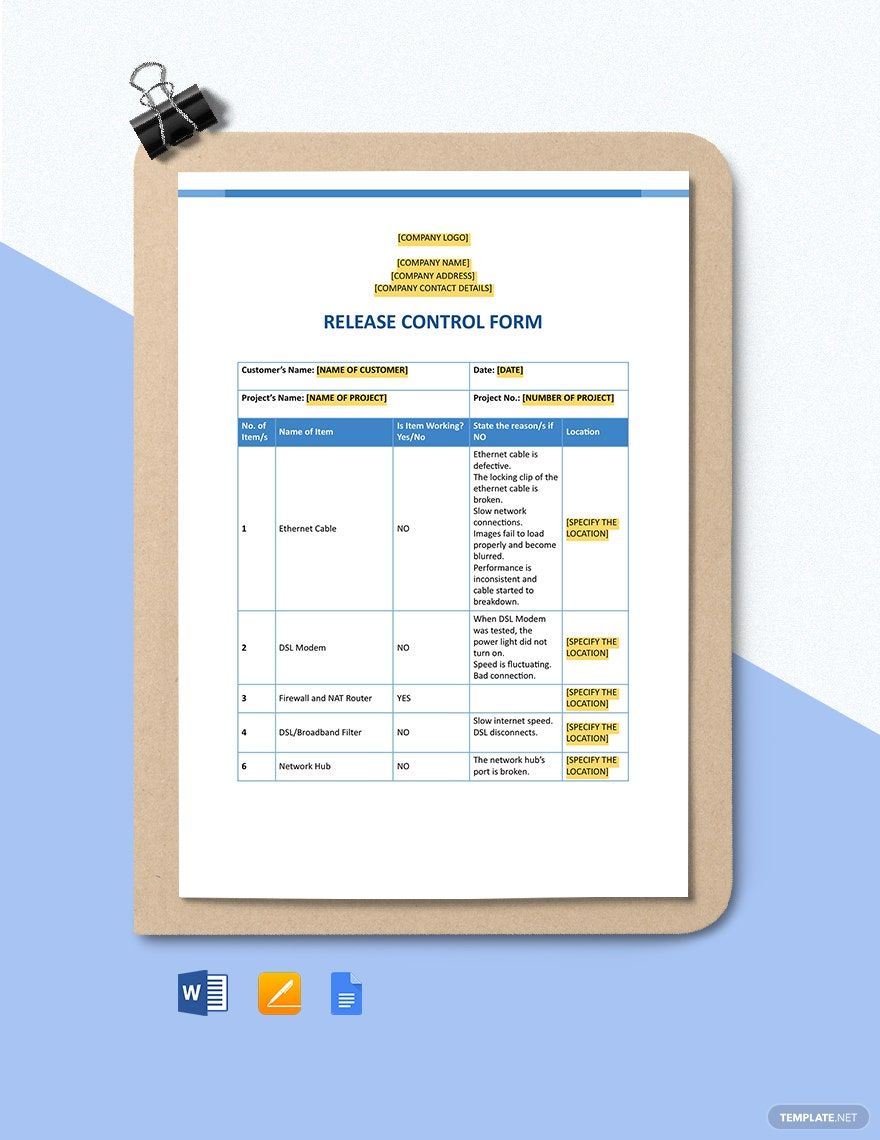
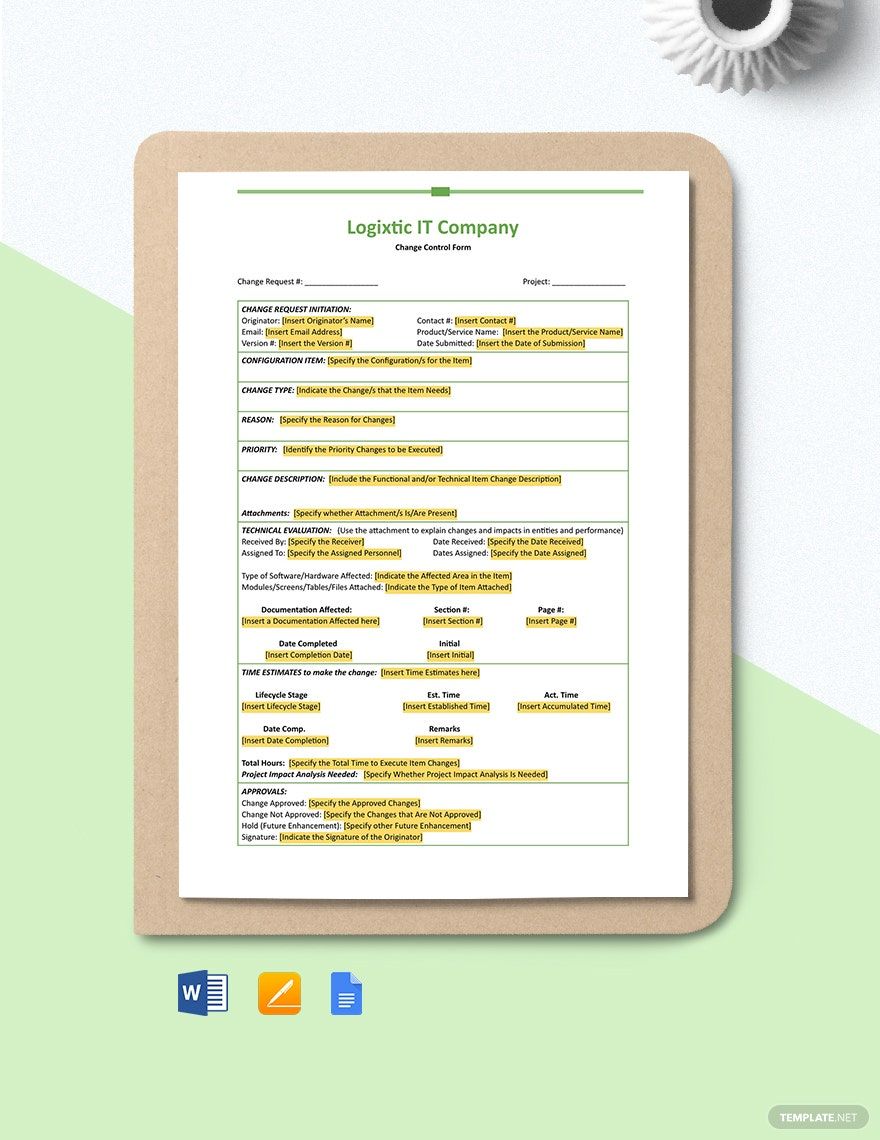
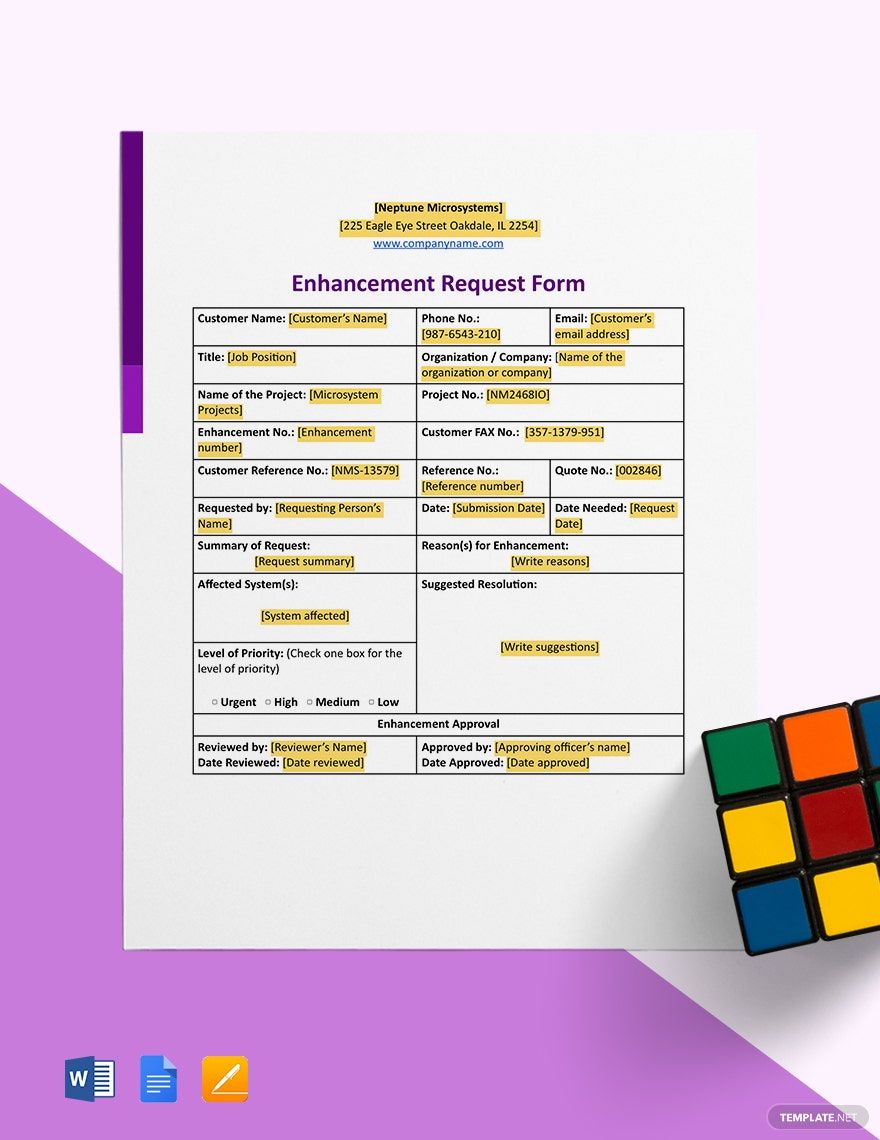
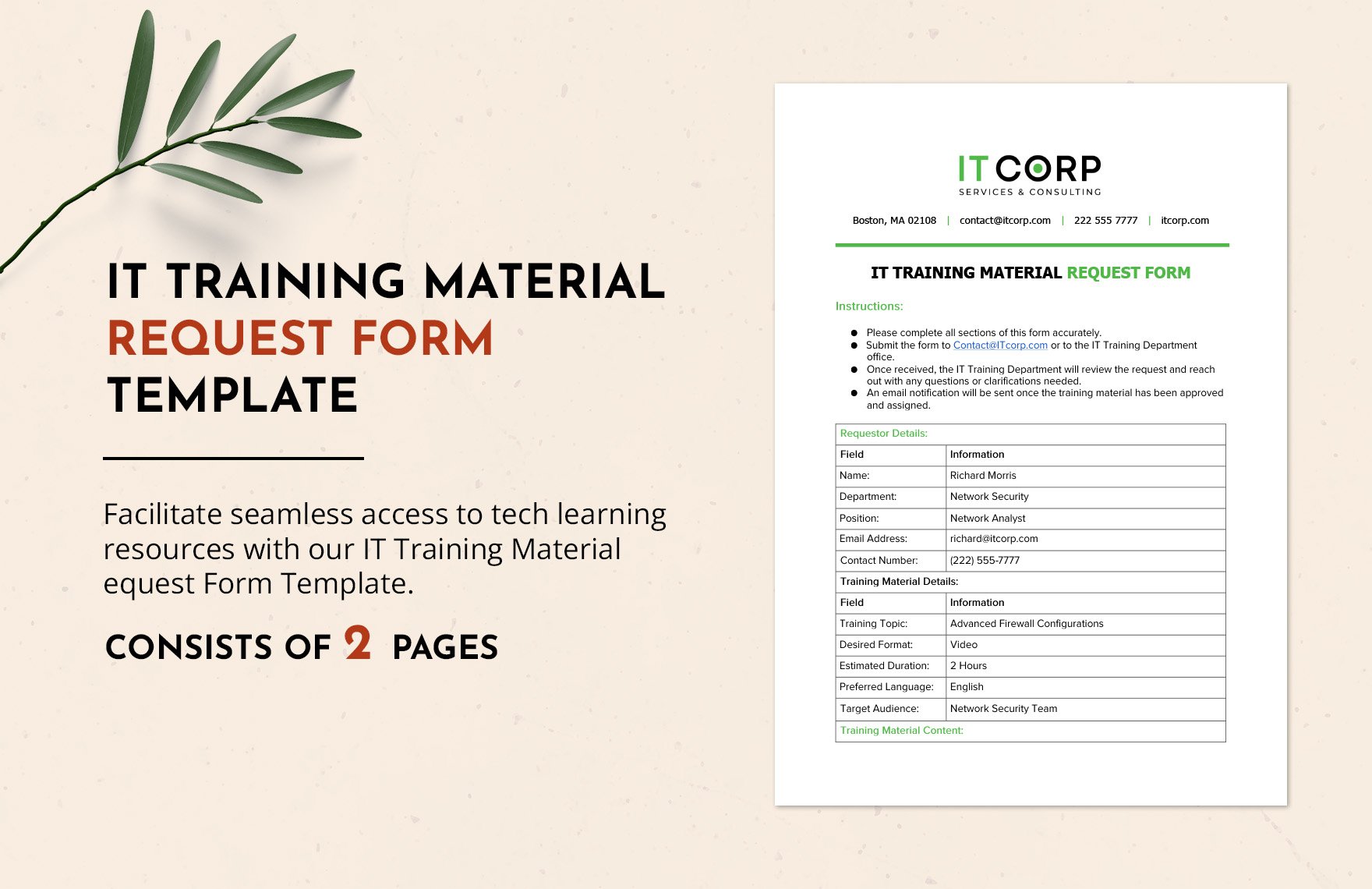
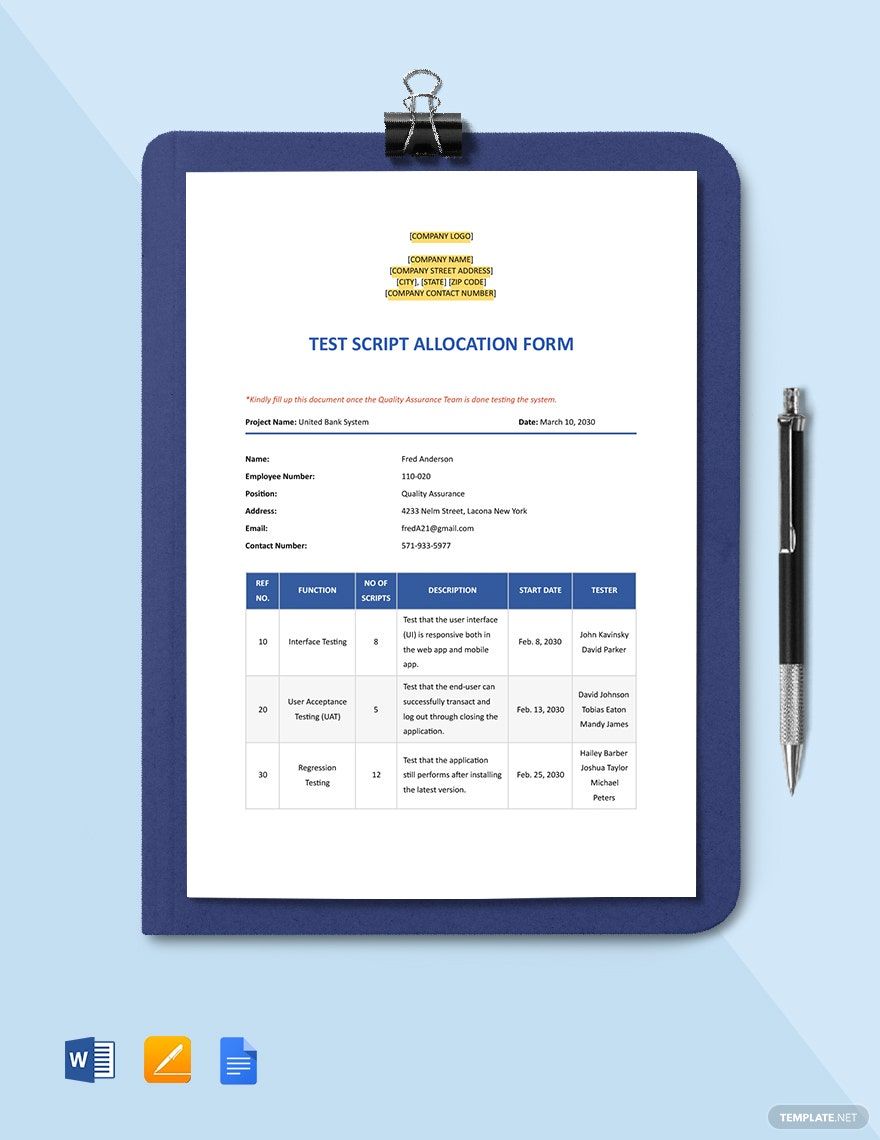
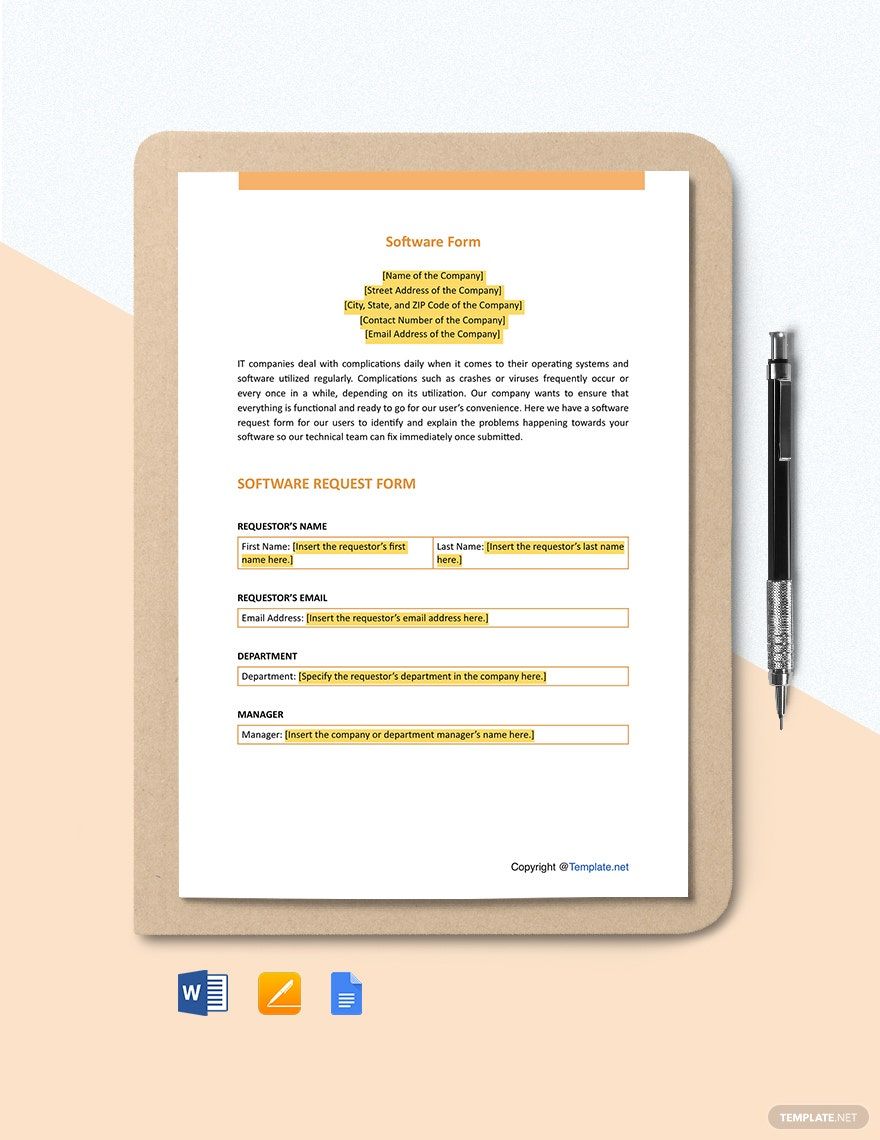
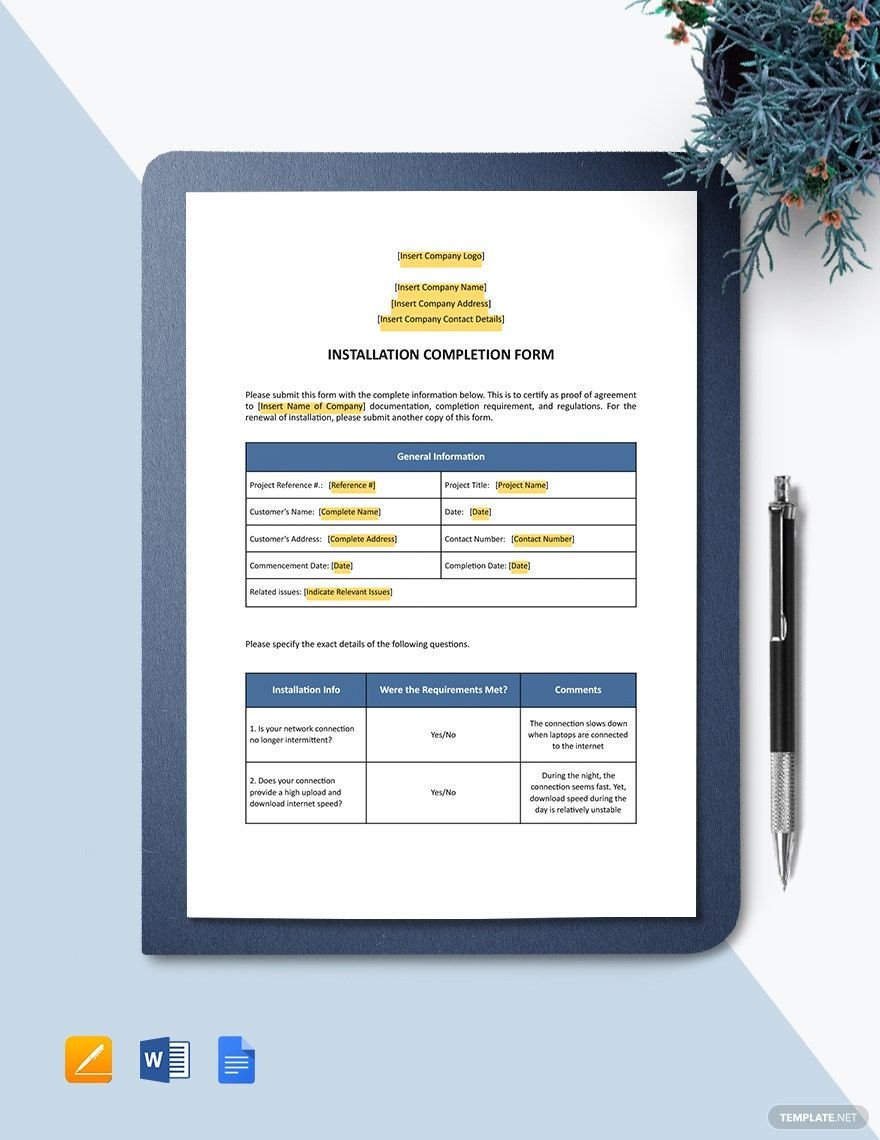
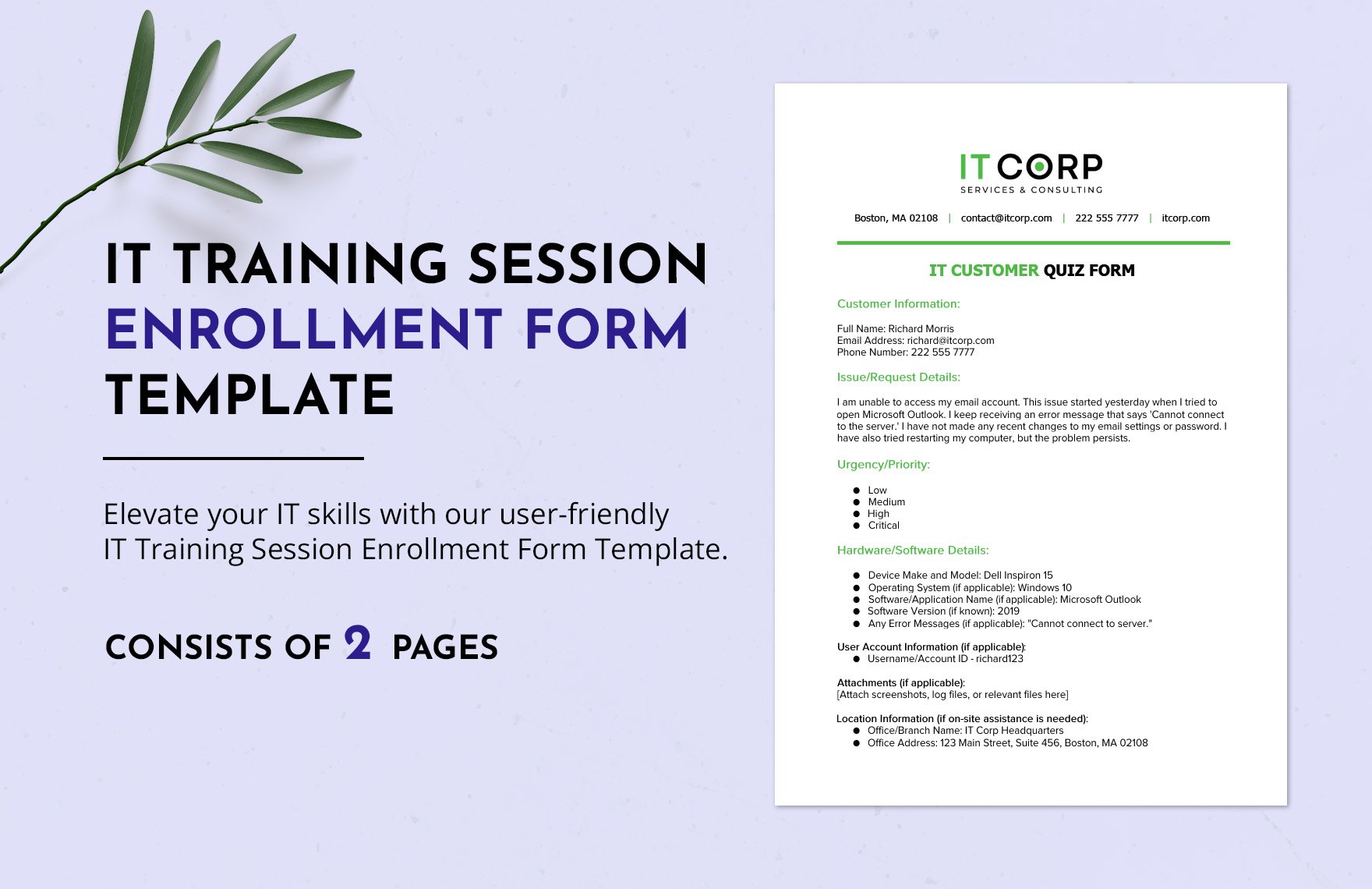
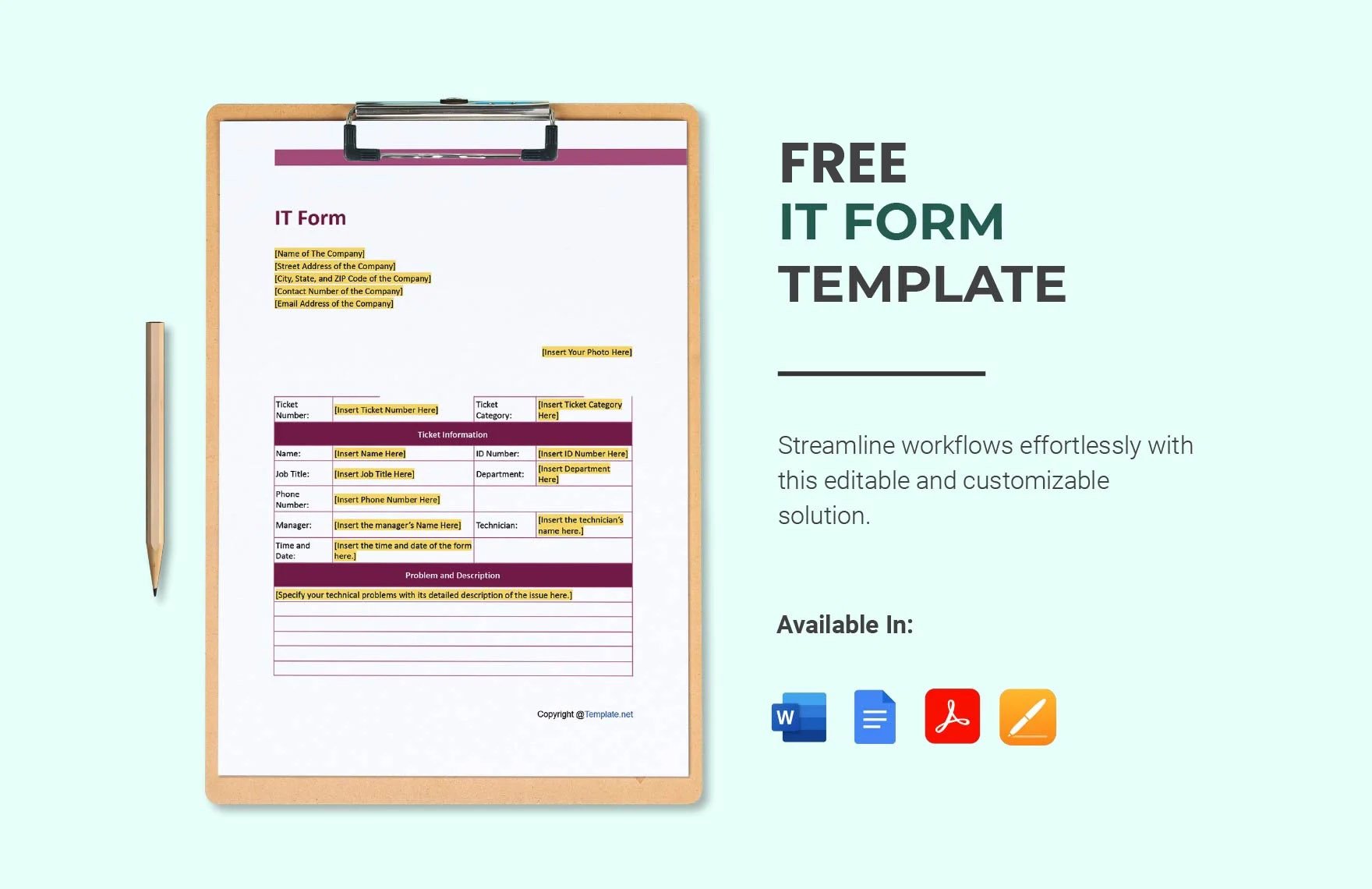
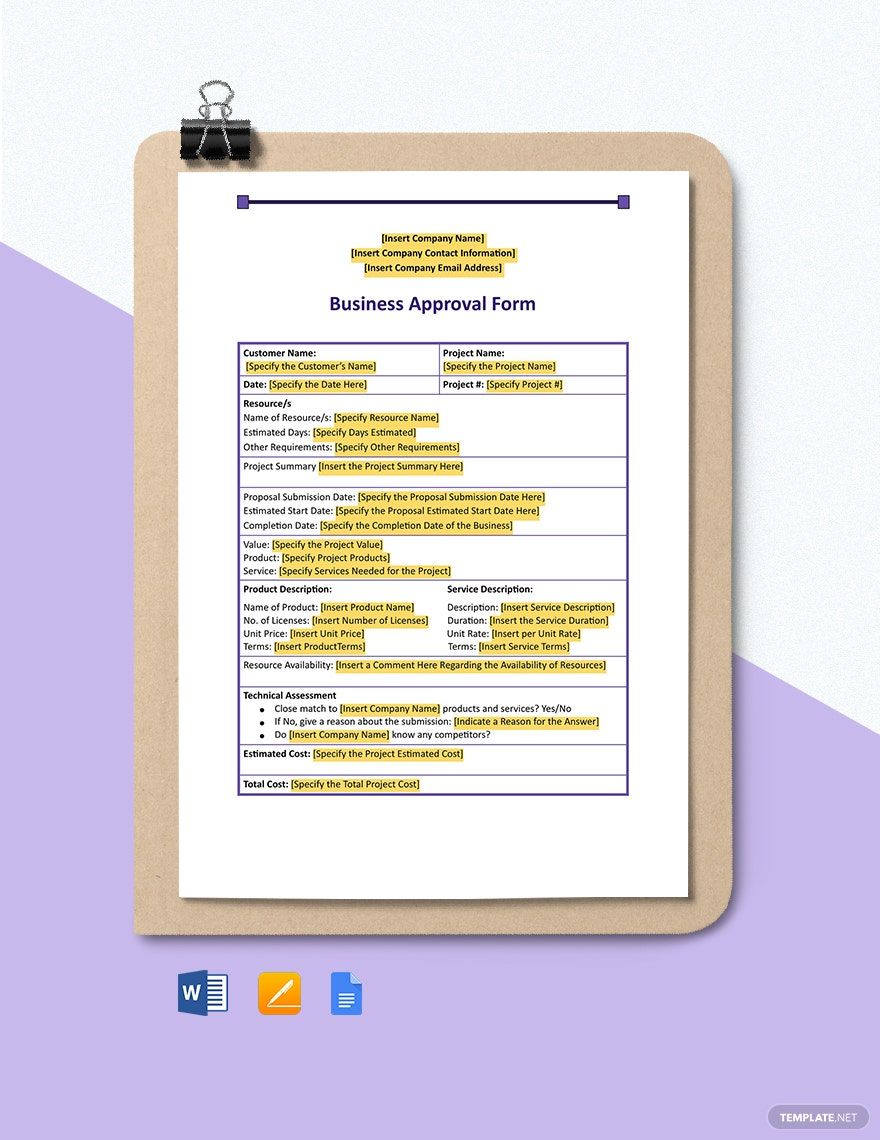
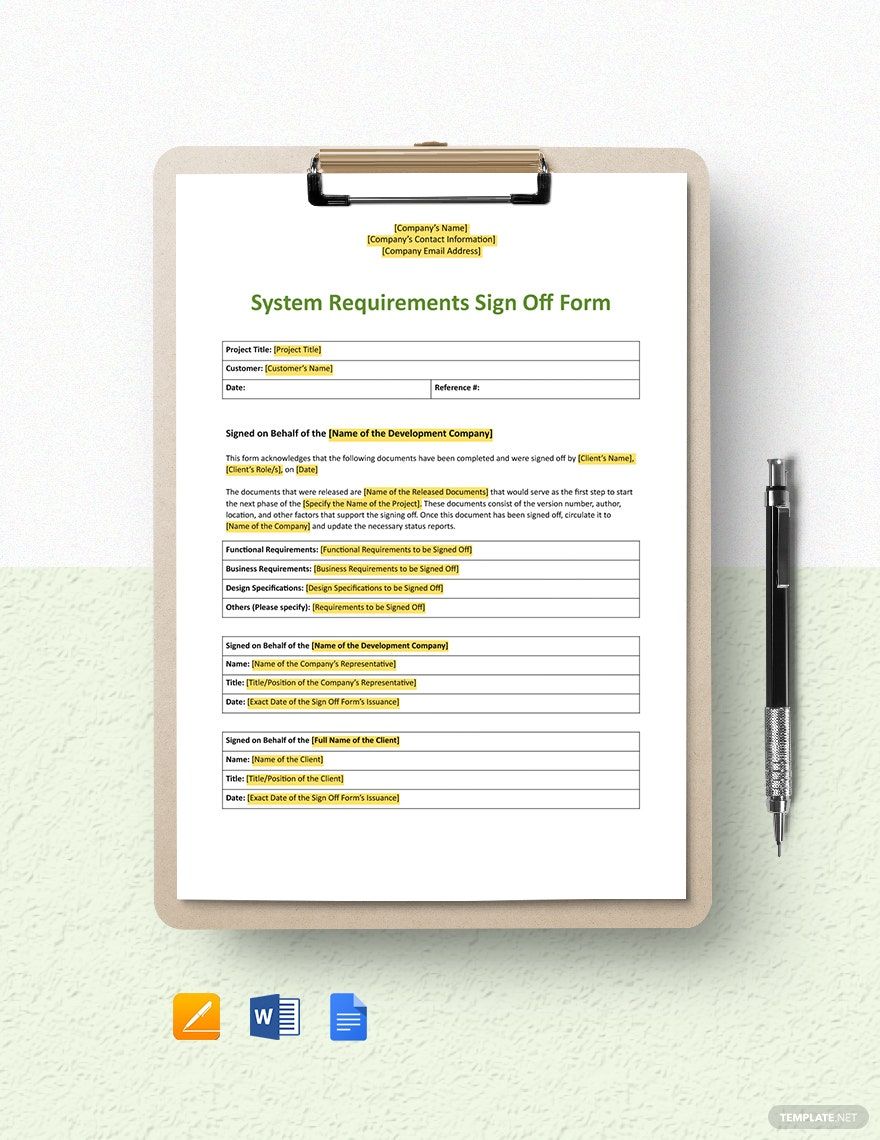
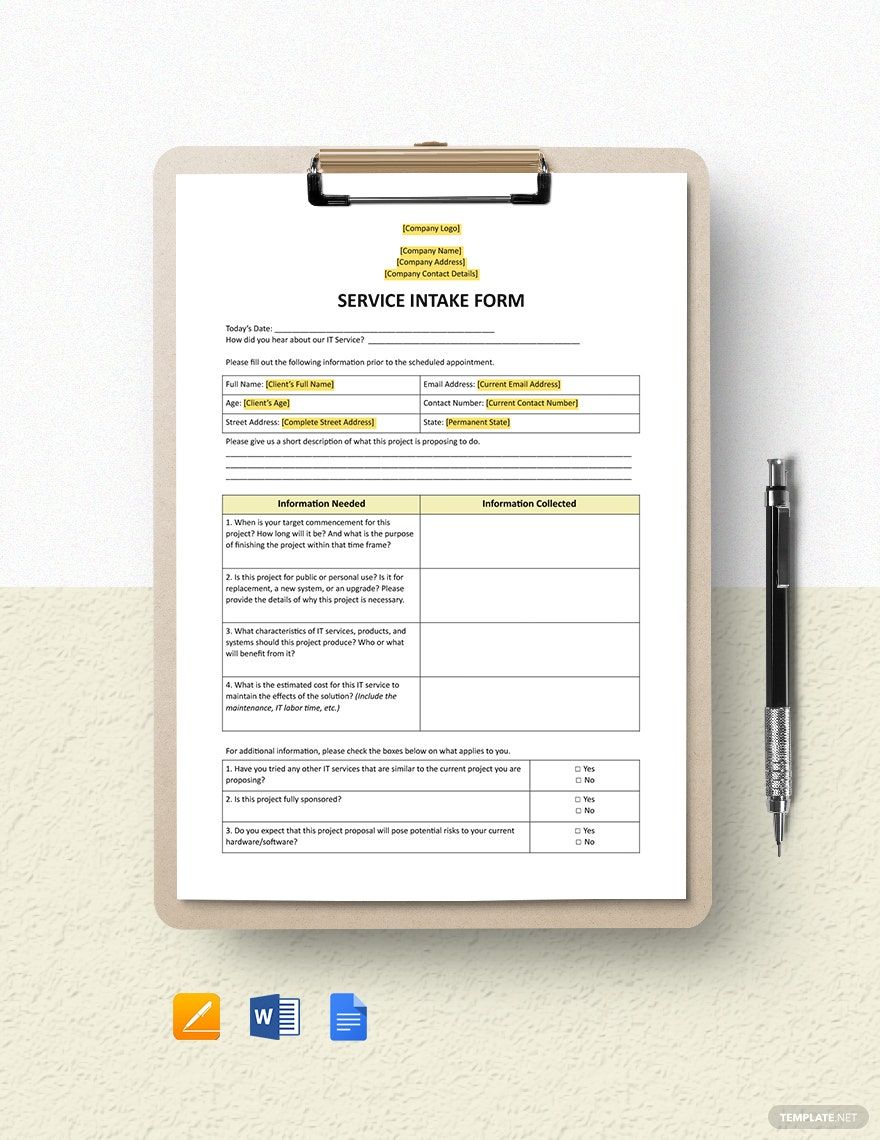
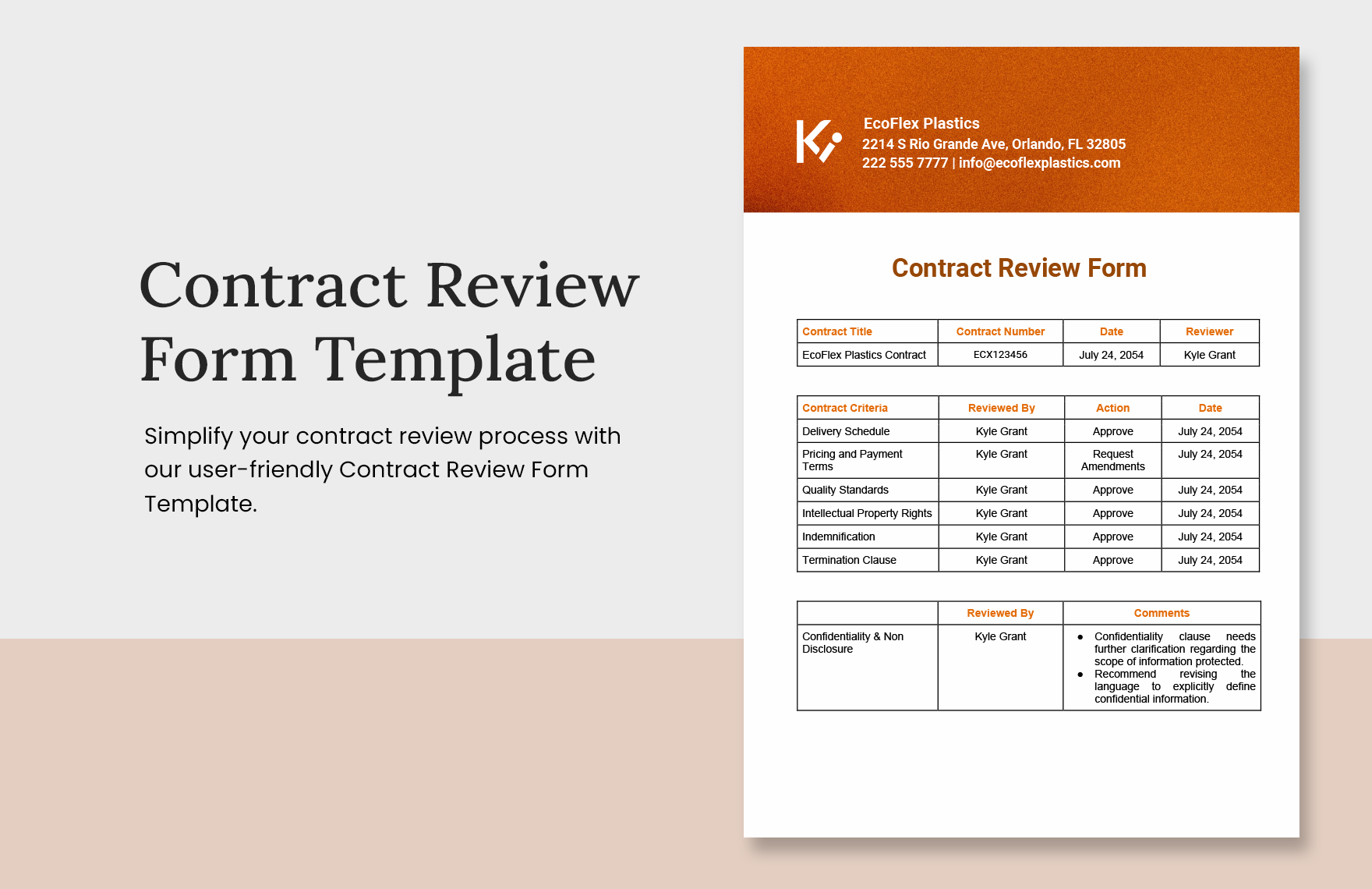
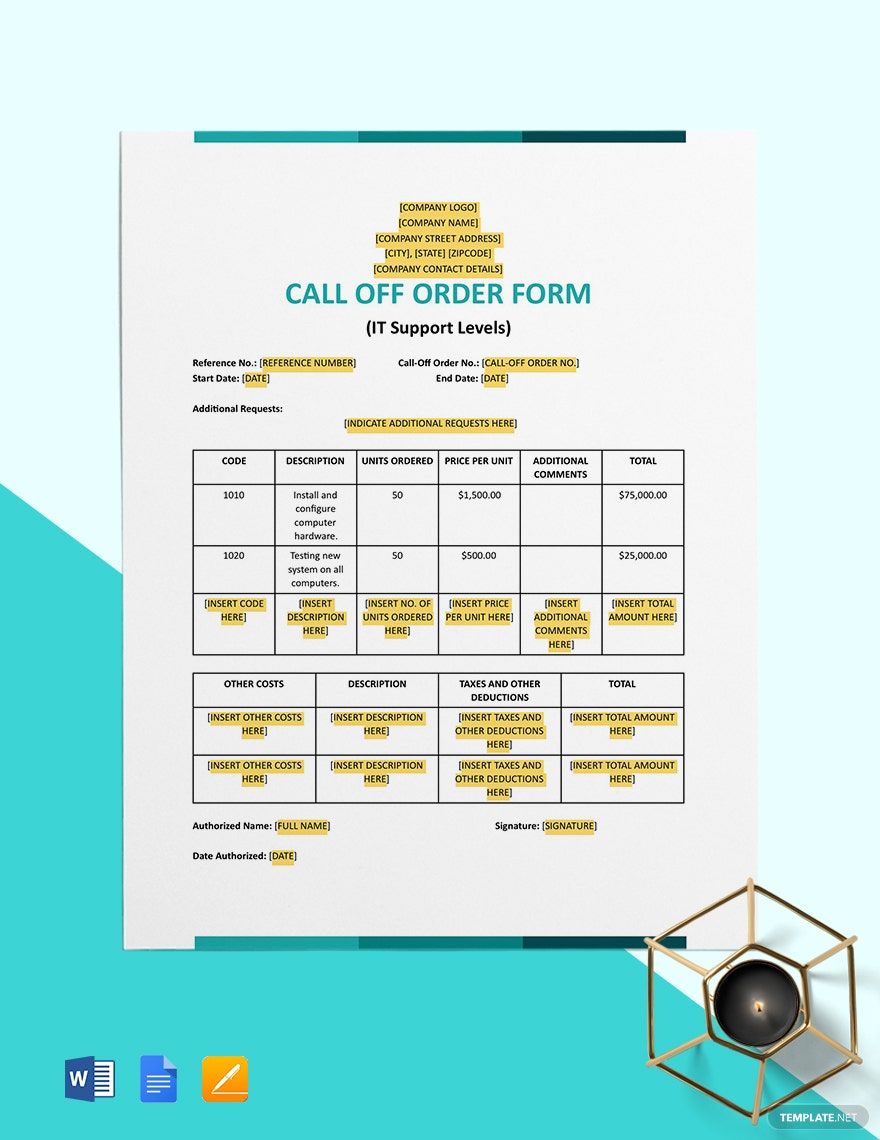
In today's setup, wherein businesses almost drive the world market, business-to-business transactions serve as the fuel that keeps everything from running at a fast pace. Regardless of the industry, you, as a person in business, should never disregard the impact of these transactions on your business entity. With this said, our team crafted our wide array of transaction tools that will aid you in keeping your business running, particularly if you're holding an IT or software business—our IT and Software Form Templates. Since our templates are packed with customizable features from content down to its layout, allow yourself to create IT transaction forms in no time. Plus, it's accessible anytime and anywhere, so you can quickly get your forms even on the go. Download now!
Free IT and Software Form Template in Google Docs
Template.net Offers a Complete Line of IT and Software Forms to Help You Save Time, Money, and the Hassle of Making Such Forms from Scratch. Our Prewritten Samples Include Software Training Course Evaluation Forms, Service Intake Forms, and Data Access Control Forms. All Come with Suggestive Headings, Formats, and Contents Editable in Google Docs. Download Now for Free!

- Business Plans
- Receipts
- Contracts
- Manual Templates
- Note Taking
- Forms
- Recommendation Letters
- Resignation Letters
- Birthday
- Outline
- Quotation
- Charts
- Handbook
- Family Tree
- Surveys
- Workout Schedule
- Study Guide
- Ebooks
- Chore Charts
- Training Manual
- Research
- Screenplay
- Wedding
- Lesson Plan
- Brief
- Organizational Charts
- Syllabus
- School Calendar
- Attendance Sheet
- Business Cards
- Student
- Review
- White Paper
- Essay Plan
- Vouchers
- Timeline Charts
- Reference
- Estimate Sheet
- Mind Map
- Cover Letters
- Interview
- Posters
- Report Cards
- Fax Covers
- Meeting Minutes
- Roadmaps
- Cookbook
- Curriculm Lesson Plan
- Bibiliography
- Rental Agreement
- Legal Templates
- Party
- Pleading Paper
- Pay Stub
- Classroom Seating Charts
- Sub Plan
- IT and Software ID Card
- Event Proposal
- Likert Scale
- Doctor Note
- Labels
- SOP
- Comparison Charts
- Project Reports
- Daily Schedule
- Weekly Calendar
- Customer Persona
- Medical
- Coupons
- Resumes
- Invoices
- Christmas
- List
- Executive Summary
- Marketing
- Budget
- Meal Plan
- Friendly Letters
- Itinerary
- Reference Letters
- Church
- Letters of intent
- Reading logs
- Assignment agreement
- Mothers day card
- Retrospective
- Simple loan agreement
- Rent Receipts
- One page business plan
- Weekly Reports
- Offer letters
- Prescription
- One page proposal
- Case brief
- Roster
- Log Sheets
- Music
- Schedule cleaning
- Printable survey
- Internship report
- Fundraising
- Research proposal
- Freelancer agreement
- Delivery note
- Madeline hunter lesson plan
- Training
- Social media calendar
- Catalogs
- Grant proposal
- Affidavit
- Lean business plan
- Schedule hourly
- Mon disclosure agreement
- Bill of lading
- Sitemap
- Campaign
- Education
- Cash Receipts
- Introduction letter
- It and software profile
- Business case
- Annual Reports
- Personal letter
- Calendar Google Docs
How to Create an IT and Software Form in Google Docs?
Let's face it; holding a business takes a lot of twists and turns. From keeping your business at par against your potential competitors, down to maintaining a solid reputation, running a company isn't just a mere walk in a park, especially if we talk about B2B (Business-to-Business) setback. That is why we gathered below a helpful guideline that can help you establish authenticity in your business transactions if you aim to craft an IT and software business forms. Here's how:
1. Study Its Importance
Whether you want to have a purchase order form, change request form, evaluation form, or contract, you need to know why these documents are essential for your IT business. And for you to realize it, studying each of the form's nature and how it works for your company is the thing that you can do. As suggested Business Pundit, they indicate that documents might take on any legal function, tampering, or distortion of facts, so take time to consider understanding the prime purpose of documentation.
2. Choose a Layout App
After determining the form that you aim to craft now is the time and studying how the document works for your IT business, you can now pick an app that would complete your simple form. As a suggestion, it is best if you pick an app that is capable of sorting a document file, such as Google Docs.
3. Craft the Form
With the use of your app, you can now start formulating your IT form's layout and structure. Since the layout process depends on what document form you opted to create to, just make sure that you secure its most vital part that involves the whole transaction, such as the company details and the client's details.
4. Present Your Brand
Although form documents are legal and formal in terms of their layout, that doesn't mean that you cannot incorporate aesthetic value to it. And for you to make it more alluring in the simplest way, you can choose to include your business' branding to the document form, like adding a logo, label, or color scheme.
5. Consider Using Templates
Given the guidelines, it's safe to assume that you've already ingested all the essential points of creating an IT and software form. But, an option for you if you wish to craft your form document without breaking any sweat, we've sorted above a wide array of ready-made form templates that you can use. Whether you want to have a software evaluation form, appraisal form, or enhancement request form, we've already sorted them above for you.
Frequently Asked Questions
What is the Purpose of Forms?
The sole purpose of forms in business is to record or document various transactions such as performance evaluation, sales and order transactions, agreements, and more.
What Are the Two Basic Components of a Form?
Here are the basic components that you need to consider in creating one document form:
Fixed content
This part of the document form is the one that never changes. It is usually a frame that contains textual instructions and other document specifications.
Placeholders
The boxes or spaces wherein the client can write or fill in the form.
What Are the Different Types of Business Transaction Forms?
- Purchase Order Form
- Change Request Form
- Contract Form
- Requisition Form
- Approval Form
- Call Off Order Form
