
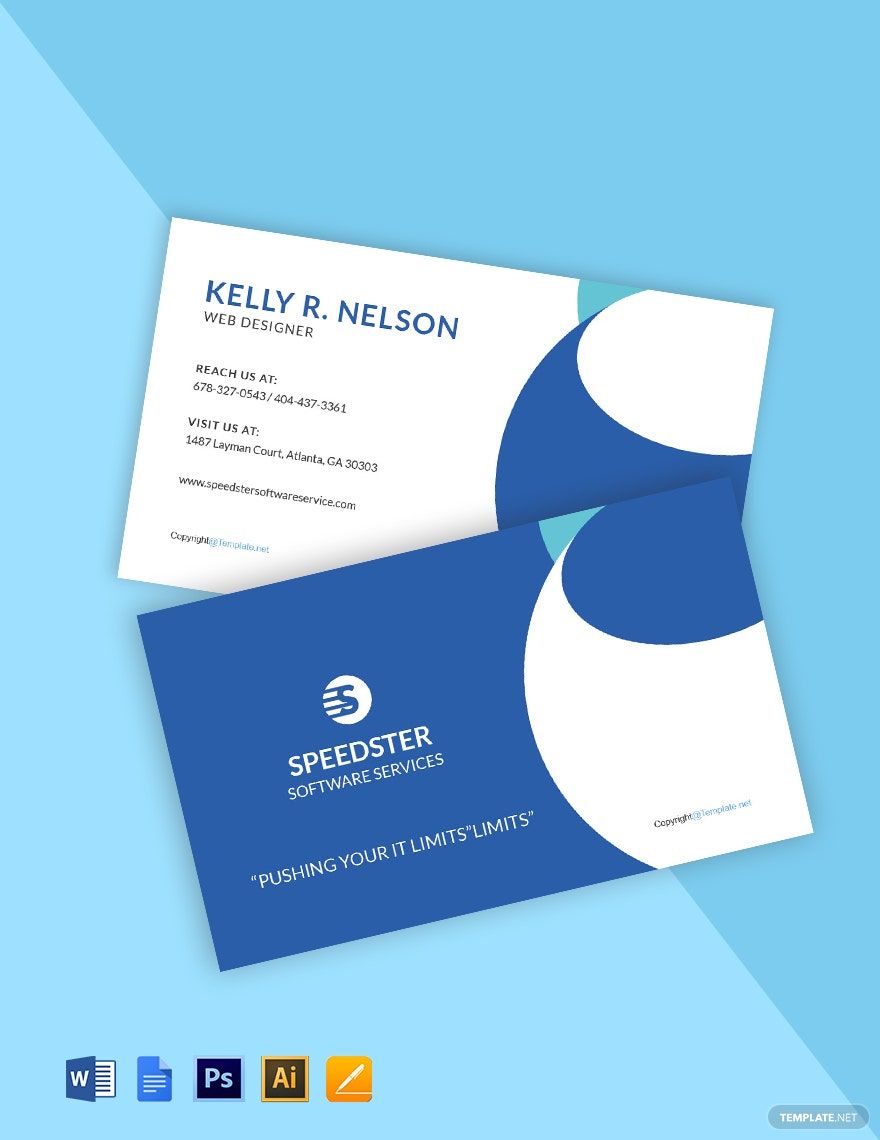
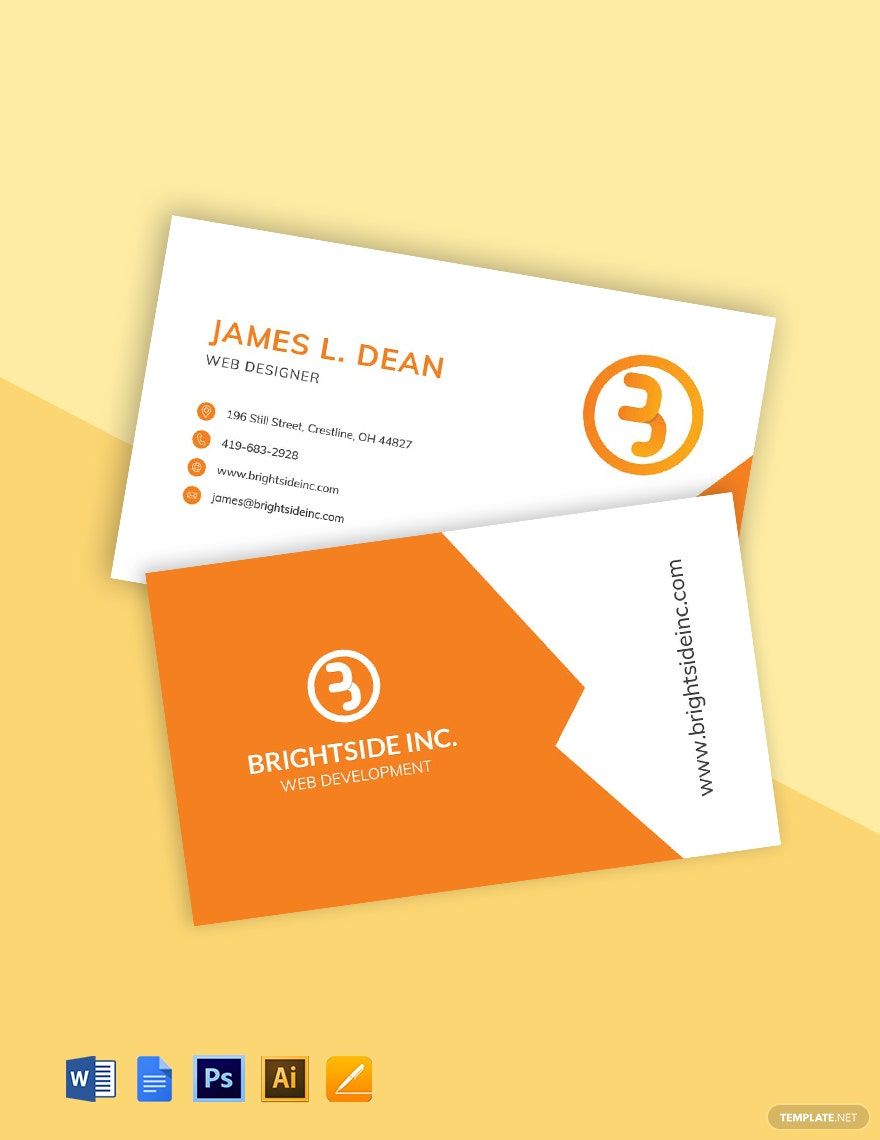

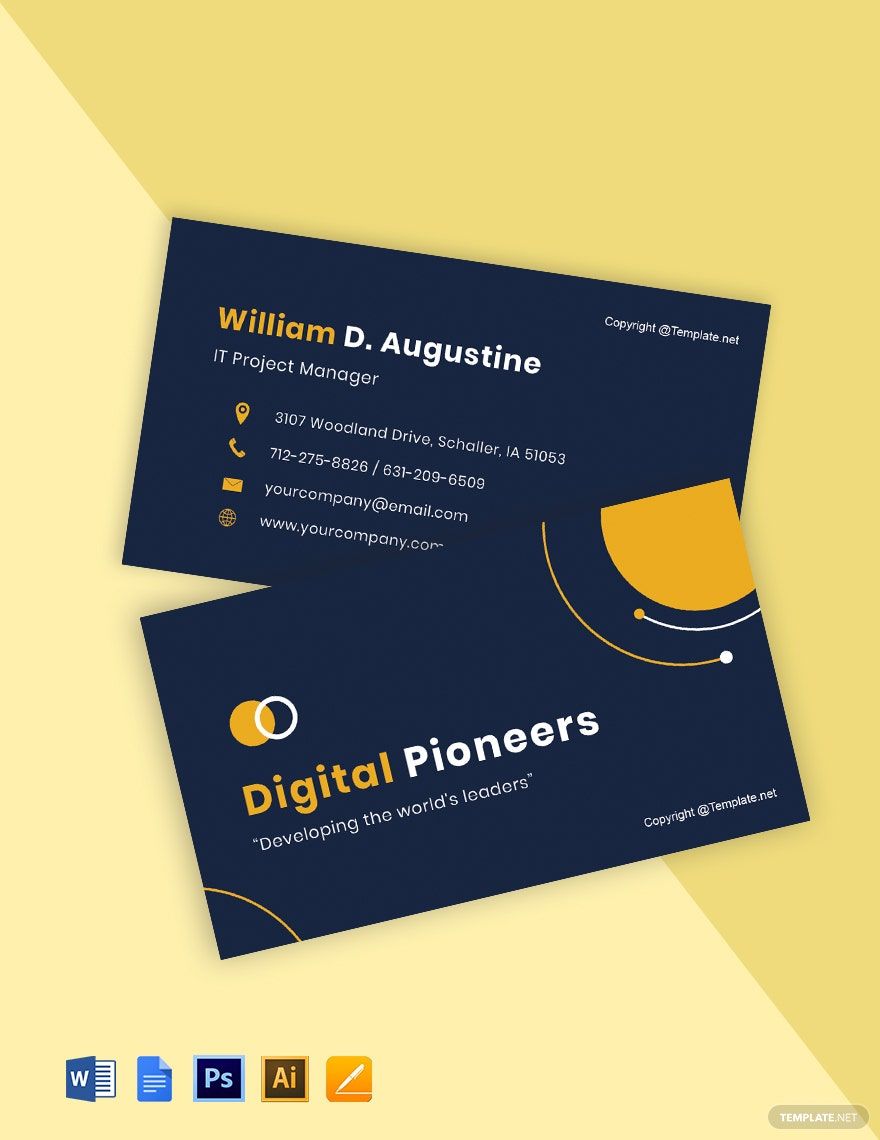
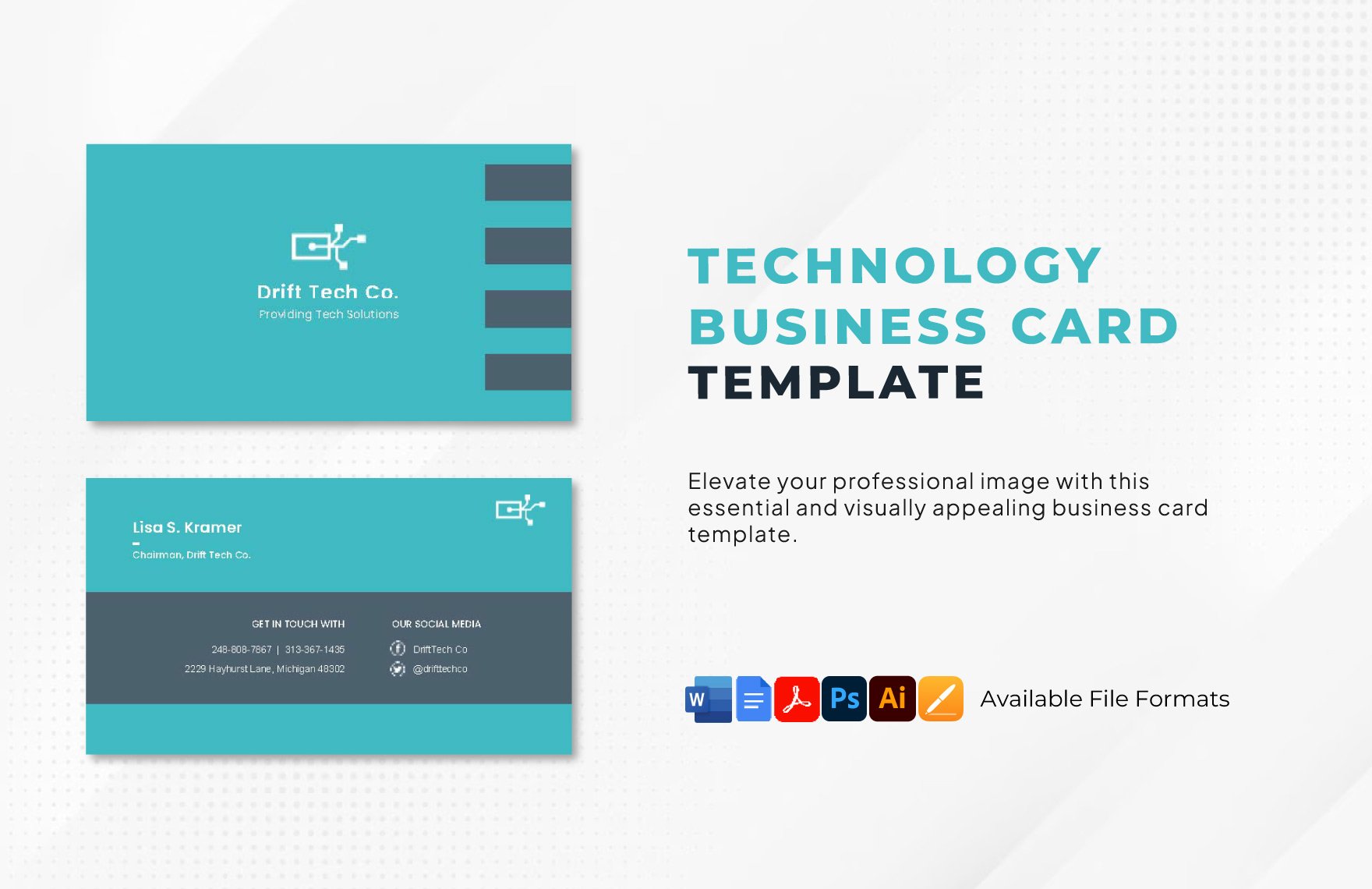
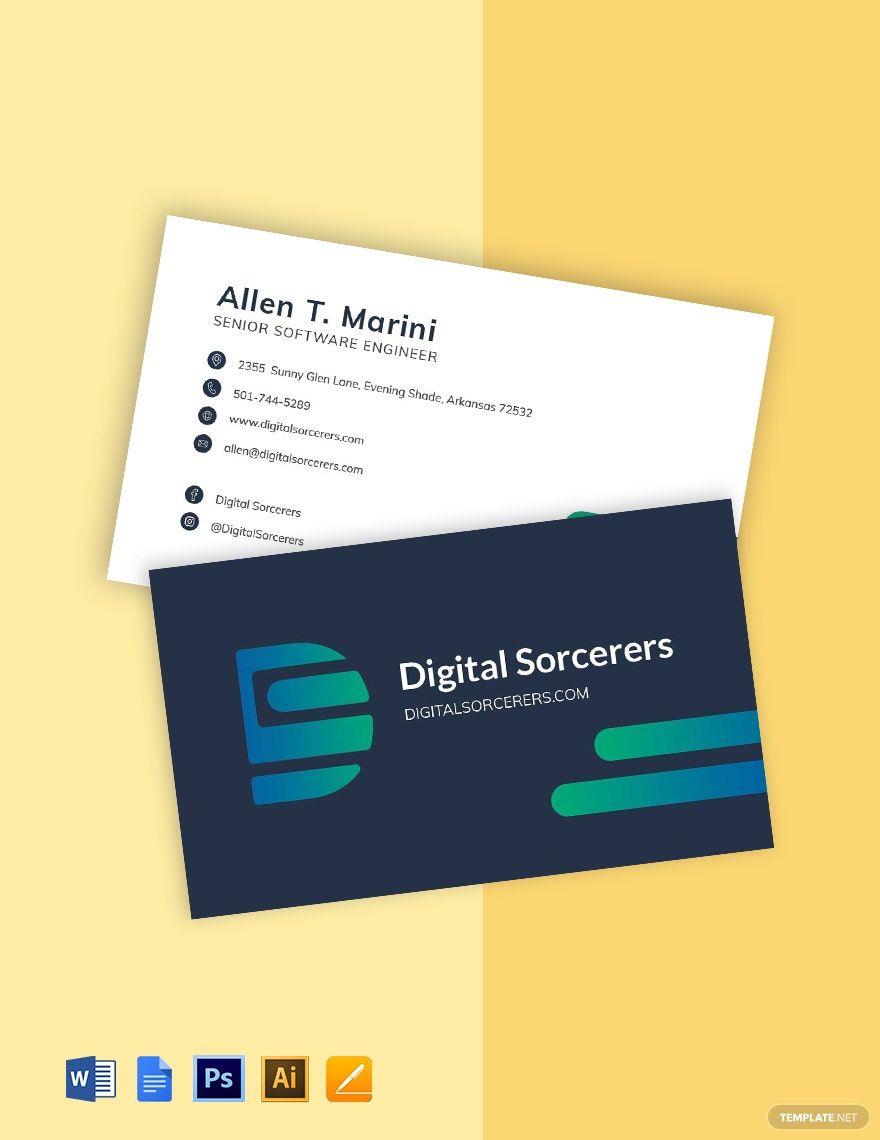
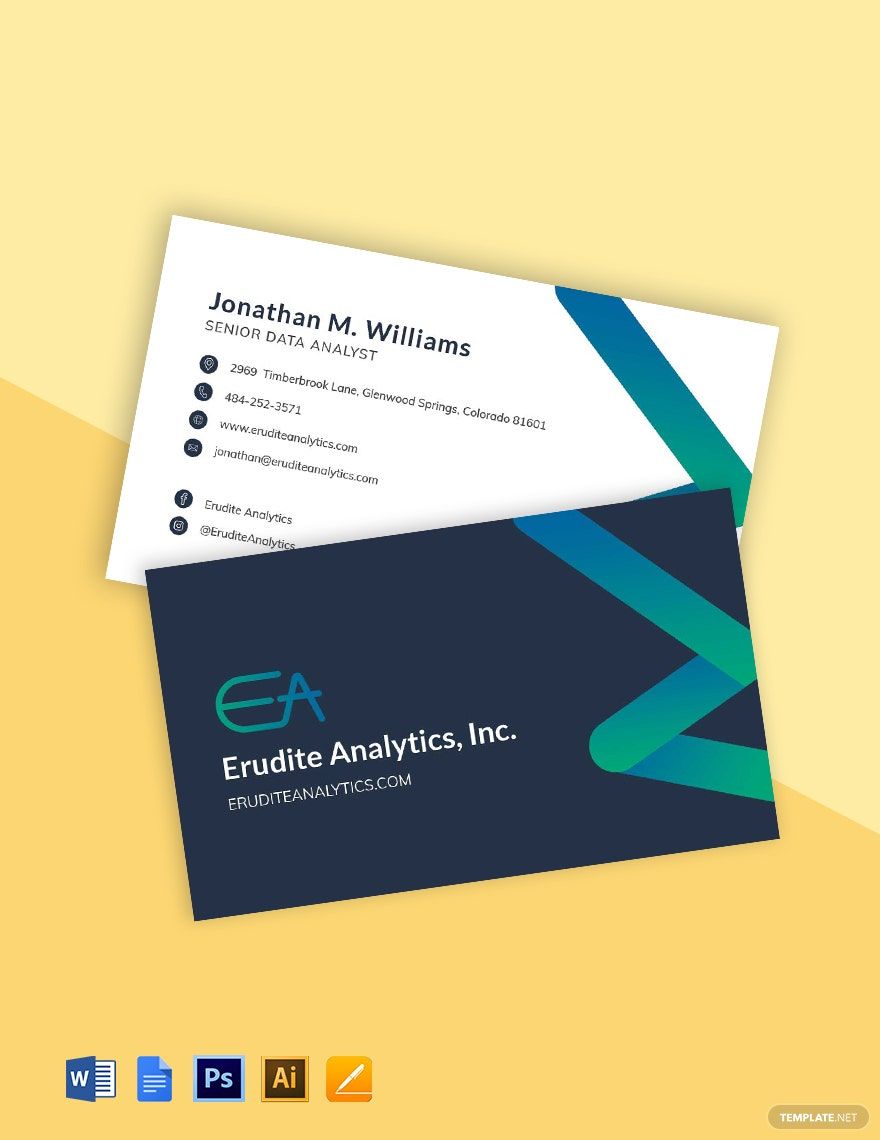
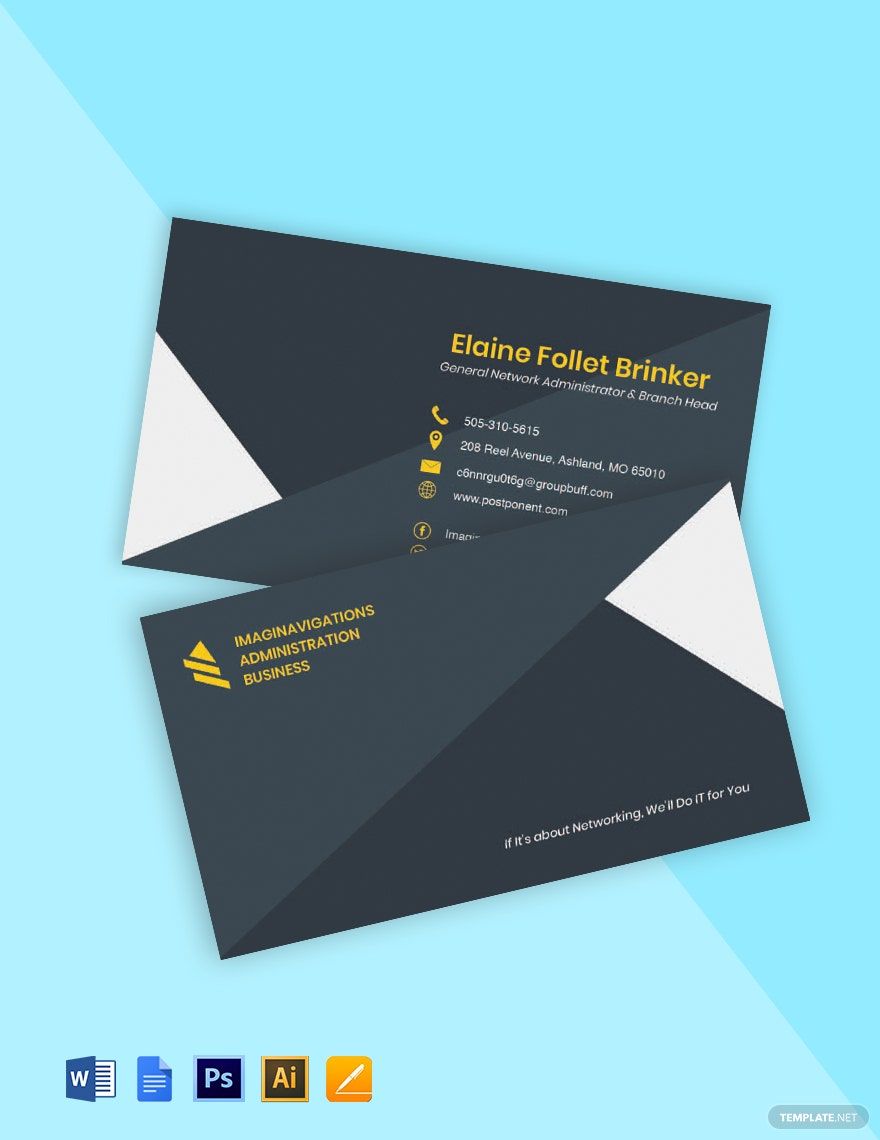
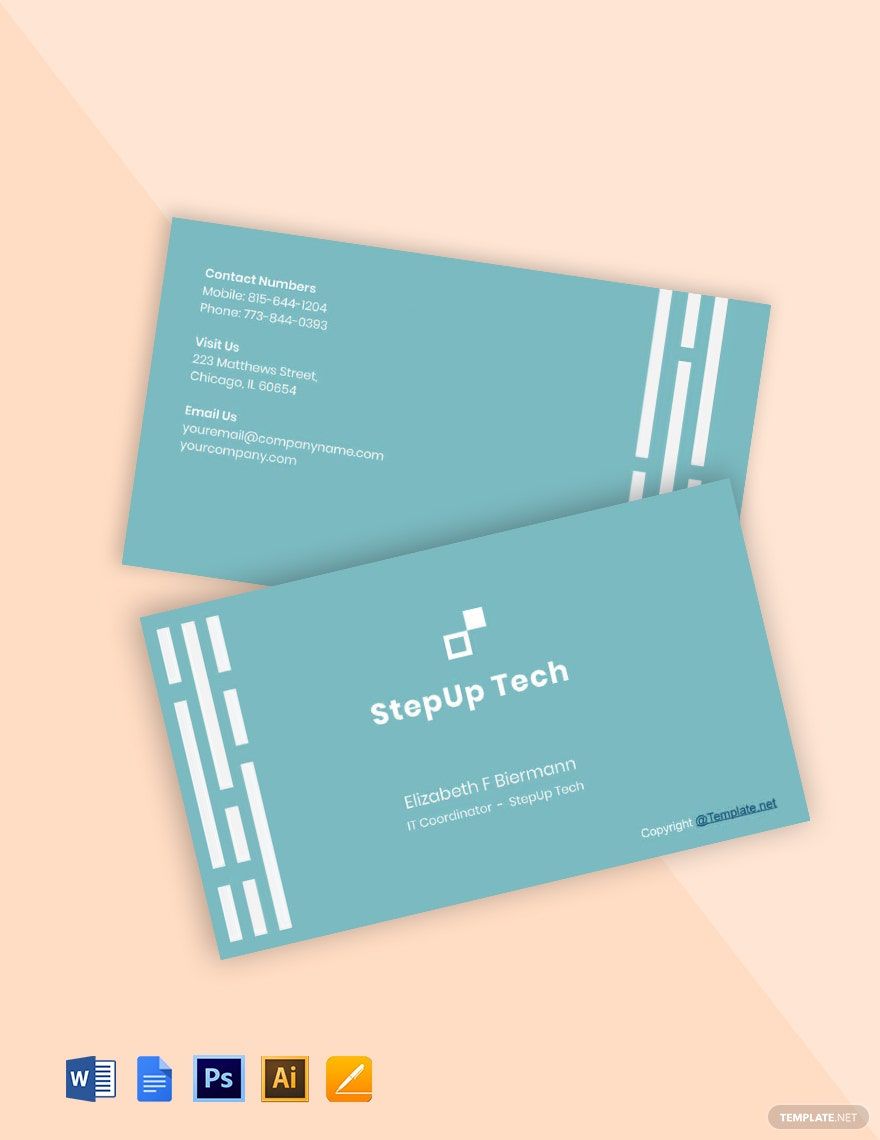
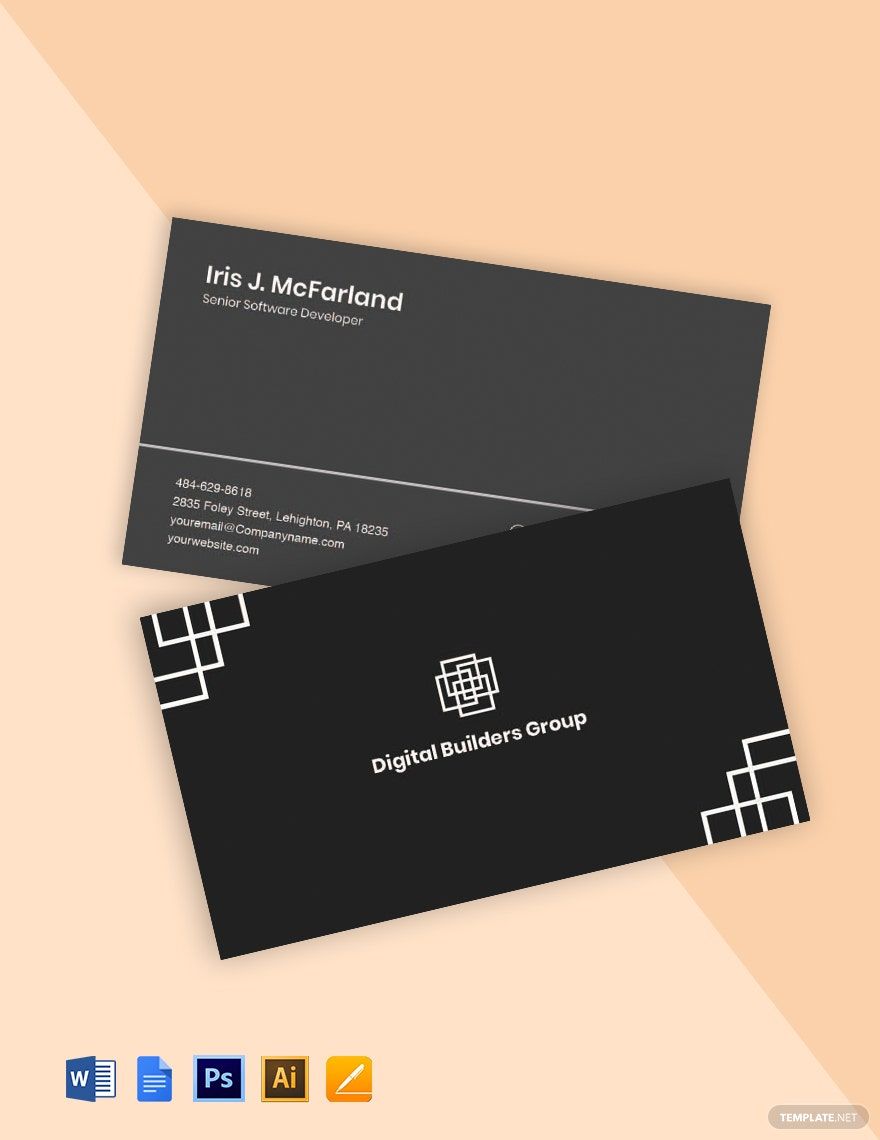
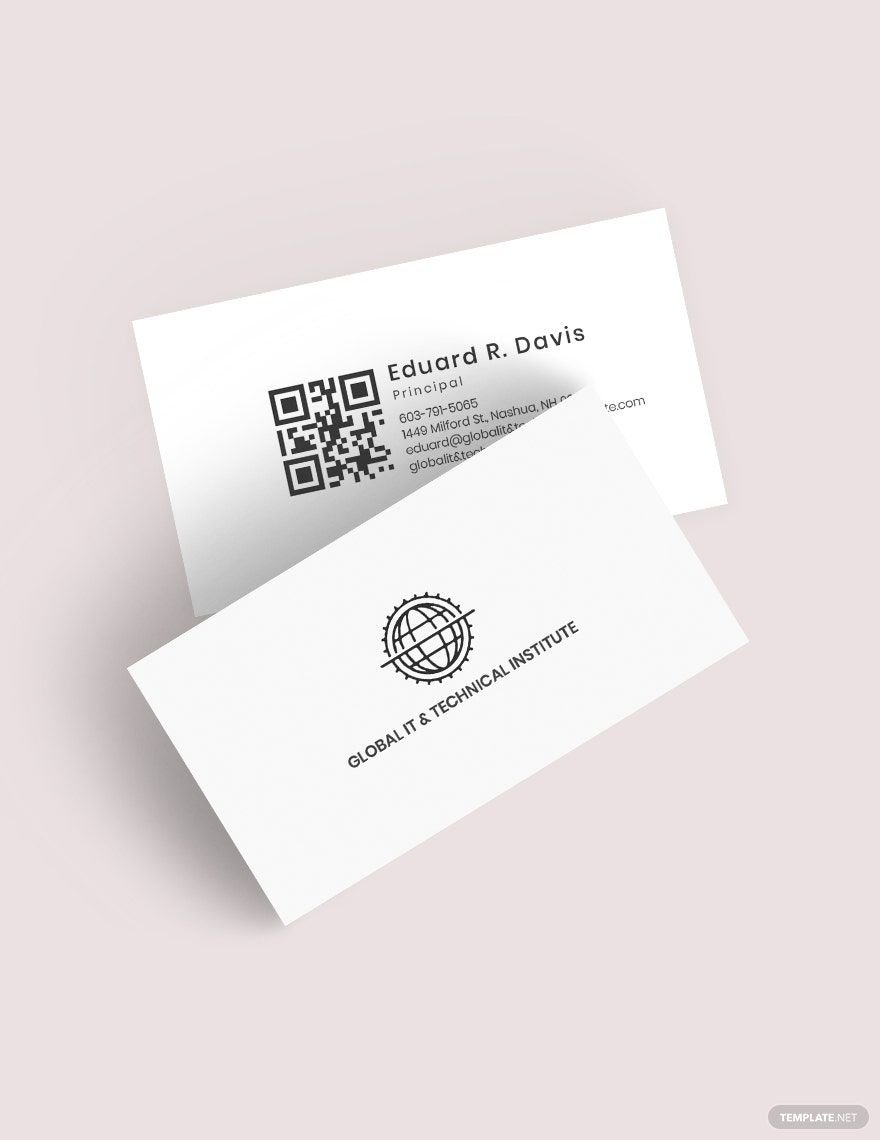
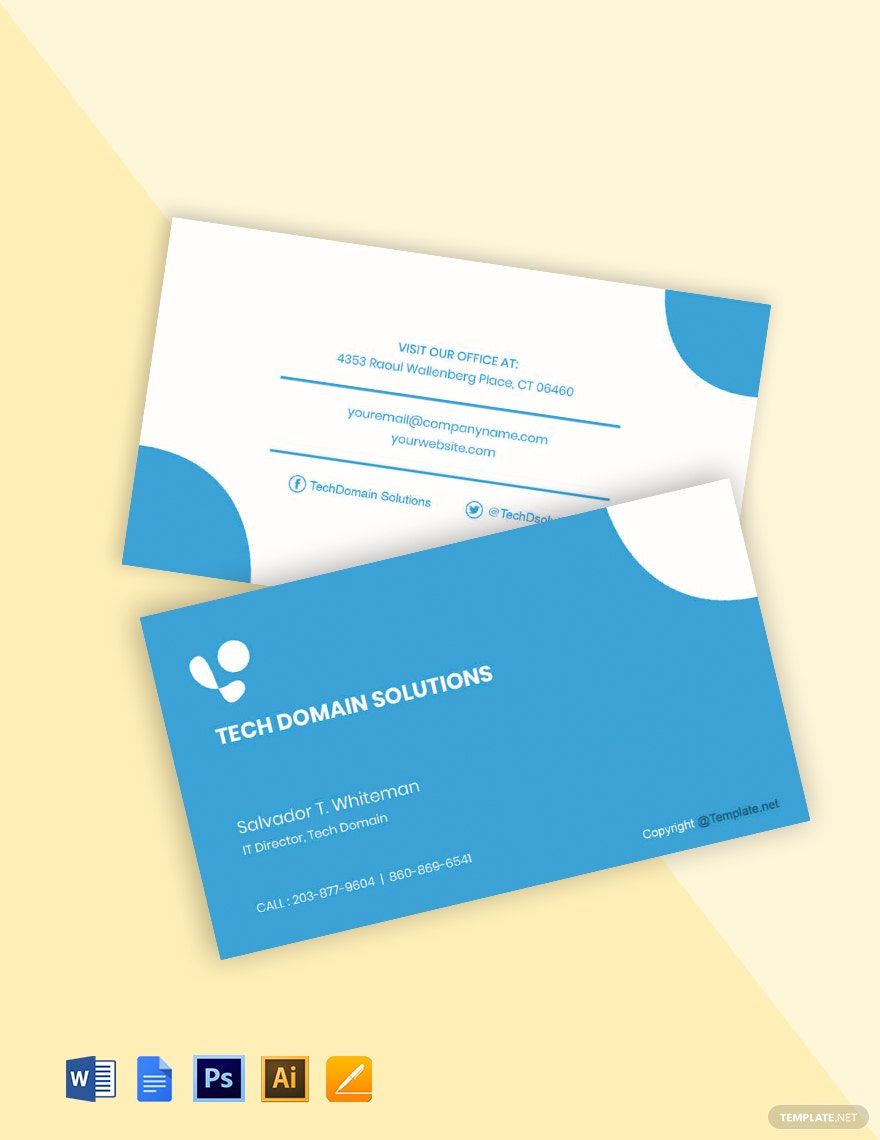
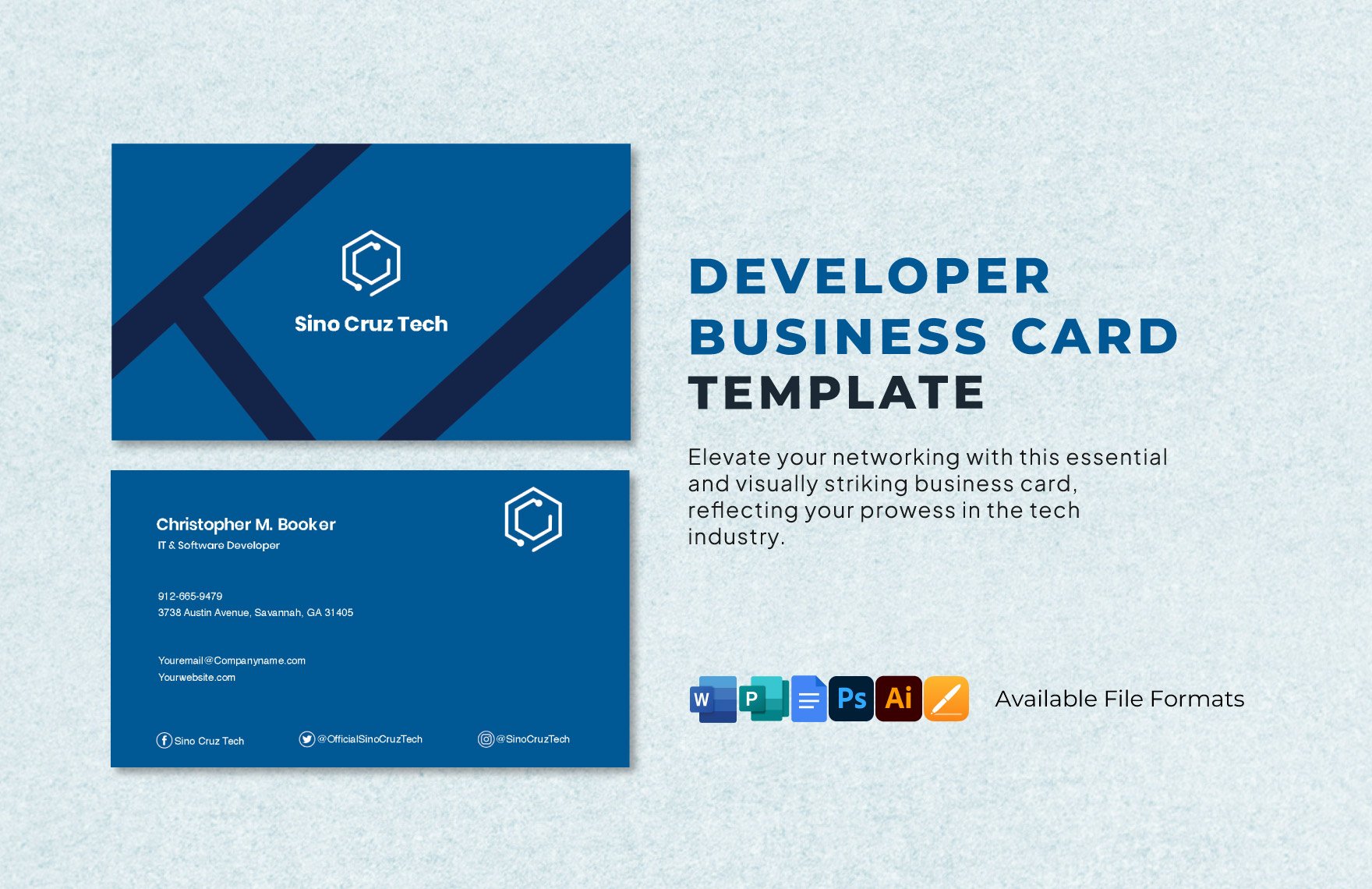
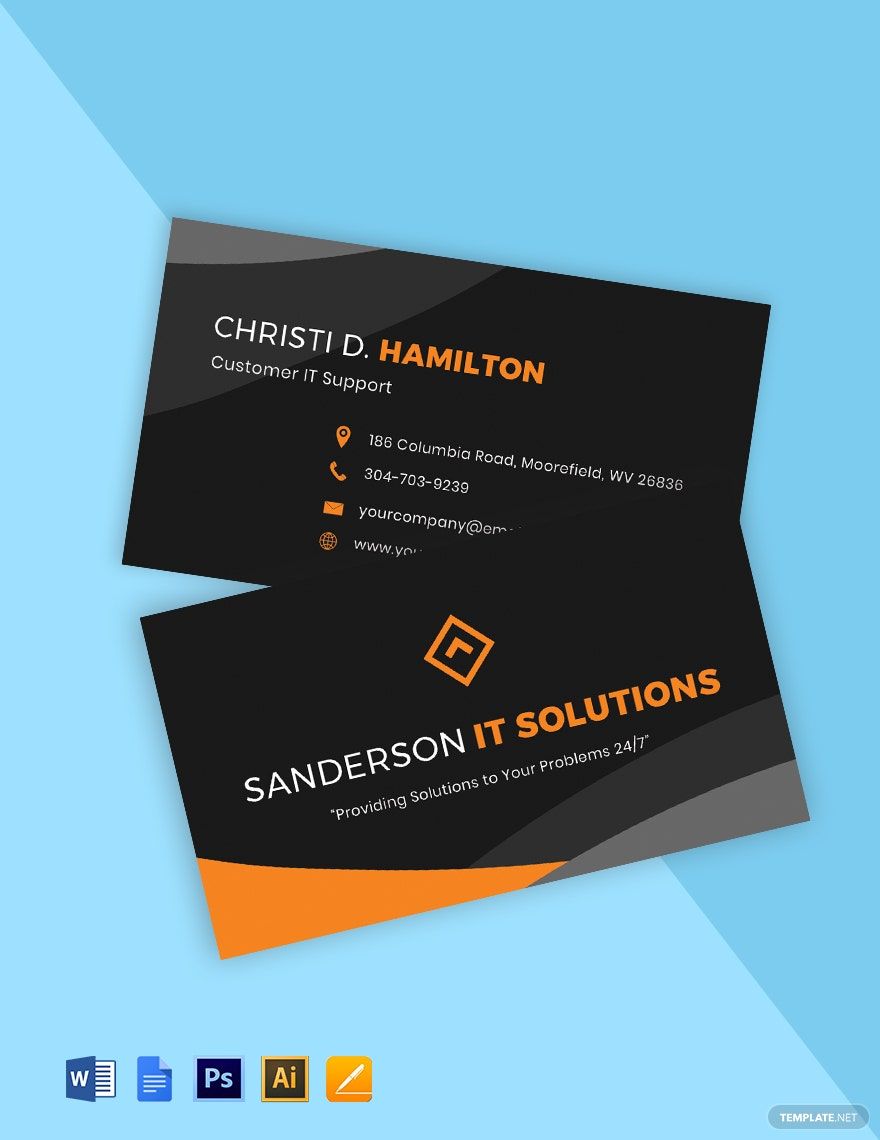
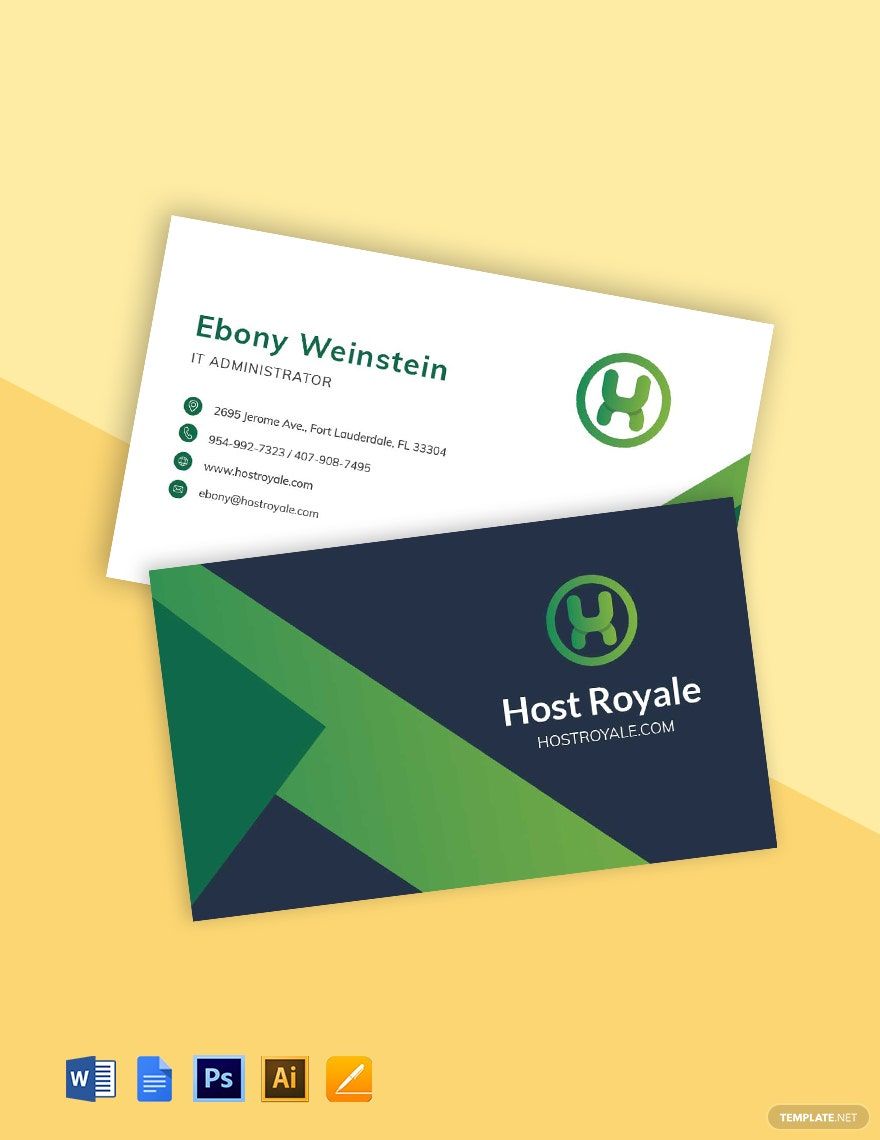
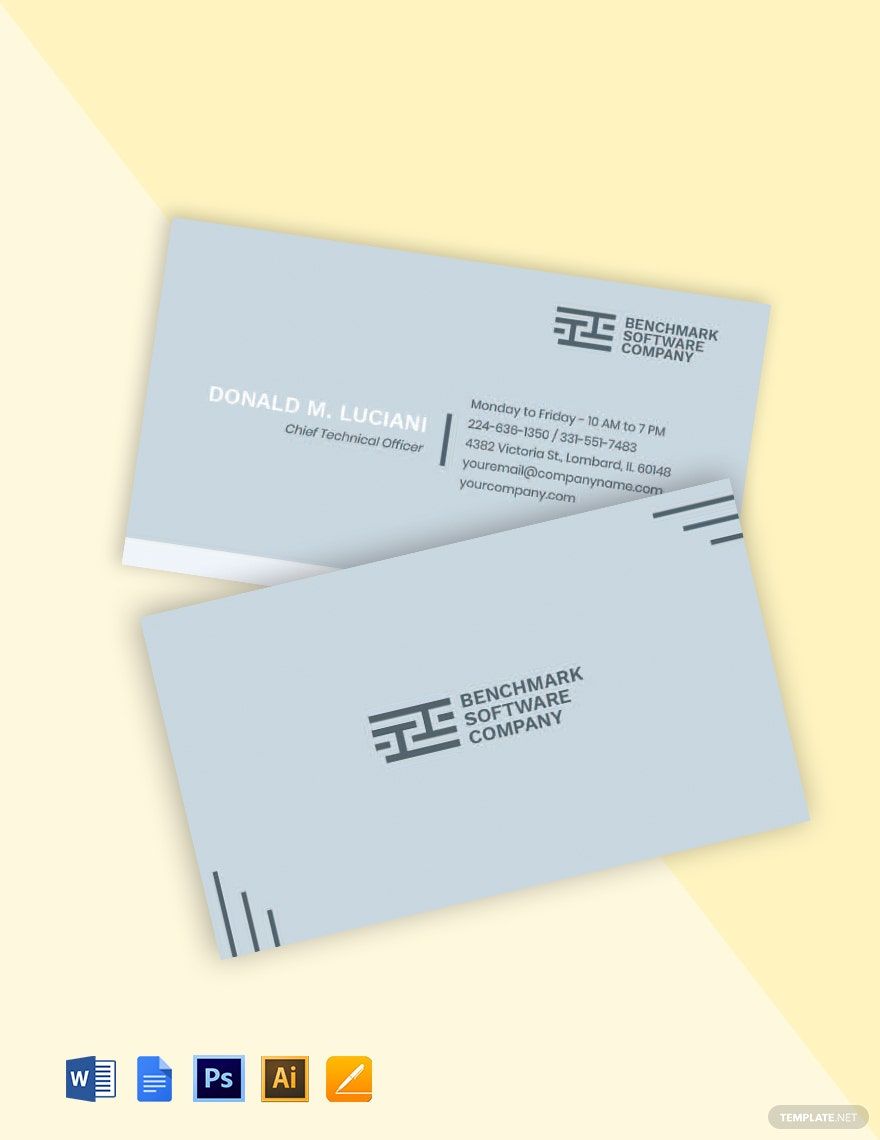
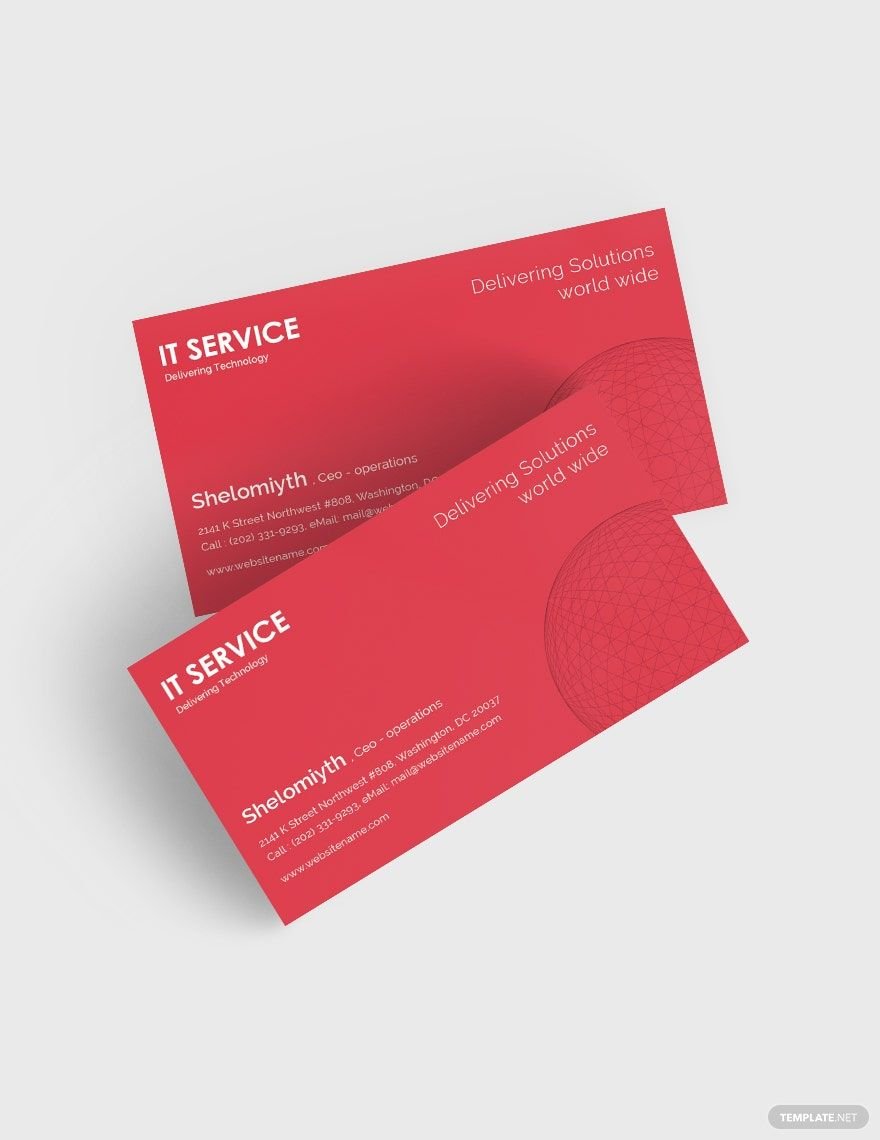
Our world today centers on the use of electronic devices and the internet. When these prove to be non-working, IT professionals are here to the rescue. Use an effective business card to make people aware of your IT and software business. Pick any card from our gallery of ready-made and high-quality IT and Software Business Card Templates in Google Docs. These templates are 100% customizable to fit your needs and preferences. These cards are available for printing in 3.5x2 Inches+Bleed. What are you waiting for then? Attract potential clients today using our business cards samples. Subscribe now to start downloading!
Free IT/ Software Business Card Template in Google Docs
Design Business Cards for Your Tech Company with Template.net's Free IT and Software Business Card Google Docs Templates. Every Card Template You Download Features Designs with Blank or Detailed Elements Such as Labels, Software Logo, and More. Whether for Designing Name Cards or Calling Cards, You Can Rely on Our 100% Customizable Templates. Download Now!

- Business Plans
- Receipts
- Contracts
- Manual Templates
- Note Taking
- Forms
- Recommendation Letters
- Resignation Letters
- Birthday
- Outline
- Quotation
- Charts
- Handbook
- Family Tree
- Surveys
- Workout Schedule
- Study Guide
- Ebooks
- Chore Charts
- Training Manual
- Research
- Screenplay
- Wedding
- Lesson Plan
- Brief
- Organizational Charts
- Syllabus
- School Calendar
- Attendance Sheet
- Business Cards
- Student
- Review
- White Paper
- Essay Plan
- Vouchers
- Timeline Charts
- Reference
- Estimate Sheet
- Mind Map
- Cover Letters
- Interview
- Posters
- Report Cards
- Fax Covers
- Meeting Minutes
- Roadmaps
- Cookbook
- Curriculm Lesson Plan
- Bibiliography
- Rental Agreement
- Legal Templates
- Party
- Pleading Paper
- Pay Stub
- Classroom Seating Charts
- Sub Plan
- IT and Software ID Card
- Event Proposal
- Likert Scale
- Doctor Note
- Labels
- SOP
- Comparison Charts
- Project Reports
- Daily Schedule
- Weekly Calendar
- Customer Persona
- Medical
- Coupons
- Resumes
- Invoices
- Christmas
- List
- Executive Summary
- Marketing
- Budget
- Meal Plan
- Friendly Letters
- Itinerary
- Reference Letters
- Church
- Letters of intent
- Reading logs
- Assignment agreement
- Mothers day card
- Retrospective
- Simple loan agreement
- Rent Receipts
- One page business plan
- Weekly Reports
- Offer letters
- Prescription
- One page proposal
- Case brief
- Roster
- Log Sheets
- Music
- Schedule cleaning
- Printable survey
- Internship report
- Fundraising
- Research proposal
- Freelancer agreement
- Delivery note
- Madeline hunter lesson plan
- Training
- Social media calendar
- Catalogs
- Grant proposal
- Affidavit
- Lean business plan
- Schedule hourly
- Mon disclosure agreement
- Bill of lading
- Sitemap
- Campaign
- Education
- Cash Receipts
- Introduction letter
- It and software profile
- Business case
- Annual Reports
- Personal letter
- Calendar Google Docs
How to Make an IT/Software Business Card in Google Docs?
According to Standard Donkey, 27 million business cards are still printed daily despite today's digital correspondence. Creating an IT/Software business card can be easy as long as you know what details need to be incorporated in one. We have compiled some tips below to help you make one using Google Docs:
1. Compile All the Important Information
This information includes your name, contact information, and your company name and its latest or modern logo (if you are representing a software company). Incorporate these in the business card in a logical manner and look out for erroneous details.
2. Decide on Your Business Card's Size
The standard business card's size is 3.5x2 inches. However, if you prefer a particular size for your simple business card, then you may do so, as long as it's not too small nor too big. When you open Google Docs before starting to add and write anything, set the page margins, orientation, size, etc. Use the 'Insert' and 'Format' menu to fix the content alignment, placement, media files, etc.
3. Choose the Appropriate Paper Stock
If you have received business cards before, then you know very well that they are non-flimsy. Your business card should be simple and standard in looks with all the details included. Invest in appropriate paper stock. A 16-point business card is the standard thickness.
4. Embellish Your Business Card
Your business card's embellishments or design should be appropriate to your nature and scope of work. Don't crowd the business card with unnecessary embellishments that will make it look messy.
Frequently Asked Questions
Where Can I Get Premium Quality IT/Software Business Cards?
Here on our site, we offer premium and free IT/Software business cards for your professional use. Our business cards are creatively designed by our in-house designers to produce you nothing but top-notch quality business card templates. Browse through our catalog of business cards that are catered solely for your use.
Are Your On-site IT/Software Business Card Templates Completely Printable at Home?
Our on-site IT/Software business card templates are accessible on different devices anytime, anywhere. You don't need to find the perfect printing store to print your templates. Our templates are also 100% customizable, so you need not worry about the modification.
How Do I Create an IT/Software Company Logo?
Aside from our IT/Software business card templates, we also offer logo templates to complete your business card creation. We offer free and premium logo templates for you to choose from. These are also 100% customizable and printable.
Are Your Templates Available in Different File Formats?
Yes, our templates are available in select file formats, such as Google Docs, Microsoft Word, Adobe Photoshop, Apple Pages, and Adobe InDesign. Create your content freely by choosing a file format of your choice. Our templates offer you versatility aside from its customizable and printable features.
