

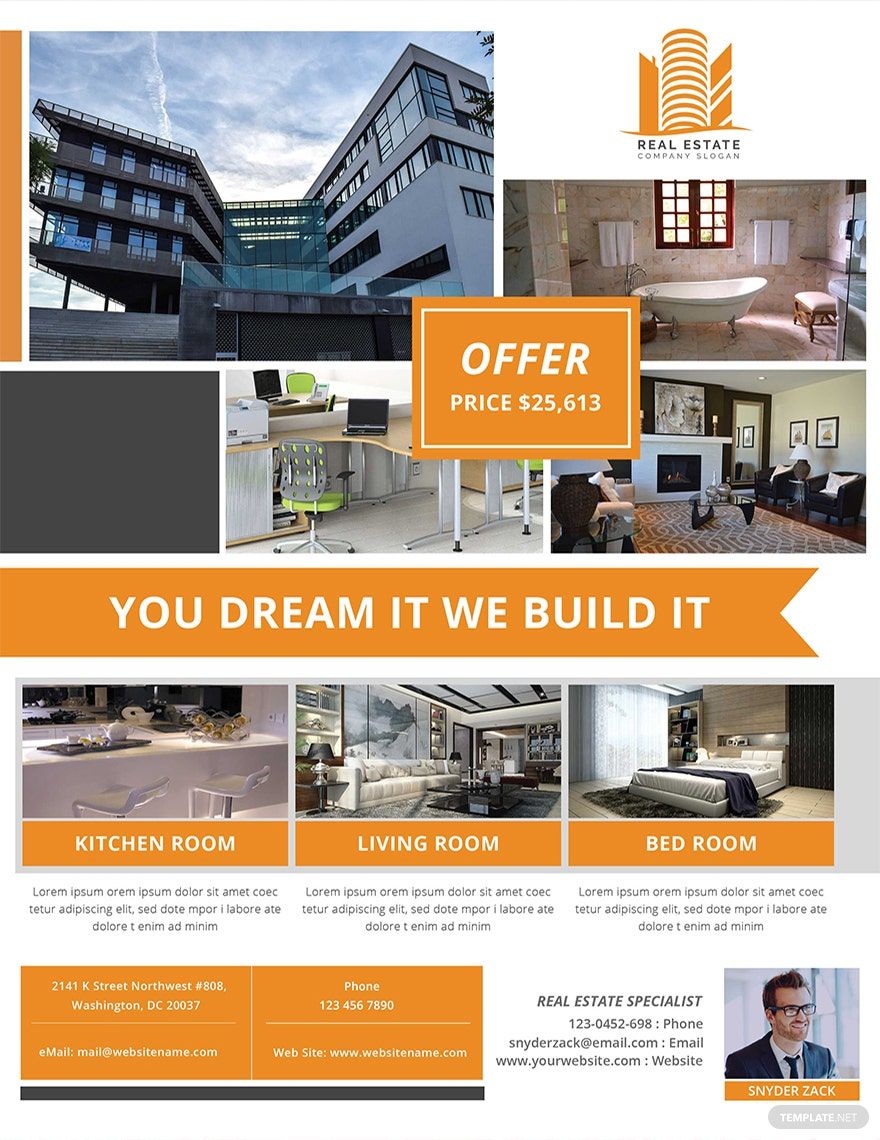
Flyers are the fastest and cheapest form of advertising. With that, it is taken for granted without considering the consequences. Well, with our high-quality and beautifully-designed free sample flyer templates, you will not take the flyers for granted anymore. You can create scrumptious and compelling flyers because our templates are 100% customizable, easily editable, and are compatible in any version of Microsoft Publisher. We offer various sample flyers such as agency, medical, real estate, open house, car wash, and more. Stop stalling, put your hands in your mouse and start clicking the download button for your own sample flyer templates now!
Sample Flyer Template in Publisher
Marketing Anything is Easier with Template.net's Free Sample Flyer Templates in Microsoft Publisher. Create Alluring Online Courses Flyer, Church Flyer, Computer Flyer, and Health Flyer from Our Templates. Flyers are Just as Effective as the PSD Tri-Fold Brochure You're Using for Marketing. Don't Waste Time, Get Our Templates Today!

- Kitty party invitation
- Banner
- Graduation brochure
- Mothers day card
- Graduation Invitations
- Place cards
- Websites
- Cookbook
- Letterheads
- Reports
- Publisher
- Certificates
- Brochures
- Invitations
- Flyers
- Funeral Brochures
- Cards
- Portfolio templates
- Company Brochures
- 4th of july
- Travel Brochures
- Infographics
- Cinco de mayo day
- Campaign
- Bi fold brochures
- Housewarming Invitations
How To Make A Sample Flyer In Microsoft Publisher?
A flyer is one of the simplest forms of advertising as you only need a piece of a leaflet that contains all of the information about the advertised product, goods, or services. As simple as it may sound, making one also needs basic steps. But the market competition is getting tighter, how would you make your flyer stand out from the rest? Well, stop making ineffective flyers and follow this list of guidelines in making a sample flyer for business or personal use.
1. Determine Your Flyer's Purpose
Do you plan to make a grand opening flyer for your bbq restaurant or to encourage people to attend your fundraiser concert event? Whatever is the purpose of your sample flyer, make sure that the main focus of your flyer is its purpose. It would serve as a framework for you to insert flesh of contents to your flyer.
2. Know Your Audience
For the early steps of your sample flyer, you focus not only on your flyer's purpose but also on your target audience. For instance, if you want to make a soccer flyer for a tournament, your flyer must focus on soccer players. Determining your audience would greatly help you in tailoring your flyers to fit the needs of your target customer.
3. Download Sample Flyer Templates
At template.net, you can download sample flyers for free without interruption. We offer different kinds of sample flyers such as sample babysitting flyers, sample discount flyers, sample party flyers, and many more. We have everything you need, all you have to do is to visit our site, browse for the perfect template for you, download and viola! You can now start customizing it.
4. Customize Your Flyer At Microsoft Publisher
If you want to customize your sample flyer template now, Microsoft Publisher is your best go-to editing software. They offer professional and on-the-top effects for texts, images, and shapes. They are also user-friendly that even beginners can easily edit their sample flyer template. You are also able to use high-resolution backgrounds and could import or swap images.
5. Formulate Your Content
After setting your template, you can now formulate its content. Be sure to include each information but do not exercise wall-to-wall content. Instead, you can divide it into digestible sections so that it would be easier for your audience. Your content must also convey solely to the product or service you advertise. Make it relatable for a better marketing strategy.
6. Add Necessary Design Elements
If you want to add other details to your sample flyer template, make sure that it is relatable. For example, if you are making a sample bakery flyer, you can include images of bread and pastries, pantry, bread shelves, counter and such. You can also add borders, geometrical shapes that would complement the overall appearance of your sample flyer.
7. Finish It With A Bang
After everything, you can now proofread your work. Check for errors and gaps in your sample flyer. Decide as to what format your flyer to be—online or printed. If you wanted it in a softcopy format, you do not need to worry as Microsoft Publisher lets you make high-quality documents. If published, make sure to open it in Microsoft Publisher and choose the right paper stock for your sample flyer.
