
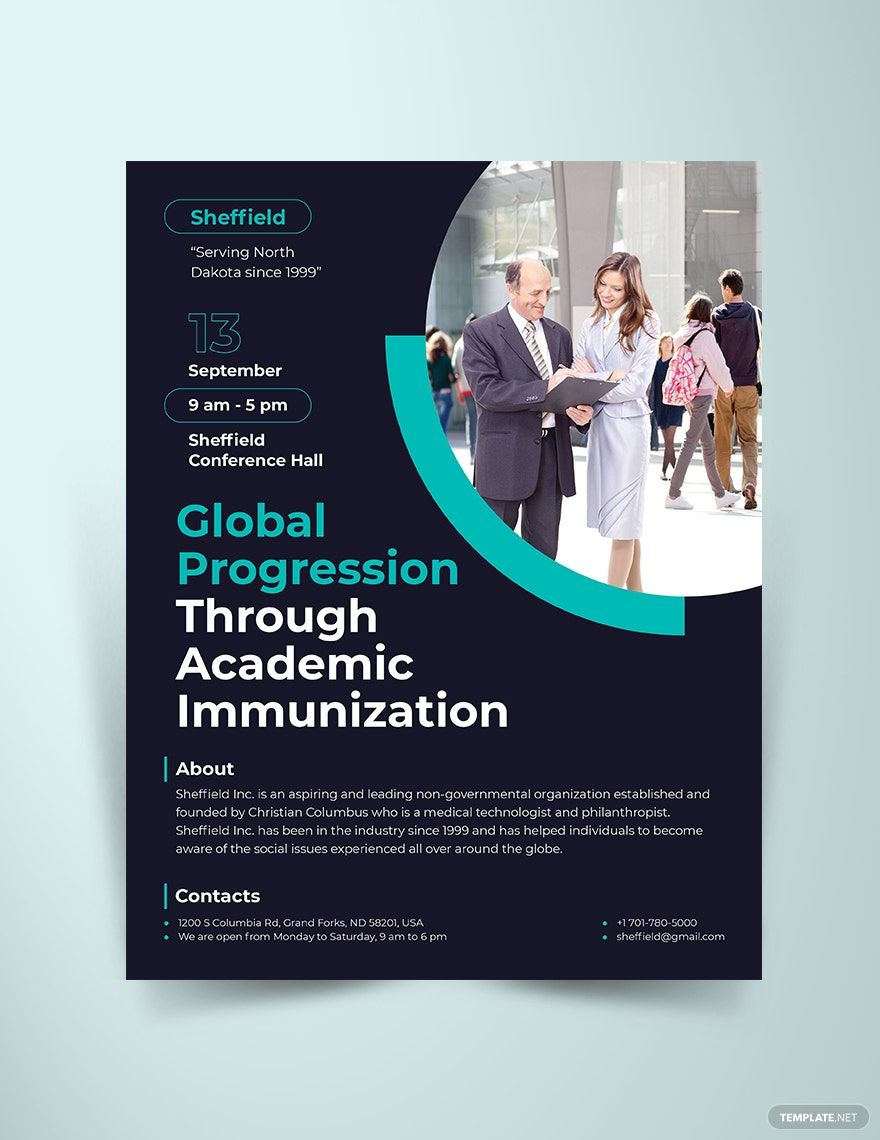
Looking for flyer templates with modern style design? You found the perfect website you need! Here, we give you our wide array of editable flyer templates with the best modern design and layout. Our ready-made modern templates in InDesign are carefully crafted just for you. They are available in CMYK standard colors, providing you a lot of options for the color schemes. It also contains original artworks and royalty-free designs that you can either use to your advantage or change them appropriately. All these are 100% customizable, easily editable, printable, and made available for free! So don’t miss this chance and grab our ready-made modern templates in InDesign now!
Free Modern Flyer Template in InDesign
Flaunt Contemporary Aesthetics for Any Event Flyer or Corporate Flyer Using Free Modern Flyers from Template.net. Modernize Flyers by Mixing Brochure and Poster Templates, Adding a Sense of Trendy Fashion to Business Flyers, Using New Poster and Print Templates in Adobe InDesign, or Trying a Unique Graphic Design to Flyers.

- Greeting cards
- Certificates
- Travel magazine
- Letterheads
- Photo
- Student
- Wedding Invitations
- Invitations
- Zines
- Banner roll up
- Envelopes
- Tickets
- Charts
- Funeral Brochures
- Programs
- Proposals
- Banner
- Tickets raffle
- Feedback
- Logos
- Family genogram
- Labels
- Vouchers
- Architecture
- Real estate Flyers
- Event
- Training
- Gift certificates
- Event Flyers
- Id card
- Sheet
- Fashion lookbook
- Editable id cards
- Interior design
- School magazine
- Business
- Designer
- Report brochure
How to Make a Modern Flyer in InDesign
When we speak of flyers, we think of a Stamp Act in 1765 where some colonists were gathered in anti-stamp act meetings. This happened prior to the American Revolutionary War - the colonists outraged to win support and in doing so, they distributed leaflets or pamphlets together with their paraphernalia. Indeed, it was a long history to remember before flyers have become an efficient and effective promotional tool used by most business industries today.
Like any other type of marketing flyers, modern flyers carry the same weight and purpose. Aside from being an effective advertising material, flyers are also cheap to produce making it good for wide distribution.
A step-by-step procedure on how to make a flyer in Adobe Indesign can be learned easily. However, you probably need to have a few tips as you utilize our ready-made free modern flyer templates. You can check ‘em below to start-up:
1. Think of a Good Headline
A flyer should start with an eye-catching and striking one-sentence lead. This will serve as an introduction to the overall content of your flyer. In most business flyers, a good headline gains much attention. It catches the customer’s interest as it feeds their curiosity as well.
2. Choose a Flyer Template
Template.net offers you a wide selection of cool flyer templates that you can use for whatever promotional occasion, advertising event, or political campaigns. From these templates come the best modern flyer design and layout that you fully customize or use them to the advantage of your company.
When choosing a flyer template, make sure that it represents your business or company best. From pro to editable corporate flyer templates, we offer 100% satisfaction.
3. Consider the Target Audience
Oftentimes, a modern marketing flyer is made out from the customer’s perspective. Consider what they need and what they want to get from your business. Besides, what you are promoting or advertising are intended for them. Give them the best of what your company can offer according to their demands.
4. Keep the Content Simple Yet Informative
The content of your business flyer may differ on purpose. It could be a flyer promoting a food restaurant, or a flyer inviting a friend to attend an event. Whatsoever purposes the flyer may serve, the content should be brief and concise in general. Keeping it short is what constitutes a good simple flyer content so long as it remains informative.
5. Add Benefits
In some business flyers, adding promotional code or vouchers can get more than twice of your customers. Product sales and business deals sell more if the public gets a discount or a gift. It’s one way to making your flyers effective.
6. Don’t Forget the Basic Information
Basic information includes the company or business name, the location, the phone numbers, and the type of product you are promoting. Make sure to incorporate these details to your promotional flyers completely.
Aside from that, keep it realistic and avoid misleading statements. You can build trust and promote your brand professionally if you are providing them legitimate information.
7. Choose Readable Fonts
Choosing the right fonts makes it a lot effective. Be it a brochure, a voucher, or even a catalog itself, use fonts that are readable and eye-friendly especially to the aged people. People sometimes put a paper into the trash bin if they find it hard to read.
8. Incorporate Graphics
Embedding high-quality graphics like photographs and artworks can help a flyer attract readers. Add one or two to make a creative flyer.
