
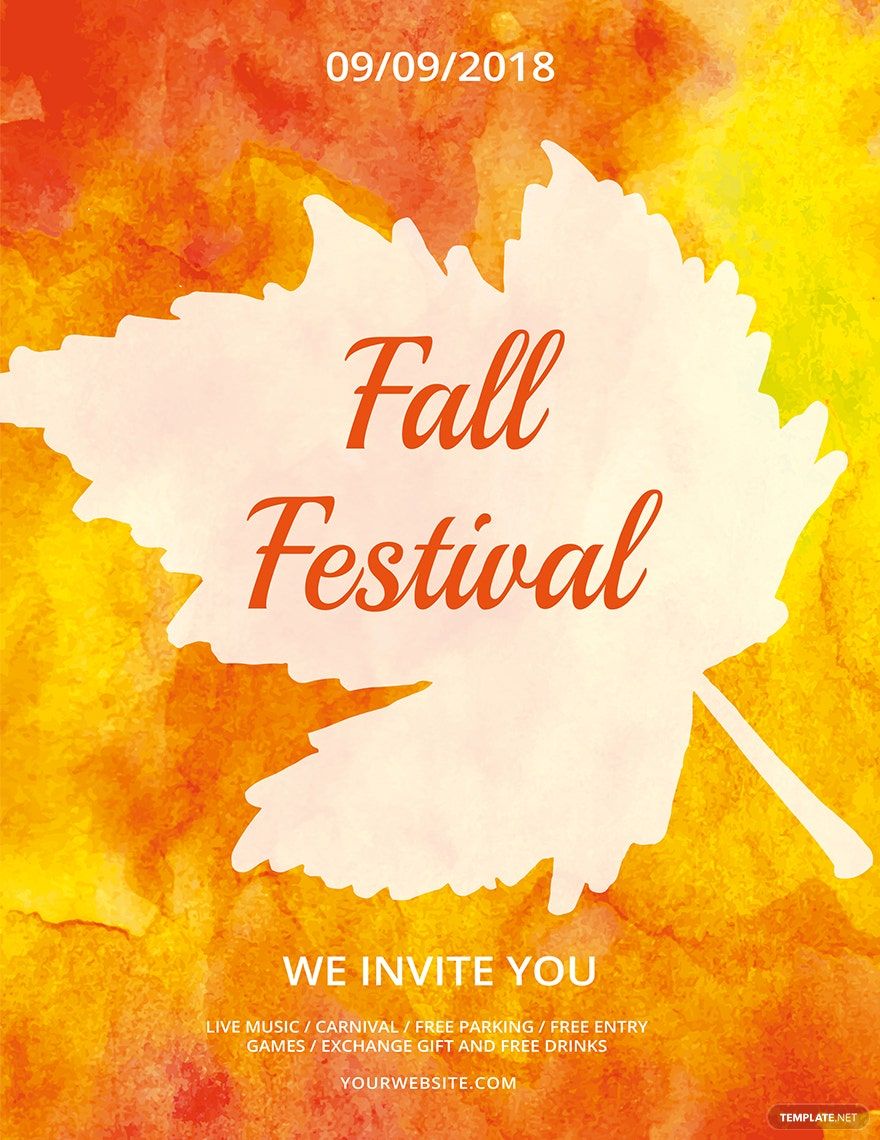
Marketing and branding come together. Thus, make new ways to brand and market with the use of our 100% customizable, beautifully designed, high-quality, and printable Creative Flyer Templates in Adobe Illustrator! Surely, you can upgrade your sales, acquire new customers, and make your company notable with our easily editable templates. These ready-made products are available in (US) 8.5x11 and (A4) 8.27x11.69 inches, both with bleed. They are also in .ai format and can be customized quickly in any version of Adobe Illustrator. What are you still waiting for? Grab this wonderful chance to create without hassle and stress. Download now!
Free Creative Flyer Template in Illustrator, Vector, Image
You Won't Need Adobe Illustrator Tutorial or Tutorials in Making Creative Business Flyer with Template.net's Free Creative Flyer Templates in Illustrator Because They're Easy to Customize. Get Your Illustrator CS6 or Adobe Photoshop (PSD) Ready to Edit Party Flyer and Event Flyer Templates' Vector and Graphic Design Content. Download Now!

- Bi fold brochures
- invoices
- Mothers Day
- Housewarming Invitation
- Baby Shower Invitation
- Social Media
- Tarpaulin
- Trading Cards
- Architecture
- security id card
- Calendars
- Medical certificates
- Graduation Invitation
- Monopoly
- ebooks
- Funeral Brochure
- Photo collage
- Greeting cards
- Bottle Label
- Event Flyers
- Apperciation Certificate
- Church Flyers
- Reports
- Construction business card
- Illustrator
How to Make a Creative Flyer in Adobe Illustrator?
Flyers belong to the family of print media. It is usually intended for advertising and marketing as well. Like a poster, it is expected to promote events, goods, or services of any kind such as the introduction of a new company product, real estate open house, and annual summer party. Programs like nightclub concert, festival dance night, church raffle draws, and property leases count too. That said, flyers are of multipurpose and are used in a business establishment, organization, and even by individuals.
If you intend to create flyers for promotion purposes, we have harvested creative techniques and tips that will greatly help you in making a leaflet in Adobe Illustrator.
1. Answer Questions
Different questions will pop out of nowhere. Although they appear out of the blue, they are of significant effect. The said queries are the following: "what is your reason for using flyers?"; "what is the event or product?"; "who should receive them?"; etc. Thus, begin your flyer-making by understanding your purpose, setting some targets, distributing resources, etc. In short, plan and outline the things that create a great influence on your craft.
2. Kickoff Adobe Illustrator
Adobe Illustrator is a good editing application to use when making graphic designs because it is user-friendly and easy to navigate. Open the editing software app and on the File button, click New. You are not making from scratch here because we have given you a wide array of templates. So, select the most appropriate one and decide on the size — the options are (US) 8.5x11 or (A4) 8.27x11.69 inches. In the app, there are a lot of tools you can utilize; thus, making it convenient and beneficial to you.
3. Edit Accordingly
Edit the flyer template according to your event. For example, the event is a fundraising marathon. The design aspects fit together should be all about the marathon. Hence, select a simple yet enchanting color scheme, notable font styles, and interesting shapes, borders, and lines. Ensure that each element are captivating and not unsatisfying to look at.
4. Include Pictures
People are visual. Therefore, to add more spice to your document and entice more people as well, insert an image. The image must be interesting and if possible, it should communicate to your prospects. For example, your event is a marathon. Then, the image can be feet of runners, the finish line, or the runners themselves. All you need to guarantee is its relevance to your craft.
5. Be Mindful of your Tone
When putting information into your creative flyer, you must set a persuading but friendly tone. Hook people with your marketing tool by playing with the words. You need to be clever in doing so because the space provided is only limited. Thus, in entering the details of your event — such as the name, location, time, date, and CTA — be keen.
6. Branding is Important
This is a good chance for branding. Hence, make sure that you have put your company name, location, contact information, and logo. You may include your tagline, website, and social media accounts too!
