
Template.net logo
AI
Editors
  • Writer
  • Design
  • Document
  • Form
  • Whiteboard
  • Photo
  • Presentation
  • Chart & Graph
Marketing
  • Logo
  • Flyer
  • Business Card
  • Mockup
  • Banner
  • Meme
  • Social Media
  • Wallpaper
  • LinkedIn Banner
  • YouTube Thumbnail
  • Background
  • Infographic
  • Insta Story
  • WhatsApp Status
  • Youtube Channel Art
Print
  • Menu
  • Card
  • Brochure
  • Sticker
  • Calendar
  • Label
  • Tshirt
  • Certificate
  • Poster
  • Business Card
  • Ticket
  • Timeline
  • Schedule
  • Newspaper
  • Cover Page
Document
  • Resume
  • Invoice
  • Business Plan
  • Report
  • Agreements
  • Itinerary
  • Proposal
  • Letter
  • Statements
  • Analysis
  • Citation
  • Story
  • Cover Letter
  • Budget
  • Checklist
Tools
  • Remove Background
  • Photo
  • Collage
  • Signature
  • QR Code
  • Barcode
  • Headshot
  • Coloring Page
  • Lesson Plan
More
  • Family Tree
  • Vision Board
  • Diagram
  • Flowchart
  • Quiz
  • Invitation
  • Quote
All AI GeneratorsStart Chat
Templates
Business
  • Marketing
  • Sales
  • HR
  • Advertising
  • Health and Safety
  • Finance
  • Accounting
  • Legal
  • Administration
  • Operations
  • Brand
  • Startup
  • Construction
  • Education
Categories
  • Design
  • Docs
  • Form
  • Whiteboard
  • Social Media
  • Presentation
  • Resume
  • Diagram
  • Trending
  • Banner
  • Invitation
  • Graphic
  • Infographic
  • Chart
Marketing
  • Flyer
  • Letterhead
  • Menu
  • Background
  • Clipart
  • Drawing
  • Calendar
  • Card
  • Logo
  • Timeline
  • Schedule
  • Poster
  • Brochure
  • Wallpaper
Document
  • Resume
  • Invoice
  • Business Plan
  • Report
  • Agreement
  • Itinerary
  • Proposal
  • Letter
  • Statement
  • Analysis
  • Family Tree
  • Cover Letter
  • Budget
  • Checklist
Download
  • Microsoft Word
  • Microsoft Excel
  • Microsoft PowerPoint
  • Microsoft Publisher
  • Google Docs
  • Google Sheets
  • Google Slides
  • PDF
  • PSD
  • Illustrator
  • InDesign
  • Apple Pages
  • Apple Numbers
  • Apple Keynote
All Templates
Pricing
  • Home
  • Templates
  • Email letter in Apple Pages

Email letter Template in Apple Pages, Imac

Download Template.net’s Free Email Letter Templates in Apple Pages Compatible with Your Preferred Device in Mac, iPad, iPhone, or PC. Get Ready-Made, Editable Email Letter Samples with Built-in Writing Format for Resume, Direct Marketing, Request, Application, Resignation, Client Reminder, or Customer Service. Create, Edit, and Do Other Basic Functions with Our Free Templates in Apple Pages Today!

  • Pages
  • Resumes
  • Invoices
  • Menu
  • Cover Letter
  • Checklists
  • Notebook Journals
  • Cookbook
  • Certificates
  • Brochures
  • Food Menus
  • Flyers
  • Receipts
  • Schedule
  • Posters
  • Magazines
  • Letterheads
  • Quotations
  • Itinerary
  • Business Cards
License
Pro template icon representing

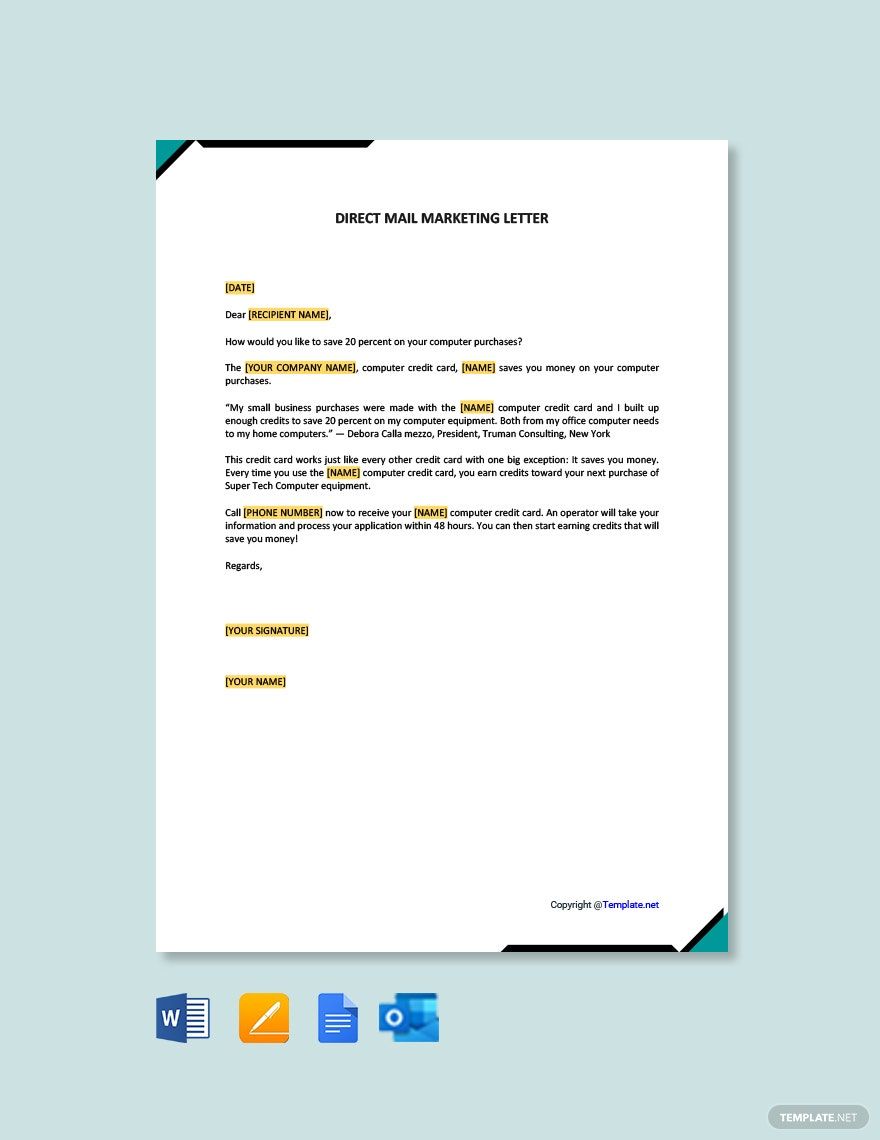
Sample Direct Mail Marketing Letter

Sample Direct Mail Marketing Letter in Google Docs, Word, Google Docs, Pages, Outlook, PDF - Download | Template.net
Pro template icon representing

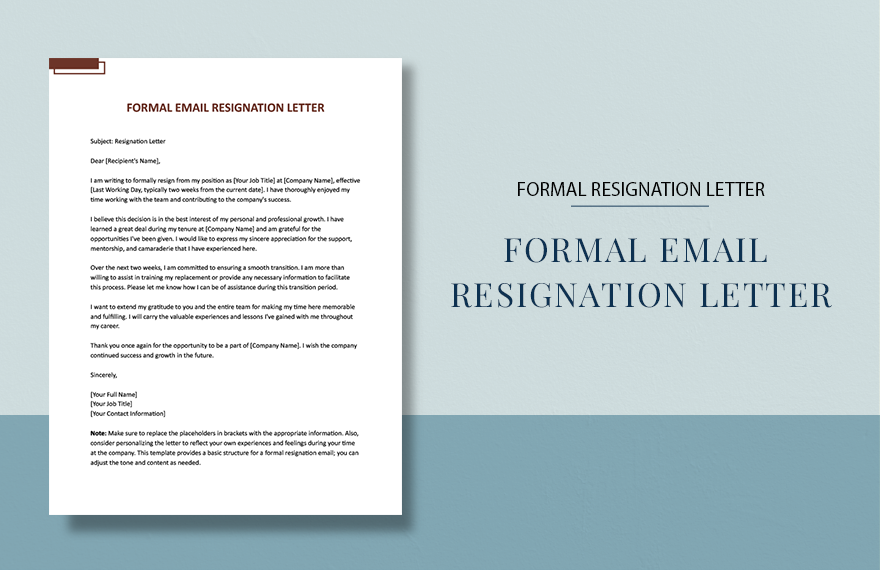
Formal Email Resignation Letter

Formal Email Resignation Letter in Word, Google Docs, Pages - Download | Template.net
Pro template icon representing

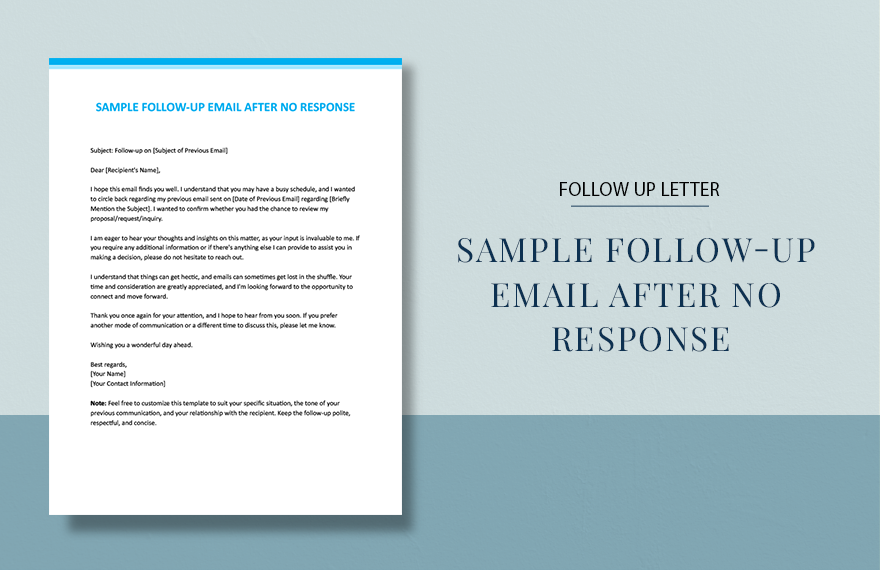
Sample Follow-Up Email After No Response

Sample Follow-Up Email After No Response in Word, Google Docs, Pages - Download | Template.net
Pro template icon representing

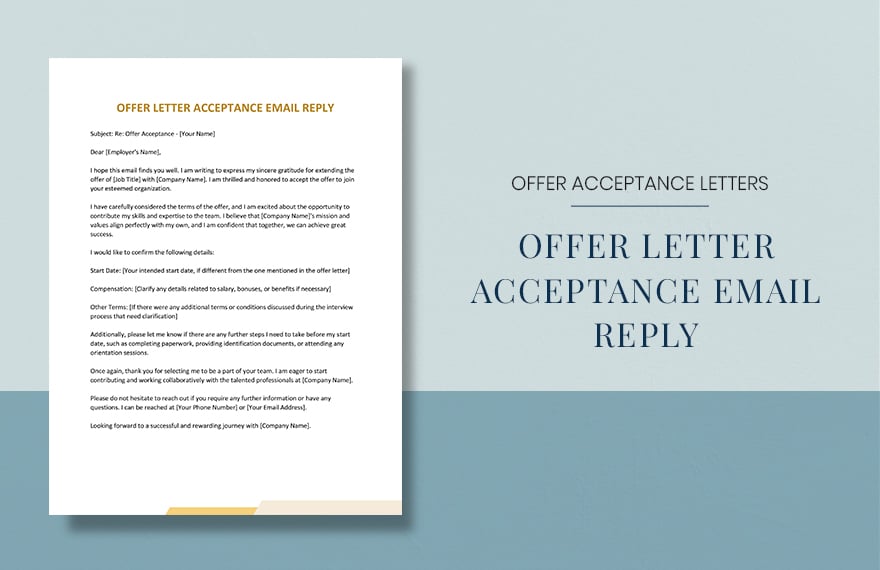
Offer Letter Acceptance Email Reply

Offer Letter Acceptance Email Reply in Word, Google Docs, Pages - Download | Template.net
Pro template icon representing

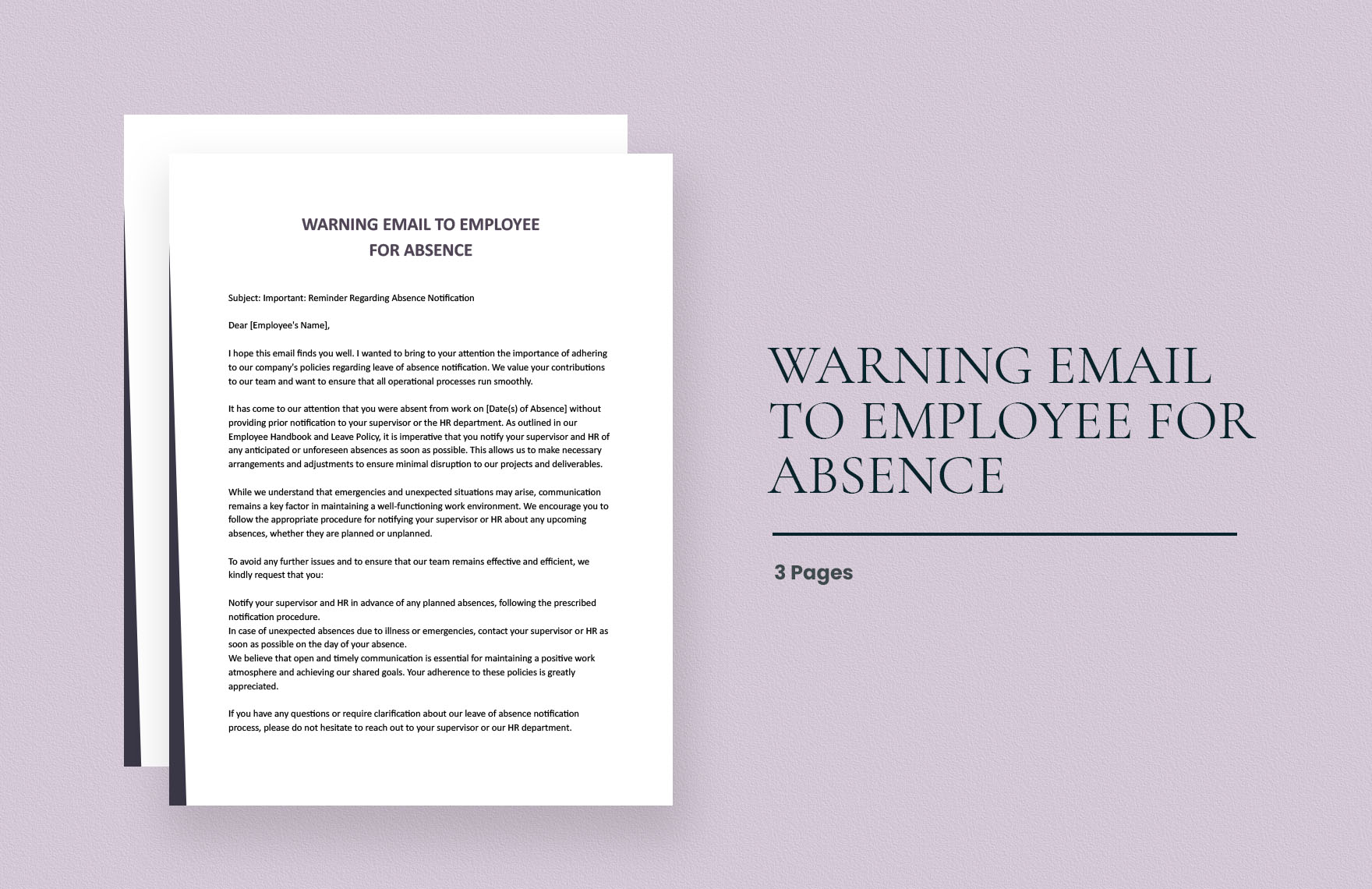
Warning Email To Employee For Absence

Warning Email To Employee For Absence in Word, Google Docs, Pages - Download | Template.net
Pro template icon representing

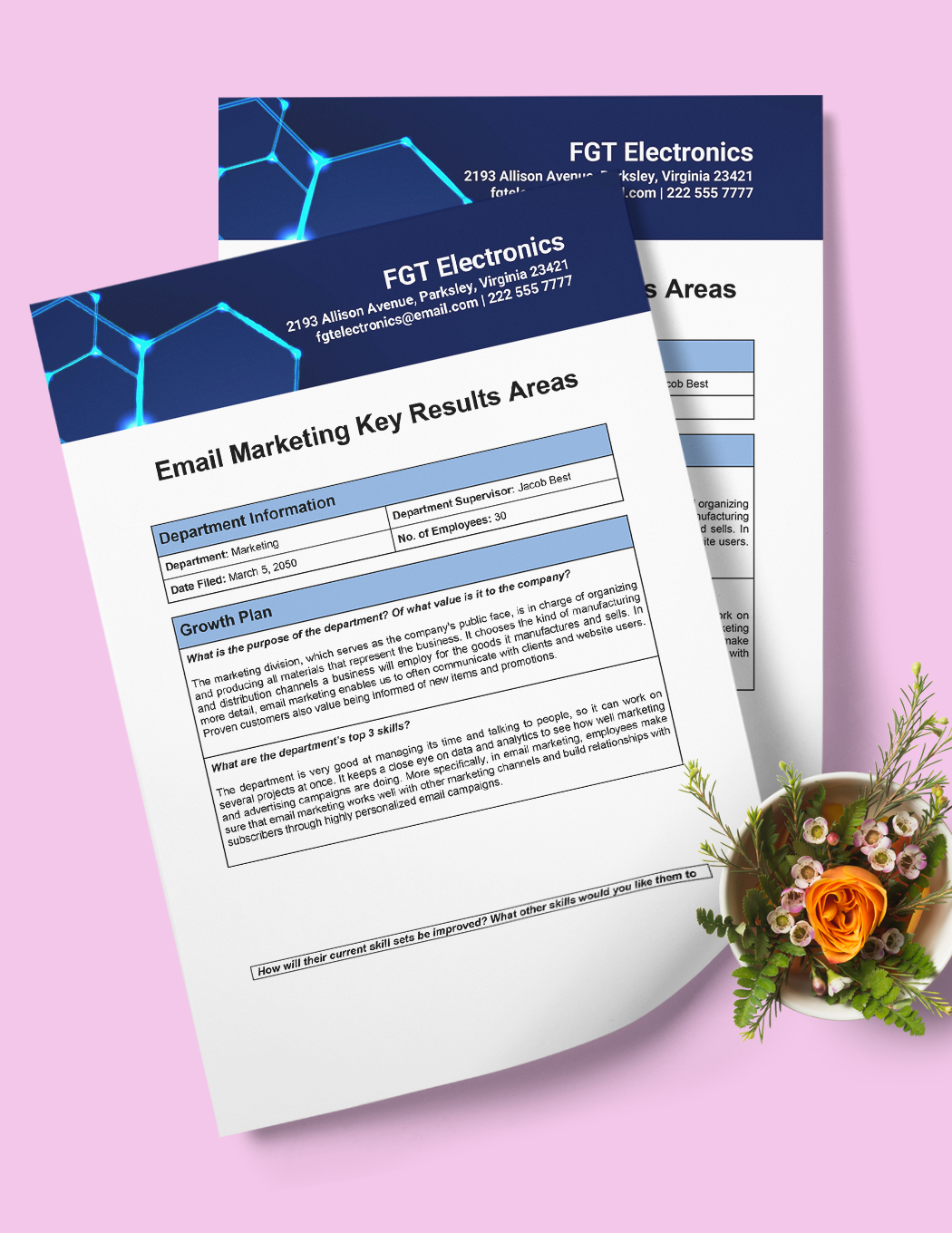
Email Marketing KRA Template

Email Marketing KRA Template in Word, Google Docs, Pages - Download | Template.net
  • Invitations
  • Reports
  • Fax Covers
  • Timelines
  • Proposals
  • Notes
  • Purchase orders
  • Meeting minutes
  • Portfolio templates
  • Heart coloring
  • Newspaper
  • Greeting cards
  • Newsletters
  • Tiger coloring
  • Contracts
  • Family tree
  • Printable Certificates
  • Letters

The history and origin of email go a long way back. In fact, the earliest forms of email have been in use even before the Internet became available to the public. And, ever since then, this digital means of communication has turned into a strong staple of information technology. Be it sending a formal notice to a client or vacation pictures to a friend, there are plenty of different things that an email can carry for you--even a letter prepared as a document file. So, if you want to quickly compose your own virtual note, then you’ll love our professional Email Letter Templates! These samples are 100% customizable in Apple Pages, printable in both A4 and US letter sizes. Download today--create an email letter that’s casual, proper, or whatever else with the help of our easily editable samples!

How to Create an Email Letter in Apple Pages

As explained on a page from thoughtco.com, a letter can come in a wide variety of different forms. So, whether you’re looking to send an official party invitation or just a short note to a coworker, the creation of a letter is involved.

Though, if you’re wanting to expedite the writing process of your email letter, we have a few comprehensive tips (below) on creating one in macOS and Apple Pages!

1. Prepare Your Letter’s Overall Format

So first, open a new blank file in Apple Pages. Before you actually start writing words, you first have to determine the general structure of your letter’s body. To begin, there’s the size; go to the Document tab on the right and set Page Orientation to Portrait. Next, under the same tab, go with either A4 or US size. You should also set the margins to an inch long.

2. Date of Writing, Receiver’s Details

After setting up the size and orientation, you can now get to writing by starting with the current date. If it’s a business/formal letter, then you should align it to the left side; otherwise, either side is fine.

For a business letter, leave 2 empty lines below the date and then write down the receiver’s full name. Following directly below that should be their mailing address.

3. Draft the Main Content

The part of your document to work on is the actual content. First, include a salutation to the reader; using “Dear [NAME],” is good for both formal and informal letters. If you don’t who the exact recipient should be, then go ahead and write “To whom it may concern” instead. A simple “Hi” or whatever you prefer is fine for your own casual use.

Next, it’s now time to write the main dialog of your letter. For formal/business letters, you need to add an opening paragraph that states the purpose of sending the letter.

4. Your Letter’s Closing

With your letter’s primary body taken care of, you can write down “Regards,” or “Sincerely,” to close it off, which are fine for both formal and casual letters. Of course, you can go with whatever you like if you’re writing casually. For business, a closing paragraph is necessary before closing the letter.

Before adding your name below the closing greeting, go down 4 empty spaces first for your email signature. Once that’s done, you can finally send the letter by adding the file as an attachment to an email in your chosen client. If you’d like some ready-made letter samples for school, family, and more, be sure to check out our Email Letter Templates!

Frequently Asked Questions

What page orientation should I set my email letter to?

You should go with a portrait-style for all purposes.

What are the base components of a letter?

  1. Current date of writing
  2. Salutation
  3. Main Content
  4. Closing greeting
  5. Your name and signature

What salutations can I use?

There’s no hard rule for casual letters. However, a formal letter should usually just have “Dear [NAME/POSITION],” as the salutation.

What closing line should I use?

Going with “Regards,” or “Sincerely,” works for both formal and informal letters.

What size should my email letter be?

Using either A4 size or US size is adequate.

Free AI Generators
  • AI Logo Maker
  • AI Image Generator
  • AI Design Generator
  • AI Social Media Post Generator
  • AI Banner Maker
  • AI Document Generator
  • AI Writer
  • AI Form Generator
  • AI Presentation Generator
  • AI Whiteboard
  • AI Diagram
  • AI Photo Editor
  • AI Graph Maker
Free Tools
  • QR Code Generator
  • AI Meme Generator
  • AI Headshot Generator
  • AI Color Wheel
  • AI Color Palette
  • Signature Generator
  • AI Avatar Maker
  • AI Background Remover
  • AI Paraphrasing Tool
  • AI Summarizer
  • AI Plagiarism Checker
  • AI Grammar Checker
  • AI Business Name Generator
Business Categories
  • Marketing
  • Sales
  • Advertising
  • HR
  • Finance
  • Construction
  • IT
  • Non Profit
  • Education
Applications
  • Word
  • Excel
  • PPT
  • Publisher
  • Outlook
  • Google Docs
  • Google Sheets
  • Google Slides
  • PDF
  • Apple Pages
  • Apple Numbers
  • Apple Keynote
  • PSD
  • Illustrator
  • Indesign
  • Free Templates
  • Popular
Company
  • About Us
  • Community
  • Pricing
  • Contact Us
  • Privacy Policy
  • Terms of Service
  • Refund Policy
  • Disclaimer
  • Careers
  • Blog

Template.net © 2014 - 2026. All rights reserved

Instant Download

Get Instant Access to 40,000+ Apple Pages Templates

Limited Time Offer
  • Access to 1 Million+ Templates & Tools
  • 100,000+ Apple Templates Including Apple Pages & Apple Numbers
  • Unlimited access to Design & Documents AI editors
  • Professionally Made Content and Beautifully Designed
  • Instant Download & 100% Customizable