

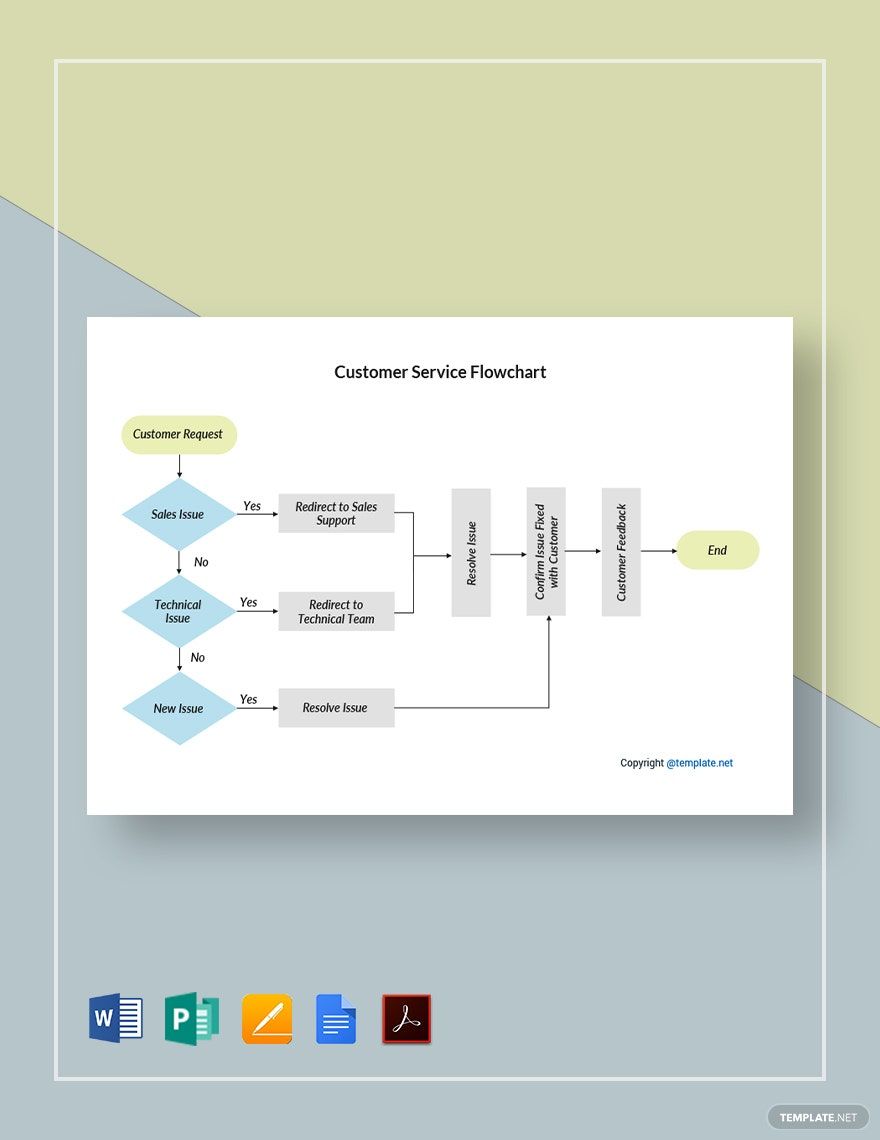
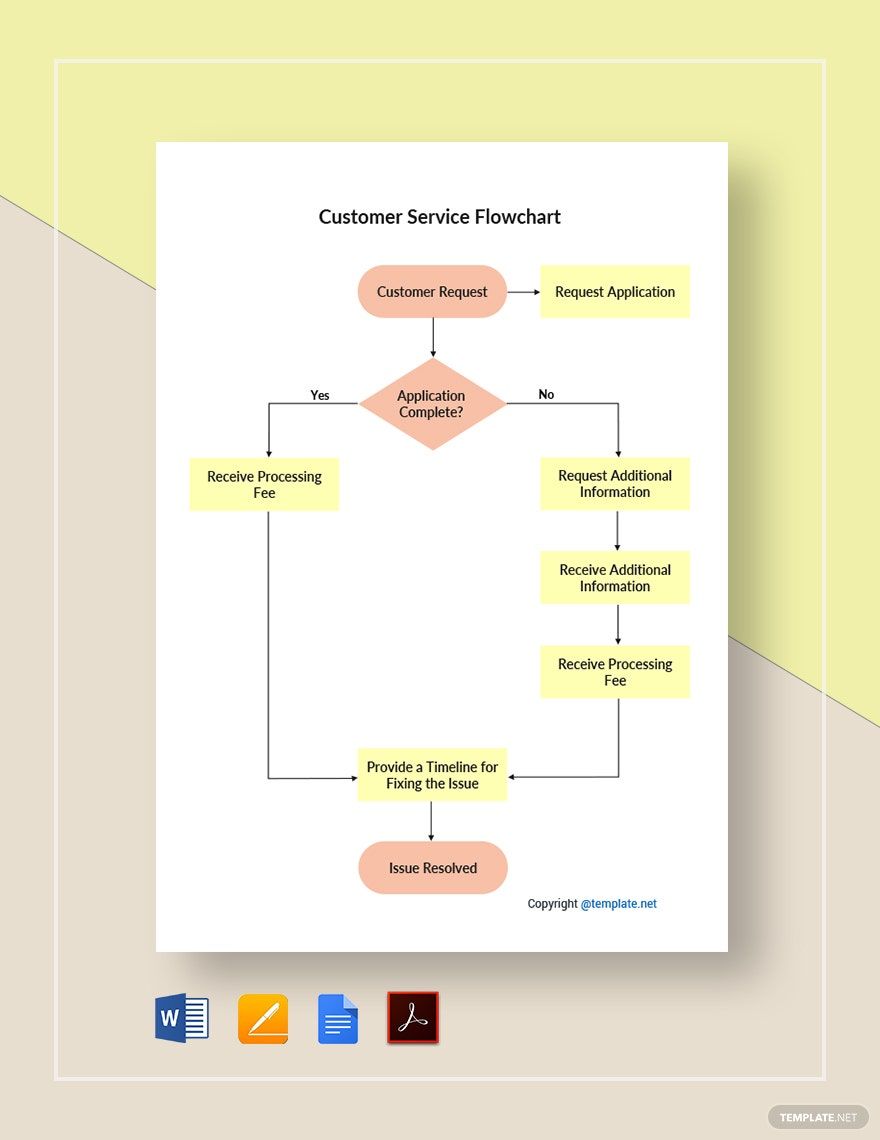
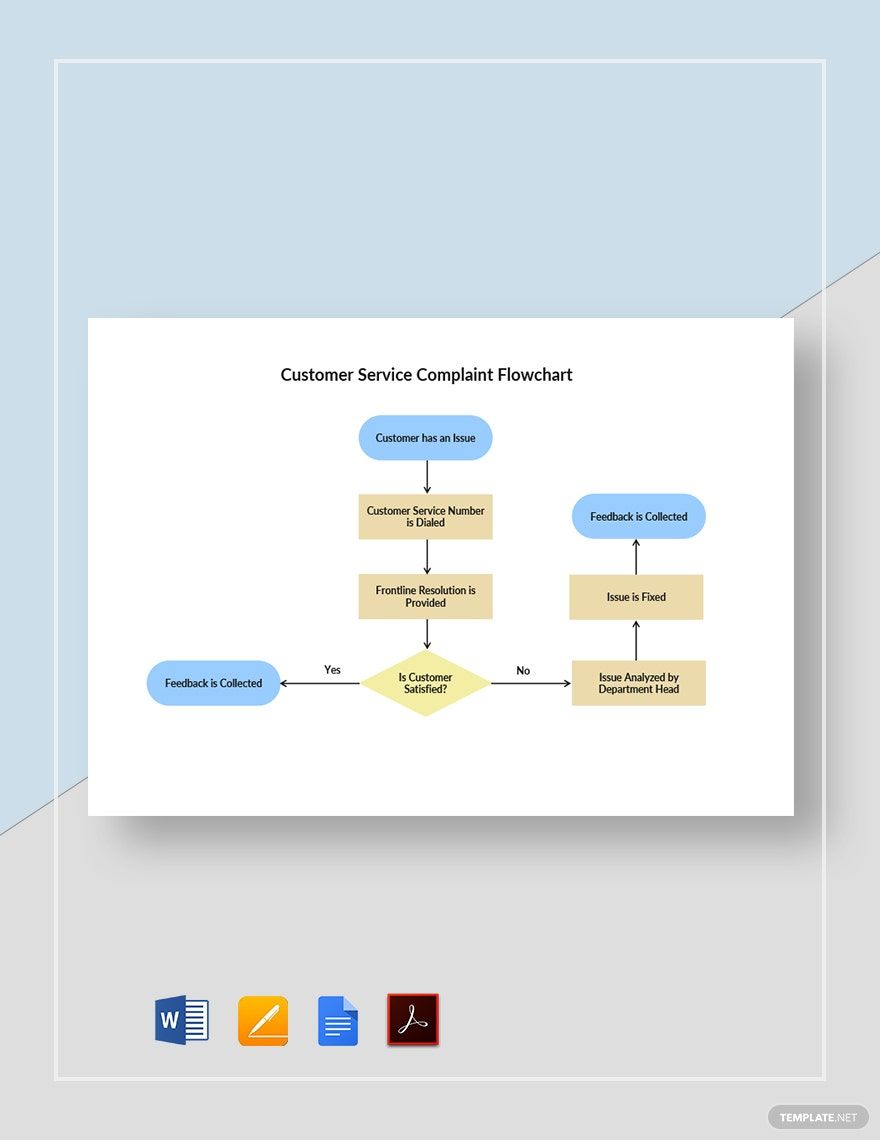
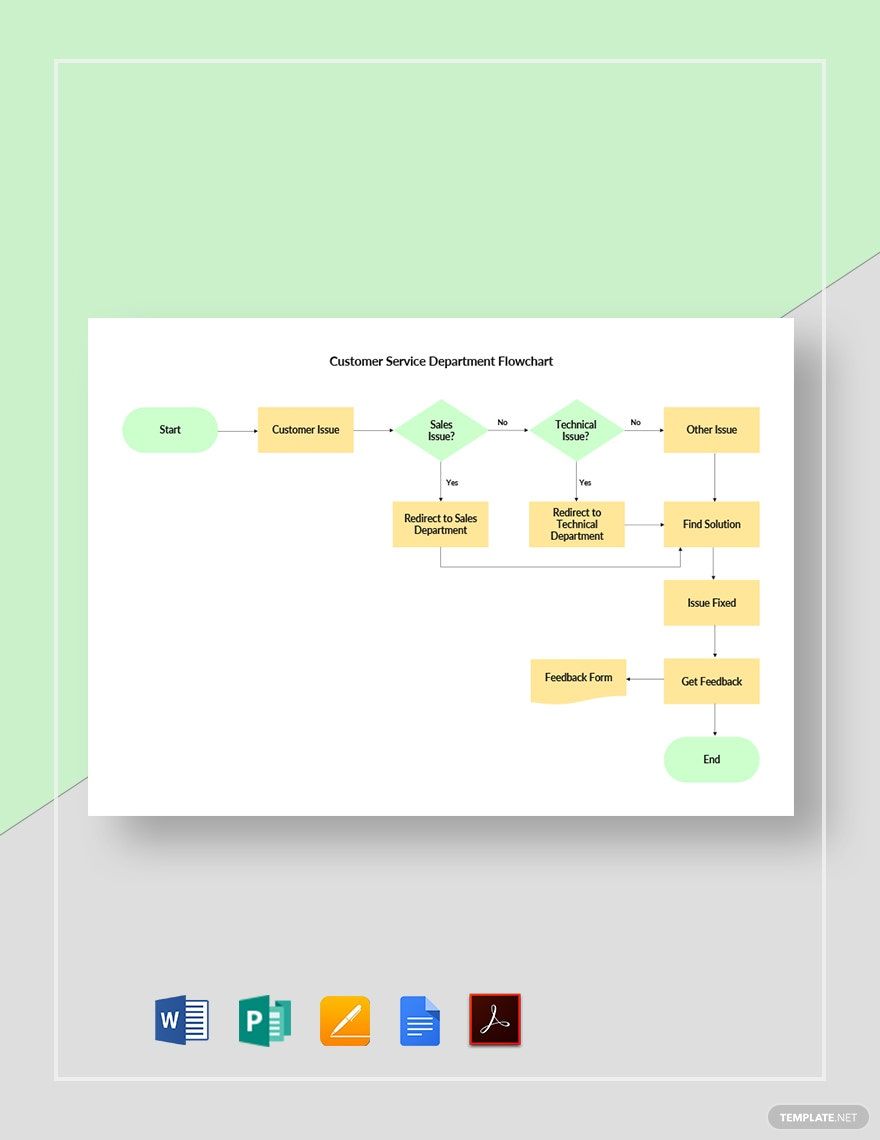
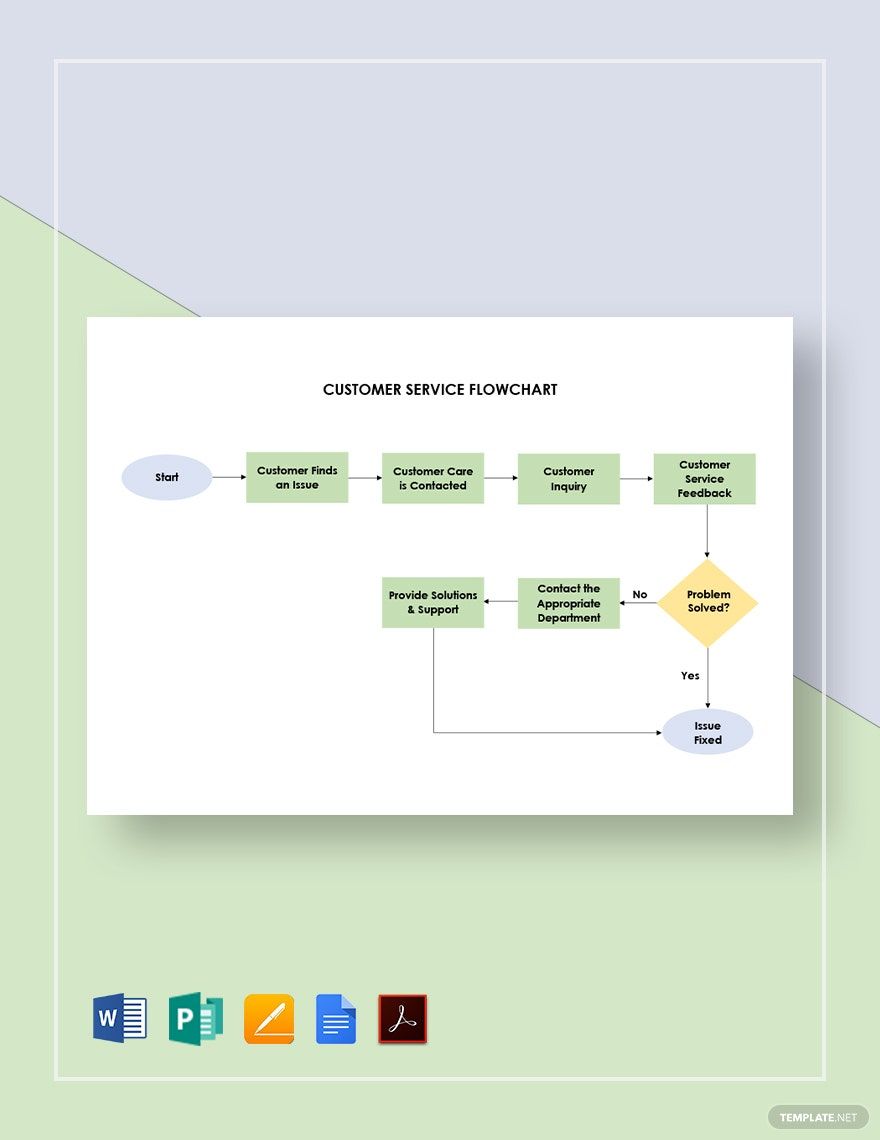
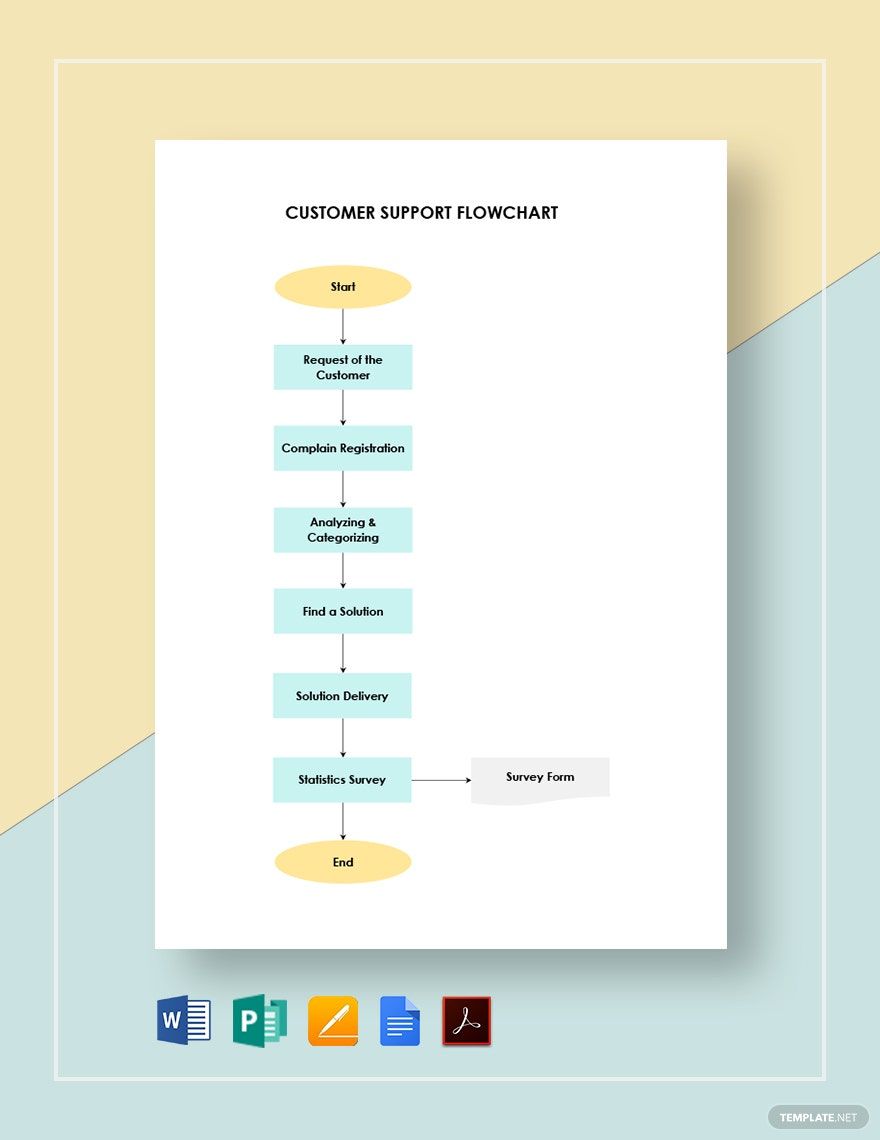
We are easily fed up with people's criticisms about the output we make. But if you are a customer service representative, you should know how to handle criticisms professionally. Flowcharts can be very helpful with that. So we offer you our Ready-Made Customer Service templates to take those feedbacks constructively. These templates are available in Google Docs file formats. Download, edit, and print them in A4 and US letter sizes and portrait and landscape orientation styles. Provide excellent customer service and never get weary to face your customers.
Customer Service Flowchart Template in Google Docs
Introduce a Well-Crafted Process Flow Diagram Perfect For Providing An Effective Customer Support In Your Restaurant, Call Center, Coffee Shop, or Service Provider Businesses With A Free Customer Service Flowchart Template In Google Docs. We Have Many Sample Designs That Contains Infographics Which Can Be Really Helpful To Your Employees And Representatives. Download One Now!

- Business Plans
- Receipts
- Contracts
- Manual Templates
- Note Taking
- Forms
- Recommendation Letters
- Resignation Letters
- Birthday
- Outline
- Quotation
- Charts
- Handbook
- Family Tree
- Surveys
- Workout Schedule
- Study Guide
- Ebooks
- Chore Charts
- Training Manual
- Research
- Screenplay
- Wedding
- Lesson Plan
- Brief
- Organizational Charts
- Syllabus
- School Calendar
- Attendance Sheet
- Business Cards
- Student
- Review
- White Paper
- Essay Plan
- Vouchers
- Timeline Charts
- Reference
- Estimate Sheet
- Mind Map
- Cover Letters
- Interview
- Posters
- Report Cards
- Fax Covers
- Meeting Minutes
- Roadmaps
- Cookbook
- Curriculm Lesson Plan
- Bibiliography
- Rental Agreement
- Legal Templates
- Party
- Pleading Paper
- Pay Stub
- Classroom Seating Charts
- Sub Plan
- IT and Software ID Card
- Event Proposal
- Likert Scale
- Doctor Note
- Labels
- SOP
- Comparison Charts
- Project Reports
- Daily Schedule
- Weekly Calendar
- Customer Persona
- Medical
- Coupons
- Resumes
- Invoices
- Christmas
- List
- Executive Summary
- Marketing
- Budget
- Meal Plan
- Friendly Letters
- Itinerary
- Reference Letters
- Church
- Letters of intent
- Reading logs
- Assignment agreement
- Mothers day card
- Retrospective
- Simple loan agreement
- Rent Receipts
- One page business plan
- Weekly Reports
- Offer letters
- Prescription
- One page proposal
- Case brief
- Roster
- Log Sheets
- Music
- Schedule cleaning
- Printable survey
- Internship report
- Fundraising
- Research proposal
- Freelancer agreement
- Delivery note
- Madeline hunter lesson plan
- Training
- Social media calendar
- Catalogs
- Grant proposal
- Affidavit
- Lean business plan
- Schedule hourly
- Mon disclosure agreement
- Bill of lading
- Sitemap
- Campaign
- Education
- Cash Receipts
- Introduction letter
- It and software profile
- Business case
- Annual Reports
- Personal letter
- Calendar Google Docs
How to Make a Customer Service Flowchart In Google Docs
Customer service flowcharts illustrate the process flow of how customer service is done.
Below are the steps to make your customer service flowchart in Google Docs.
1. Diagnose a Customer Concern
Customer concerns greet customer service employees in their work stations. They check the feedback daily from customers about your products or services. So the first thing to do is to identify the cause of the problem. Know why the problem occurred by taking down notes about the customer experience so you can proceed with formulating the resolution. Keep your lines open all the time for any concerns that may arise. Answer phone calls connected to the customer care hotline. Do not leave the customer service post unattended. These are all part of a customer service’s job. Your company should be updated on the concerns so you will not bypass any of them.
2. Come Up with a Solution
Every problem will come to an end because there will always be a solution. Be positive about it. Don’t panic just yet. Think of the best way to address the issue escalated by the customer. Communicate with the department that can help you solve it. Forward to them the details, so they can track where your product or service went wrong and be able to come up with the best solution. Take into account customer satisfaction with your come up solution. Guarantee to it that there will be no room for customer complaints again to compensate for the inconvenience of your product or service.
3. Make an Aftercare
Solving a problem doesn’t end the problem. To totally end a problem, make sure it will not happen again. So do aftercare. Take care of the root cause of the problem earlier. Ascertain to it that it will not affect or cause dilemma again to your future product and service users. If there’s a need for troubleshooting, then set a schedule for it. Inform your customers ahead that they will not be available for the time being, so your company can do your thing first. This type of circumstances is not always a sign of poor customer service, but an indicator of opportunities for improvement to continue providing good customer service.
4. Constitute the Steps in a Flowchart
After attending everything in the previous steps, you may construct now your customer service flowchart. You can’t make it without the knowledge of those service process. And since you have already undergone those, it will be easier for you to complete the flowchart. Draw it in Google Docs by going the insert menu, then to the drawing option, and clicking New. A visual drawing pad will appear where you can start adding shapes and texts to form a flowchart. You can get every tool that you need in the pane above the pad. Show in your chart the customer service workflow you have worked on earlier. Save and close the dialog box when finished, then your flowchart appears on the paper document. Instantly constitute the steps in a flowchart by downloading our free customer service flowcharts above. They come with suggested contents you can readily edit to place your details.
