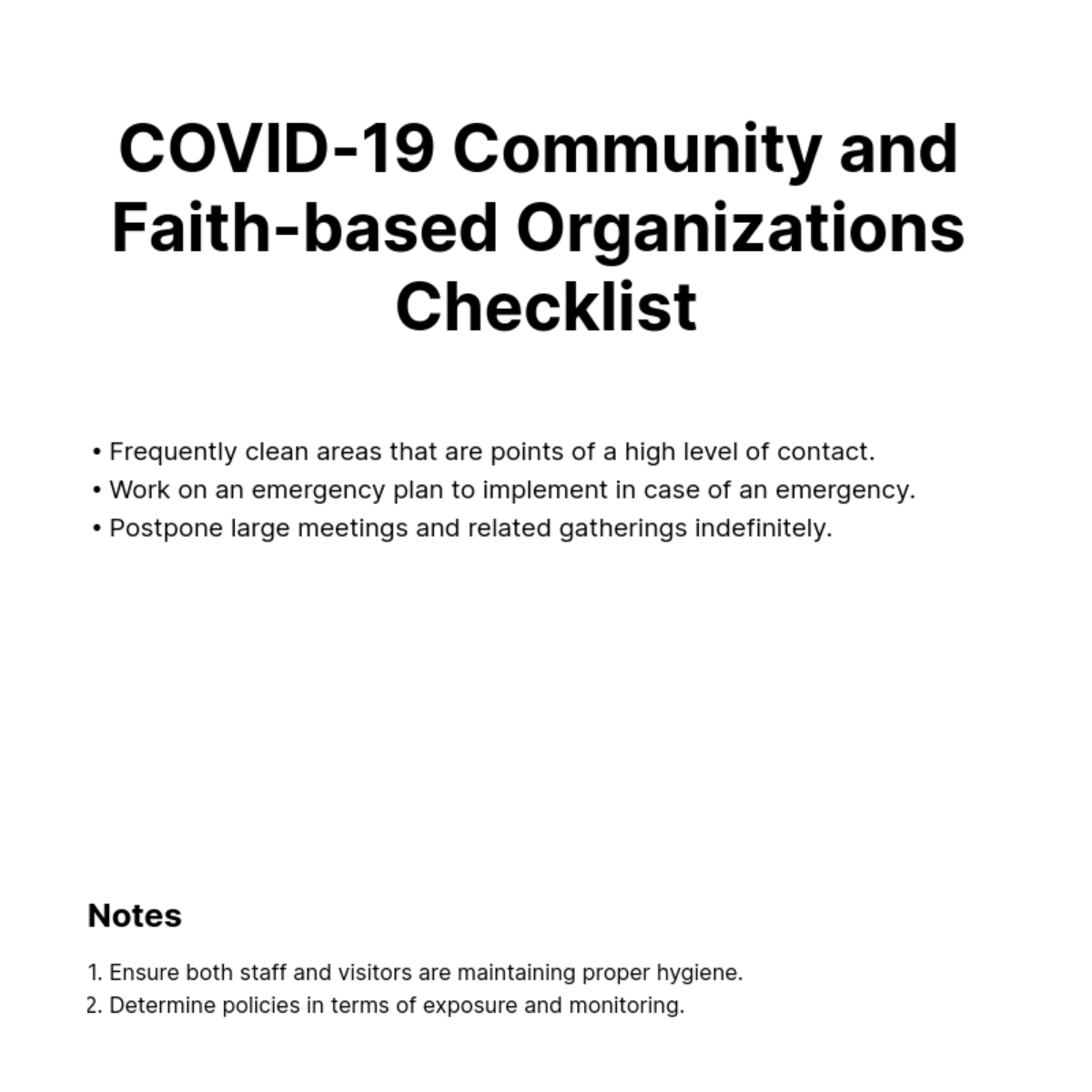
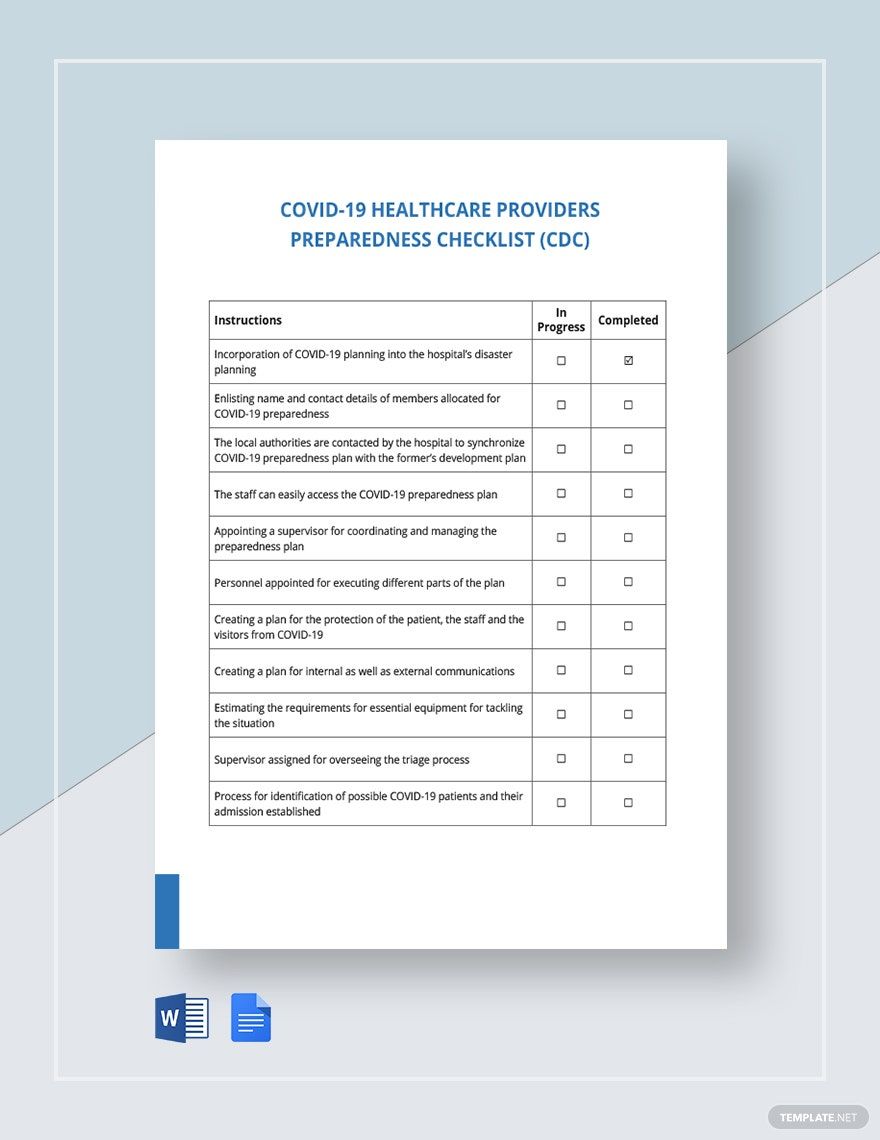
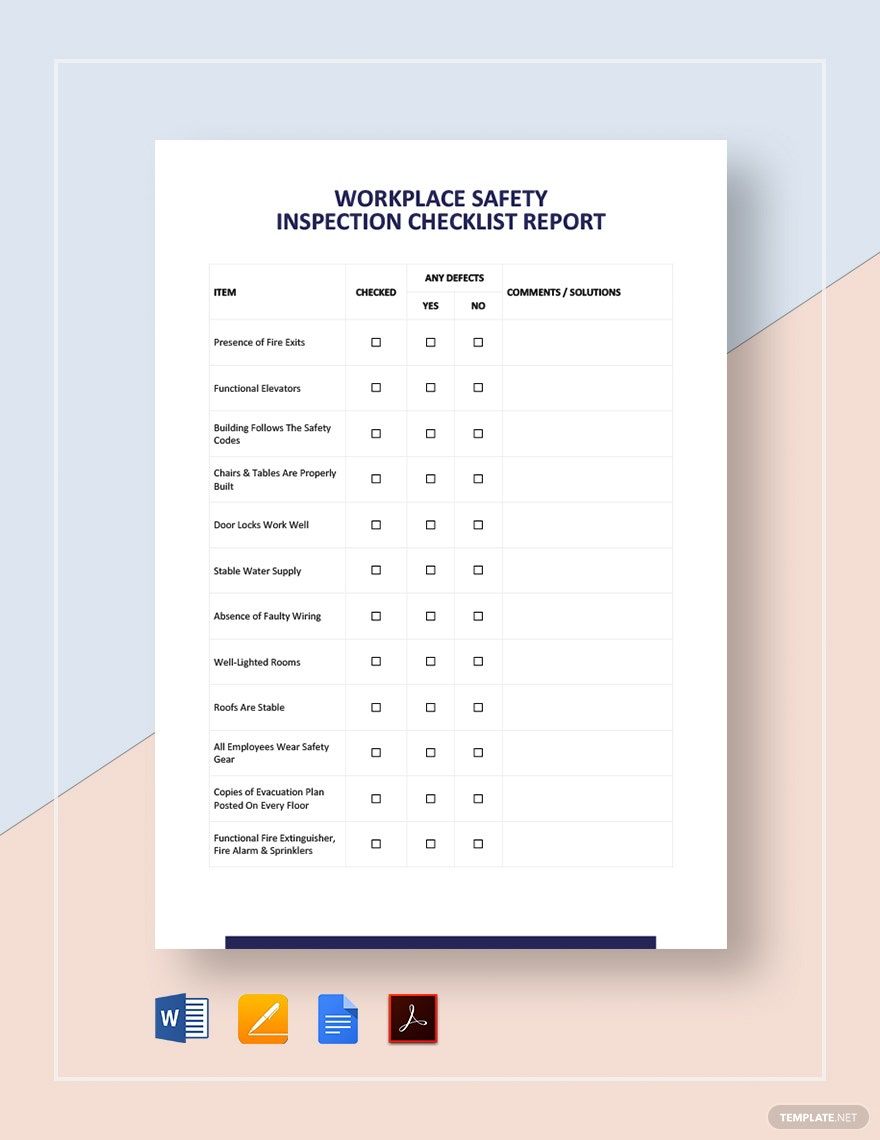
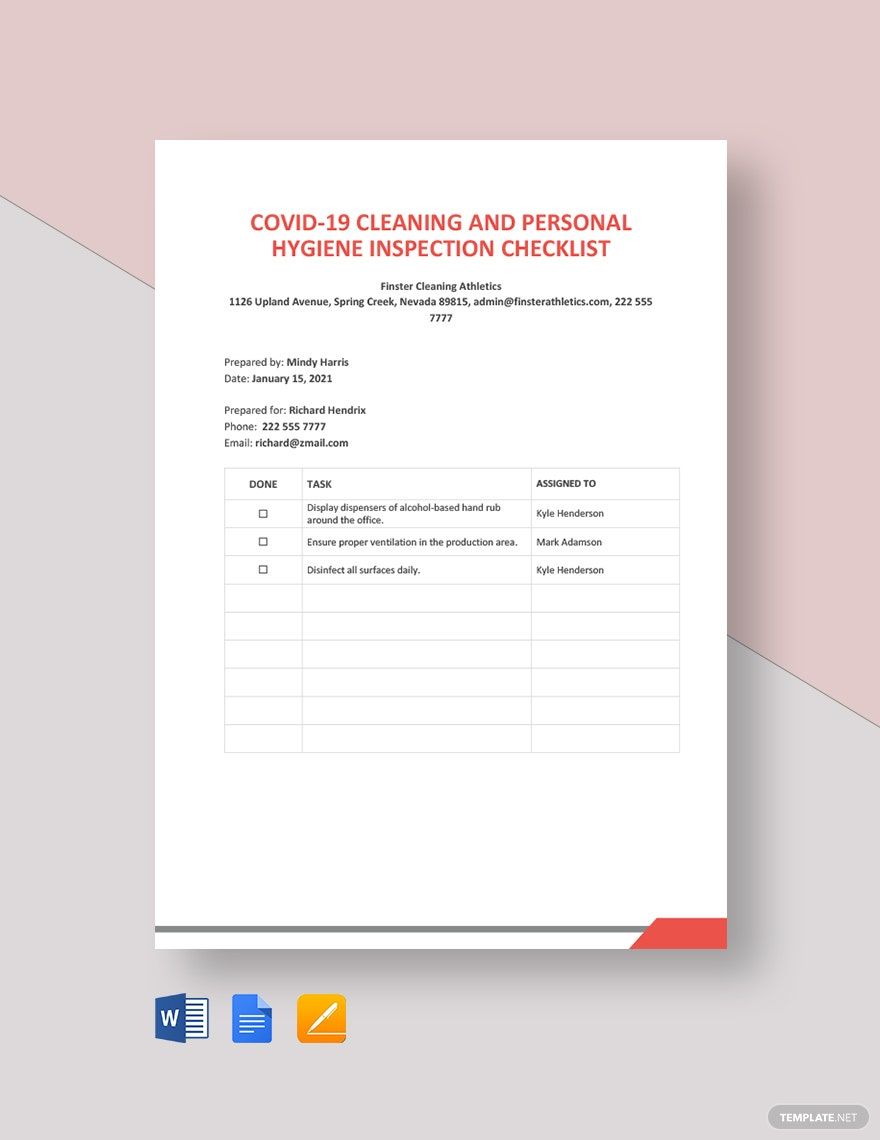
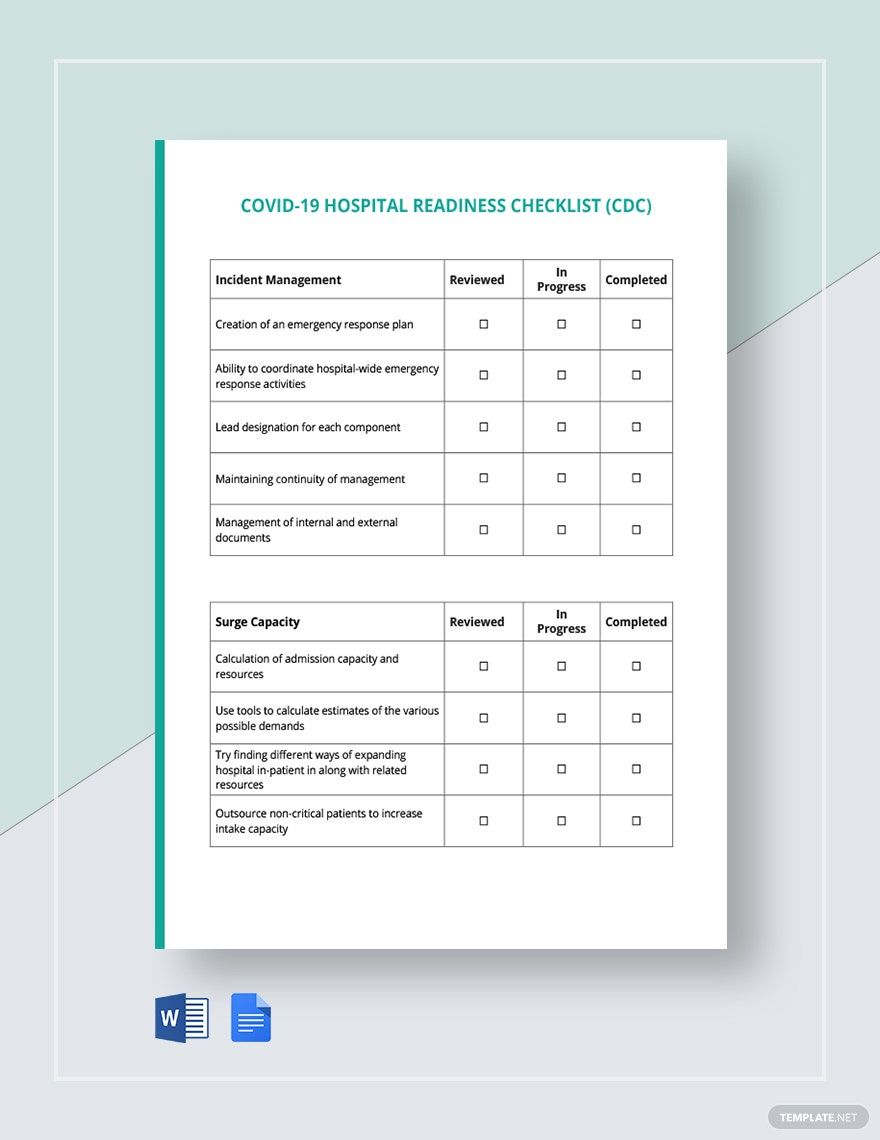
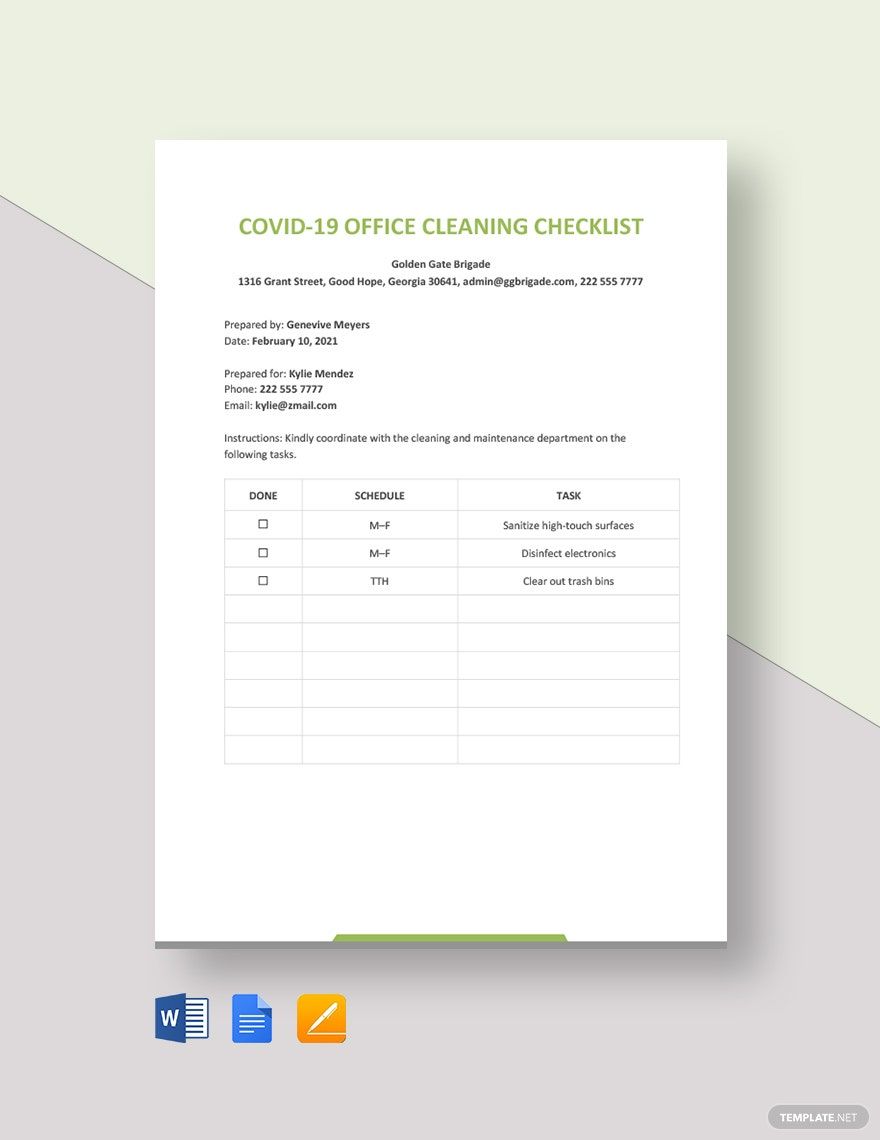
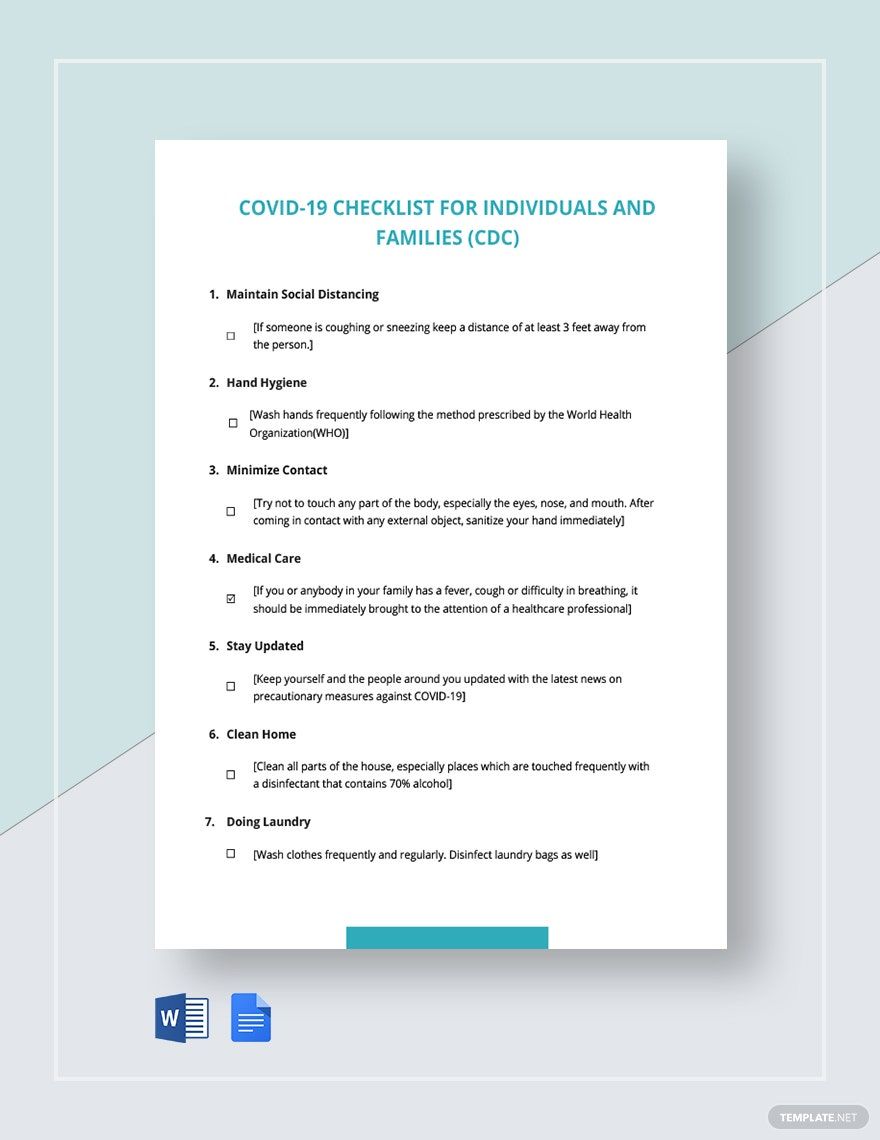
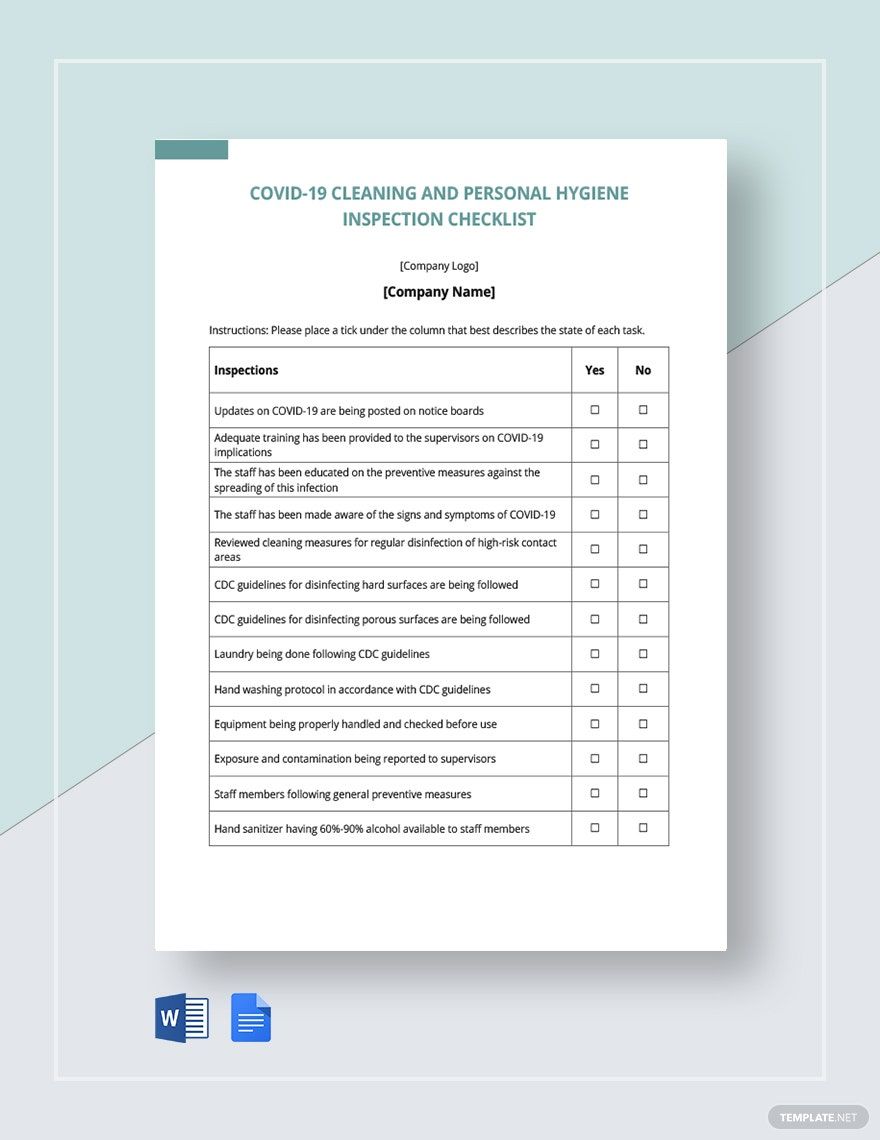
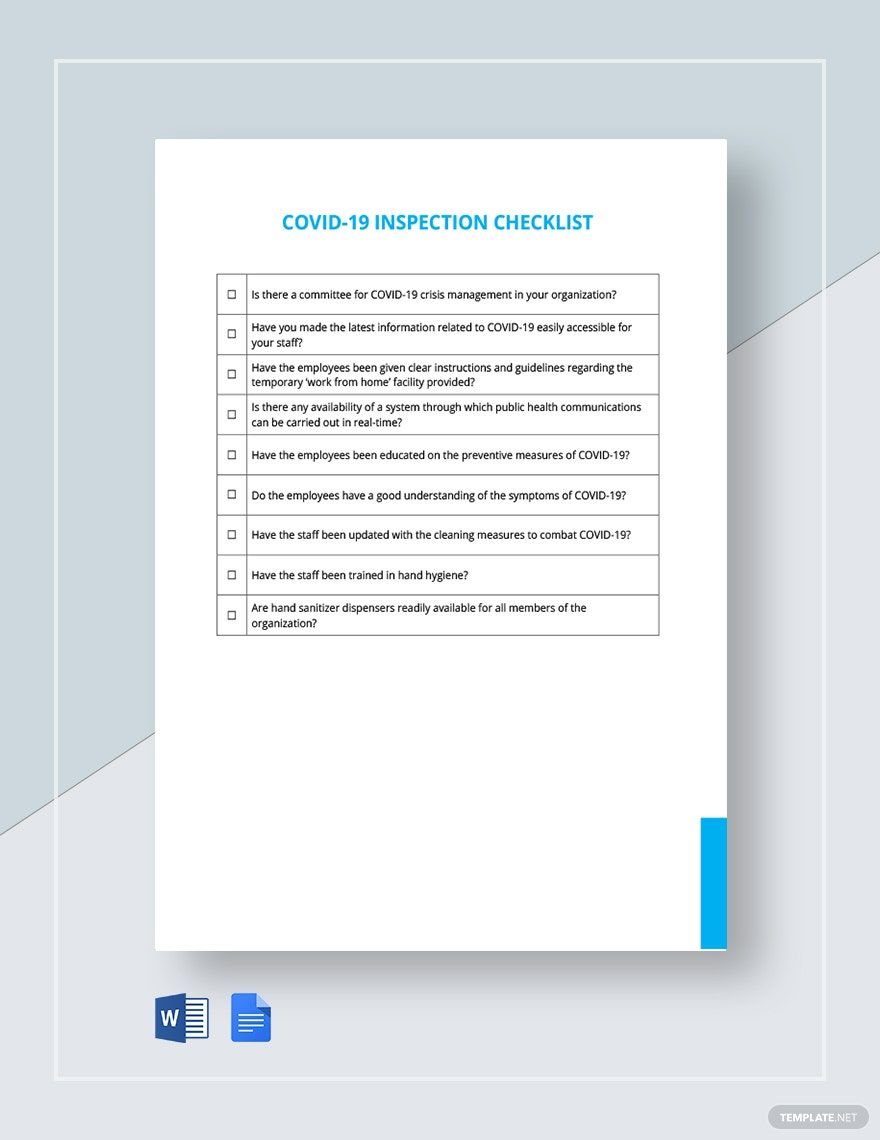
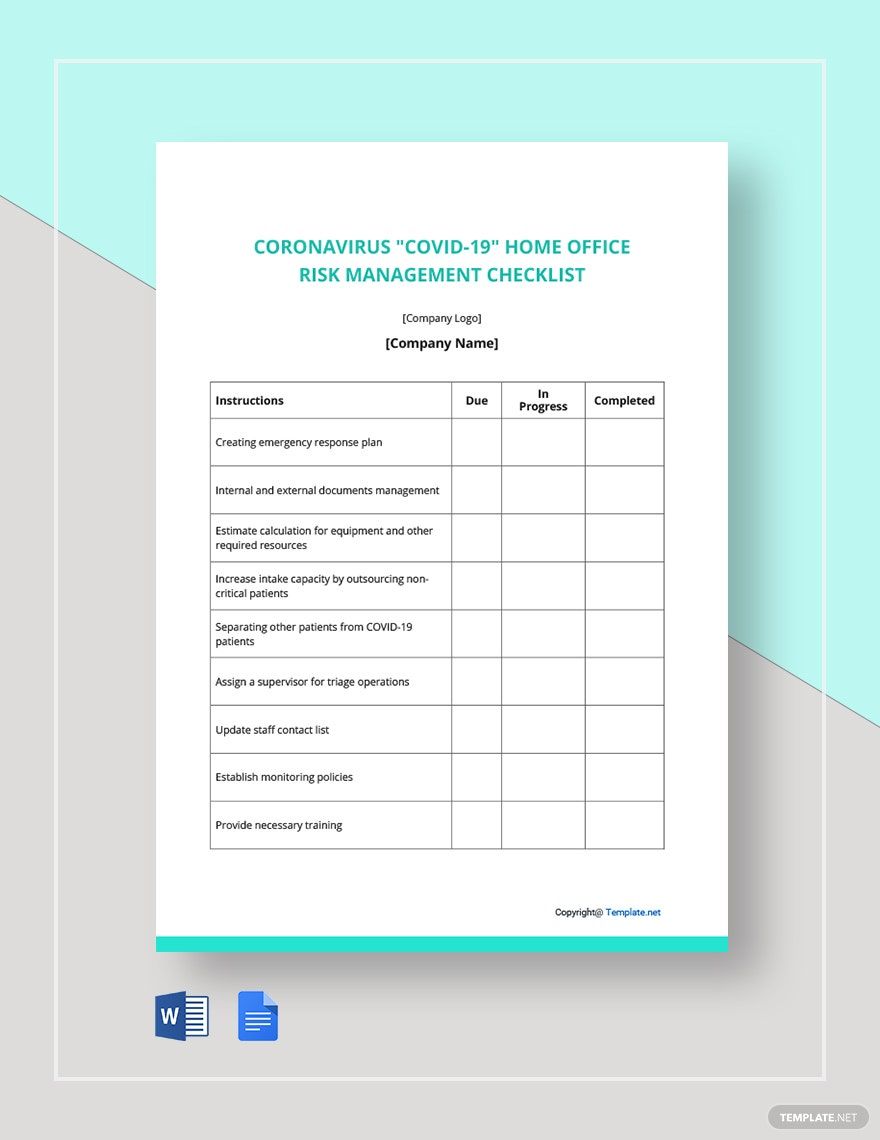
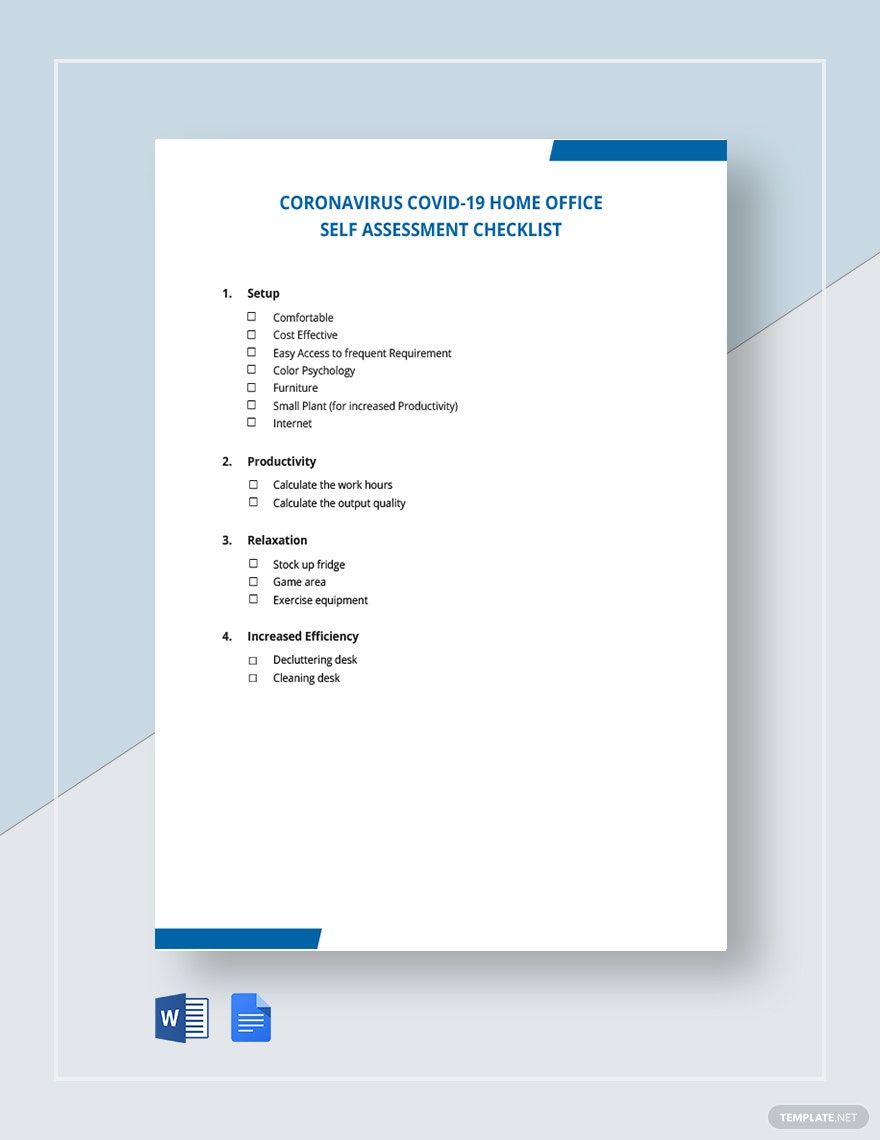
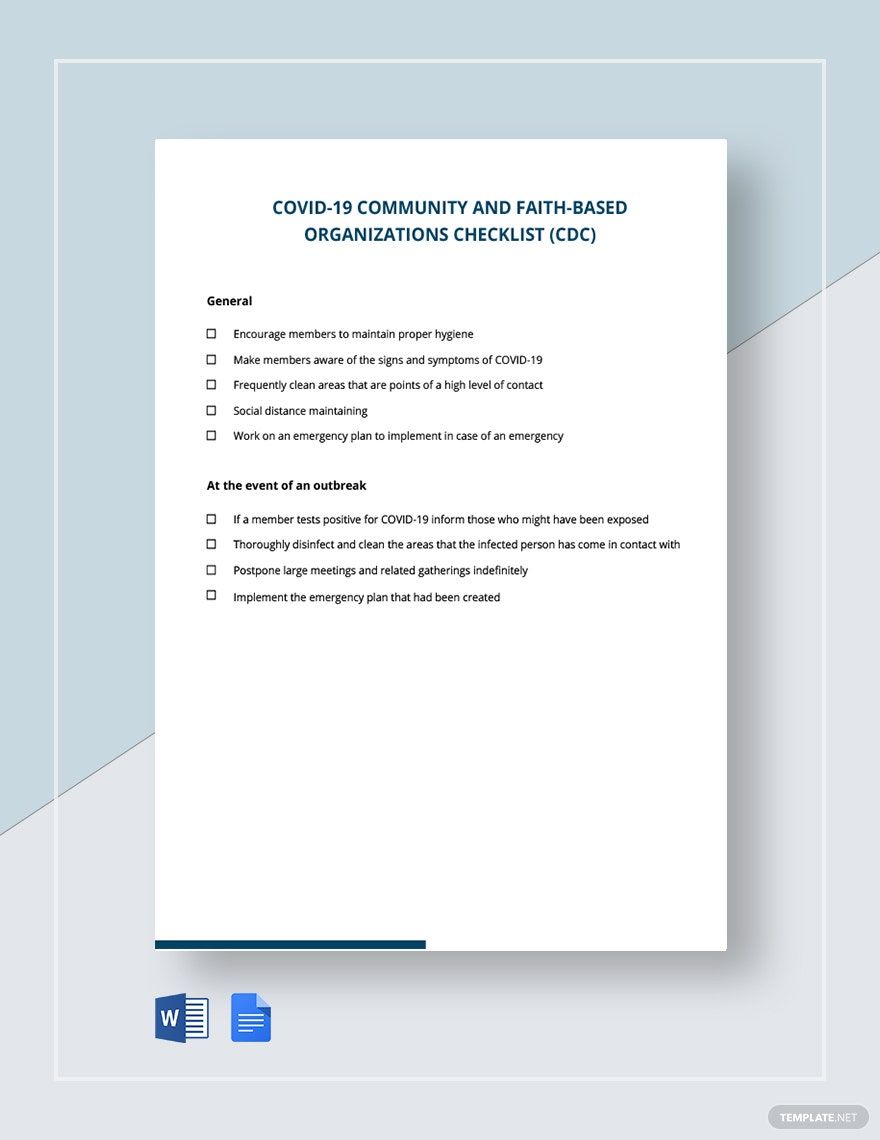
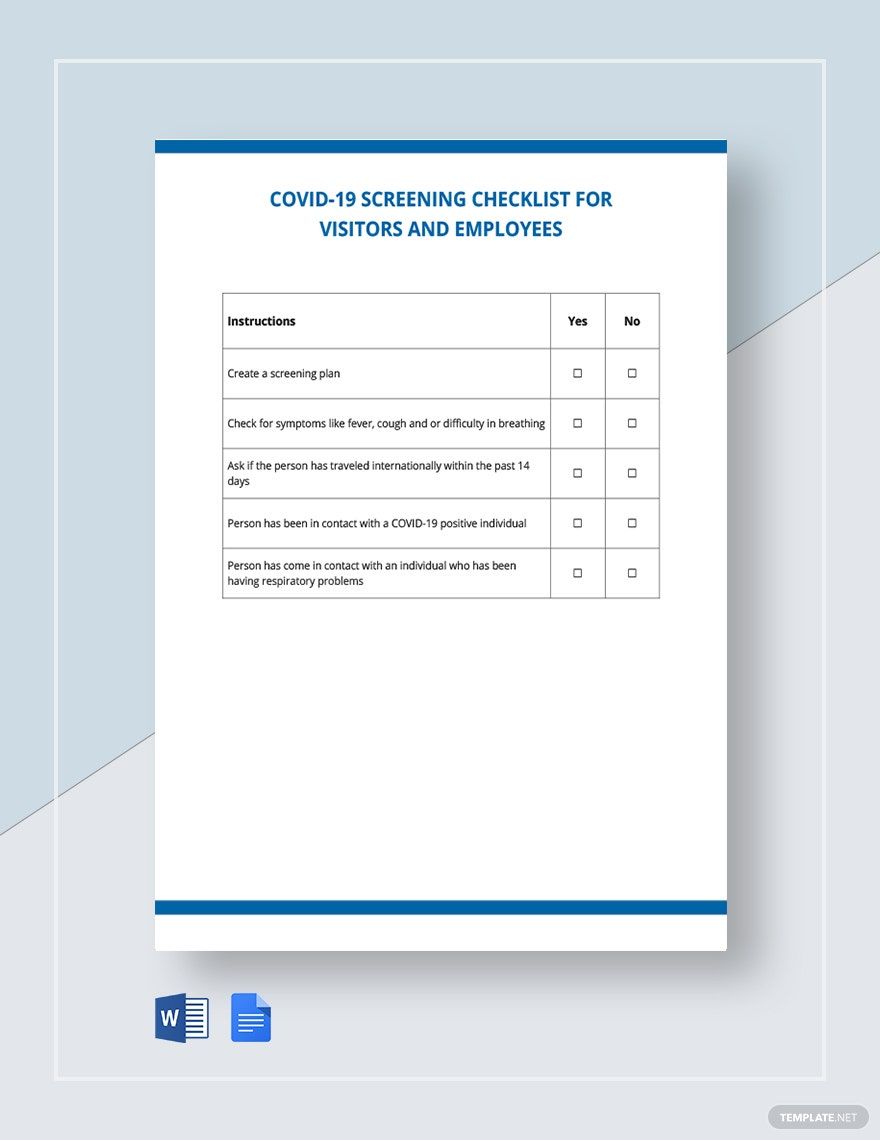
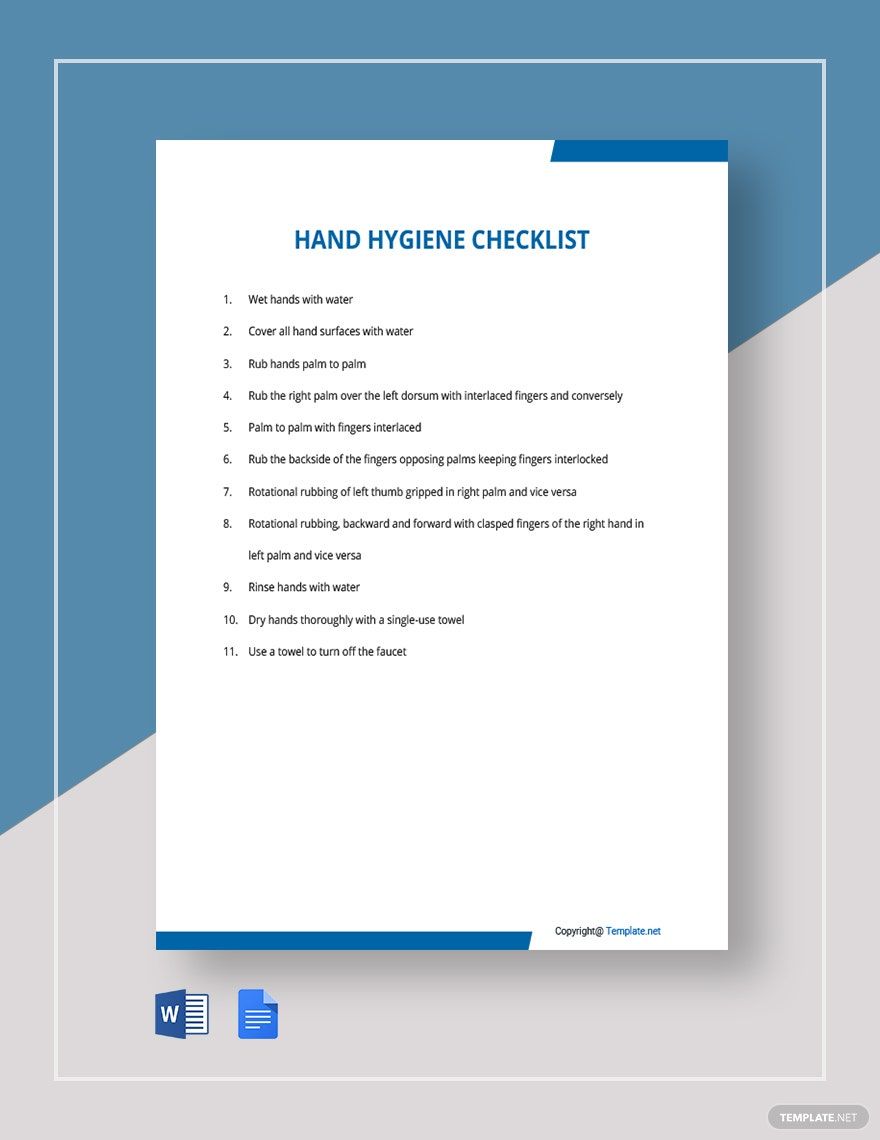
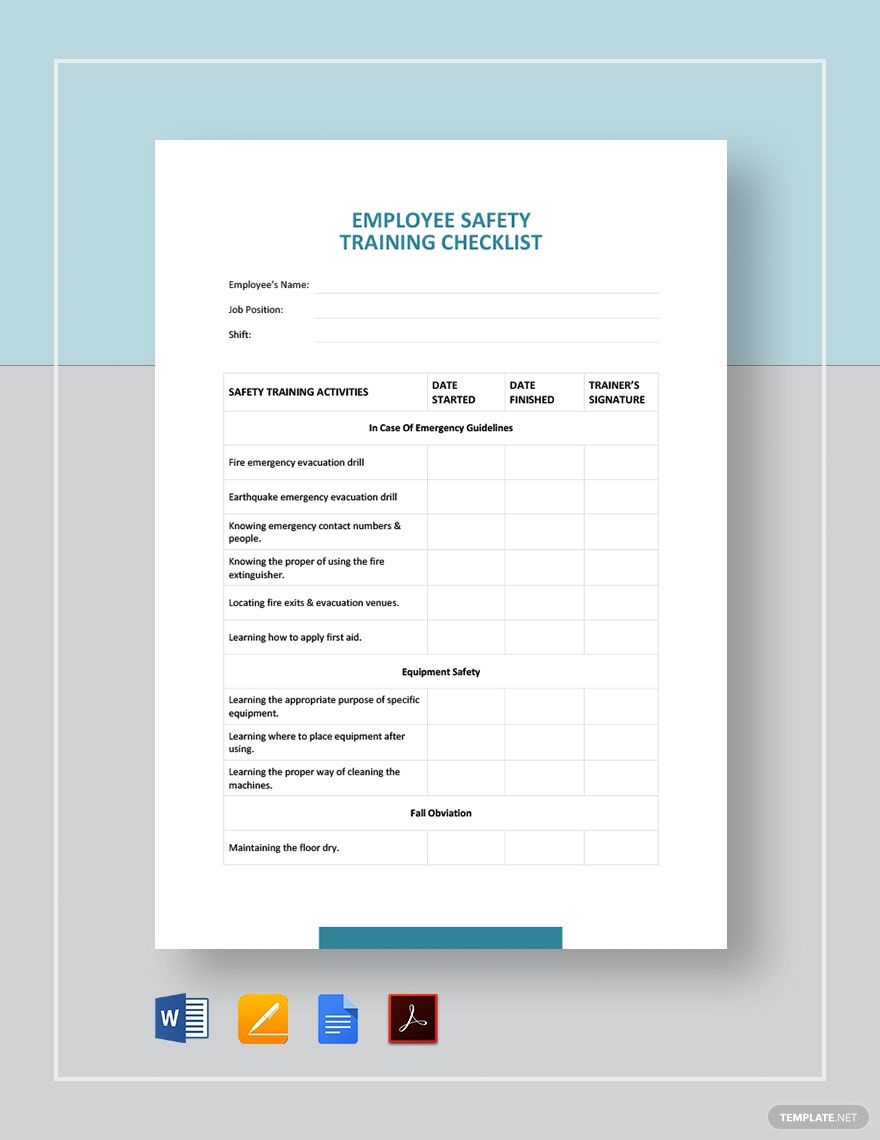
During these devastating times of the Coronavirus outbreak, it is absolutely crucial that everyone does what they can to prevent the spread of this devastating disease. Therefore, whether it’s to monitor public hygiene precautions or to check how well-equipped a medical facility is, it’s important not to overlook the details relevant to this prevention. And so, it’s a good idea to incorporate the simple yet effective functionality of a checklist; we have a diverse set of easily editable COVID-19 Checklist Templates to help you out. Save time by using our professional content with a variety of compatible editing software, printable in both A4 and US letter sizes. Download now to make a checklist for work, inspections, and whatever else that needs to take precautionary measures against the outbreak.
How to Make a COVID-19 Checklist?
As explained by GoVIEW, a checklist allows you to precisely outline each and every chore/item that needs to be fulfilled. So, be it for community screenings or workplace disinfections, a checklist can definitely be useful for steps designed to protect everyone from the Coronavirus.
However, if you’re not familiar with how to put together a checklist, we have a few quick and easy tips that you can read through just below.
1. Set Up the Checklist’s Layout
Before you get started on the contents of your checklist, you first have to prepare the overall format of your document. Go ahead and open a new file in your chosen processing software—preferably one with options for grid tables, lists, and bullet points. Next, if it’s not by default, select a portrait style for the page’s orientation layout; apply a one-inch margin along the page’s border. Create a sample checklist for the steps that employees need to follow in case of Work from Home.
2. Start Writing the Content
After establishing a proper page format for your document, you can now get to drafting the content. First, add a title/main header at the top of your page, then proceed to input each item that your checklist needs to contain. To create your list, you can simply go down one line per item; alternatively, if your application supports it, you can insert a table to create the list. You can choose to add a letterhead if you wish for your Small Business Checklists.
3. Bullets and Checkboxes
Now that you have the dialogue written down, it’s time to improve the readability of your content. So outline each item by applying a bullet format to the whole list; using a numbering format works as well.
For a different option, you can use checkboxes instead if you plan on visibly checking off each item when it’s time to go through them. Using checkboxes also works when there are multiple categories of things to consider for each item; be sure to label each column/category of choices.
Also, if your document has more than one list, remember to segregate them by using subheaders.
4. Additional Dialogue
With the primary content taken care of, you should now include any supplementary content to your checklist. Such content could be instructions on how to use the checklist, remarks about the checklist’s contents, the contact information of project directors, and so on.
And, with that, your checklist is ready to use as needed. If you require editable COVID-19 checklists for home, healthcare inspection, and more, then please do browse through our COVID-19 Checklist Templates.
Stay safe.