
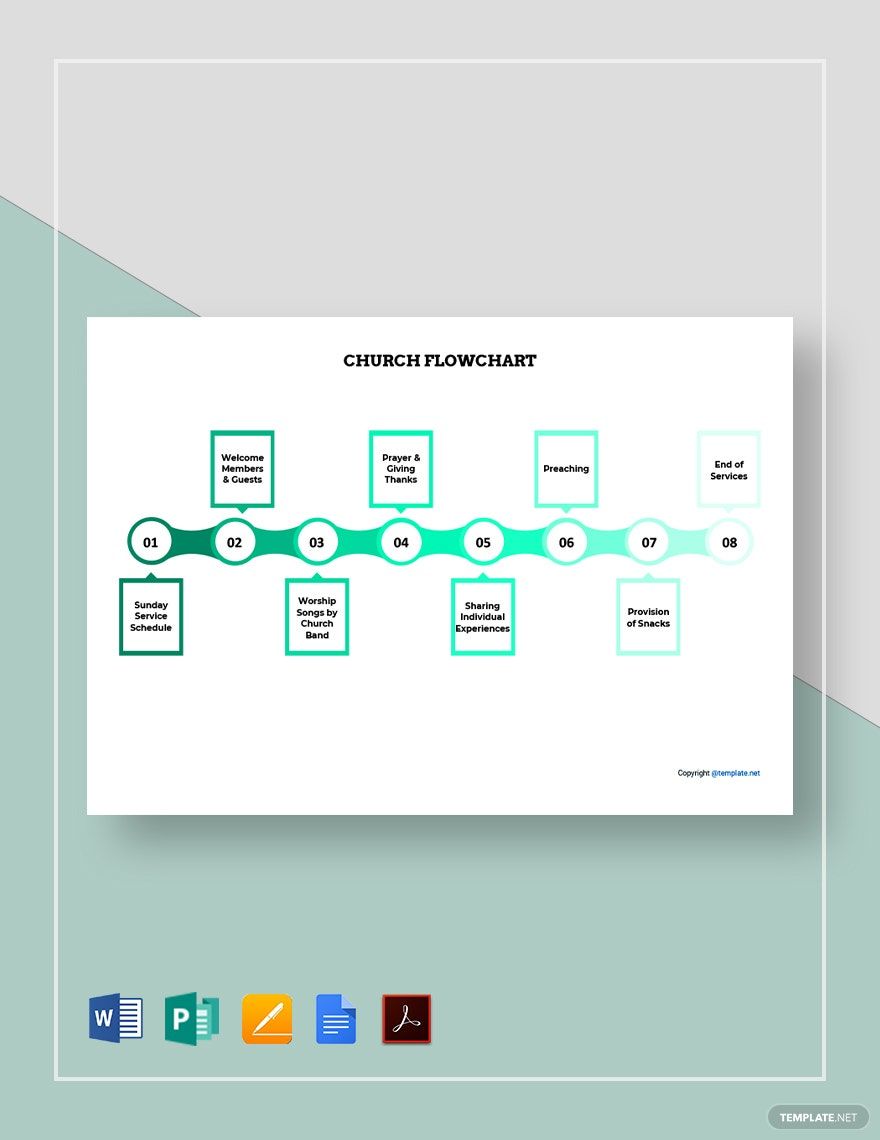
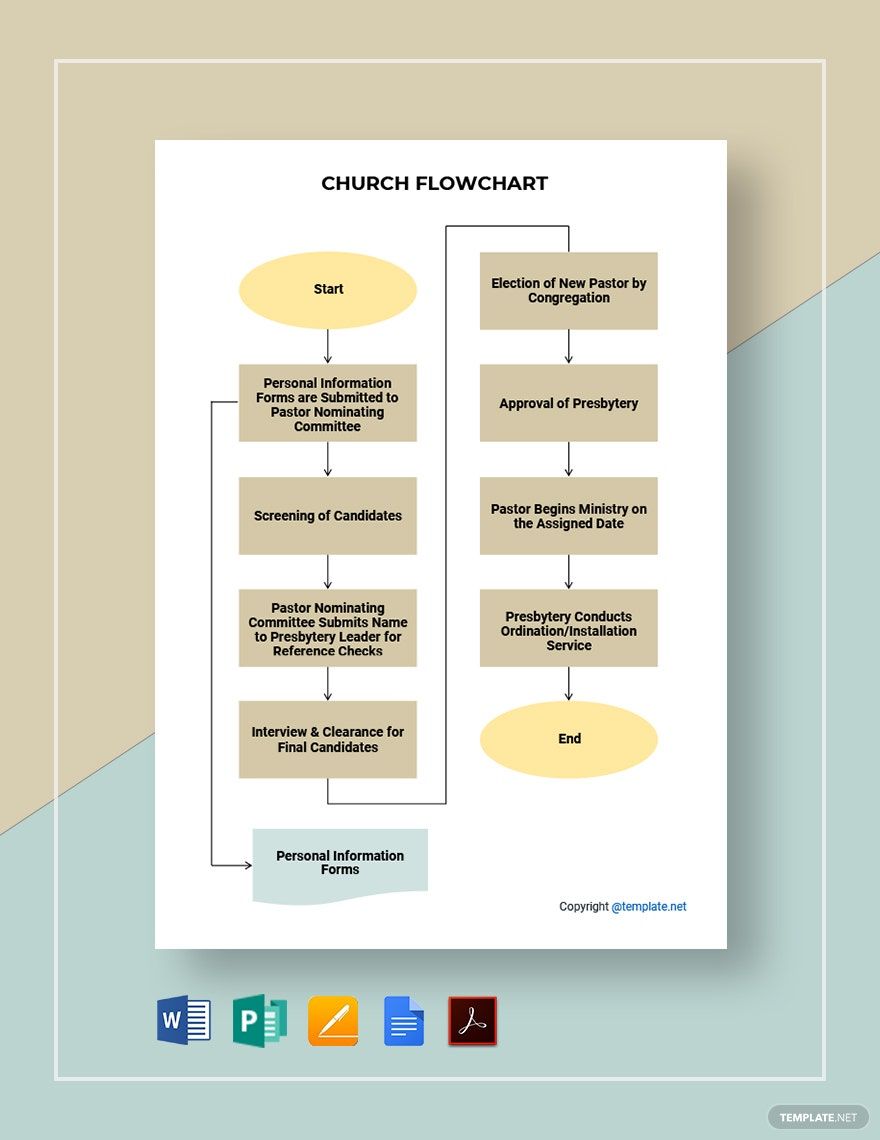
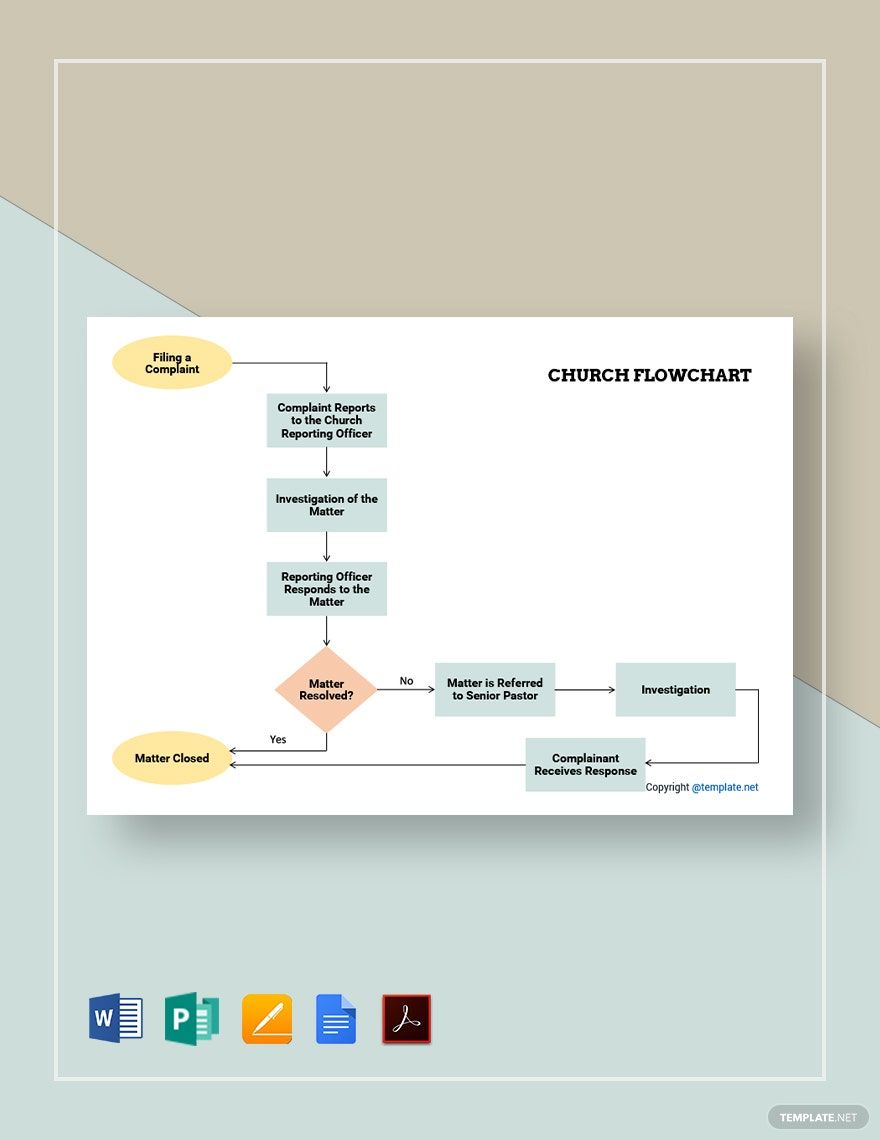
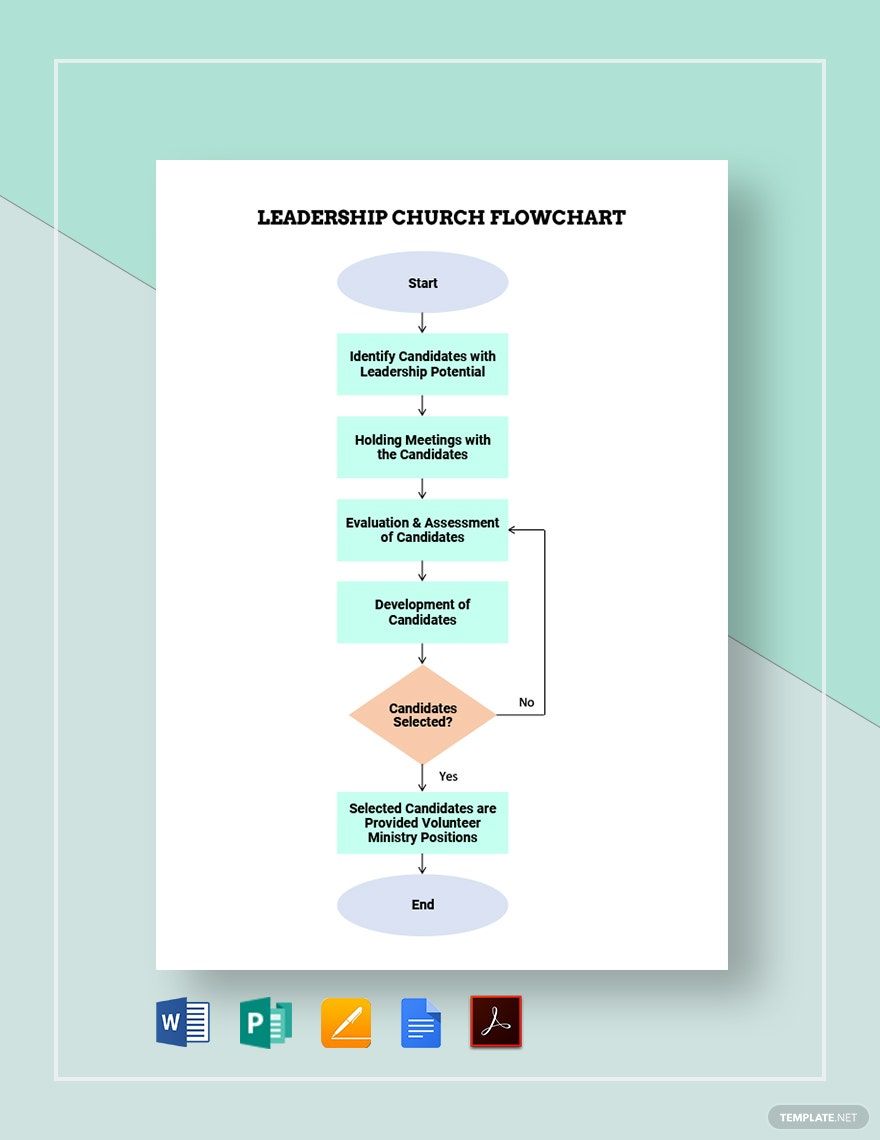
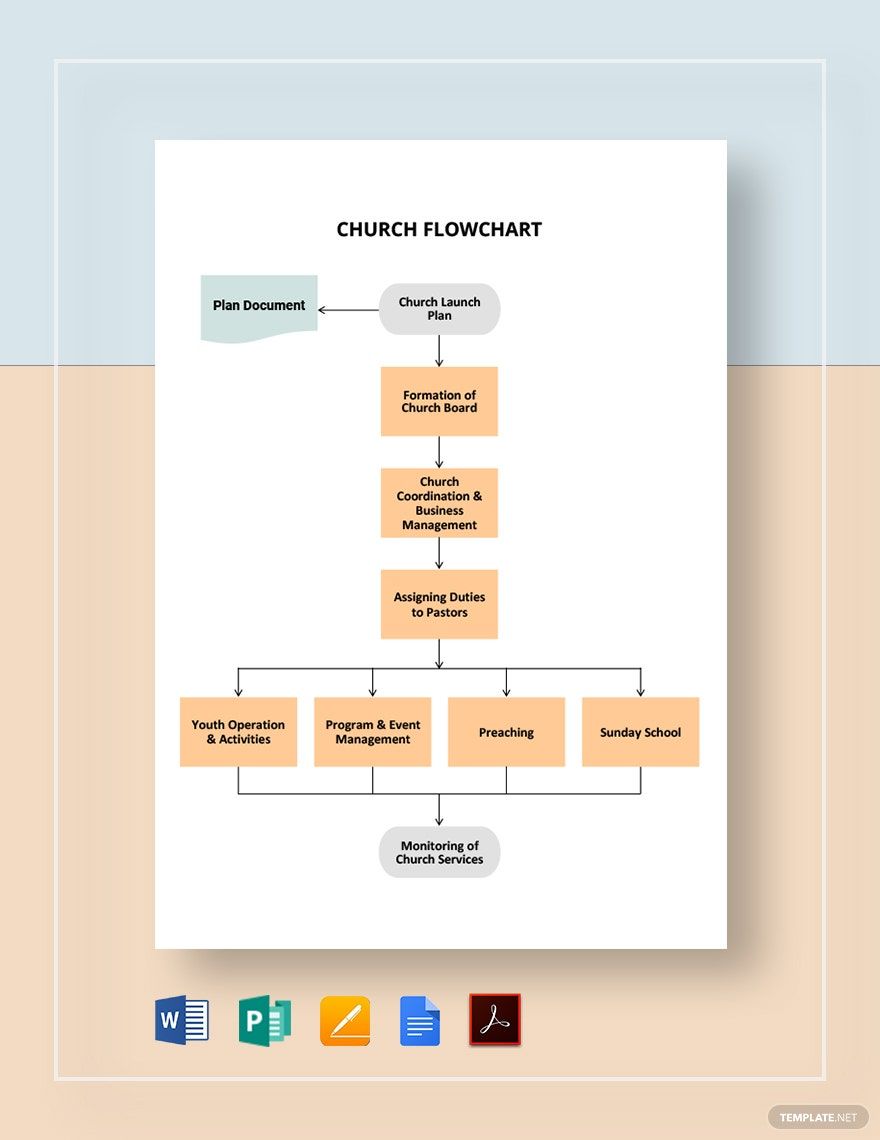
Church activities involve a lot of effort, brainstorming, and time to come up with possible solutions and new ideas for the development of the church. Whether you are creating a flowchart for your community—be it a catholic, baptist, united methodist or presbyterian church organizational structure, you need a visual presentation that will help you keep on track with your plan. Check out our Ready-Made Church Flowchart Templates in Microsoft Publisher. These are 100% customizable, easily editable, and printable in any device that has access to any available software anytime, anywhere! What else are you looking for? Get organized by downloading this template now!

AI
Marketing
Print
Document
Templates
Business
Categories
Marketing
Document
Church Flowchart Template in Publisher
Improve Church Communication Using These Free Church Flowchart Publisher Templates. Create Reliable Flow Diagrams, Communication Flowcharts, and Church Bulletin Flows with Template.net's Premade Templates. Just Like Our Organizational Structures and Brochure Templates, These Contain Modern Layouts You Can Retain or Redo! So, Grab the Best Templates and Explore the Rest of Our Trifold Brochure Templates and Baptist Church Organizational Chart!

- Kitty party invitation
- Banner
- Graduation brochure
- Mothers day card
- Graduation Invitations
- Place cards
- Websites
- Cookbook
- Letterheads
- Reports
- Publisher
- Certificates
- Brochures
- Invitations
- Flyers
- Funeral Brochures
- Cards
- Portfolio templates
- Company Brochures
- 4th of july
- Travel Brochures
- Infographics
- Cinco de mayo day
- Campaign
- Bi fold brochures
- Housewarming Invitations
How to Create a Church Flowchart in Publisher
The church plays a vital role in building a person's spiritual life. According to the Pew Research Center, roughly half of devoutly religious Americans say they pray daily, attend church weekly, and meet at least once or twice a month with their extended family. Moreover, they are more likely to serve the church and more active in their community.
As a person who organizes church programs, a particular tool is key for the improvement of the process. And a flowchart is one of the best means you can use to provide a graphical representation to guide everyone about the various activities your church is holding or planning.
Below, we provided practical tips to help you create an easy-to-follow church flowchart.
1. Identify the Purpose of Your Church Flowchart
Flowcharts can be used in many different ways. Thus, it is best to begin with knowing the intent of your church flowchart. Is your chart used as a guide for your leadership church activities? Are you planning to craft a flowchart for your church worship ministry? Or, you want to present a particular church activity process? Whatever your plan may be, just make it simple and understandable. That way, it will help you formulate relevant flowchart content and suitable layout and design.
2. Design Minimally
Leonardo da Vinci once said, "Simplicity is the ultimate sophistication." How? Use basic chart designs. Utilize shapes, lines, or borders to classify other details. Be consistent. Make sure that each shape has the same size and spacing in between. Align the edges and lines evenly. You may think that these are small details, but it can have a significant impact on your overall visual presentation. Consistency will help you lessen or prevent undesirable distress and makes your church flowchart easy to follow.
Moreover, keep it all on one page. It is best to have a single-page flowchart. That way, it is easy and comfortable for readers to analyze it. But if you are creating a leadership church flowchart that can be too wide to suit on a page, break it into multiple diagrams. Or, scale it down to maintain a single-page chart. And structure it from left to right to make the flowchart more organized.
3. Utilize Relevant Colors
Colors ignite attention. This element will guide readers and direct them to the next flow or process of your layout. It also helps readers to determine different details and let them find specific parts easily. For instance, in creating a church organizational chart, make use of a color palette that signifies your church branding. Stick to it. But, remember to blend it well with your text elements. Readability is vital to achieve a winning visual presentation.
4. Experiment with Ready-made Flowchart Templates
It can be time-consuming and a bit confusing for you, especially if you are a beginner to start creating a church flowchart from a blank template. Thus, opt for the best alternatives that will ease the burden. You can look for flowchart ideas or inspirations online. Well, you don't need to look further. Above this article, we have presented sample charts that you can freely utilize. Download, open, and edit it in Microsft Publisher. Publisher is a user-friendly software application that provides easy-to-use features.
Lastly, review the flow for glaring errors and then print it with sturdy paper stock.
