
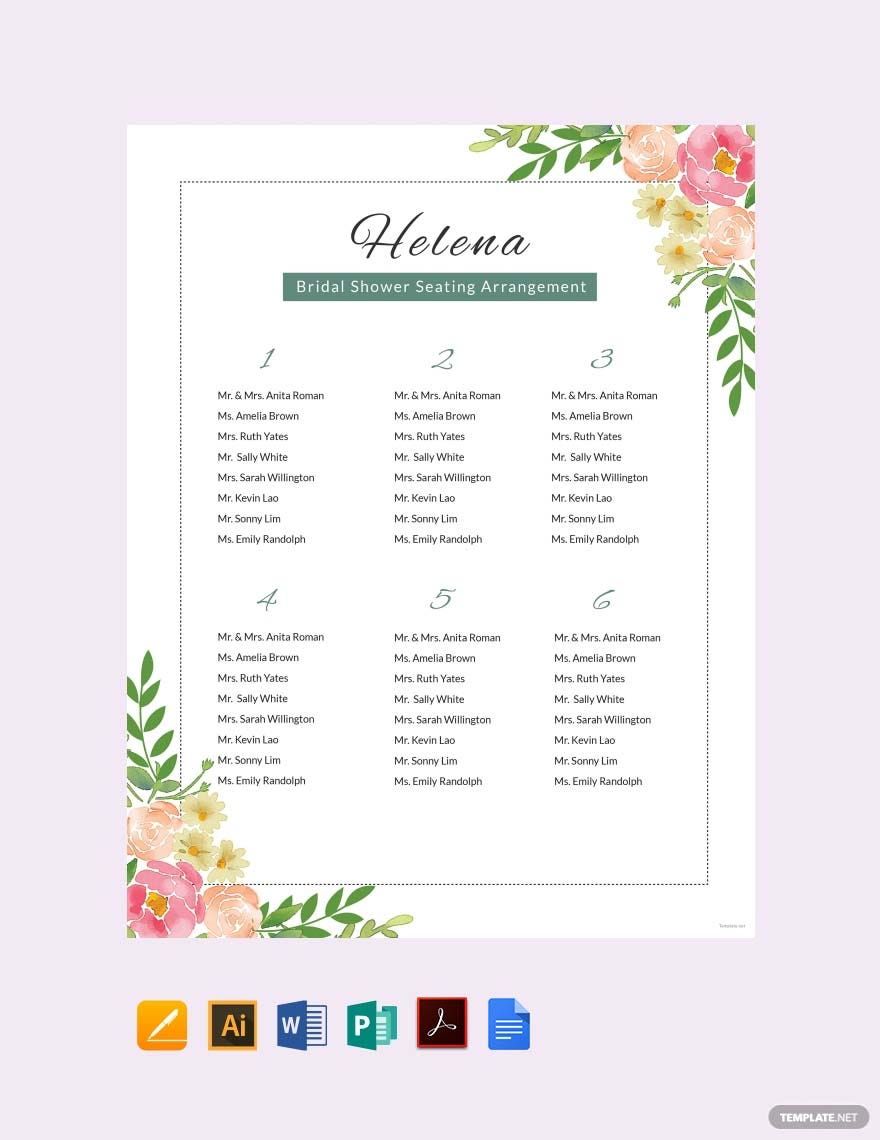
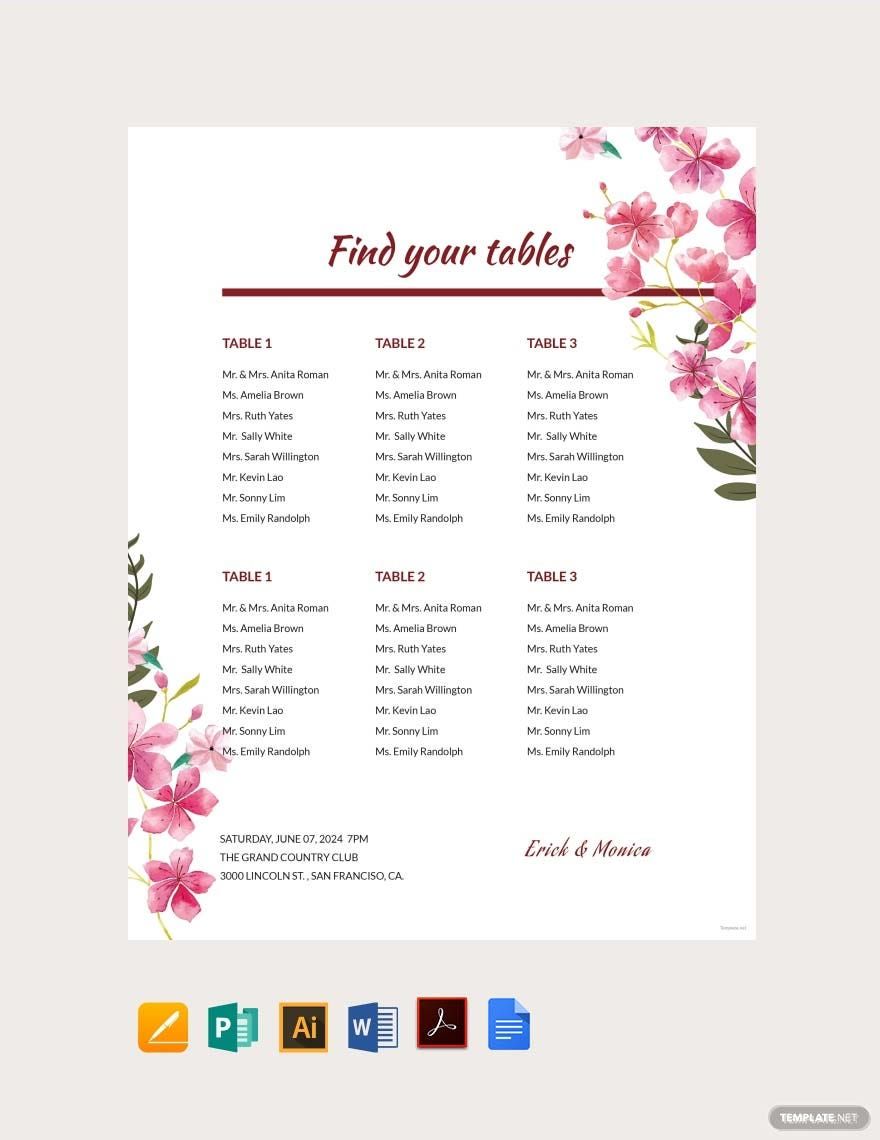
Are you searching for perfect visual aid for personal and professional purposes? Fortunately for you, we have beautifully-designed basic chart templates made by professional graphic designers. Our basic chart templates consist of seating charts, Gantt charts, timeline chart, flowchart, and organizational charts. These templates are well layered and can be downloaded for free. Our templates are 100% customizable and easily editable in all versions of Microsoft Publisher. These templates make use of high-quality layout, vectors, and graphic files. Download one of our basic chart templates for a better presentation of your information now!

AI
Marketing
Print
Document
Templates
Business
Categories
Marketing
Document
Basic Chart Template in Publisher
Do You Need Access to an Excel Gantt Chart, Restaurant Project Diagram, Infographic Flow Diagram, Table Flowchart, Seating Chart, or All Sorts of Charts to Represent Your Data? Feel Free to Access Template.net for Editable and Printable Basic Charts Available in Microsoft Publisher, Microsoft Word, and Other Available Formats. Check It Out!

- Kitty party invitation
- Banner
- Graduation brochure
- Mothers day card
- Graduation Invitations
- Place cards
- Websites
- Cookbook
- Letterheads
- Reports
- Publisher
- Certificates
- Brochures
- Invitations
- Flyers
- Funeral Brochures
- Cards
- Portfolio templates
- Company Brochures
- 4th of july
- Travel Brochures
- Infographics
- Cinco de mayo day
- Campaign
- Bi fold brochures
- Housewarming Invitations
How to Create a Basic Chart in Publisher
Charts can be used in diverse methods. Basic charts are used in school, in businesses, in organizations, and even in your homes. They are widely used since charts are an easier method of presenting data in a visually appealing manner. Various chart designs serve different purposes. Thus, we present you this how-to so that you will be able to create your own visually appealing chart. Here's how to do it:
1. Opt For Chart-making Software, Microsoft Publisher
You can find numerous software online or your computer. However, it can be difficult to choose the right one for you. We suggest you opt to use Microsoft Publisher as your chart-making software. Why? Because Publisher isn't just some basic desktop publishing software. This software has tools that will assist you in creating graphs, tables, bar charts, pie charts, and many more. Through Microsoft Publisher, you'll be able to generate polished and professional-looking chart layouts without any trouble. If you're a newbie in this software, you can look for a Microsoft Publisher tutorial or press the help button to assist you.
2. Determine What Type Of Chart You Need
Now that you have the ideal software for chart-making identify what chart are you going to make. You need to sit down and point out what data are you going to write in it. As we've mentioned above, charts cater to various objectives. If the data you're going to input is all about the arrangement of elementary students in a classroom, the chart type you need is a classroom seating chart. However, if you want to input data about a company's stock exchange or company hierarchy, then you can use an organizational chart for this. Determining the perfect chart type you need will make it easier for you to showcase your data.
3. Download A Template
Sometimes, determining the chart type you need can be arduous. For that reason, we offer you a wide variety of basic chart templates you can download for free. All you need to do is scroll through our templates and pick the most applicable chart template for your data. Do not worry though because the templates displayed above are accessible in Microsoft Publisher. All you need to do is download one of our templates and open it in Microsoft Publisher. And voilà, you can now personalize the downloaded template you have. Our templates are fully customizable that you can edit the text, lines, bar, color scheme, and even the layout.
4. Start Writing Your Data
After opening the template on your software, customize or write the data on the blank chart. The information you are going to write on your chart needs to be short and straightforward. The data needs to be short and concise since most charts won't give you ample of space to write on. Also, a chart's main purpose is to simplify your data so that the person who'll be reading it can easily understand what information you want to supply them with.
5. Double-Check Your Chart
Whether you are making an editable chart for personal or professional purposes, you need to double-check the content. This is to make sure that the data you've written is correct. Double-checking can help you pinpoint mistakes in your grammar and the data. You don't want your reader to see a chart with errors, especially for professionals, because the reader can question your credibility and the credibility of the data you input.
