Template.net logo
Pricing
  • Home
  • Templates
  • Card
  • Professional Card
  • Publisher
  • Professional Card in Publisher

Free Professional Card Template in Publisher

Send a Thank You Card to Your Loved Ones. Create Your Business Card Personally for Free at Template.net. You Can Make Your Own Professional Calling Cards Easy and Fast. Just Choose From Our Free Example Designs in Printable Form and in Publisher Format and Customize it by Adding Texts and Dragging the Blocks.

  • My Projects
  • Resumes
  • Business cards
  • Id card
  • Newspaper
  • Magazines
  • Posters
  • Tri fold brochures
  • Menu
  • Sample magazine
  • Editable id cards
  • Wedding Invitations
  • Birthday Invitations
  • Catalogs
  • Photo collage
  • Greeting cards
  • Basic certificates
  • Tickets
  • Halloween flyer
  • Programs
  • Mothers day
License
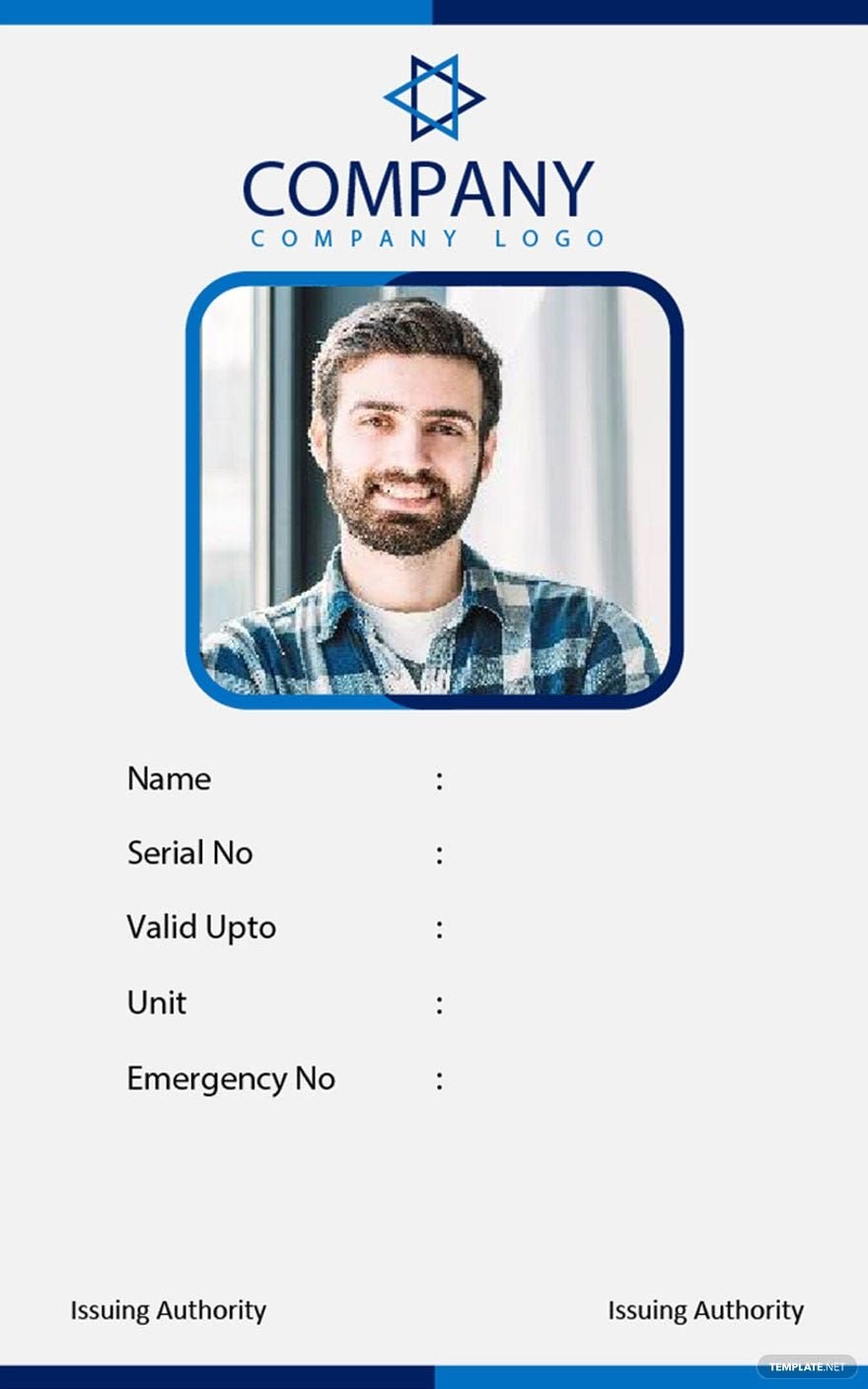
Corporate Blank ID Card Template in Pages, Word, Publisher - Download | Template.net

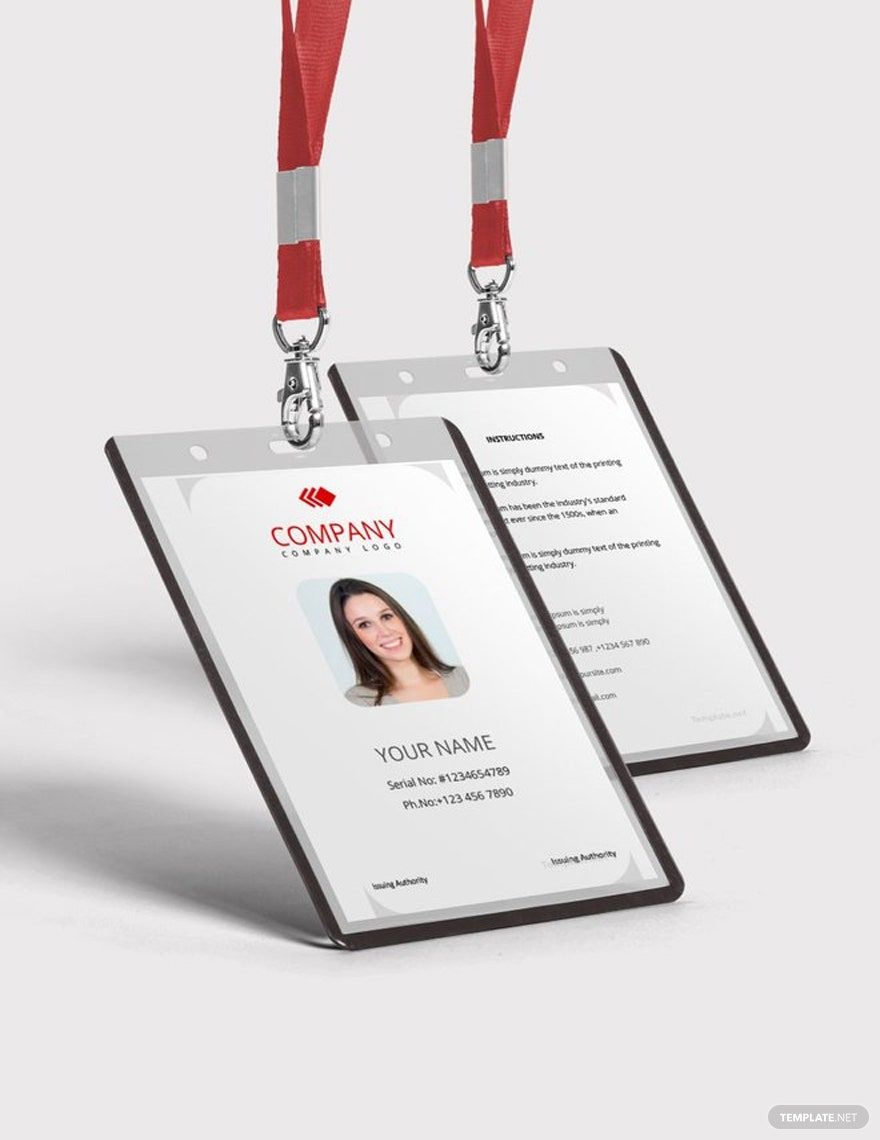
Corporate Blank ID Card Template

Club Member Card Template in PSD, Illustrator, Publisher, Word, Pages - Download | Template.net

Club Member Card Template

Customer Loyalty Card Template in Illustrator, PSD, Word, Publisher, Google Docs, Pages - Download | Template.net

Customer Loyalty Card Template

Birthday Photo Thank You Card Template in Publisher, PSD, Illustrator, Google Docs, Word, Pages - Download | Template.net

Birthday Photo Thank You Card Template

Employee ID Card Template in Illustrator, Publisher, Word, Pages - Download | Template.net

Employee ID Card Template

Business Style Trading Card Template in Word, Publisher, Pages, PSD, Illustrator - Download | Template.net

Business Style Trading Card Template

Advertising Agency DL Card Template in Illustrator, InDesign, PSD, Word, Google Docs, Publisher, Pages - Download | Template.net

Advertising Agency DL Card Template

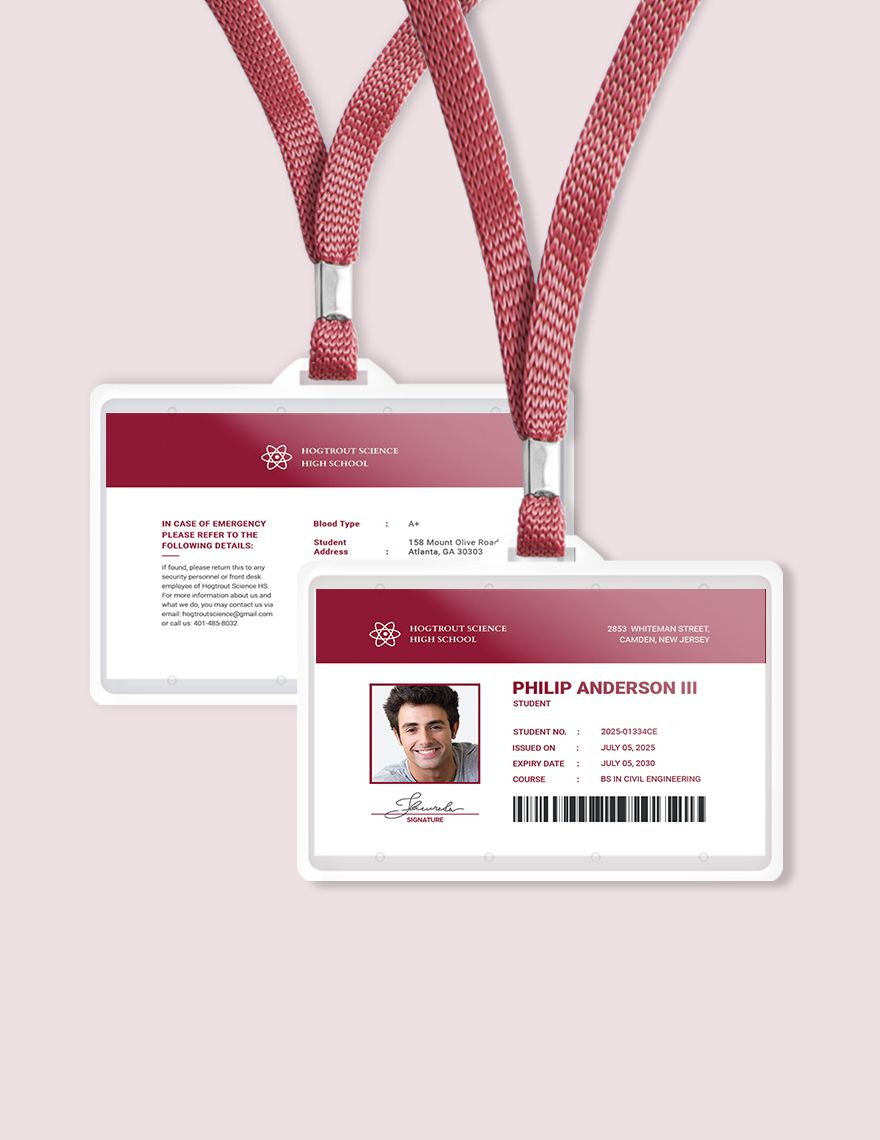
Student Id Card Template in Word, PSD, Illustrator, Publisher, Pages, PDF - Download | Template.net

Student Id Card Template

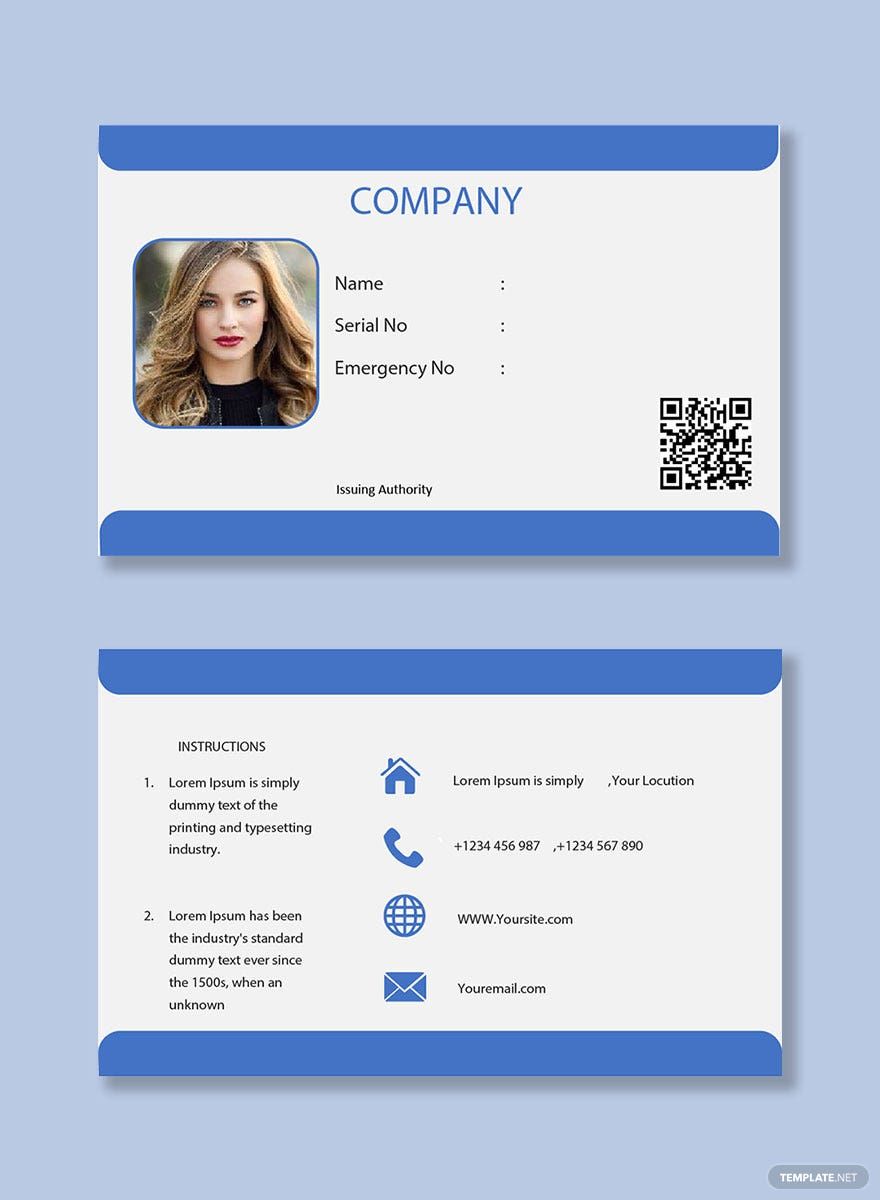
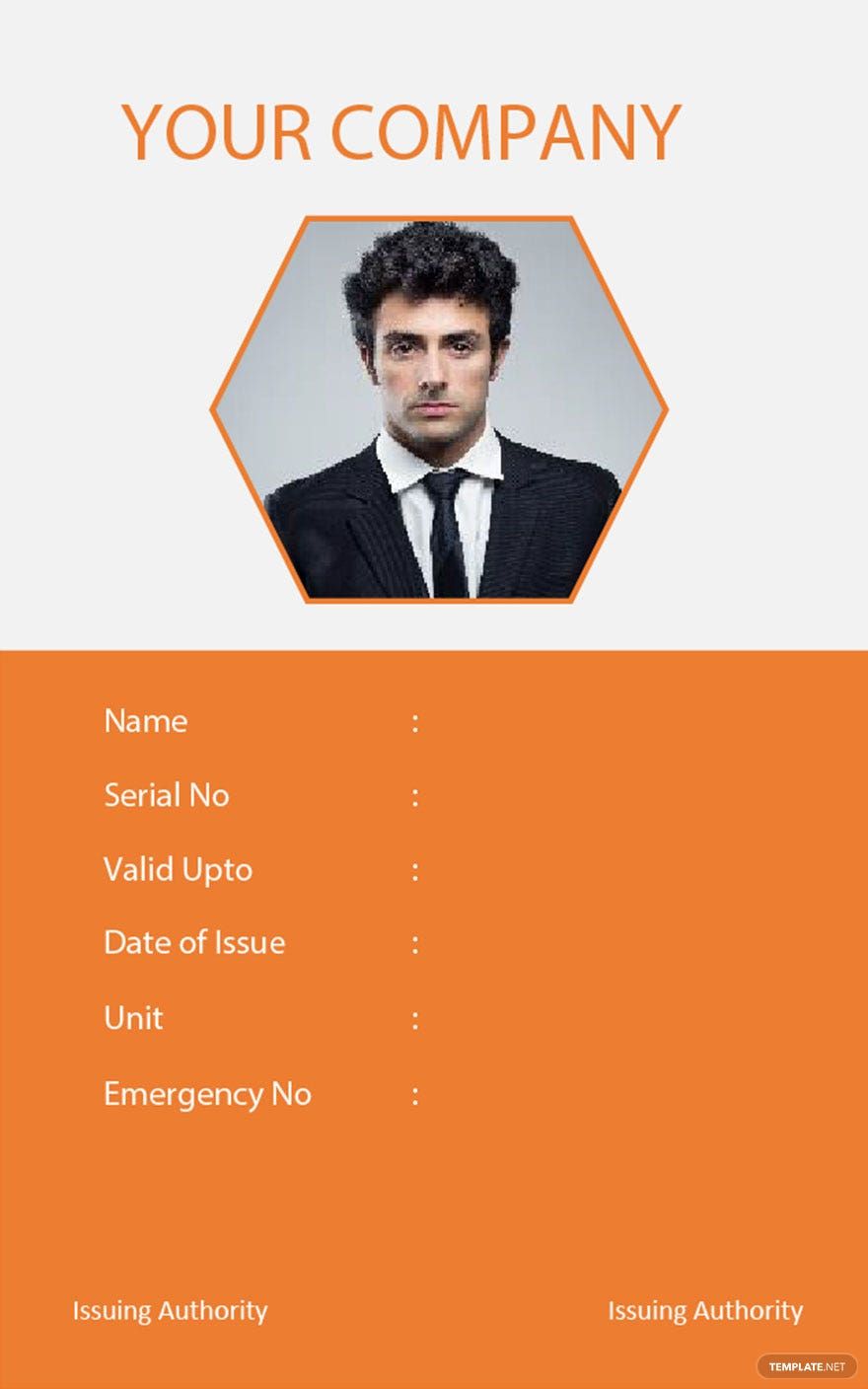
Company Blank ID Card Template in Pages, Word, Publisher, PDF - Download | Template.net

Company Blank ID Card Template

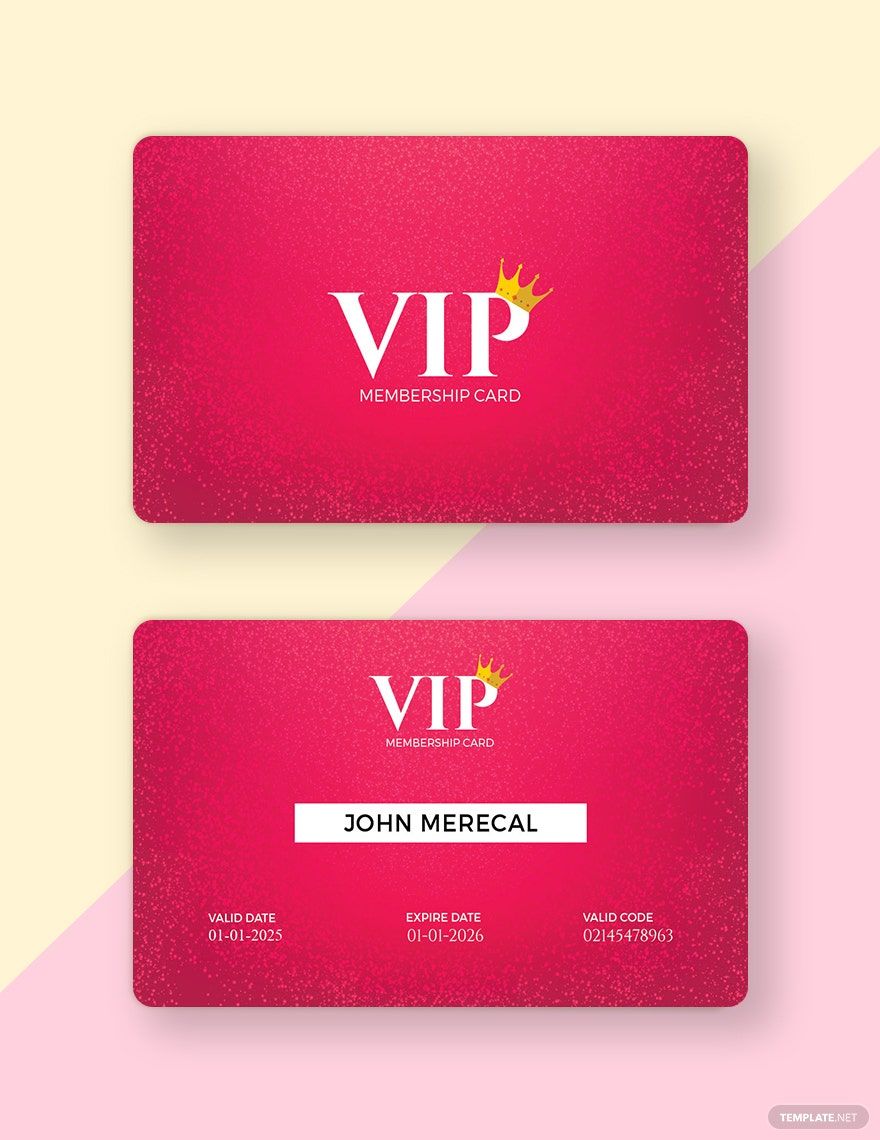
Official Lifetime Membership Card Template in Illustrator, Word, Publisher, Pages, PSD - Download | Template.net

Official Lifetime Membership Card Template

Personal Info Card Template in Illustrator, PSD, Word, Publisher, Google Docs, Pages - Download | Template.net

Personal Info Card Template

Office Blank ID Card Template in Pages, Word, Publisher - Download | Template.net

Office Blank ID Card Template

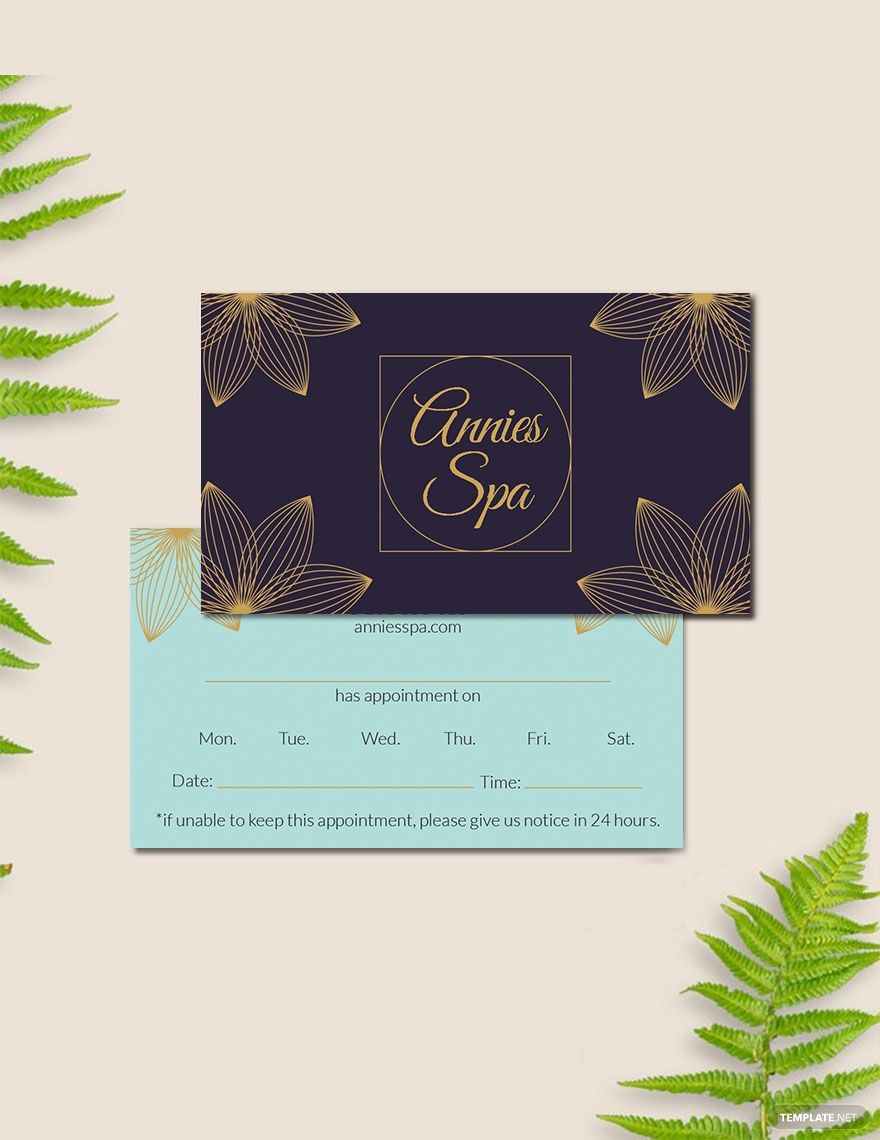
Spa Appointment Card Template in Illustrator, PSD, Word, Publisher, Pages - Download | Template.net

Spa Appointment Card Template

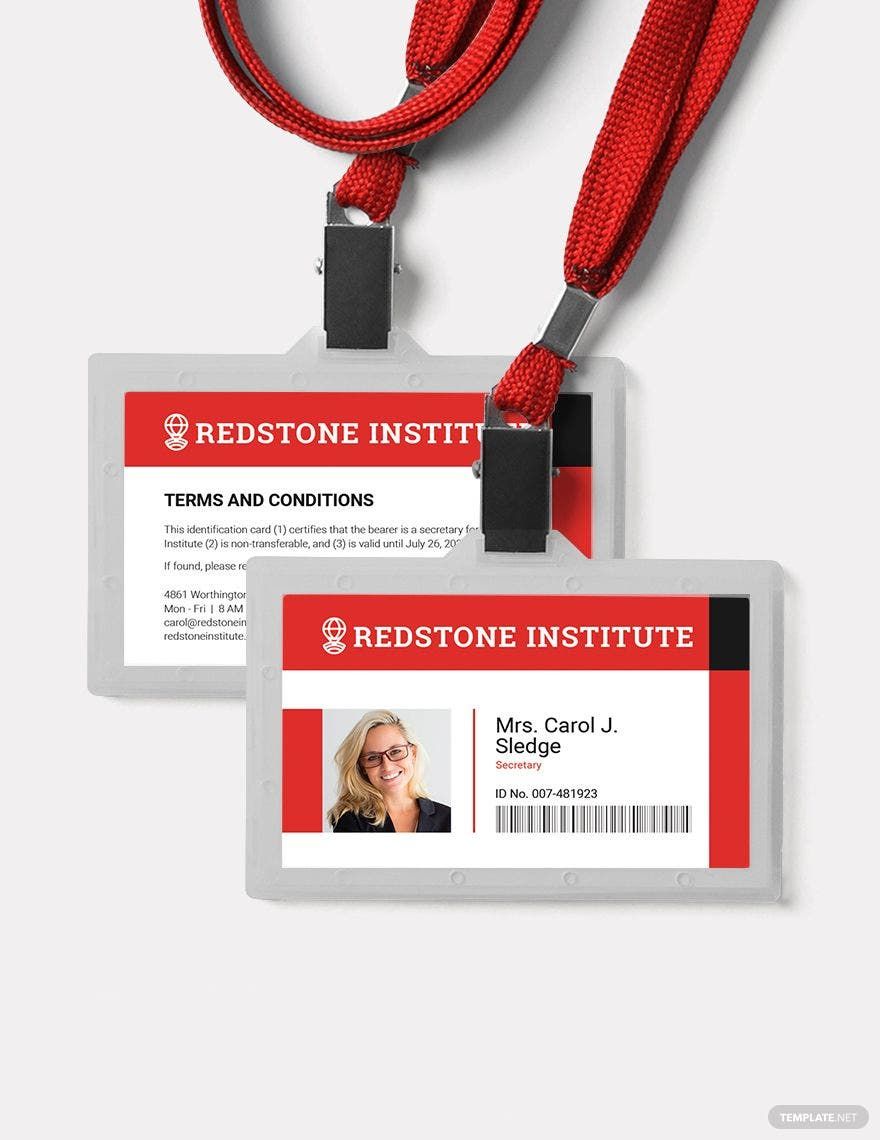
Horizontal ID Card Template in Illustrator, Publisher, PSD, Pages, Word, PDF - Download | Template.net

Horizontal ID Card Template

Sample Company ID Card Template in Word, Pages, Publisher - Download | Template.net

Sample Company ID Card Template

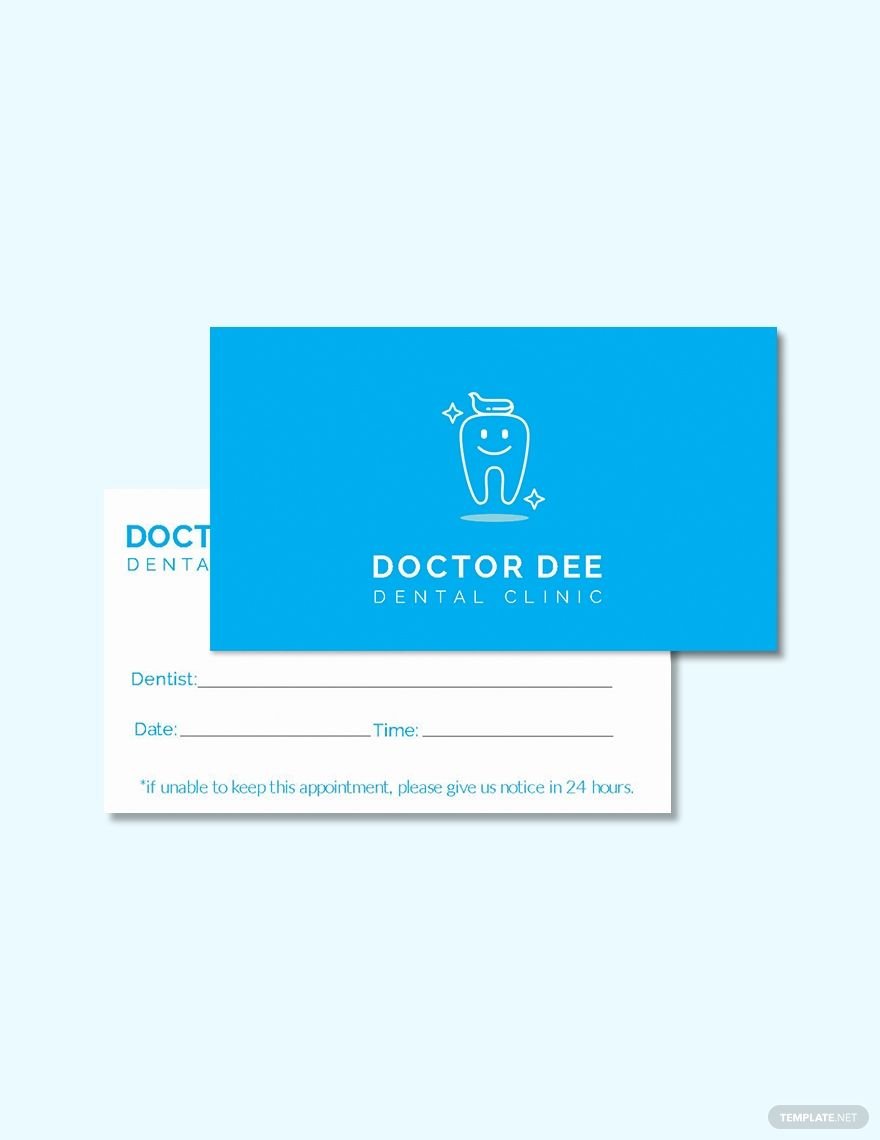
Dentist Appointment Card Template in Illustrator, Pages, PSD, Word, Publisher - Download | Template.net

Dentist Appointment Card Template

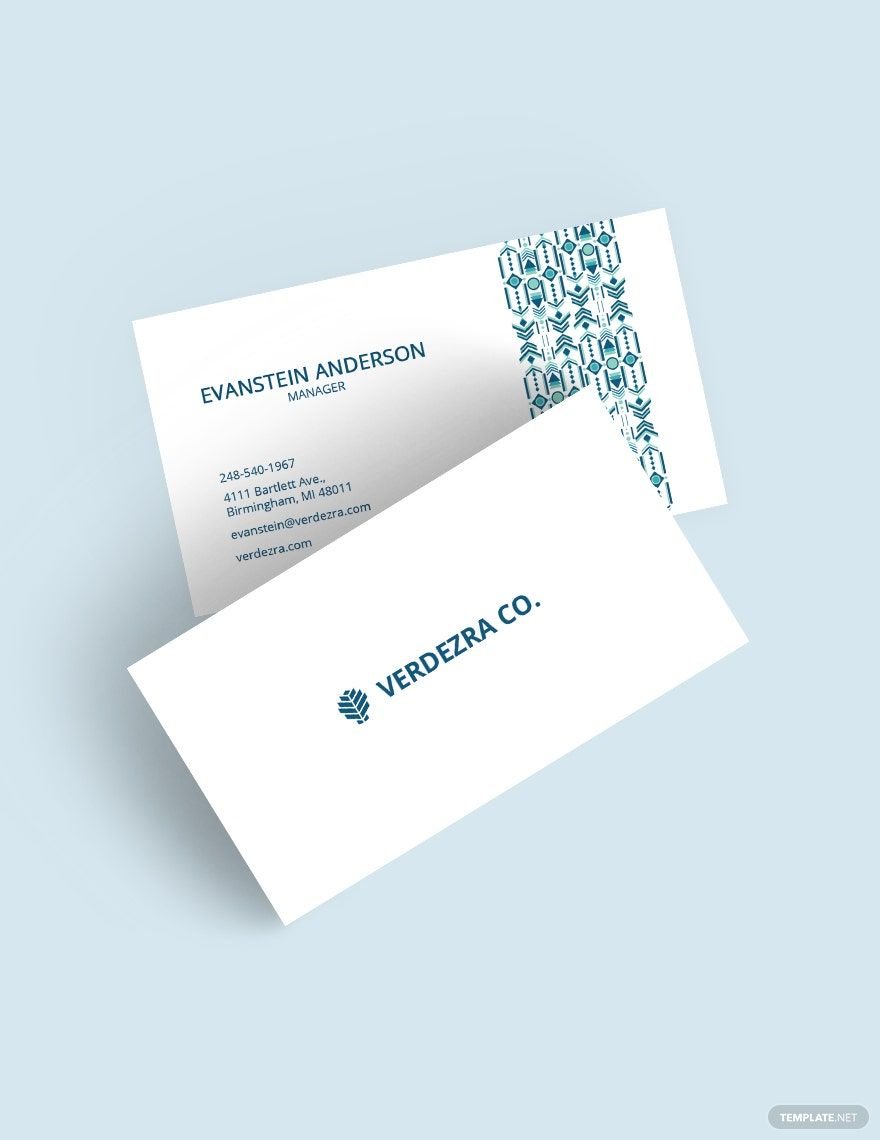
Business Cards in Ethnic Style Template in Word, Photoshop, Publisher, Illustrator, Pages, Google Docs - Download | Template.net

Business Cards in Ethnic Style Template

Worker ID Card Template in Word, Pages, Publisher - Download | Template.net

Worker ID Card Template

Business Christmas Thank You Card Template in PSD, Word, Publisher, Google Docs, Pages - Download | Template.net

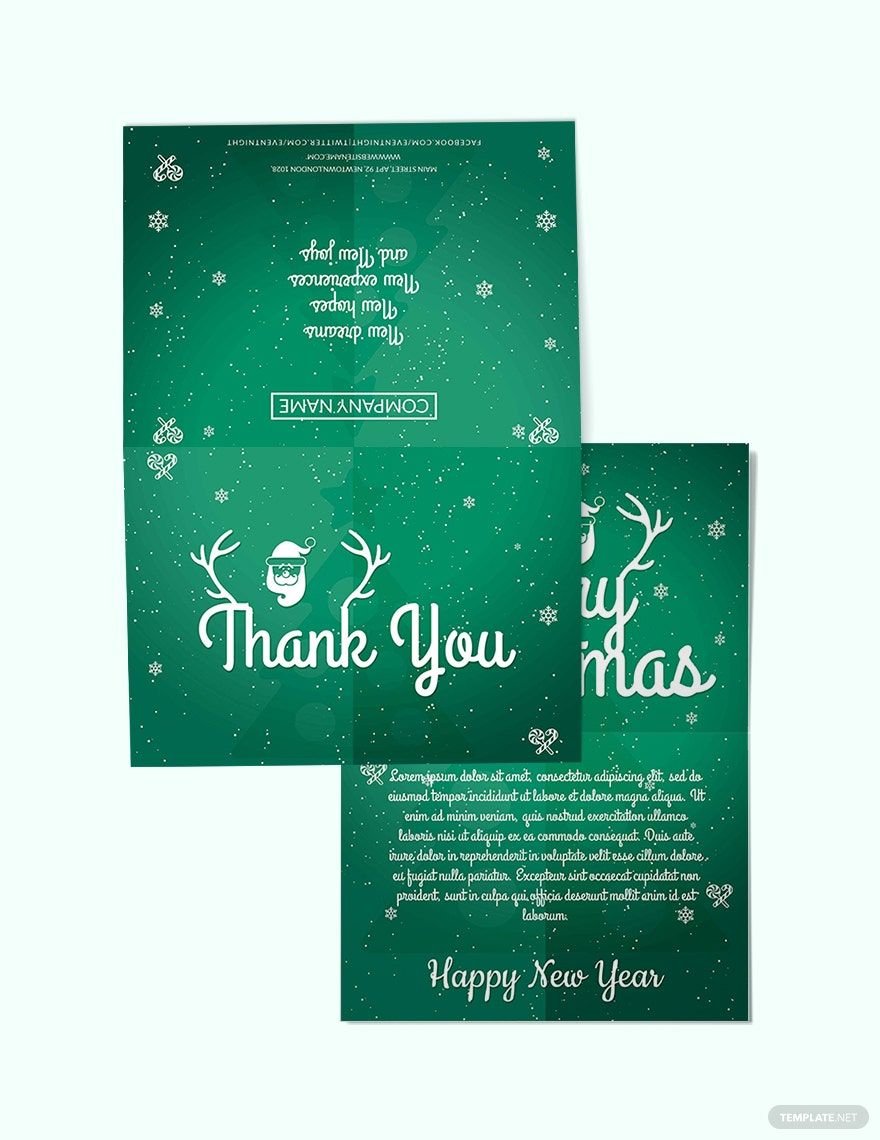
Business Christmas Thank You Card Template

Basic Employee ID Card Template in PSD, Illustrator, Pages, Word, Publisher - Download | Template.net

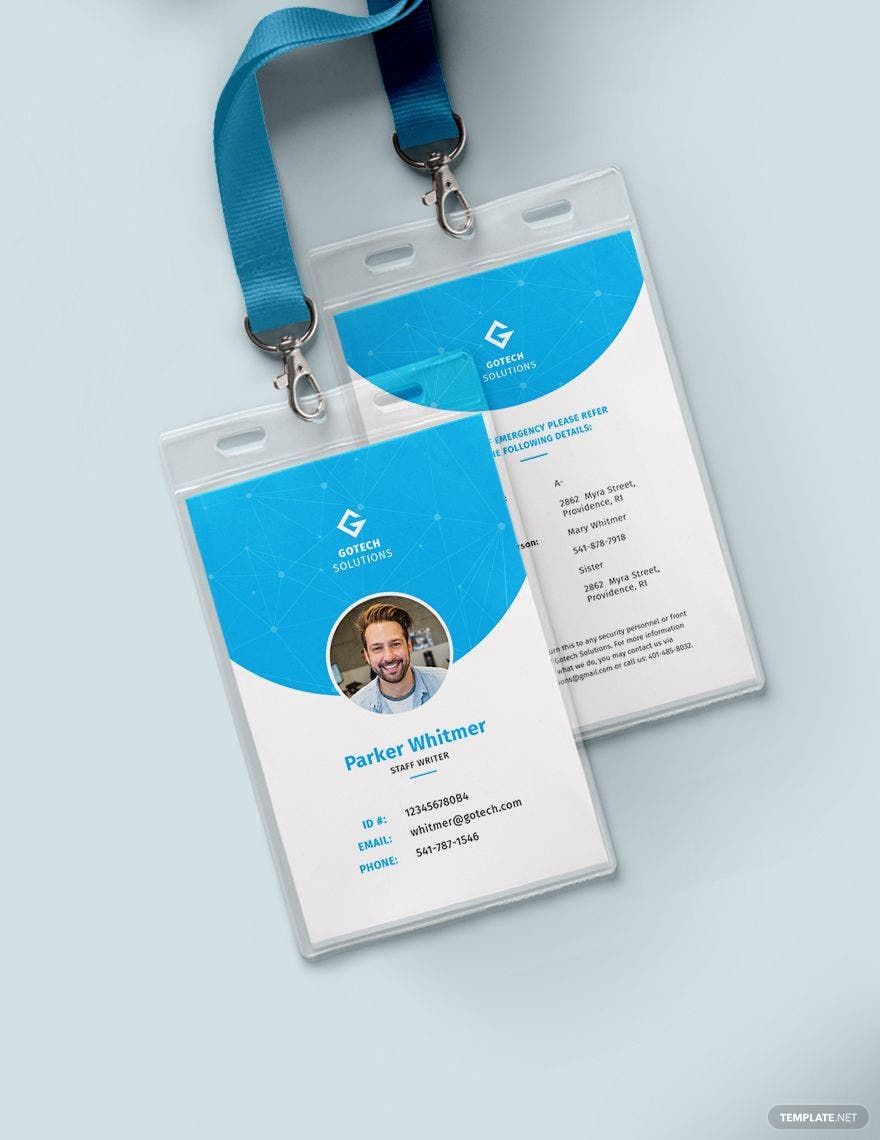
Basic Employee ID Card Template

Security Guard ID Card Template in Illustrator, Word, Pages, Publisher - Download | Template.net

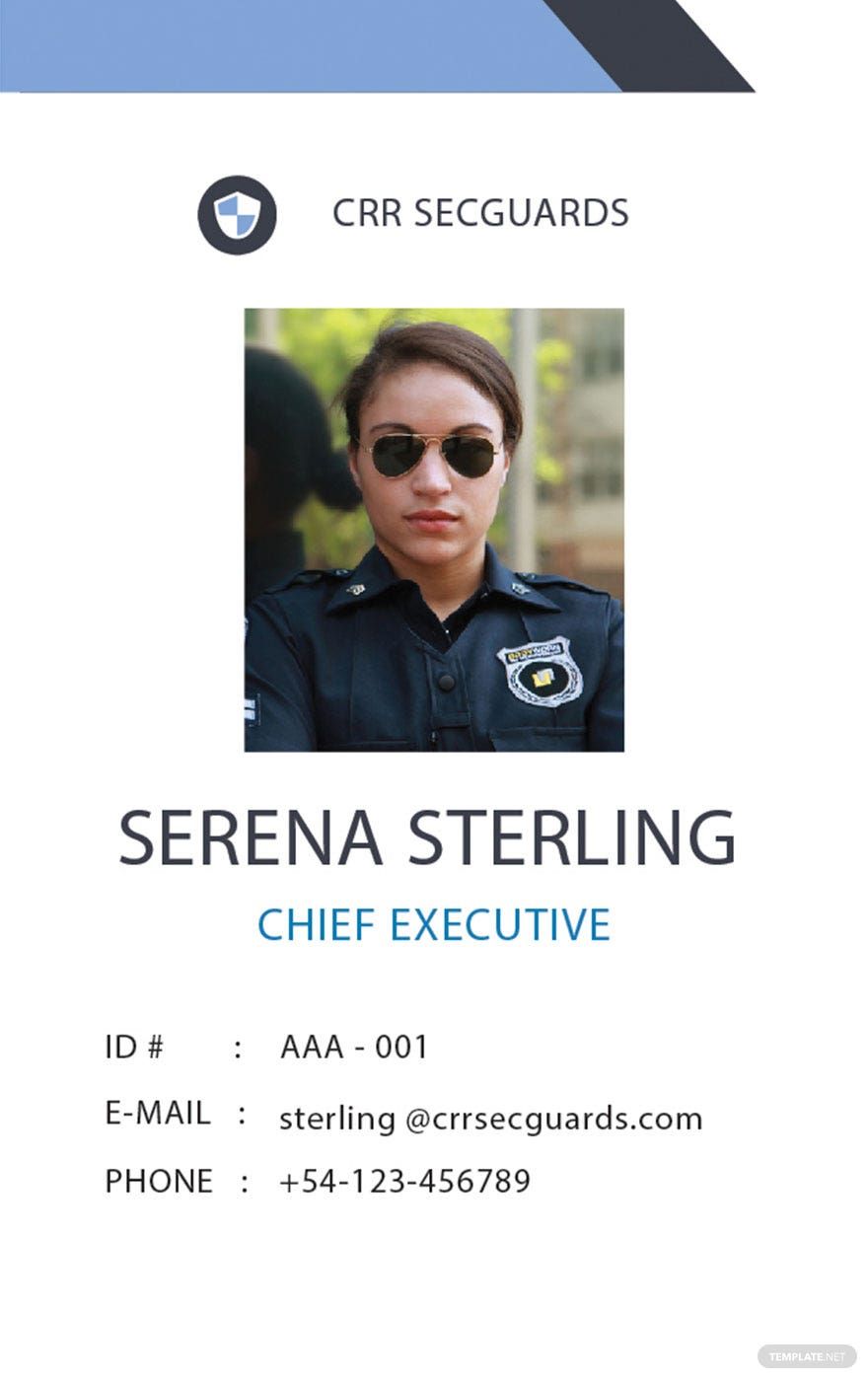
Security Guard ID Card Template

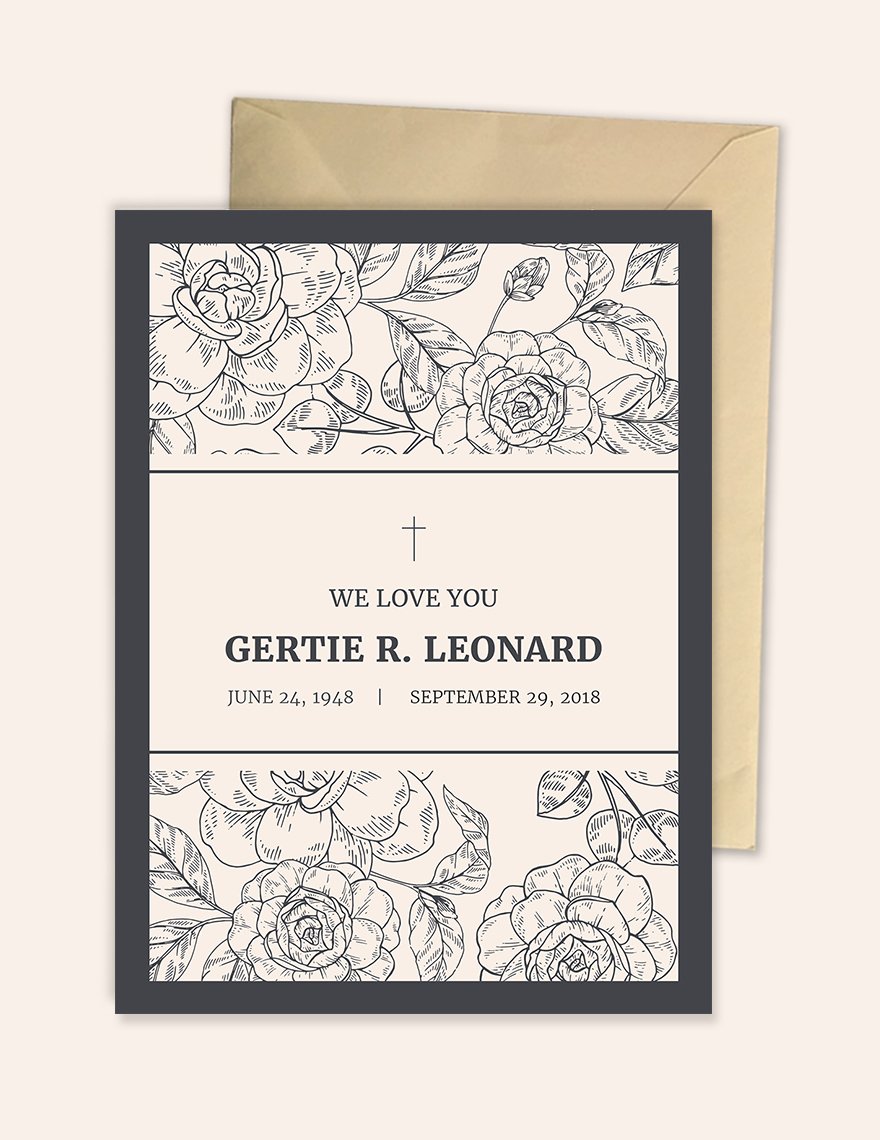
Funeral Card Template in Word, Pages, Publisher, PSD, Illustrator - Download | Template.net

Funeral Card Template

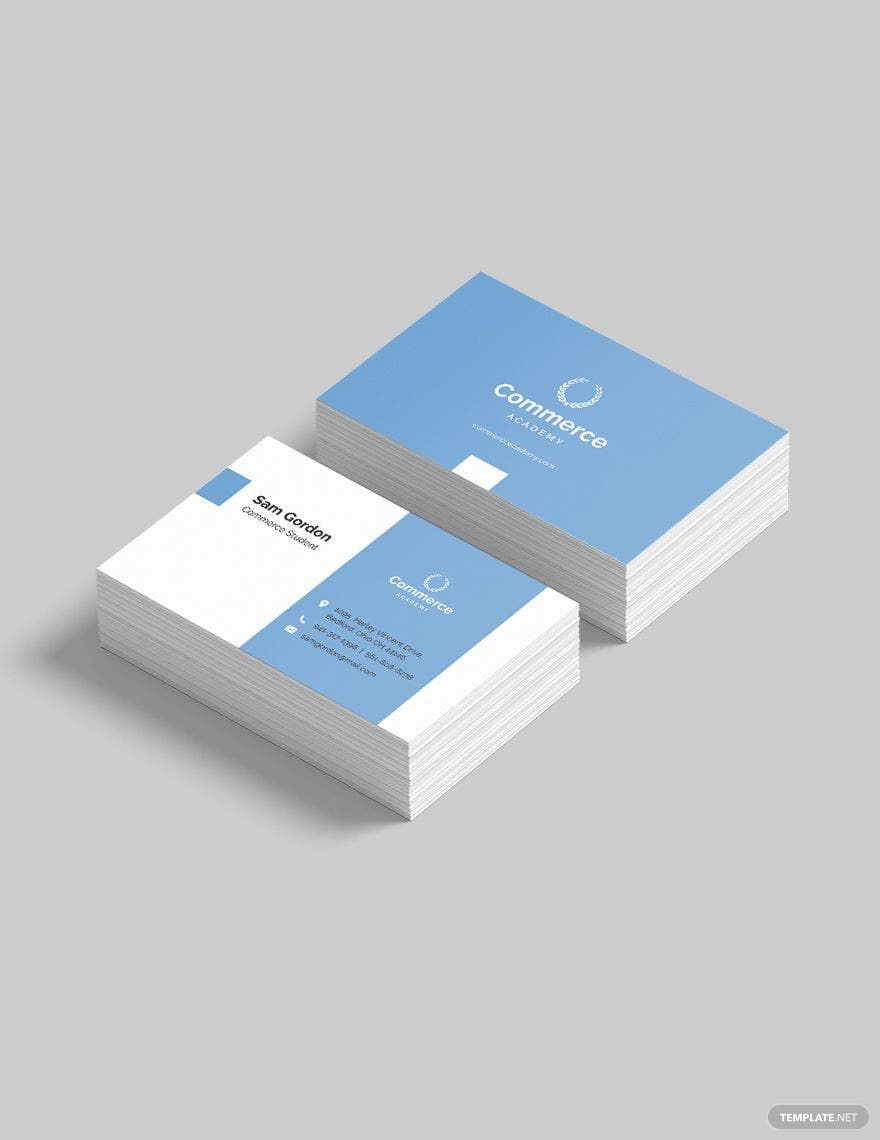
Graduate Student Business Card Template in PSD, Word, Publisher, Pages, Illustrator, Google Docs - Download | Template.net

Graduate Student Business Card Template

  • Kitty party invitation
  • Banner
  • Graduation brochure
  • Mothers day card
  • Graduation Invitations
  • Place cards
  • Websites
  • Cookbook
  • Letterheads
  • Reports
  • Publisher
  • Certificates
  • Brochures
  • Invitations
  • Flyers
  • Funeral Brochures
  • Cards
  • Portfolio templates
  • Company Brochures
  • 4th of july
  • Travel Brochures
  • Infographics
  • Cinco de mayo day
  • Campaign
  • Bi fold brochures
  • Housewarming Invitations

Cards can go from being a tool for sending messages to something for conveying your identity. Here at Template.net, we'll take care of all your card concerns with our collection of ready-made professional card templates in Publisher. These high-quality templates are guaranteed to be 100% customizable, fully printable, and conveniently downloadable. Speaking of convenient, these templates are also easily editable in any version of Microsoft Publisher, which means you only need to download a template and edit it to get the job done. So what are you waiting for? Download a template now to start creating beautifully-designed professional cards.

What Is a Professional Card?

A professional card is defined as a piece of card stock that contains a professional's basic information such as their name, age, and date of birth. Additionally, a professional card may also include details related to their work such as their title or designation, and their contact information.

How to Make a Card in Microsoft Publisher

Do you need to make a DIY card but don't know how? We've provided a step-by-step process below to help you out. Even if you're entirely new to Microsoft Publisher, our list of instructions will help you get the hang of it easily.

1. Decide on a type of card

Since we're talking about cards in general, you may need to decide on a specific type of card before moving on to the next step. There are various types of cards to choose from which include but are not limited to greeting cards, Christmas cards, business cards, and invitation cards. Your choice for this step will affect the succeeding ones in terms of the card's purpose, design, and content.

2. Define the purpose of your card

Depending on what type of card you've decided in the previous step, you will then need to identify what the card is for. If you decided to go with thank you cards, for example, then your purpose would be to express gratitude to the corresponding recipient. Another example would be about business cards, wherein its purpose is for conveying personal or professional information as well as the contact details of the card owner.

3. Create a concept design for your card

A concept design refers to the initial look of your professional cards and will still have to go through evaluations and, if necessary, revisions as well. You can get this done by sketching the design on paper and writing down notes pertaining to specific features, or you can just settle with making a list of descriptions. As mentioned earlier, have your concept design evaluated after creating it.

4. Design your professional card using Publisher

After the necessary evaluations and revisions have been made, you can finally jump from paper to digital with the use of Microsoft Publisher. After launching to application and starting a new document, simply refer to your concept design and try to replicate the look by adding colors, images, and other elements. When adding graphics, change the text wrapping setting to either Behind Text or In Front of Text to enable dragging-and-dropping.

5. Add the necessary card details

The best thing about Microsoft Publisher is it allows for easy processing and rendering of both text and graphics, making it a good publishing application for entry-level graphic designers. After you're done designing your card, you can then start adding the text. Again, your card's content will rely on the type of card as well as its purpose, so just try to make your content as relevant and appropriate as possible.

6. Get your professional cards printed

Lastly, getting your custom professional cards printed and then distributed. You can always print your cards yourself if you've got all the necessary materials and printing equipment, but you can also have it done by professionals to save you time. Whichever works for you and whatever type of card you're making, just make sure to have your cards printed in the best possible quality.
AI Editors
  • AI Generators
  • Document Editor
  • Design Editor
  • Writing Assistant
  • Slide Maker
  • Whiteboard
  • Form Builder
  • Photo Editor
  • Social Editor
  • Graph Maker
Free AI
  • AI Logo Maker
  • AI Image Generator
  • AI Design Generator
  • AI Social Media Post Generator
  • AI Banner Maker
  • AI Document Generator
  • AI Writer
  • AI Form Generator
  • AI Presentation Generator
  • AI Whiteboard
  • AI Diagram
  • AI Photo Editor
  • AI Graph Maker
Free Tools
  • Qr Code Generator
  • AI Meme Generator
  • AI Headshot Generator
  • AI Color Wheel
  • AI Color Palette
  • Signature Generator
  • AI Avatar Maker
  • AI Background Remover
  • AI Paraphrasing Tool
  • AI Summarizer
  • AI Plagiarism Checker
  • AI Grammar Checker
  • AI Business Name Generator
Business Categories
  • Marketing
  • Sales
  • Advertising
  • HR
  • Finance
  • Construction
  • IT
  • Non Profit
  • Education
Applications
  • Word
  • Excel
  • PPT
  • Publisher
  • Outlook
  • Google Docs
  • Google Sheets
  • Google Slides
  • PDF
  • Apple Pages
  • Apple Numbers
  • Apple Keynote
  • PSD
  • Illustrator
  • Indesign
  • Free Templates
  • Popular
Company
  • About Us
  • Community
  • Pricing
  • Contact Us
  • Privacy Policy
  • Terms of Service
  • Refund Policy
  • Disclaimer
  • Careers
  • Blog
  • FAQ

Template.net © 2014 - 2026. All rights reserved

Instant Download

Get Instant Access to 20,000+ MS Publisher Templates

Limited Time Offer
  • Access to 1 Million+ Templates & Tools
  • 500,000+ Microsoft 365 Templates including Excel, Powerpoint, Publisher, Outlook & PDF
  • Unlimited access to Design & Documents AI editors
  • Professionally Made Content and Beautifully Designed
  • Instant Download & 100% Customizable
  • Home
  • Document
  • Design
  • Presentation
  • Image
  • Video
  • Templates
  • Brand
  • Projects
  • Whiteboard
  • Social
  • Chart
  • Form
  • PDF
  • AI Chat
  • Schedule

Templates

  • All
  • Word
  • Excel
  • Powerpoint
  • Google Docs
  • Google Sheets
  • Google Slides
  • PDF
  • PSD
  • Illustrator
  • Apple Pages
  • Apple Numbers
  • Apple Keynote
  • Publisher
  • InDesign
  • Logo
  • Sign in Sheet
  • Worksheet
  • Budget
  • Resume
  • Cover Letter
  • Invoice
  • Presentation
  • Recommendation Letter
  • Business Plan
  • Family Tree
  • Calendar
  • Letter
  • Business Card
  • Poster
  • Label
  • Lesson Plan
  • CV
  • Banner
  • Meme
  • Resignation Letter
  • Bill of Sale
  • Gift Certificate
  • Swot analysis
  • Press release
  • Roblex Tshirt
  • Timeline
  • Obituary
  • Youtube Banner
  • Receipt
  • Birth Plan
  • Instagram Post
  • Infographic
  • Lease Agreement
  • Itinerary
  • One Pager
  • Storyboard
  • Newspaper
  • Vision Board
  • Venn Diagram
  • To Do List
  • Menu
  • Flyer
  • Grocery List
  • Gantt Chart
  • Checklist
  • Proposal
  • Profit and Loss
  • Planner
  • Schedule
  • Meeting Minutes
  • Cornell Notes
  • Agenda
  • Tier List
  • Job Applications
  • ATS Resume
  • Smart Goals
  • Email Signature
  • Purchase Order
  • Comic Strip
  • Sop
  • Project Plan
  • Fax
  • Graphic Organizer
  • Executive Summary
  • Faq
  • Table of Content
  • Job Description
  • Timesheet
  • Brochure
  • Memo
  • Envelope
  • Ticket
  • T-shirt
  • Concept Map
  • Social Media Calendar
  • Coupon
  • Birthday
  • Org Chart
  • Flow Chart
  • Recipe
  • Magazine
  • Workbook
  • Catalog
  • Roadmap
  • Note
  • Report
  • Journal
  • ID
  • E Book
  • Invitation
  • Meal Planning
  • Company Profile
  • Quotation
  • Estimate
  • Persona
  • Funeral
  • Fishbone
  • Pitch deck
  • Postcard
  • APA Format
  • Order Form
  • Drawing
  • Clipart
  • Coloring
  • Chart
  • Background
  • Wallpaper
  • Letterhead
  • Mindmap
  • Cover Page
  • Sign in
  • Upgrade

    Templates