
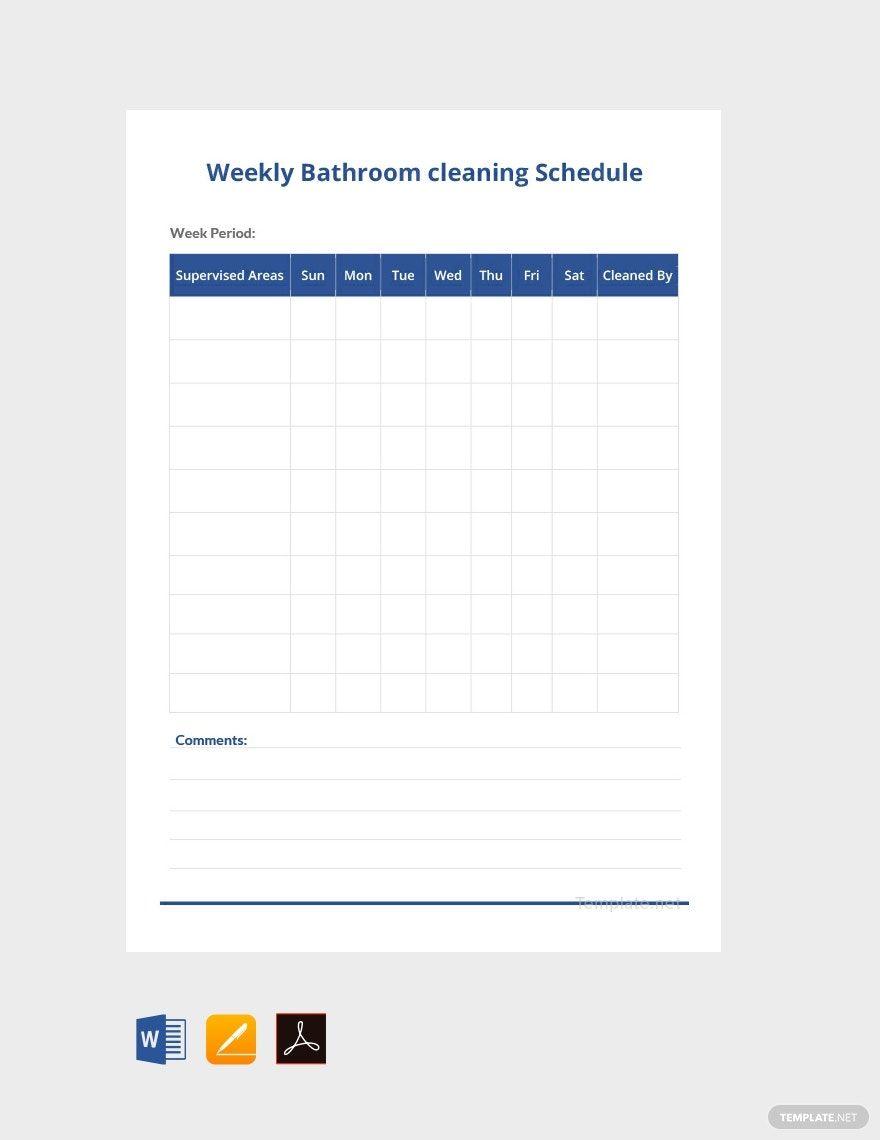
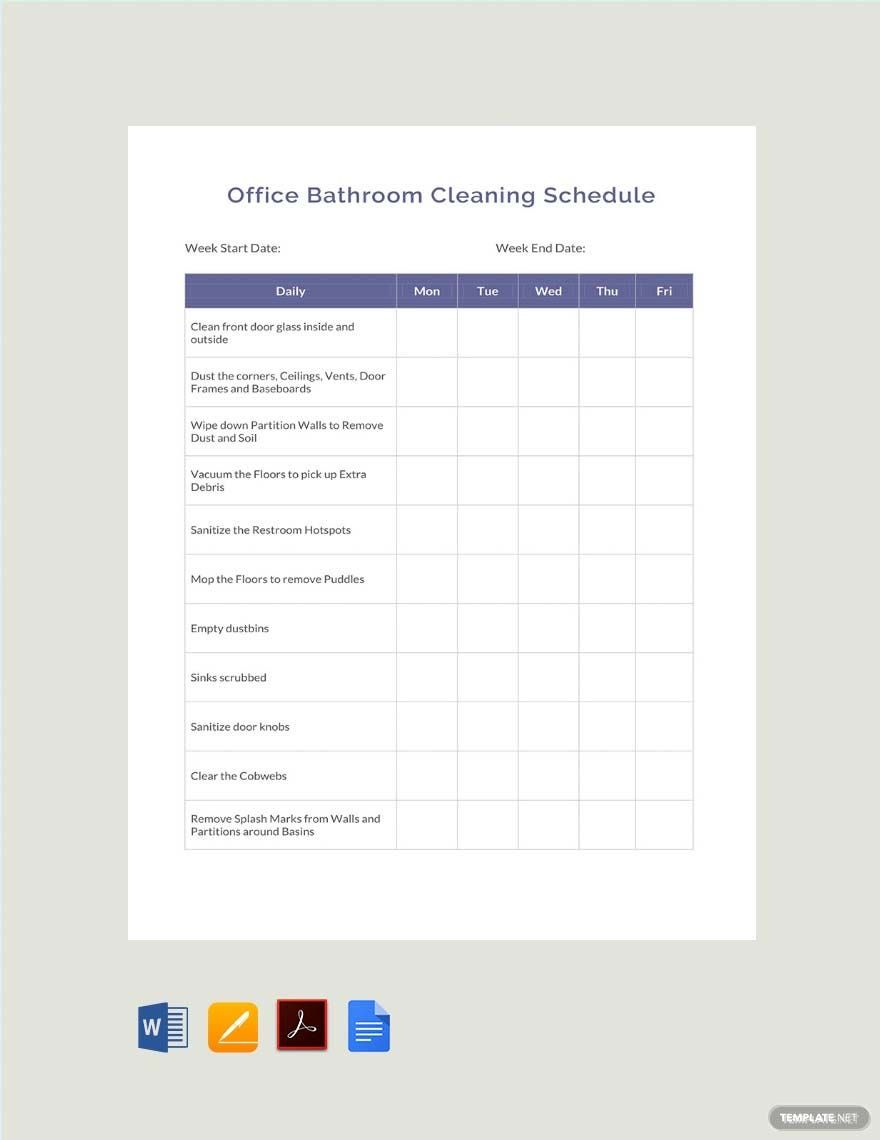
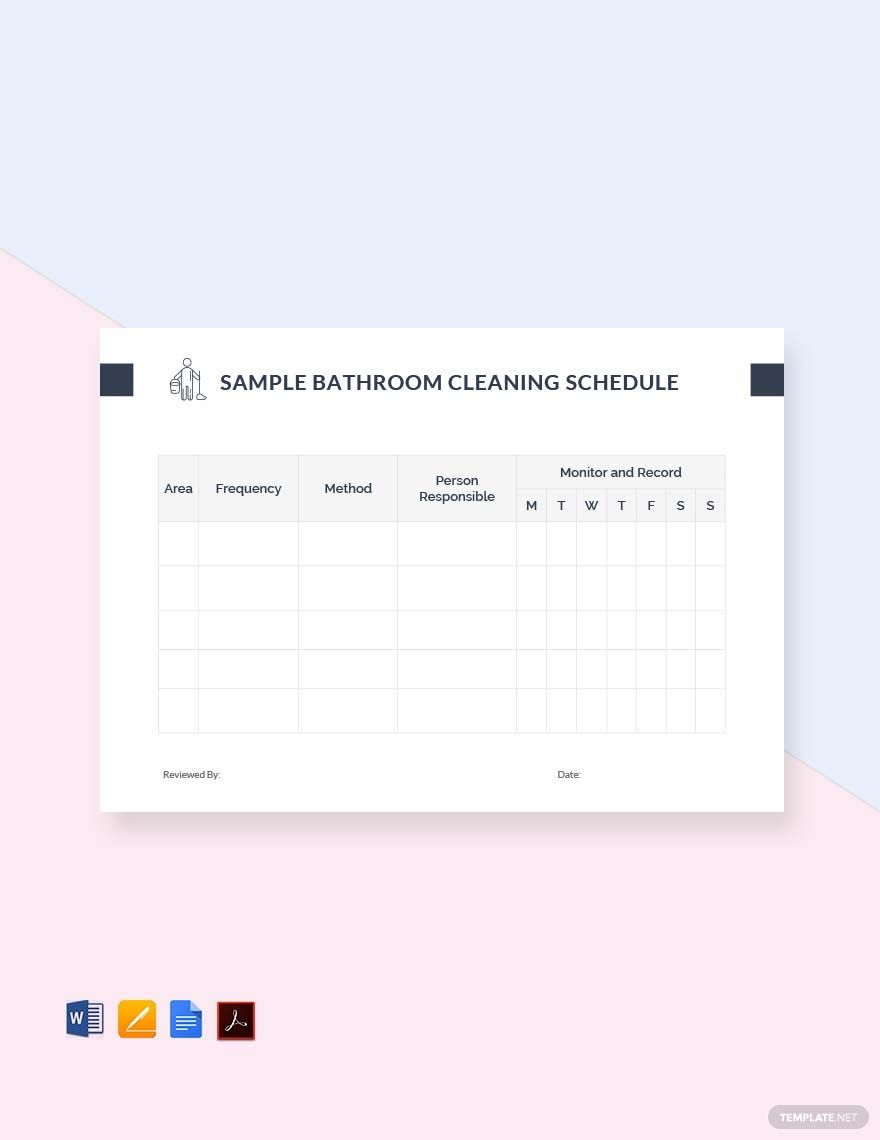
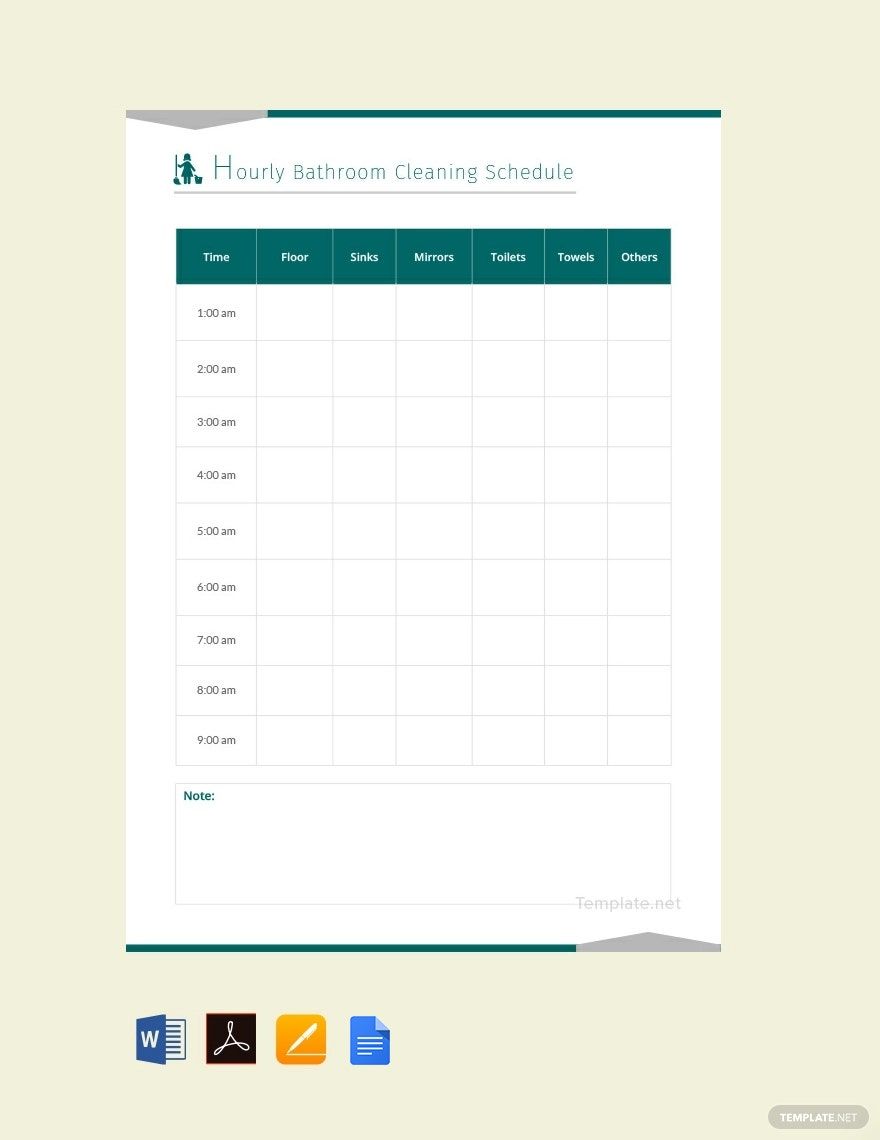
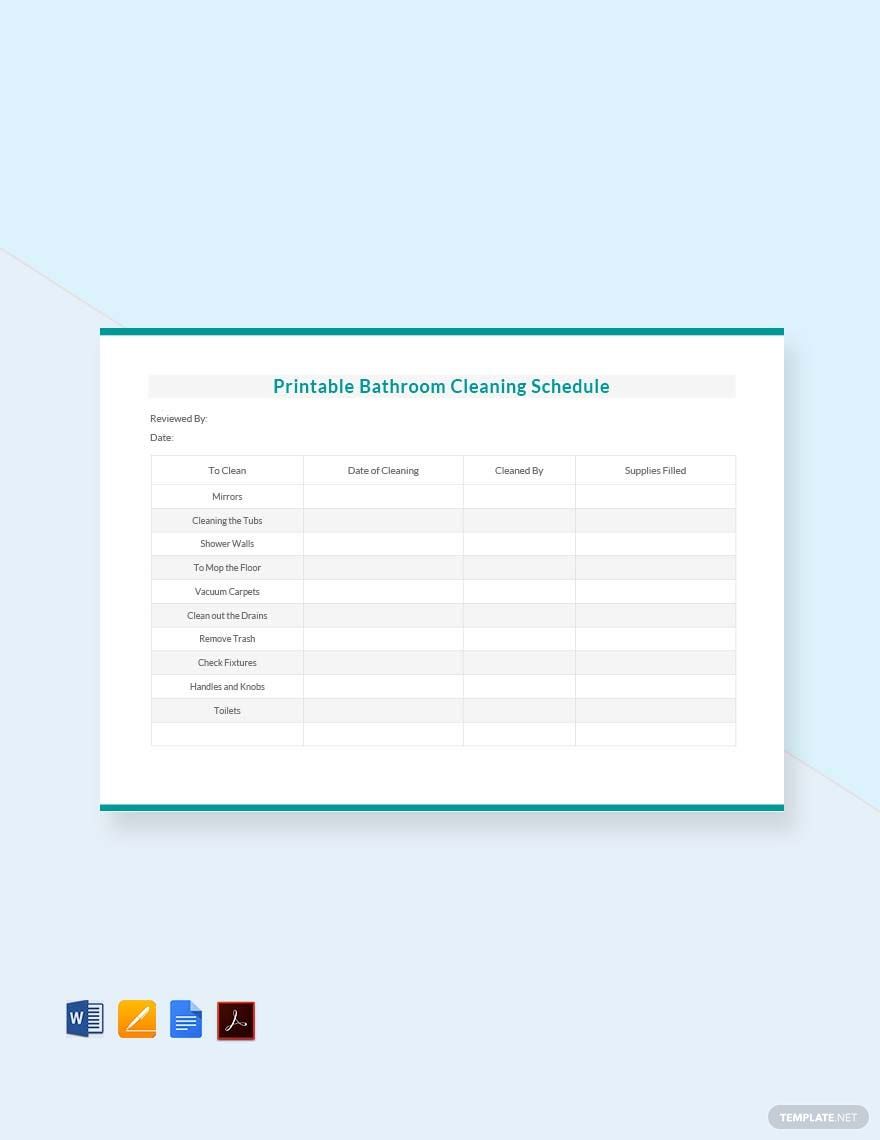
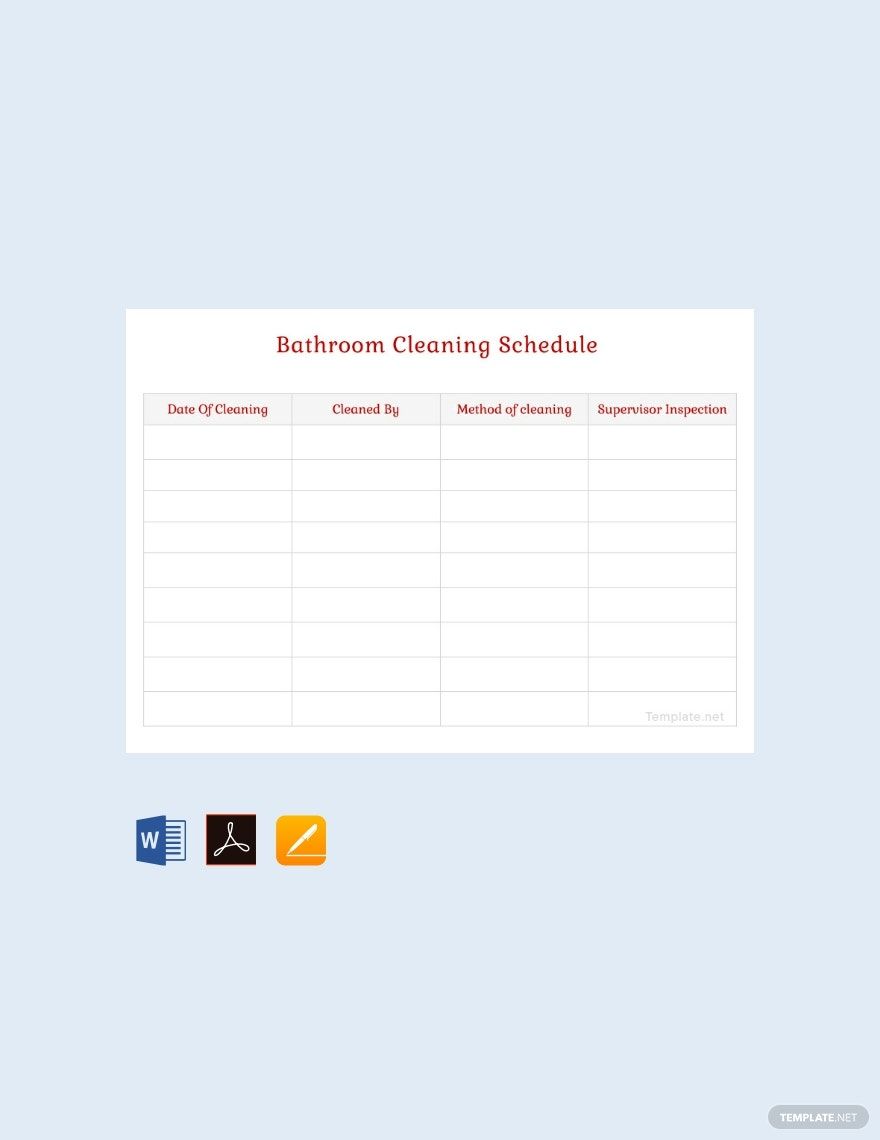
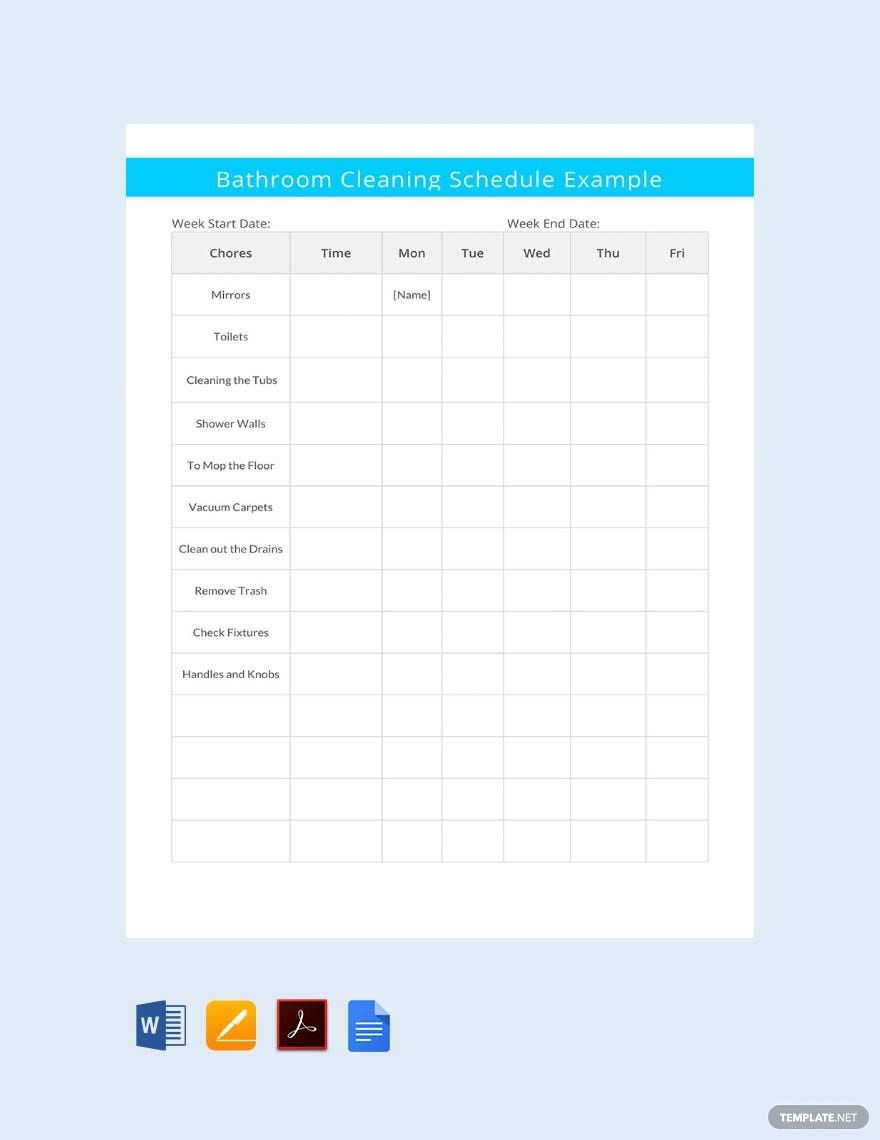
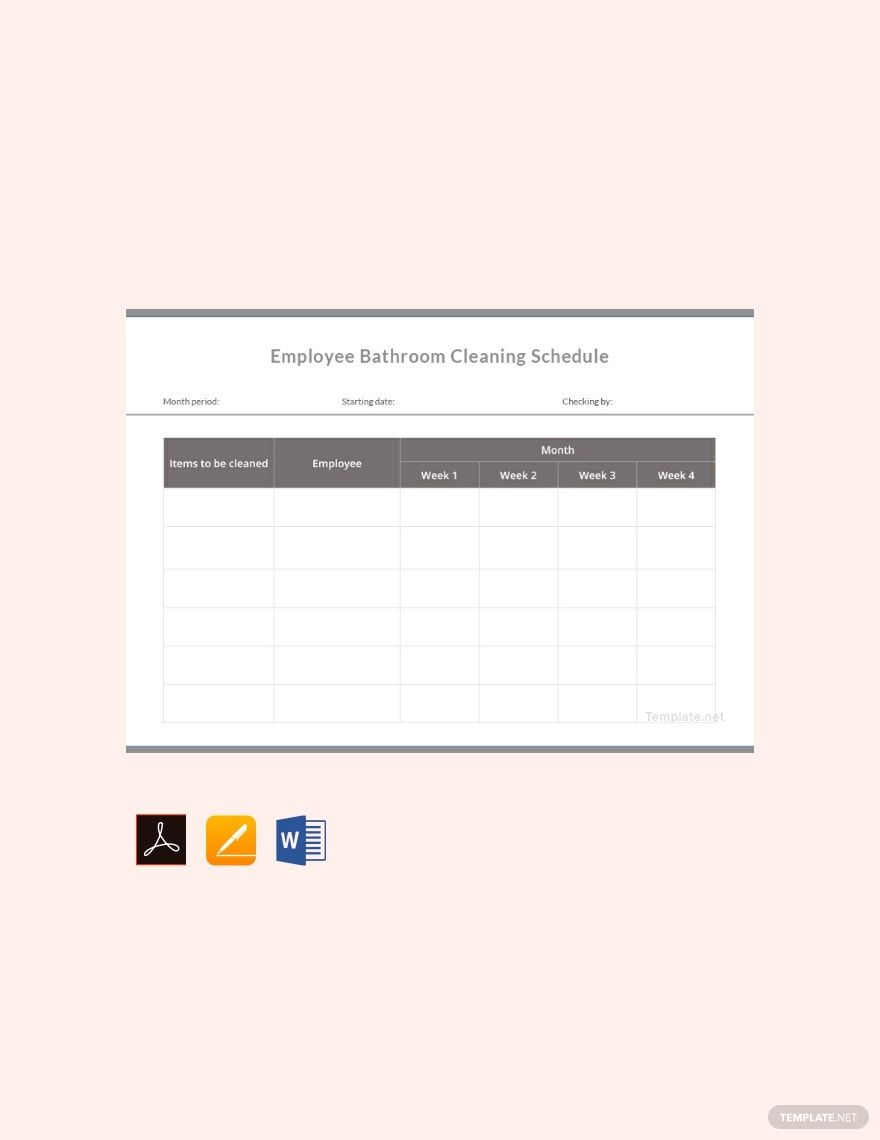
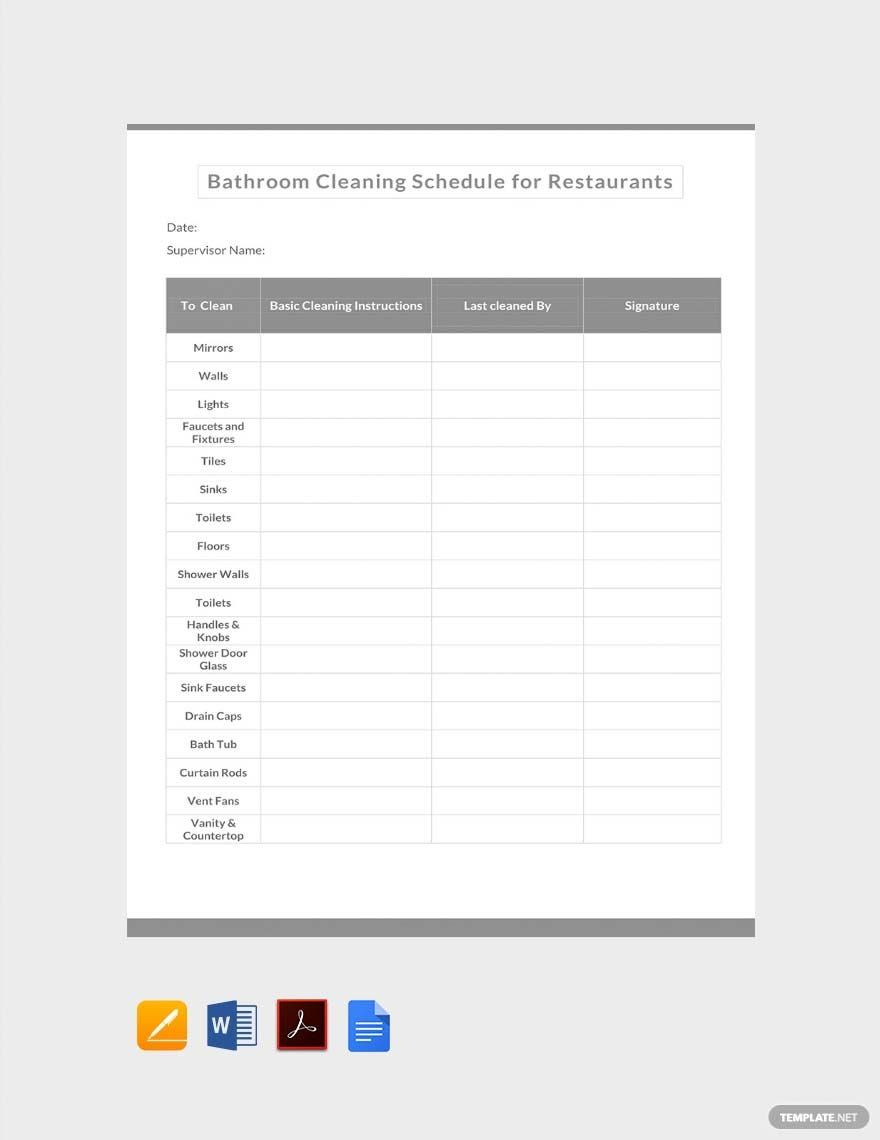
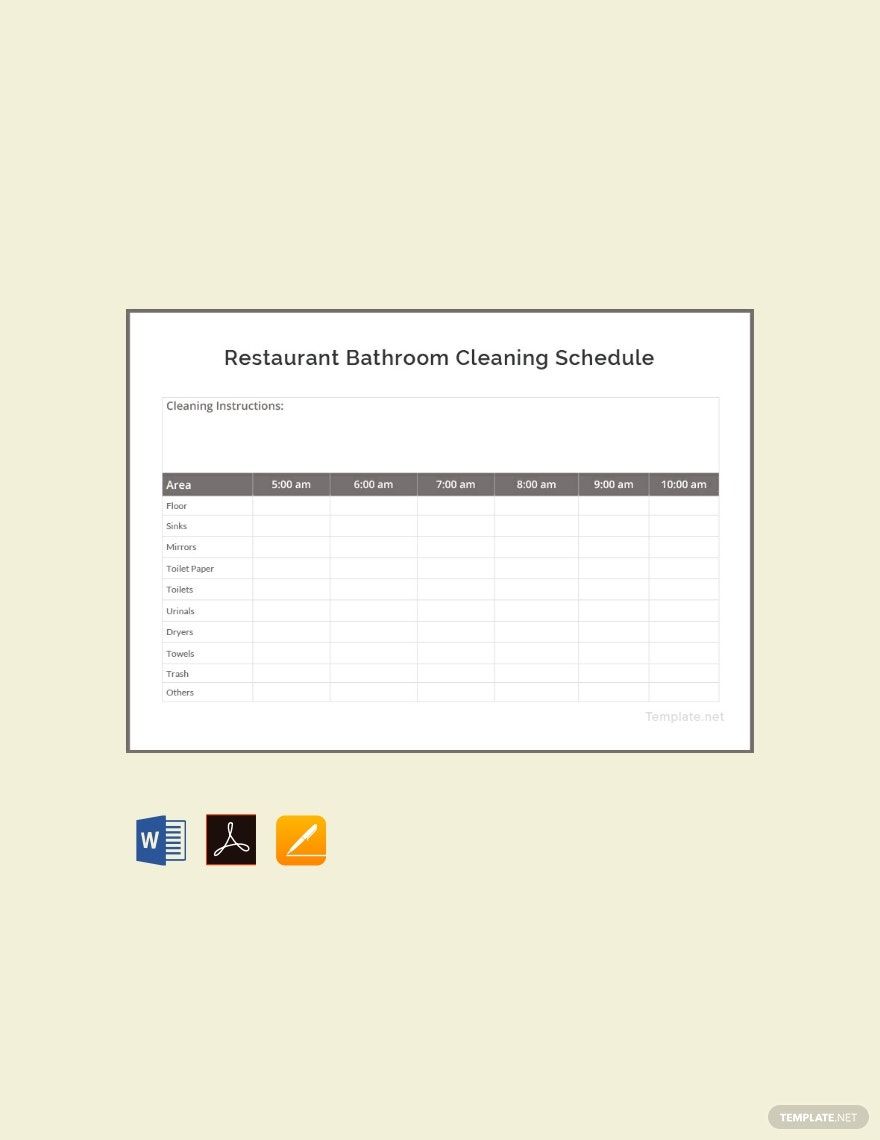
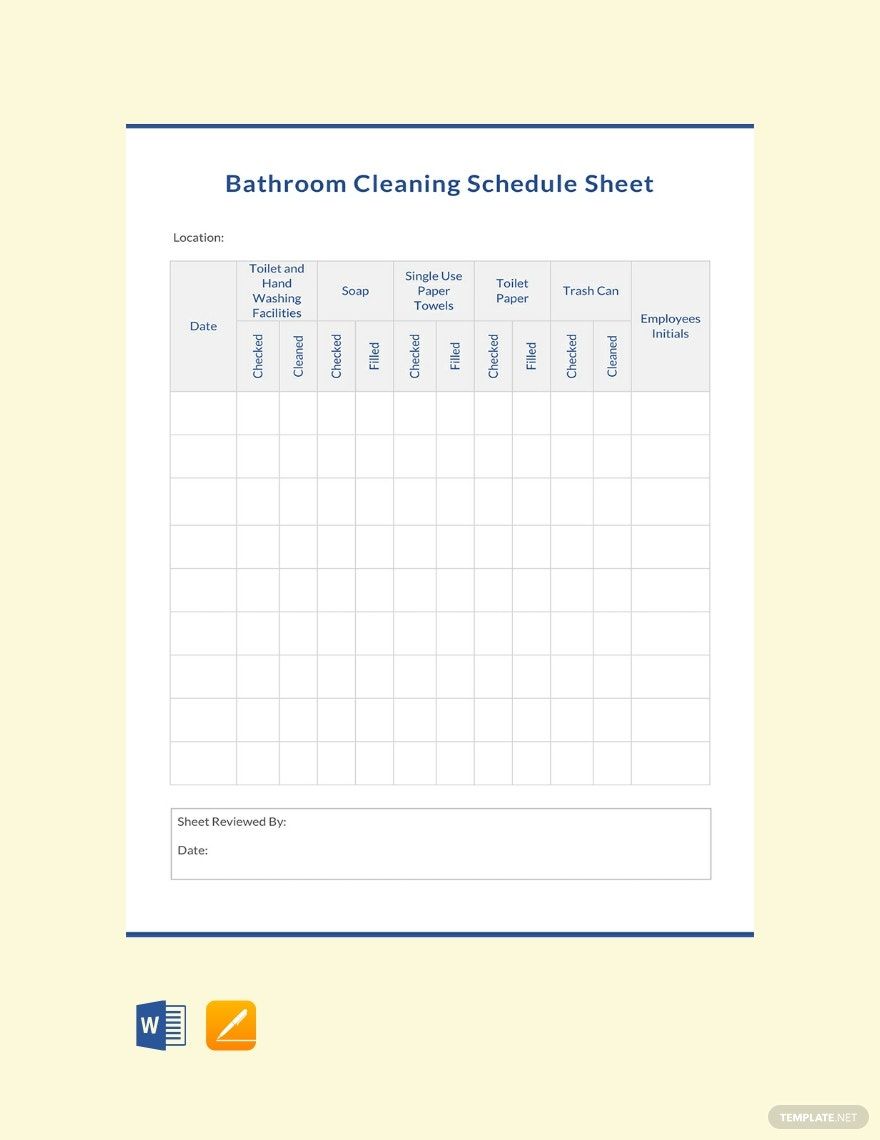
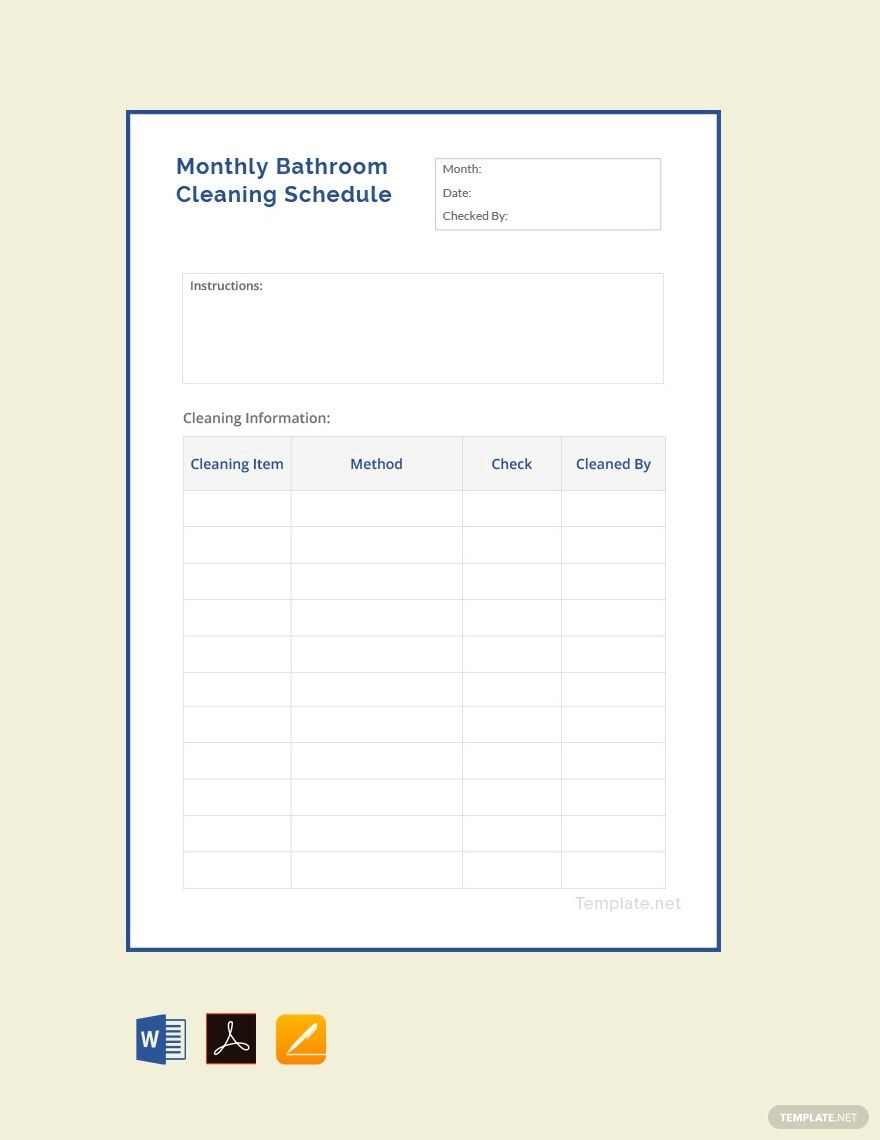

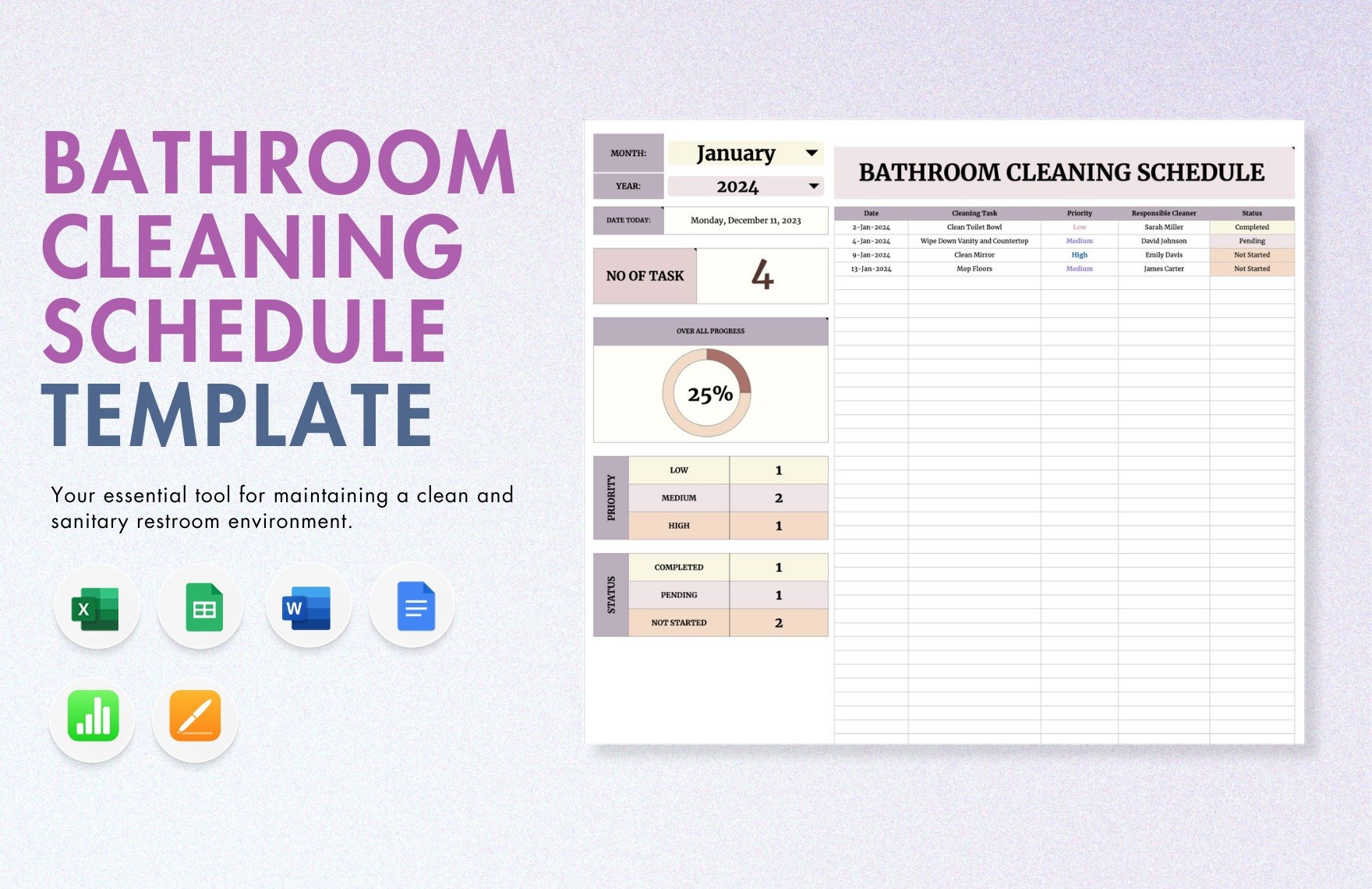
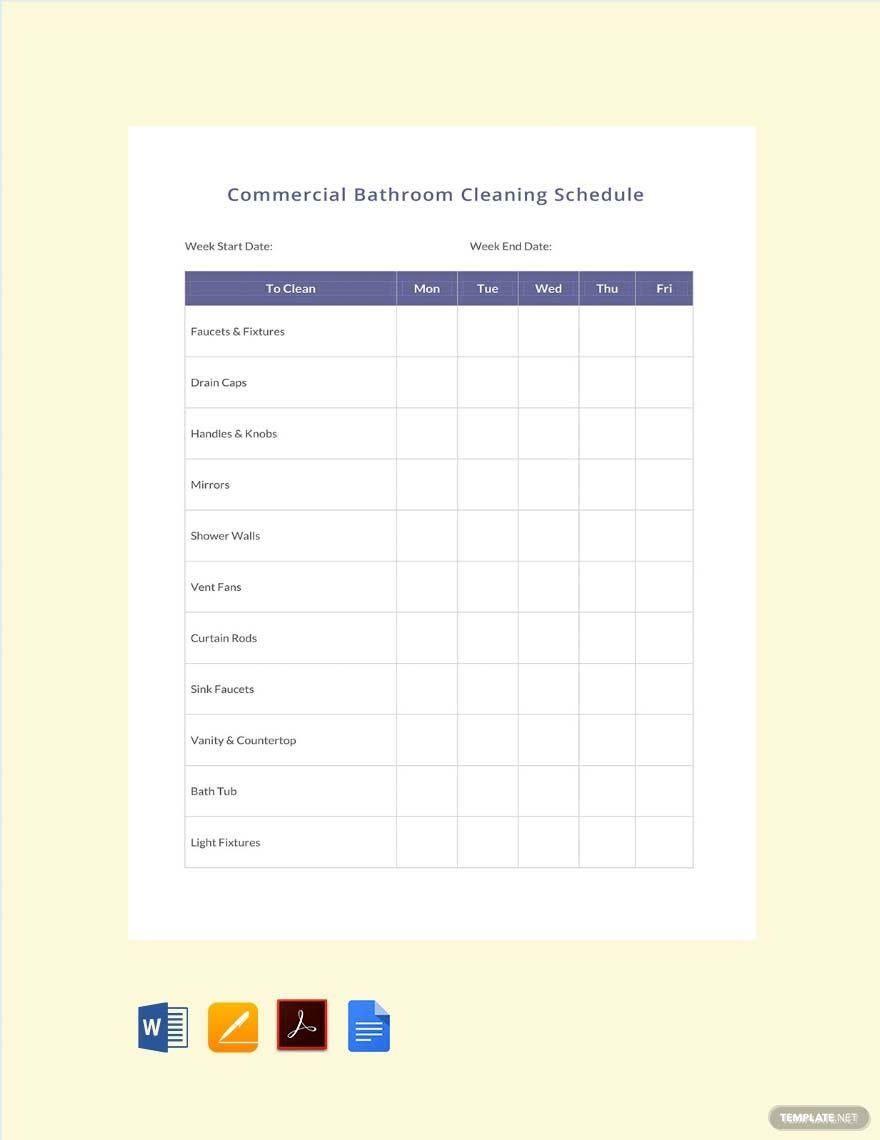
Bathrooms are moist, so it's easy for molds and other germs to thrive. Because of this, and the fact that people often go to the bathroom to do their business, it's essential to have a cleaning routine to keep the room germ-free and to avoid people from getting sick. Having a hard time implementing a daily or weekly cleaning schedule in your home, restaurant, or other establishments? Check out our Bathroom Cleaning Schedule Templates in Google Docs. These high-quality and professionally made templates will serve as a reminder of who is scheduled to clean the bathroom for the day and what sort of cleaning does he or she needs to do. Plus, they're customizable and printable in A4 and US Letter sizes. So hit that download button now!
Free Bathroom Cleaning Schedule Template in Google Docs
Create Your Bathroom Daily Cleaning Schedule By Availing of Our Ready-Made, Free, Printable Bathroom Cleaning Templates Downloadable in Google Docs Format. Pair Them With Your Chore Chart, Daily Cleaning Services Schedule, Weekly Bathroom Tasks, Inspection Checklist, or Other Household Cleaning Schedule Documents. Download Now and Maintain the Cleanliness in Your House!

- Business Plans
- Receipts
- Contracts
- Manual Templates
- Note Taking
- Forms
- Recommendation Letters
- Resignation Letters
- Birthday
- Outline
- Quotation
- Charts
- Handbook
- Family Tree
- Surveys
- Workout Schedule
- Study Guide
- Ebooks
- Chore Charts
- Training Manual
- Research
- Screenplay
- Wedding
- Lesson Plan
- Brief
- Organizational Charts
- Syllabus
- School Calendar
- Attendance Sheet
- Business Cards
- Student
- Review
- White Paper
- Essay Plan
- Vouchers
- Timeline Charts
- Reference
- Estimate Sheet
- Mind Map
- Cover Letters
- Interview
- Posters
- Report Cards
- Fax Covers
- Meeting Minutes
- Roadmaps
- Cookbook
- Curriculm Lesson Plan
- Bibiliography
- Rental Agreement
- Legal Templates
- Party
- Pleading Paper
- Pay Stub
- Classroom Seating Charts
- Sub Plan
- IT and Software ID Card
- Event Proposal
- Likert Scale
- Doctor Note
- Labels
- SOP
- Comparison Charts
- Project Reports
- Daily Schedule
- Weekly Calendar
- Customer Persona
- Medical
- Coupons
- Resumes
- Invoices
- Christmas
- List
- Executive Summary
- Marketing
- Budget
- Meal Plan
- Friendly Letters
- Itinerary
- Reference Letters
- Church
- Letters of intent
- Reading logs
- Assignment agreement
- Mothers day card
- Retrospective
- Simple loan agreement
- Rent Receipts
- One page business plan
- Weekly Reports
- Offer letters
- Prescription
- One page proposal
- Case brief
- Roster
- Log Sheets
- Music
- Schedule cleaning
- Printable survey
- Internship report
- Fundraising
- Research proposal
- Freelancer agreement
- Delivery note
- Madeline hunter lesson plan
- Training
- Social media calendar
- Catalogs
- Grant proposal
- Affidavit
- Lean business plan
- Schedule hourly
- Mon disclosure agreement
- Bill of lading
- Sitemap
- Campaign
- Education
- Cash Receipts
- Introduction letter
- It and software profile
- Business case
- Annual Reports
- Personal letter
- Calendar Google Docs
How to Create a Bathroom Cleaning Schedule in Google Docs
According to Live Science, people bring in an average of 500,000 bacteria cells per square inch on bathroom surfaces. This tells you how important it is to maintain cleanliness in your bathroom. And to do that, you should have a cleaning schedule.
The following is a guide that will help you create a bathroom cleaning schedule in Google Docs.
1. Determine the Tasks
For you to create a functional cleaning schedule, determine and list down the tasks first. Your list could include cleaning the toilet bowl, scrubbing the floor and wall, and wiping the mirrors. Keep your words short and to the point.
2. List Down the Names of the Assigned Individuals
After listing down the tasks, list down the names of individuals that will be cleaning the bathroom. Also, see to it that the date and time assigned to them fit their schedule.
3. Create a Table and Supply the Data
Now that you have all the data you need, it's time to form your timetable! Add enough rows and columns, and see to it that there's enough space for each cell so there's plenty of room for you to write on. Use the first row for your labels, and write it in uppercase. Also, add color to your table so it doesn't look dry and boring.
4. Review and Print the Final Output
Finally, review your finished bathroom cleaning schedule. Are all the names correctly spelled? Are the tasks clear enough? Once you're satisfied, print and post it on the bathroom and save a digital copy so the assigned individuals can take a look at it all the time.
Frequently Asked Questions
How Often Should You Clean Your Bathroom?
On a daily basis, you must wipe down the glass shower doors using a squeegee, drain the tub, and splash water on the floor to remove soap residue and dirt. On a weekly basis, you must scrub the floor, walls, tub, toilet, and countertops to avoid build-ups.
What Do You Mean by Deep Cleaning?
When you deep clean, it means that you'll clean a room while focusing more on hard-to-reach areas. For instance, the bathroom. Hard-to-reach areas can include under the toilet bowl, under the sink, and above the cabinet.
What Do You Need to Clean the Bathroom?
The following are bathroom cleaning essentials:
- Squeegee. You use this to remove excess moisture from glass walls and doors, tubs, mirrors, and windows.
- Toilet Brush. You use this for scrubbing the toilet.
- Brush. You use this for scrubbing the floors, walls, sinks, and countertops.
- Old Toothbrush. You use this for cleaning grout lines.
- Disinfectant Cleaner. You use this for wiping down the counter, sink, and tub.
- Multisurface Cleaner. You use this for wiping down the handles and faucets.
- Rubber Gloves. You use this to protect yourself from harmful chemicals found in cleaners and dirt in the bathroom.
How Often Should You Mop the Floors of Your Bathroom?
The bathroom floor should be mopped twice every week to reduce allergens.
How Do You Add a Table in Google Docs?
- On your computer, open Google Docs and create a new document.
- Click Insert and select Table.
- Pick how many rows and columns you would like to add.
